iPhone App Store screenshot examples, page 9
Every first impression.

Green text accents and dotted paths connect angled phones, recipe cards and system-interface examples across a mostly white sequence.


Bright green panels alternate headline placement around enlarged recipe, grocery and cooking cards, with food illustrations at the edges.


A steady blue background and large white headings organize a thorough feature tour, with shopping lists and recipe screens filling most of each frame.


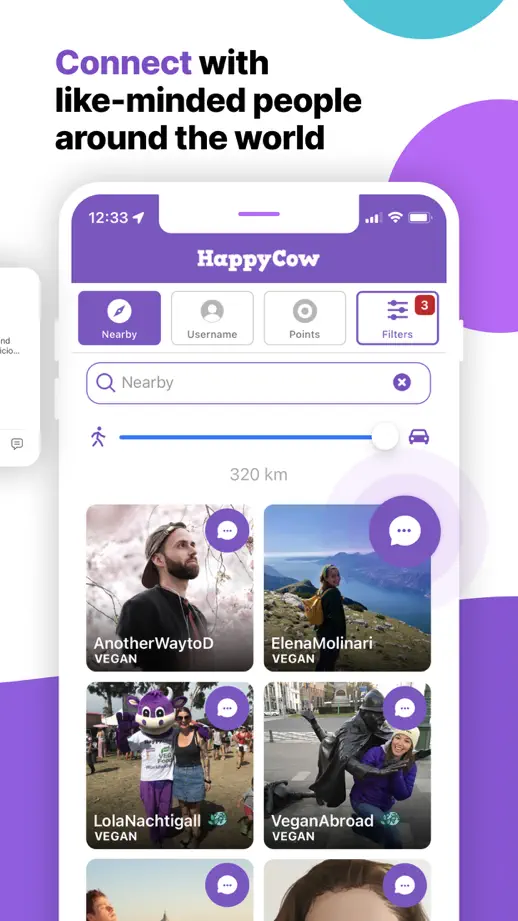
Purple shapes connect the frames while map search bars, reviews and restaurant cards are pulled forward from the underlying screens.



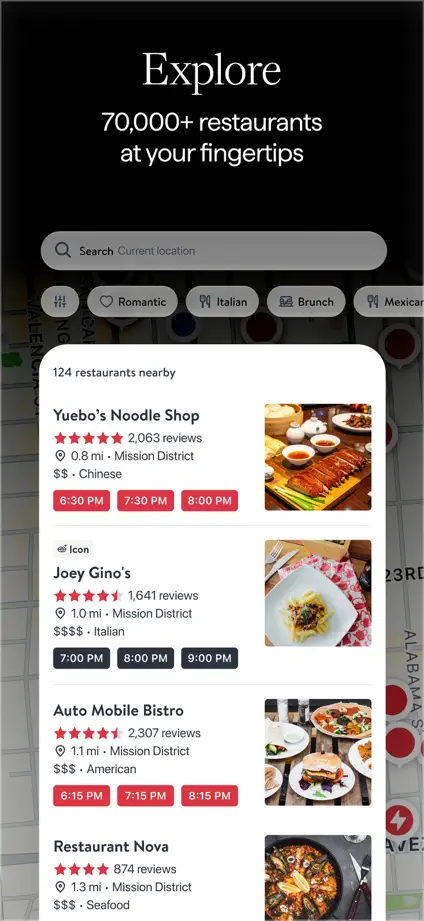
A dark photographic opening transitions into black feature panels, using white interface cards and red booking controls as the recurring contrast.




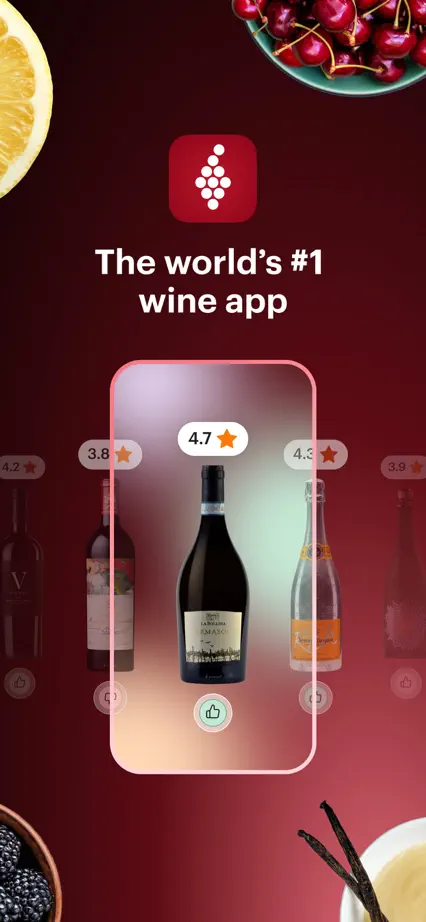
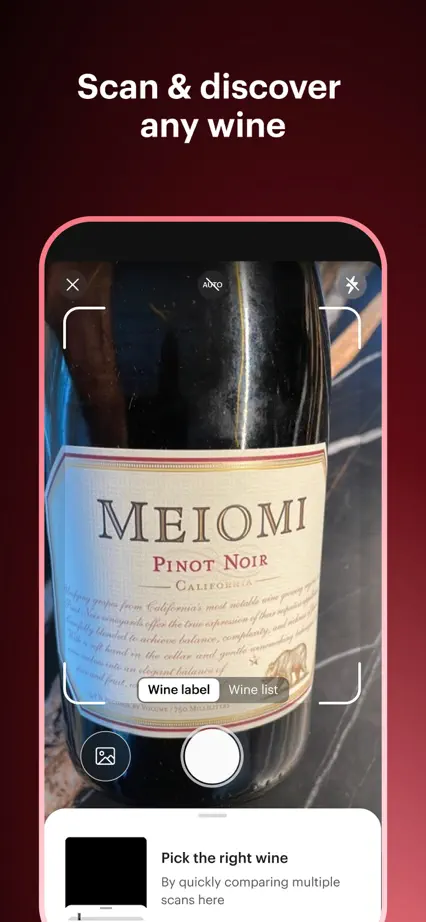
Wine-colored gradients unify the sequence, with a bottle scan, taste profile, review cards and food photography introducing different tasks.
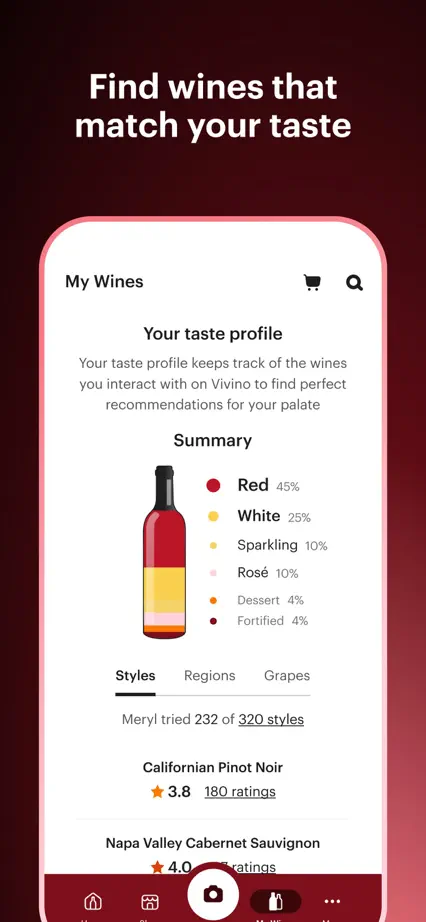

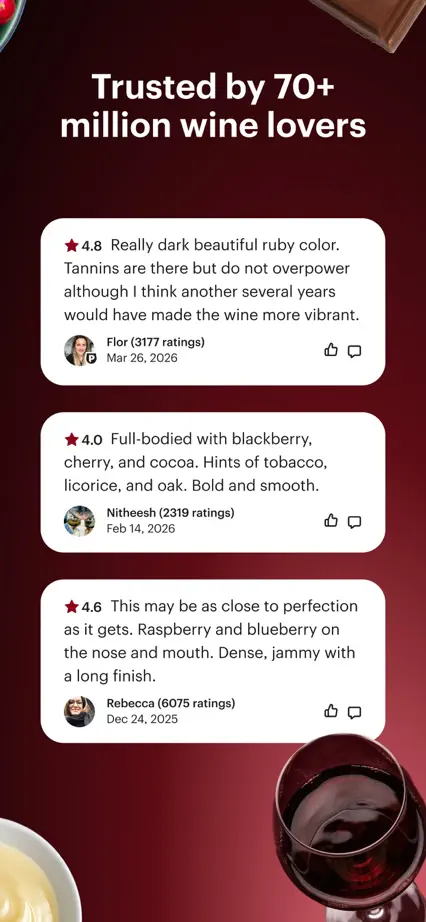
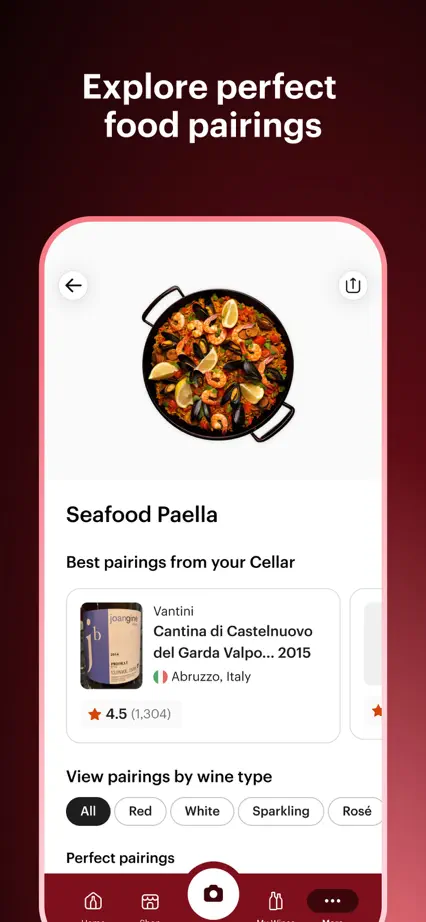
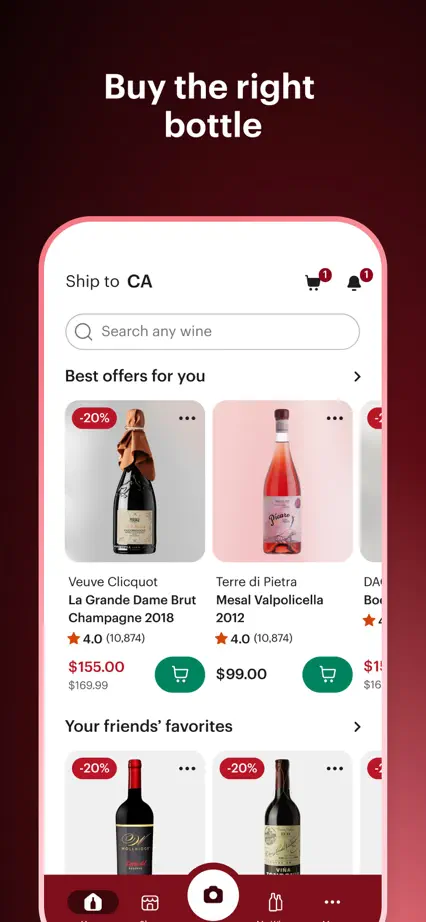


Cream backgrounds and green headings alternate with drink and lifestyle photographs, keeping the upright phone tour visually tied to the brand.

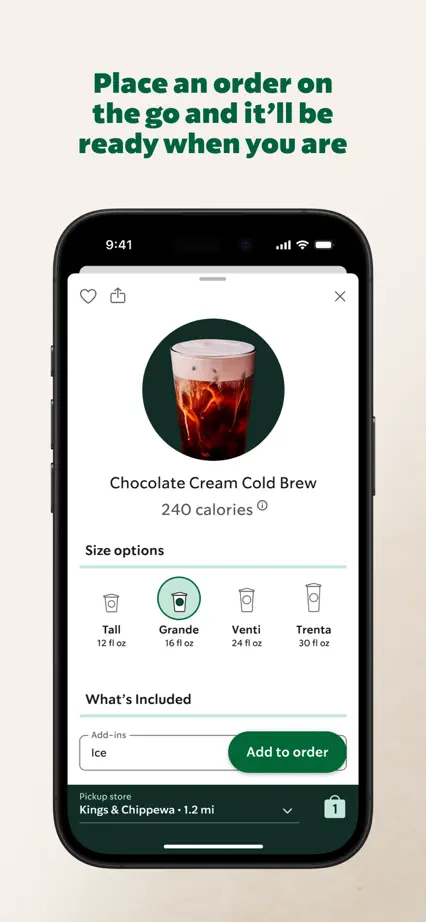
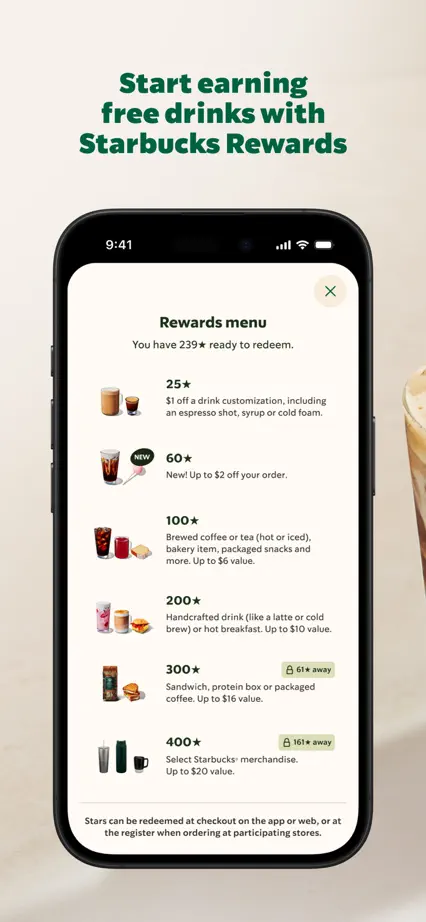
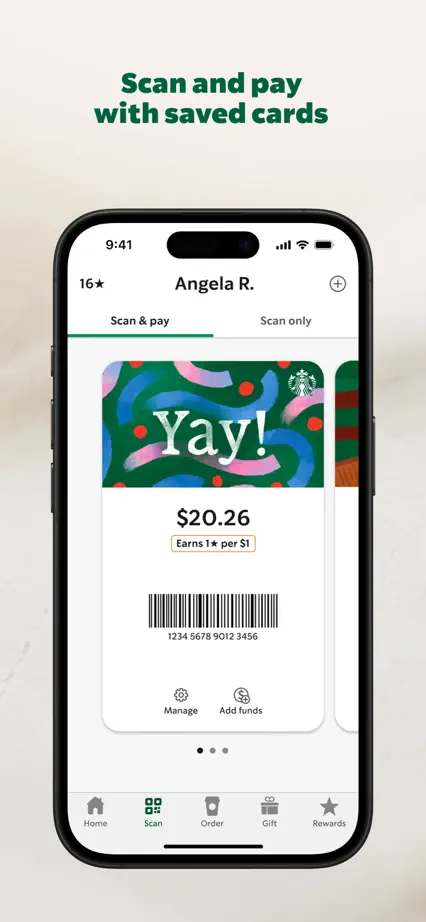


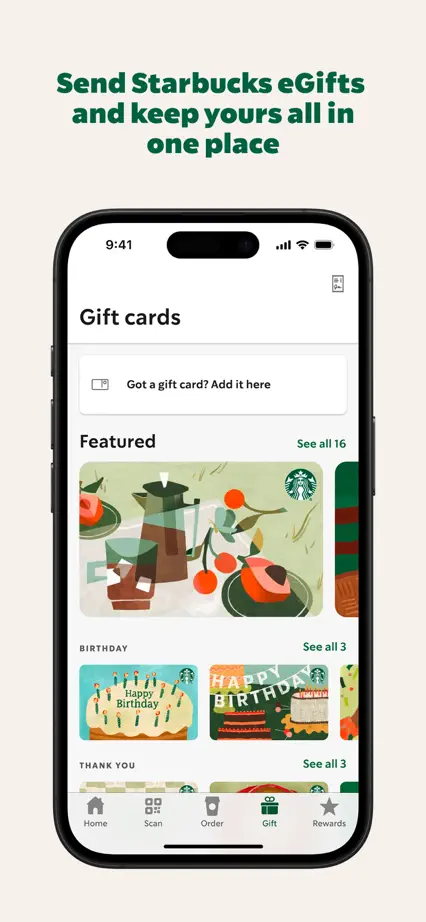


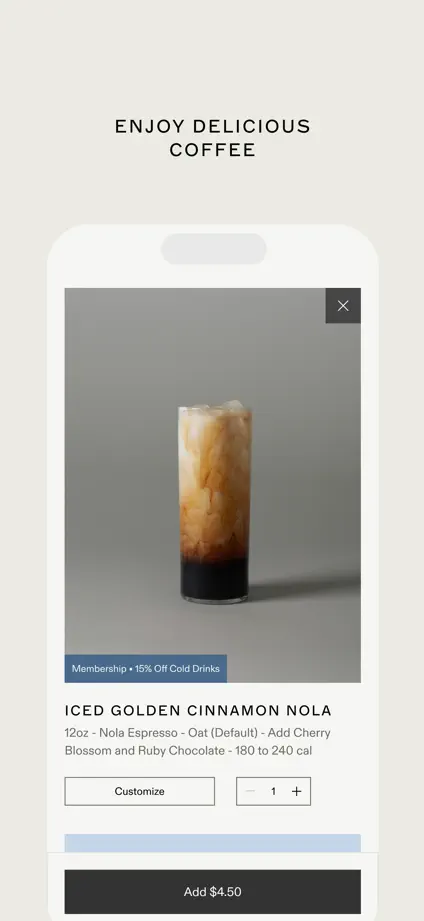
Three restrained panels pair small uppercase headings with pale phones, progressing from a cafe page to ordering and an individual drink.



Large phone crops on white backgrounds show routes, discovery, saved places and map layers before ending with street imagery and a car display.


Blue panels repeat a bold headline above an isolated screen, mixing maps with customization and car-display examples before a simple brand closing.


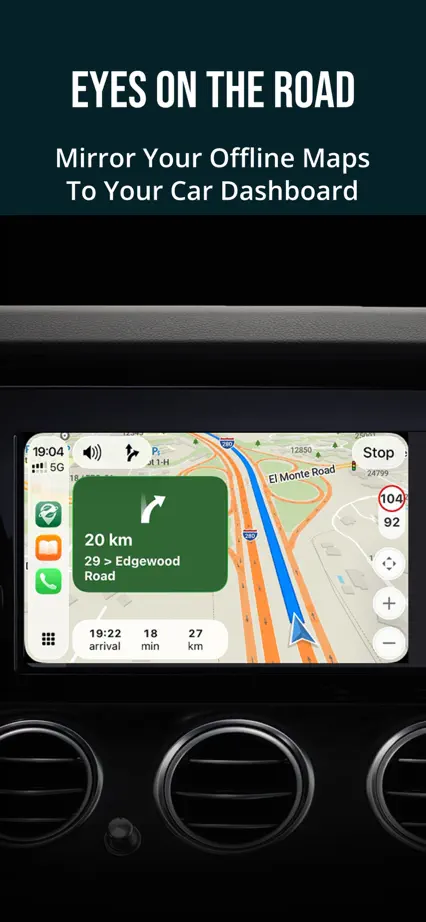
Dark teal panels and condensed headings keep the maps prominent, with occasional icon-only panels interrupting the repeated phone layout.
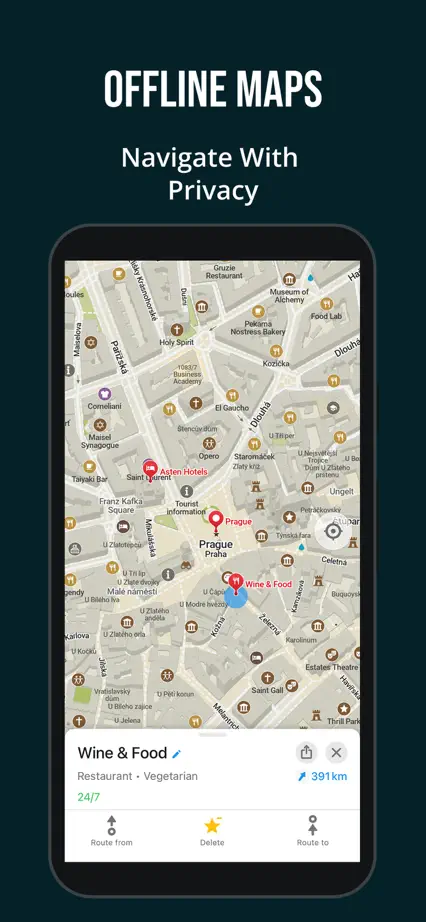
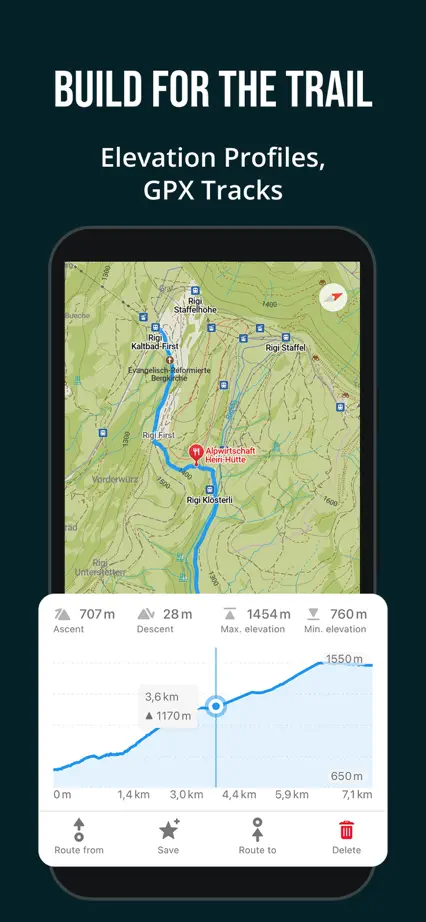




An angled phone spans the blue opening panels before a pale, consistent feature tour moves from route guidance to offline maps and car navigation.


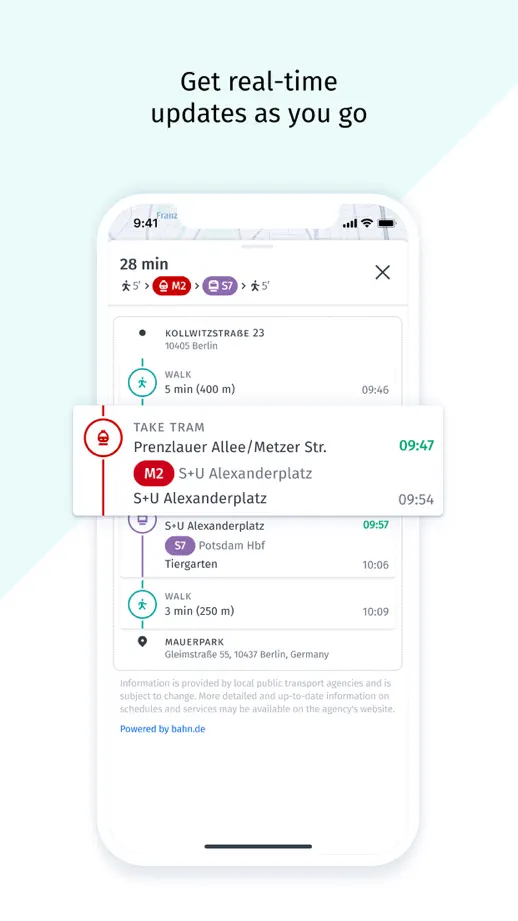


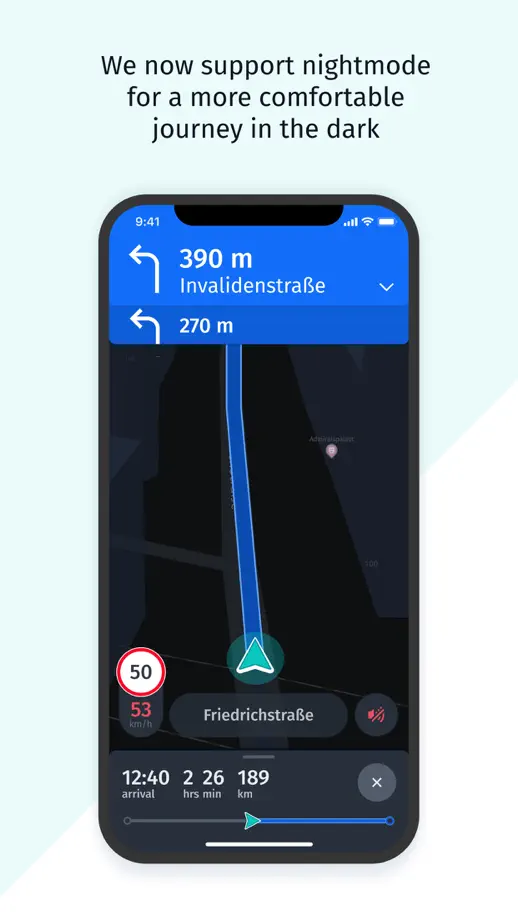
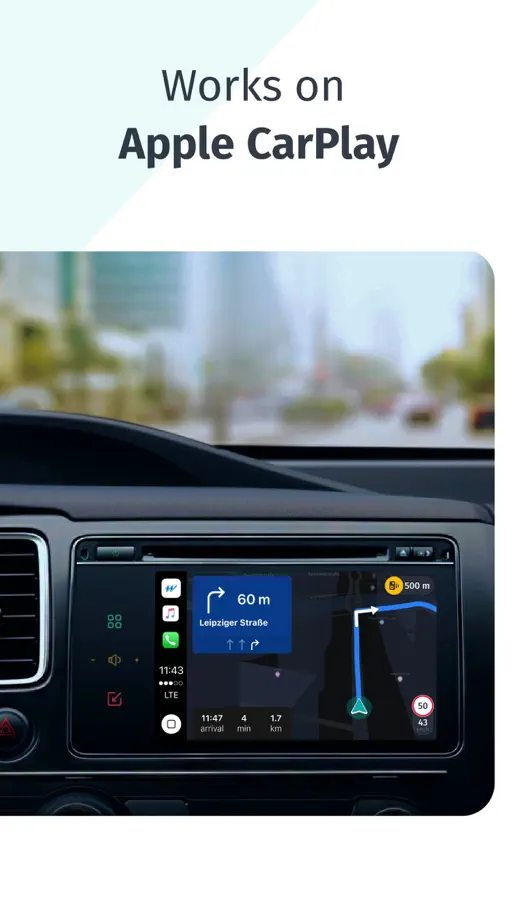

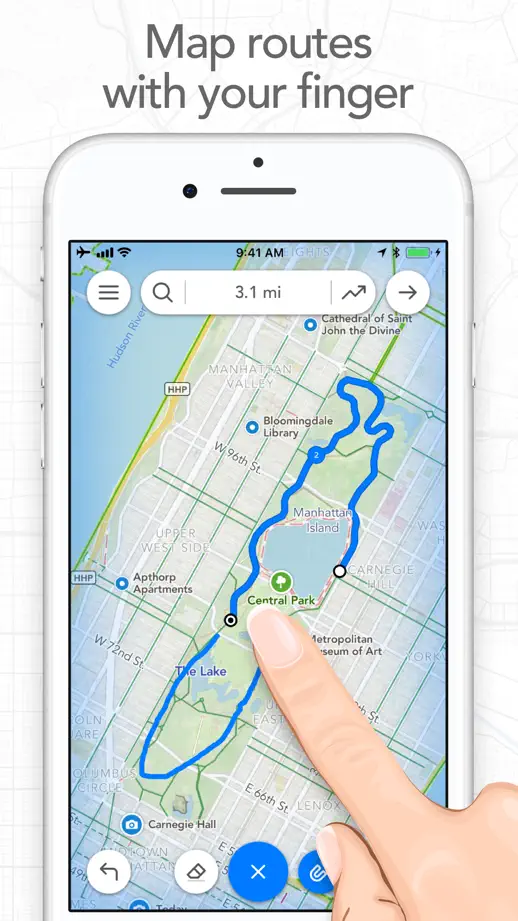
White backgrounds and fine map lines support close interface views, with a pointing hand, paired watches and terrain imagery explaining different interactions.
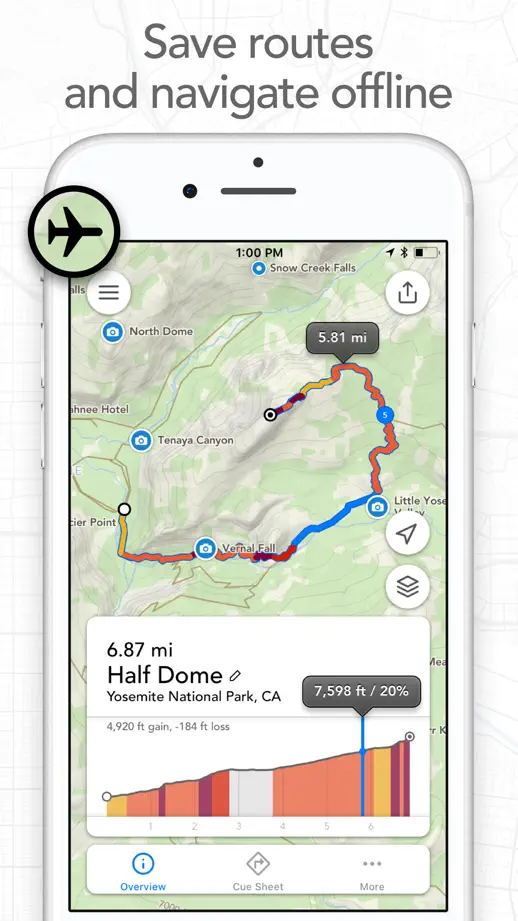


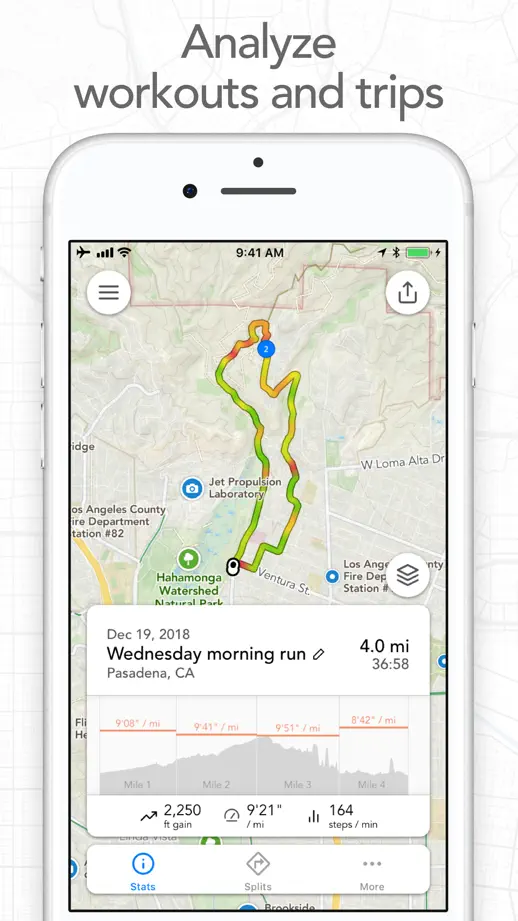


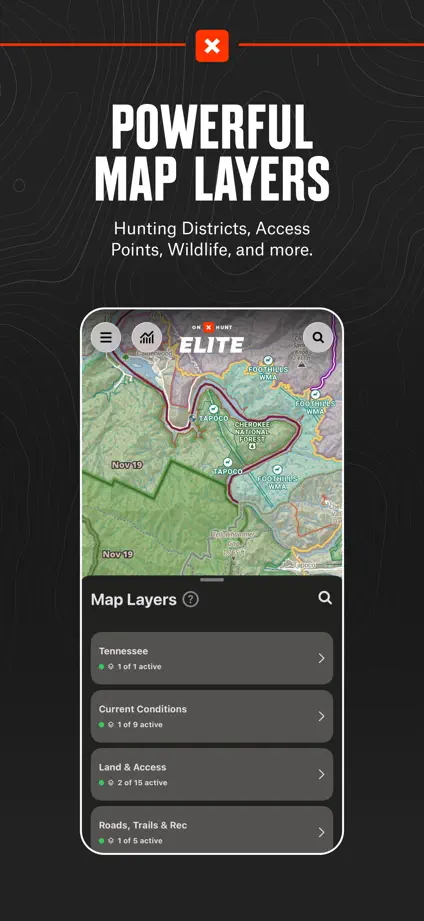
Condensed white headings on charcoal panels establish a consistent feature tour, with map layers and selected controls enlarged outside the phones.




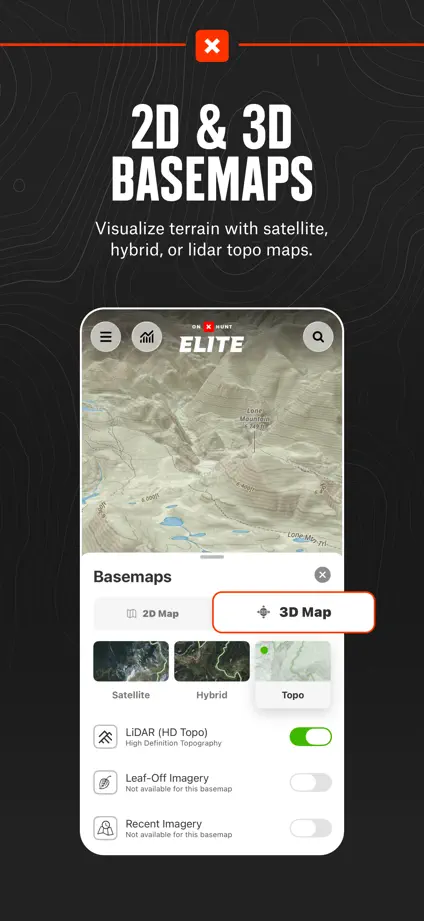

A photograph and angled phone connect the opening pair; blue panels then isolate destination, sharing, camera and voice-entry examples.


Outdoor photographs introduce the maps, while oversized route controls, location markers and interface cards bring individual tools forward.


Athlete cutouts lead into a repeated blue feature tour, using cropped white screens and slanted uppercase headings to sustain the sports identity.


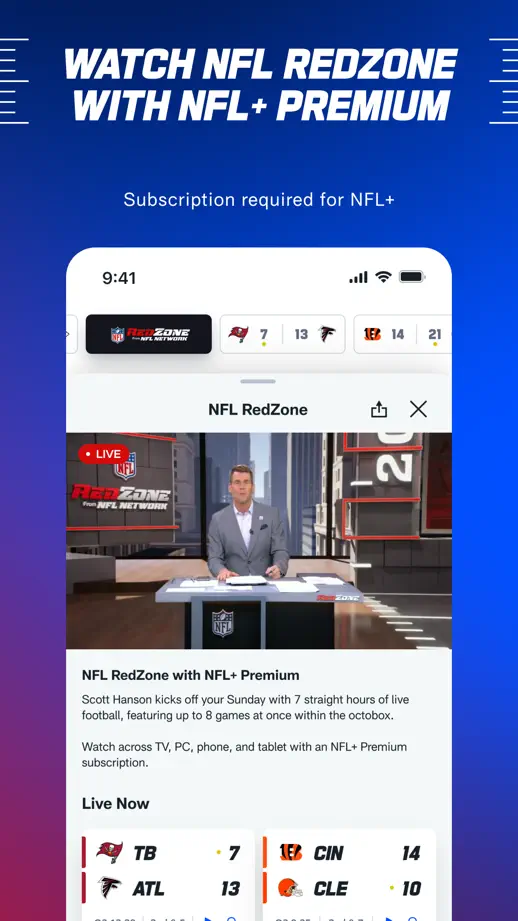
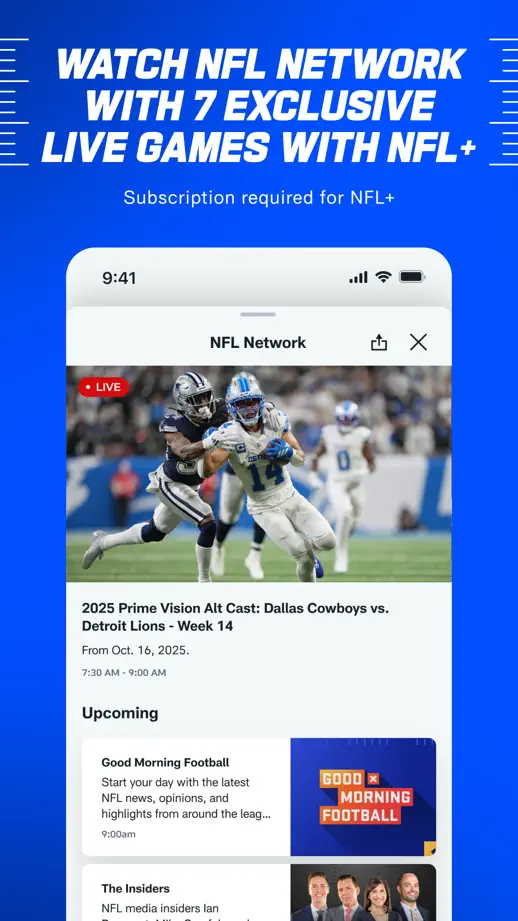
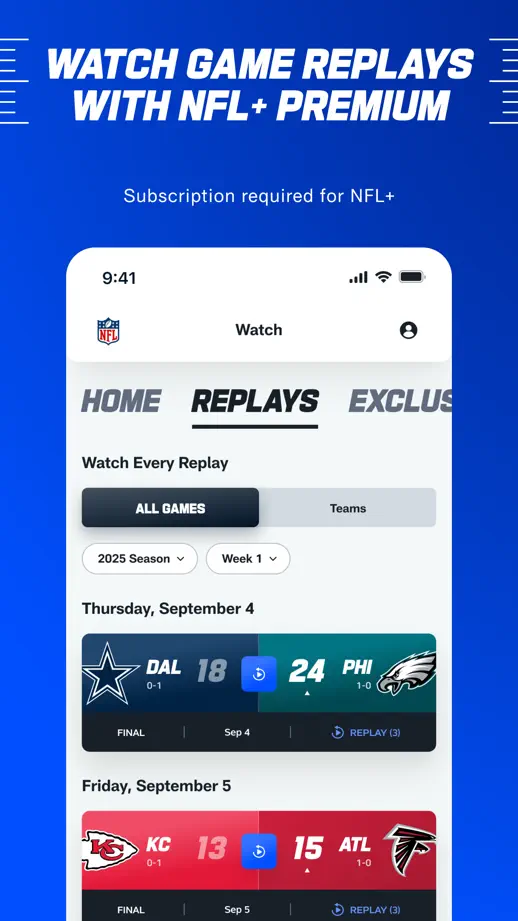
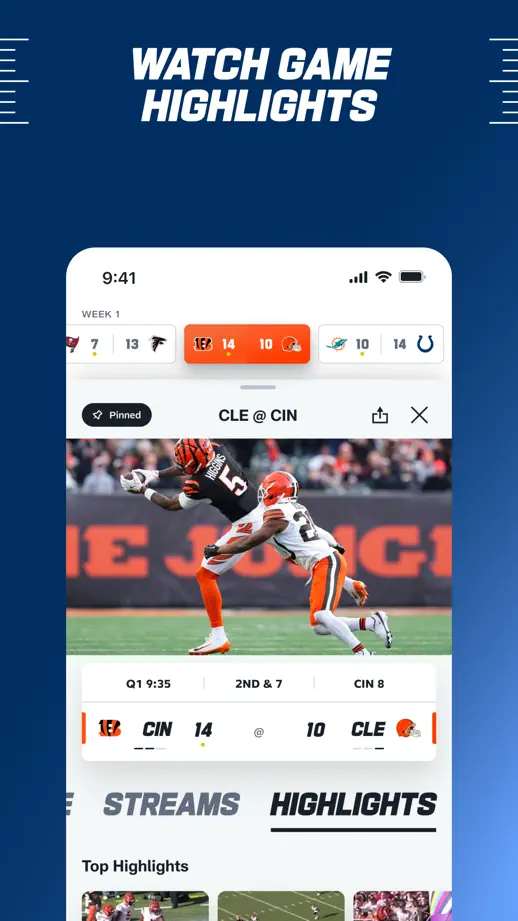
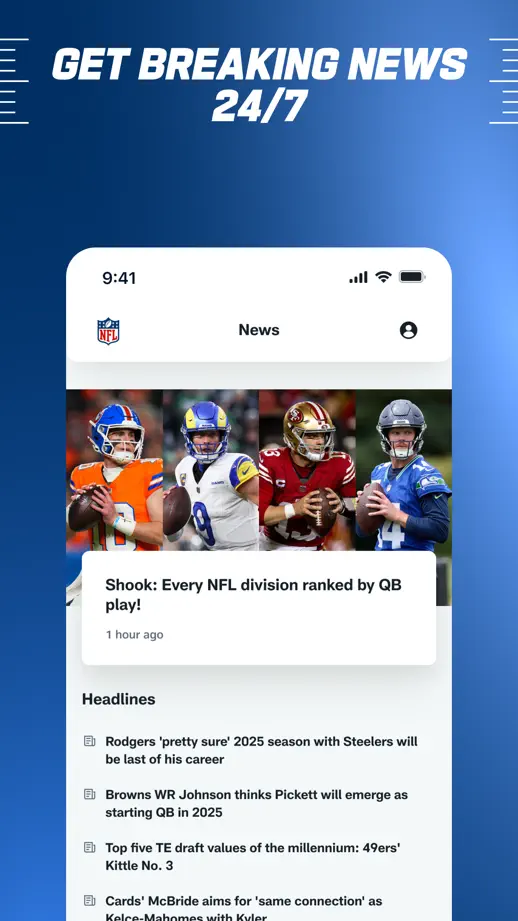
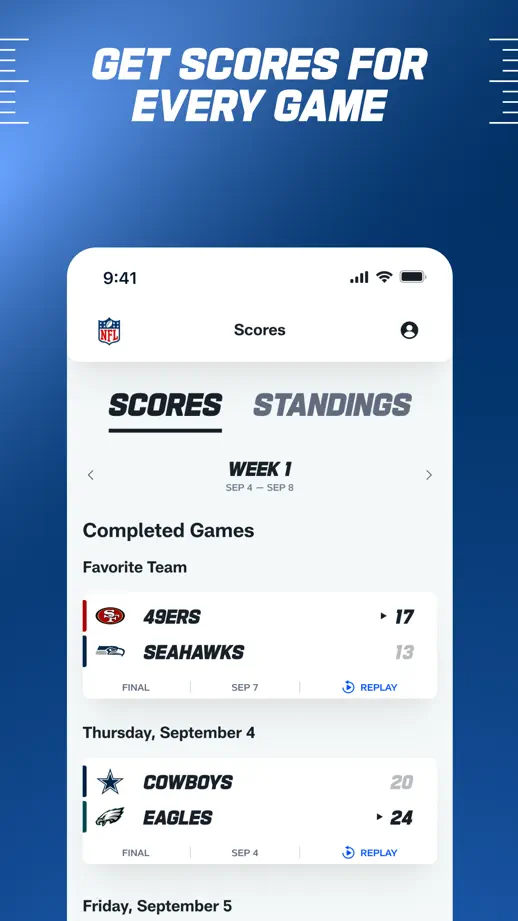


Five landscape panels pair large white labels with horizontal video screens on a consistent red background.


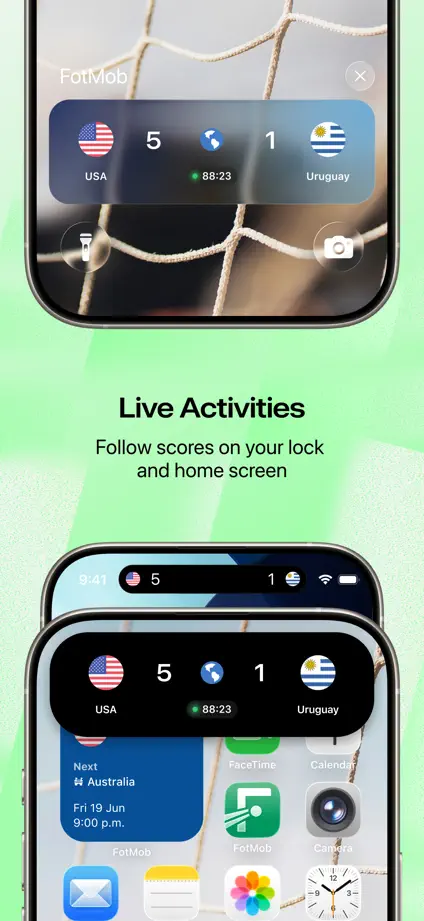
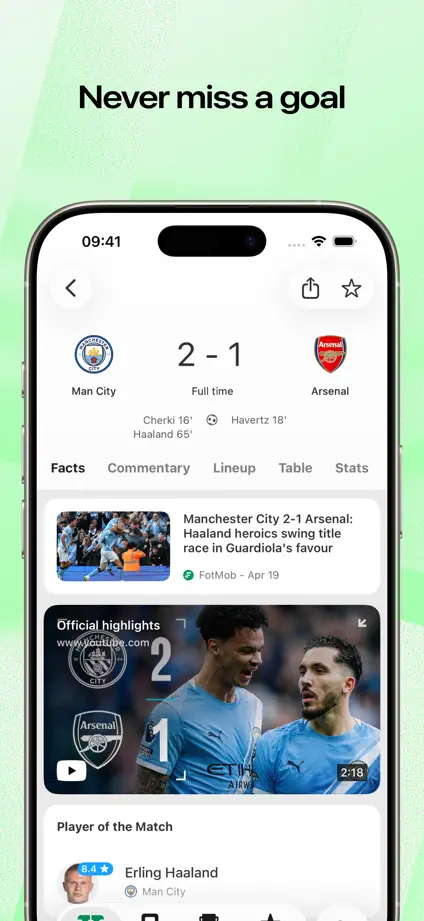
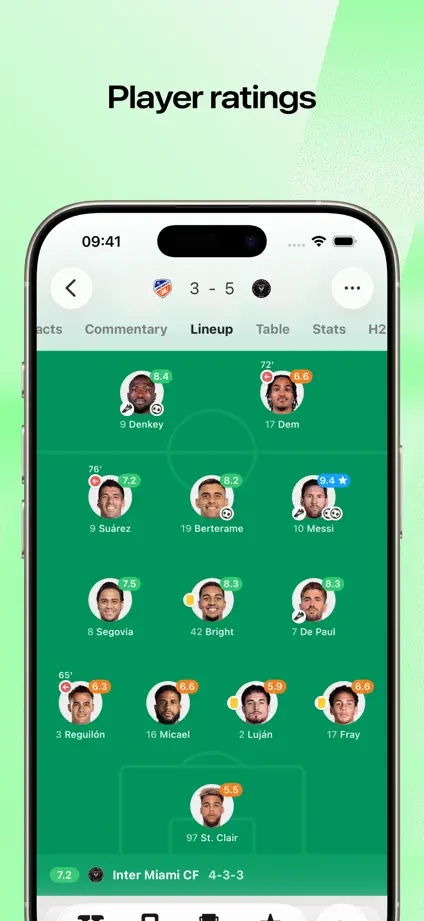
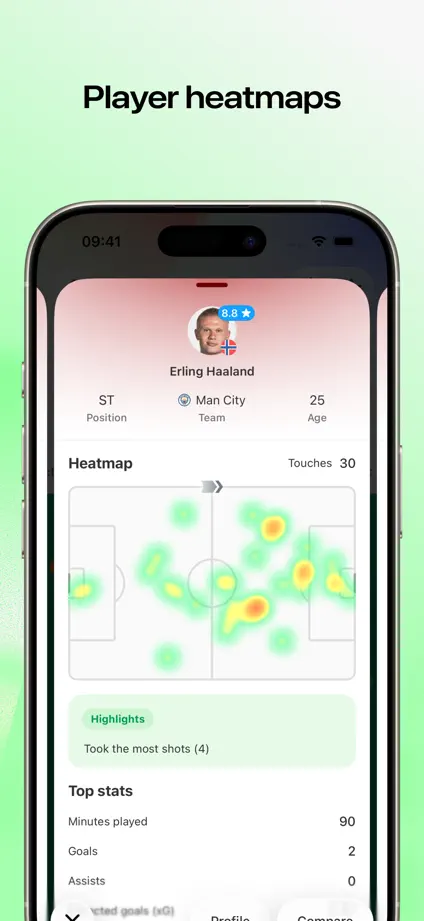
Pale green backgrounds support large phone crops, with live-activity and widget examples breaking up the run of scores, lineups and statistics.
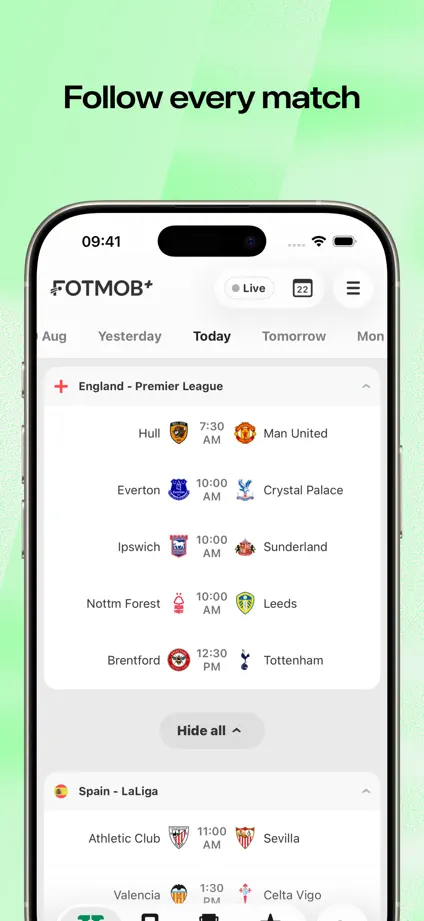
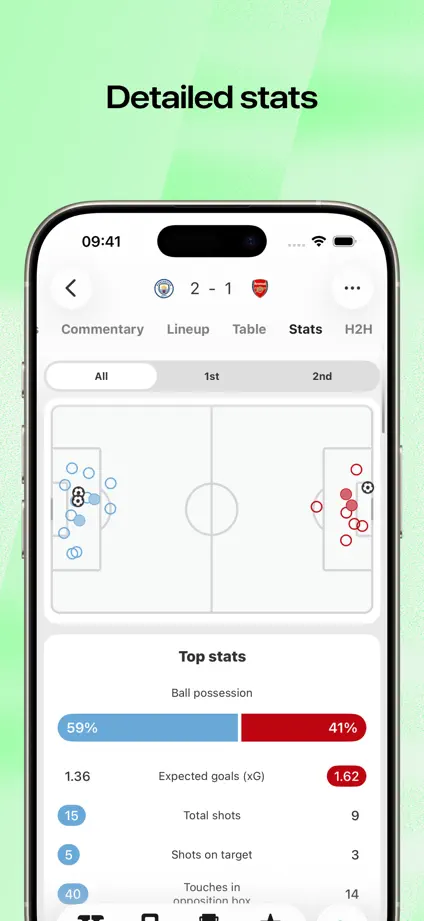
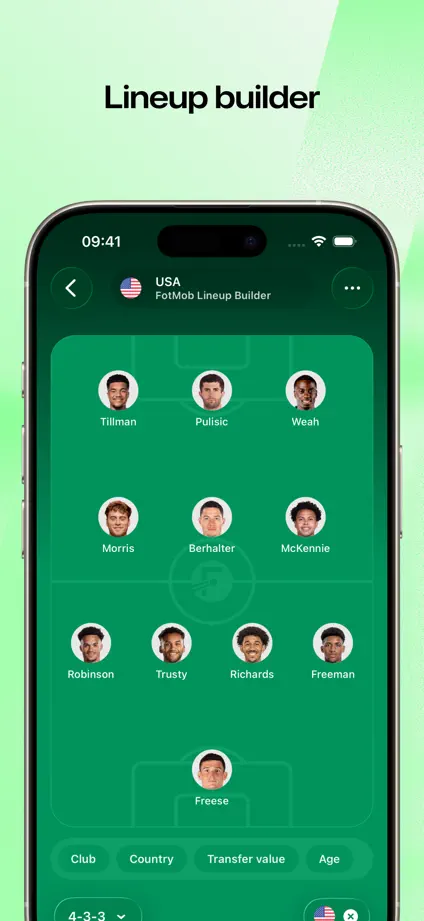

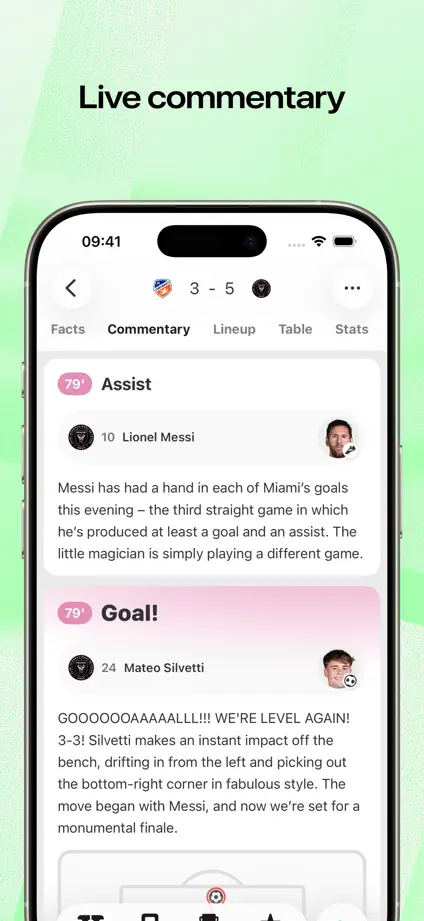


A large typographic opening leads into blue textured panels where phones alternate vertical position and short feature labels sit above or below them.


Serif headlines and dark article screens repeat over a continuous black-and-white horizontal stripe, with angled phones introducing the opening pair.


Dark phones on pale backgrounds keep the content prominent, with blue headline emphasis and a lock-screen frame separating the live-update feature.
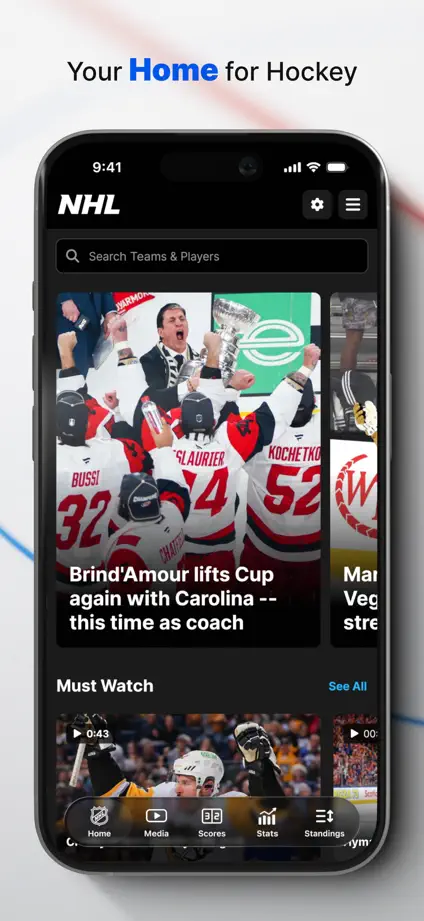
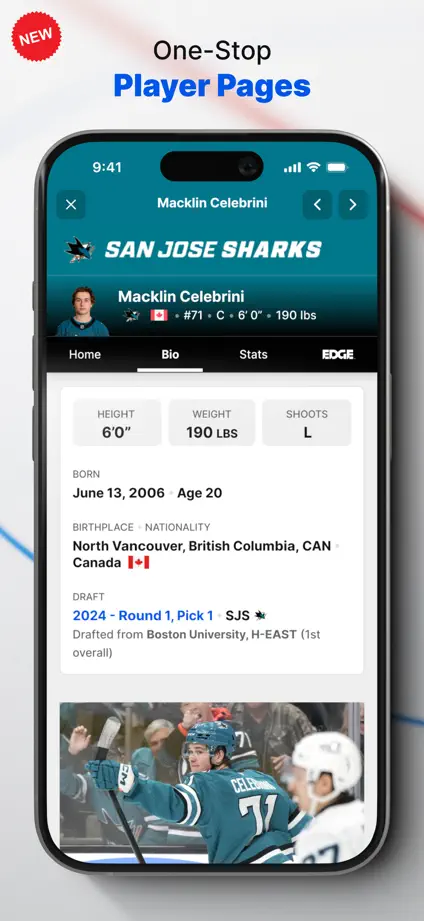
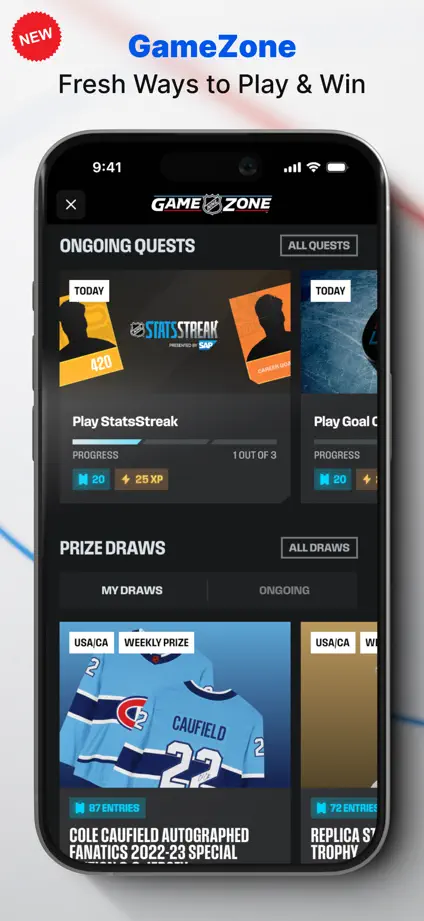
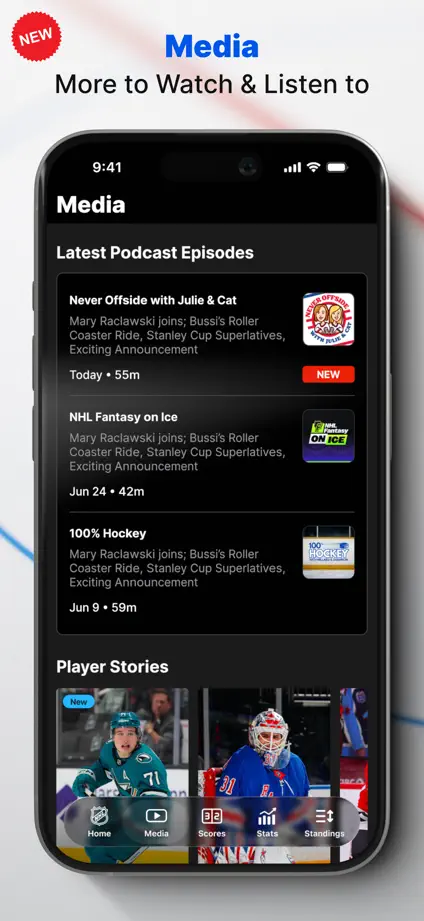


Bright green backgrounds contrast with dark sports screens, with court views, statistics and charts enlarged into floating detail panels.


Dark backgrounds and angled phones repeat through the sequence, pairing watch screens with maps and swing diagrams where the feature needs both.


