Travel App Store screenshots
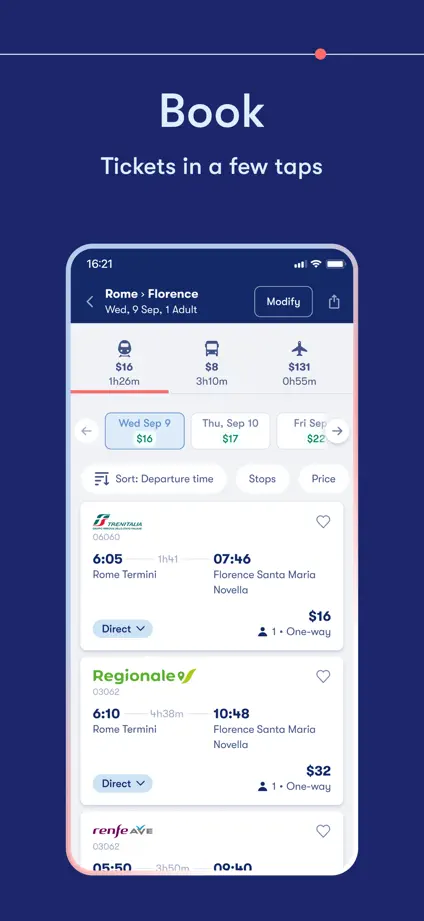
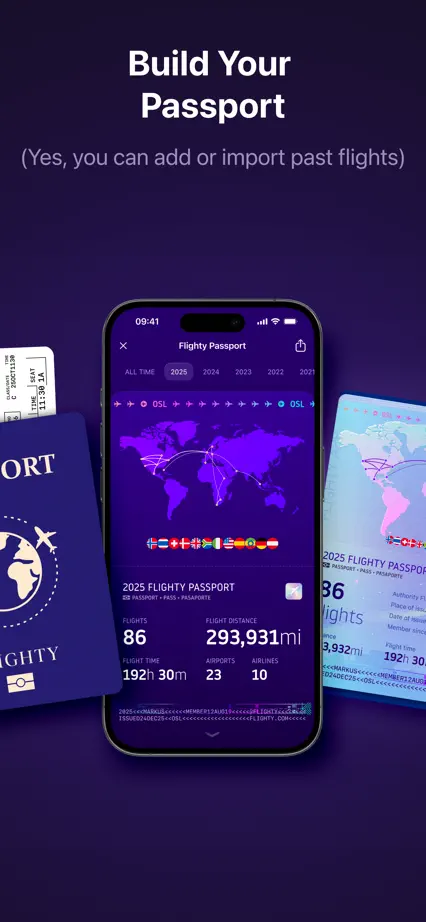
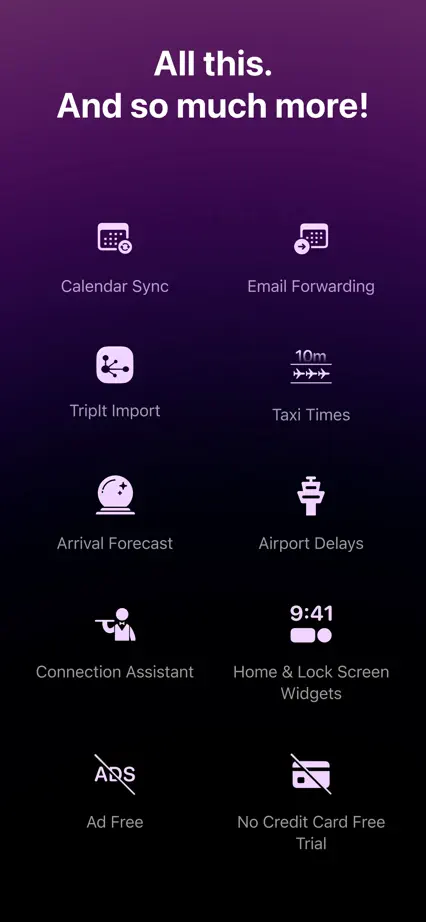
17 complete App Store screenshot sets from travel apps, including Flighty, Airbnb and Polarsteps. The most common techniques here are repeated layout, device mockups and photography.



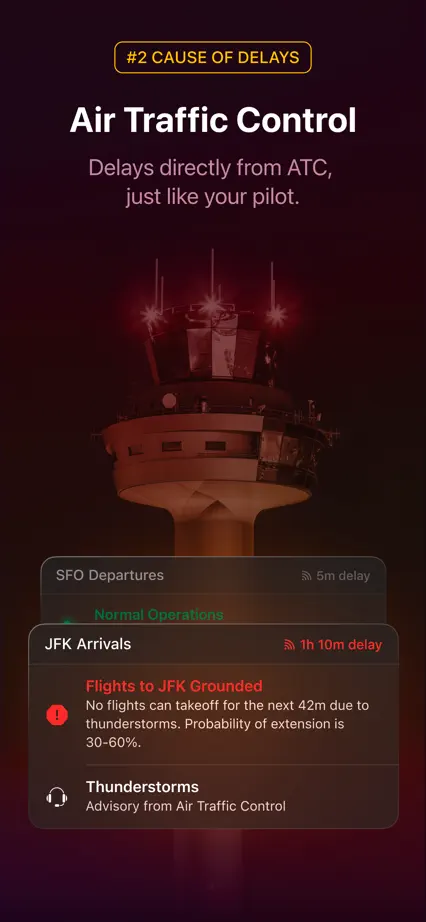
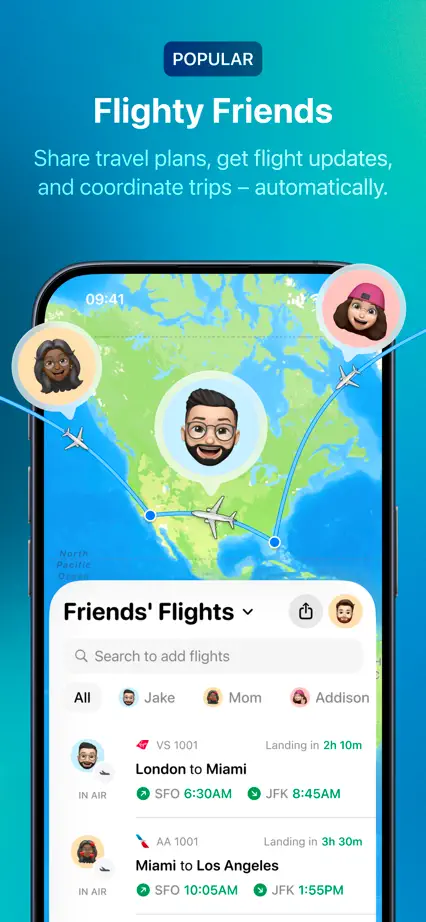
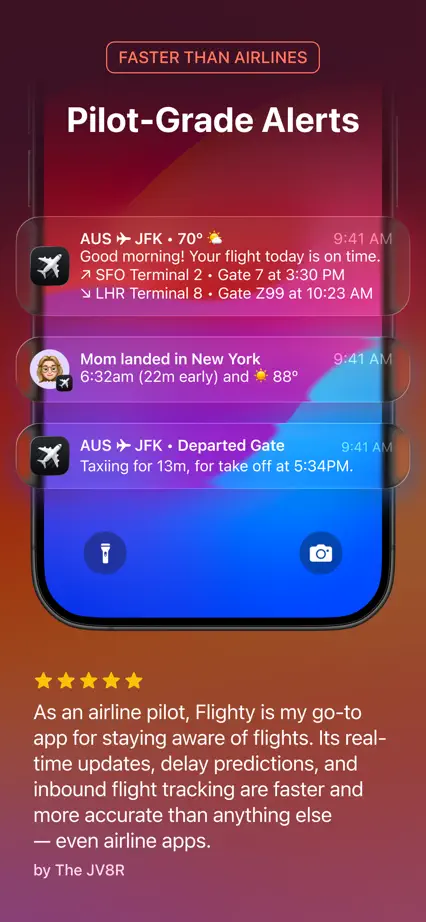
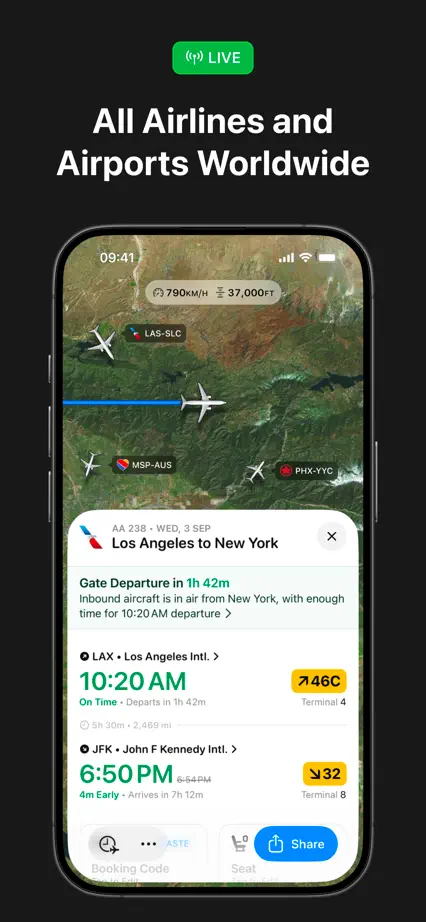

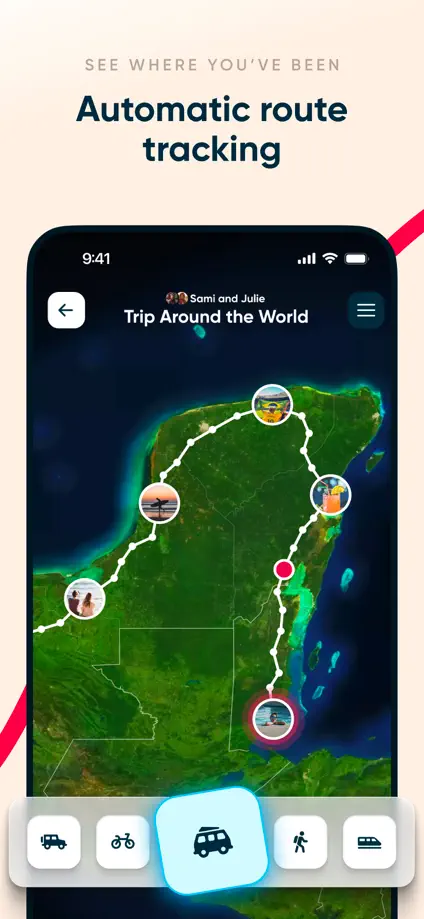
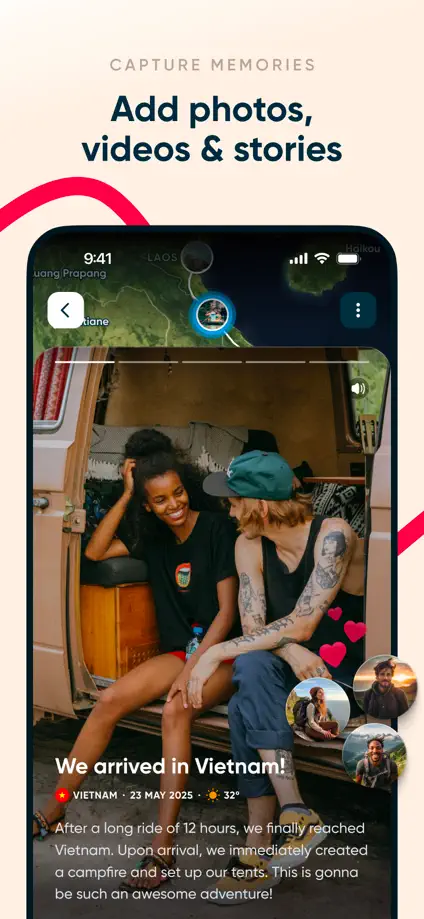
A warm neutral background, small feature symbols and fixed phone placement keep the content central.


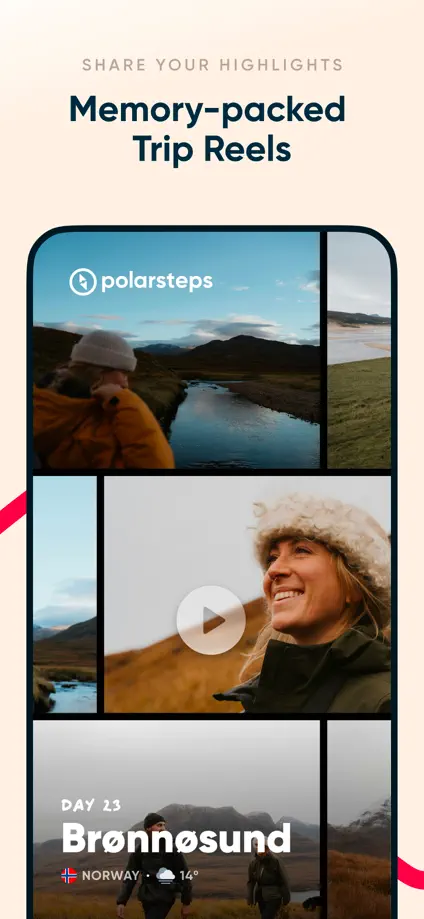
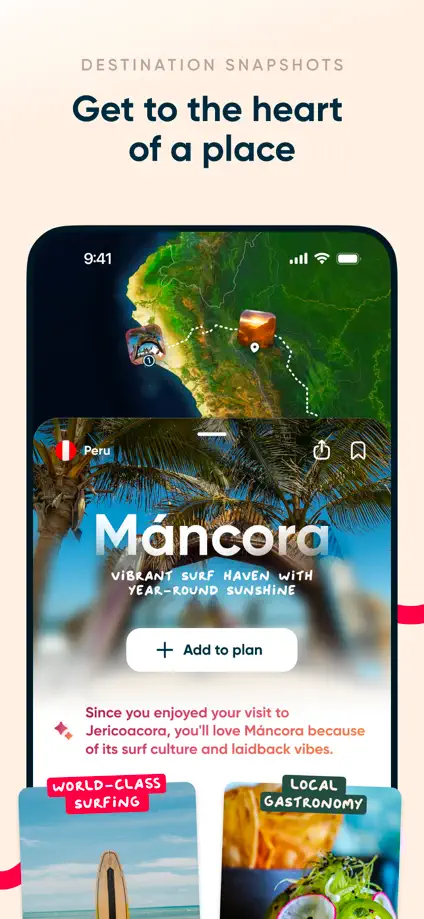
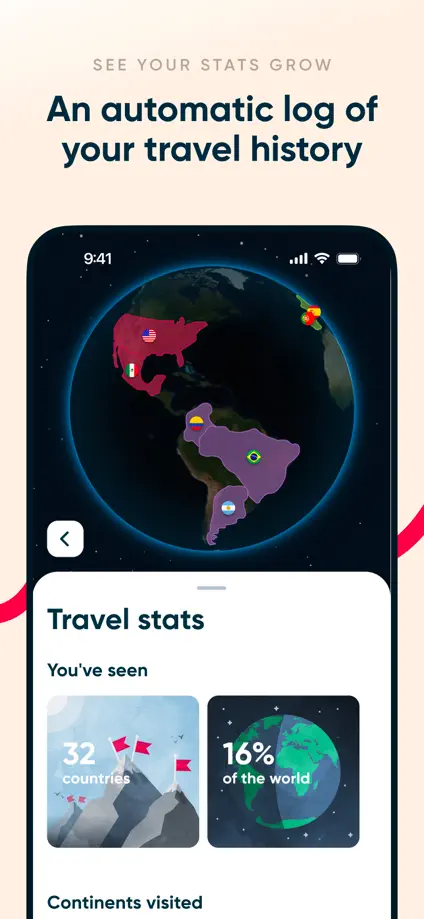

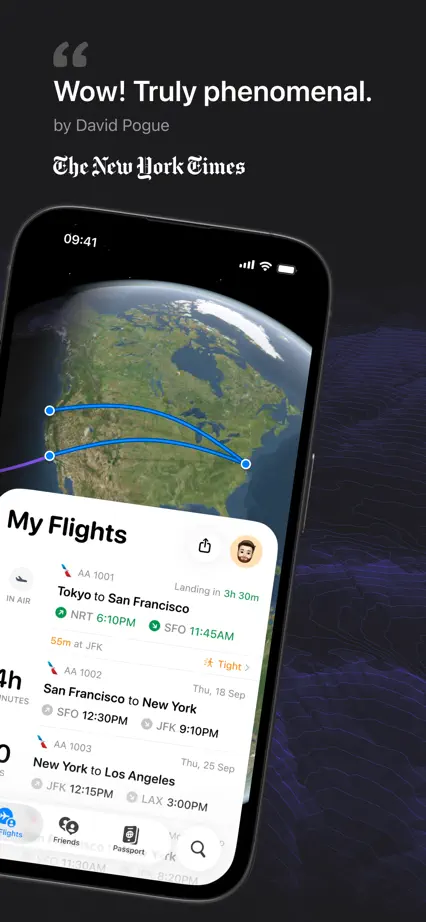
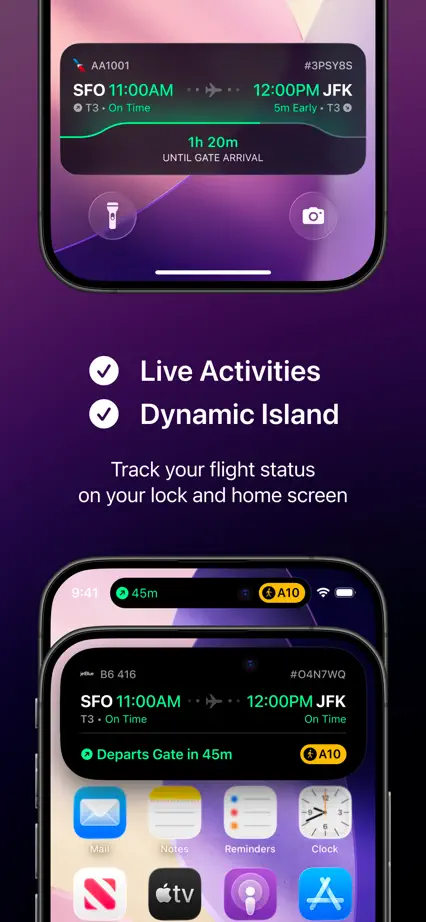
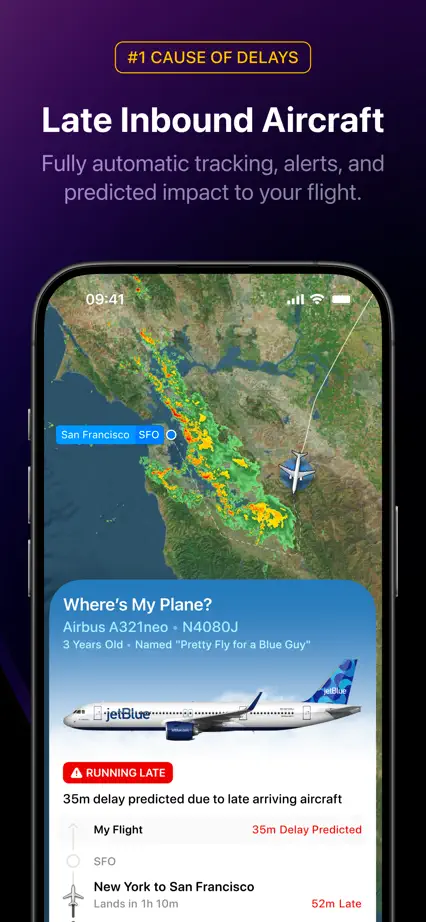
A travel photograph connects the first two panels before dark screens and floating travel details take over.

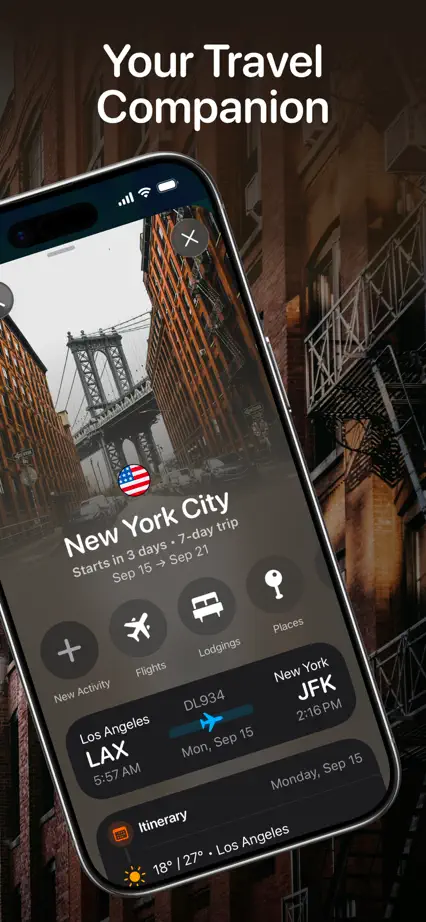

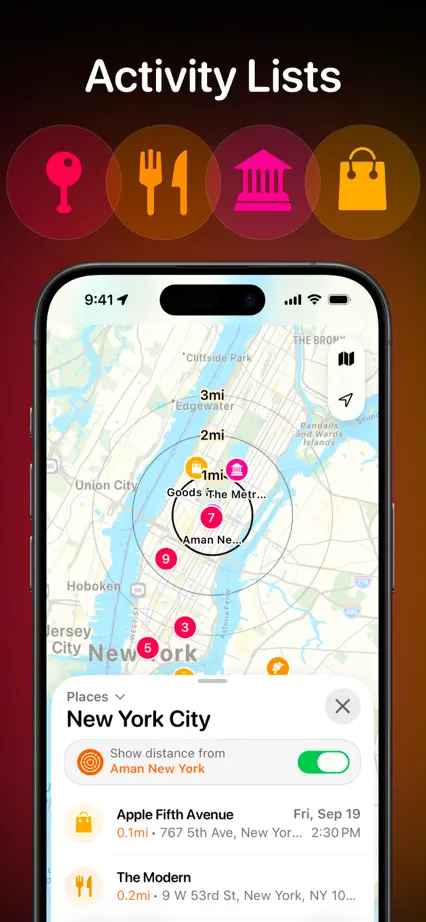
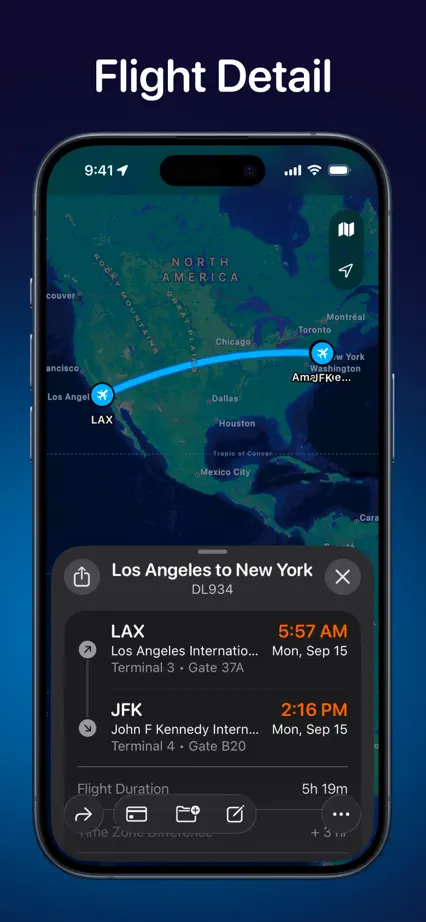
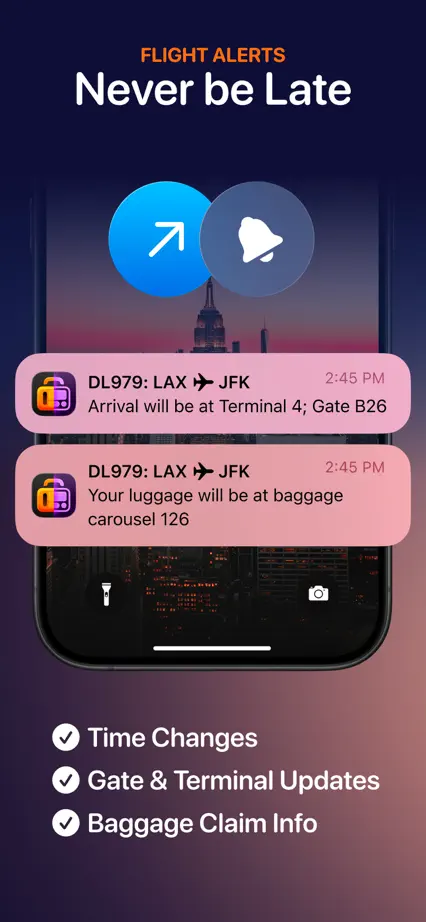
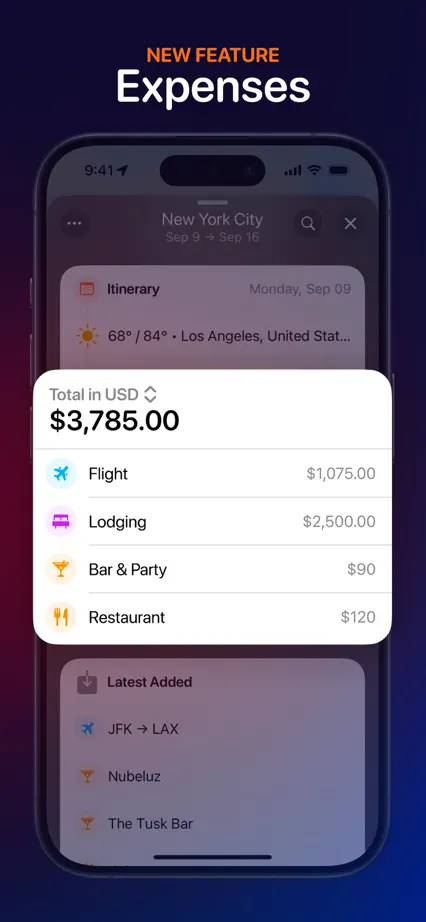
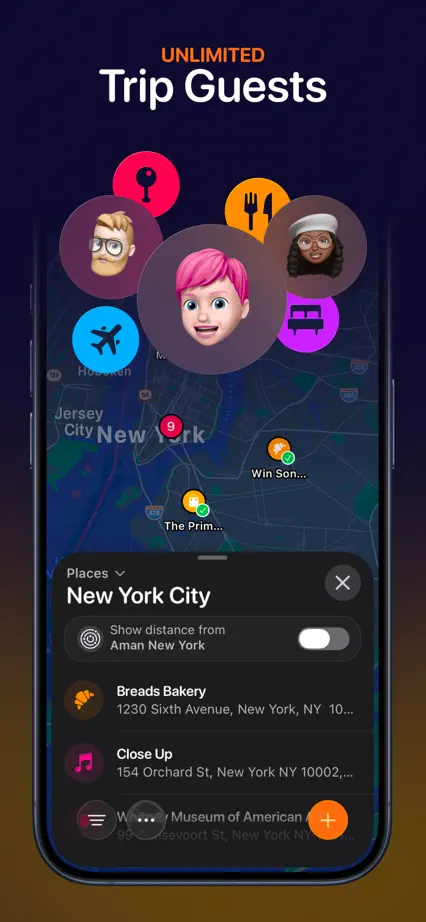
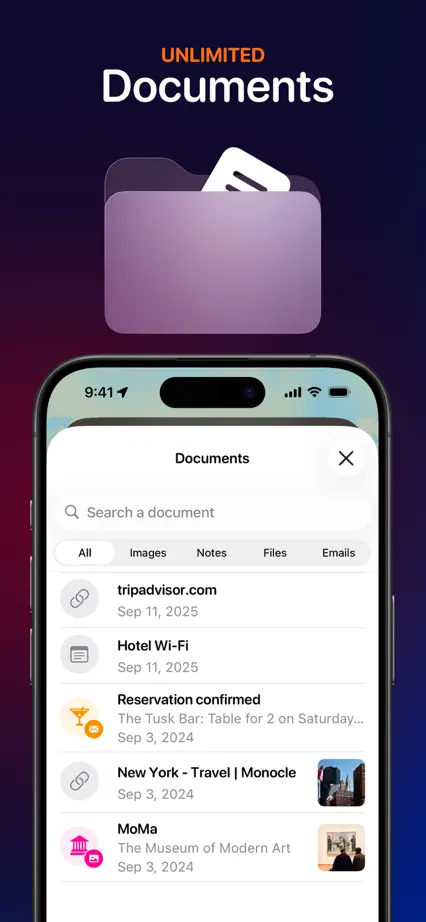

Saturated backgrounds and oversized white interfaces distinguish ten travel-planning features.
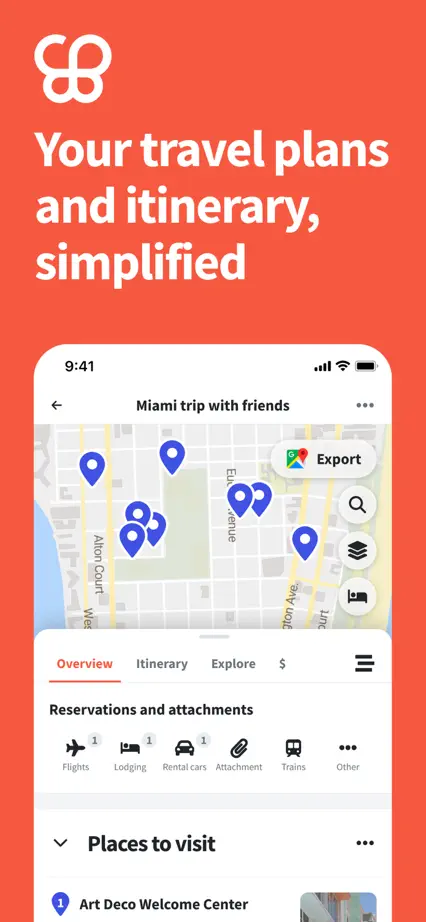
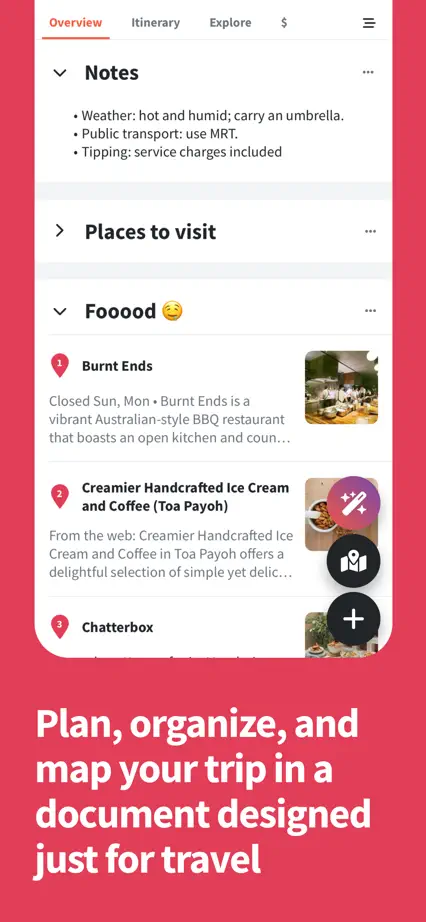
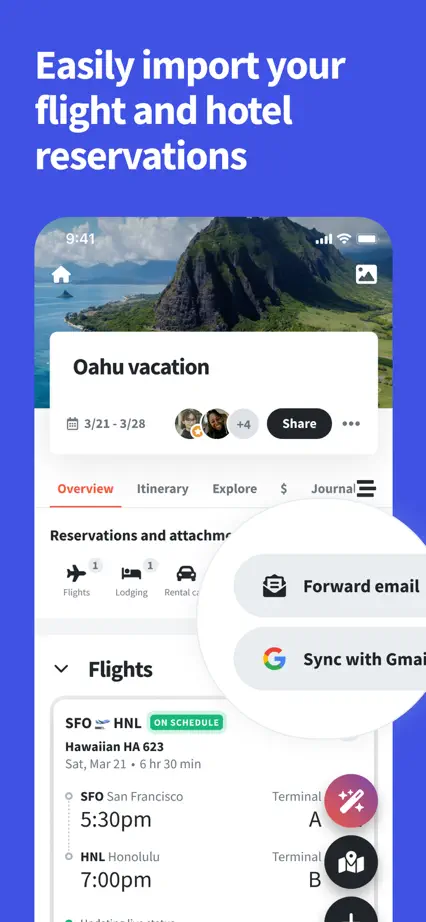

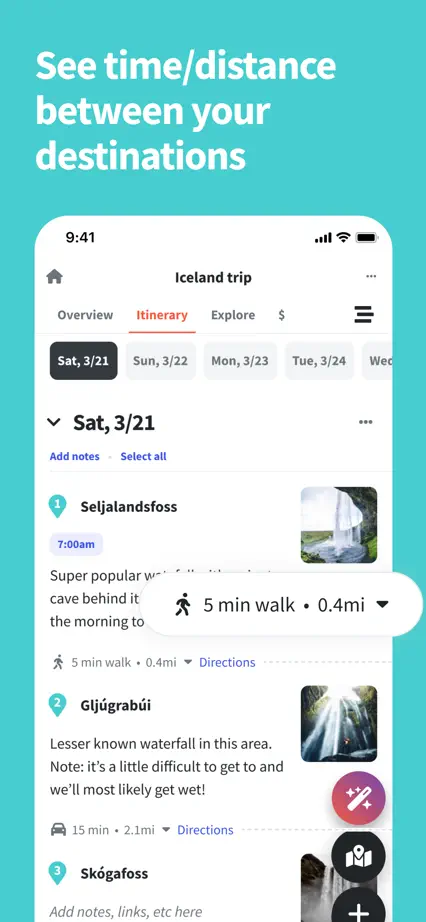
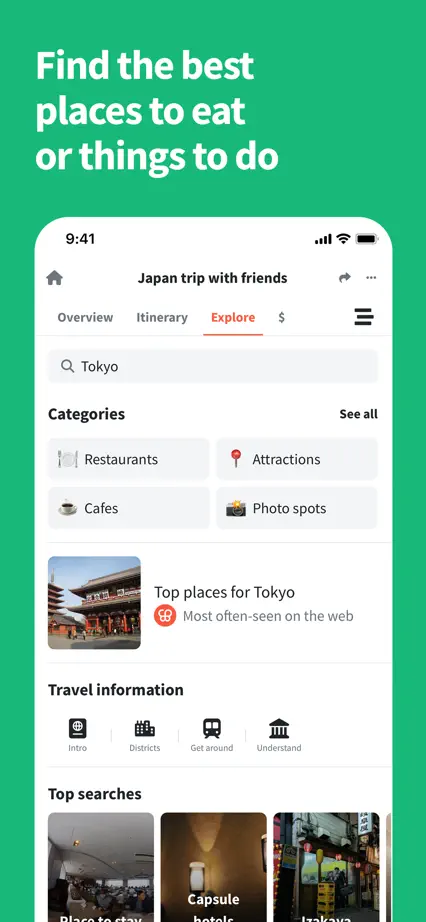

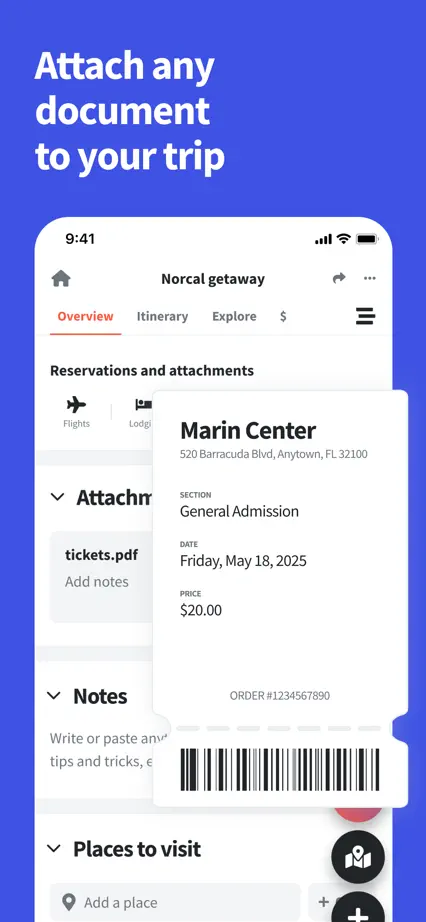

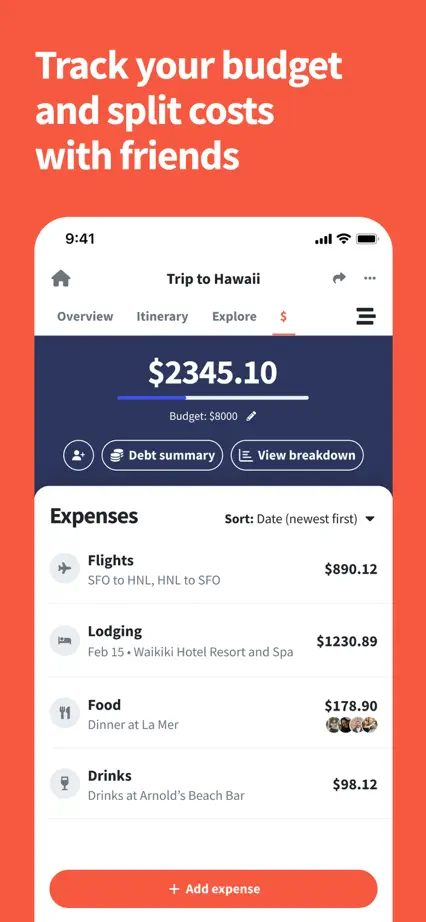

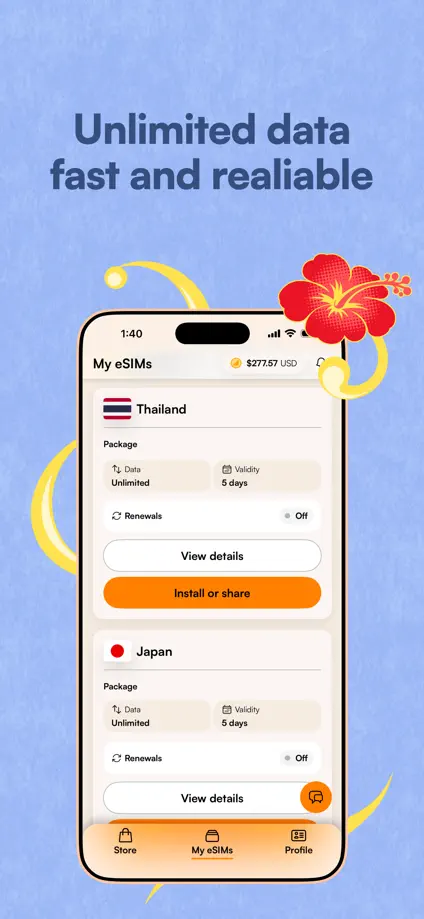
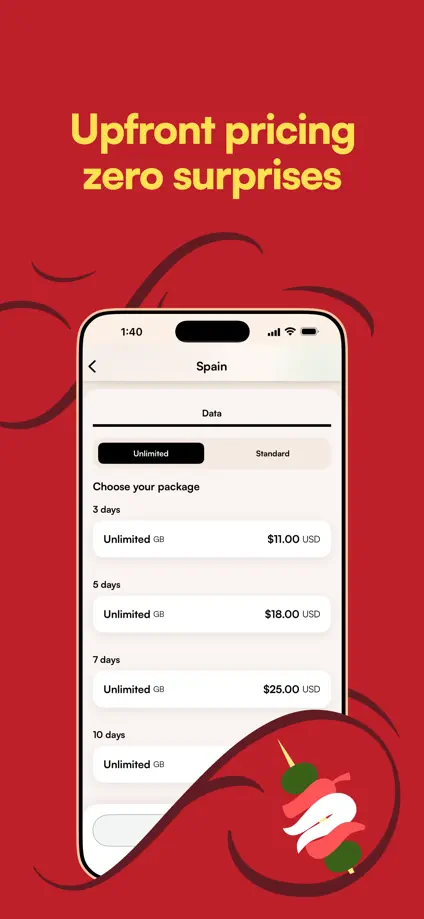
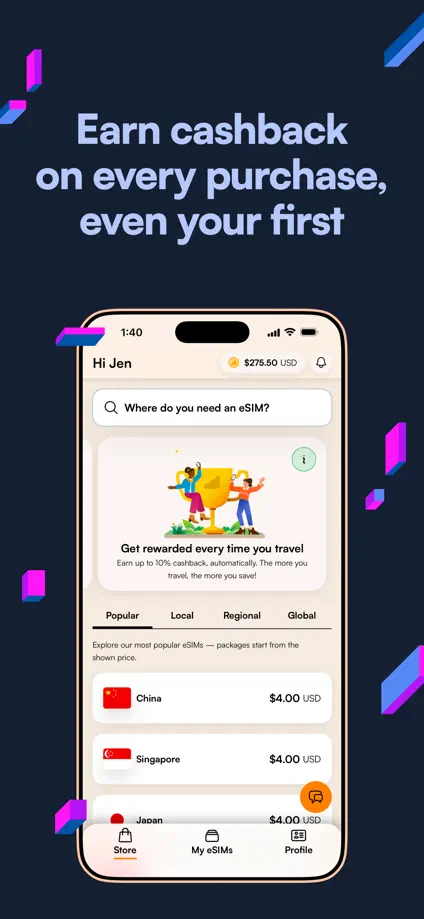
Saturated backgrounds change every frame while a pink dragon, flowers and doodled props wrap around upright phones under bold two-line headlines.
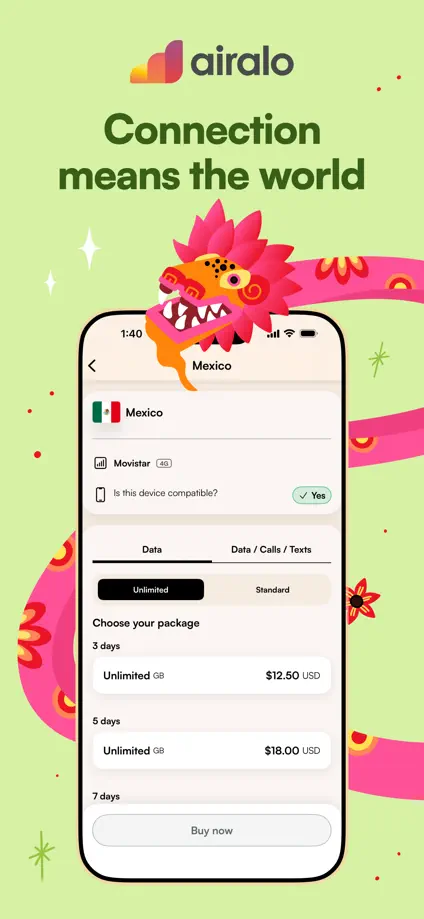
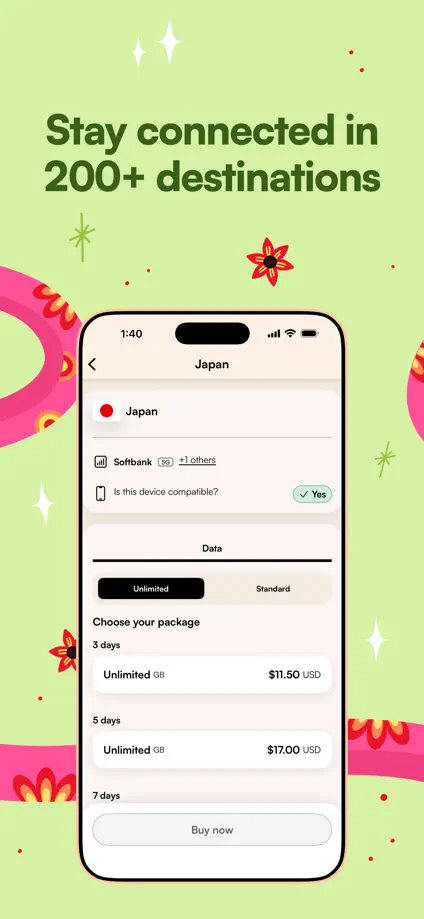
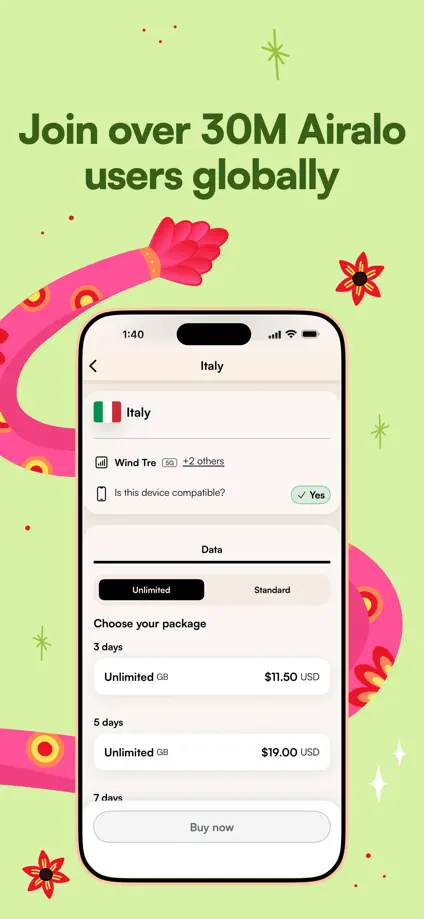



Large white interface cards overlap devices and travel photography, highlighting one booking interaction per panel.


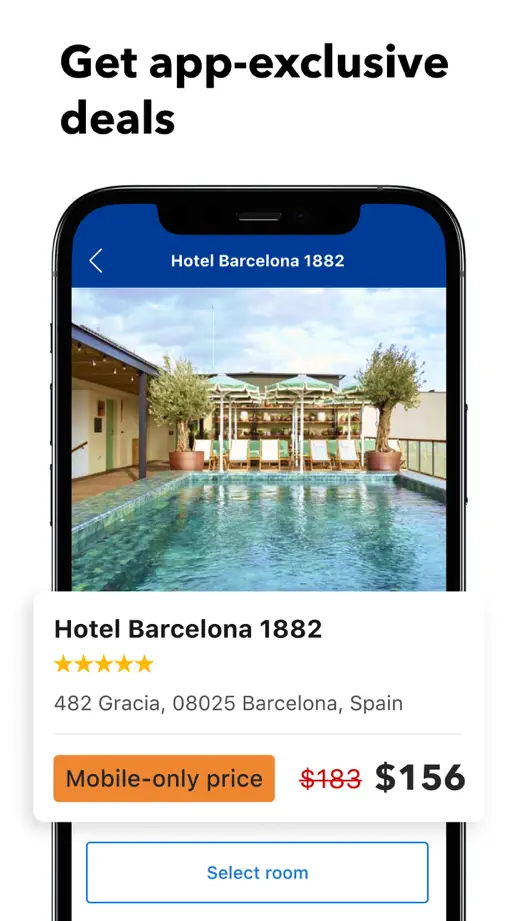
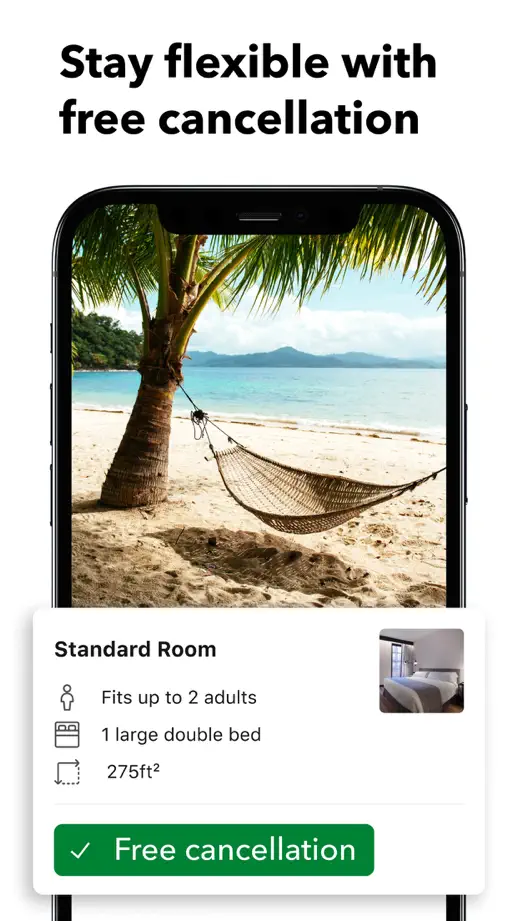
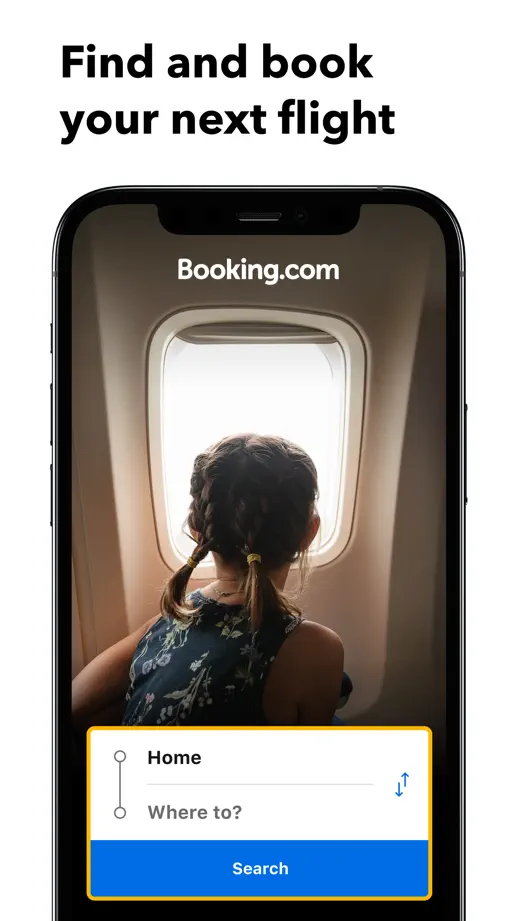

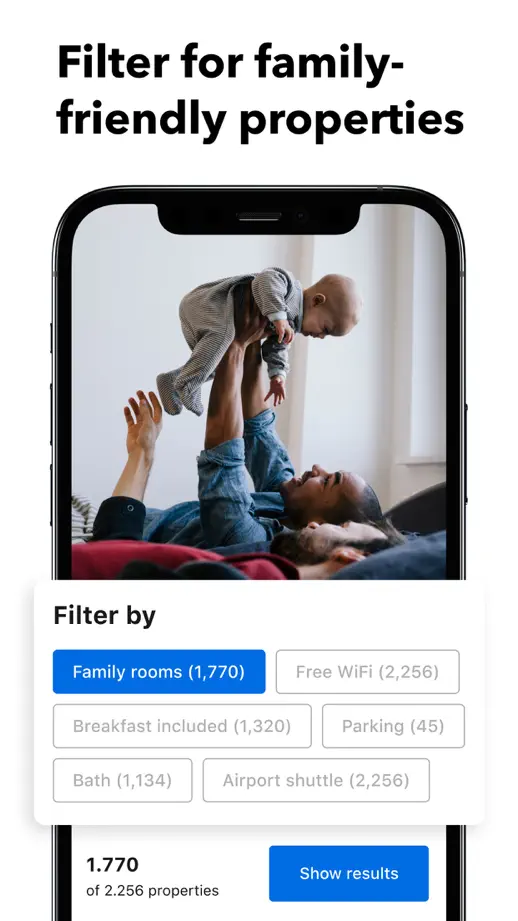


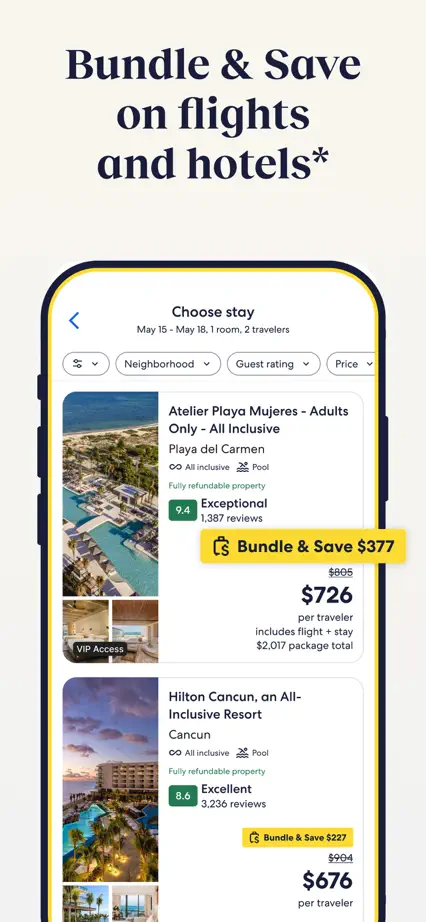
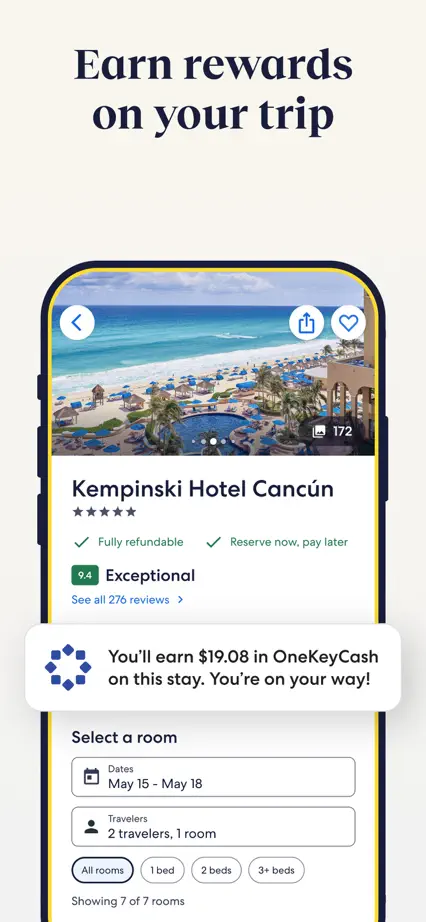
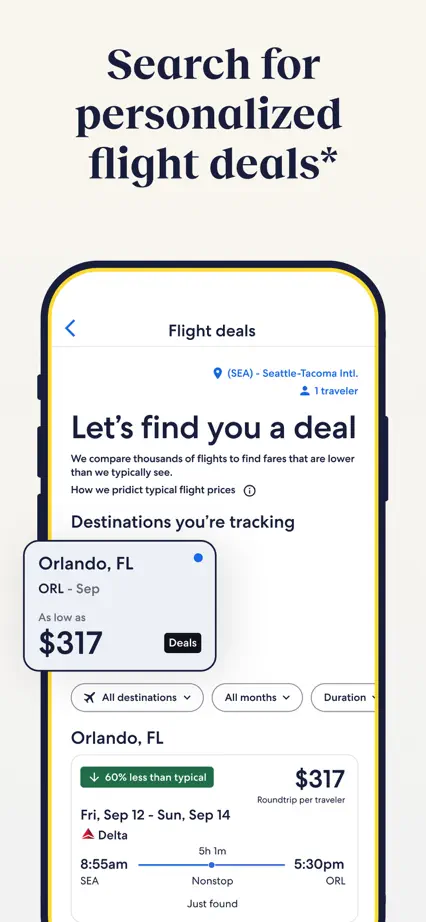
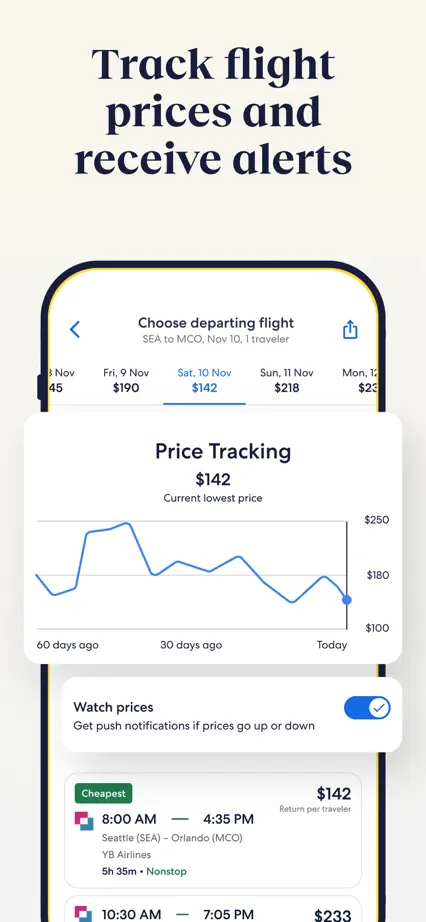
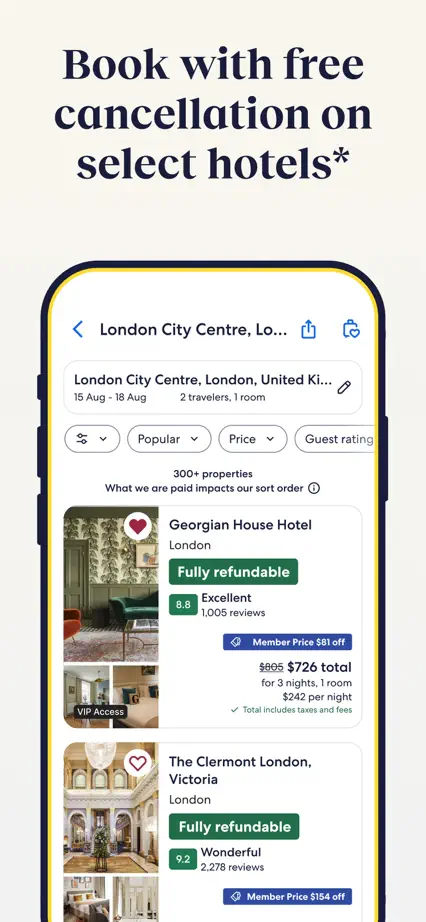
Navy serif headings and cream space soften a repeated device layout, while enlarged white cards highlight selected controls.
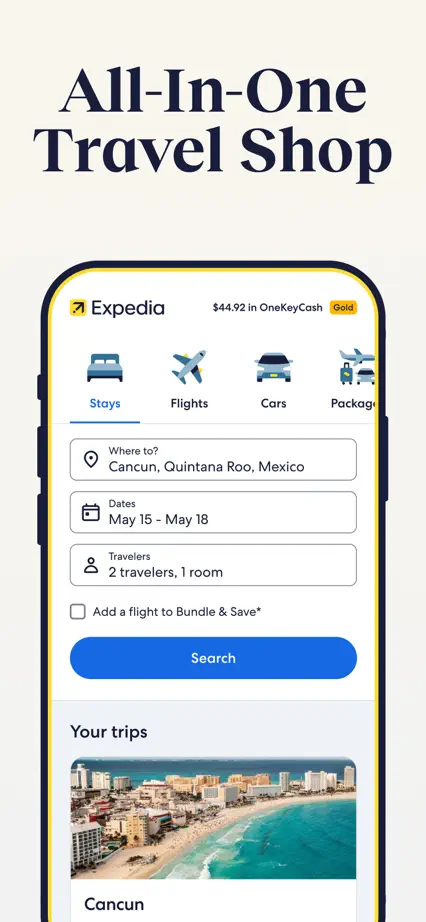



A single blue backdrop and compact left-aligned headings support floating interface fragments without visible device frames.


Small orange icons and bold headings anchor a simple white sequence, with selected interface cards pulled out of devices.
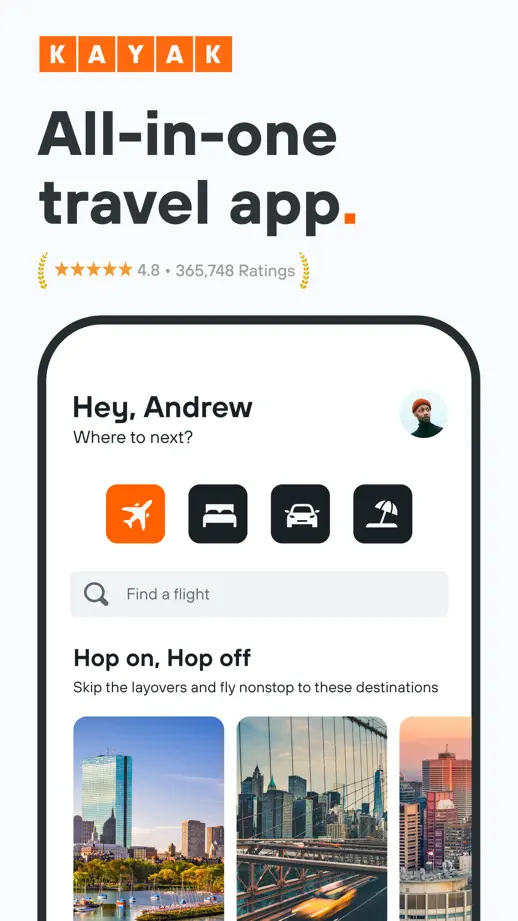

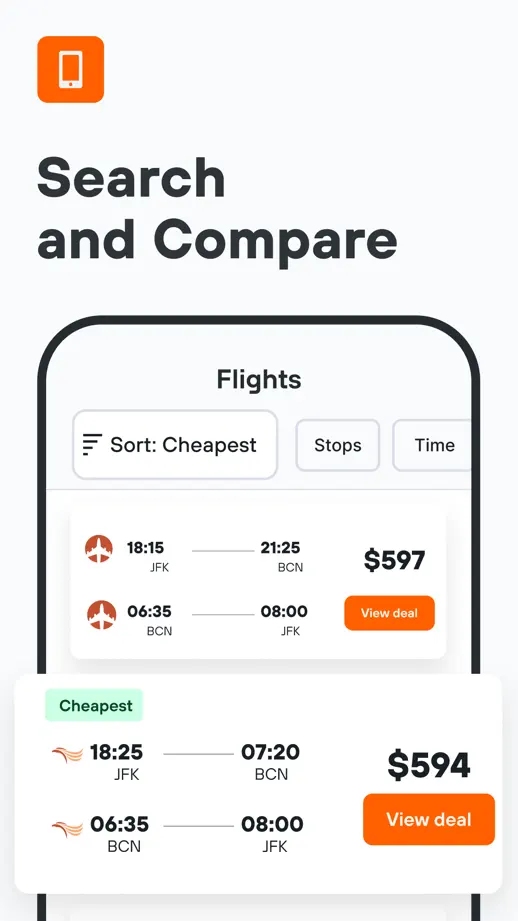

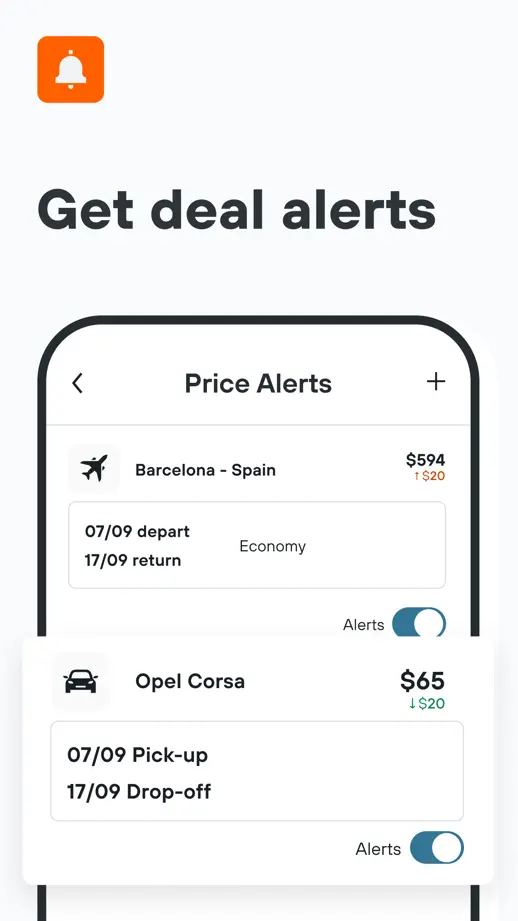


An angled opening pair leads into smaller white devices on blue panels, with a recurring vertical rule beside each heading.


A thin route line links simple one-word headings, with destination photography bookending a dark blue device sequence.