Social App Store screenshots
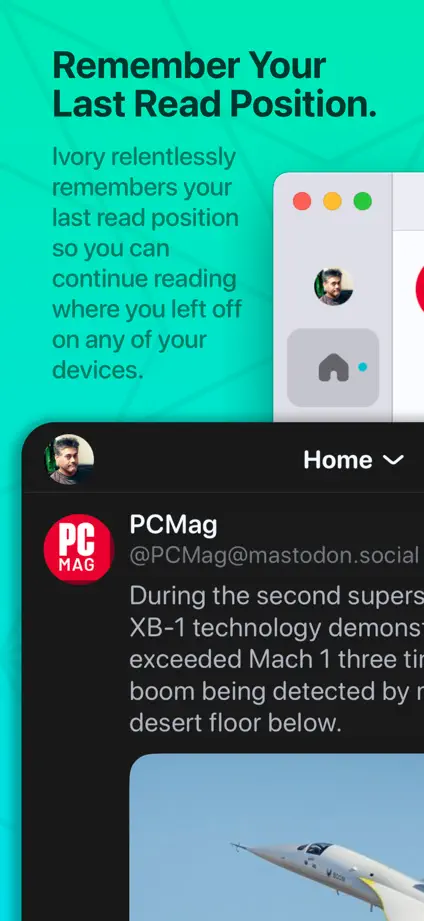
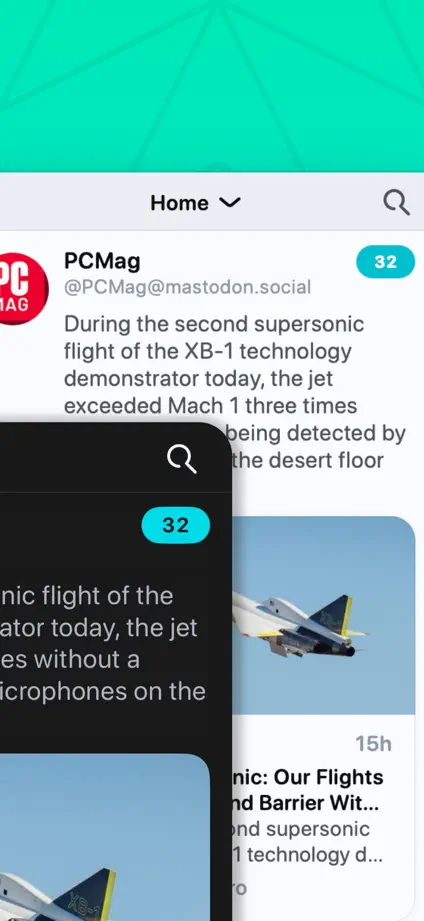
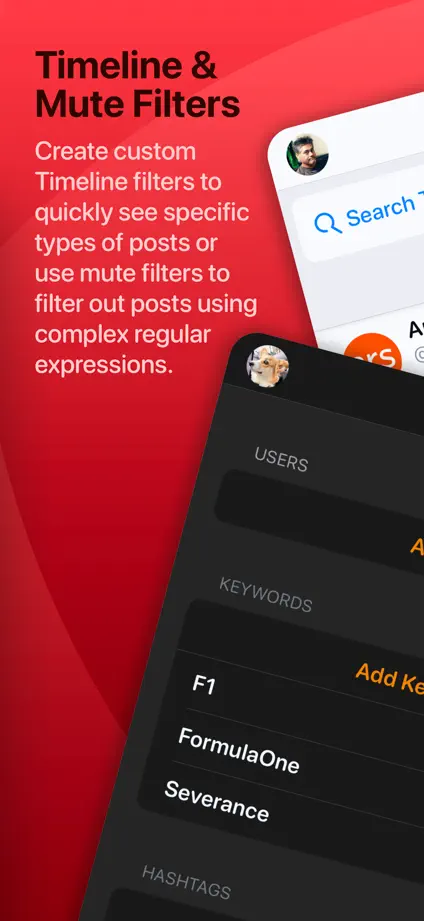
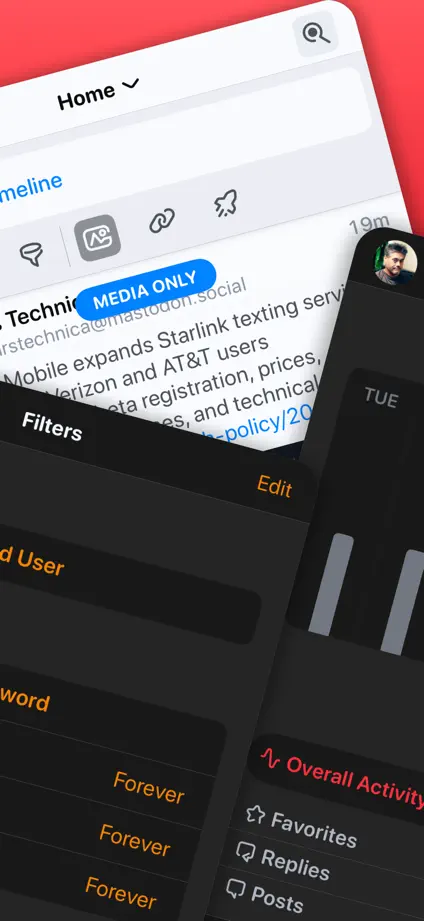
10 complete App Store screenshot sets from social apps, including Ivory, Locket and Tapestry. The most common techniques here are repeated layout, photography and device mockups.





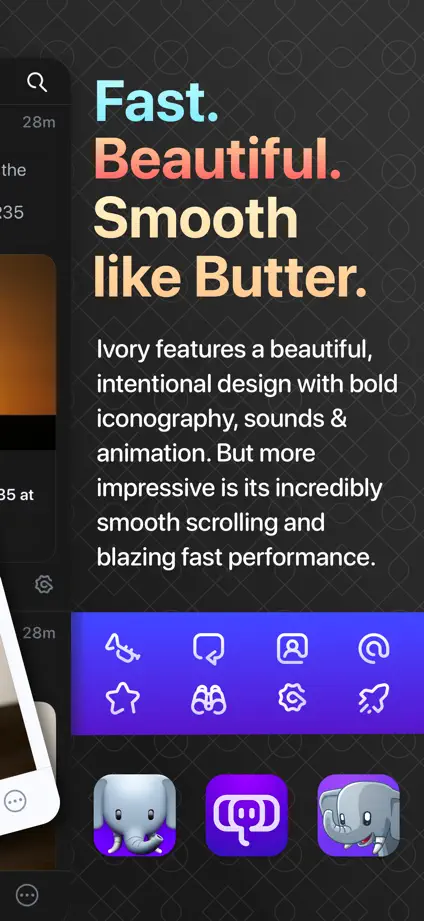
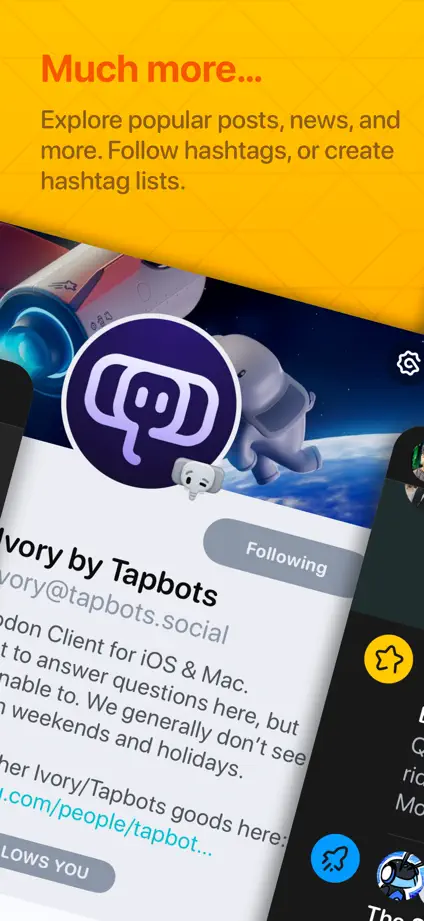
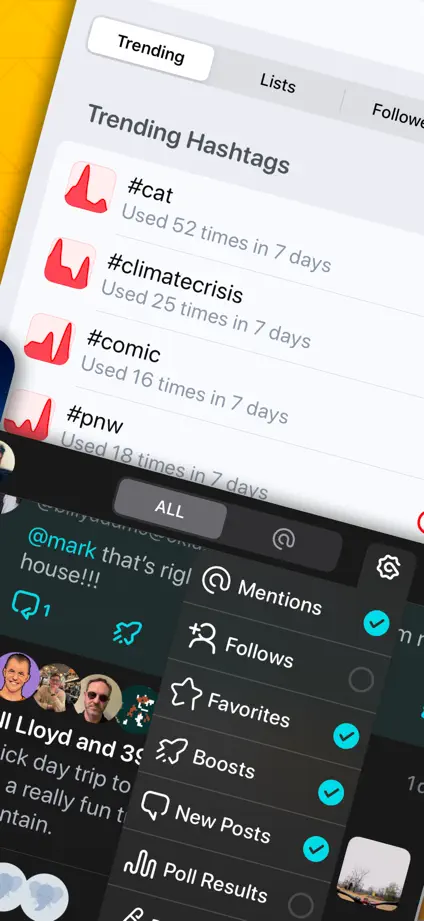
A dimensional elephant introduces overlapping interface crops that continue across contrasting colored panels.



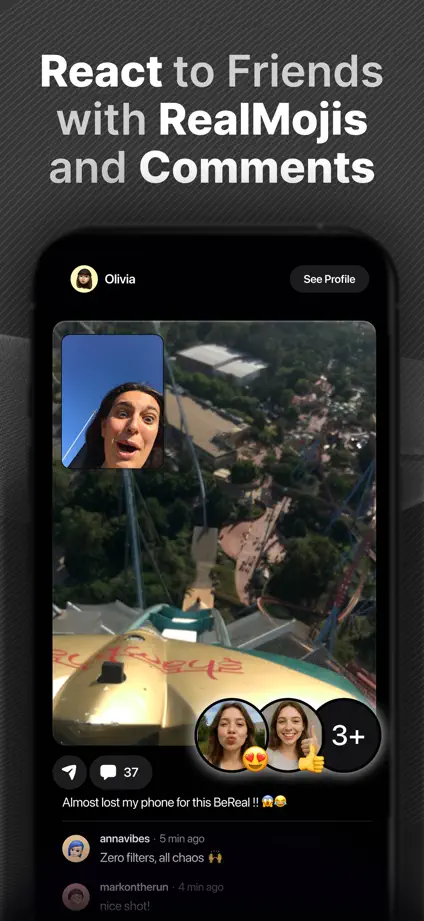
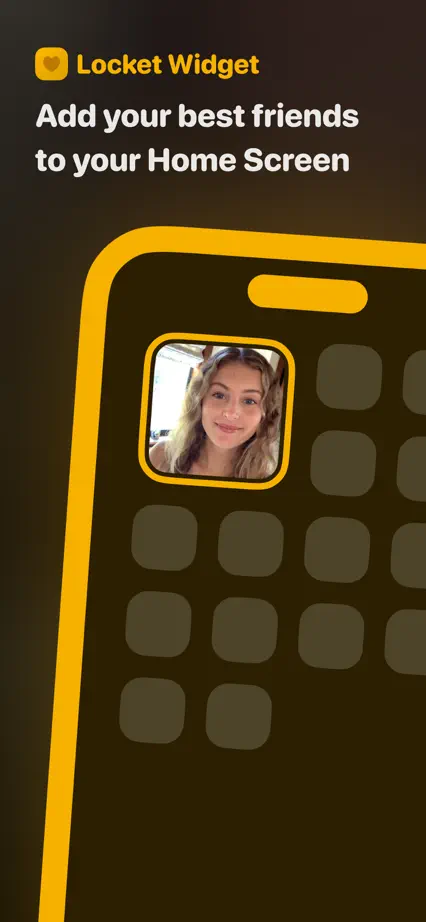
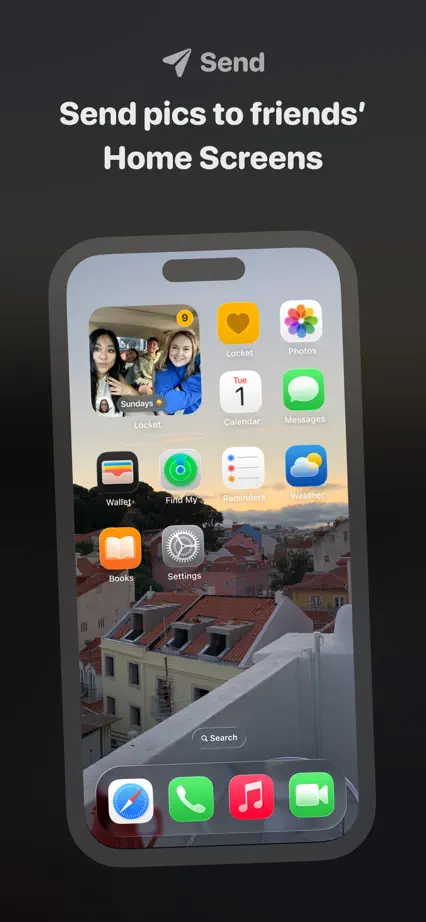
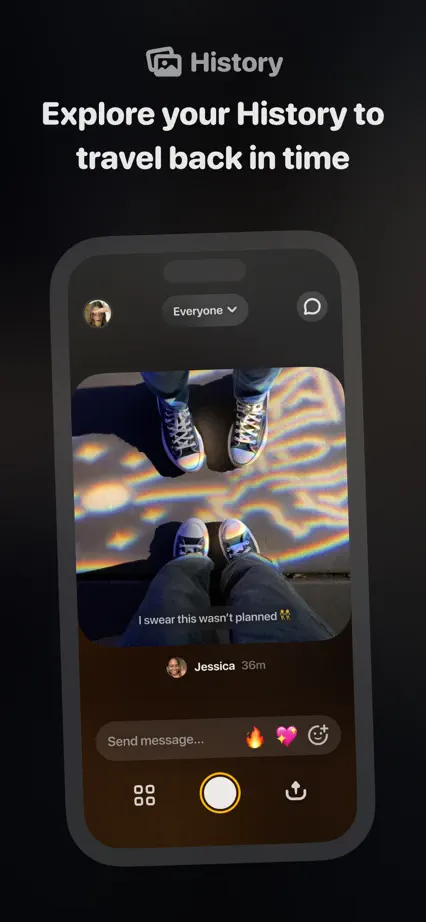
Small feature symbols and centered phones make a restrained tour of photo sharing on dark backgrounds.
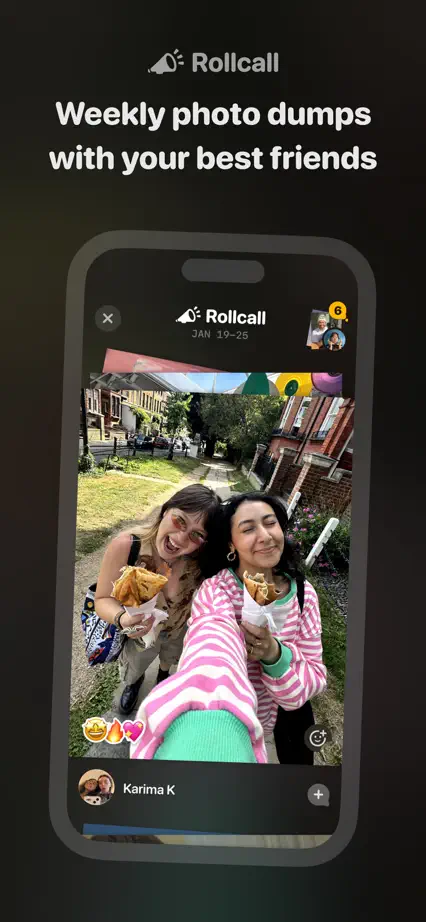
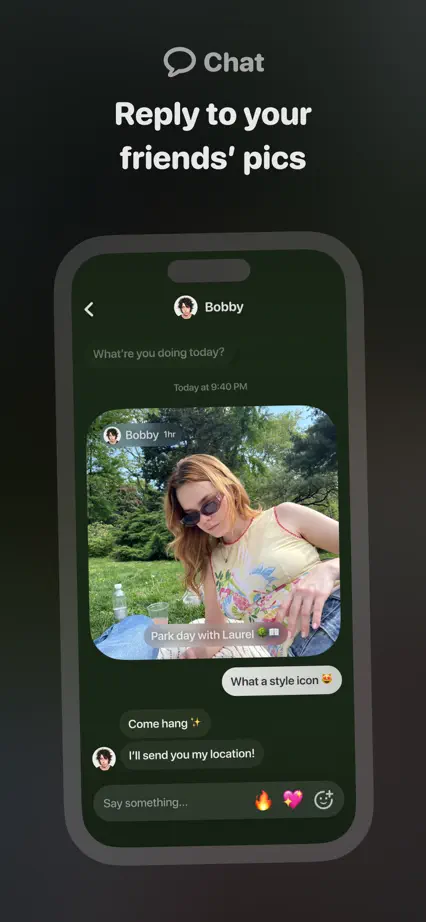
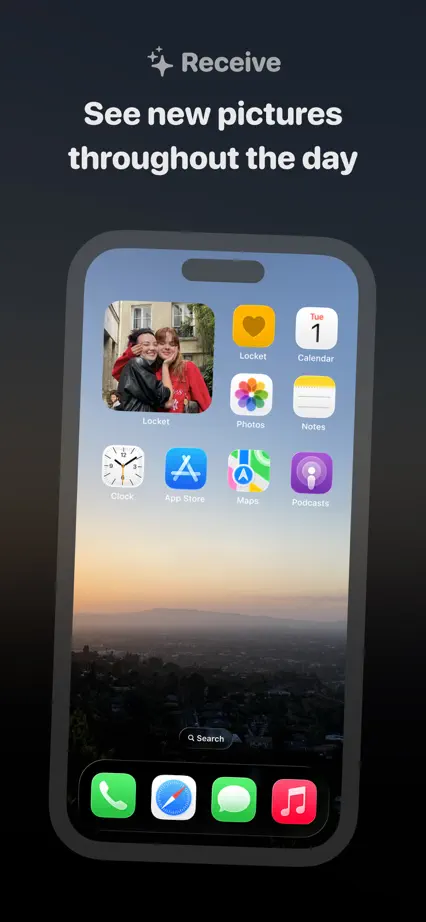
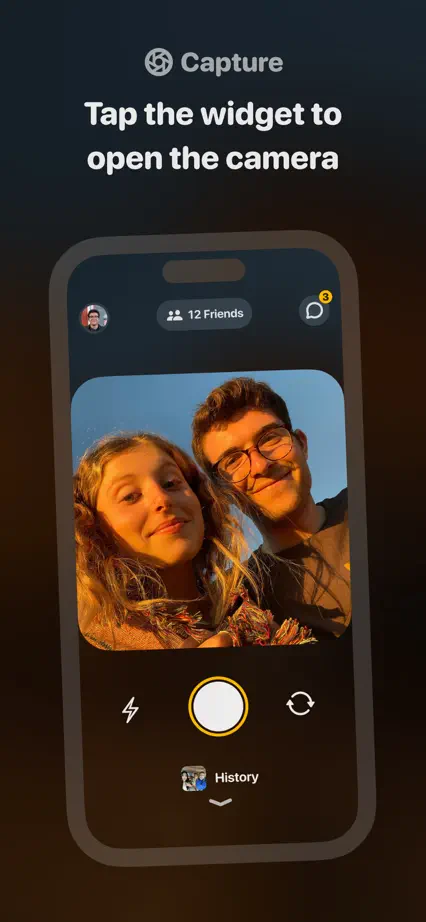

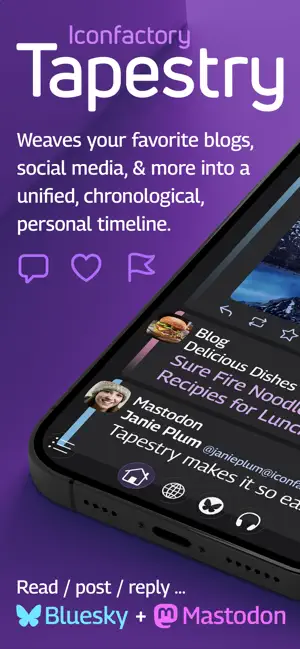
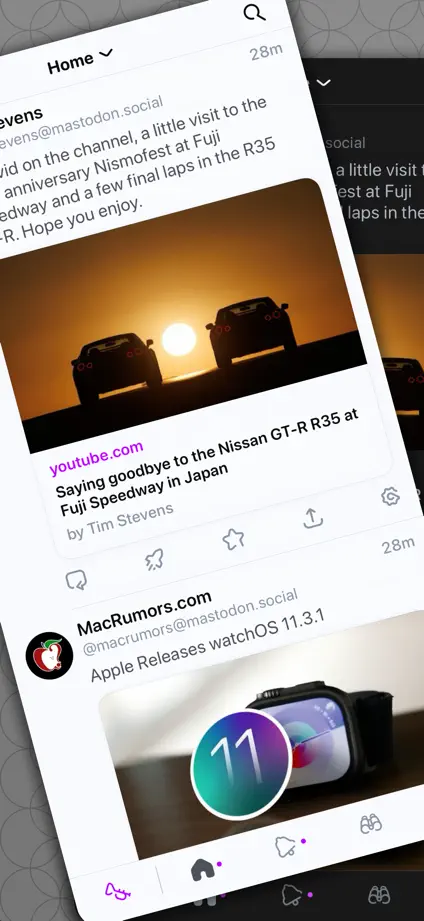
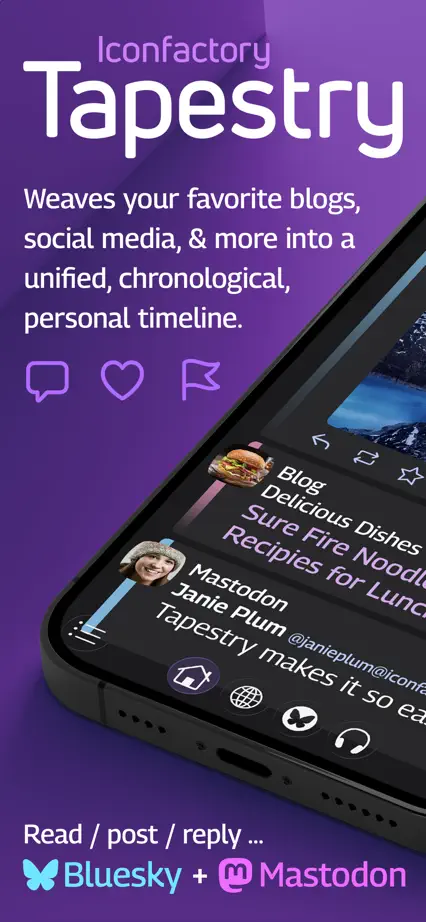
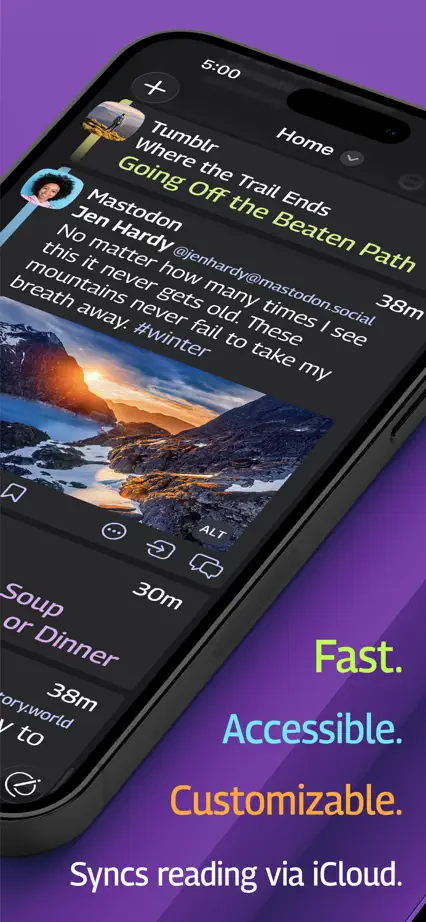
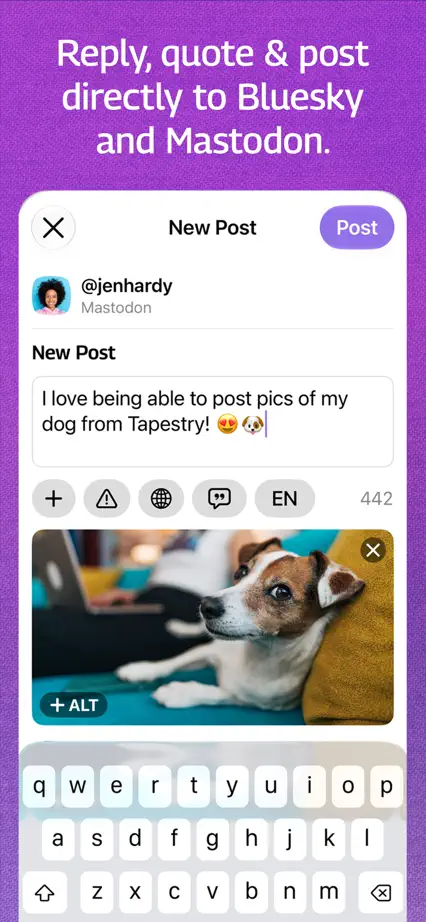
An angled phone spans the opening, followed by large timeline crops on a continuous purple field.
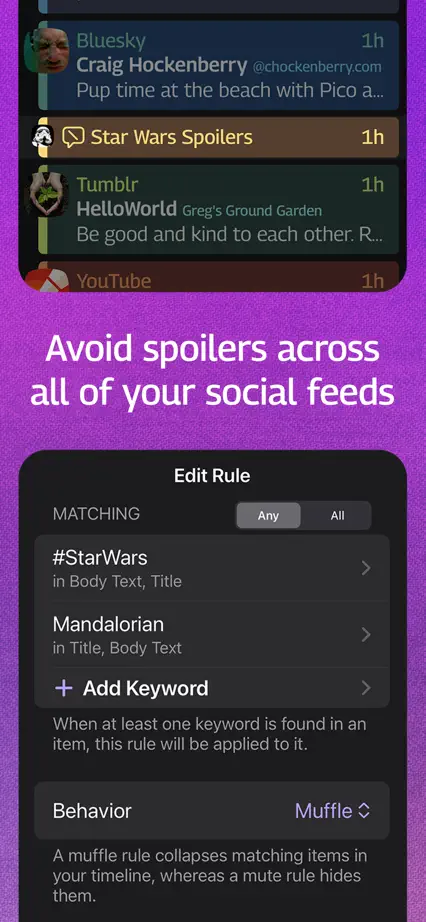

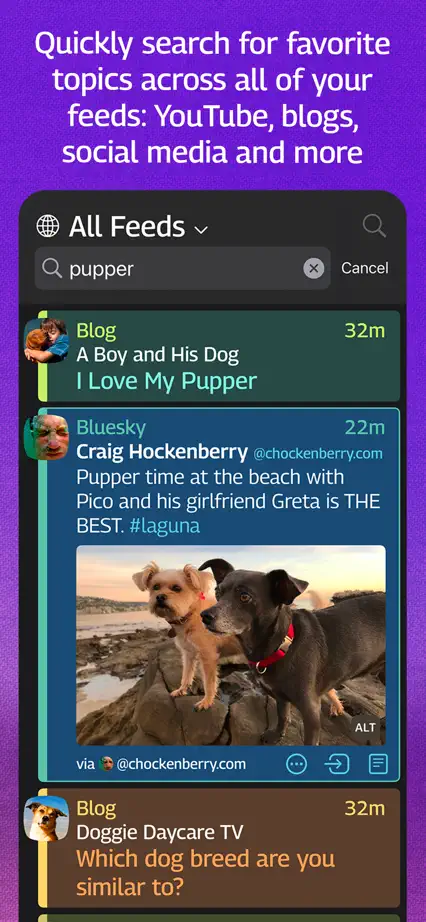
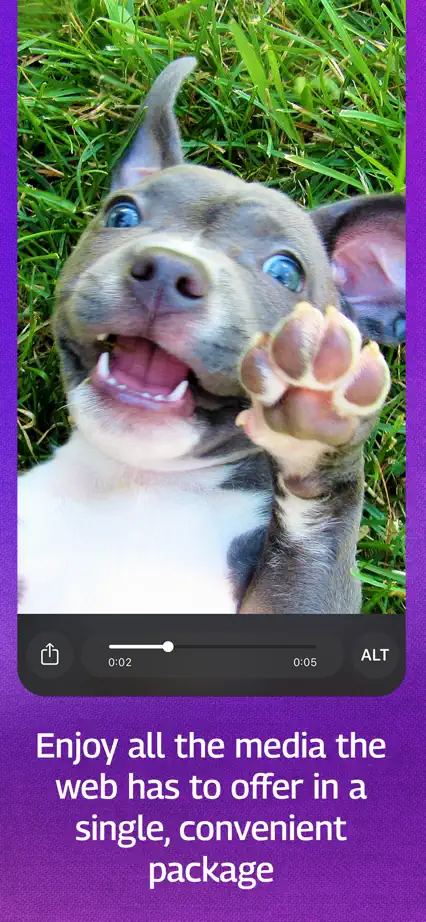


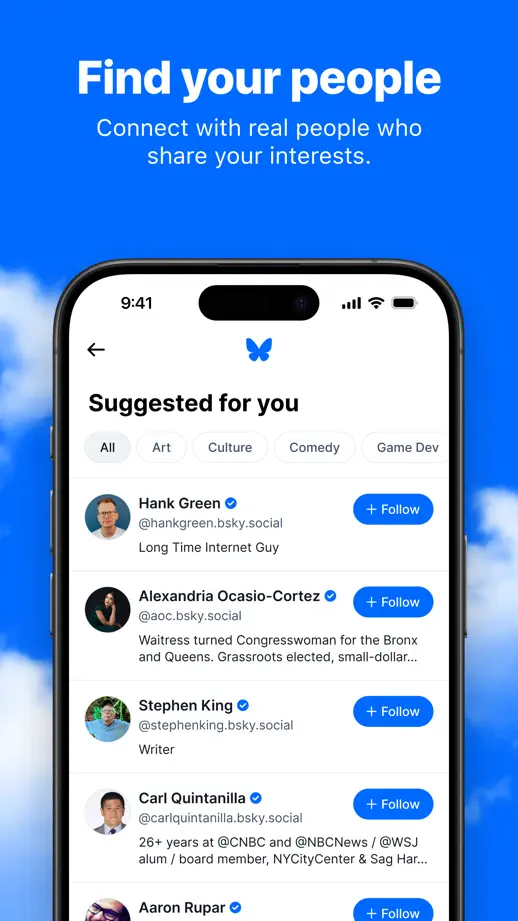
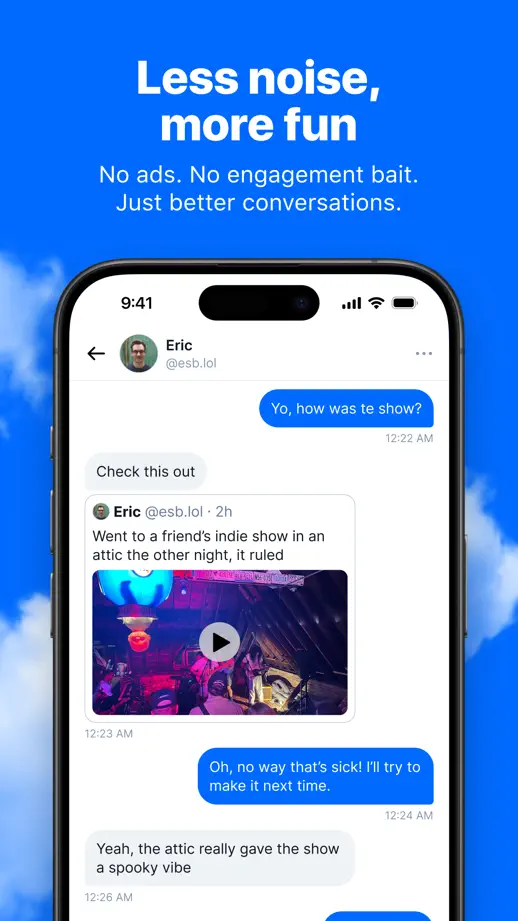
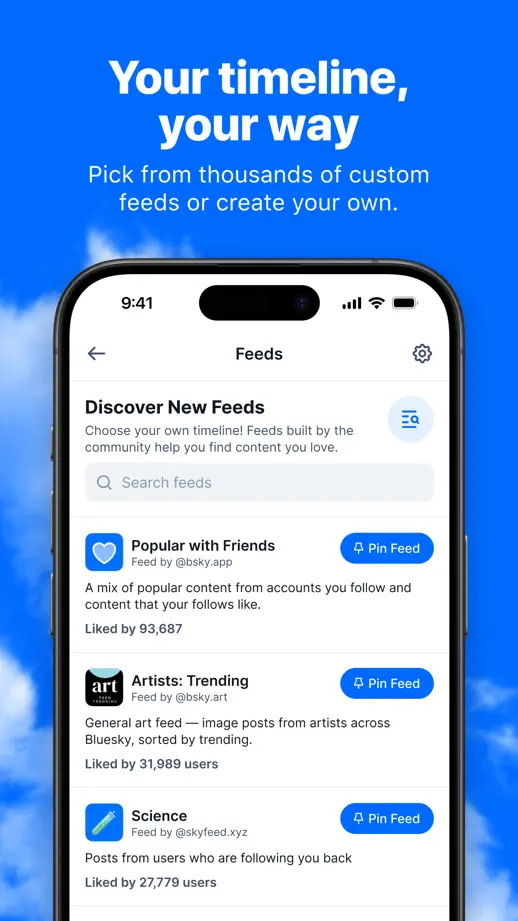
Cloud-streaked blue sky sits behind every frame, pairing bold white headlines with cropped upright phones in a strictly repeated layout.
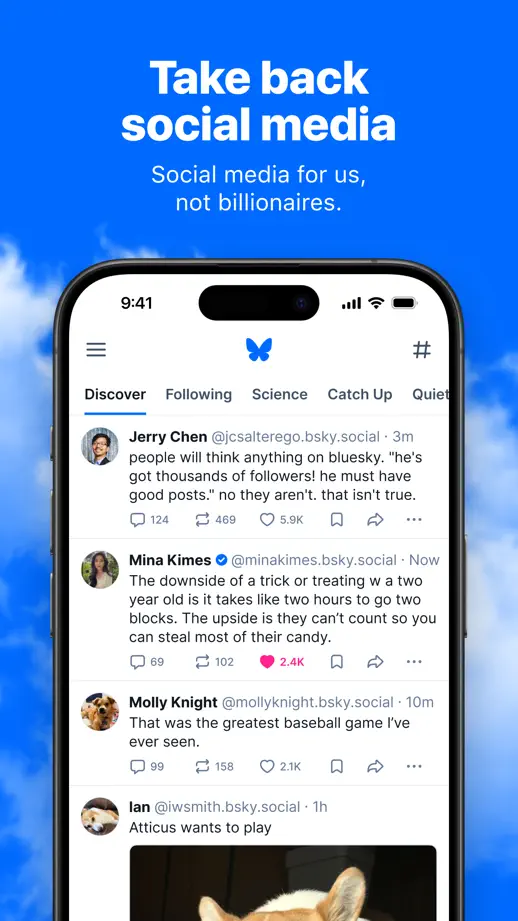


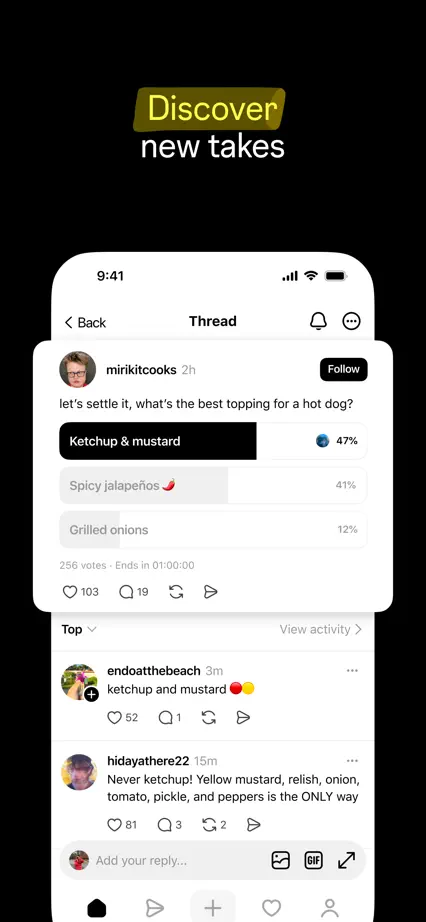
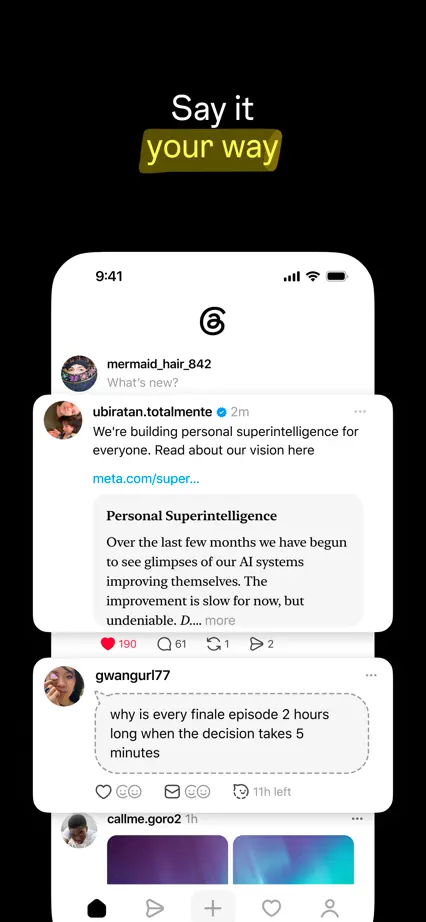
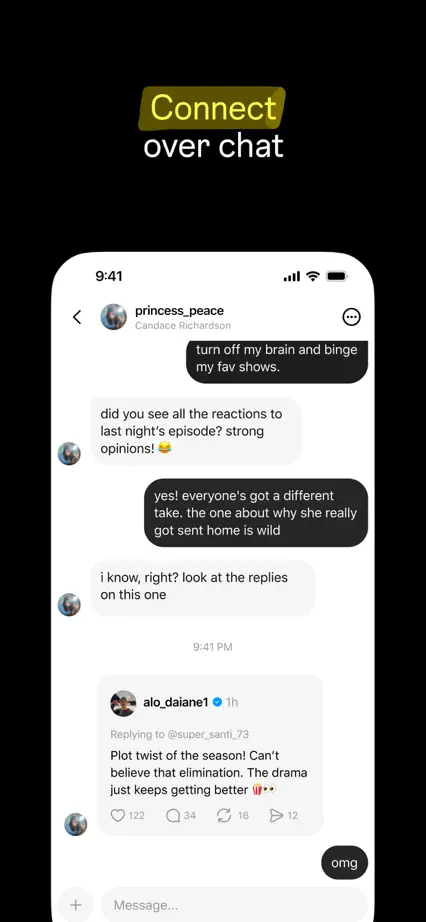
Black frames place a two-line headline with a yellow highlighter mark over one phrase above a white phone, repeated through the whole set.




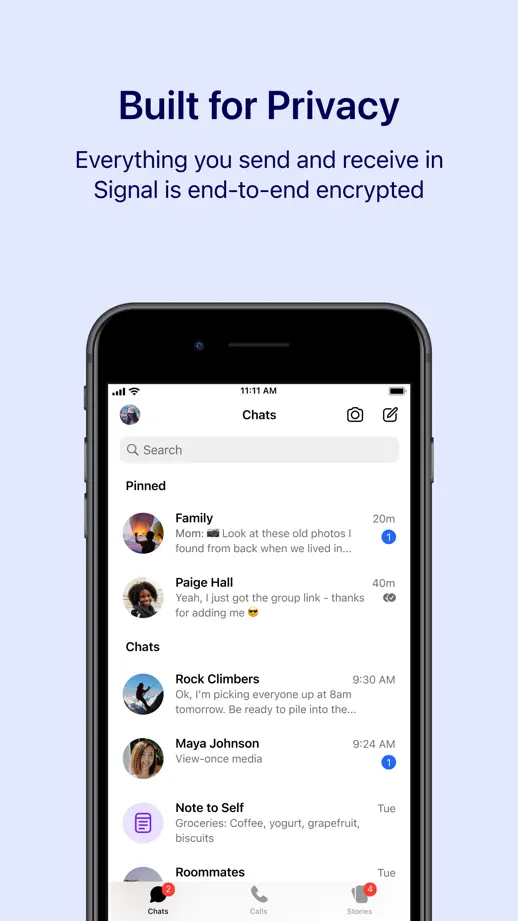
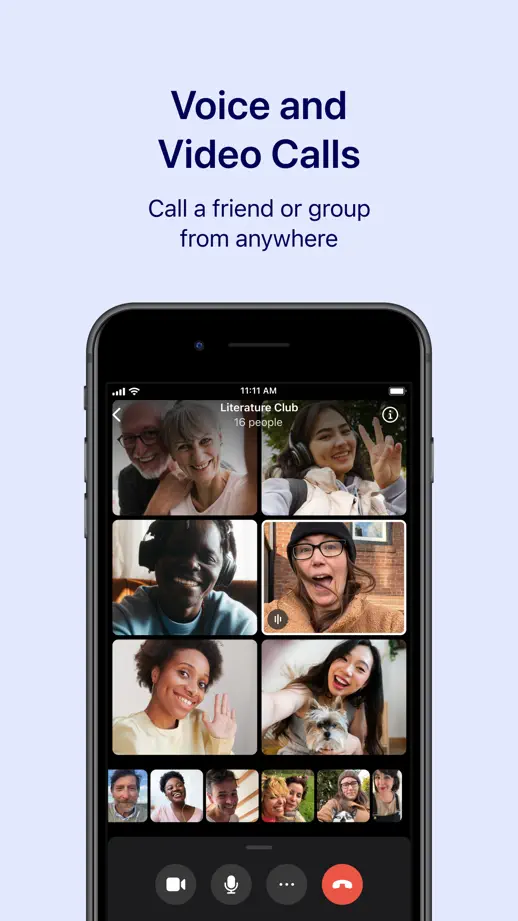
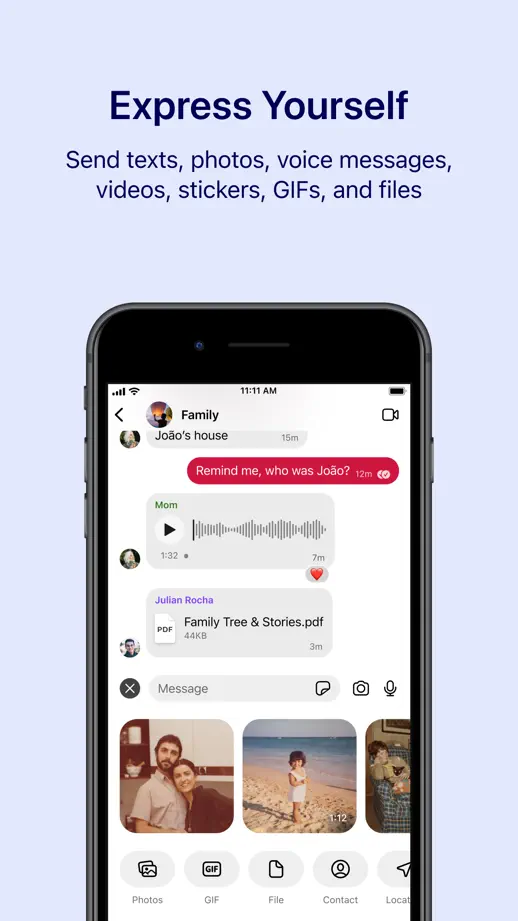
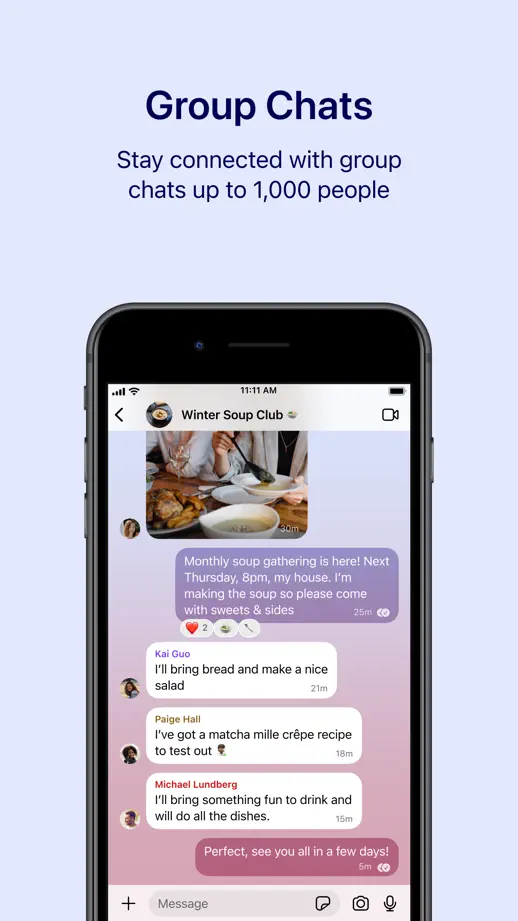
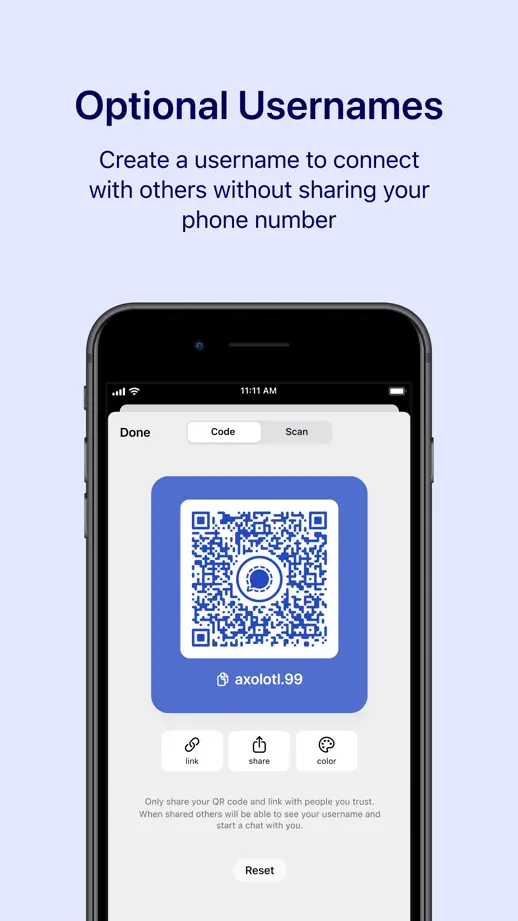
Pale lavender panels use a steady heading, caption and device position, letting conversation and photo content provide variety.



A blue gradient connects bold headings and dark chat interfaces, with floating cards and a final cross-device composition.

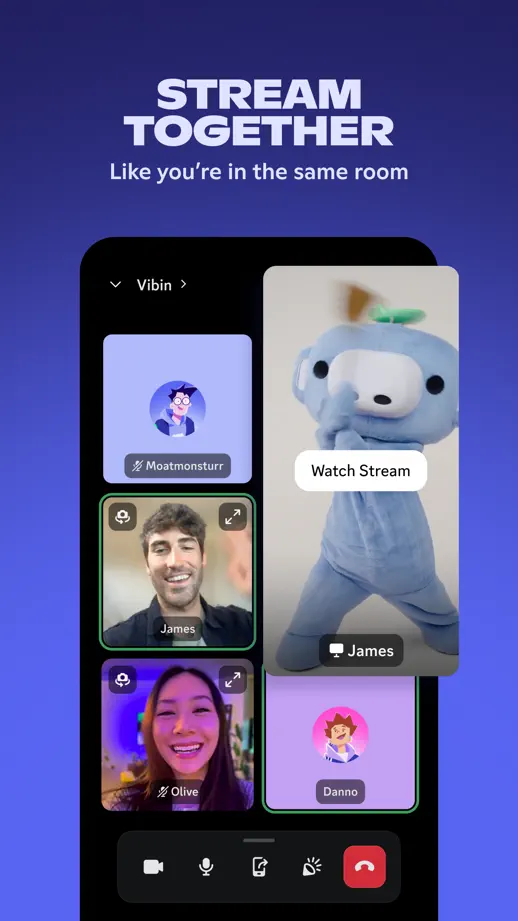


Changing gradients complement the colors inside each device, while short centered headings maintain a consistent structure.

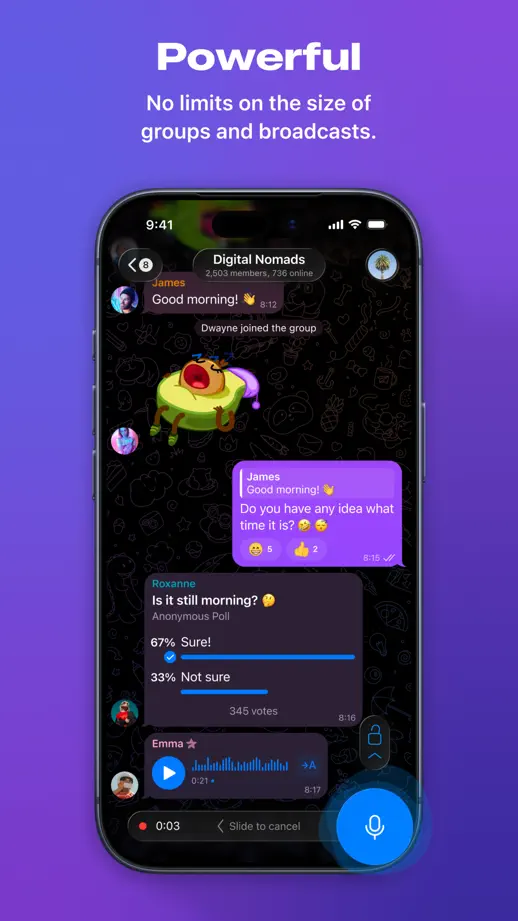


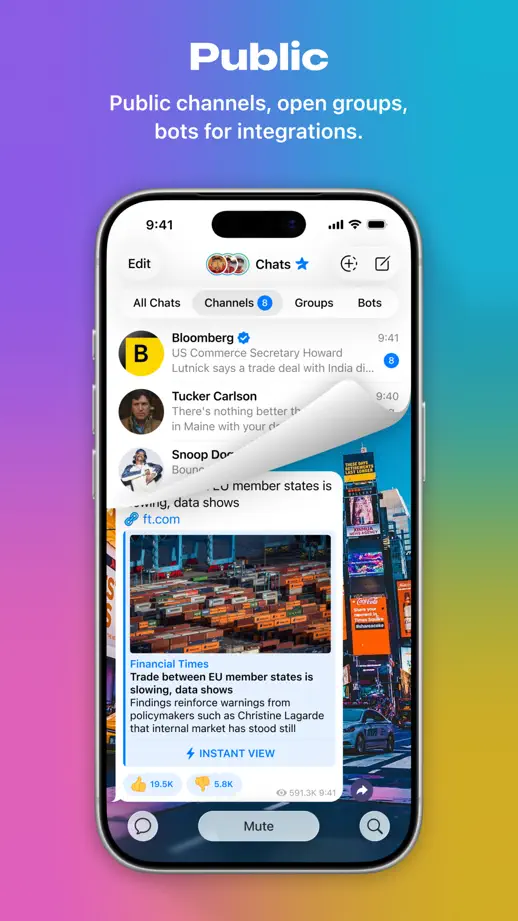

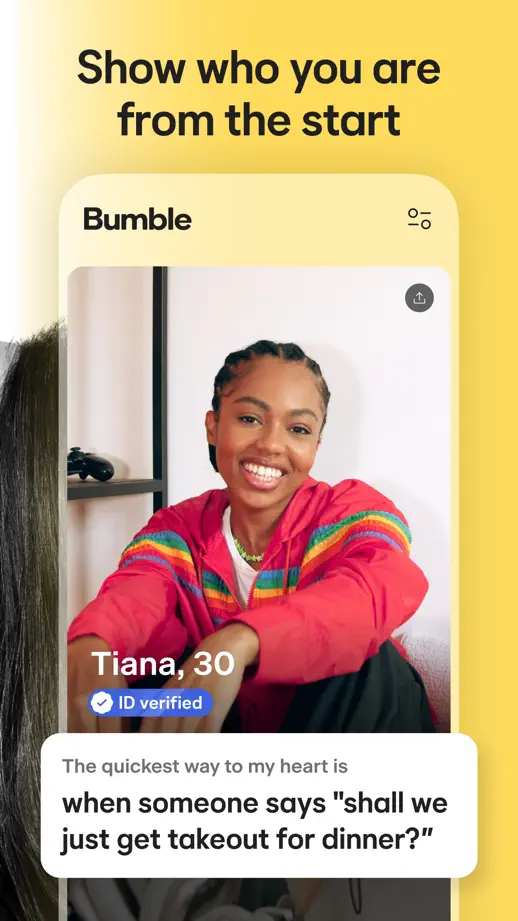
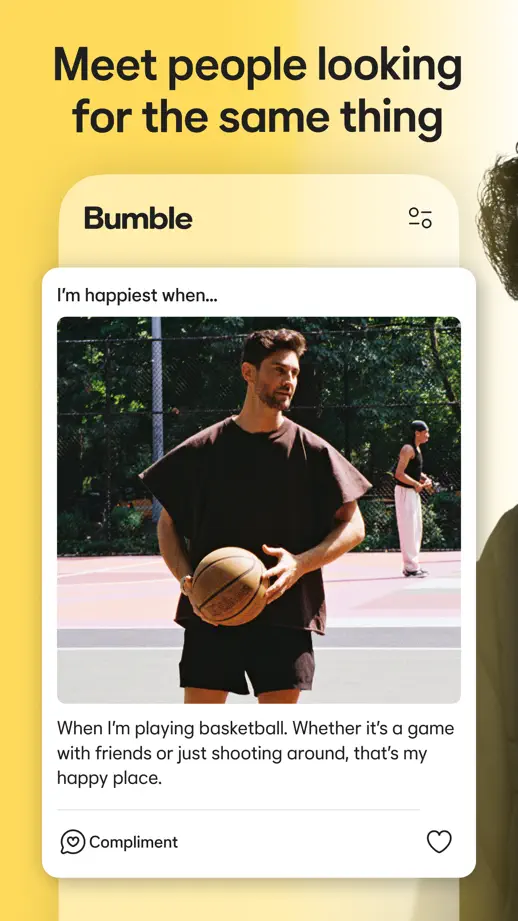
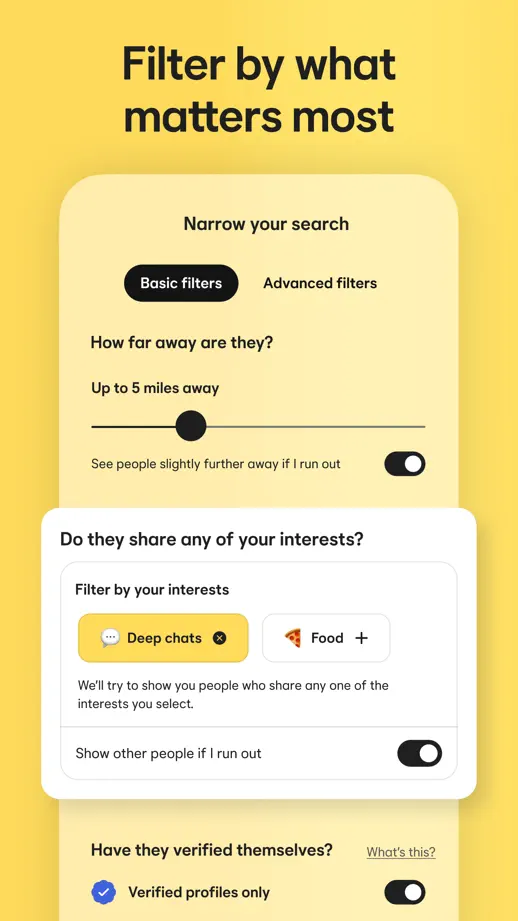
Black-and-white portraits alternate with warm yellow interface panels, using profile cards and conversation bubbles at a generous scale.





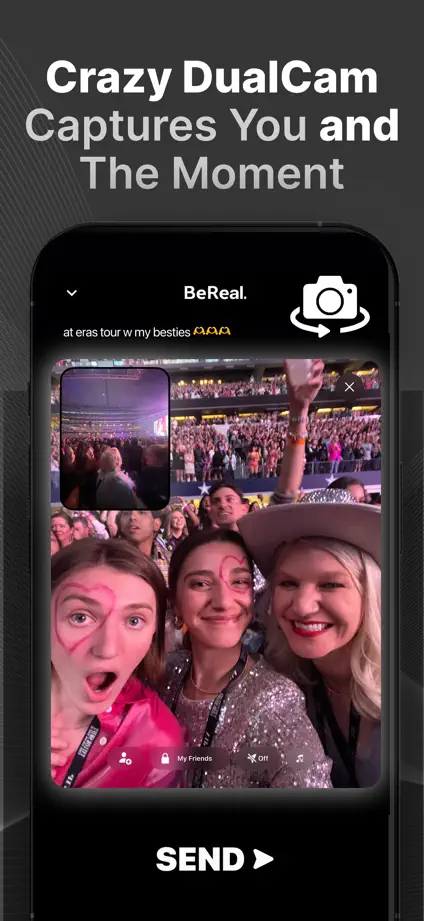
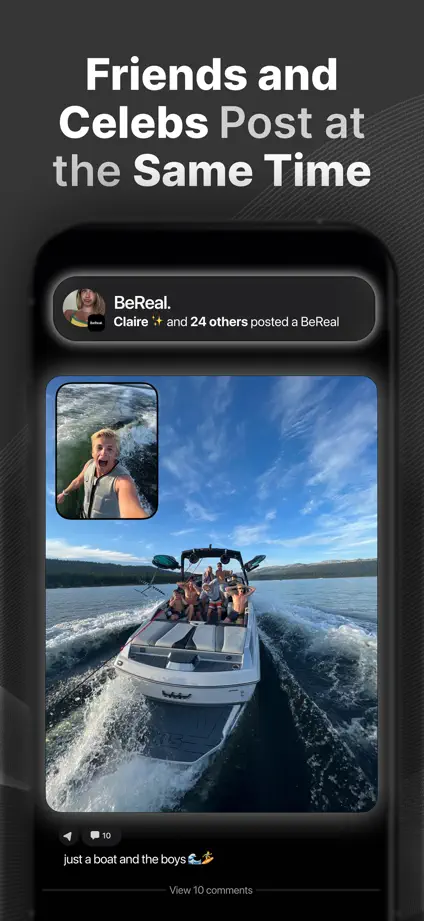
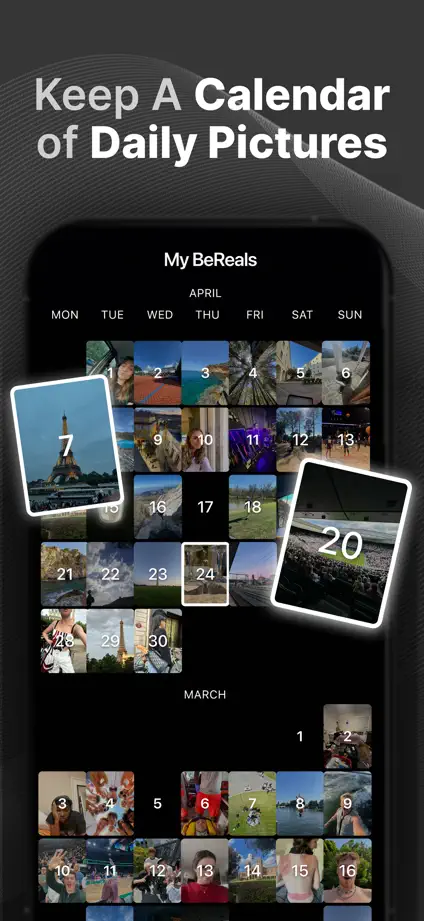
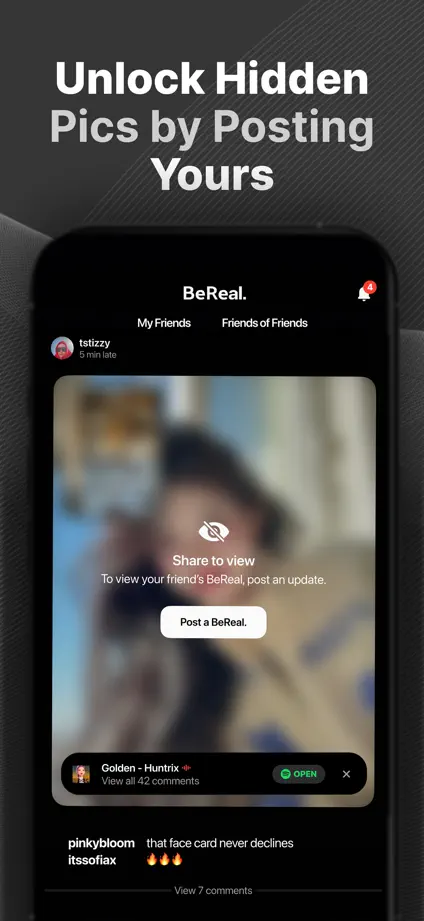
Dark textured panels frame large photo-led devices, with tilted calendar prints and floating reactions providing depth.