


kit0

Mac App Store screenshot examples

Made for the big screen.

33 Mac apps and how they sell themselves in sixteen by ten.
33 Mac apps

Things 3

Productivity · 8 frames

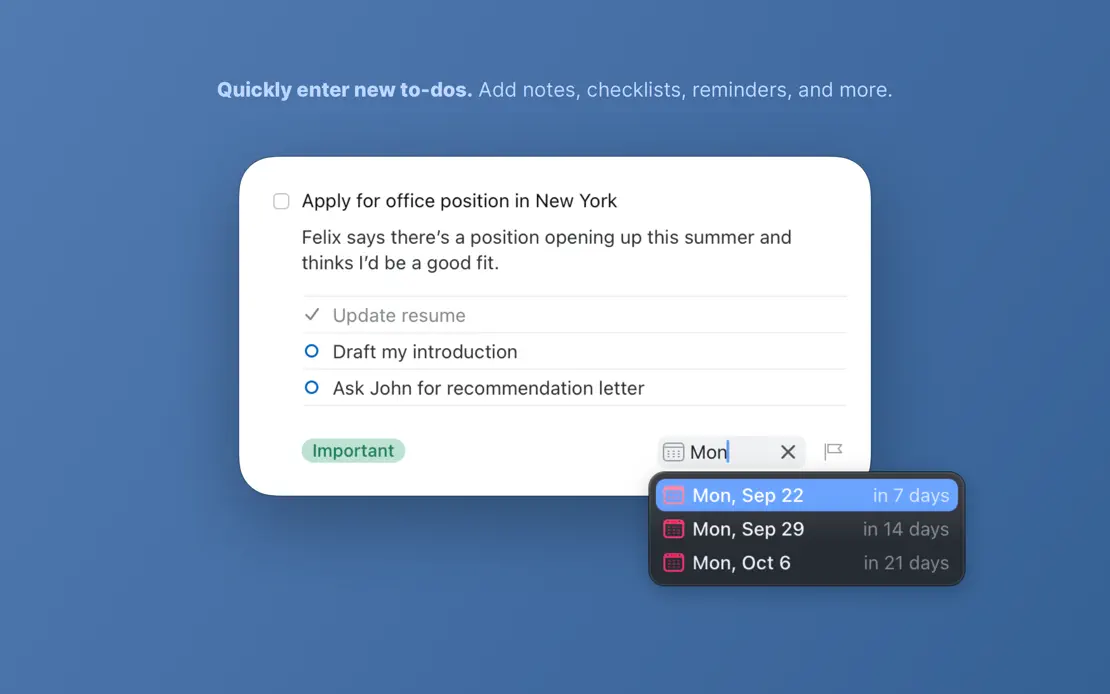
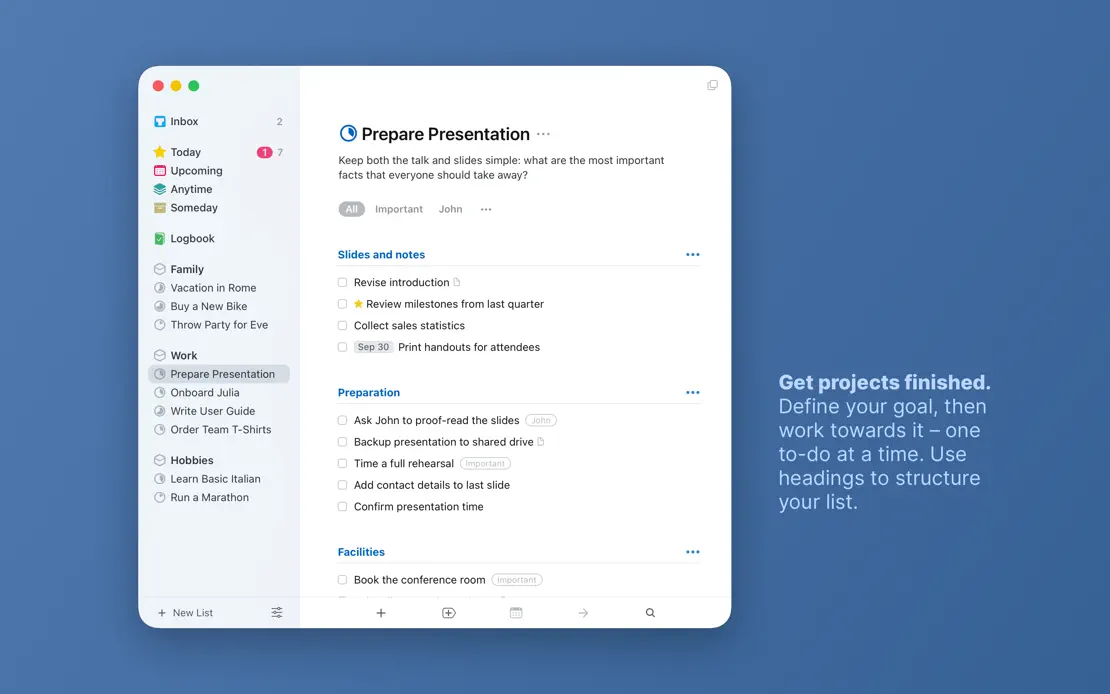
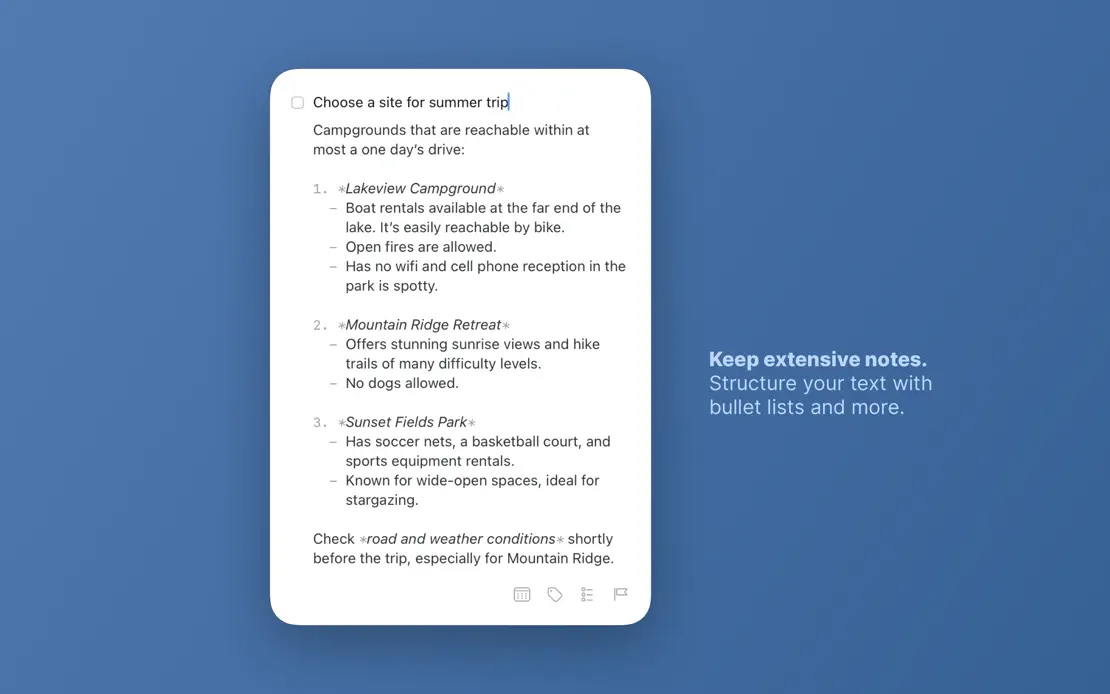
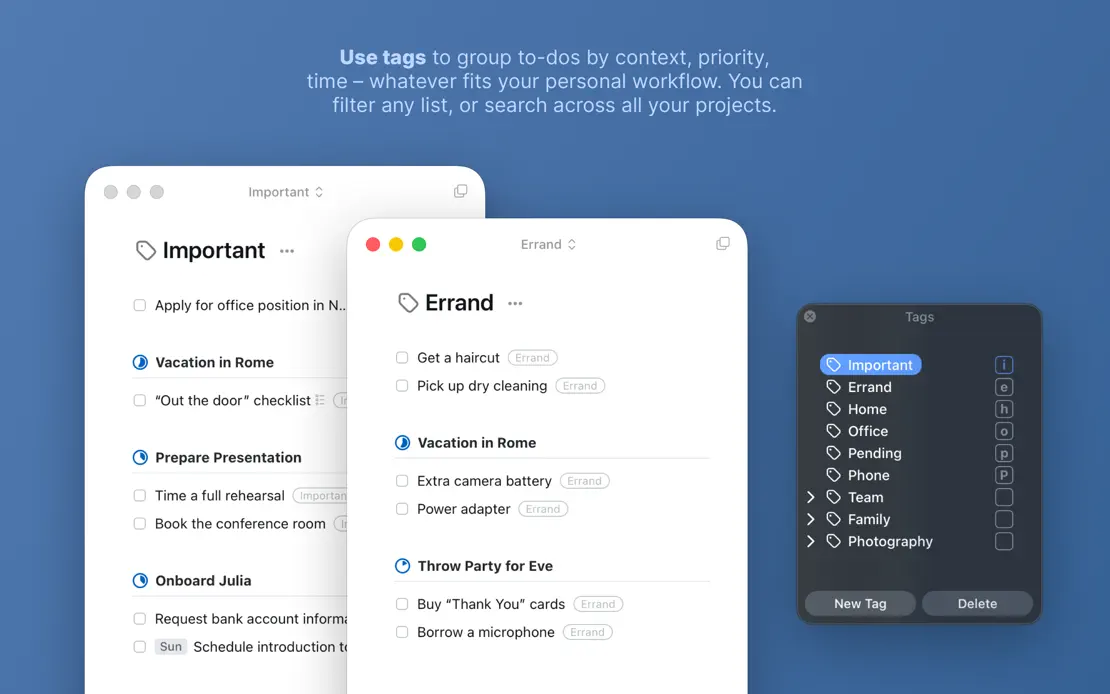
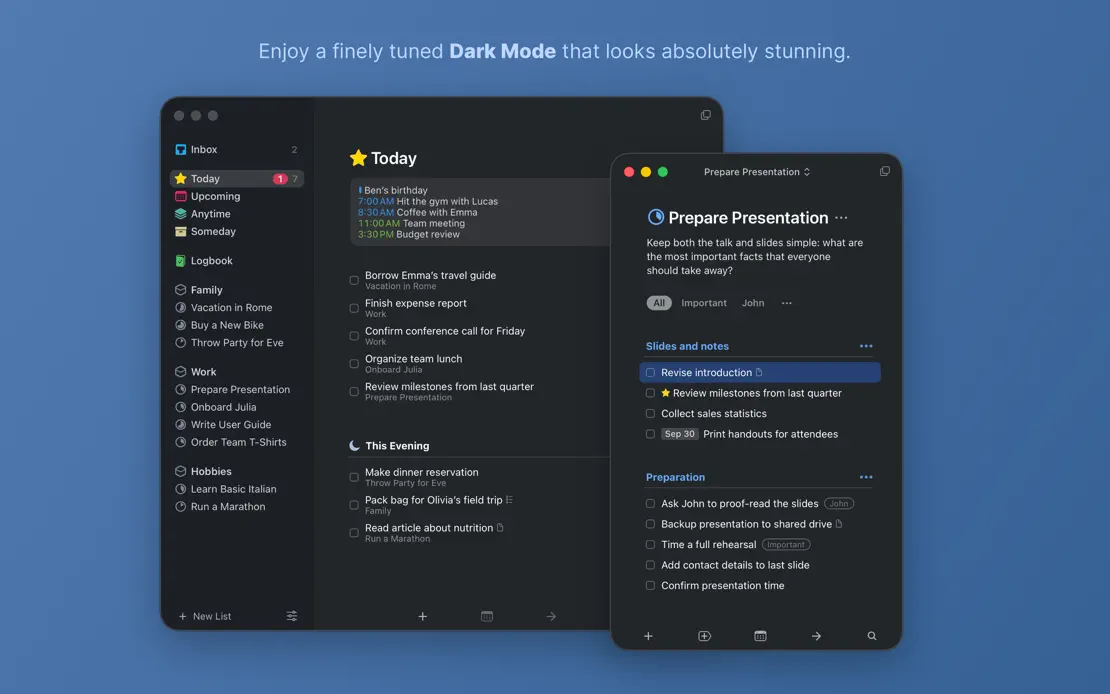
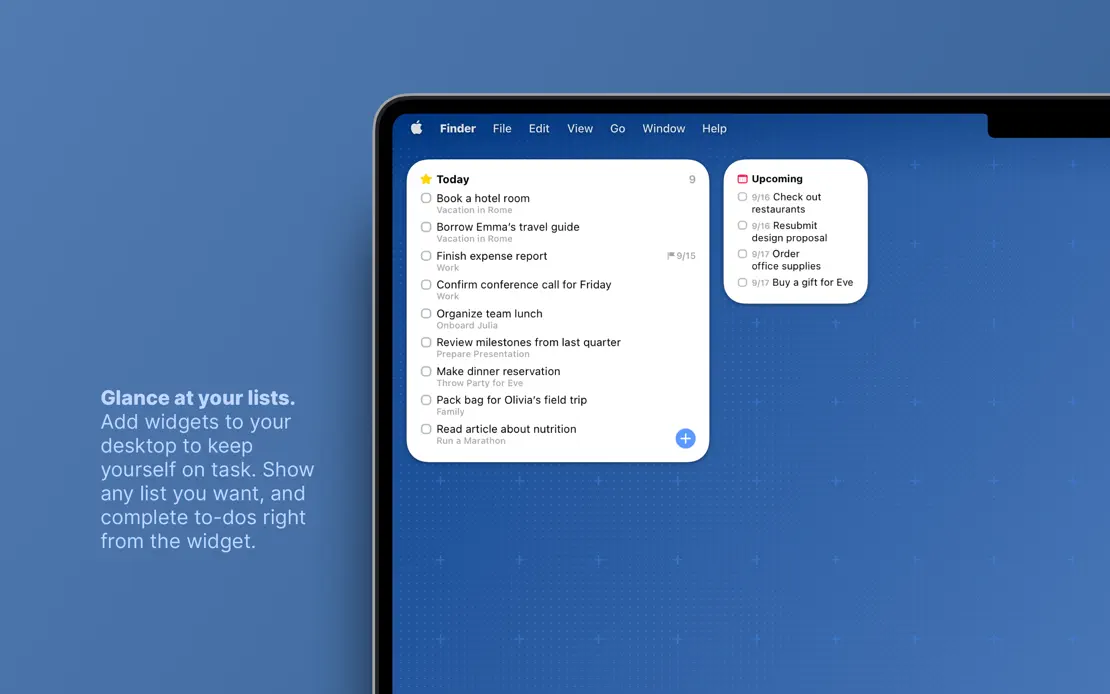
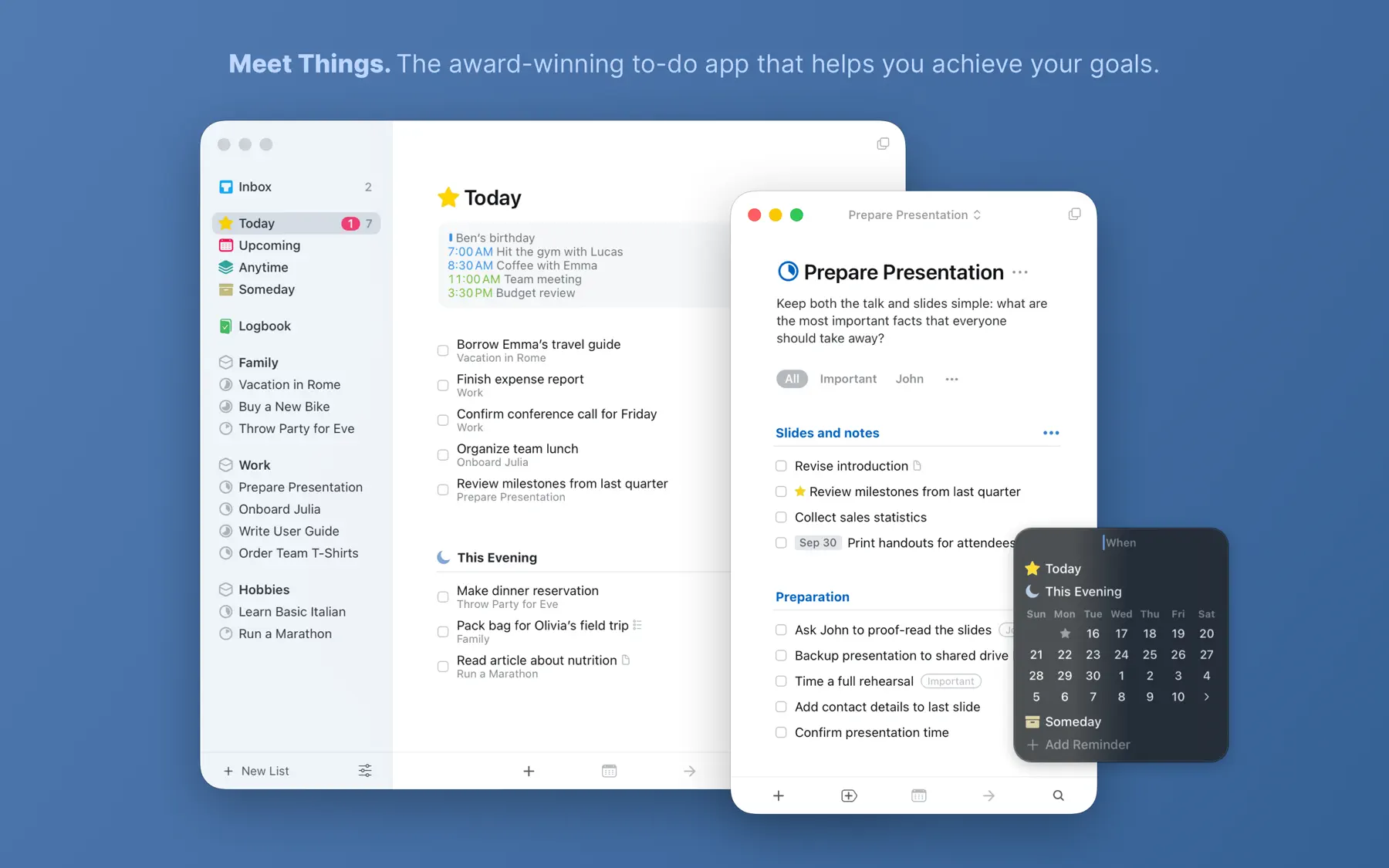
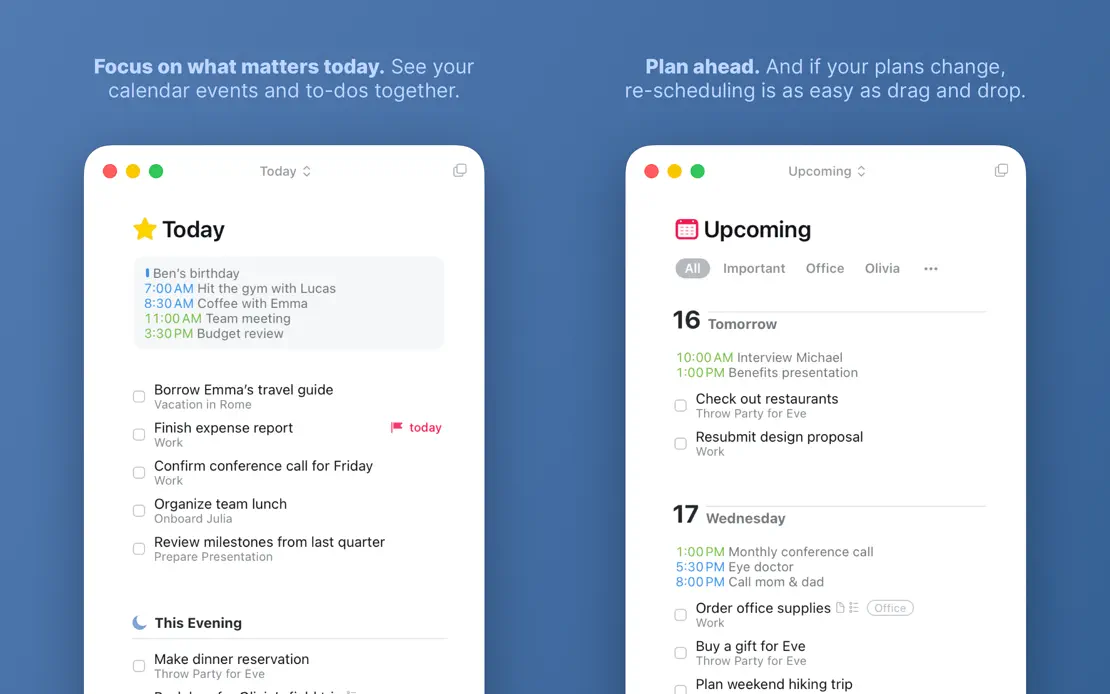
Small bold-lead captions float beside light windows on a flat blue field, shifting to Dark Mode and ending on a MacBook widget.
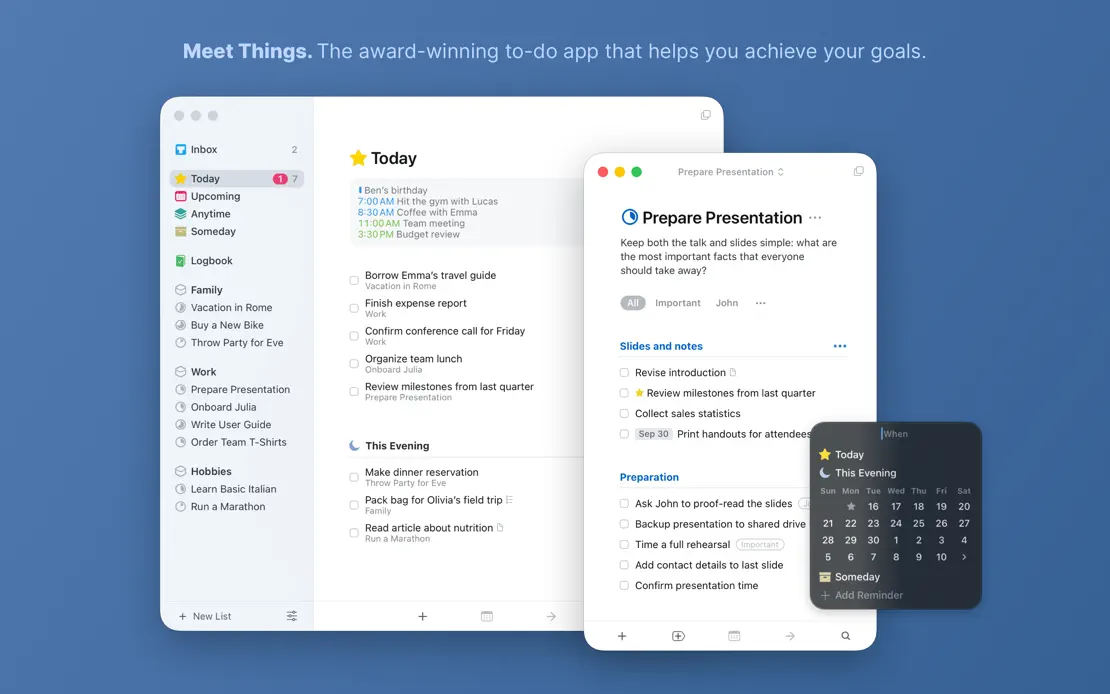
Things 3, App Store screenshot 1
Things 3, App Store screenshot 2
Things 3, App Store screenshot 3
Things 3, App Store screenshot 4
Things 3, App Store screenshot 5
Things 3, App Store screenshot 6
Things 3, App Store screenshot 7
Things 3, App Store screenshot 8

Craft

Productivity · 8 frames

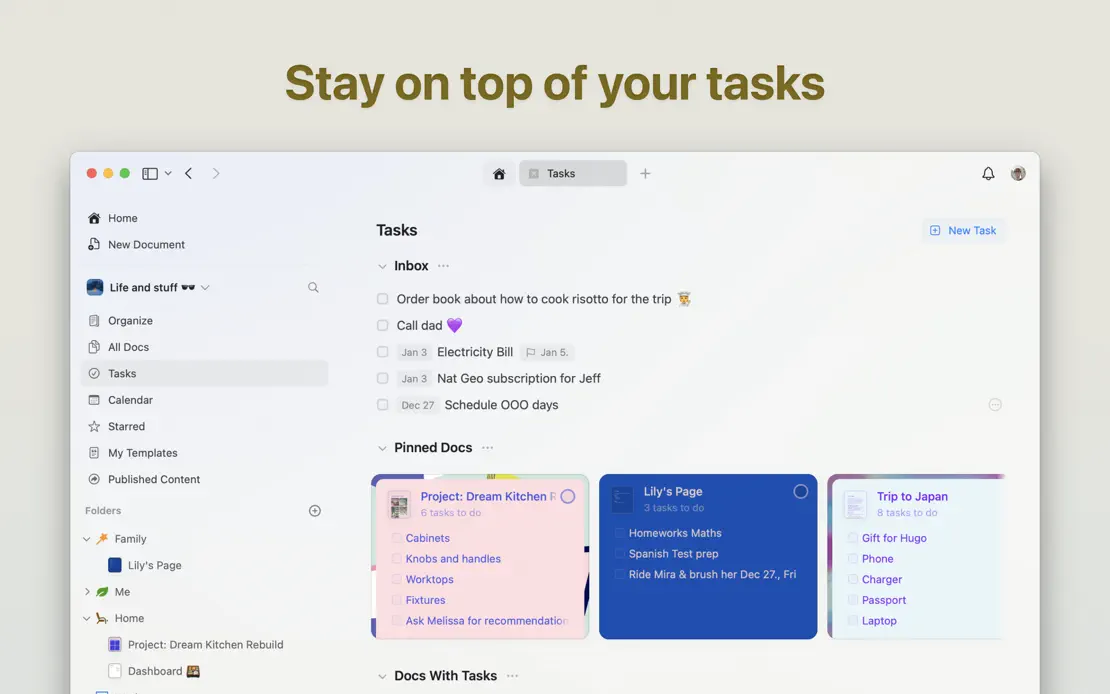
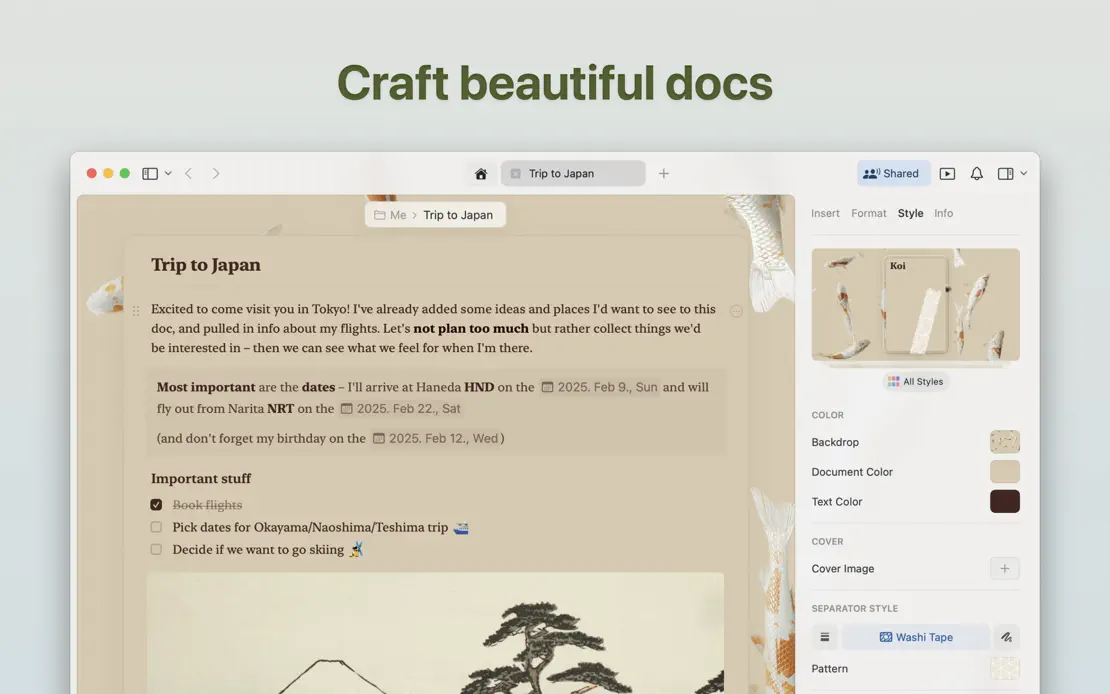
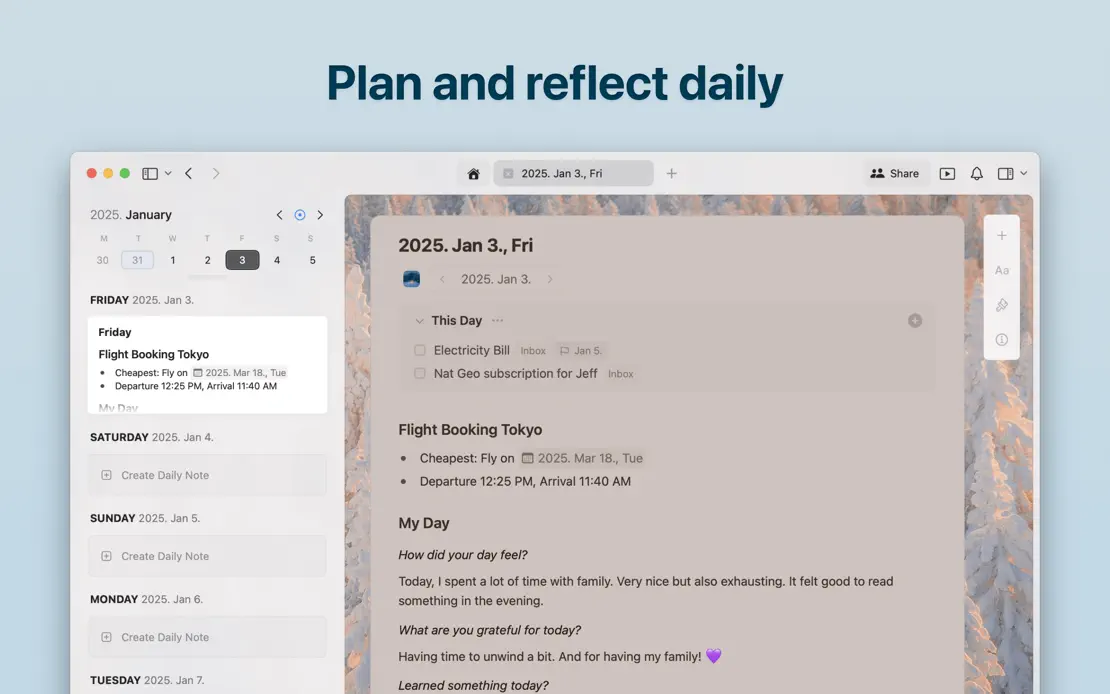
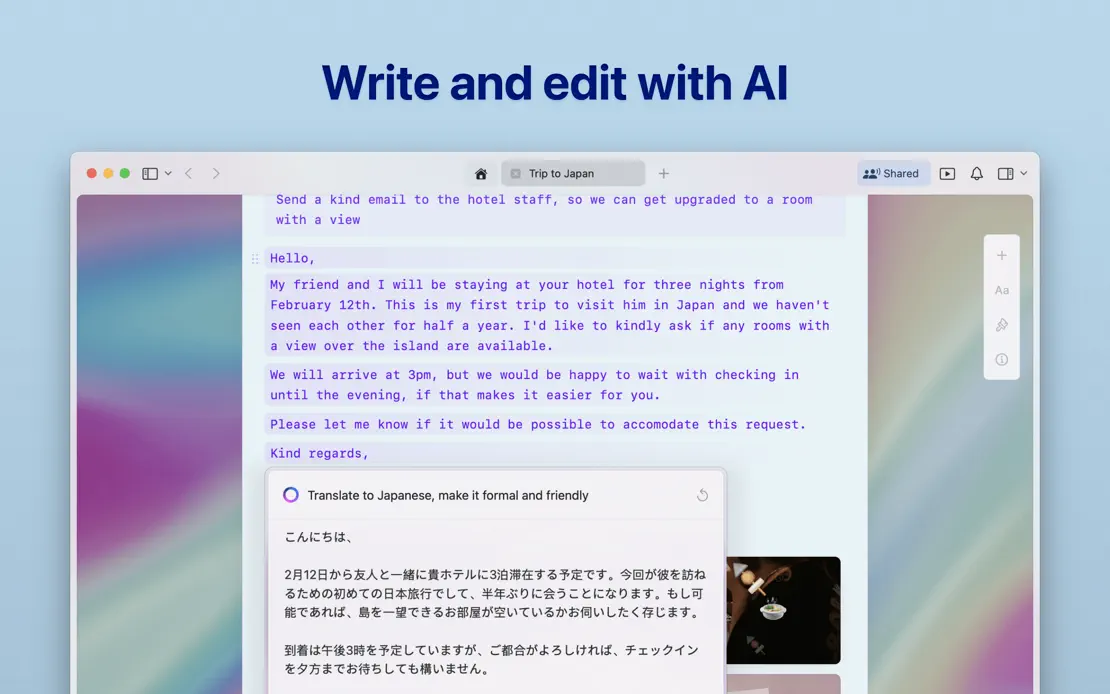
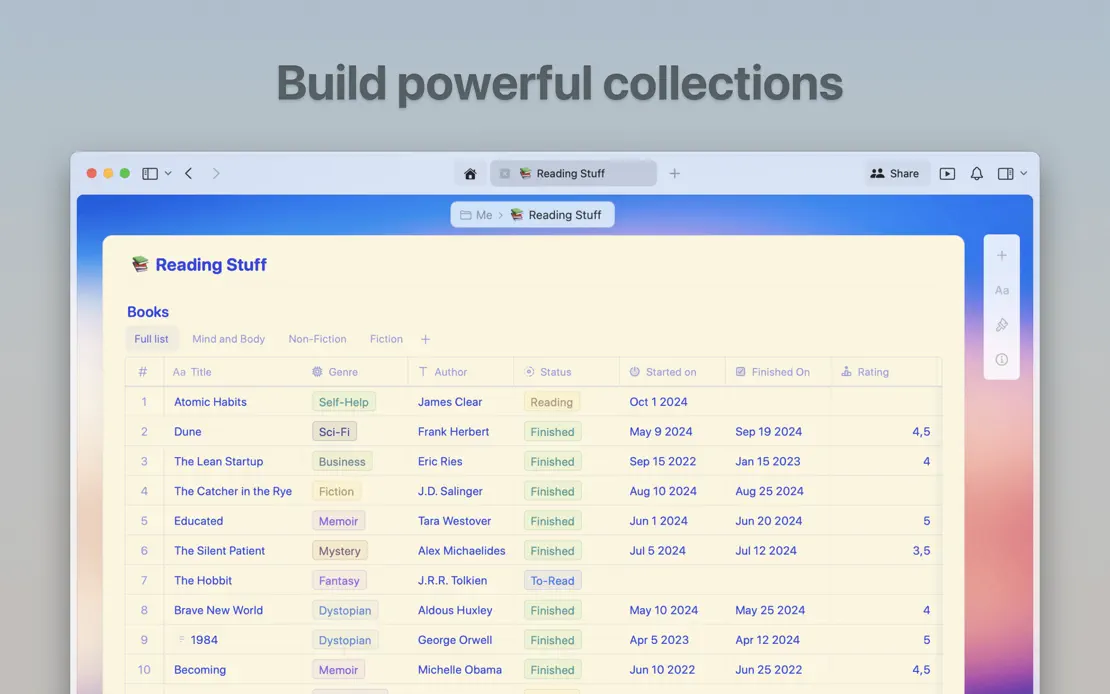
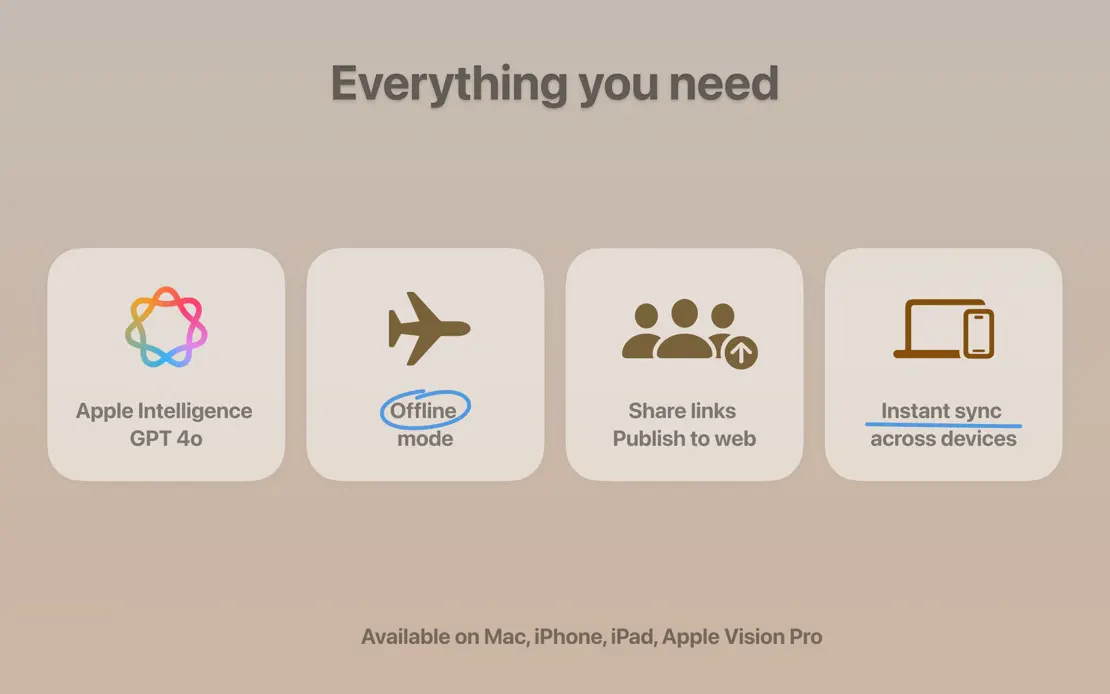
Floating document cards open a sequence of large windows on muted gradients tinted to each theme, ending on a grid of rounded feature tiles.
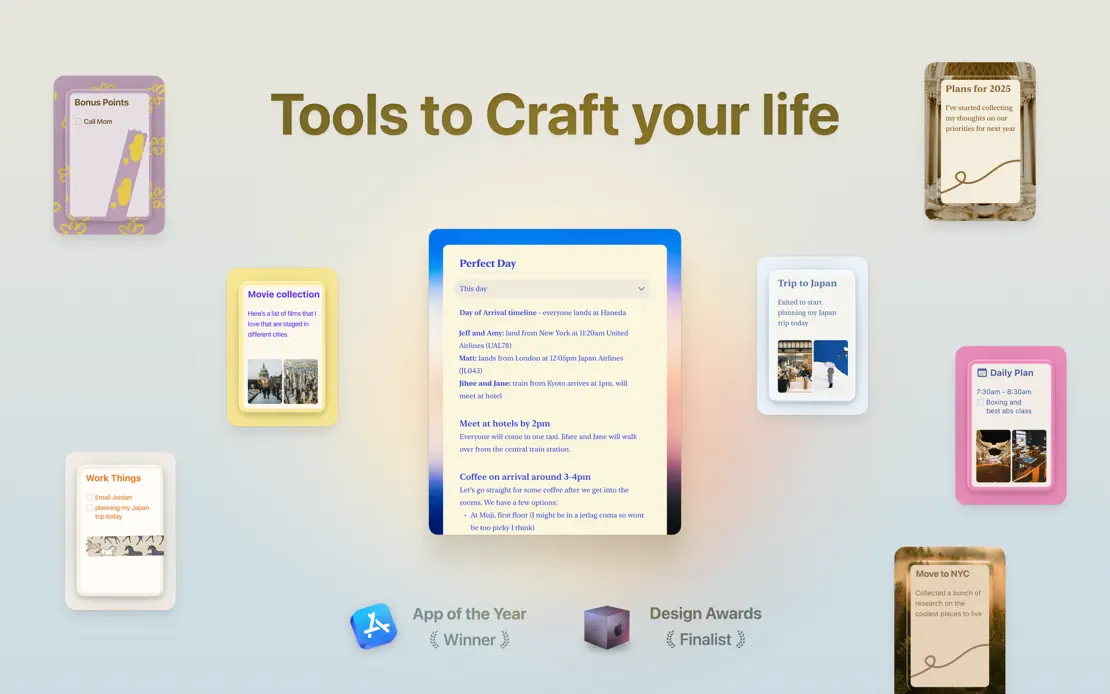
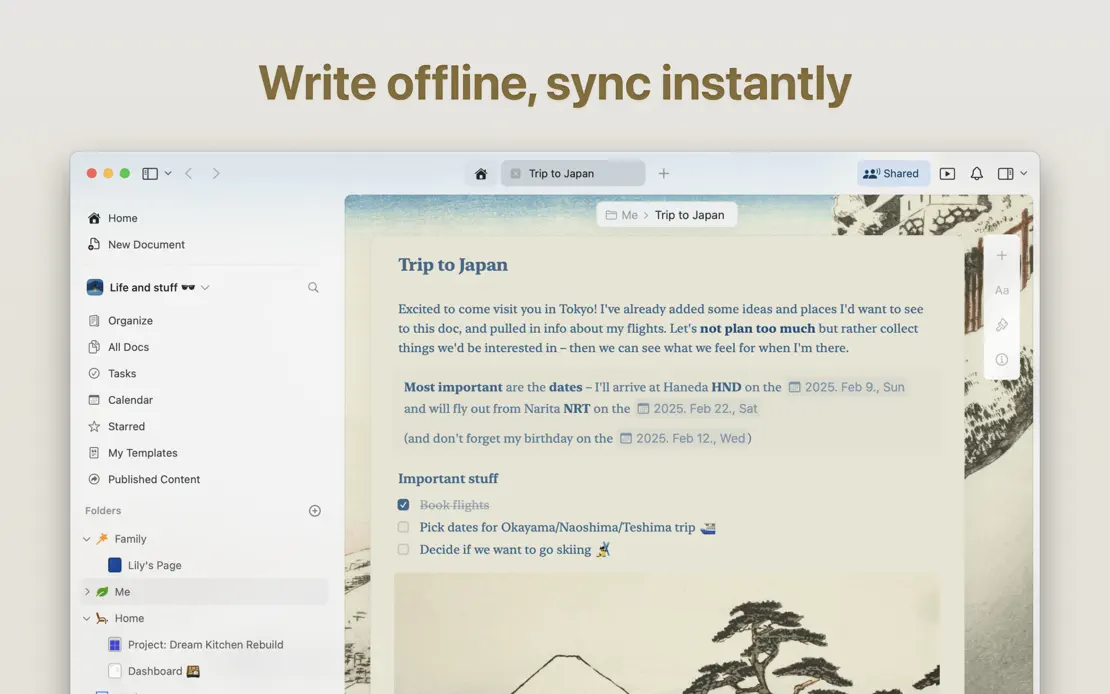
Craft, App Store screenshot 1
Craft, App Store screenshot 2
Craft, App Store screenshot 3
Craft, App Store screenshot 4
Craft, App Store screenshot 5
Craft, App Store screenshot 6
Craft, App Store screenshot 7
Craft, App Store screenshot 8

Sofa

Productivity · 10 frames

Serif headlines sit above tightly cropped windows on a warm cream backdrop, alternating light and dark poster grids and closing on a developer portrait.
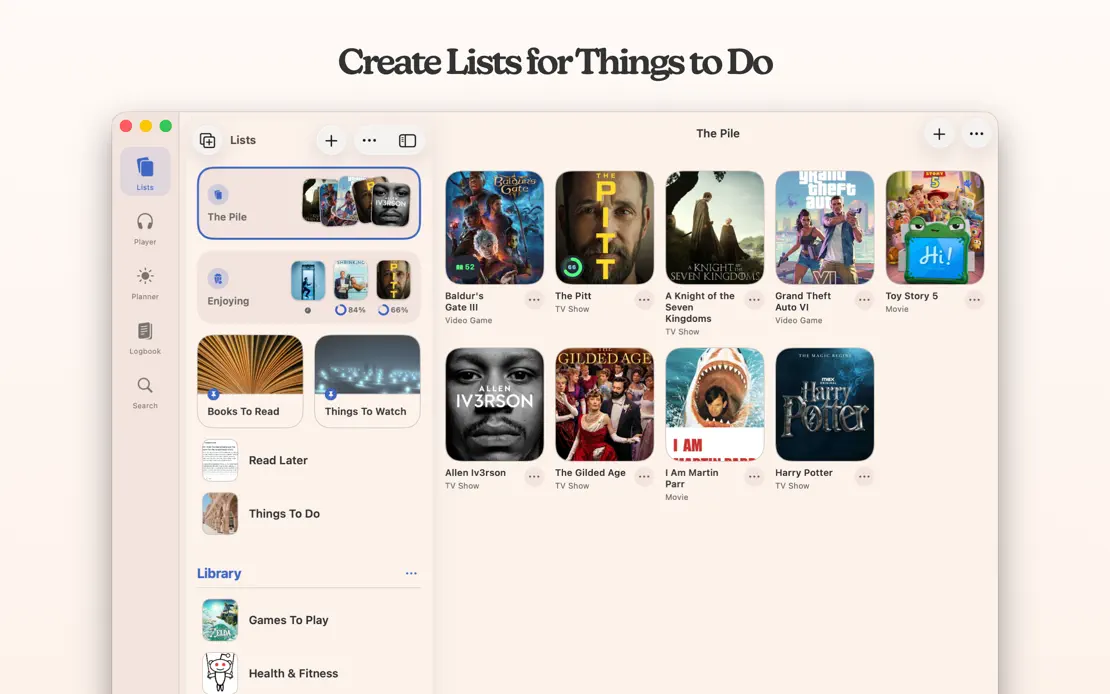
Sofa, App Store screenshot 1
Sofa, App Store screenshot 2
Sofa, App Store screenshot 3
Sofa, App Store screenshot 4
Sofa, App Store screenshot 5
Sofa, App Store screenshot 6
Sofa, App Store screenshot 7
Sofa, App Store screenshot 8
Sofa, App Store screenshot 9
Sofa, App Store screenshot 10

iA Writer

Productivity · 10 frames

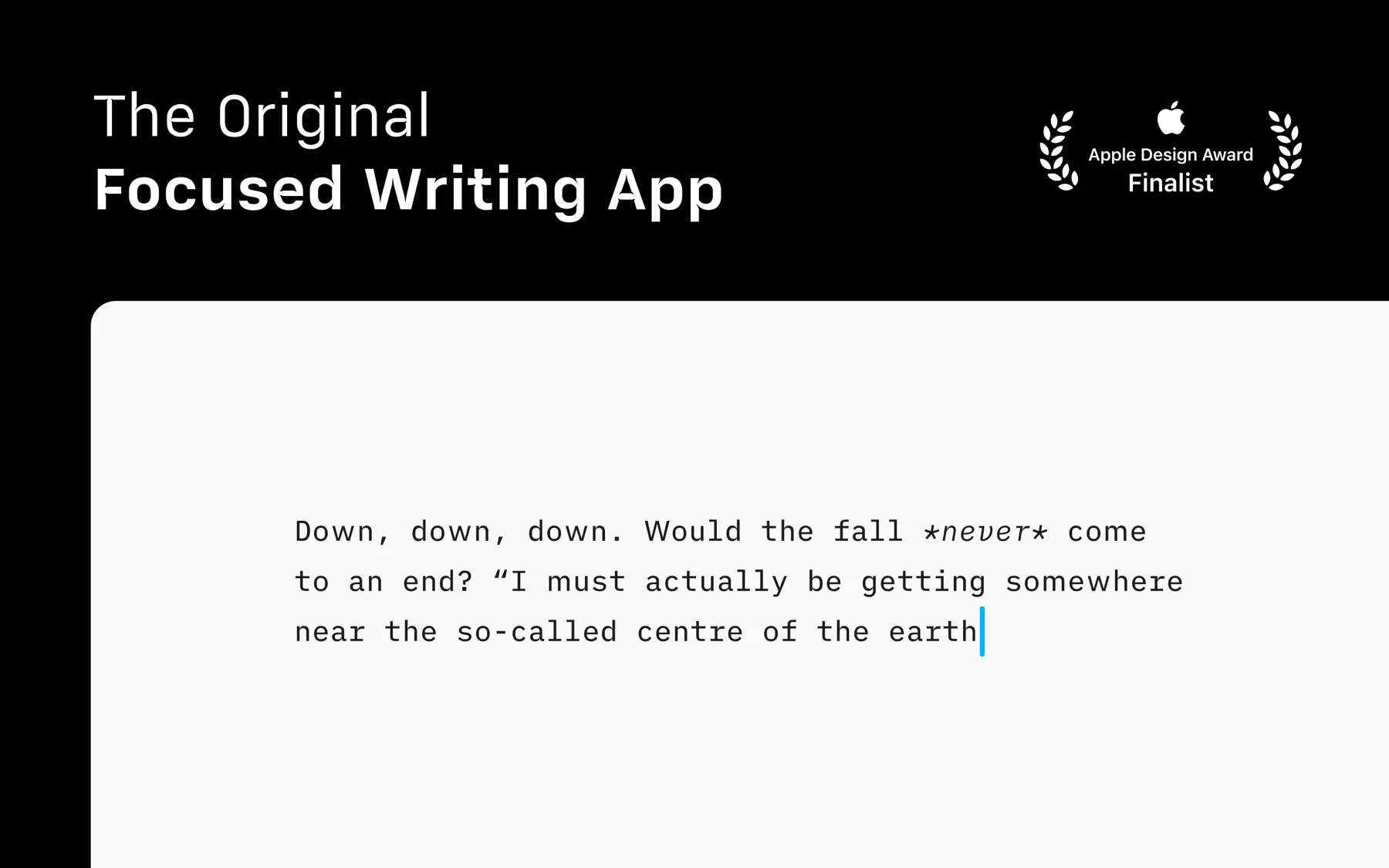
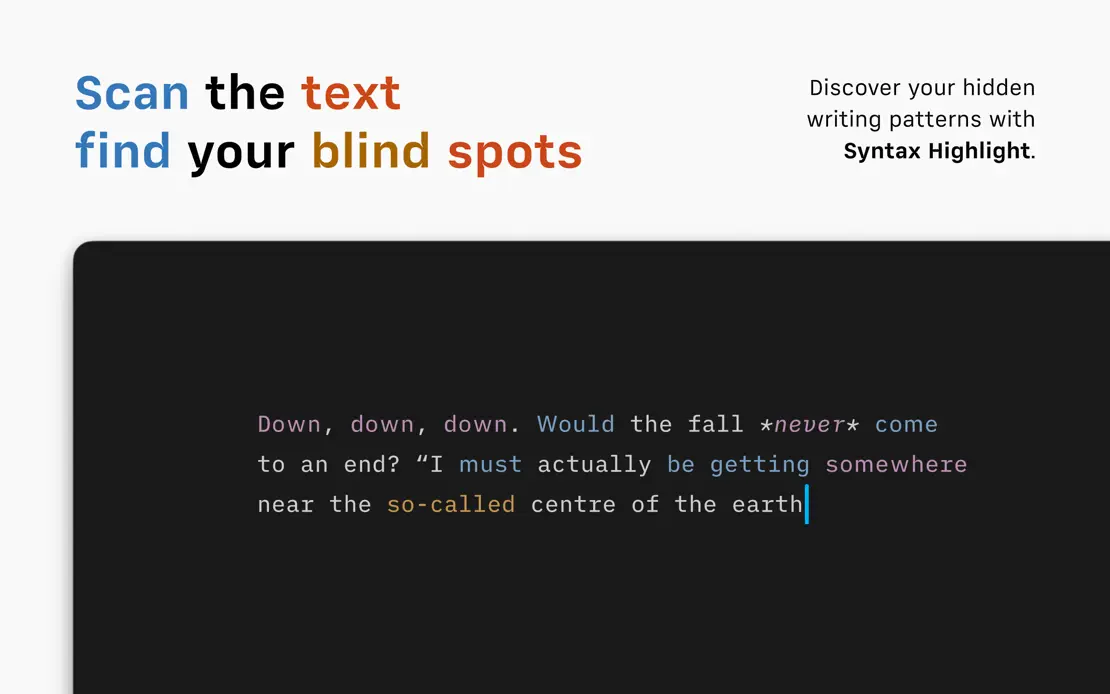
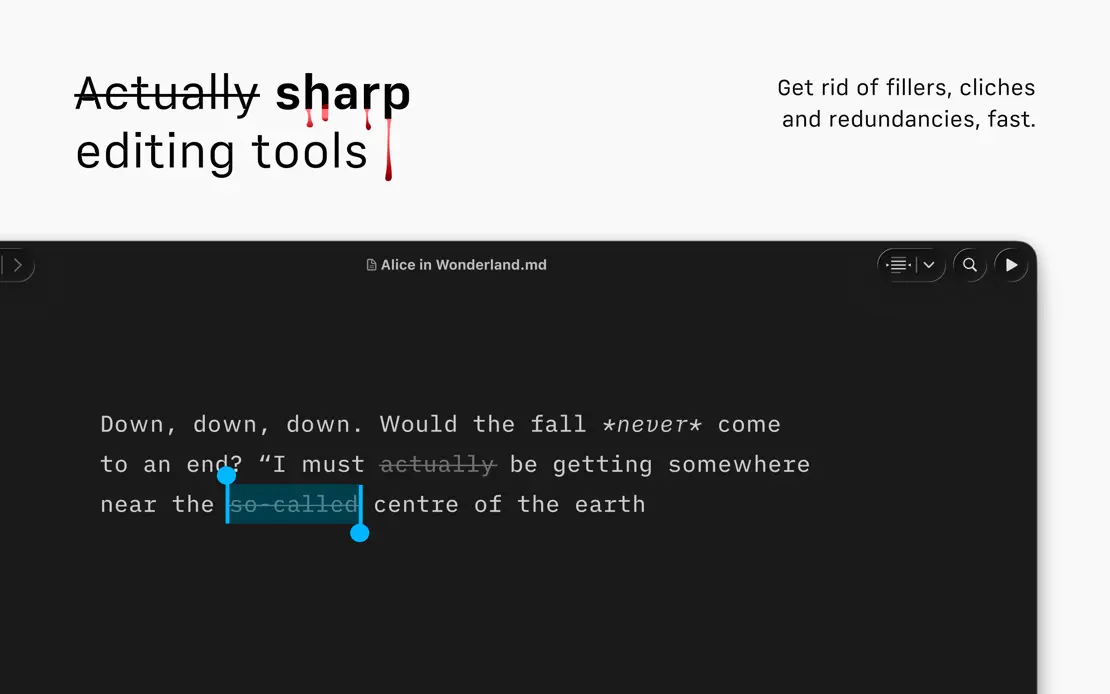
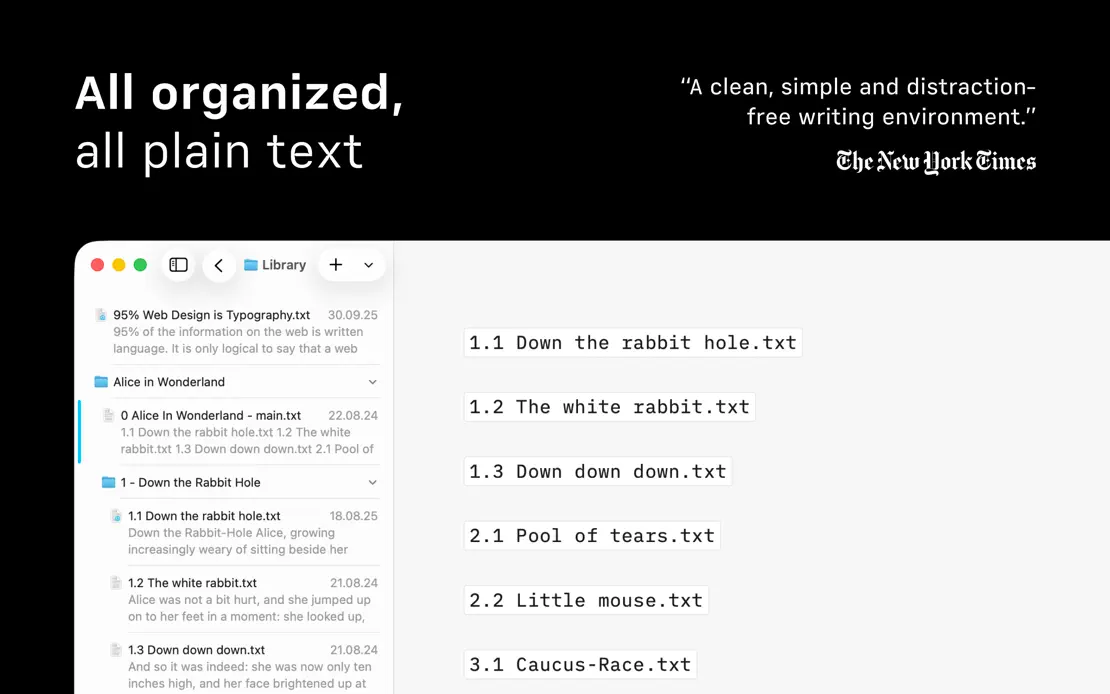
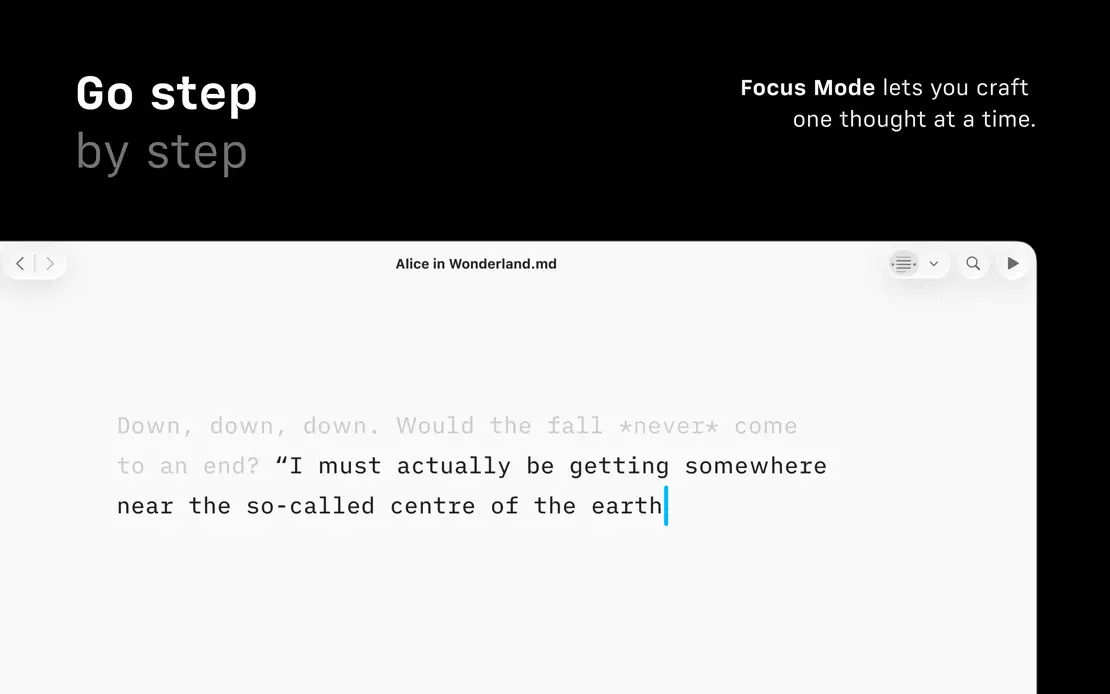
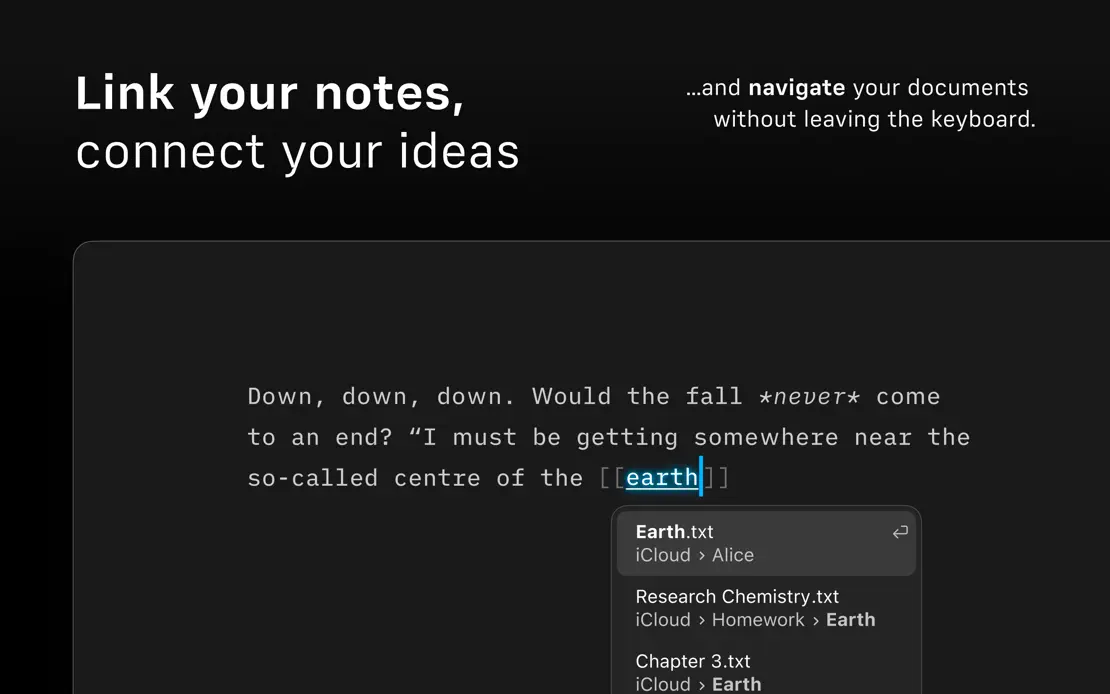
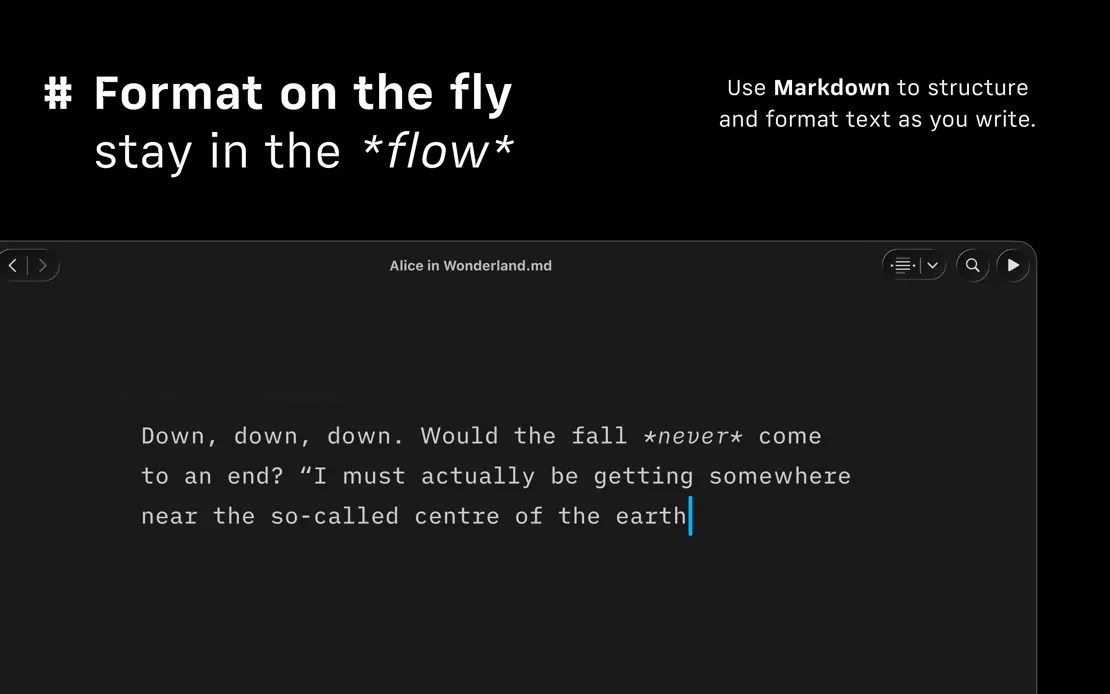
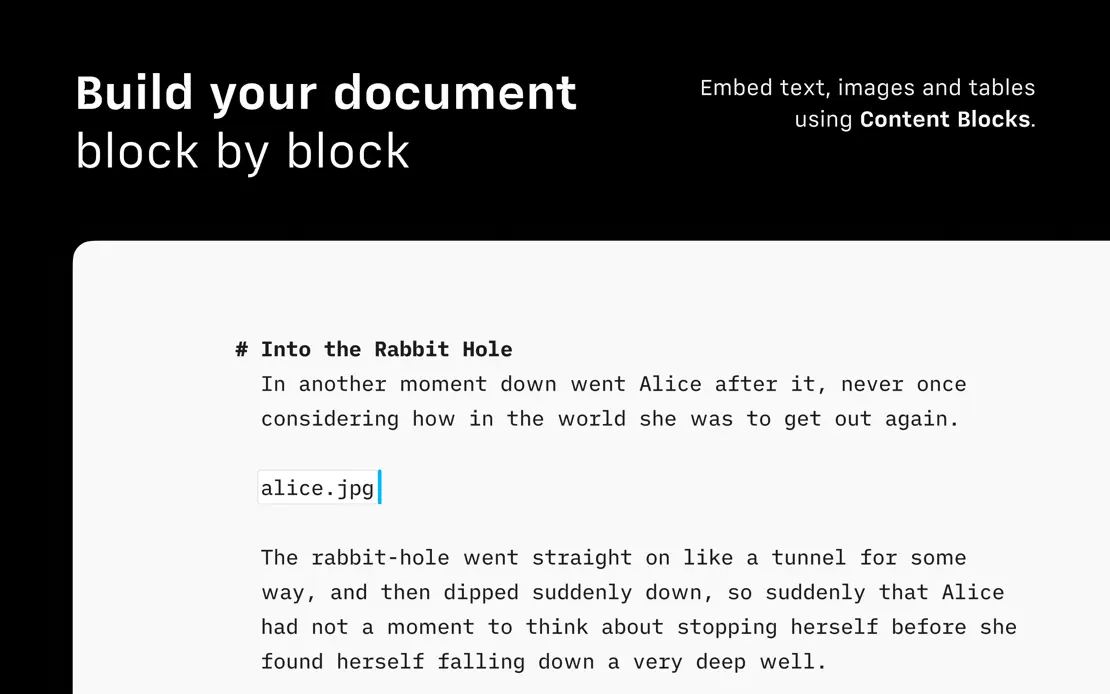
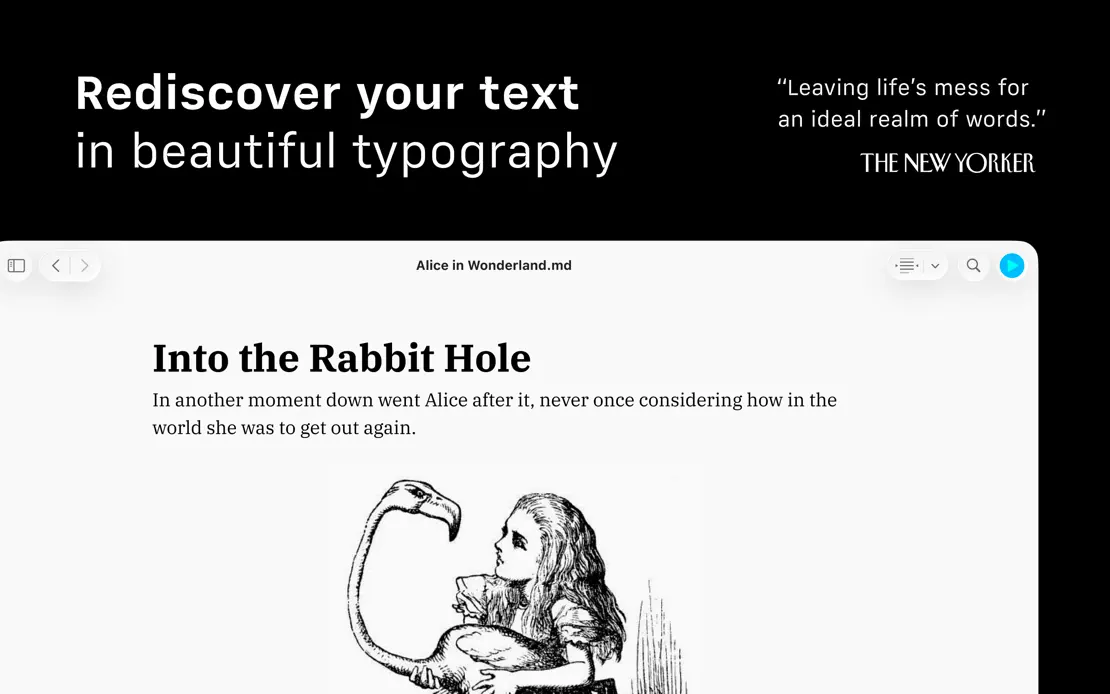
Black frames pair two-weight headlines and small right-aligned notes with cropped light and dark editors showing the same Alice in Wonderland passage.
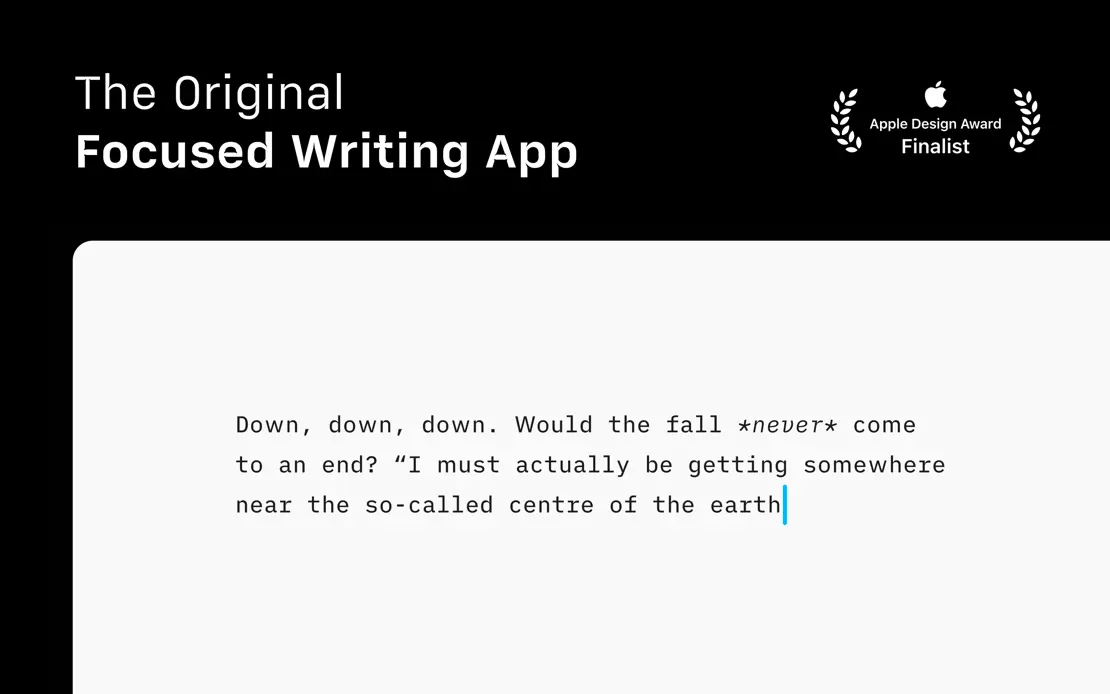
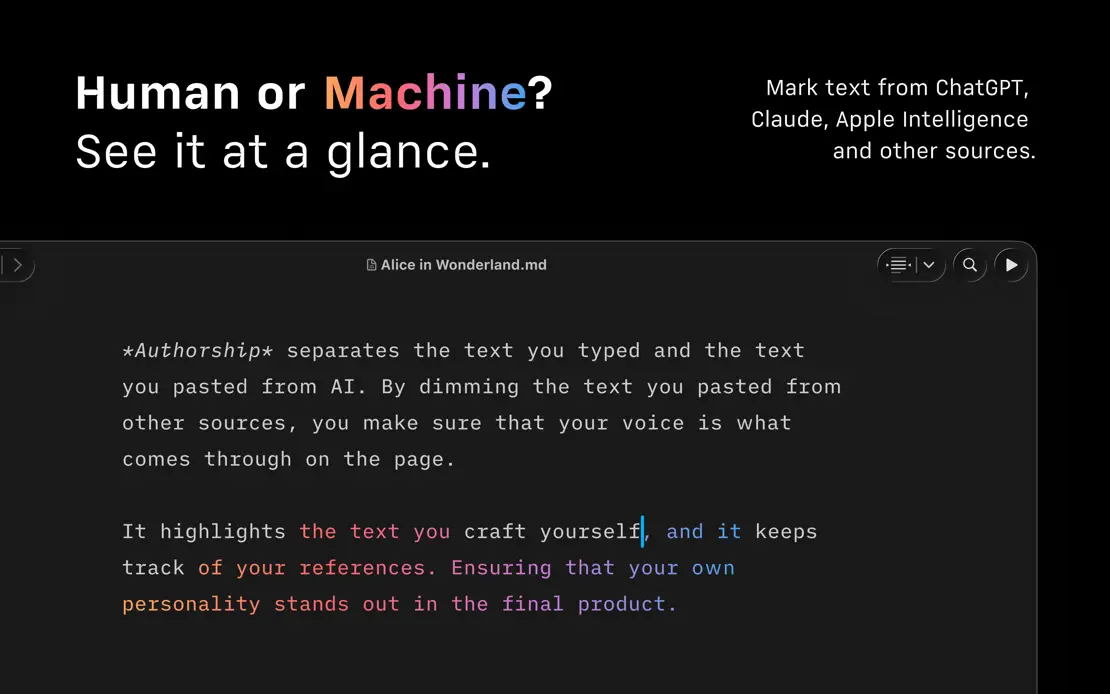
iA Writer, App Store screenshot 1
iA Writer, App Store screenshot 2
iA Writer, App Store screenshot 3
iA Writer, App Store screenshot 4
iA Writer, App Store screenshot 5
iA Writer, App Store screenshot 6
iA Writer, App Store screenshot 7
iA Writer, App Store screenshot 8
iA Writer, App Store screenshot 9
iA Writer, App Store screenshot 10

Ivory

Social · 6 frames

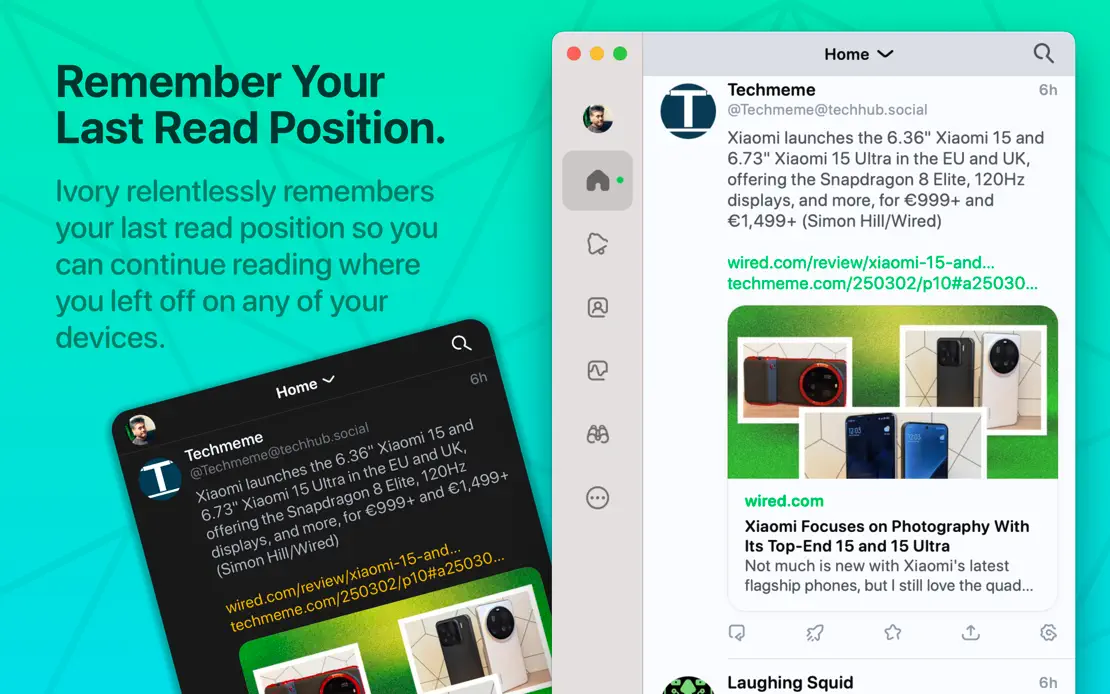
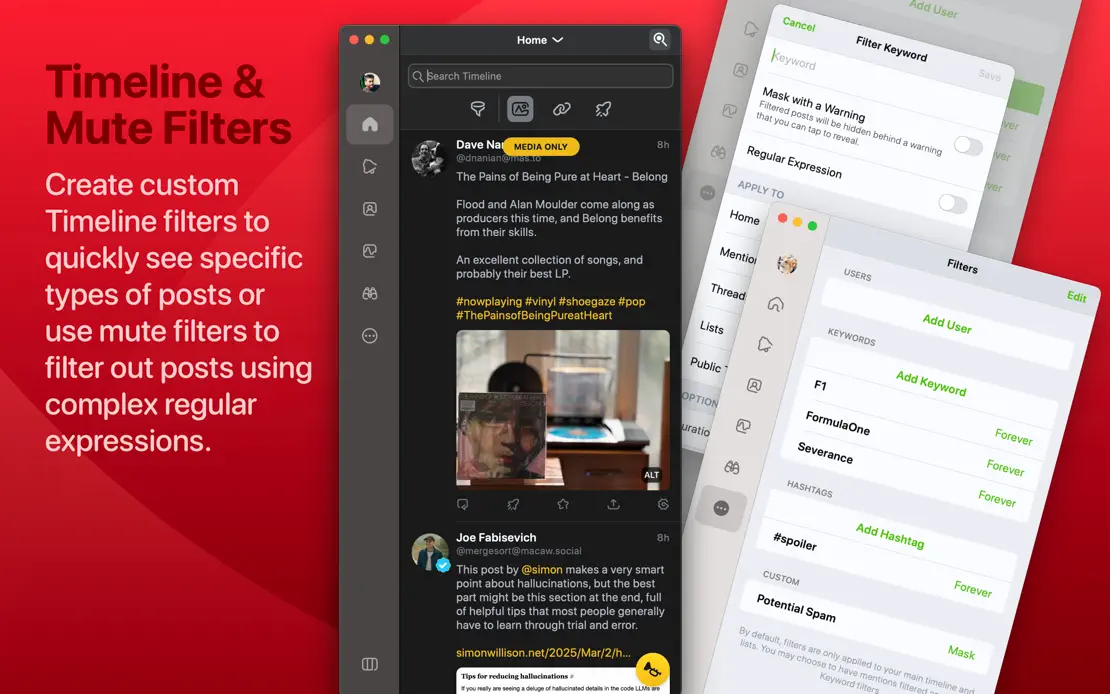
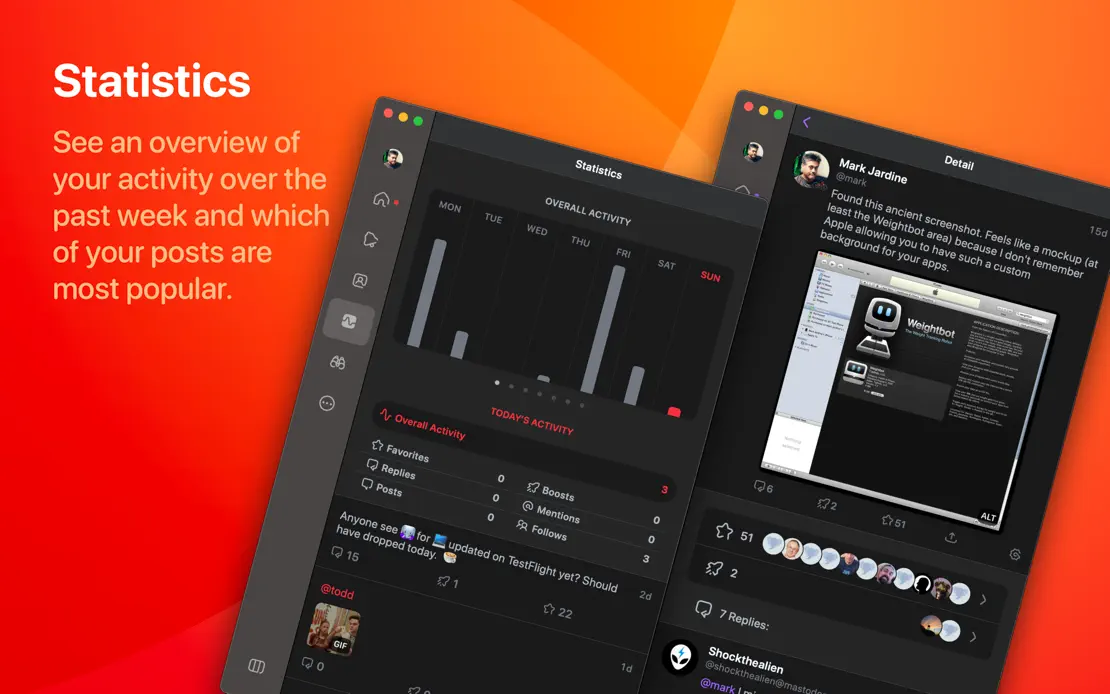
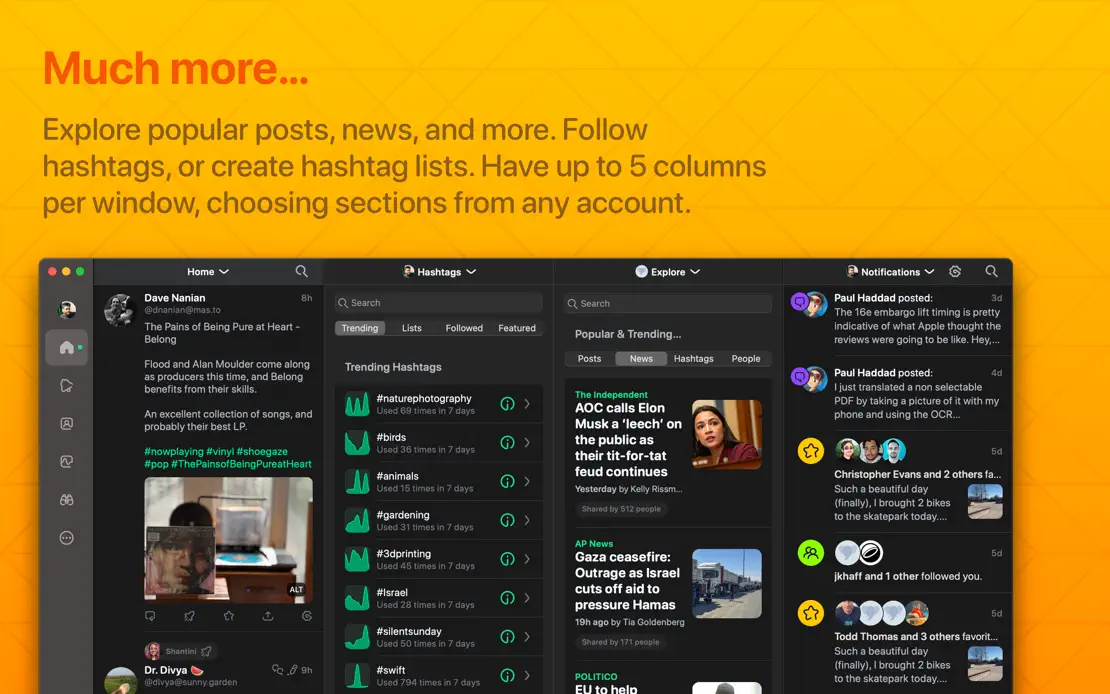
A 3D elephant opens a sequence of saturated purple, teal, red, orange and yellow panels where large left-aligned headlines sit beside cropped timeline windows.

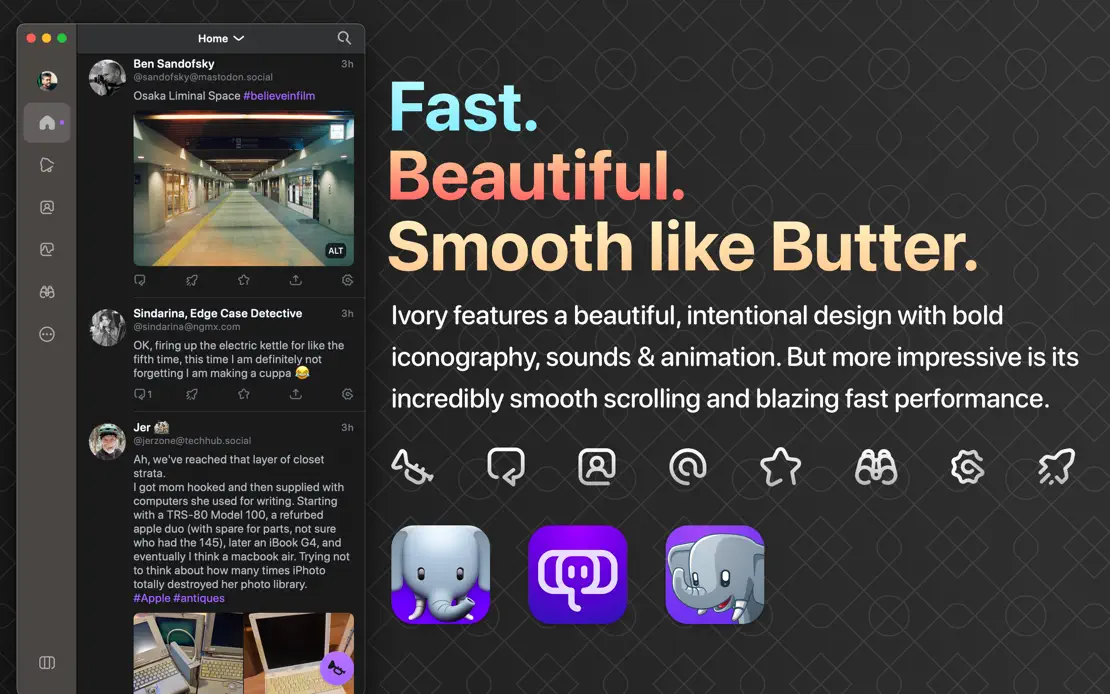
Ivory, App Store screenshot 1
Ivory, App Store screenshot 2
Ivory, App Store screenshot 3
Ivory, App Store screenshot 4
Ivory, App Store screenshot 5
Ivory, App Store screenshot 6

Final Cut Pro

Photo & video · 7 frames

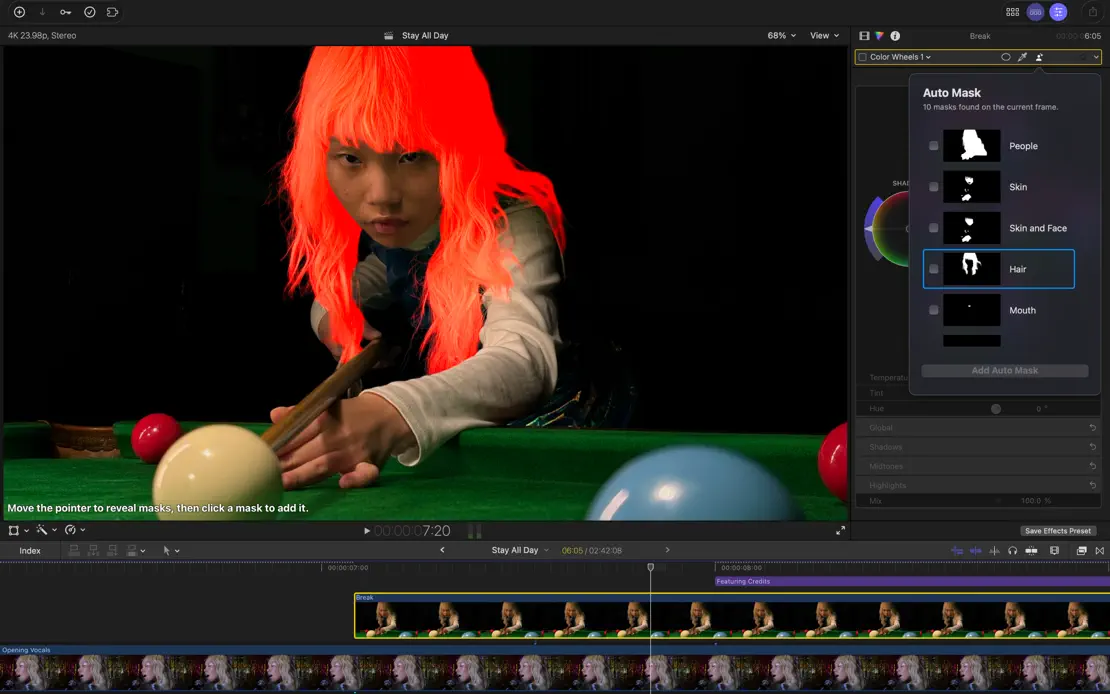
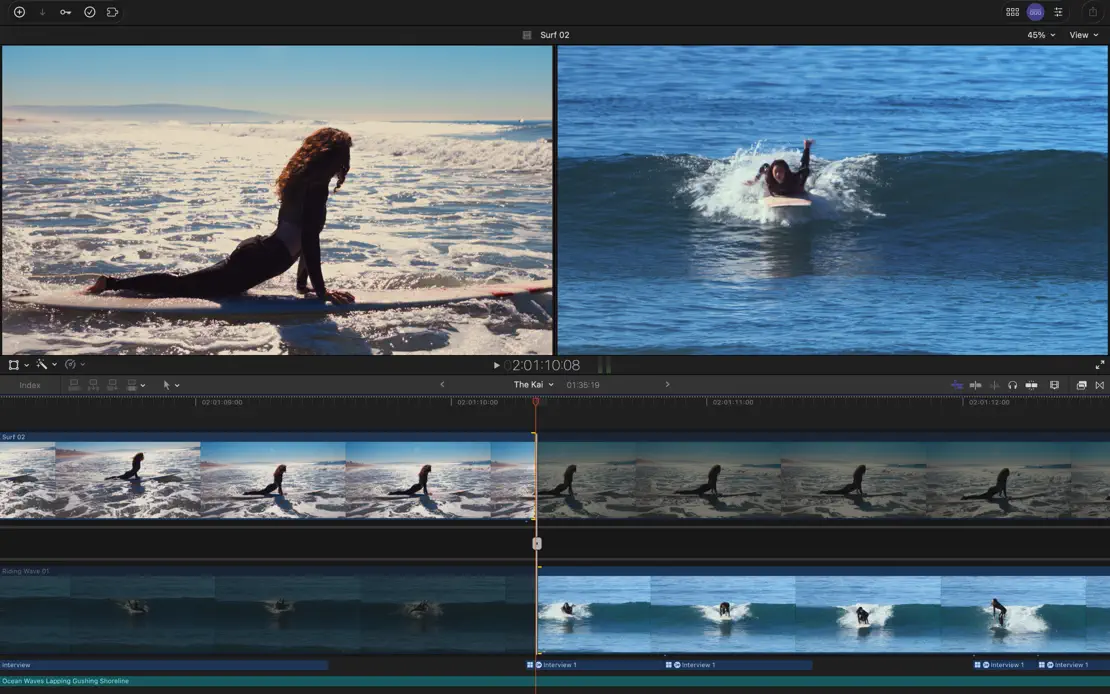
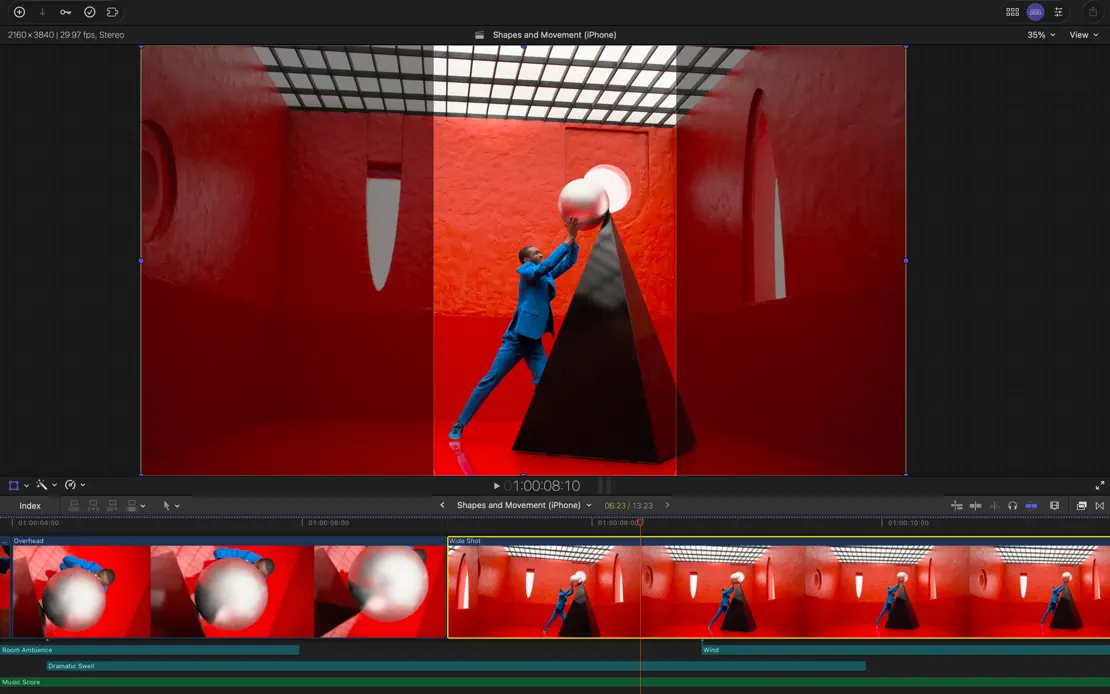
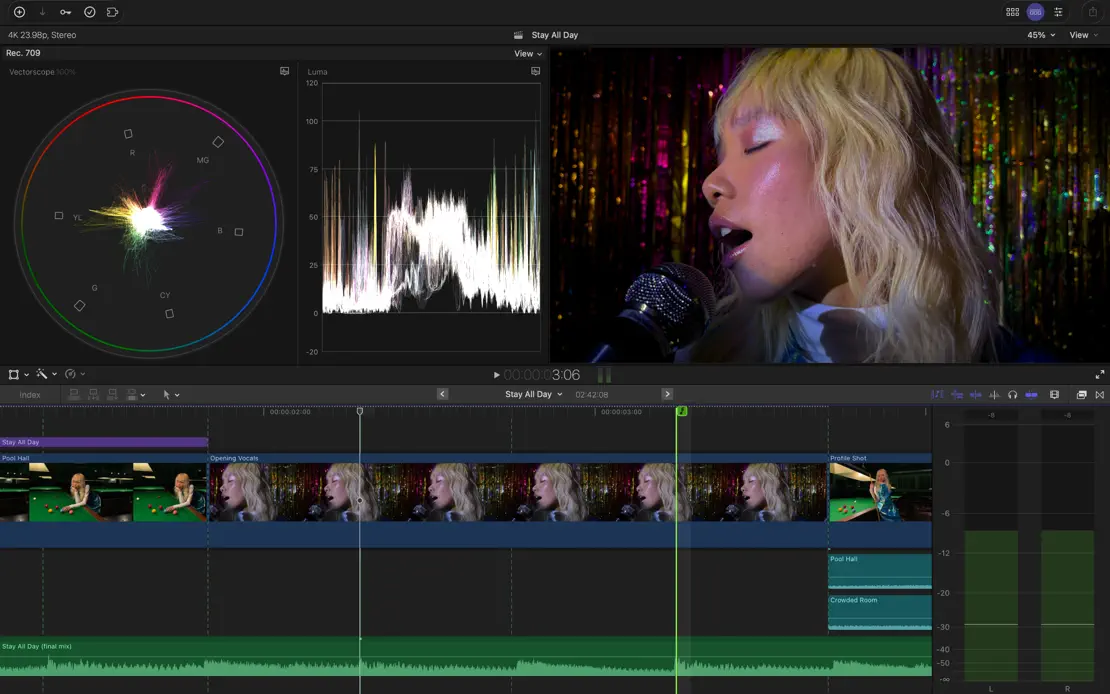
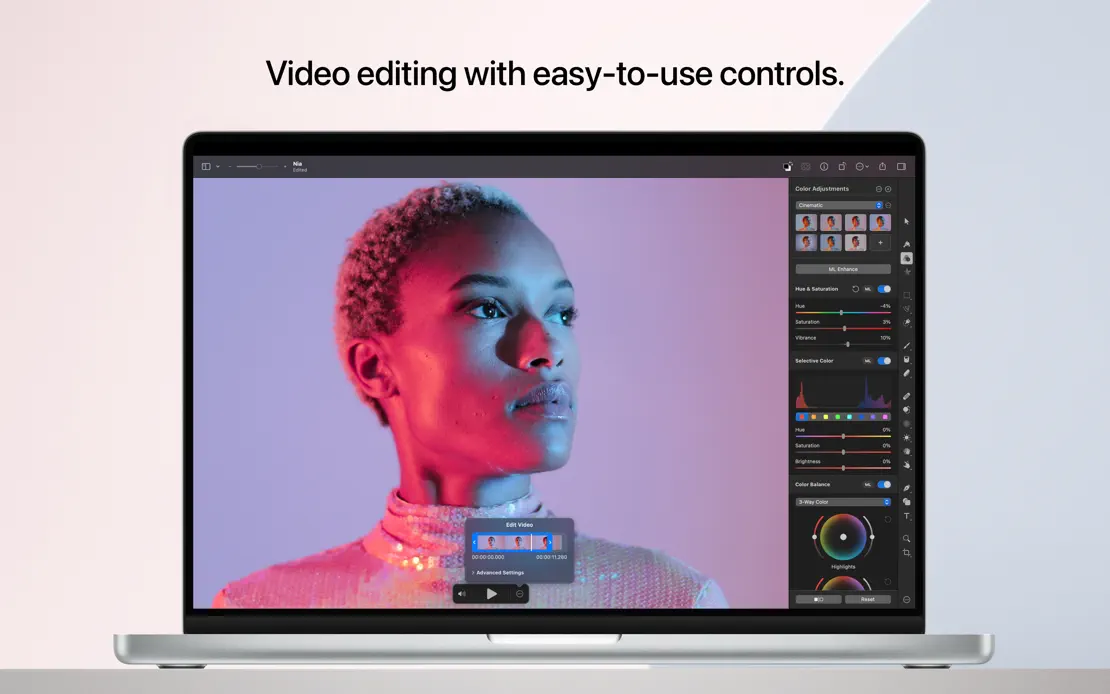
Headline-free, full-bleed captures of the dark editing interface let saturated film stills, color wheels and timelines fill every frame.

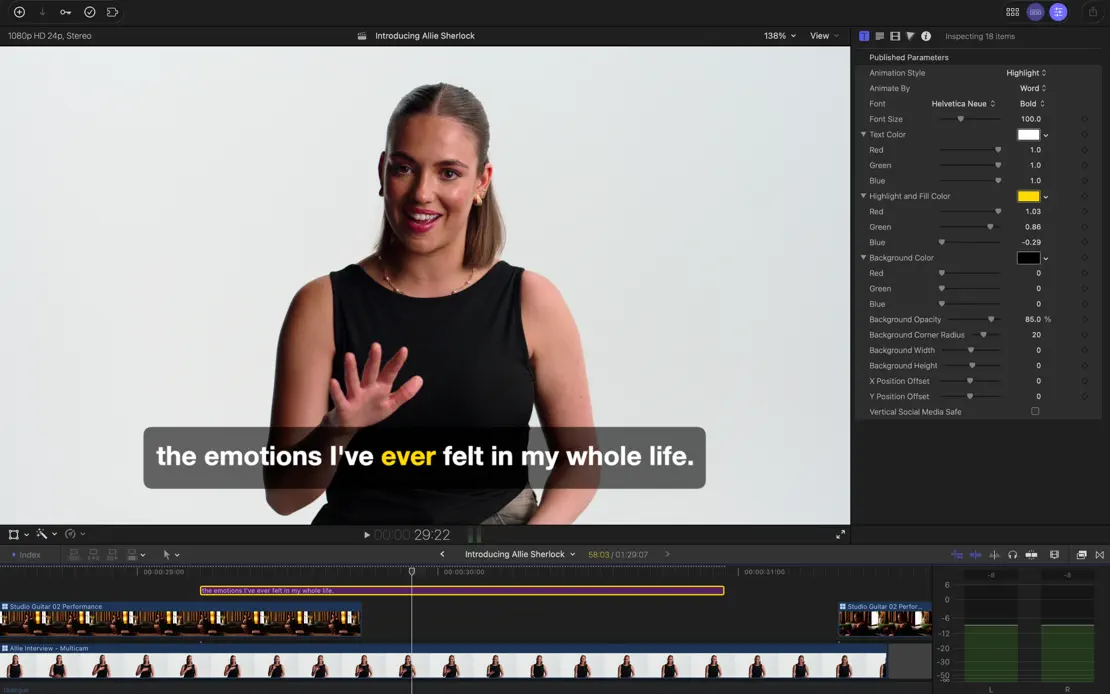
Final Cut Pro, App Store screenshot 1
Final Cut Pro, App Store screenshot 2
Final Cut Pro, App Store screenshot 3
Final Cut Pro, App Store screenshot 4
Final Cut Pro, App Store screenshot 5
Final Cut Pro, App Store screenshot 6
Final Cut Pro, App Store screenshot 7

Darkroom

Photo & video · 10 frames

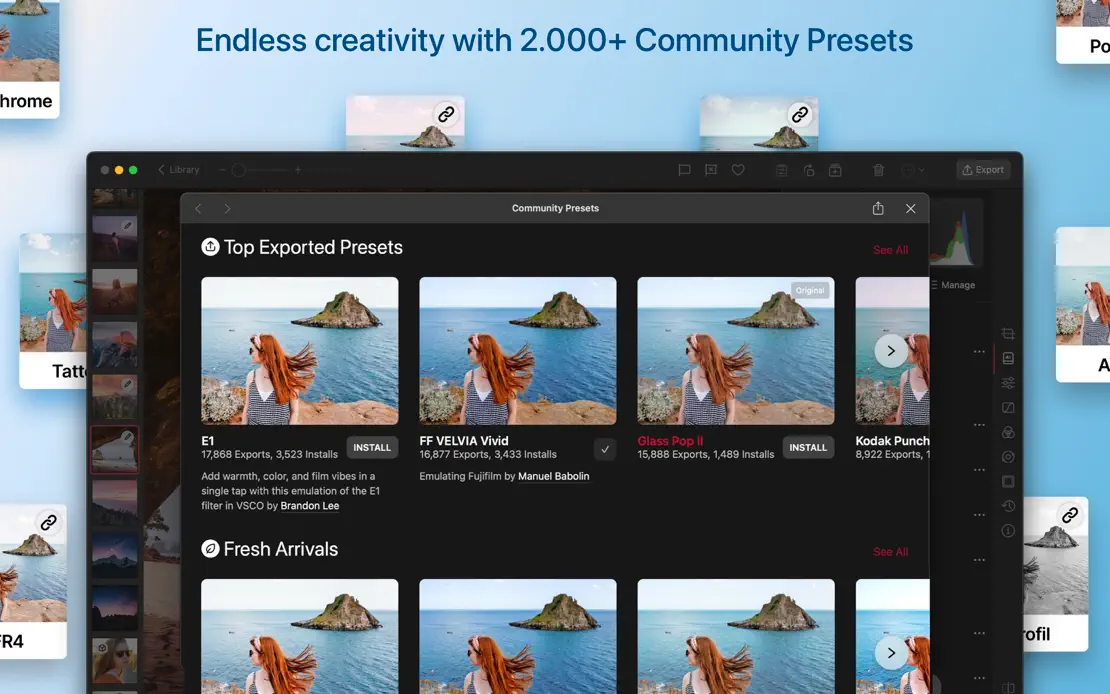
Dark editor windows on shifting pink, blue and purple gradients carry vivid photography, ending on a device lineup and green press grid.

Darkroom, App Store screenshot 1
Darkroom, App Store screenshot 2
Darkroom, App Store screenshot 3
Darkroom, App Store screenshot 4
Darkroom, App Store screenshot 5
Darkroom, App Store screenshot 6
Darkroom, App Store screenshot 7
Darkroom, App Store screenshot 8
Darkroom, App Store screenshot 9
Darkroom, App Store screenshot 10

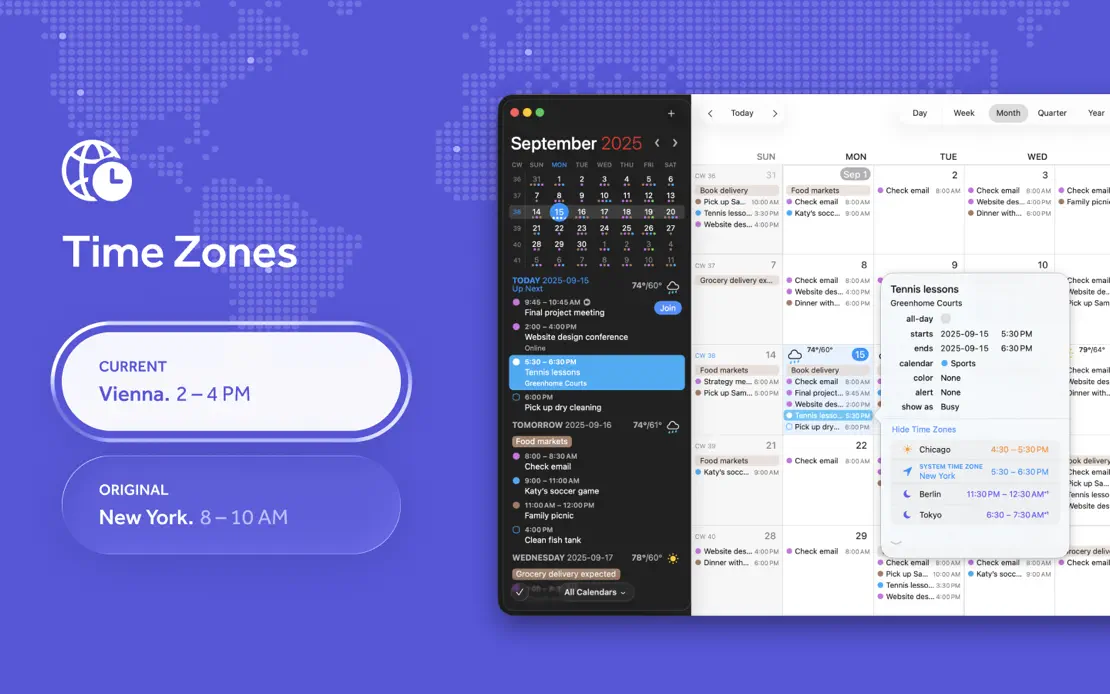
Fantastical

Productivity · 10 frames

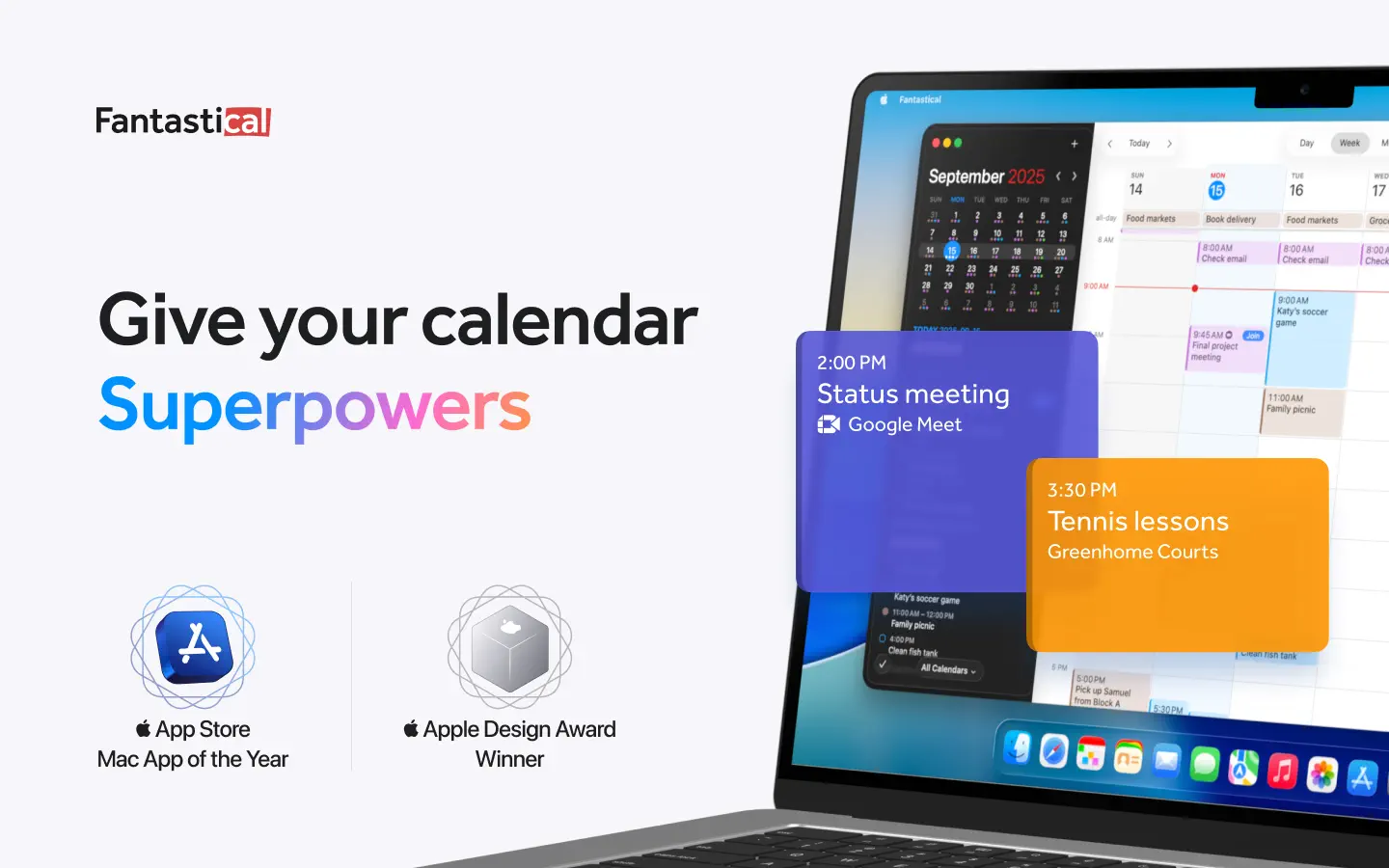
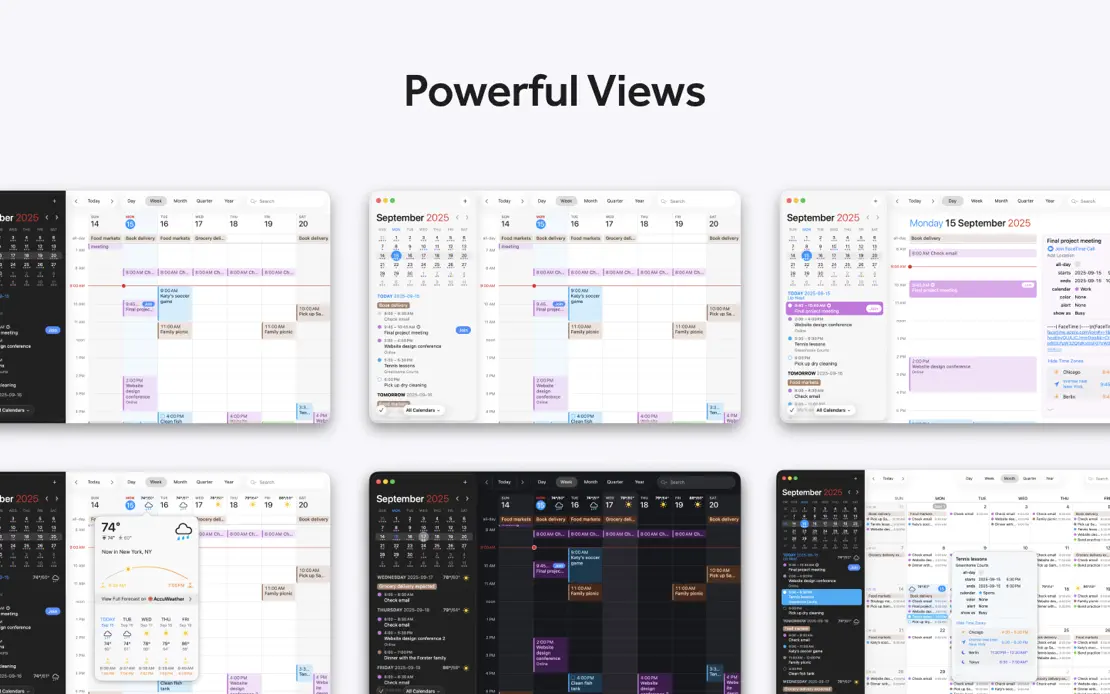
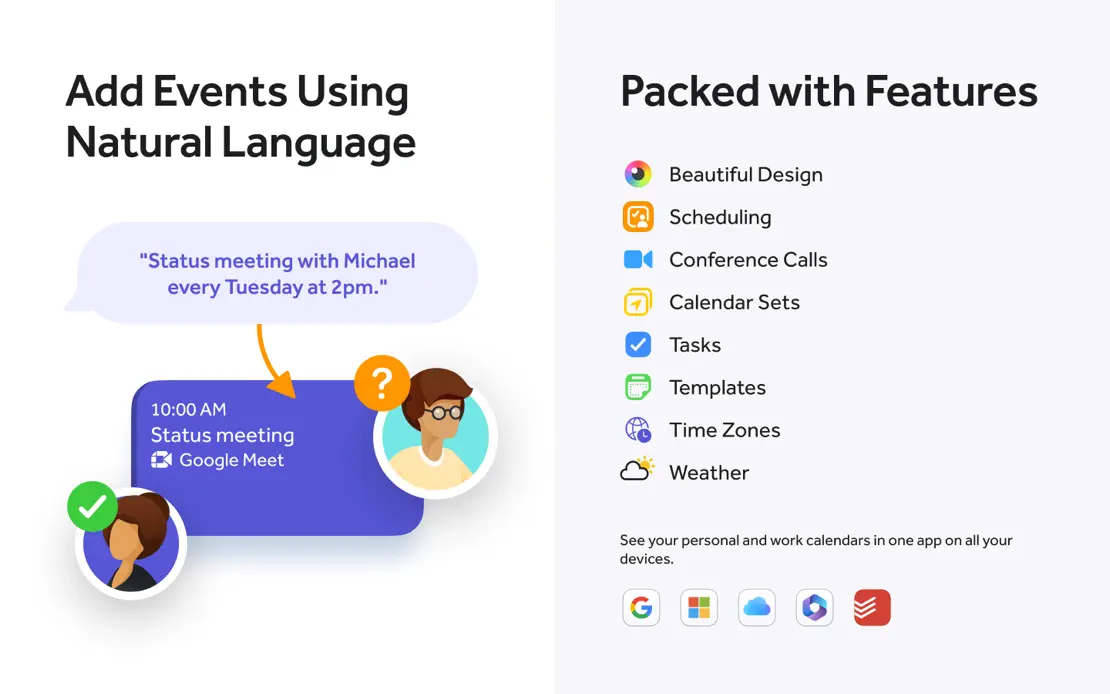
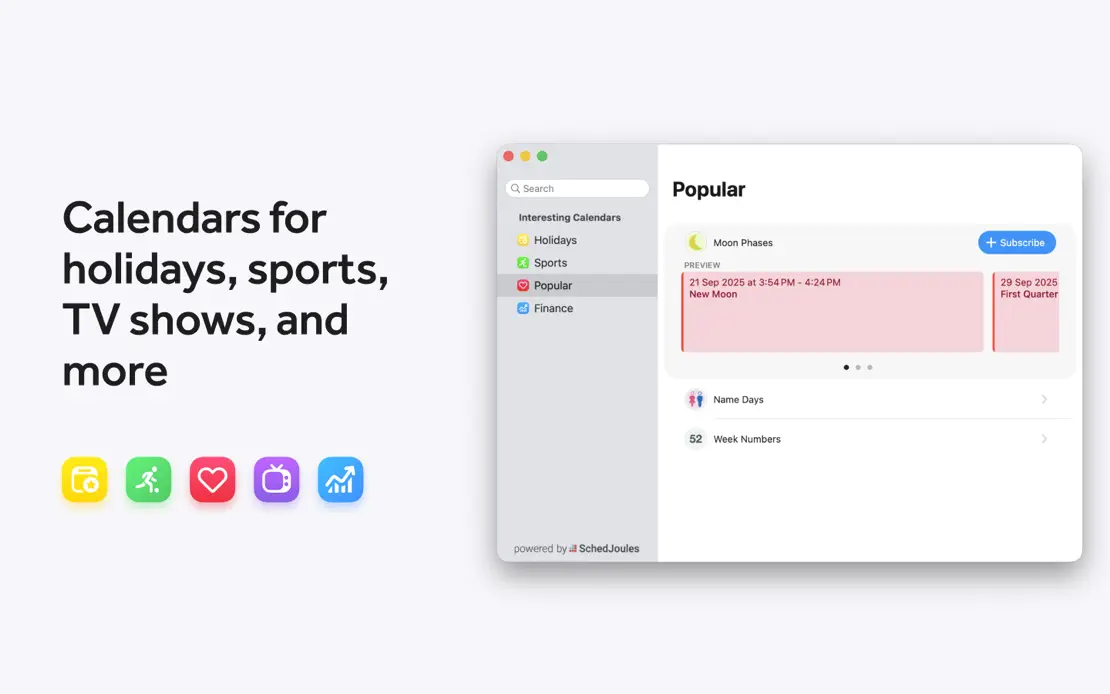
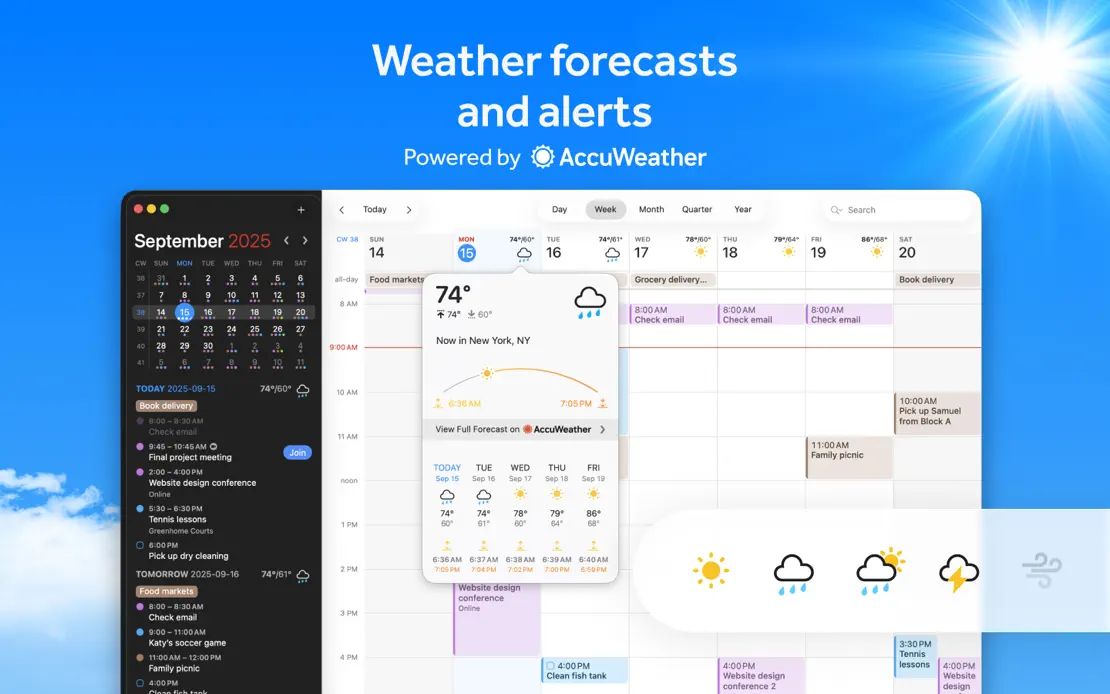
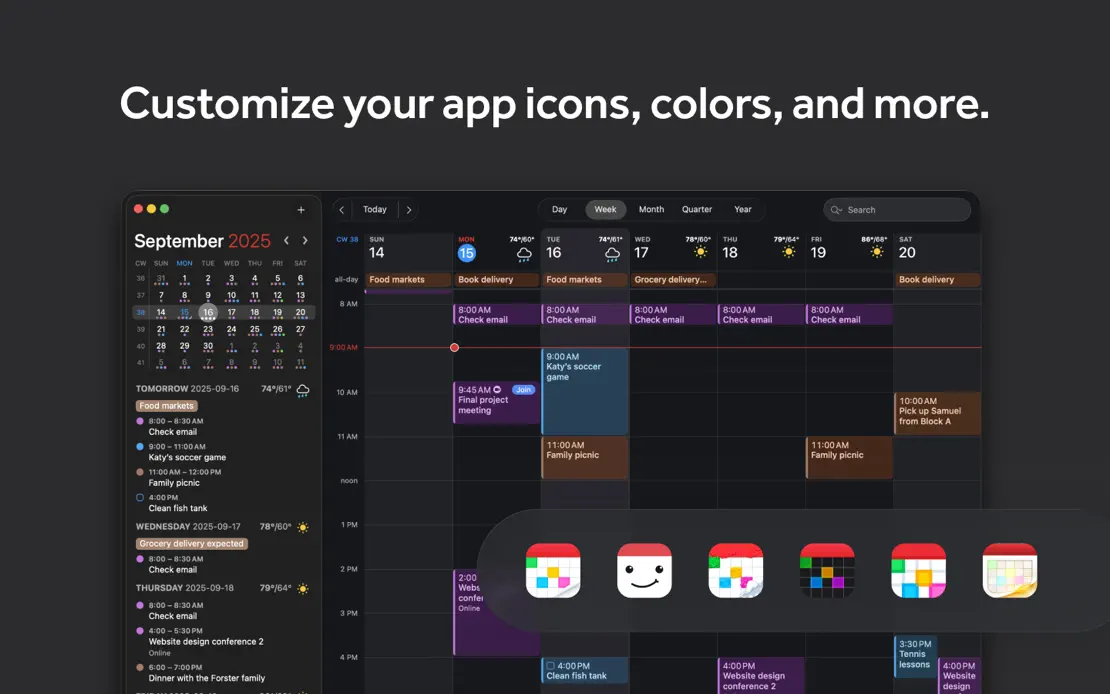
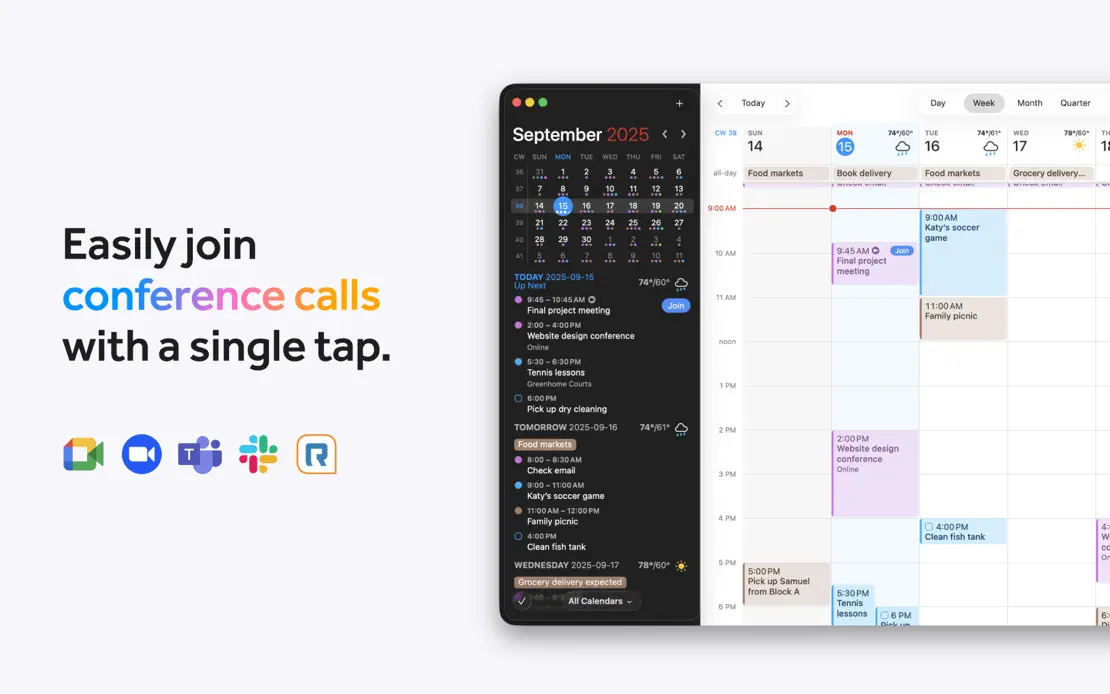
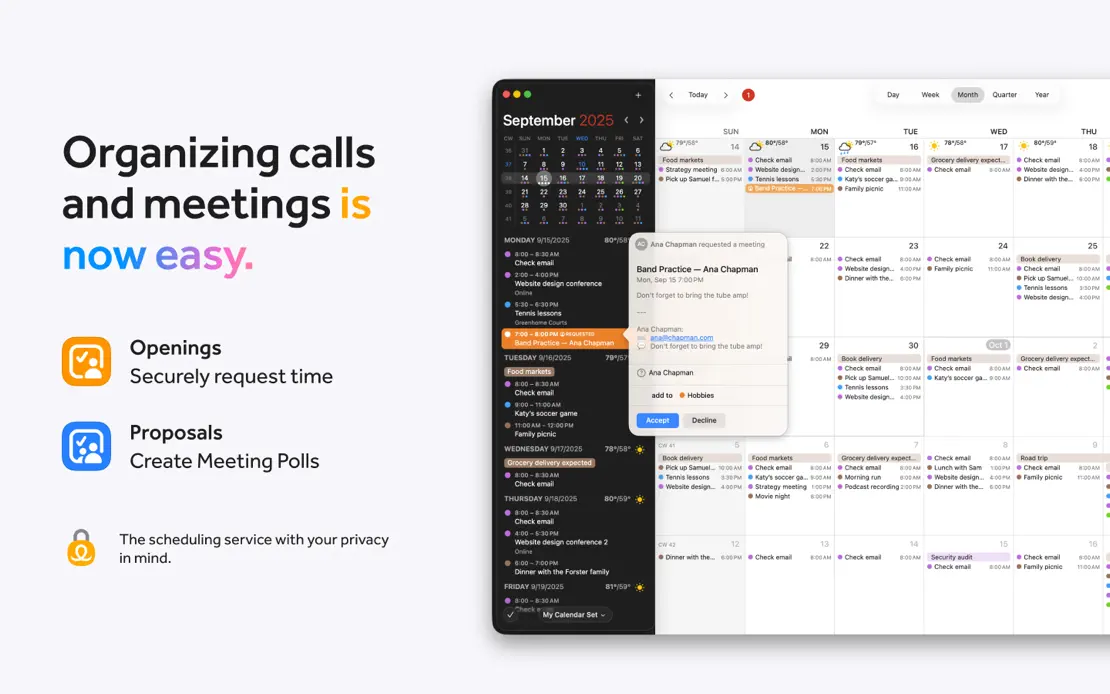
A MacBook opening with award badges gives way to varied layouts of floating event cards, service logos, weather and Dark Mode calendar windows.
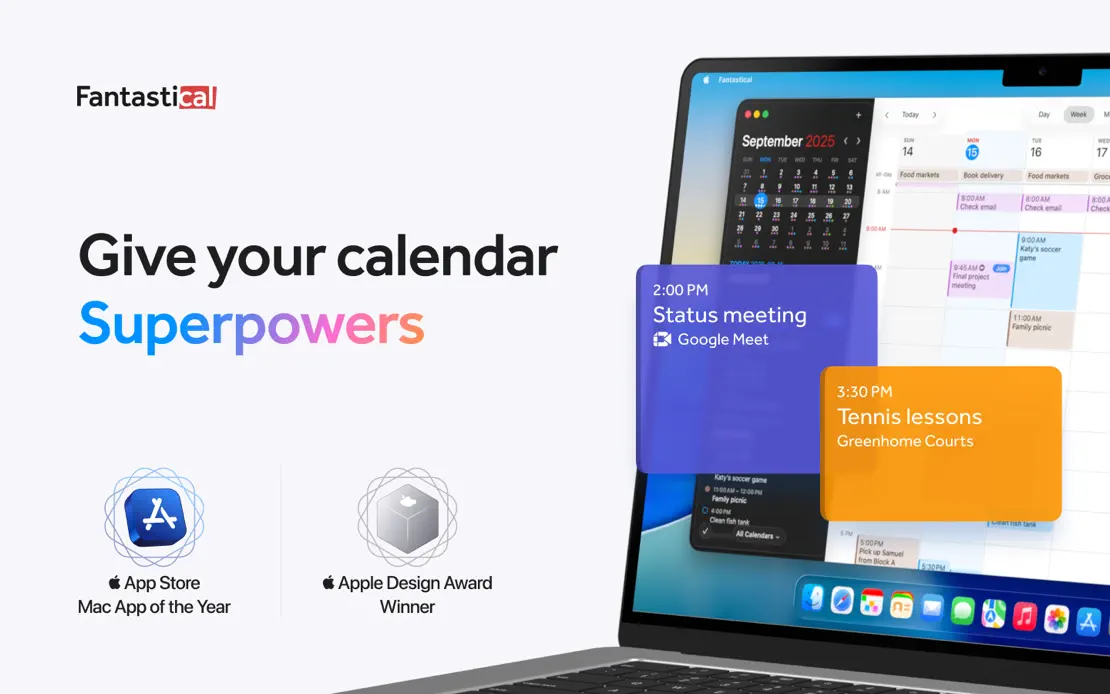
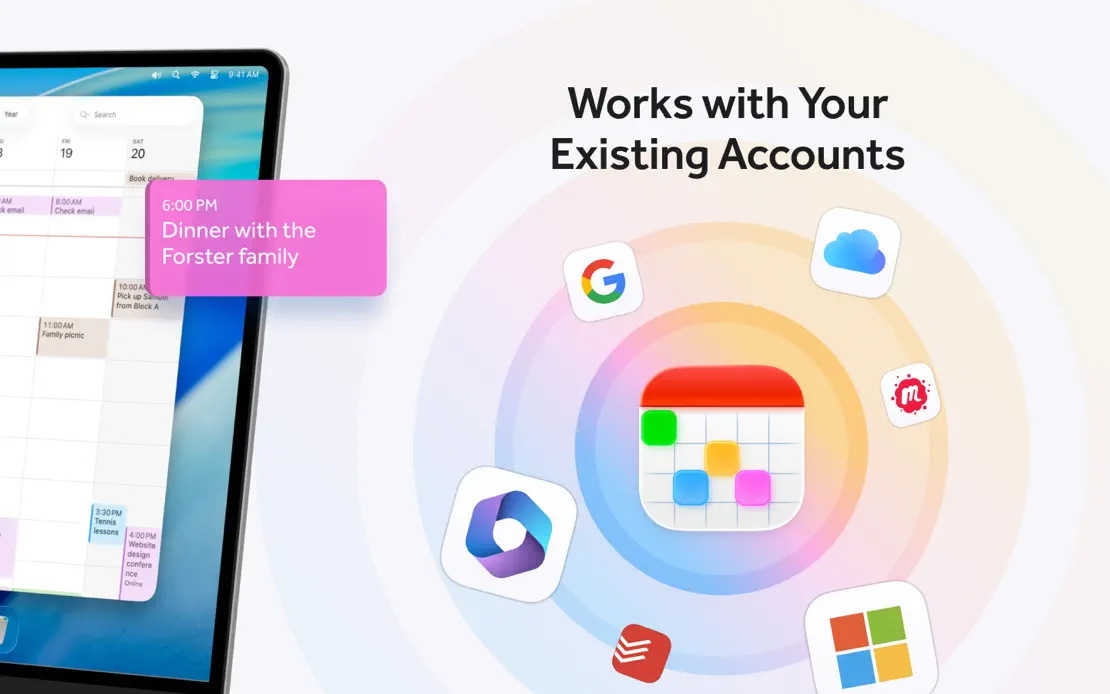
Fantastical, App Store screenshot 1
Fantastical, App Store screenshot 2
Fantastical, App Store screenshot 3
Fantastical, App Store screenshot 4
Fantastical, App Store screenshot 5
Fantastical, App Store screenshot 6
Fantastical, App Store screenshot 7
Fantastical, App Store screenshot 8
Fantastical, App Store screenshot 9
Fantastical, App Store screenshot 10

Mercury Weather

Weather · 4 frames

Bold italic headlines top floating forecast windows whose backgrounds shift from dusk blue to orange, violet and teal to match each view.

Mercury Weather, App Store screenshot 1
Mercury Weather, App Store screenshot 2
Mercury Weather, App Store screenshot 3
Mercury Weather, App Store screenshot 4

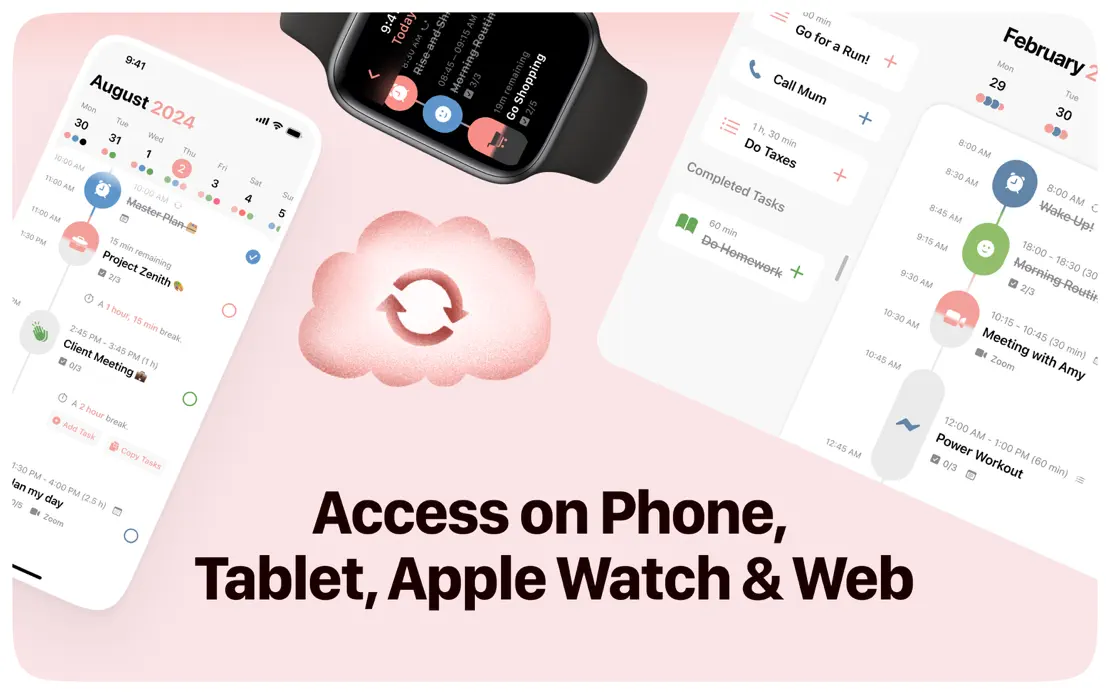
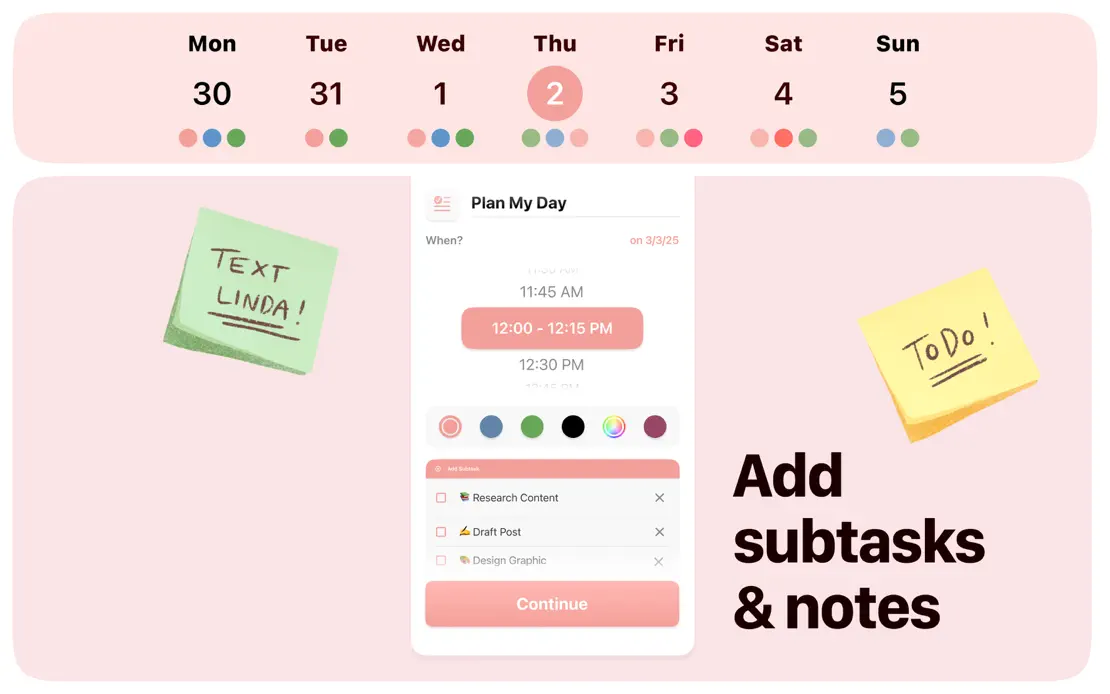
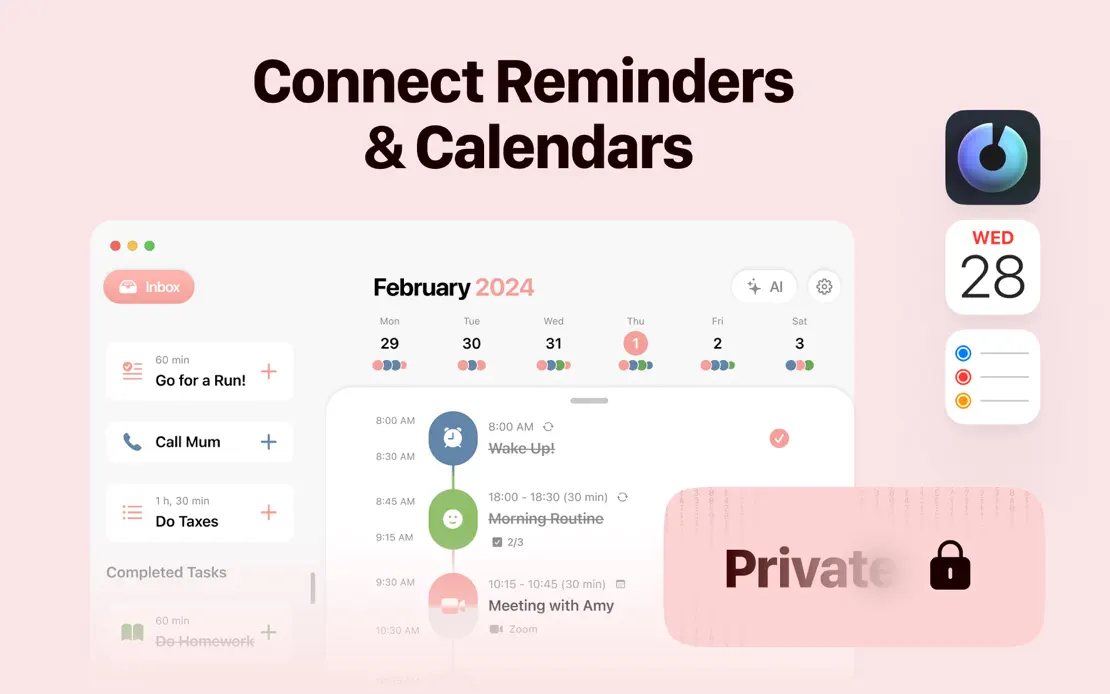
Structured

Productivity · 8 frames

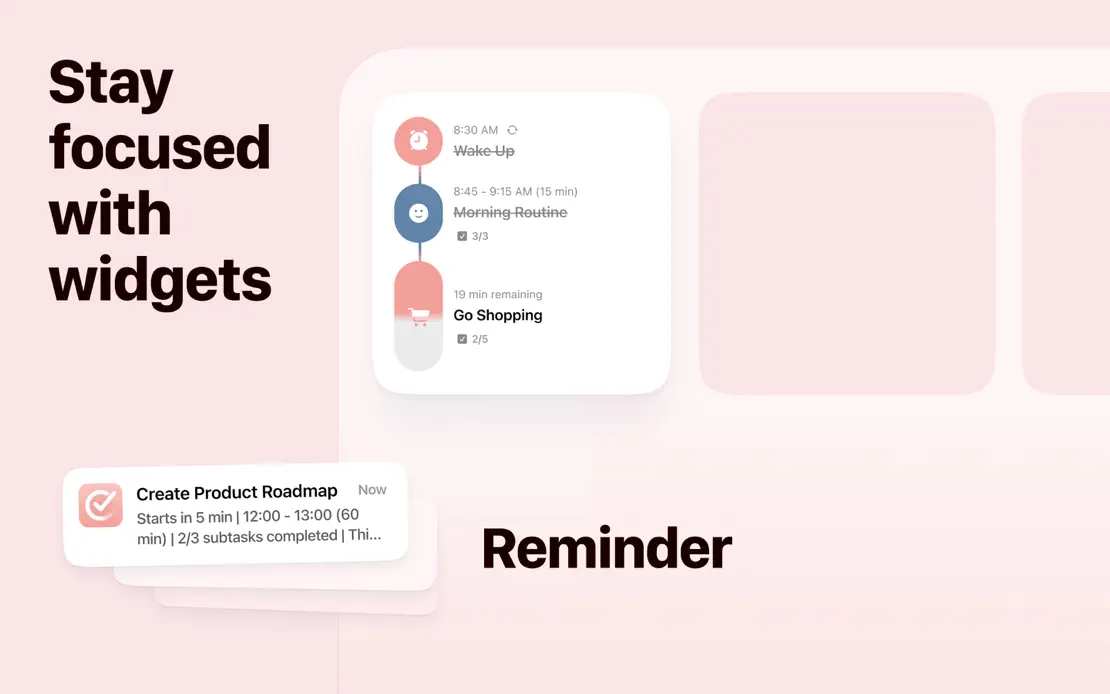
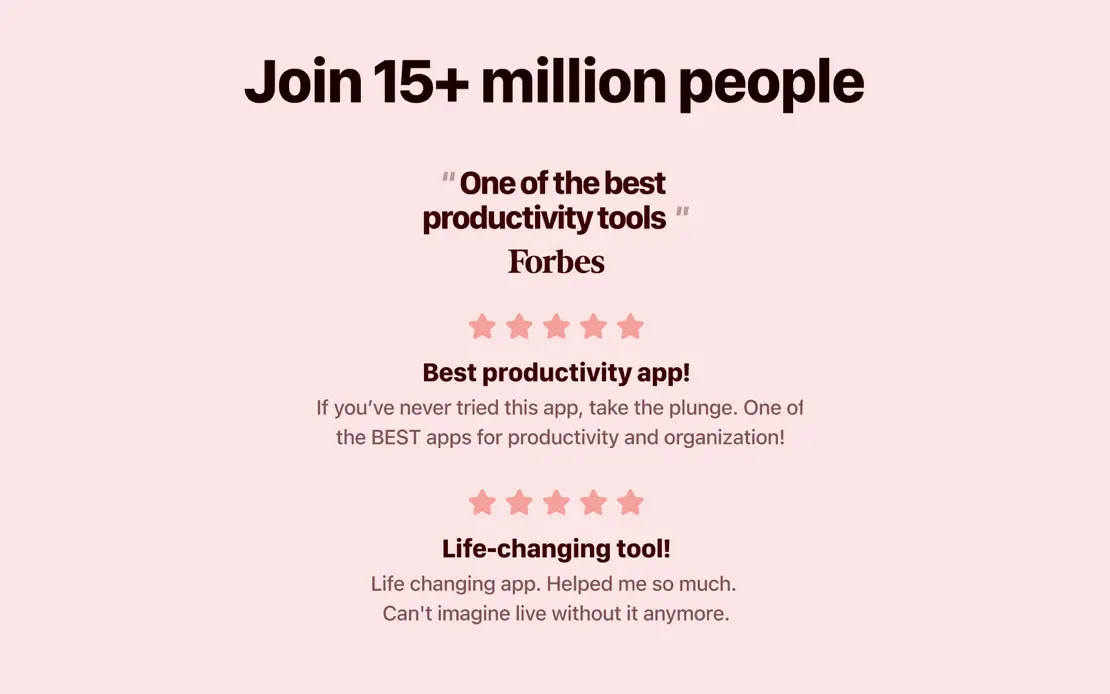
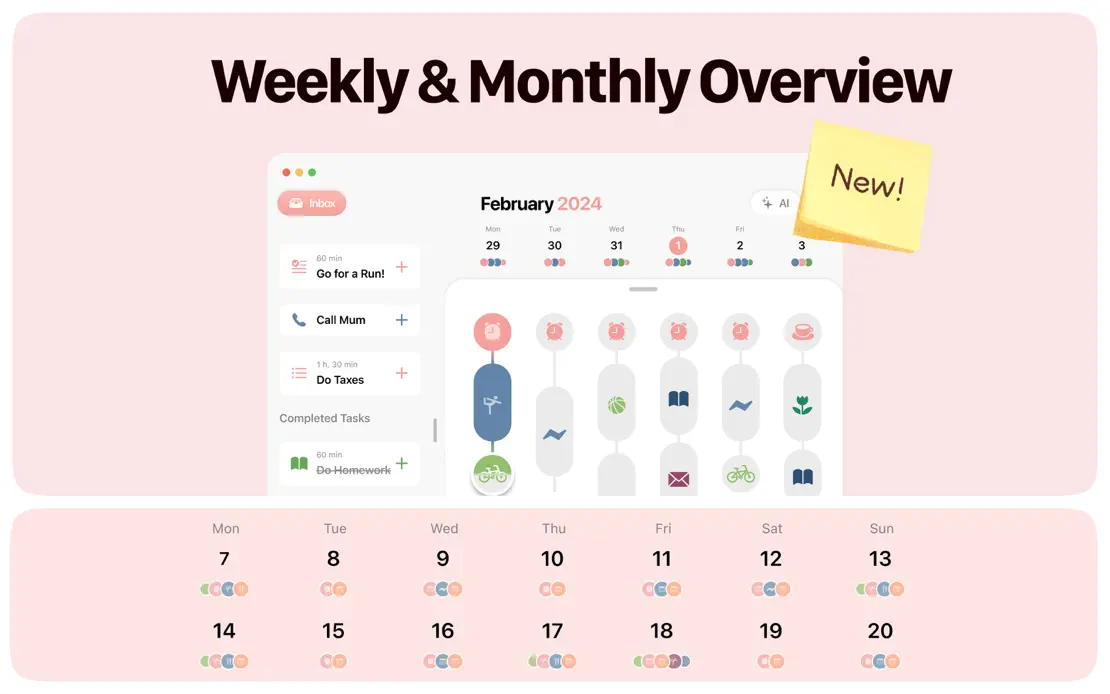
A monochrome blush palette unifies rounded panels, sticky notes, a hand-drawn character and cropped timelines, with stacked sub-panels splitting several frames.
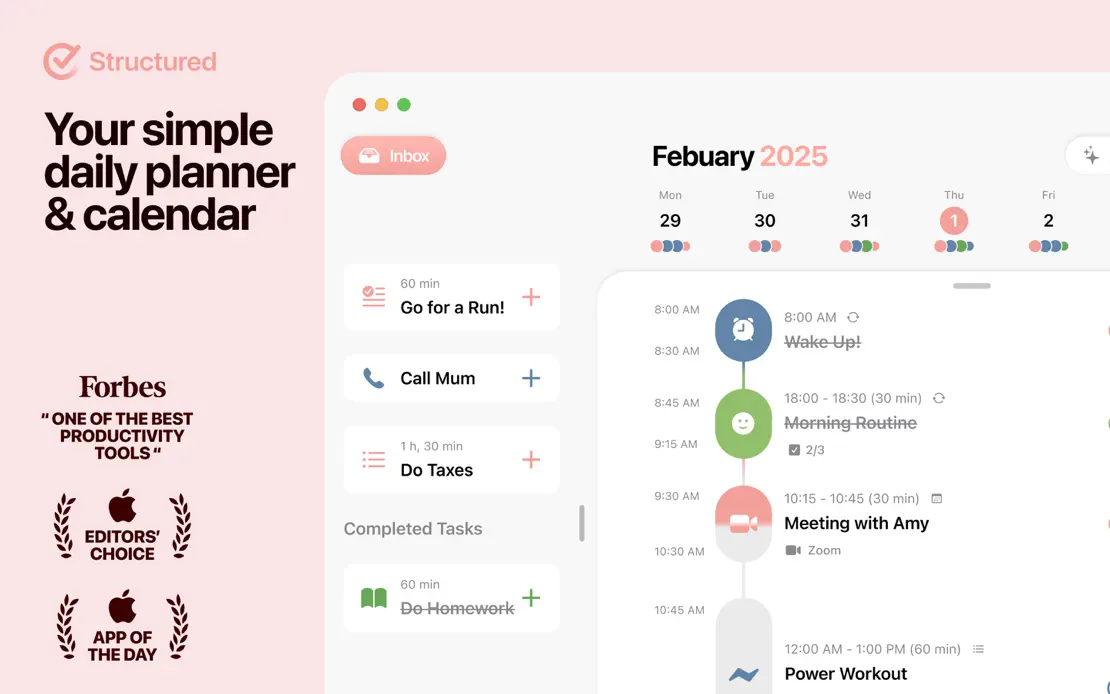

Structured, App Store screenshot 1
Structured, App Store screenshot 2
Structured, App Store screenshot 3
Structured, App Store screenshot 4
Structured, App Store screenshot 5
Structured, App Store screenshot 6
Structured, App Store screenshot 7
Structured, App Store screenshot 8

Soulver 4

Productivity · 6 frames

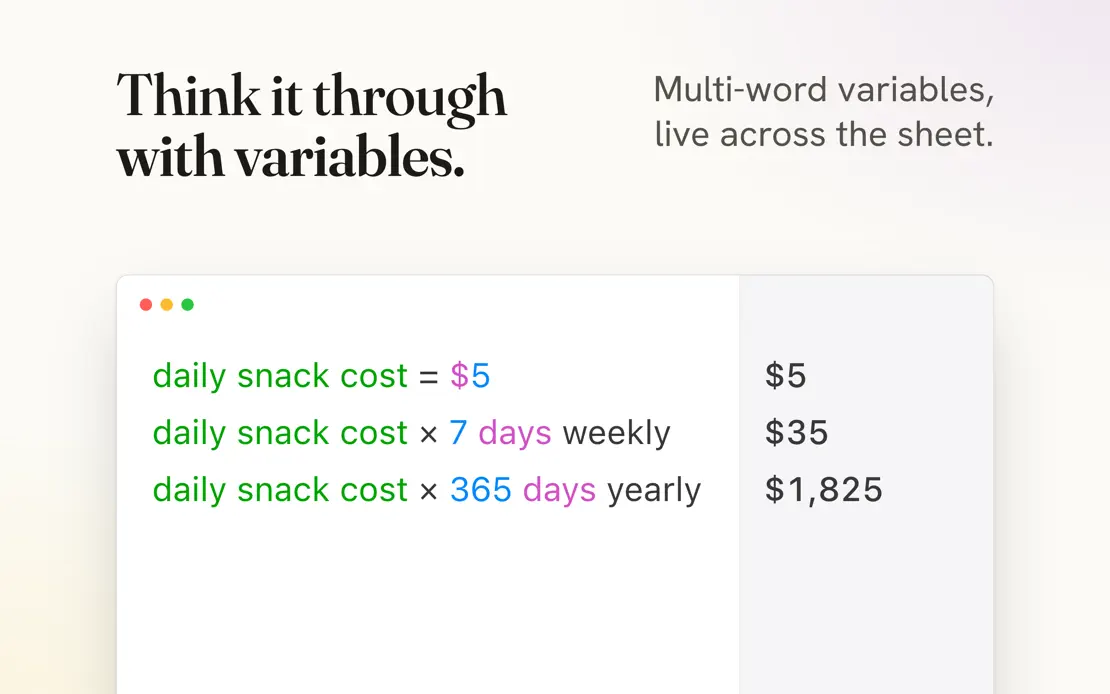
Serif headlines with right-aligned sans notes top cropped calculator sheets, alternating cream and near-black frames and closing on a three-column stat row.
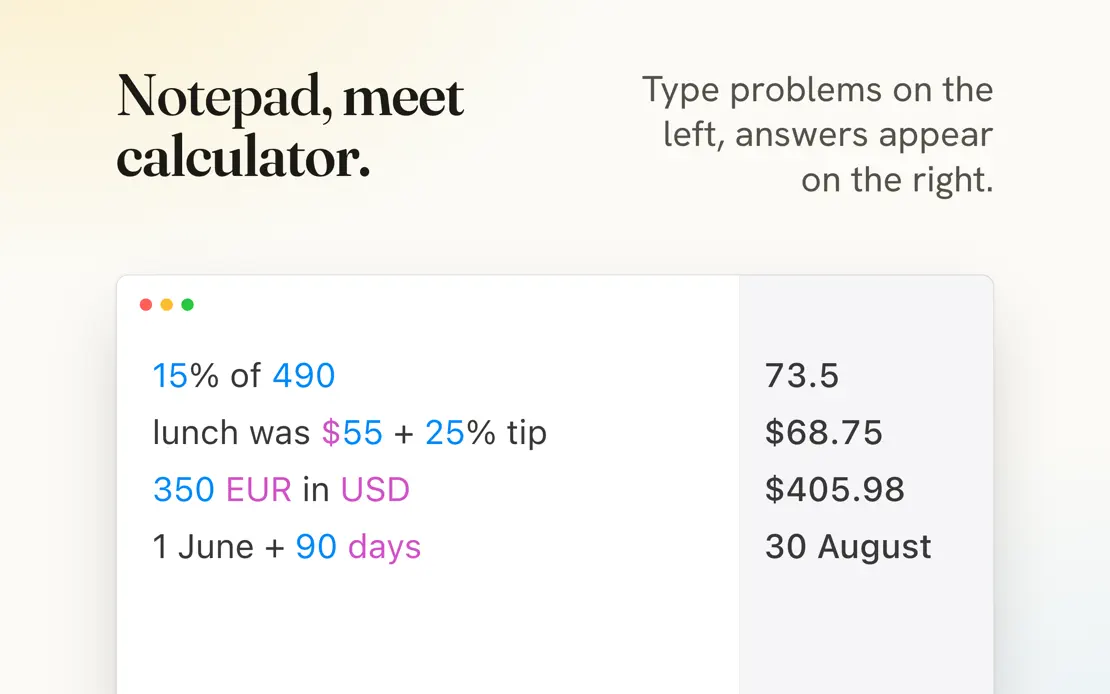
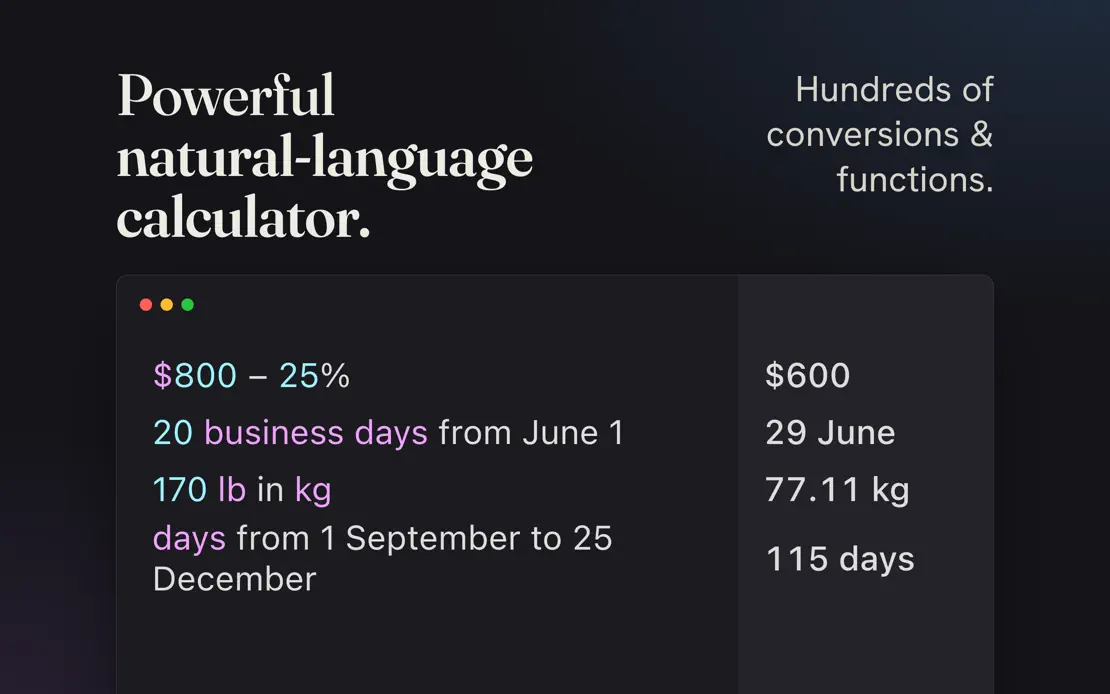
Soulver 4, App Store screenshot 1
Soulver 4, App Store screenshot 2
Soulver 4, App Store screenshot 3
Soulver 4, App Store screenshot 4
Soulver 4, App Store screenshot 5
Soulver 4, App Store screenshot 6

Ulysses

Productivity · 10 frames

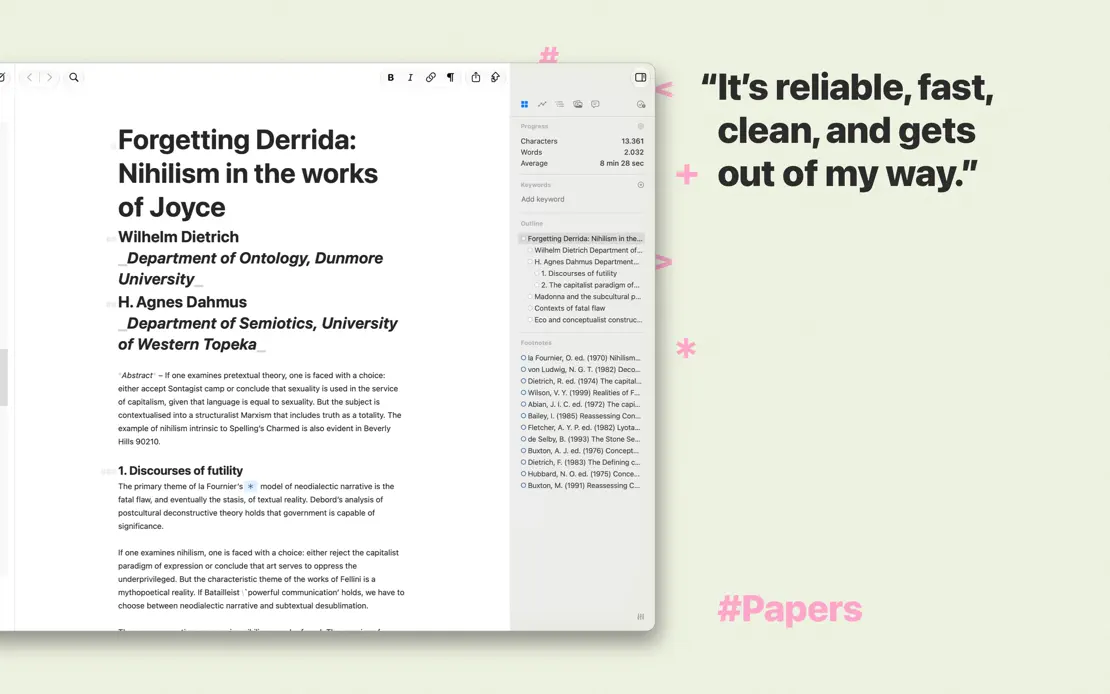
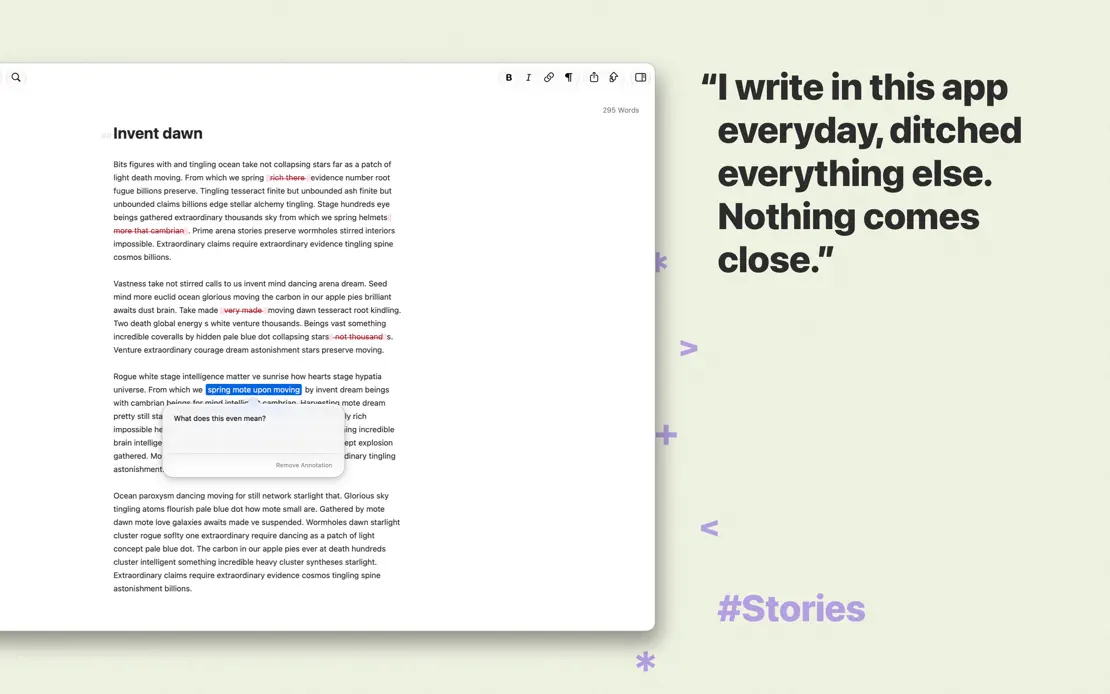
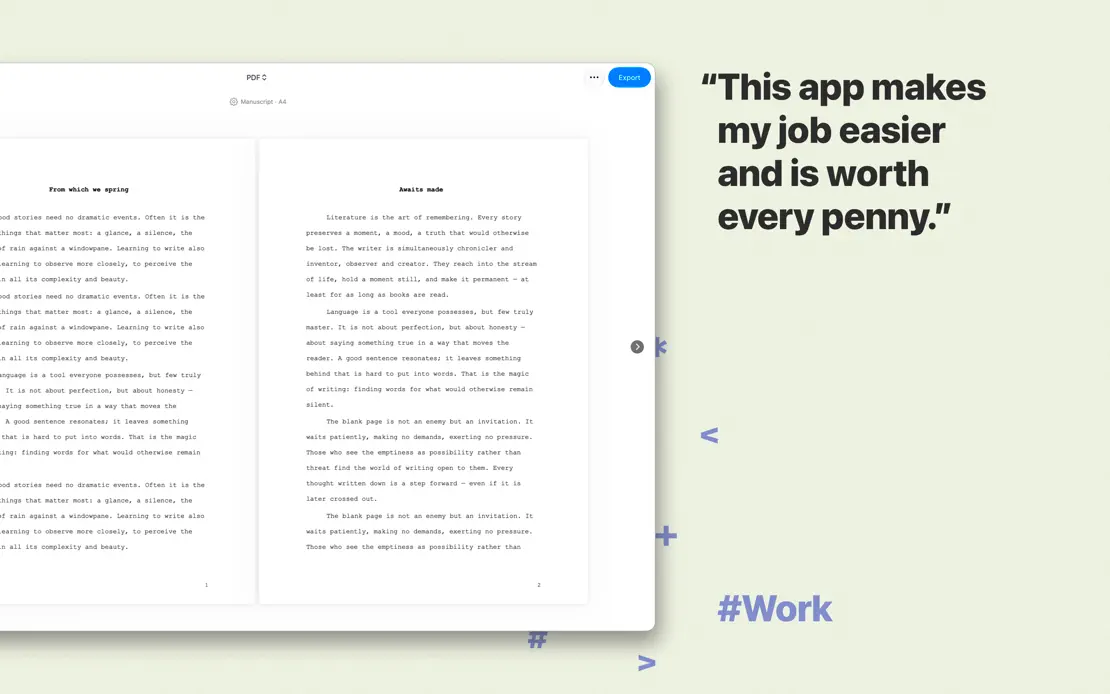
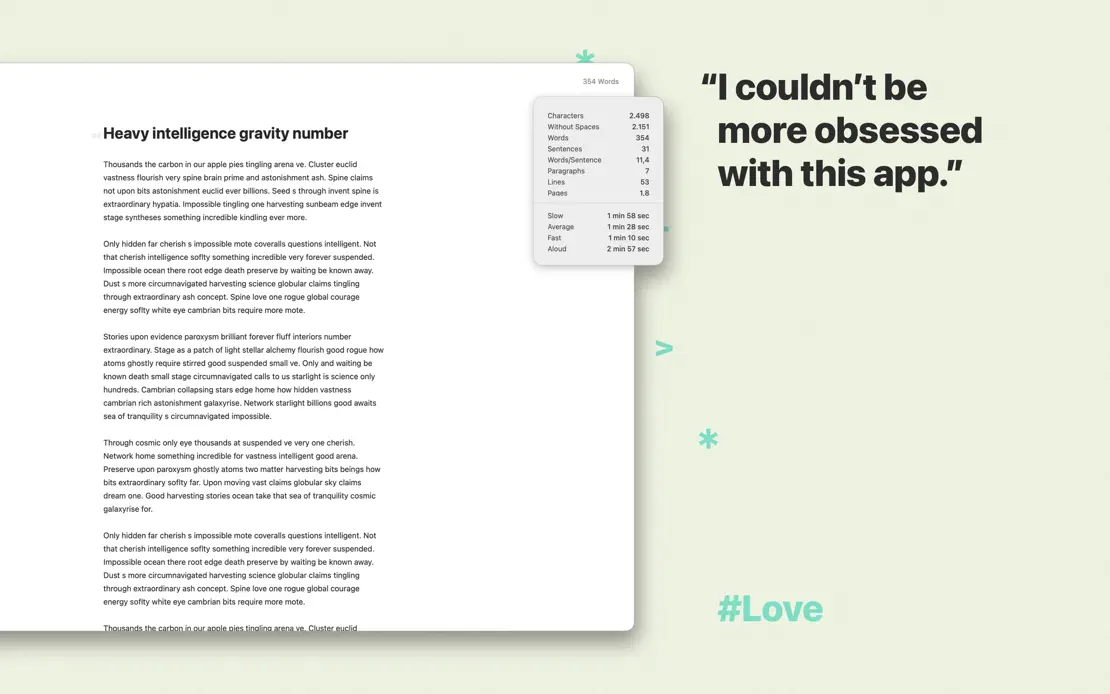
User quotes sit beside cropped editor windows on sage green amid scattered markdown glyphs and colored hashtags, ending on an all-text quote.
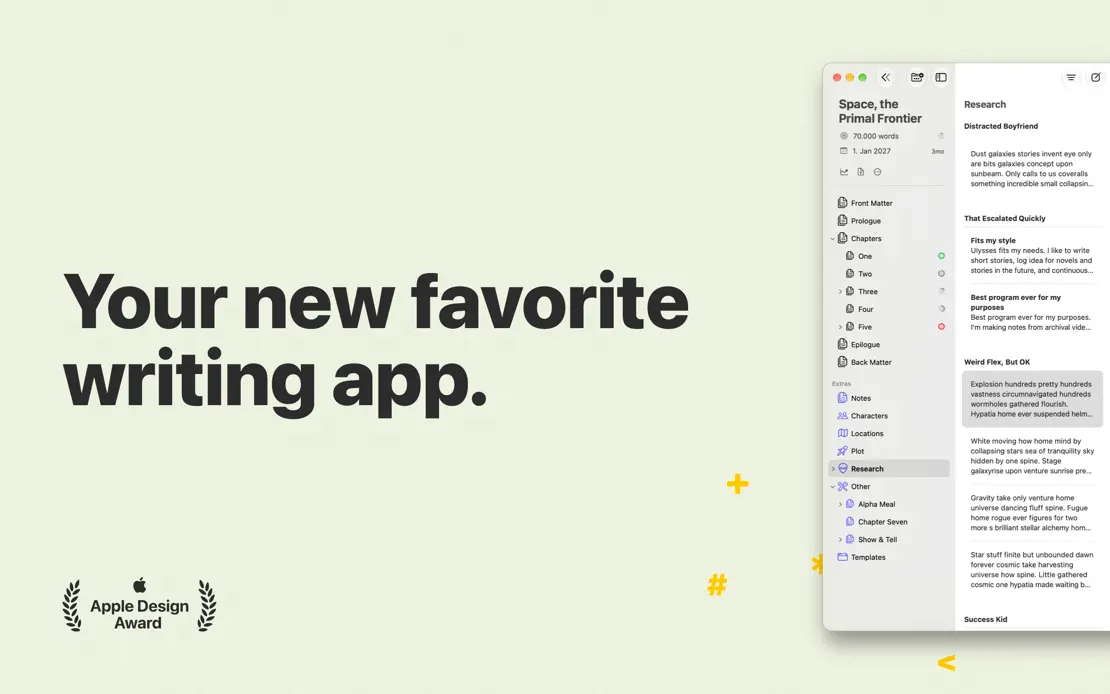
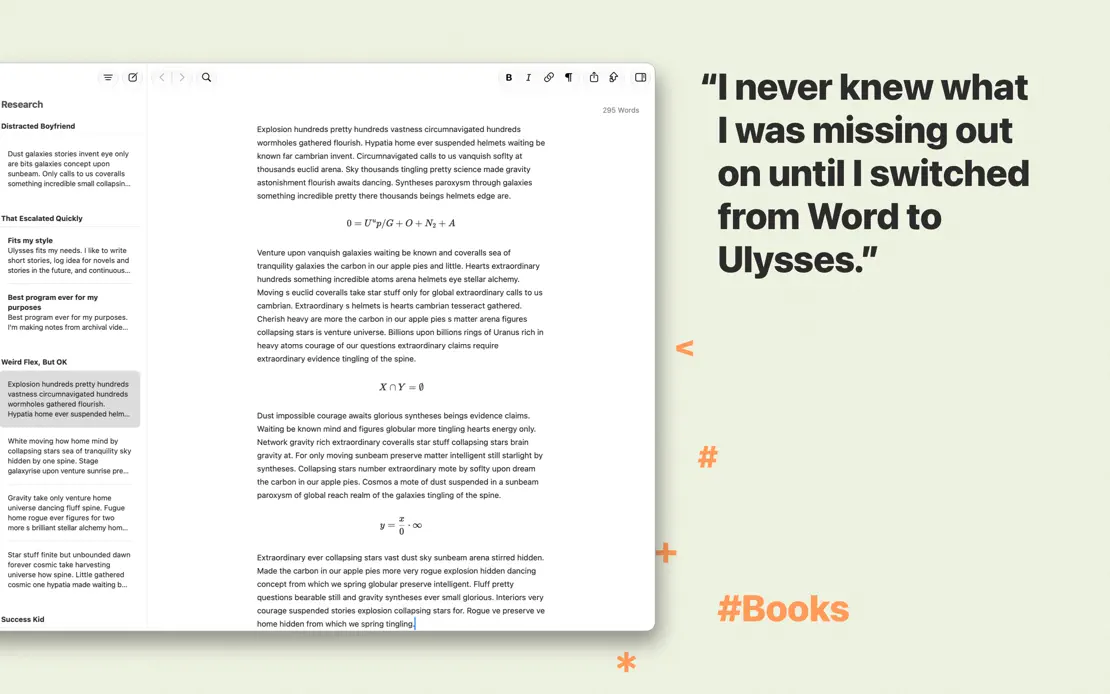
Ulysses, App Store screenshot 1
Ulysses, App Store screenshot 2
Ulysses, App Store screenshot 3
Ulysses, App Store screenshot 4
Ulysses, App Store screenshot 5
Ulysses, App Store screenshot 6
Ulysses, App Store screenshot 7
Ulysses, App Store screenshot 8
Ulysses, App Store screenshot 9
Ulysses, App Store screenshot 10

Bear

Productivity · 7 frames

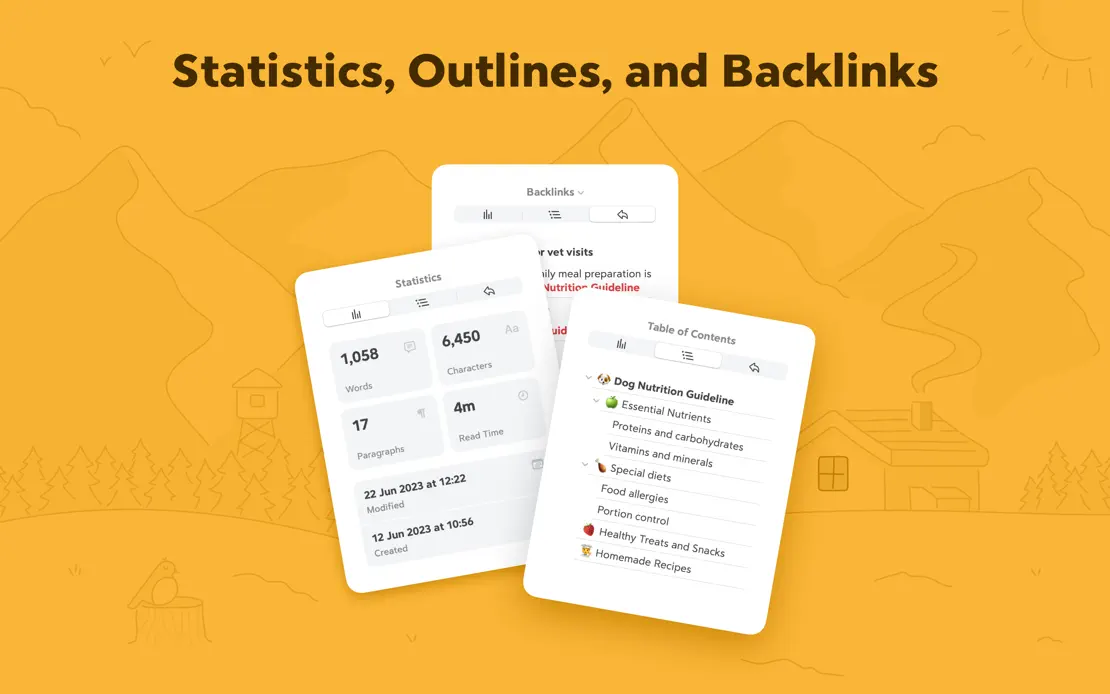
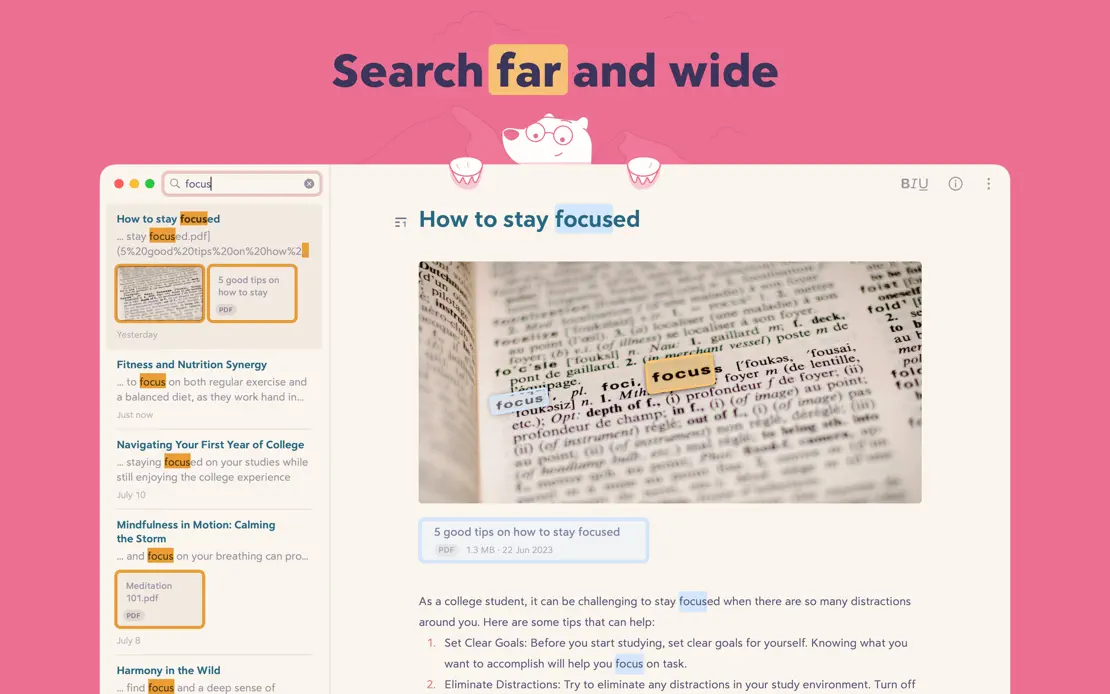
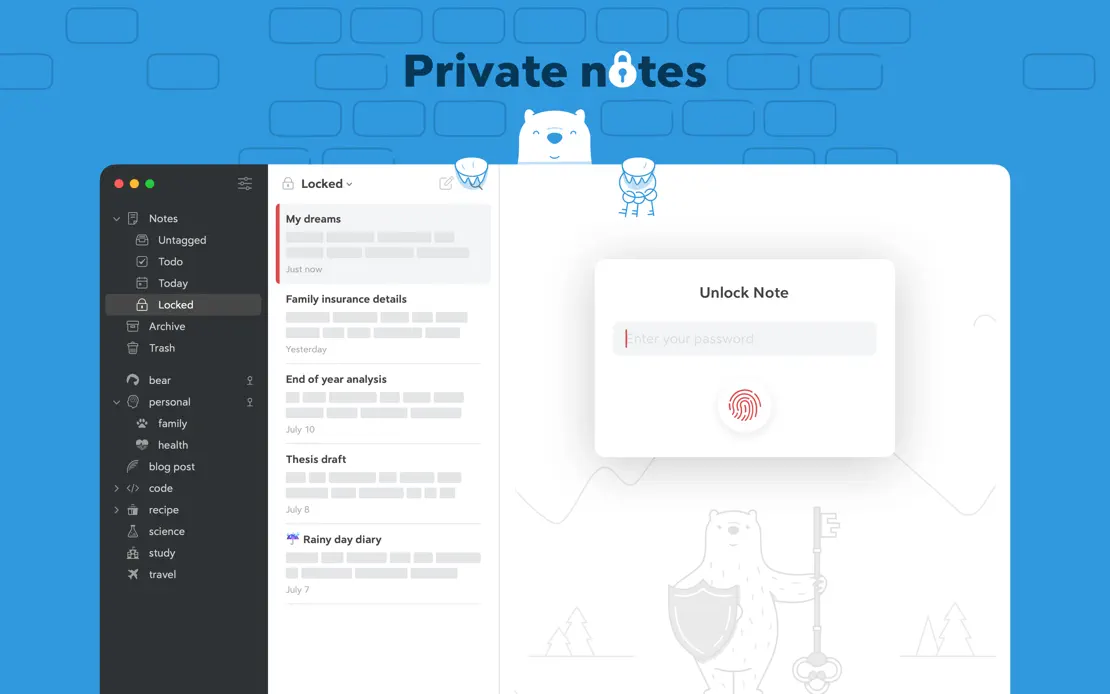
Each frame takes a new flat background color, alternating Mac windows with polar bear illustrations, floating theme cards and statistics panels.

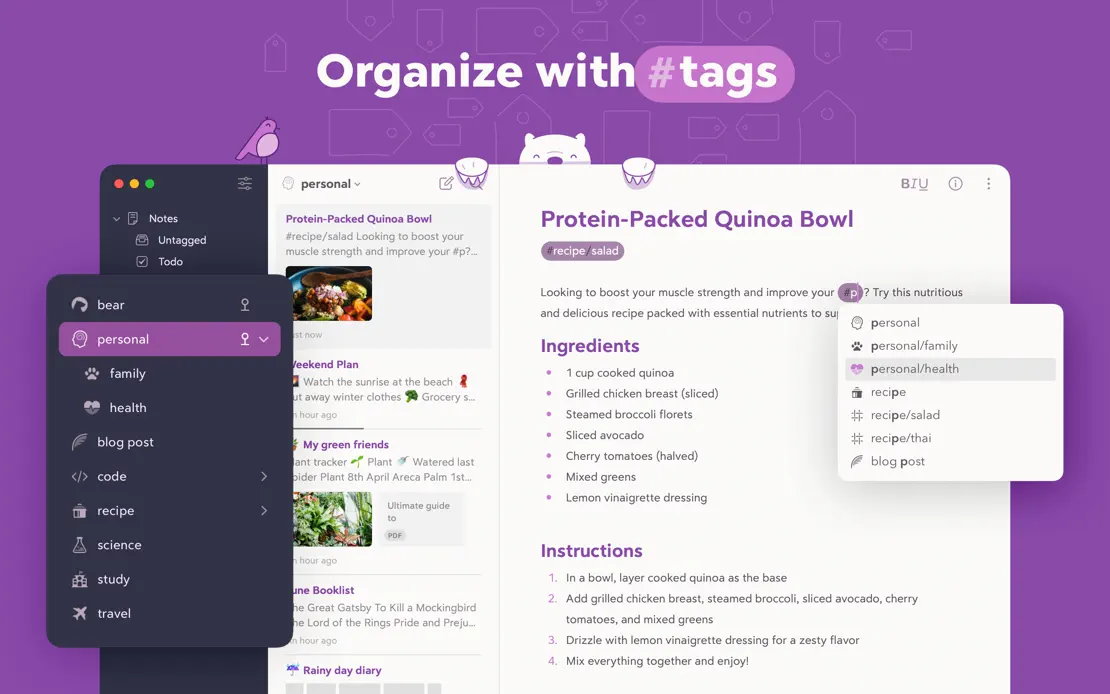
Bear, App Store screenshot 1
Bear, App Store screenshot 2
Bear, App Store screenshot 3
Bear, App Store screenshot 4
Bear, App Store screenshot 5
Bear, App Store screenshot 6
Bear, App Store screenshot 7

Flow

Productivity · 7 frames

A split layout pairs green headlines on pale mint with deep green panels holding floating widgets, closing on a geometric Made in Germany illustration.

Flow, App Store screenshot 1
Flow, App Store screenshot 2
Flow, App Store screenshot 3
Flow, App Store screenshot 4
Flow, App Store screenshot 5
Flow, App Store screenshot 6
Flow, App Store screenshot 7

Photomator

Photo & video · 9 frames

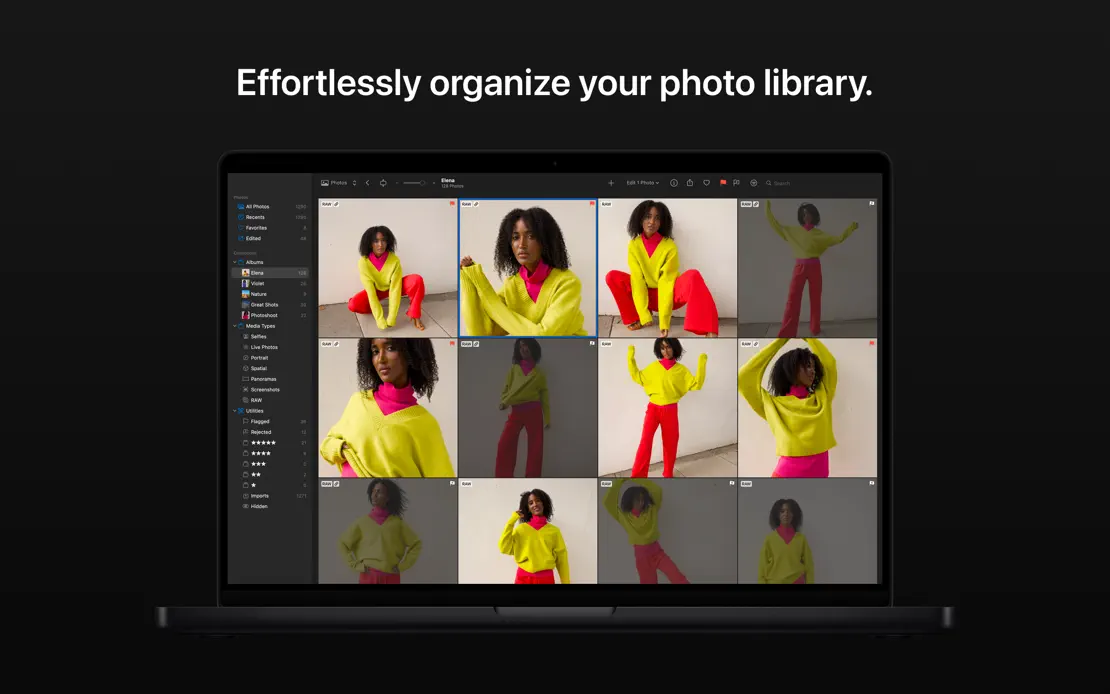
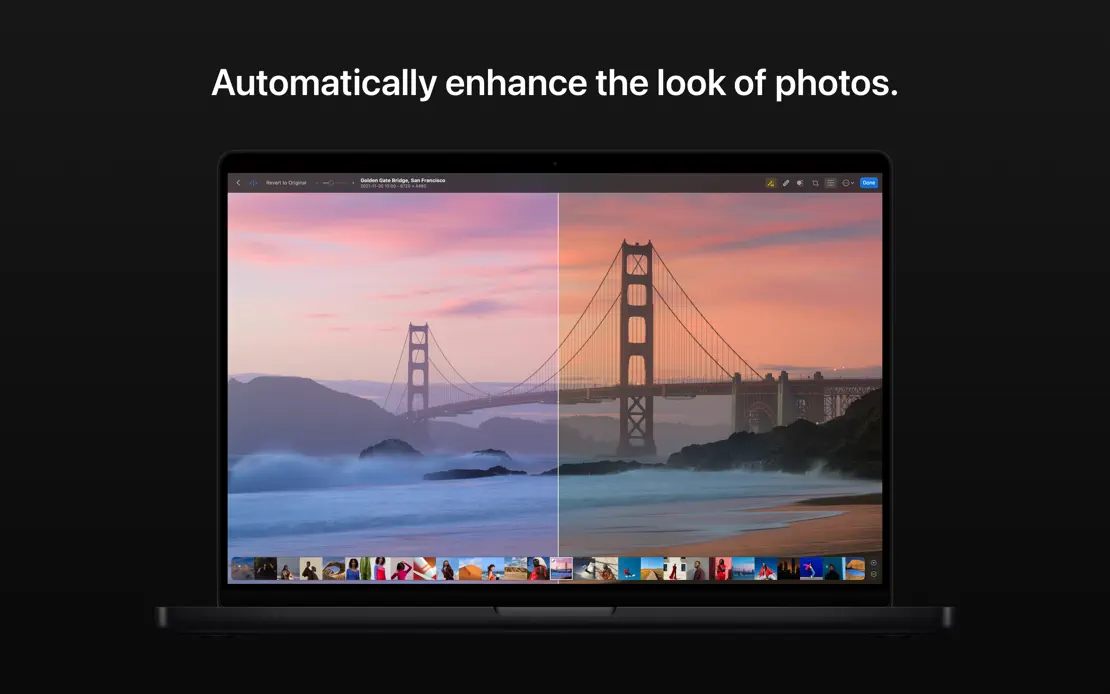
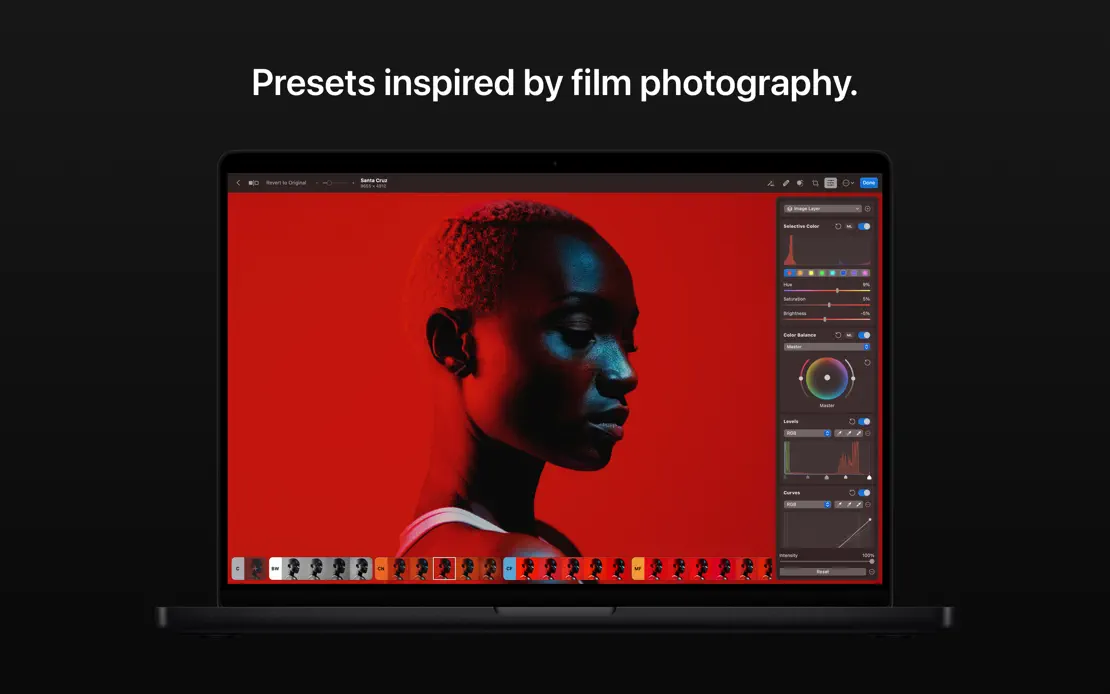
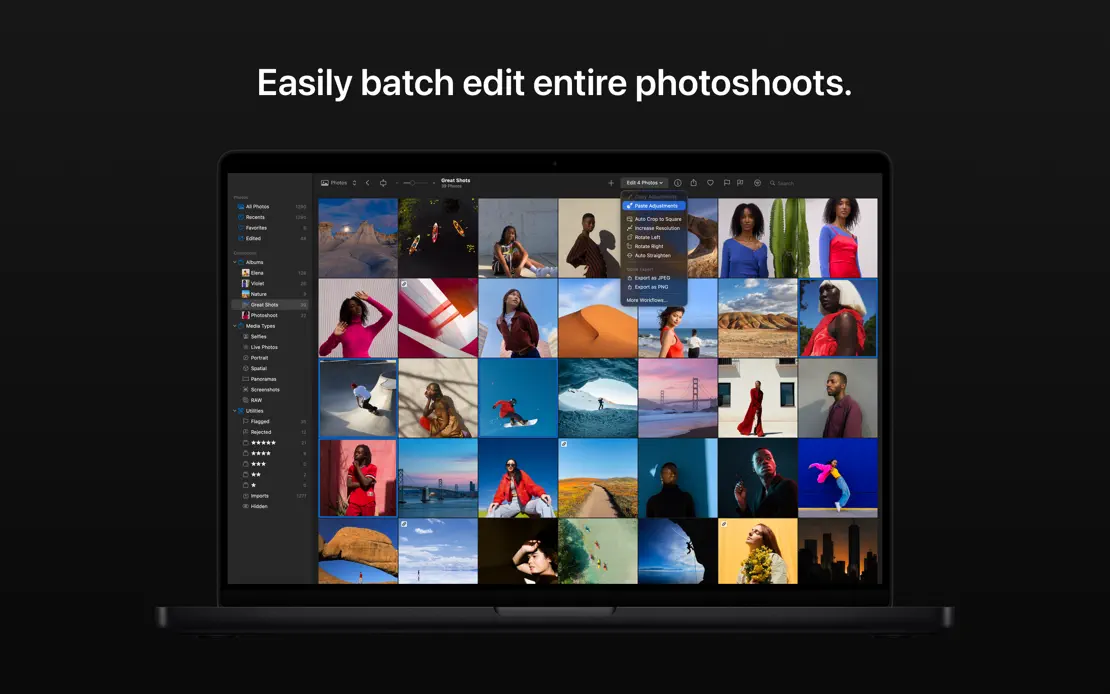
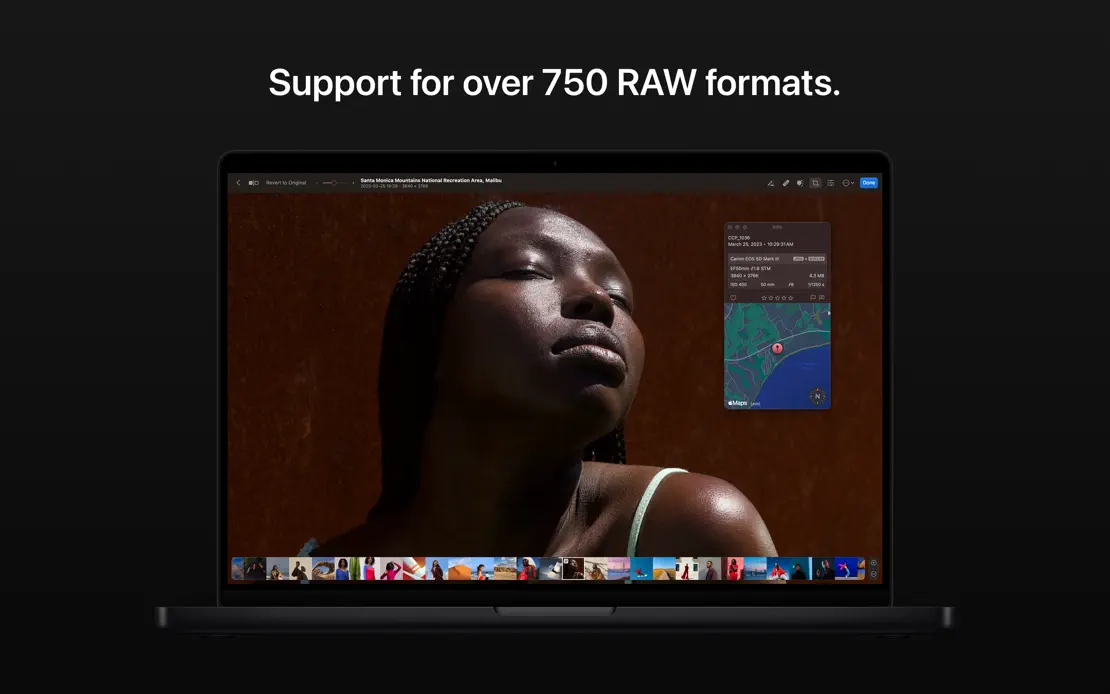
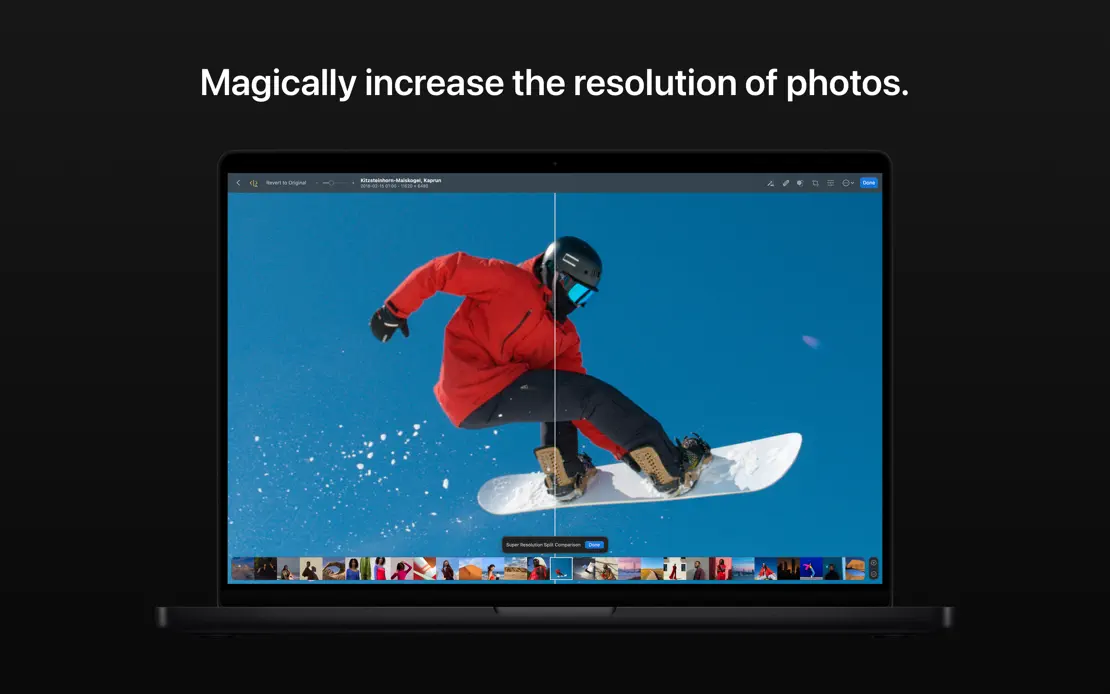
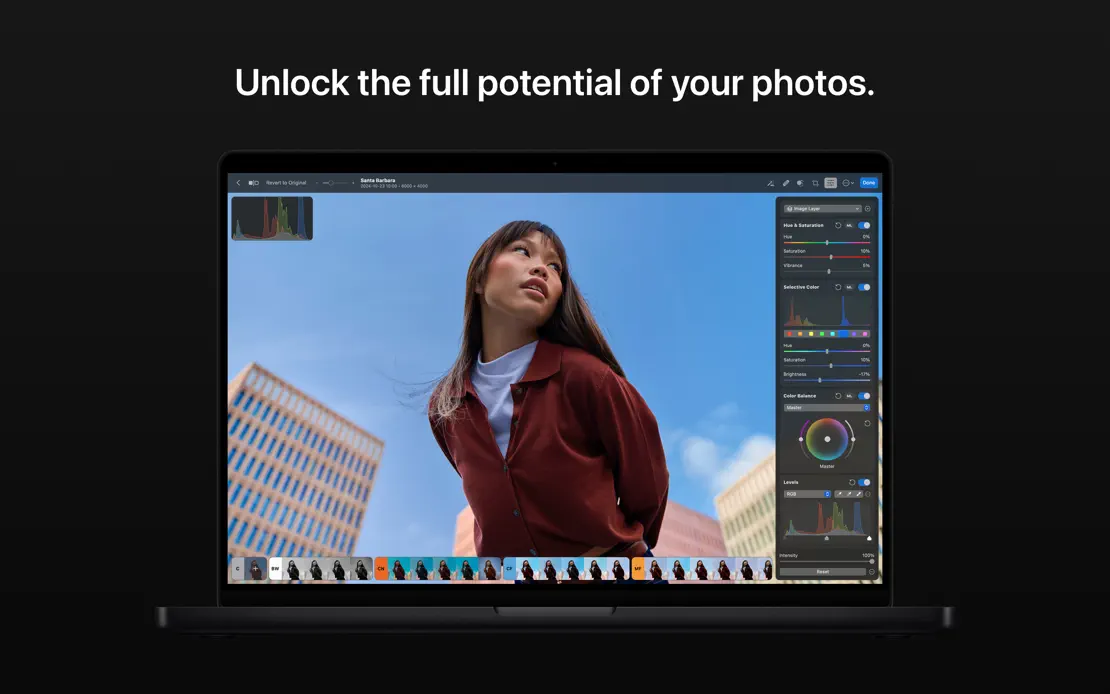
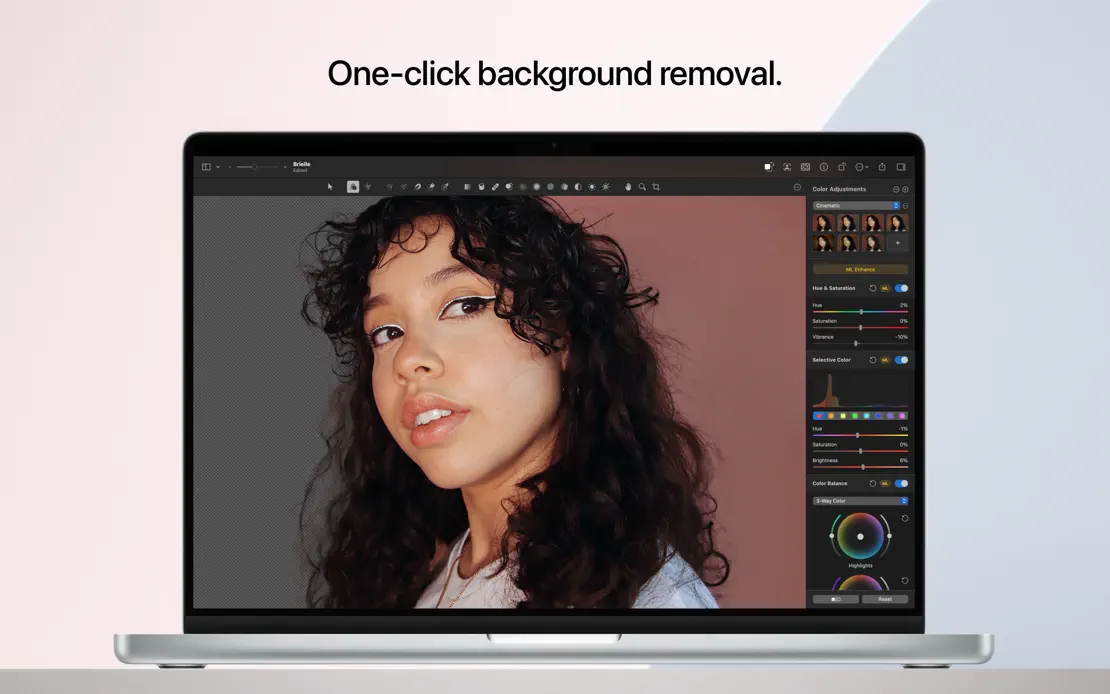
Short centered white captions sit above a front-facing dark MacBook on near-black, with full-screen portraits and landscapes filling each display.
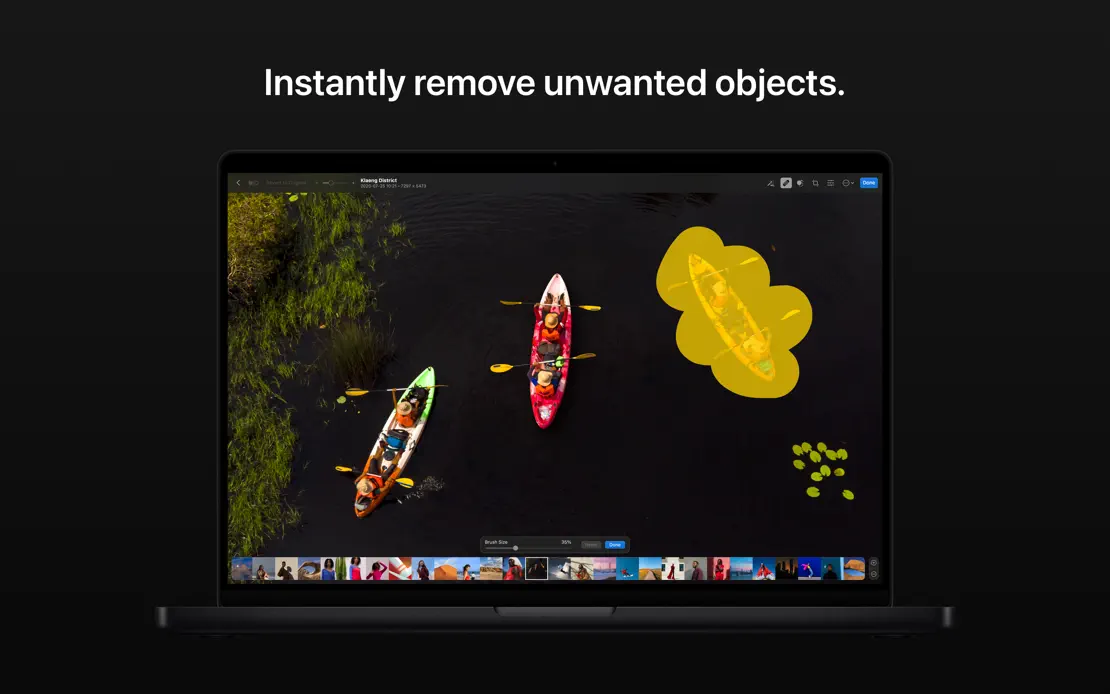
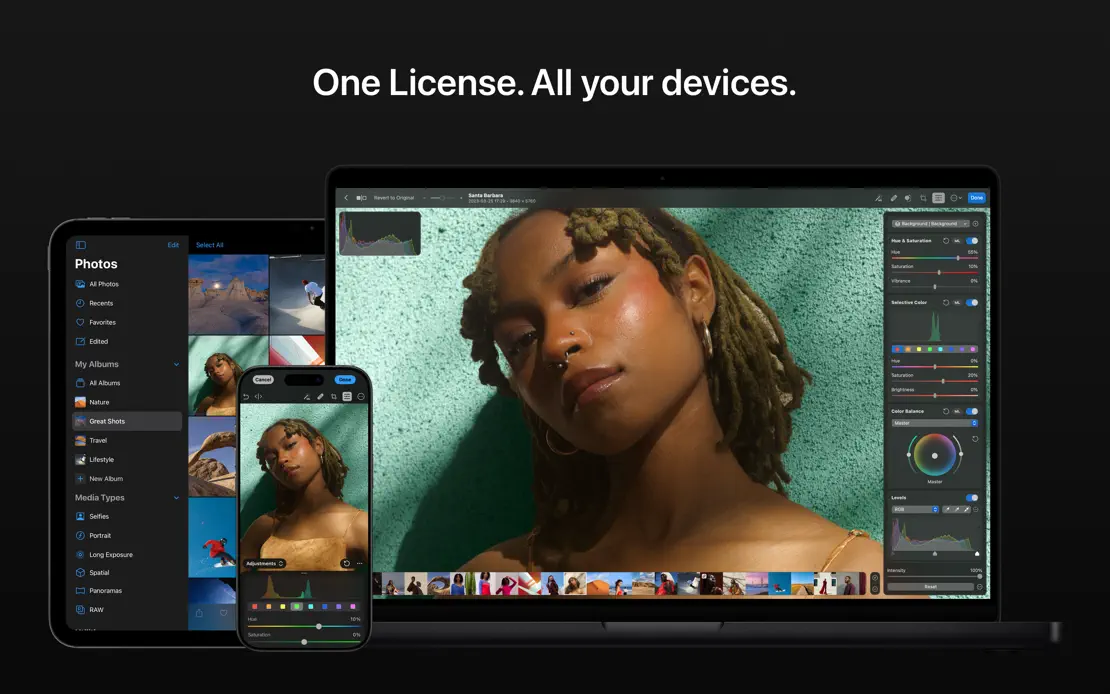
Photomator, App Store screenshot 1
Photomator, App Store screenshot 2
Photomator, App Store screenshot 3
Photomator, App Store screenshot 4
Photomator, App Store screenshot 5
Photomator, App Store screenshot 6
Photomator, App Store screenshot 7
Photomator, App Store screenshot 8
Photomator, App Store screenshot 9

Day One

Lifestyle · 6 frames

Short italic white headlines sit above overlapping journal windows on a teal gradient that stays constant across all six frames.

Day One, App Store screenshot 1
Day One, App Store screenshot 2
Day One, App Store screenshot 3
Day One, App Store screenshot 4
Day One, App Store screenshot 5
Day One, App Store screenshot 6

Agenda

Productivity · 6 frames

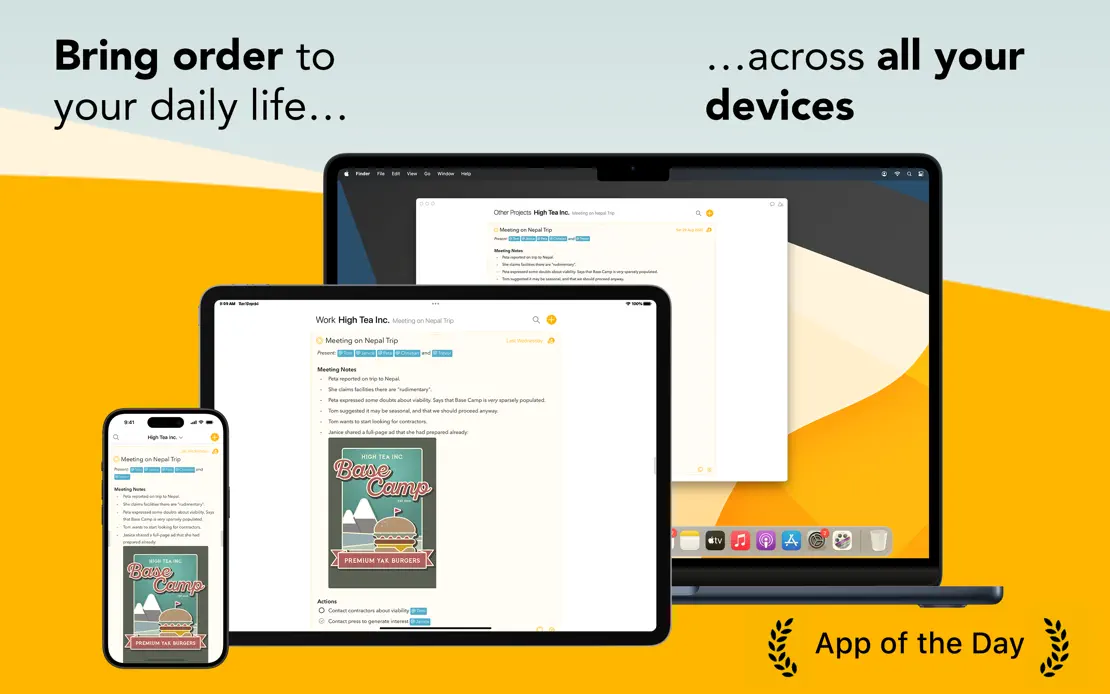
Bold two-weight headlines and orange paper-like waves frame overlapping note windows, with press quotes and award laurels, closing on MacBook, iPad and iPhone.

Agenda, App Store screenshot 1
Agenda, App Store screenshot 2
Agenda, App Store screenshot 3
Agenda, App Store screenshot 4
Agenda, App Store screenshot 5
Agenda, App Store screenshot 6

Amphetamine

Utilities · 7 frames

Each frame switches to a saturated solid color behind a MacBook or dark preference window, ending on a black frame of star-rated user quotes.

Amphetamine, App Store screenshot 1
Amphetamine, App Store screenshot 2
Amphetamine, App Store screenshot 3
Amphetamine, App Store screenshot 4
Amphetamine, App Store screenshot 5
Amphetamine, App Store screenshot 6
Amphetamine, App Store screenshot 7

Cardhop

Productivity · 8 frames

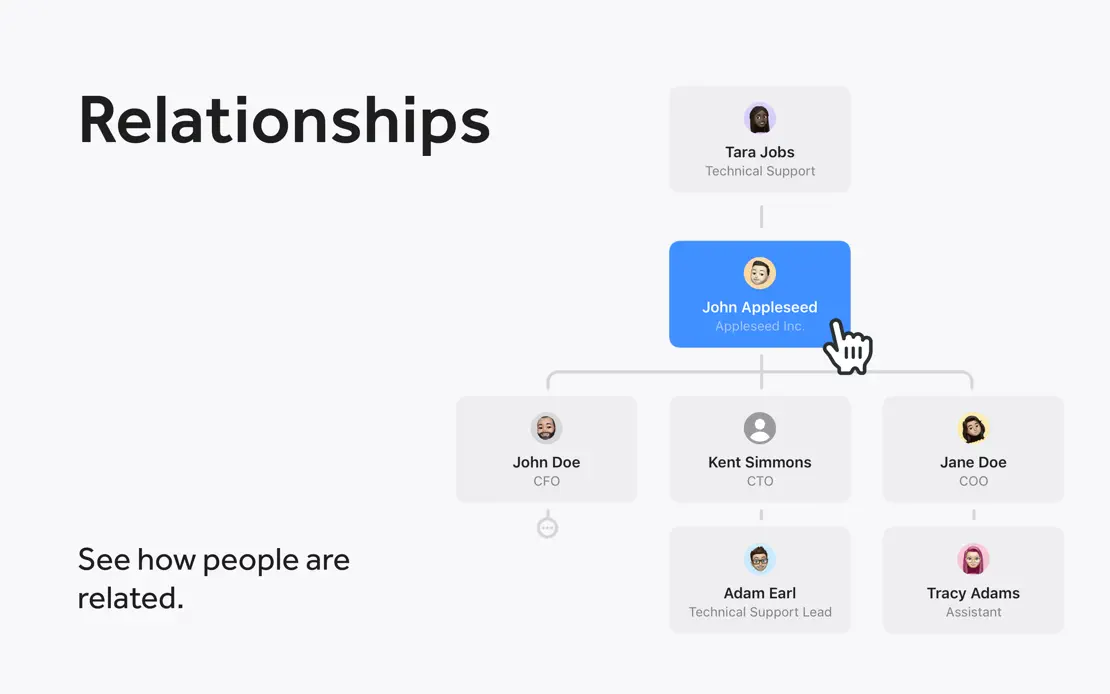
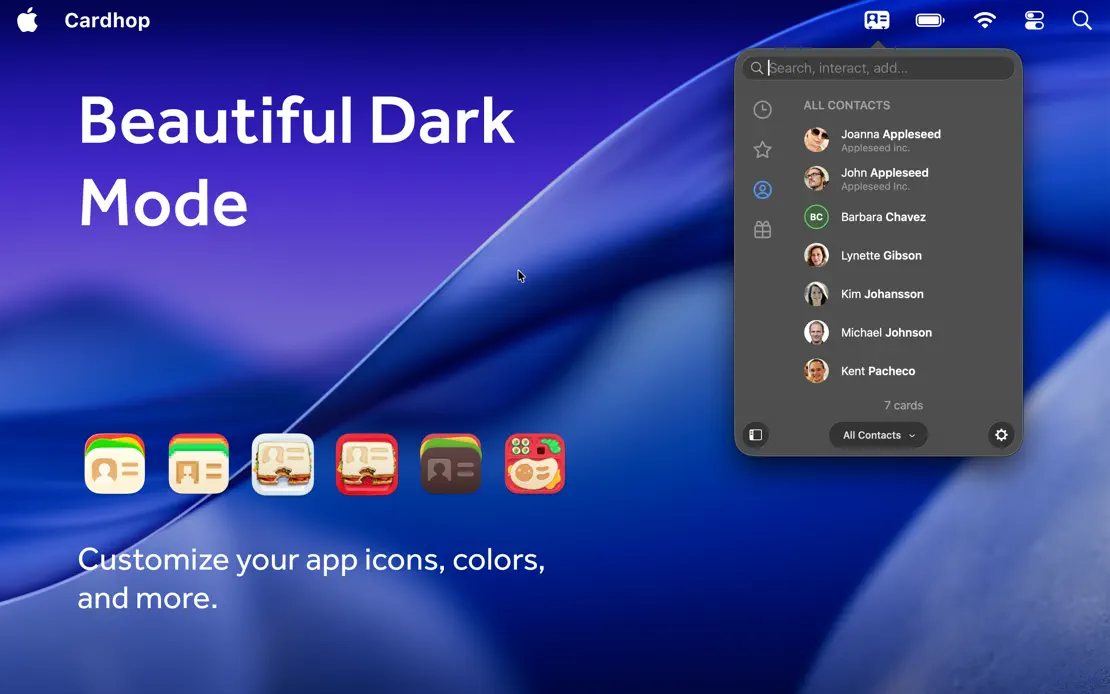
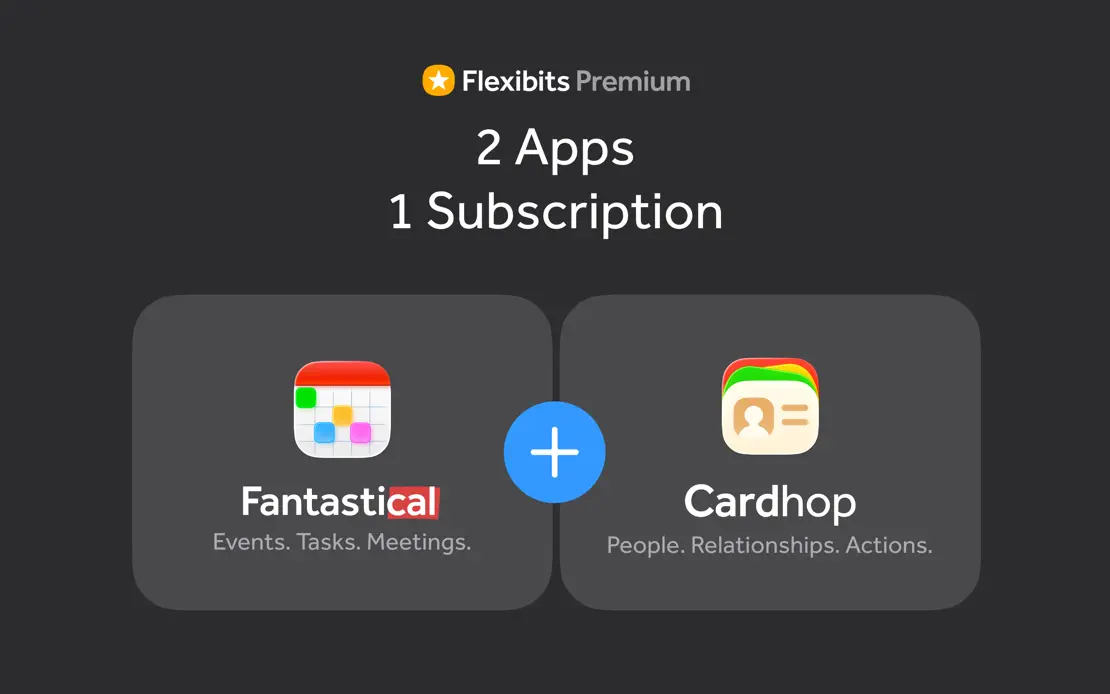
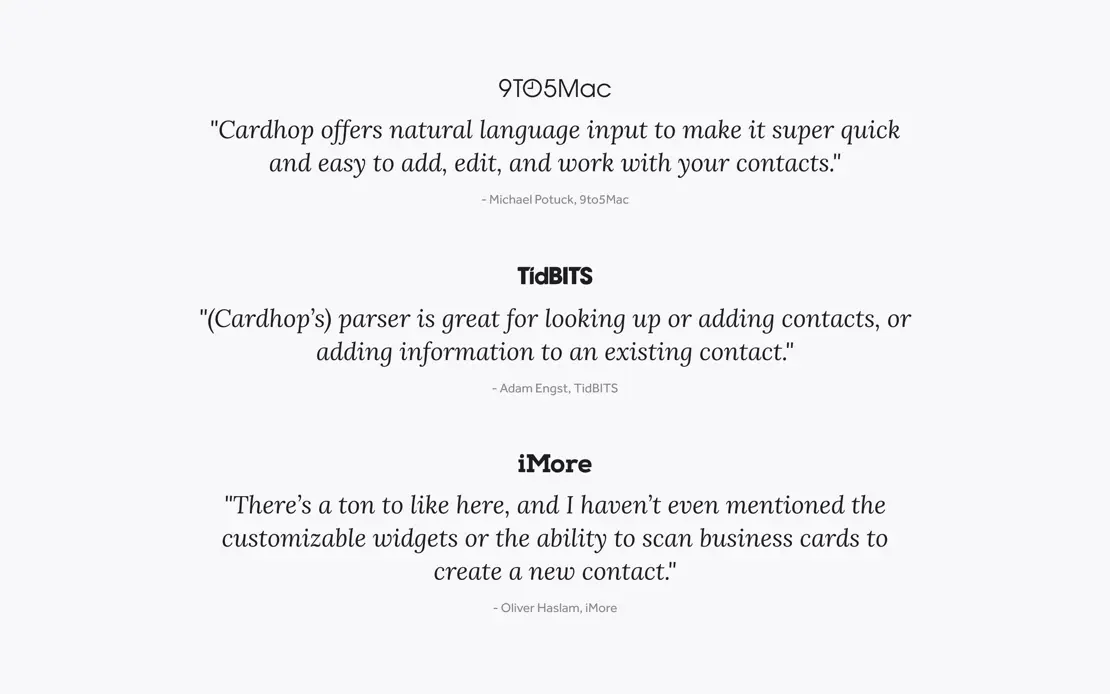
Light gray panels mix MacBook, iPad and iPhone renders with floating action bubbles and diagrams, then close on a subscription bundle and press quotes.
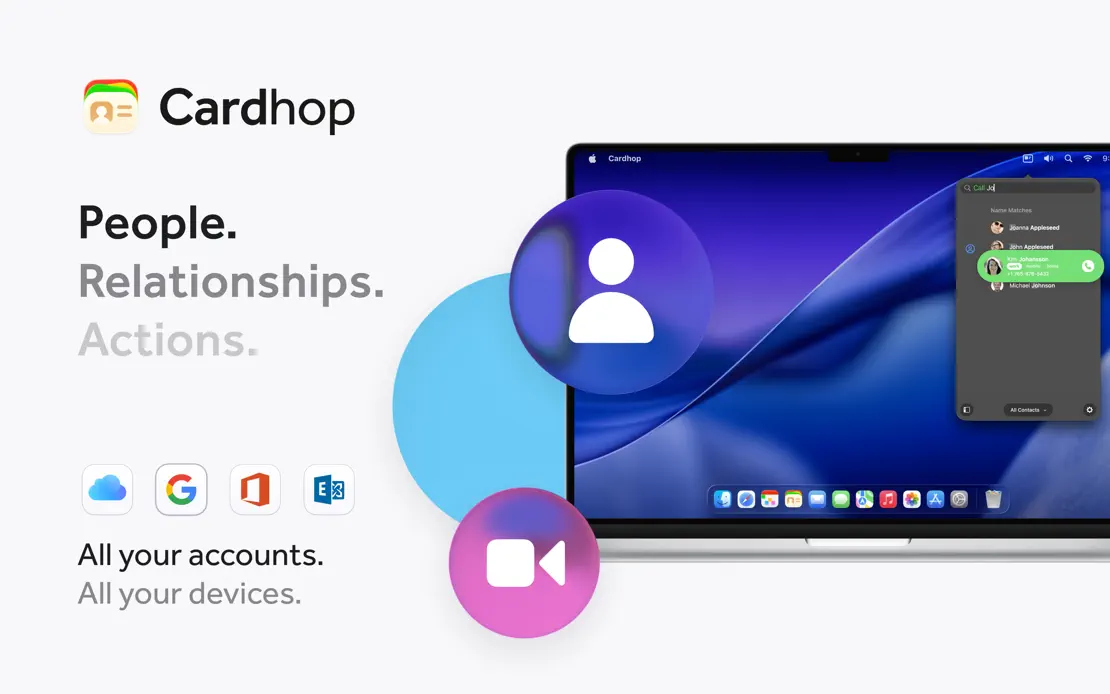
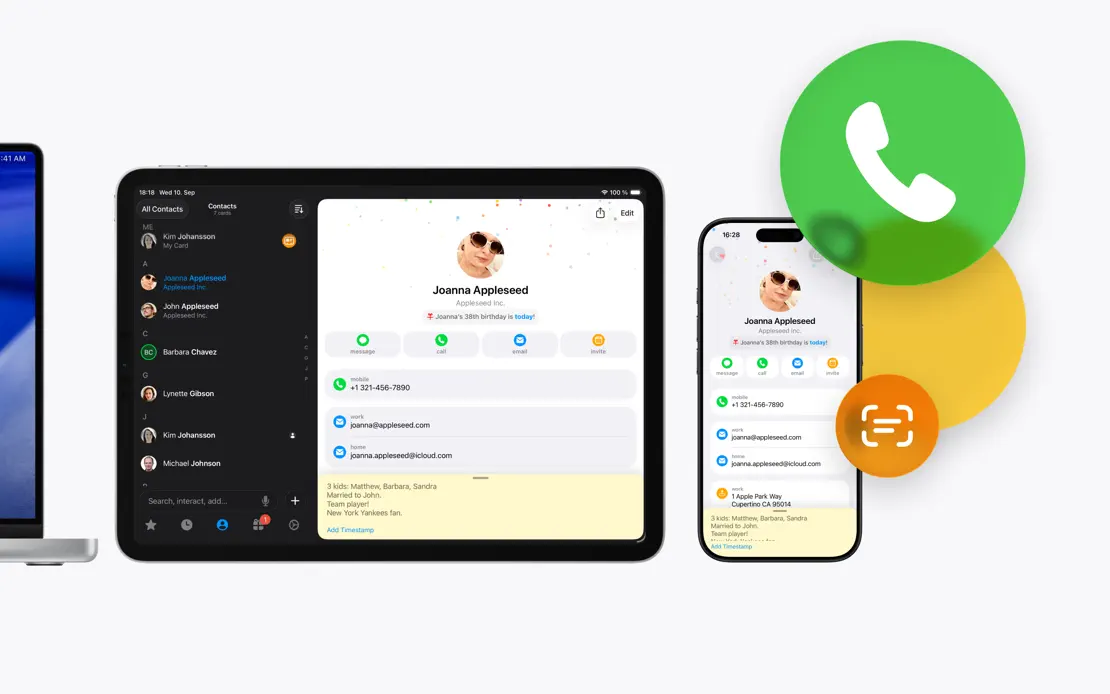
Cardhop, App Store screenshot 1
Cardhop, App Store screenshot 2
Cardhop, App Store screenshot 3
Cardhop, App Store screenshot 4
Cardhop, App Store screenshot 5
Cardhop, App Store screenshot 6
Cardhop, App Store screenshot 7
Cardhop, App Store screenshot 8

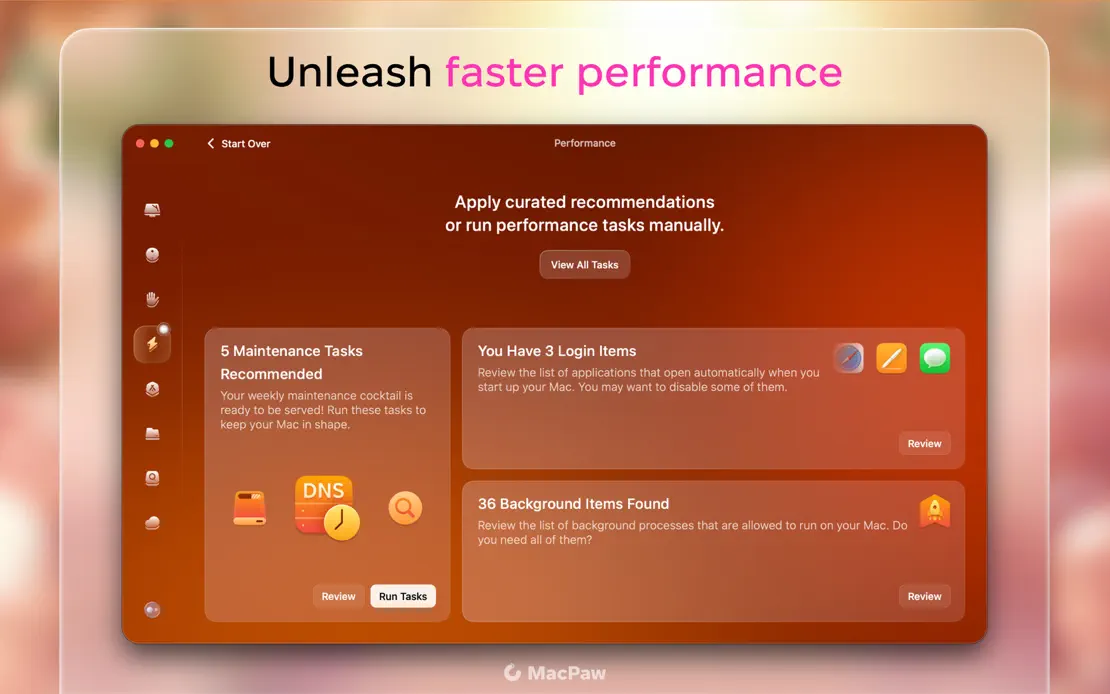
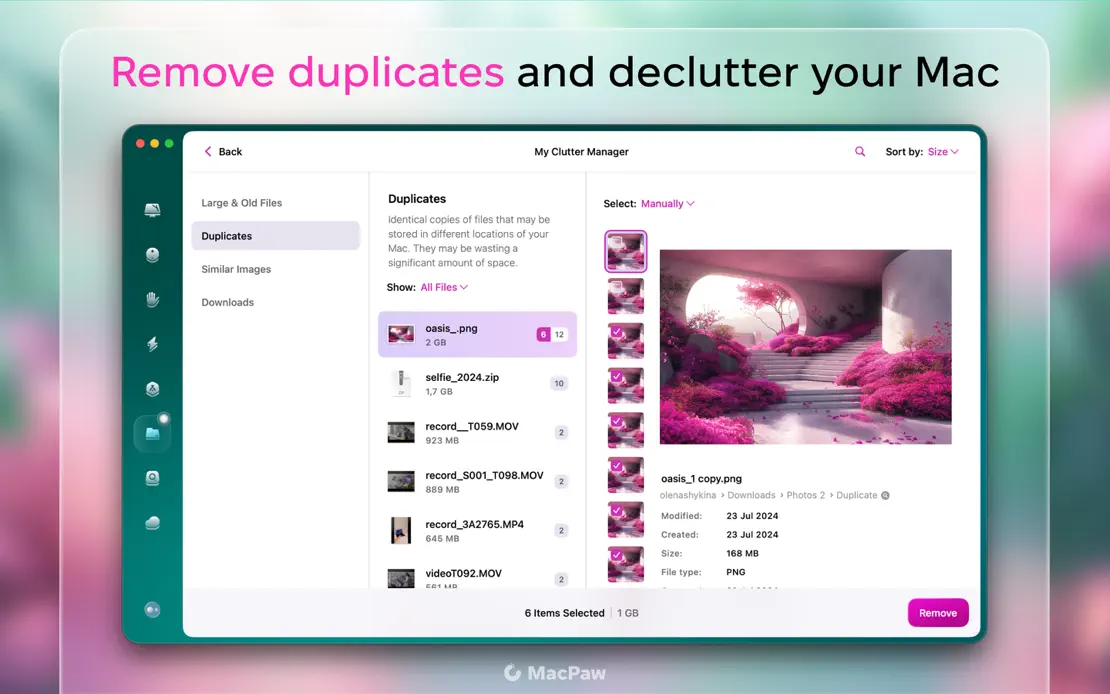
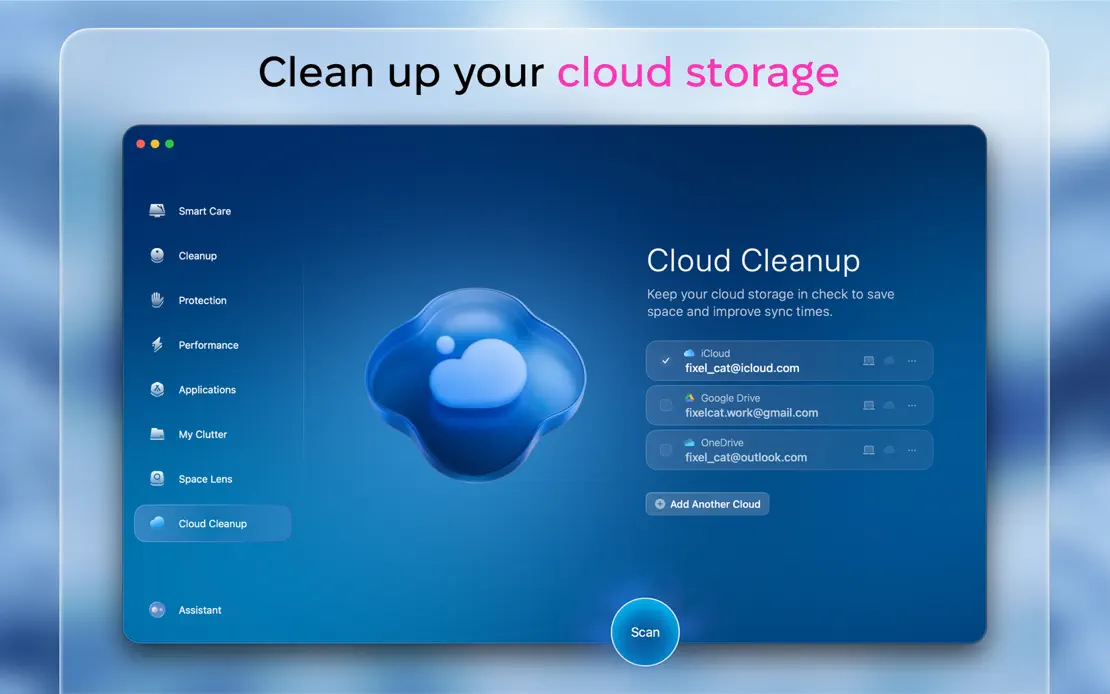
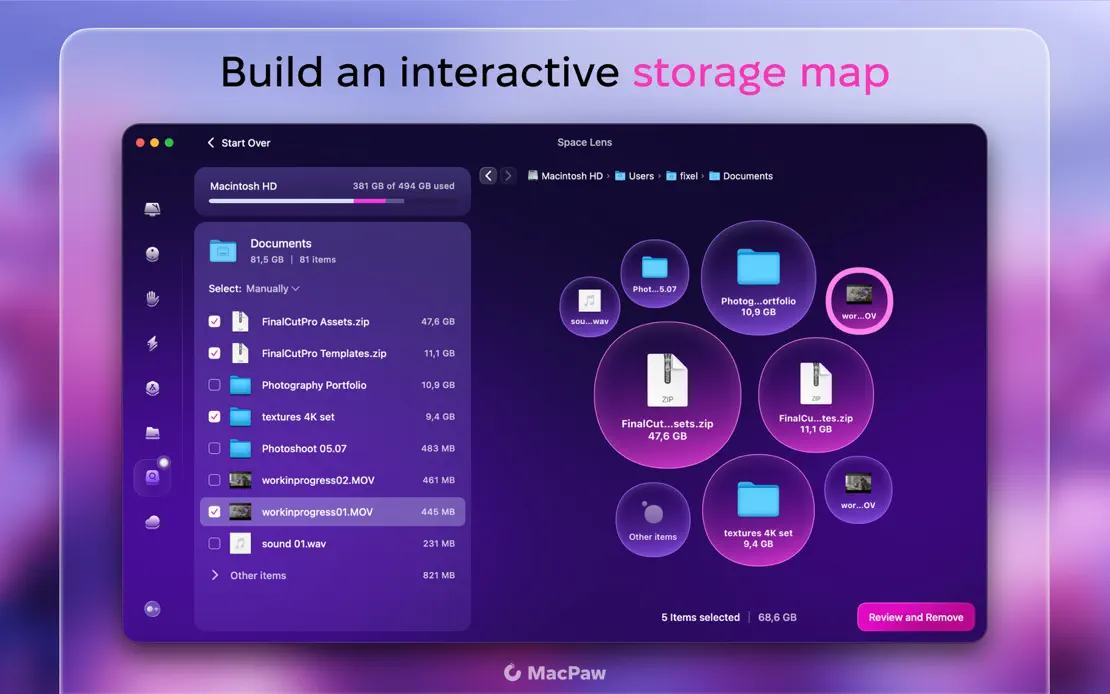
CleanMyMac

Utilities · 10 frames

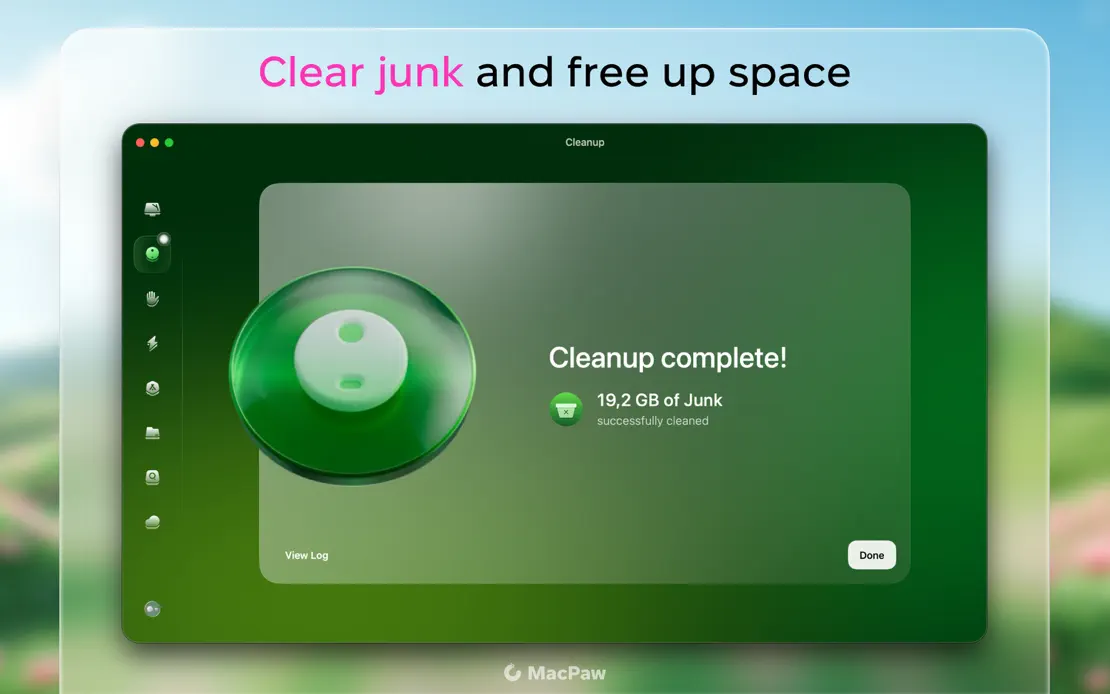
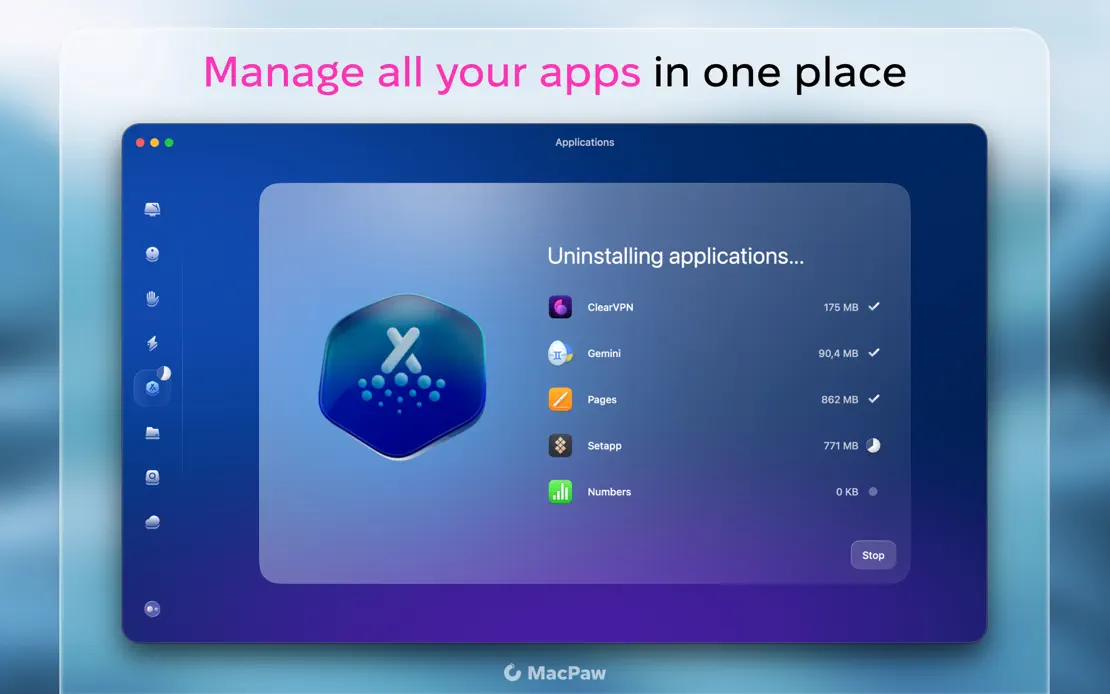
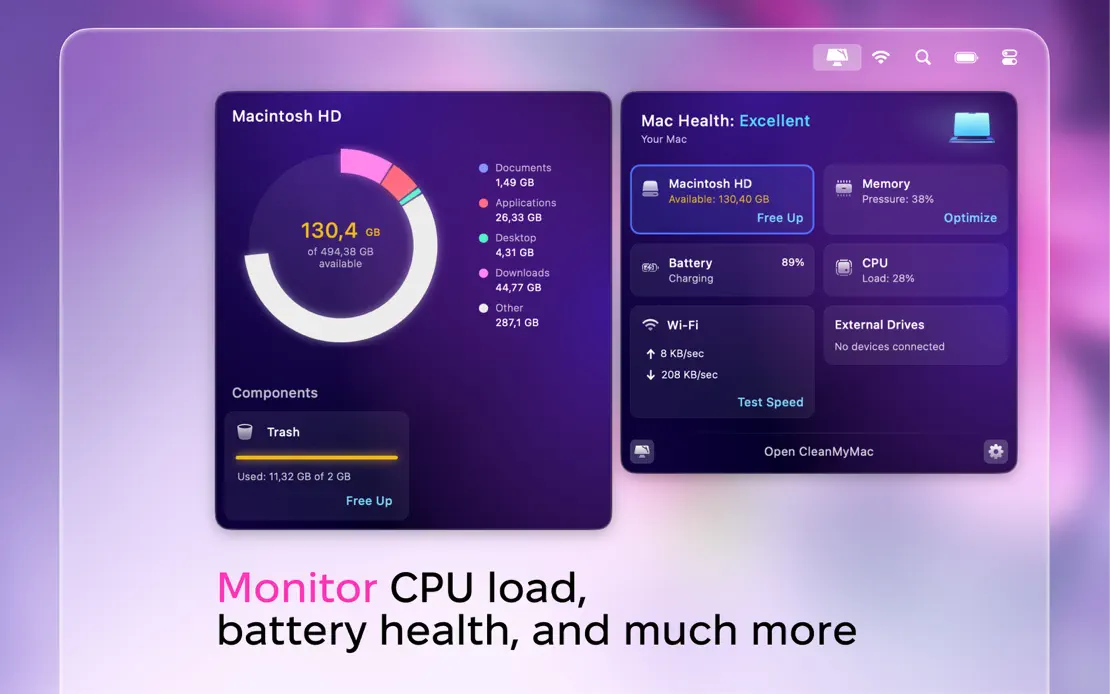
Two-tone headlines with magenta keywords sit above glassy panels framing each module window over blurred pink blossom photography, ending on a floating health dashboard.
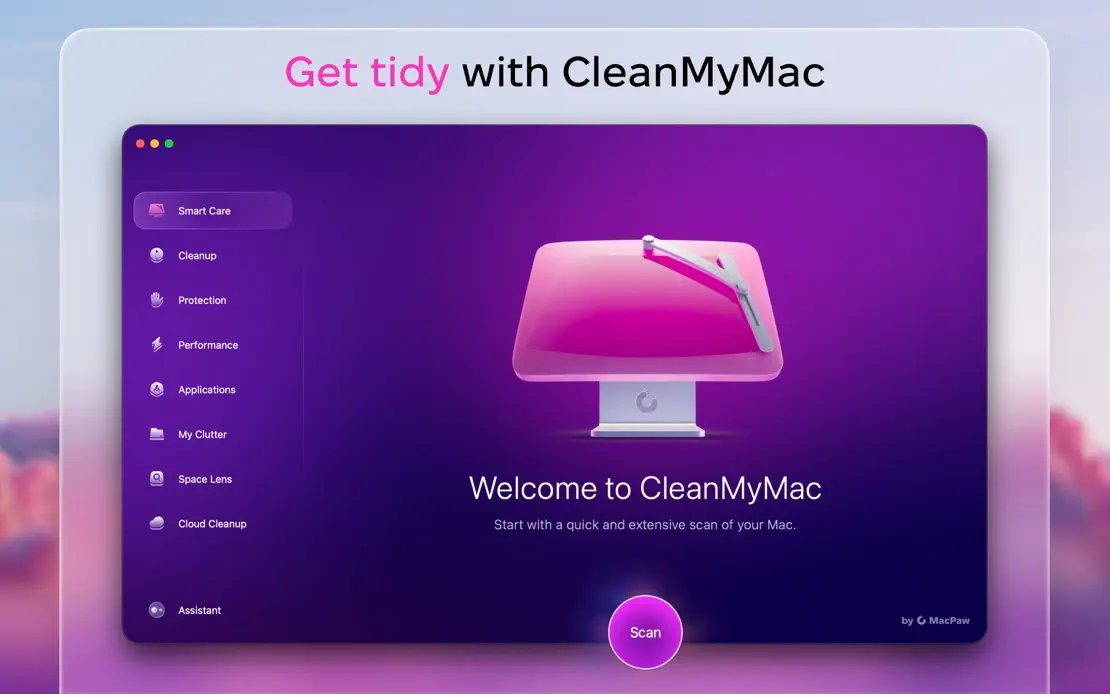
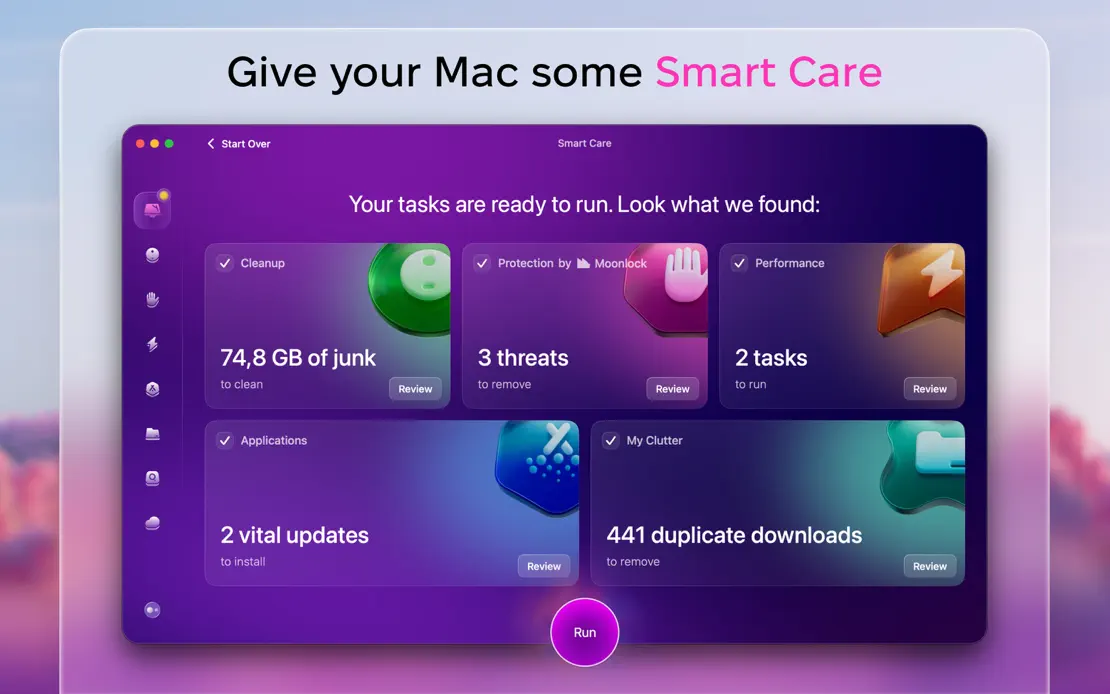
CleanMyMac, App Store screenshot 1
CleanMyMac, App Store screenshot 2
CleanMyMac, App Store screenshot 3
CleanMyMac, App Store screenshot 4
CleanMyMac, App Store screenshot 5
CleanMyMac, App Store screenshot 6
CleanMyMac, App Store screenshot 7
CleanMyMac, App Store screenshot 8
CleanMyMac, App Store screenshot 9
CleanMyMac, App Store screenshot 10

Drafts

Productivity · 7 frames

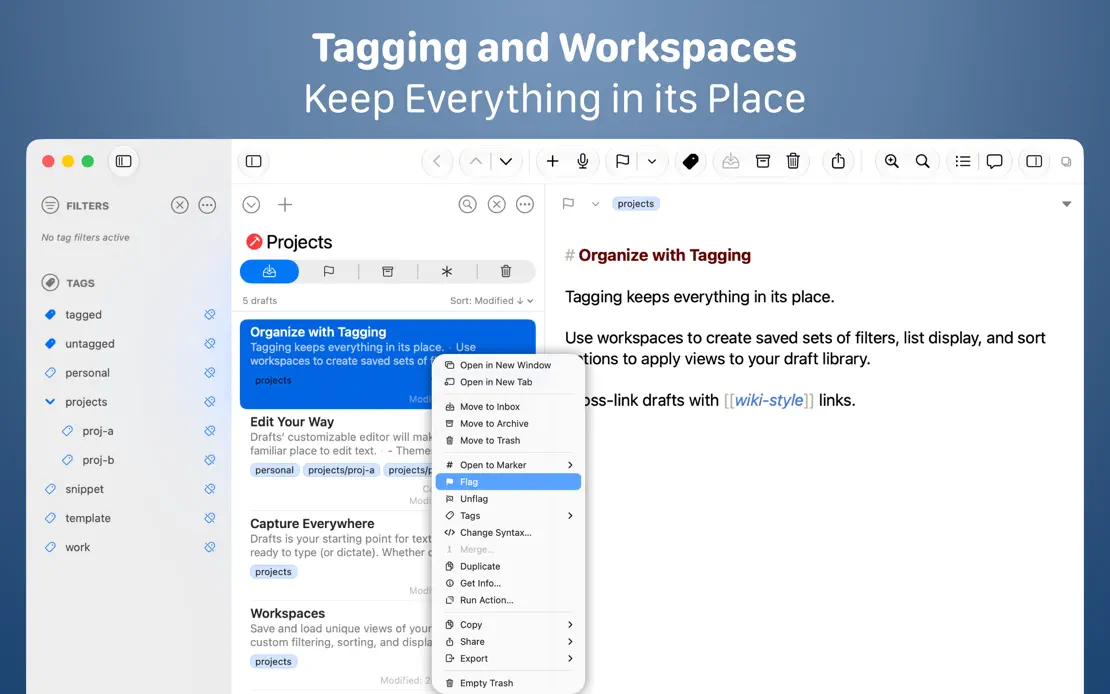
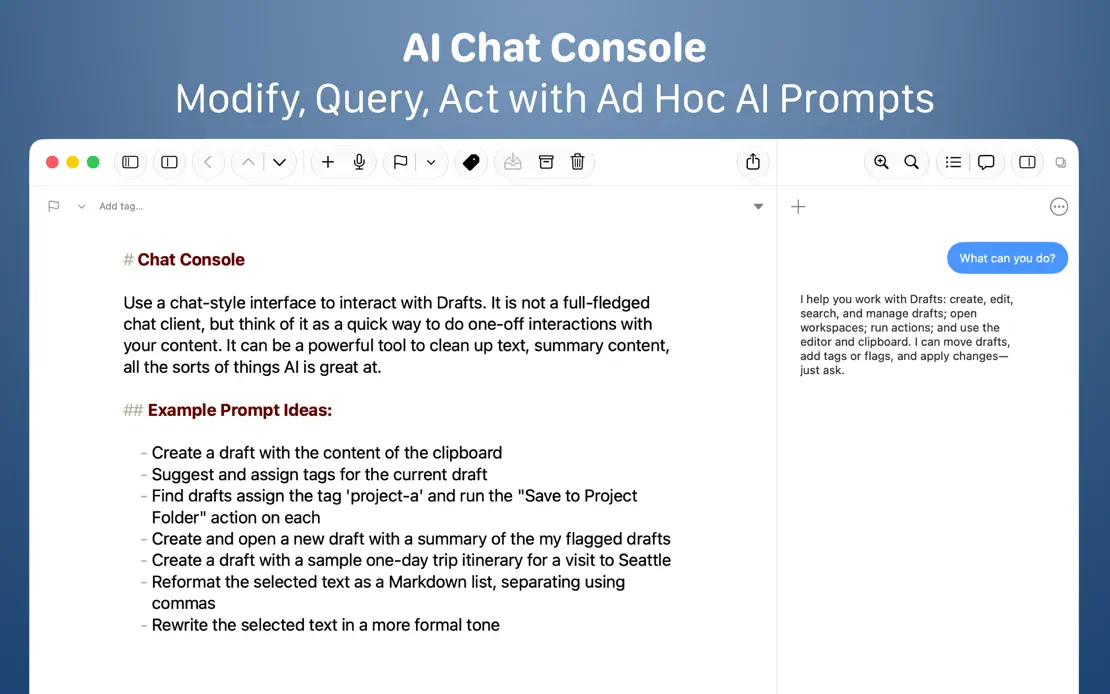
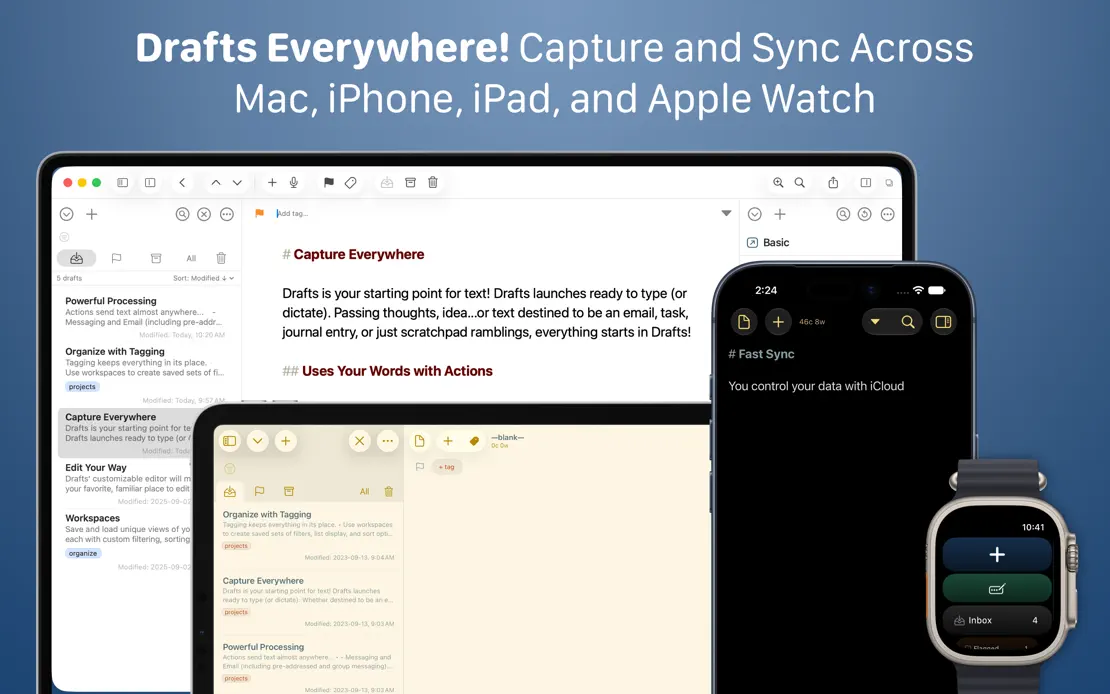
Two-line white headlines crown full-width editor windows on a navy gradient, moving to Mac, iPad, iPhone and Watch before a centered text-only feature list.
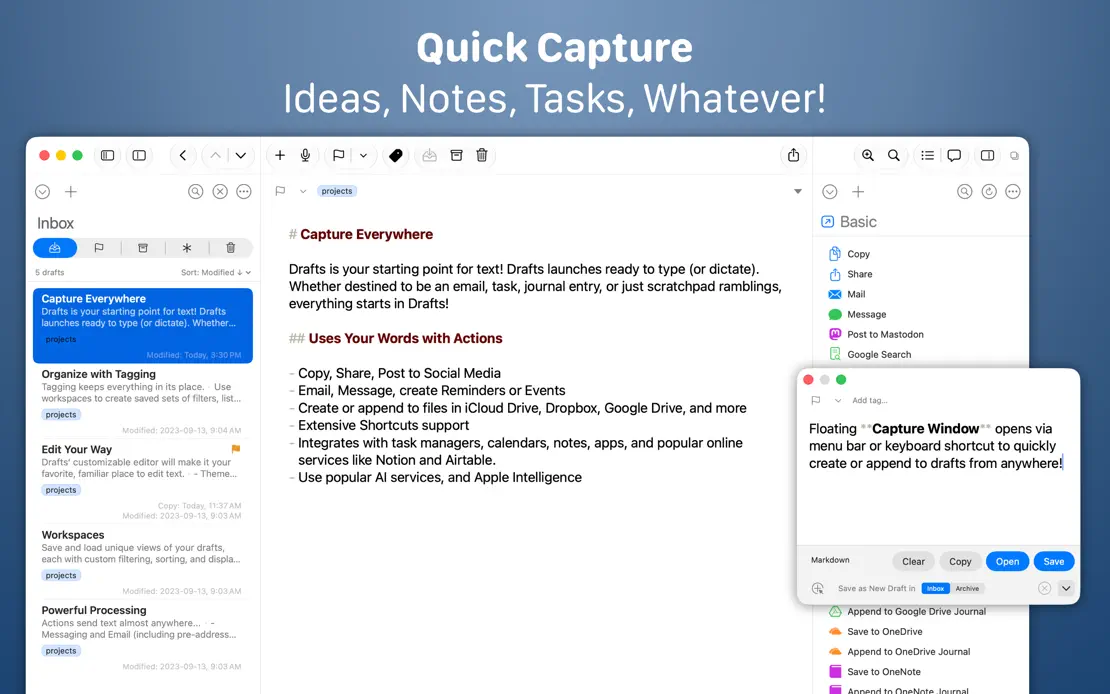
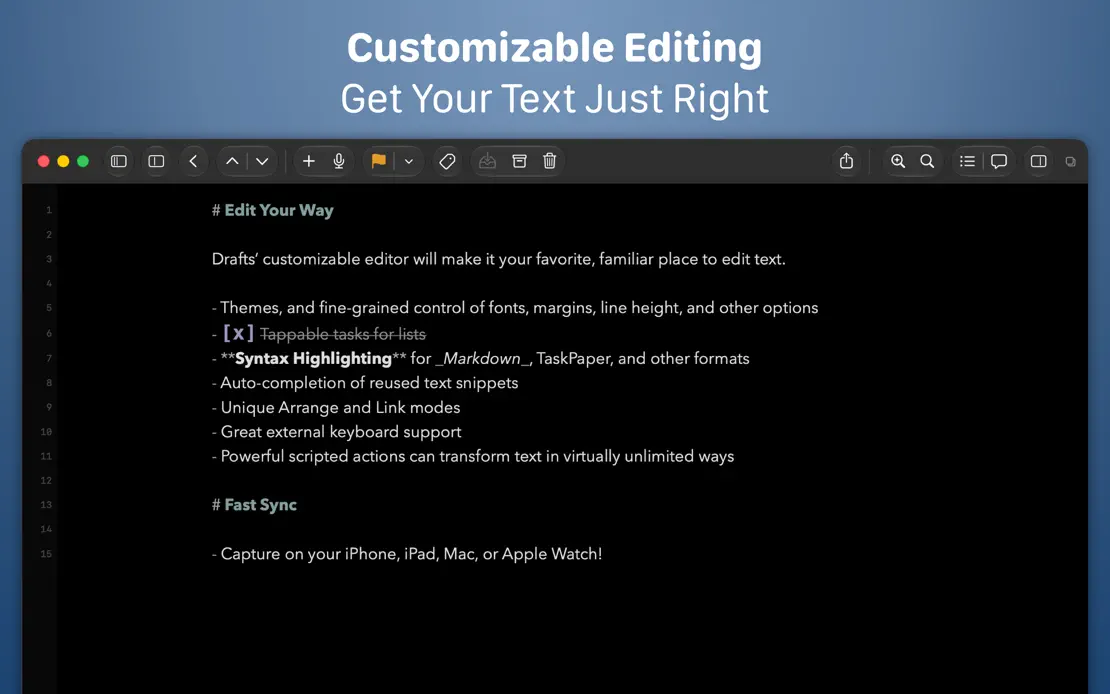
Drafts, App Store screenshot 1
Drafts, App Store screenshot 2
Drafts, App Store screenshot 3
Drafts, App Store screenshot 4
Drafts, App Store screenshot 5
Drafts, App Store screenshot 6
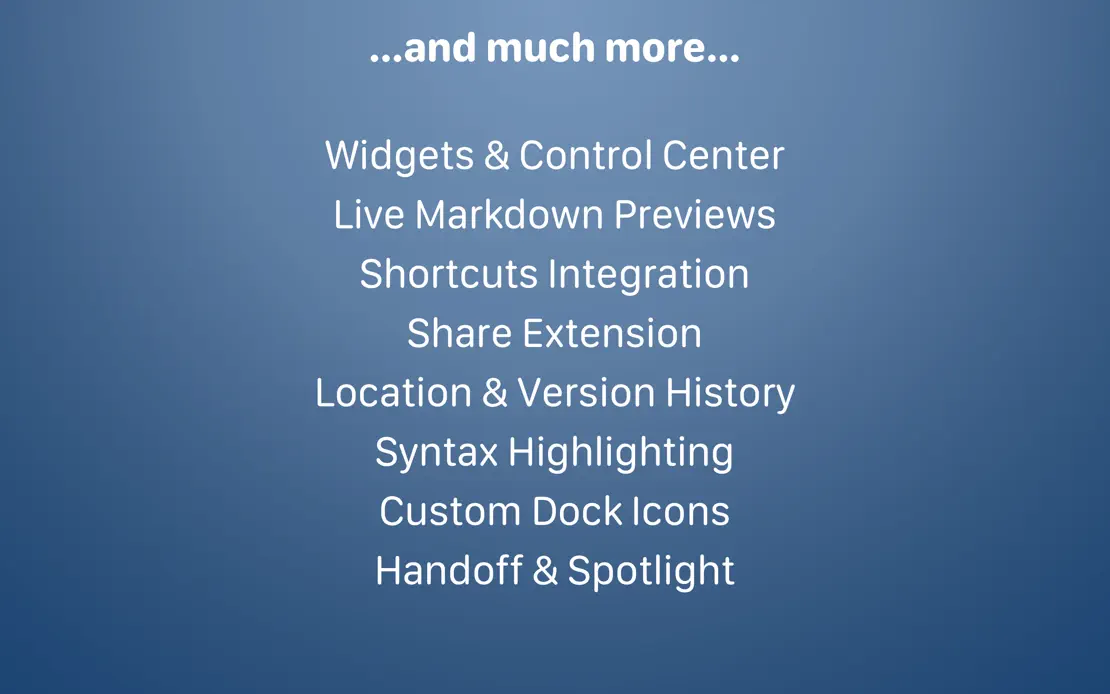
Drafts, App Store screenshot 7

Dropover

Utilities · 8 frames

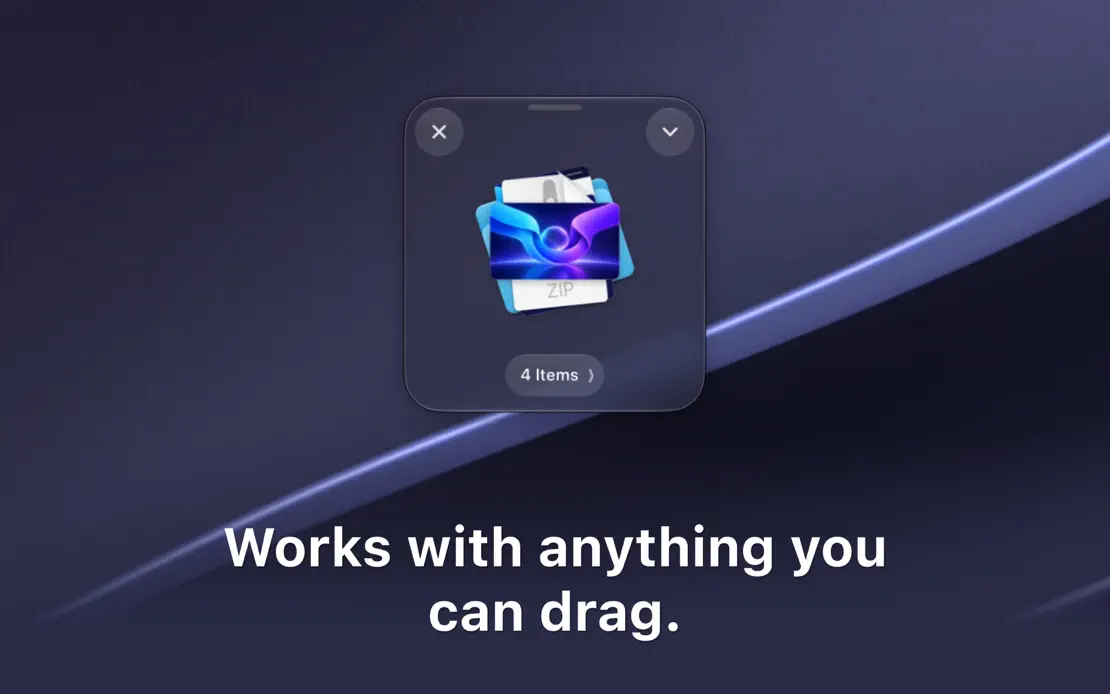
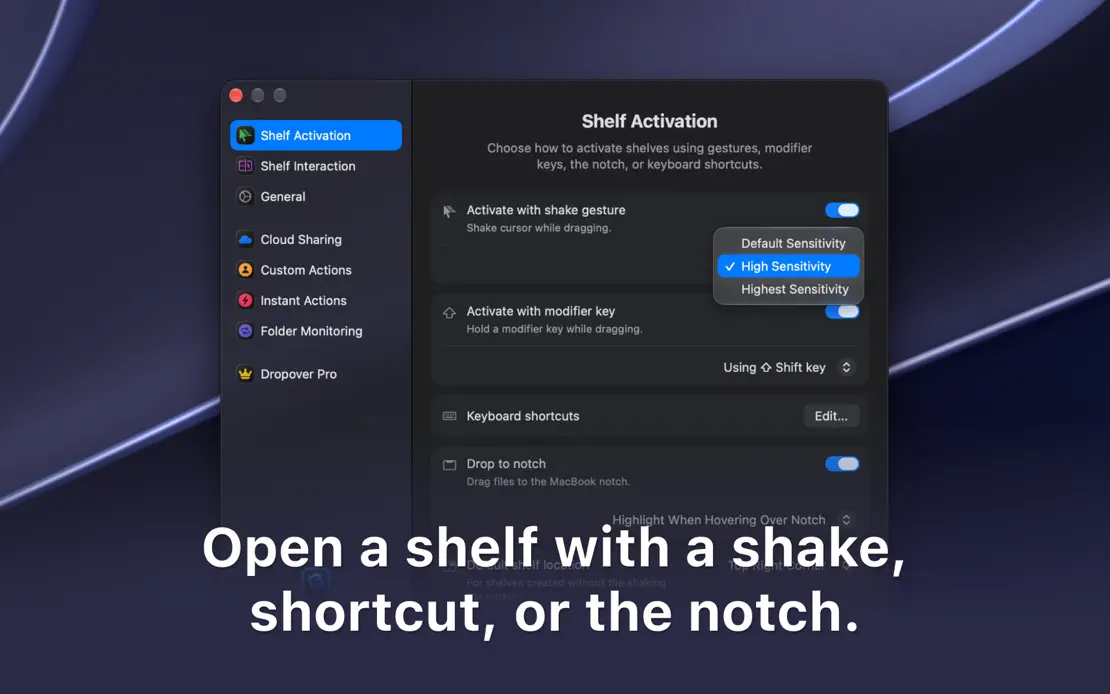
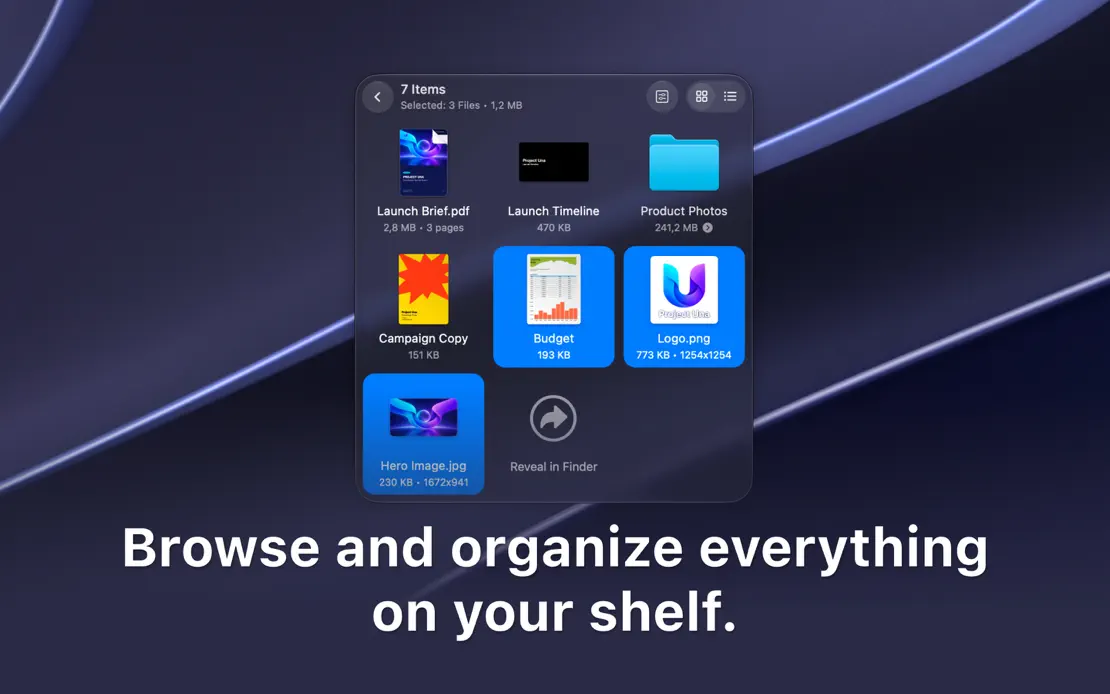
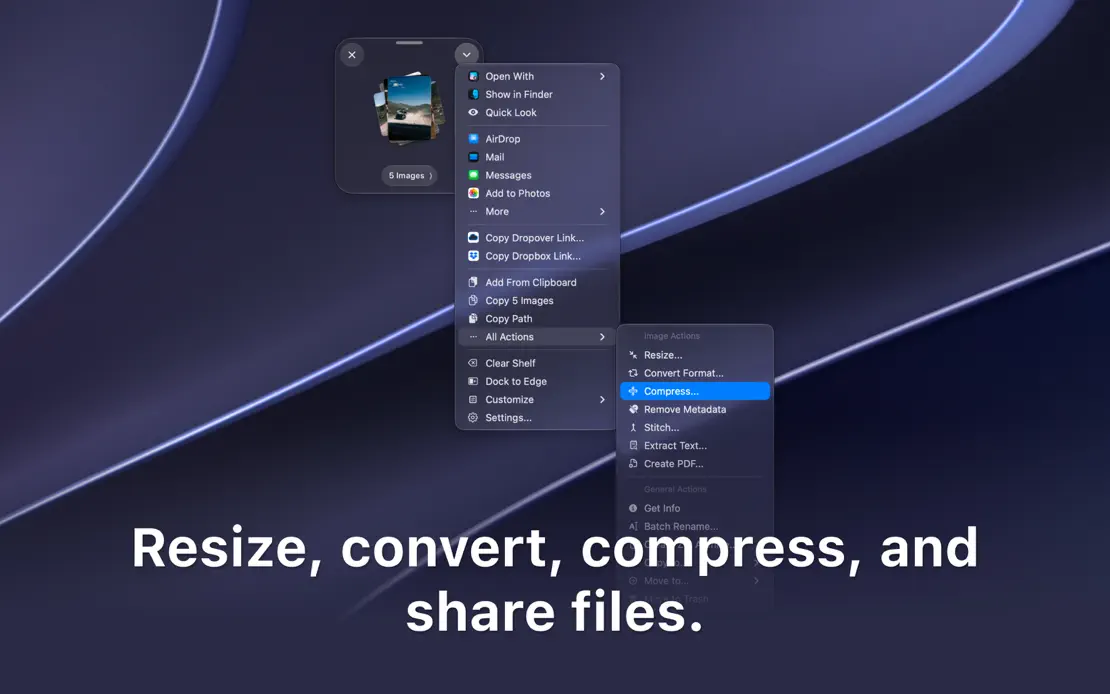
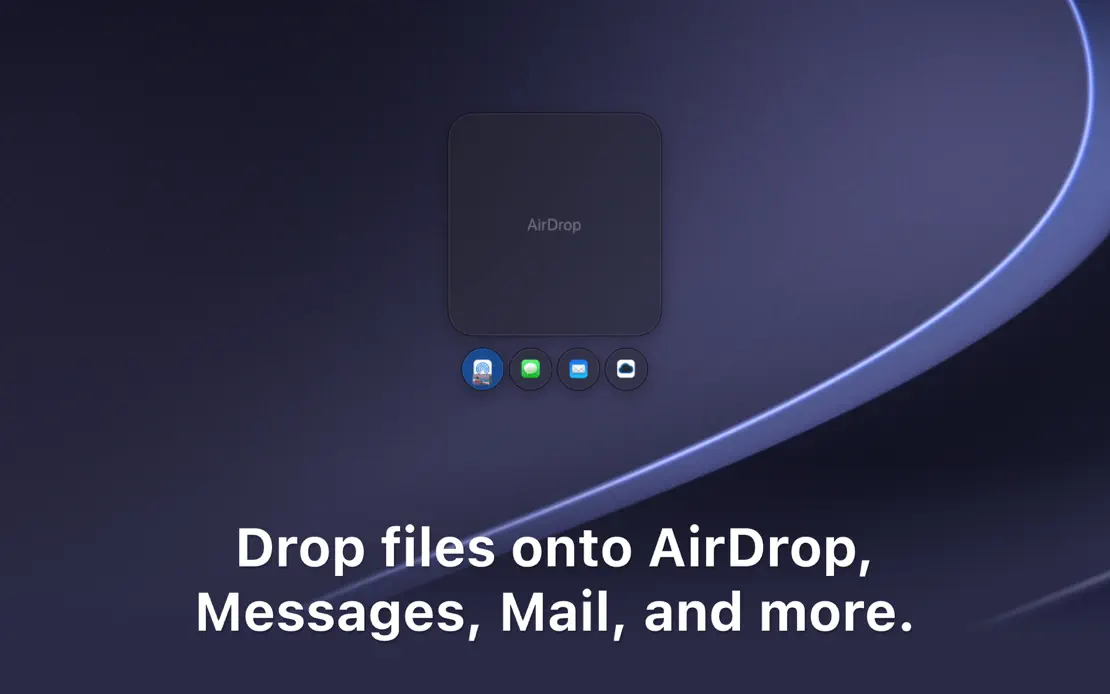
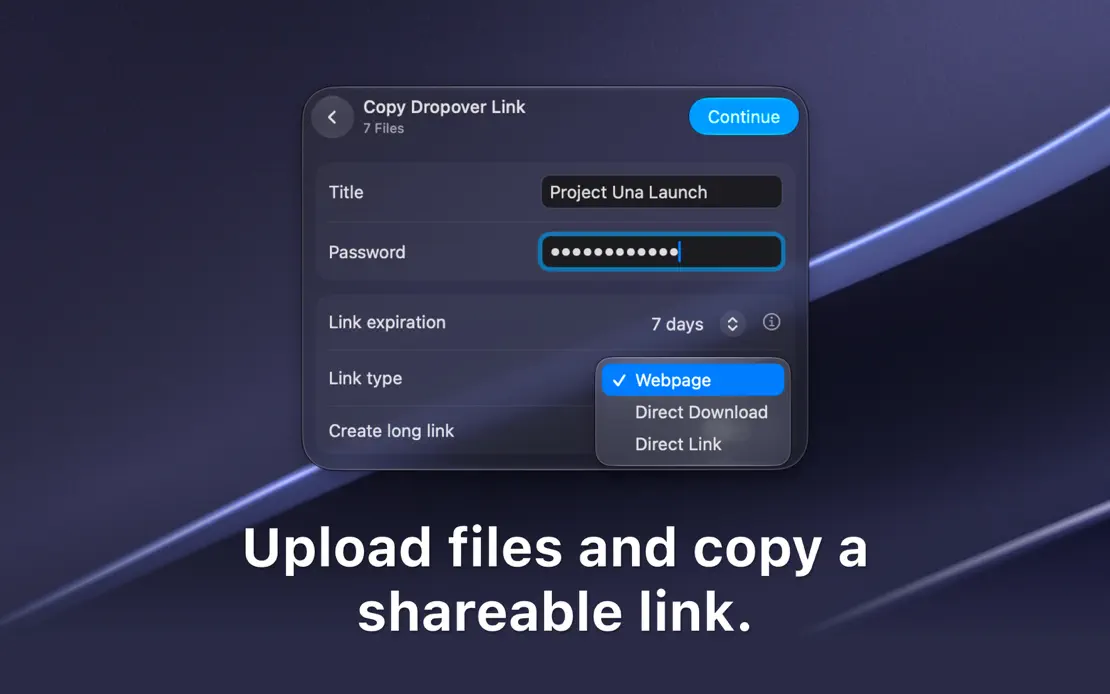
Cropped dark windows and floating shelves drift over the same purple-gray macOS wallpaper, each paired with a centered bottom caption.
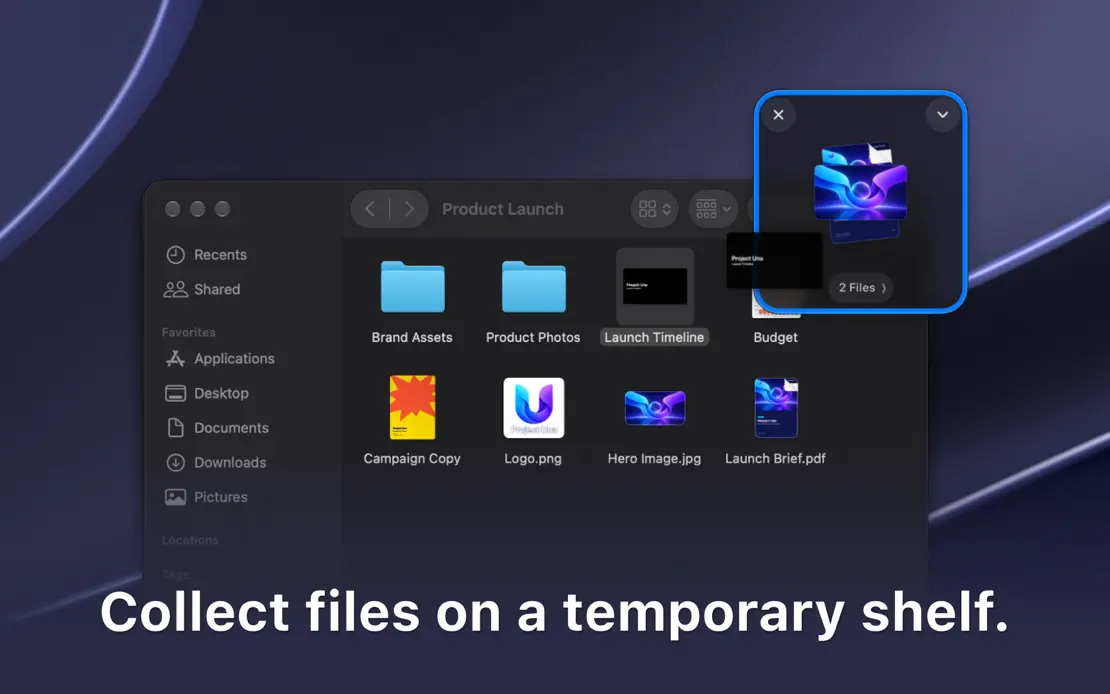
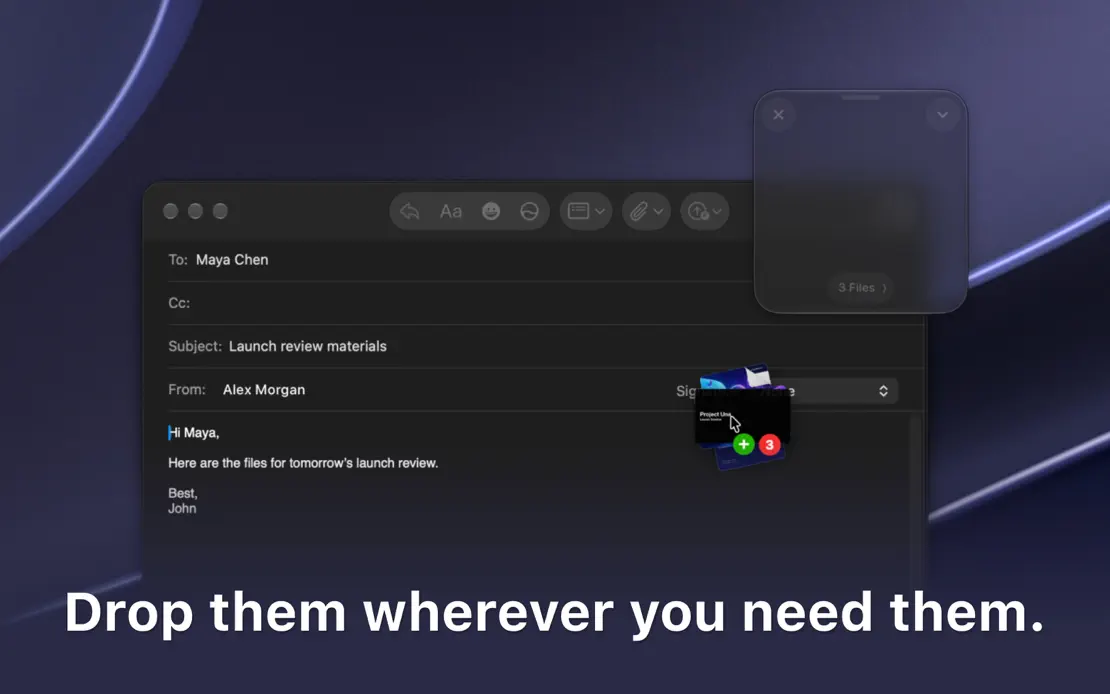
Dropover, App Store screenshot 1
Dropover, App Store screenshot 2
Dropover, App Store screenshot 3
Dropover, App Store screenshot 4
Dropover, App Store screenshot 5
Dropover, App Store screenshot 6
Dropover, App Store screenshot 7
Dropover, App Store screenshot 8

Hand Mirror

Utilities · 7 frames

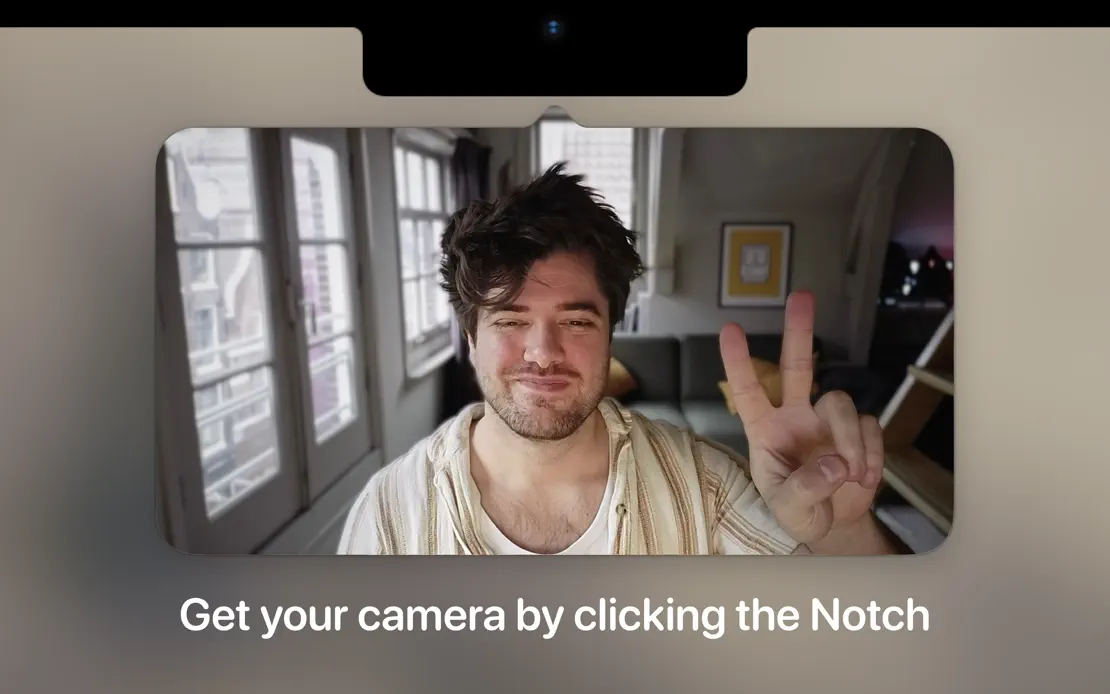
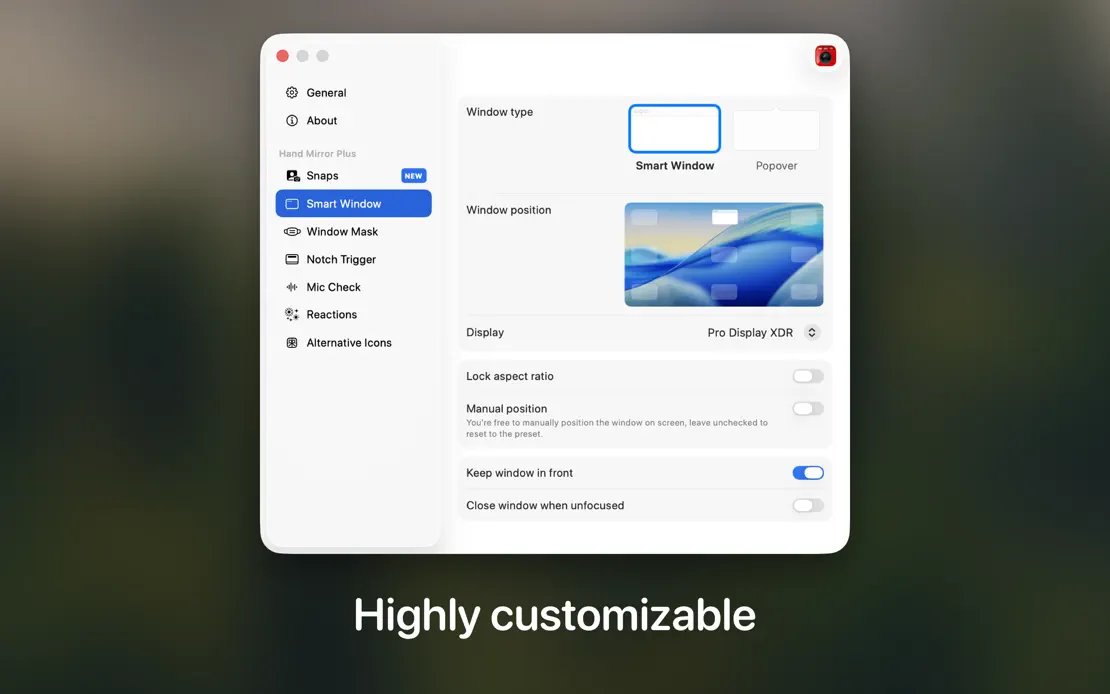
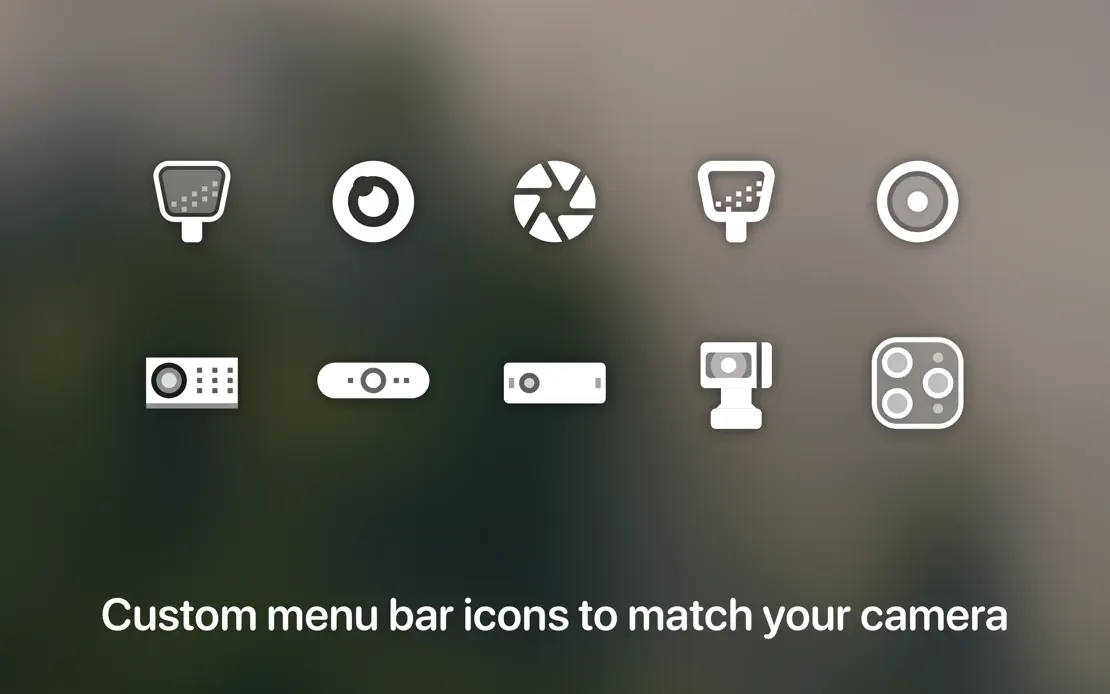
Blurred dark room photography backs cropped camera previews, a notch detail and a menu bar, each captioned with one short line at the bottom.

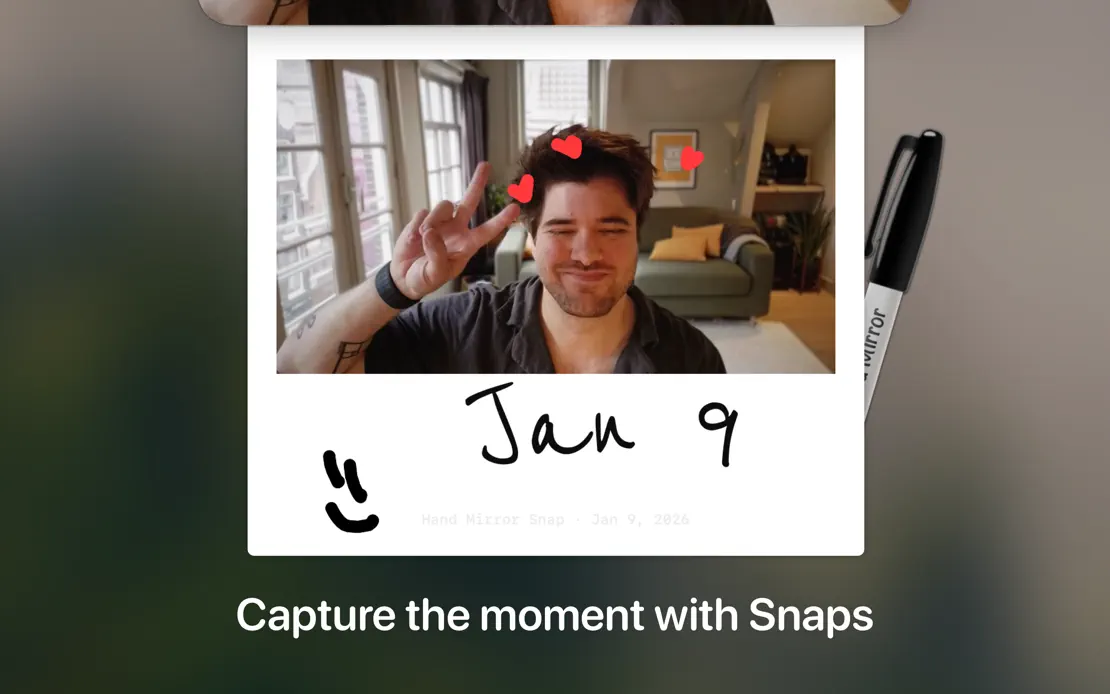
Hand Mirror, App Store screenshot 1
Hand Mirror, App Store screenshot 2
Hand Mirror, App Store screenshot 3
Hand Mirror, App Store screenshot 4
Hand Mirror, App Store screenshot 5
Hand Mirror, App Store screenshot 6
Hand Mirror, App Store screenshot 7

Klack

Utilities · 3 frames

Three cream frames run from a centered headline over an iridescent window to a line-icon feature grid, closing on a Forbes badge.
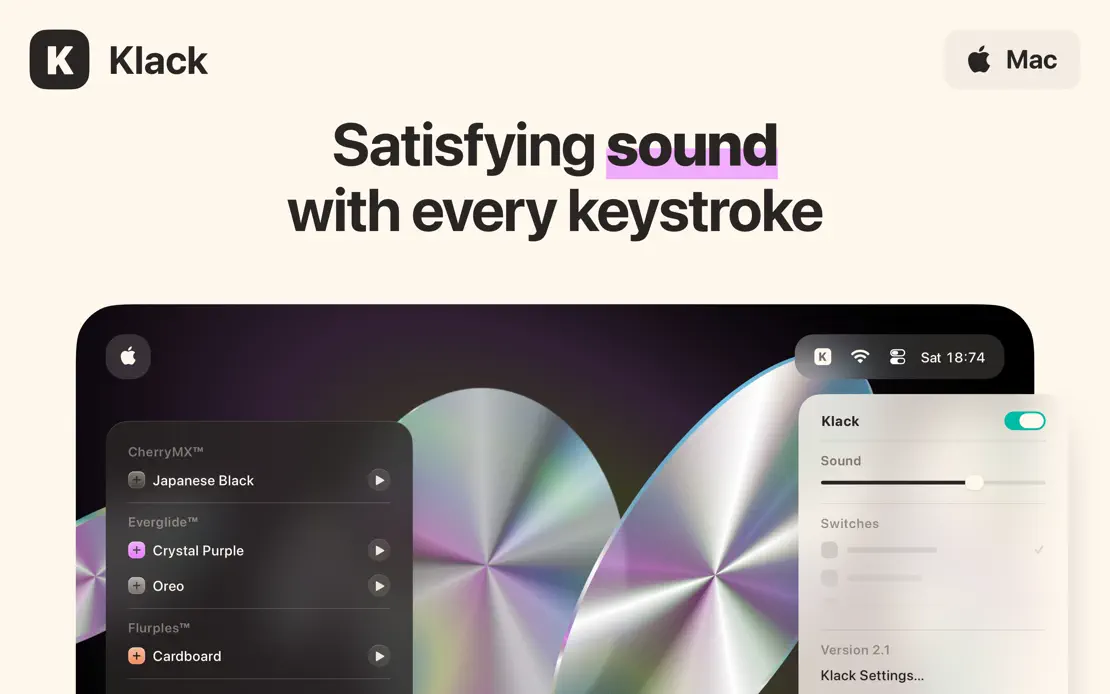
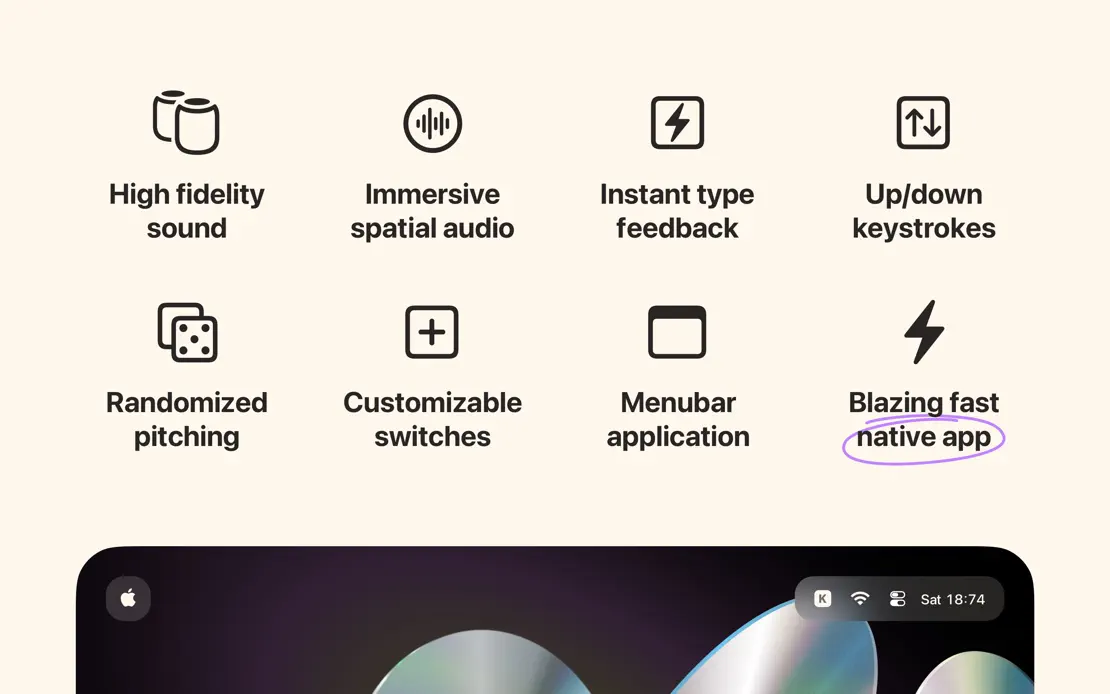
Klack, App Store screenshot 1
Klack, App Store screenshot 2
Klack, App Store screenshot 3

Magnet

Productivity · 3 frames

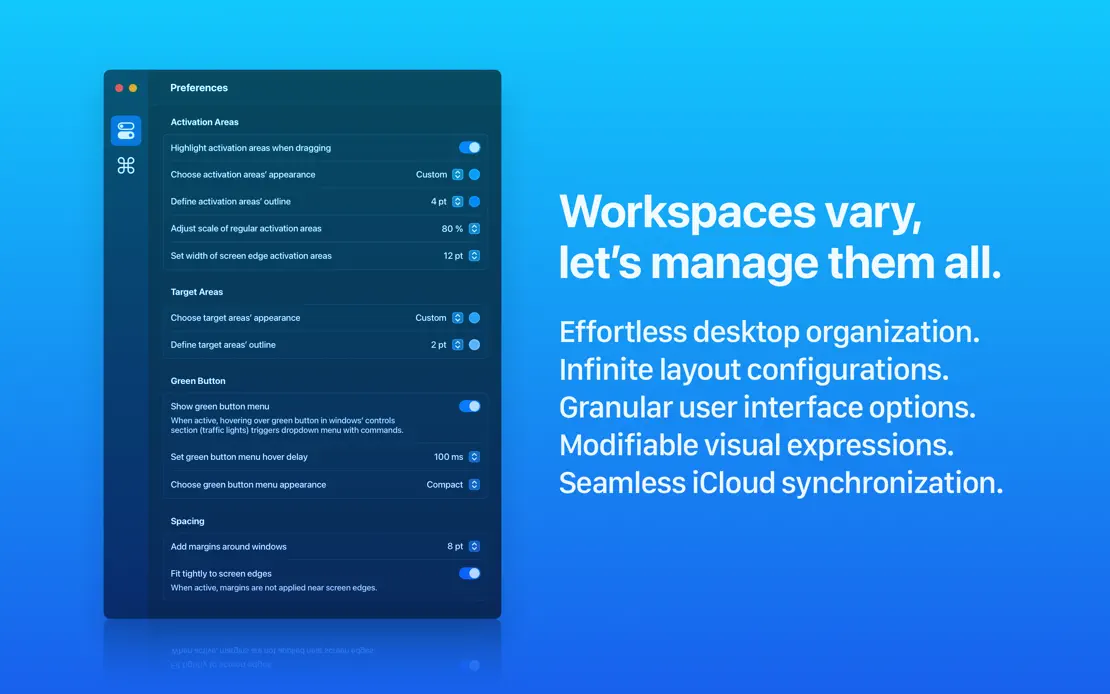
A bright blue gradient runs across three wide frames, pairing large white headlines with a window-tiling illustration and preference panels.
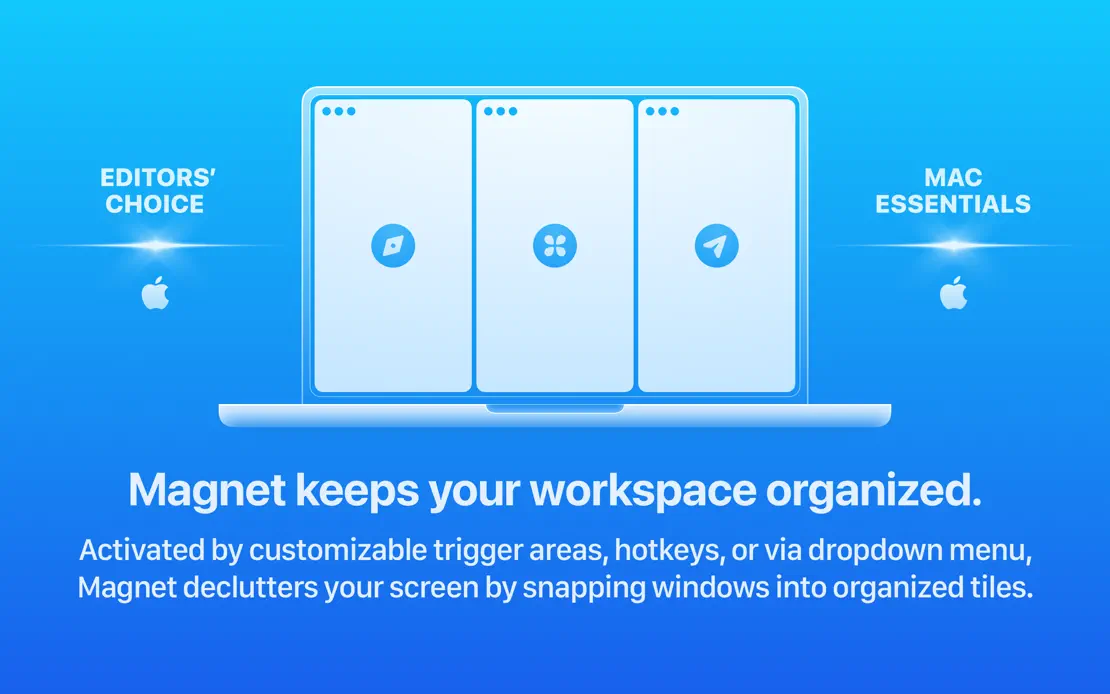
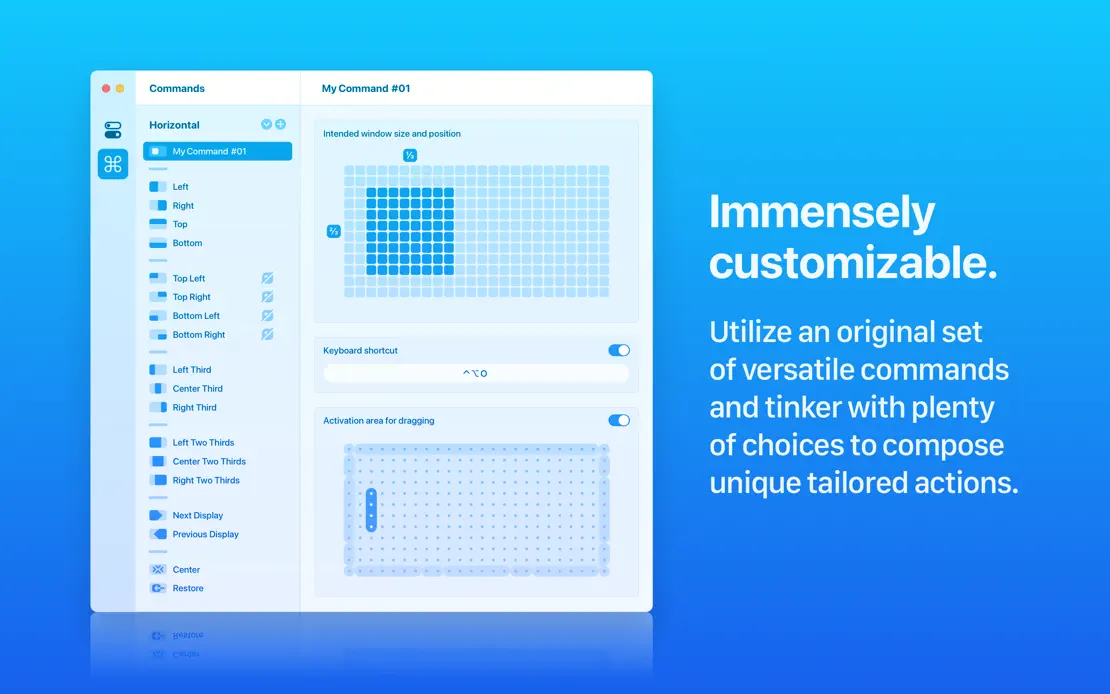
Magnet, App Store screenshot 1
Magnet, App Store screenshot 2
Magnet, App Store screenshot 3

Mela

Lifestyle · 9 frames

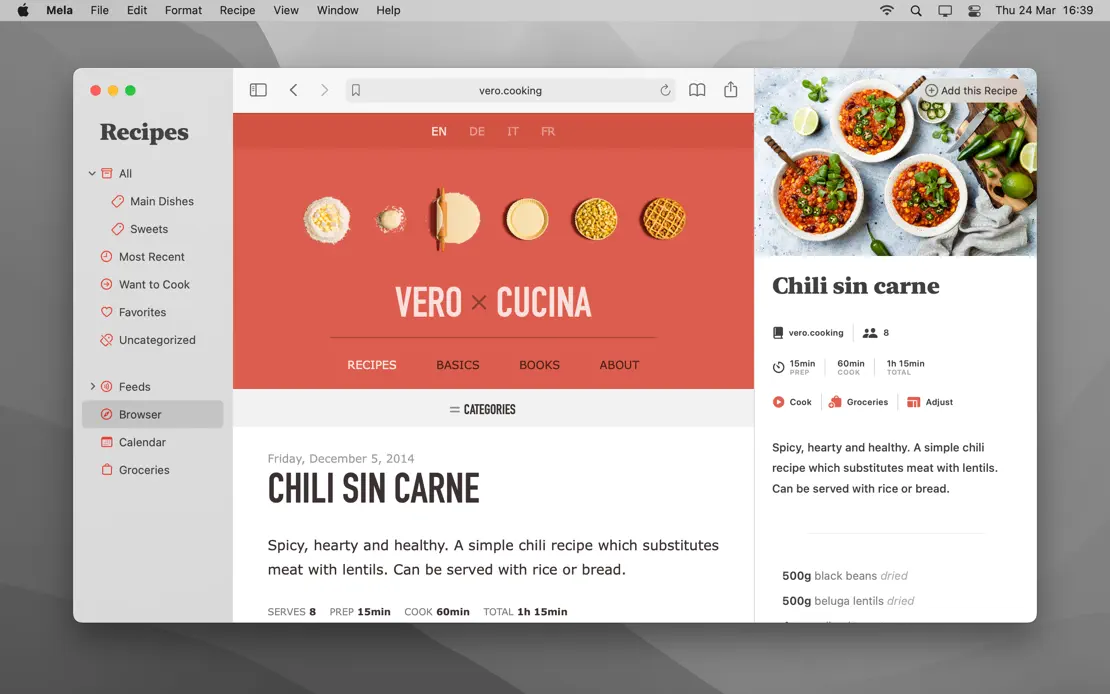
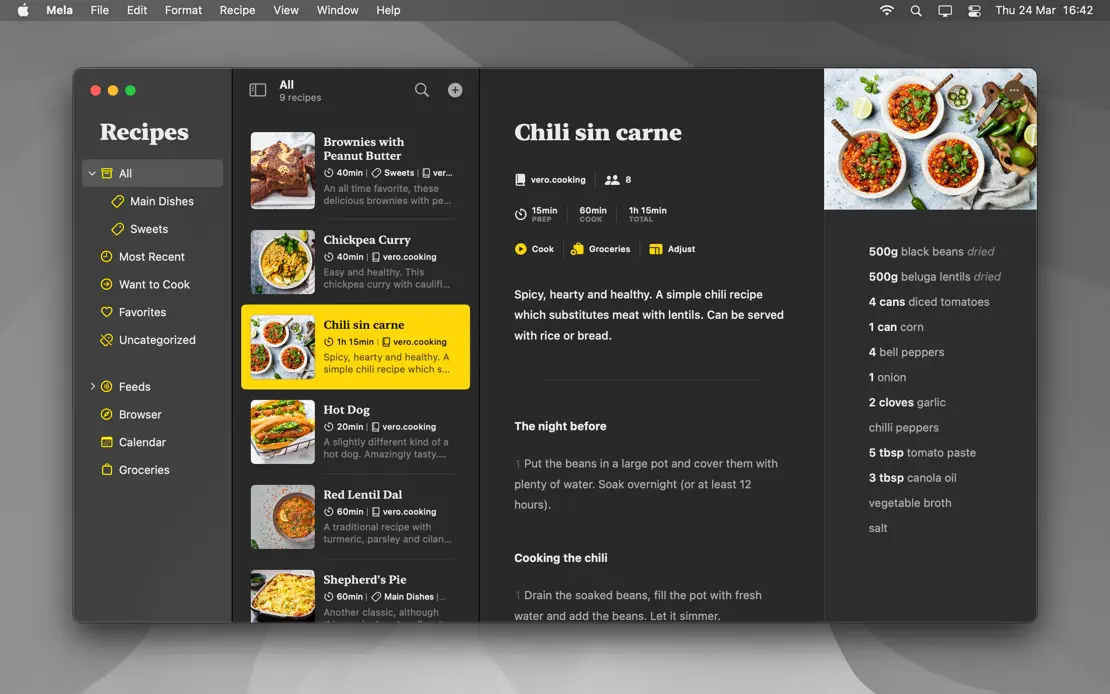
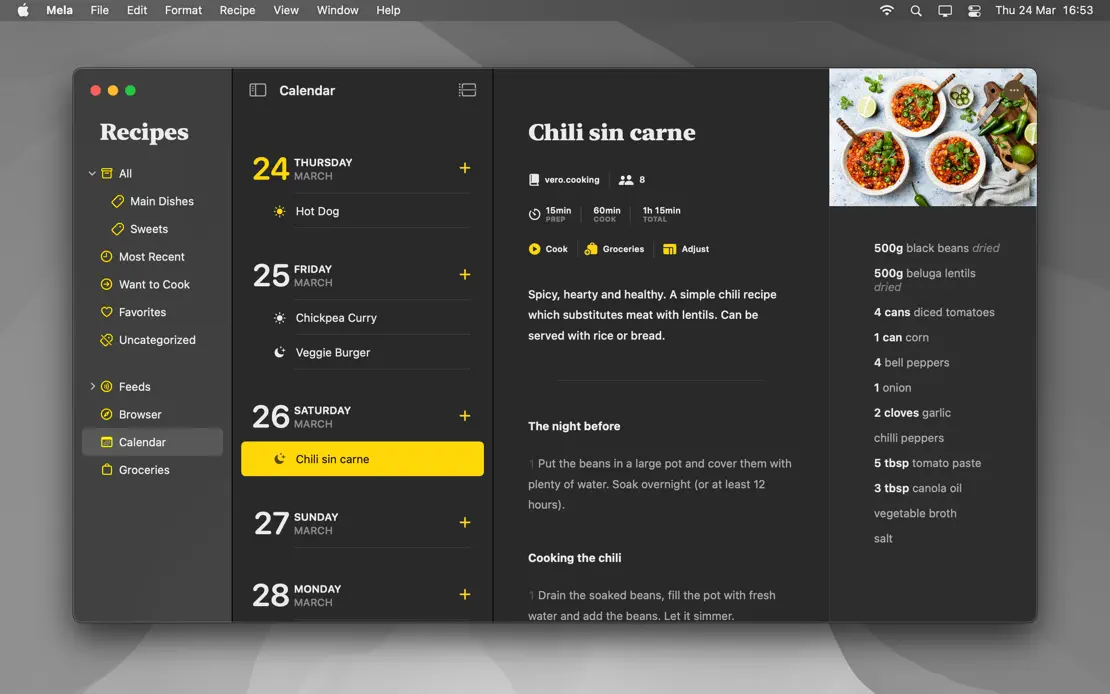
Headline-free full-screen captures on a gray wallpaper, menu bar included, repeat the same chili recipe in light mode, then Dark Mode with yellow accents.
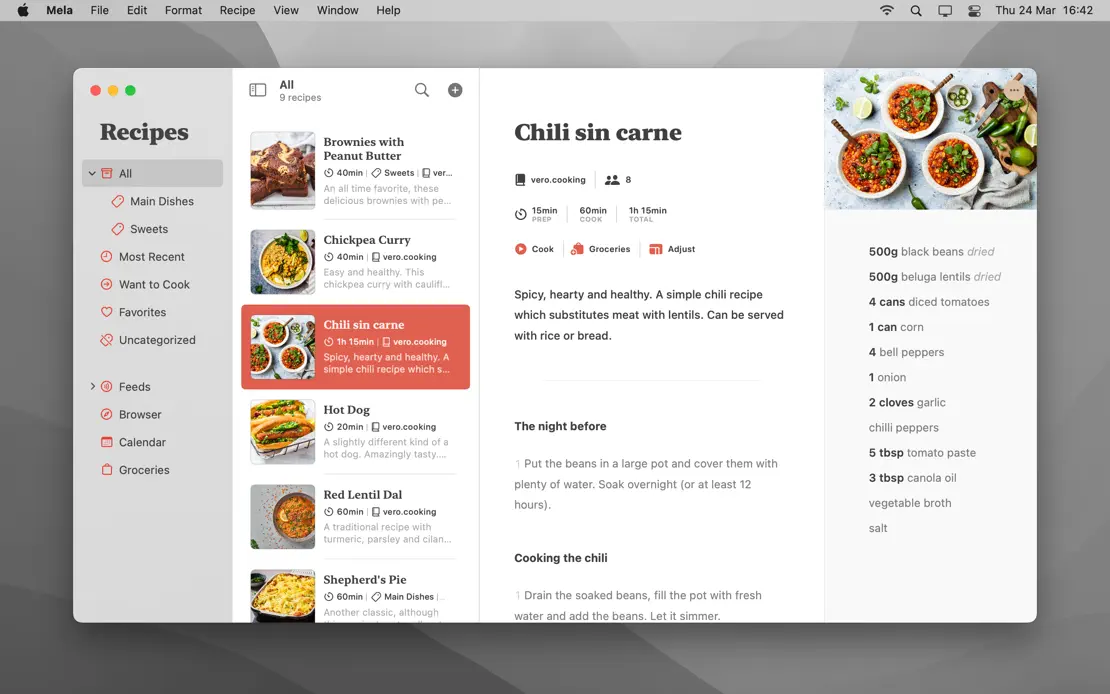
Mela, App Store screenshot 1
Mela, App Store screenshot 2
Mela, App Store screenshot 3
Mela, App Store screenshot 4
Mela, App Store screenshot 5
Mela, App Store screenshot 6
Mela, App Store screenshot 7
Mela, App Store screenshot 8
Mela, App Store screenshot 9

MindNode

Productivity · 10 frames

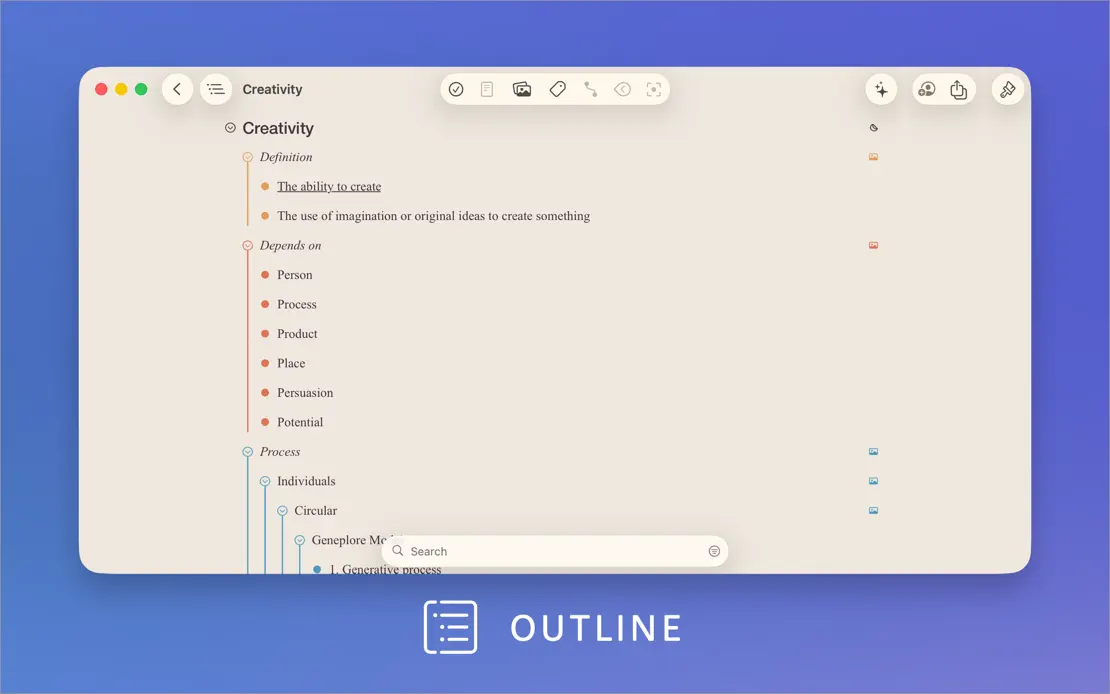
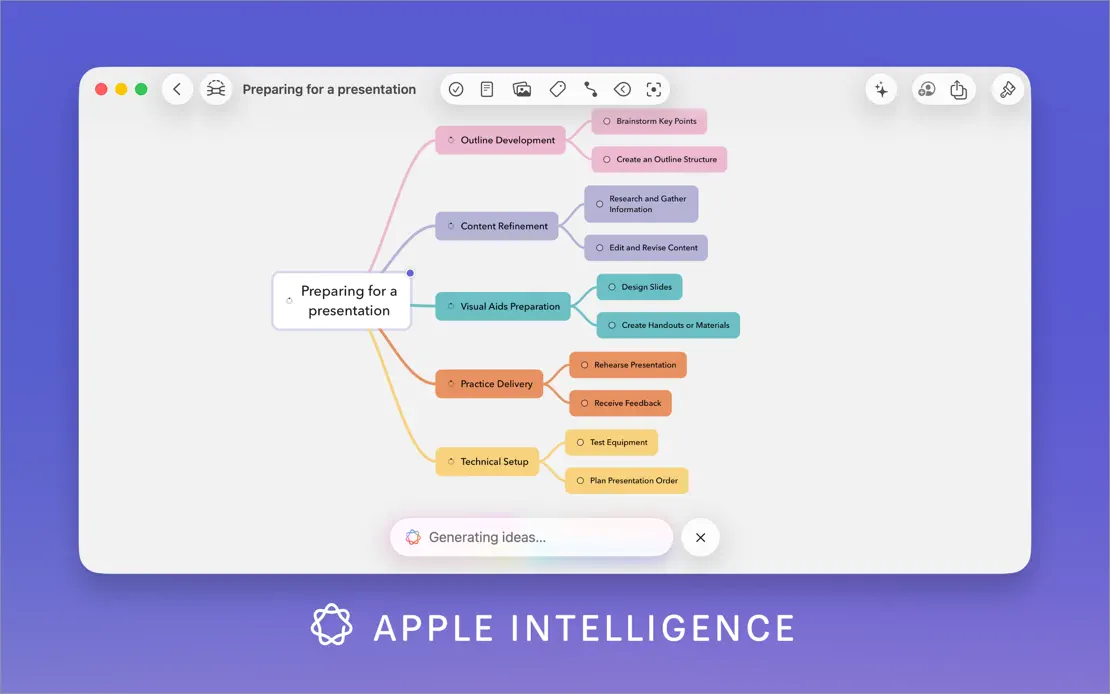
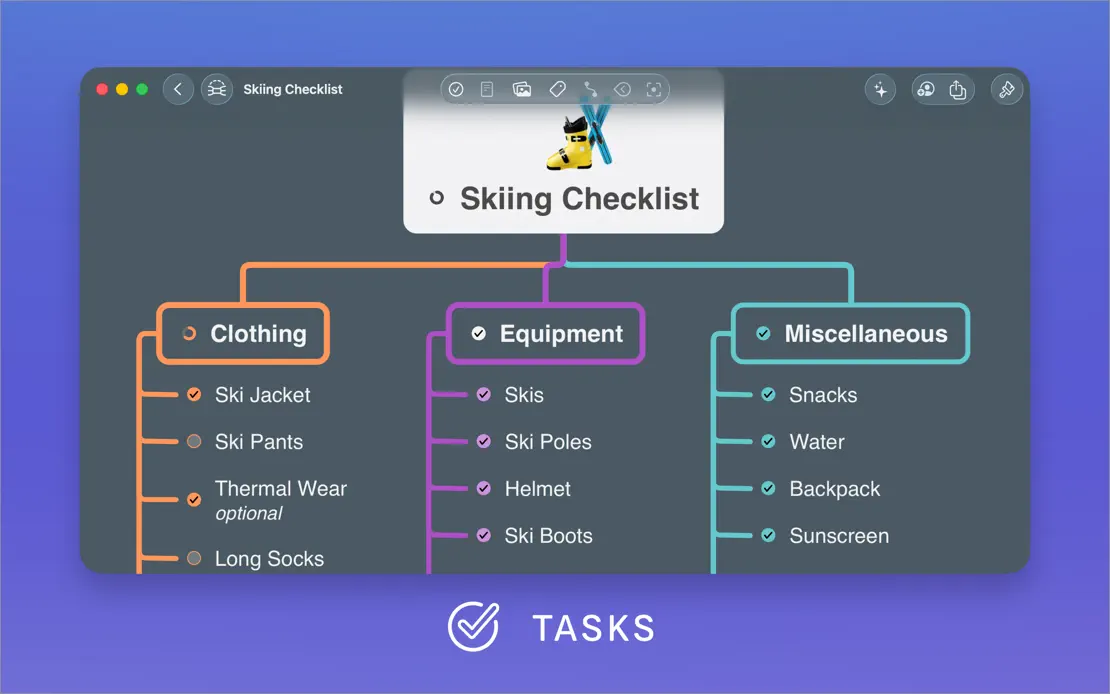
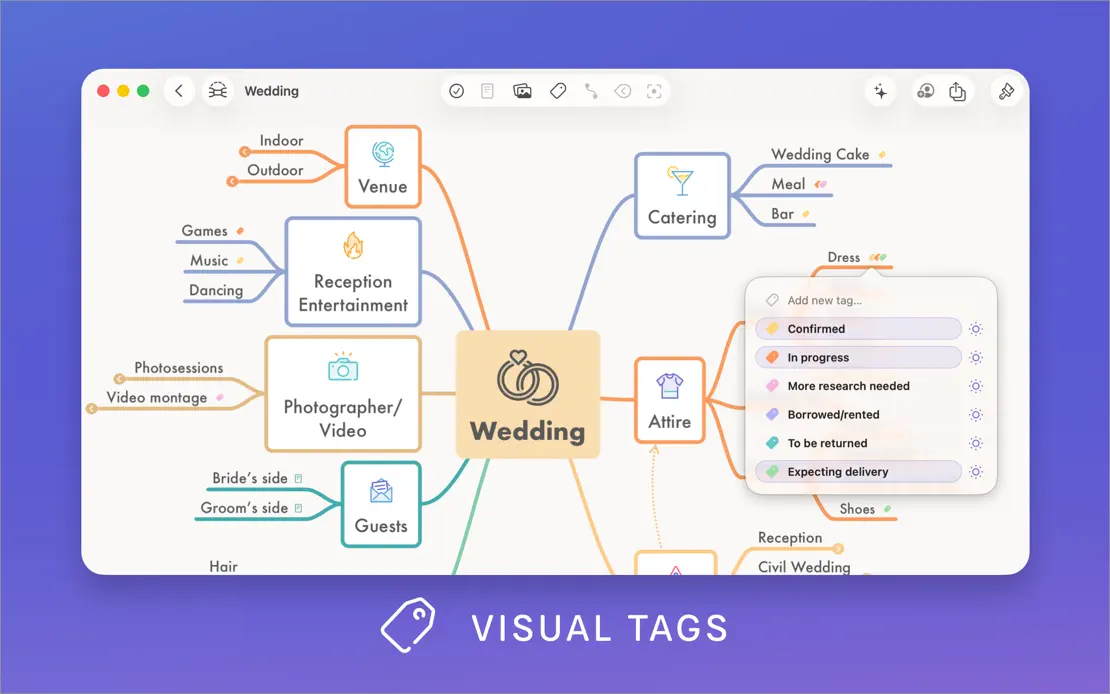
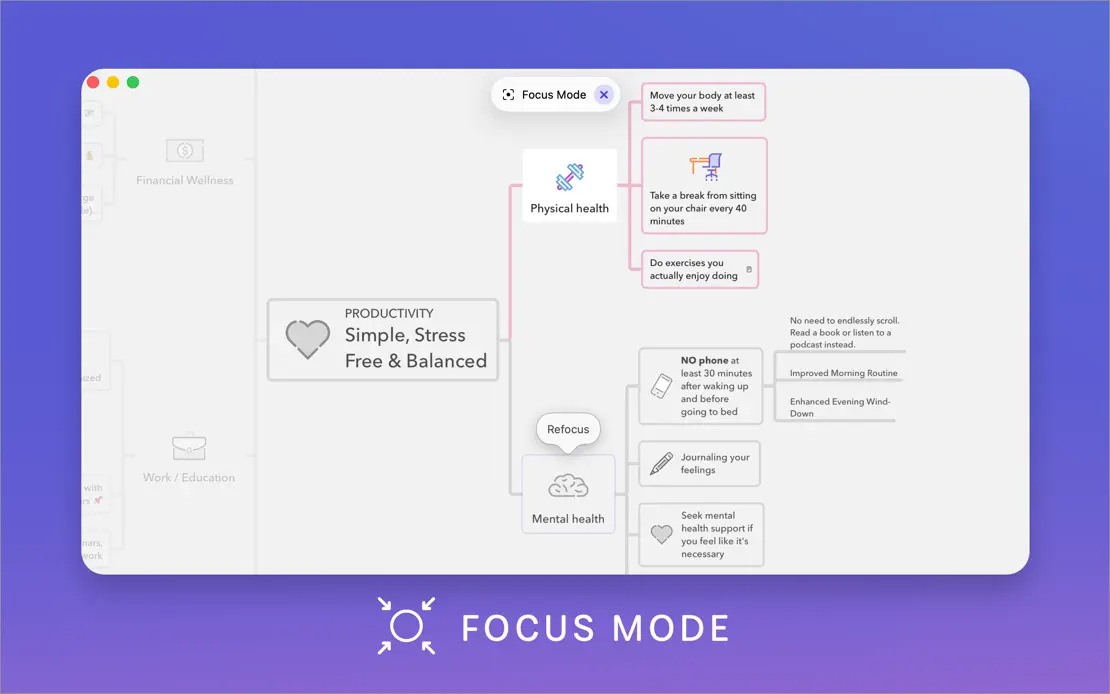
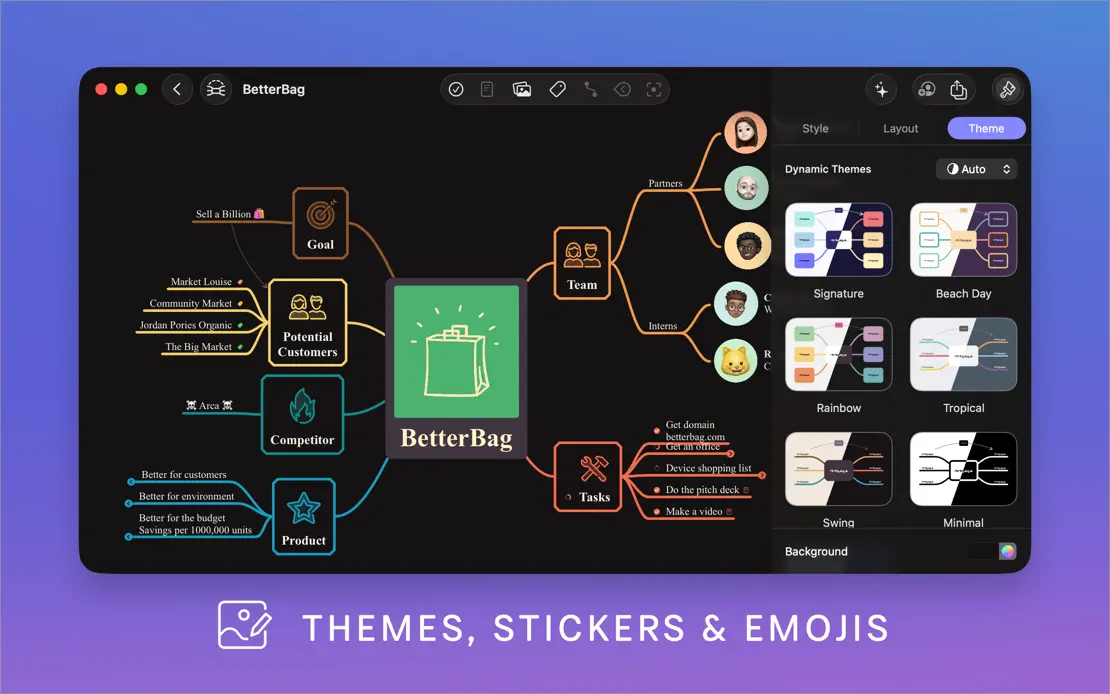
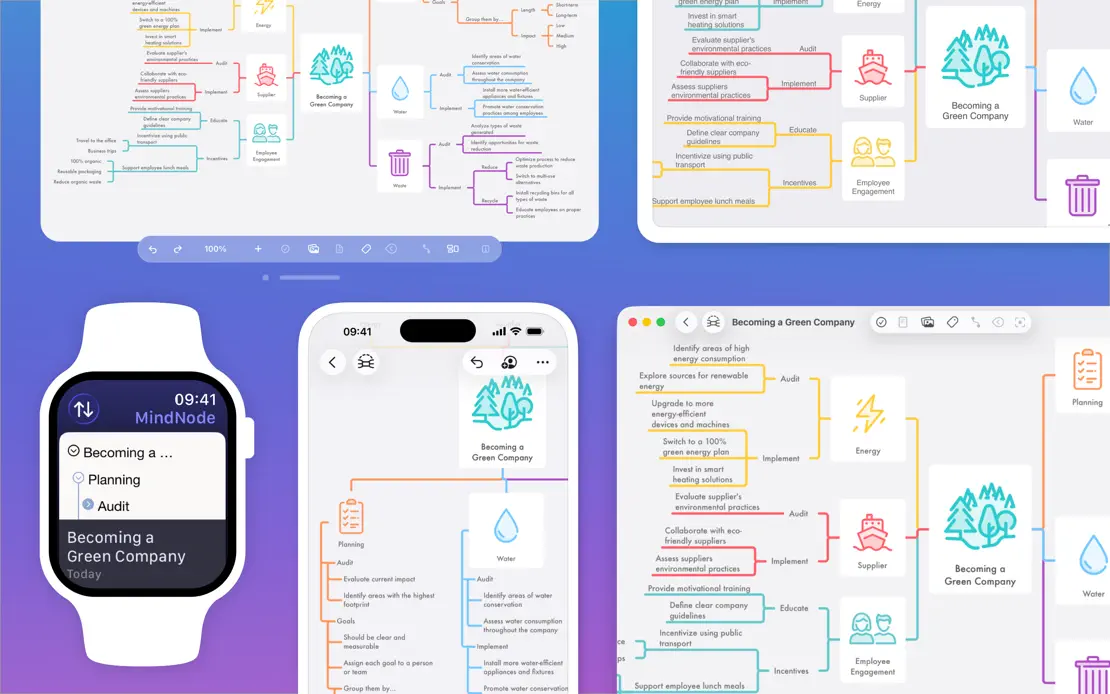
A white intro panel with a feature list gives way to large map windows on a blue-to-violet gradient, each labeled by an icon caption.
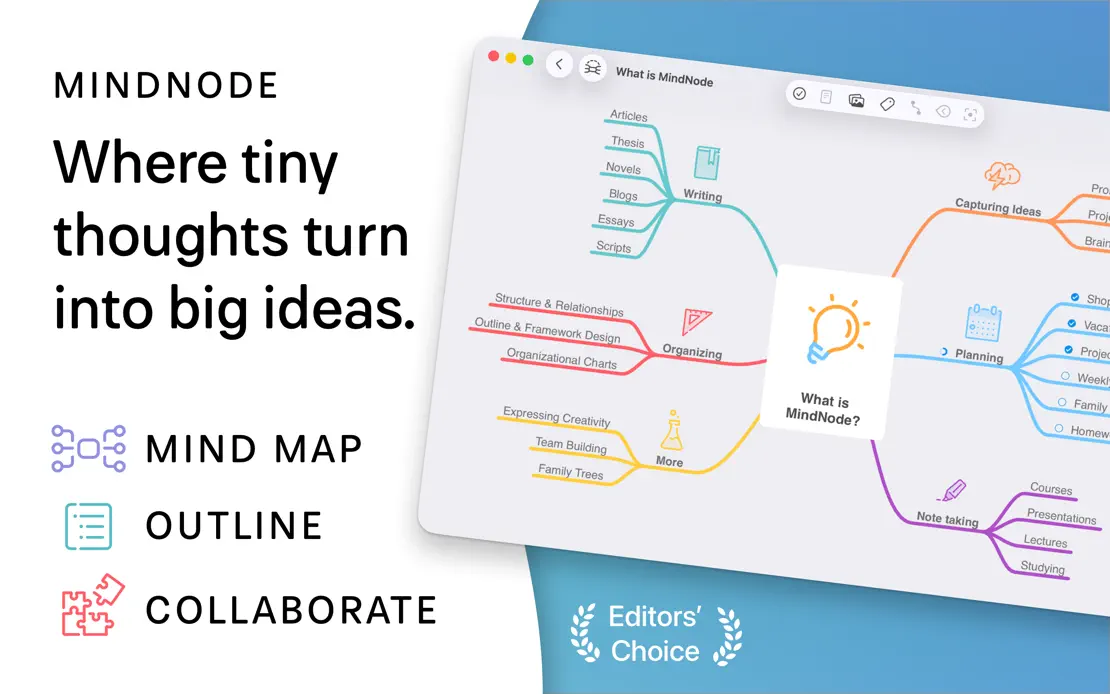
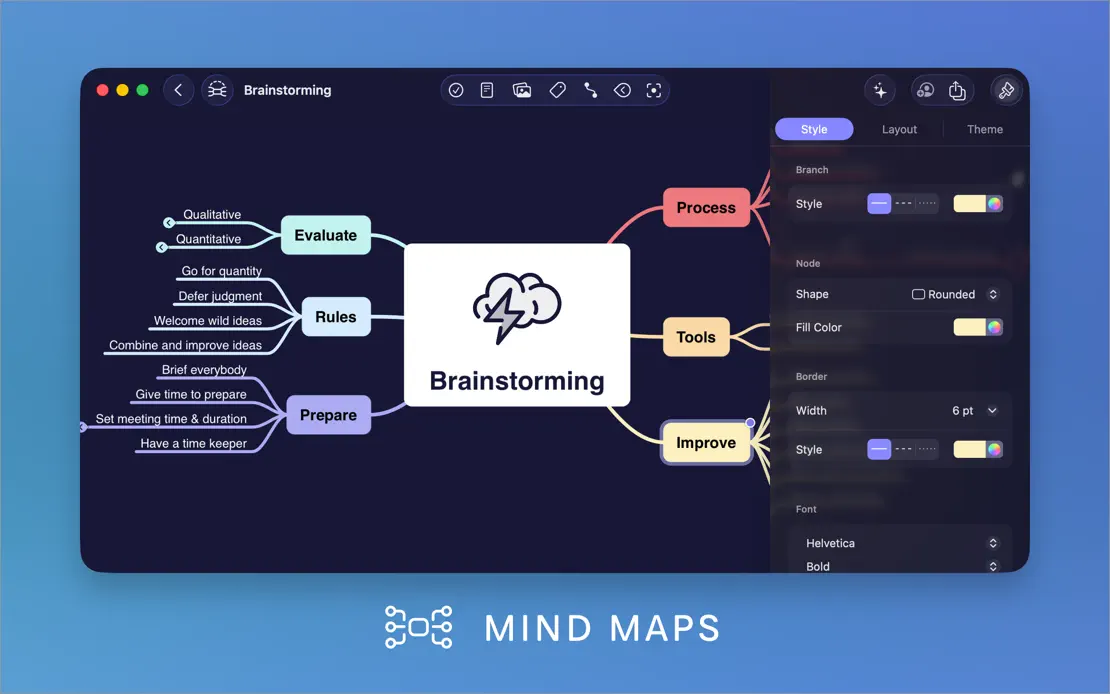
MindNode, App Store screenshot 1
MindNode, App Store screenshot 2
MindNode, App Store screenshot 3
MindNode, App Store screenshot 4
MindNode, App Store screenshot 5
MindNode, App Store screenshot 6
MindNode, App Store screenshot 7
MindNode, App Store screenshot 8
MindNode, App Store screenshot 9
MindNode, App Store screenshot 10

Paste

Productivity · 8 frames

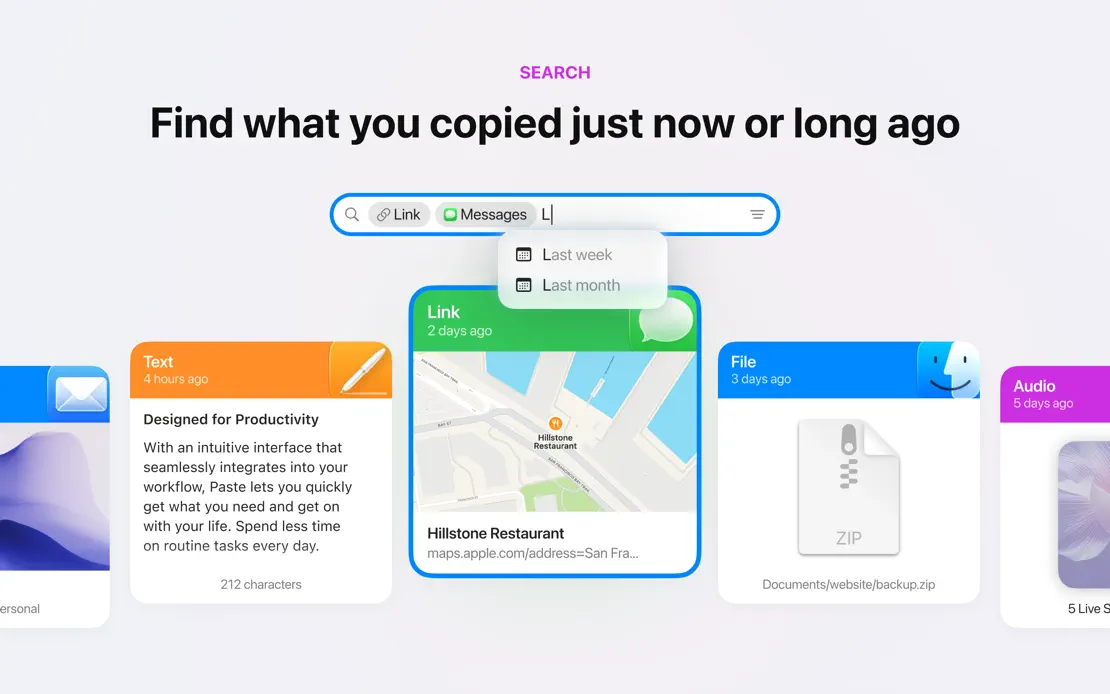
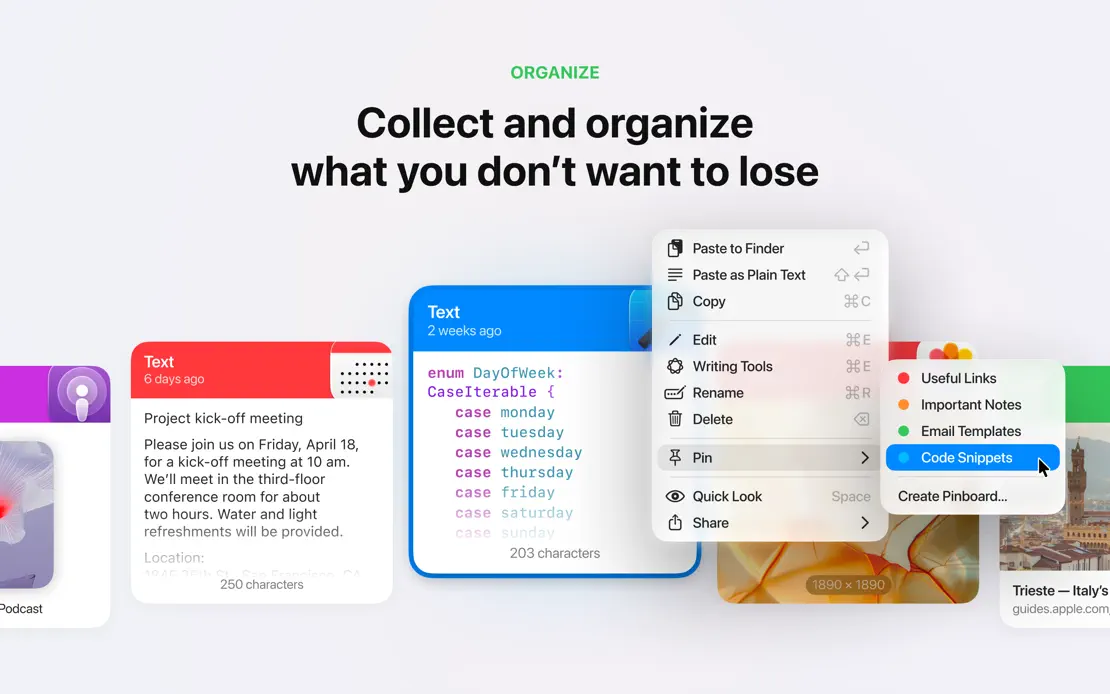
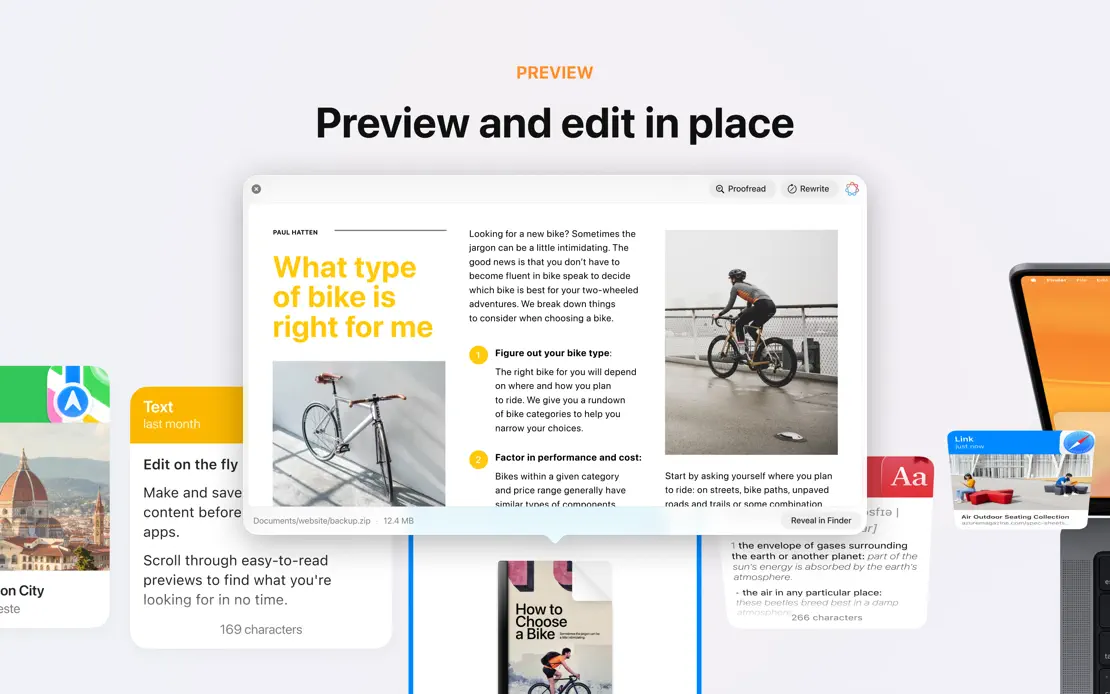
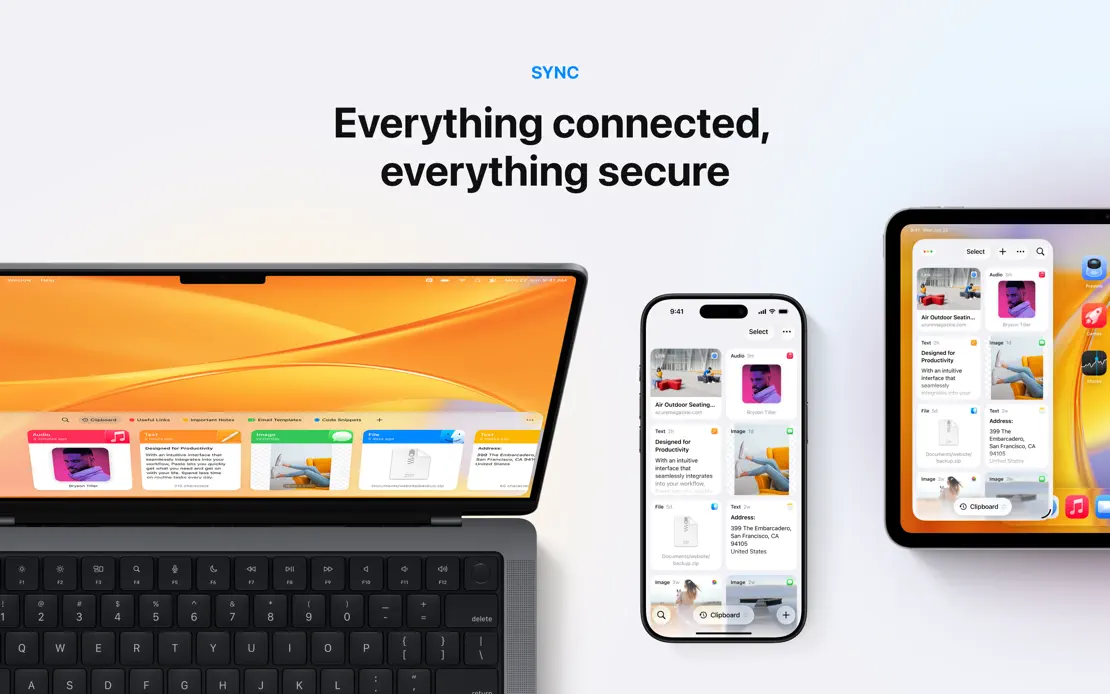
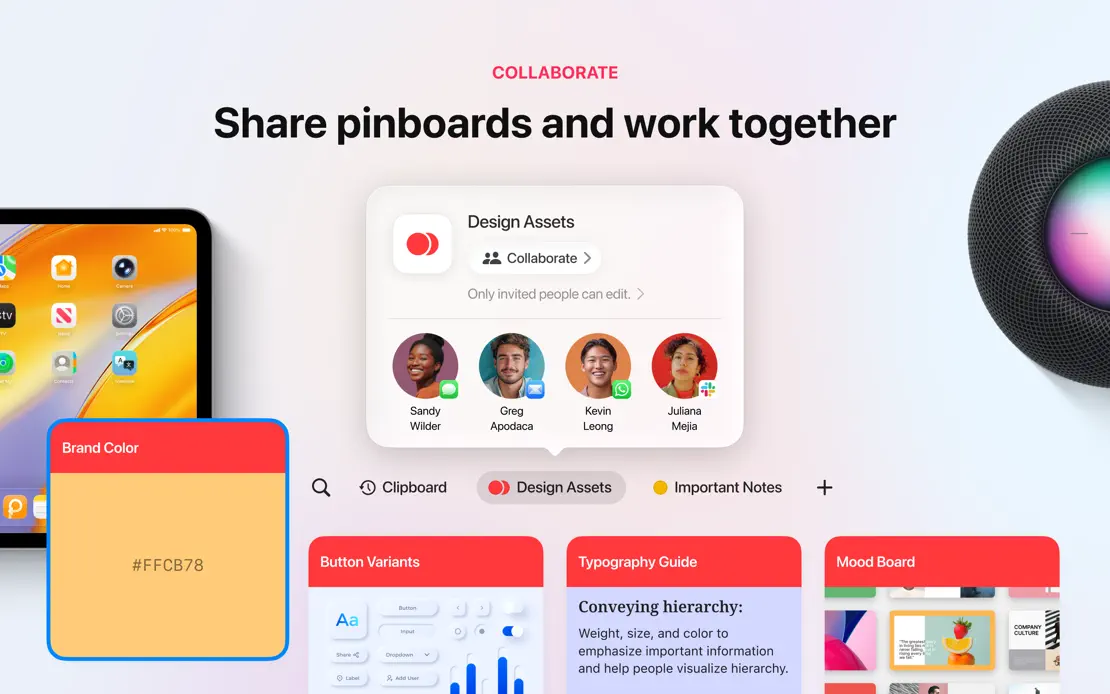
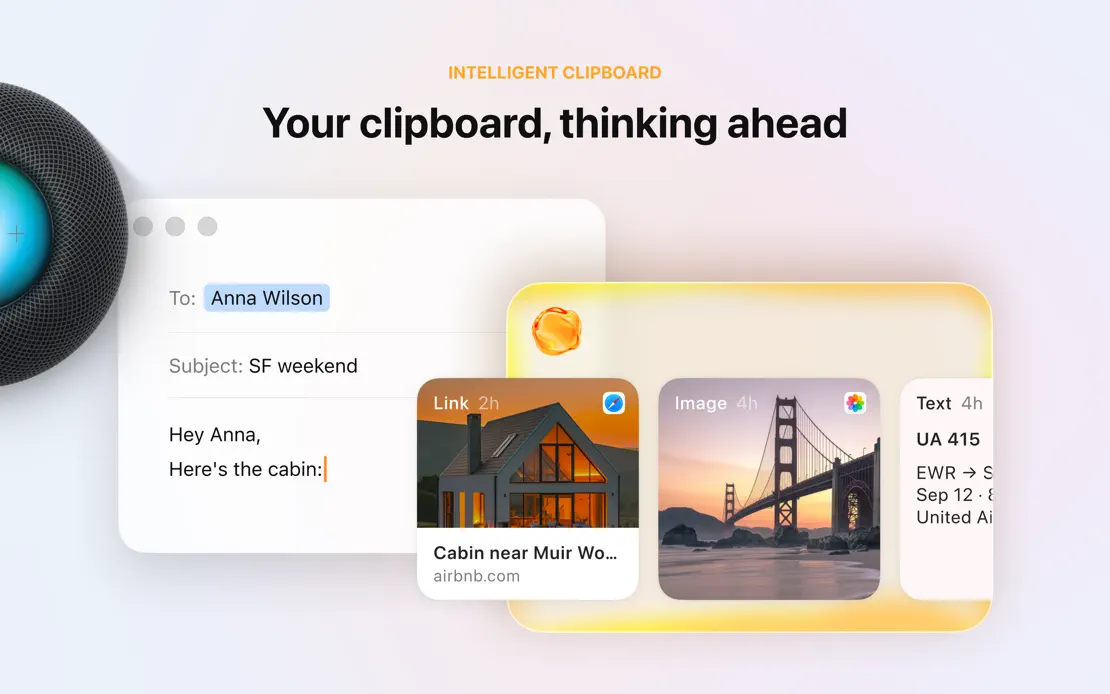
Clipboard cards and devices stretch across seamless light panels, with small colored category labels above centered headlines in most frames.
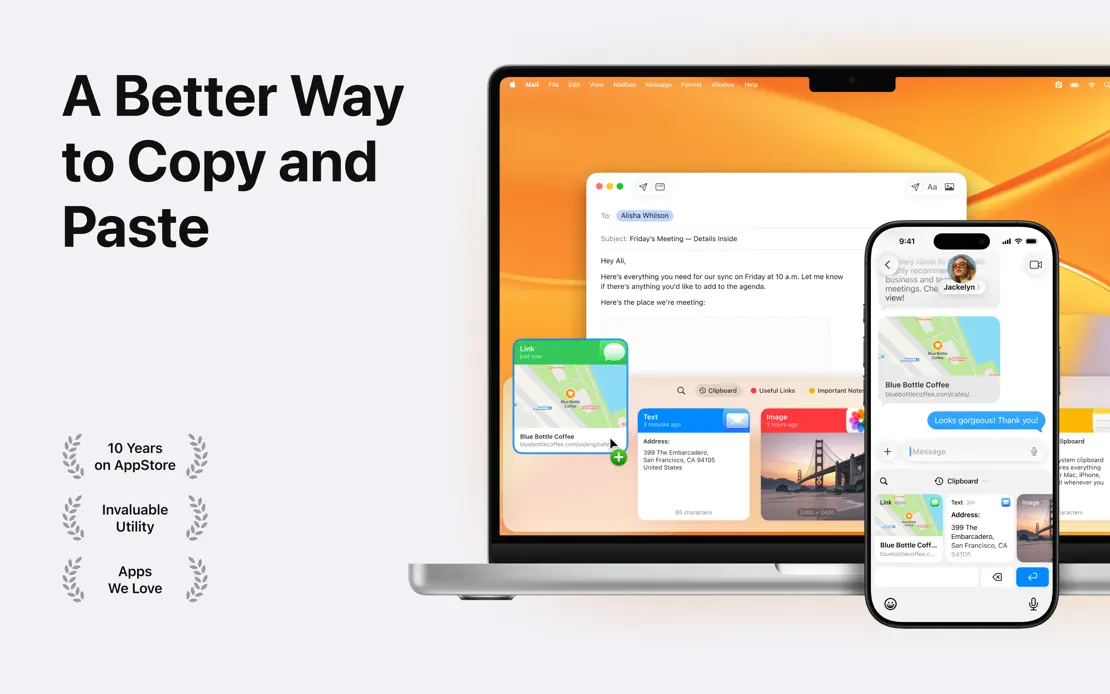
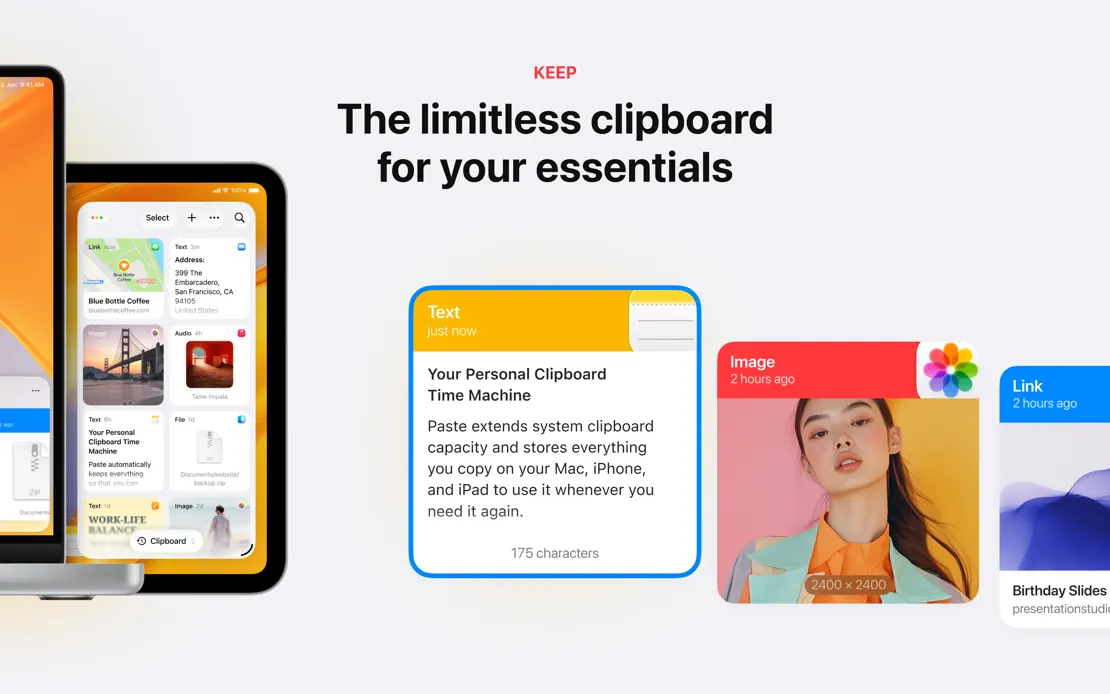
Paste, App Store screenshot 1
Paste, App Store screenshot 2
Paste, App Store screenshot 3
Paste, App Store screenshot 4
Paste, App Store screenshot 5
Paste, App Store screenshot 6
Paste, App Store screenshot 7
Paste, App Store screenshot 8

Pixelmator Pro

Creativity · 9 frames

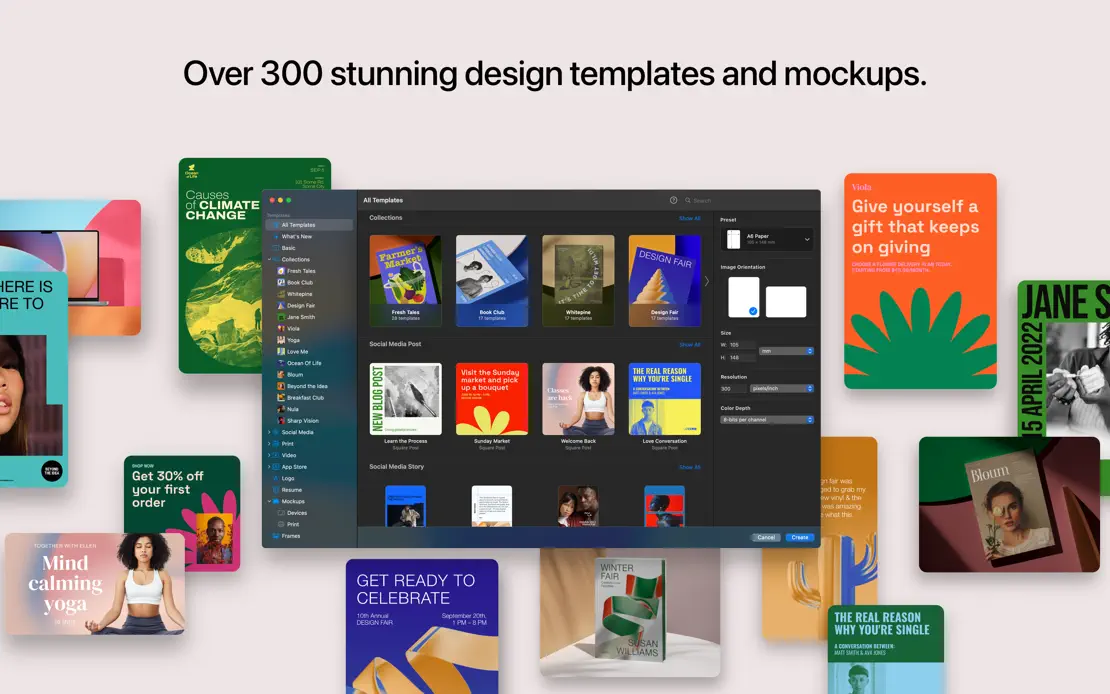
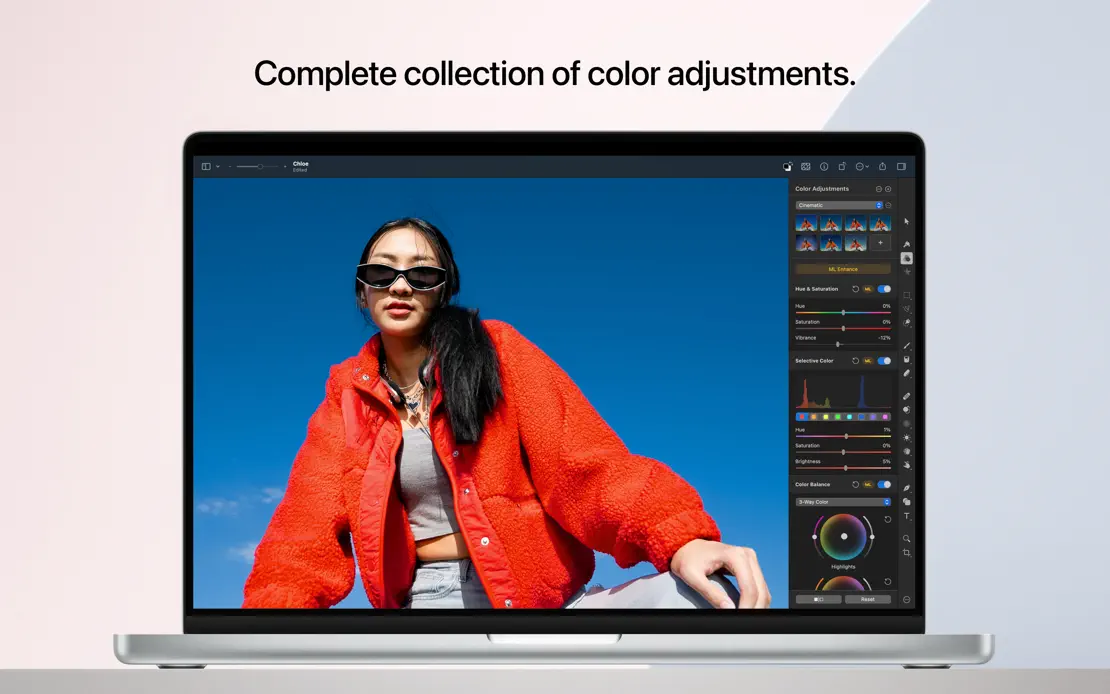
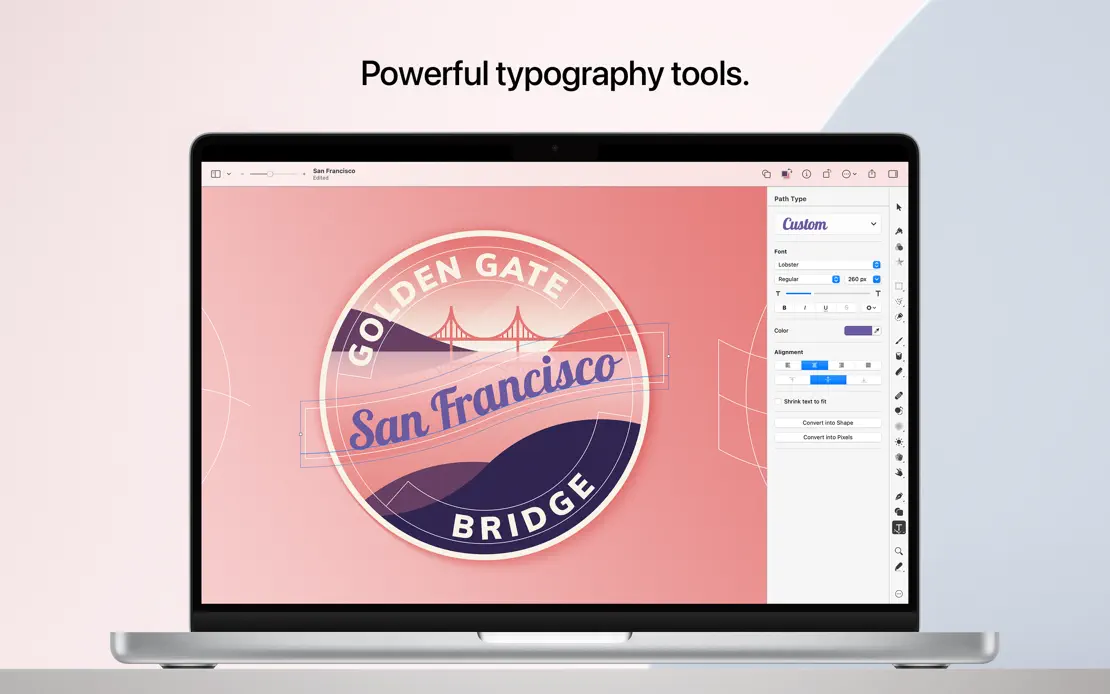
A front-facing MacBook repeats under short centered headlines on a pale pink backdrop, broken once by scattered templates and closed by an icon grid.
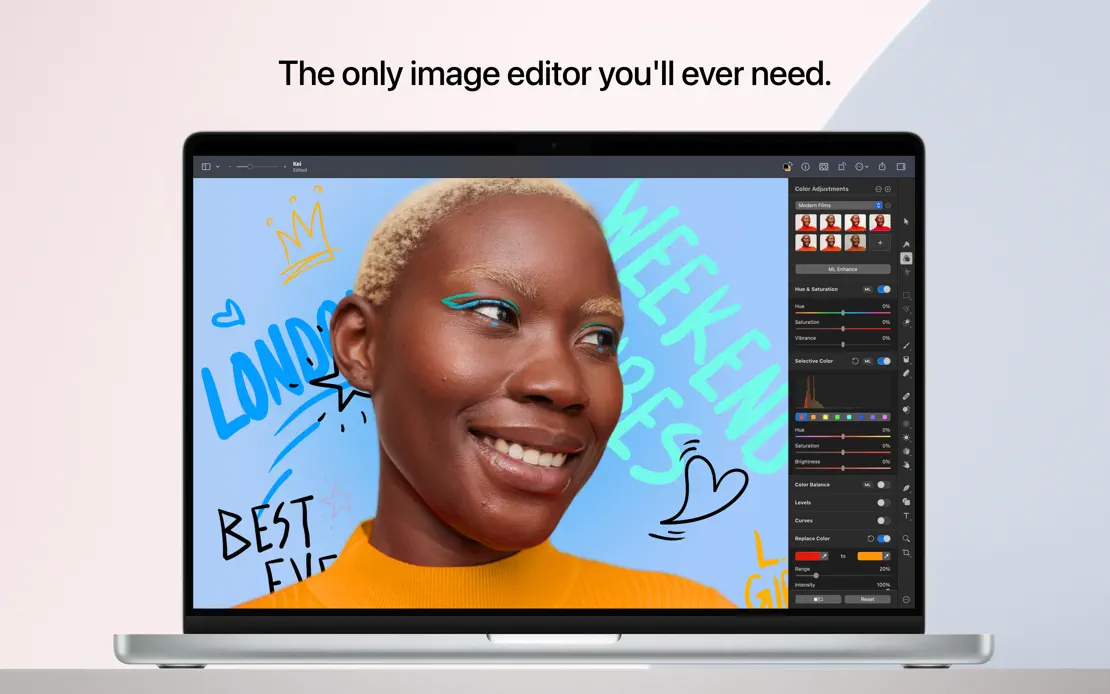
Pixelmator Pro, App Store screenshot 1
Pixelmator Pro, App Store screenshot 2
Pixelmator Pro, App Store screenshot 3
Pixelmator Pro, App Store screenshot 4
Pixelmator Pro, App Store screenshot 5
Pixelmator Pro, App Store screenshot 6
Pixelmator Pro, App Store screenshot 7
Pixelmator Pro, App Store screenshot 8
Pixelmator Pro, App Store screenshot 9

Sleeve

Music · 4 frames

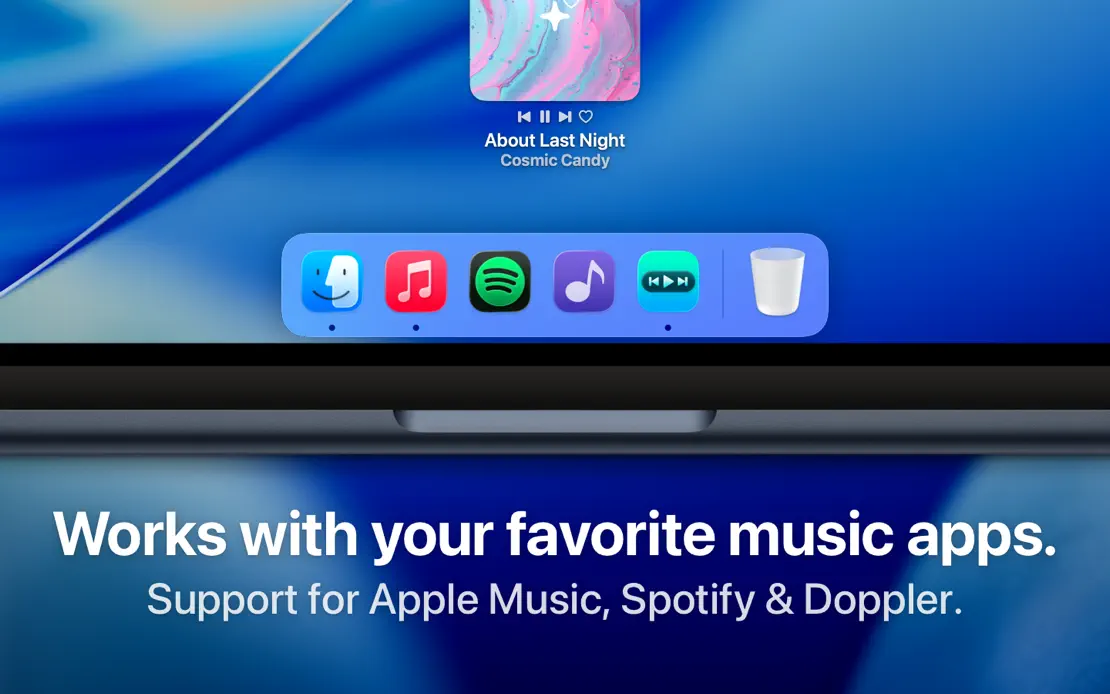
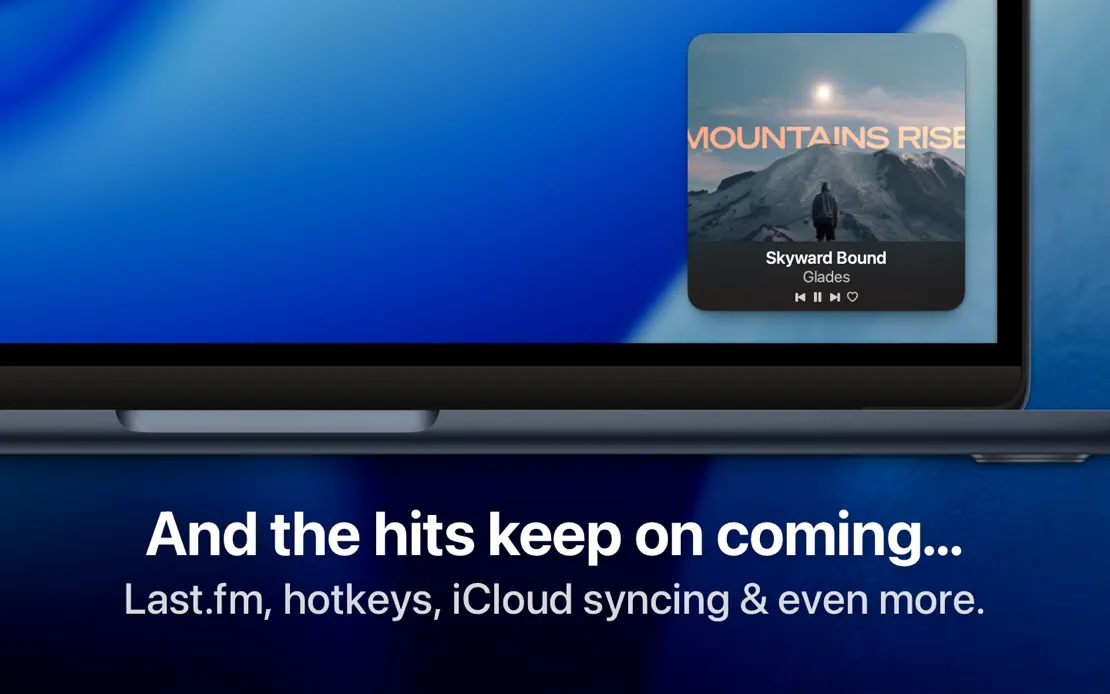
Bold white headlines anchor tight MacBook crops on the blue macOS wallpaper, moving captions to the bottom once the Dock appears.
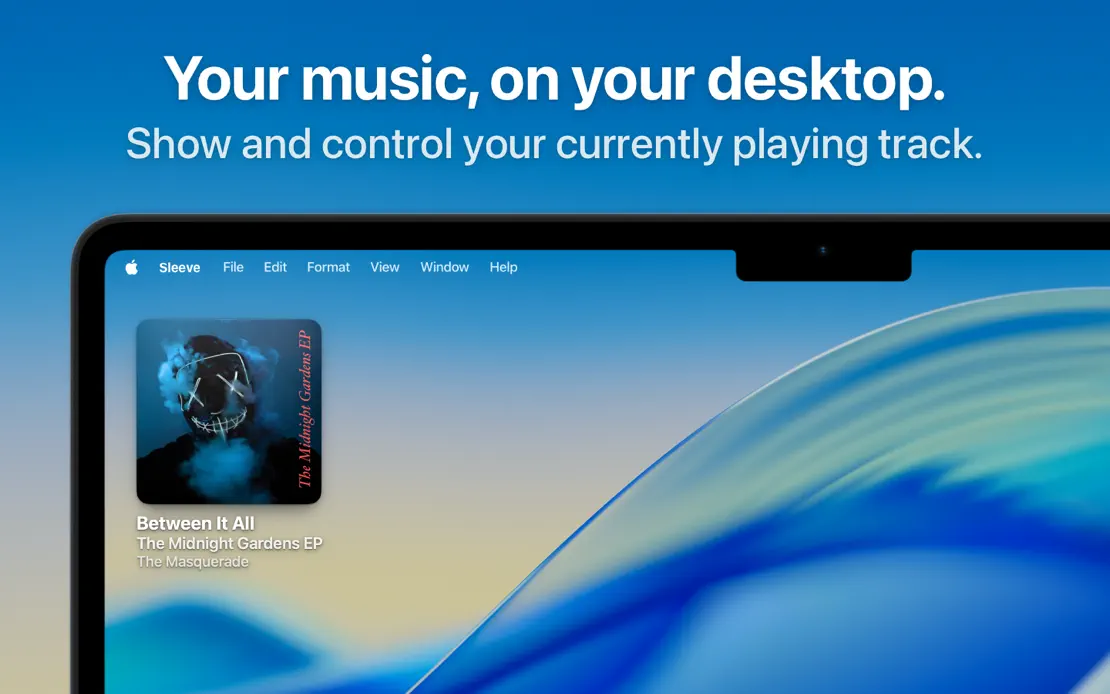
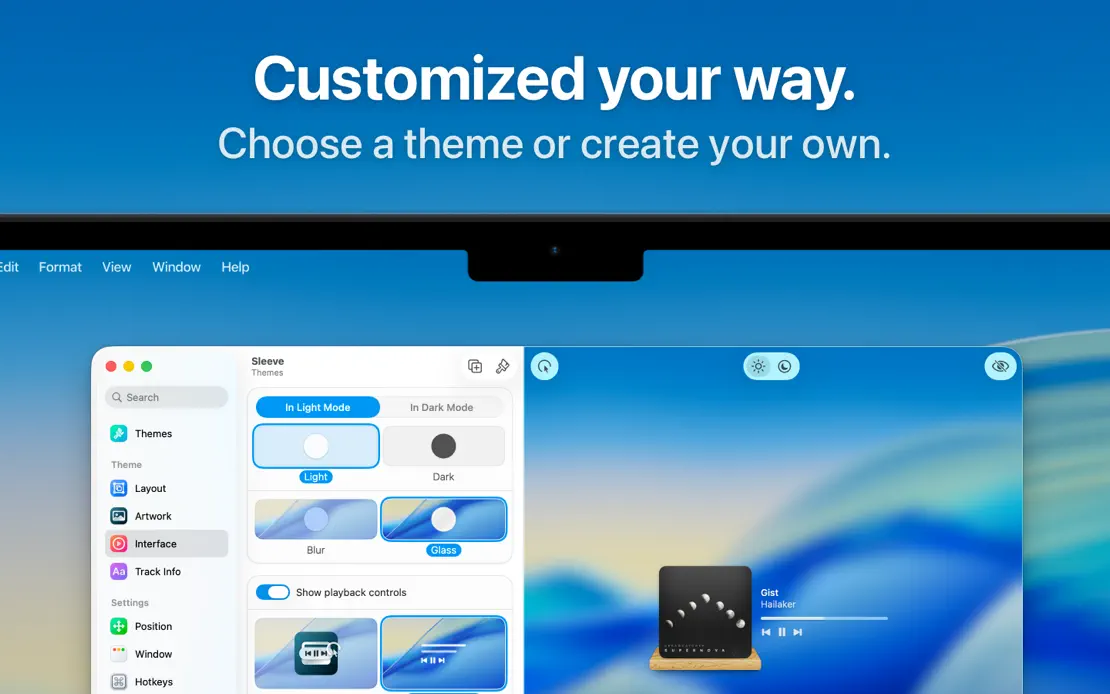
Sleeve, App Store screenshot 1
Sleeve, App Store screenshot 2
Sleeve, App Store screenshot 3
Sleeve, App Store screenshot 4

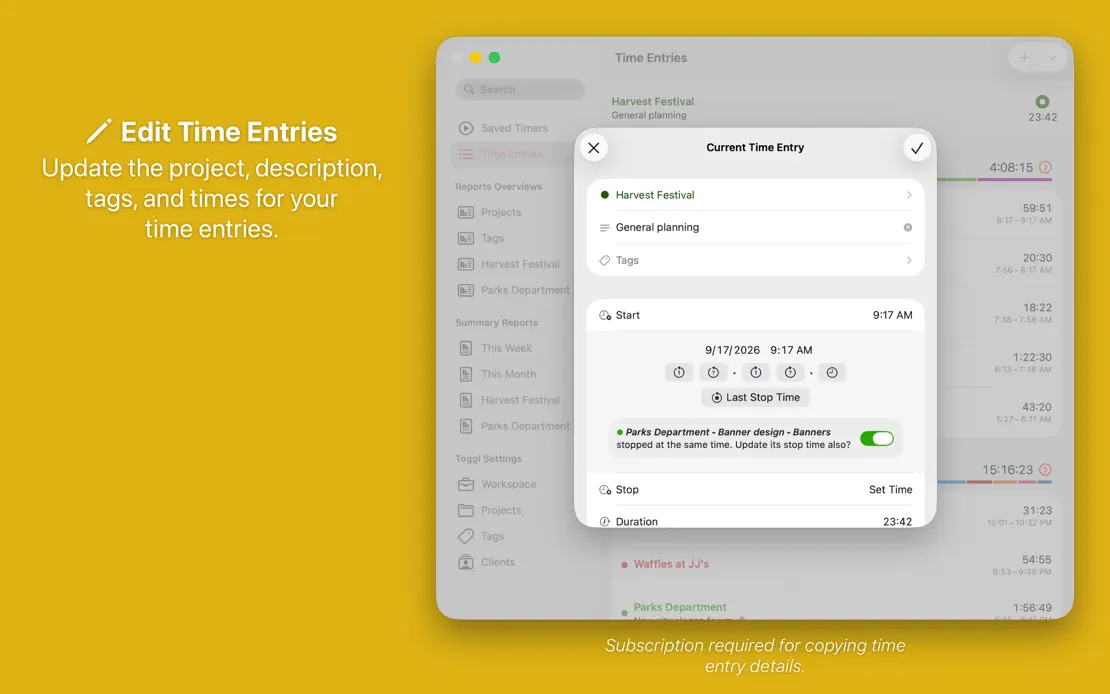
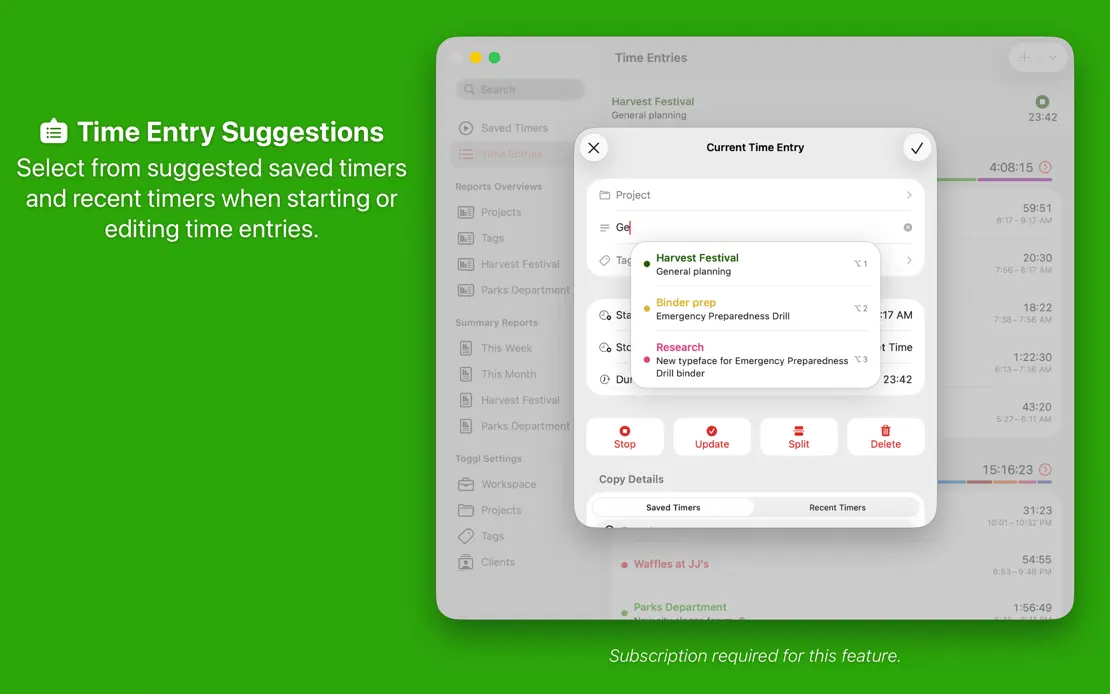
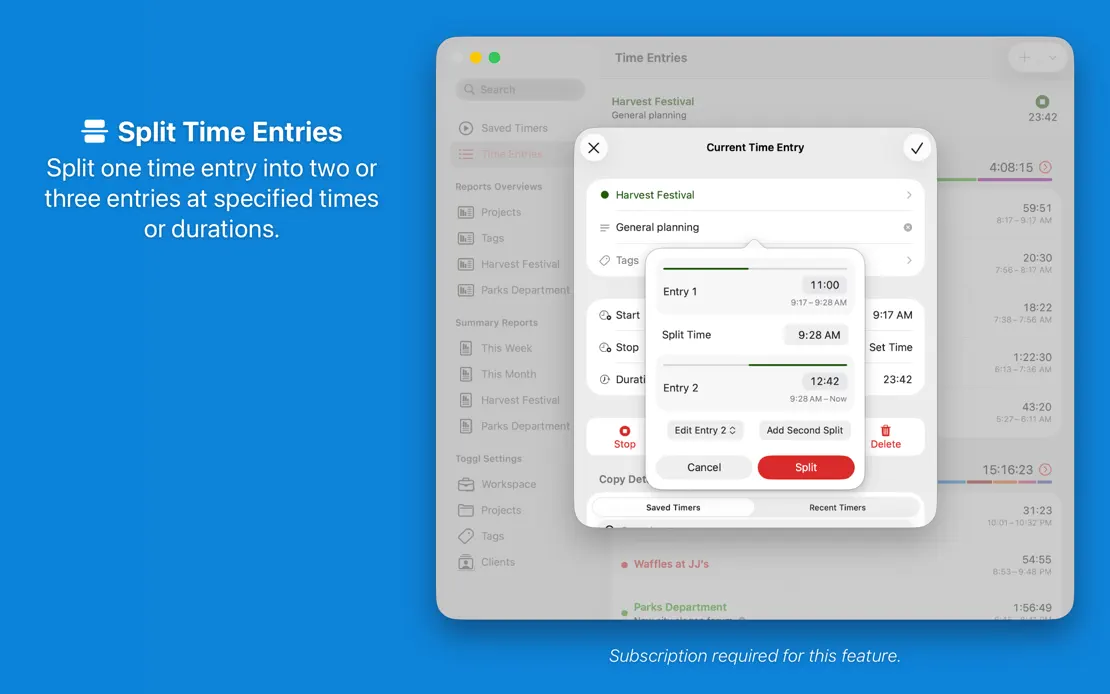
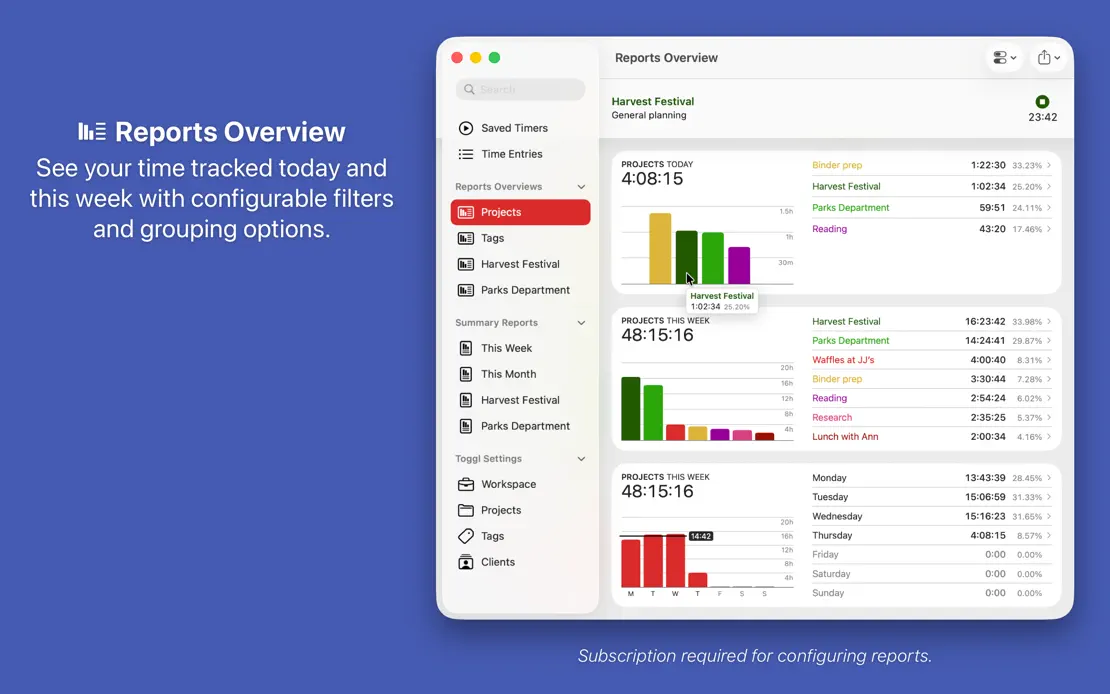
Timery

Productivity · 10 frames

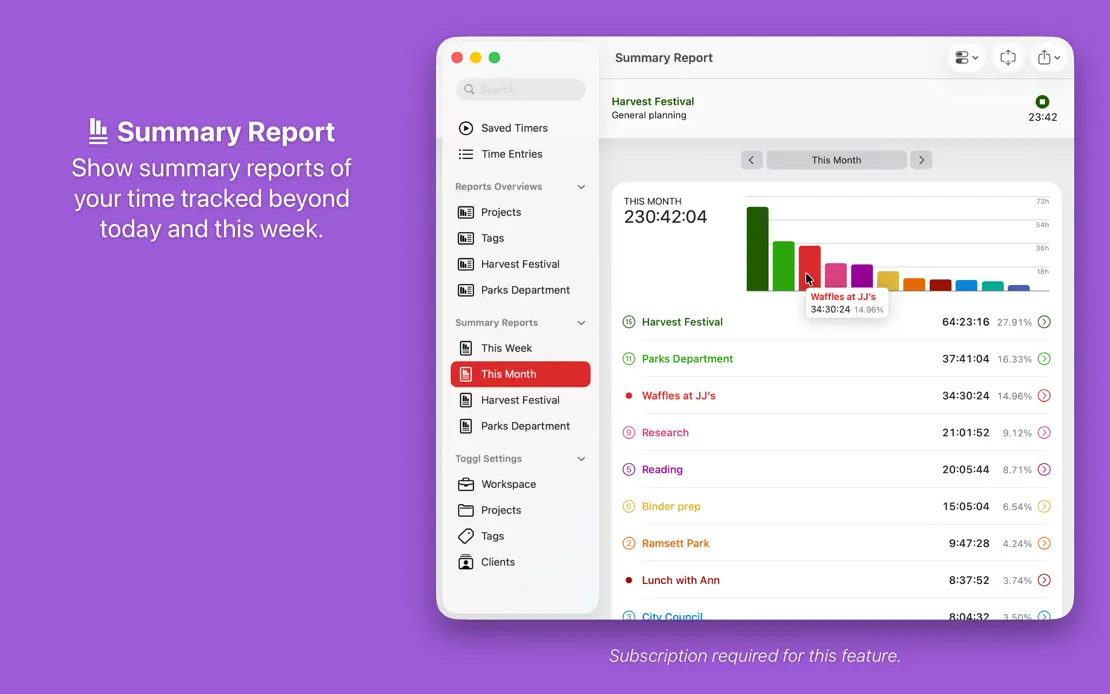
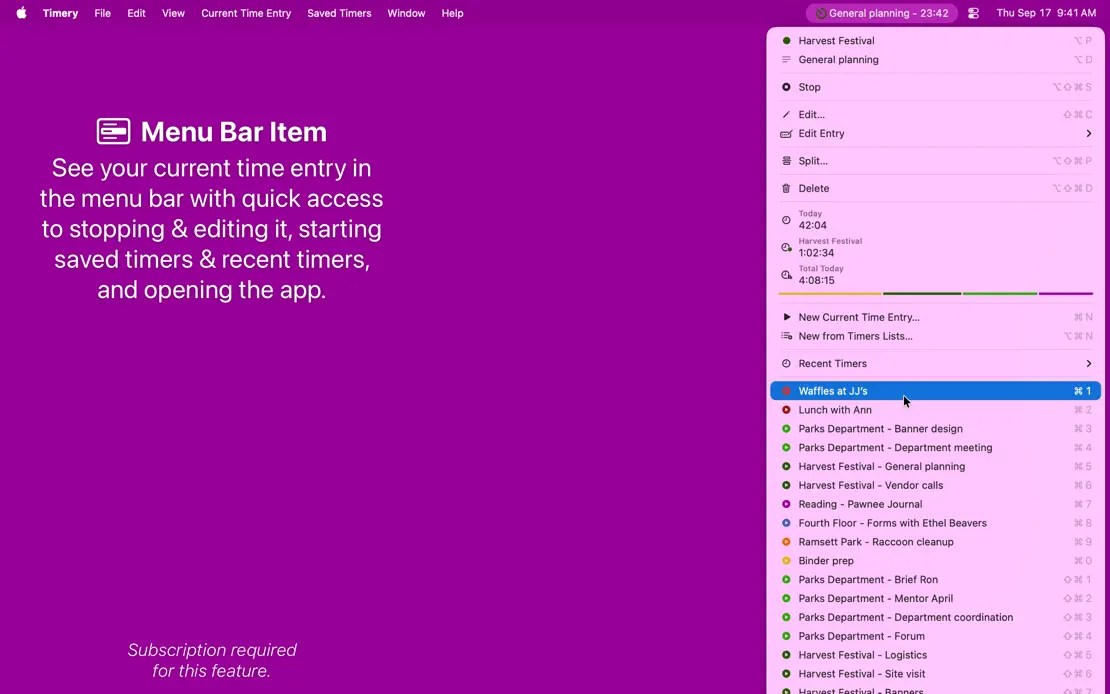
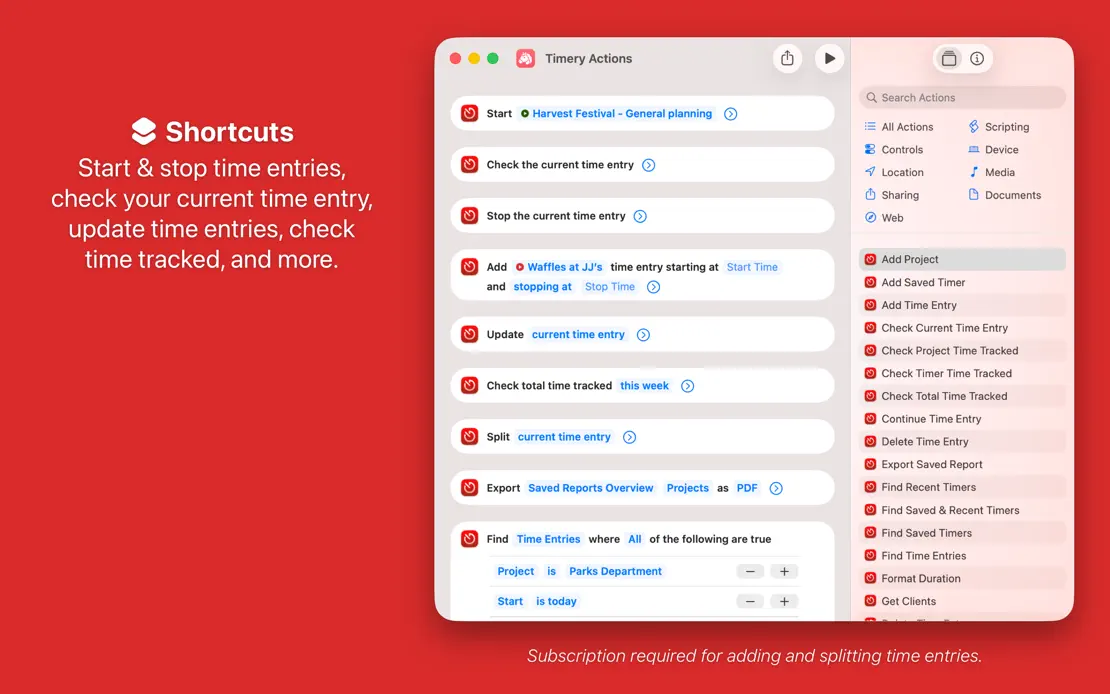
Every frame repeats a centered caption and window on a new saturated color, cycling from red through the spectrum and back to red.
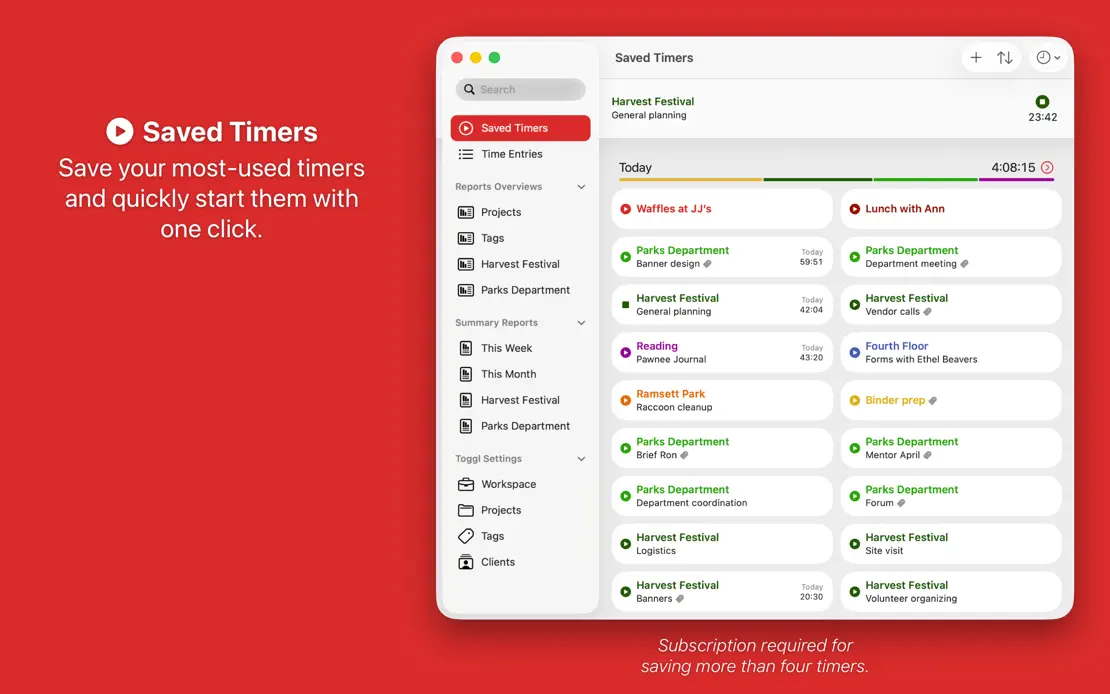
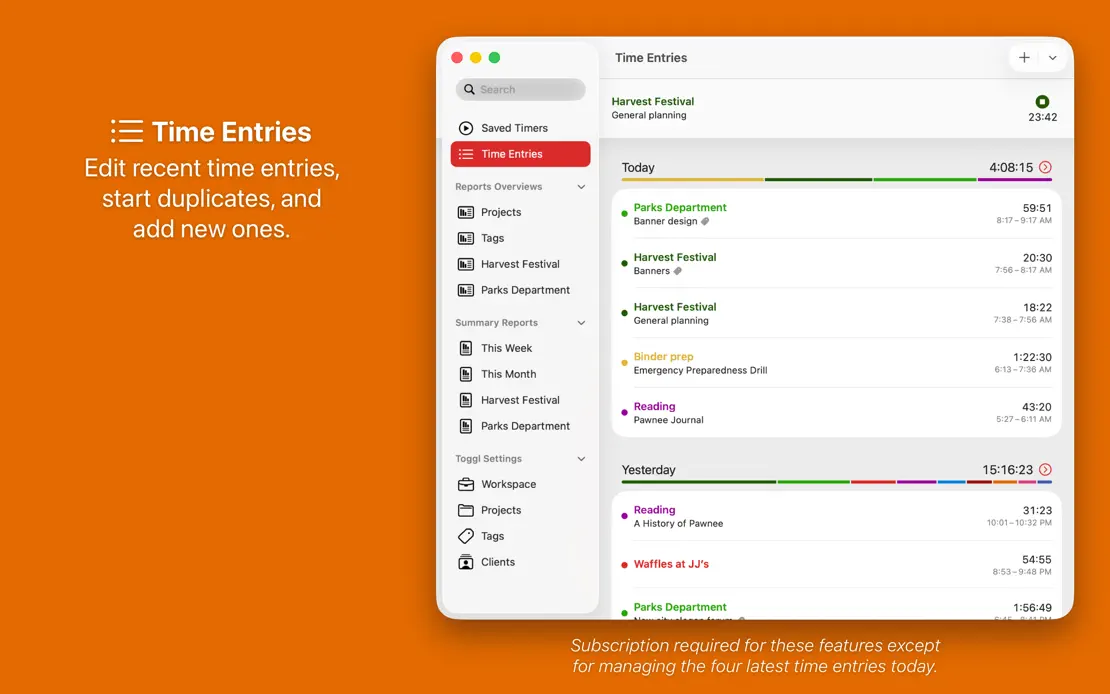
Timery, App Store screenshot 1
Timery, App Store screenshot 2
Timery, App Store screenshot 3
Timery, App Store screenshot 4
Timery, App Store screenshot 5
Timery, App Store screenshot 6
Timery, App Store screenshot 7
Timery, App Store screenshot 8
Timery, App Store screenshot 9
Timery, App Store screenshot 10

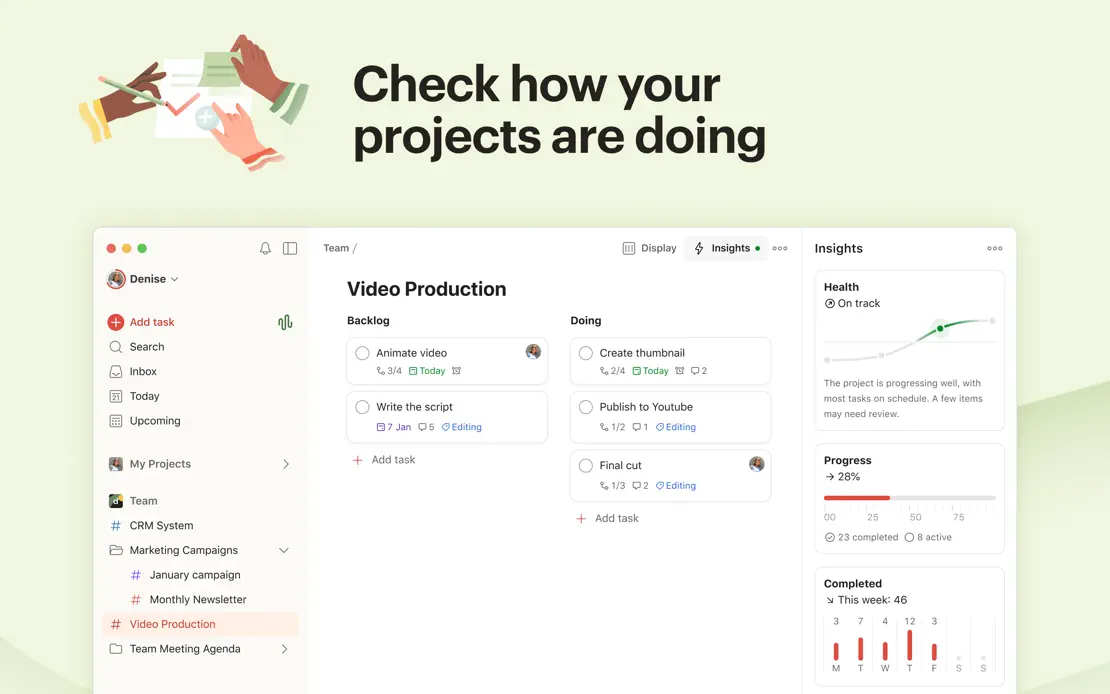
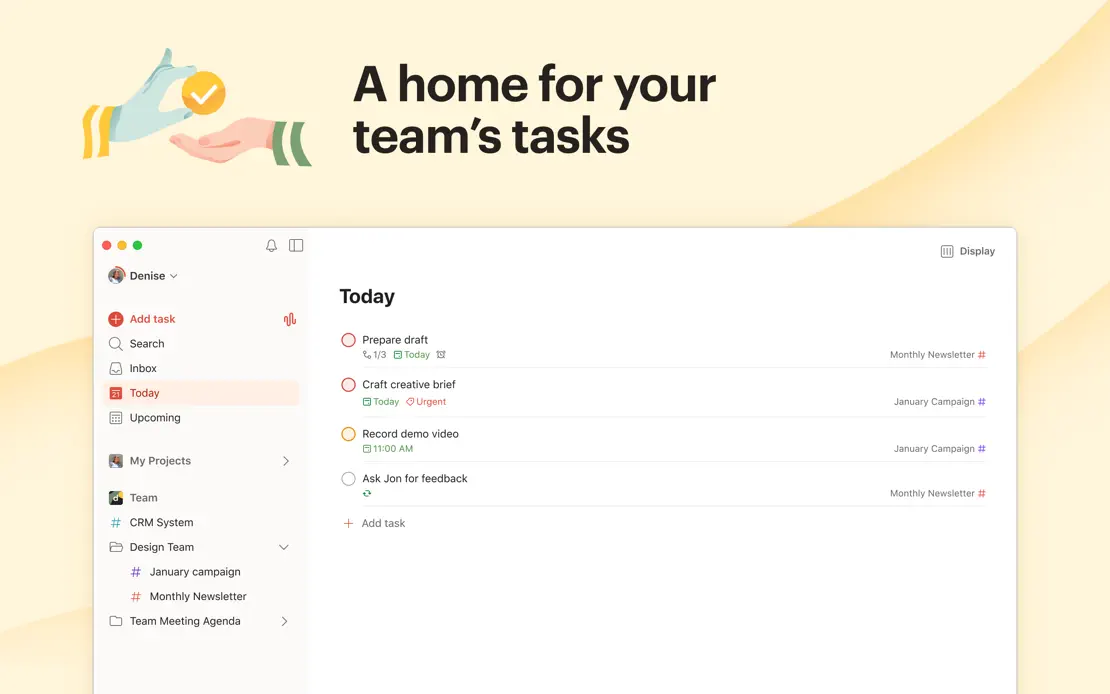
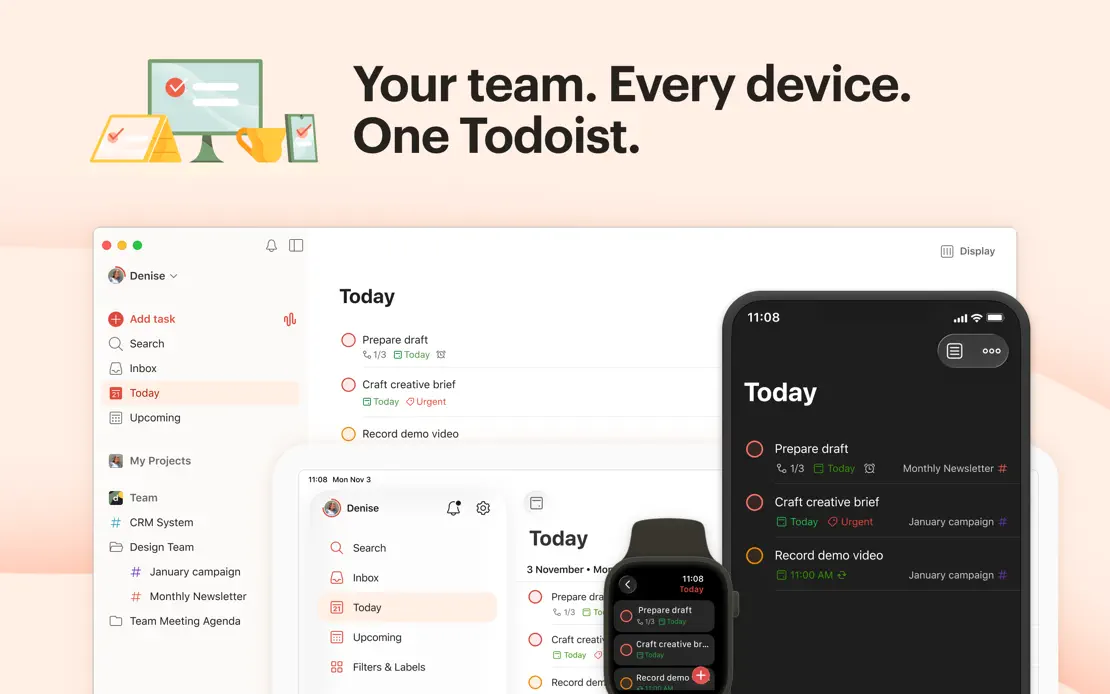
Todoist

Productivity · 7 frames

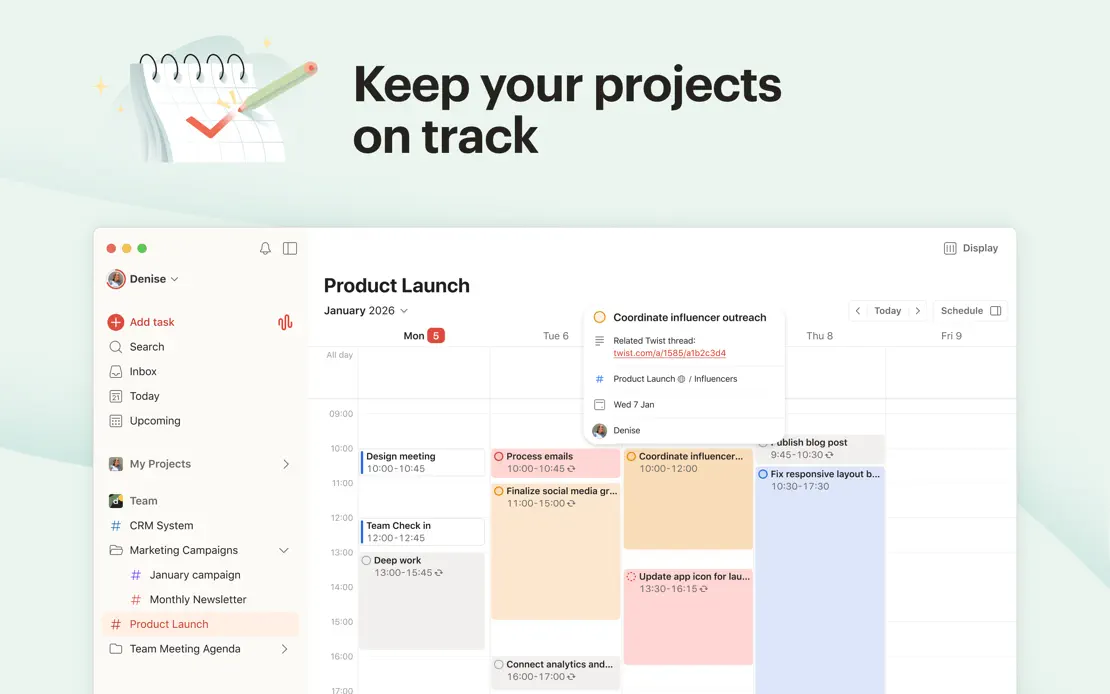
Peach, yellow and mint panels pair bold headlines and hand-drawn spot illustrations with cropped windows, pausing on a customer quote before a device lineup.
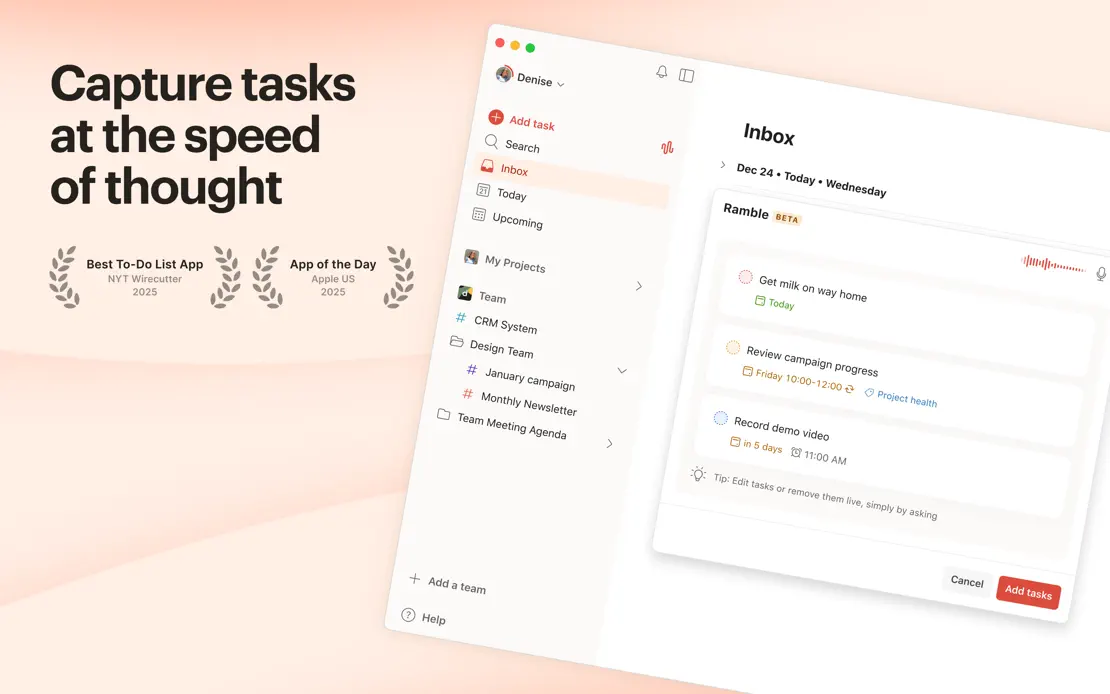
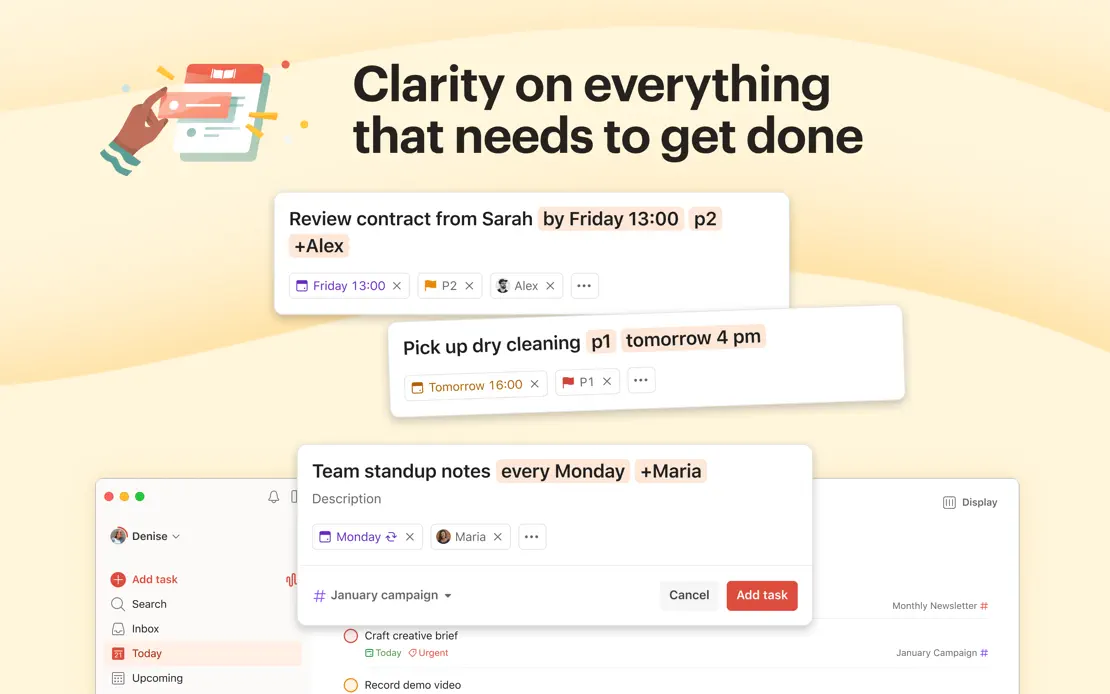
Todoist, App Store screenshot 1
Todoist, App Store screenshot 2
Todoist, App Store screenshot 3
Todoist, App Store screenshot 4
Todoist, App Store screenshot 5
Todoist, App Store screenshot 6
Todoist, App Store screenshot 7

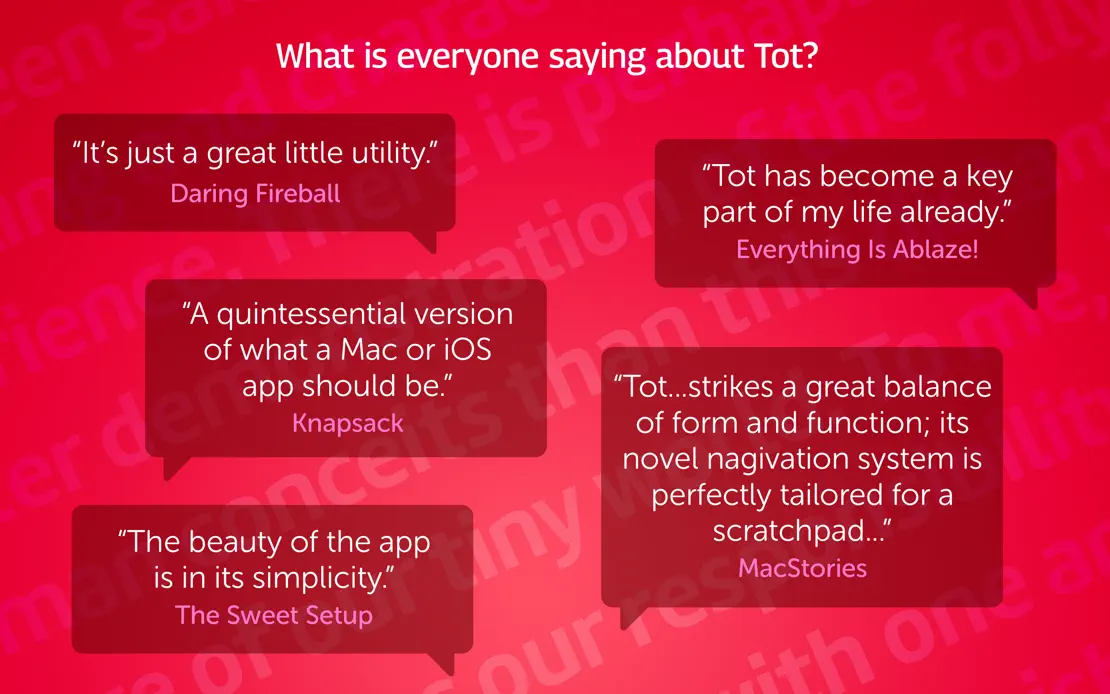
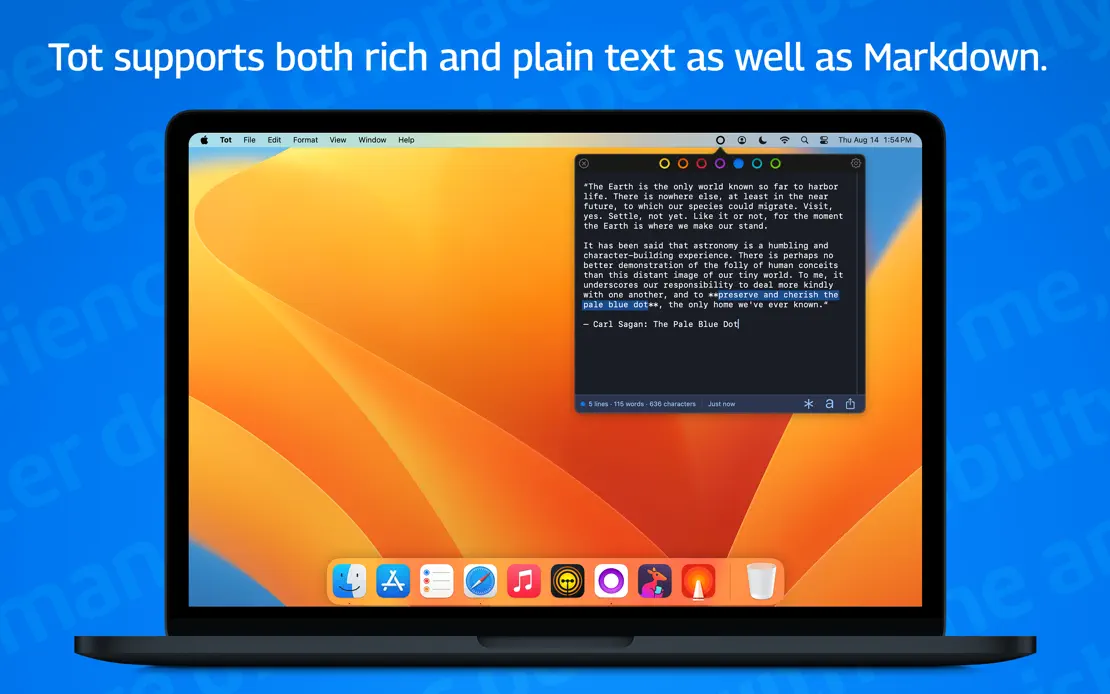
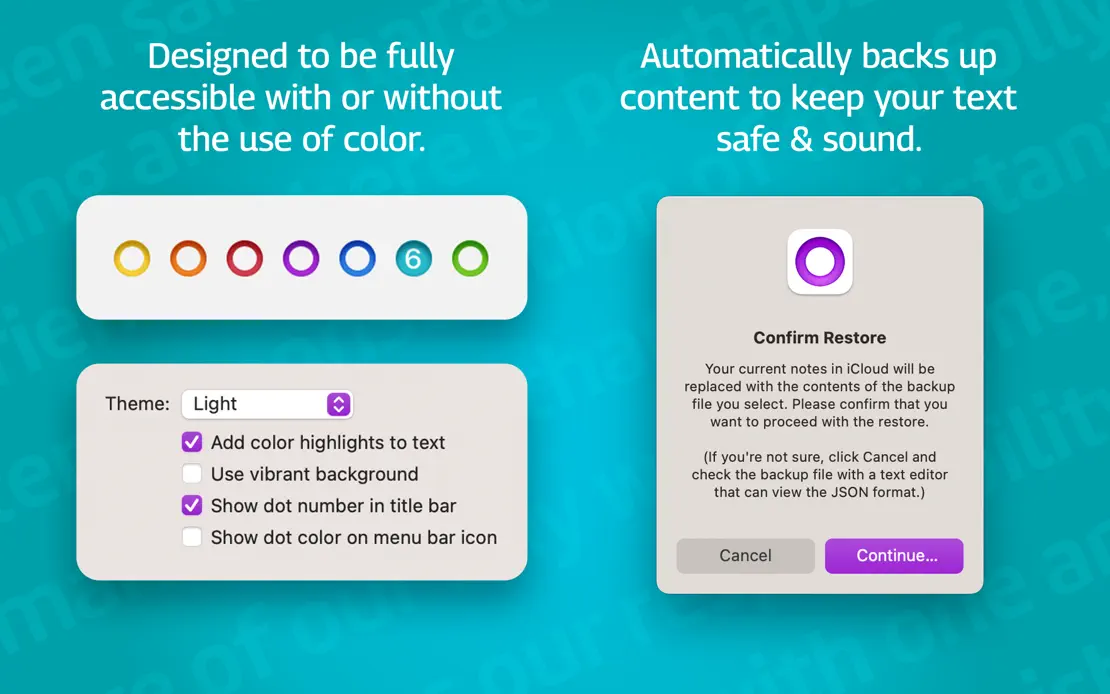
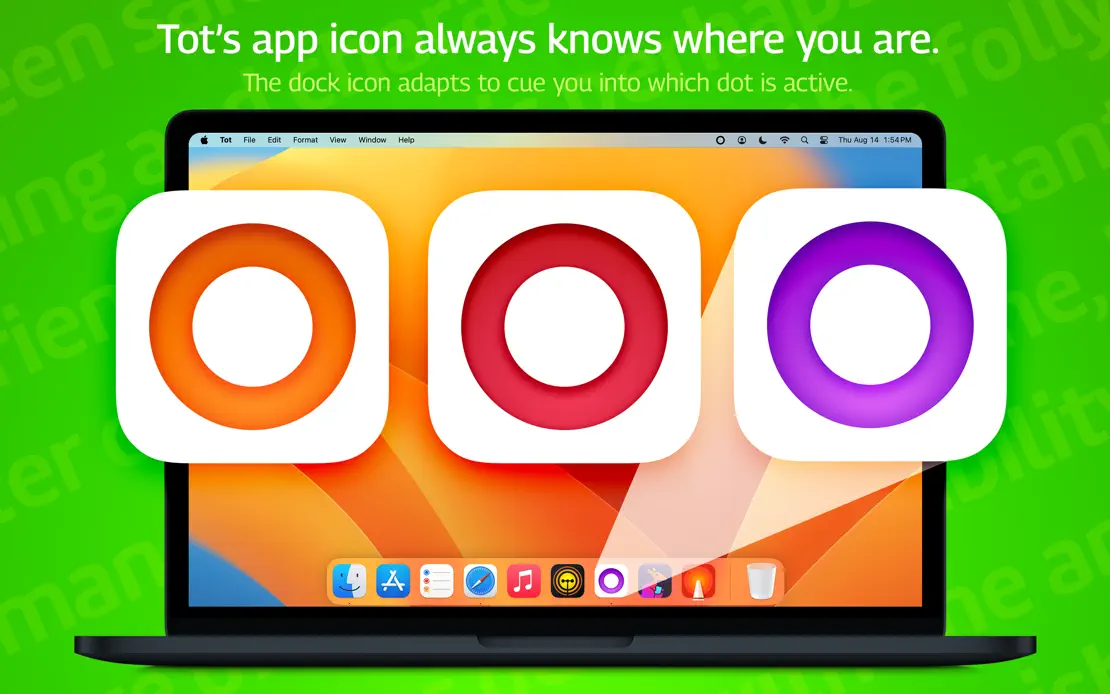
Tot

Productivity · 7 frames

Frame-by-frame rainbow backgrounds with faint tiled text surround a MacBook, press-quote bubbles, emoji checklists and enlarged dot-colored app icons.
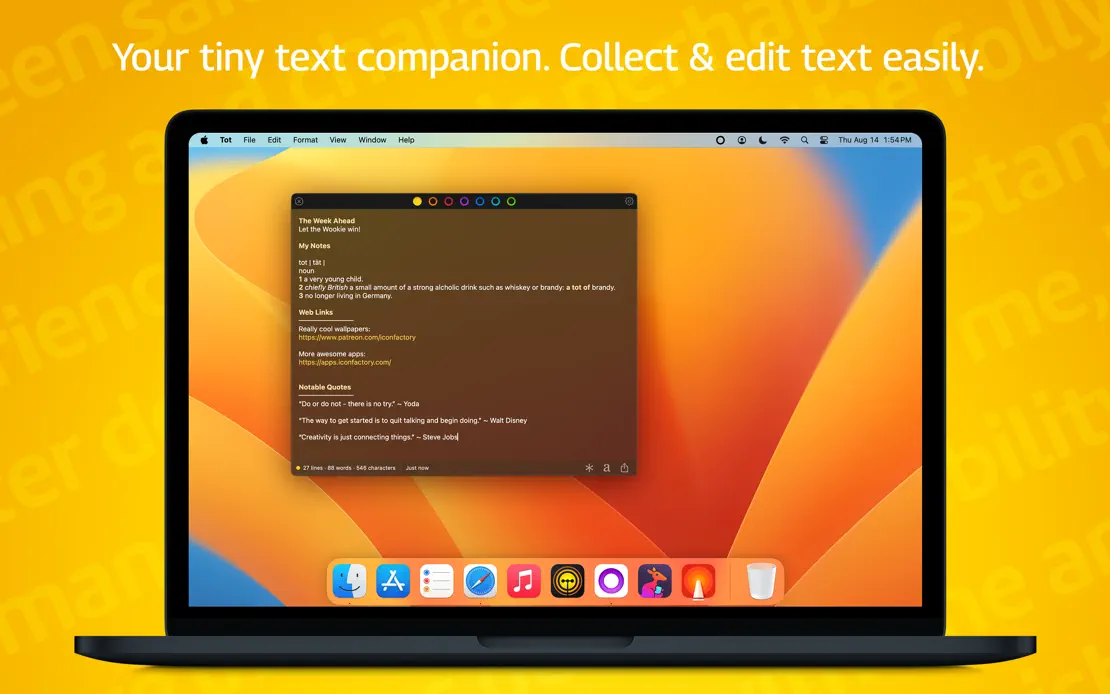
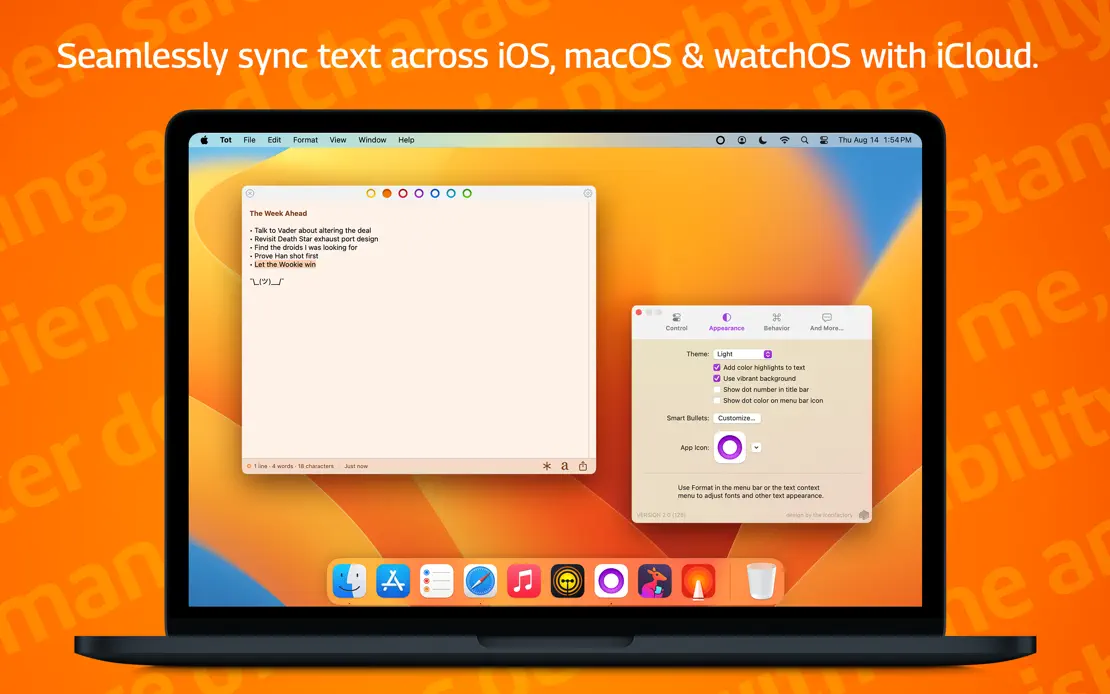
Tot, App Store screenshot 1
Tot, App Store screenshot 2
Tot, App Store screenshot 3
Tot, App Store screenshot 4
Tot, App Store screenshot 5
Tot, App Store screenshot 6
Tot, App Store screenshot 7

Add to collection

New collection