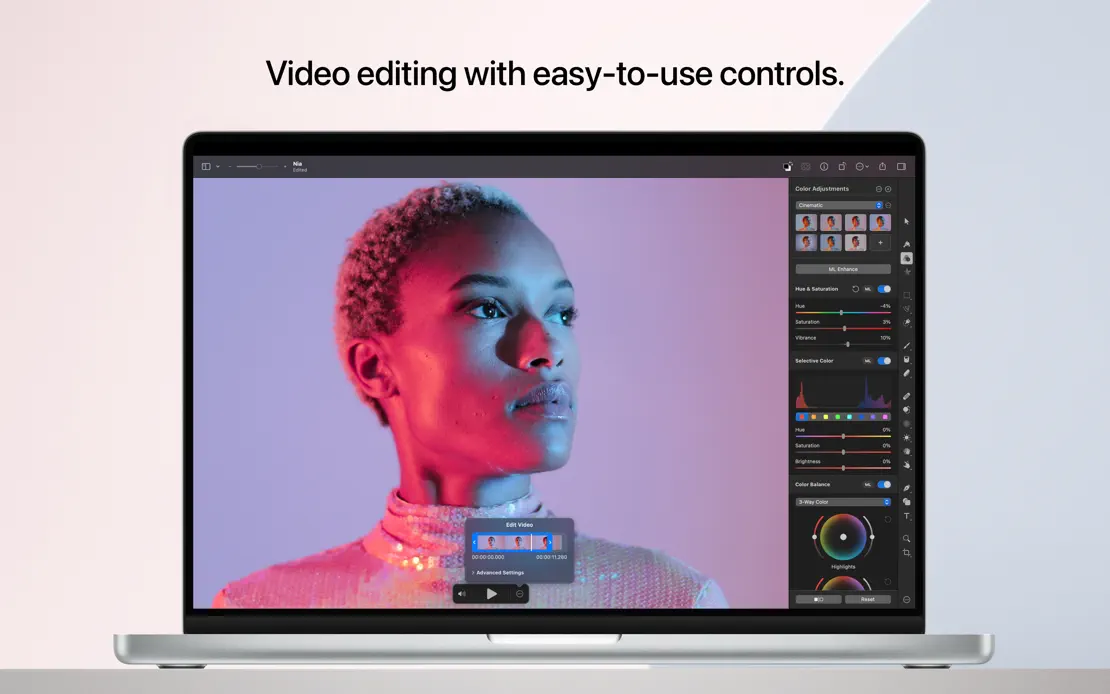
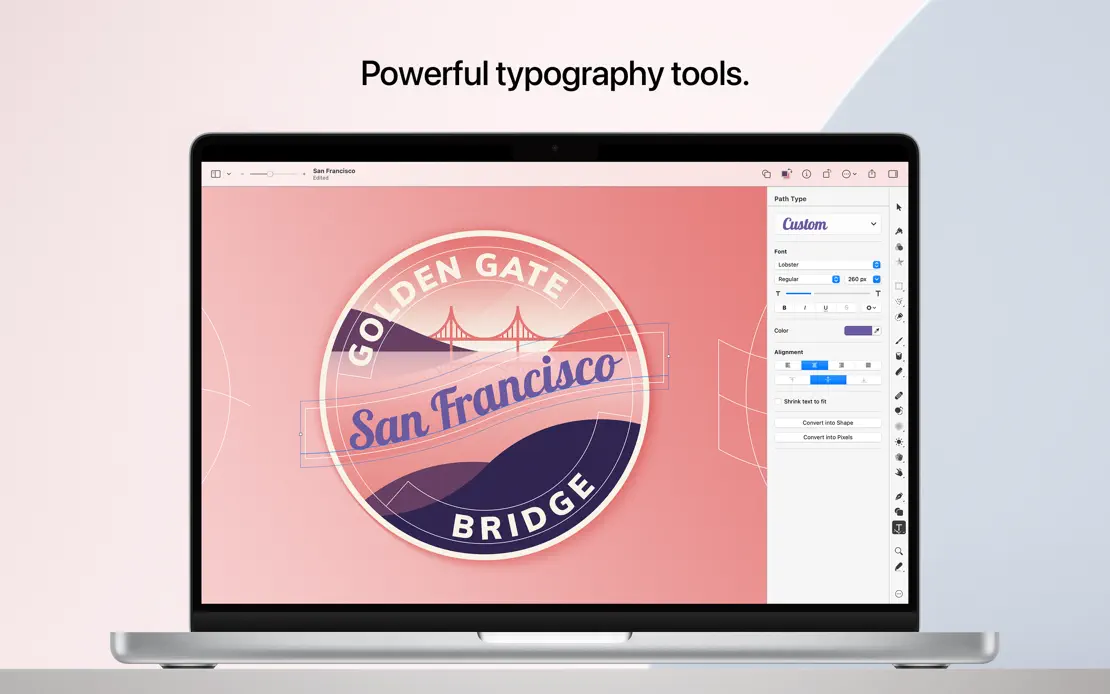
Mac App Store screenshots using photography
9 listings that build their frames around photographs, from Sofa, Final Cut Pro and Darkroom. Most are photo & video, lifestyle and utilities apps.



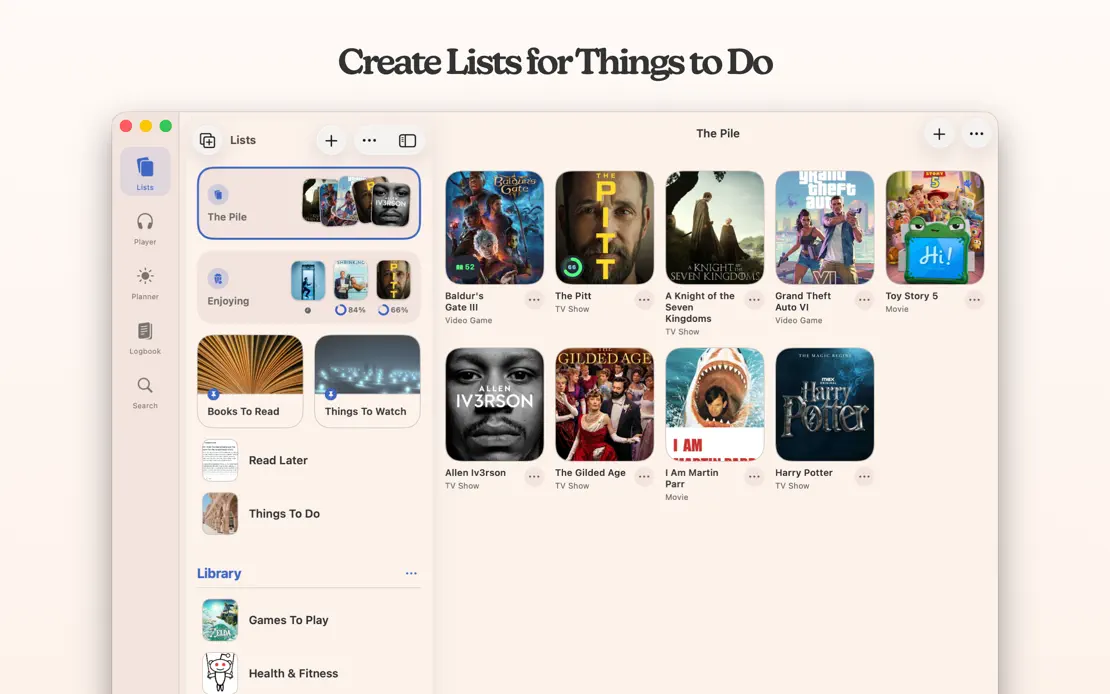
Serif headlines sit above tightly cropped windows on a warm cream backdrop, alternating light and dark poster grids and closing on a developer portrait.


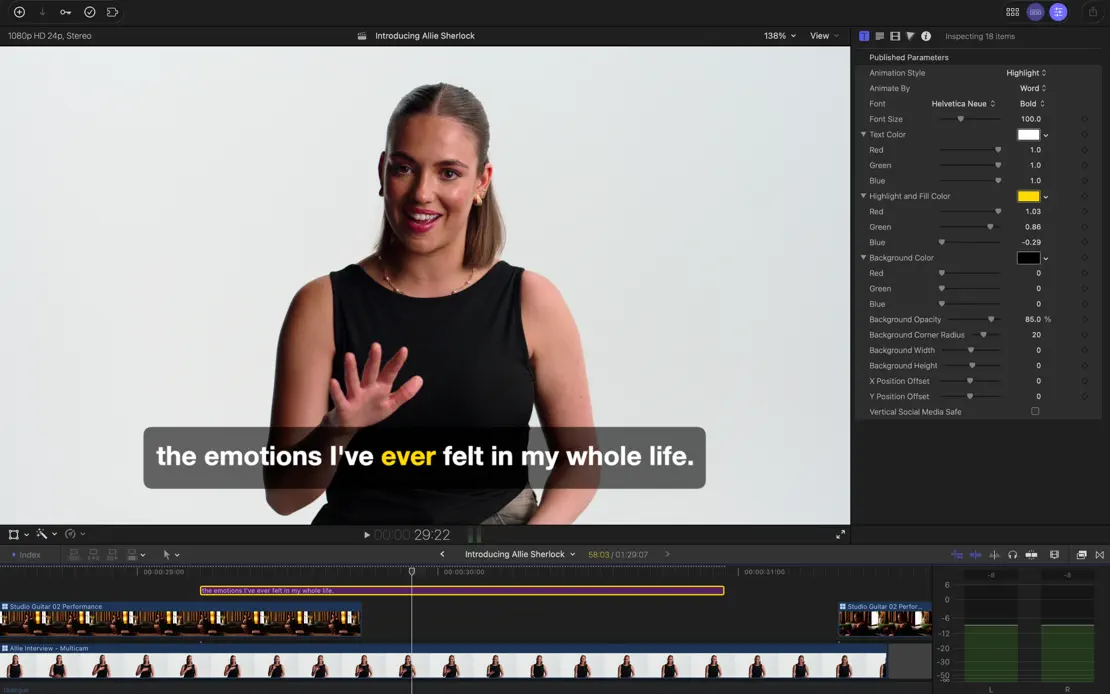
Headline-free, full-bleed captures of the dark editing interface let saturated film stills, color wheels and timelines fill every frame.

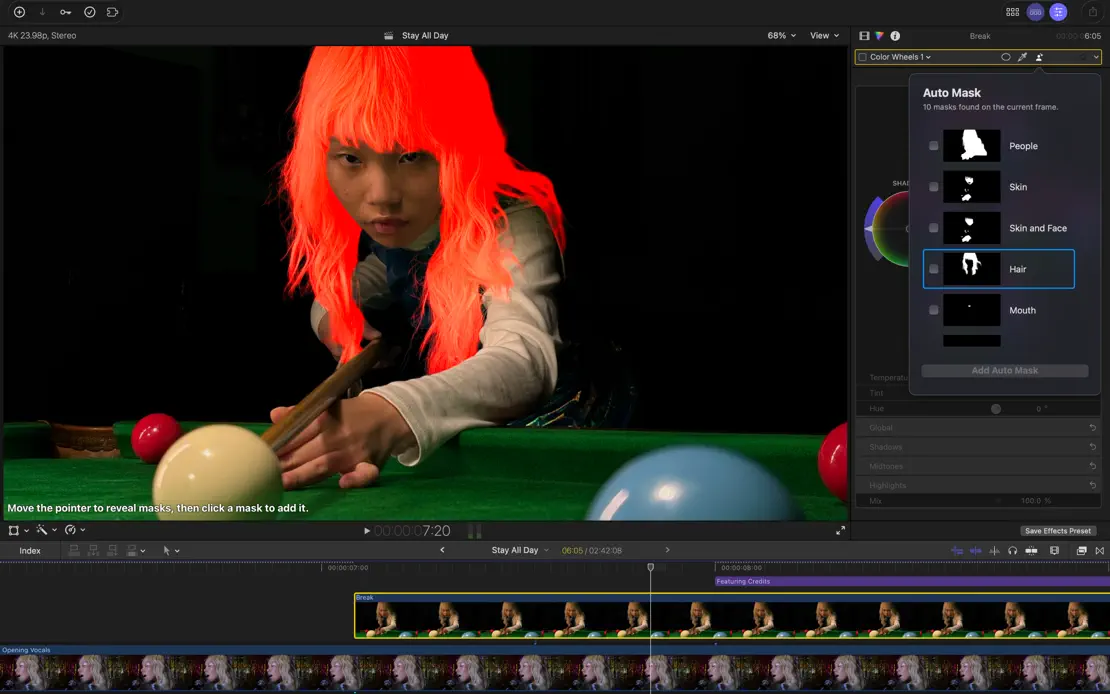
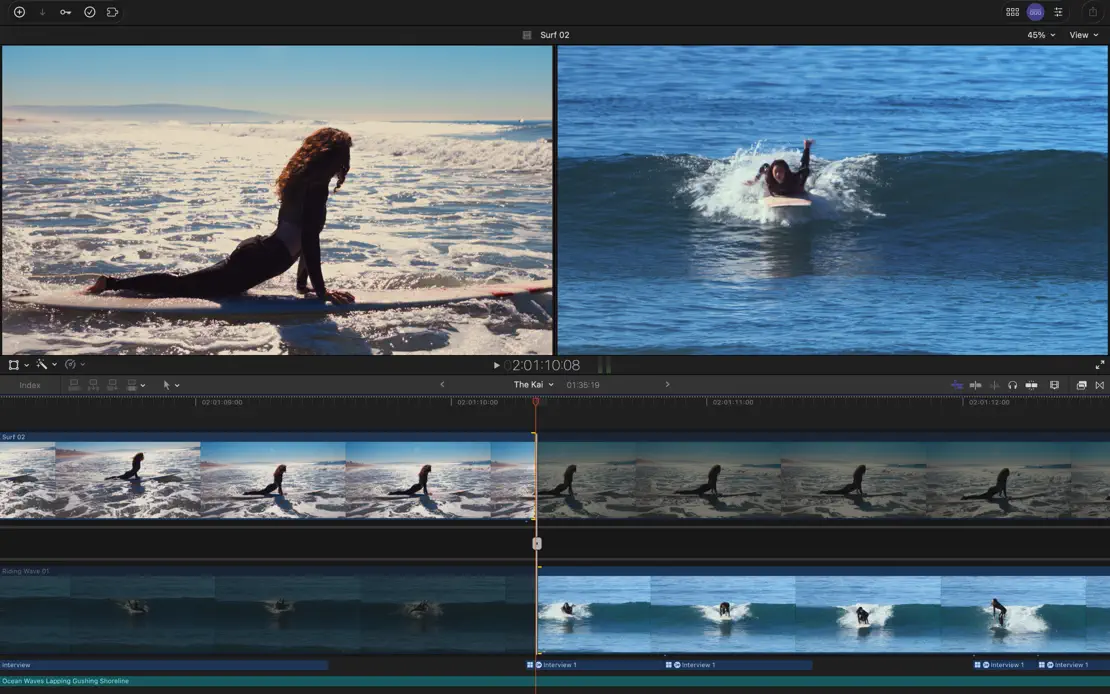
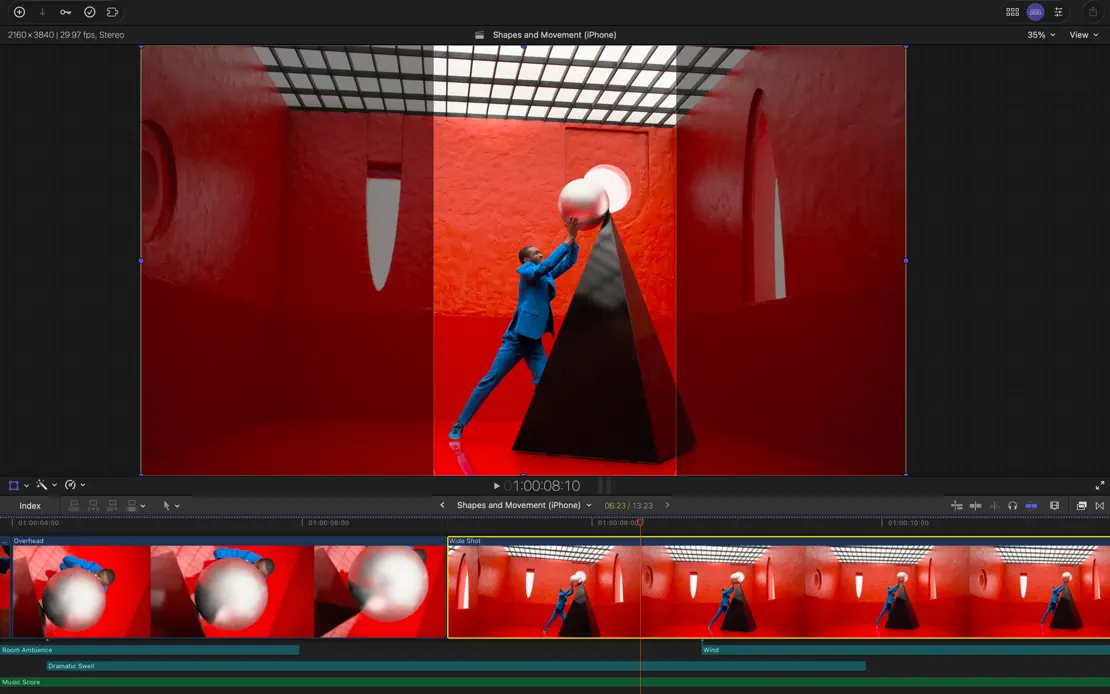
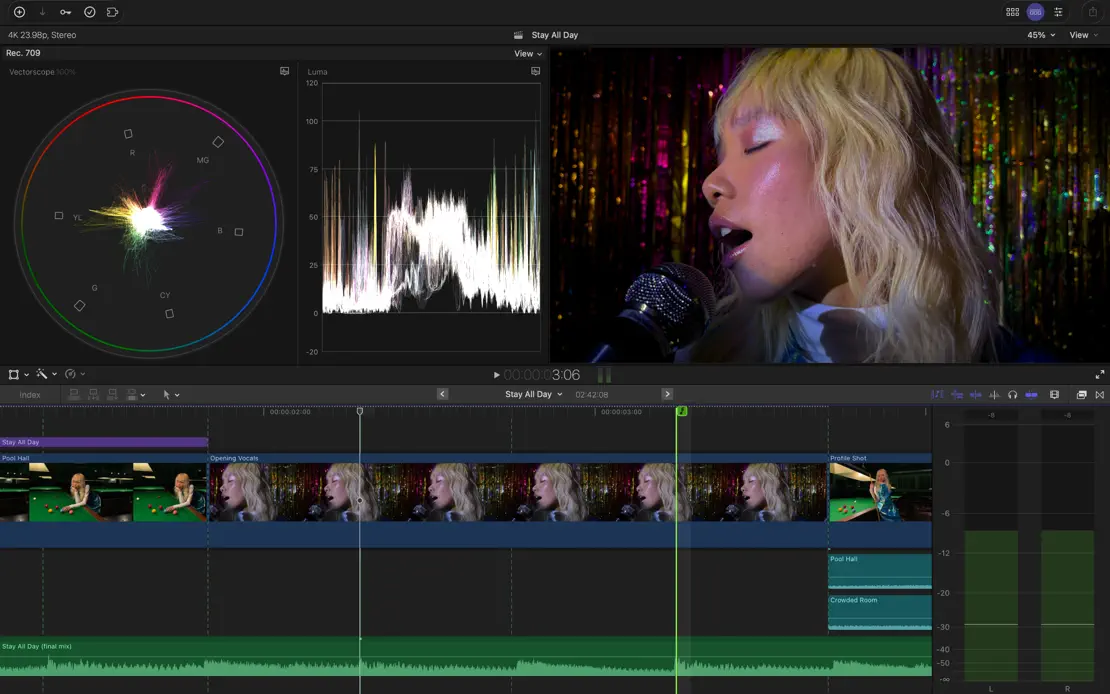


Dark editor windows on shifting pink, blue and purple gradients carry vivid photography, ending on a device lineup and green press grid.


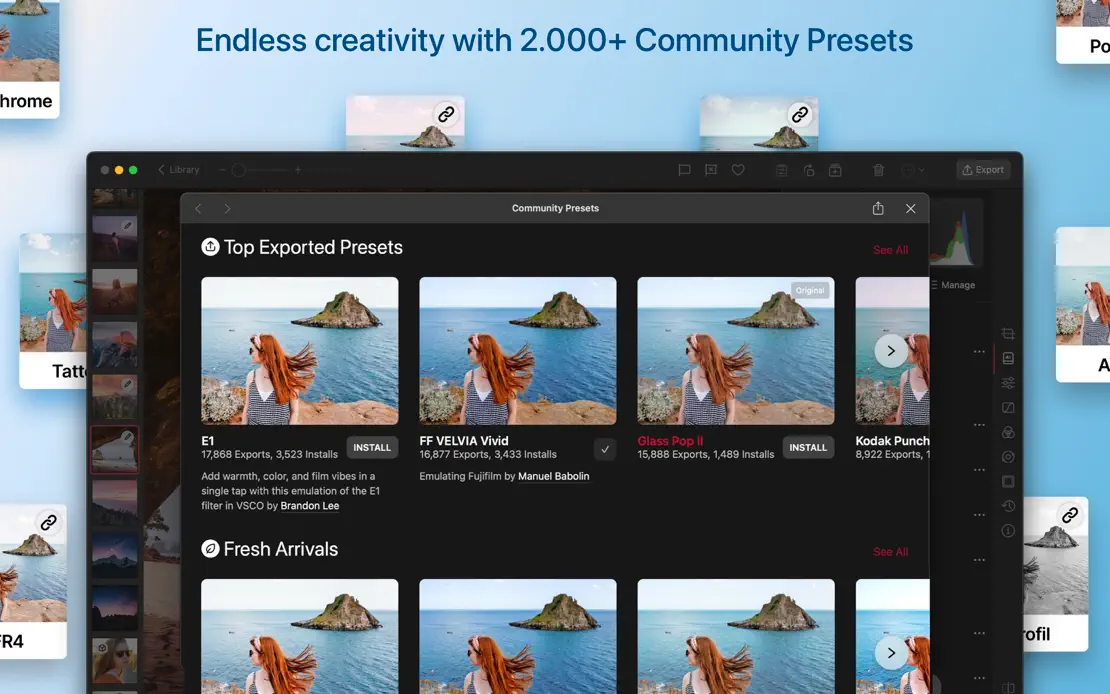


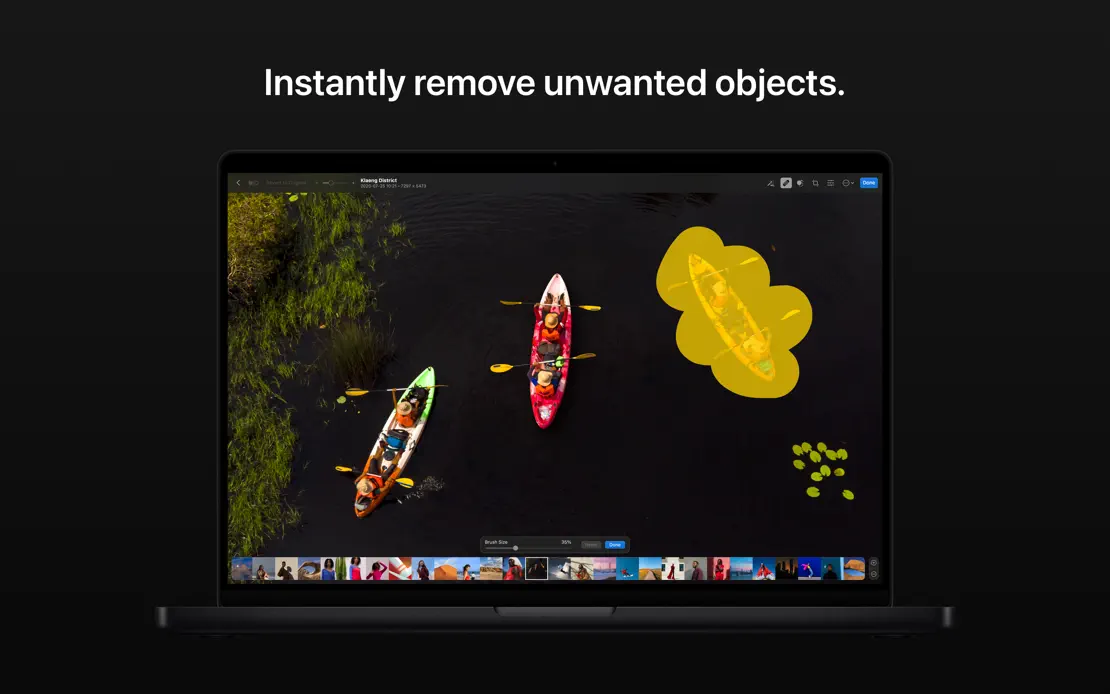
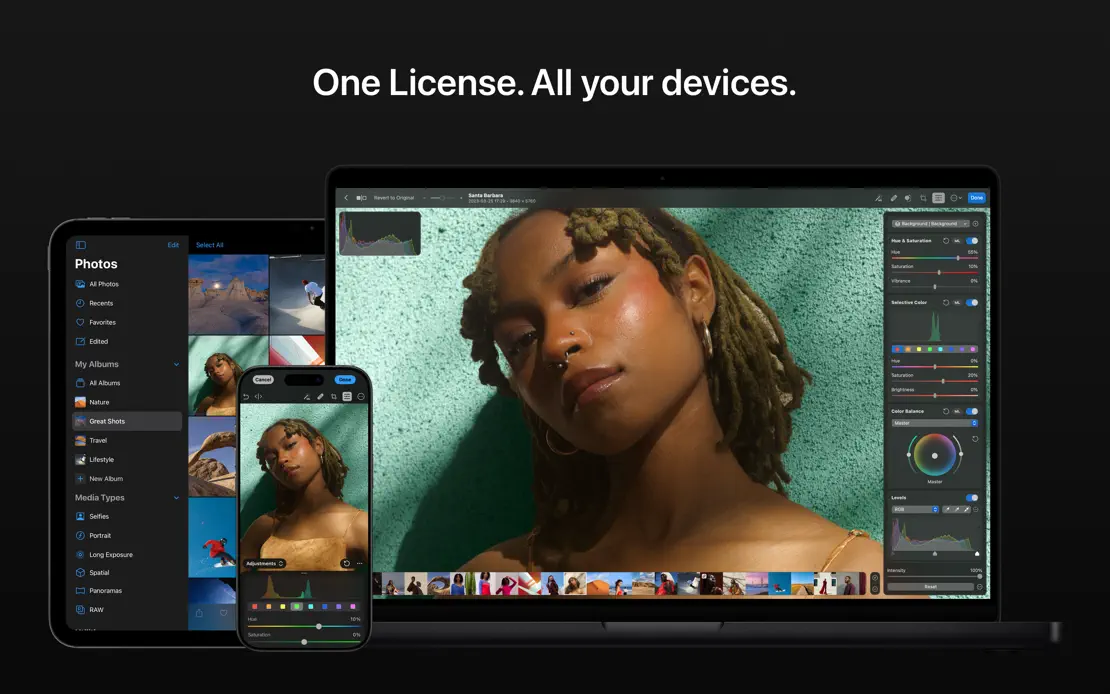
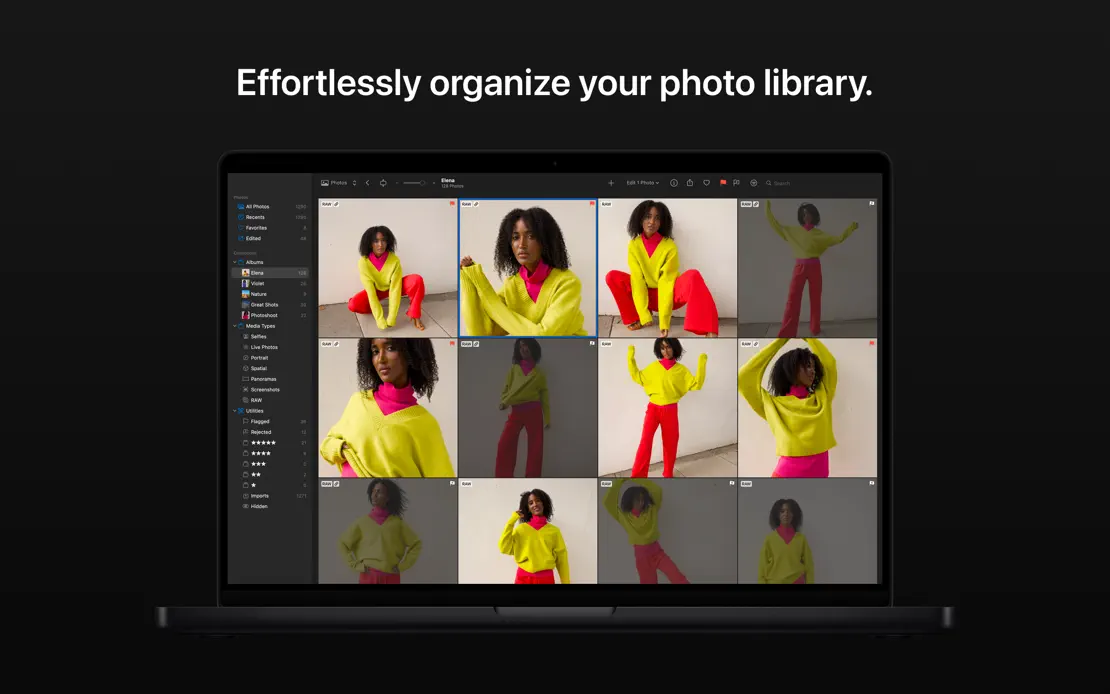
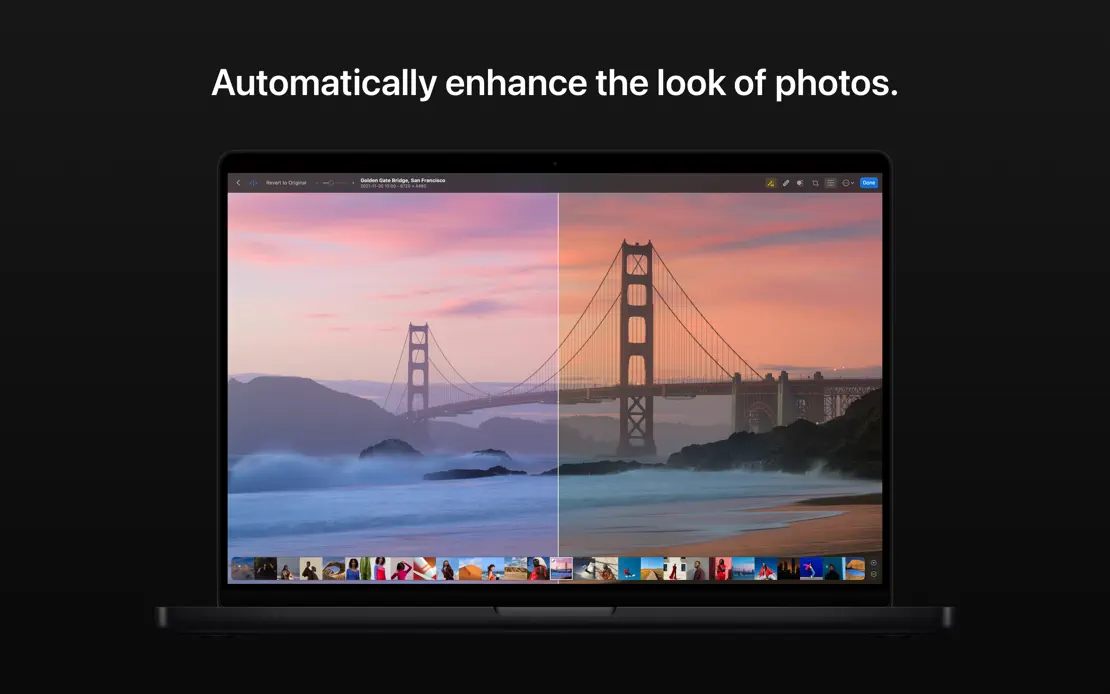
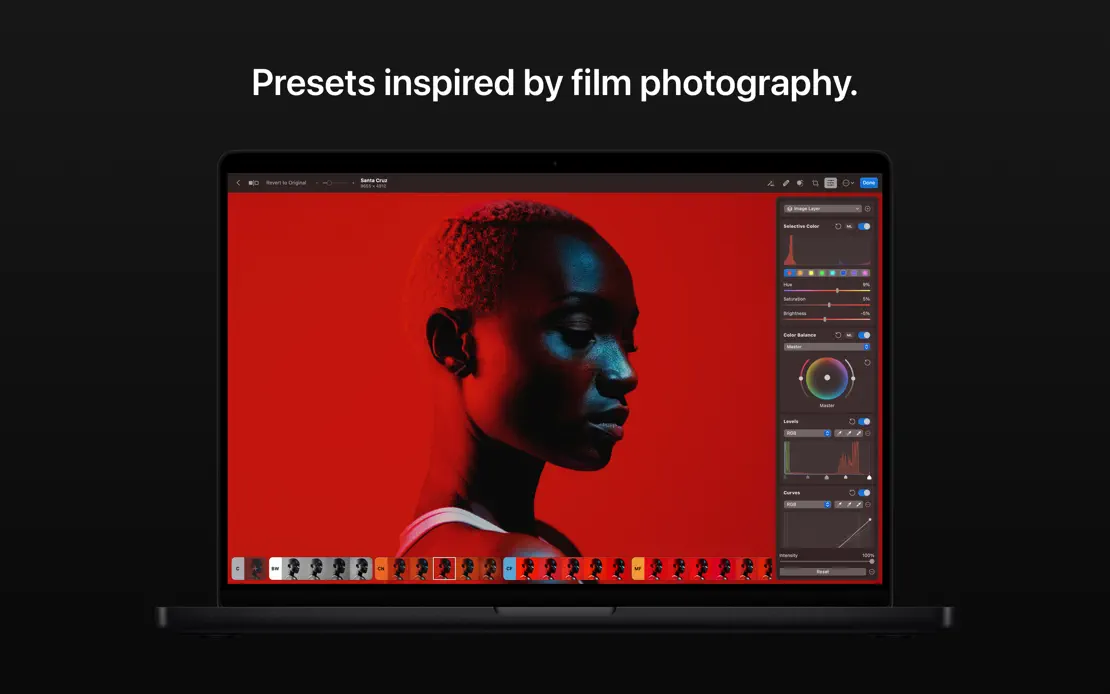
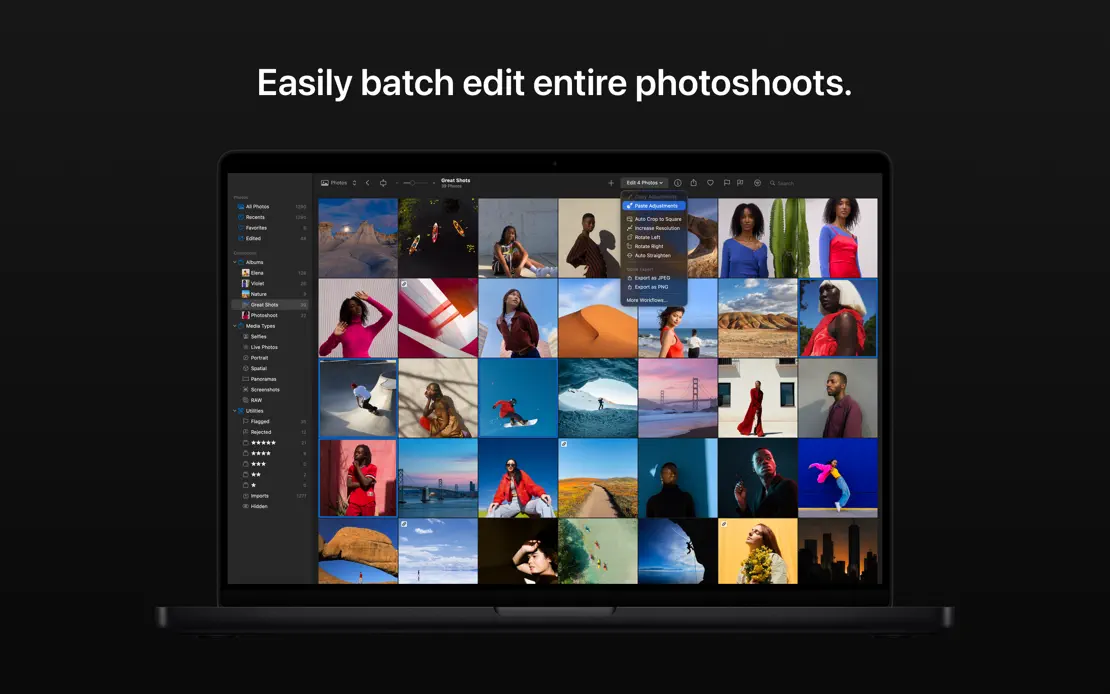
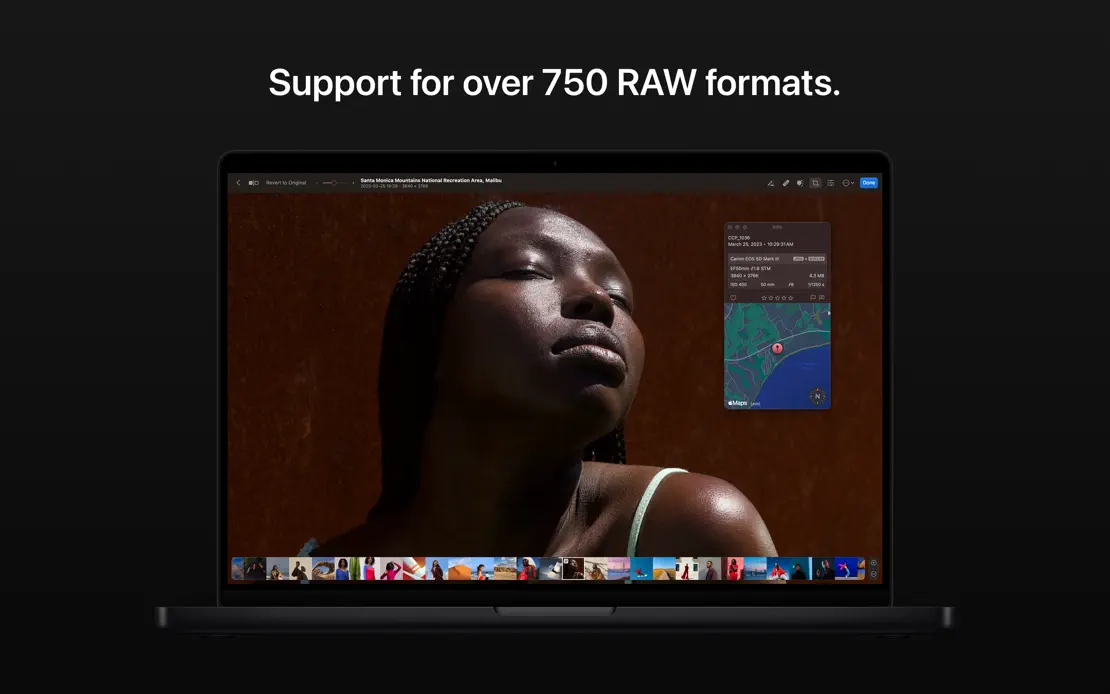
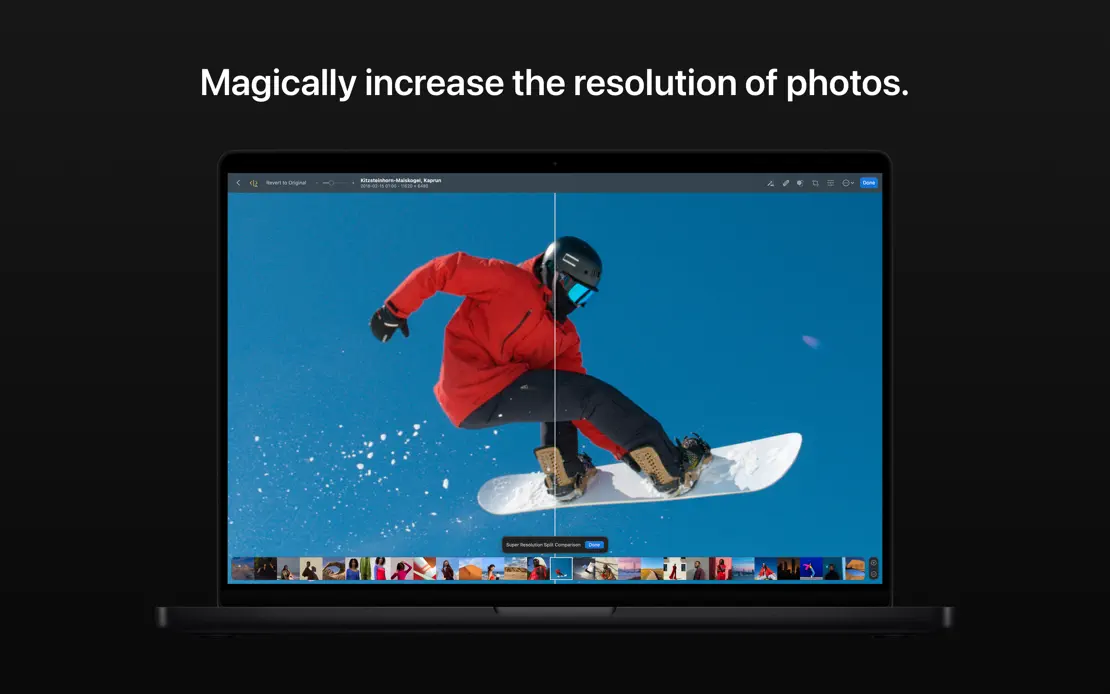
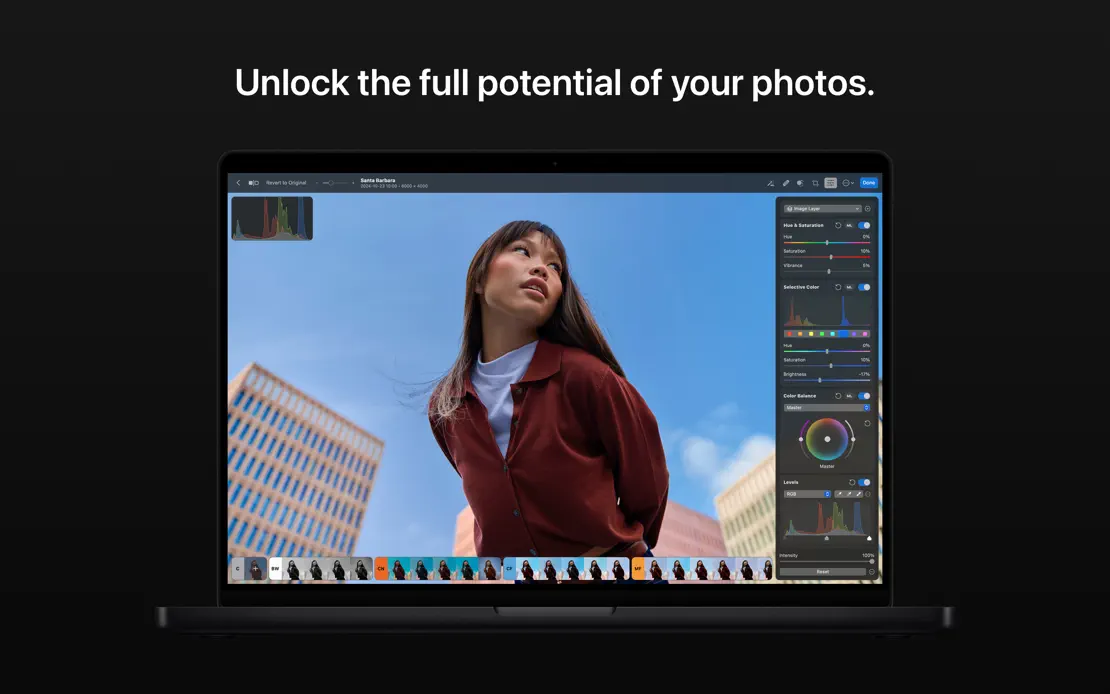
Short centered white captions sit above a front-facing dark MacBook on near-black, with full-screen portraits and landscapes filling each display.

Short italic white headlines sit above overlapping journal windows on a teal gradient that stays constant across all six frames.


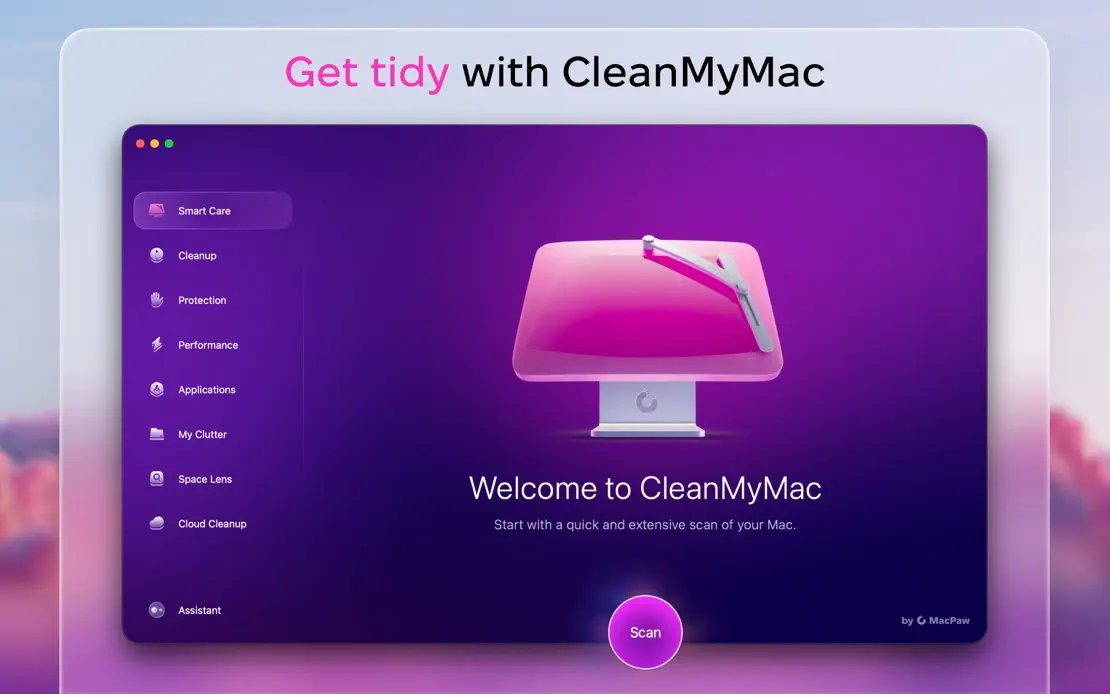
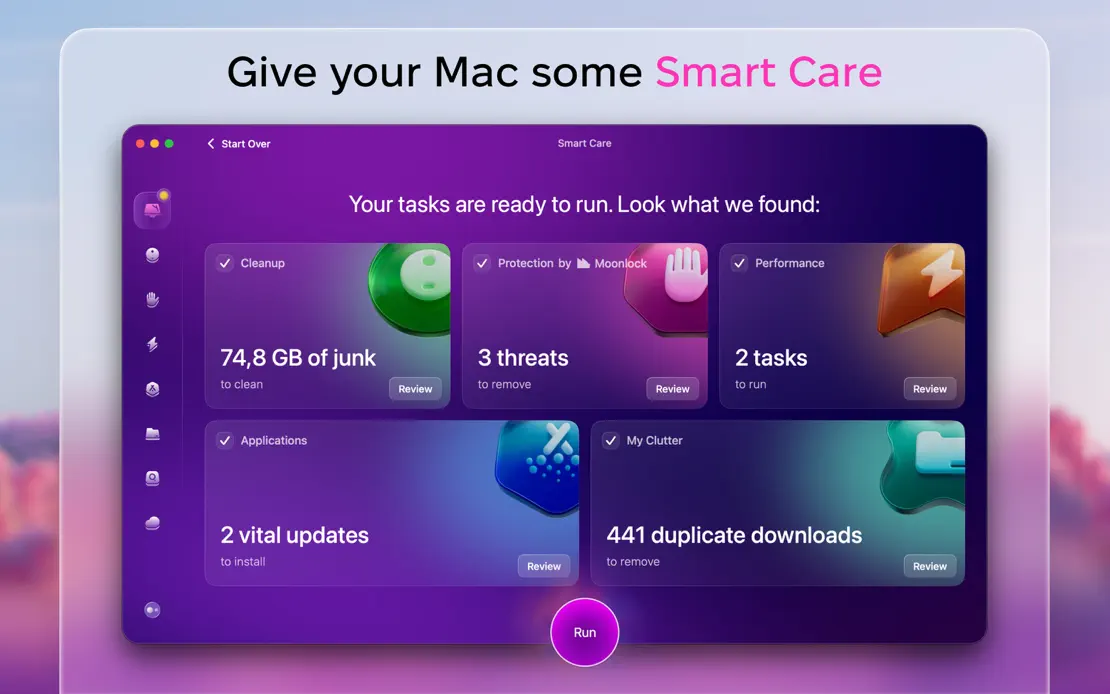
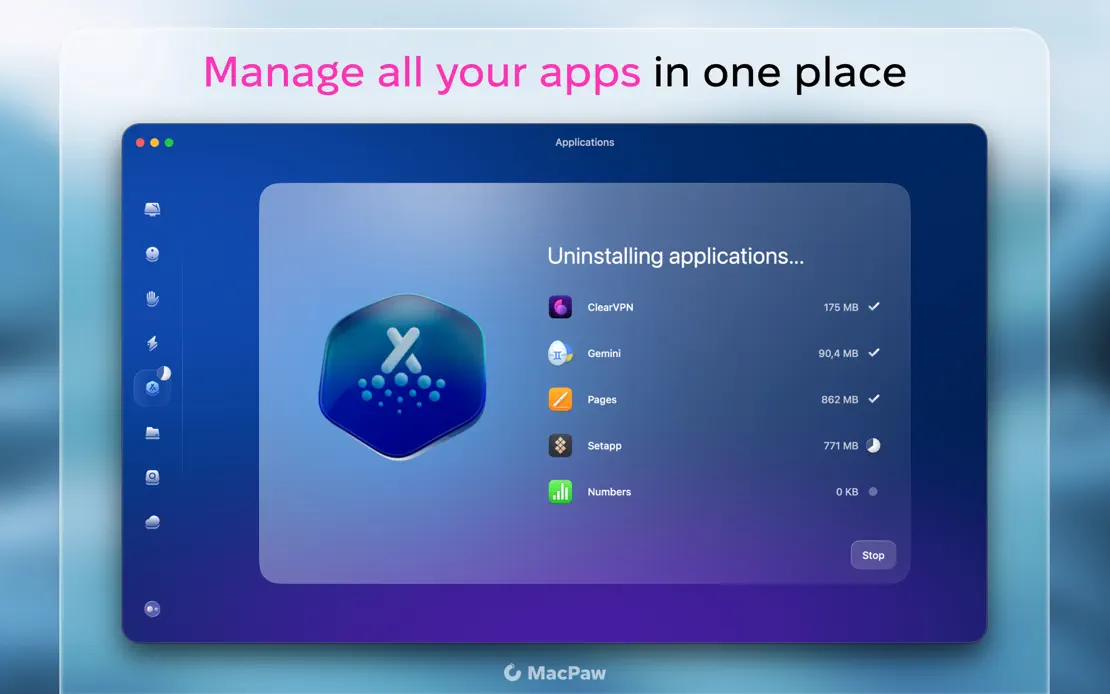
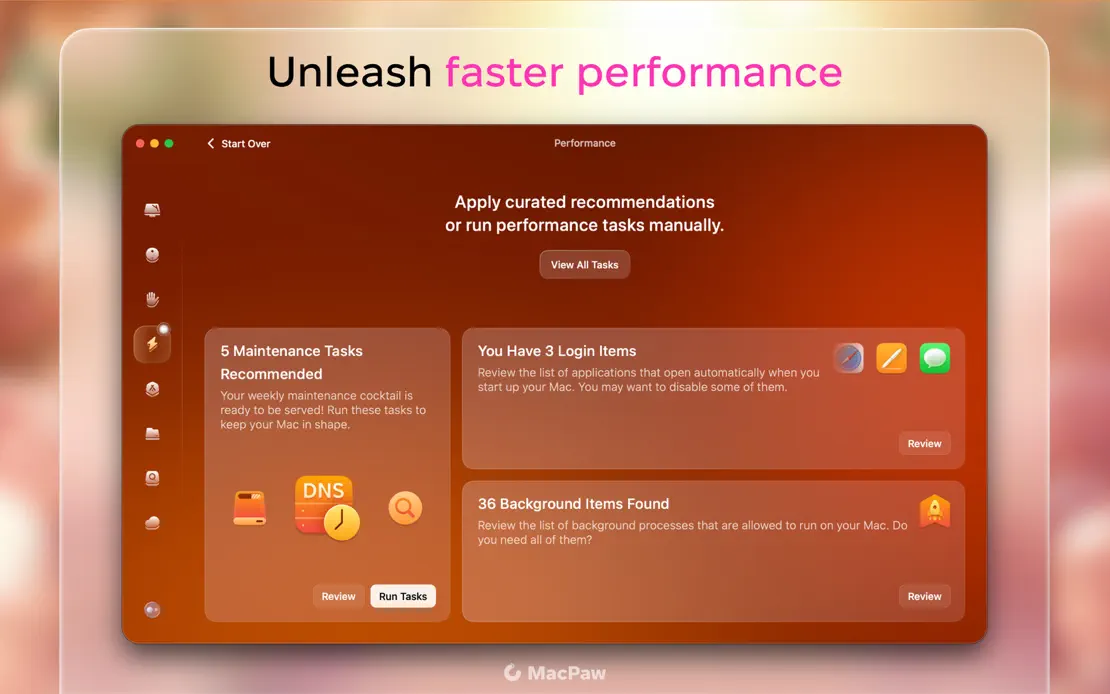
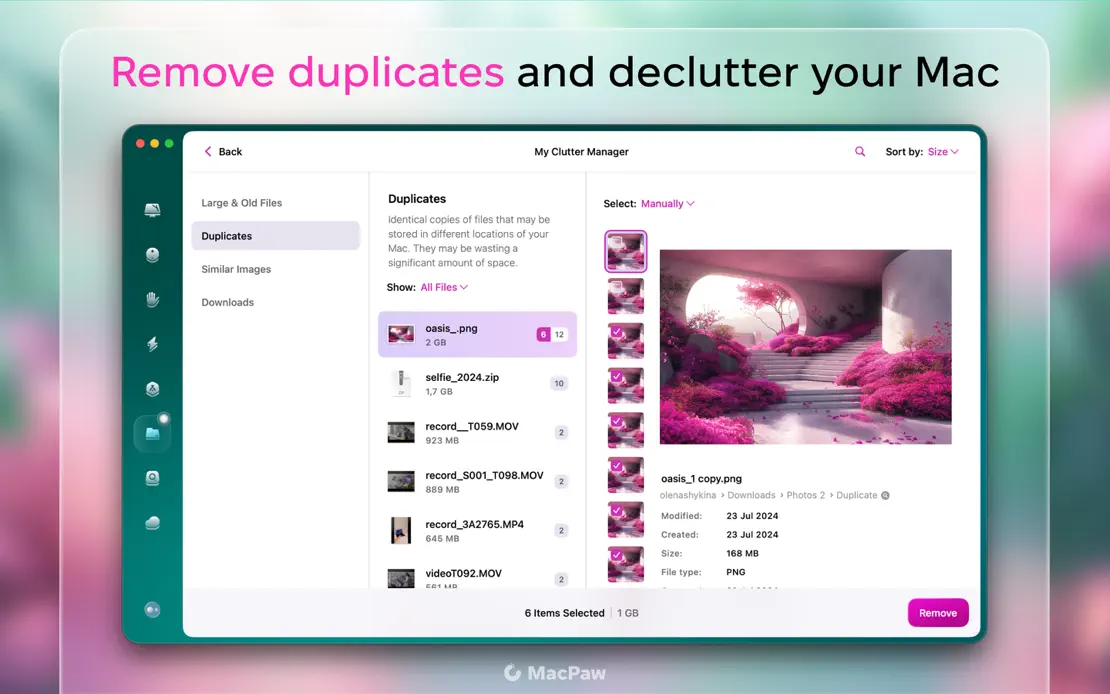
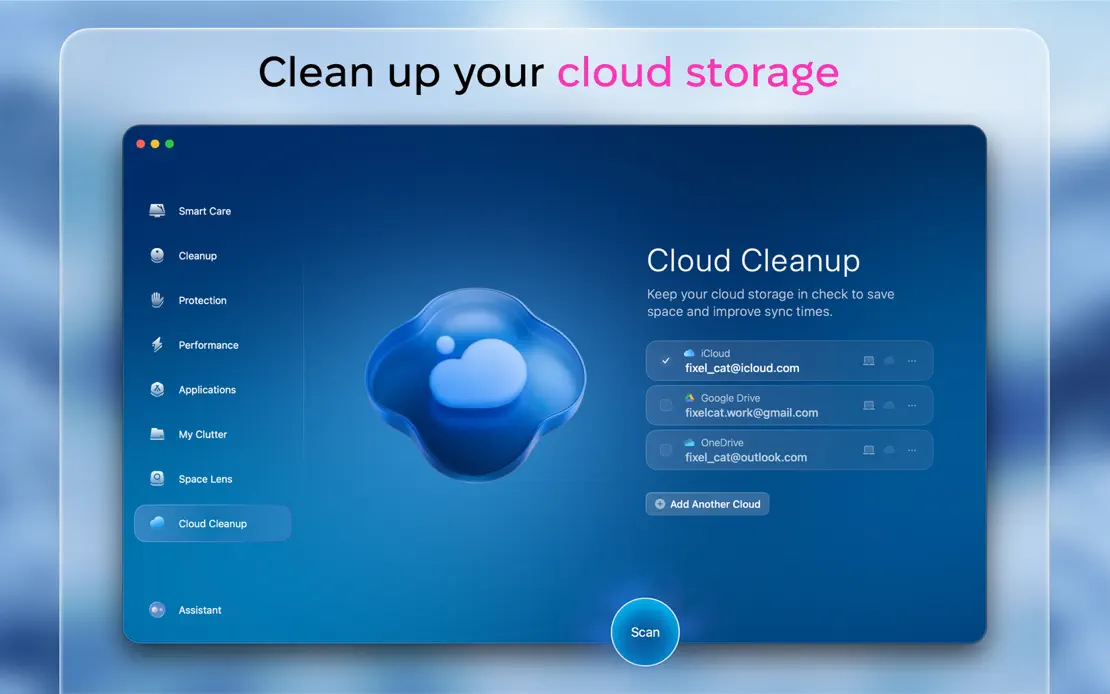
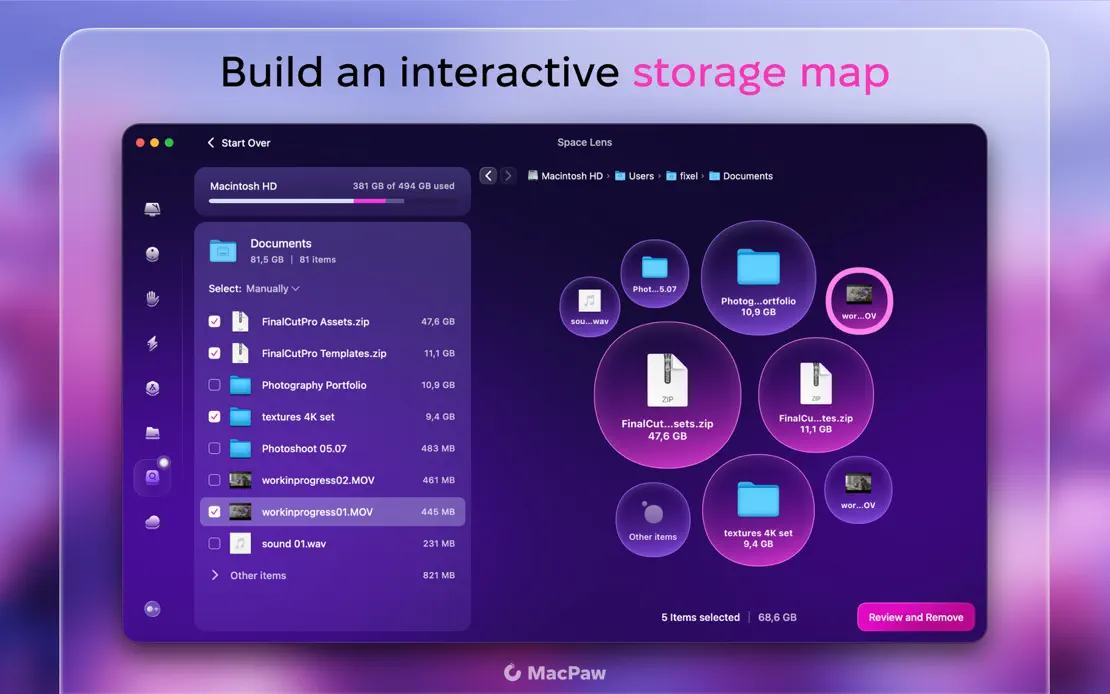
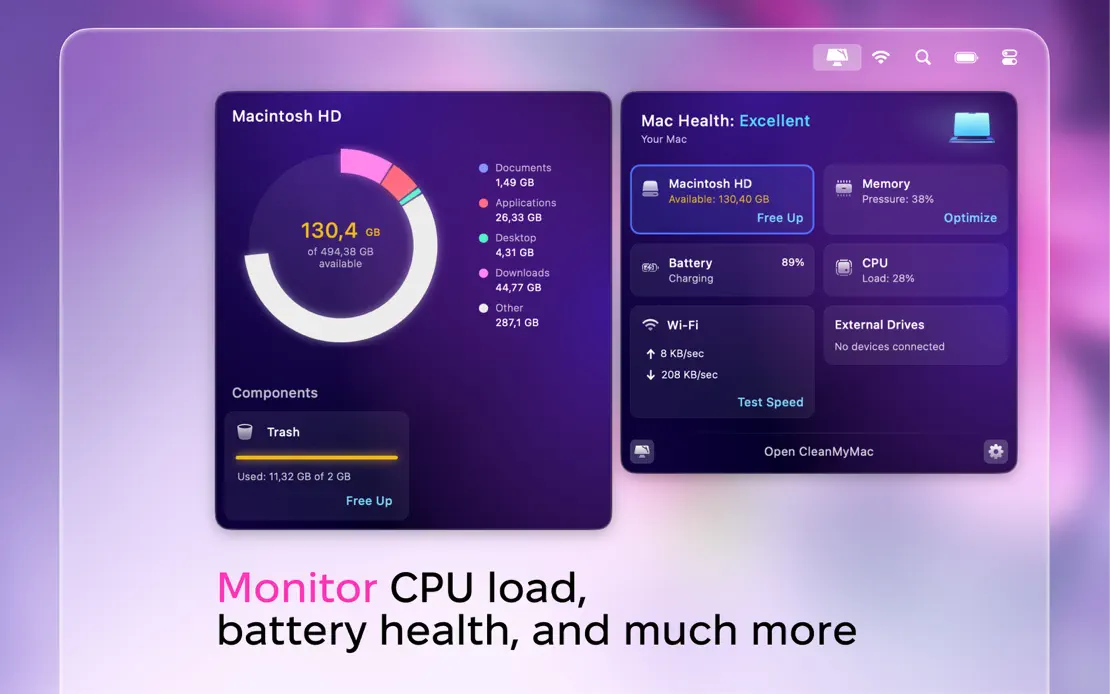
Two-tone headlines with magenta keywords sit above glassy panels framing each module window over blurred pink blossom photography, ending on a floating health dashboard.



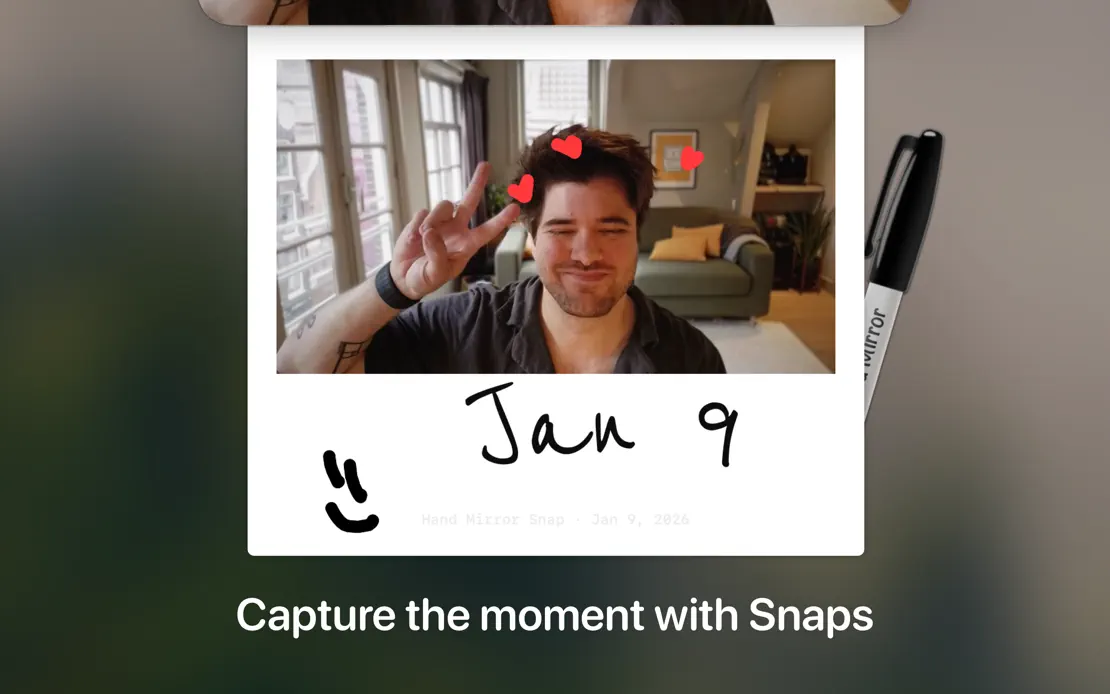
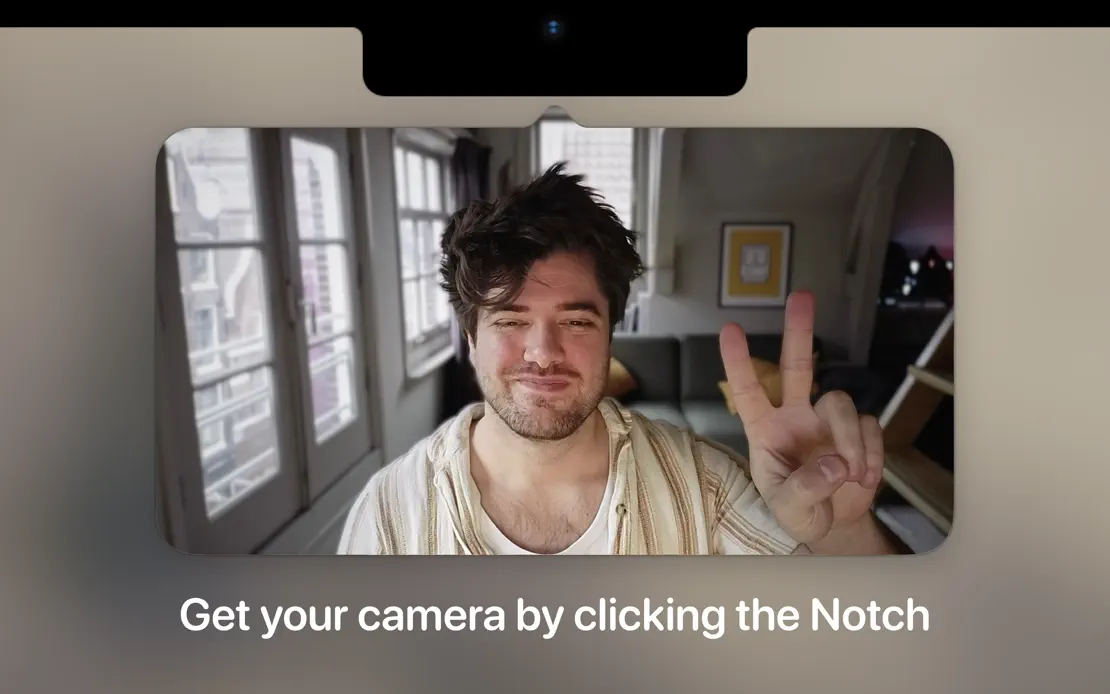
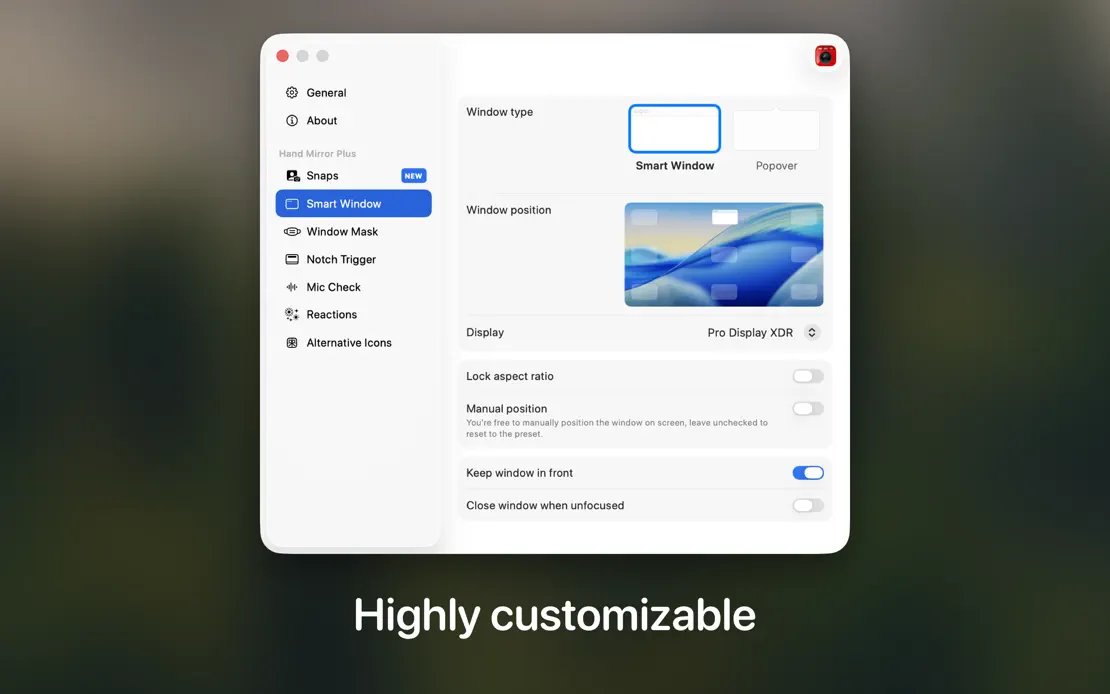
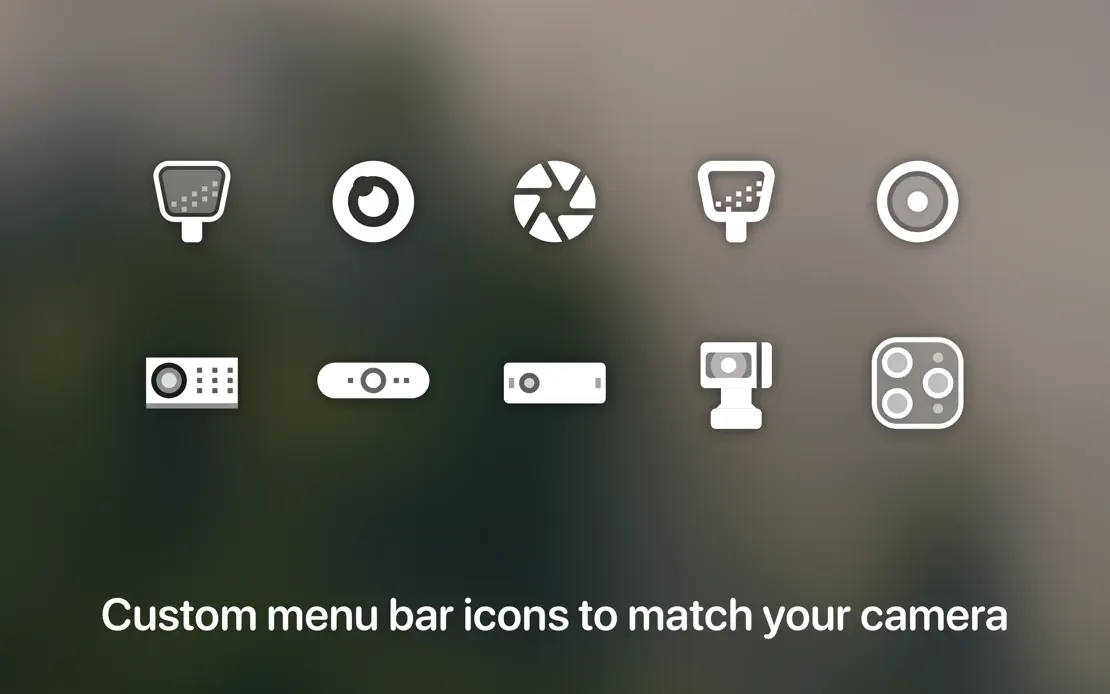
Blurred dark room photography backs cropped camera previews, a notch detail and a menu bar, each captioned with one short line at the bottom.




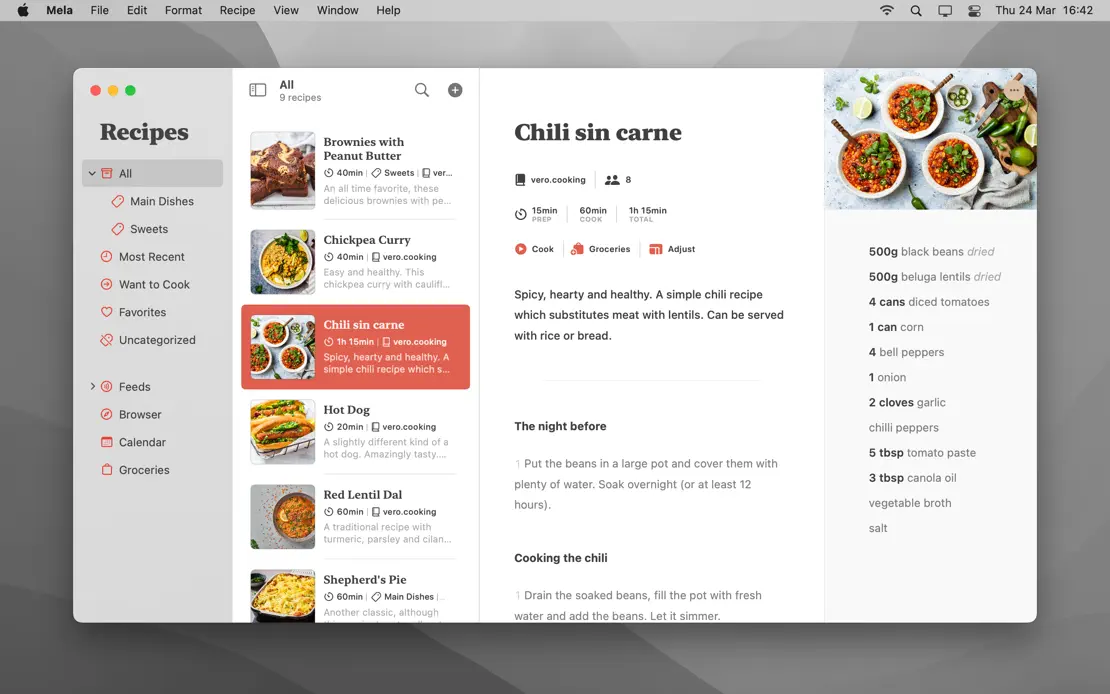
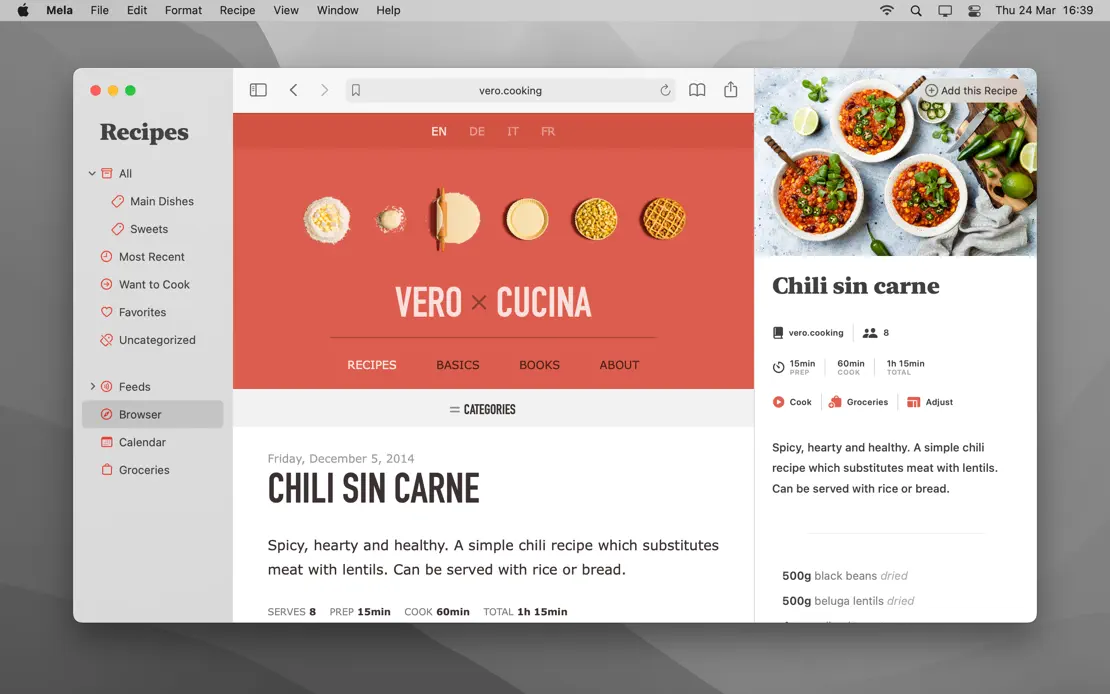
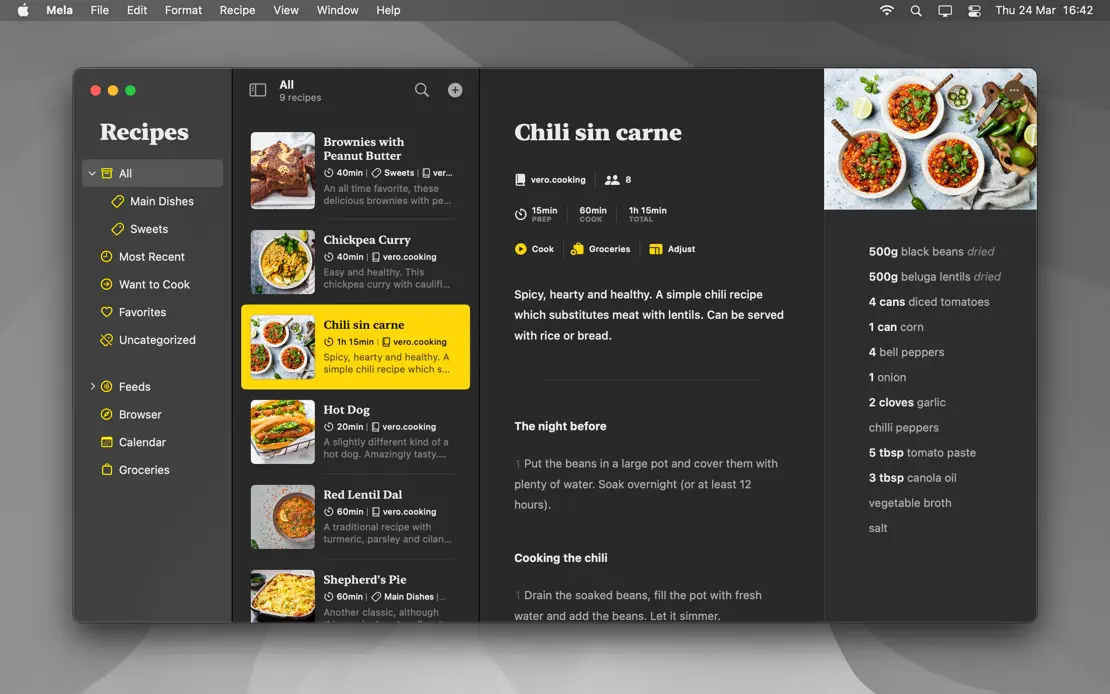
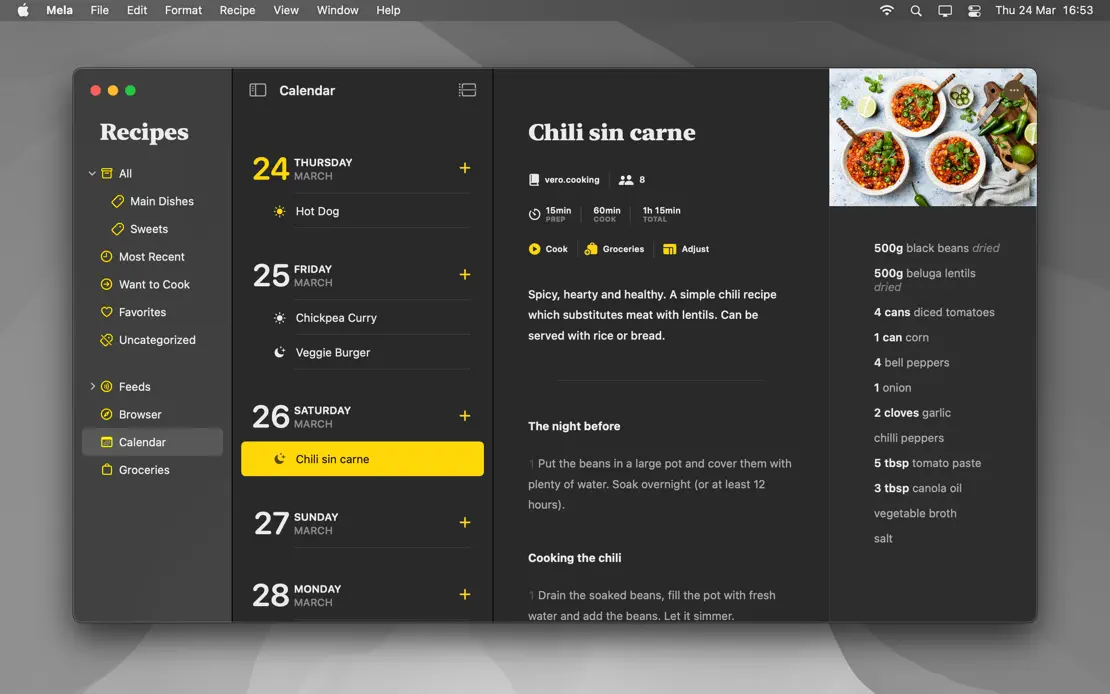
Headline-free full-screen captures on a gray wallpaper, menu bar included, repeat the same chili recipe in light mode, then Dark Mode with yellow accents.





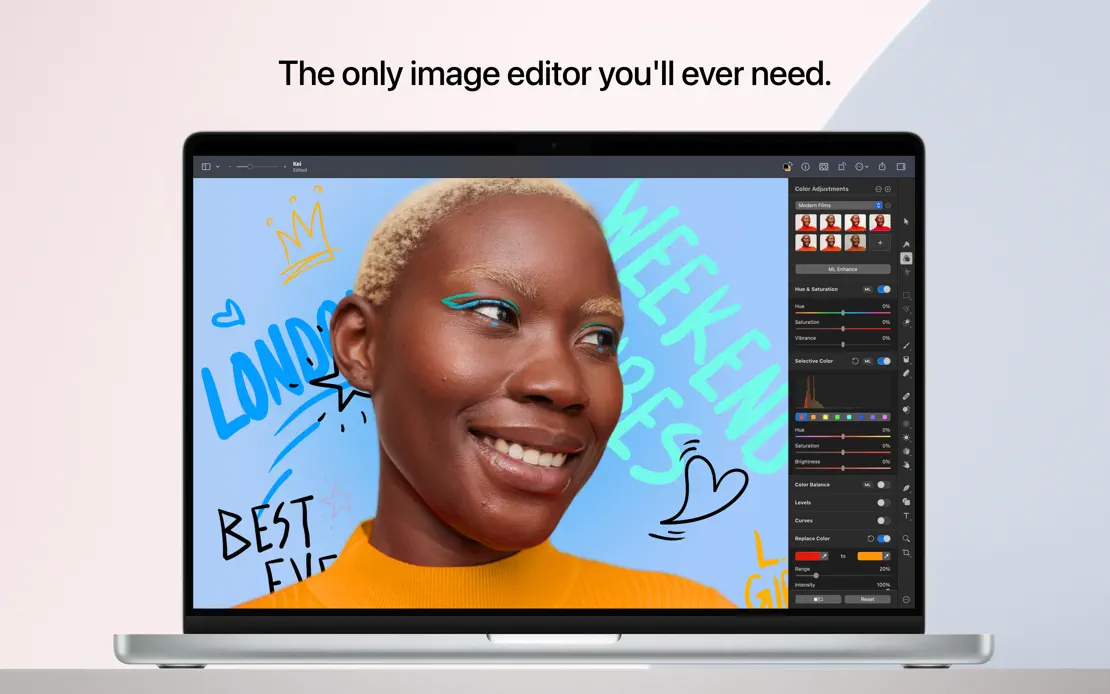
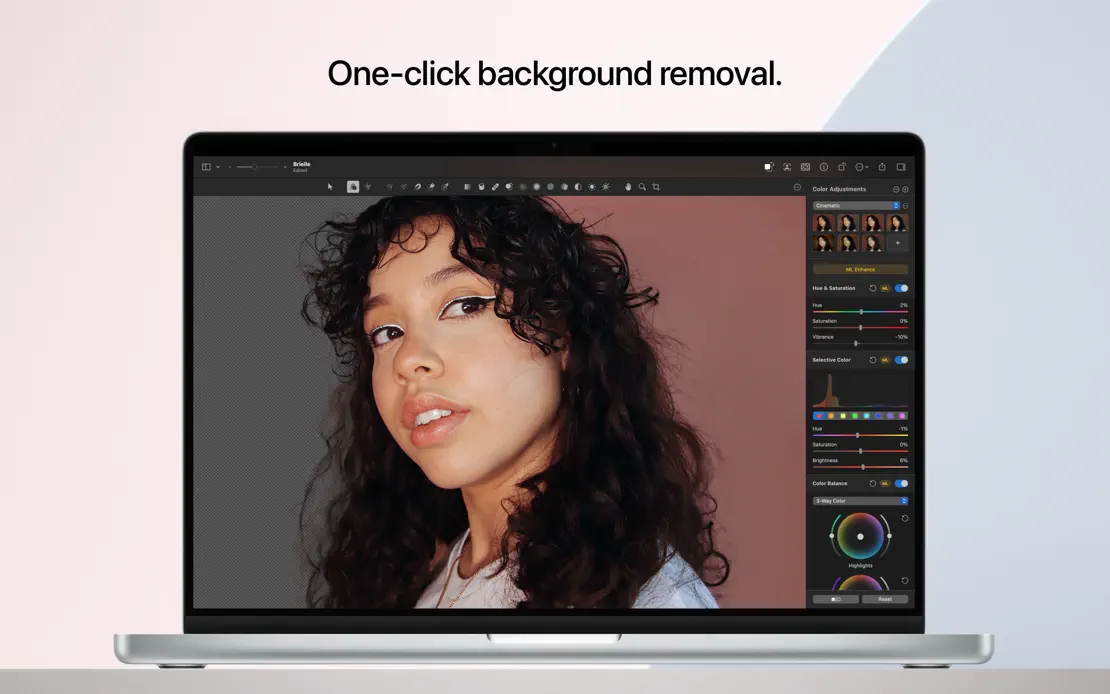
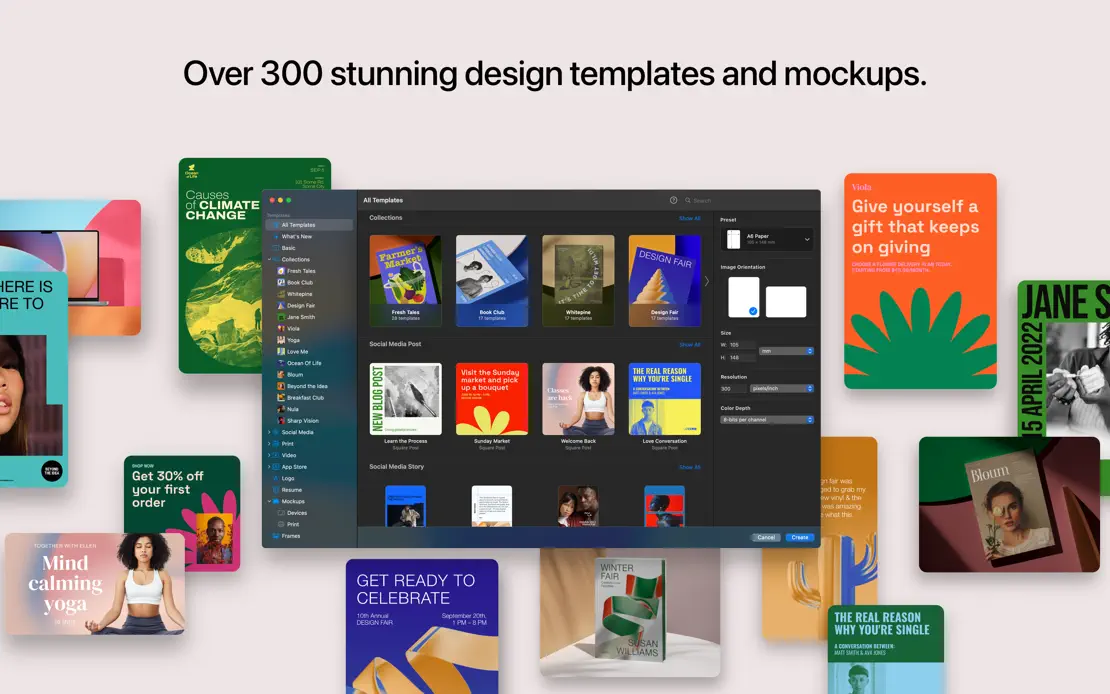
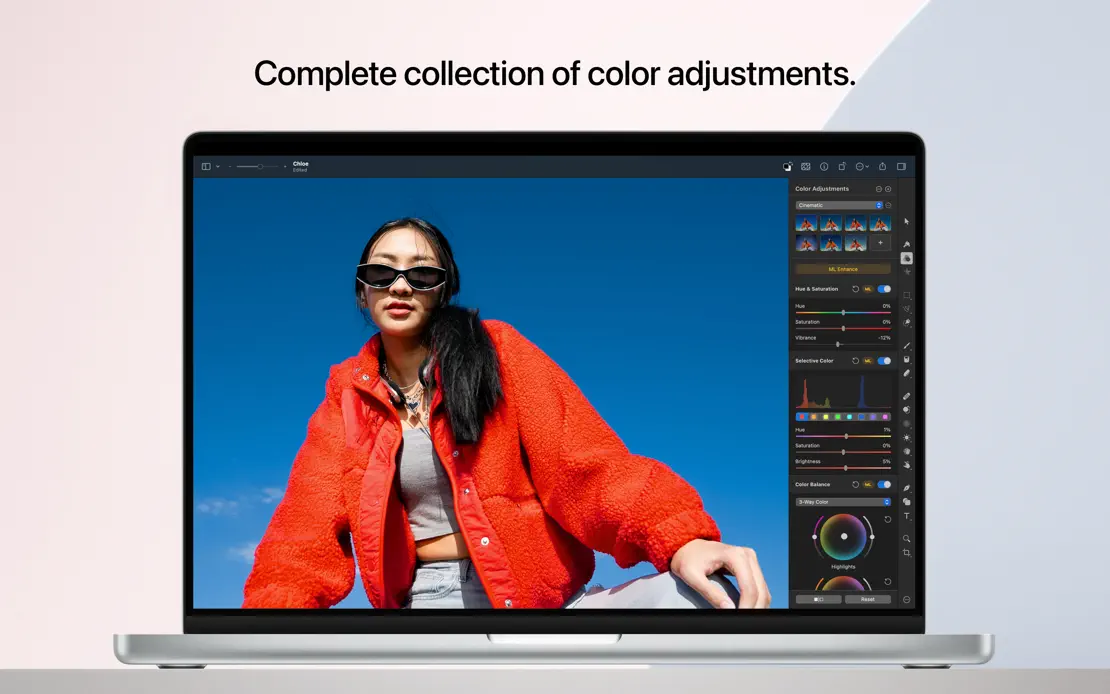
A front-facing MacBook repeats under short centered headlines on a pale pink backdrop, broken once by scattered templates and closed by an icon grid.