
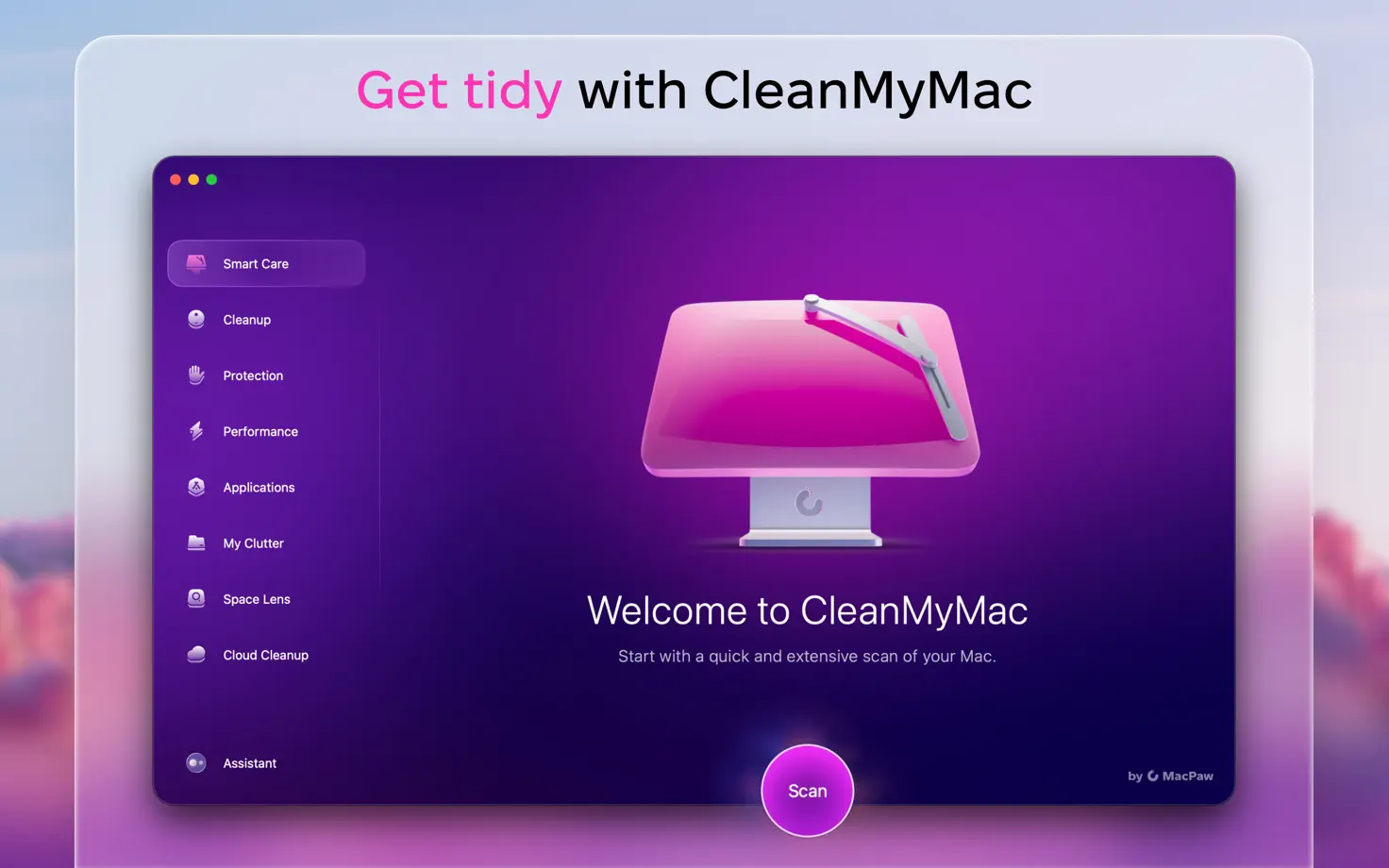
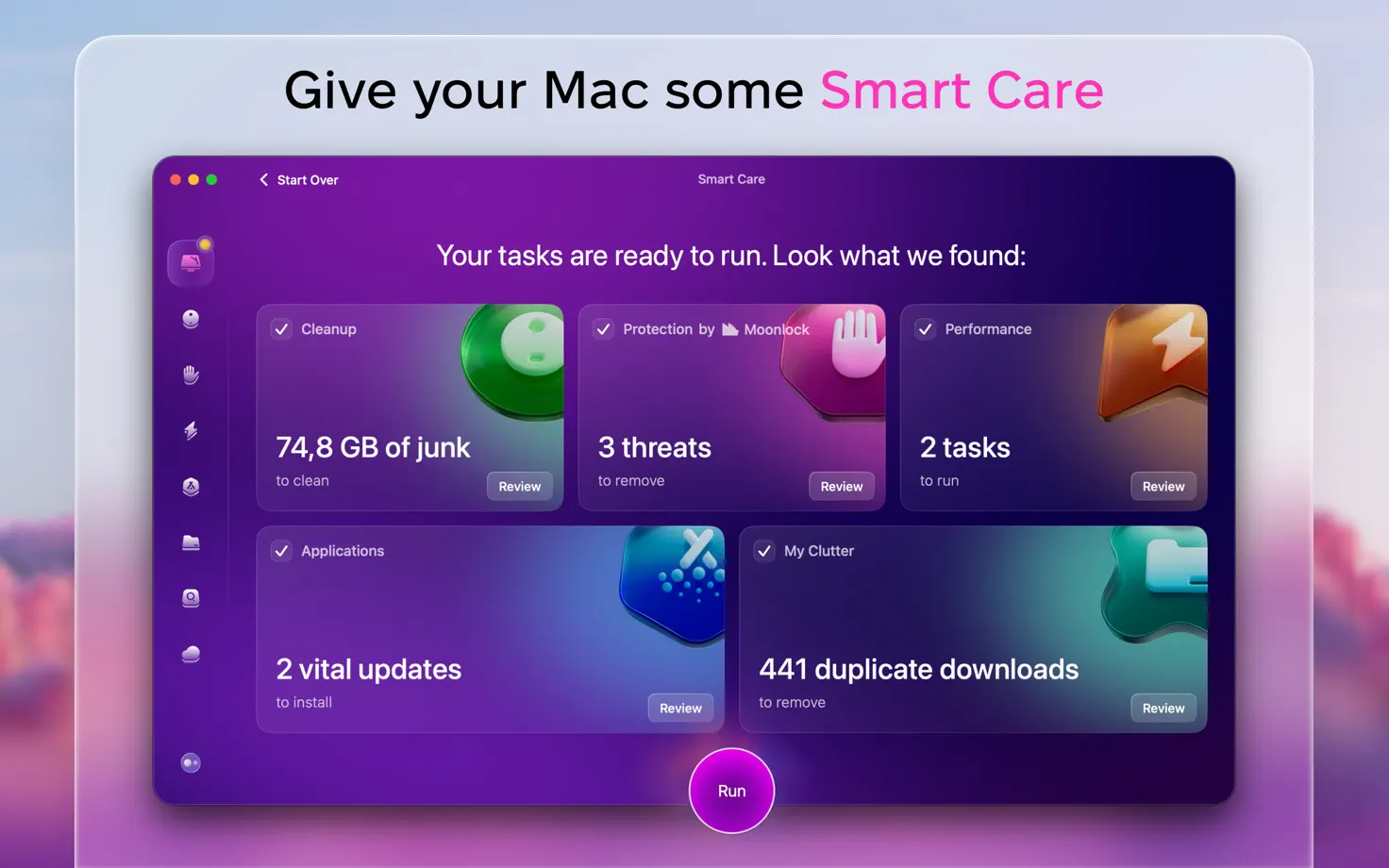
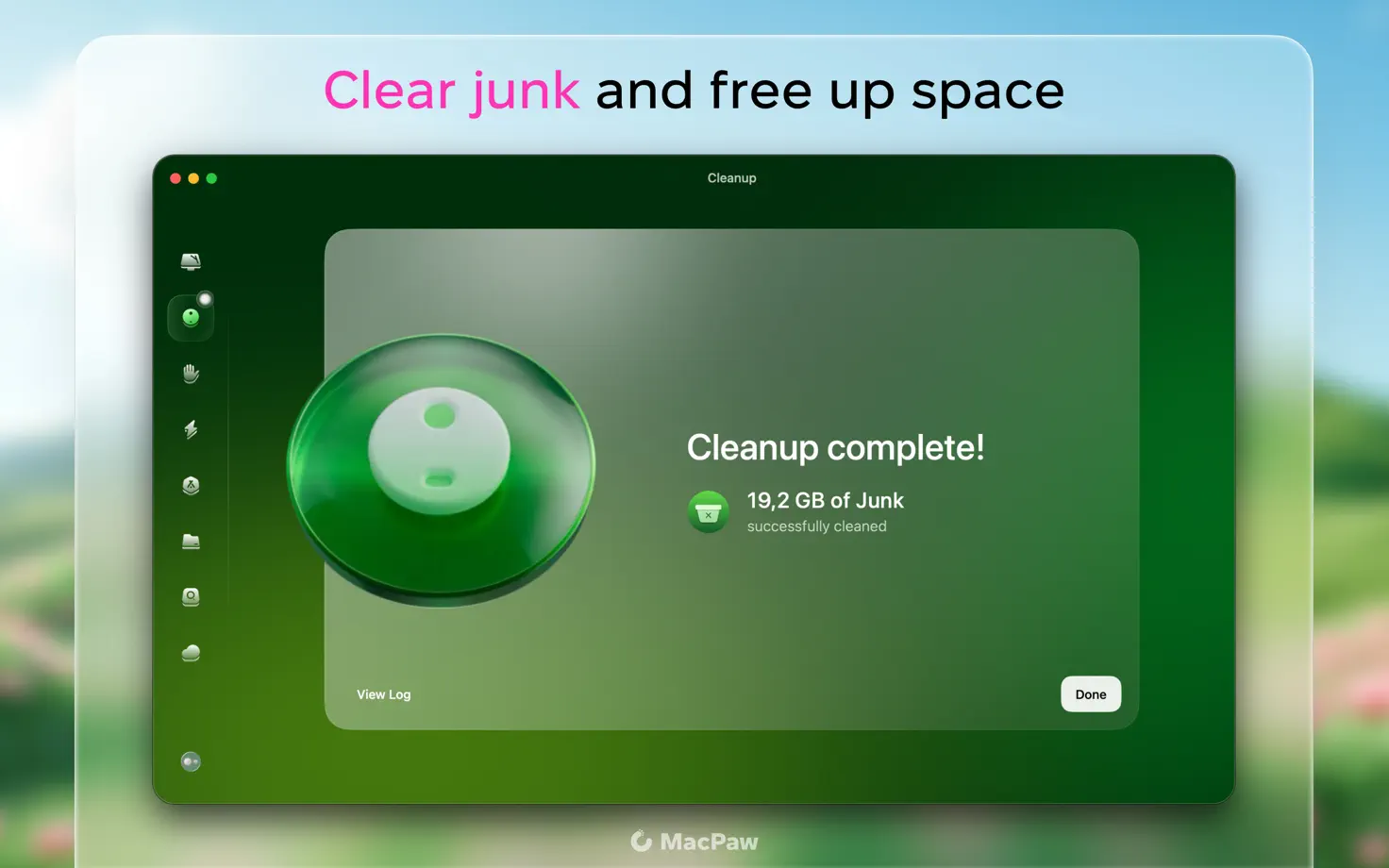
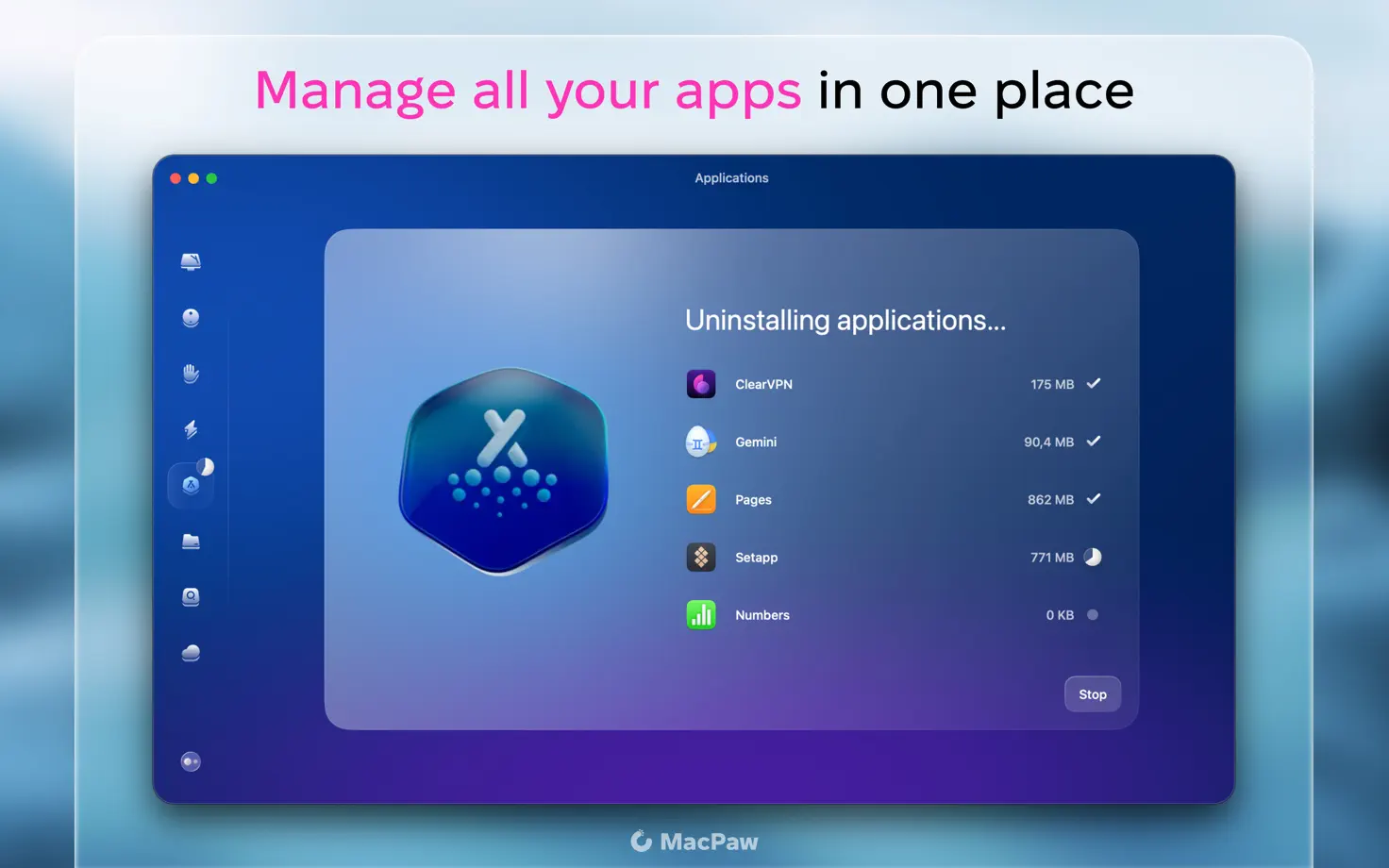
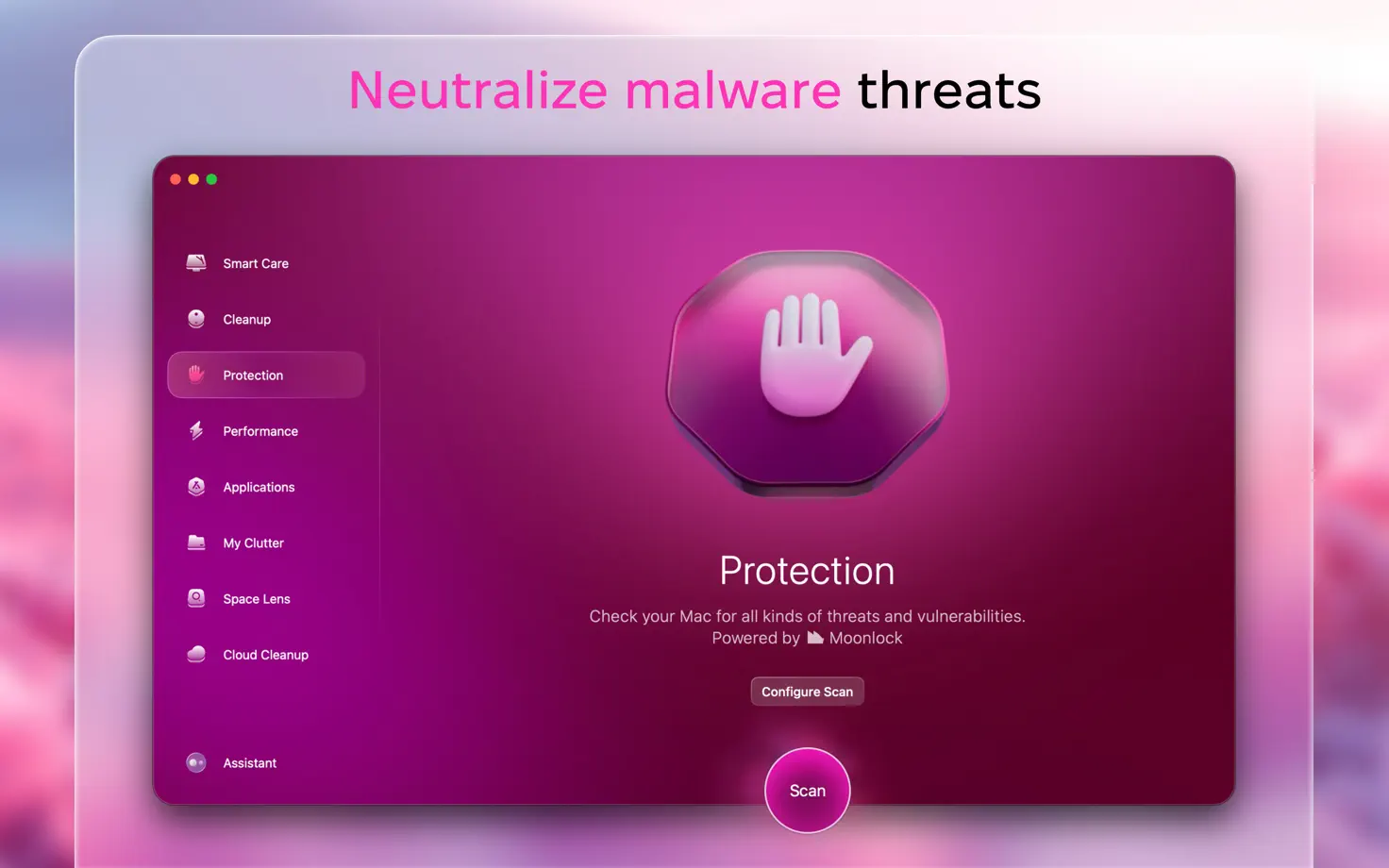
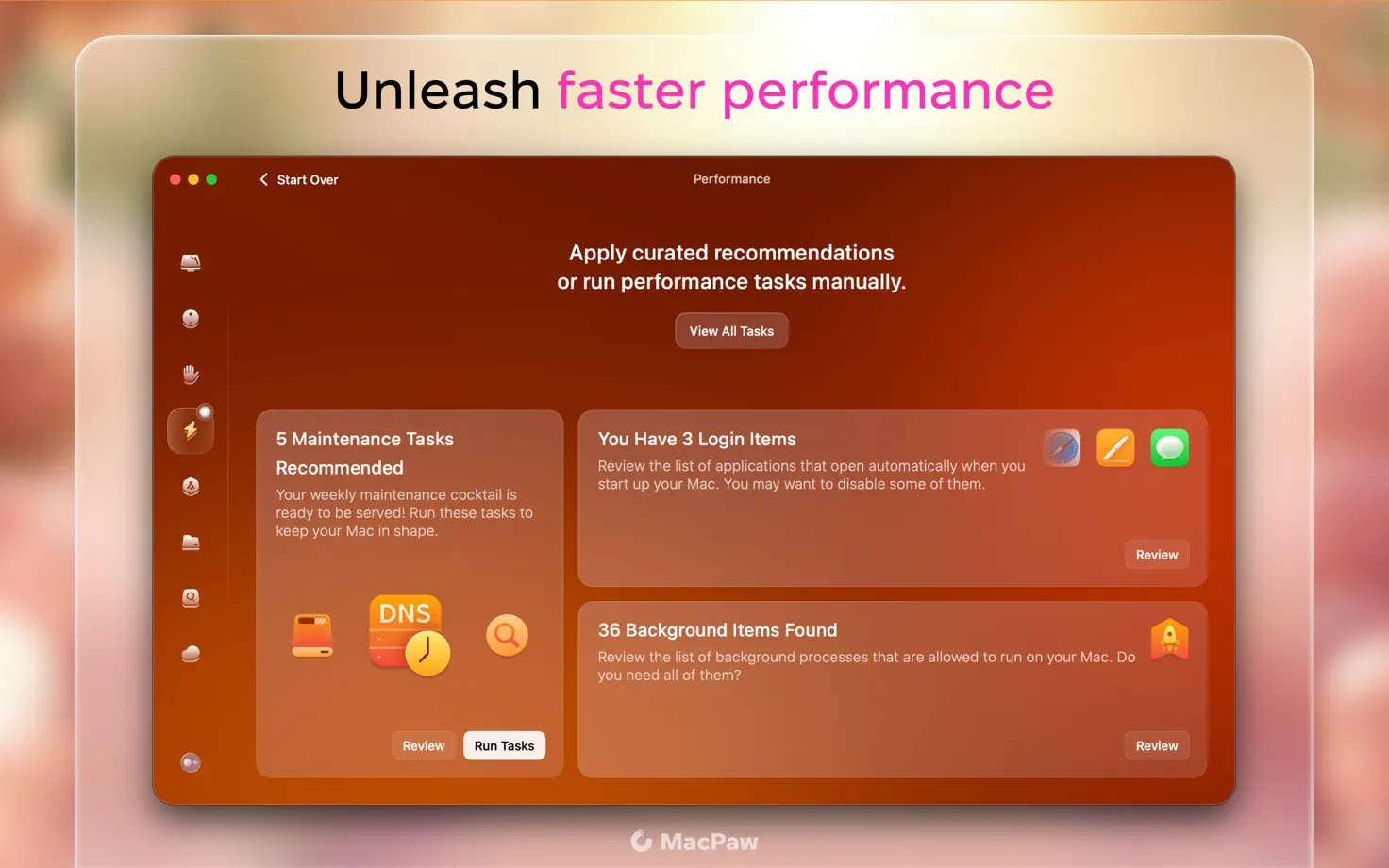
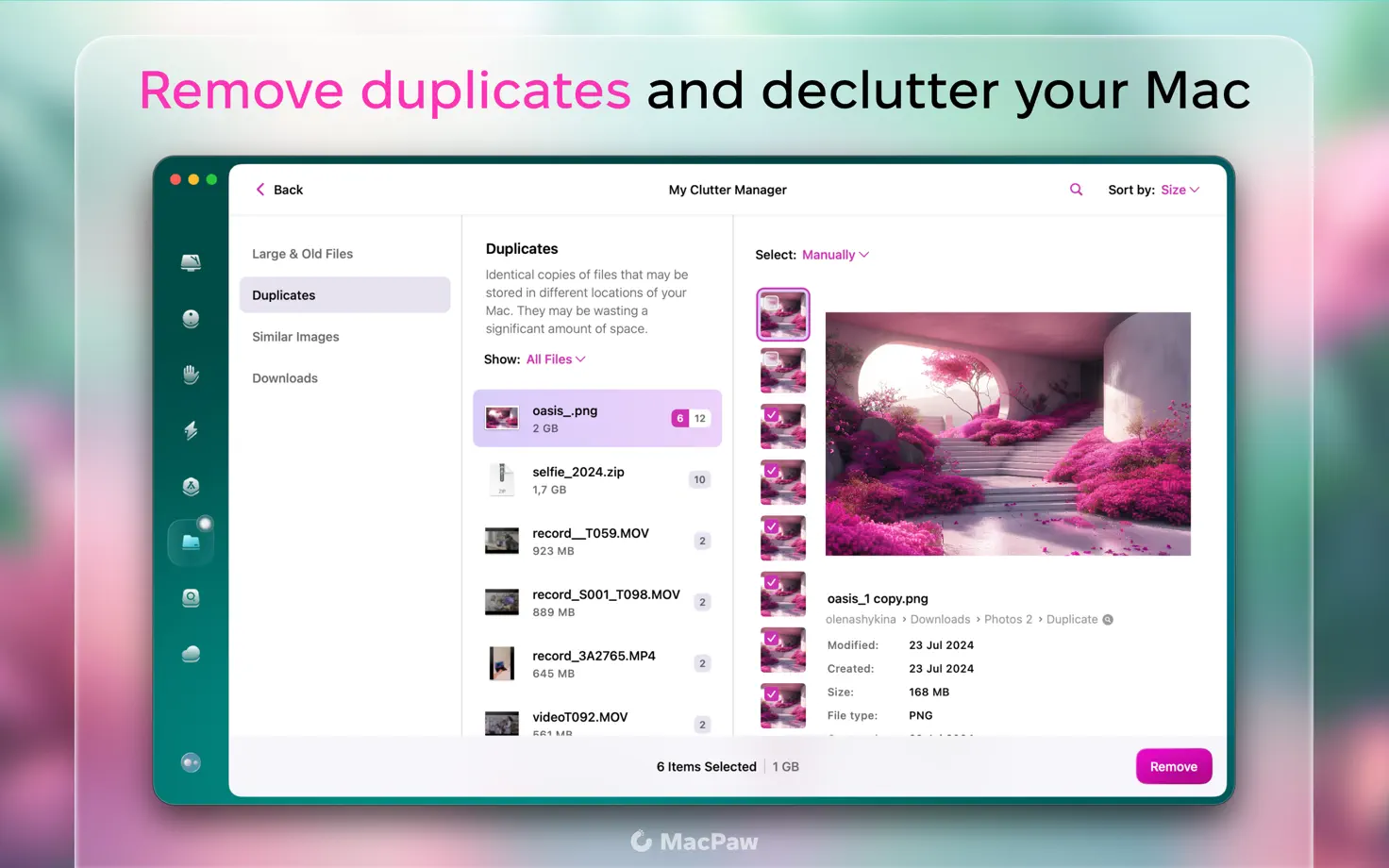
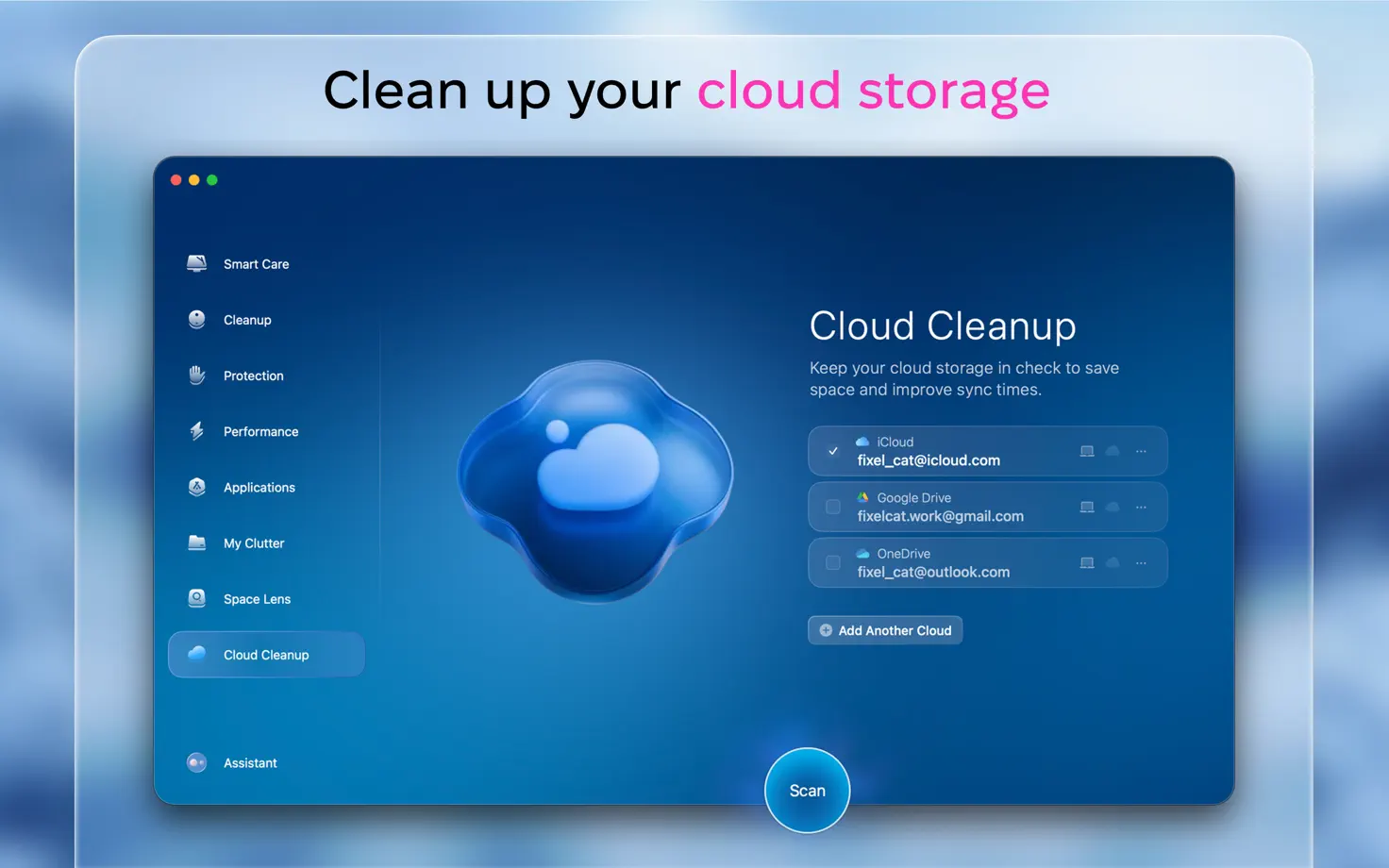
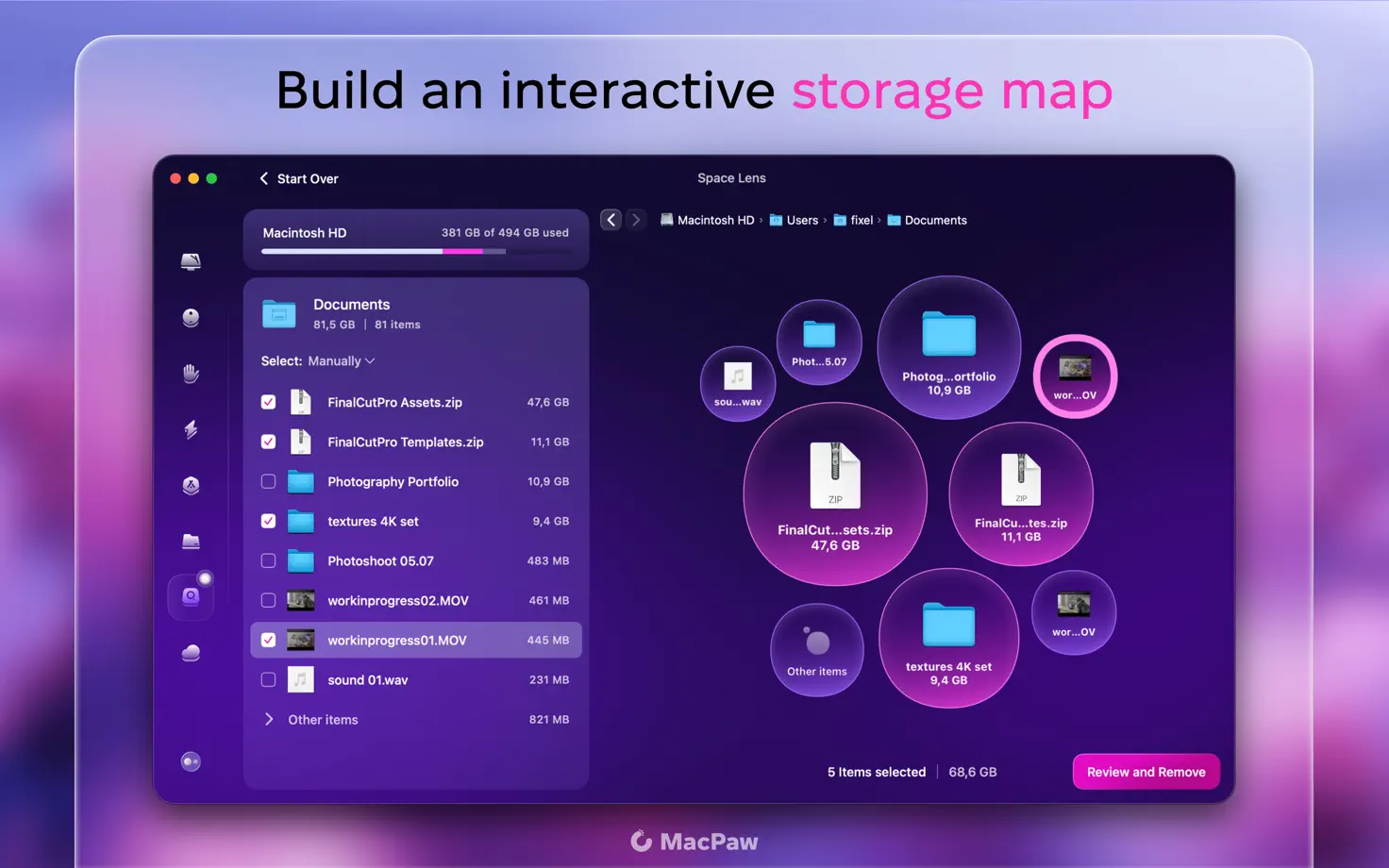
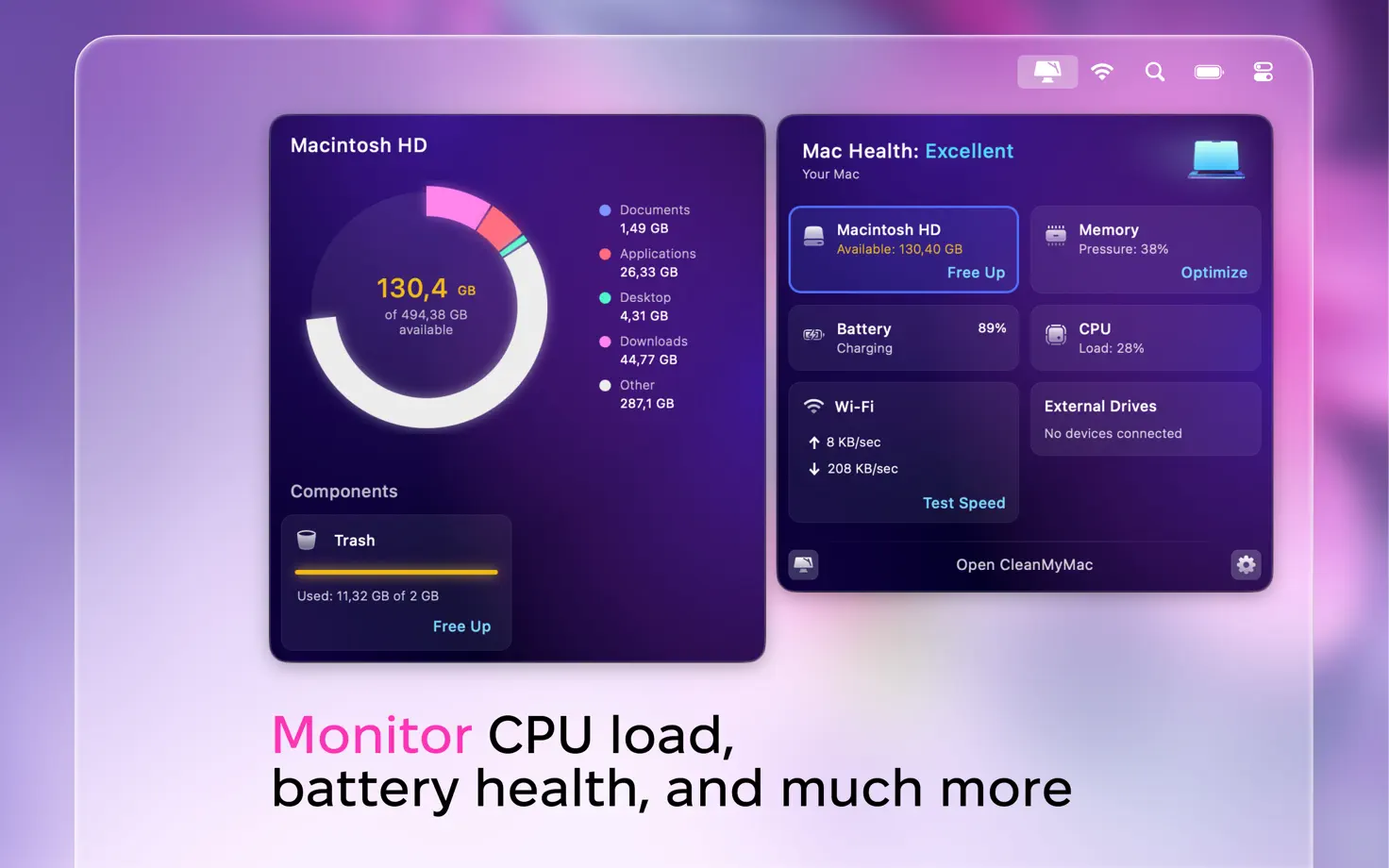
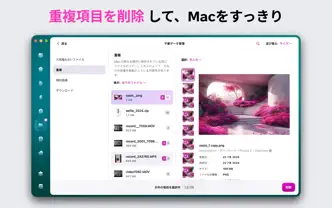
Two-tone headlines with magenta keywords sit above glassy panels framing each module window over blurred pink blossom photography, ending on a floating health dashboard.
- Category
- Utilities
- Publisher
- MacPaw Way Ltd
- Version
- 5.7.4
- Approach
- Photography-led
Around the world
More localized listings →







































What’s New
5.7.4
Fixed:
- A number of minor issues and known crashes to ensure CleanMyMac's stable performance
5.7.3
Fixed:
- A number of minor issues and known crashes to ensure CleanMyMac's stable performance
5.7.2
Your browser just got a new companion. Browser Care is a Chrome extension that helps you manage tabs and keep Chrome running smoothly.
Added:
- Browser Care keeps your browser under control, right from the toolbar:
-See which tabs use the most memory and CPU and take action on the ones slowing you down.
- Find and close duplicate tabs across all your windows.
- Clean up tabs you've had open for too long and no longer need.
Fixed:
- Fixed some minor issues and known crashes to improve your overall experience.
5.7.1
CleanMyMac now helps you care for the outside of your Mac, too, with the new Screen Cleaning Mode.
Added:
- Screen Cleaning Mode
Temporarily locks your keyboard and trackpad while you wipe the screen. The mode works across all your displays and ends automatically after two minutes. Try it anytime from My Tools or the CleanMyMac Menu.
Fixed:
- We’ve fixed a few known issues to make CleanMyMac more stable and reliable.
5.6.0
Stay in the Loop with Notification Center
There’s a new way to stay up to date with CleanMyMac. Notification Center keeps useful updates and messages in one place, ready whenever you want to check them.
New
Meet your new hub for CleanMyMac updates. Open Notification Center from the bell icon to find product news, offers, and other useful messages. They’ll stay there, so you can check them when it suits you or come back to them later.
Fixed
We’ve fixed a few known issues to make CleanMyMac more stable and reliable.
5.5.7
Fixed:
- A number of minor issues and known crashes to ensure CleanMyMac's stable performance
5.5.6
Fixed:
- A number of minor issues and known crashes to ensure CleanMyMac's stable performance
5.5.5
We've made the Applications experience more streamlined.
Improved:
- The Applications module now scans in the background, so you can start reviewing and managing your apps, leftovers, and installers without waiting for the scan to finish.
Fixed:
- Fixed some minor issues and known crashes to improve your overall experience.
Listing history
New subtitle
New icon
New Mac screenshots
New iPhone screenshots
Renamed
New icon
New icon
New icon
New icon
New icon
Compare with


Browse similar
Source: App Store listing by MacPaw Way Ltd, United States storefront. Captured 26 Nov 2026. The artwork belongs to its publisher and is shown here for reference.