kit0

Blue Mac App Store screenshots

9 screenshot sets where blue is the dominant background color, from Things 3, Darkroom and Day One. Mostly productivity, utilities and photo & video apps, often using repeated layout and one feature per frame.

9 Mac appsShow all

Things 3

Productivity · 8 frames

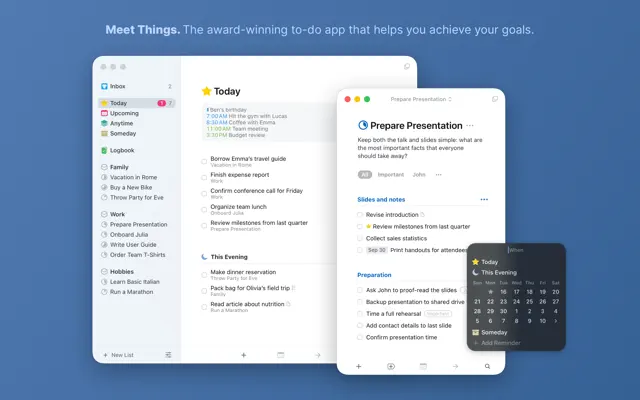
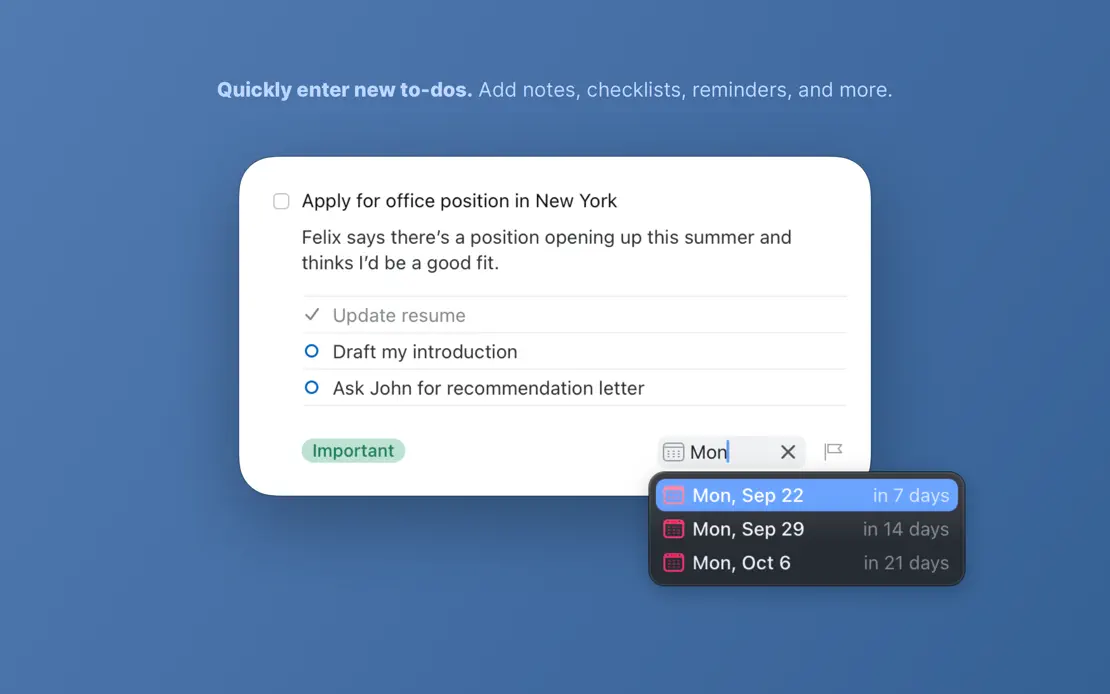
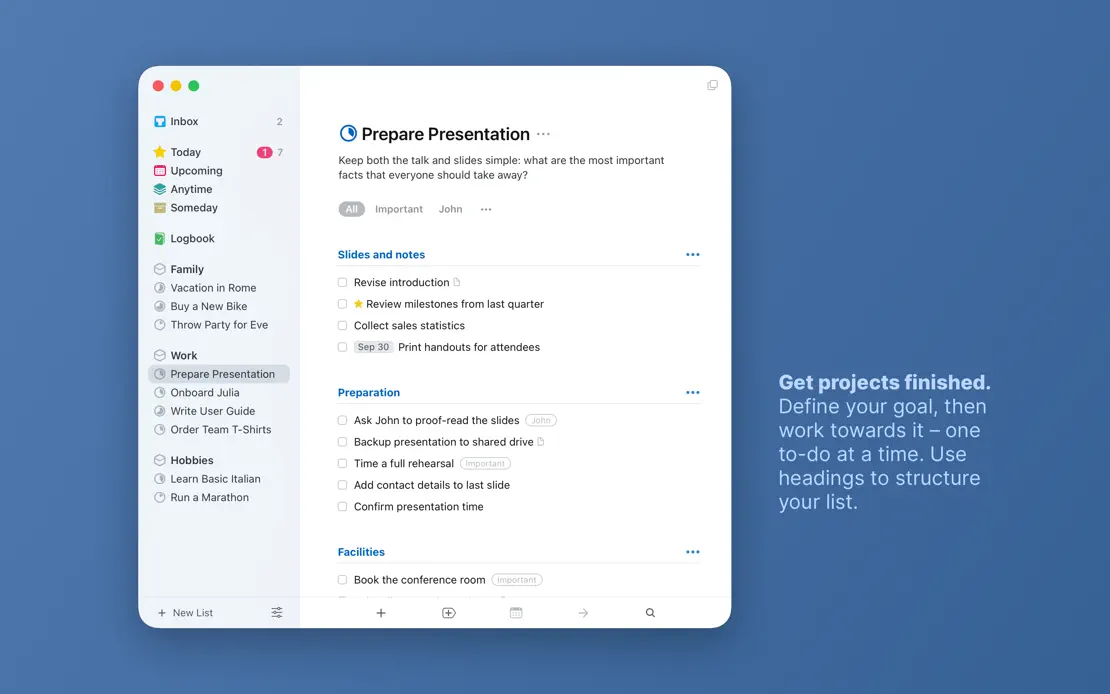
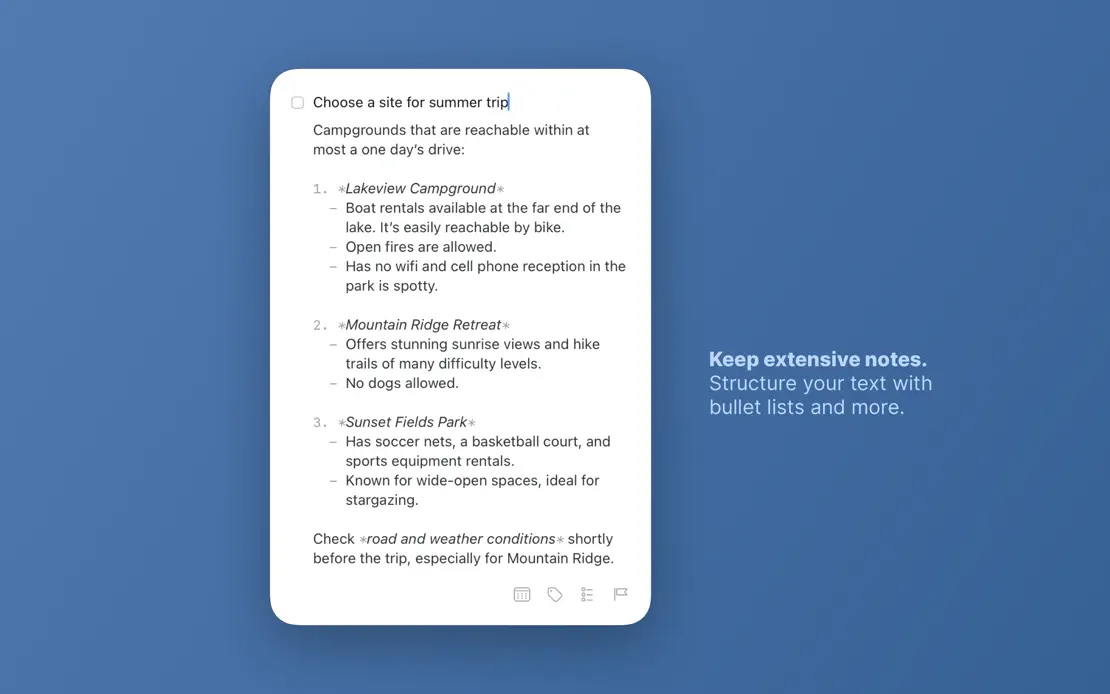
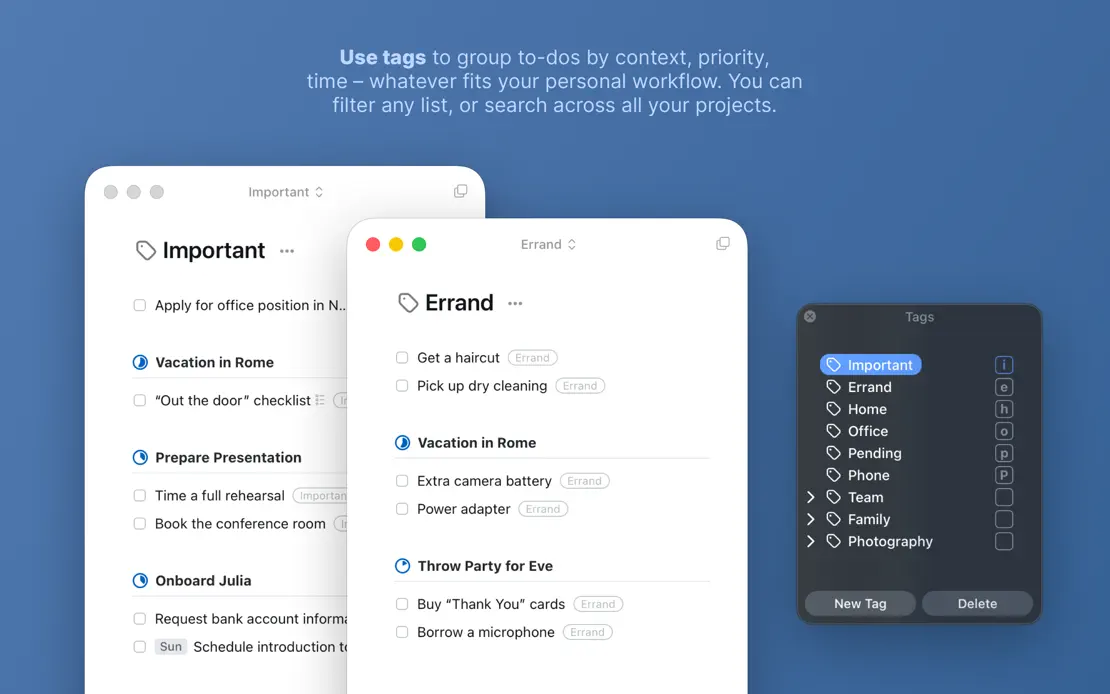
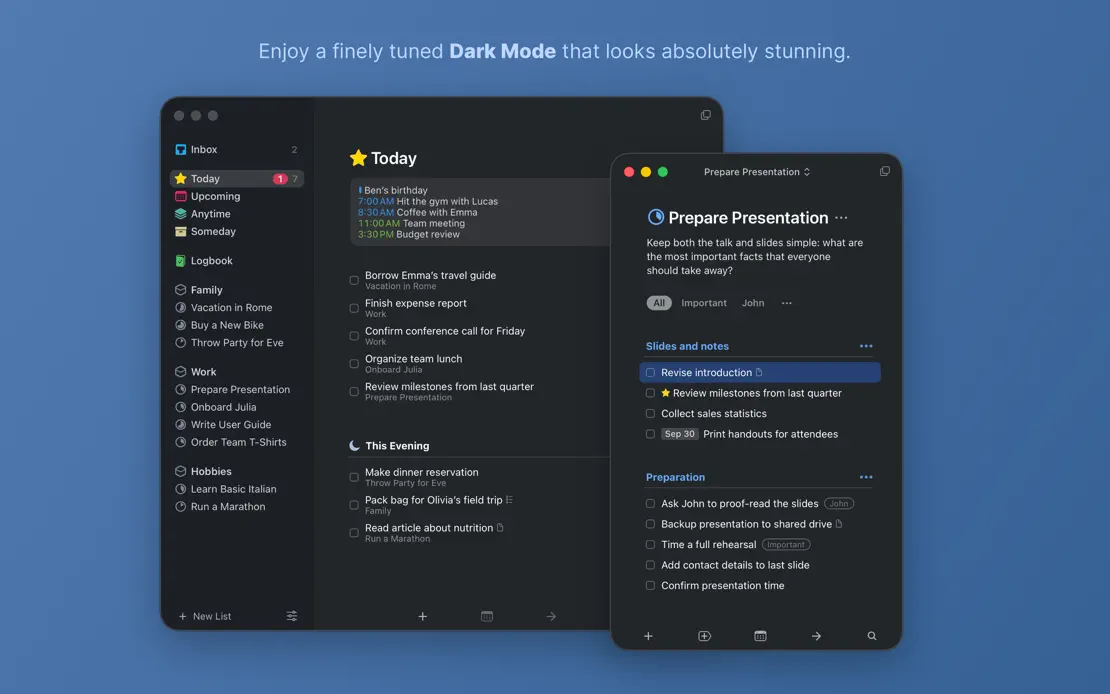
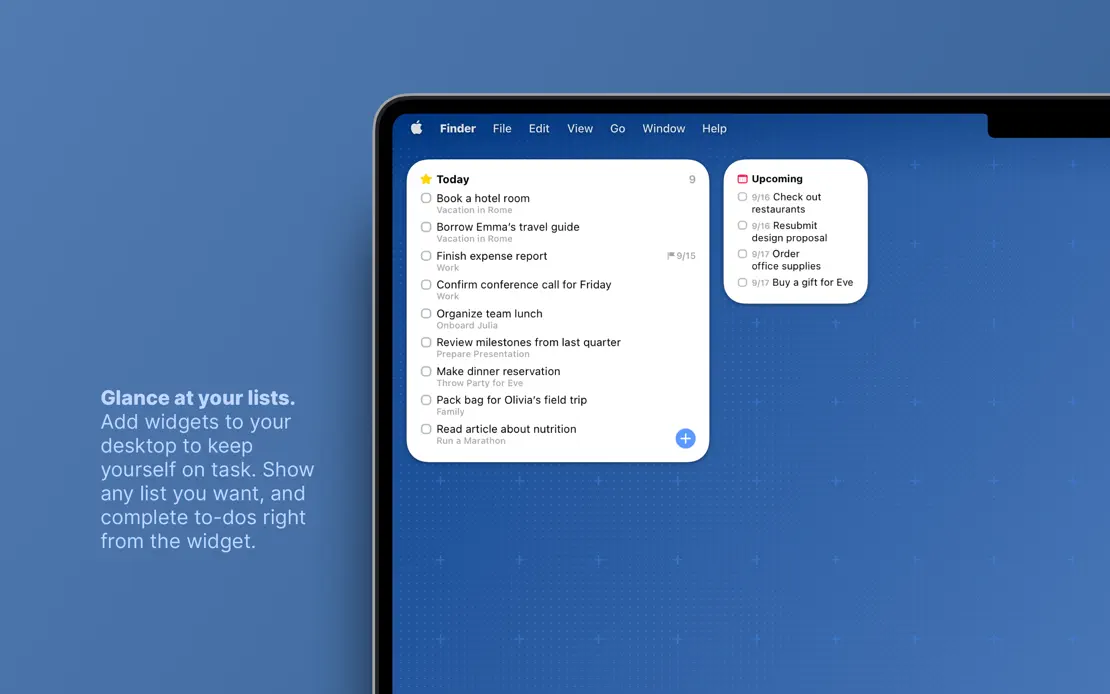
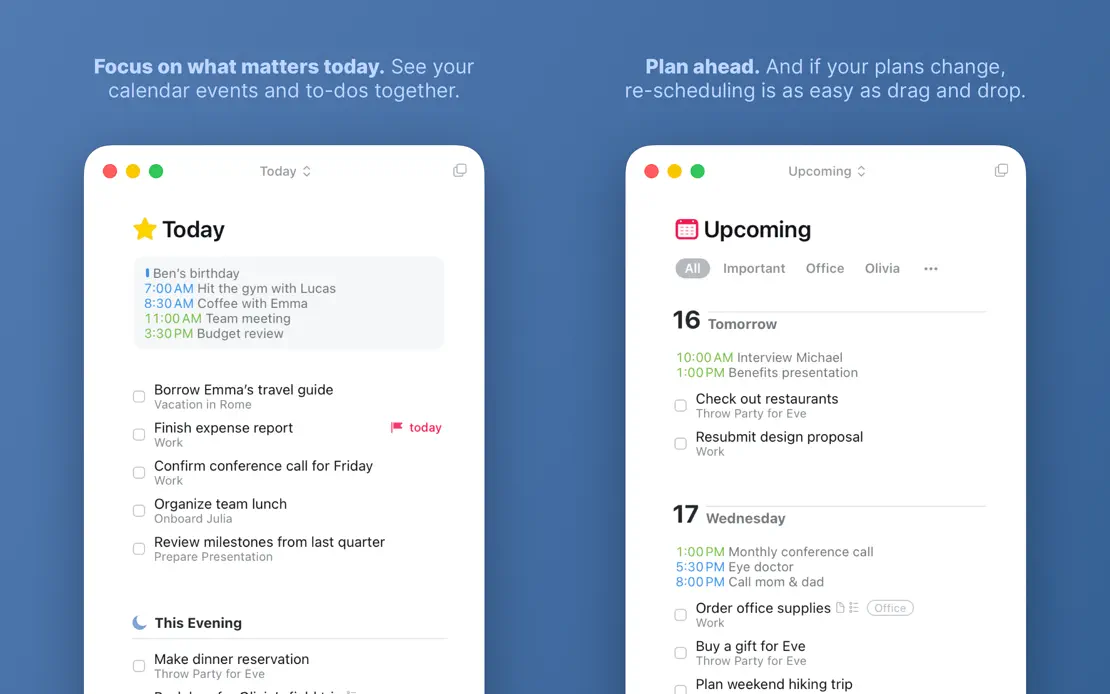
Small bold-lead captions float beside light windows on a flat blue field, shifting to Dark Mode and ending on a MacBook widget.
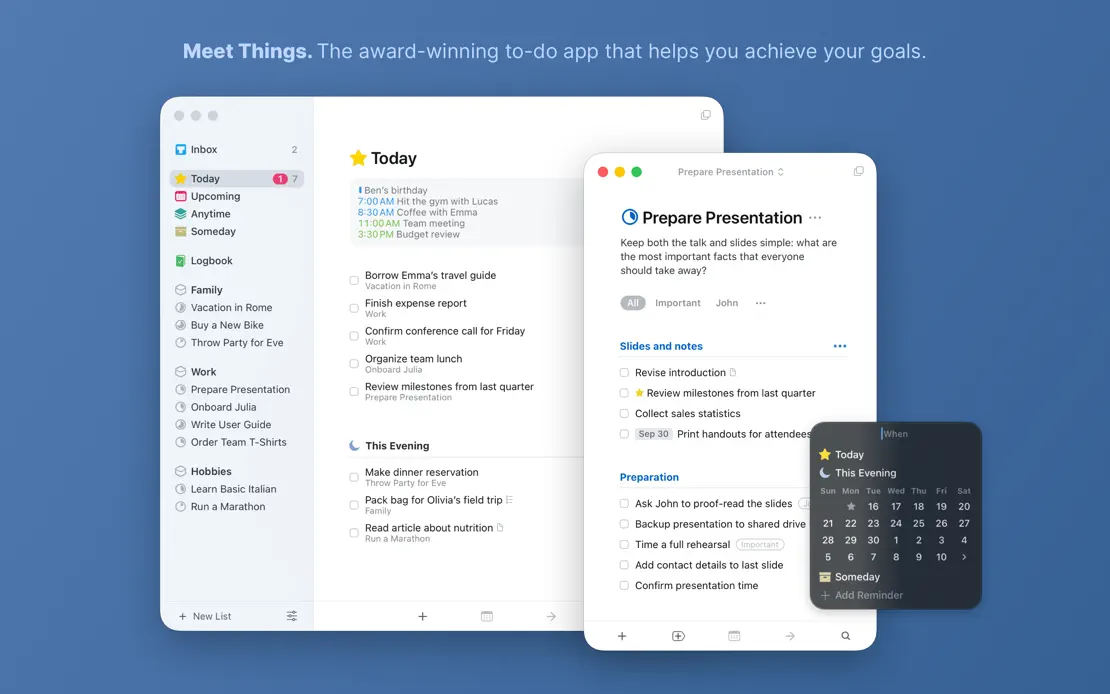
Things 3, App Store screenshot 1
Things 3, App Store screenshot 2
Things 3, App Store screenshot 3
Things 3, App Store screenshot 4
Things 3, App Store screenshot 5
Things 3, App Store screenshot 6
Things 3, App Store screenshot 7
Things 3, App Store screenshot 8

Darkroom

Photo & video · 10 frames

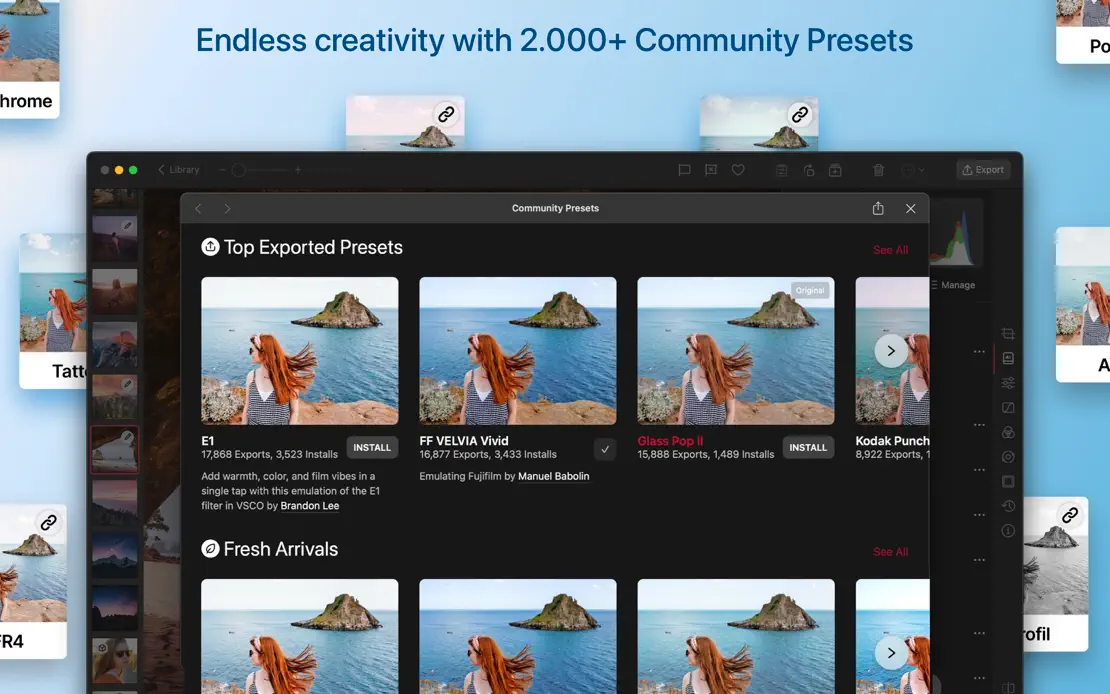
Dark editor windows on shifting pink, blue and purple gradients carry vivid photography, ending on a device lineup and green press grid.

Darkroom, App Store screenshot 1
Darkroom, App Store screenshot 2
Darkroom, App Store screenshot 3
Darkroom, App Store screenshot 4
Darkroom, App Store screenshot 5
Darkroom, App Store screenshot 6
Darkroom, App Store screenshot 7
Darkroom, App Store screenshot 8
Darkroom, App Store screenshot 9
Darkroom, App Store screenshot 10

Day One

Lifestyle · 6 frames

Short italic white headlines sit above overlapping journal windows on a teal gradient that stays constant across all six frames.

Day One, App Store screenshot 1
Day One, App Store screenshot 2
Day One, App Store screenshot 3
Day One, App Store screenshot 4
Day One, App Store screenshot 5
Day One, App Store screenshot 6

CleanMyMac

Utilities · 10 frames

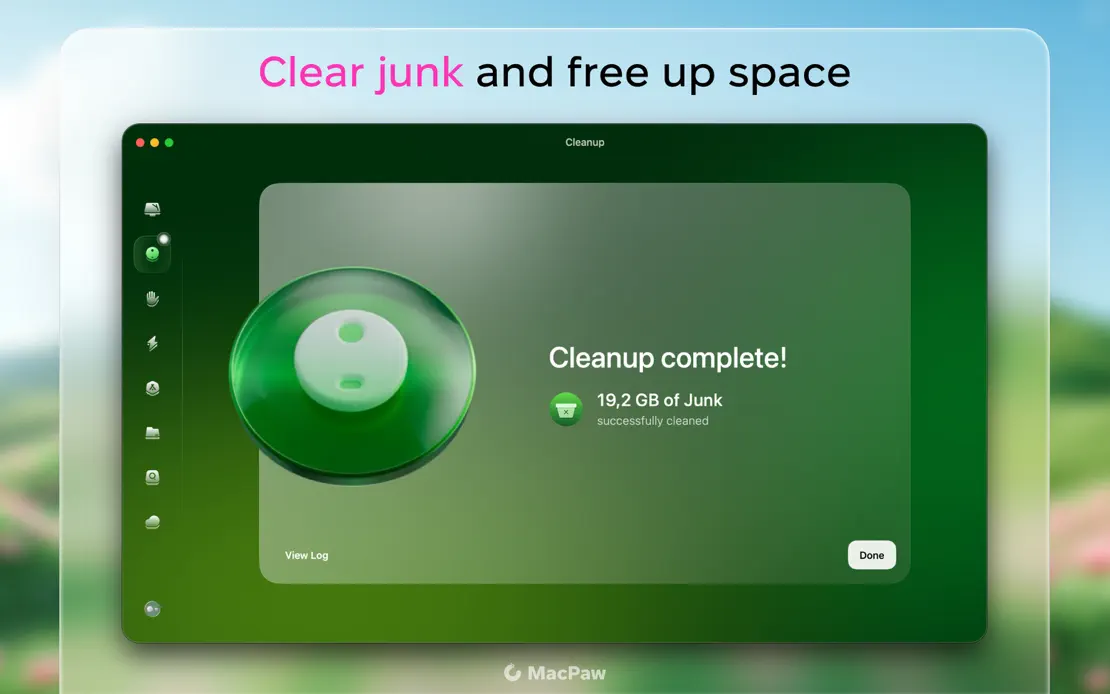
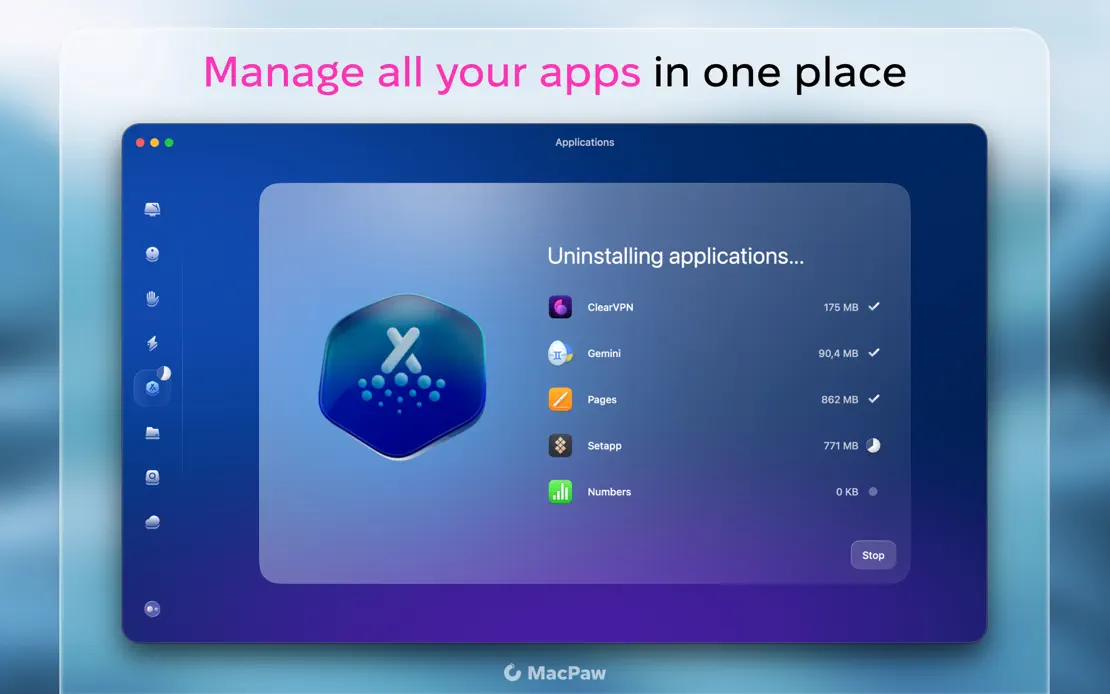
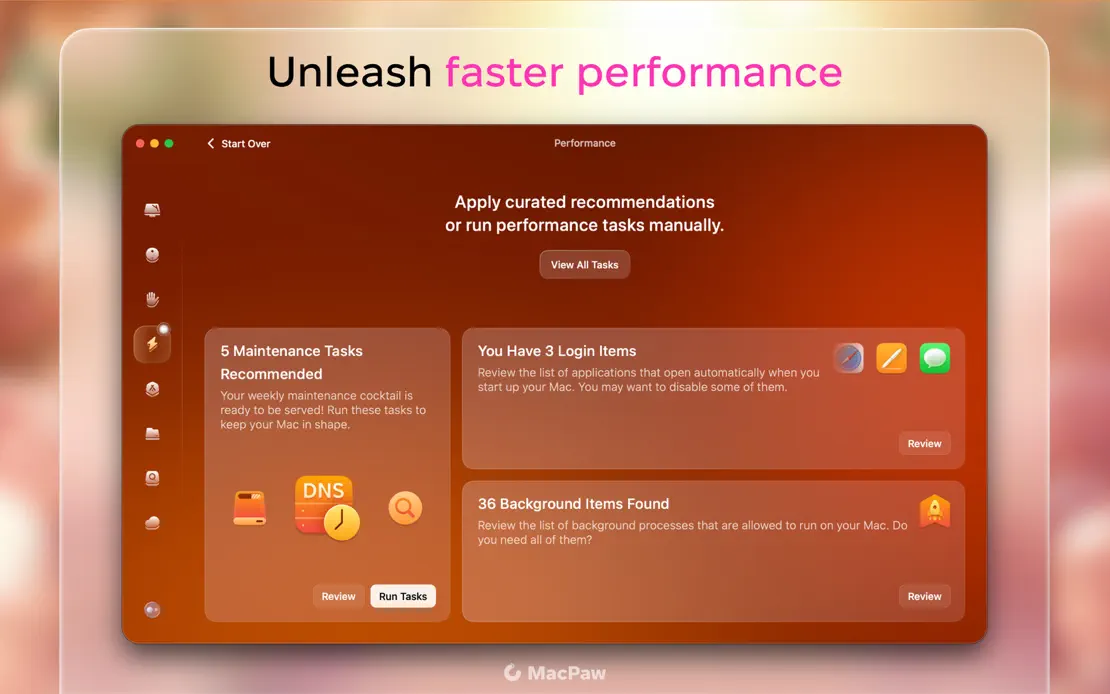
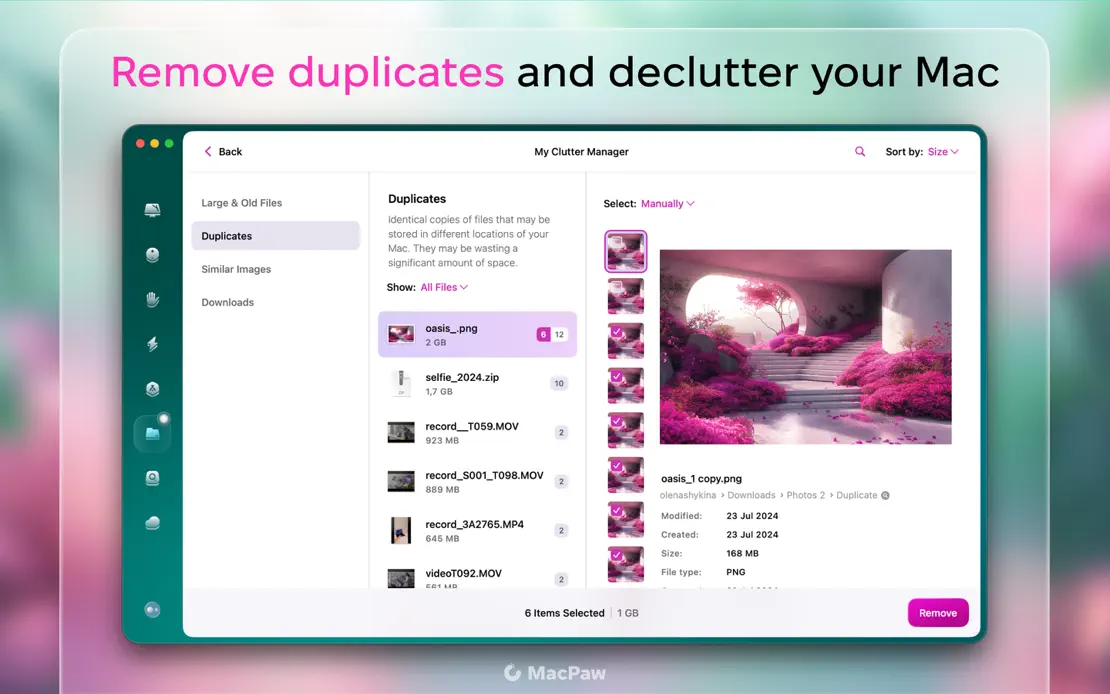
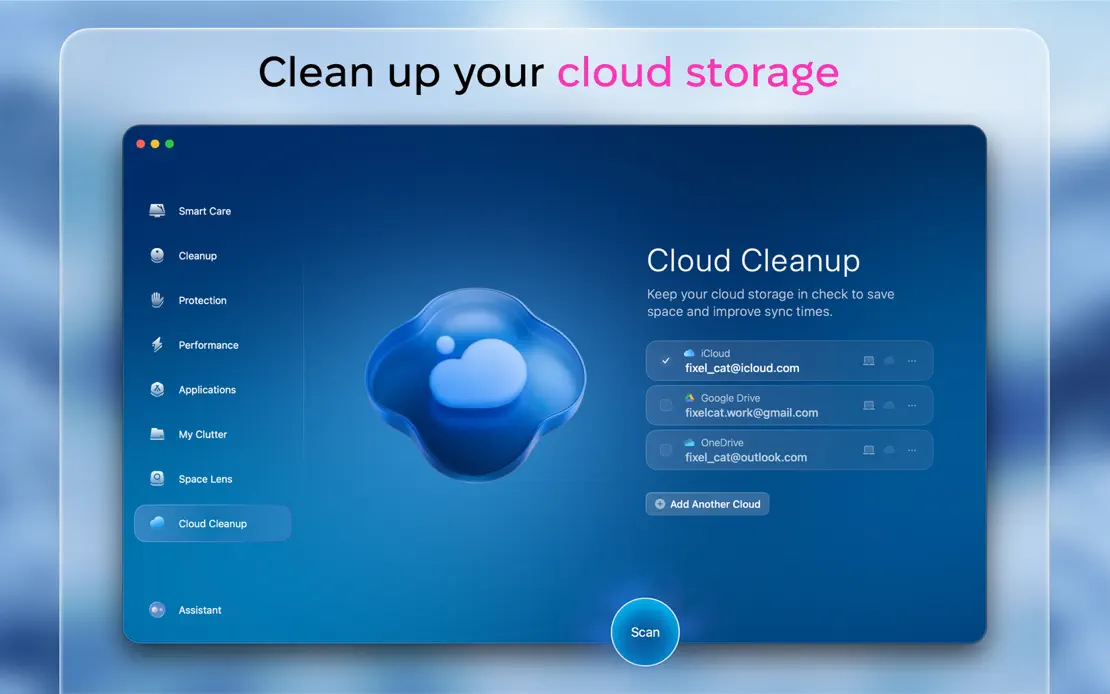
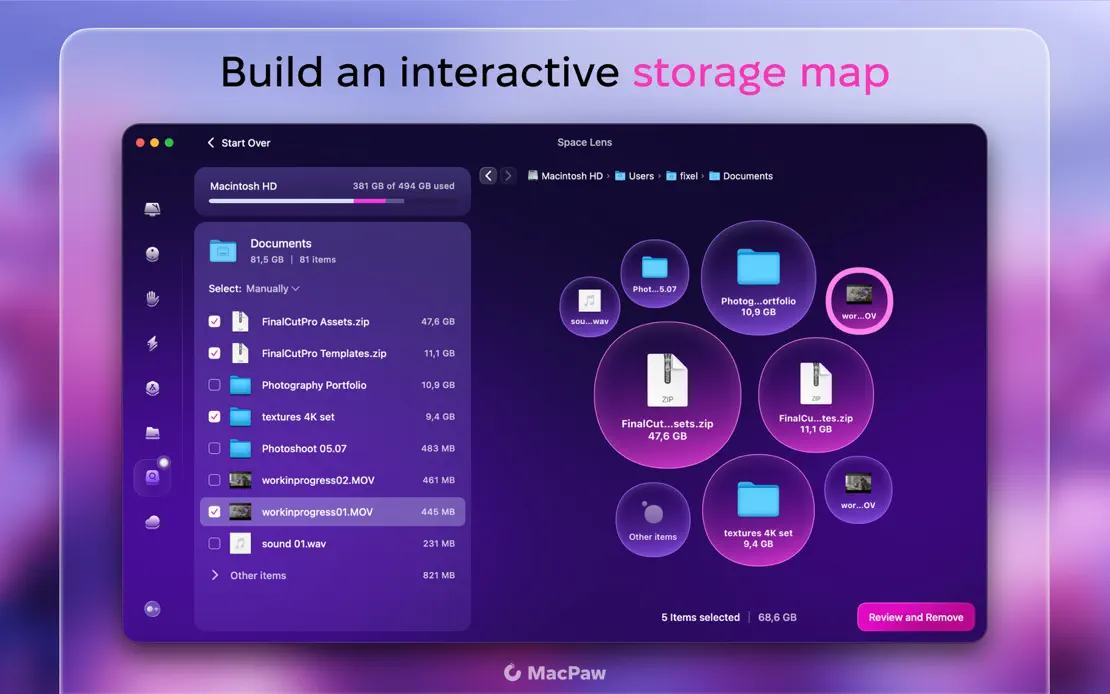
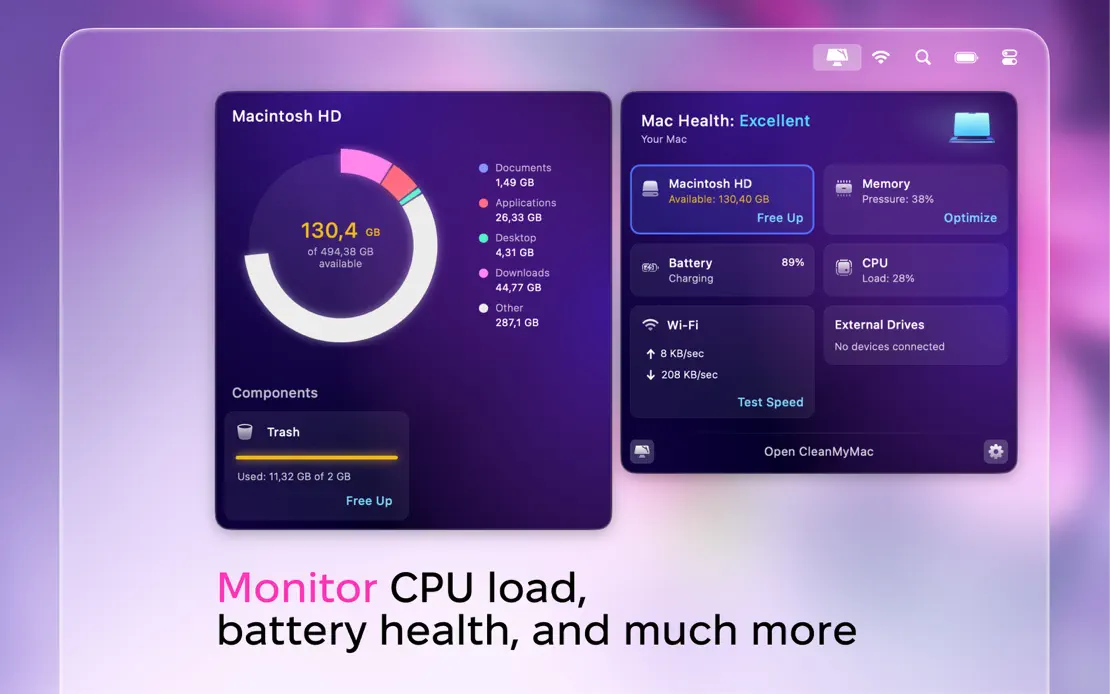
Two-tone headlines with magenta keywords sit above glassy panels framing each module window over blurred pink blossom photography, ending on a floating health dashboard.
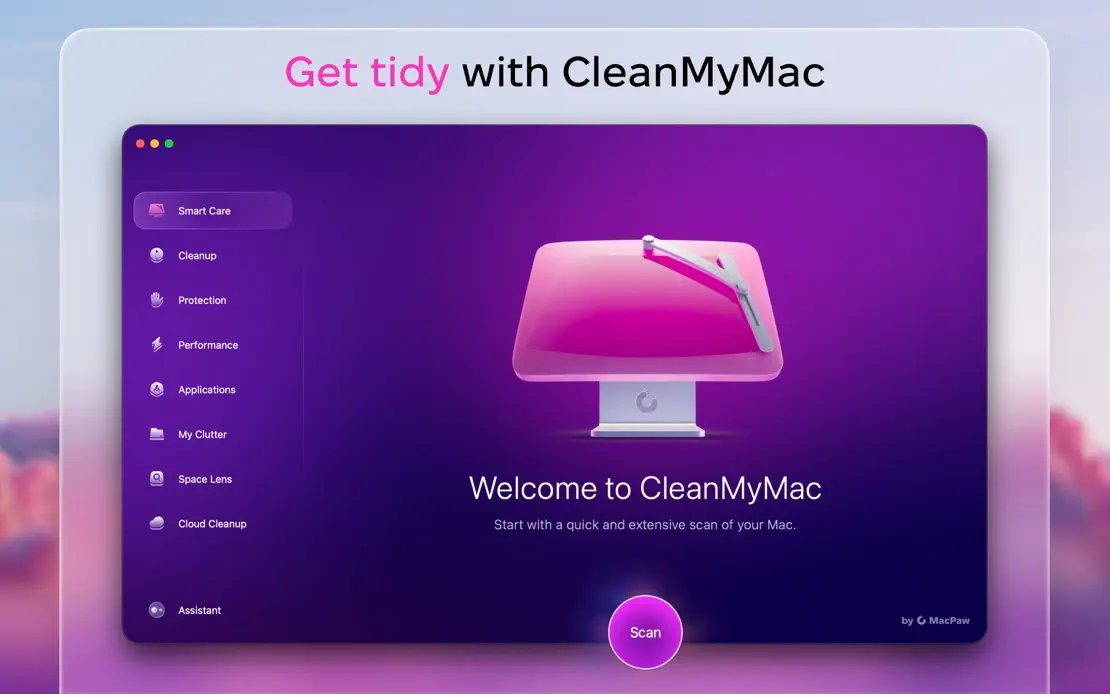
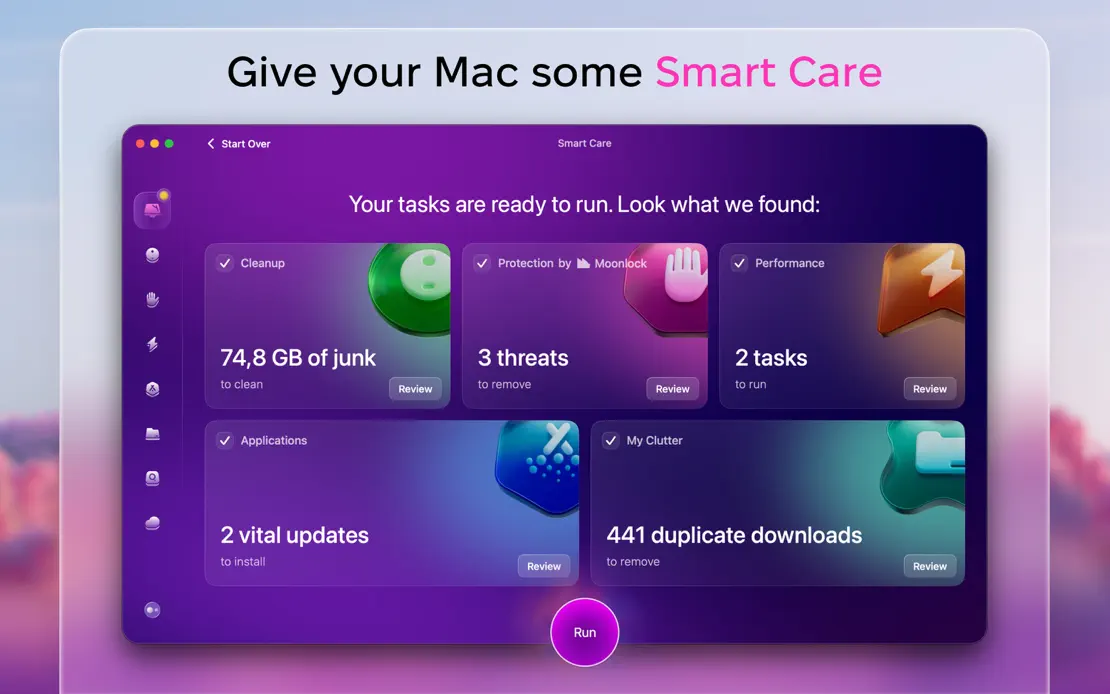
CleanMyMac, App Store screenshot 1
CleanMyMac, App Store screenshot 2
CleanMyMac, App Store screenshot 3
CleanMyMac, App Store screenshot 4
CleanMyMac, App Store screenshot 5
CleanMyMac, App Store screenshot 6
CleanMyMac, App Store screenshot 7
CleanMyMac, App Store screenshot 8
CleanMyMac, App Store screenshot 9
CleanMyMac, App Store screenshot 10

Drafts

Productivity · 7 frames

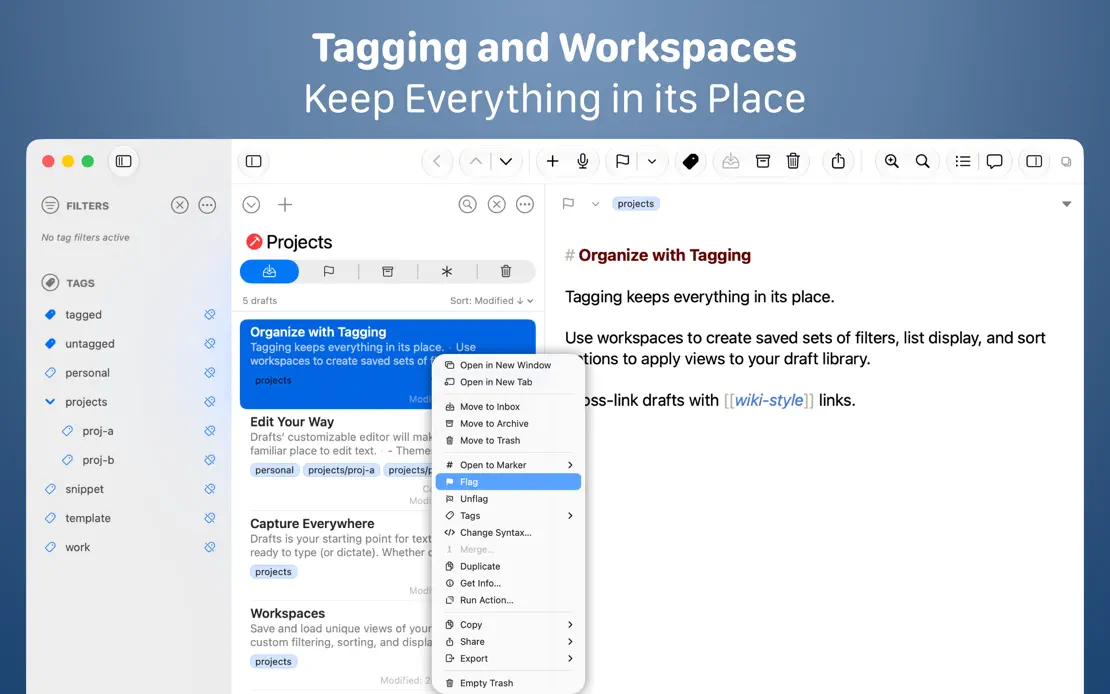
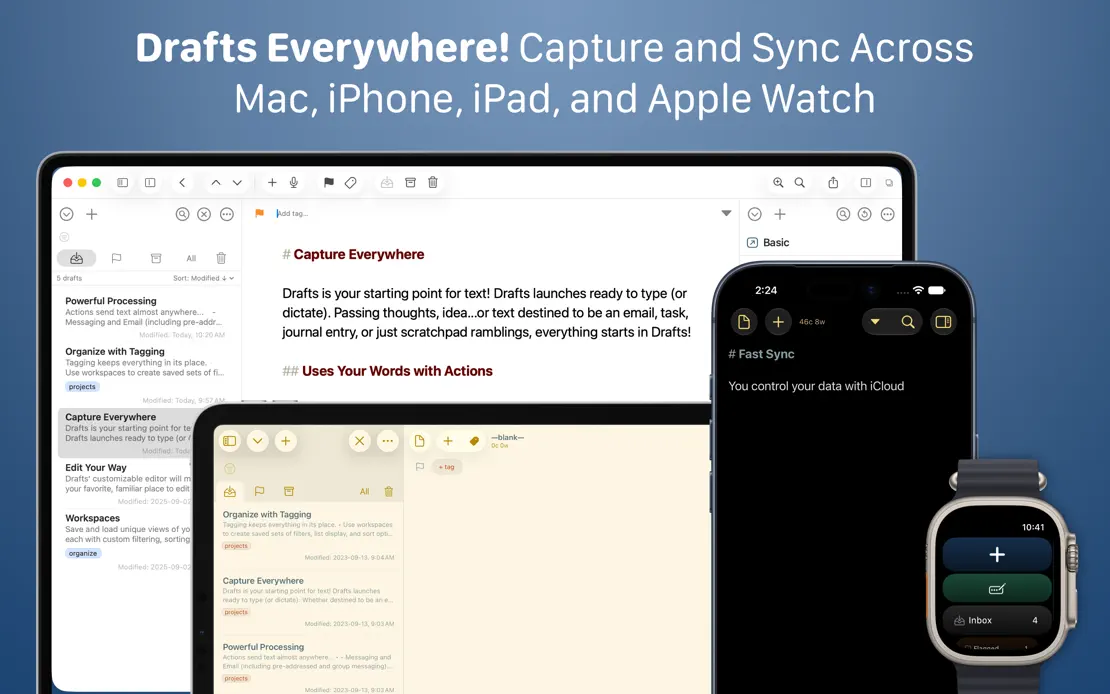
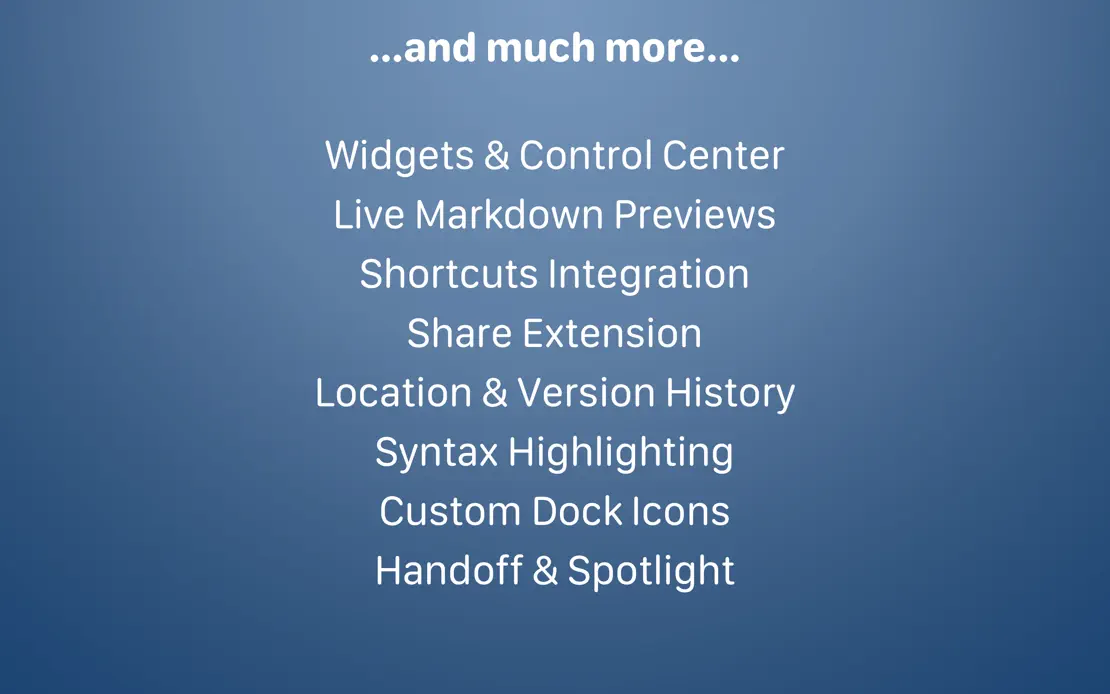
Two-line white headlines crown full-width editor windows on a navy gradient, moving to Mac, iPad, iPhone and Watch before a centered text-only feature list.
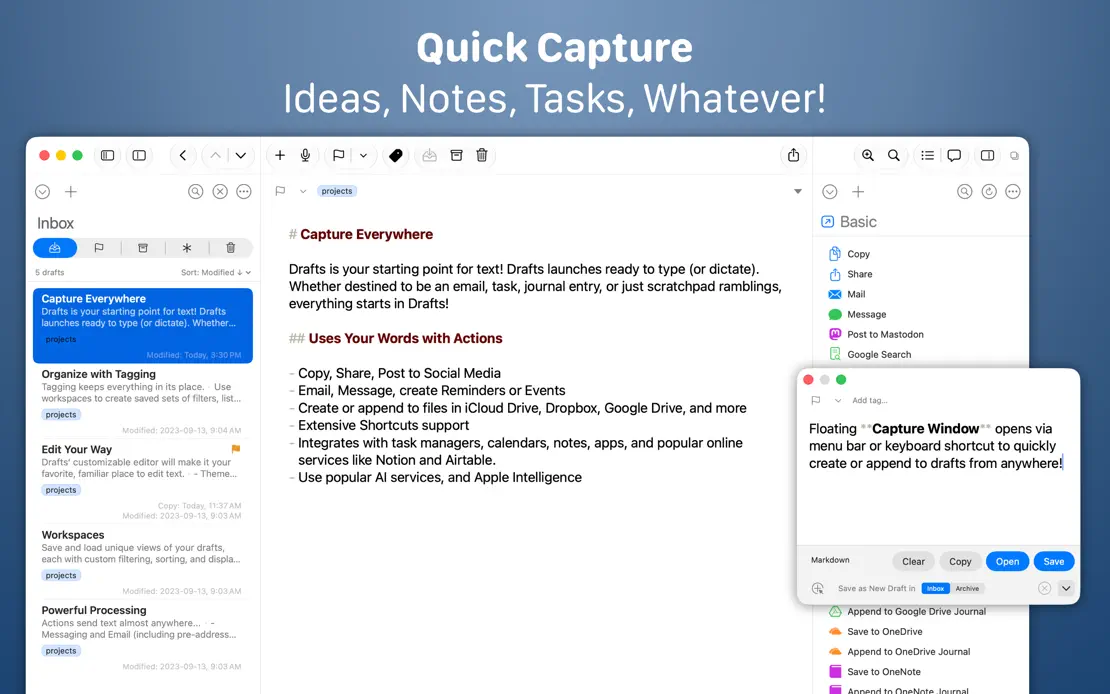
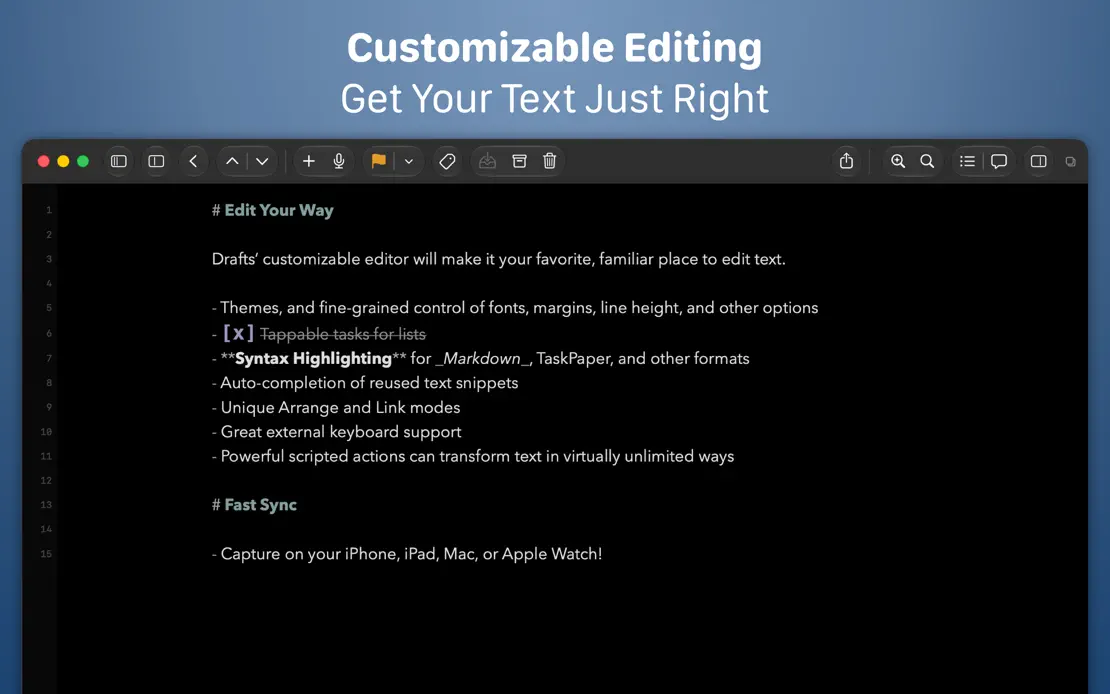
Drafts, App Store screenshot 1
Drafts, App Store screenshot 2
Drafts, App Store screenshot 3
Drafts, App Store screenshot 4
Drafts, App Store screenshot 5
Drafts, App Store screenshot 6
Drafts, App Store screenshot 7

Dropover

Utilities · 8 frames

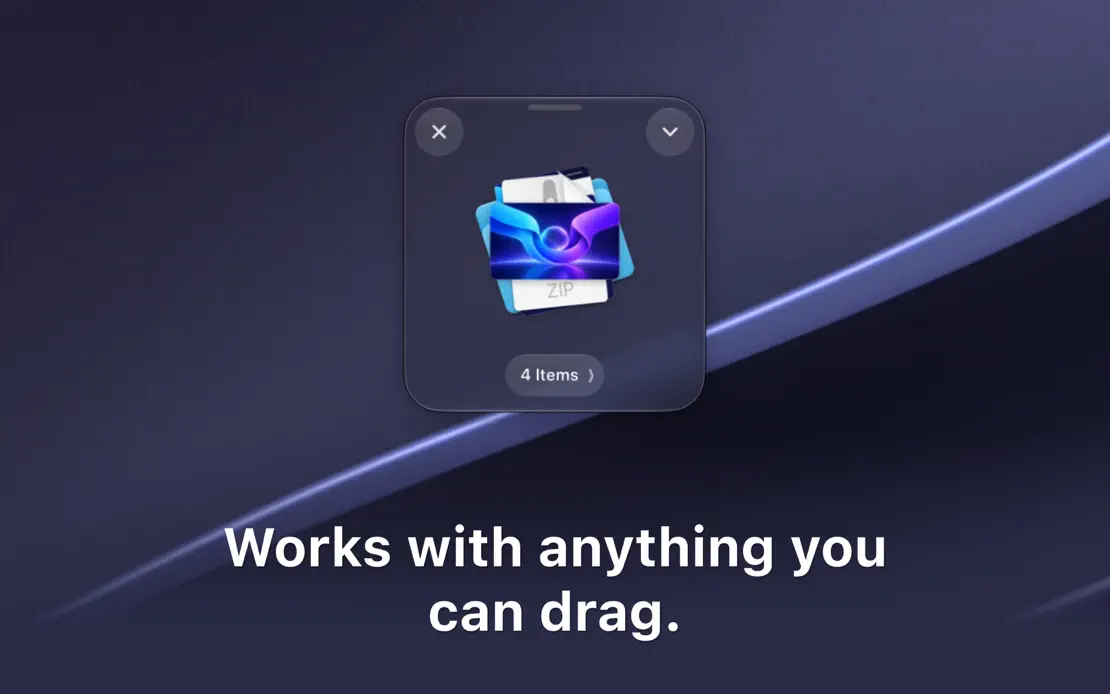
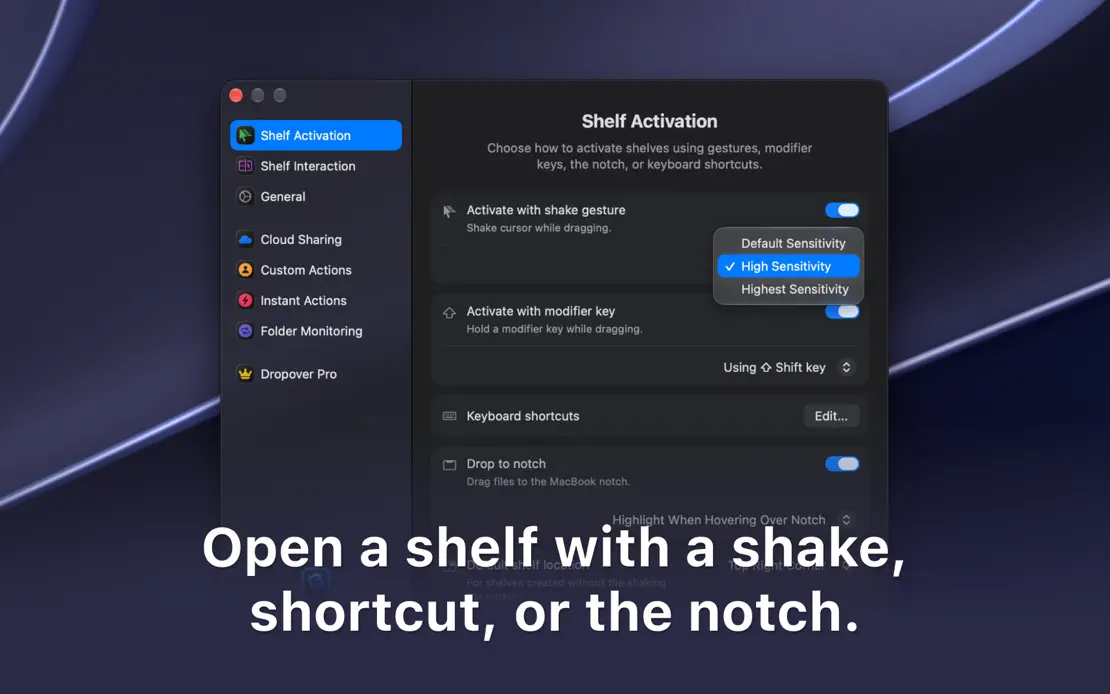
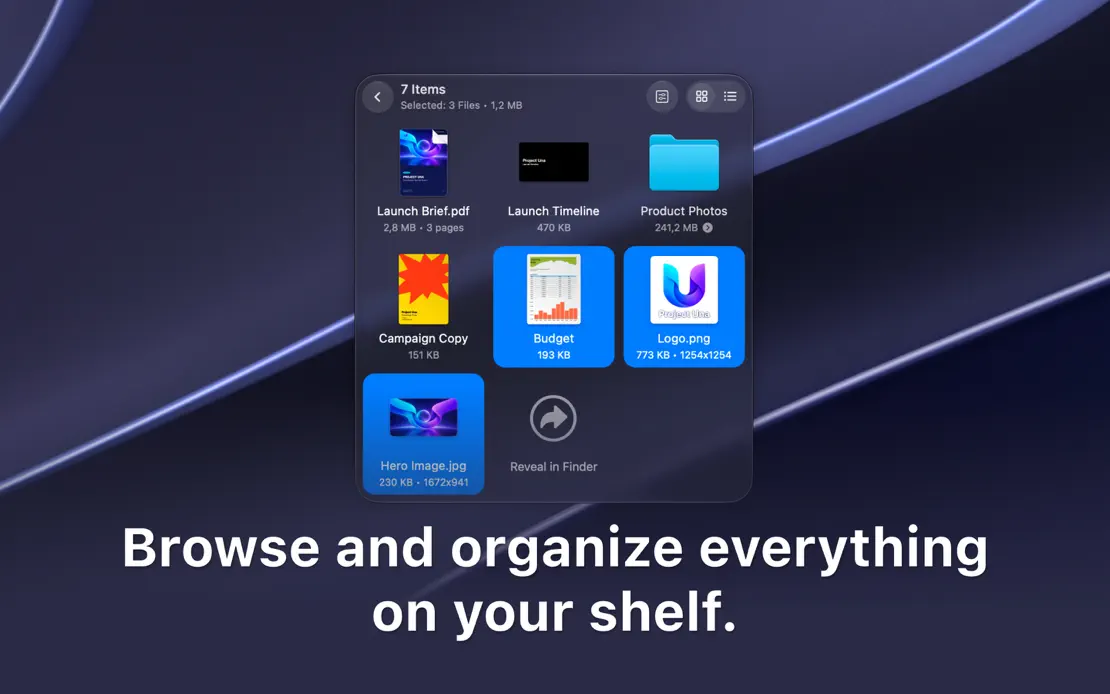
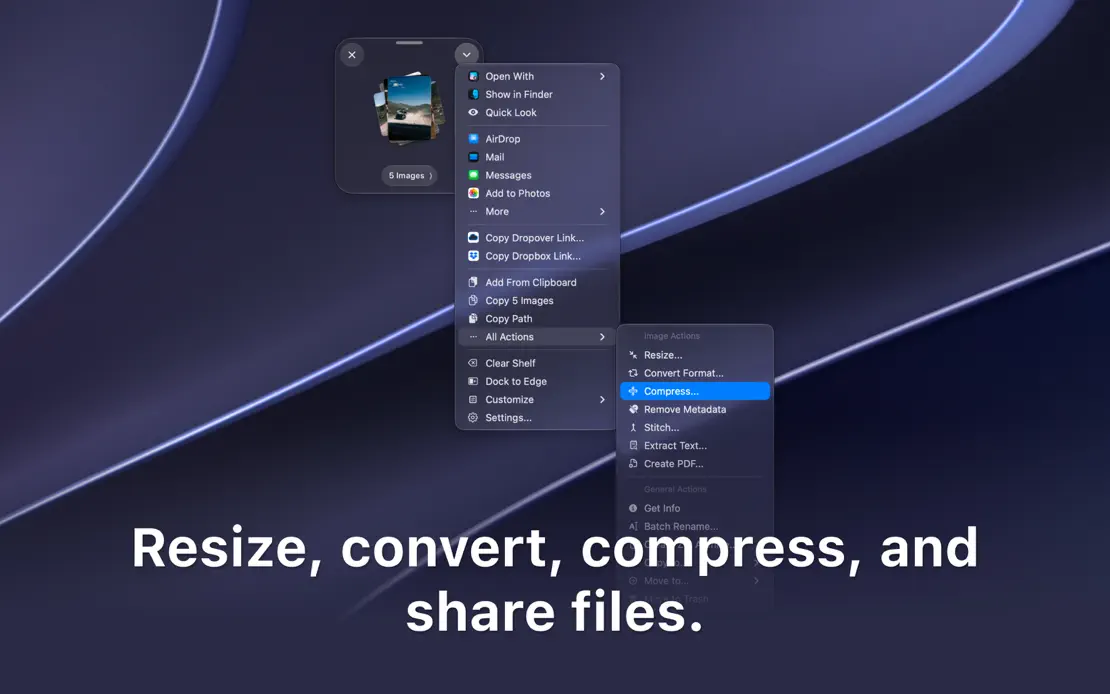
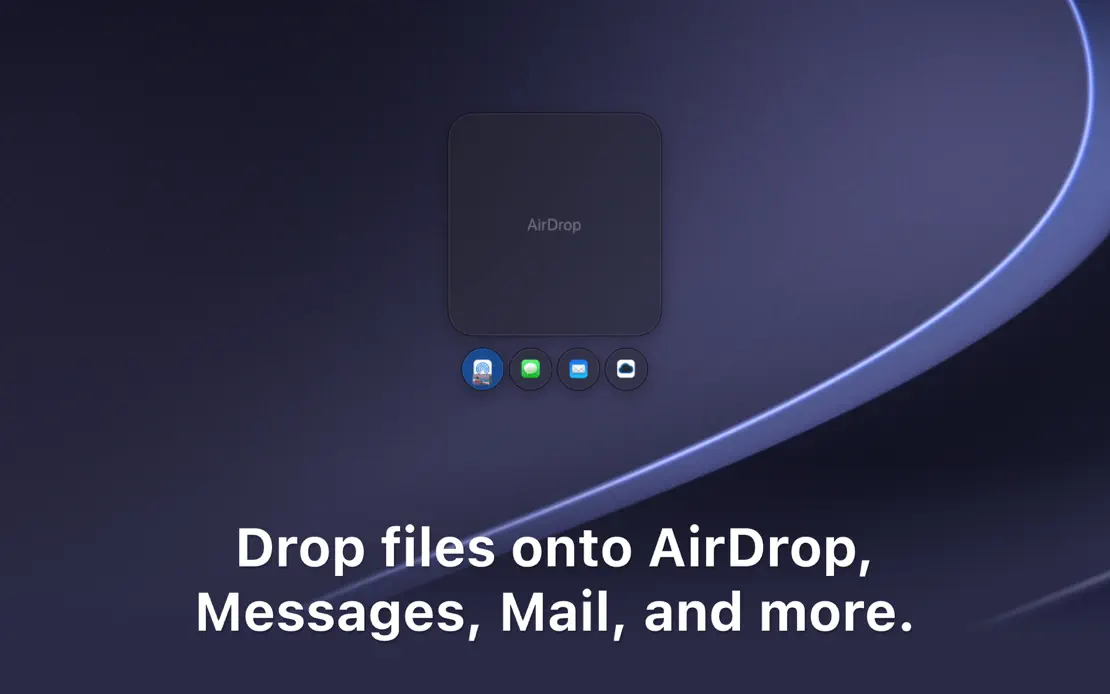
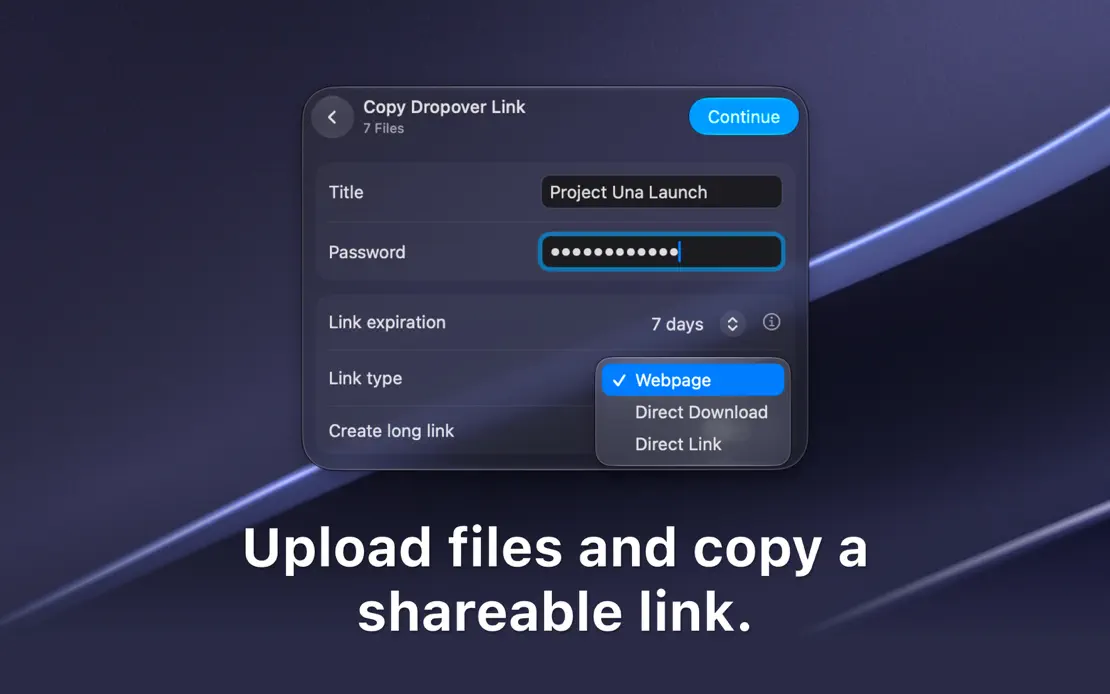
Cropped dark windows and floating shelves drift over the same purple-gray macOS wallpaper, each paired with a centered bottom caption.
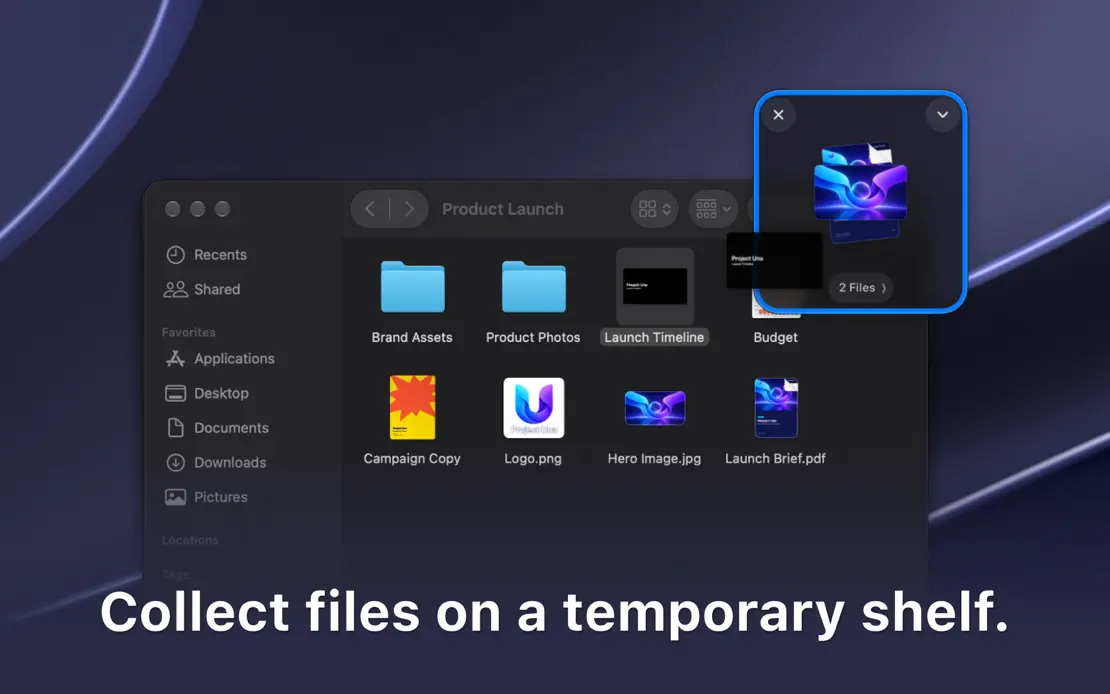
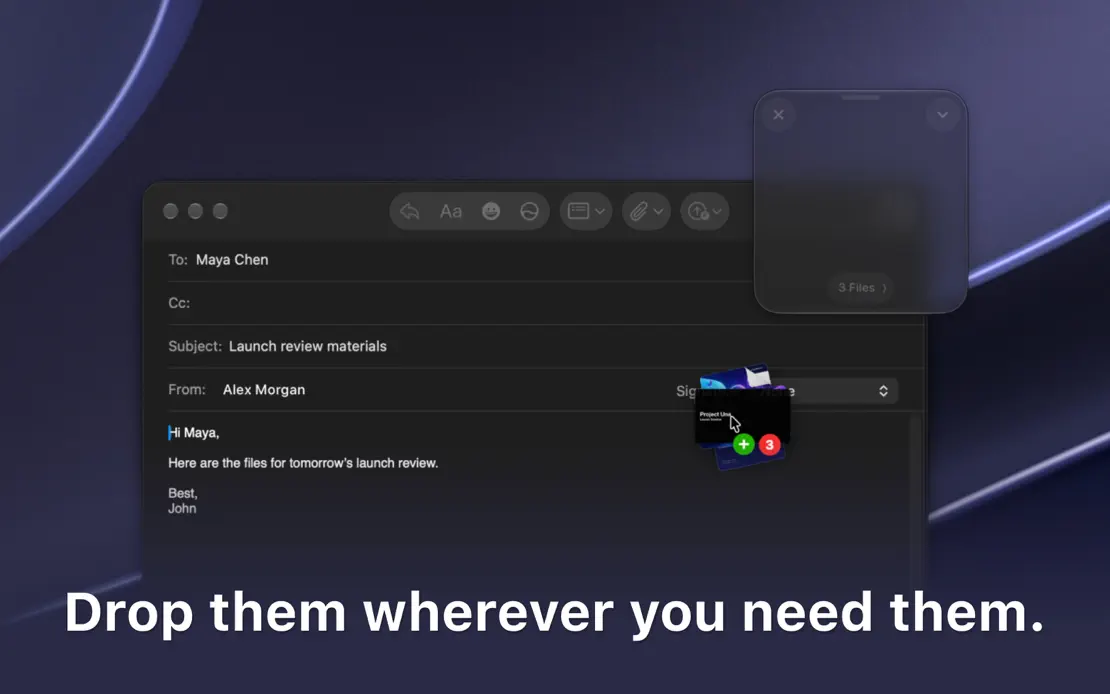
Dropover, App Store screenshot 1
Dropover, App Store screenshot 2
Dropover, App Store screenshot 3
Dropover, App Store screenshot 4
Dropover, App Store screenshot 5
Dropover, App Store screenshot 6
Dropover, App Store screenshot 7
Dropover, App Store screenshot 8

Magnet

Productivity · 3 frames

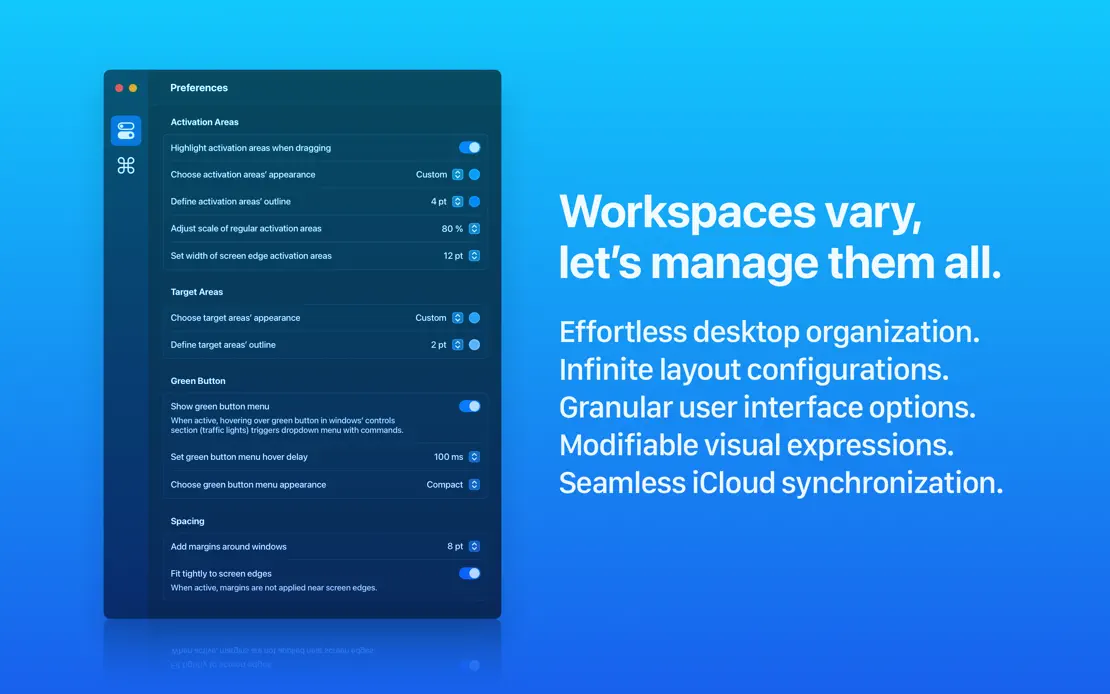
A bright blue gradient runs across three wide frames, pairing large white headlines with a window-tiling illustration and preference panels.
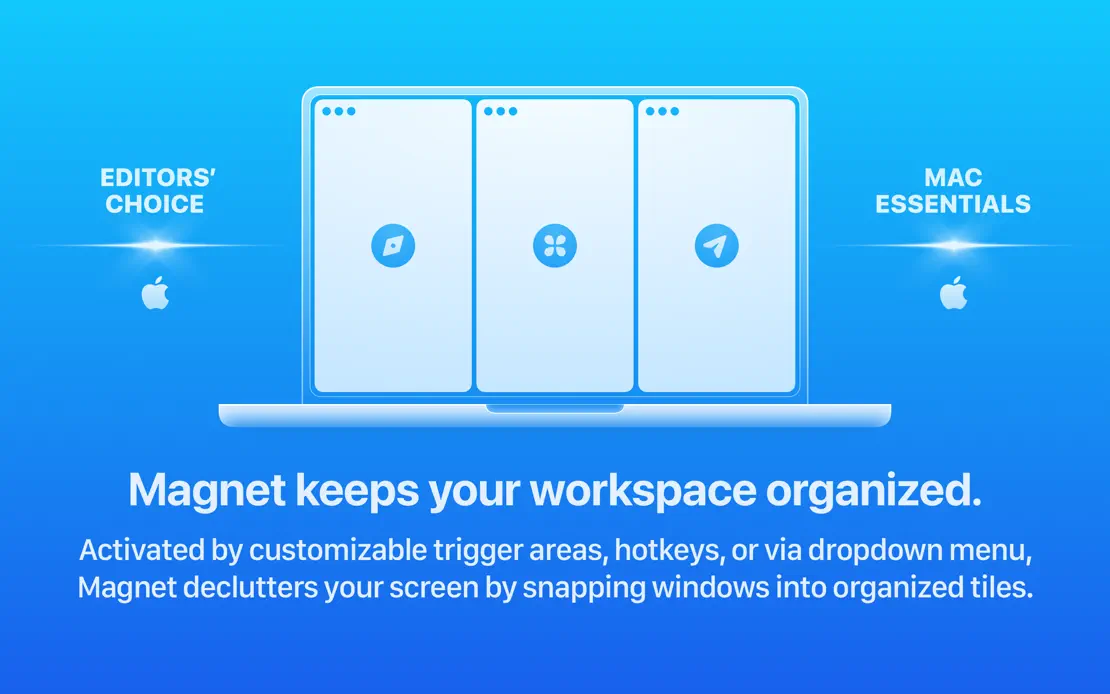
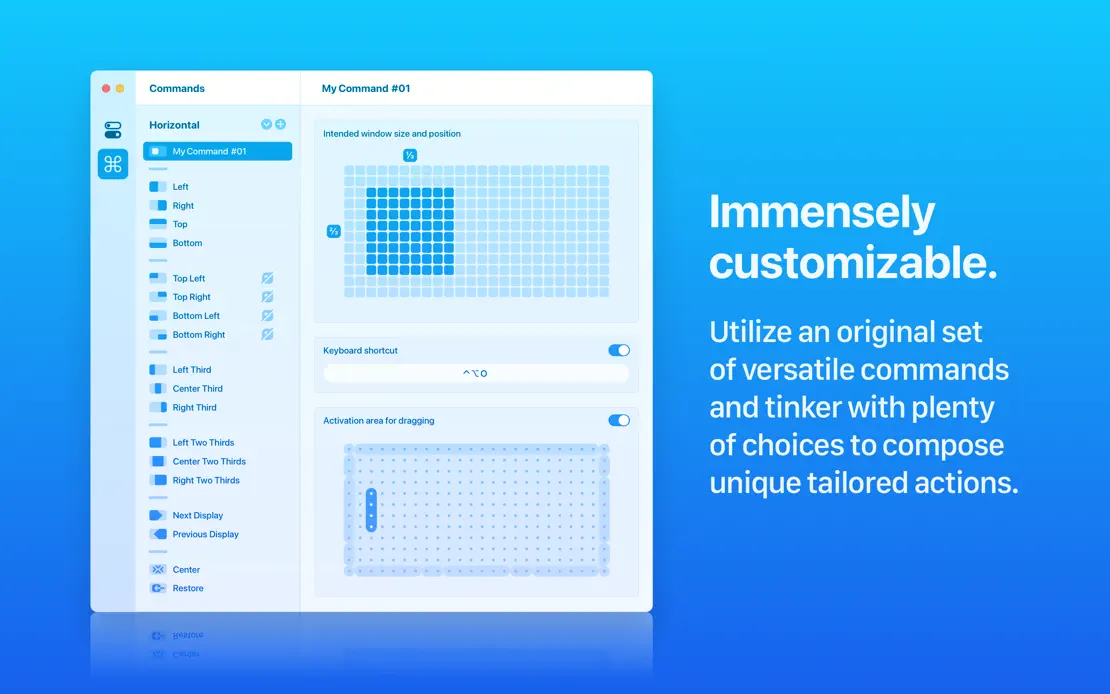
Magnet, App Store screenshot 1
Magnet, App Store screenshot 2
Magnet, App Store screenshot 3

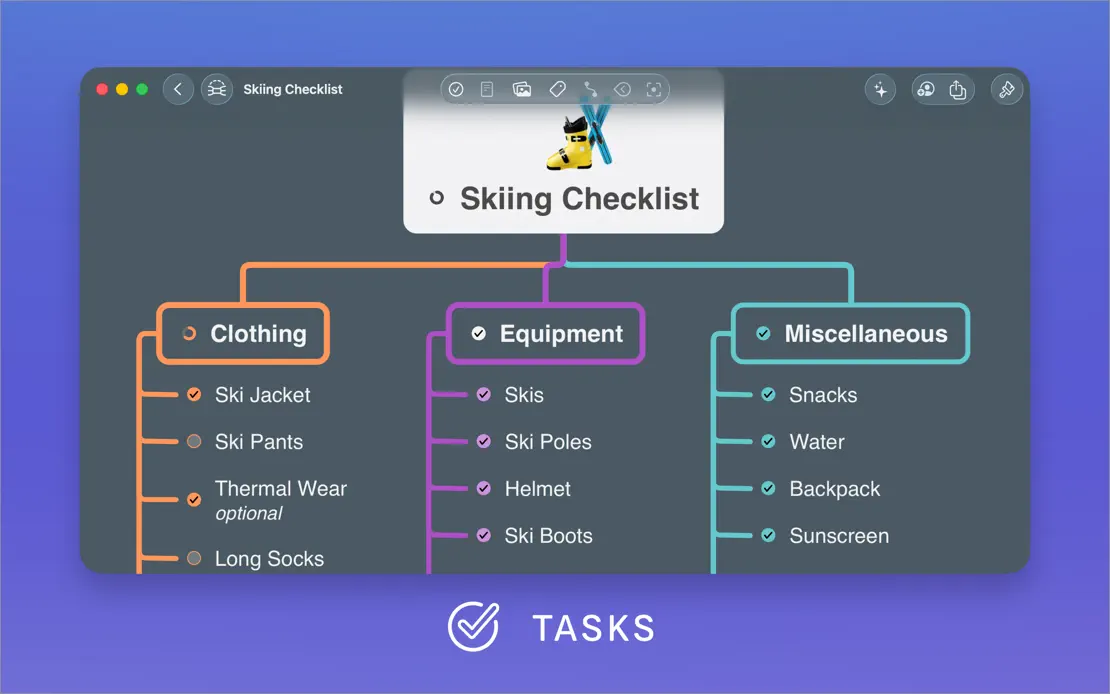
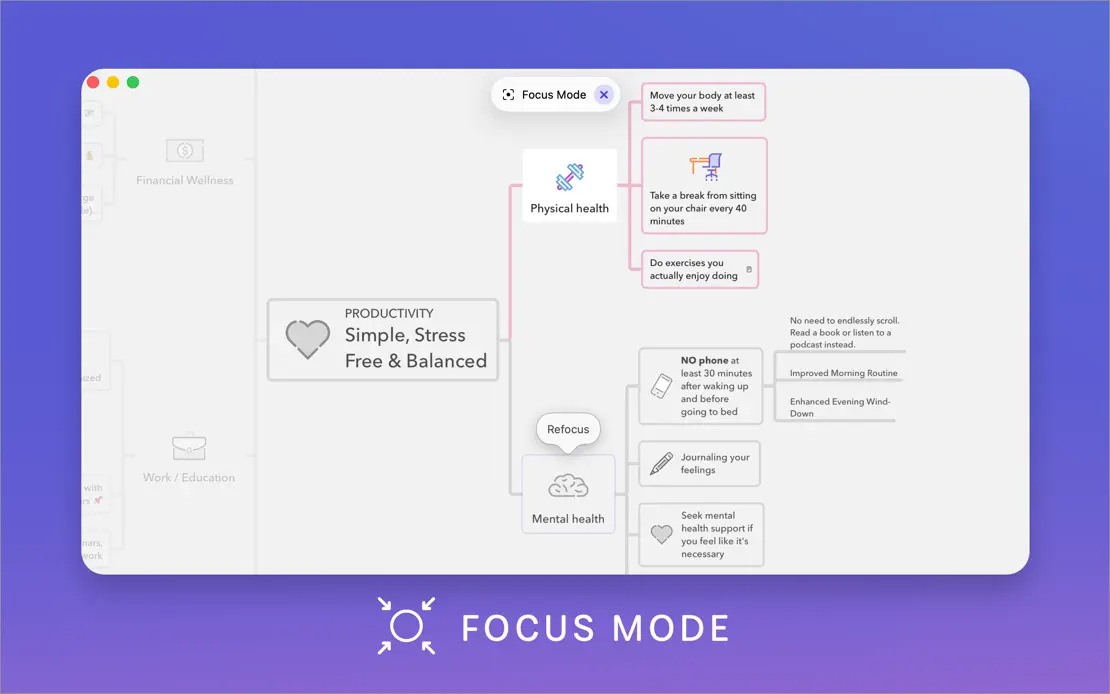
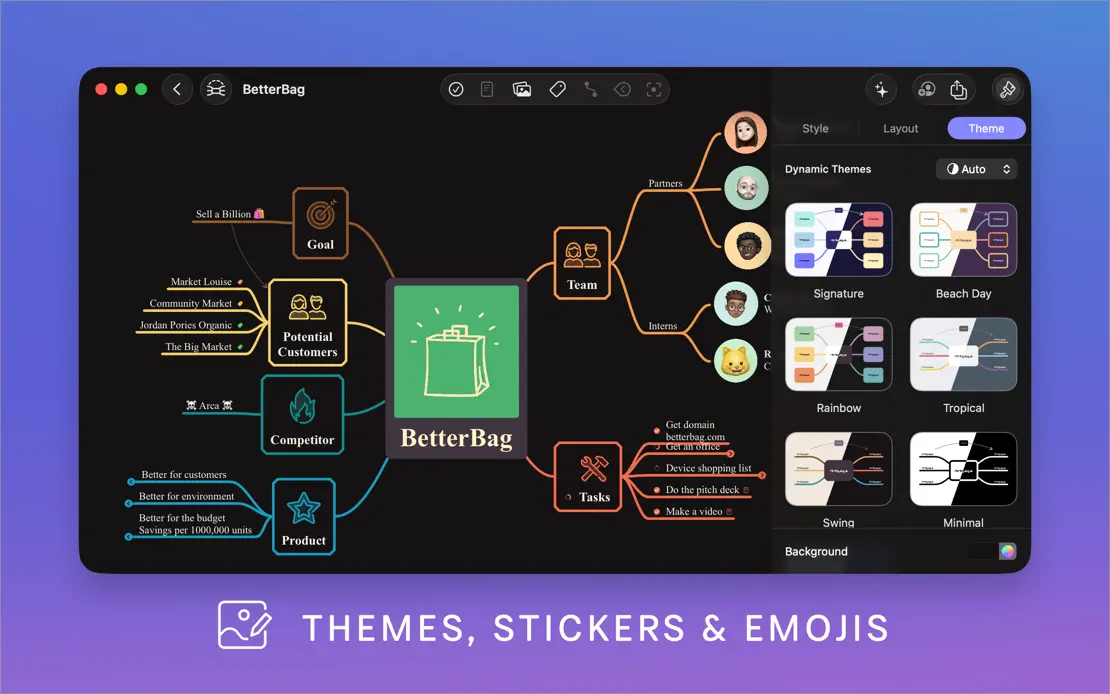
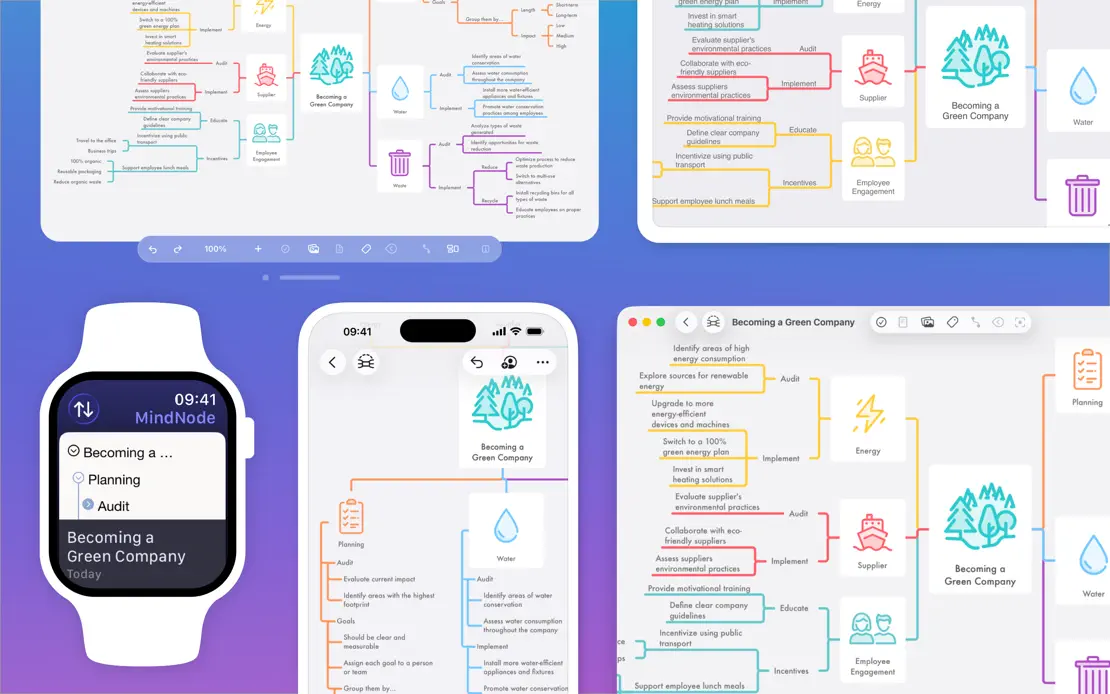
MindNode

Productivity · 10 frames

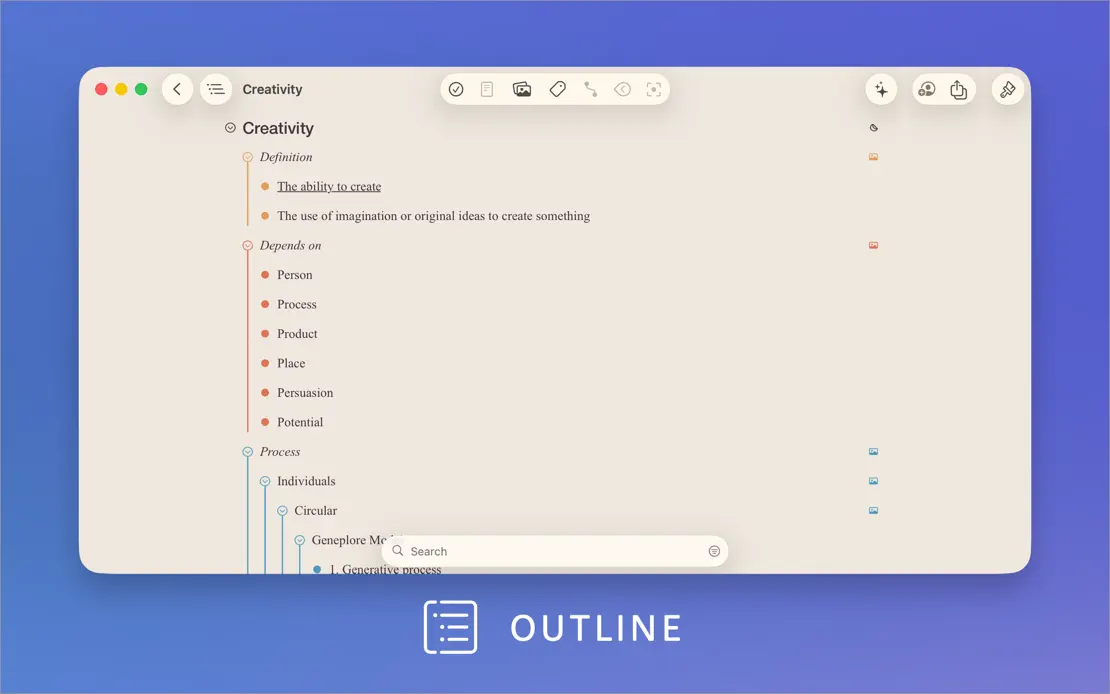
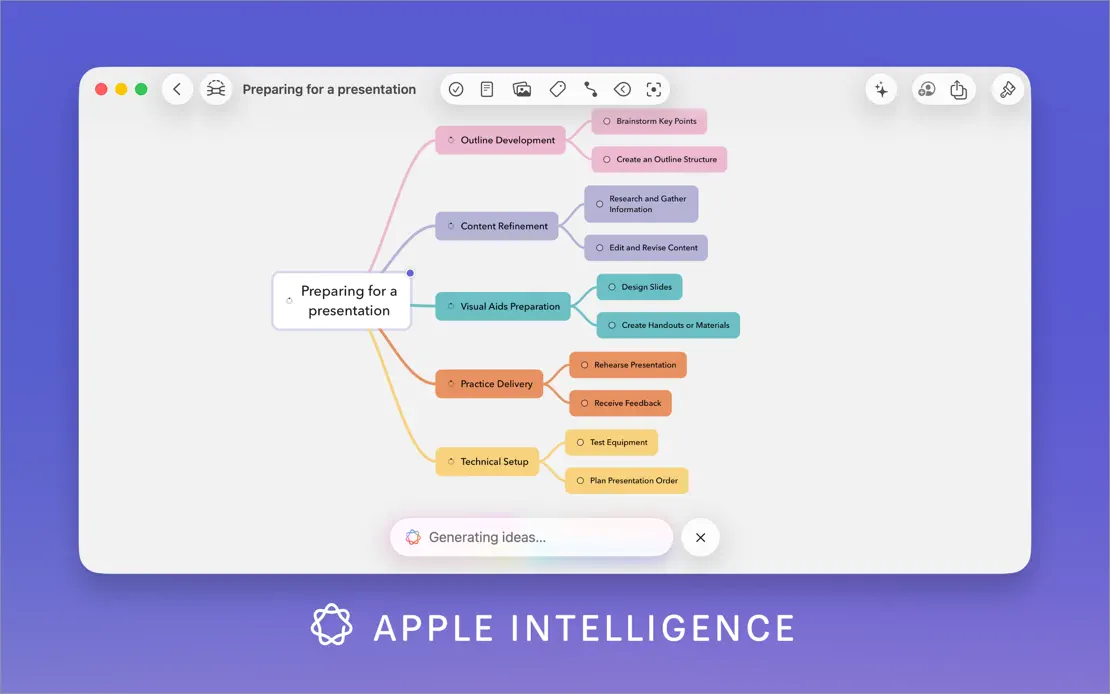
A white intro panel with a feature list gives way to large map windows on a blue-to-violet gradient, each labeled by an icon caption.
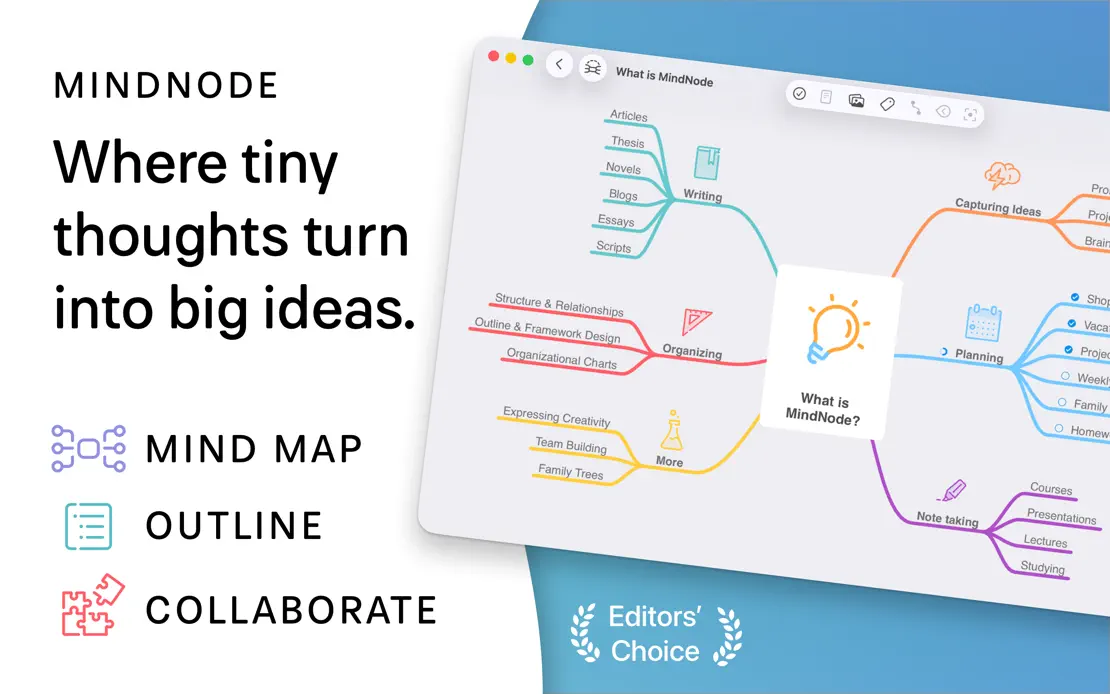

MindNode, App Store screenshot 1
MindNode, App Store screenshot 2
MindNode, App Store screenshot 3
MindNode, App Store screenshot 4
MindNode, App Store screenshot 5
MindNode, App Store screenshot 6
MindNode, App Store screenshot 7
MindNode, App Store screenshot 8
MindNode, App Store screenshot 9
MindNode, App Store screenshot 10

Sleeve

Music · 4 frames

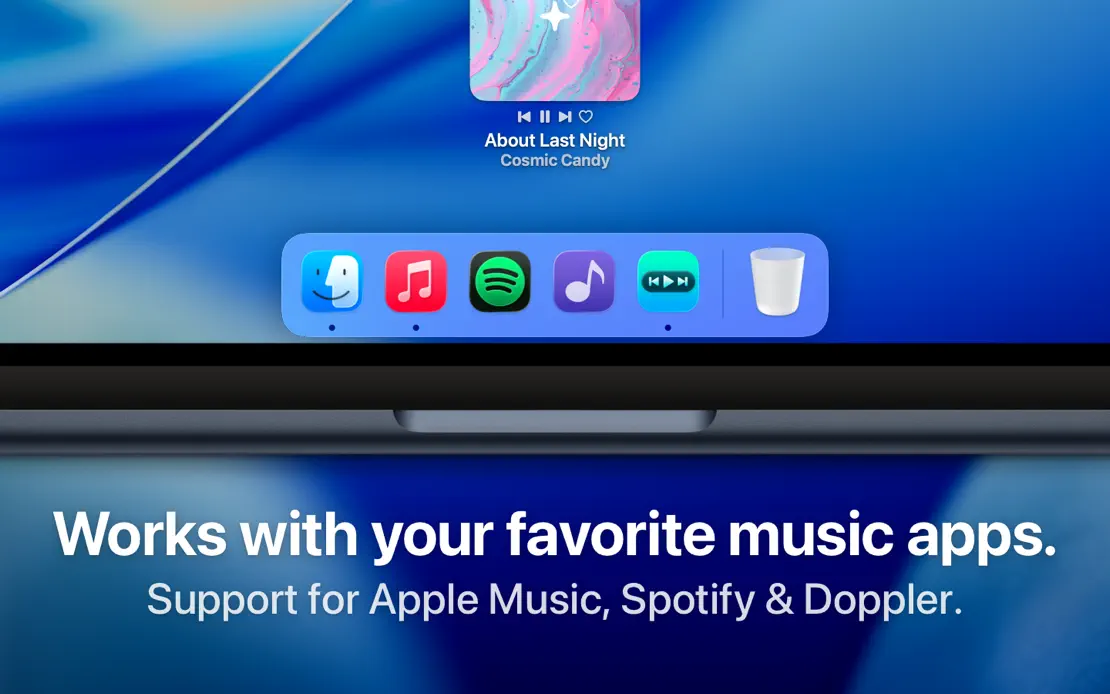
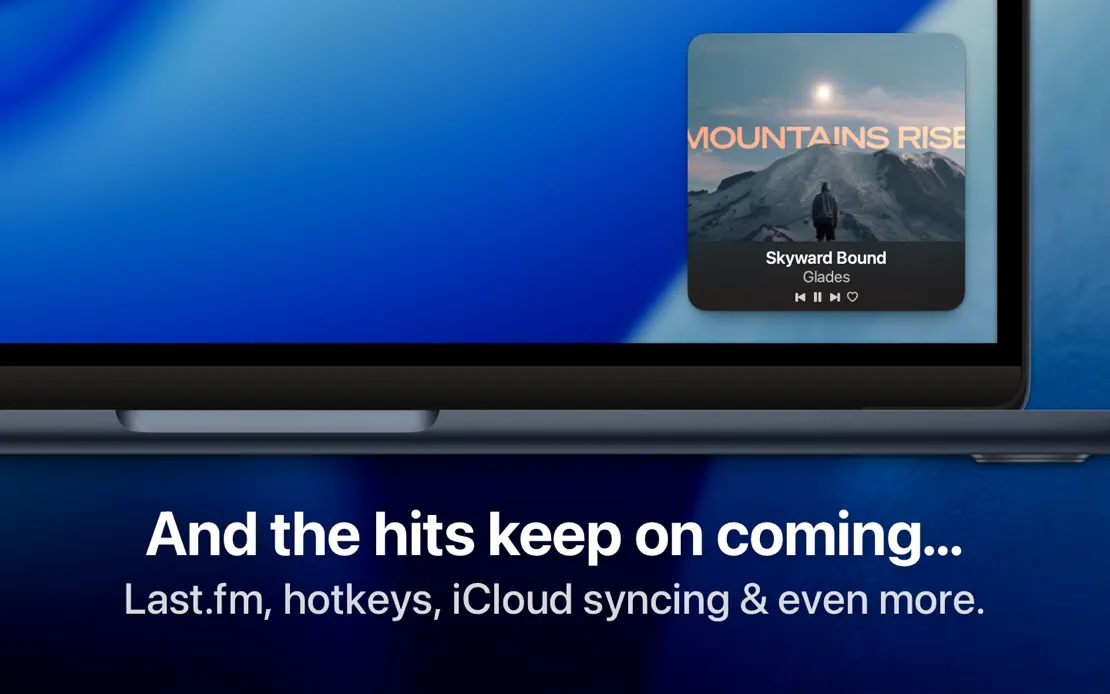
Bold white headlines anchor tight MacBook crops on the blue macOS wallpaper, moving captions to the bottom once the Dock appears.
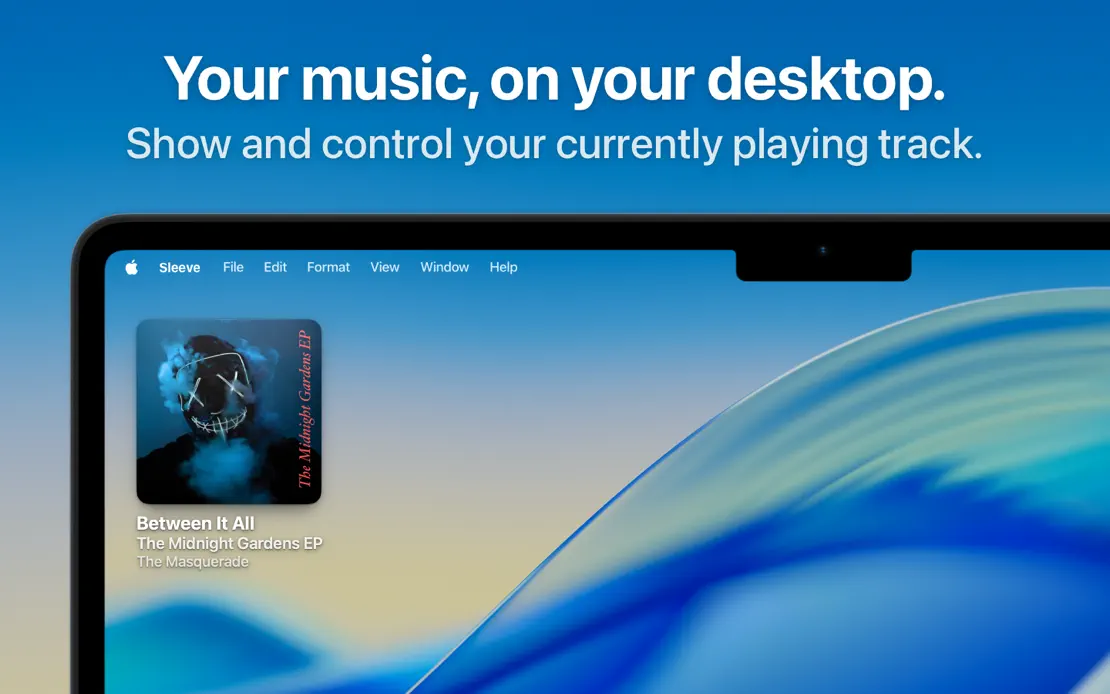
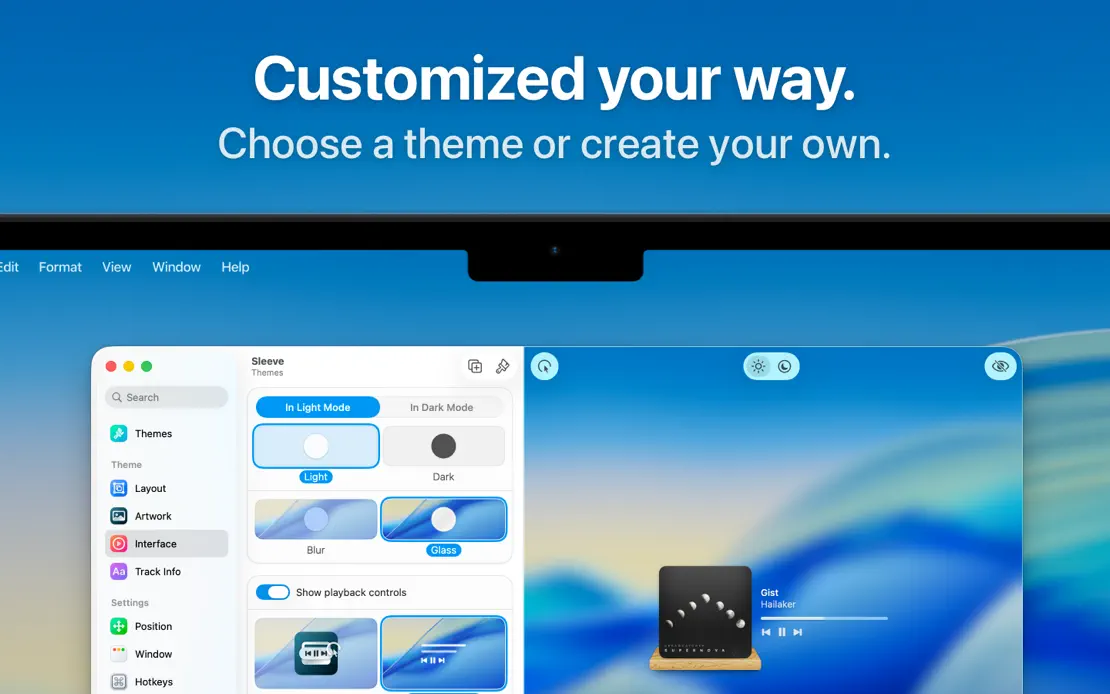
Sleeve, App Store screenshot 1
Sleeve, App Store screenshot 2
Sleeve, App Store screenshot 3
Sleeve, App Store screenshot 4

Add to collection

New collection