kit0

Mac App Store screenshots showing one feature per frame

11 listings that dedicate each frame to a single feature, from Things 3, Flow and Photomator. Most are productivity, utilities and photo & video apps.

11 Mac appsShow all

Things 3

Productivity · 8 frames

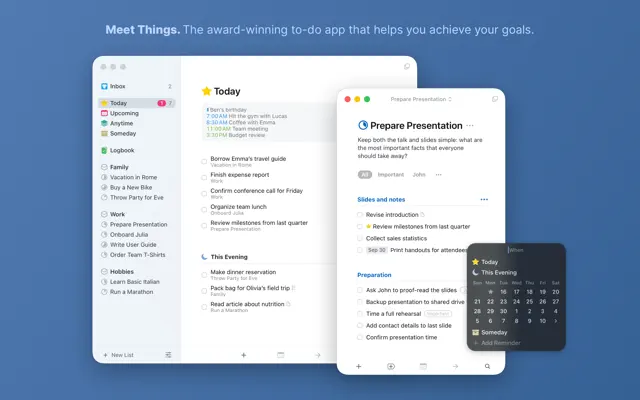
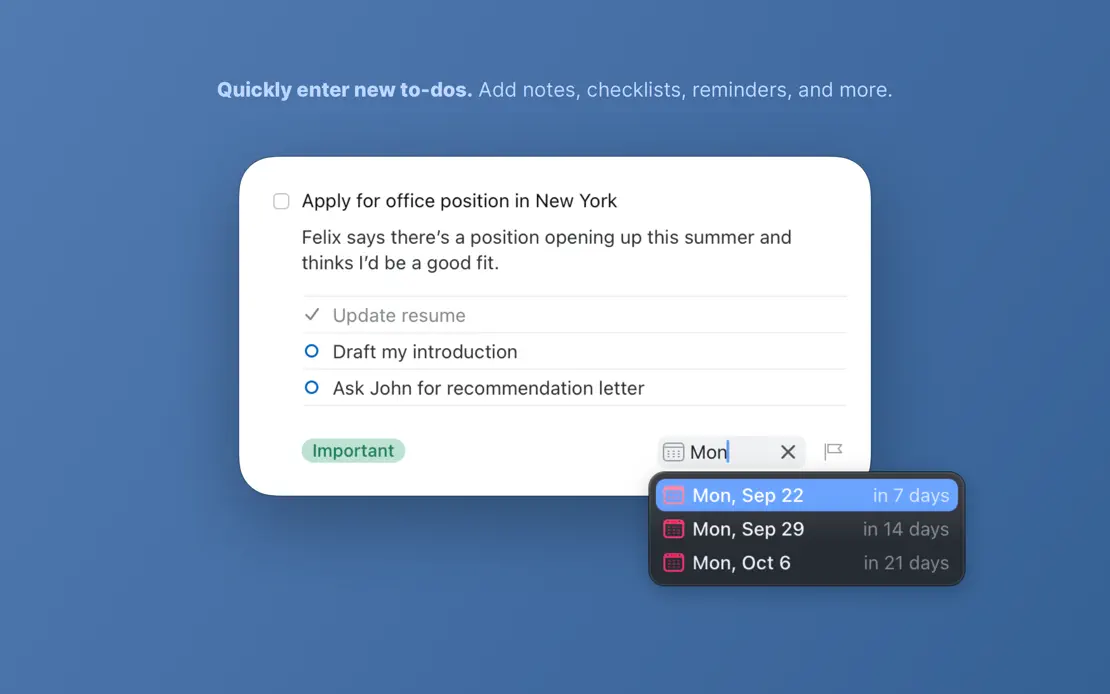
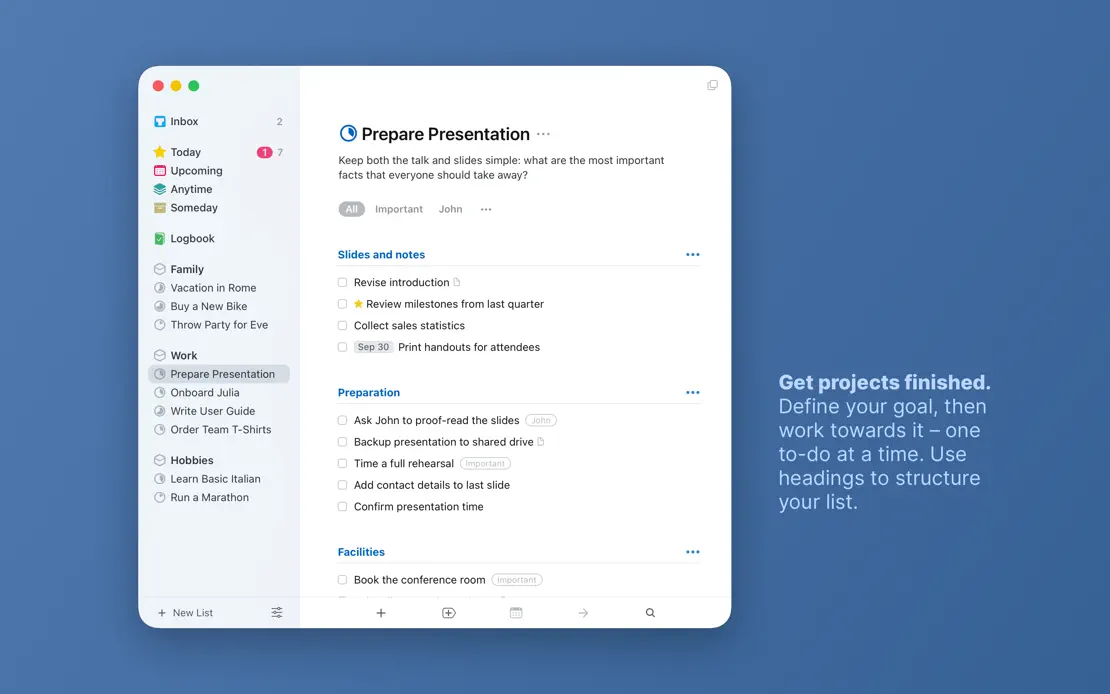
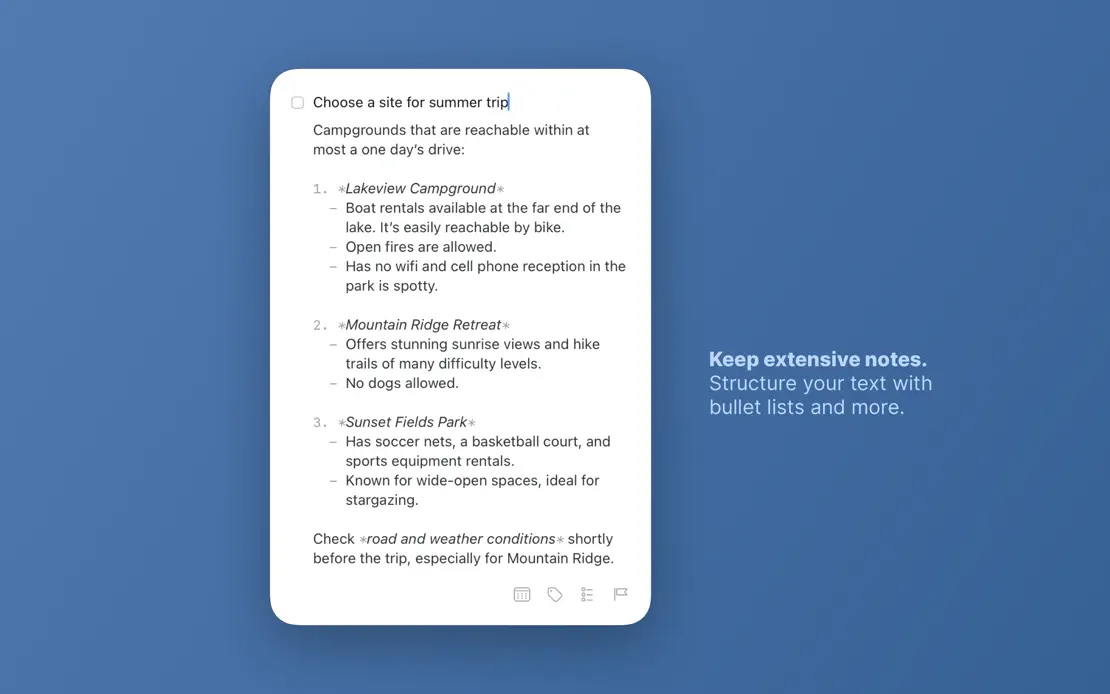
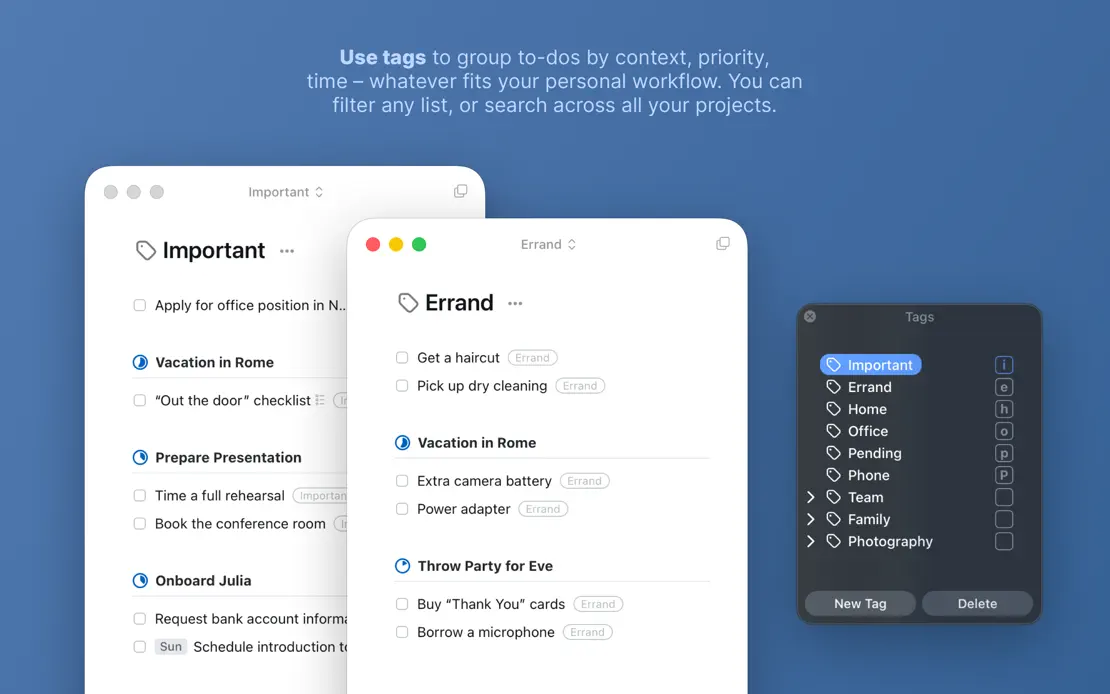
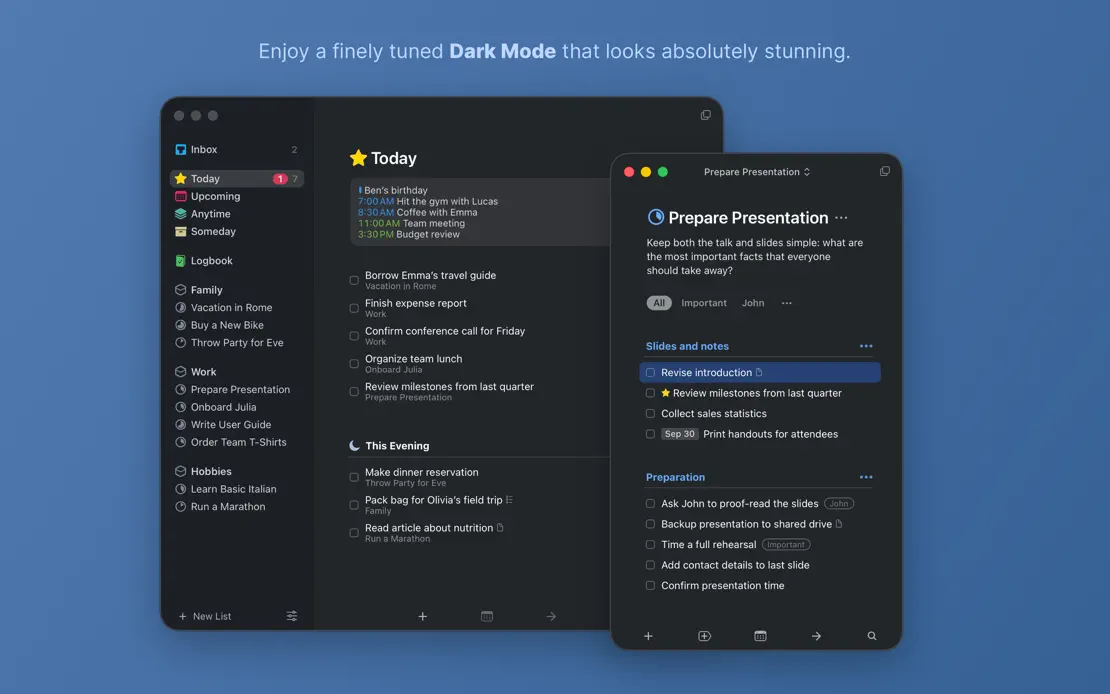
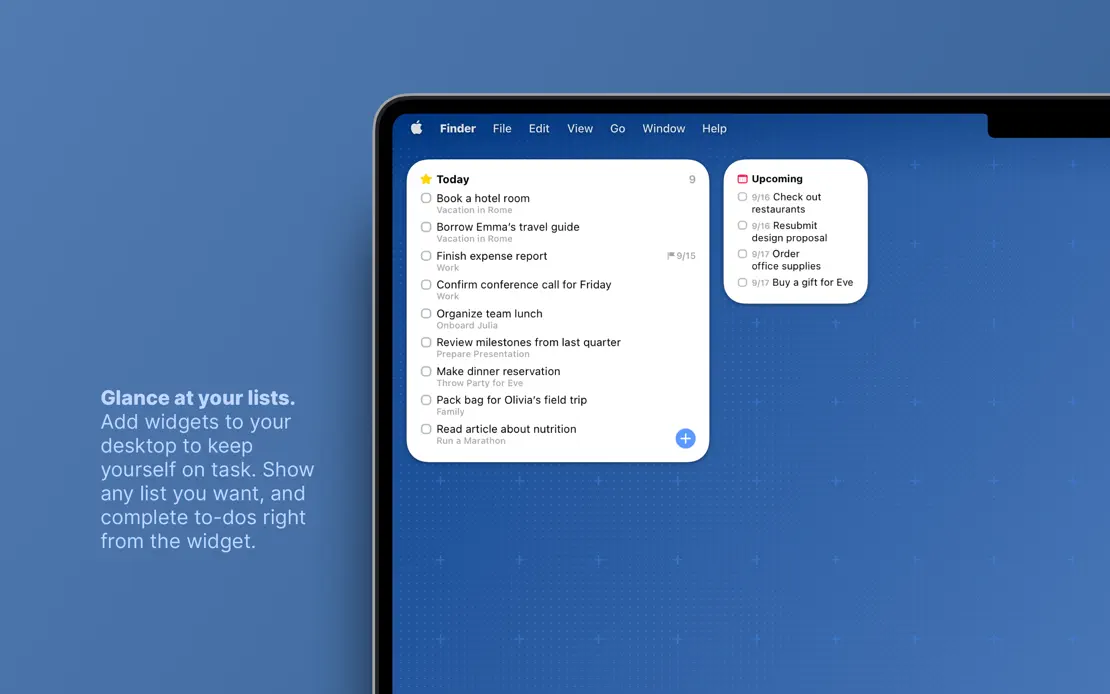
Small bold-lead captions float beside light windows on a flat blue field, shifting to Dark Mode and ending on a MacBook widget.
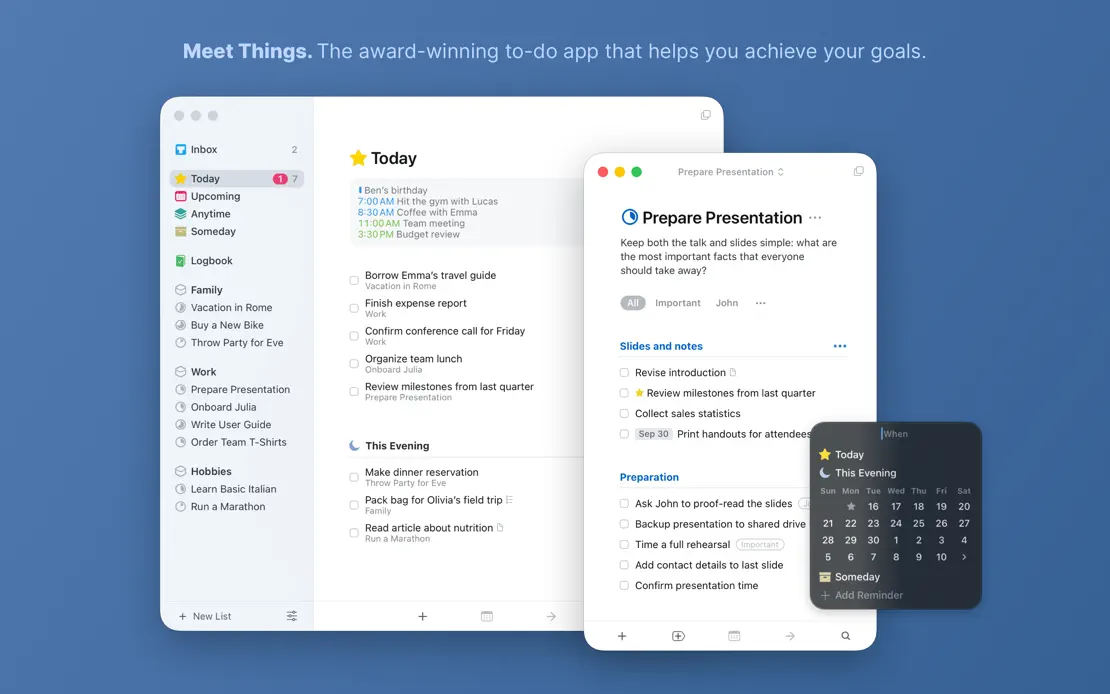
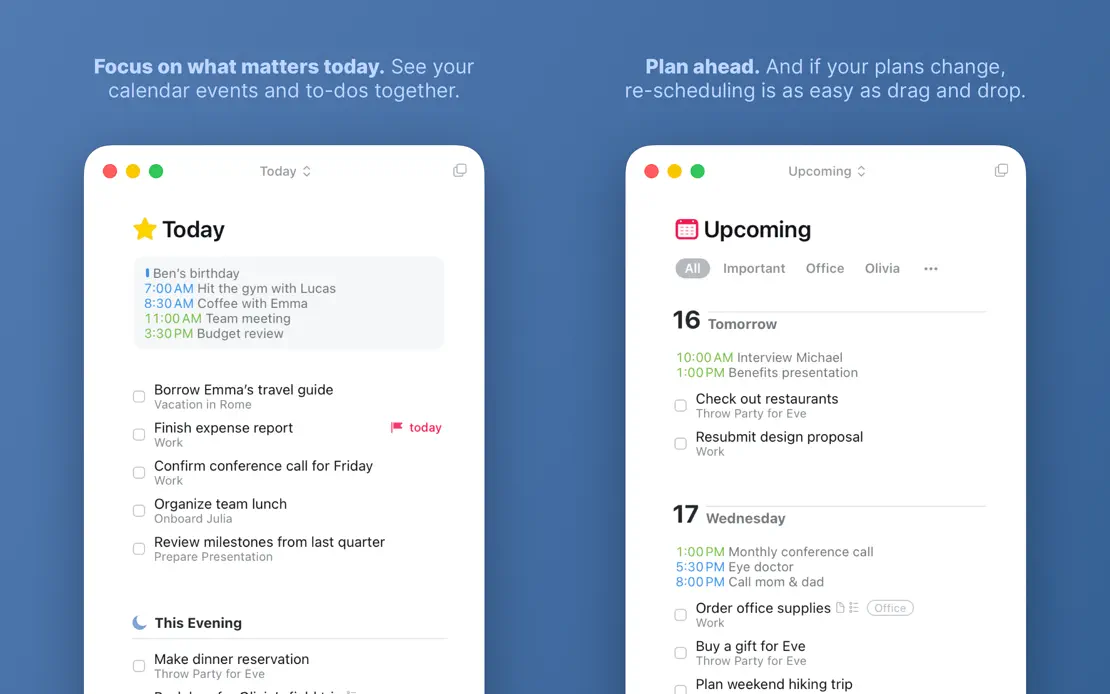
Things 3, App Store screenshot 1
Things 3, App Store screenshot 2
Things 3, App Store screenshot 3
Things 3, App Store screenshot 4
Things 3, App Store screenshot 5
Things 3, App Store screenshot 6
Things 3, App Store screenshot 7
Things 3, App Store screenshot 8

Flow

Productivity · 7 frames

A split layout pairs green headlines on pale mint with deep green panels holding floating widgets, closing on a geometric Made in Germany illustration.

Flow, App Store screenshot 1
Flow, App Store screenshot 2
Flow, App Store screenshot 3
Flow, App Store screenshot 4
Flow, App Store screenshot 5
Flow, App Store screenshot 6
Flow, App Store screenshot 7

Photomator

Photo & video · 9 frames

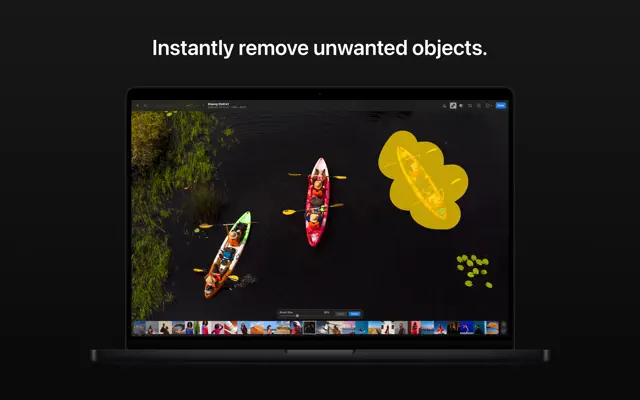
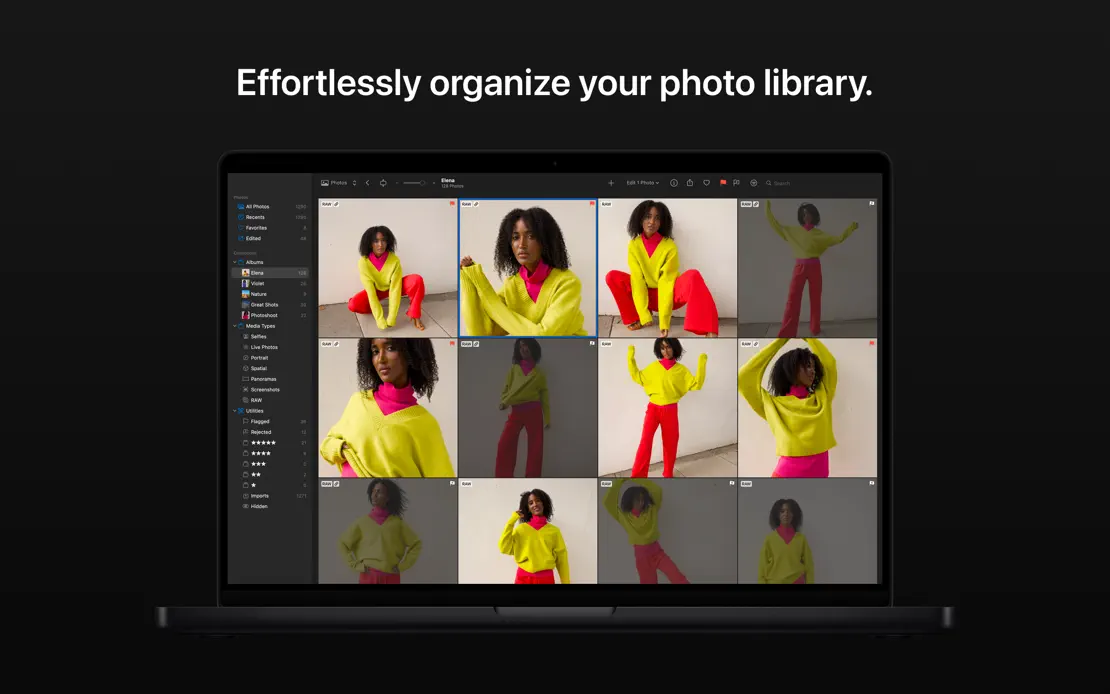
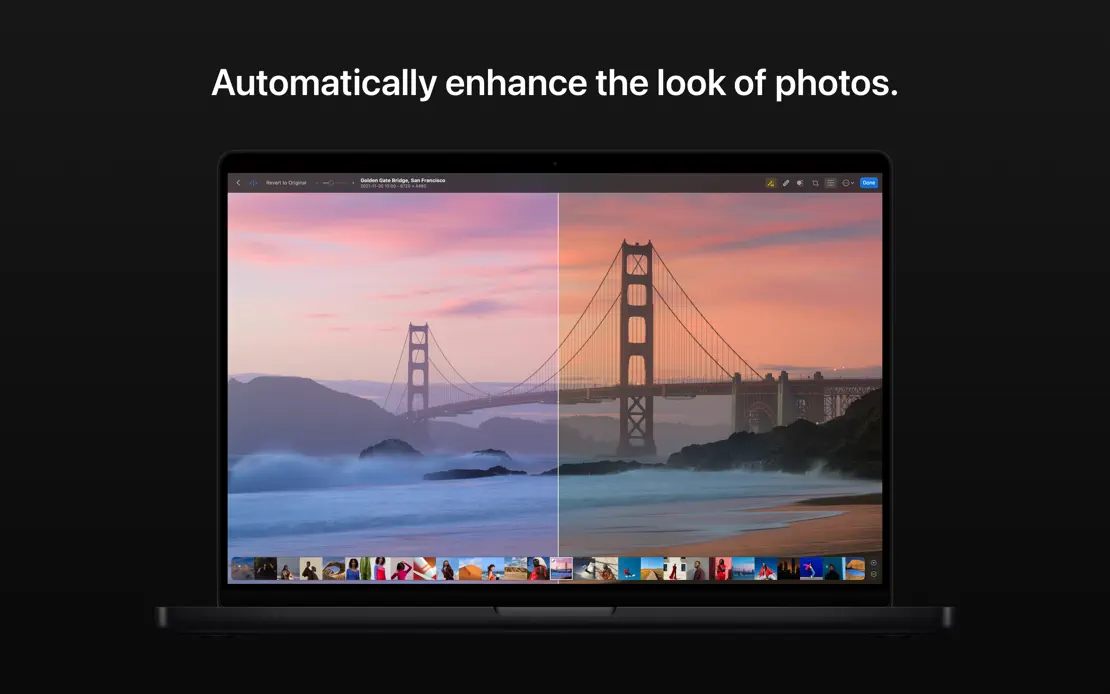
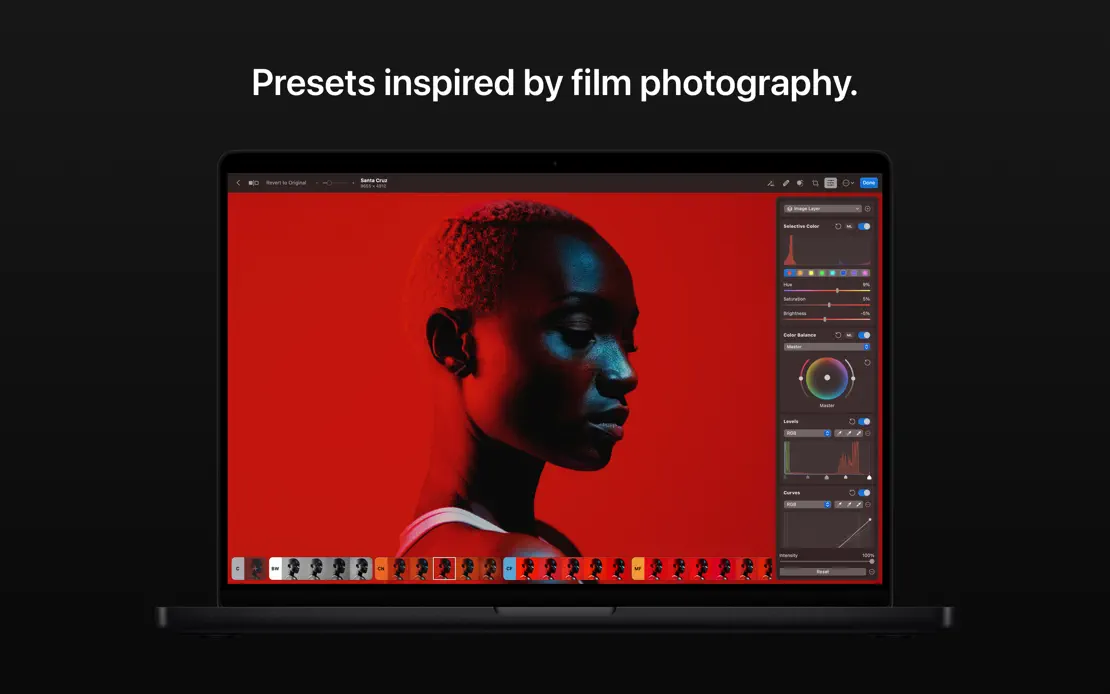
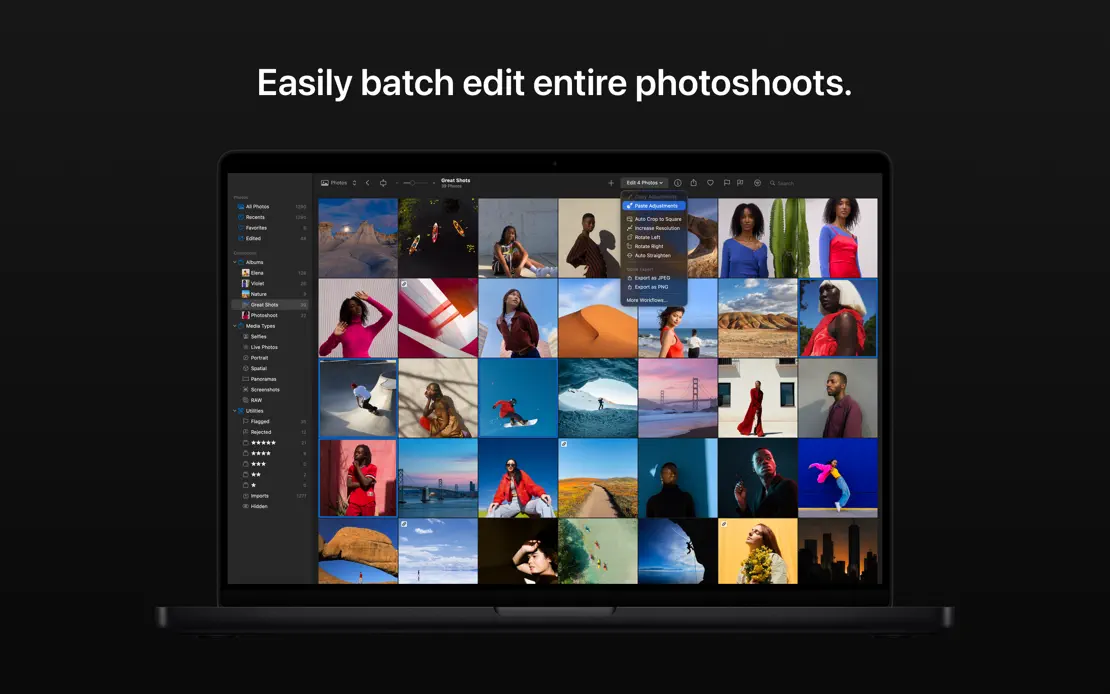
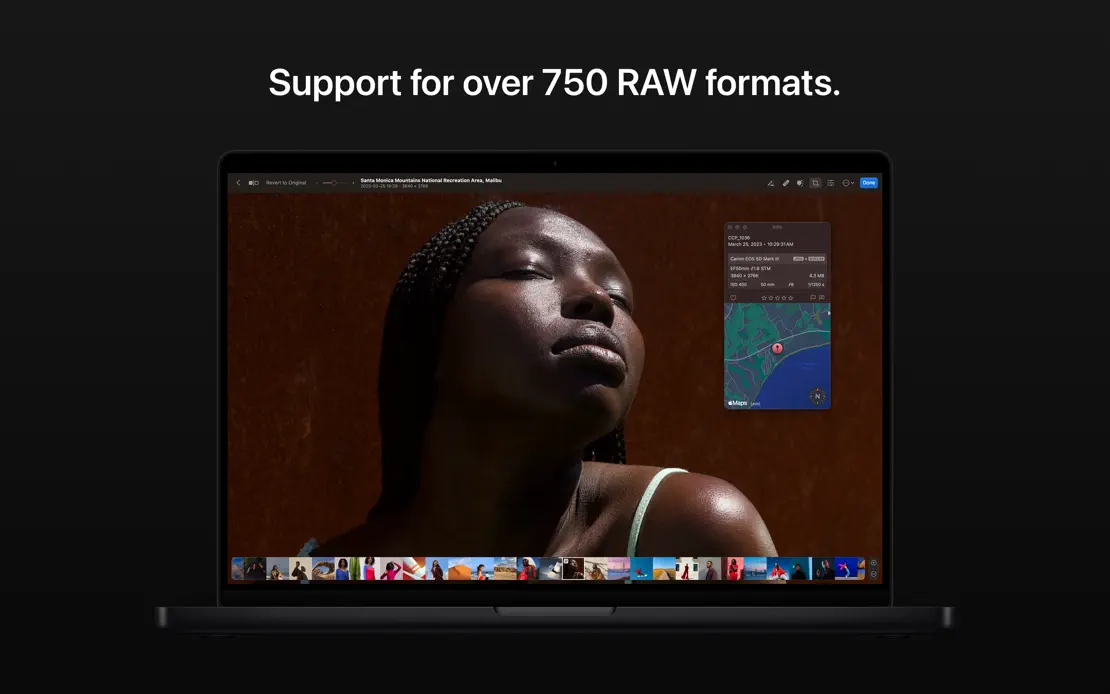
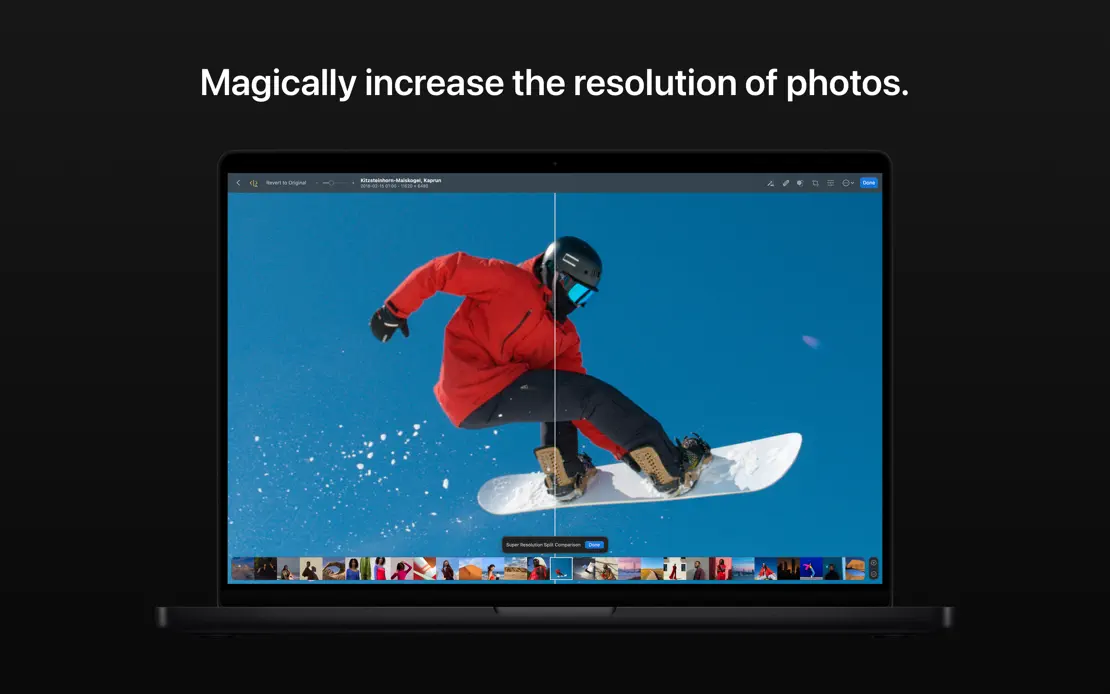
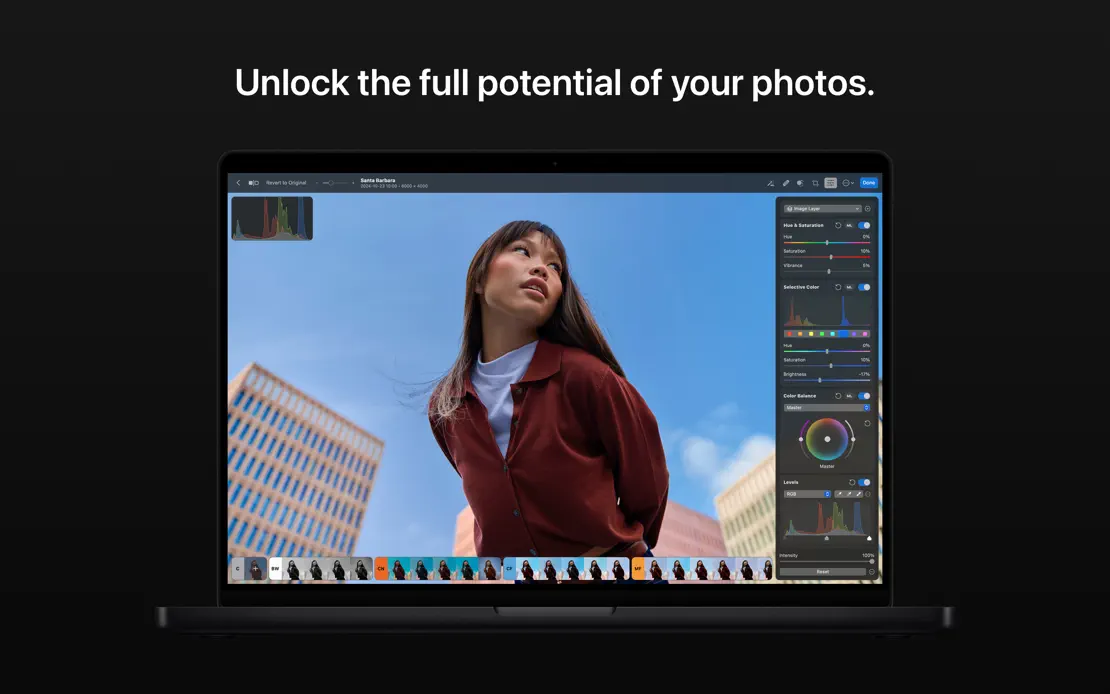
Short centered white captions sit above a front-facing dark MacBook on near-black, with full-screen portraits and landscapes filling each display.
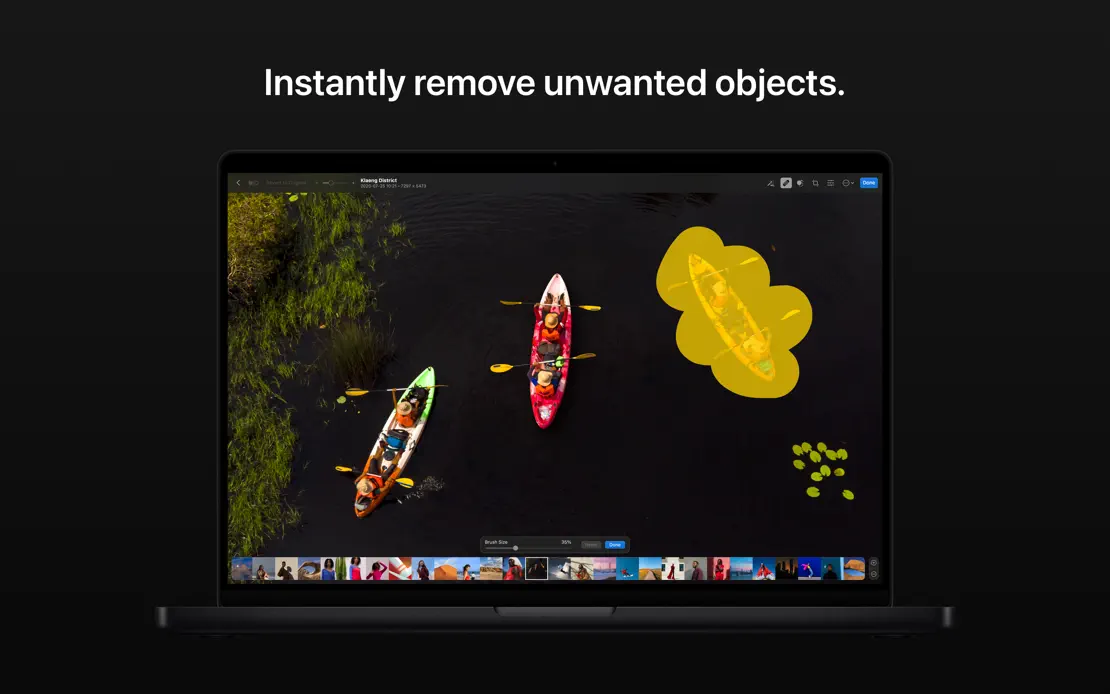
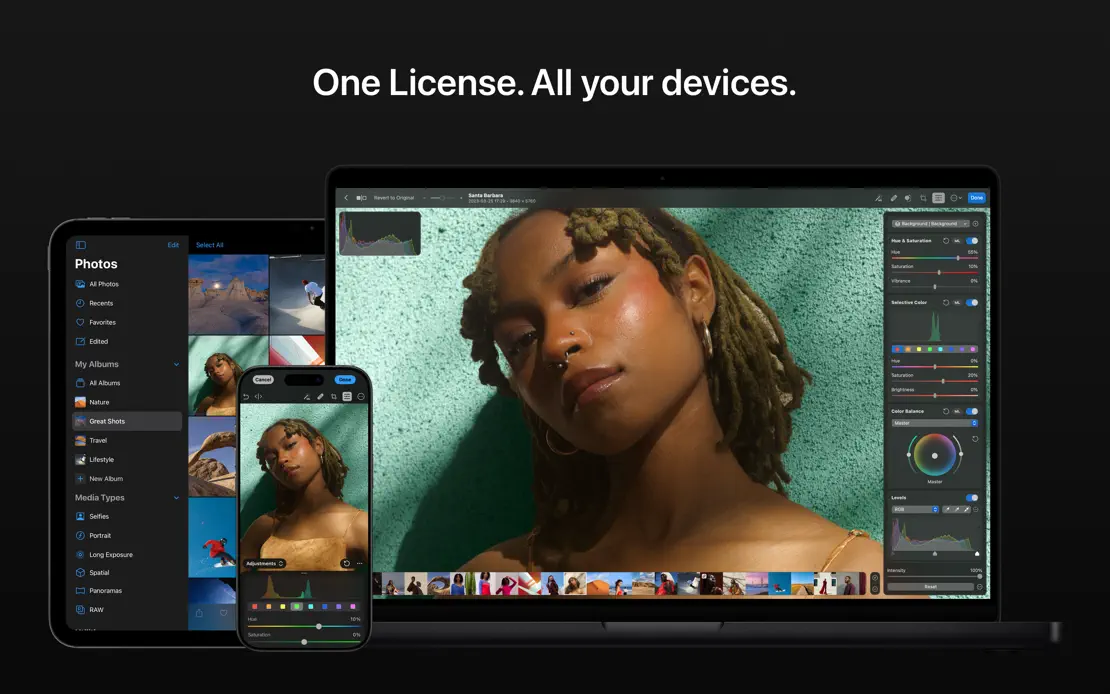
Photomator, App Store screenshot 1
Photomator, App Store screenshot 2
Photomator, App Store screenshot 3
Photomator, App Store screenshot 4
Photomator, App Store screenshot 5
Photomator, App Store screenshot 6
Photomator, App Store screenshot 7
Photomator, App Store screenshot 8
Photomator, App Store screenshot 9

Amphetamine

Utilities · 7 frames

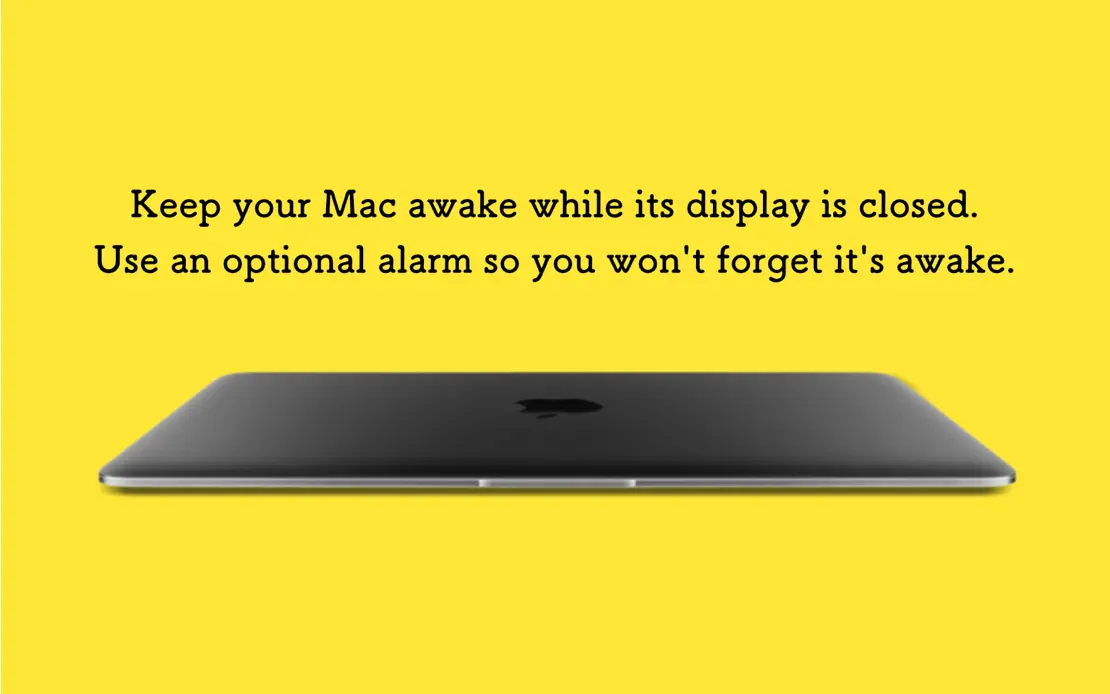
Each frame switches to a saturated solid color behind a MacBook or dark preference window, ending on a black frame of star-rated user quotes.

Amphetamine, App Store screenshot 1
Amphetamine, App Store screenshot 2
Amphetamine, App Store screenshot 3
Amphetamine, App Store screenshot 4
Amphetamine, App Store screenshot 5
Amphetamine, App Store screenshot 6
Amphetamine, App Store screenshot 7

Cardhop

Productivity · 8 frames

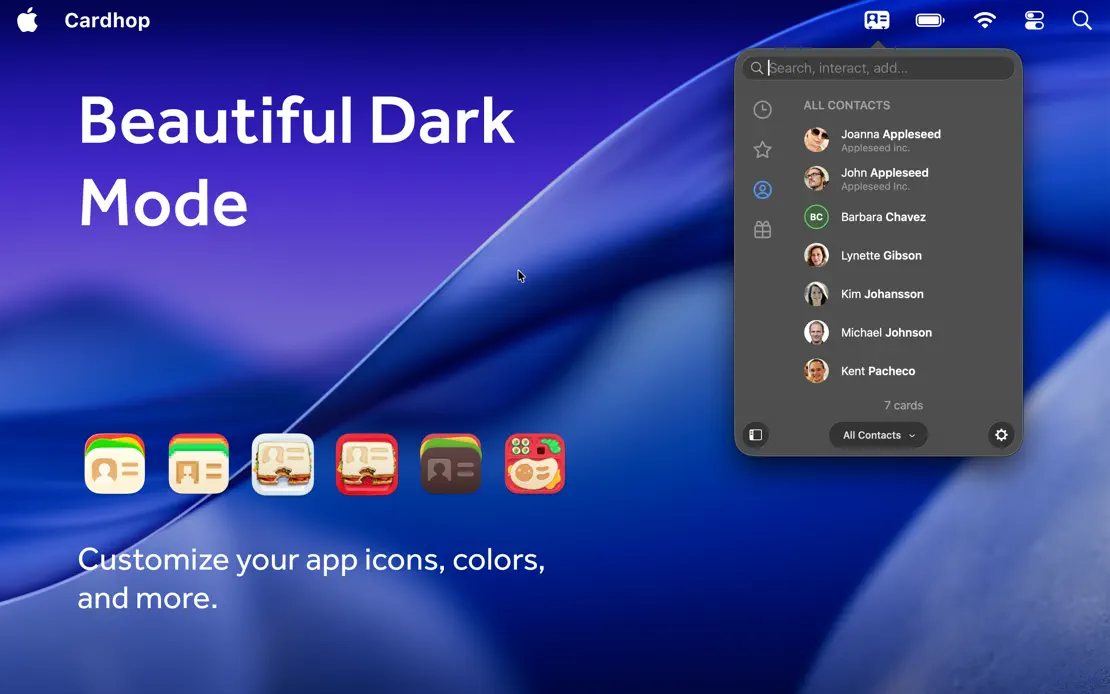
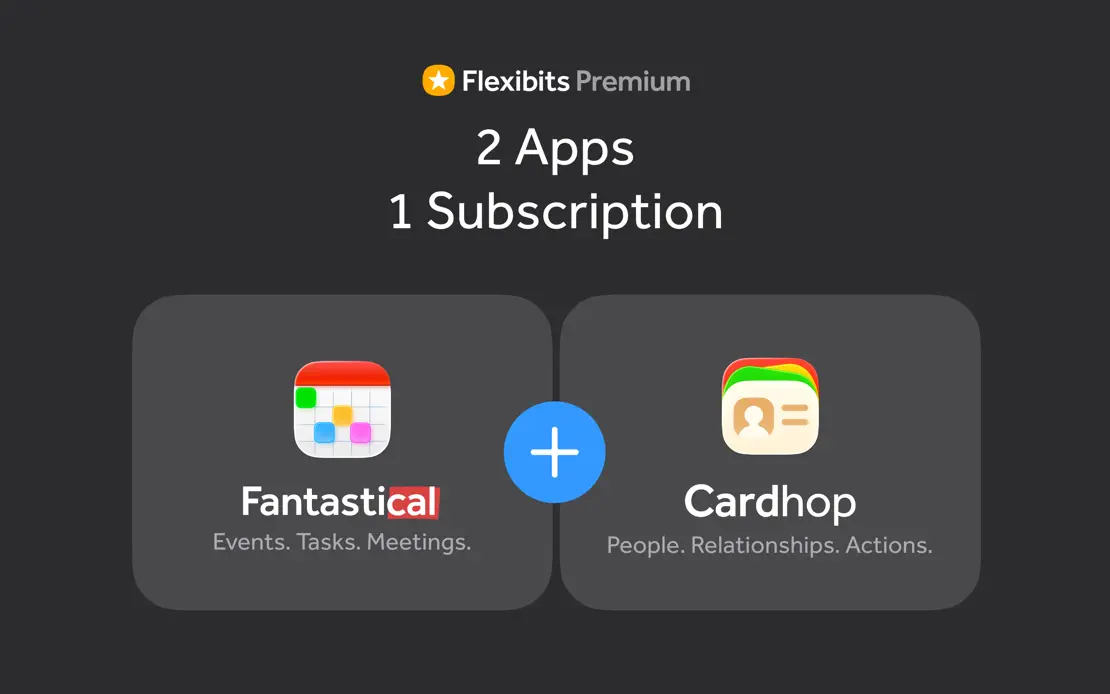
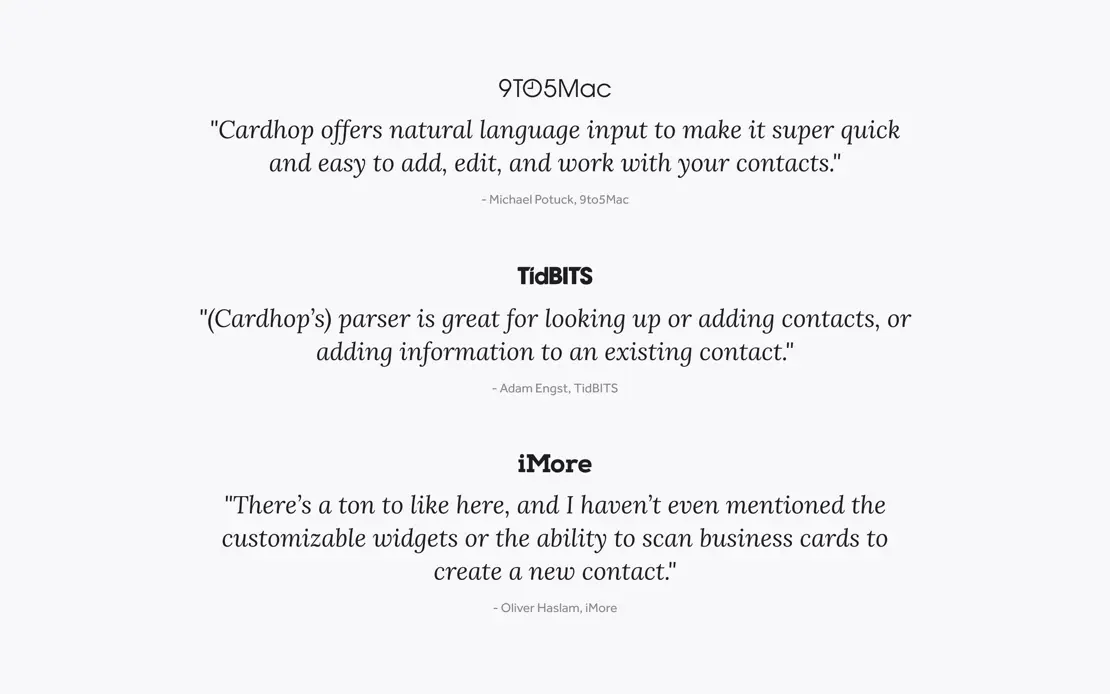
Light gray panels mix MacBook, iPad and iPhone renders with floating action bubbles and diagrams, then close on a subscription bundle and press quotes.
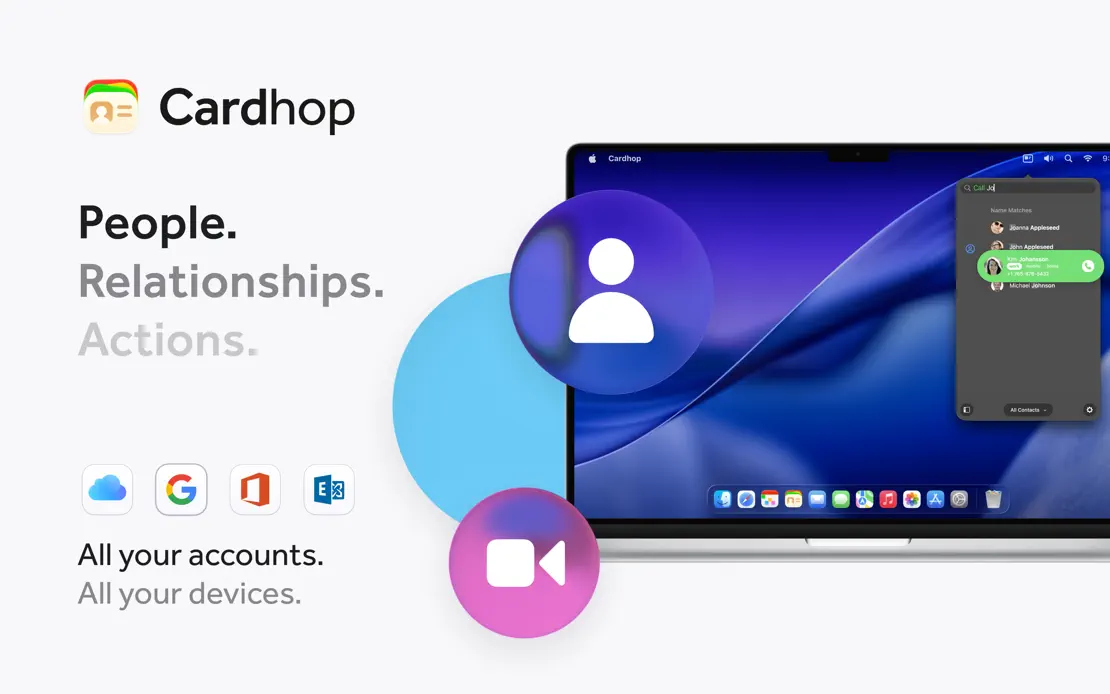

Cardhop, App Store screenshot 1
Cardhop, App Store screenshot 2
Cardhop, App Store screenshot 3
Cardhop, App Store screenshot 4
Cardhop, App Store screenshot 5
Cardhop, App Store screenshot 6
Cardhop, App Store screenshot 7
Cardhop, App Store screenshot 8

Drafts

Productivity · 7 frames

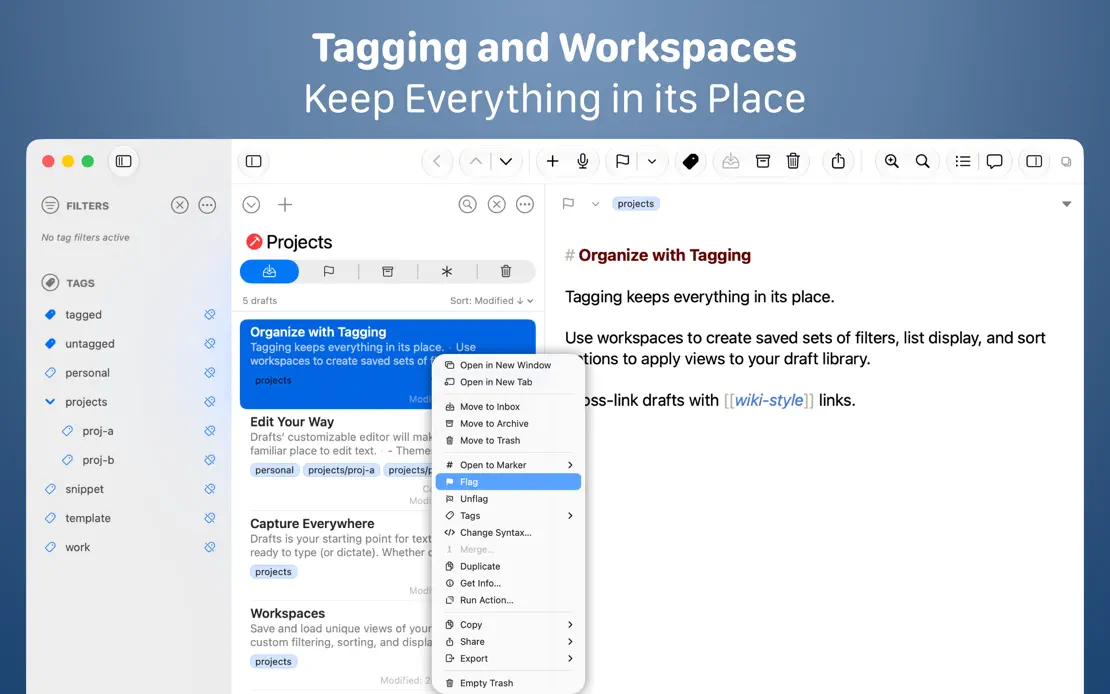
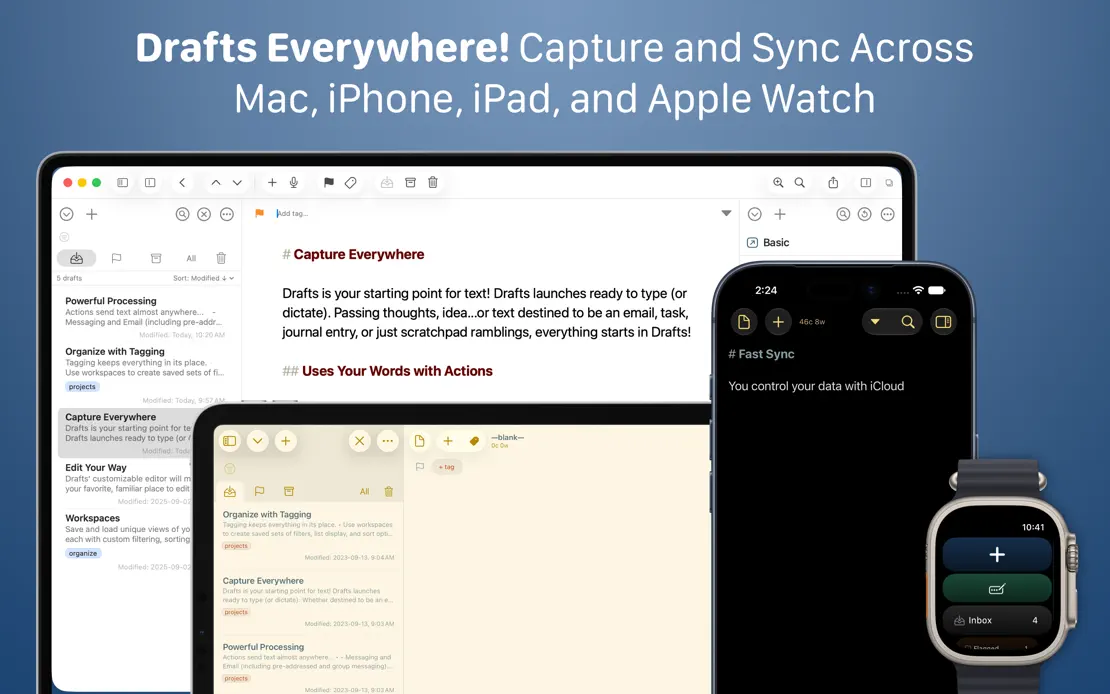
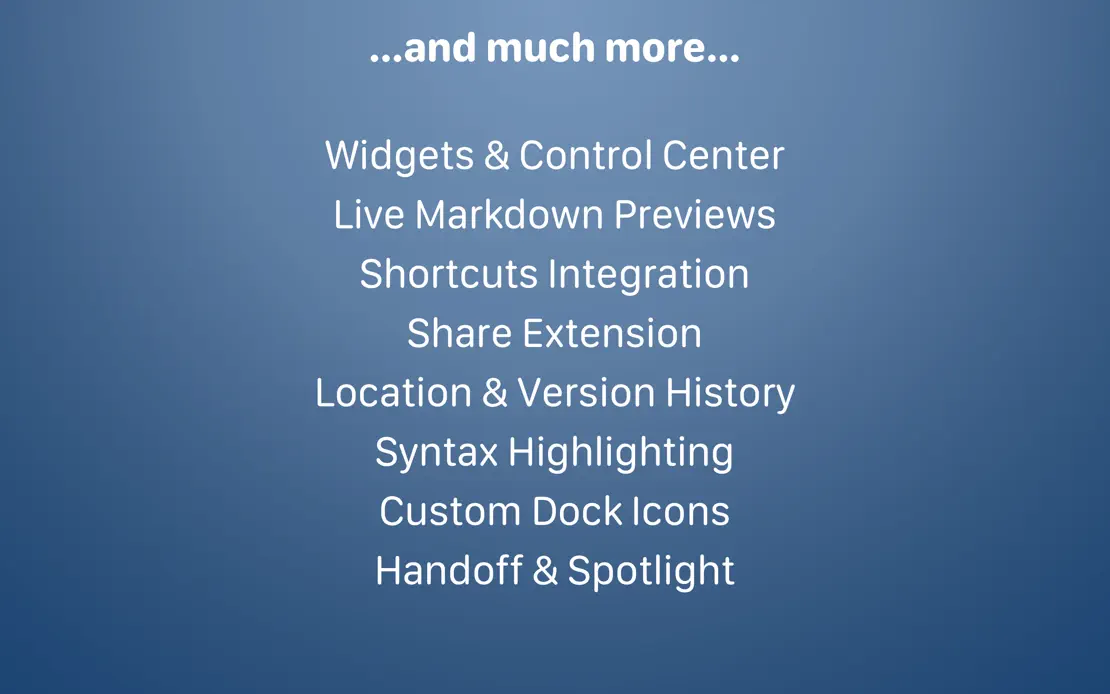
Two-line white headlines crown full-width editor windows on a navy gradient, moving to Mac, iPad, iPhone and Watch before a centered text-only feature list.
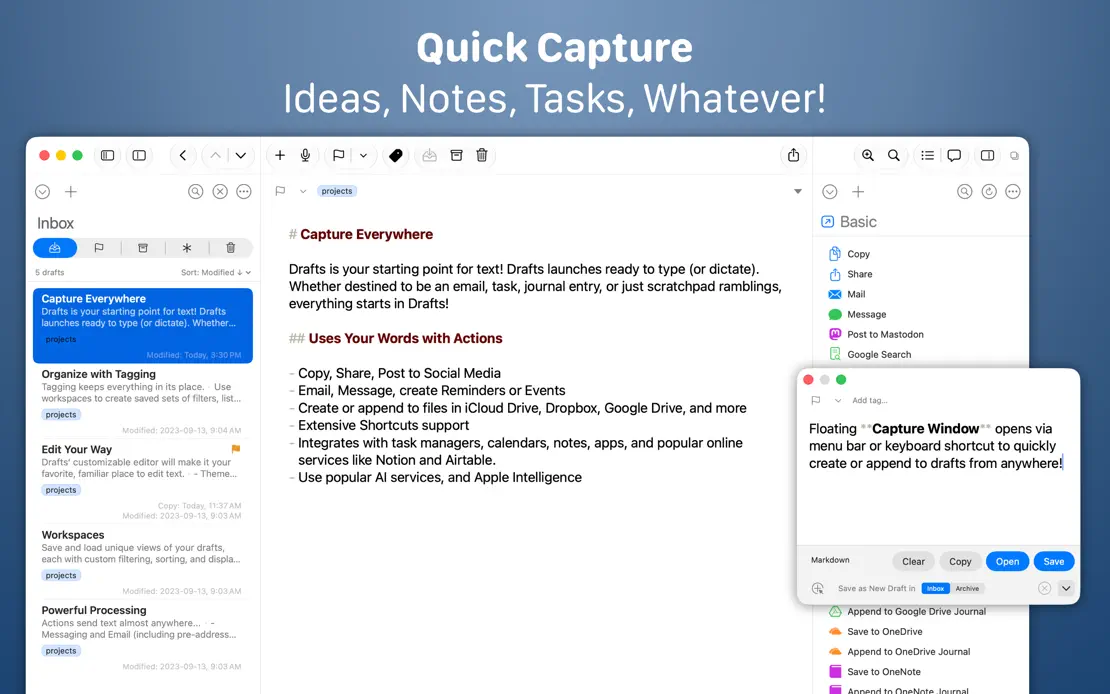
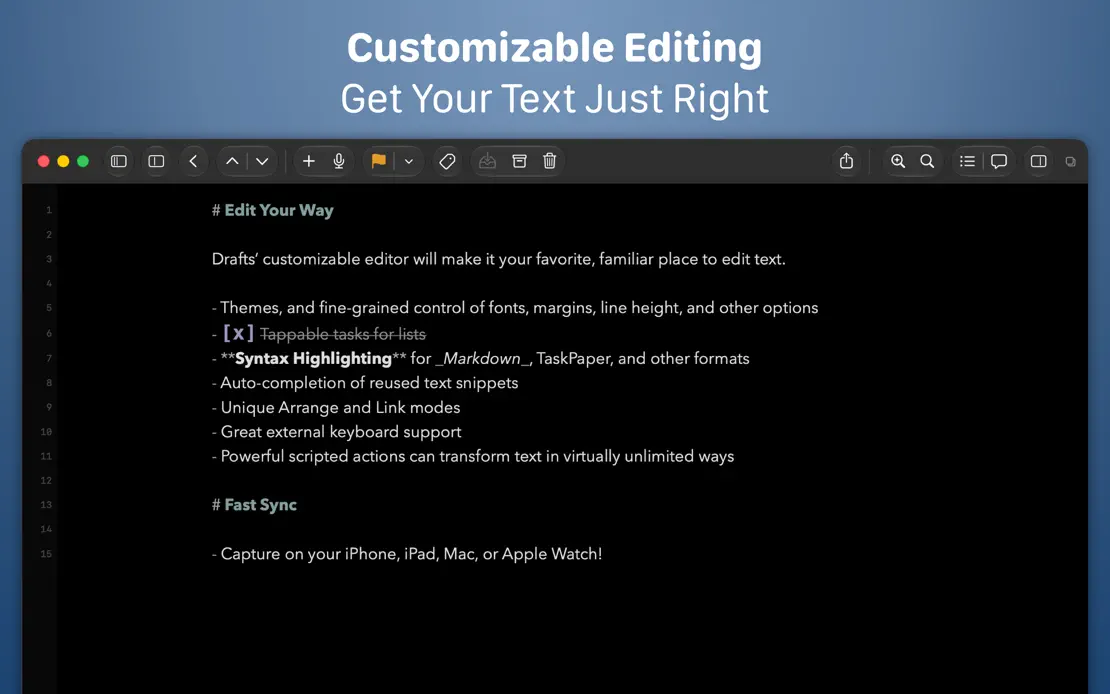
Drafts, App Store screenshot 1
Drafts, App Store screenshot 2
Drafts, App Store screenshot 3
Drafts, App Store screenshot 4
Drafts, App Store screenshot 5
Drafts, App Store screenshot 6
Drafts, App Store screenshot 7

Dropover

Utilities · 8 frames

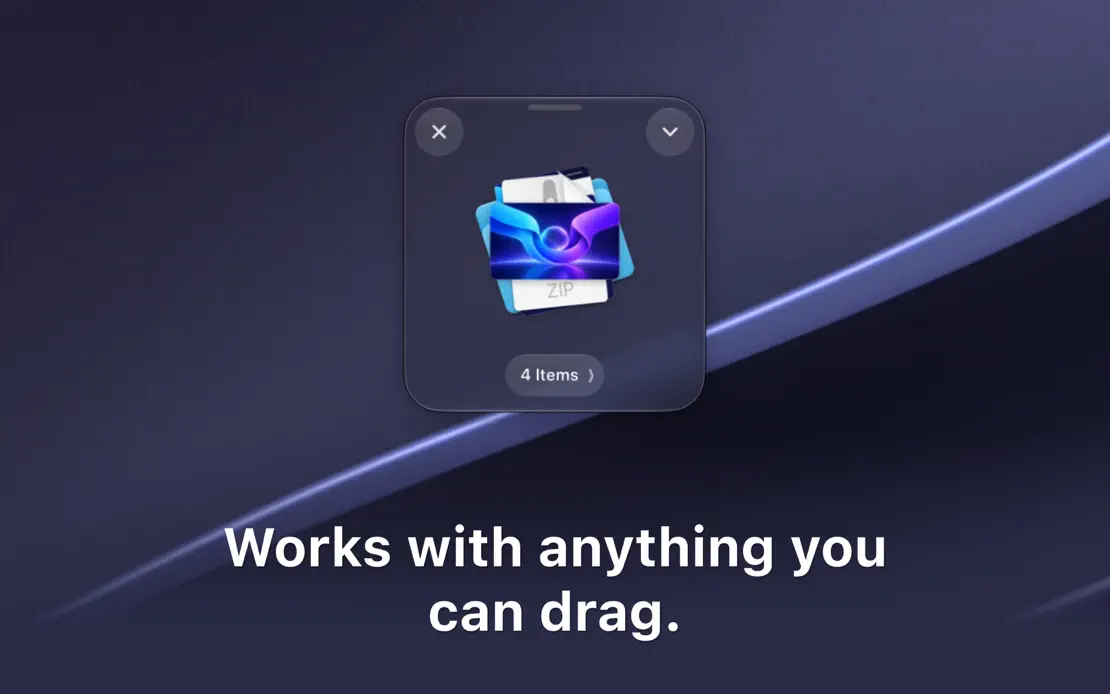
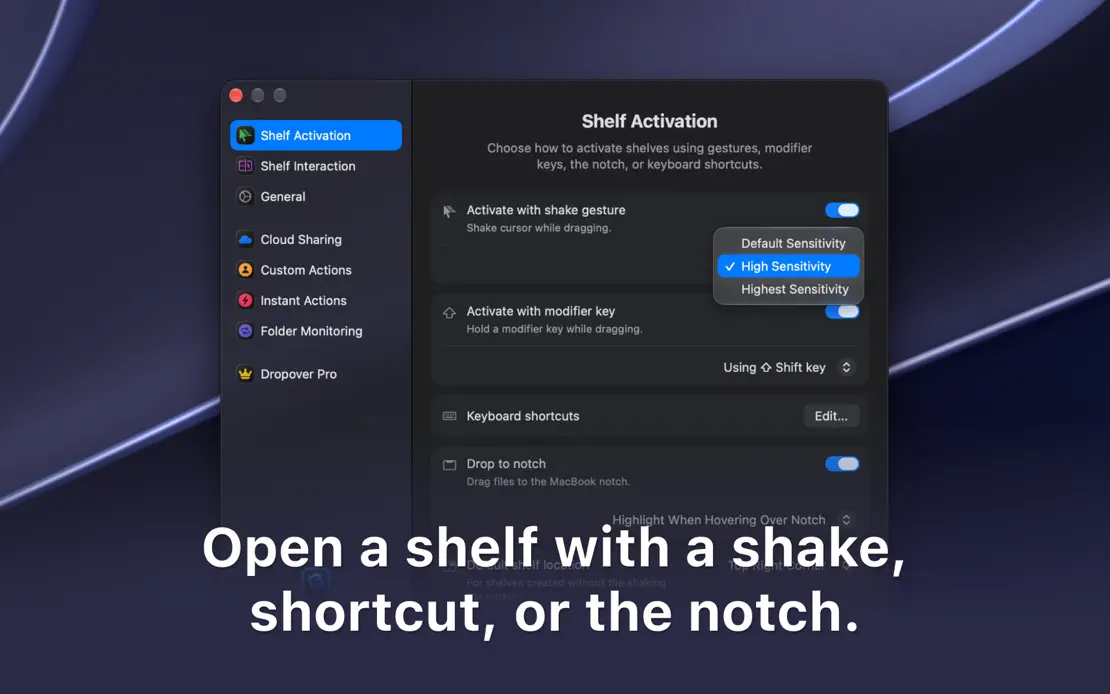
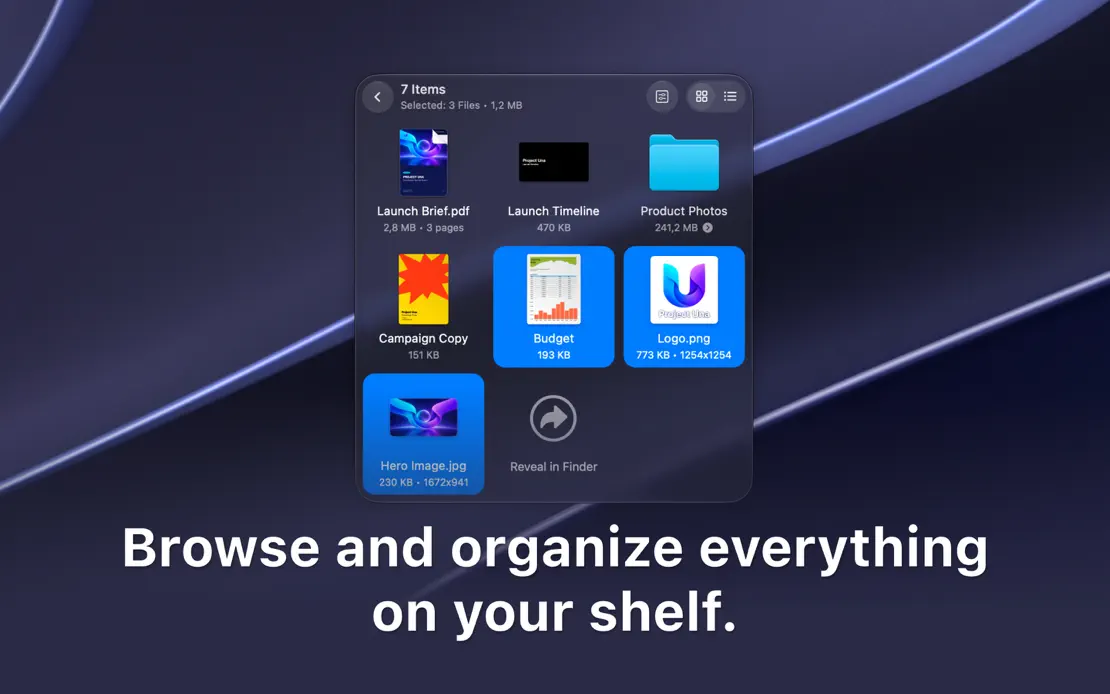
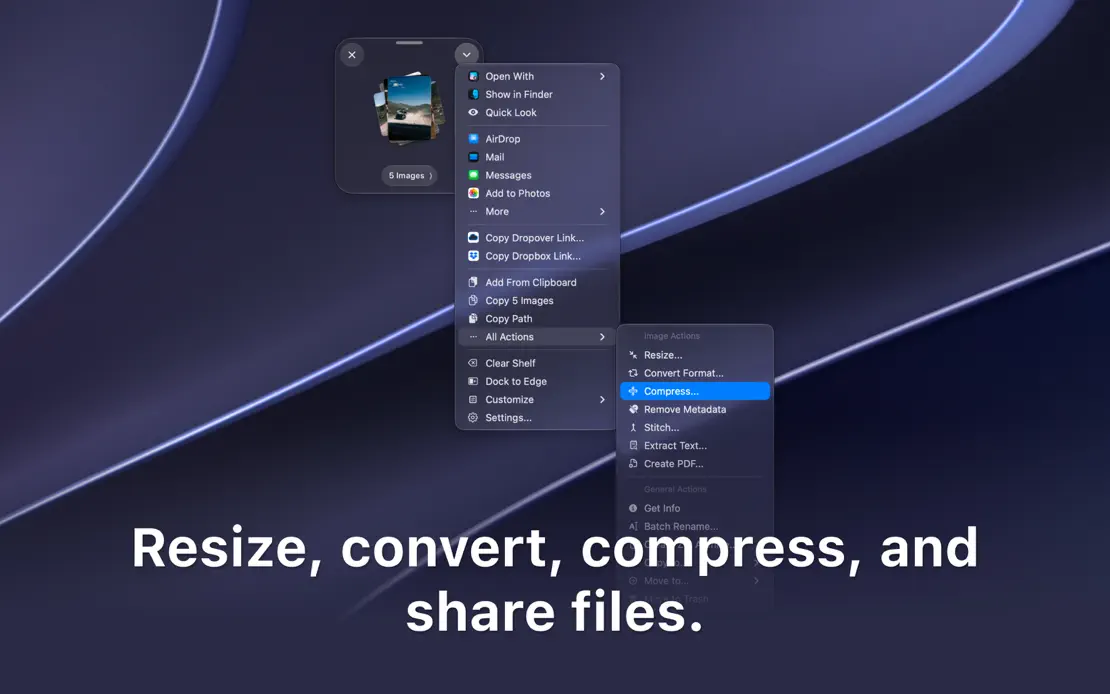
Cropped dark windows and floating shelves drift over the same purple-gray macOS wallpaper, each paired with a centered bottom caption.
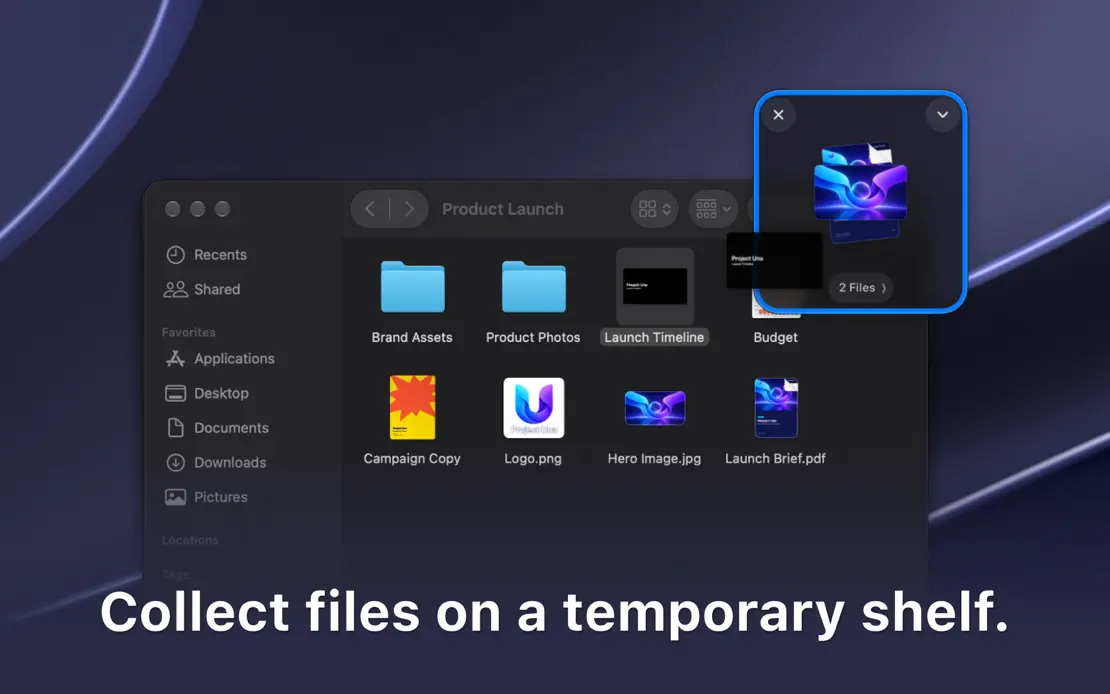
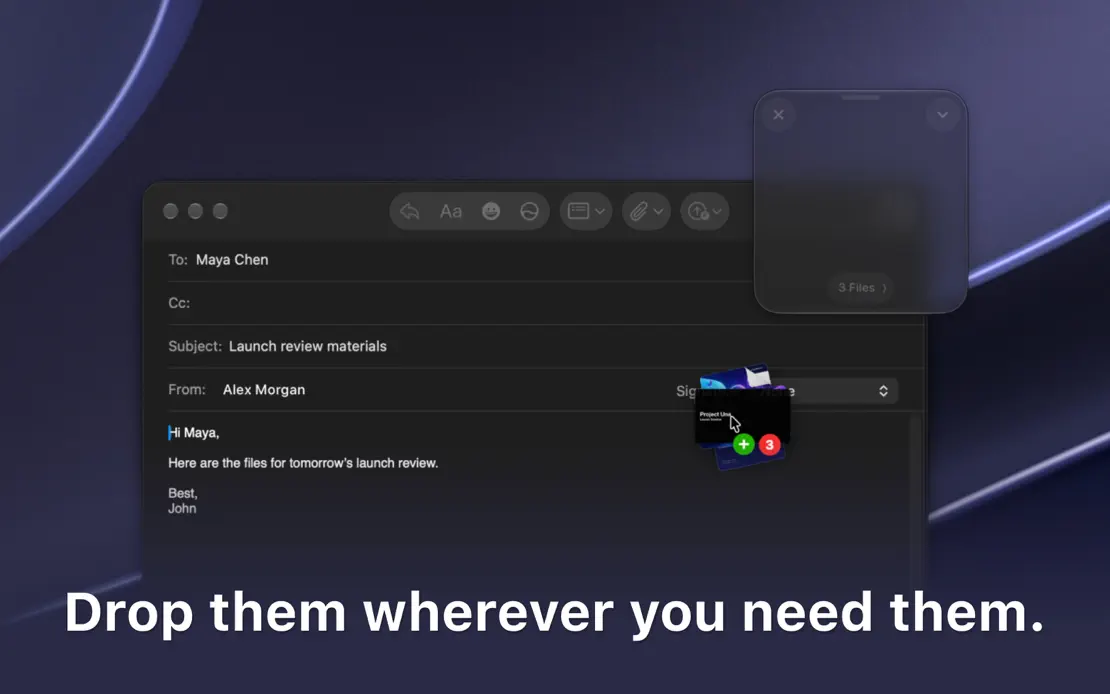
Dropover, App Store screenshot 1
Dropover, App Store screenshot 2
Dropover, App Store screenshot 3
Dropover, App Store screenshot 4
Dropover, App Store screenshot 5
Dropover, App Store screenshot 6
Dropover, App Store screenshot 7
Dropover, App Store screenshot 8

Hand Mirror

Utilities · 7 frames

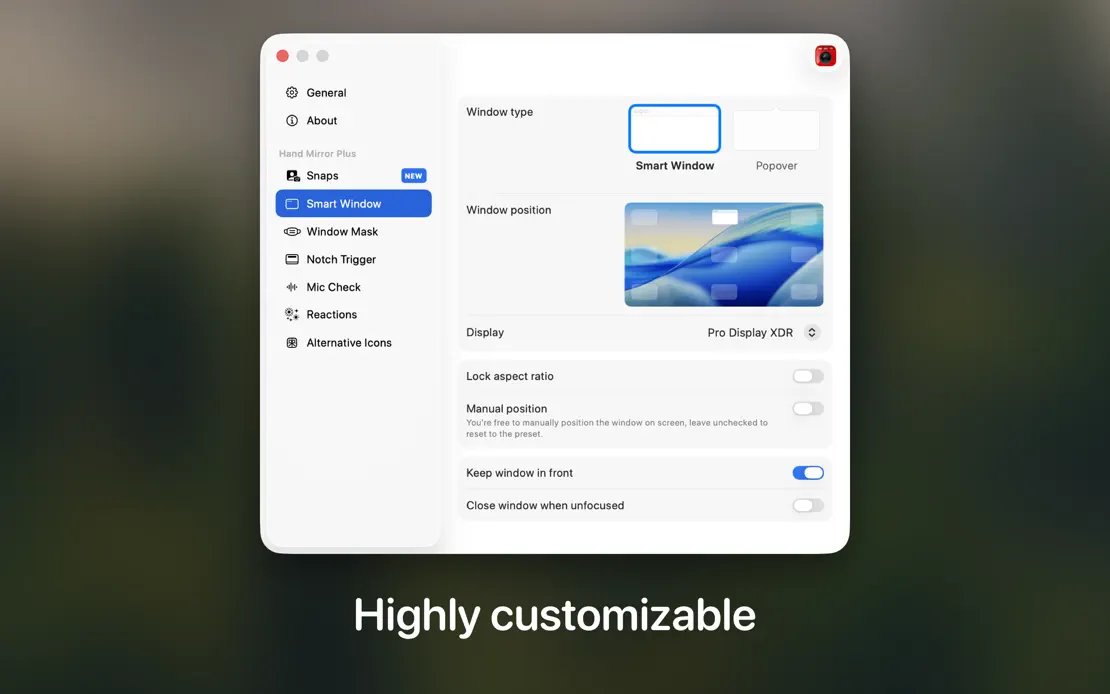
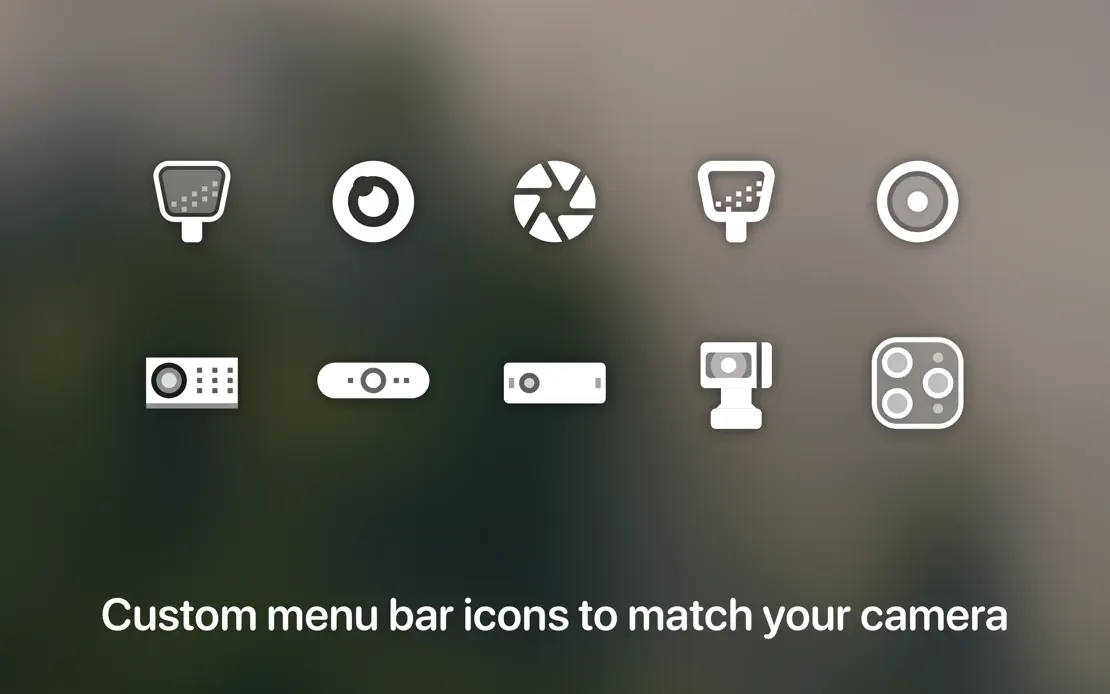
Blurred dark room photography backs cropped camera previews, a notch detail and a menu bar, each captioned with one short line at the bottom.

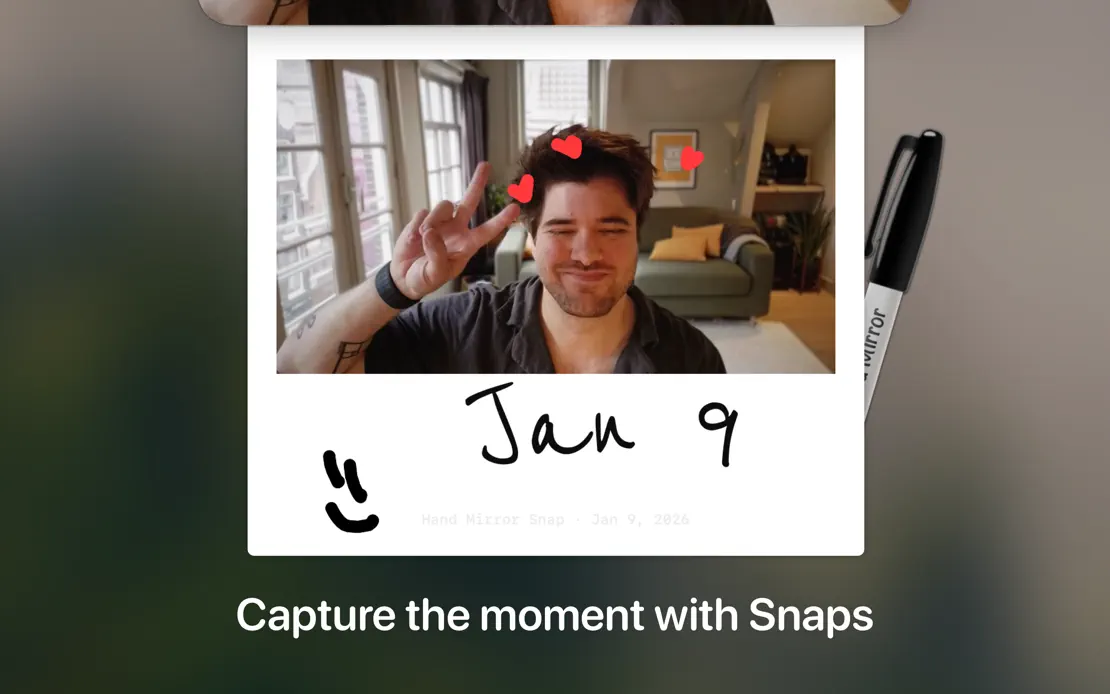
Hand Mirror, App Store screenshot 1
Hand Mirror, App Store screenshot 2
Hand Mirror, App Store screenshot 3
Hand Mirror, App Store screenshot 4
Hand Mirror, App Store screenshot 5
Hand Mirror, App Store screenshot 6
Hand Mirror, App Store screenshot 7

MindNode

Productivity · 10 frames

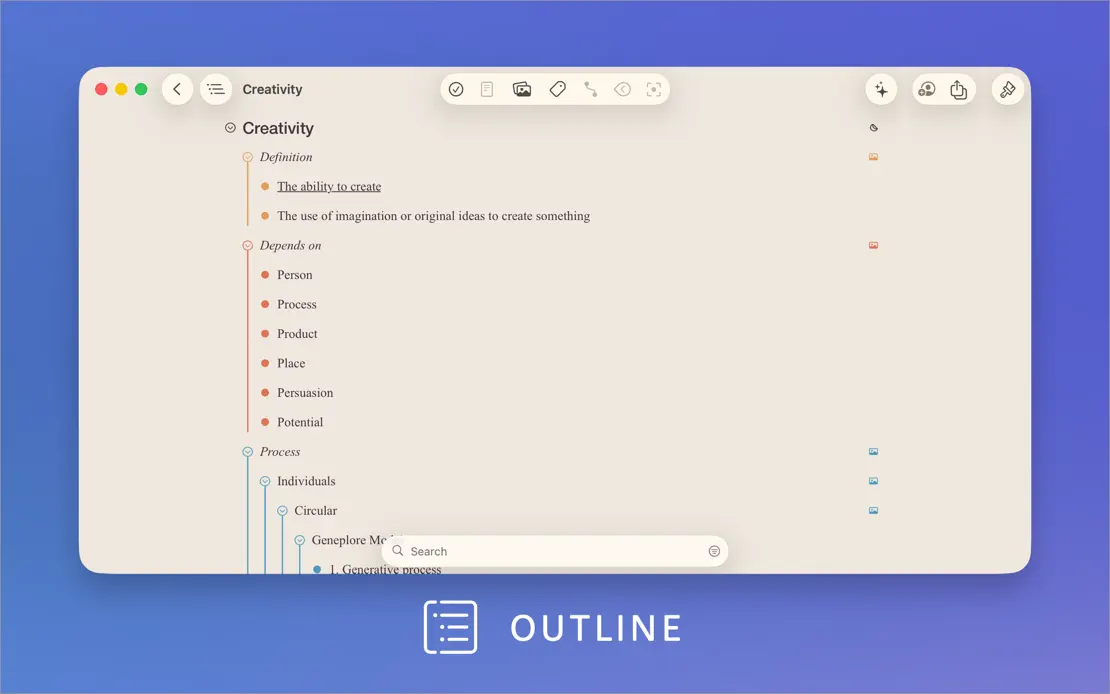
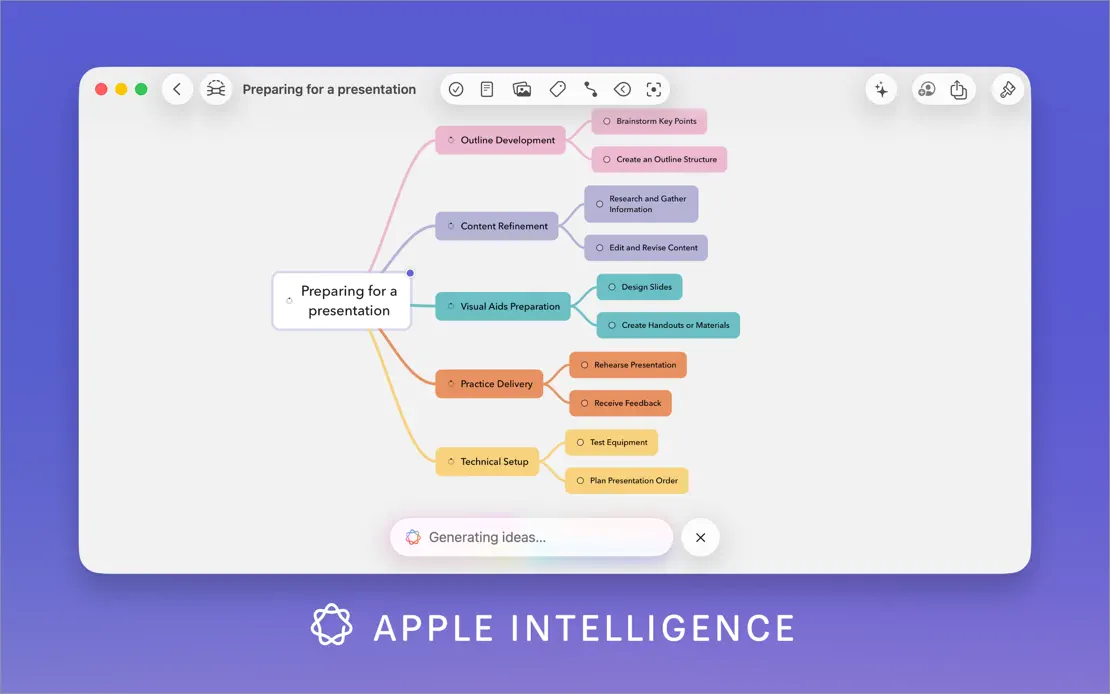
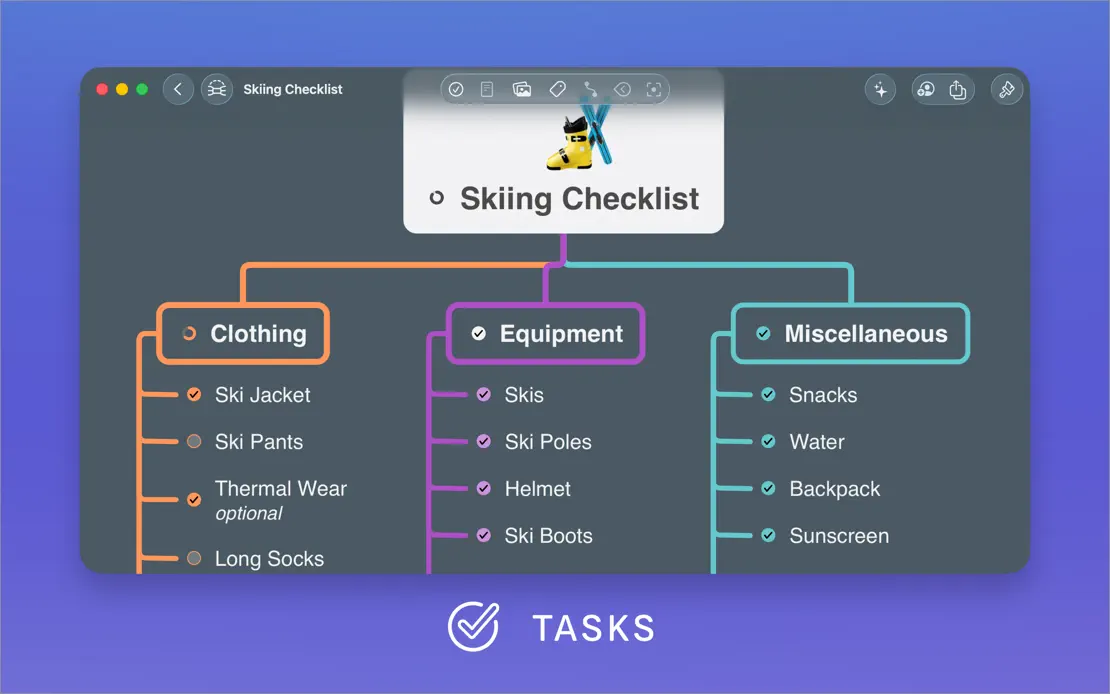
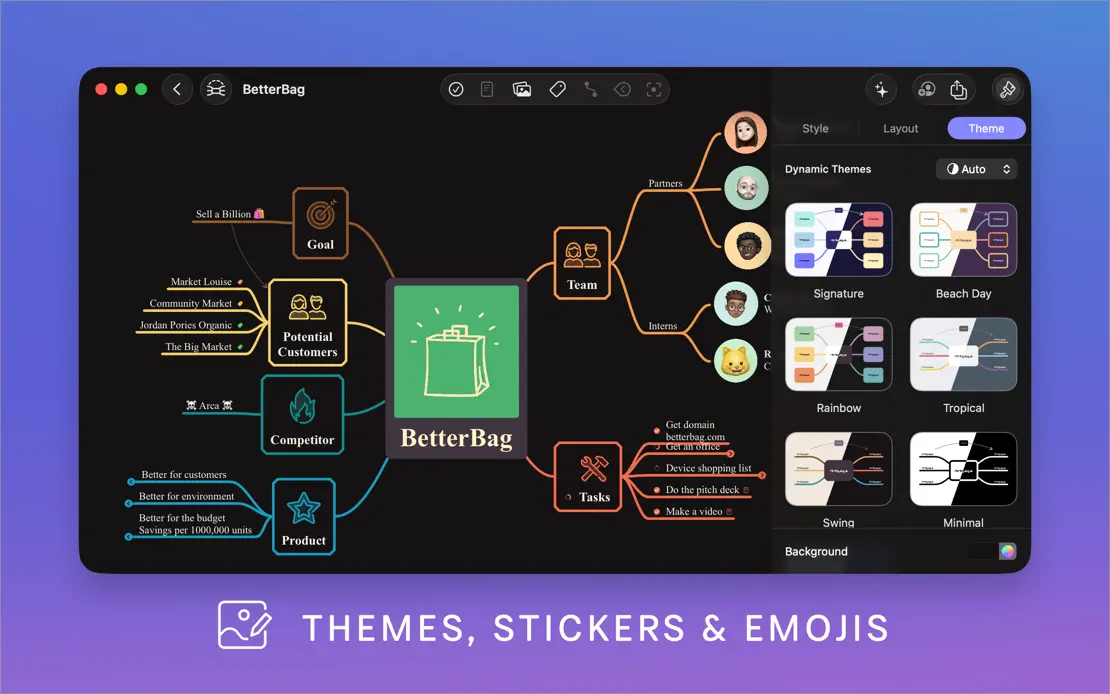
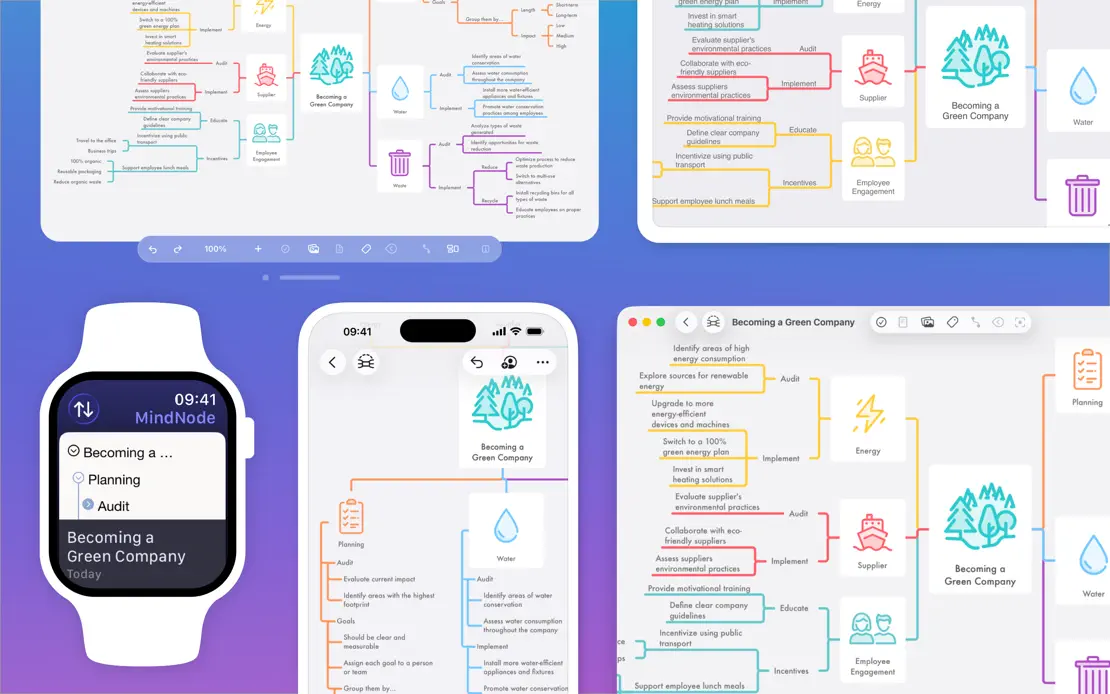
A white intro panel with a feature list gives way to large map windows on a blue-to-violet gradient, each labeled by an icon caption.
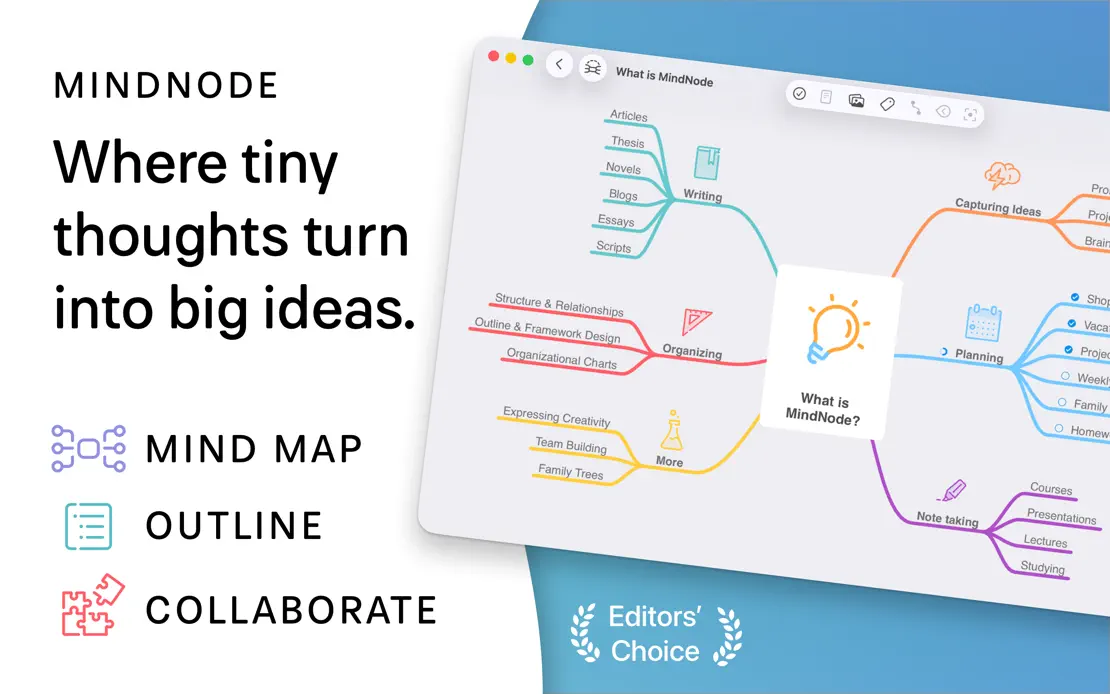

MindNode, App Store screenshot 1
MindNode, App Store screenshot 2
MindNode, App Store screenshot 3
MindNode, App Store screenshot 4
MindNode, App Store screenshot 5
MindNode, App Store screenshot 6
MindNode, App Store screenshot 7
MindNode, App Store screenshot 8
MindNode, App Store screenshot 9
MindNode, App Store screenshot 10

Sleeve

Music · 4 frames

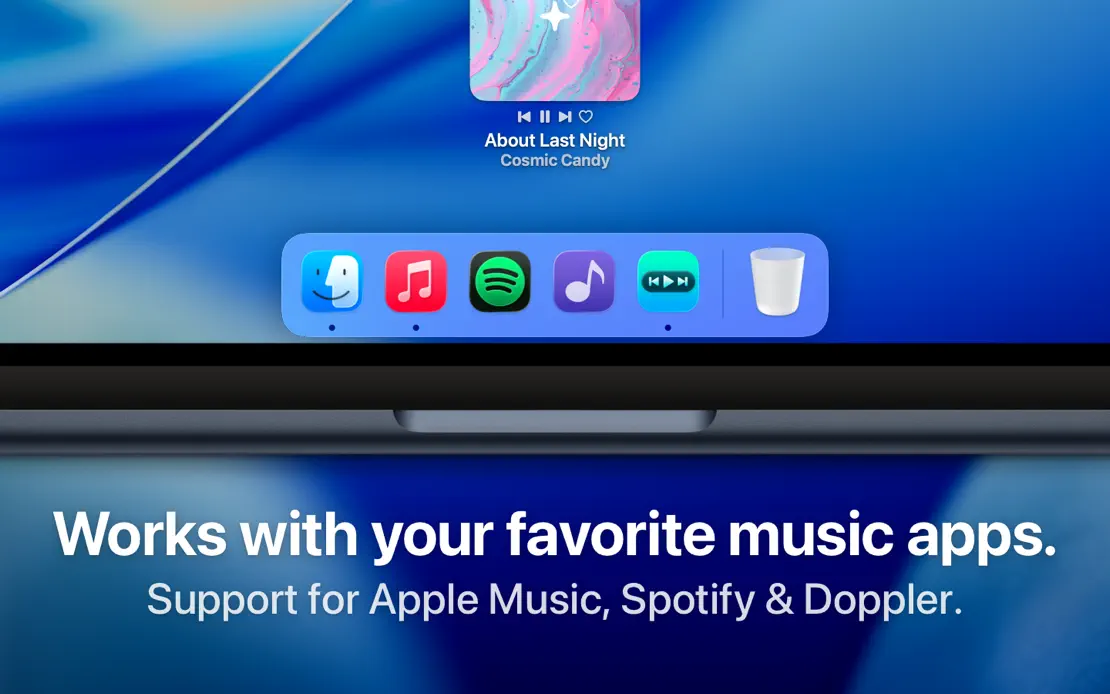
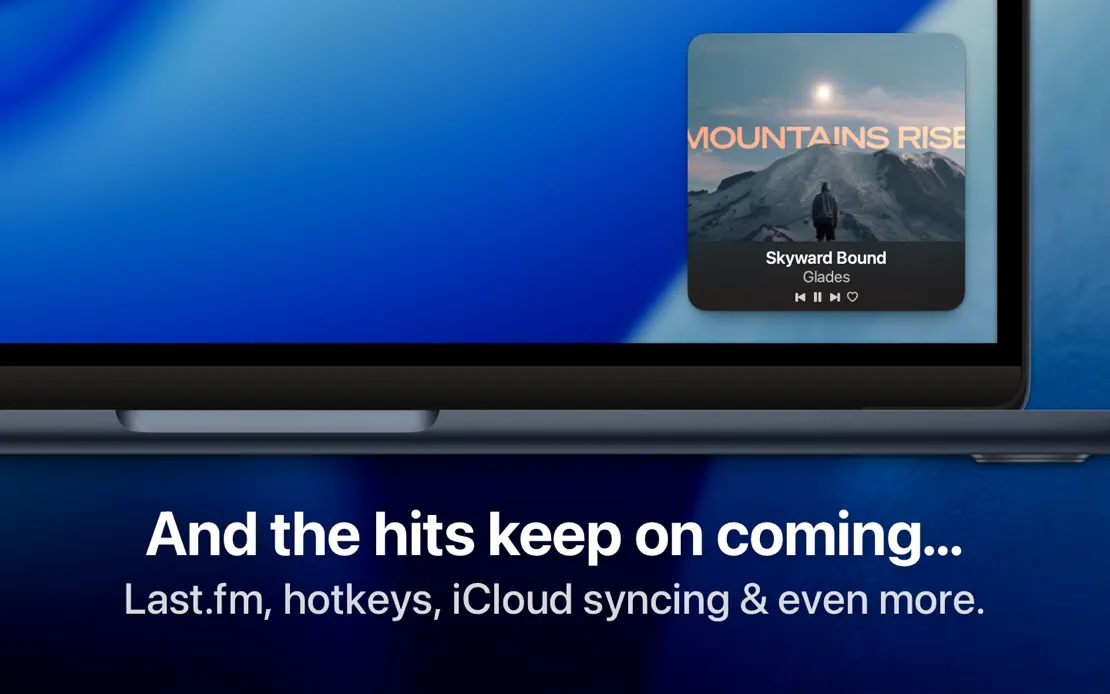
Bold white headlines anchor tight MacBook crops on the blue macOS wallpaper, moving captions to the bottom once the Dock appears.
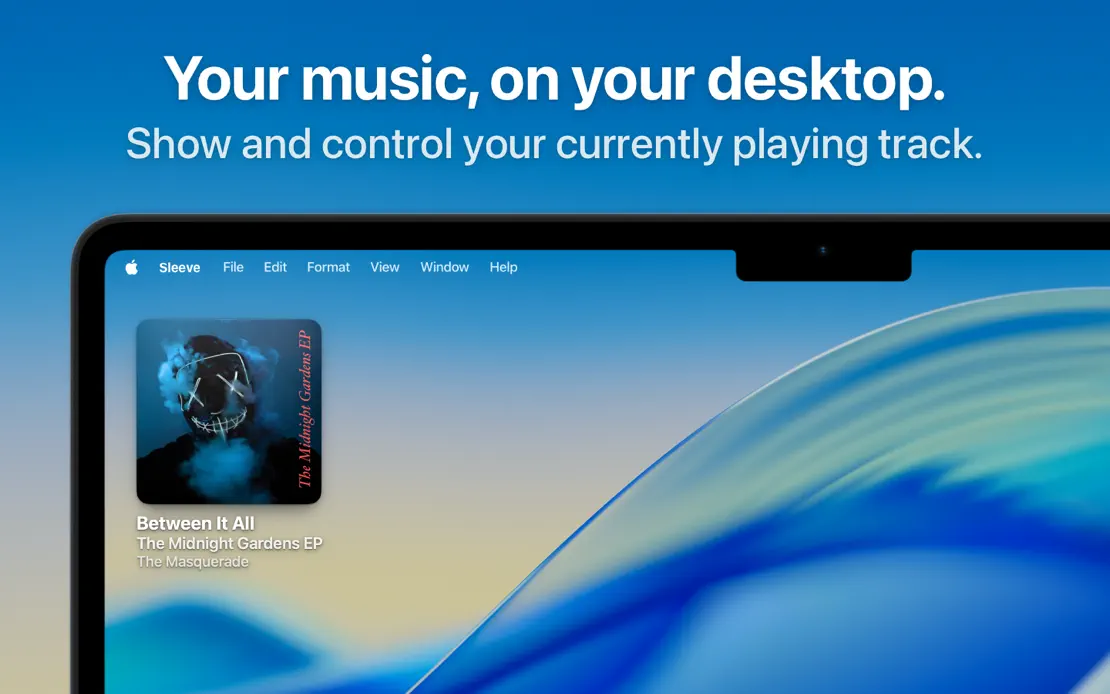
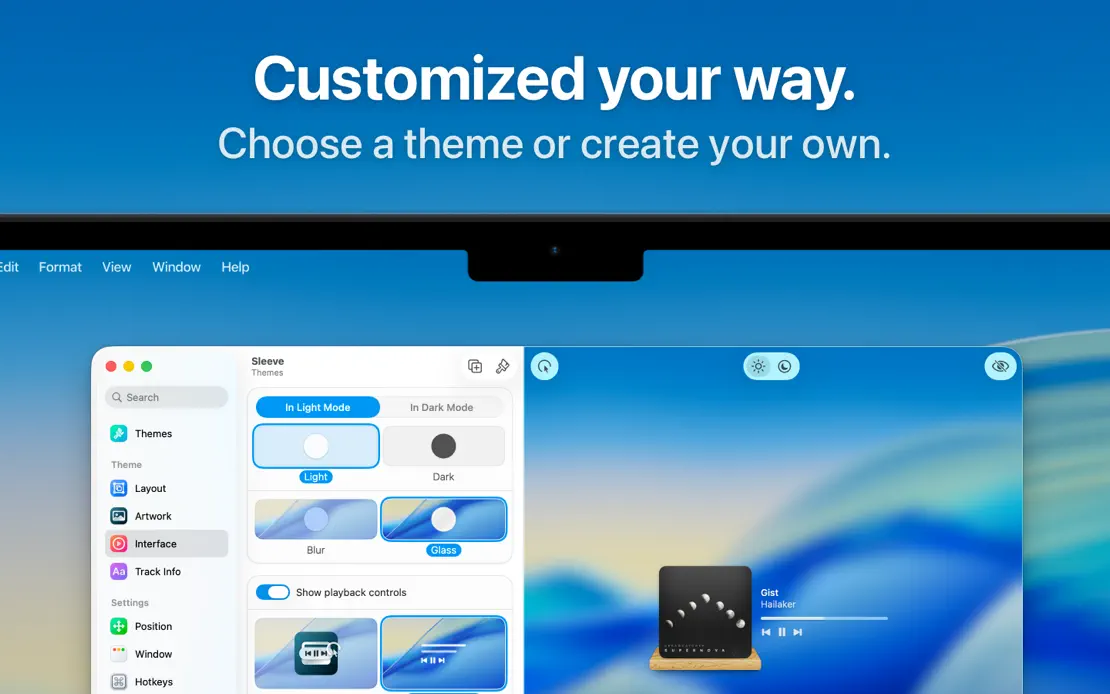
Sleeve, App Store screenshot 1
Sleeve, App Store screenshot 2
Sleeve, App Store screenshot 3
Sleeve, App Store screenshot 4

Timery

Productivity · 10 frames

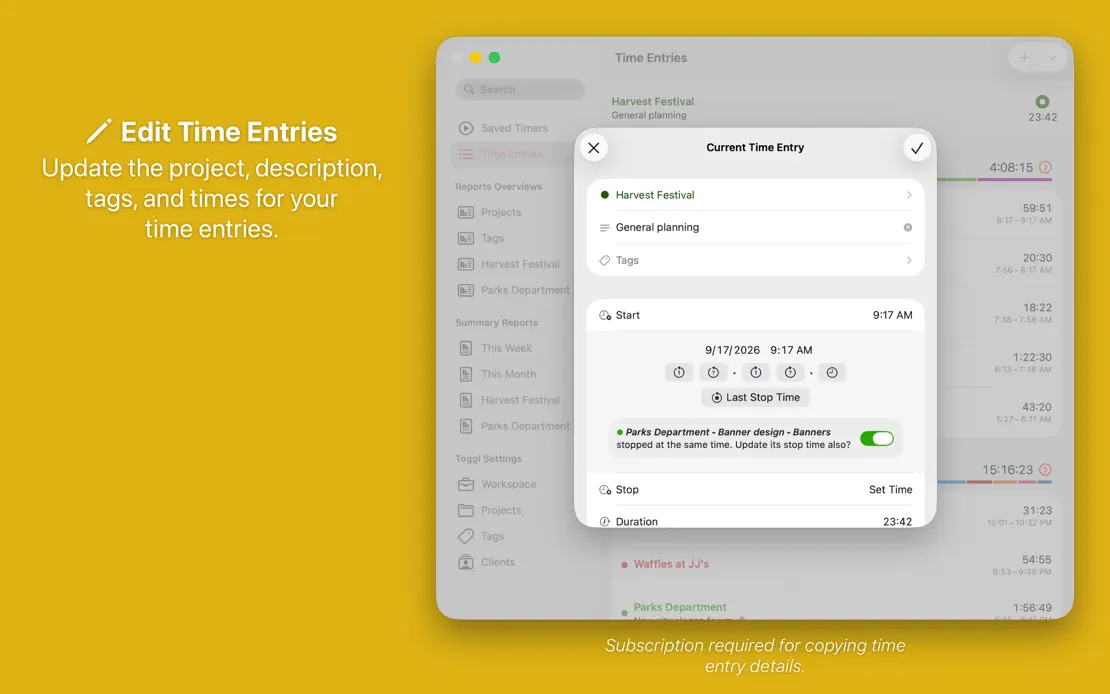
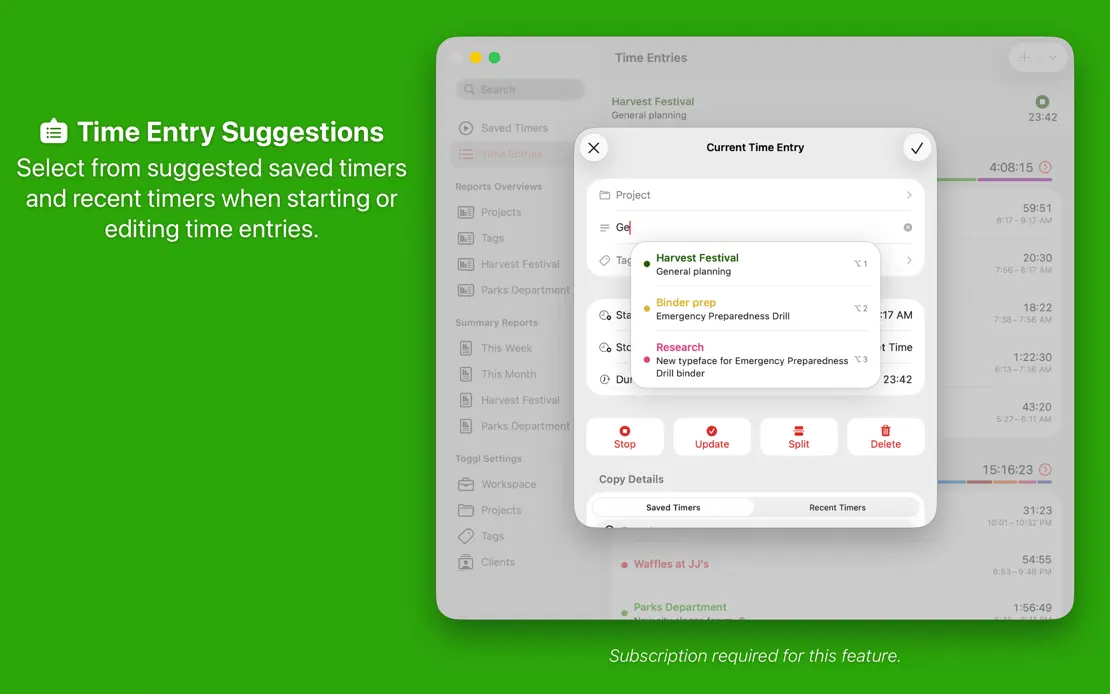
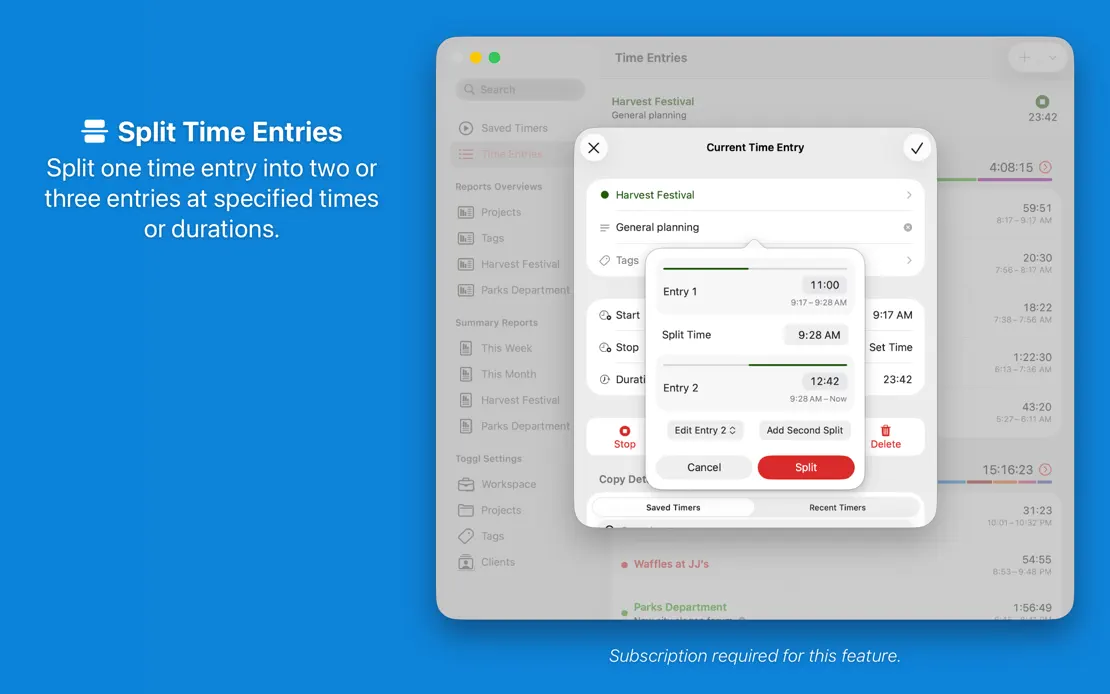
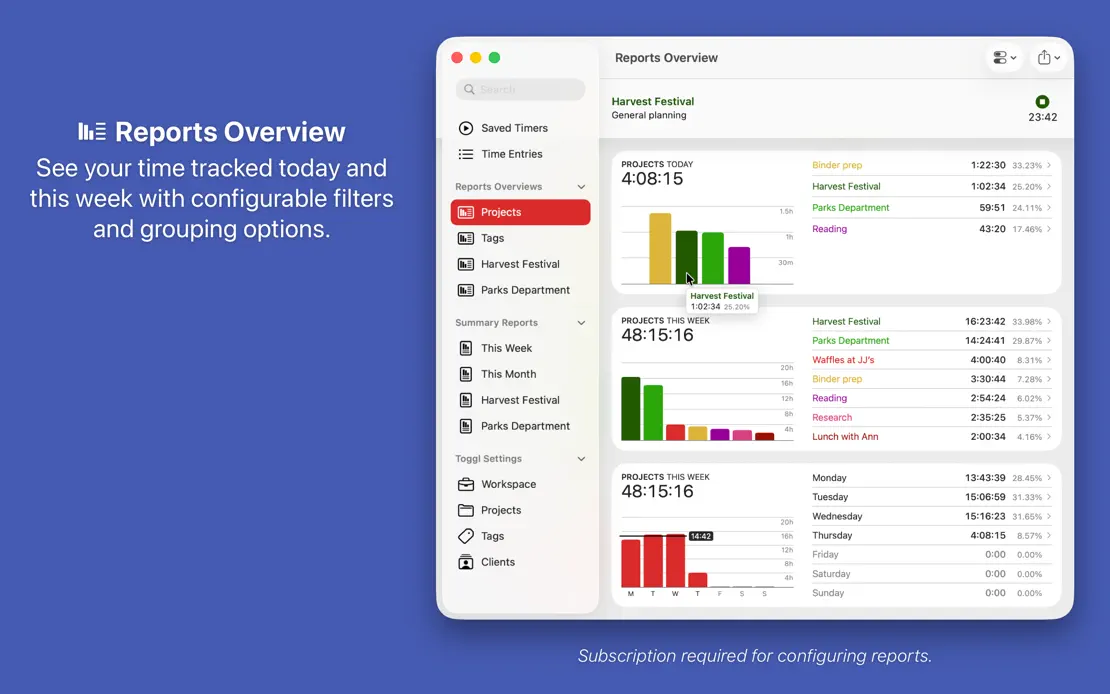
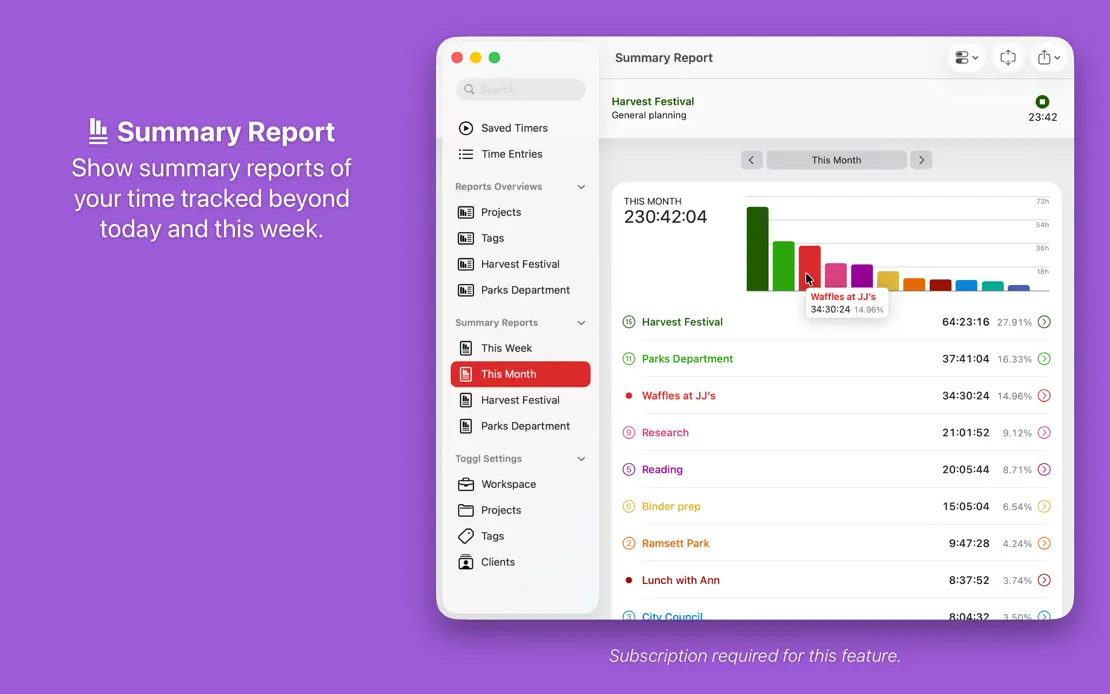
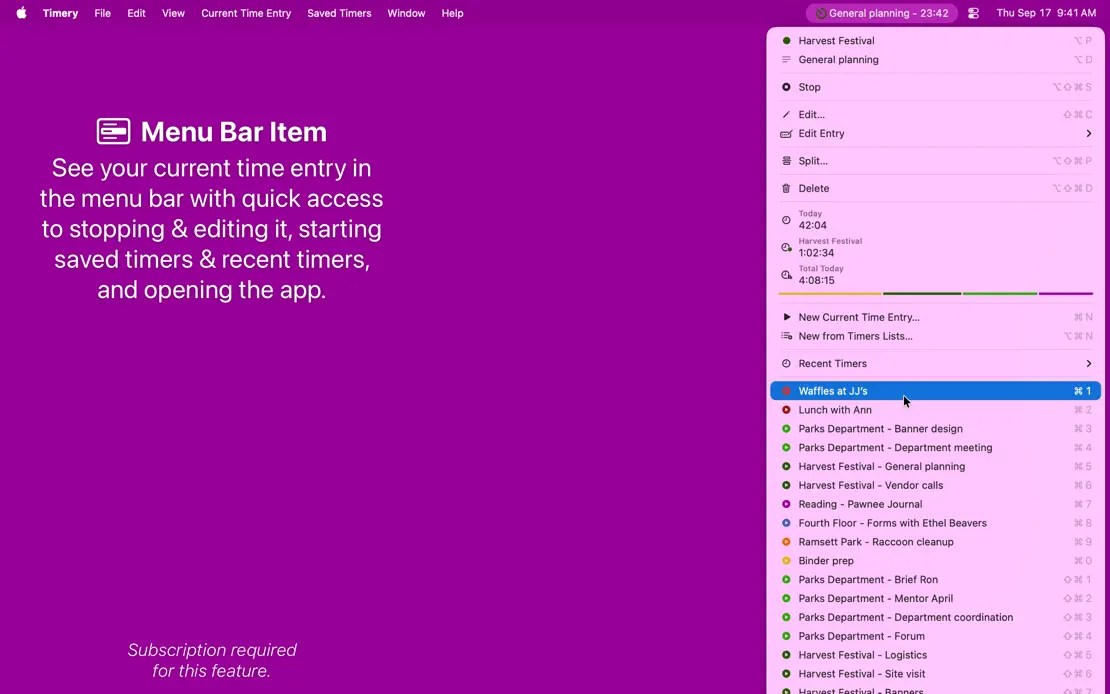
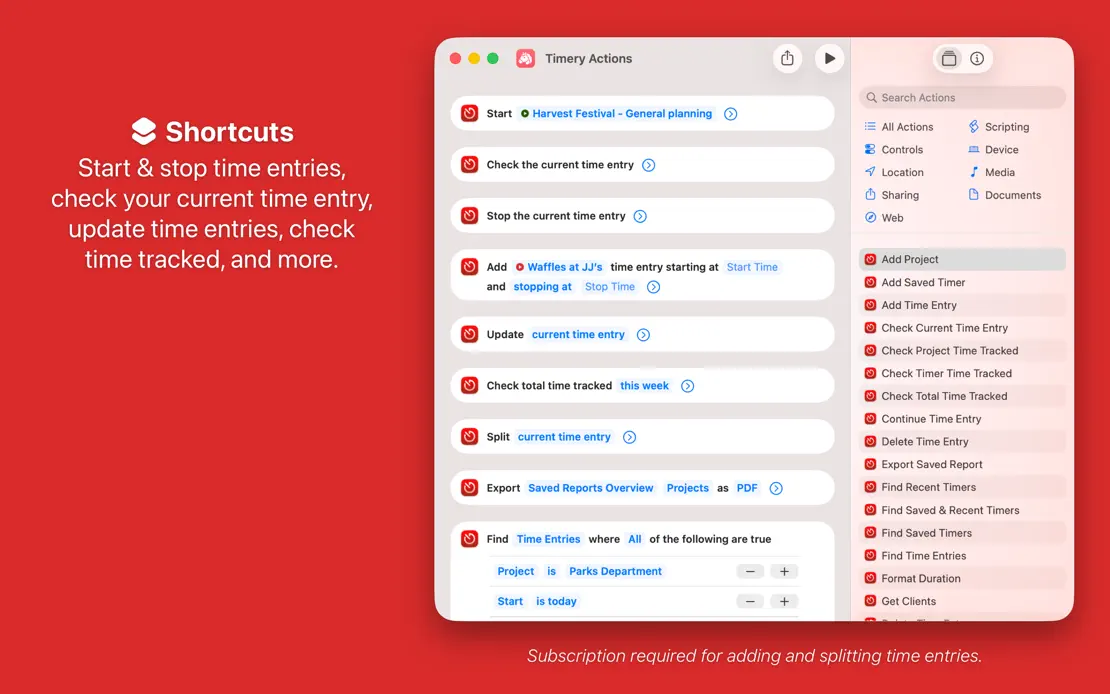
Every frame repeats a centered caption and window on a new saturated color, cycling from red through the spectrum and back to red.
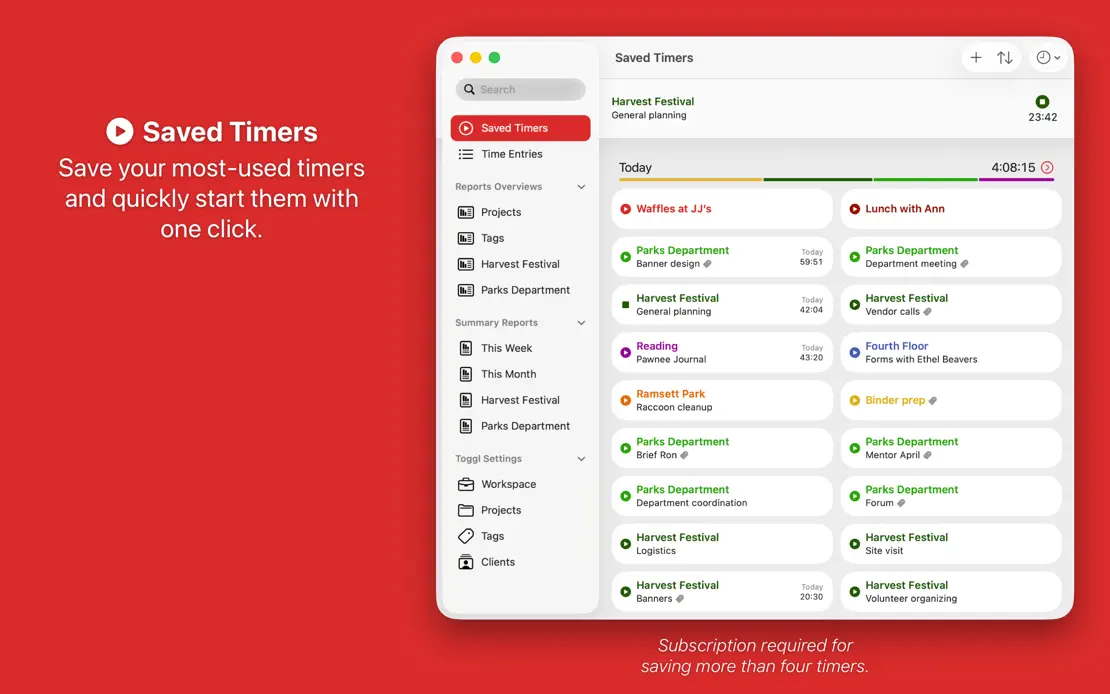
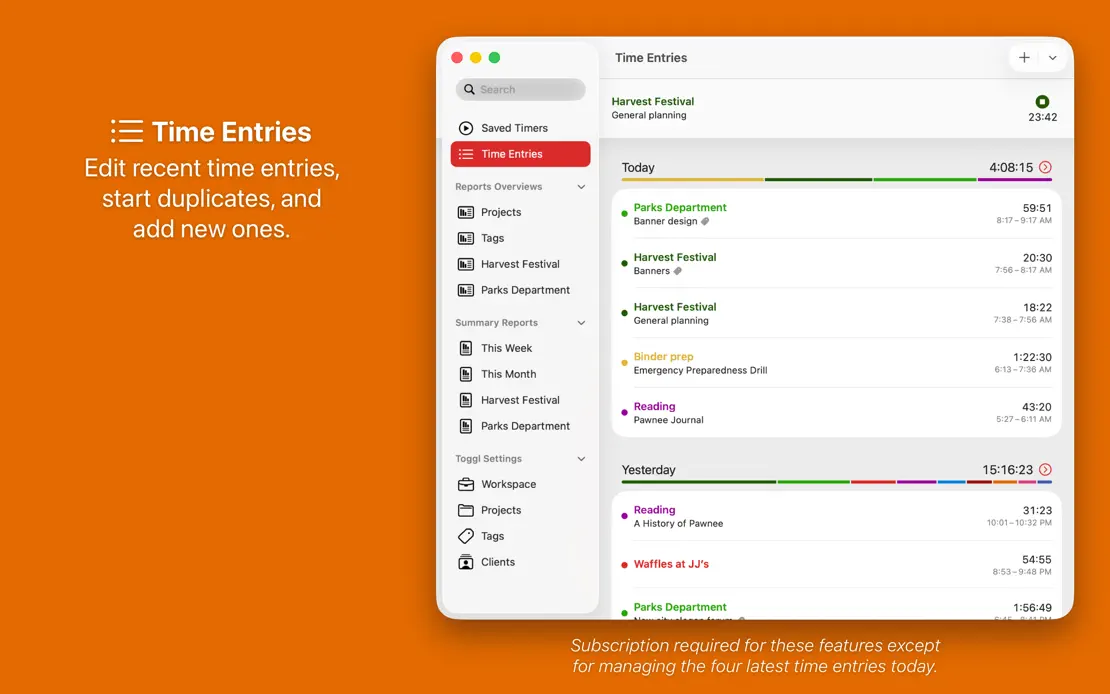
Timery, App Store screenshot 1
Timery, App Store screenshot 2
Timery, App Store screenshot 3
Timery, App Store screenshot 4
Timery, App Store screenshot 5
Timery, App Store screenshot 6
Timery, App Store screenshot 7
Timery, App Store screenshot 8
Timery, App Store screenshot 9
Timery, App Store screenshot 10

Add to collection

New collection