
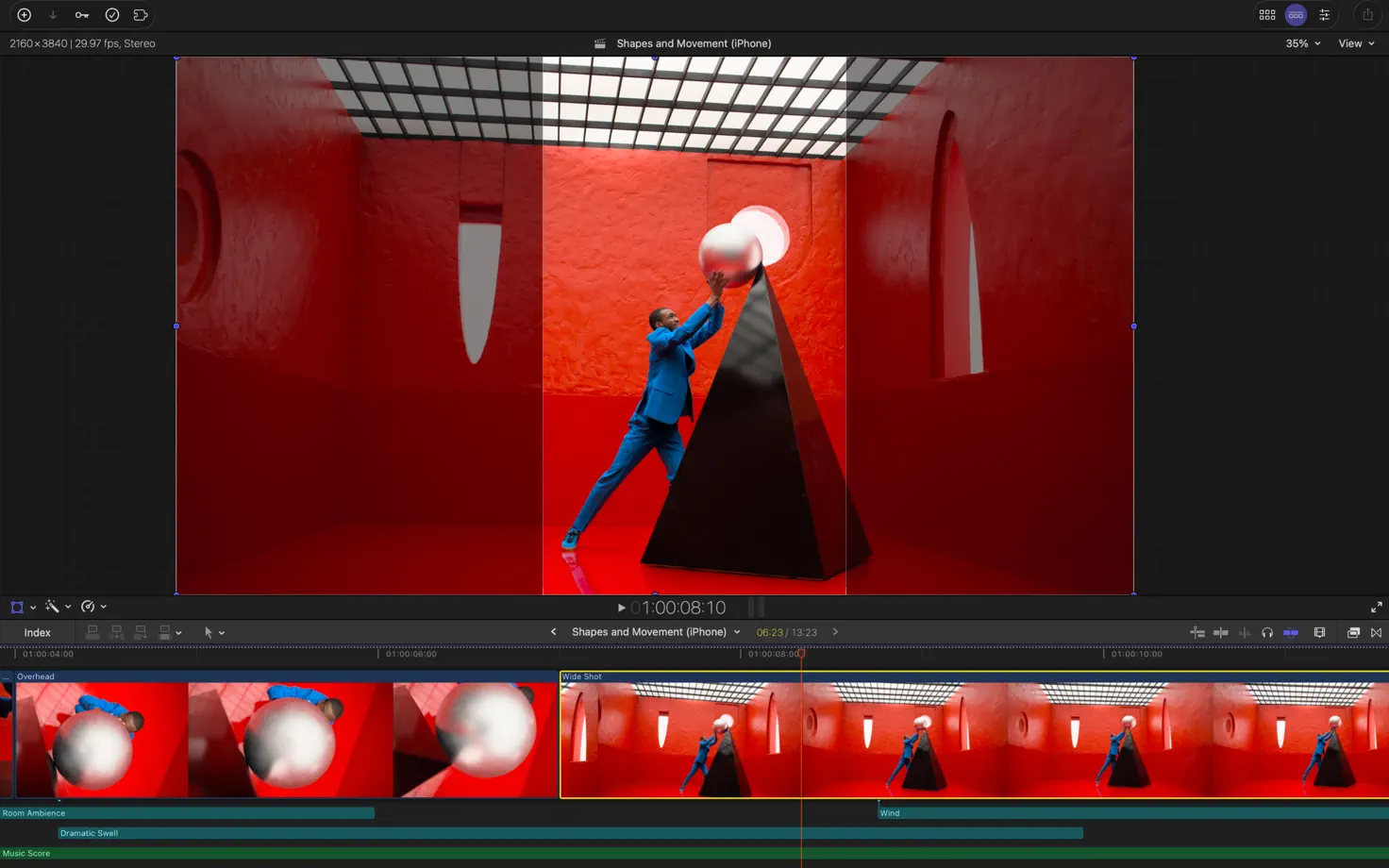
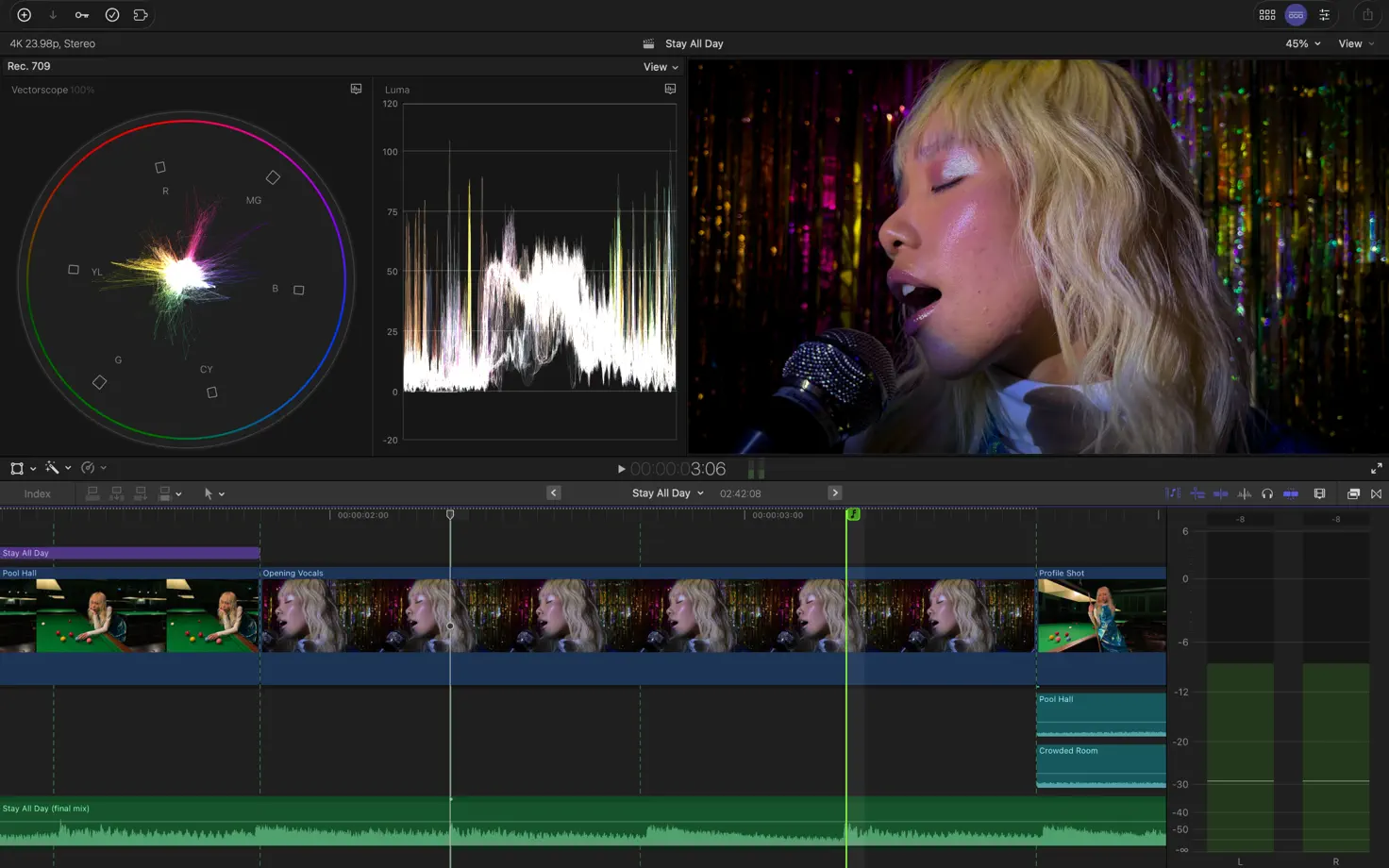
Headline-free, full-bleed captures of the dark editing interface let saturated film stills, color wheels and timelines fill every frame.


- Category
- Photo & video
- Publisher
- Apple
- Version
- 13.0
- Approach
- Photography-led
What’s New
13.0
• Keep timeline clips in place by disconnecting them from the primary storyline
• Animate your footage with more precise keyframe easing options to fine-tune speed, position, scale, and more
• Generate captions and search transcripts in 23 new supported languages*
Also Recently Added:
• Edit videos with Cinematic mode effects recorded in Final Cut Camera to adjust focus points and depth of field*
* Requires macOS 27 or later
12.4
Edit videos with Cinematic mode effects recorded in Final Cut Camera to adjust focus points and depth of field*
This update includes stability improvements and bug fixes
* Requires macOS Golden Gate 27 or later
Also Recently Added:
Powerful Intelligence
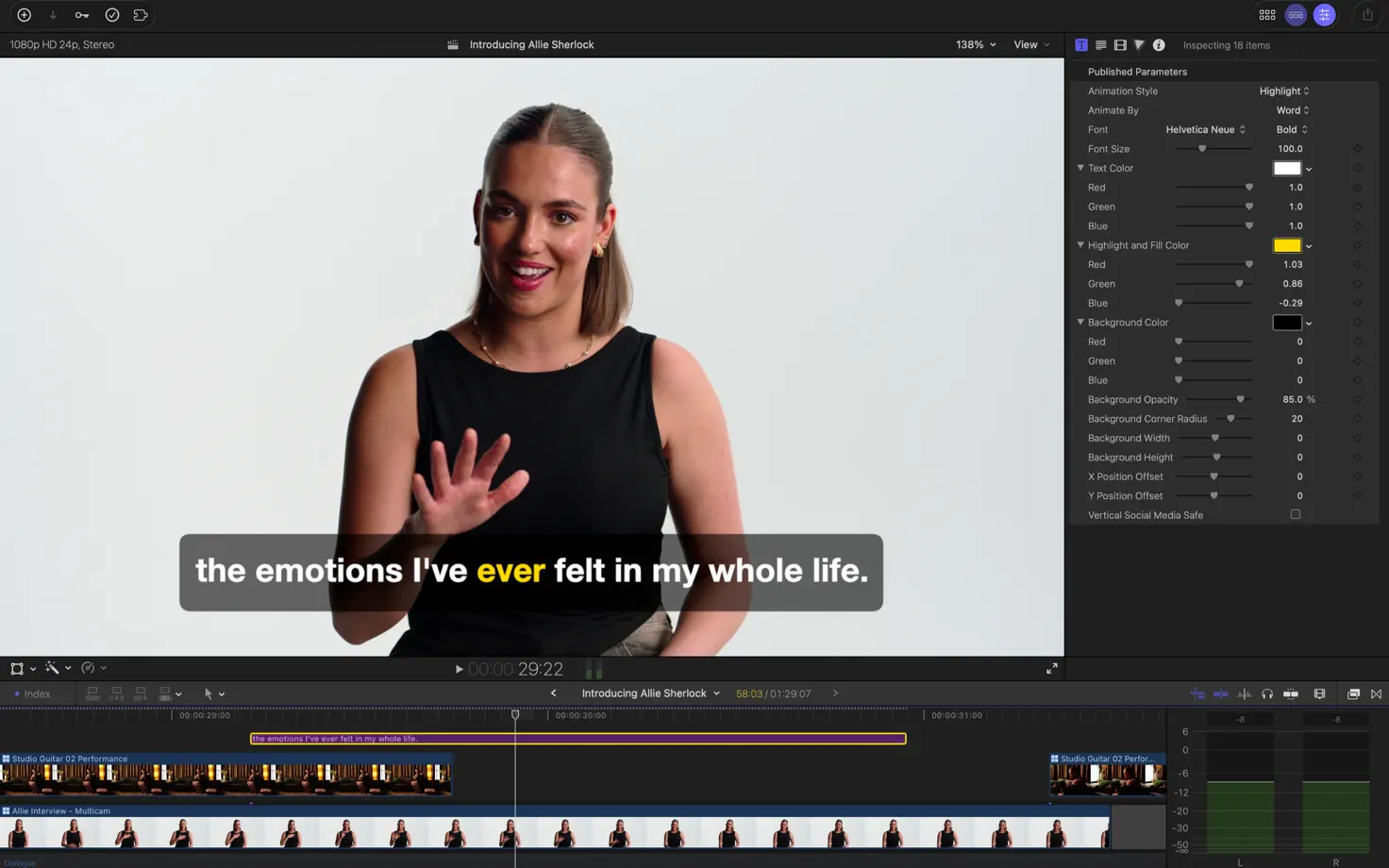
• Use Generate Captions to quickly add subtitles and easily customize their look to create accessible, ready-to-share content for social media and video platforms (requires a Mac with Apple silicon; available in U.S. English only)
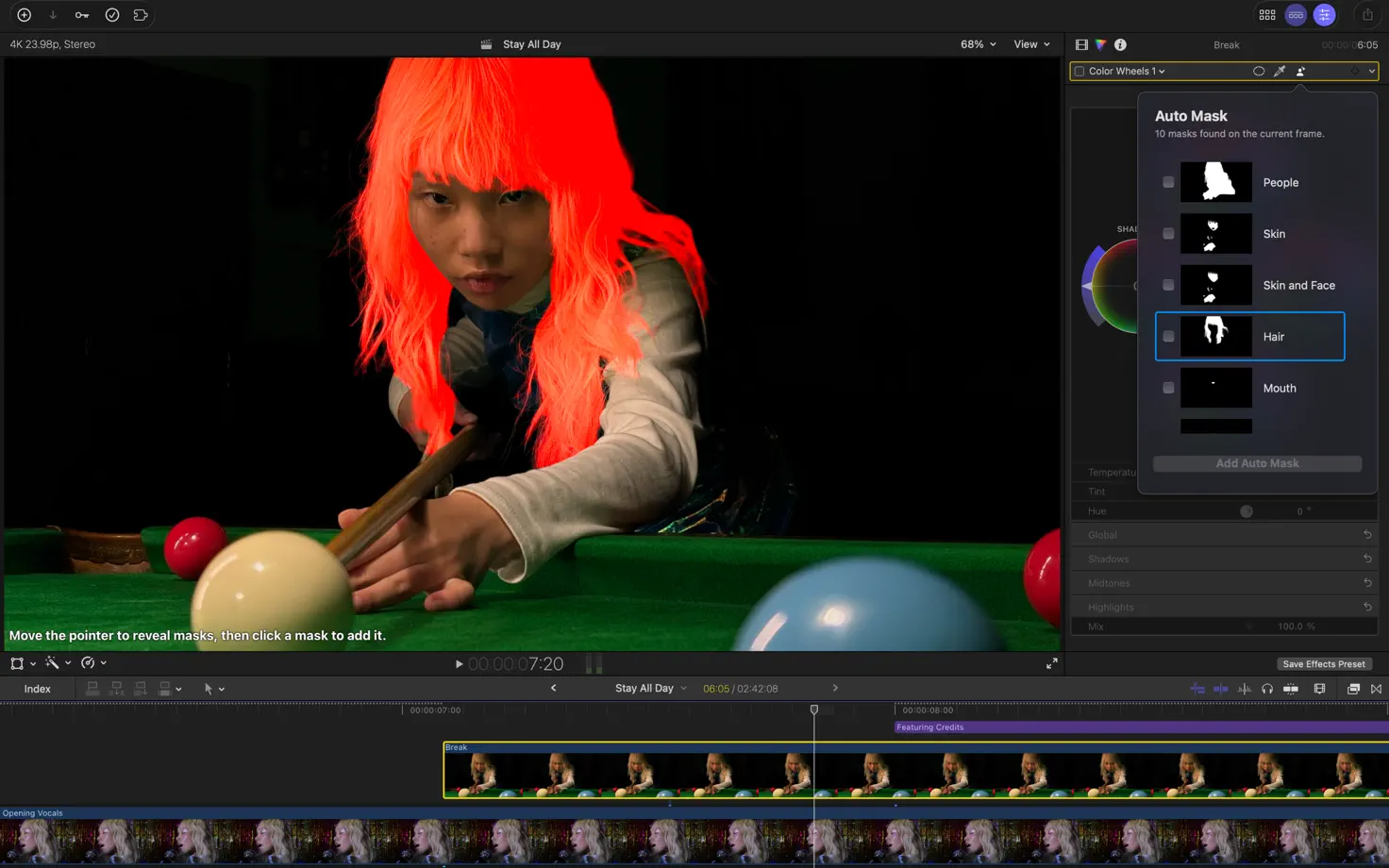
• Isolate recognized objects with Auto Mask to effortlessly color correct or enhance your video, eliminating the need for manual tracking
• Match your video's color across different cameras, lighting conditions, and cinematic styles with the all-new Match Color tool, unifying the look of your timeline
• Analyze any rendered video with Edit Detection to reveal its shot changes and automatically split it into separate clips with just a click
Workflow Enhancements
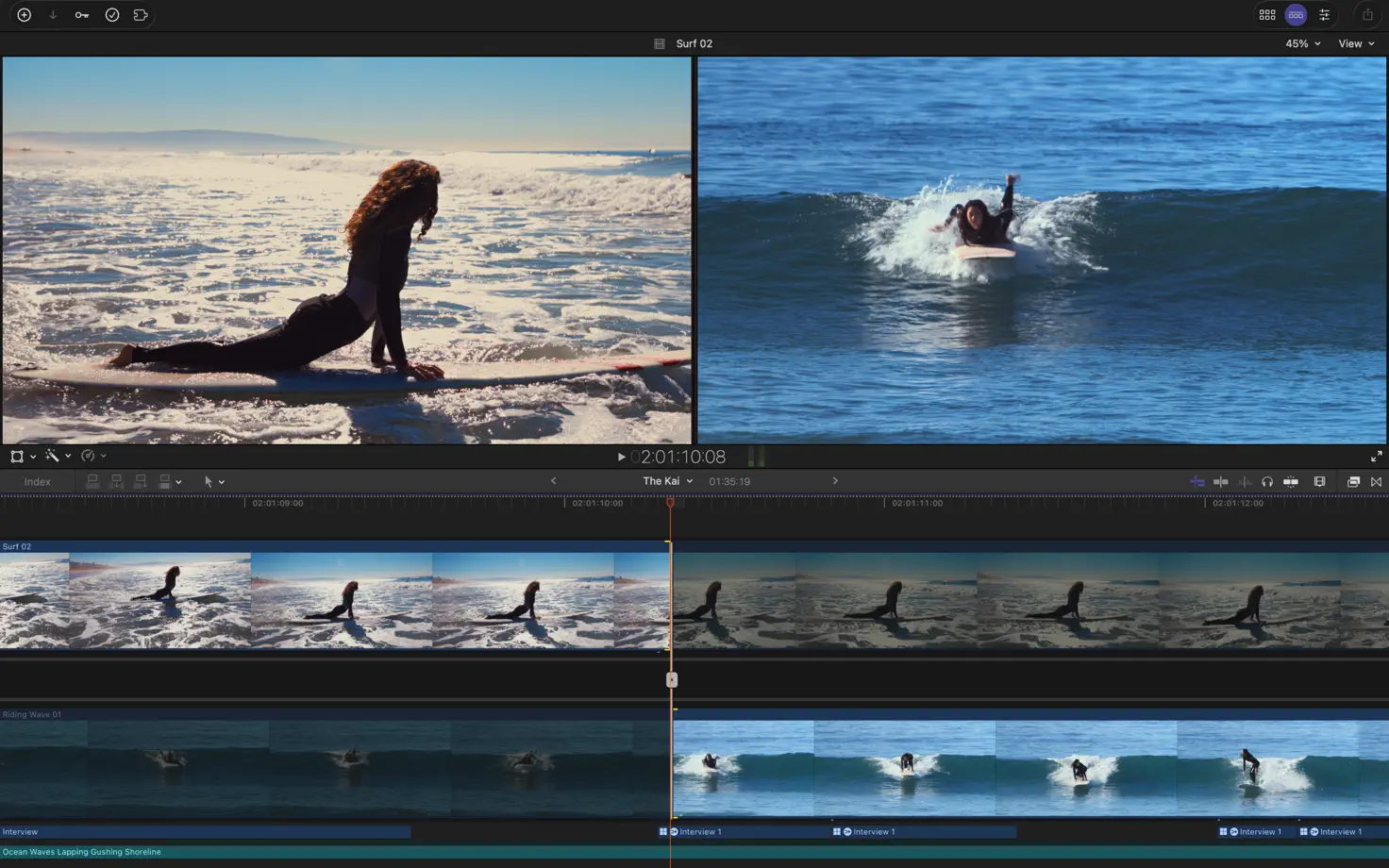
• Accurately fine-tune your edits with a persistent two-up display that stays locked in view while you’re trimming in the timeline using keyboard shortcuts or with the Precision Editor
• Send any frame directly to Pixelmator Pro with one click, streamlining your workflow for custom thumbnails and social media graphics
• Instantly swap clip positions in the primary storyline with a new keyboard shortcut for faster editing
• Easily copy and paste complex edits across timelines with a new option to select a primary storyline clip and all its connected media simultaneously
12.3
Powerful Intelligence
• Use Generate Captions to quickly add subtitles and easily customize their look to create accessible, ready-to-share content for social media and video platforms (requires a Mac with Apple silicon; available in U.S. English only)
• Isolate recognized objects with Auto Mask to effortlessly color correct or enhance your video, eliminating the need for manual tracking
• Match your video's color across different cameras, lighting conditions, and cinematic styles with the all-new Match Color tool, unifying the look of your timeline
• Analyze any rendered video with Edit Detection to reveal its shot changes and automatically split it into separate clips with just a click
Workflow Enhancements
• Accurately fine-tune your edits with a persistent two-up display that stays locked in view while you’re trimming in the timeline using keyboard shortcuts or with the Precision Editor
• Send any frame directly to Pixelmator Pro with one click, streamlining your workflow for custom thumbnails and social media graphics
• Instantly swap clip positions in the primary storyline with a new keyboard shortcut for faster editing
• Easily copy and paste complex edits across timelines with a new option to select a primary storyline clip and all its connected media simultaneously
12.2
• This update includes stability improvements and bug fixes
Also Recently Added:
Powerful Intelligence
• Use Transcript Search to quickly find spoken words or phrases in your footage by searching for exact matches or using natural language descriptions*
• Discover Visual Search, a fast and easy way to locate moments in your footage, including objects and actions, using natural language*
• Let Beat Detection analyze any song to reveal its bars and beats, enabling you to easily align your video edits to the music’s rhythm
Get Started Fast
• Dive into editing with a special demo project featuring the talented singer-songwriter Allie Sherlock, and explore the exciting new features of Final Cut Pro firsthand
• Accelerate your next edit with in-app guides on how to create a new library, import media, and add clips to a new timeline
* Requires a Mac with Apple silicon
12.0
Powerful Intelligence
• Use Transcript Search to quickly find spoken words or phrases in your footage by searching for exact matches or using natural language descriptions*
• Discover Visual Search, a fast and easy way to locate moments in your footage, including objects and actions, using natural language*
• Let Beat Detection analyze any song to reveal its bars and beats, enabling you to easily align your video edits to the music’s rhythm
Get Started Fast
• Dive into editing with a special demo project featuring the talented singer-songwriter Allie Sherlock, and explore the exciting new features of Final Cut Pro firsthand
• Accelerate your next edit with in-app guides on how to create a new library, import media, and add clips to a new timeline
* Requires a Mac with Apple silicon
11.2
Final Cut Pro 11.2 includes the following enhancements and bug fixes:
* Unlock even more controls for ProRes RAW video shot on iPhone, so you can adjust exposure, color temperature, tint, and demosaicing. (ProRes RAW capture requires supported iPhone models.)
* Edit and play back your Apple Log 2 footage with the vibrancy of the original scene by applying the Apple Log 2 LUT.
* Includes stability and performance improvements.
11.1.1
Final Cut Pro 11.1.1 includes these improvements:
• Addresses an issue that could cause MXF media to play back incorrectly.
• Improves reliability when adding video to drop zones in the inspector.
• Fixes an issue when sharing with the “Allow export segmentation” setting that caused inconsistent frame rates.
11.1
Final Cut Pro 11.1 includes the following enhancements and bug fixes:
• Add color corrections and effects to an adjustment clip above the timeline to apply them to a range of clips at once.
• Get inspired with Image Playground and use Apple Intelligence to quickly create stylized images based on a description, suggested concepts, or people from your Photos library. (Requires macOS 15.2 or later on Mac models with M1 or later.)
• Speed up your Magnetic Mask workflows with important bug fixes, performance improvements, and a new keyboard shortcut to show or hide the Magnetic Mask Editor.
• Use the Quantec QRS (Quantec Room Simulator) effect to create natural and transparent audio reverbs that simulate real acoustic spaces.
• Stay organized by renaming audio effects in the inspector.
• Reveal the source of a multicam angle or synced clip in the browser.
• Move markers in the timeline by dragging them in a clip, or remove markers by dragging them out of a clip.
Listing history
New Mac screenshots
New iPhone screenshots
New icon
New icon
Compare with


Browse similar
Source: App Store listing by Apple Inc., United States storefront. Captured 26 Nov 2026. The artwork belongs to its publisher and is shown here for reference.