
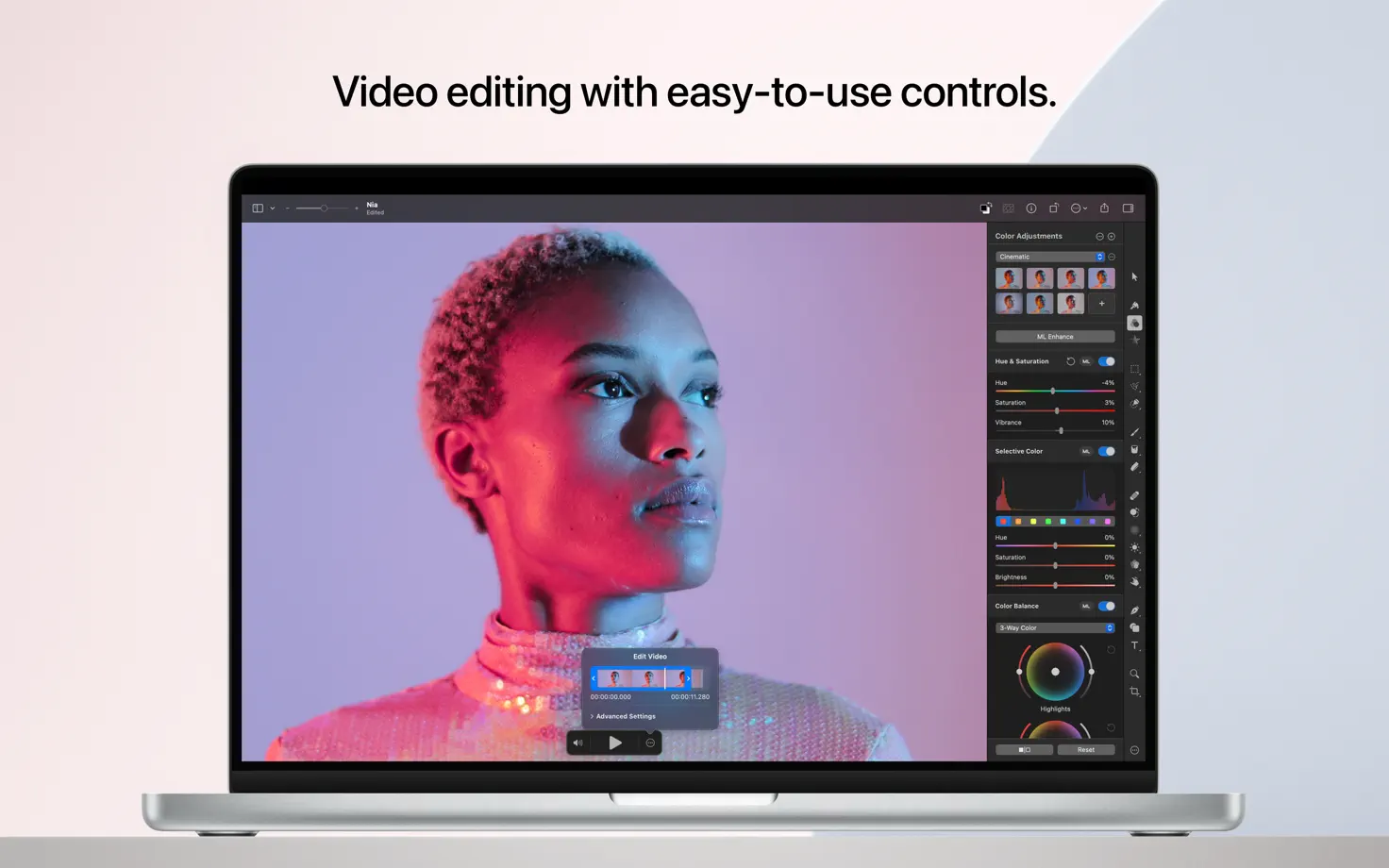
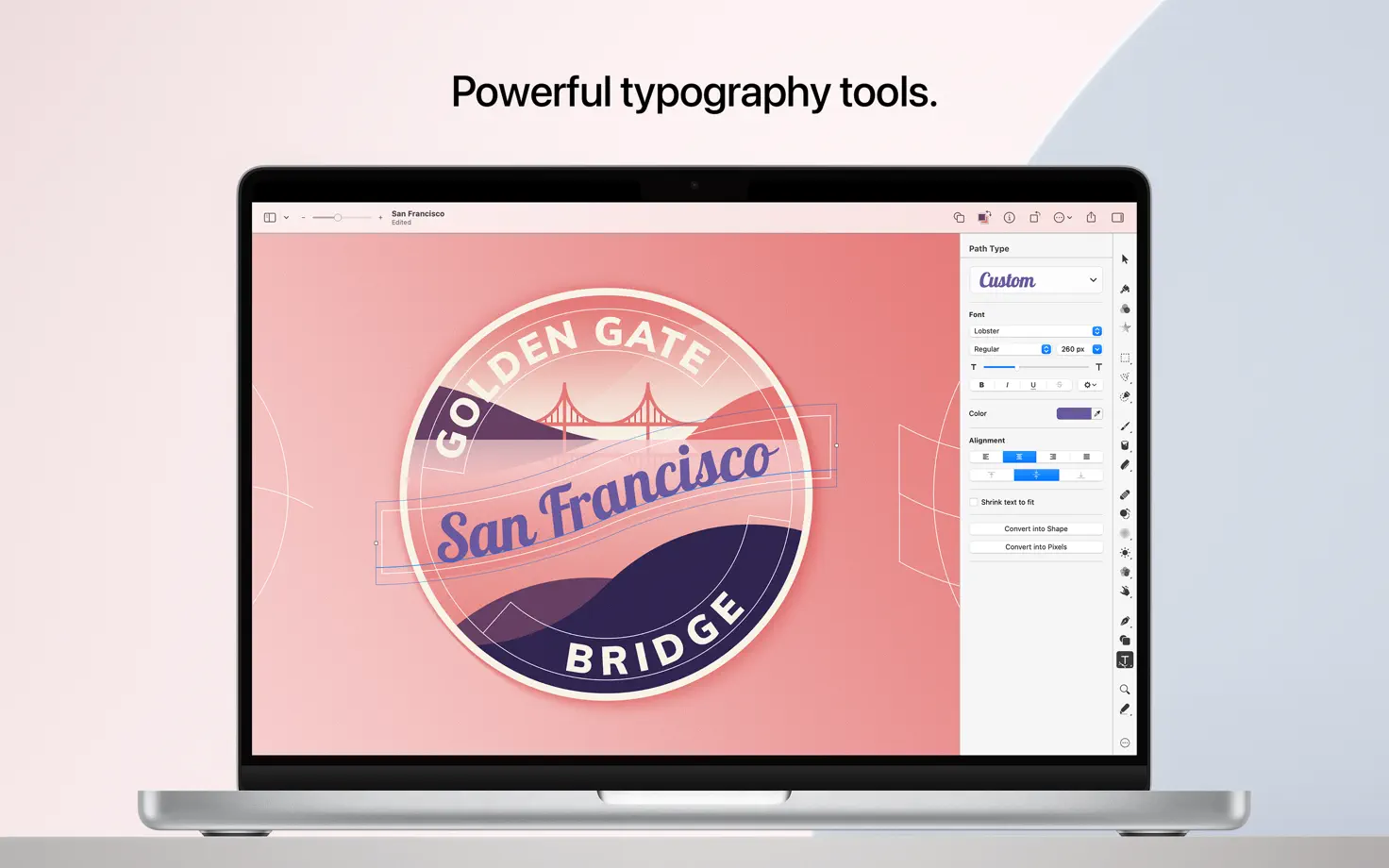
A front-facing MacBook repeats under short centered headlines on a pale pink backdrop, broken once by scattered templates and closed by an icon grid.
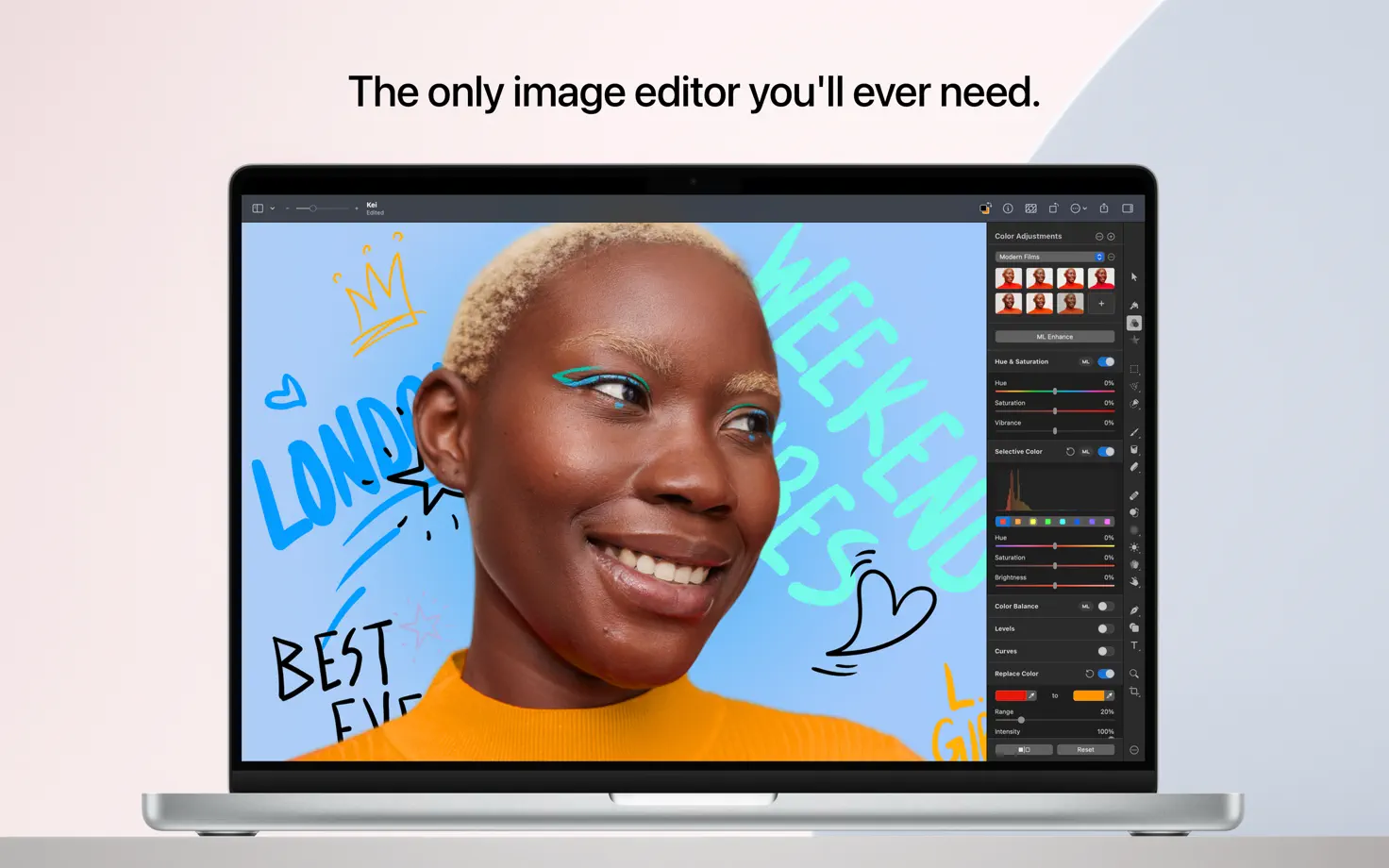

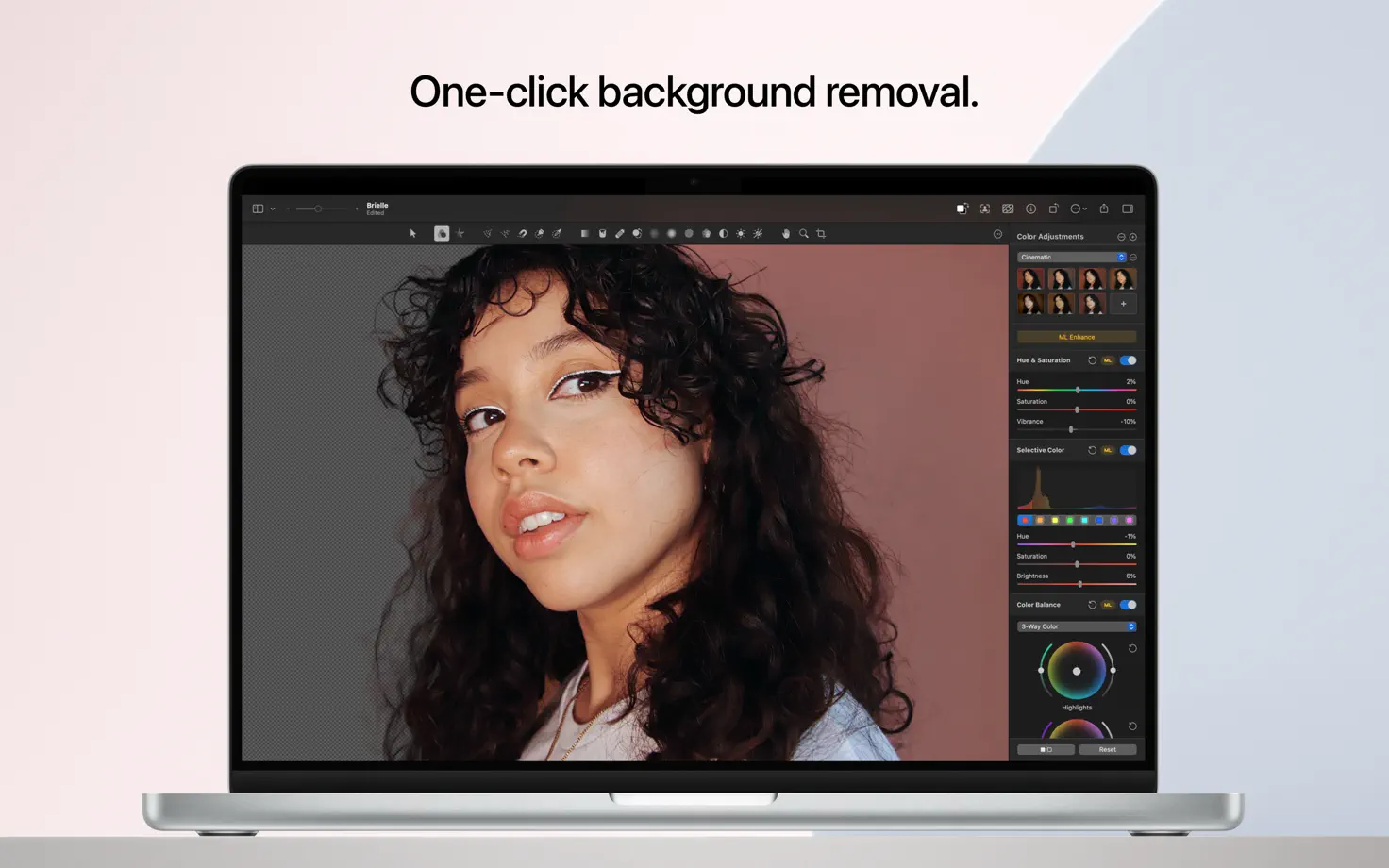
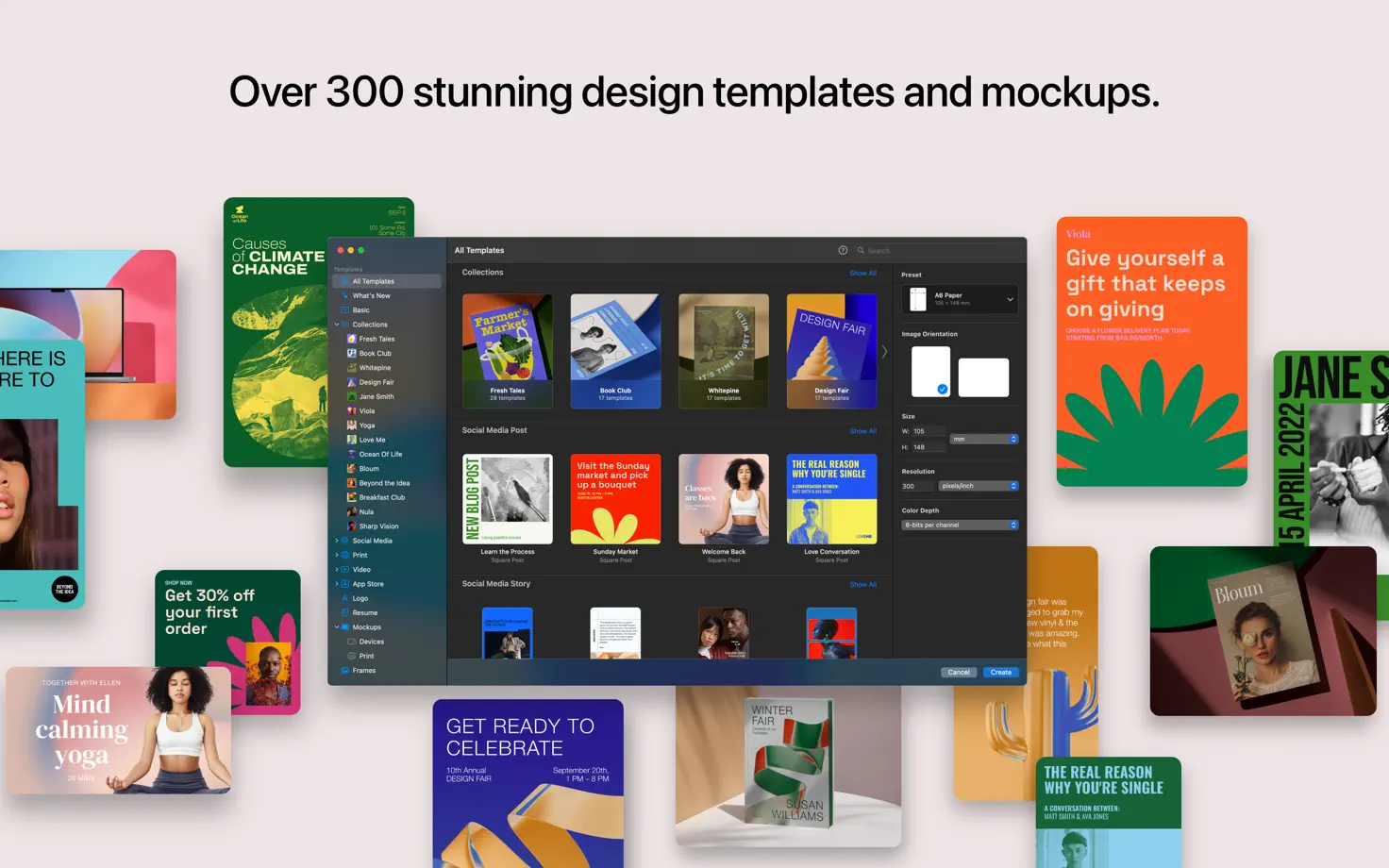
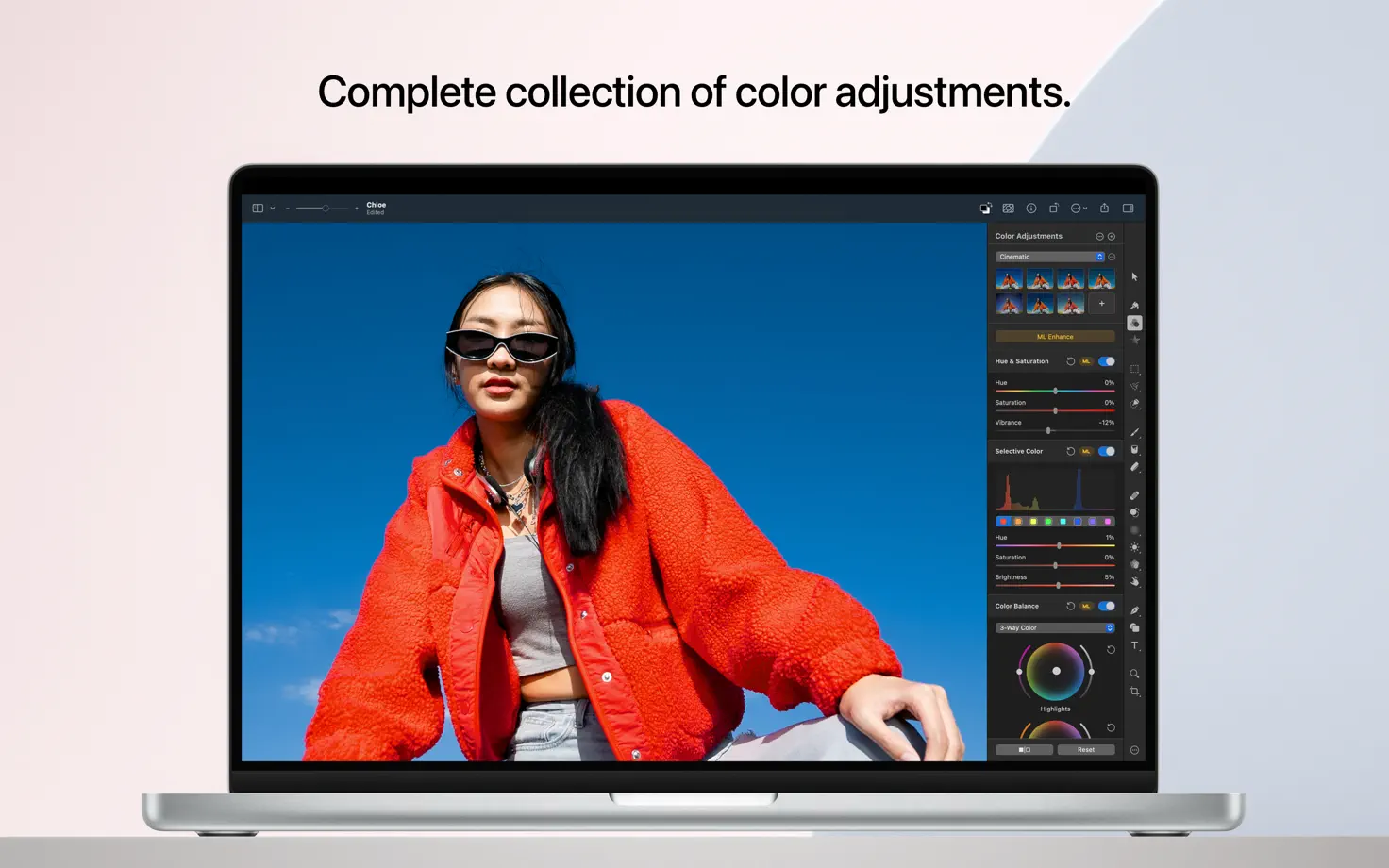


- Category
- Creativity
- Publisher
- Apple
- Version
- 3.8
- Approach
- Photography-led
What’s New
3.8
• Enjoy full support for compressed RAW images from Sony Alpha ILCE-7M5, FUJIFILM GFX 100S II, and FUJIFILM GFX 100RF cameras
• Work with High Efficiency (HE) and High Efficiency Star (HE*) RAW images from Nikon Z5II and Nikon Z50II cameras
• Open and edit RAW images from Panasonic LUMIX DC-S1RM2 cameras captured in High Resolution mode
• Discover the updated template and mockup categories, including App Screenshot, Bento Grid, and Devices, now featuring new iPhone 17 mockups
3.7.1
This update contains bug fixes and performance improvements.
3.7
Pixelmator Pro 3.7 adds support for Apple Intelligence*, introducing faster new ways to bring your creative ideas to life with Image Playground and Writing Tools. This update also improves RAW format support and adds accessibility improvements.
Image Playground
• With Image Playground, you can now create fun, original images based on a photo, a description, or people from your Photos library.
• Use the new Add to Playground feature to easily recreate any image layers or drawings in beautiful artistic styles like animation, illustration, or sketch.
• Insert your created images as new separate layers from the Insert menu at the top of your screen or replace any existing layers using the Replace Layer feature.
• When working with templates or mockups, you can easily replace placeholder images with your Image Playground creations.
Writing Tools
• With support for Writing Tools, you can proofread, summarize, rewrite, and modify the tone of any text in your designs.
• The Compose feature lets you tap into the power of ChatGPT to create new, original text content from scratch based or a quick prompt or a description.
• Simply hover over or Control-click any highlighted text in Pixelmator Pro and click Writing Tools to get started.
Other Improvements
• You can now open and edit RAW images from OM SYSTEM OM-1 Mark II cameras, taken using High Res Shot.
• VoiceOver support has been improved to provide spoken and braille descriptions of Pixelmator Pro tools.
• You can also use your keyboard to navigate through tool option items with VoiceOver.
• Hover over items in the Tools sidebar to display their names in large text using Hover Text.
*Apple Intelligence requires a supported device, language, and region. Learn more at https://www.apple.com/apple-intelligence/
Have any feedback about this update or Pixelmator Pro in general? Visit http://support.pixelmator.com/ to share your thoughts.
3.6.18
This update contains bug fixes and improvements.
3.6.17
This update contains bug fixes and improvements.
3.6.16
This update contains bug fixes and improvements.
3.6.15
This update includes an important announcement regarding Pixelmator Pro.
3.6.14
Pixelmator Pro 3.6.14 adds a few fixes to keep the app running smoothly.
• If the Photos browser was opened and closed before information about the Photos library was fetched, the next time the browser would be opened, the search feature would not work. Fixed.
• In the Photos browser, album names would not be truncated as they should when there isn't enough space. Fixed.
Listing history
Kit checks this listing every day, most recently on 26 Nov 2026. Changes to its screenshots, icon, subtitle, videos and events will show up here.
Compare with


Browse similar
Source: App Store listing by Apple Inc., United States storefront. Captured 26 Nov 2026. The artwork belongs to its publisher and is shown here for reference.