
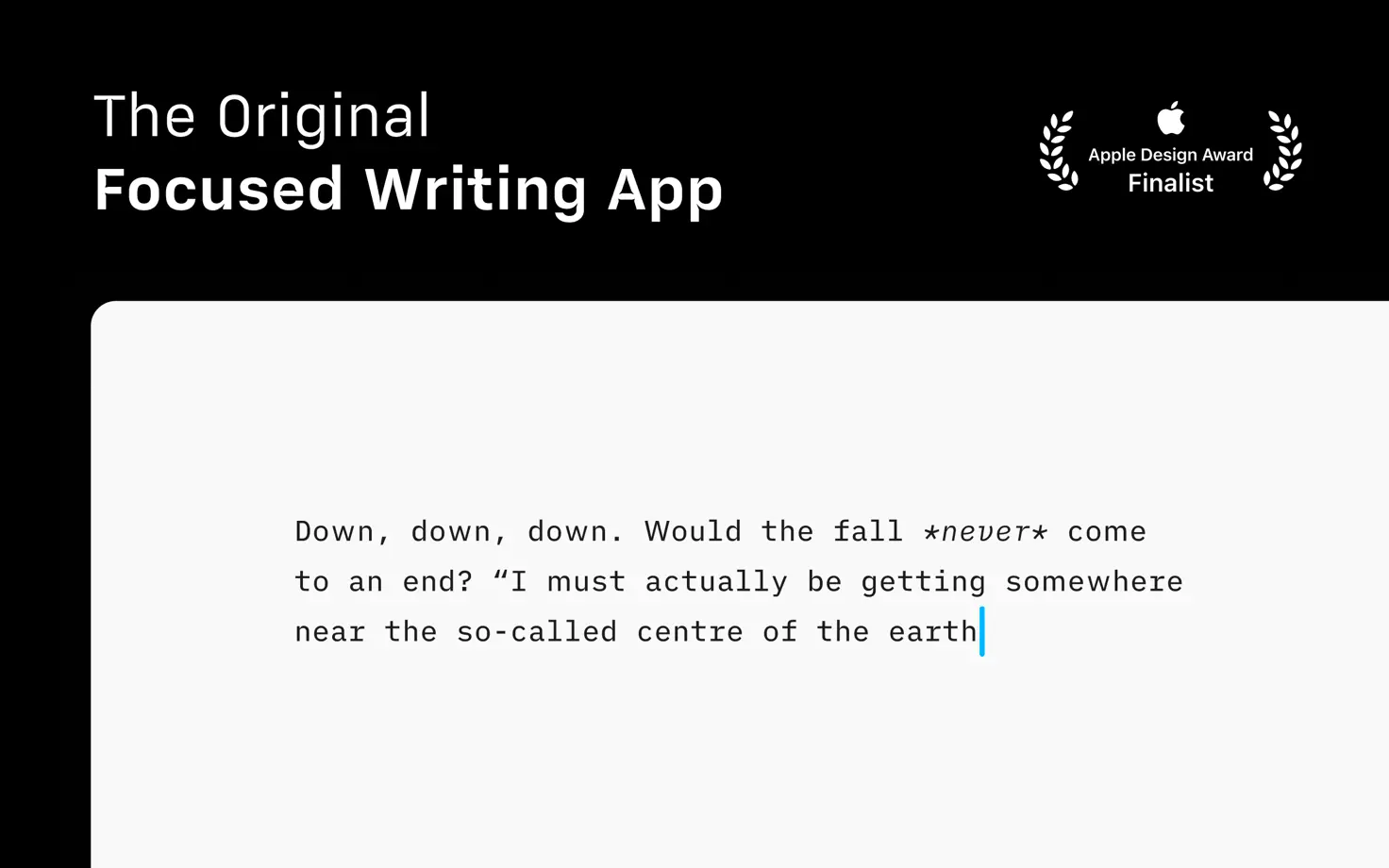
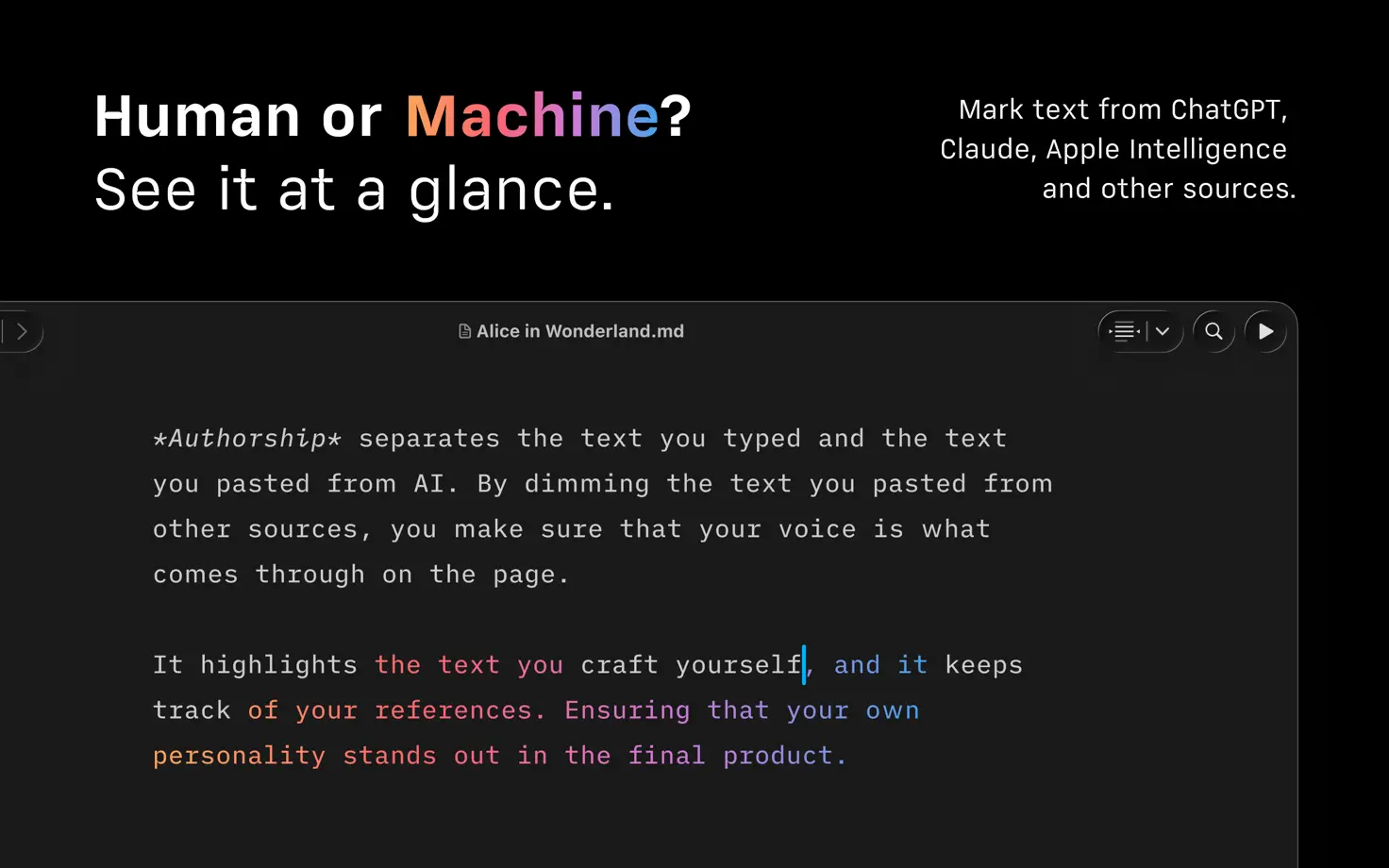
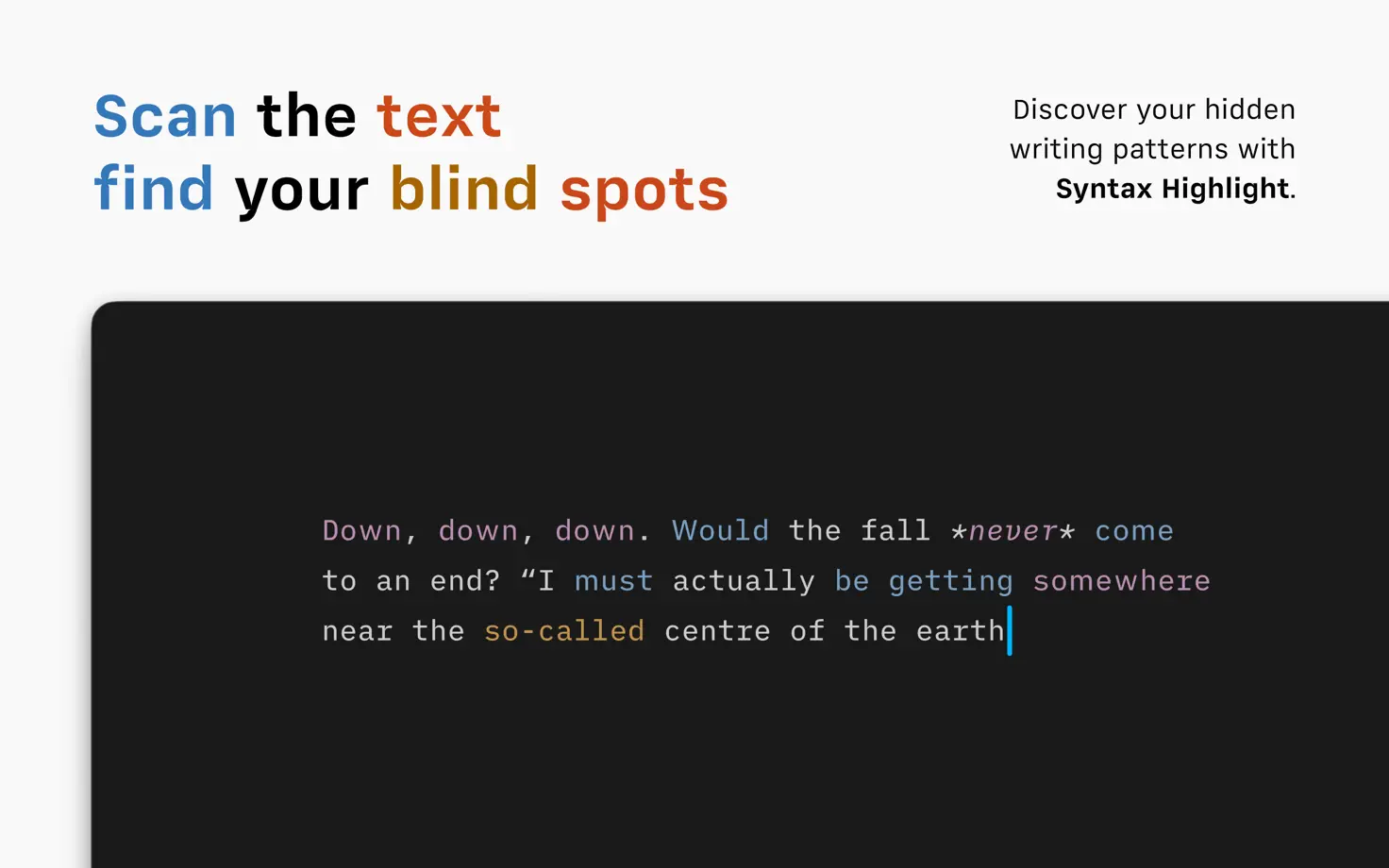
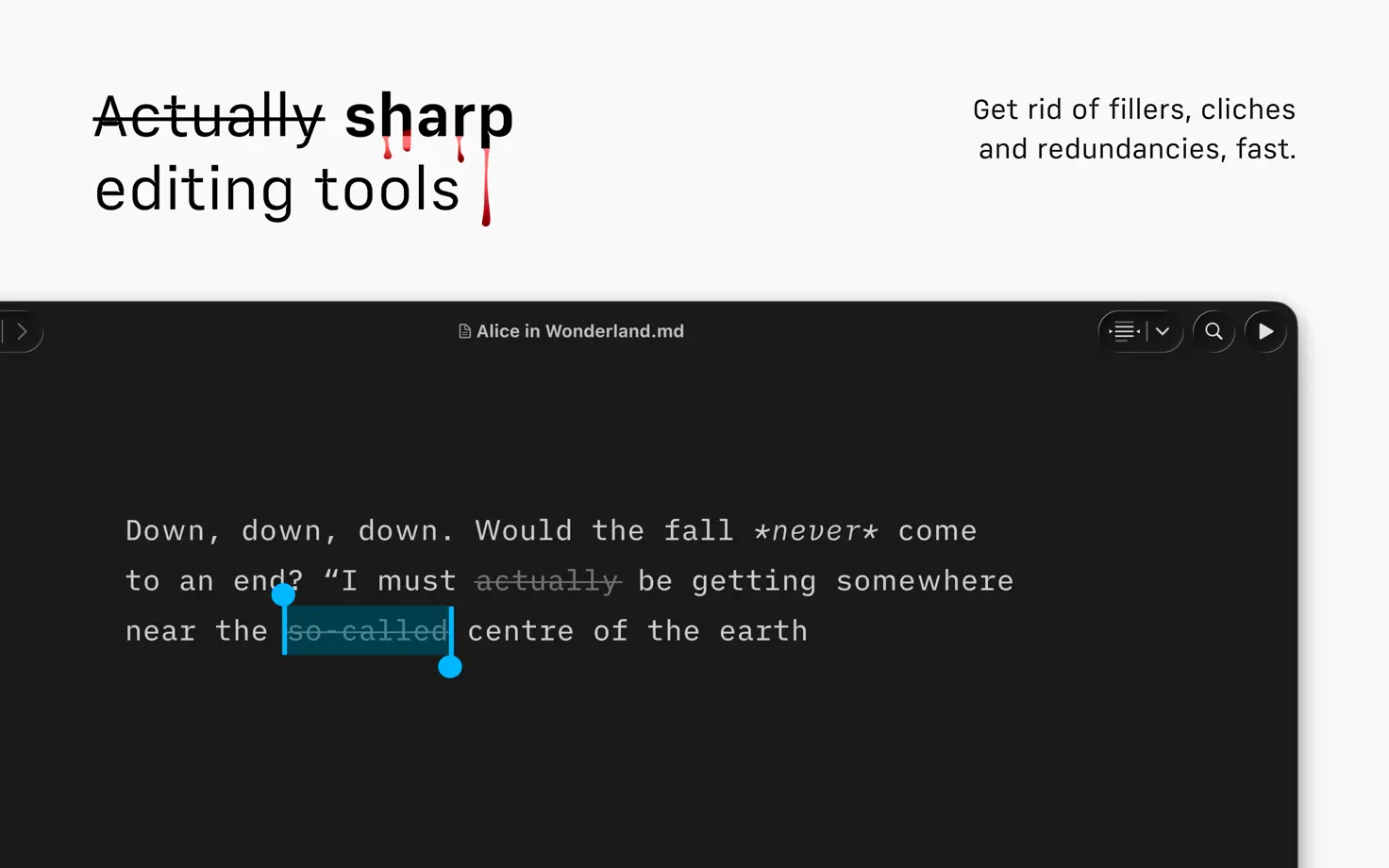
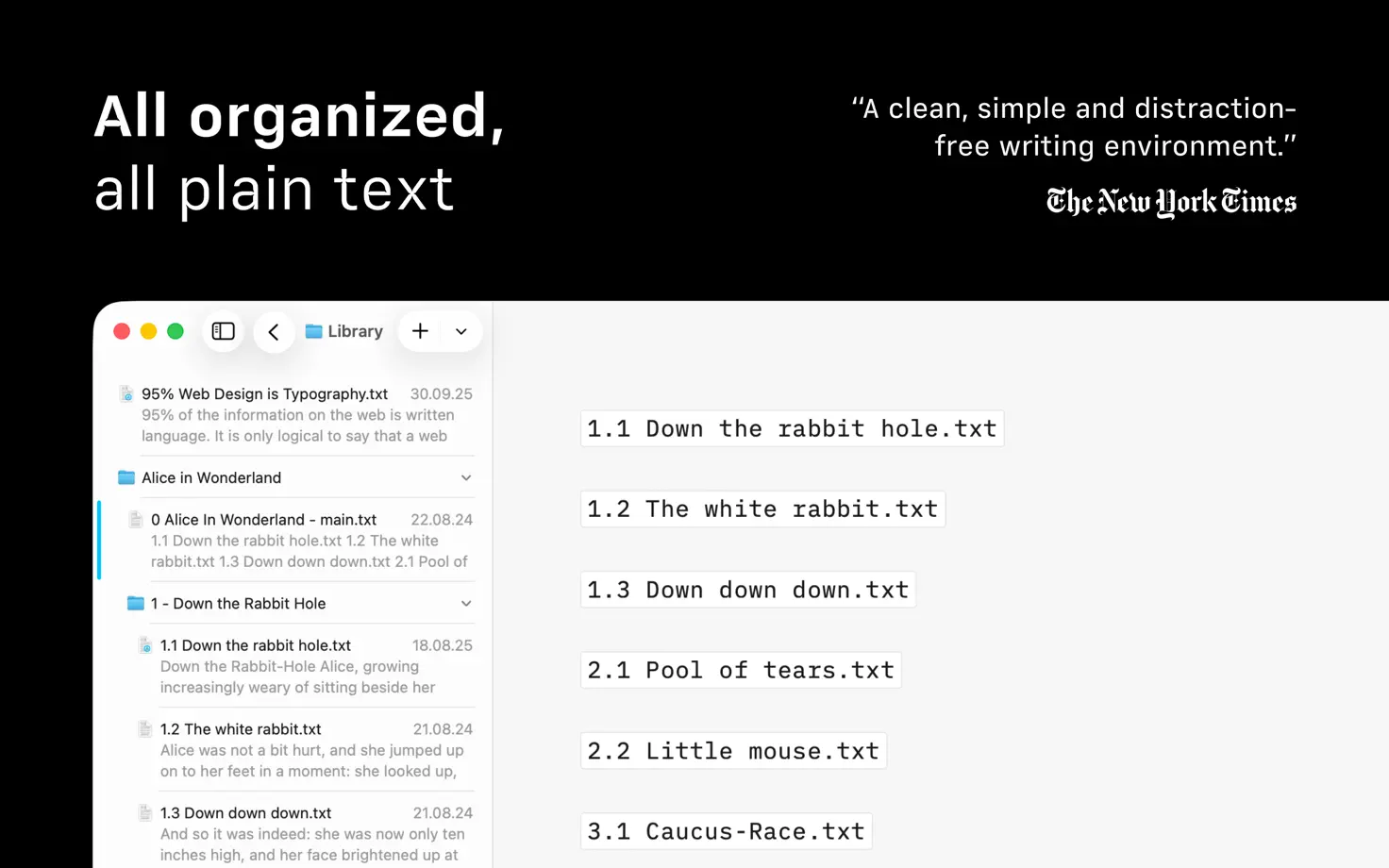
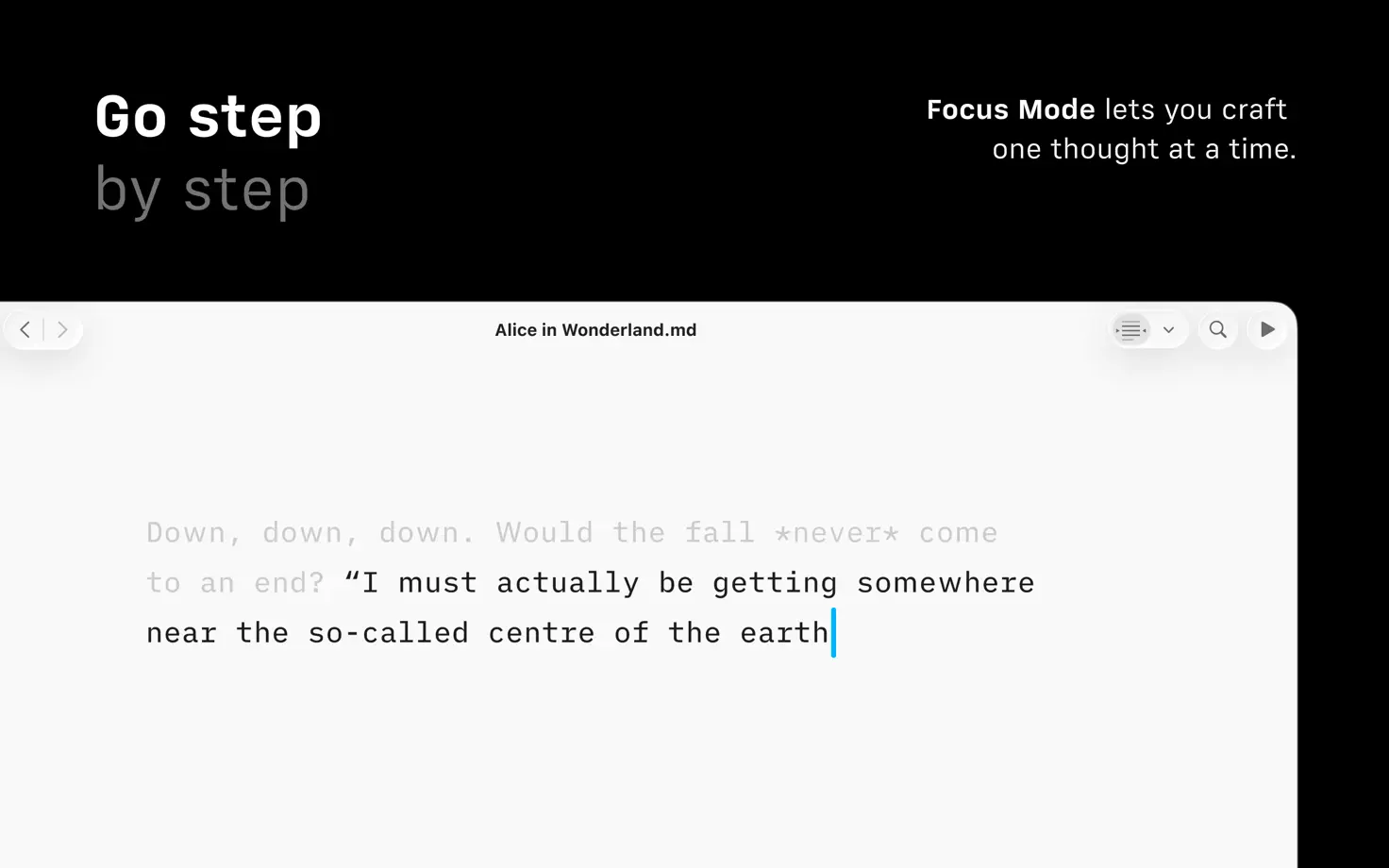
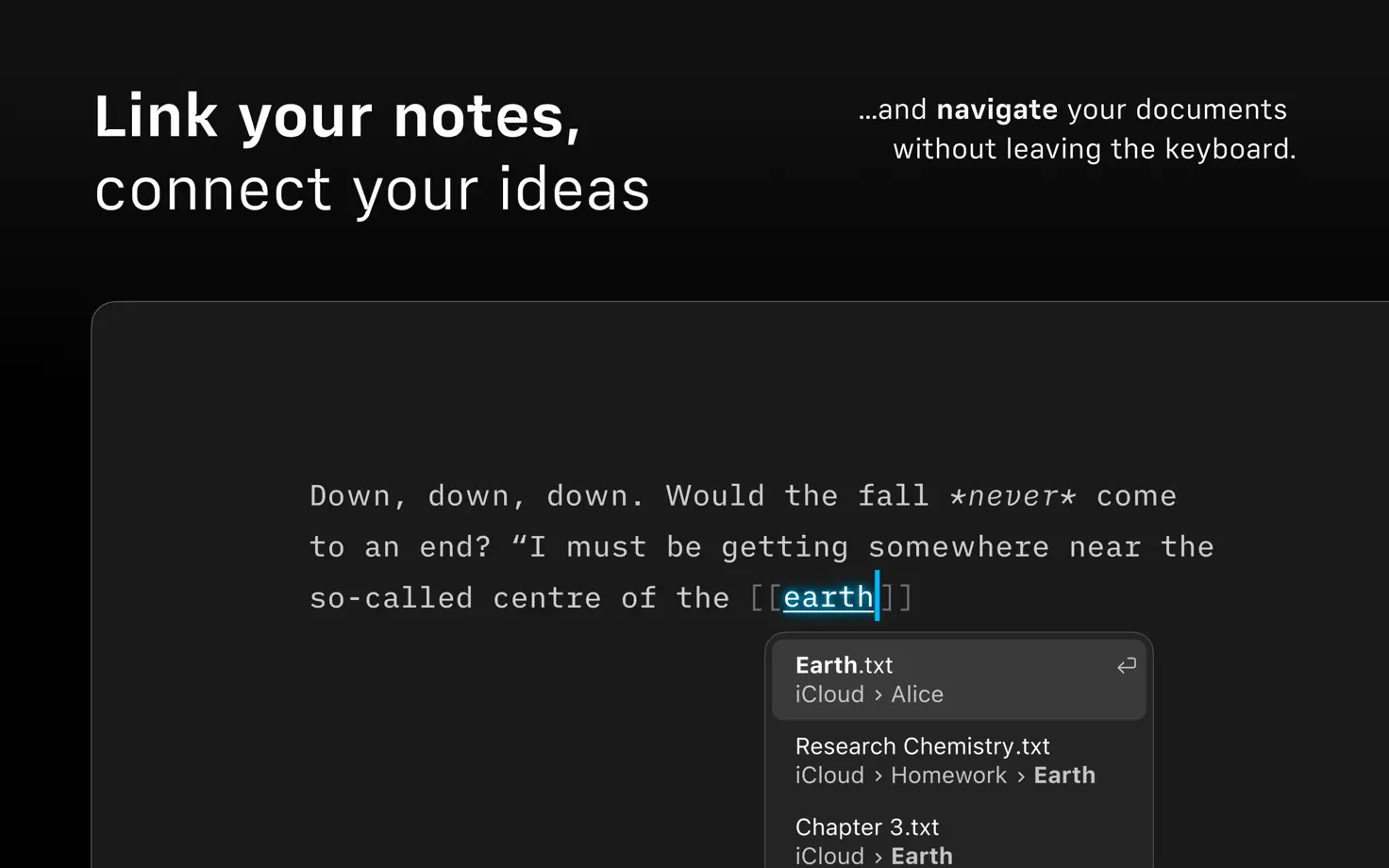
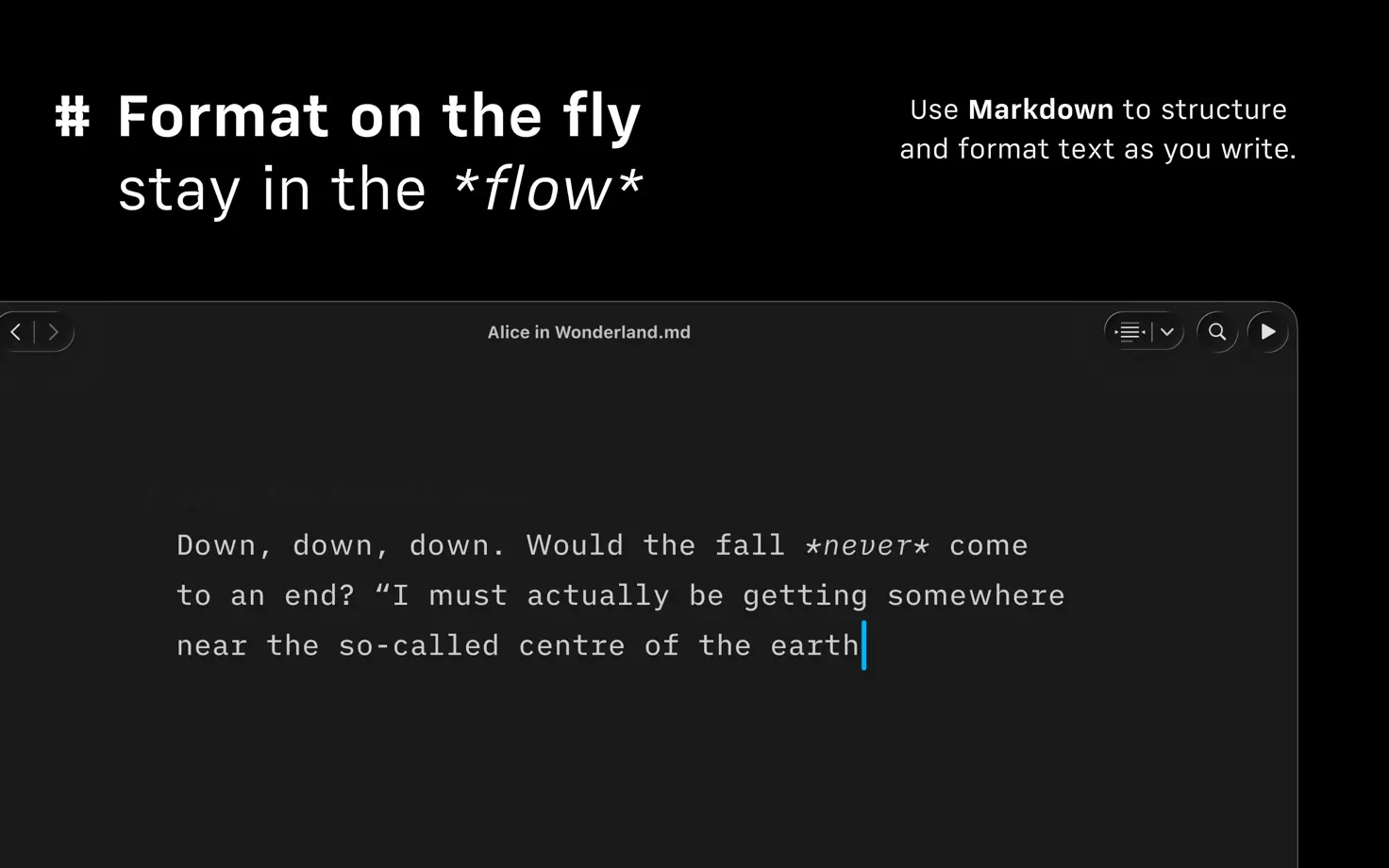
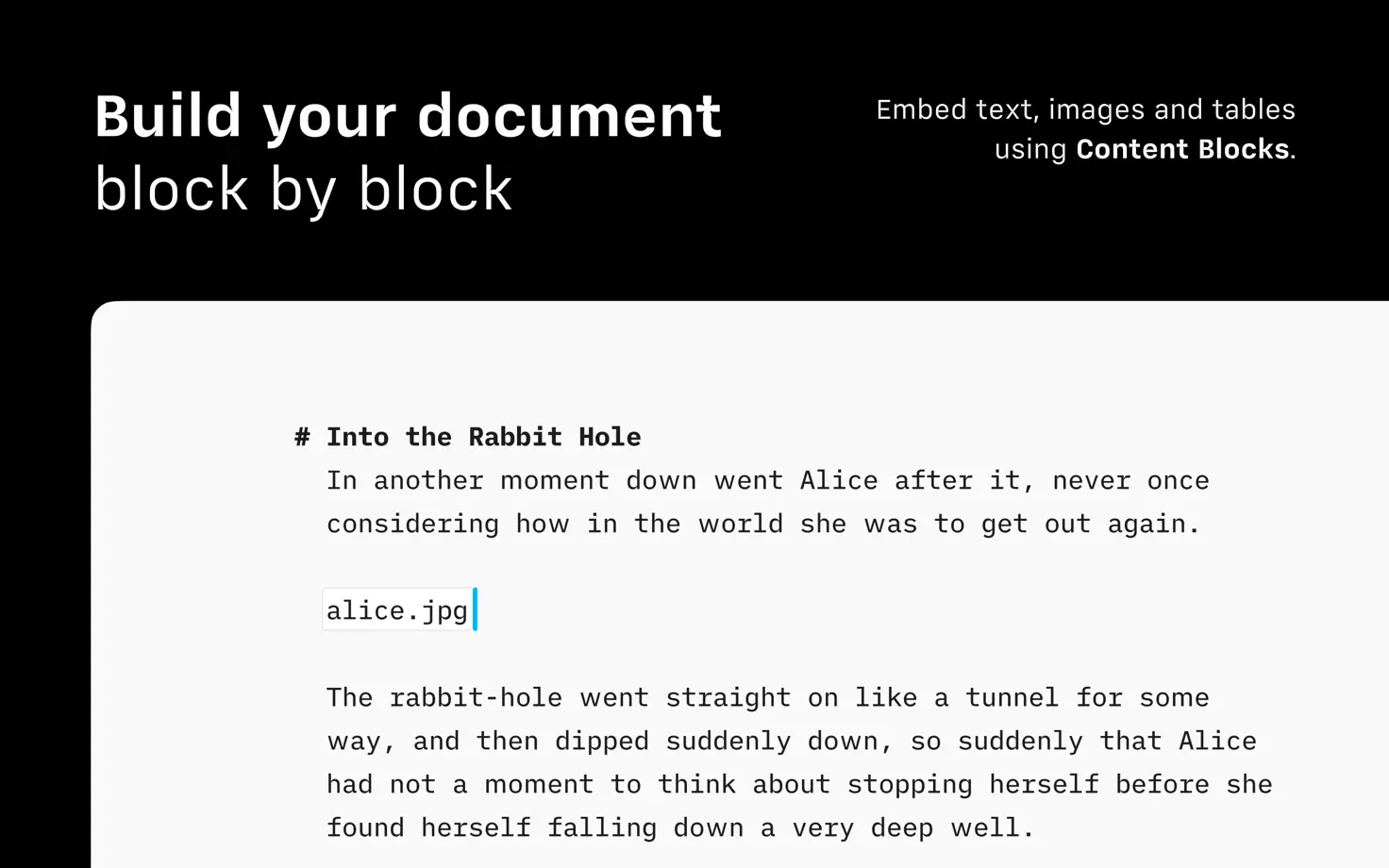
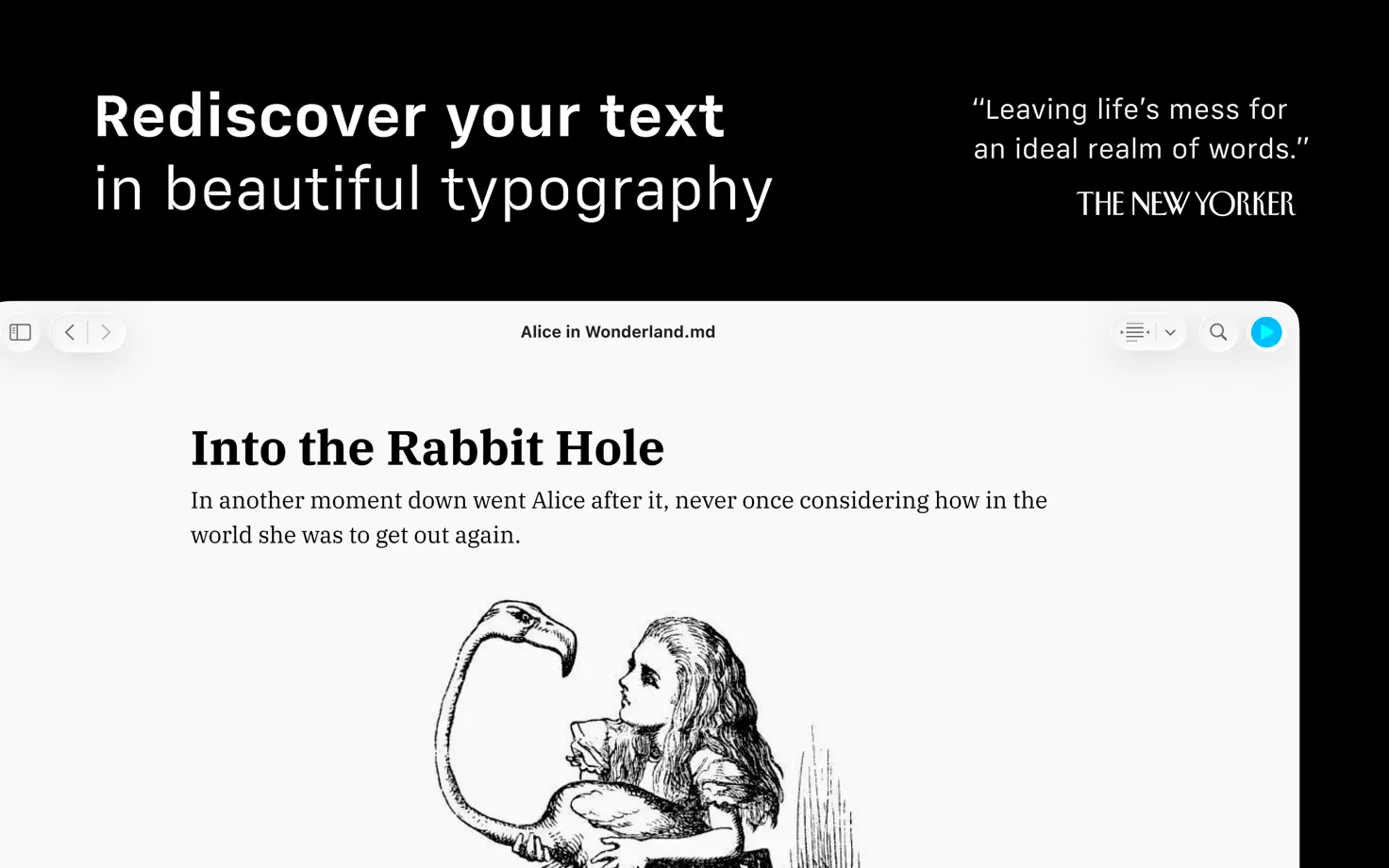
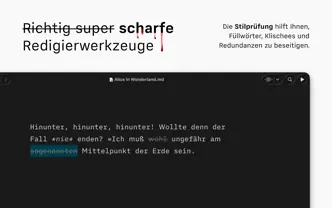
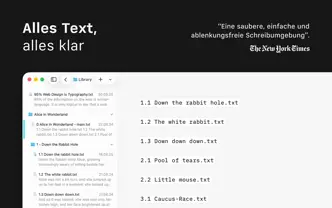
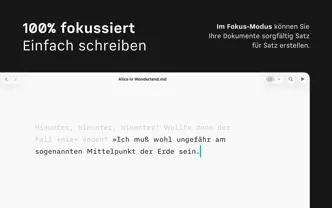
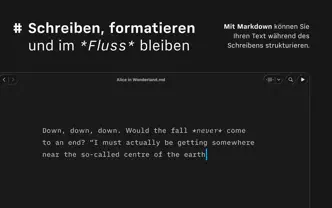
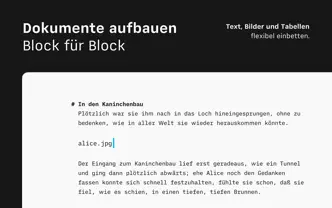
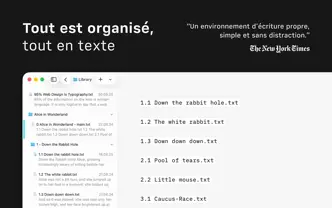
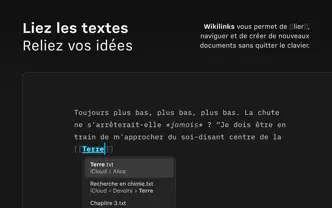
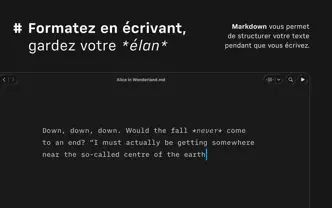
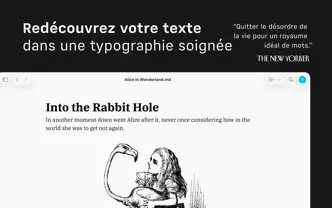
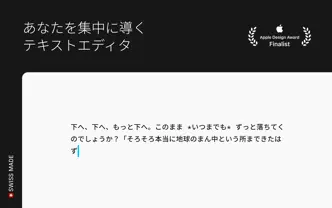
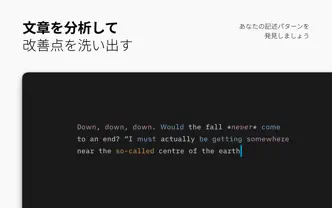
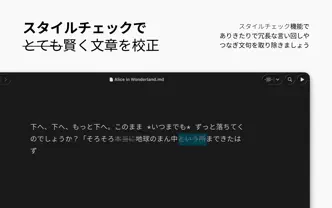
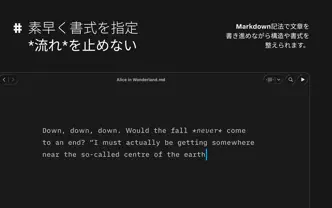
Black frames pair two-weight headlines and small right-aligned notes with cropped light and dark editors showing the same Alice in Wonderland passage.
- Category
- Productivity
- Publisher
- Information Architects AG
- Version
- 8.2.3
- Approach
- Interface-led
Around the world
More localized listings →
















What’s New
8.2.3
This update fixes a few small bugs. It includes all the great features in iA Writer 8.2:
Hundreds of improvements make the app faster than ever. You will notice that it opens in a fraction of a second, well before the Dock icon finishes a single bounce; even very large files load instantly; Syntax Control immediately highlights parts of speech in documents of any size. The redesigned find bar makes it easier to find and replace text.
Style Check 2 includes rules for 11 languages and spots more clichés, redundancies, and fillers while showing fewer false positives. Custom patterns are more powerful than ever.
All-new syntax highlighting makes LaTeX math and code easier to read. Fast and accurate across 50 programming languages and text formats.
Tables finally work in plain text. Wide tables scroll instead of wrapping, and columns line up as you type. Tab and Return navigate from cell to cell.
# Style Check 2
- Style Check now includes rules for English, French, German, Spanish, Italian, Japanese, Korean, Portuguese (Brazil, Portugal), and Chinese (Simplified, Traditional)
- Fewer false alarms while having more rules for every language
- Added patterns for common AI clichés
- About 5x faster on most documents
- Custom patterns can now match any word, as long as part of the pattern is fixed: return \w+ back finds return it back and return them back
- Custom patterns can use underlined appearance
- Pattern editor makes it easy to spot errors in complex rules
# Math and Code
- Inline math and math blocks now show LaTeX syntax highlighting in Editor
- Fenced code blocks now include syntax highlighting in Editor, Preview, and HTML export
- Code syntax highlighting supports 50 programming languages and text formats: Astro, Bash, Bicep, C, C++, C#, CMake, comments, CSS, Dart, Diff, Dockerfile, Elixir, Elm, Fish, Glimmer/Handlebars, Go, Haskell, HCL, HTML, Java, JavaScript (including JSX), JSDoc, JSON, JSON5, Julia, LaTeX, Lua, Nix, Objective-C, OCaml, Pascal, Perl, PHP, Protocol Buffers, Python, R, regular expressions, Ruby, Rust, Scala, SCSS, SQL, Svelte, Swift, TOML, TSX, TypeScript, XML, and YAML
- Code files are highlighted automatically based on their file extension
- You can disable line wrapping for code blocks in Editor settings
- Added ability to show hidden text files in Library
# Table Editing
- Wide tables scroll horizontally instead of wrapping
- Columns align automatically while typing, deleting, and pasting
- ⇥ next cell, ⏎ next row
- ⌥⏎ new row, ⌥⇥ new column
- Add ⇧ to go the other way
- ⌘⌥↑↓ move rows, ⌘⌥←→ move columns
- ⌘⌥⌫ deletes a row, ⌘⌃⌫ deletes a column
- Sort, transpose, merge cells, and change column alignment from the Edit Table context menu or Command Palette
# Find and Replace
- The all-new find bar makes it easier to find and replace text
- Brings the same experience to all your devices
- See all matches highlighted as you scroll
- Get back to recent searches
- Insert pattern wildcards to set up complex searches
- Use regular expressions with pattern syntax highlighting
# Other Improvements
- Added support for Markdown links to text and PDF files
- PDFs can be used as content blocks and images
8.2.2
Hundreds of improvements make the app faster than ever. You will notice that it opens in a fraction of a second, well before the Dock icon finishes a single bounce; even very large files load instantly; Syntax Control immediately highlights parts of speech in documents of any size. The redesigned find bar makes it easier to find and replace text.
Style Check 2 includes rules for 11 languages and spots more clichés, redundancies, and fillers while showing fewer false positives. Custom patterns are more powerful than ever.
All-new syntax highlighting makes LaTeX math and code easier to read. Fast and accurate across 50 programming languages and text formats.
Tables finally work in plain text. Wide tables scroll instead of wrapping, and columns line up as you type. Tab and Return navigate from cell to cell.
# Style Check 2
- Style Check now includes rules for English, French, German, Spanish, Italian, Japanese, Korean, Portuguese (Brazil, Portugal), and Chinese (Simplified, Traditional)
- Fewer false alarms while having more rules for every language
- Added patterns for common AI clichés
- About 5x faster on most documents
- Custom patterns can now match any word, as long as part of the pattern is fixed: return \w+ back finds return it back and return them back
- Custom patterns can use underlined appearance
- Pattern editor makes it easy to spot errors in complex rules
# Math and Code
- Inline math and math blocks now show LaTeX syntax highlighting in Editor
- Fenced code blocks now include syntax highlighting in Editor, Preview, and HTML export
- Code syntax highlighting supports 50 programming languages and text formats: Astro, Bash, Bicep, C, C++, C#, CMake, comments, CSS, Dart, Diff, Dockerfile, Elixir, Elm, Fish, Glimmer/Handlebars, Go, Haskell, HCL, HTML, Java, JavaScript (including JSX), JSDoc, JSON, JSON5, Julia, LaTeX, Lua, Nix, Objective-C, OCaml, Pascal, Perl, PHP, Protocol Buffers, Python, R, regular expressions, Ruby, Rust, Scala, SCSS, SQL, Svelte, Swift, TOML, TSX, TypeScript, XML, and YAML
- Code files are highlighted automatically based on their file extension
- You can disable line wrapping for code blocks in Editor settings
- Added ability to show hidden text files in Library
# Table Editing
- Wide tables scroll horizontally instead of wrapping
- Columns align automatically while typing, deleting, and pasting
- ⇥ next cell, ⏎ next row
- ⌥⏎ new row, ⌥⇥ new column
- Add ⇧ to go the other way
- ⌘⌥↑↓ move rows, ⌘⌥←→ move columns
- ⌘⌥⌫ deletes a row, ⌘⌃⌫ deletes a column
- Sort, transpose, merge cells, and change column alignment from the Edit Table context menu or Command Palette
# Find and Replace
- The all-new find bar makes it easier to find and replace text
- Brings the same experience to all your devices
- See all matches highlighted as you scroll
- Get back to recent searches
- Insert pattern wildcards to set up complex searches
- Use regular expressions with pattern syntax highlighting
# Other Improvements
- Added support for Markdown links to text and PDF files
- PDFs can be used as content blocks and images
8.2.1
Hundreds of improvements make the app faster than ever. You will notice that it opens in a fraction of a second, well before the Dock icon finishes a single bounce; even very large files load instantly; Syntax Control immediately highlights parts of speech in documents of any size. The redesigned find bar makes it easier to find and replace text.
Style Check 2 includes rules for 11 languages and spots more clichés, redundancies, and fillers while showing fewer false positives. Custom patterns are more powerful than ever.
All-new syntax highlighting makes LaTeX math and code easier to read. Fast and accurate across 50 programming languages and text formats.
Tables finally work in plain text. Wide tables scroll instead of wrapping, and columns line up as you type. Tab and Return navigate from cell to cell.
# Style Check 2
- Style Check now includes rules for English, French, German, Spanish, Italian, Japanese, Korean, Portuguese (Brazil, Portugal), and Chinese (Simplified, Traditional)
- Fewer false alarms while having more rules for every language
- Added patterns for common AI clichés
- About 5x faster on most documents
- Custom patterns can now match any word, as long as part of the pattern is fixed: return \w+ back finds return it back and return them back
- Custom patterns can use underlined appearance
- Pattern editor makes it easy to spot errors in complex rules
# Math and Code
- Inline math and math blocks now show LaTeX syntax highlighting in Editor
- Fenced code blocks now include syntax highlighting in Editor, Preview, and HTML export
- Code syntax highlighting supports 50 programming languages and text formats: Astro, Bash, Bicep, C, C++, C#, CMake, comments, CSS, Dart, Diff, Dockerfile, Elixir, Elm, Fish, Glimmer/Handlebars, Go, Haskell, HCL, HTML, Java, JavaScript (including JSX), JSDoc, JSON, JSON5, Julia, LaTeX, Lua, Nix, Objective-C, OCaml, Pascal, Perl, PHP, Protocol Buffers, Python, R, regular expressions, Ruby, Rust, Scala, SCSS, SQL, Svelte, Swift, TOML, TSX, TypeScript, XML, and YAML
- Code files are highlighted automatically based on their file extension
- You can disable line wrapping for code blocks in Editor settings
- Added ability to show hidden text files in Library
# Table Editing
- Wide tables scroll horizontally instead of wrapping
- Columns align automatically while typing, deleting, and pasting
- ⇥ next cell, ⏎ next row
- ⌥⏎ new row, ⌥⇥ new column
- Add ⇧ to go the other way
- ⌘⌥↑↓ move rows, ⌘⌥←→ move columns
- ⌘⌥⌫ deletes a row, ⌘⌃⌫ deletes a column
- Sort, transpose, merge cells, and change column alignment from the Edit Table context menu or Command Palette
# Find and Replace
- The all-new find bar makes it easier to find and replace text
- Brings the same experience to all your devices
- See all matches highlighted as you scroll
- Get back to recent searches
- Insert pattern wildcards to set up complex searches
- Use regular expressions with pattern syntax highlighting
# Other Improvements
- Added support for Markdown links to text and PDF files
- PDFs can be used as content blocks and images
8.2
Hundreds of improvements make the app faster than ever. You will notice that it opens in a fraction of a second, well before the Dock icon finishes a single bounce; even very large files load instantly; Syntax Control immediately highlights parts of speech in documents of any size. The redesigned find bar makes it easier to find and replace text.
Style Check 2 includes rules for 11 languages and spots more clichés, redundancies, and fillers while showing fewer false positives. Custom patterns are more powerful than ever.
All-new syntax highlighting makes LaTeX math and code easier to read. Fast and accurate across 50 programming languages and text formats.
Tables finally work in plain text. Wide tables scroll instead of wrapping, and columns line up as you type. Tab and Return navigate from cell to cell.
# Style Check 2
- Style Check now includes rules for English, French, German, Spanish, Italian, Japanese, Korean, Portuguese (Brazil, Portugal), and Chinese (Simplified, Traditional)
- Fewer false alarms while having more rules for every language
- Added patterns for common AI clichés
- About 5x faster on most documents
- Custom patterns can now match any word, as long as part of the pattern is fixed: return \w+ back finds return it back and return them back
- Custom patterns can use underlined appearance
- Pattern editor makes it easy to spot errors in complex rules
# Math and Code
- Inline math and math blocks now show LaTeX syntax highlighting in Editor
- Fenced code blocks now include syntax highlighting in Editor, Preview, and HTML export
- Code syntax highlighting supports 50 programming languages and text formats: Astro, Bash, Bicep, C, C++, C#, CMake, comments, CSS, Dart, Diff, Dockerfile, Elixir, Elm, Fish, Glimmer/Handlebars, Go, Haskell, HCL, HTML, Java, JavaScript (including JSX), JSDoc, JSON, JSON5, Julia, LaTeX, Lua, Nix, Objective-C, OCaml, Pascal, Perl, PHP, Protocol Buffers, Python, R, regular expressions, Ruby, Rust, Scala, SCSS, SQL, Svelte, Swift, TOML, TSX, TypeScript, XML, and YAML
- Code files are highlighted automatically based on their file extension
- You can disable line wrapping for code blocks in Editor settings
- Added ability to show hidden text files in Library
# Table Editing
- Wide tables scroll horizontally instead of wrapping
- Columns align automatically while typing, deleting, and pasting
- ⇥ next cell, ↩ next row
- ⌥↩ new row, ⌥⇥ new column
- Add ⇧ to go the other way
- ⌘⌥↑↓ move rows, ⌘⌥←→ move columns
- ⌘⌥⌫ deletes a row, ⌘⌃⌫ deletes a column
- Sort, transpose, merge cells, and change column alignment from the Edit Table context menu or Command Palette
# Find and Replace
- The all-new find bar makes it easier to find and replace text
- Brings the same experience to all your devices
- See all matches highlighted as you scroll
- Get back to recent searches
- Insert pattern wildcards to set up complex searches
- Use regular expressions with pattern syntax highlighting
8.1.3
This update fixes a few small bugs. It includes all the great features in iA Writer 8.1:
# iA Markdown
- Fastest Markdown editor parser
- Editor now supports full range of Markdown syntax
- Added spreadsheet-style table editing: add, delete, and move rows and columns, change column alignment, reformat tables, and navigate cells with Tab and Return
- Comments can now contain any Markdown block elements
- Ordered lists are automatically renumbered during editing
- Smarter line move and indentation commands
- Added support for Markdown alerts
- Math expressions can span multiple lines
- Choose asterisks or underscores for italic and bold in Markdown settings
- Choose your preferred syntax for headings, ordered and bullet lists in Markdown settings
8.1.2
# iA Markdown
- Fastest Markdown editor parser
- Editor now supports full range of Markdown syntax
- Added spreadsheet-style table editing: add, delete, and move rows and columns, change column alignment, reformat tables, and navigate cells with Tab and Return
- Comments can now contain any Markdown block elements
- Ordered lists are automatically renumbered during editing
- Smarter line move and indentation commands
- Added support for Markdown alerts
- Math expressions can span multiple lines
- Choose asterisks or underscores for italic and bold in Markdown settings
- Choose your preferred syntax for headings, ordered and bullet lists in Markdown settings
8.1.1
# iA Markdown
- Fastest Markdown editor parser
- Editor now supports full range of Markdown syntax
- Added spreadsheet-style table editing: add, delete, and move rows and columns, change column alignment, reformat tables, and navigate cells with Tab and Return
- Comments can now contain any Markdown block elements
- Ordered lists are automatically renumbered during editing
- Smarter line move and indentation commands
- Added support for Markdown alerts
- Math expressions can span multiple lines
- Choose asterisks or underscores for italic and bold in Markdown settings
- Choose your preferred syntax for headings, ordered and bullet lists in Markdown settings
8.1
# iA Markdown
- Fastest Markdown editor parser
- Editor now supports full range of Markdown syntax
- Added spreadsheet-style table editing: add, delete, and move rows and columns, change column alignment, reformat tables, and navigate cells with Tab and Return
- Comments can now contain any Markdown block elements
- Ordered lists are automatically renumbered during editing
- Smarter line move and indentation commands
- Added support for Markdown alerts
- Math expressions can span multiple lines
- Choose asterisks or underscores for italic and bold in Markdown settings
- Choose your preferred syntax for headings, ordered and bullet lists in Markdown settings
Listing history
New icon
New icon
New icon
New icon
New subtitle
New Mac screenshots
New iPhone screenshots
Renamed
New icon
New subtitle
Renamed
New icon
New icon
New icon
Compare with


Browse similar
Source: App Store listing by Information Architects AG, United States storefront. Captured 26 Nov 2026. The artwork belongs to its publisher and is shown here for reference.