Productivity Mac App Store screenshots
19 complete Mac App Store screenshot sets from productivity apps, including Things 3, Craft and Sofa. The most common techniques here are repeated layout, oversized interface and color-coded features.


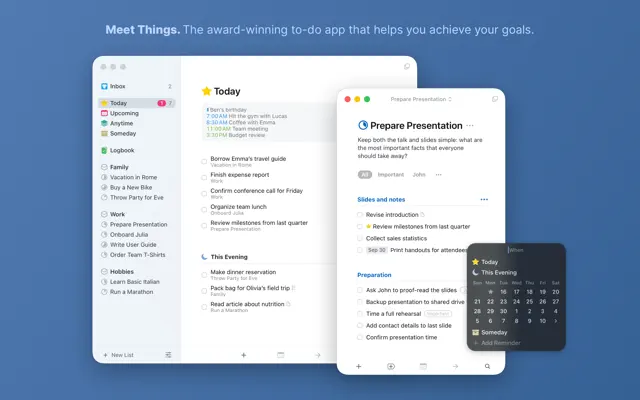


Small bold-lead captions float beside light windows on a flat blue field, shifting to Dark Mode and ending on a MacBook widget.
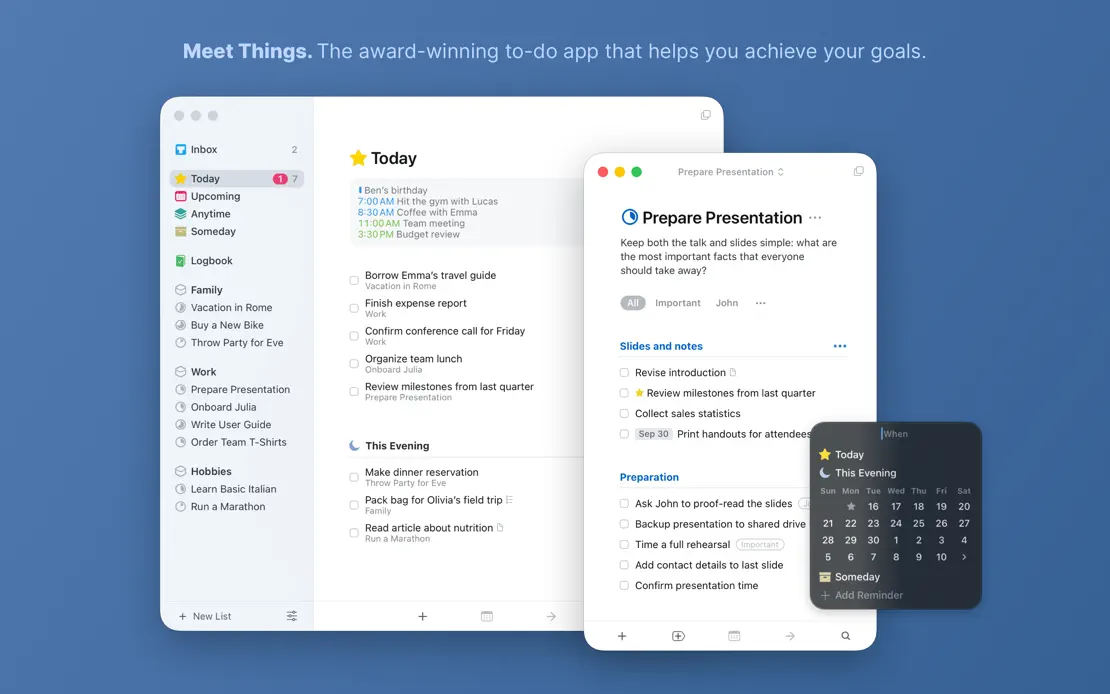
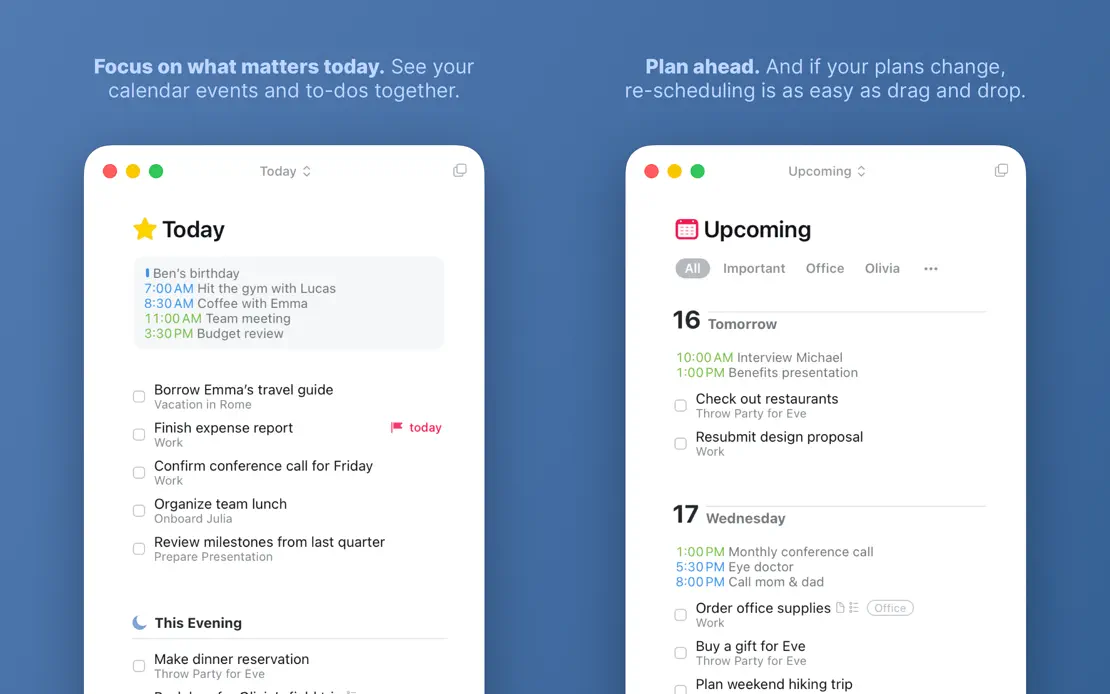
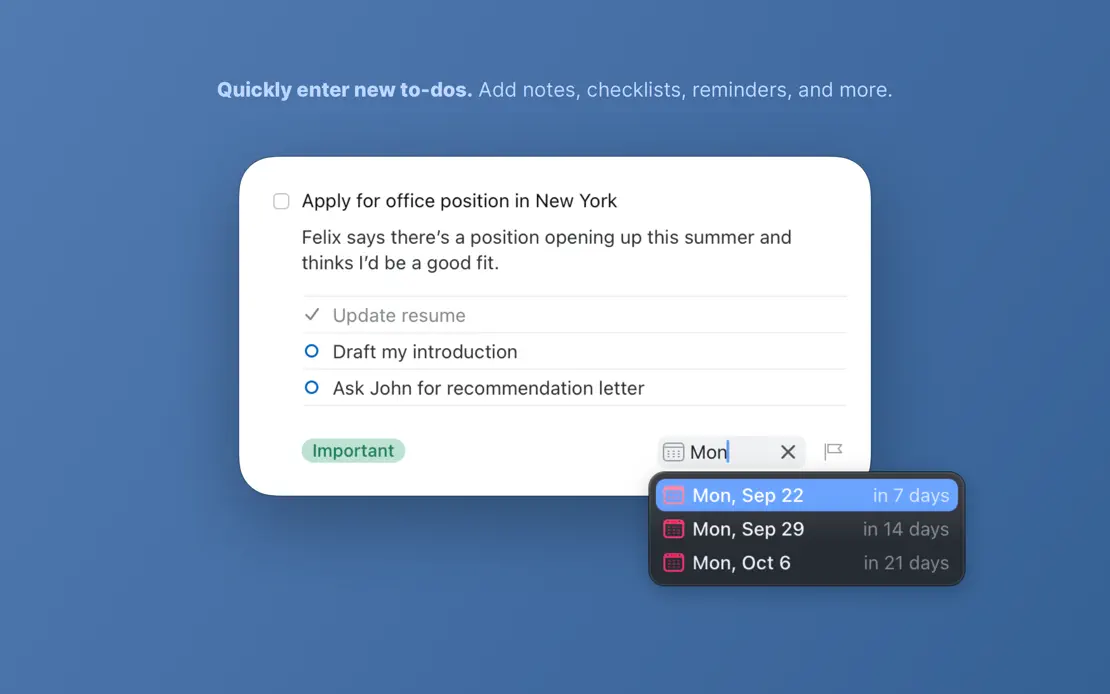
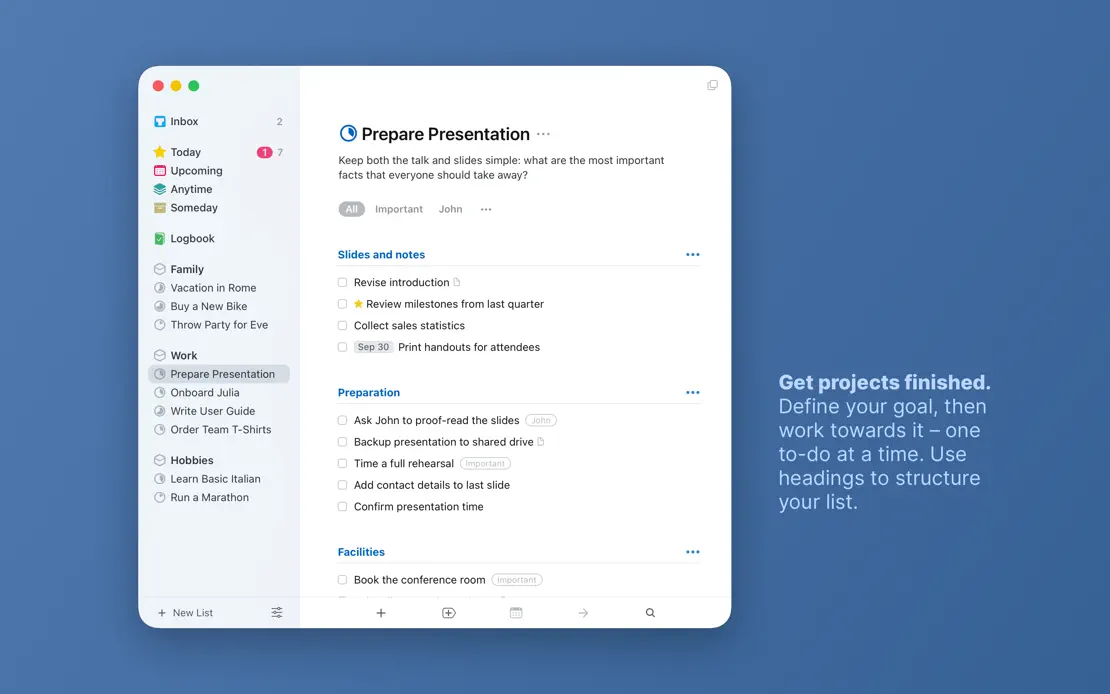
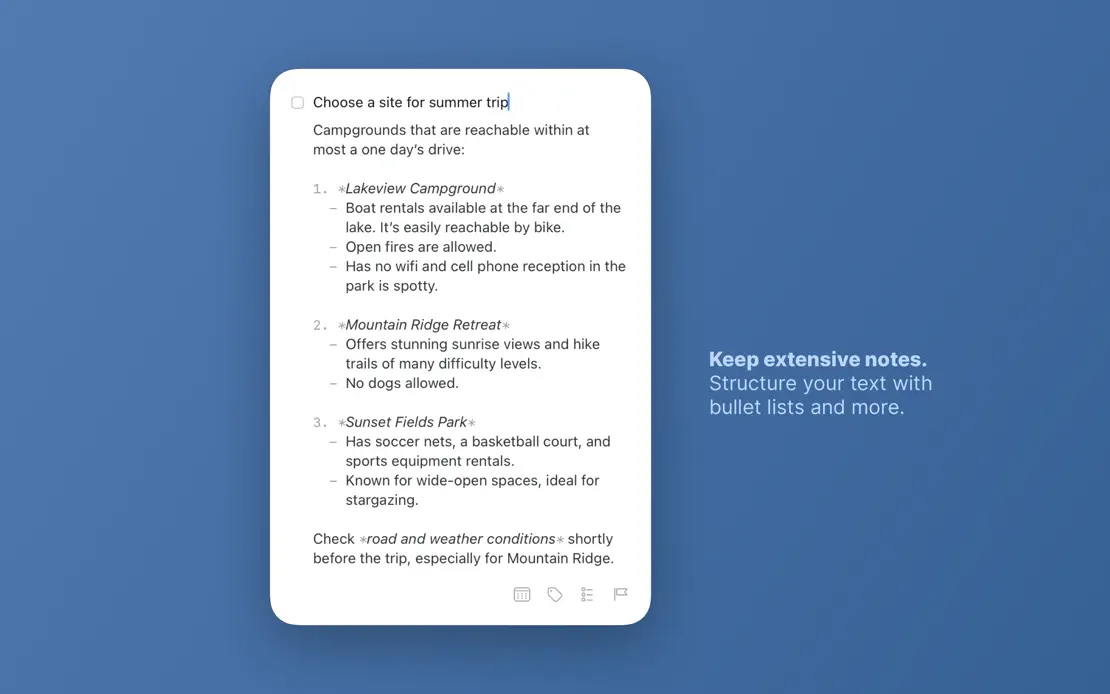
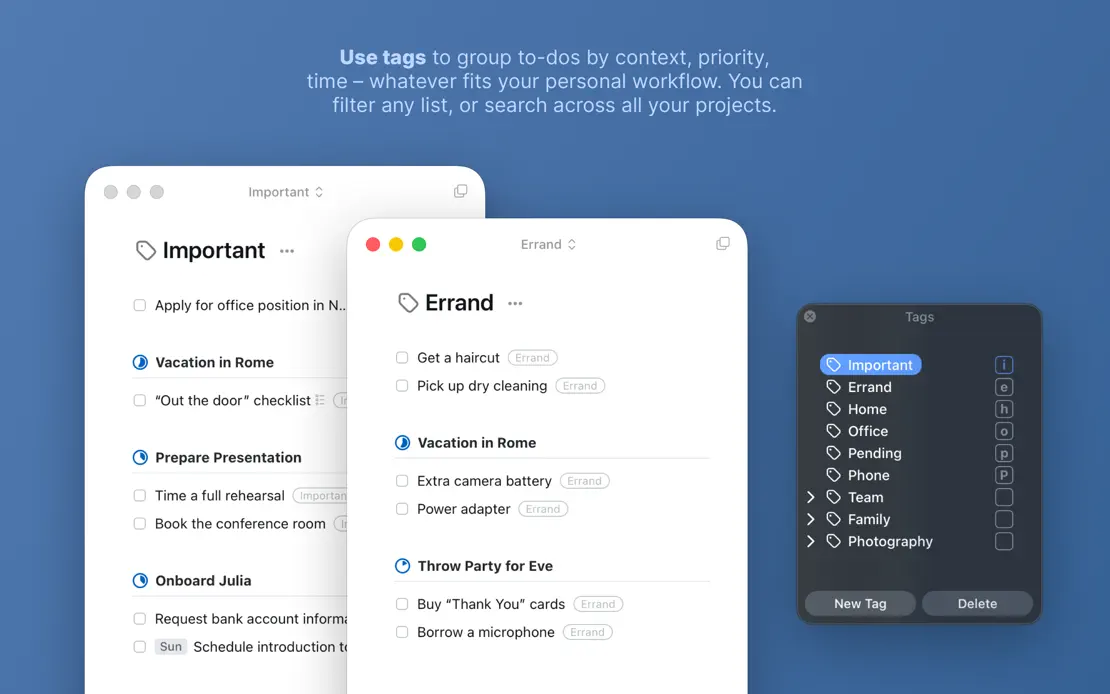
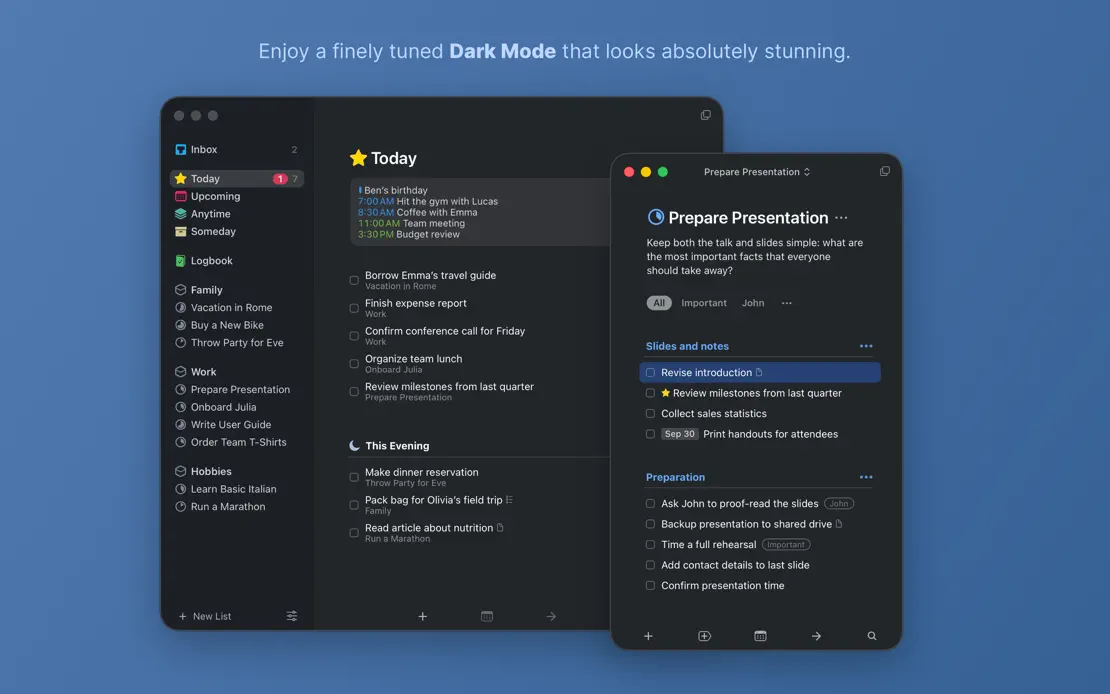
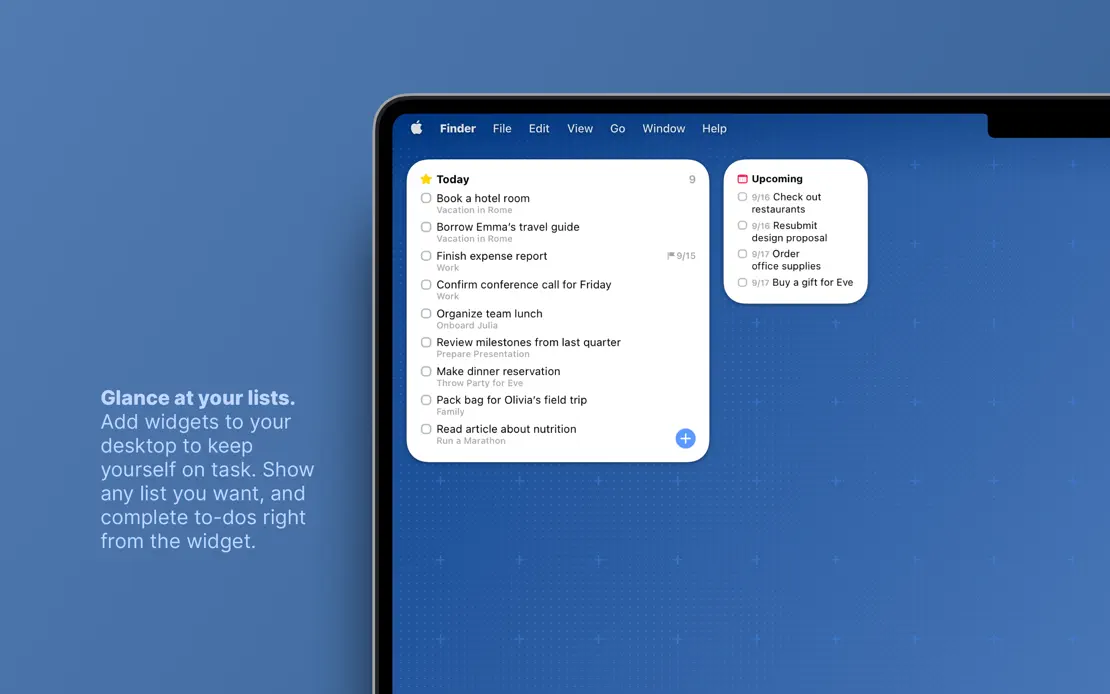
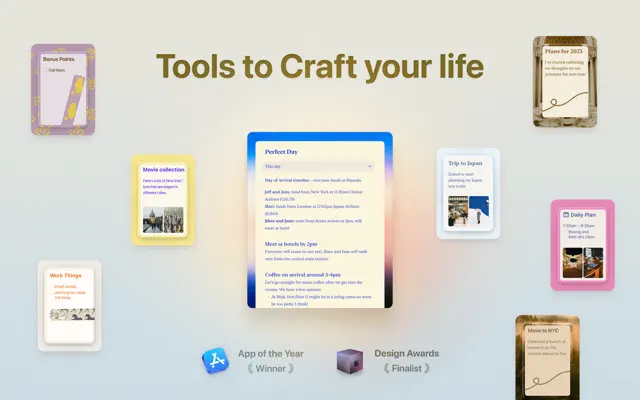
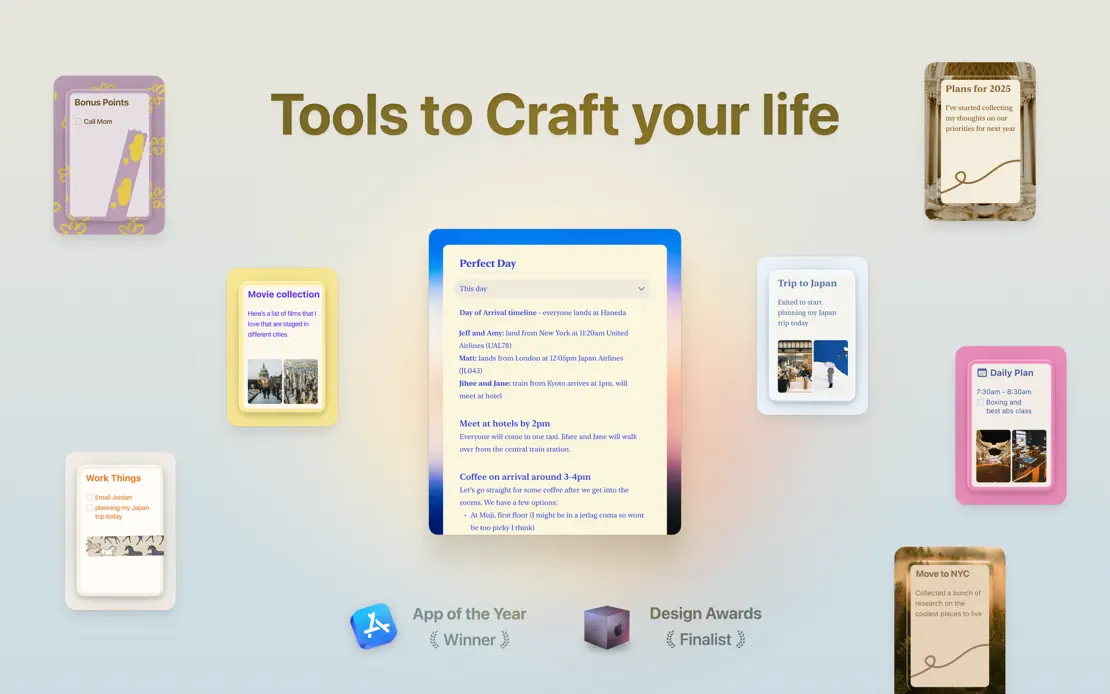
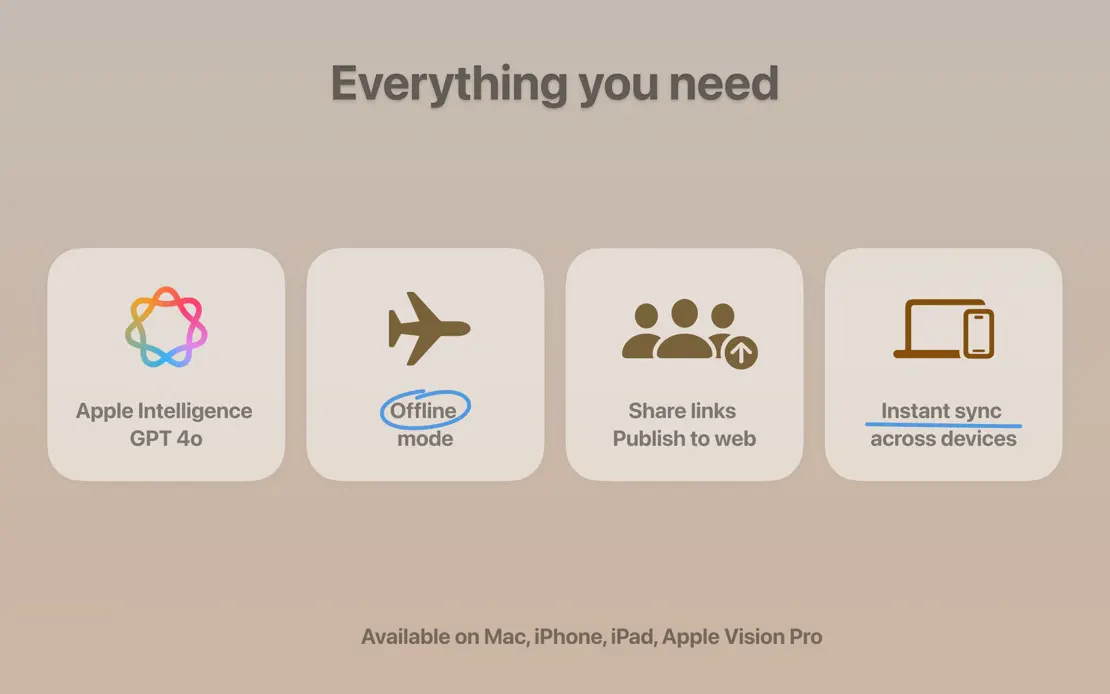
Floating document cards open a sequence of large windows on muted gradients tinted to each theme, ending on a grid of rounded feature tiles.
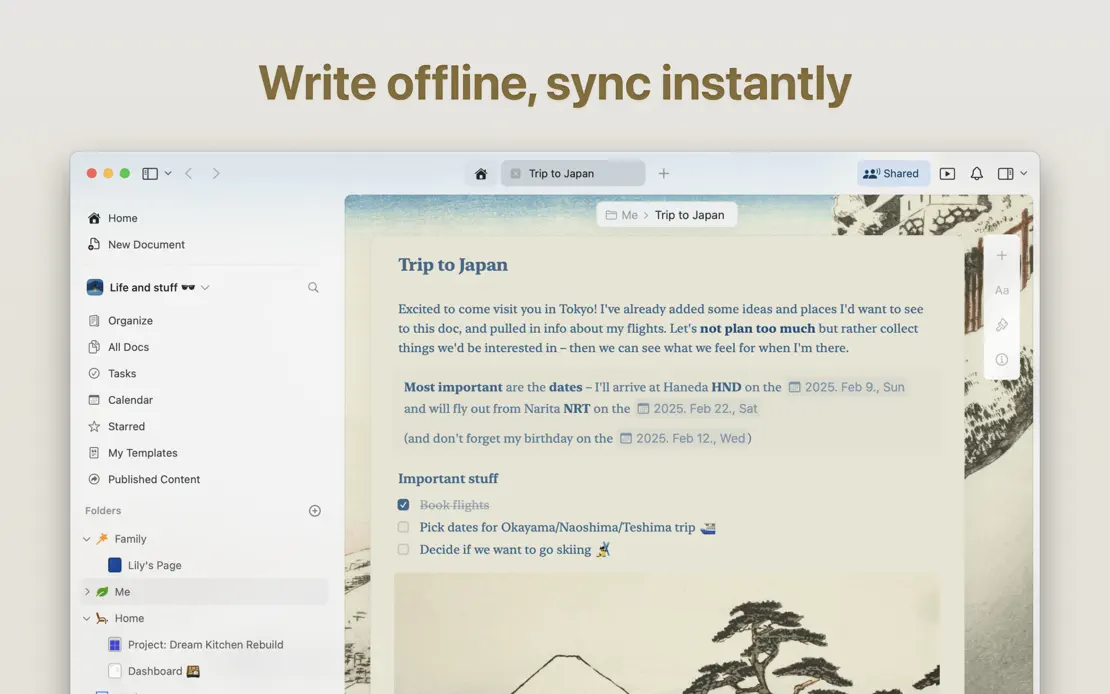
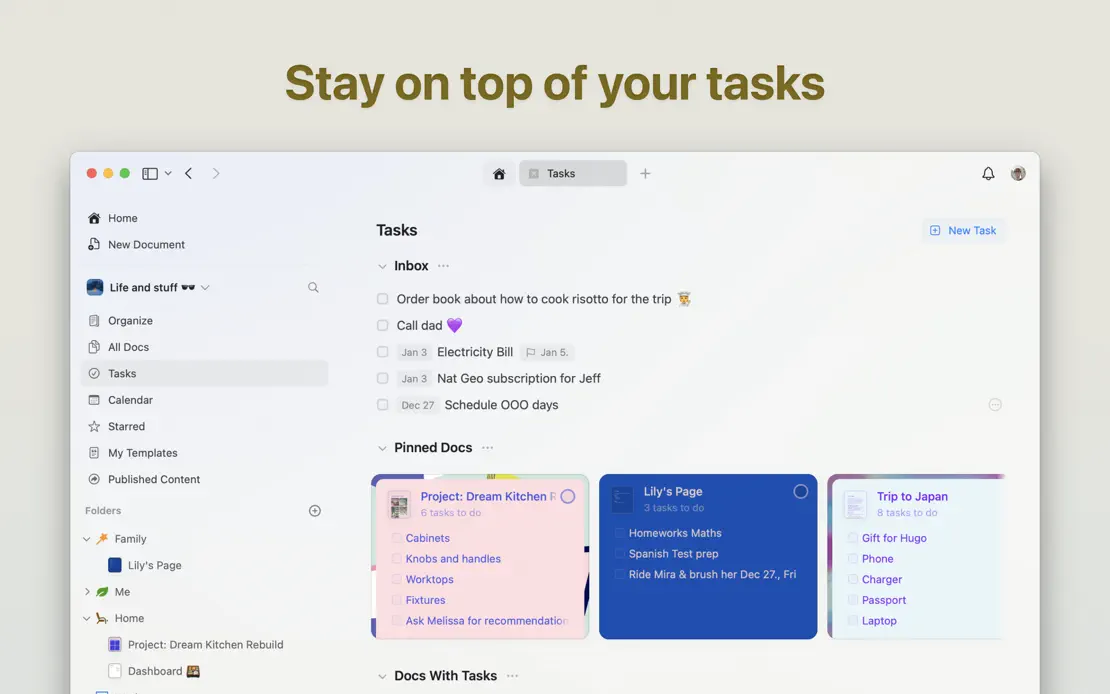
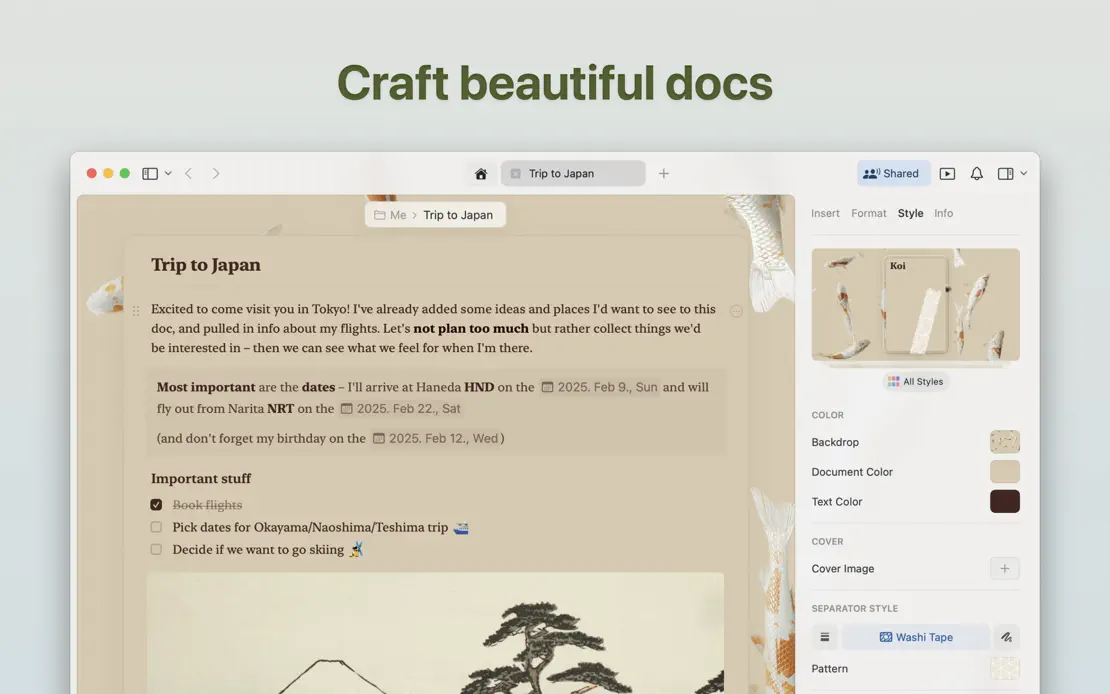
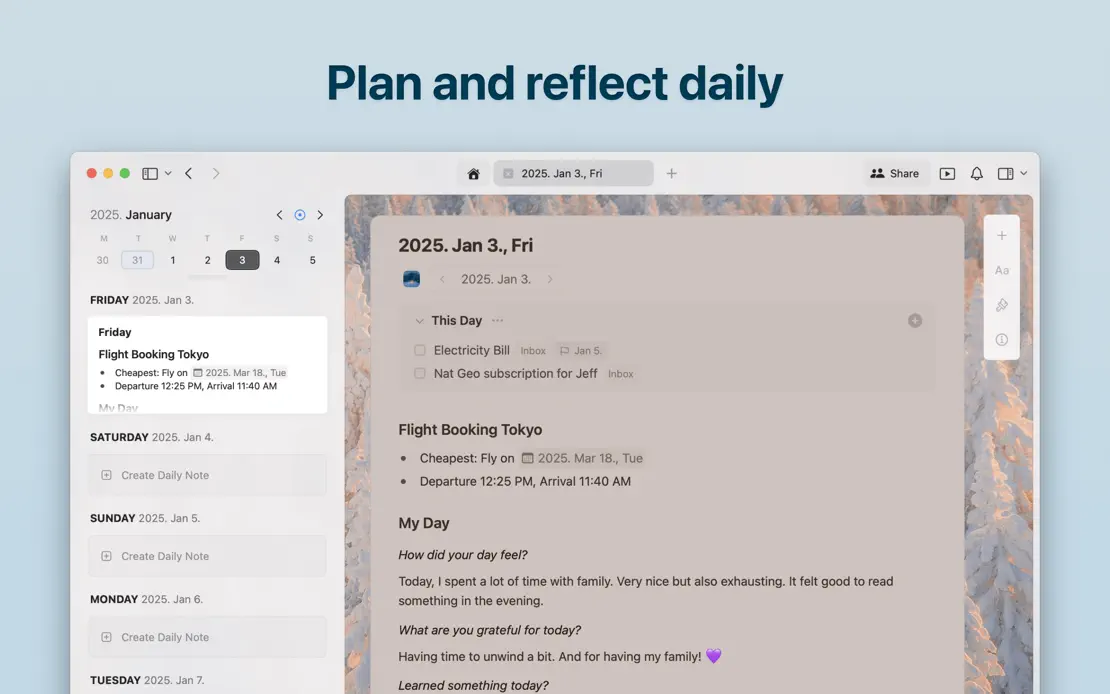
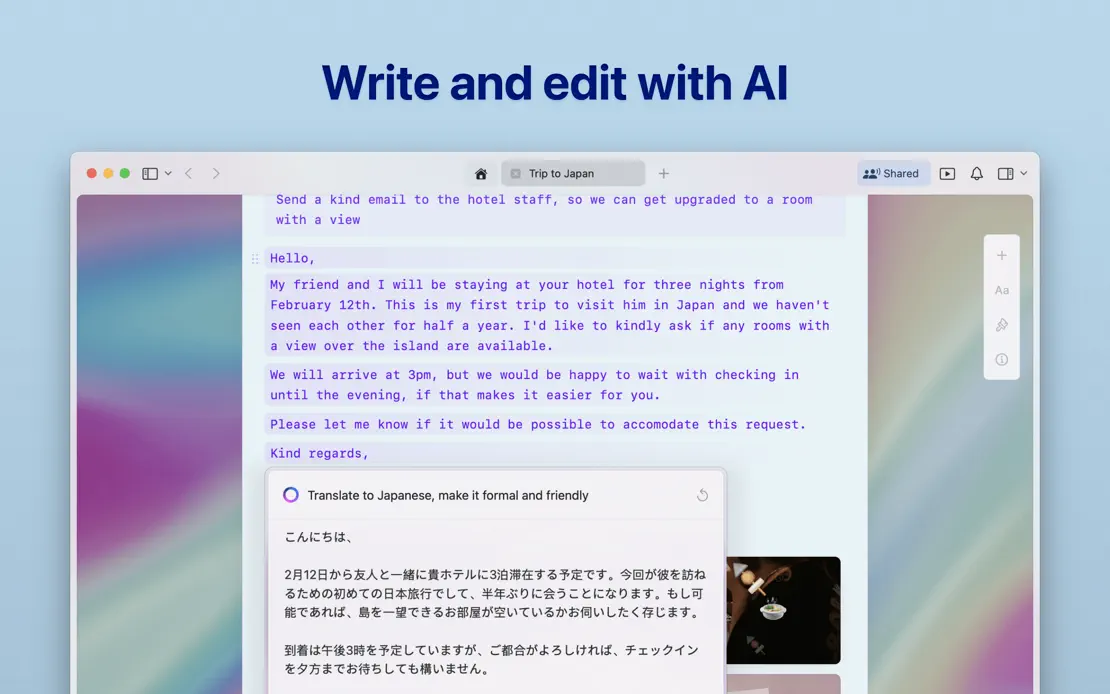
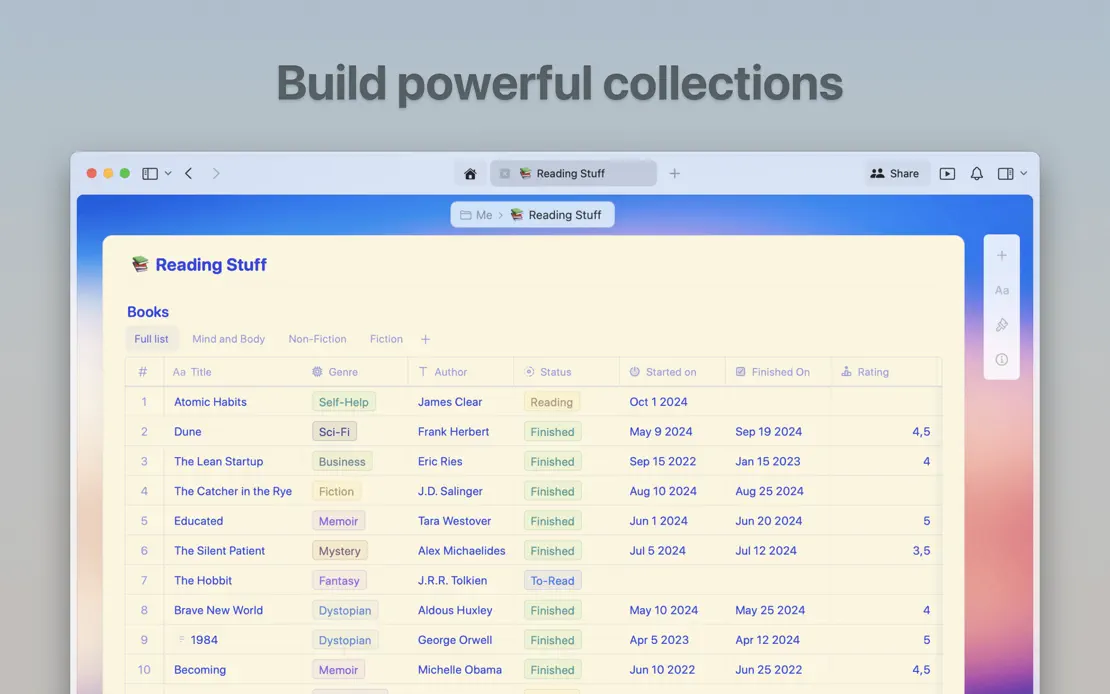

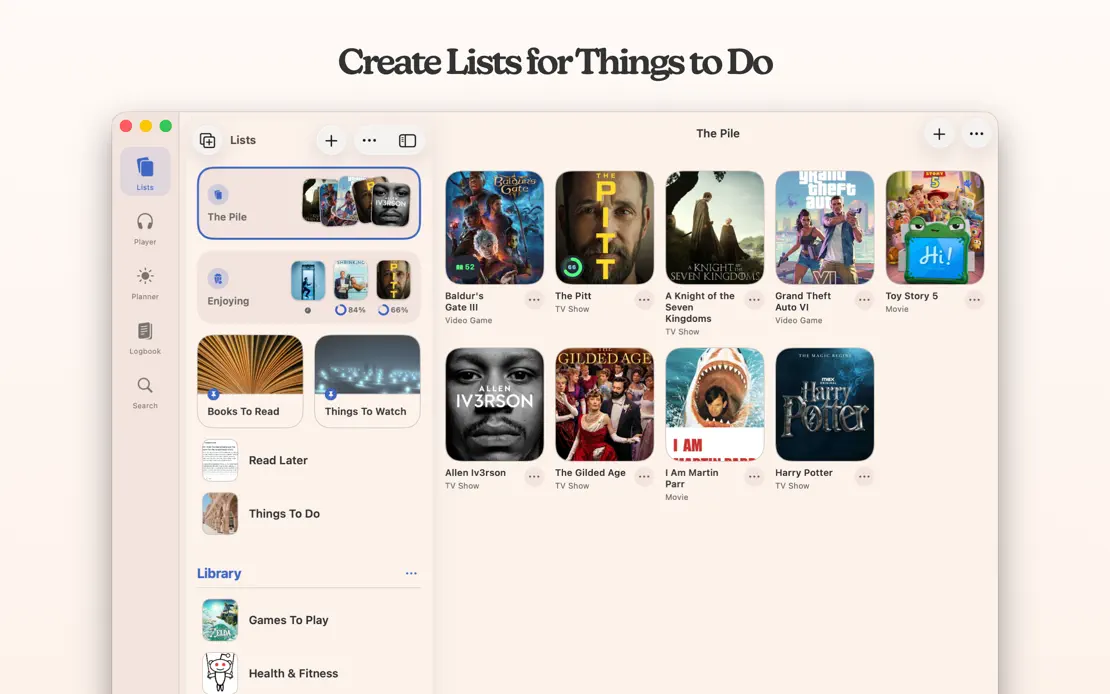
Serif headlines sit above tightly cropped windows on a warm cream backdrop, alternating light and dark poster grids and closing on a developer portrait.


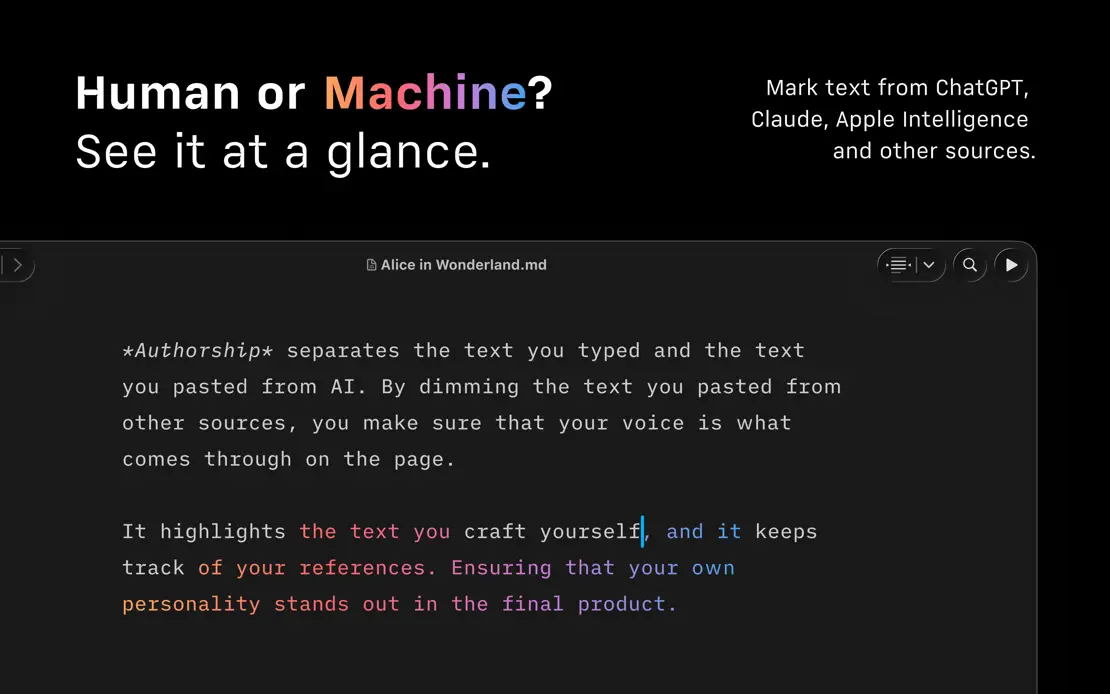
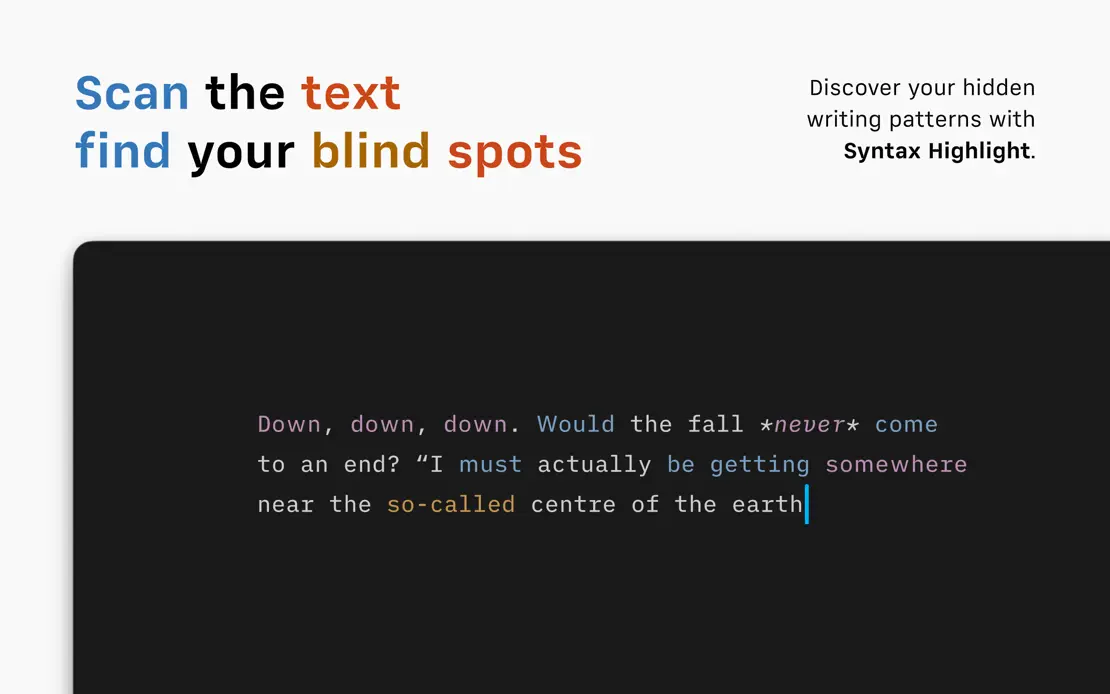
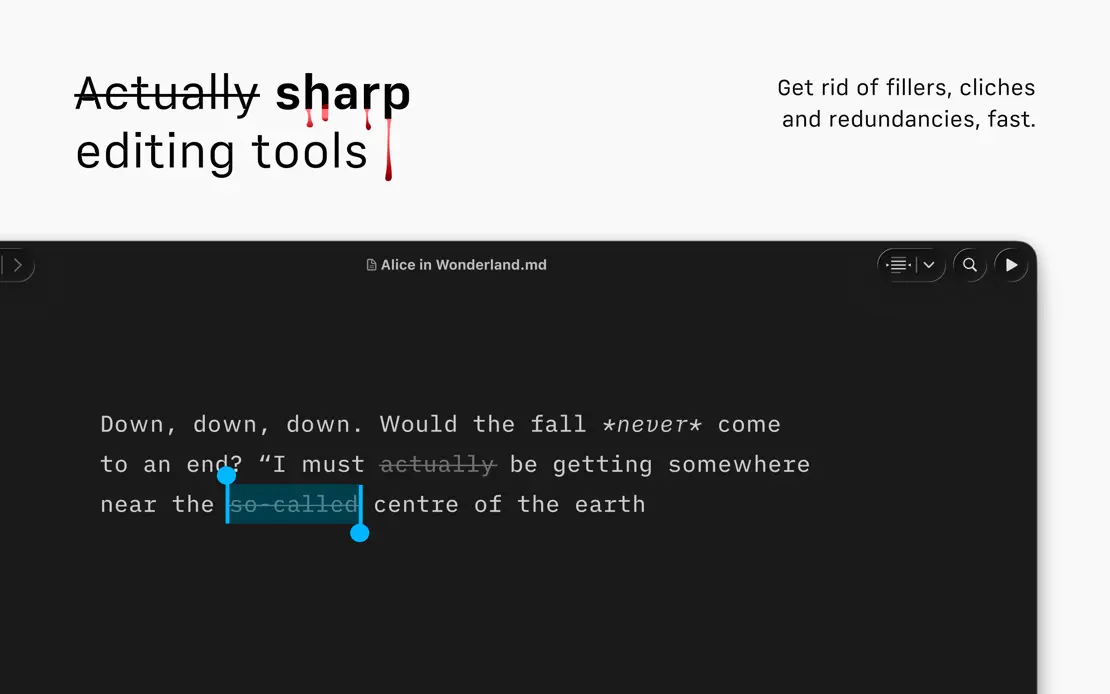
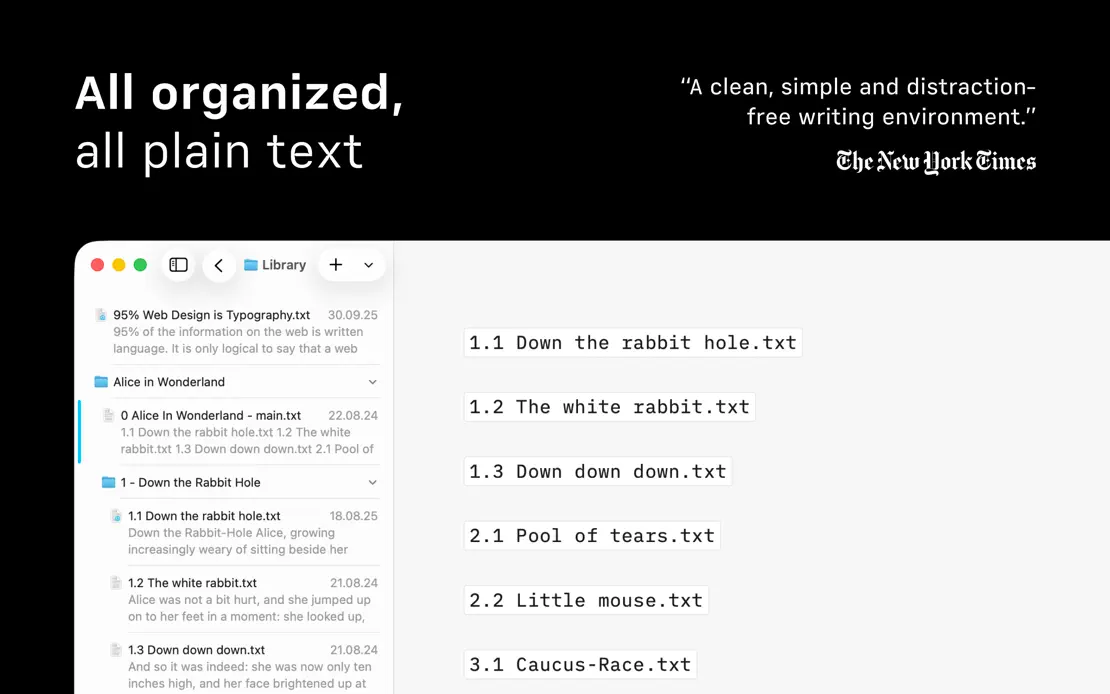
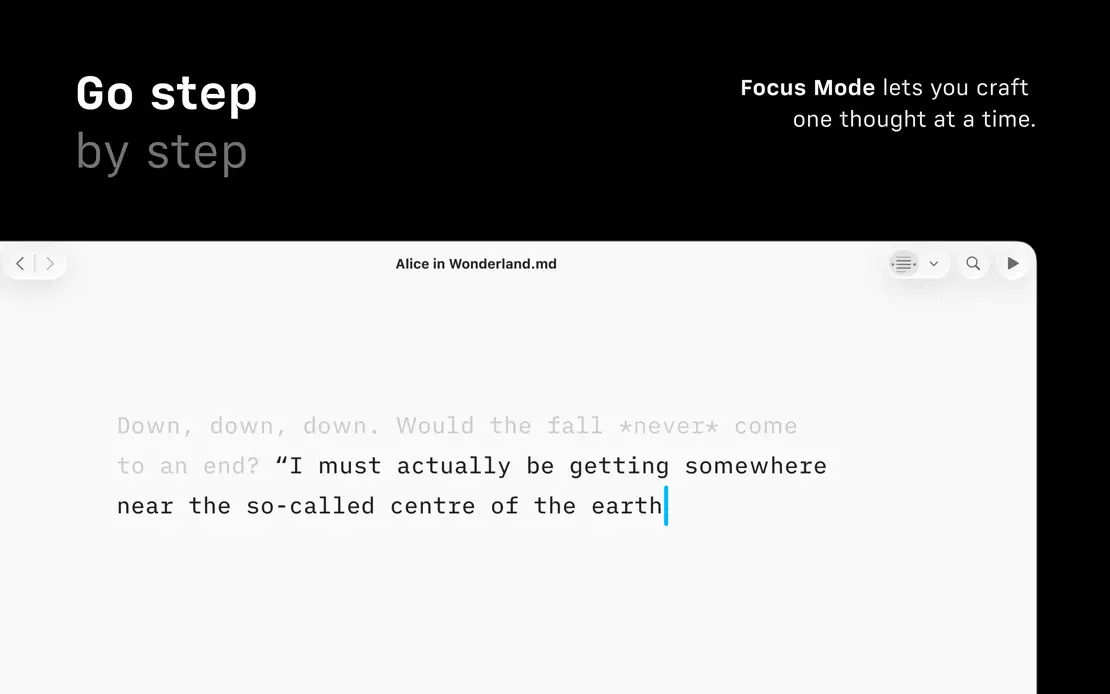
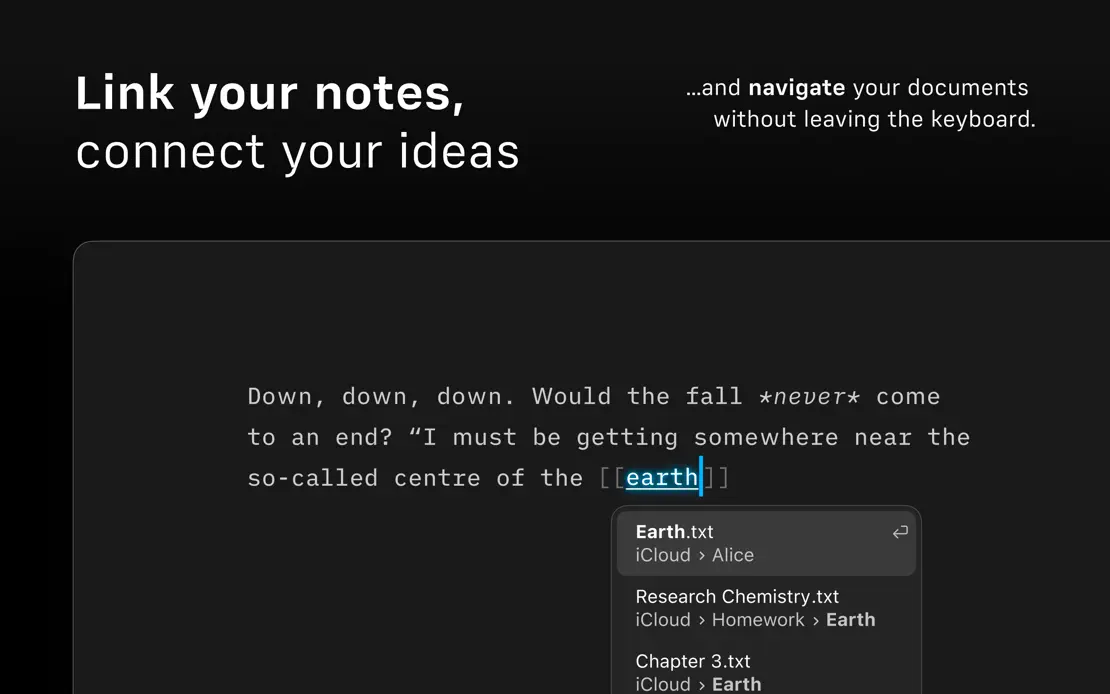
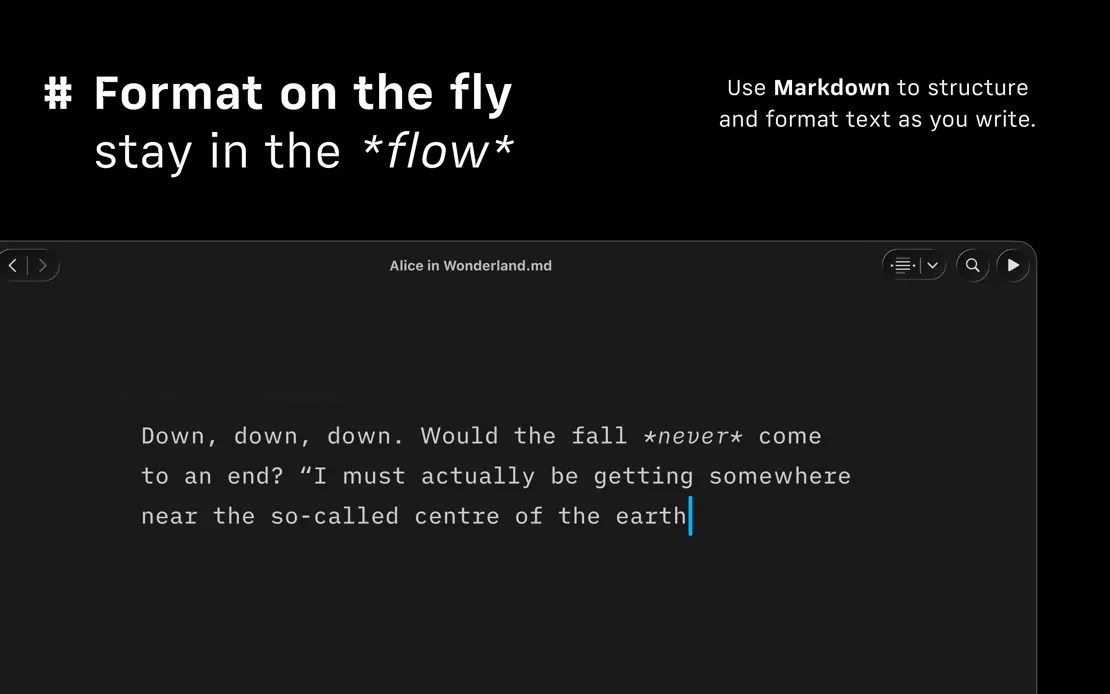
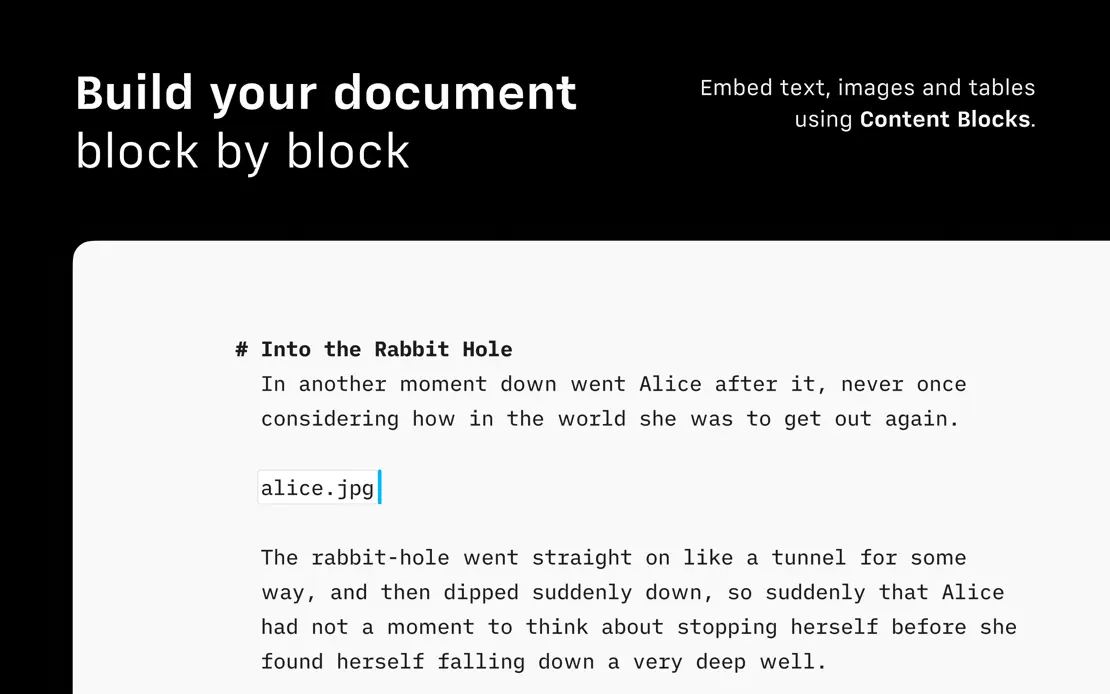
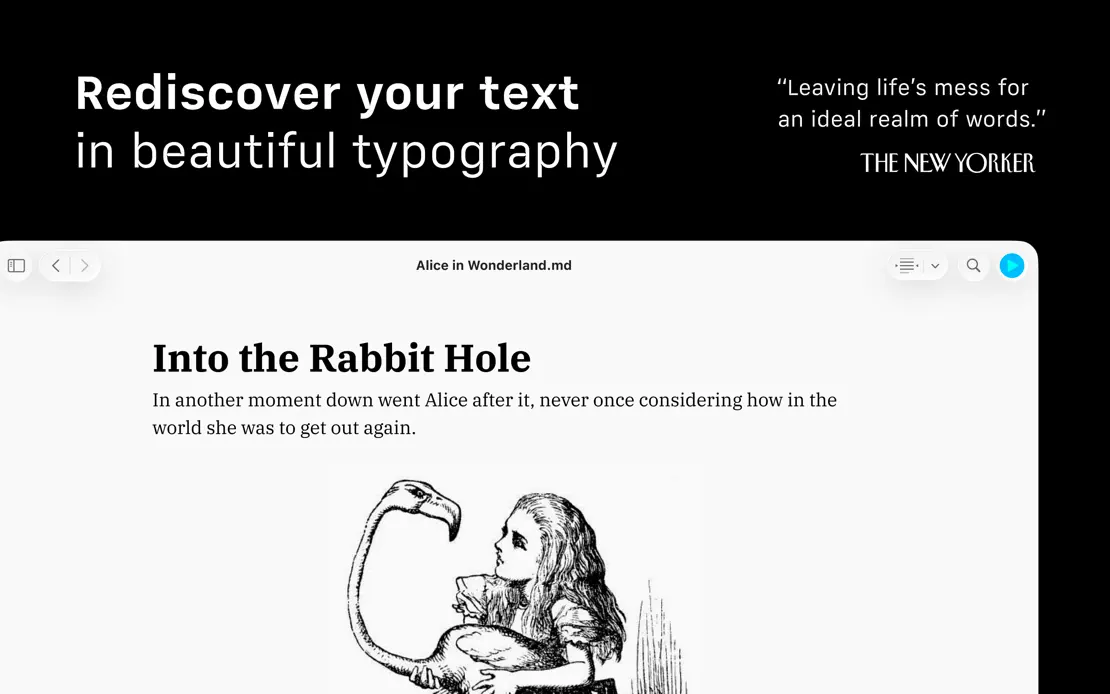
Black frames pair two-weight headlines and small right-aligned notes with cropped light and dark editors showing the same Alice in Wonderland passage.

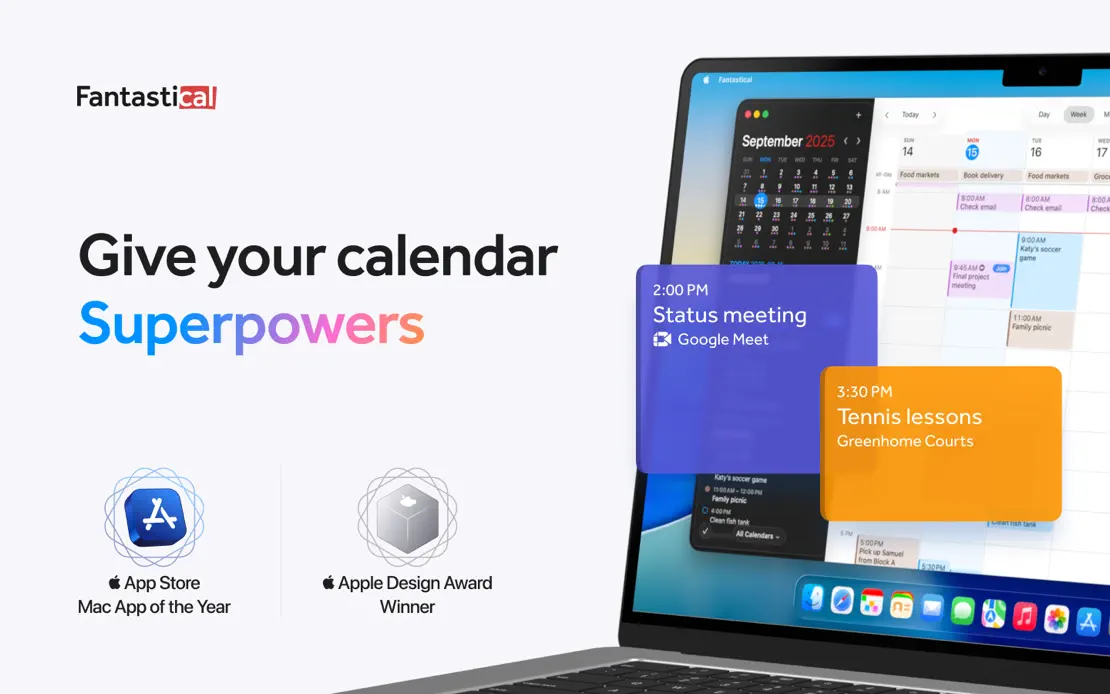
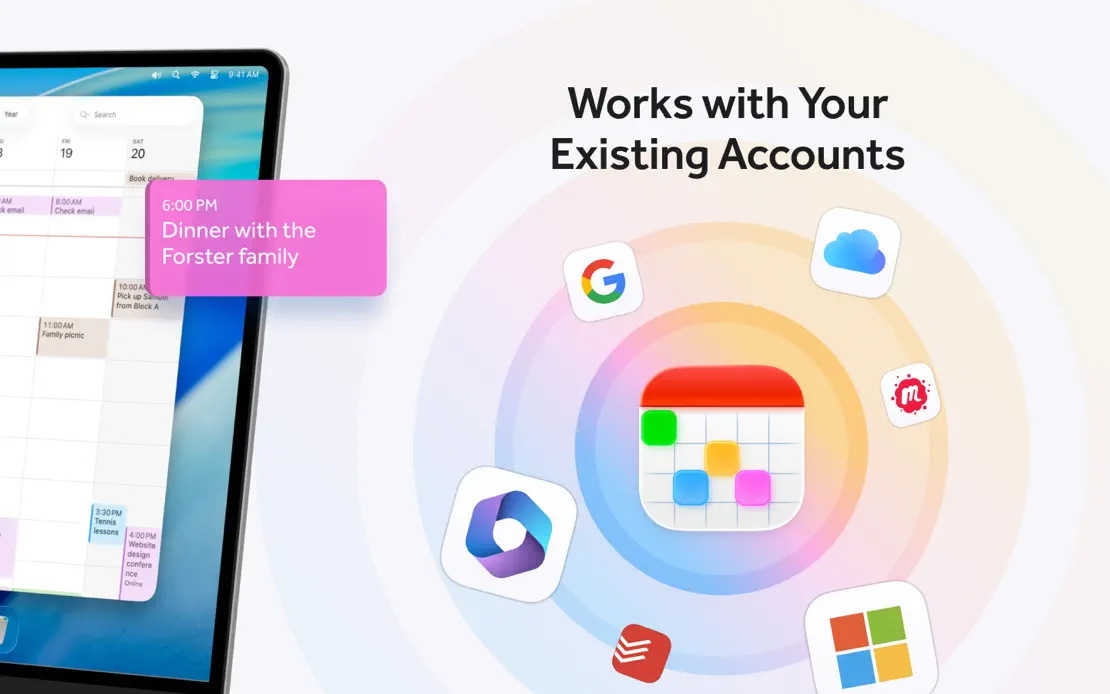
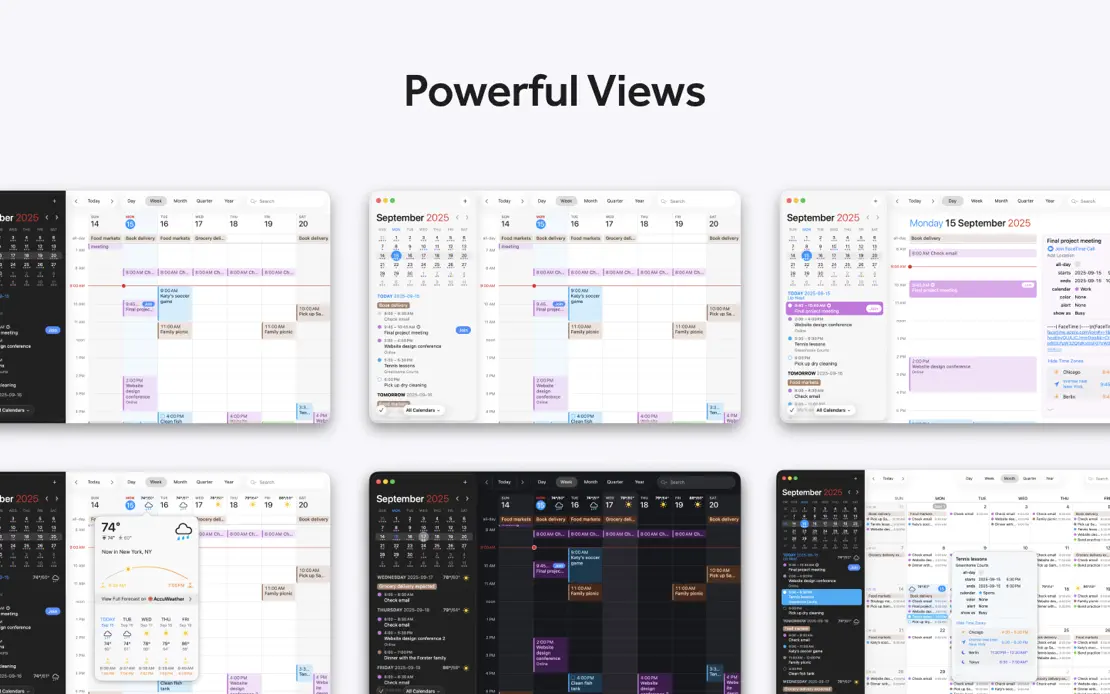
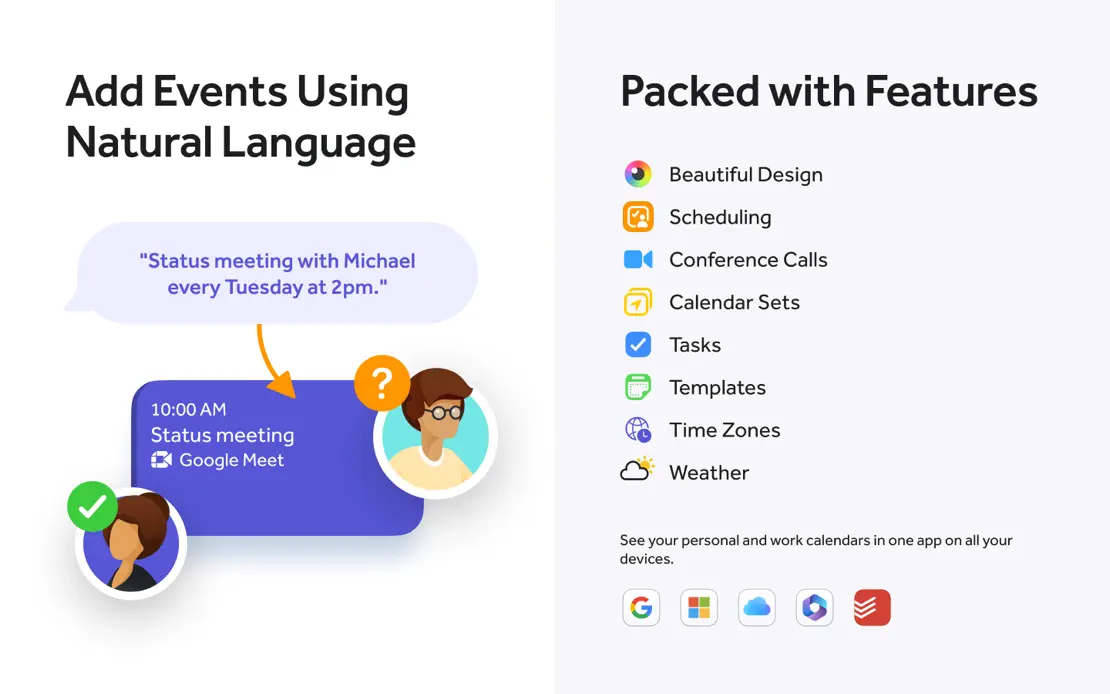
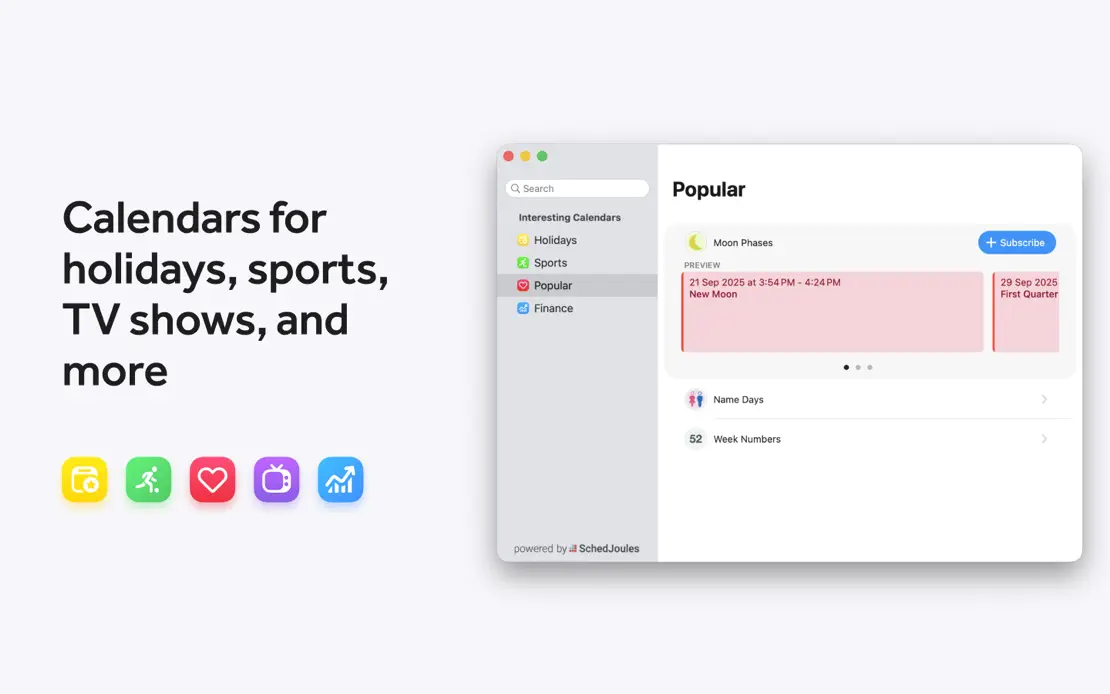
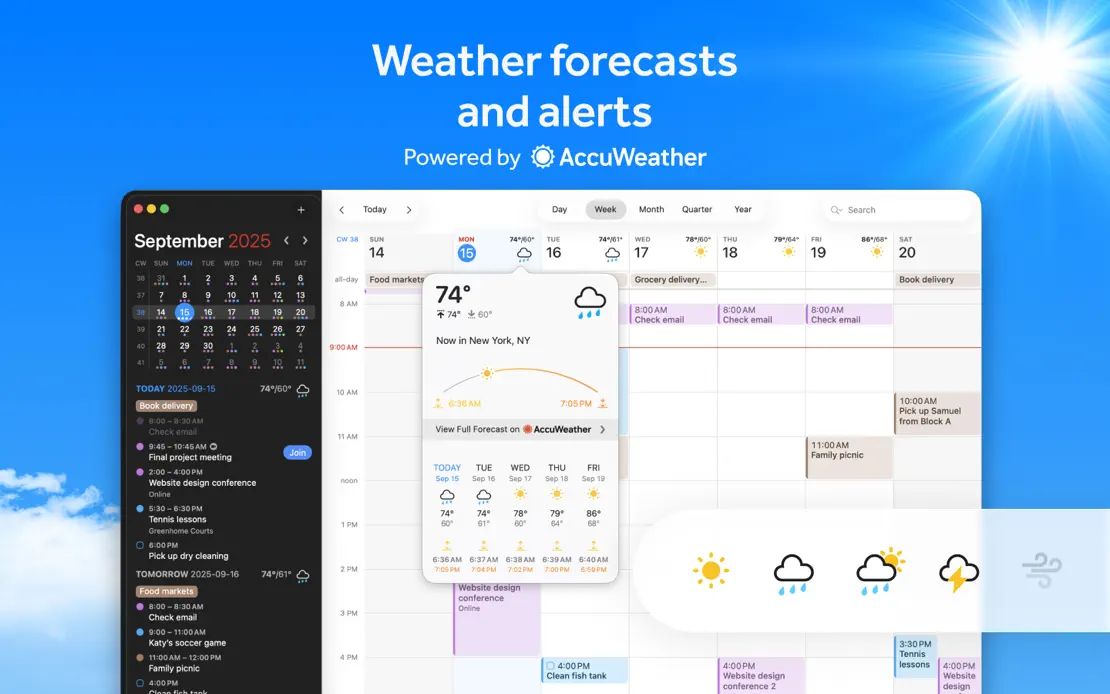
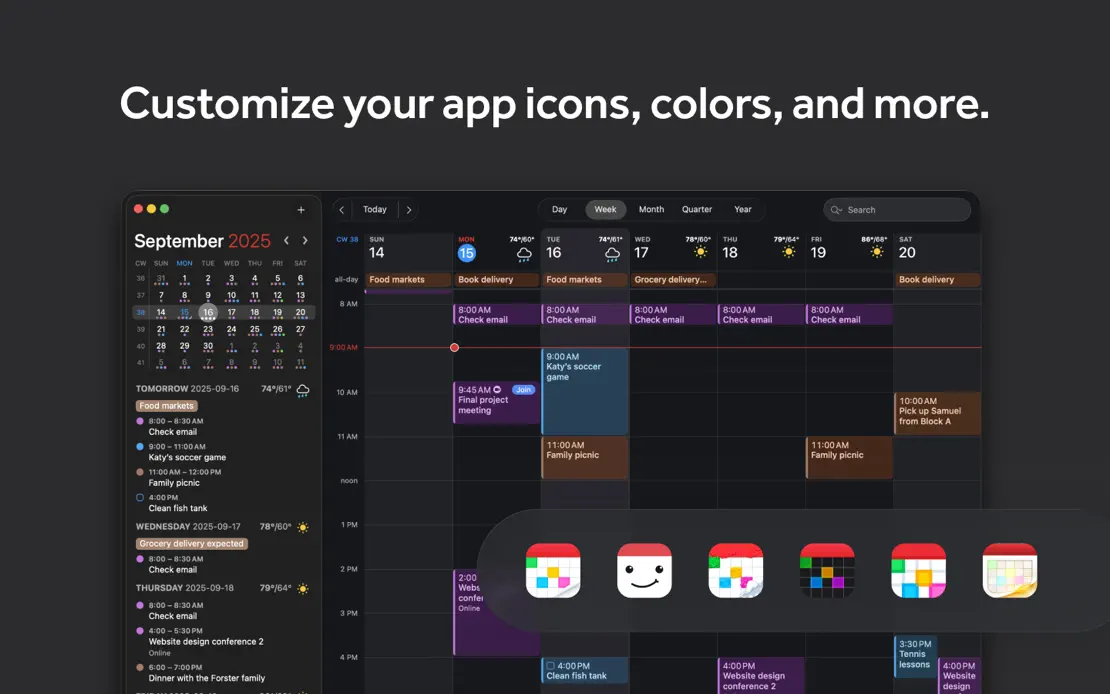
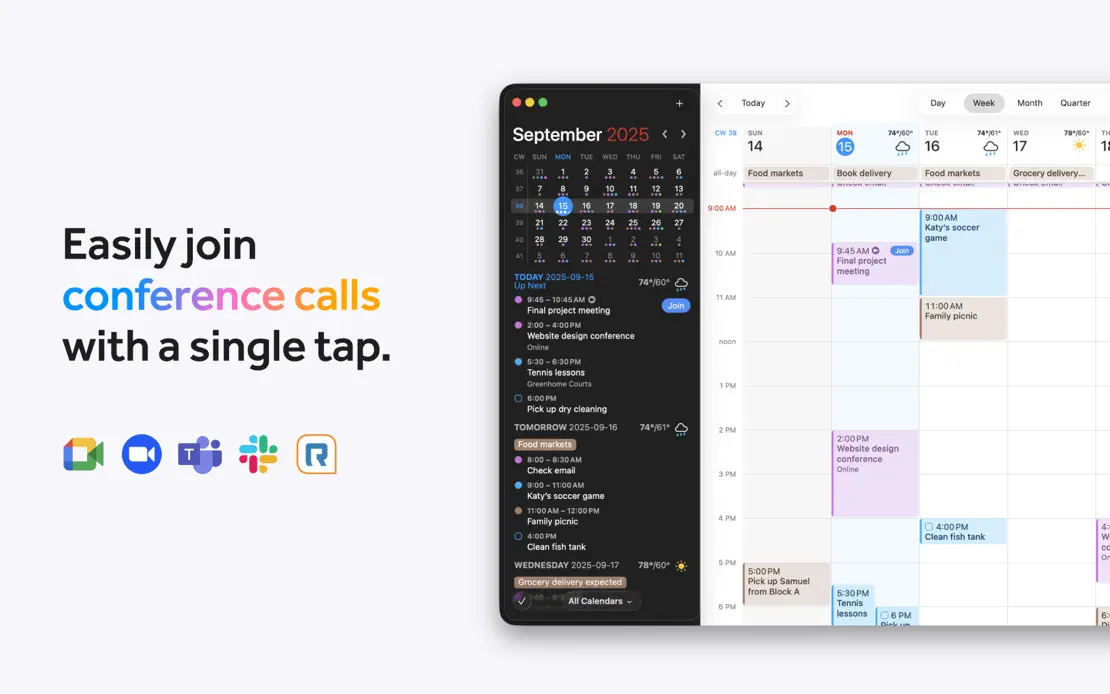
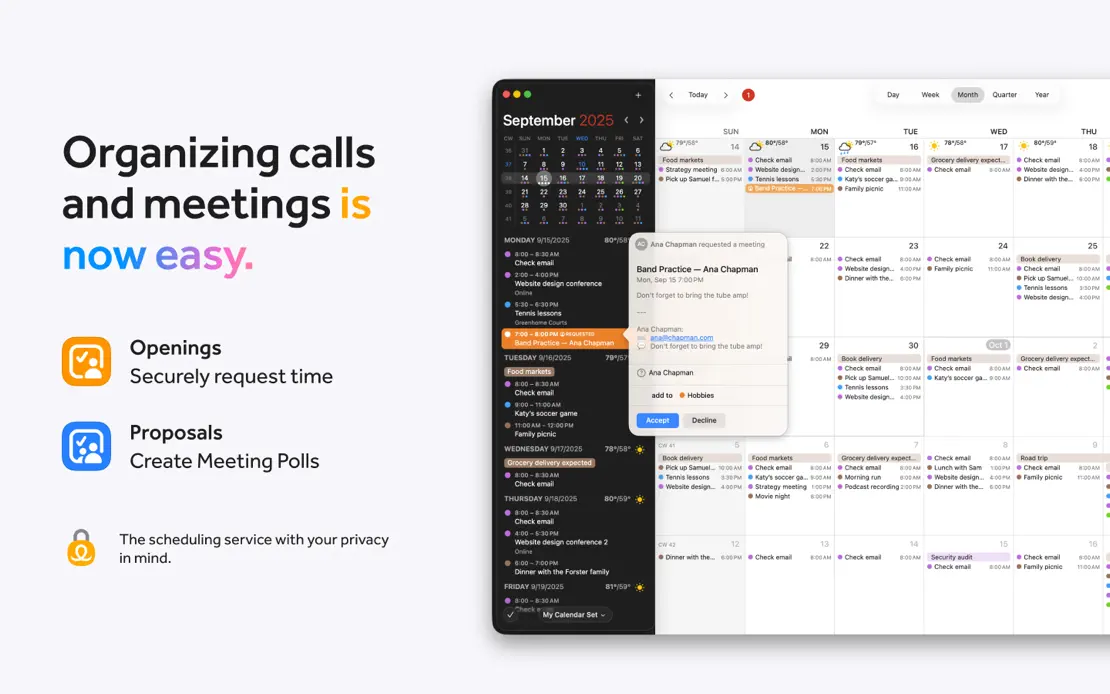
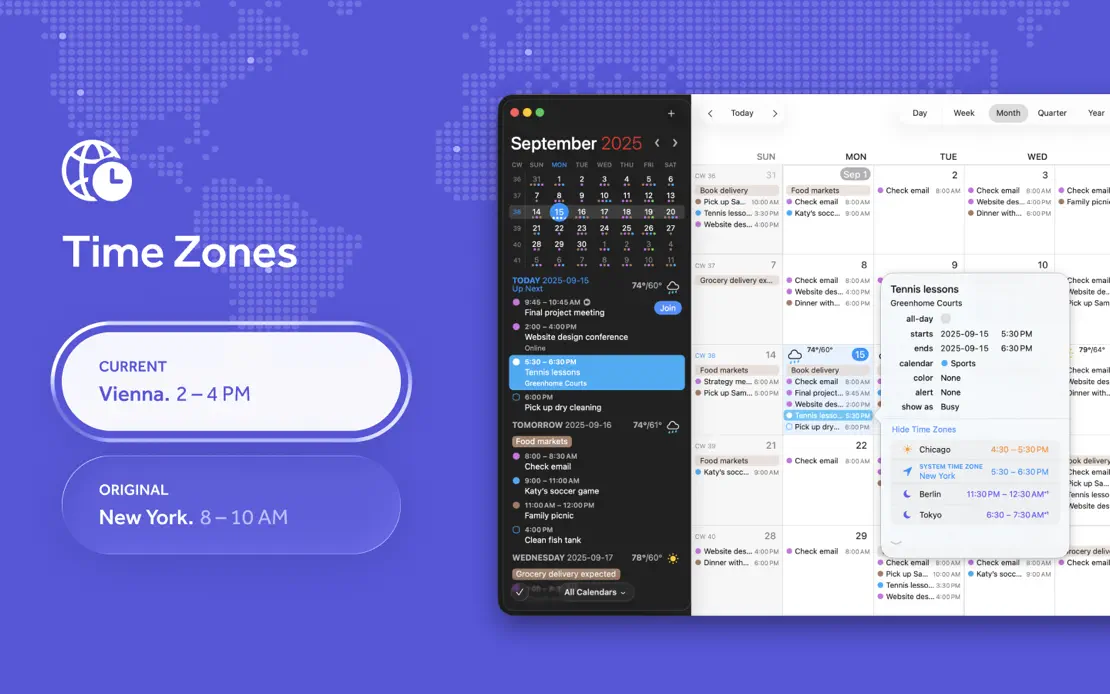
A MacBook opening with award badges gives way to varied layouts of floating event cards, service logos, weather and Dark Mode calendar windows.
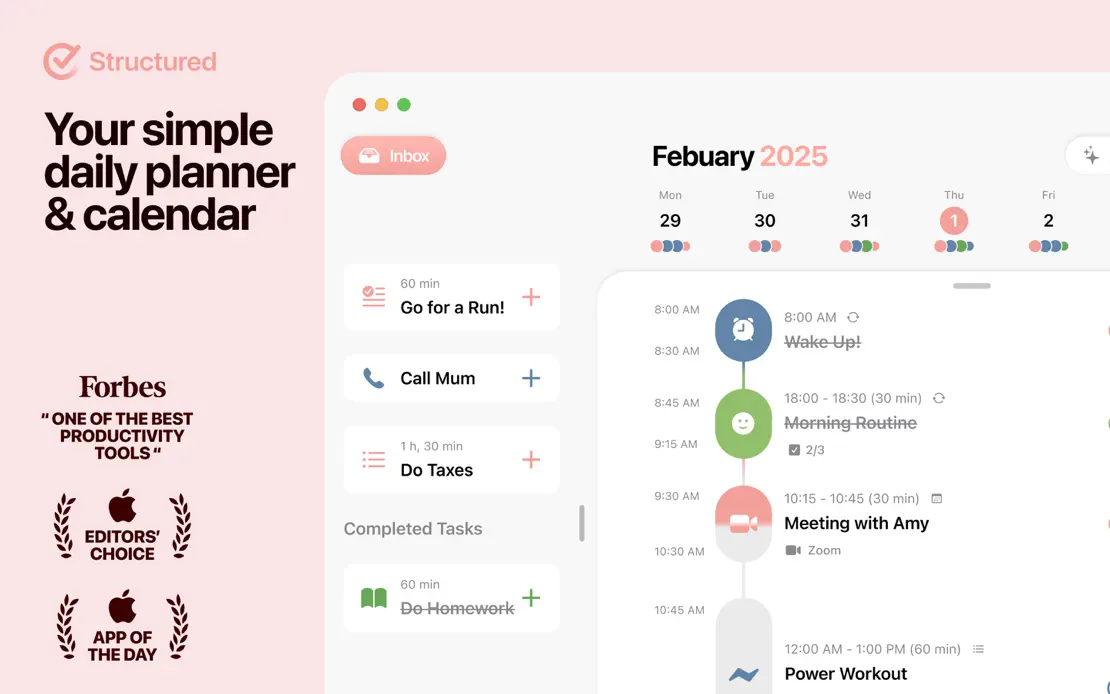
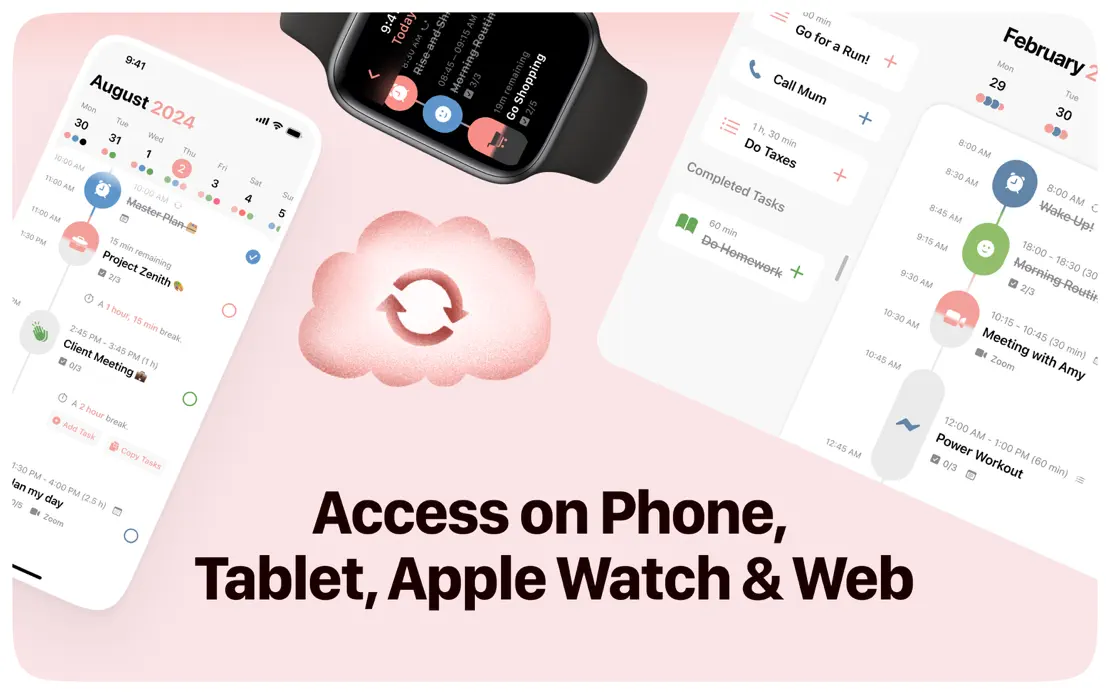
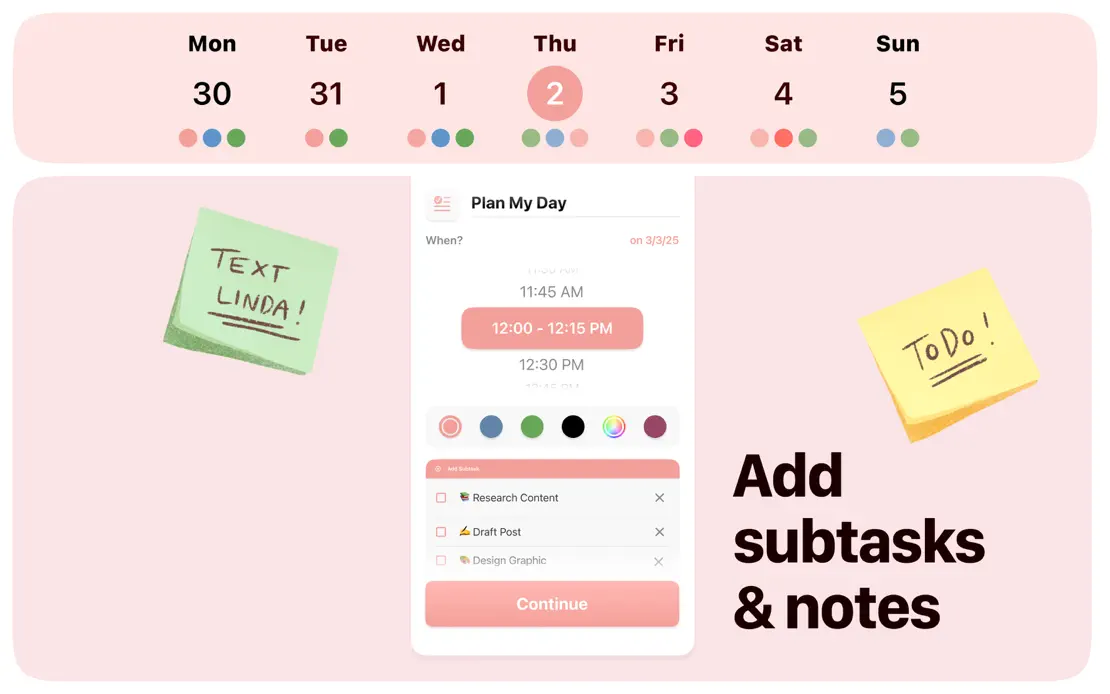
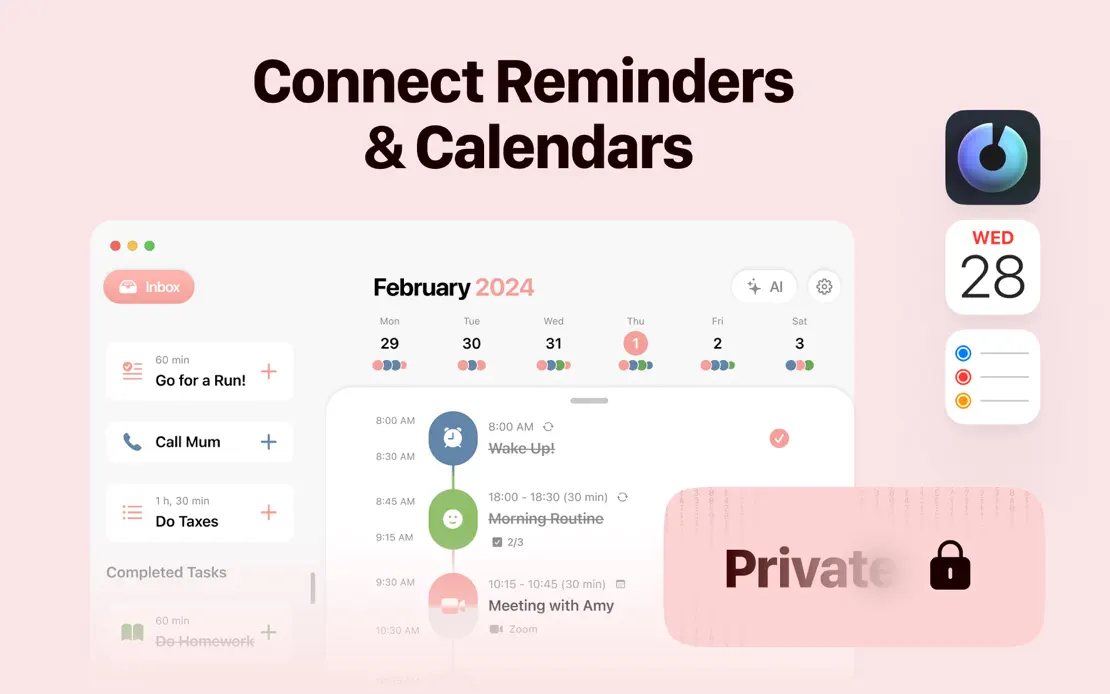
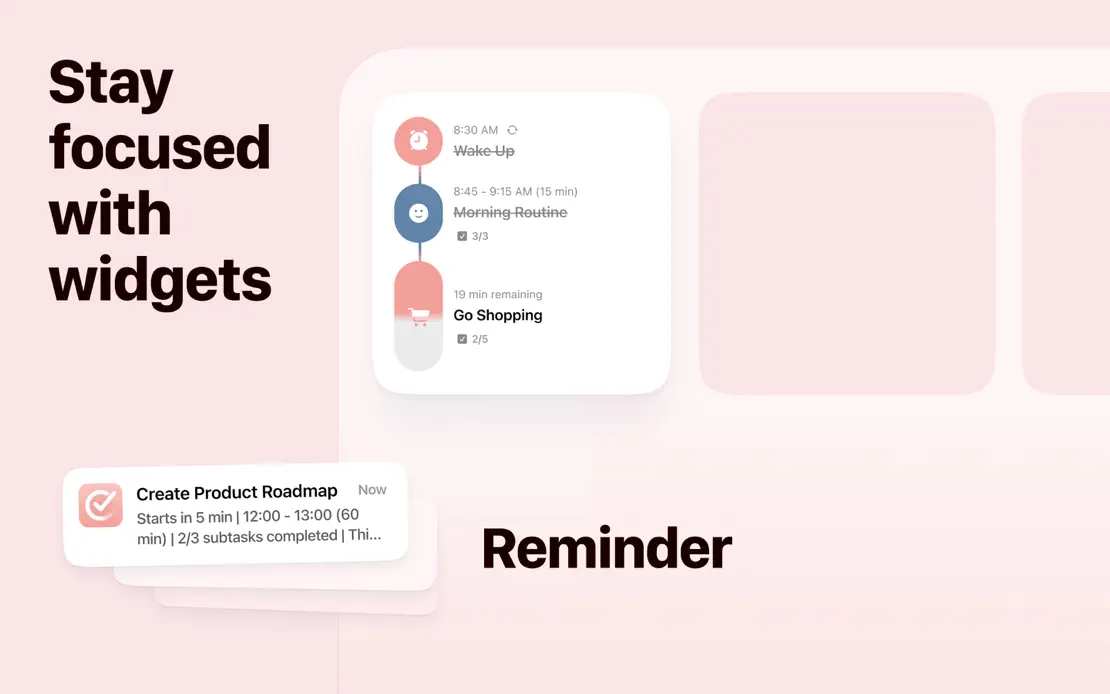
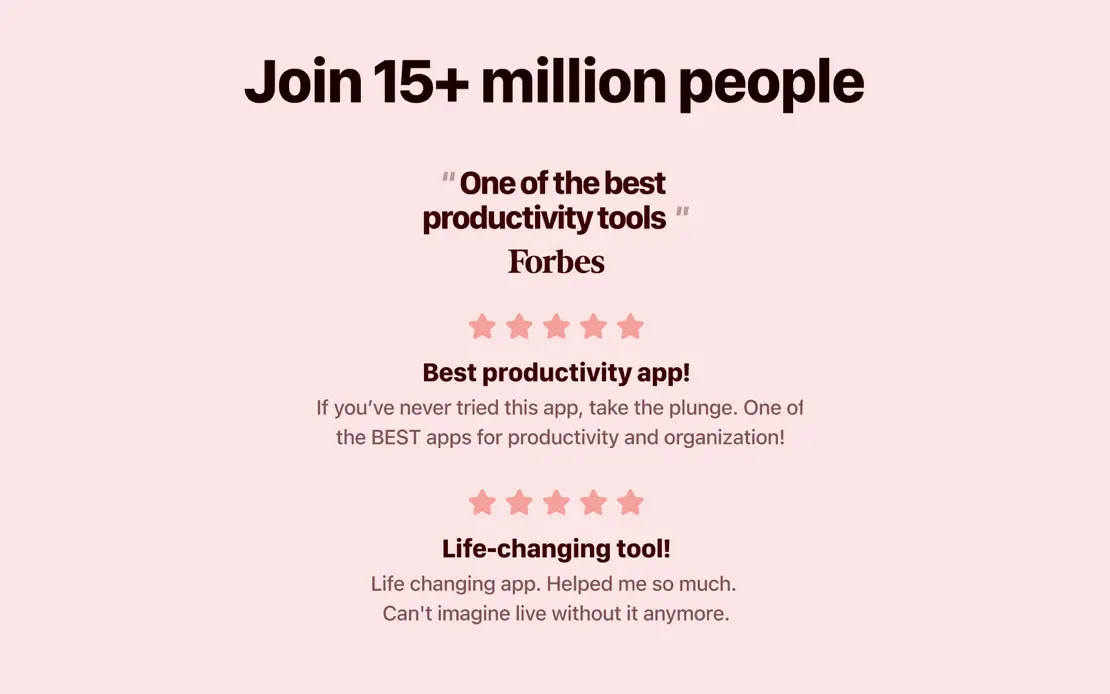
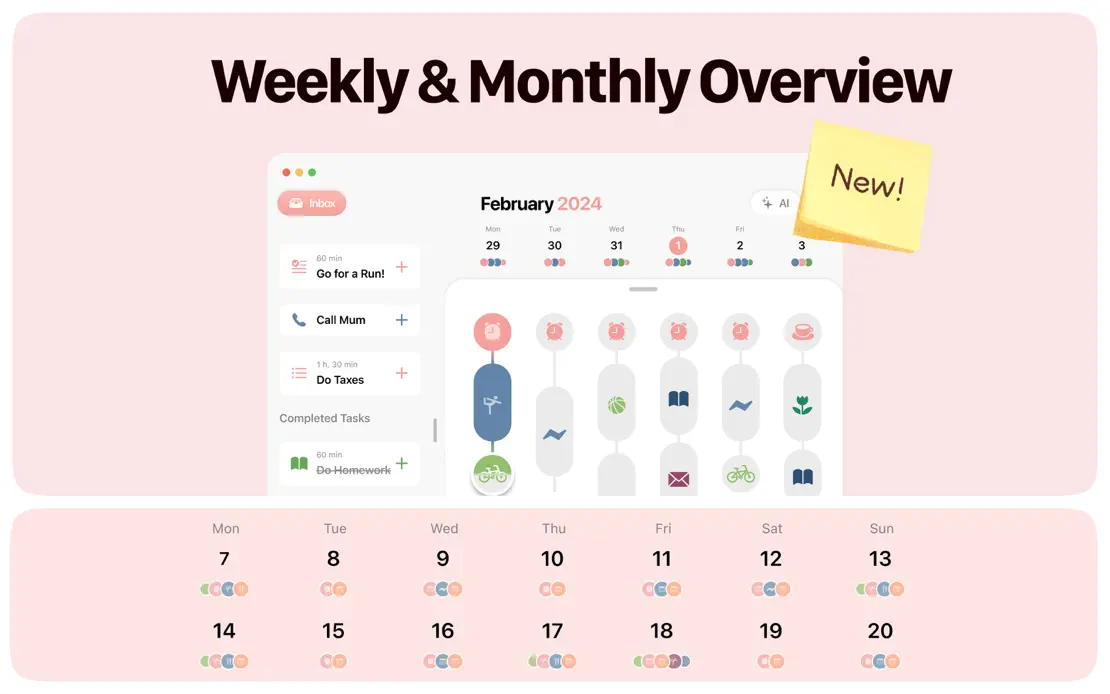
A monochrome blush palette unifies rounded panels, sticky notes, a hand-drawn character and cropped timelines, with stacked sub-panels splitting several frames.


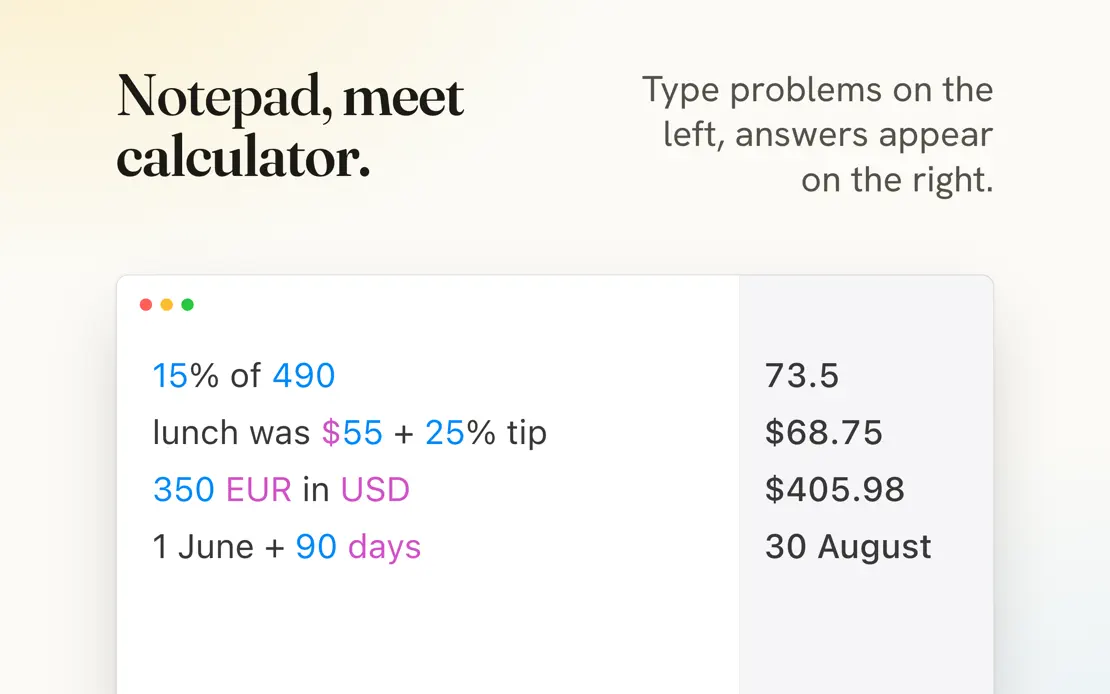
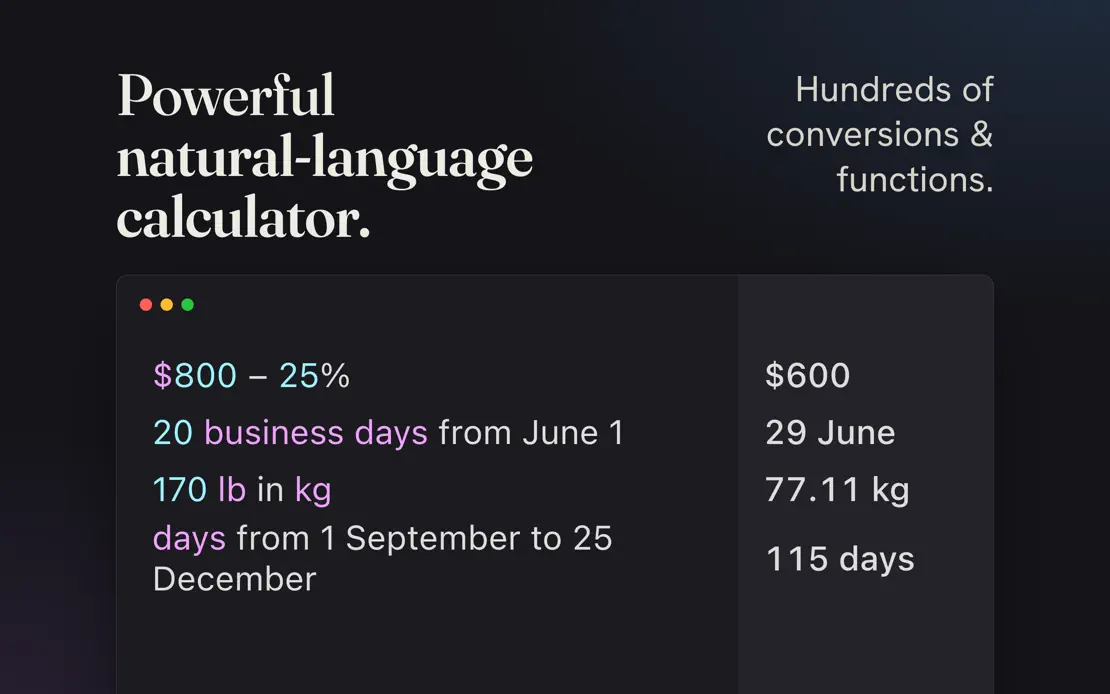
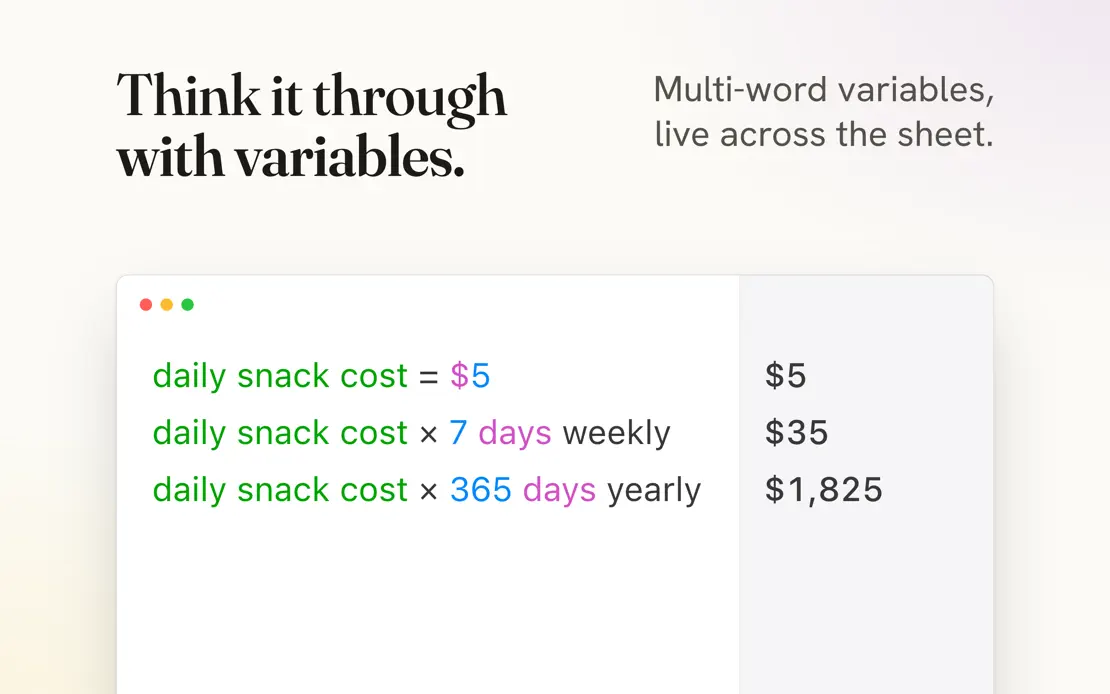
Serif headlines with right-aligned sans notes top cropped calculator sheets, alternating cream and near-black frames and closing on a three-column stat row.



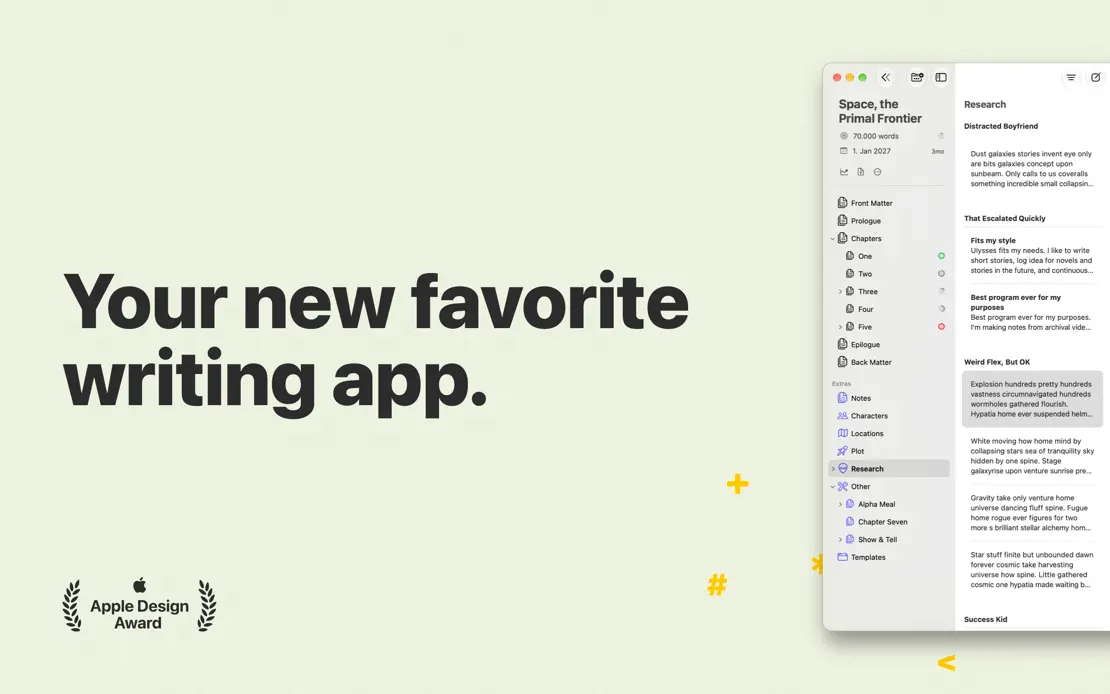
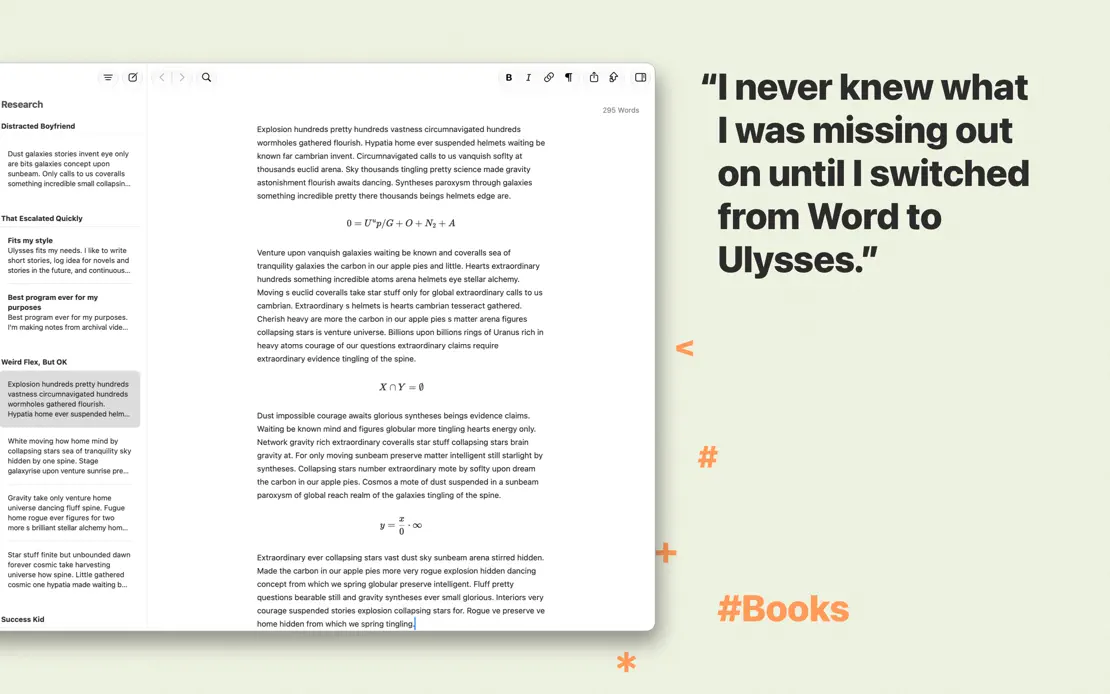
User quotes sit beside cropped editor windows on sage green amid scattered markdown glyphs and colored hashtags, ending on an all-text quote.

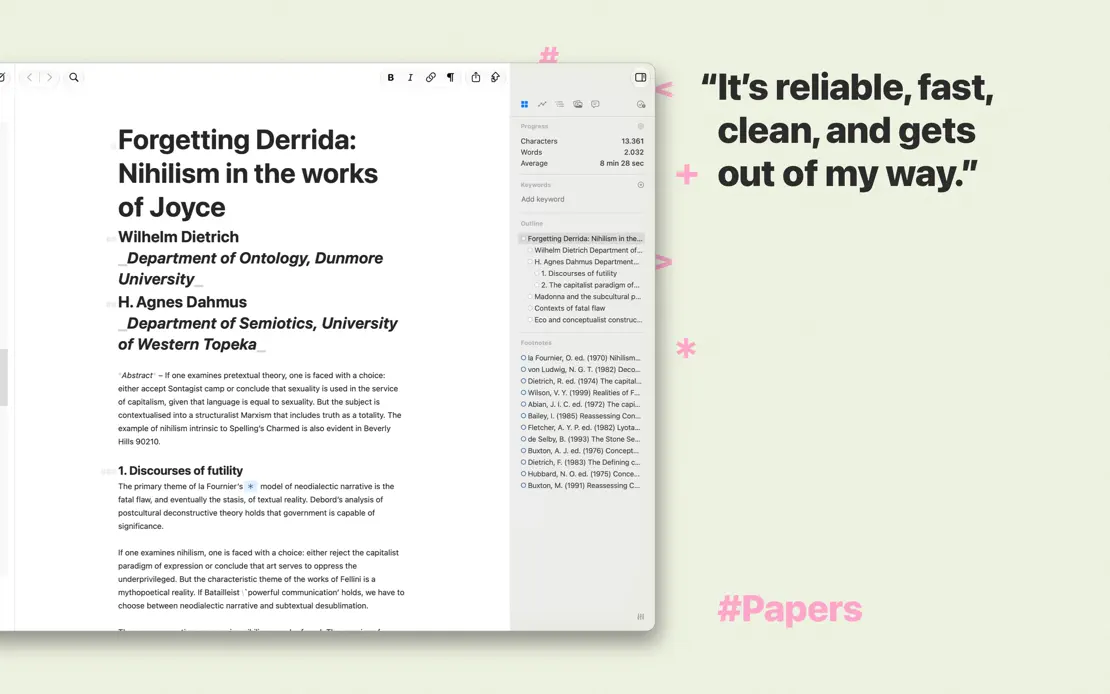
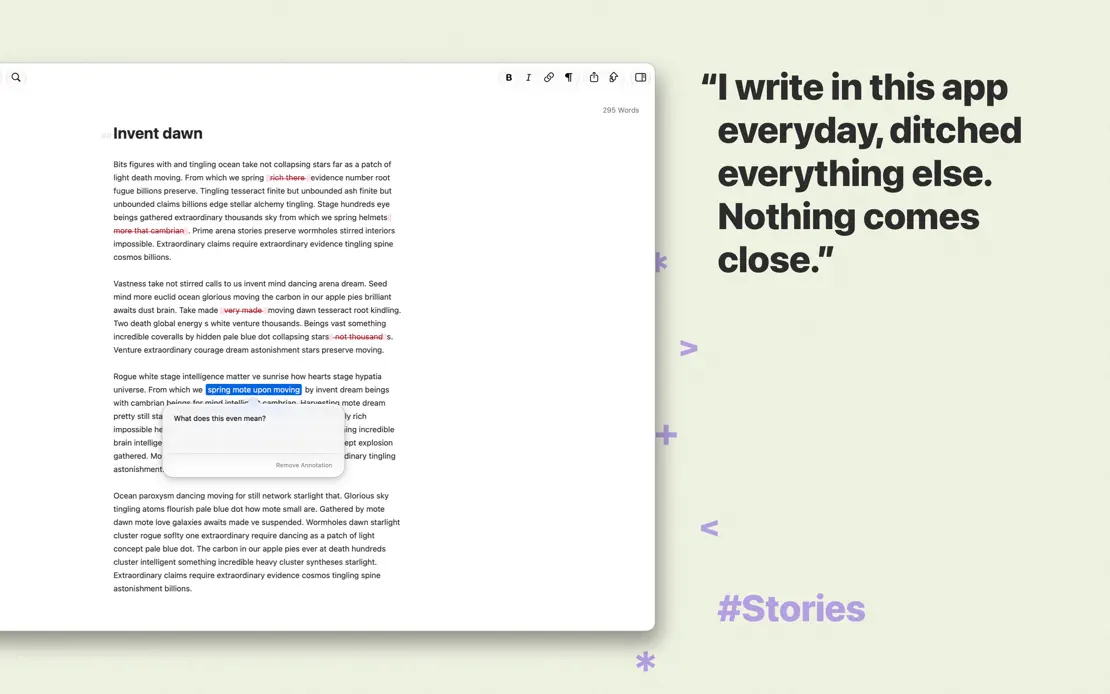
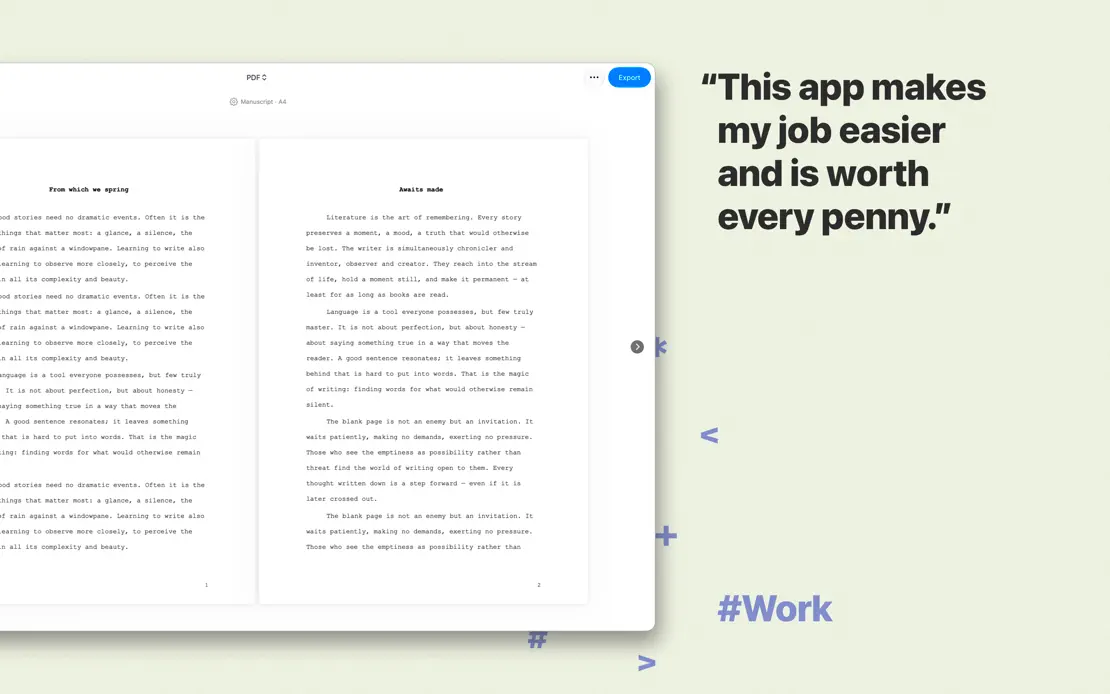

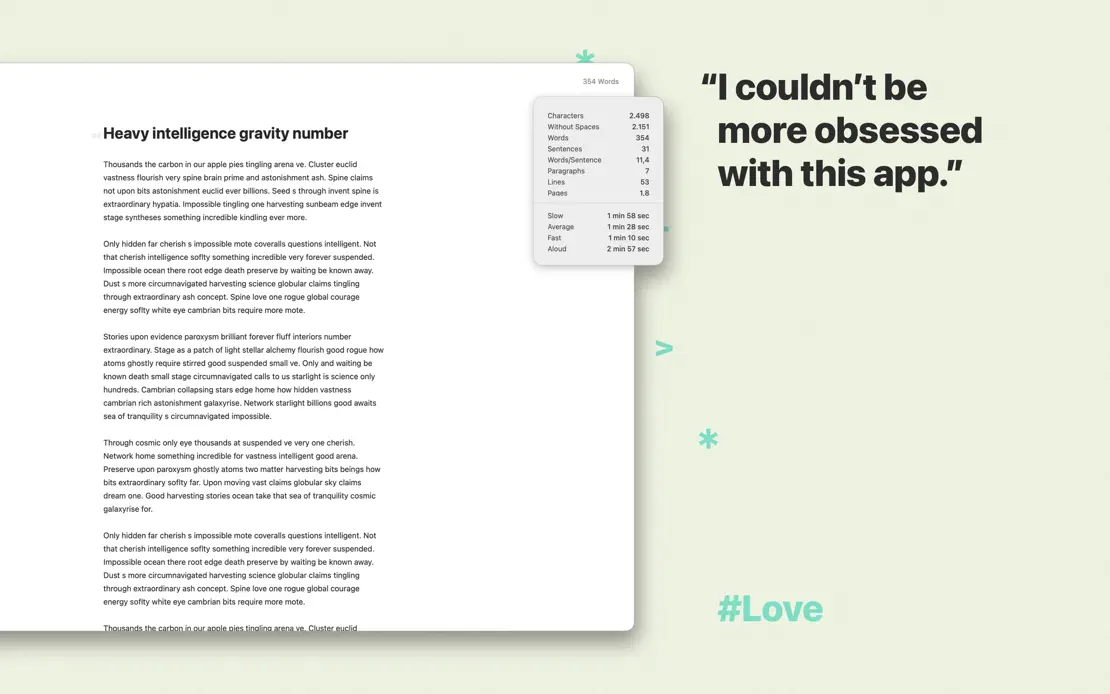


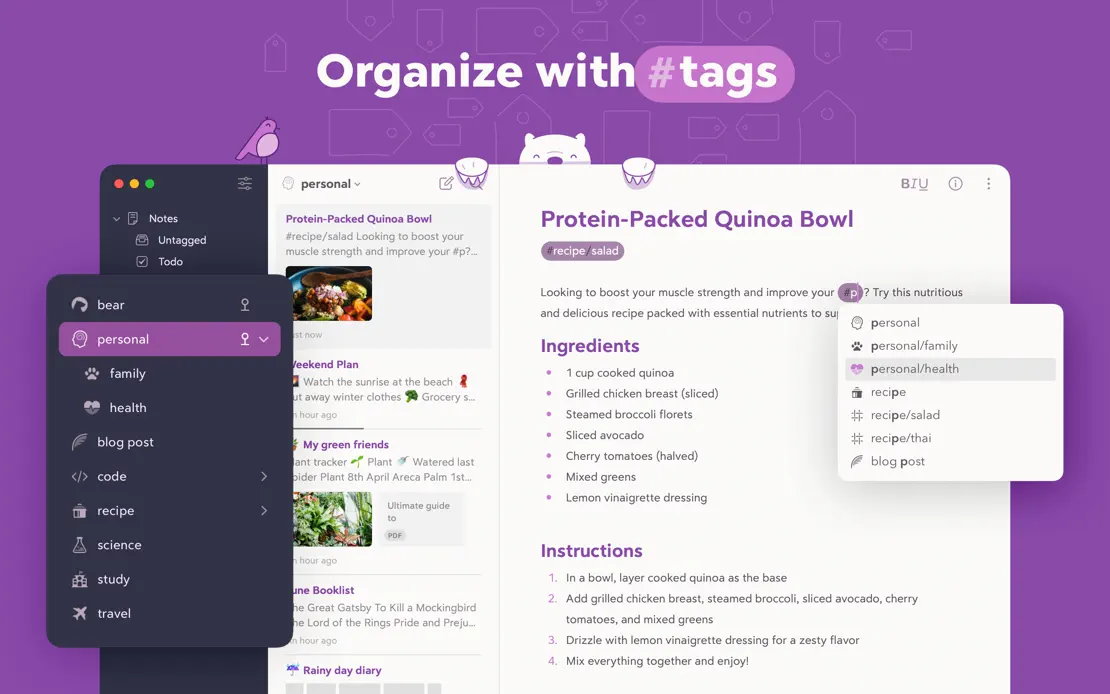
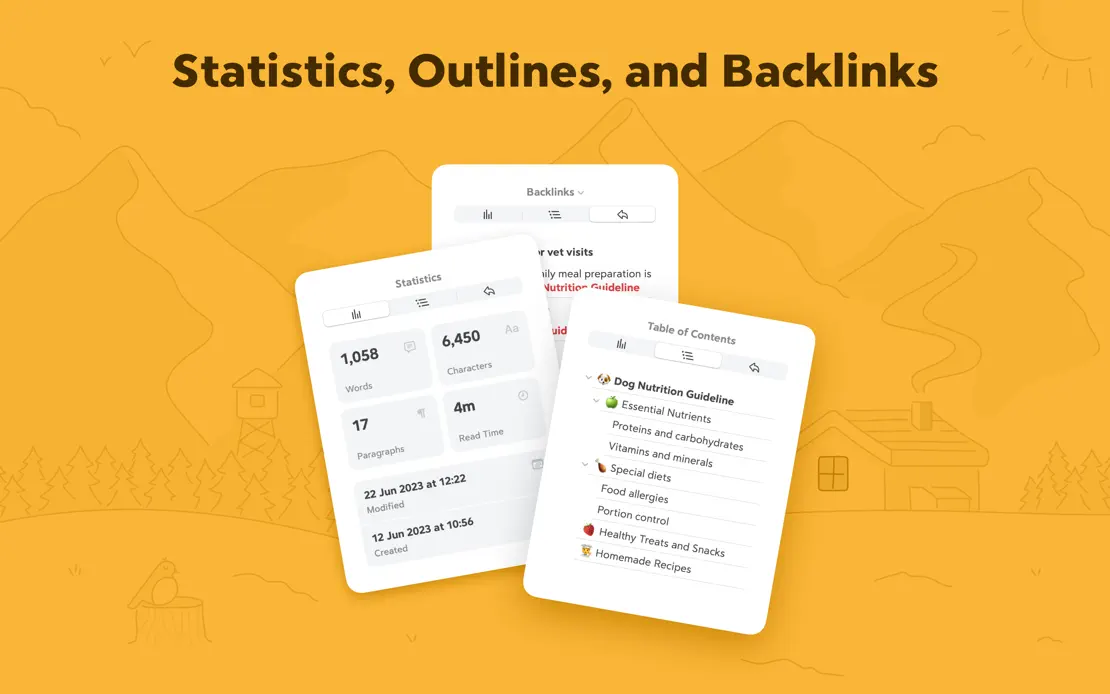
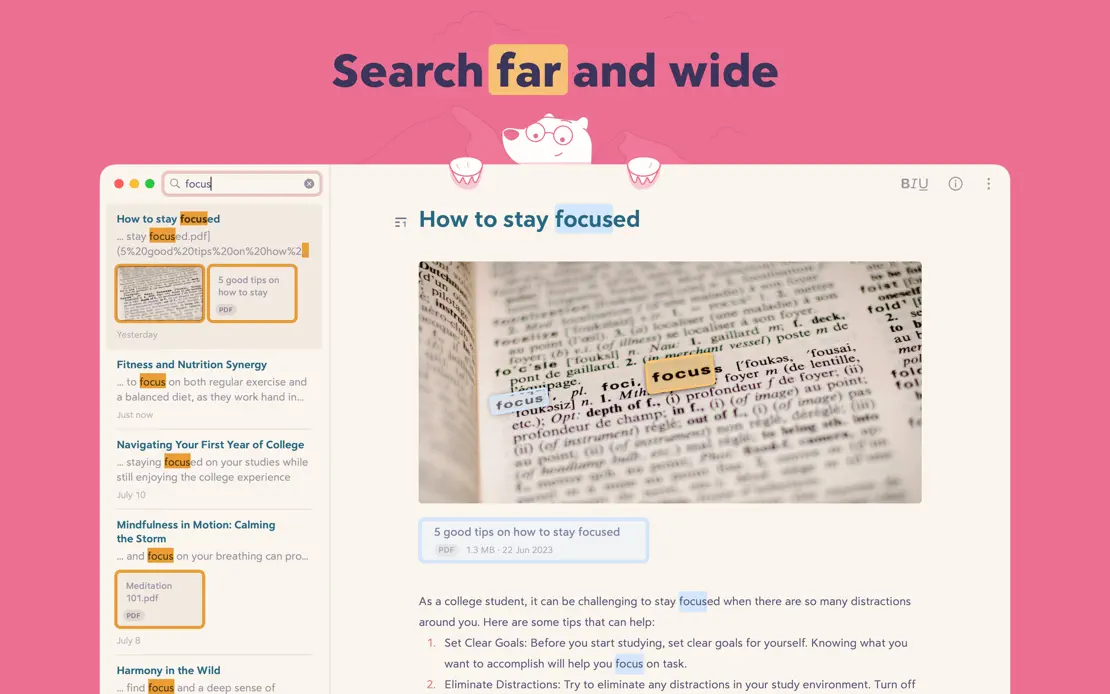
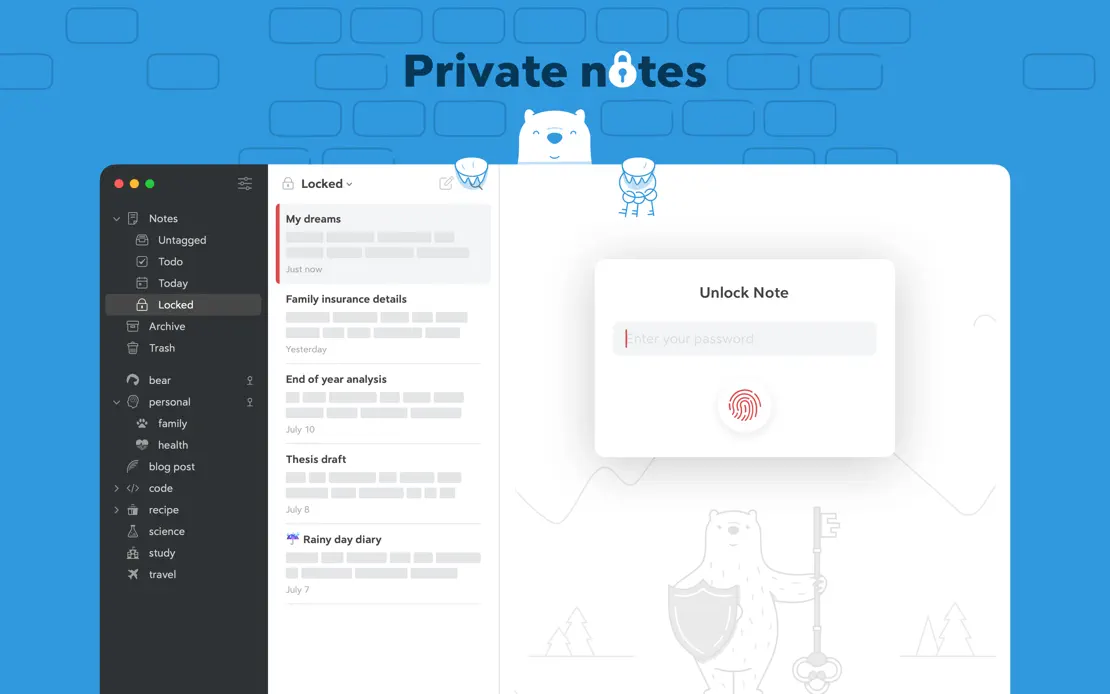
Each frame takes a new flat background color, alternating Mac windows with polar bear illustrations, floating theme cards and statistics panels.



A split layout pairs green headlines on pale mint with deep green panels holding floating widgets, closing on a geometric Made in Germany illustration.


Bold two-weight headlines and orange paper-like waves frame overlapping note windows, with press quotes and award laurels, closing on MacBook, iPad and iPhone.


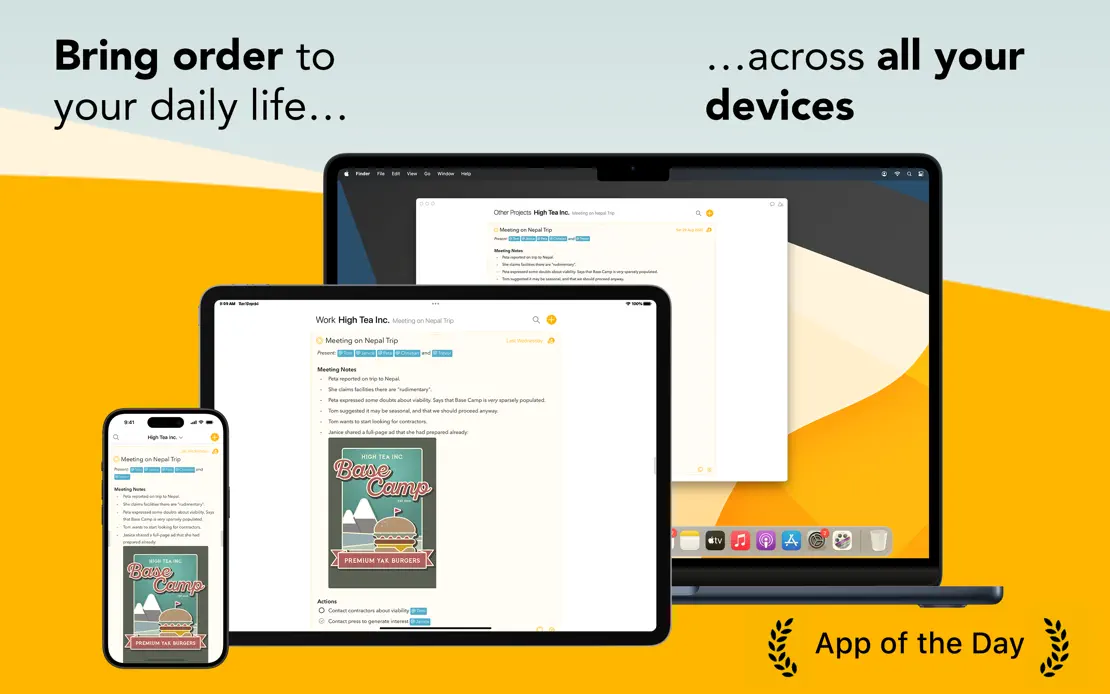

Light gray panels mix MacBook, iPad and iPhone renders with floating action bubbles and diagrams, then close on a subscription bundle and press quotes.
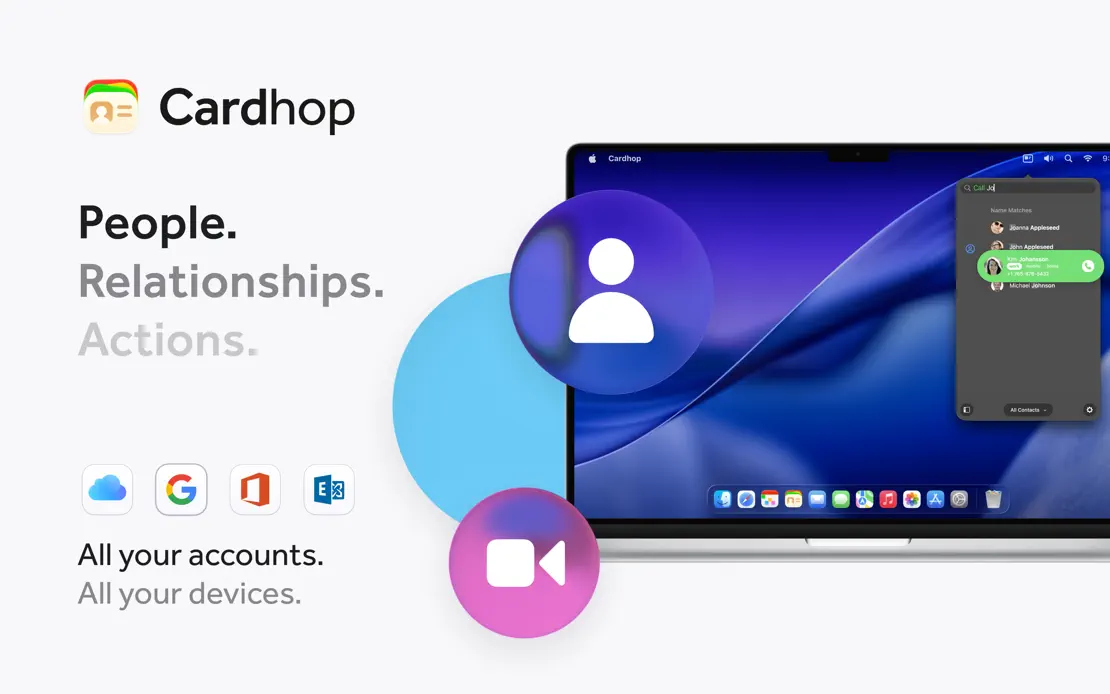
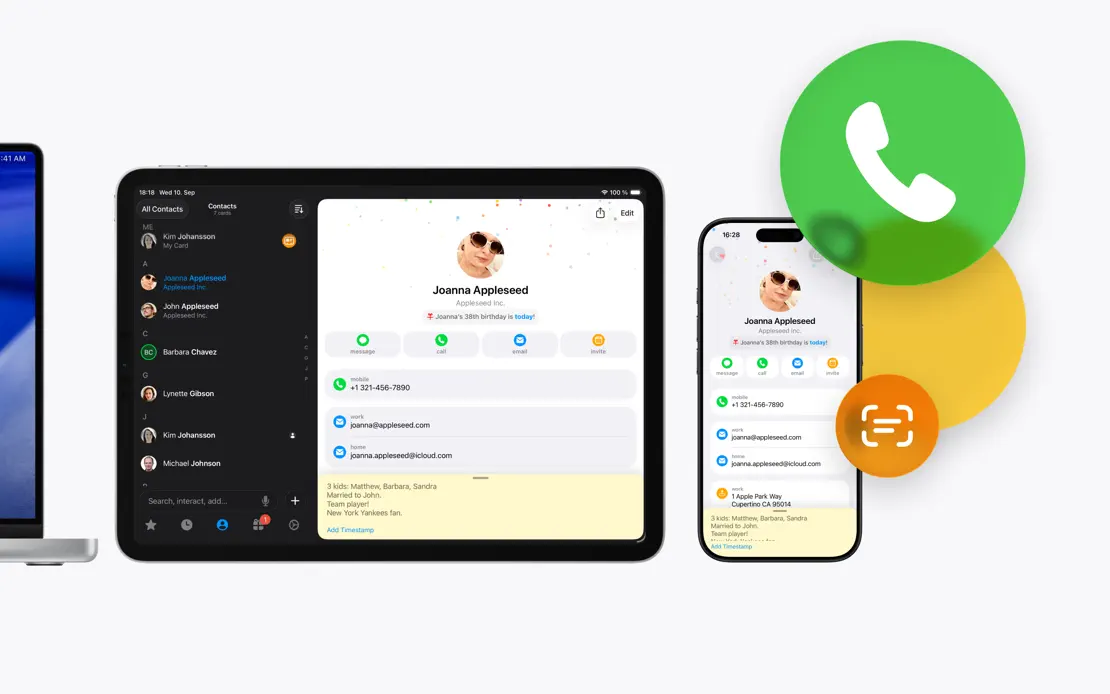
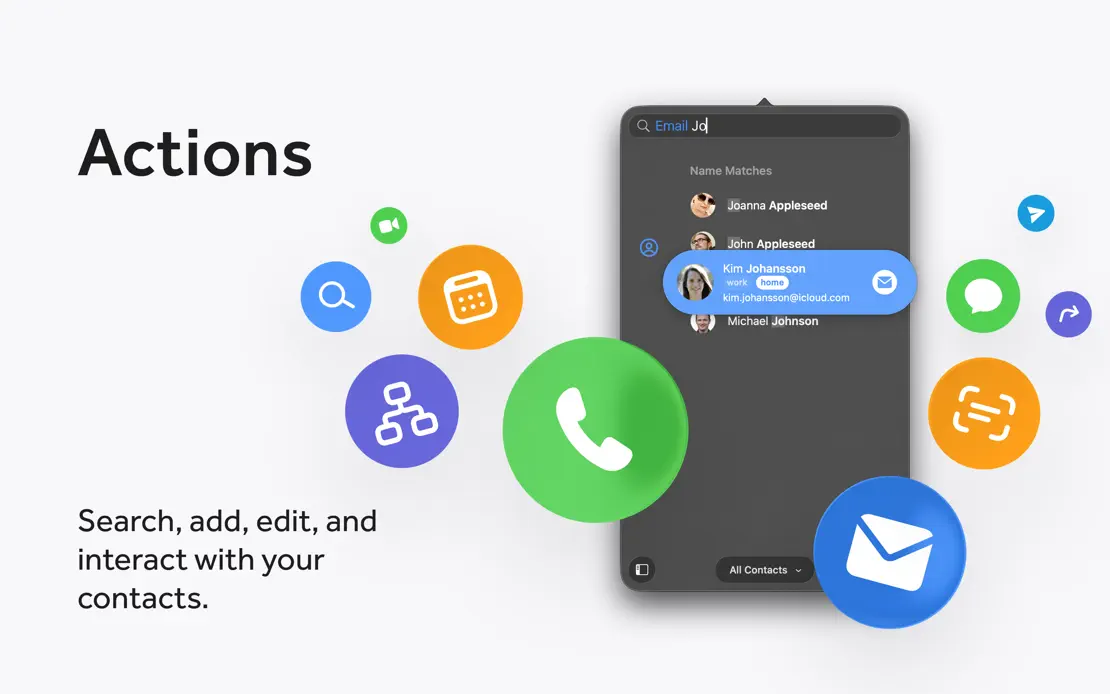
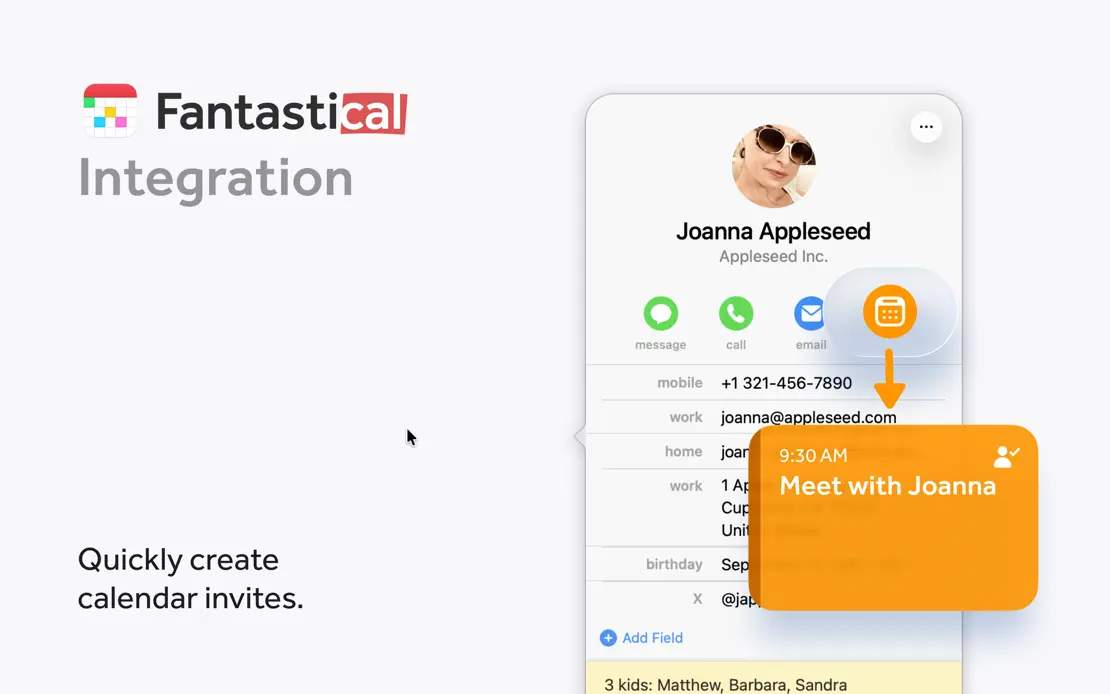
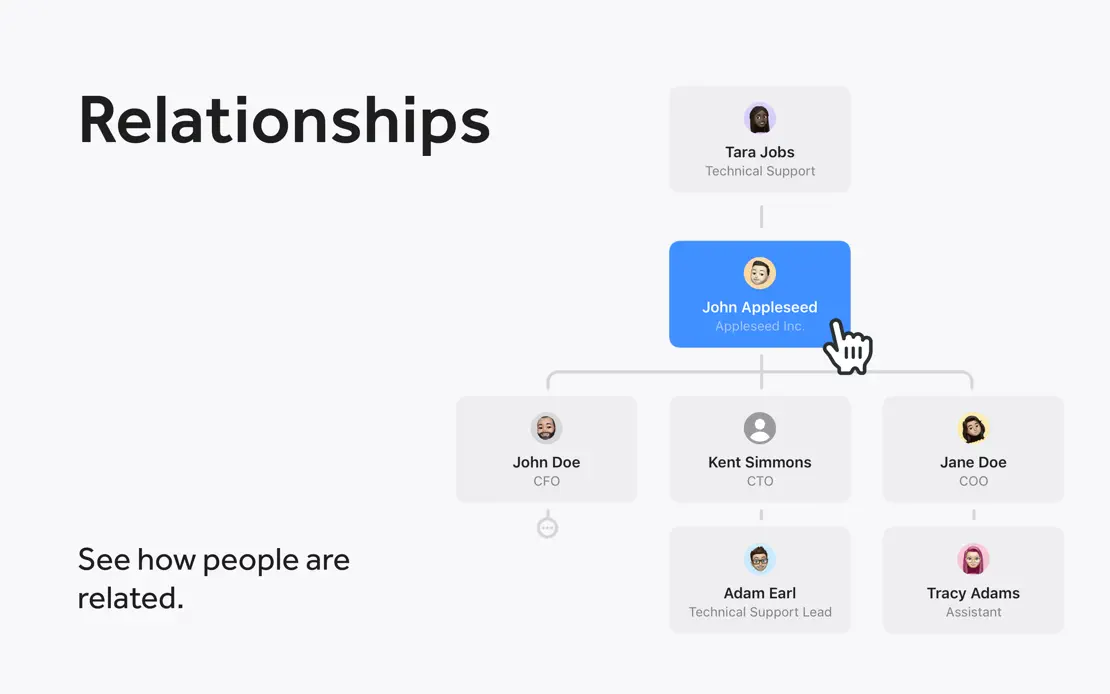
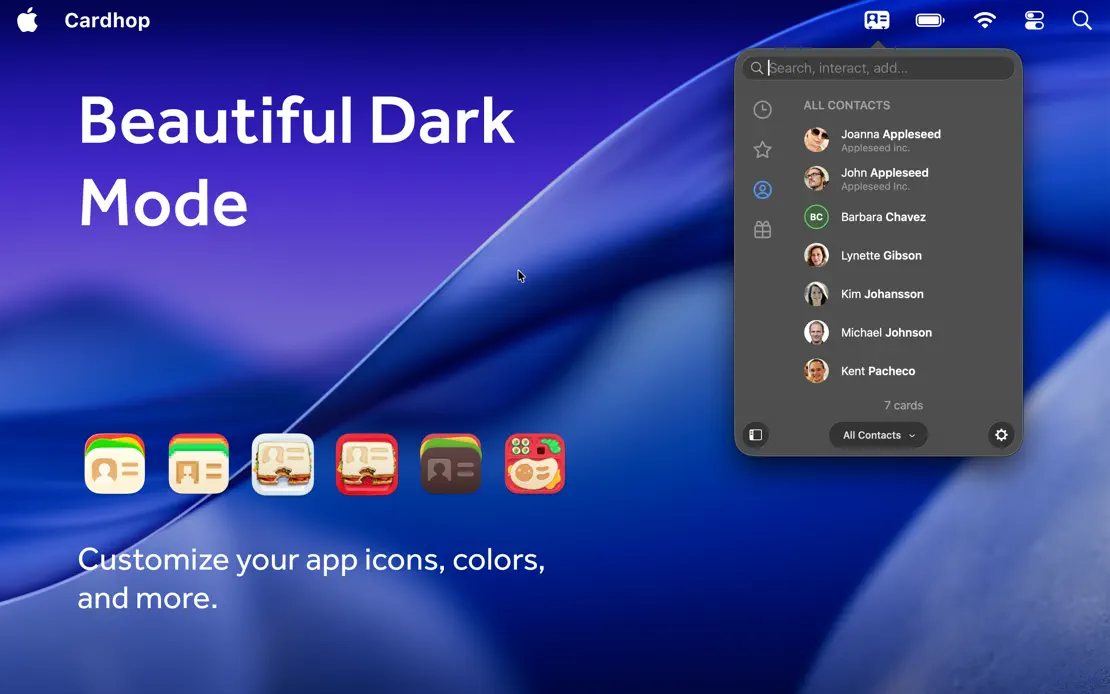
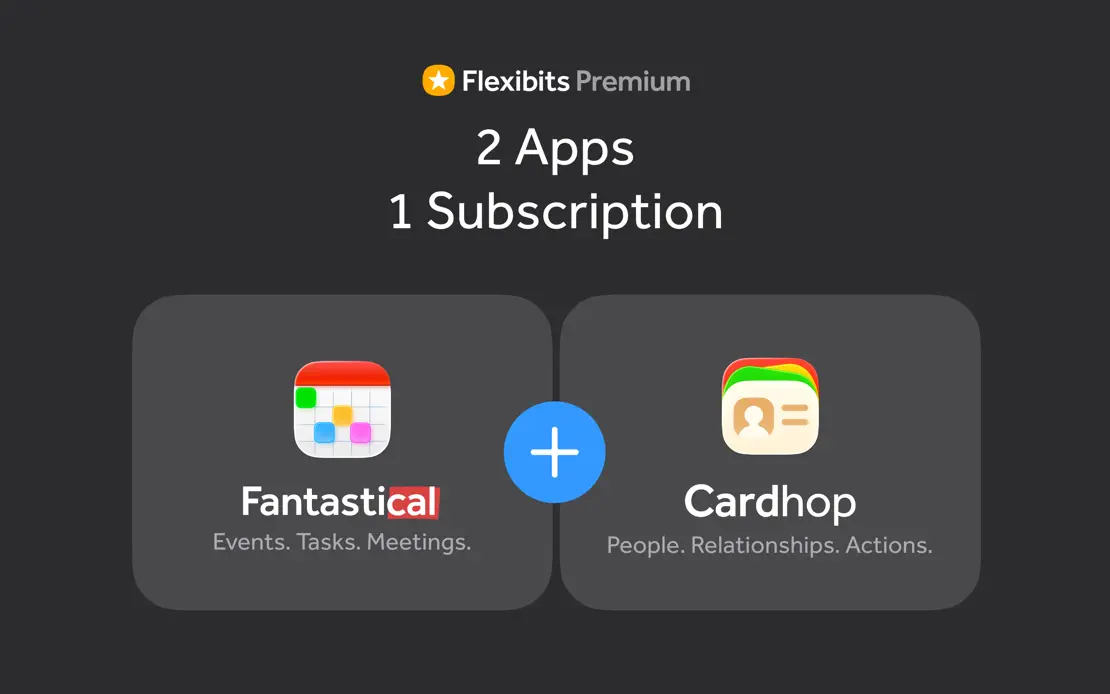
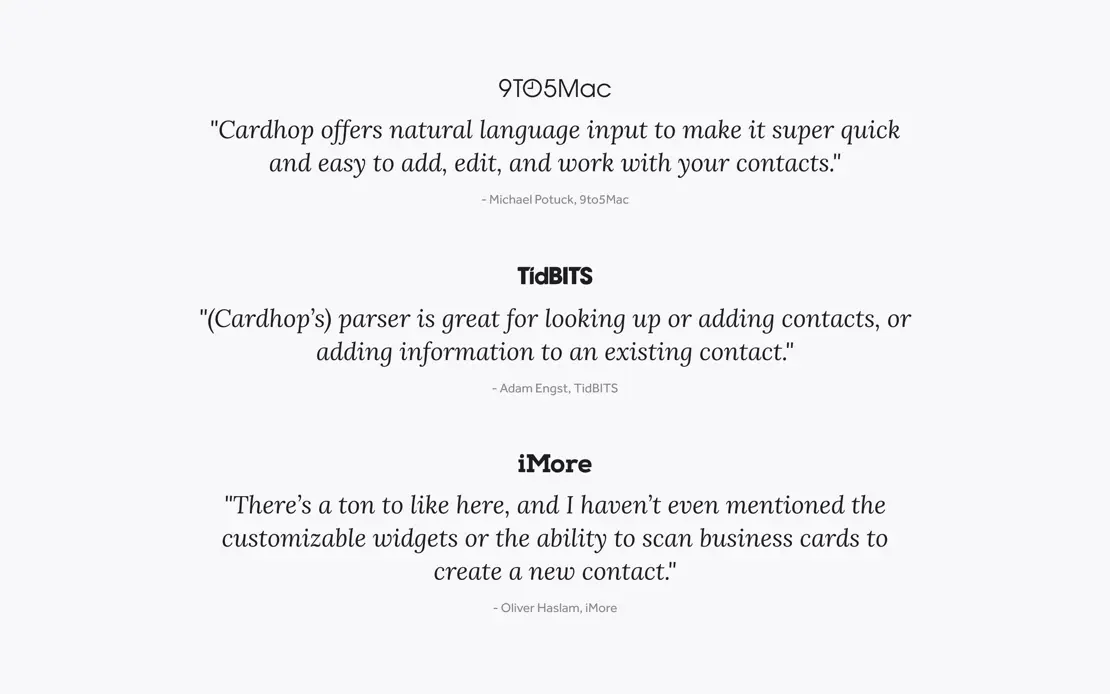

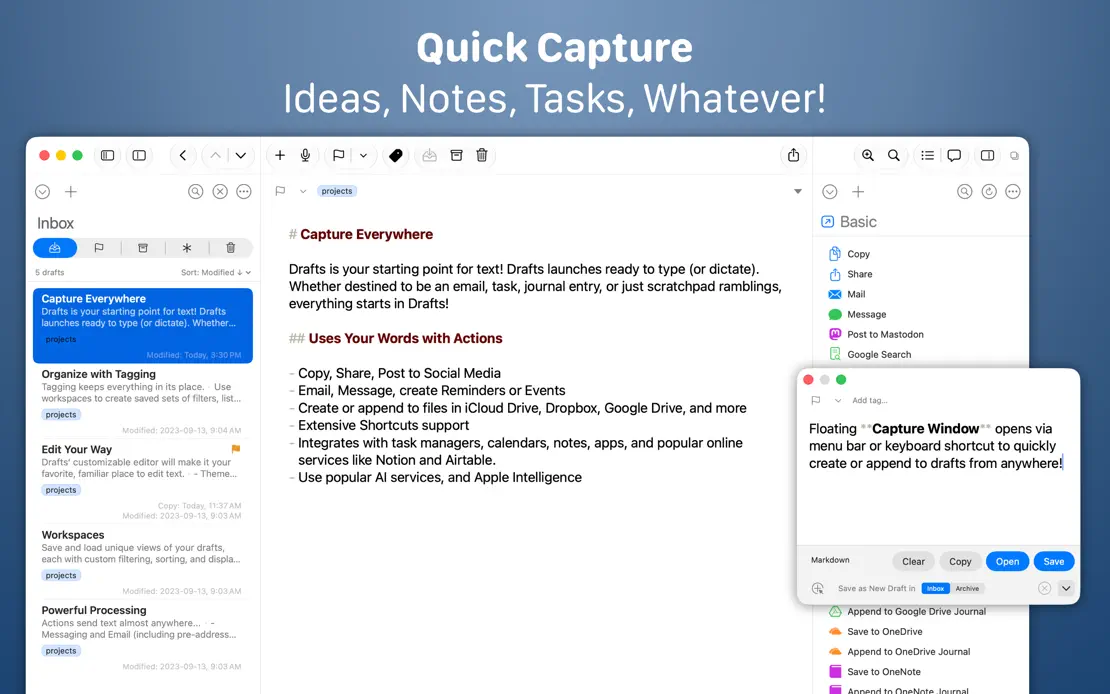
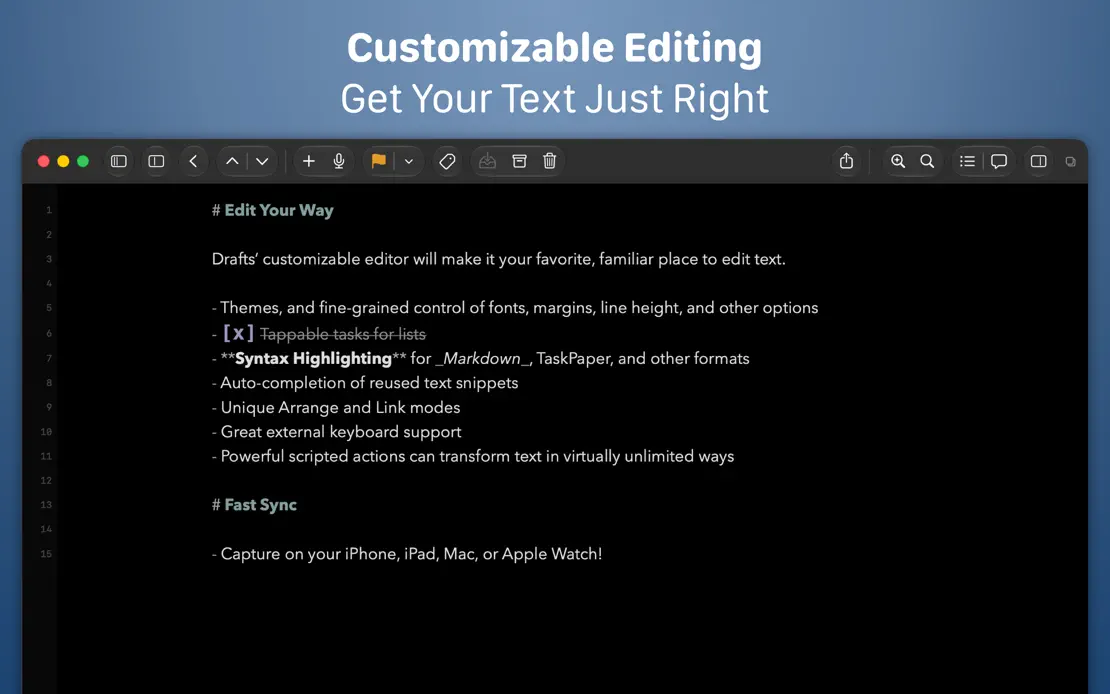
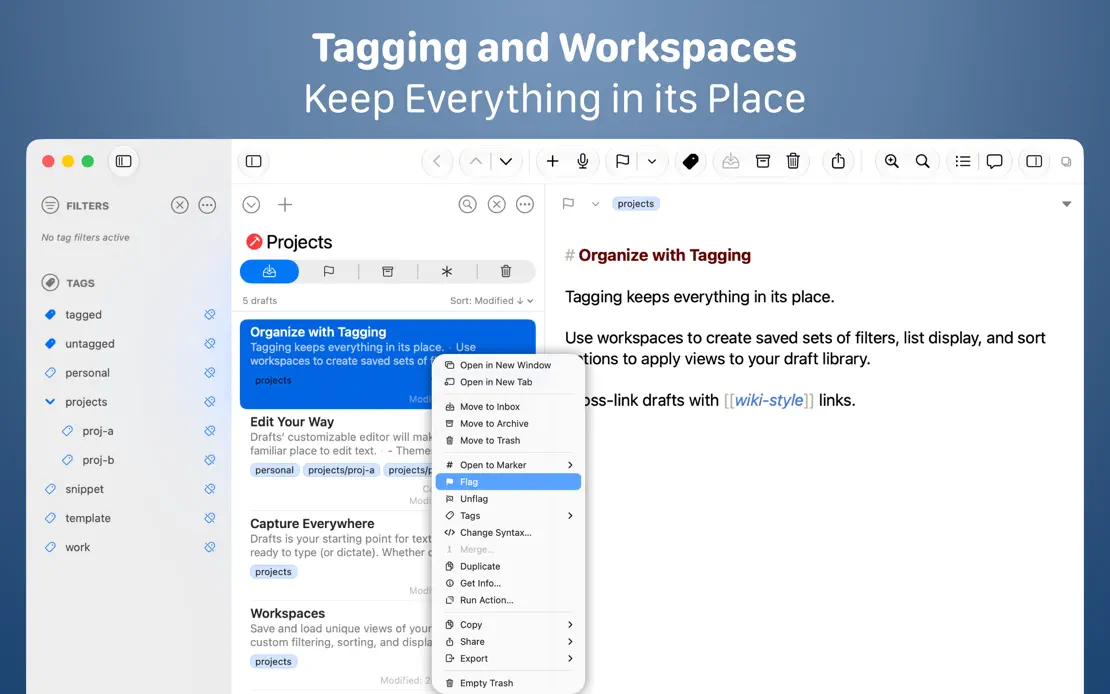
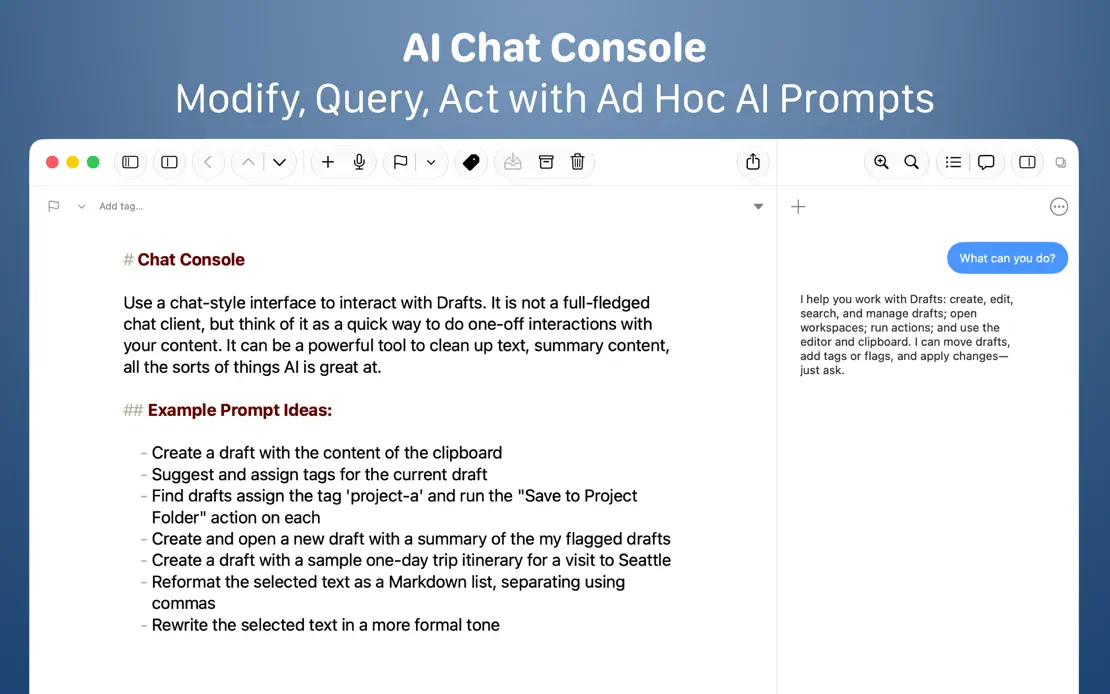
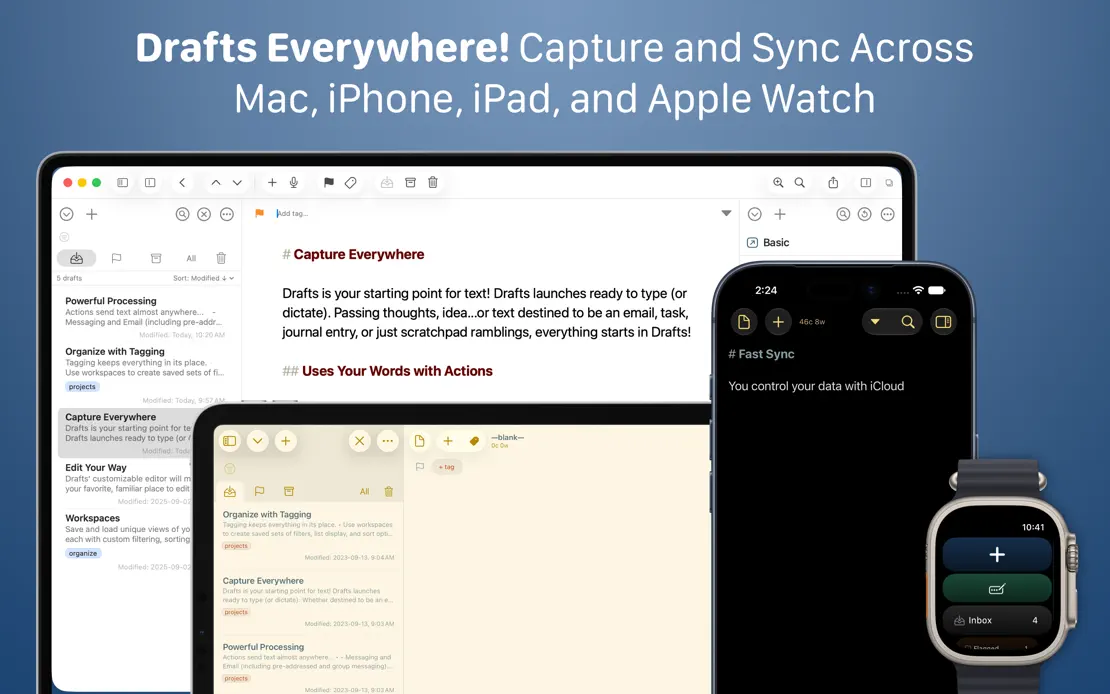
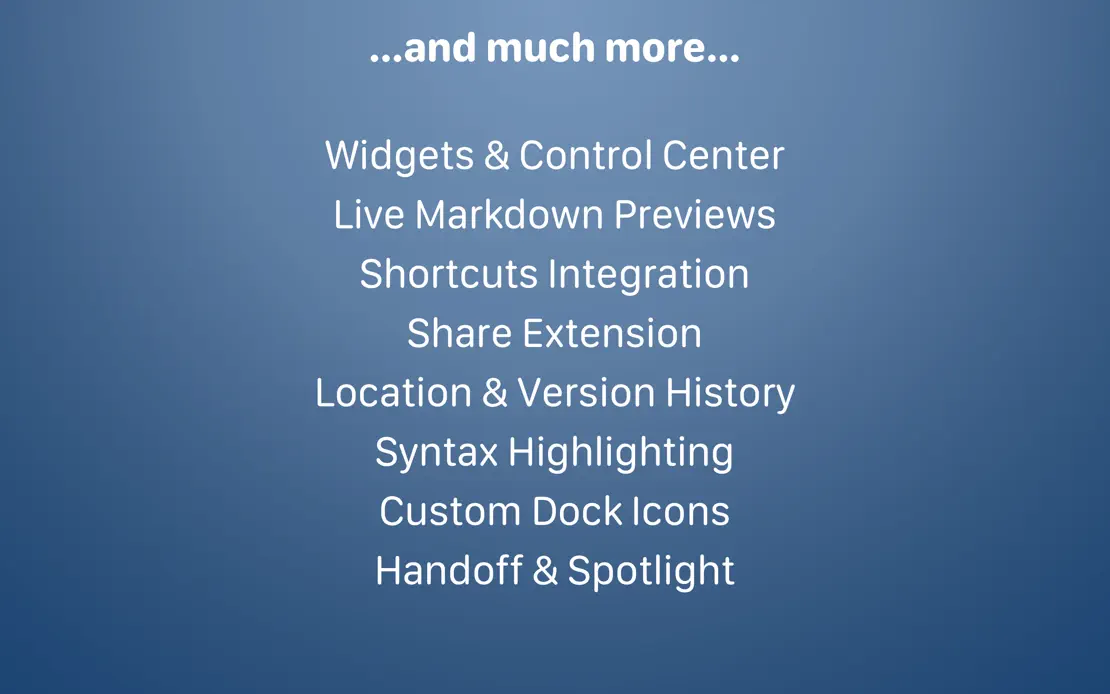
Two-line white headlines crown full-width editor windows on a navy gradient, moving to Mac, iPad, iPhone and Watch before a centered text-only feature list.


A bright blue gradient runs across three wide frames, pairing large white headlines with a window-tiling illustration and preference panels.
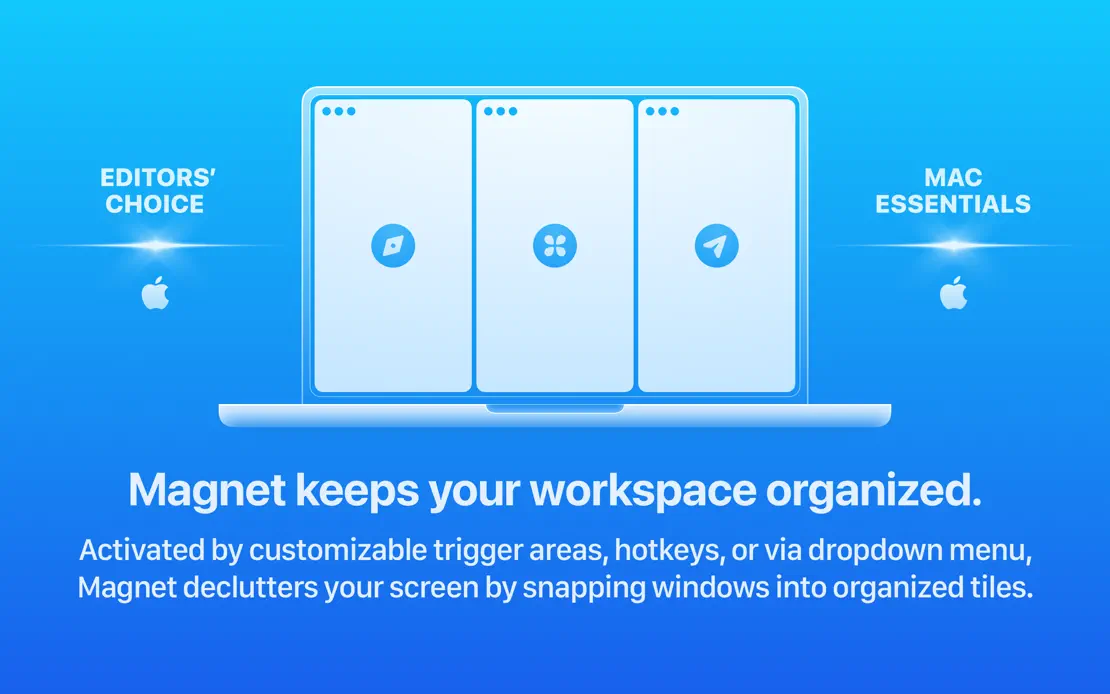
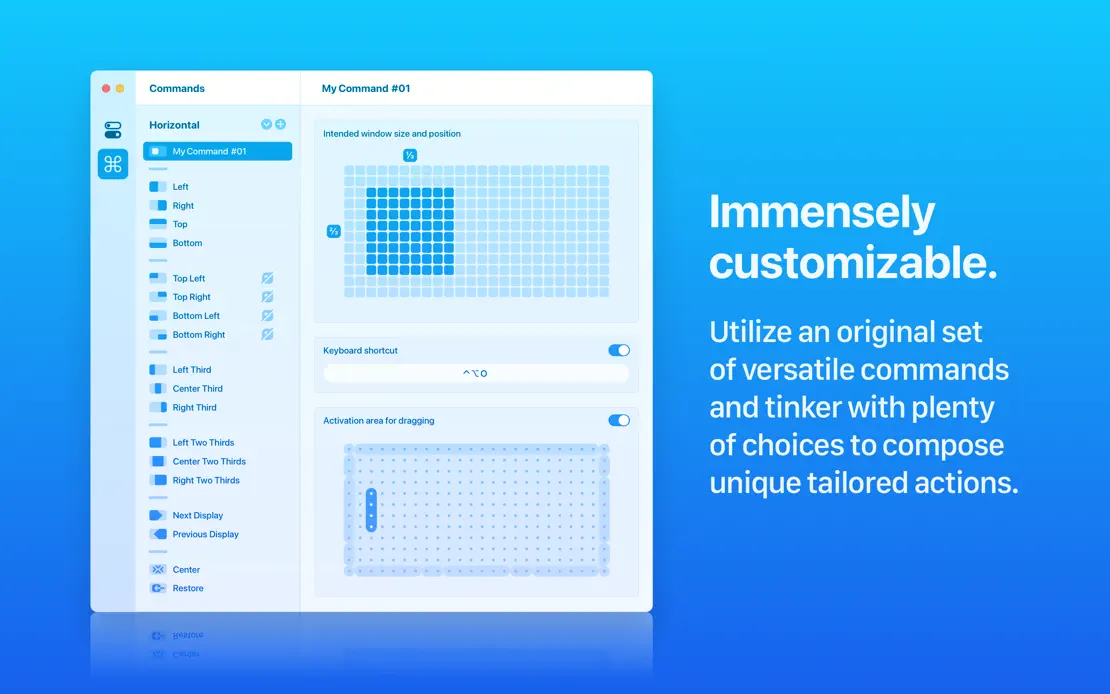
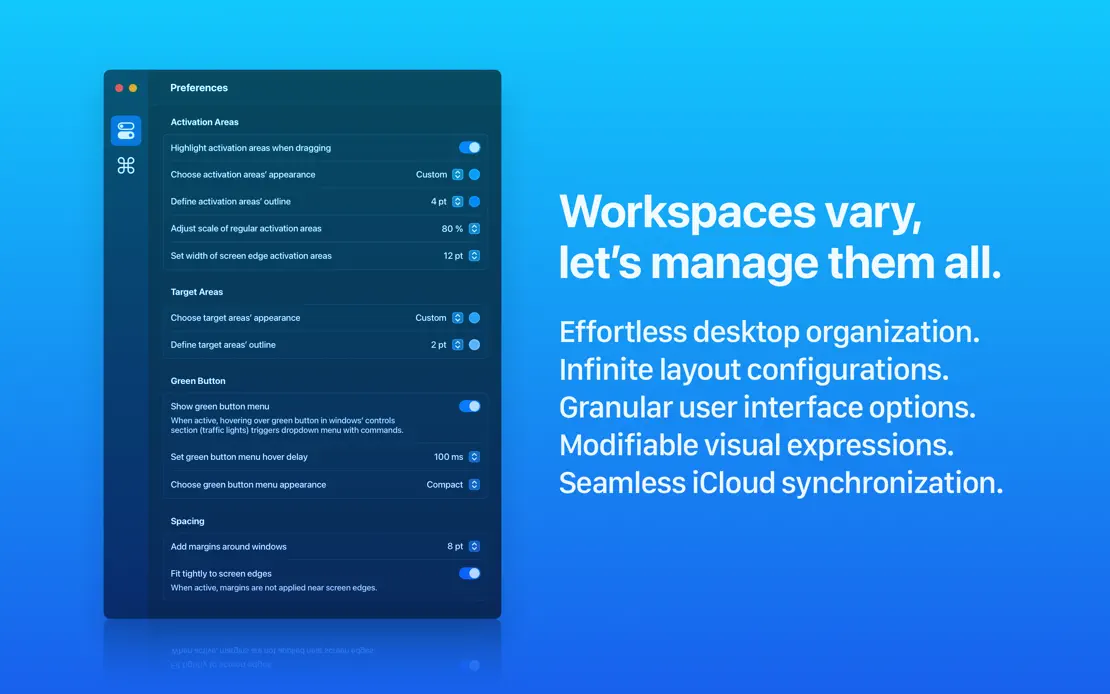
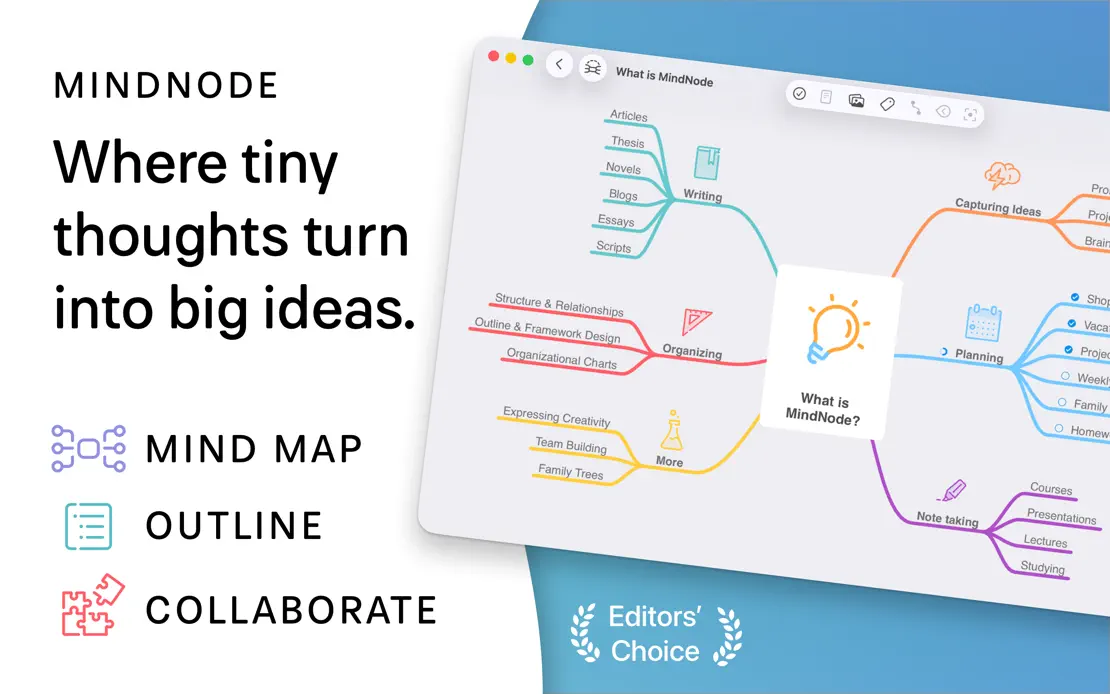
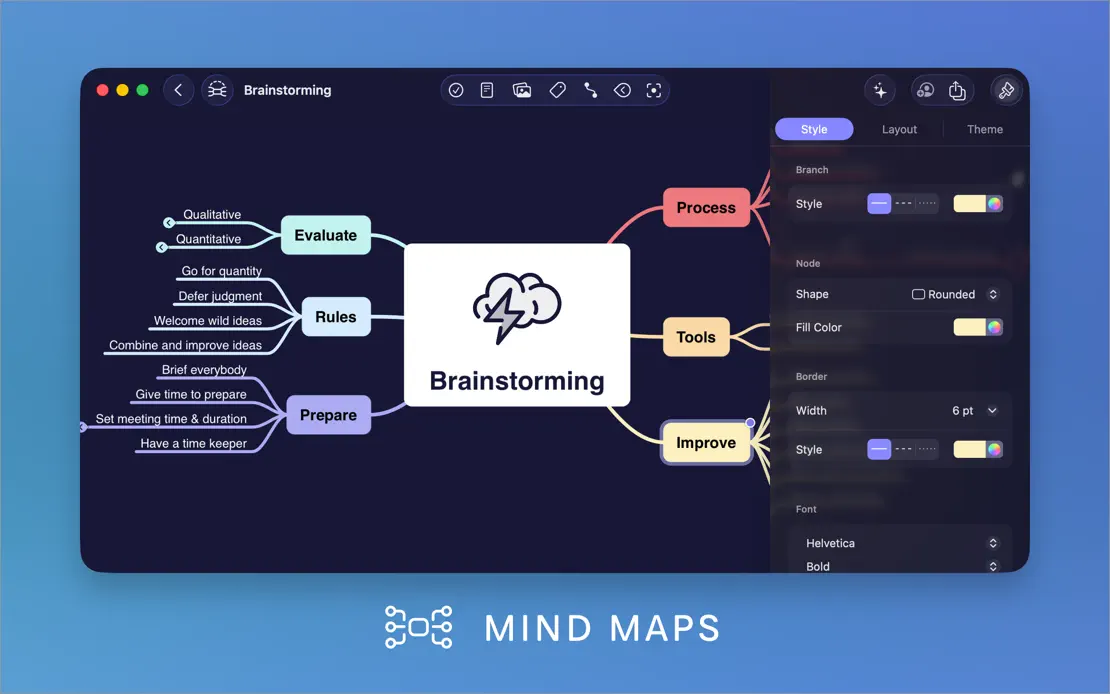
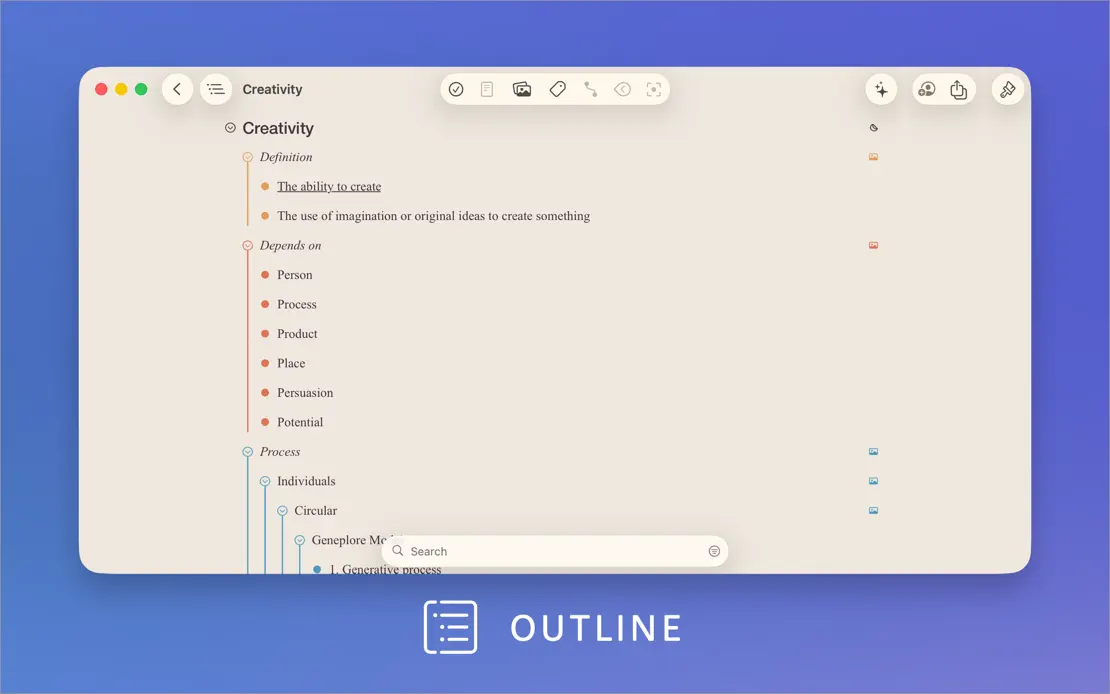
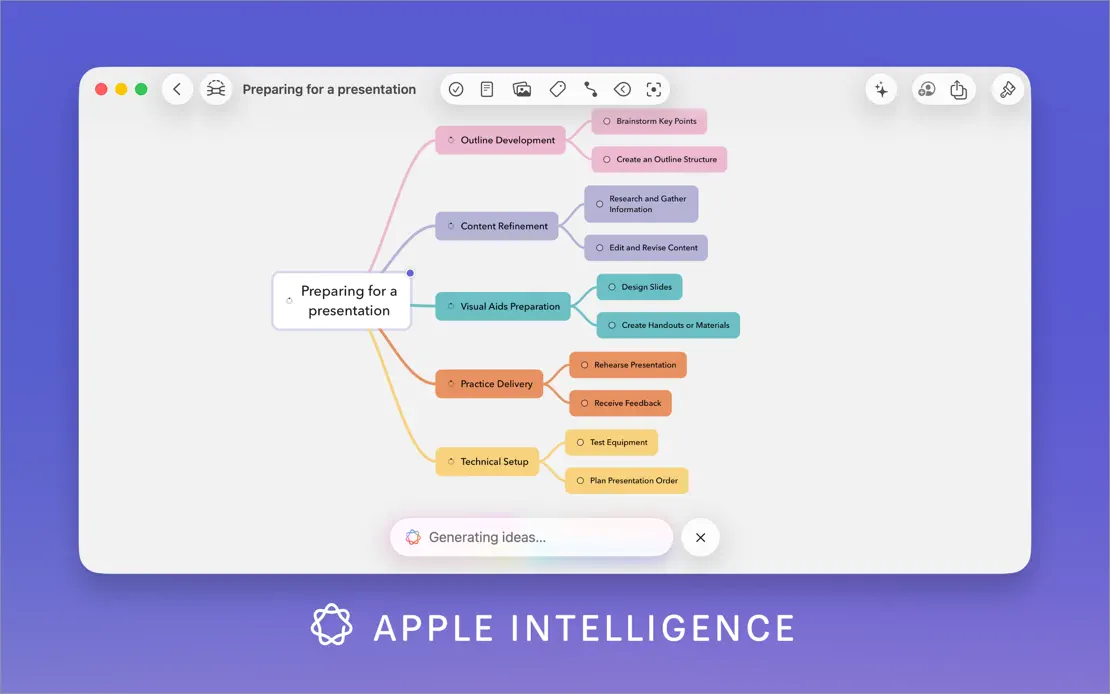
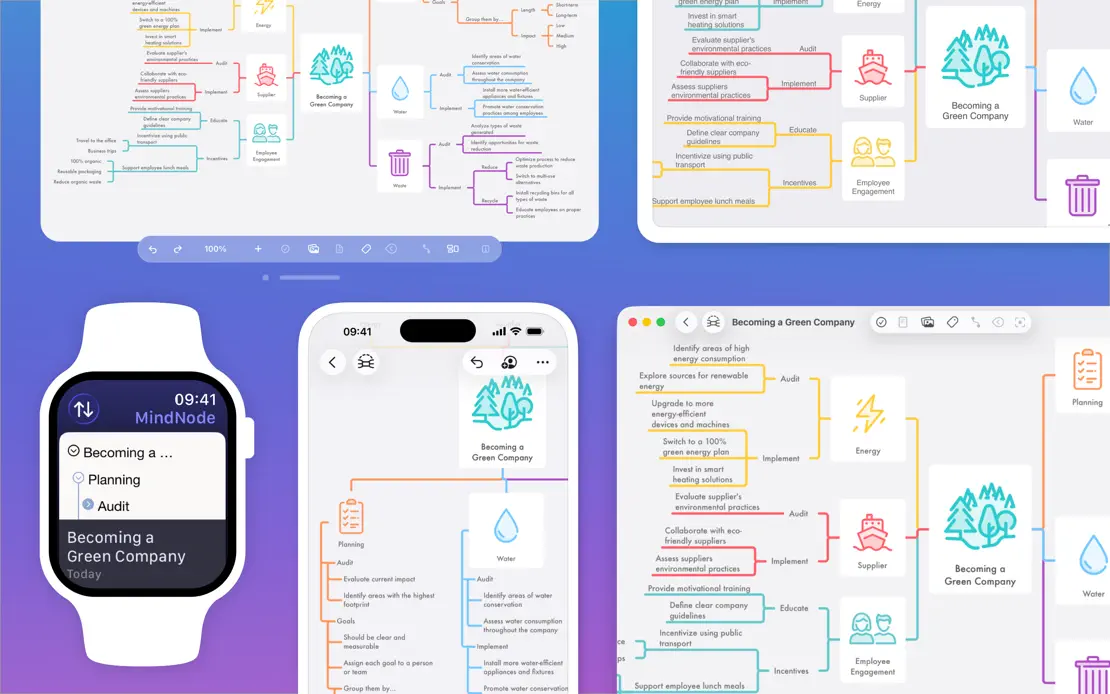
A white intro panel with a feature list gives way to large map windows on a blue-to-violet gradient, each labeled by an icon caption.

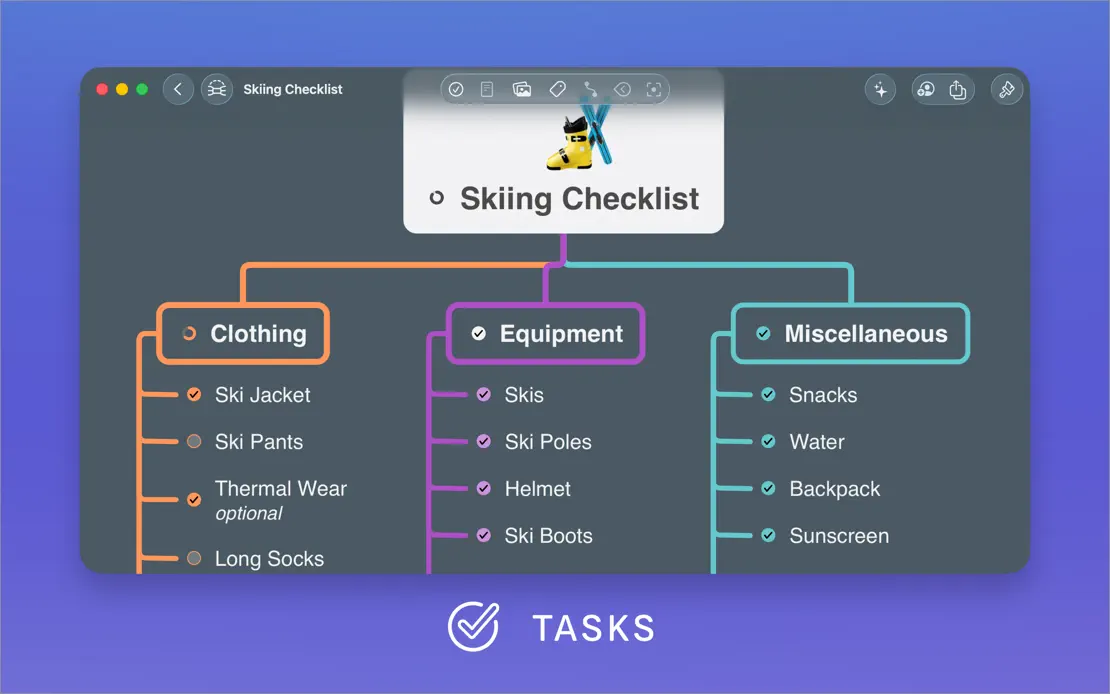
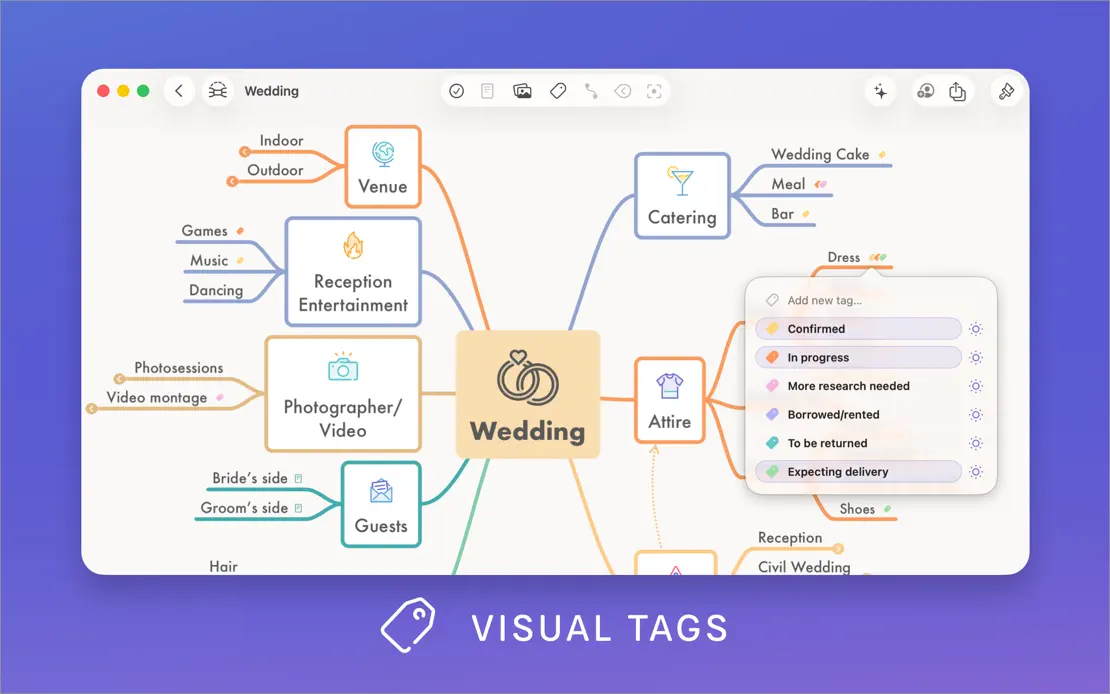
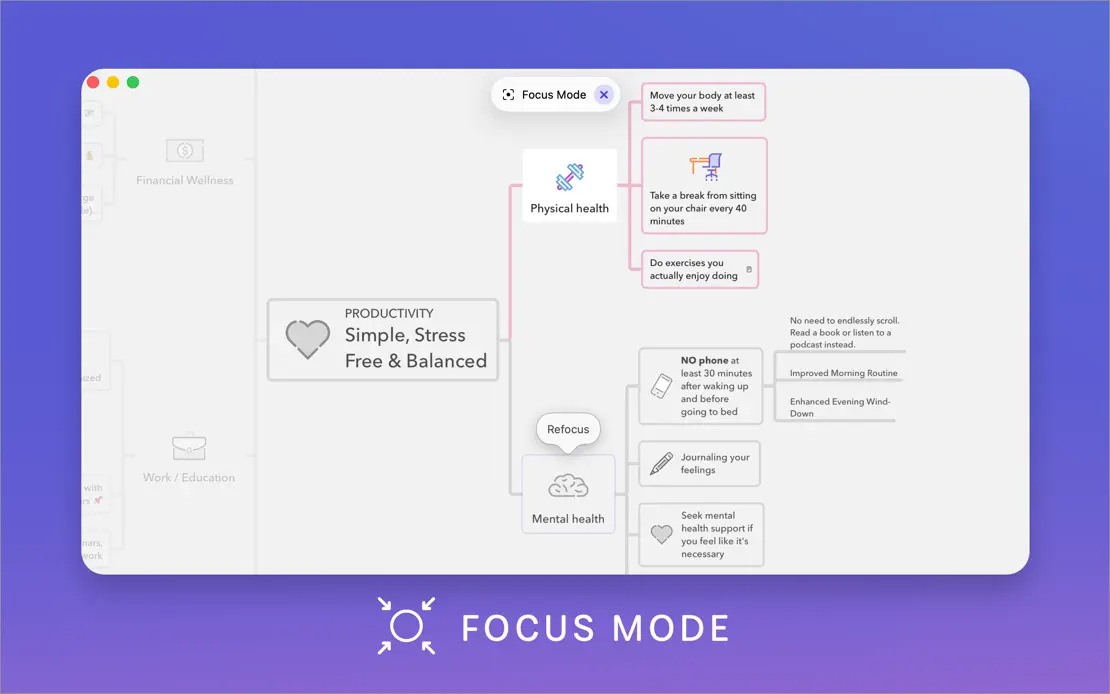
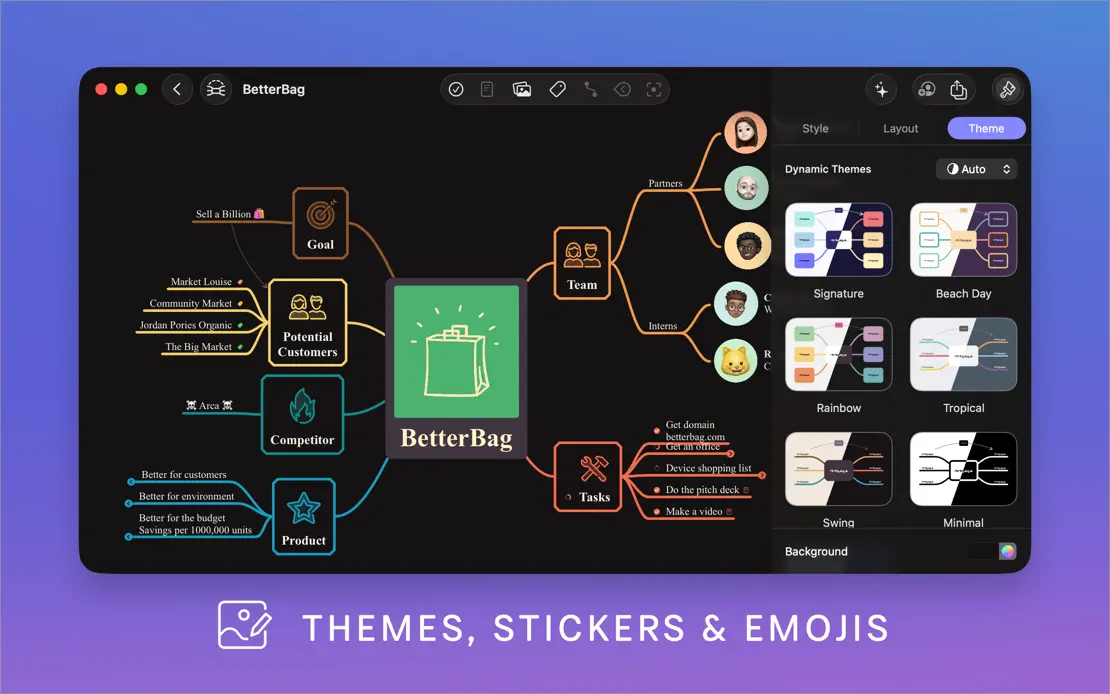
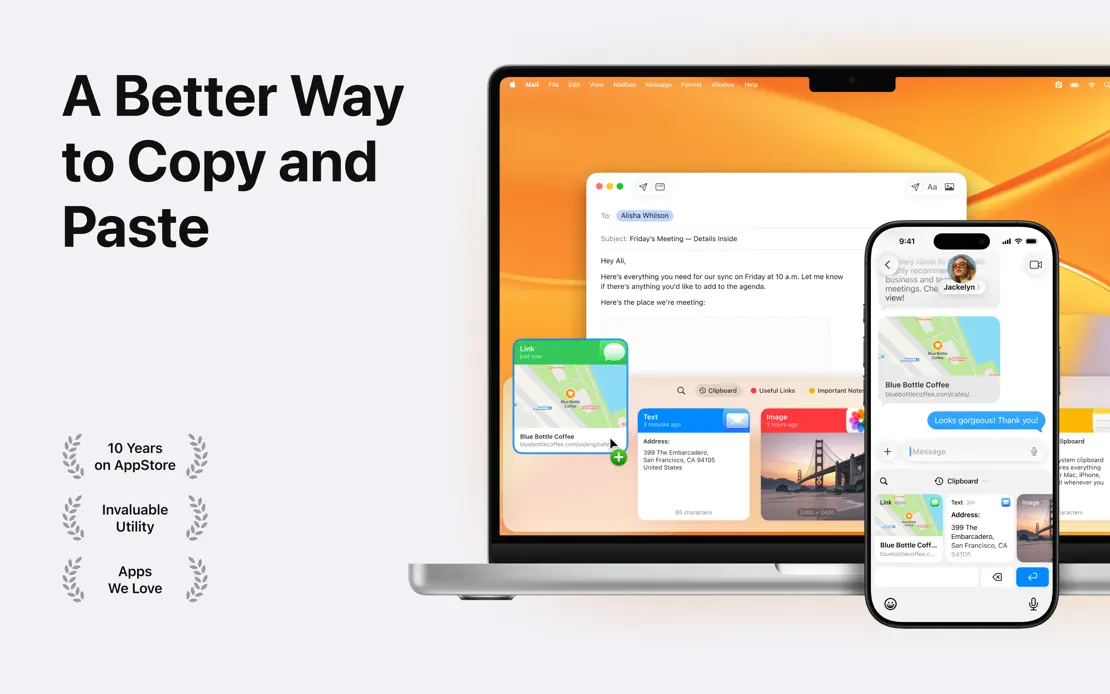
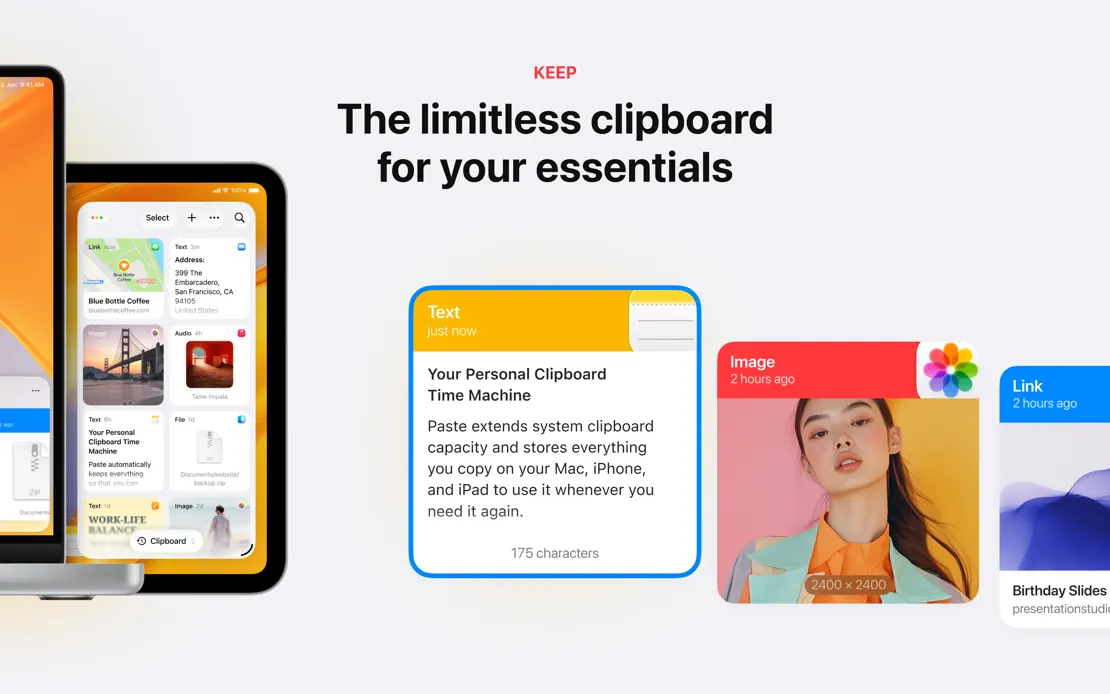
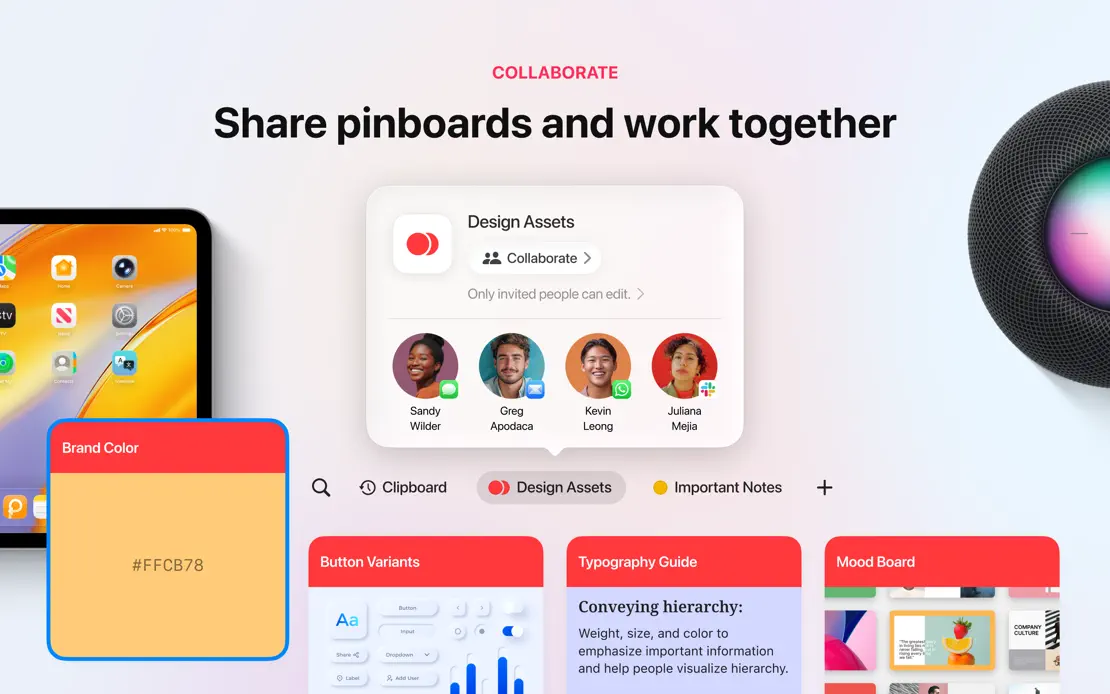
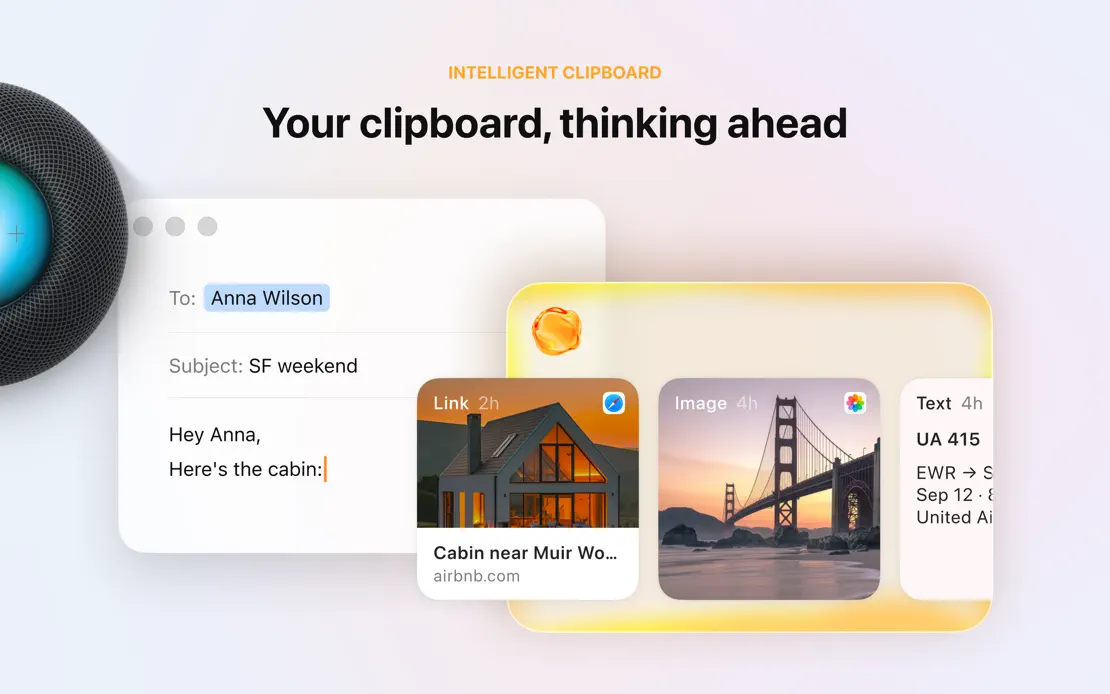
Clipboard cards and devices stretch across seamless light panels, with small colored category labels above centered headlines in most frames.
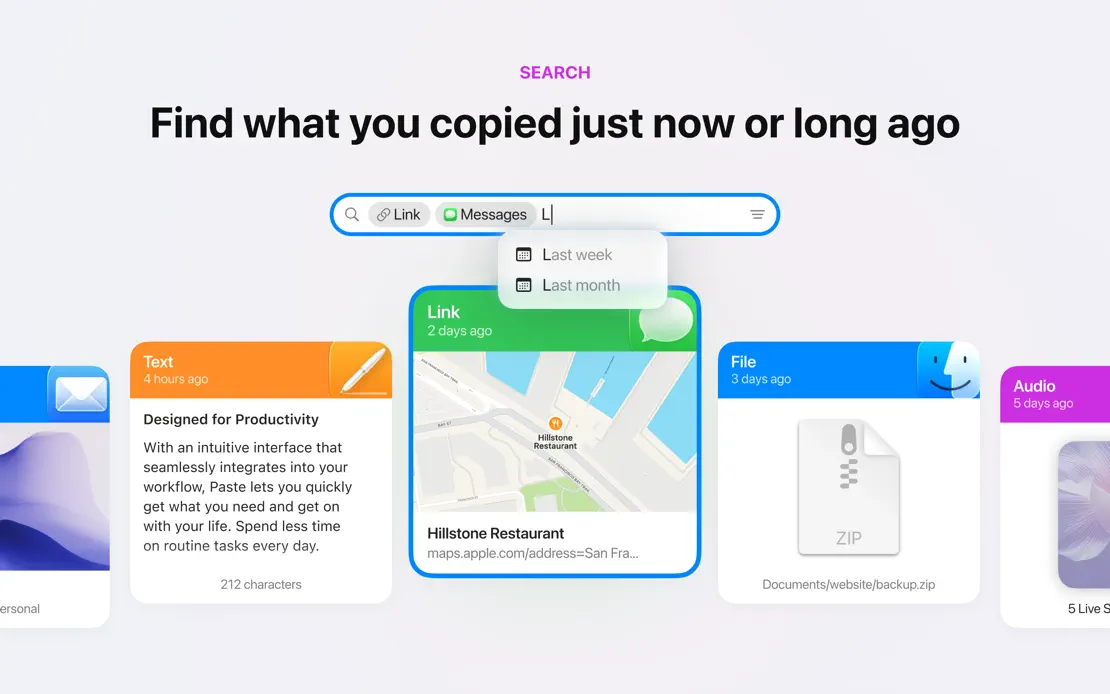
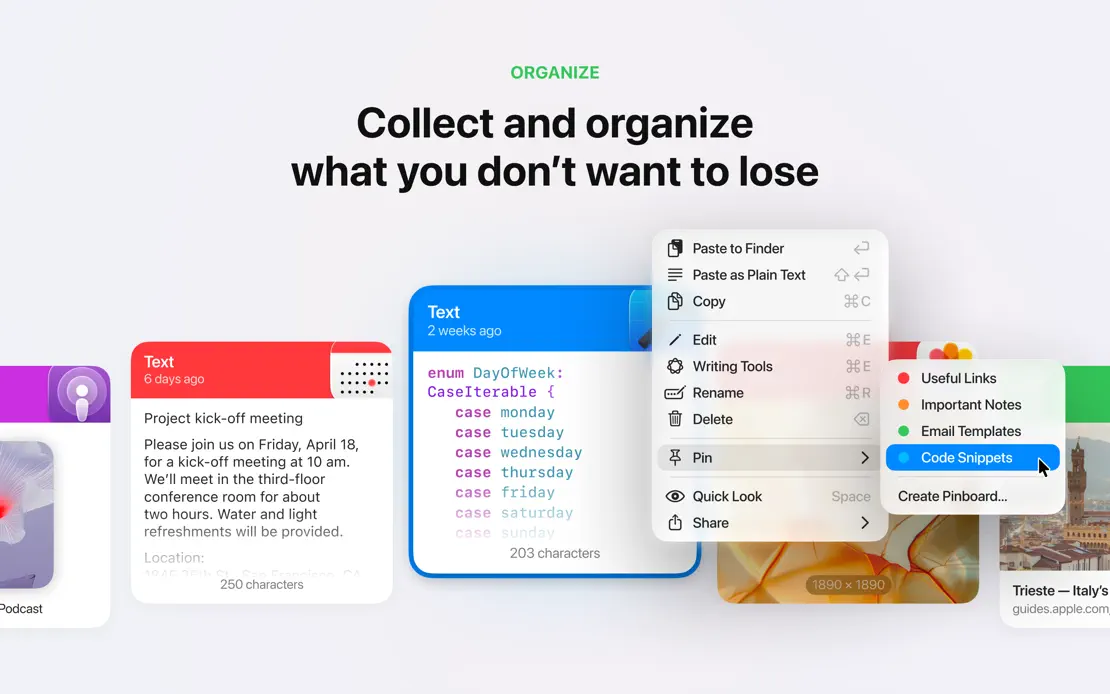
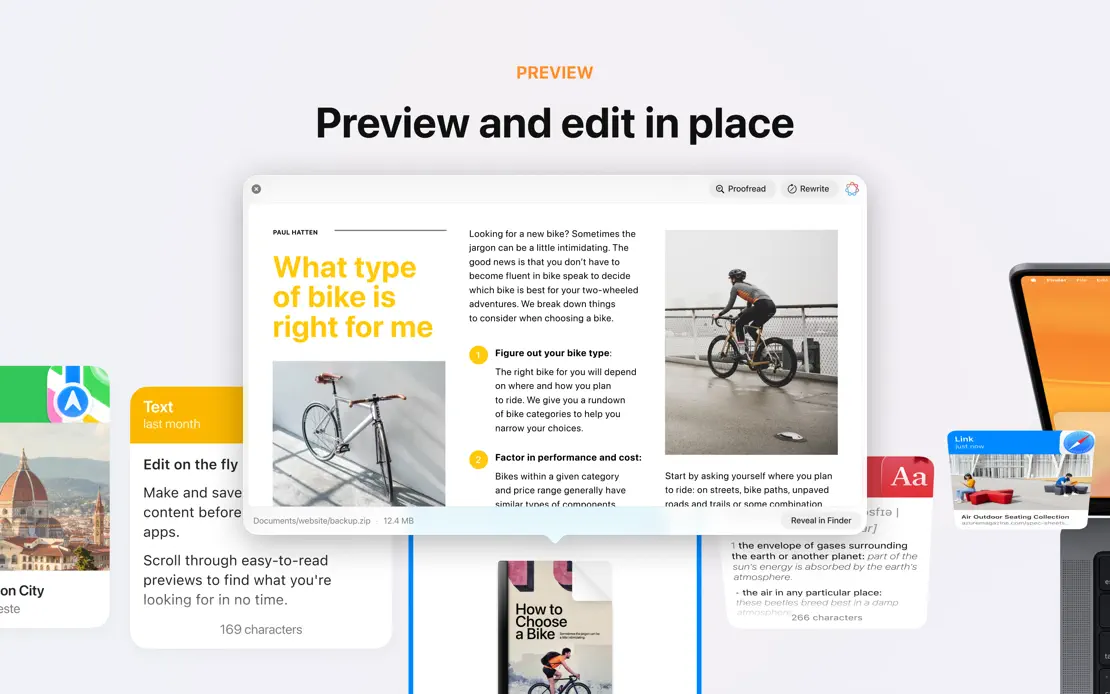
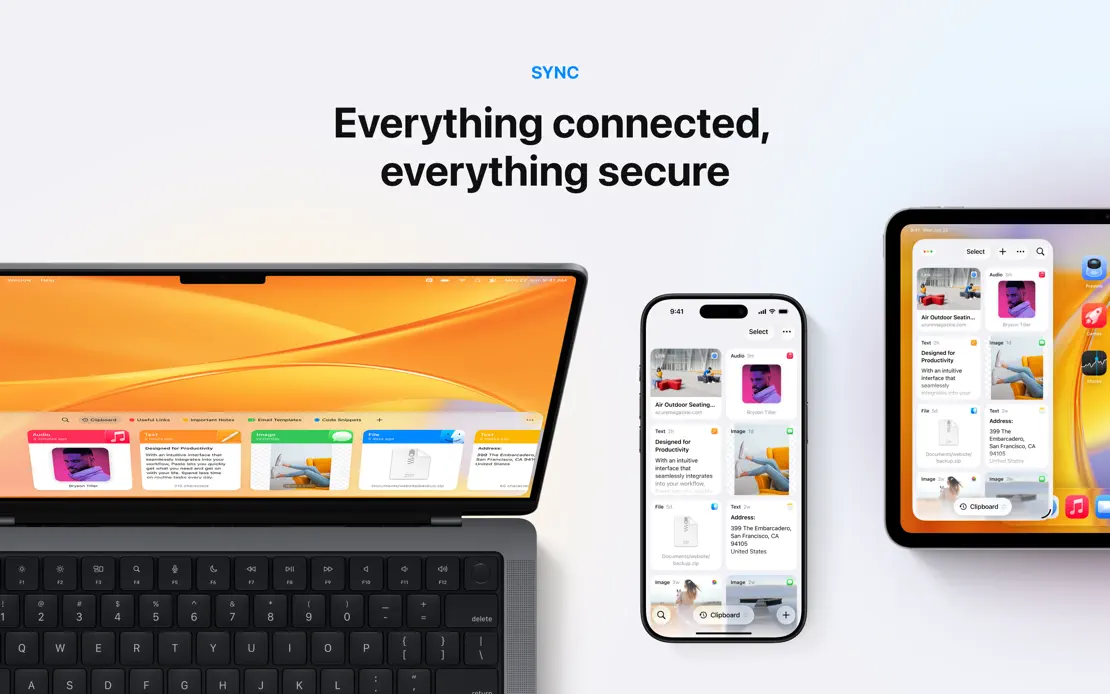

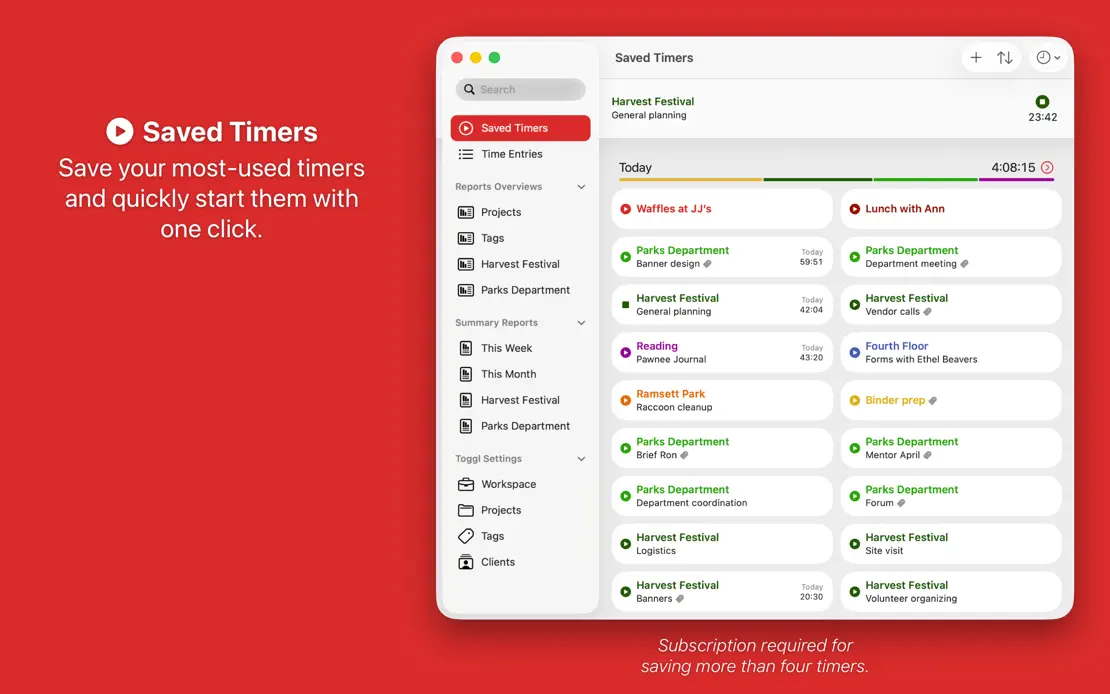
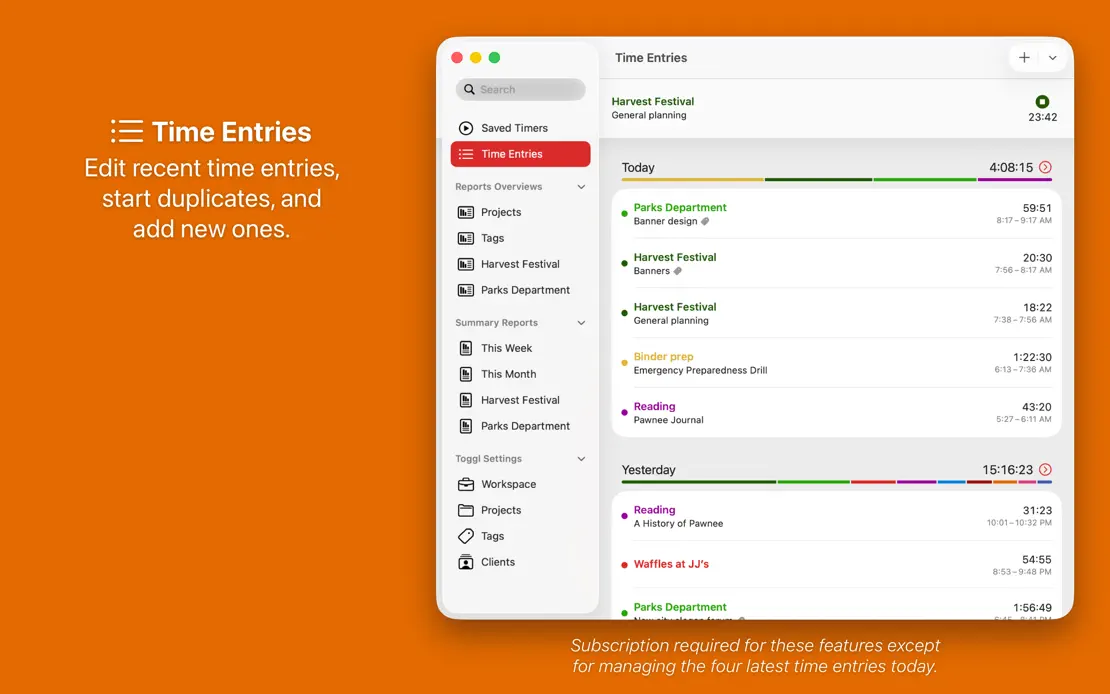
Every frame repeats a centered caption and window on a new saturated color, cycling from red through the spectrum and back to red.
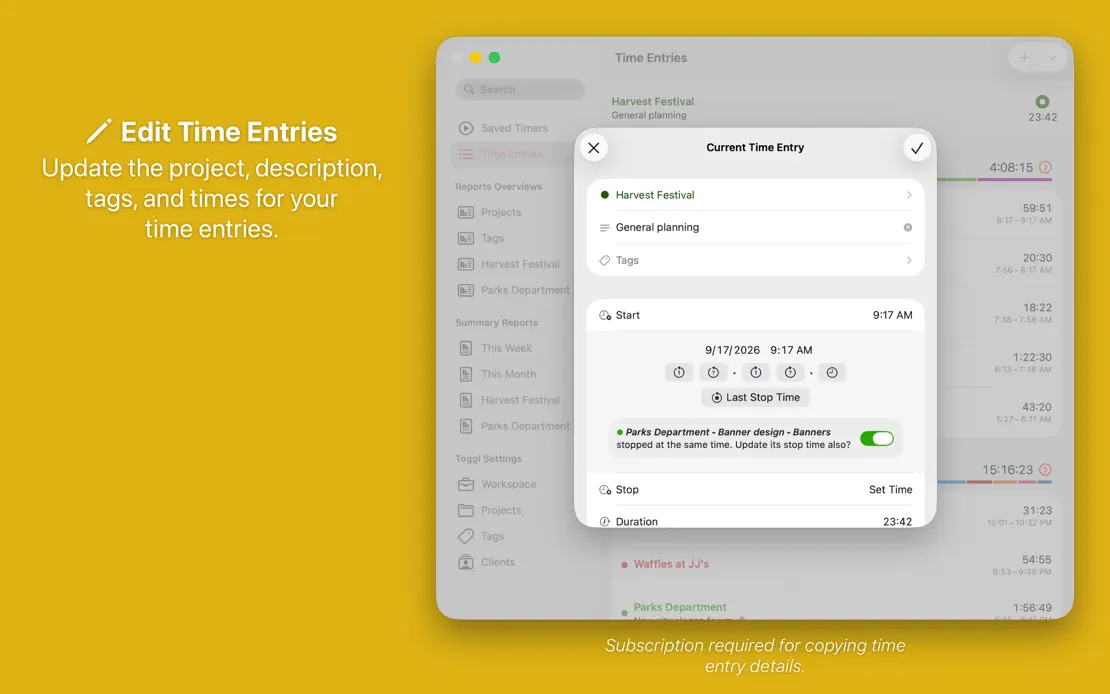
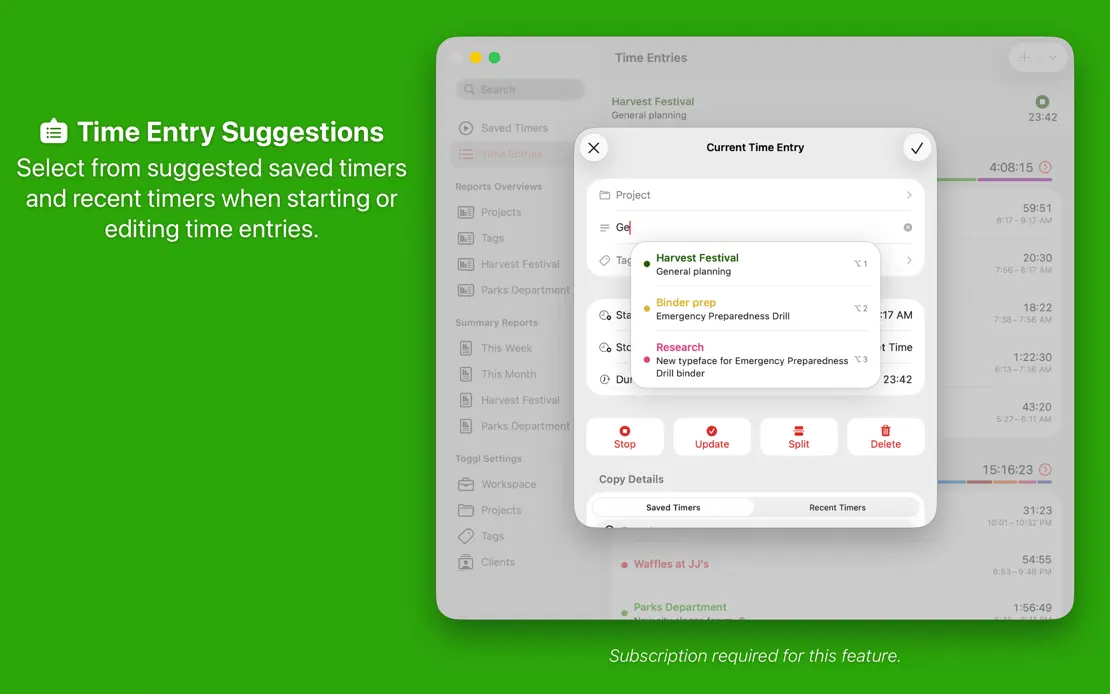
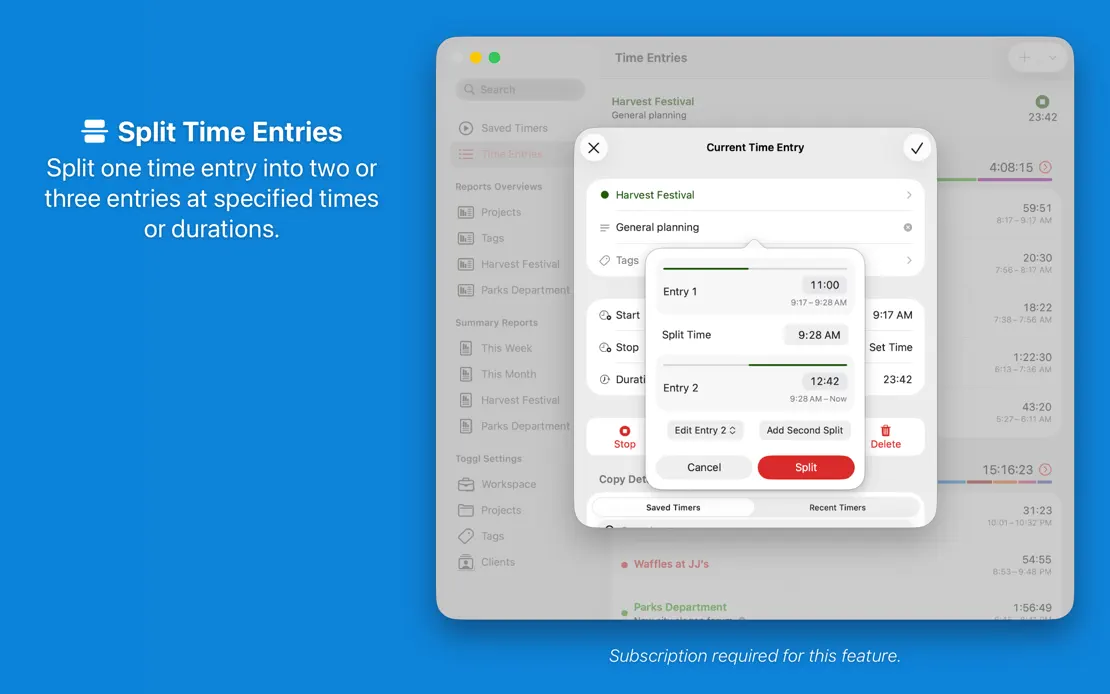
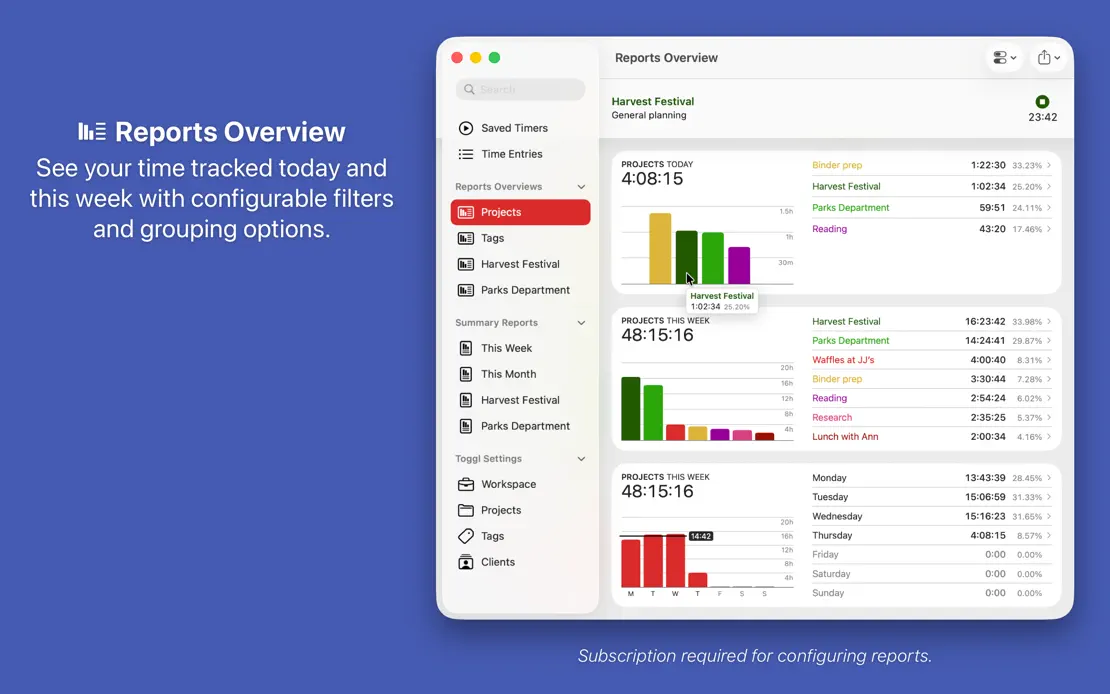
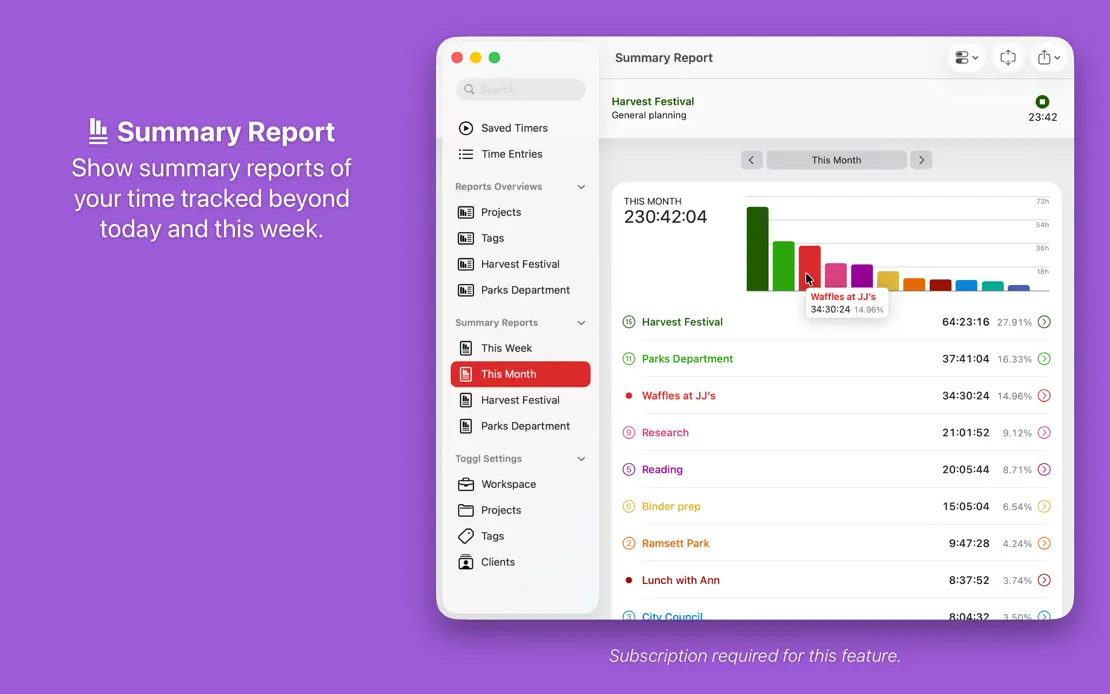
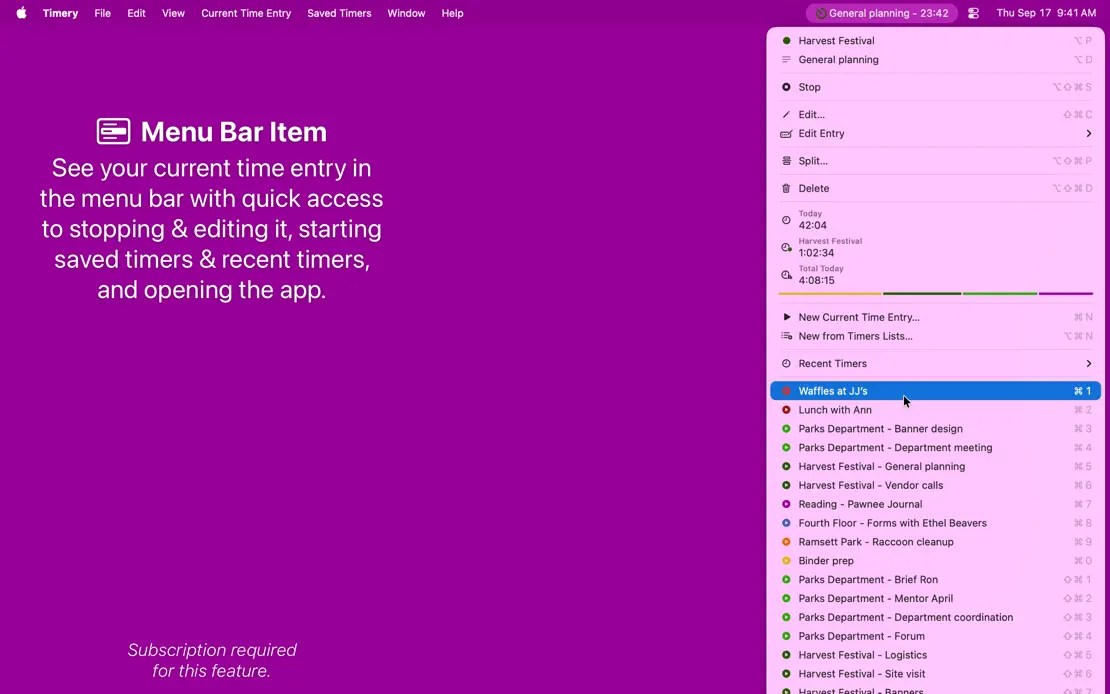

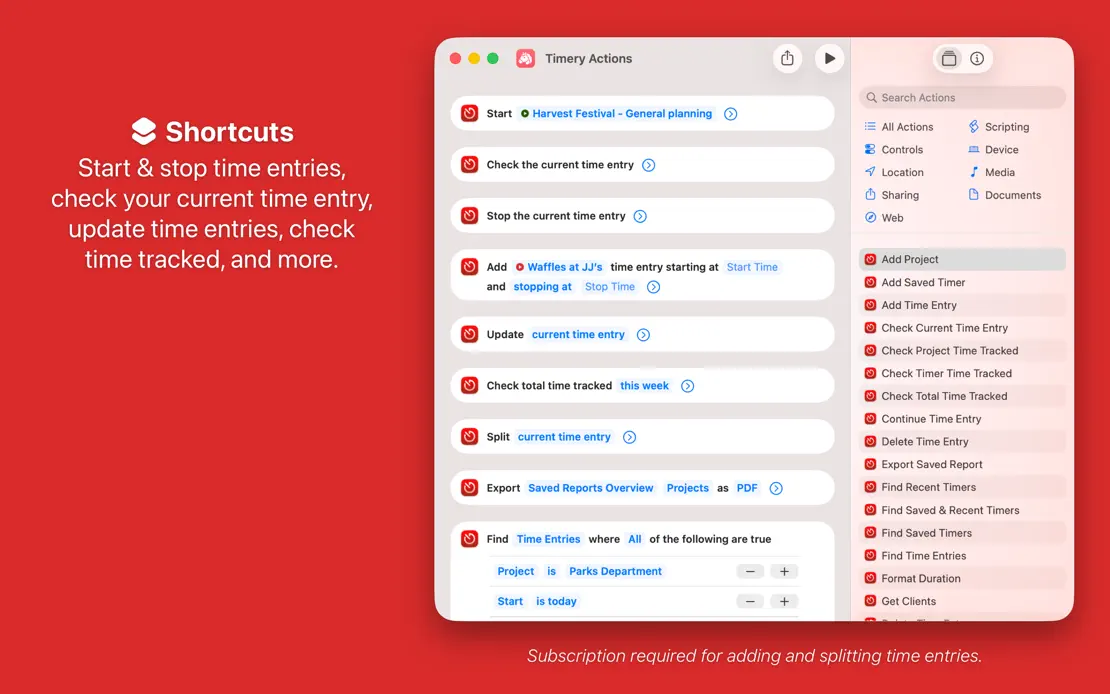

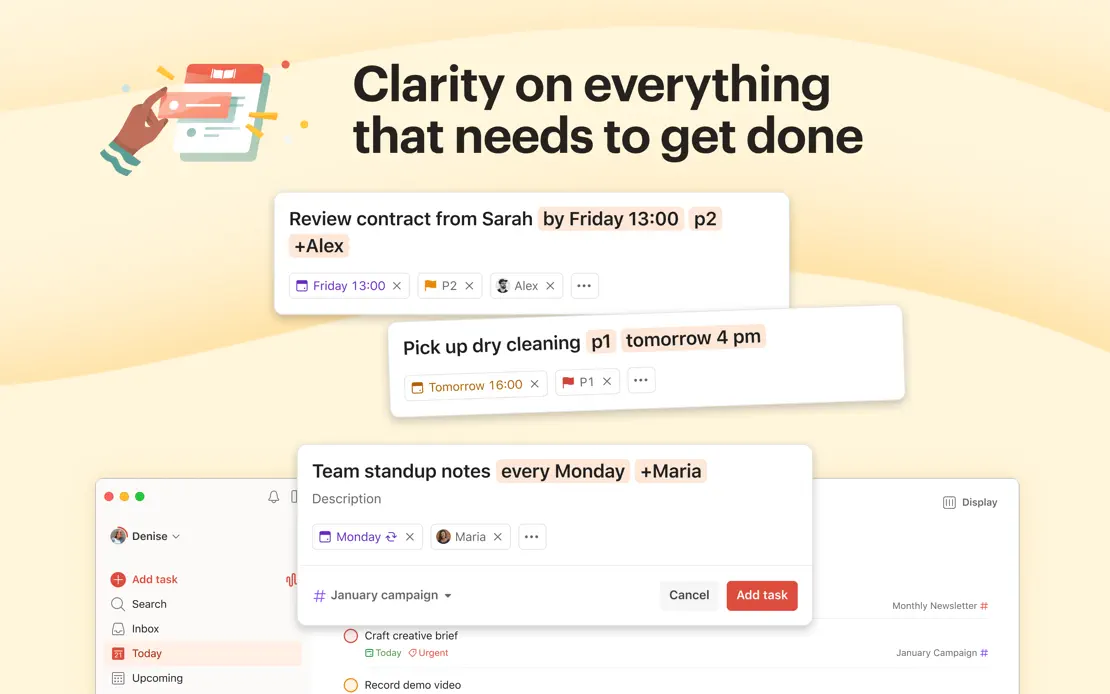
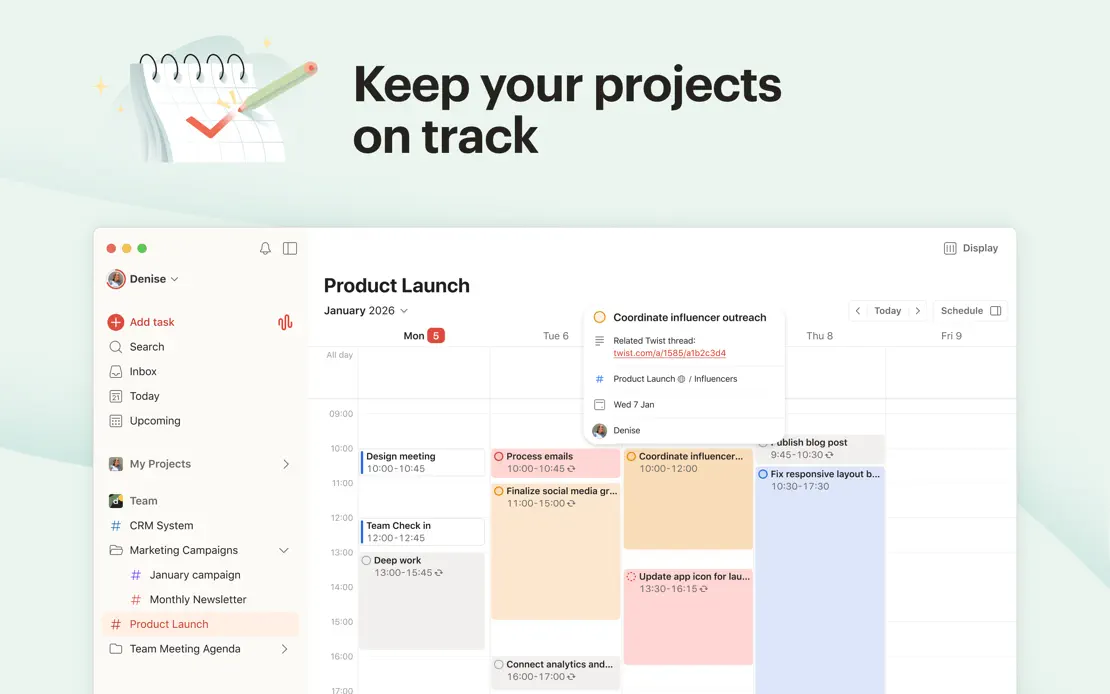
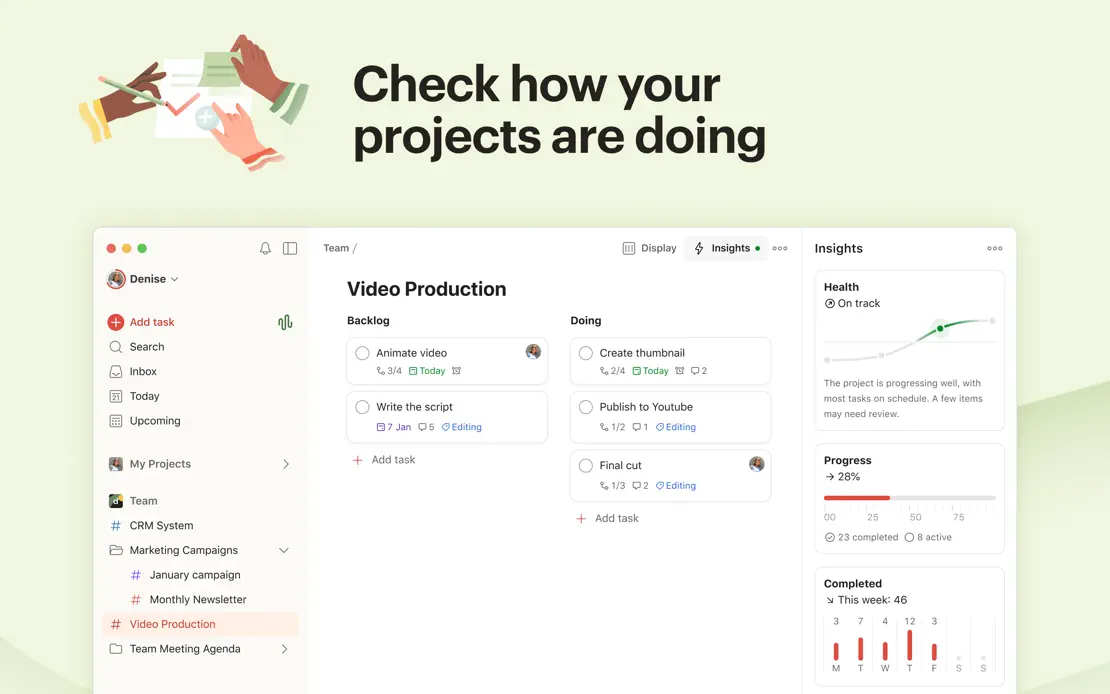
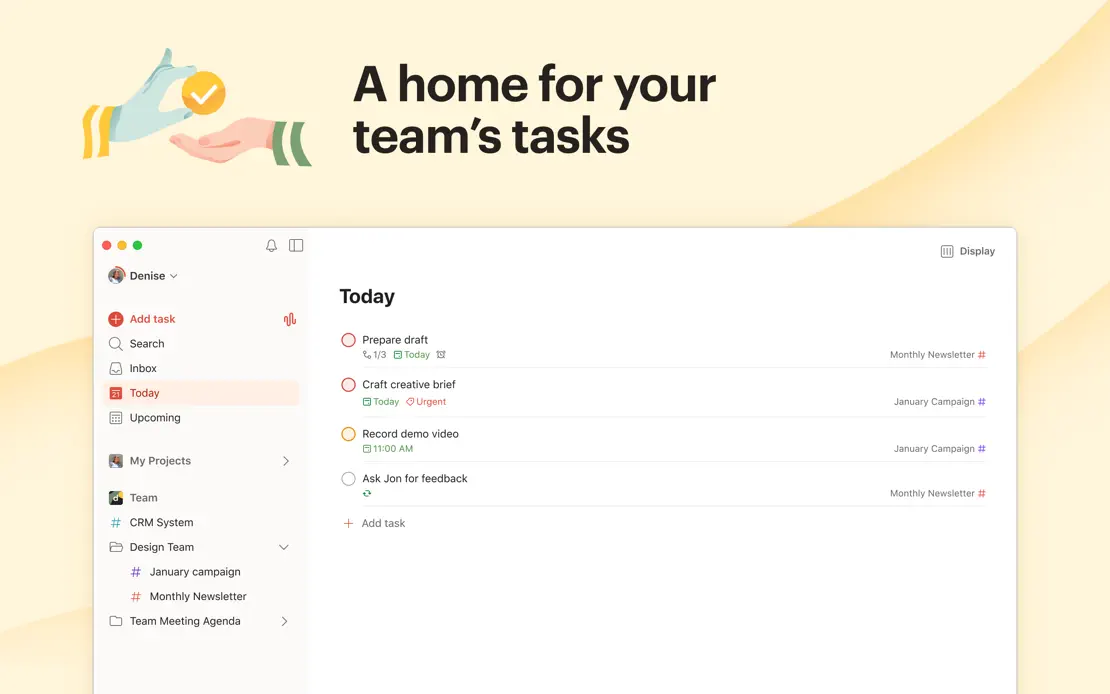
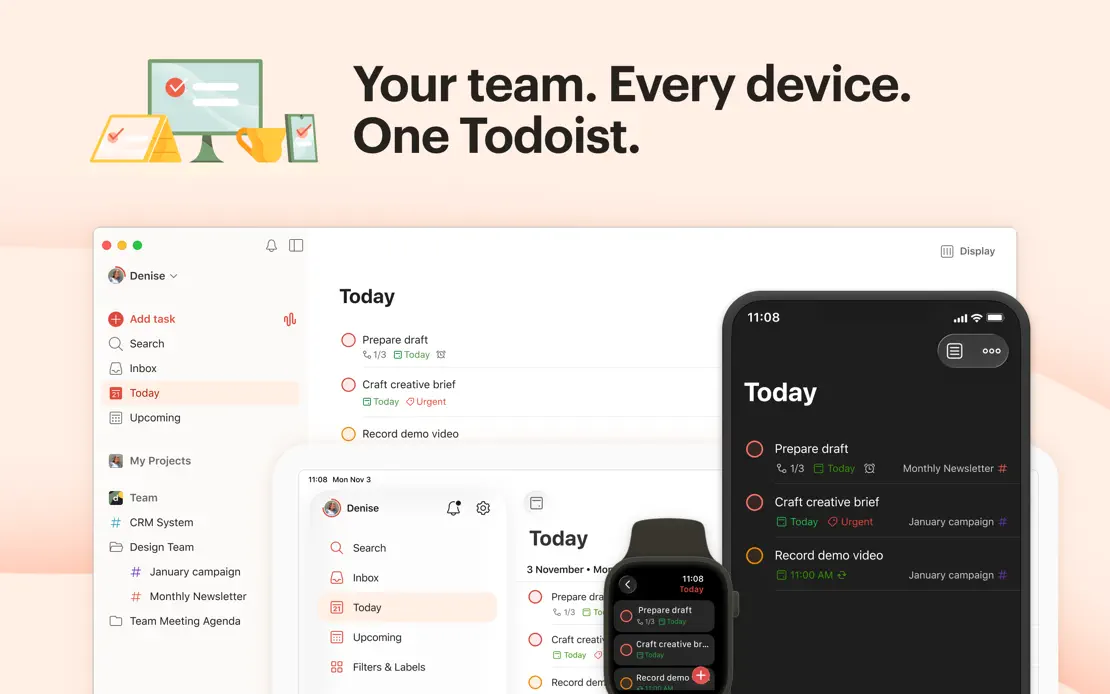
Peach, yellow and mint panels pair bold headlines and hand-drawn spot illustrations with cropped windows, pausing on a customer quote before a device lineup.
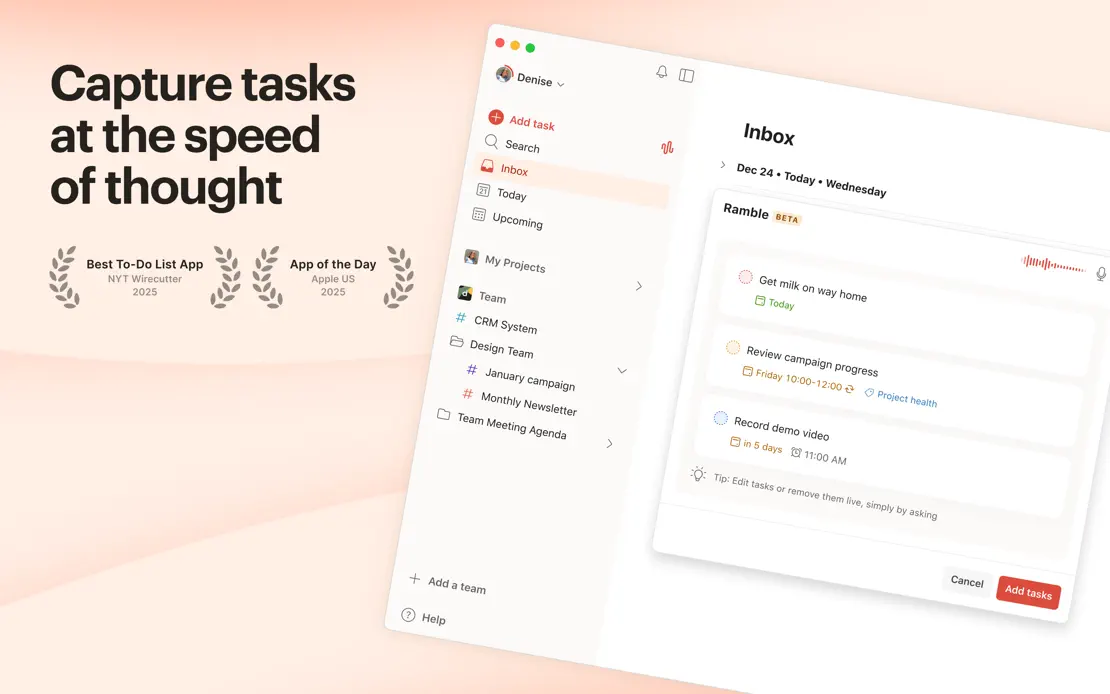


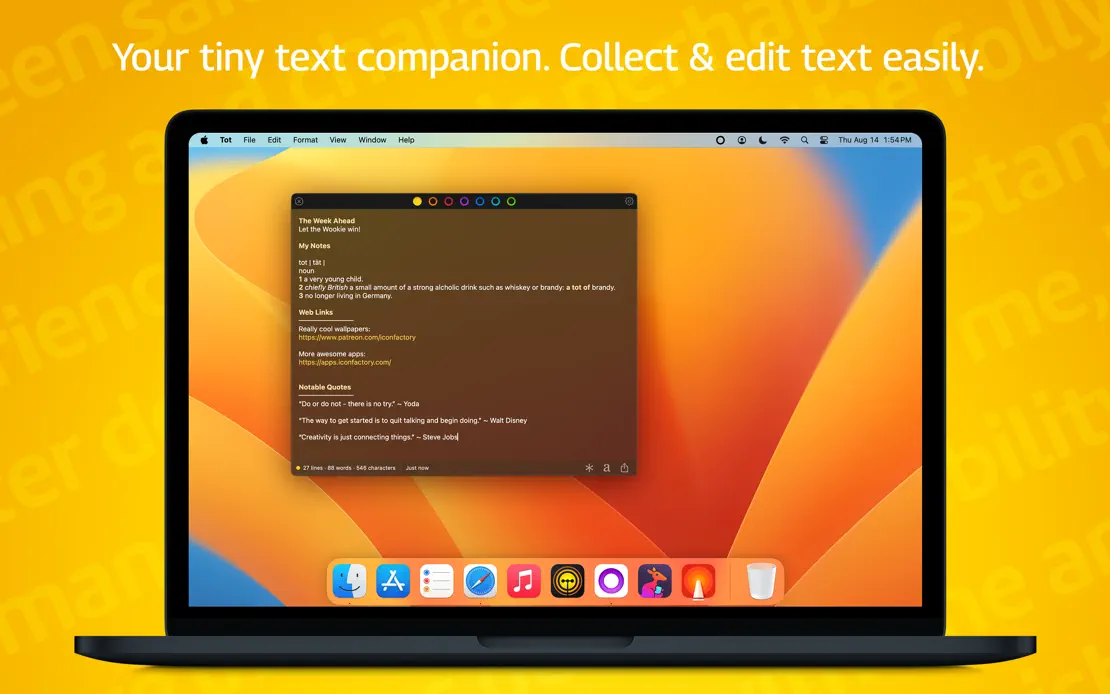
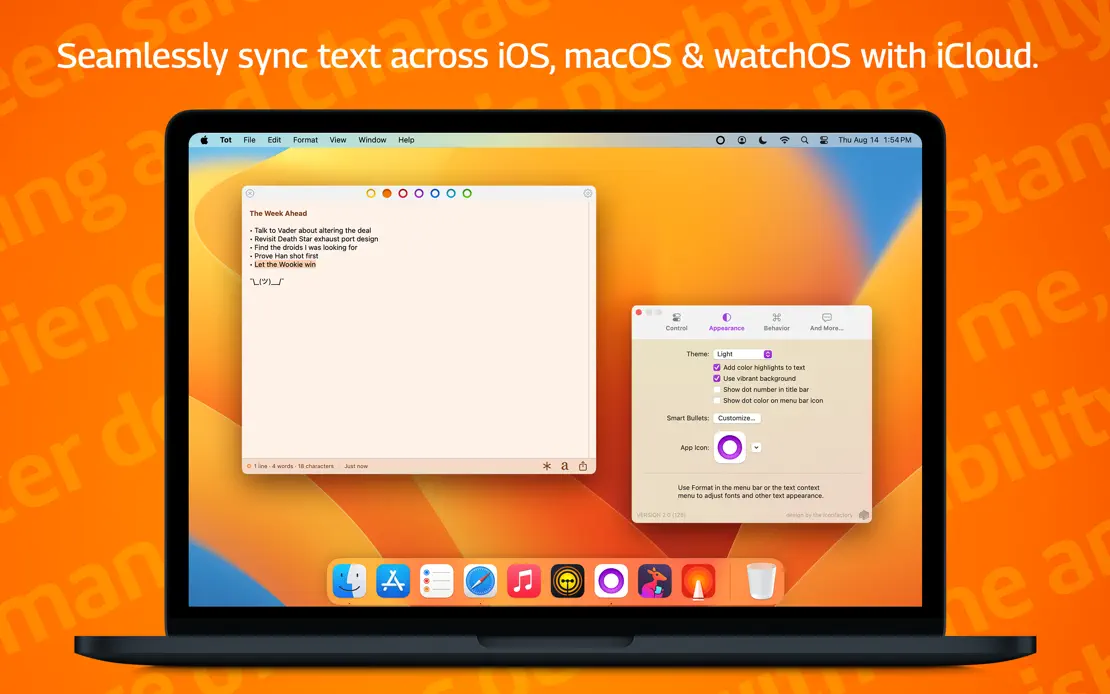
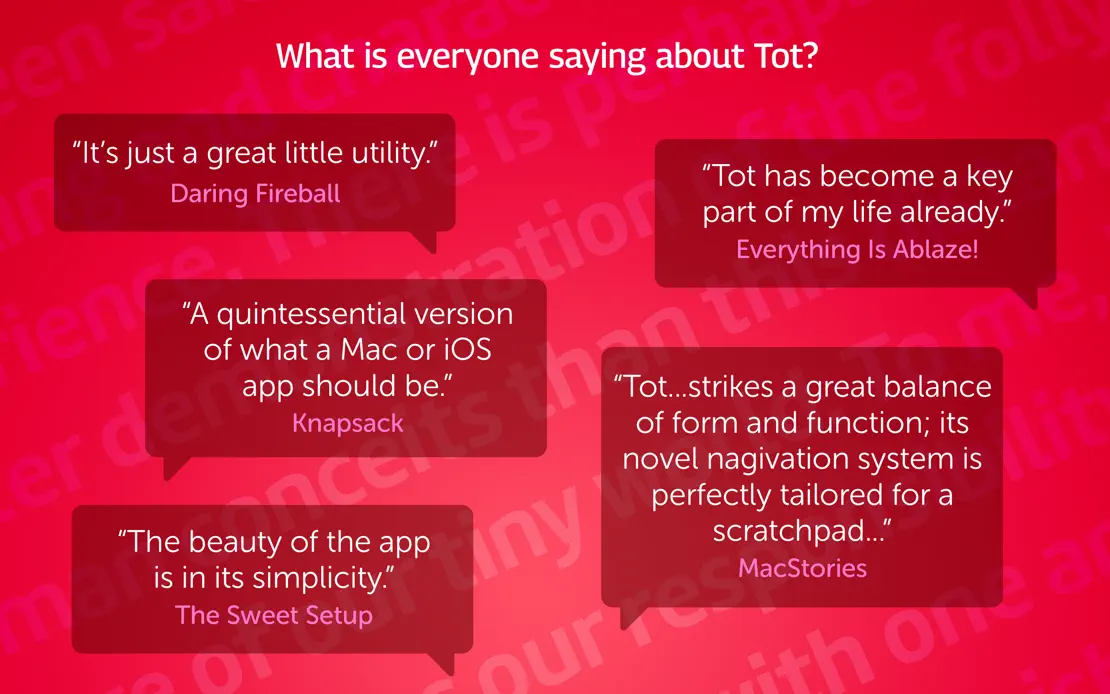
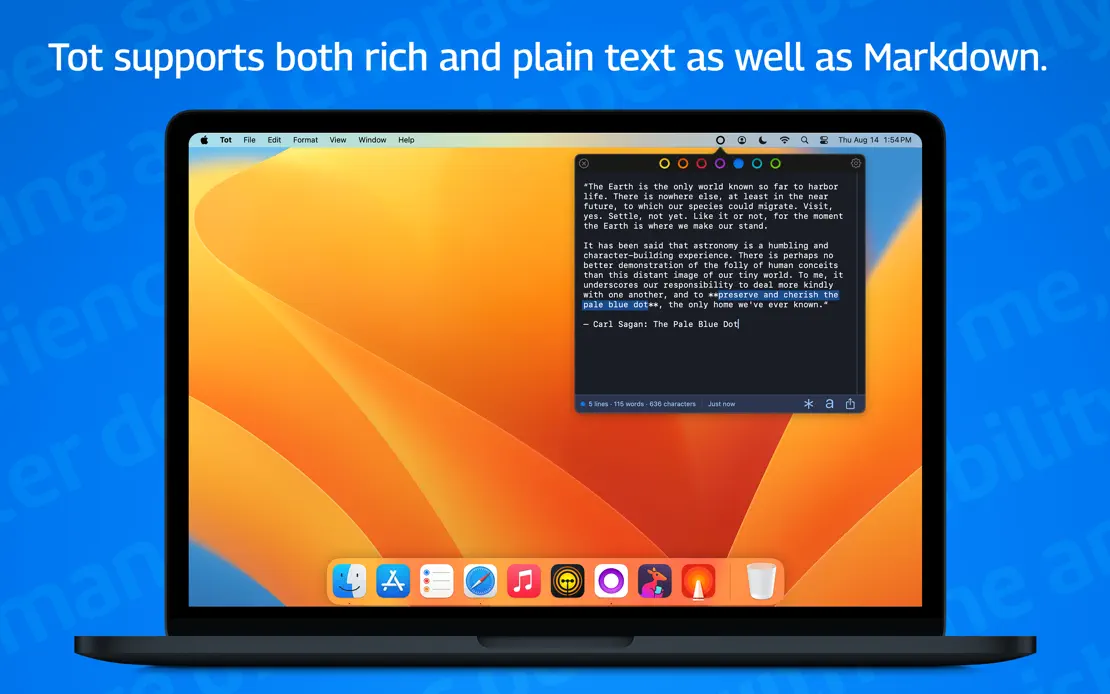
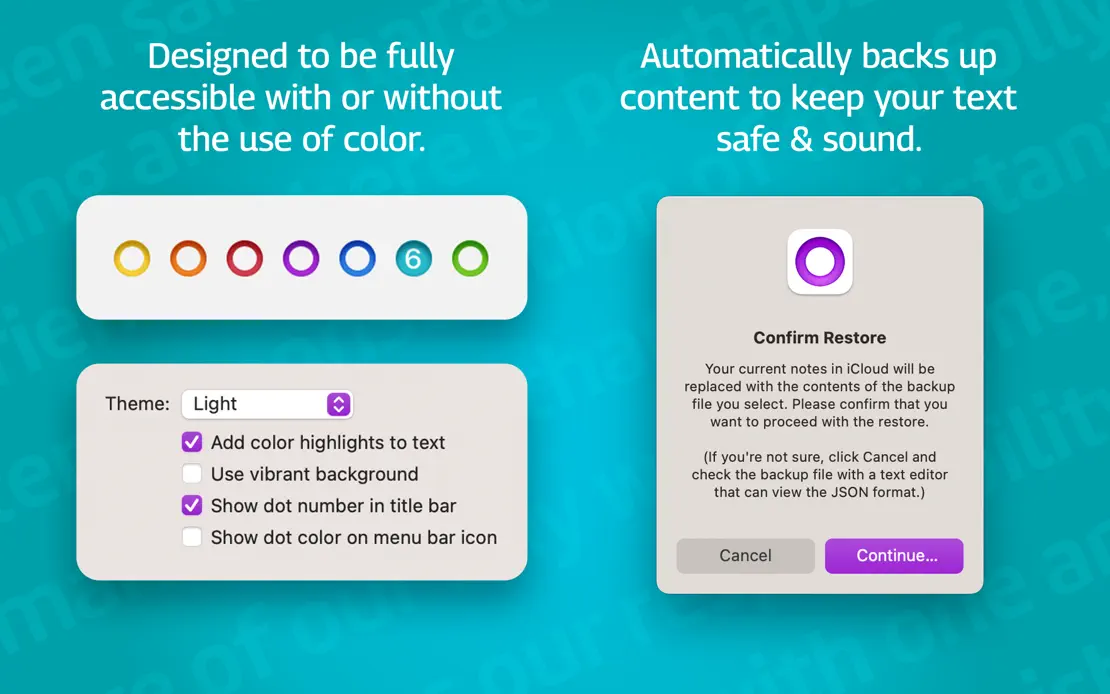
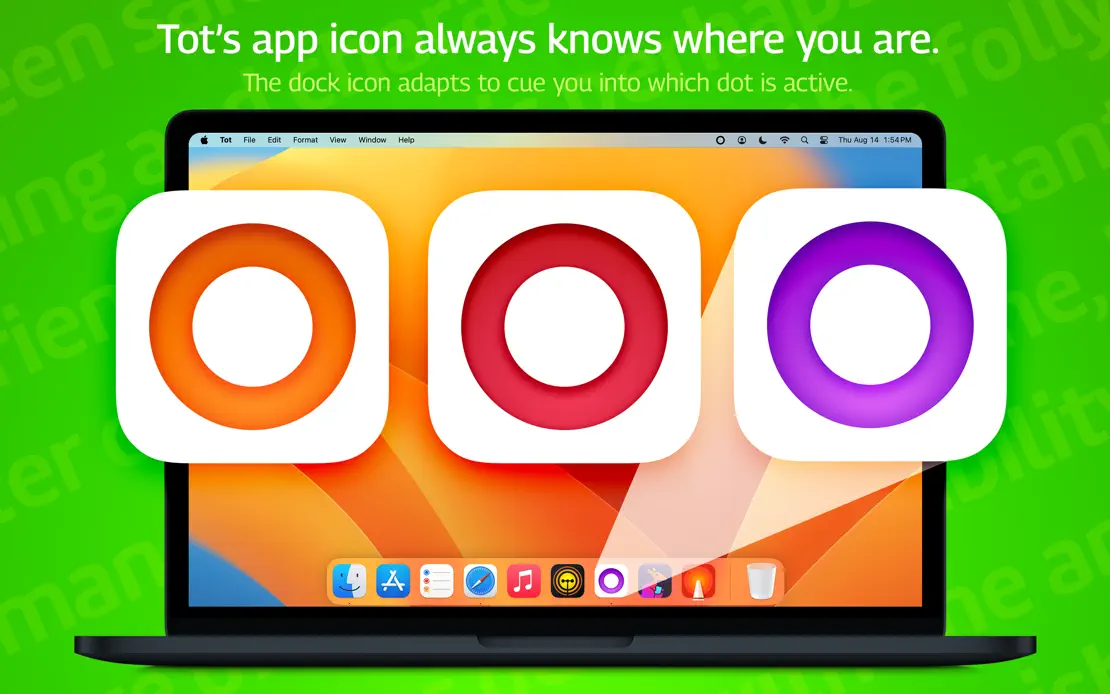
Frame-by-frame rainbow backgrounds with faint tiled text surround a MacBook, press-quote bubbles, emoji checklists and enlarged dot-colored app icons.