Photo & video App Store screenshots
25 complete App Store screenshot sets from photo & video apps, including (Not Boring) Camera, 1 Second Everyday and Afterlight. The most common techniques here are photography, repeated layout and interface close-ups.


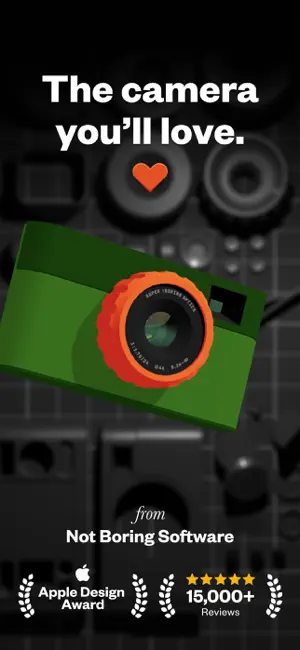

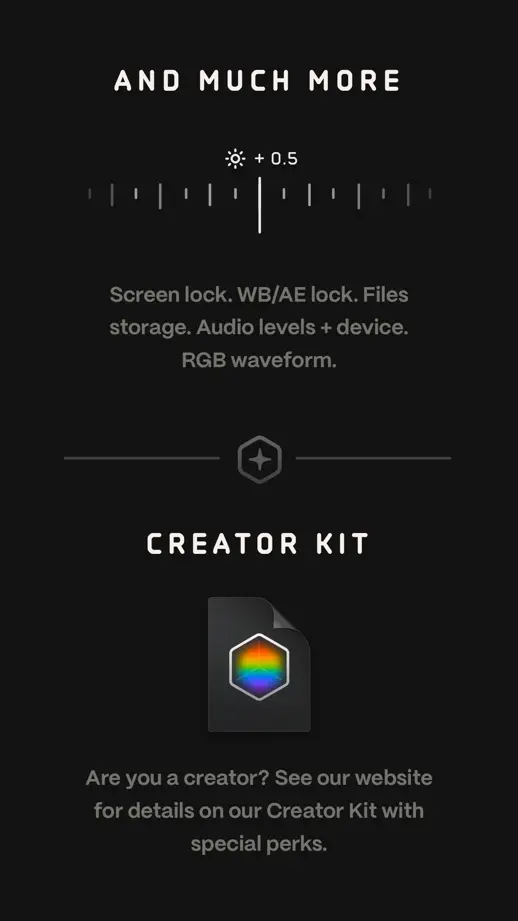
Tactile camera controls and photographic results fill dark panels with short white headings.
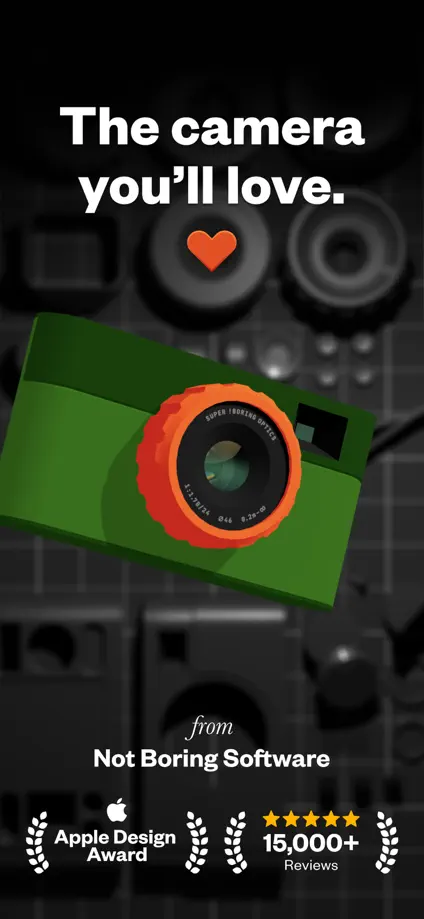

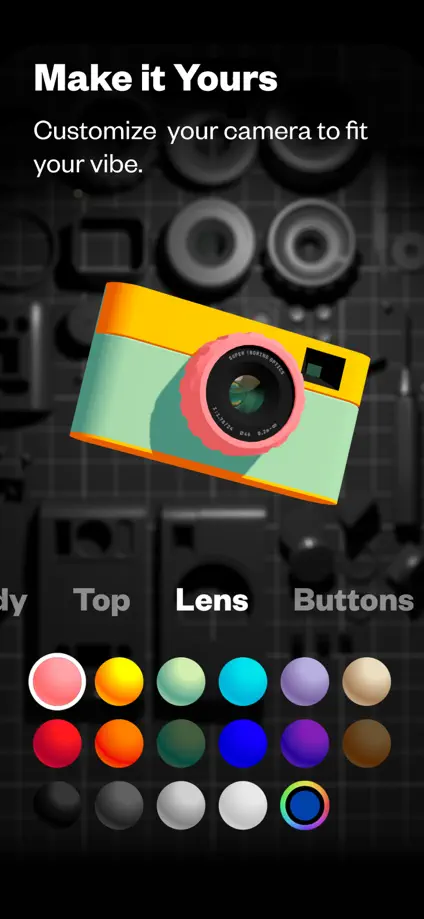
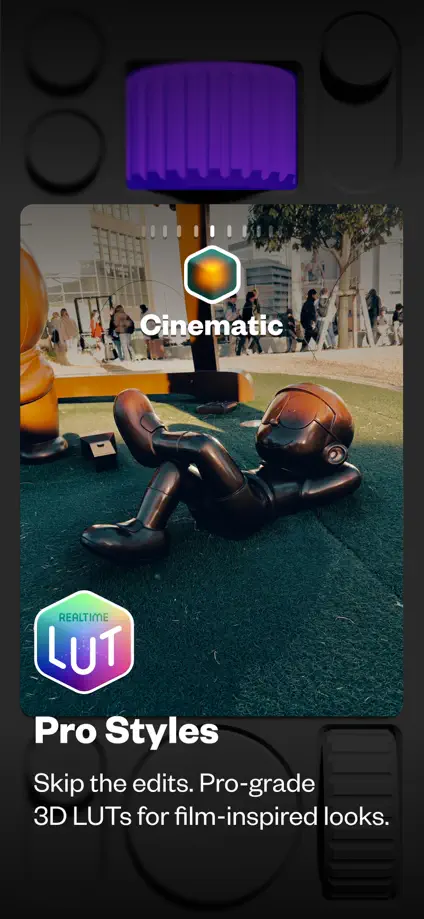
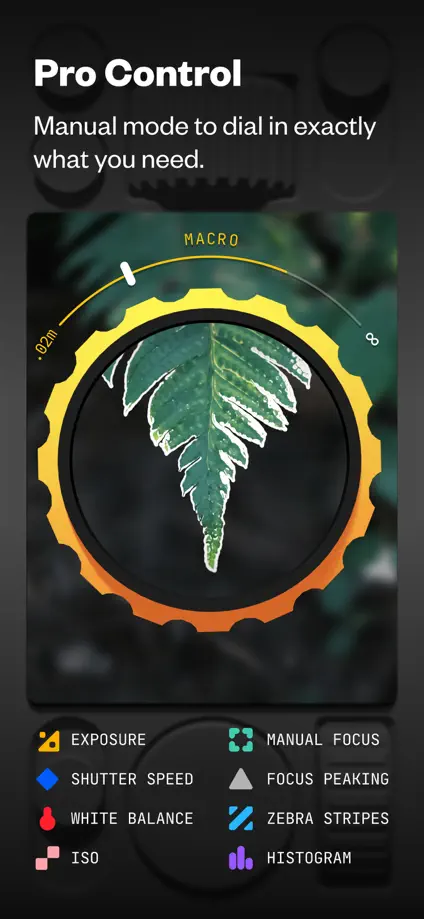
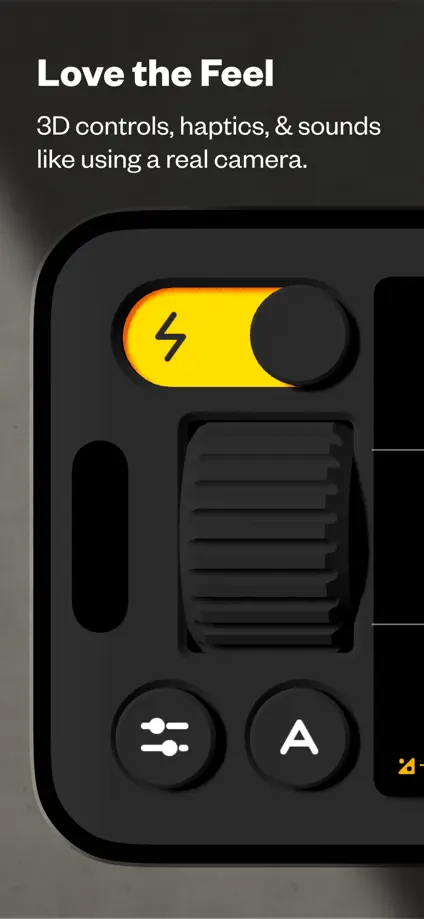
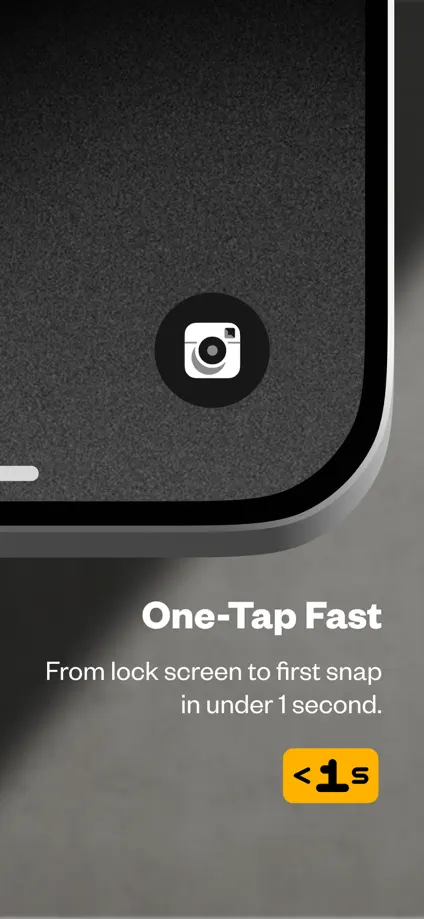
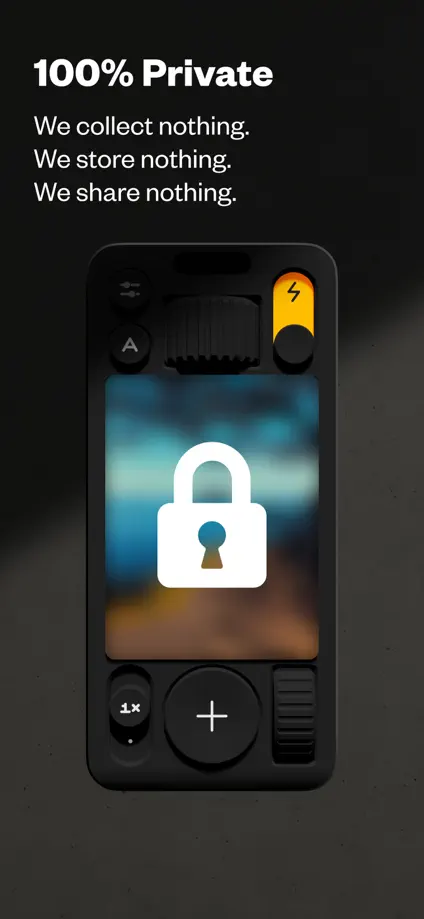

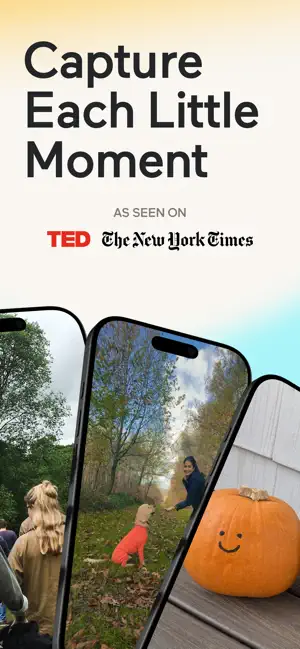
Large sentence fragments continue across the sequence while angled phones show a growing video diary.
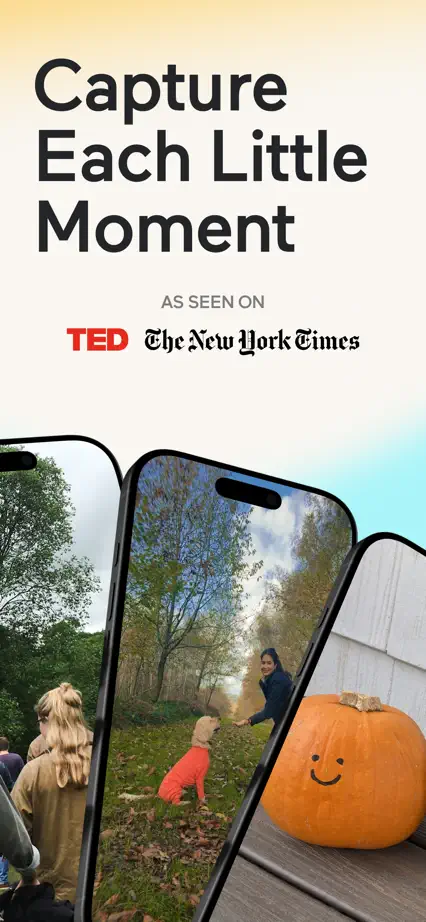

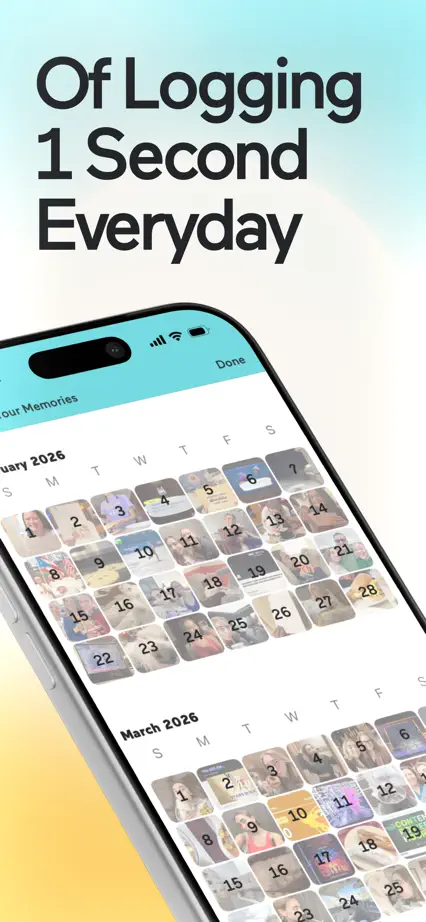
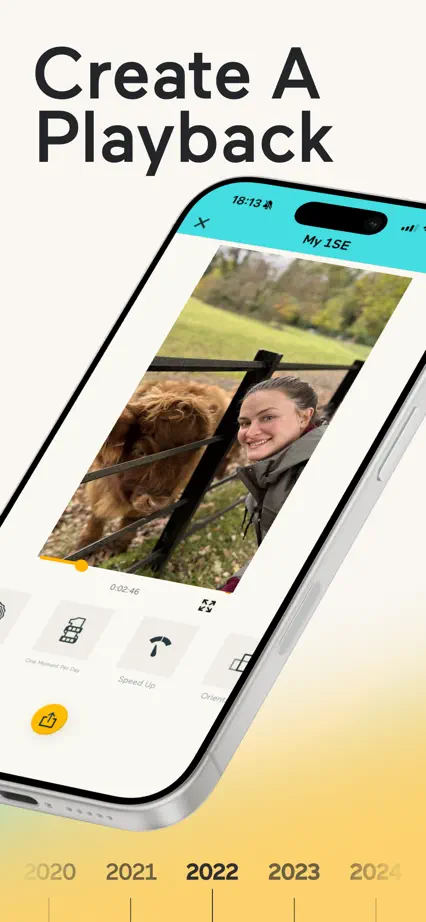
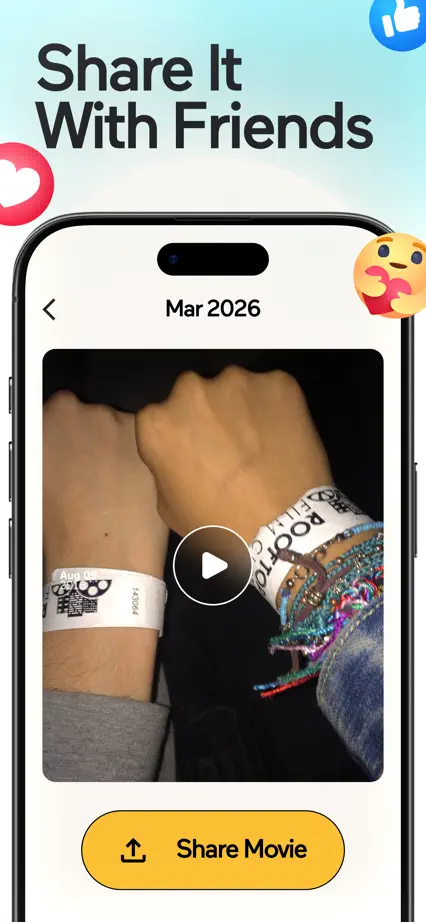

Full-frame photography demonstrates editing effects beneath a compact black heading strip.
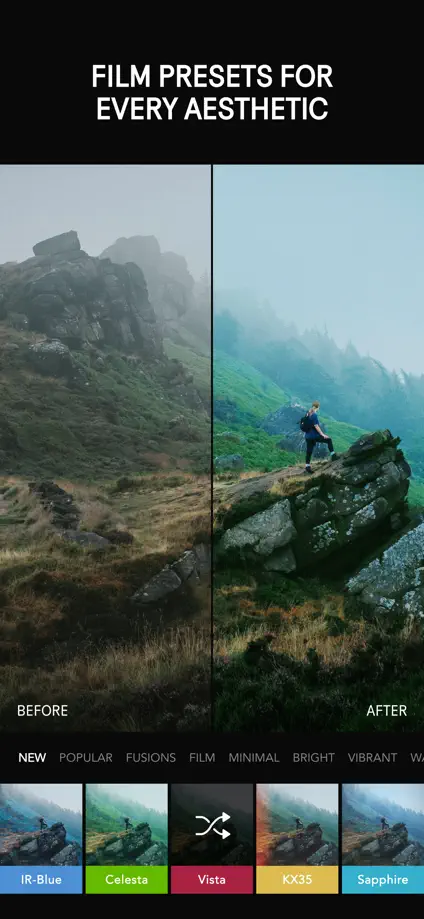
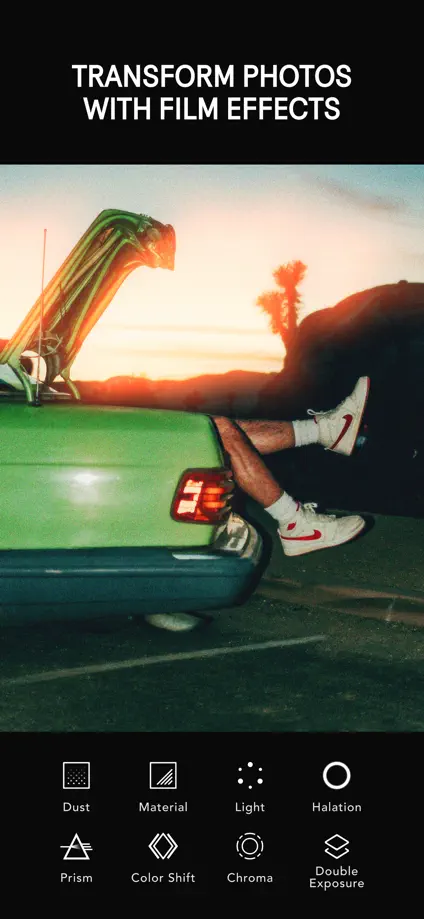
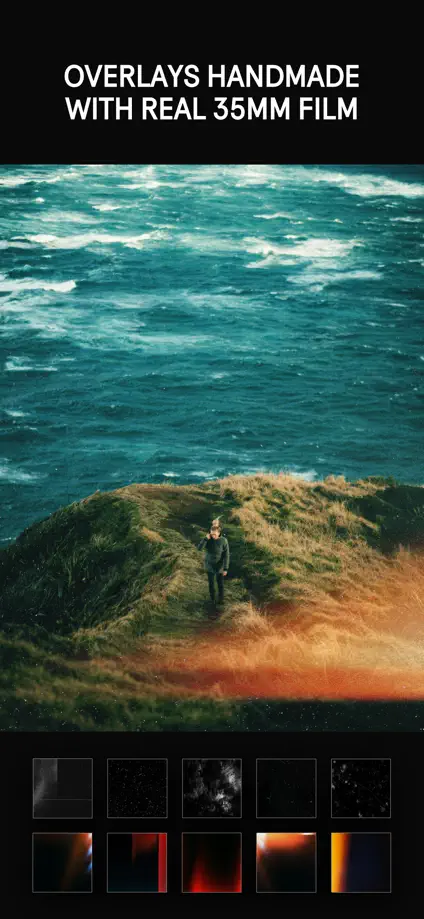
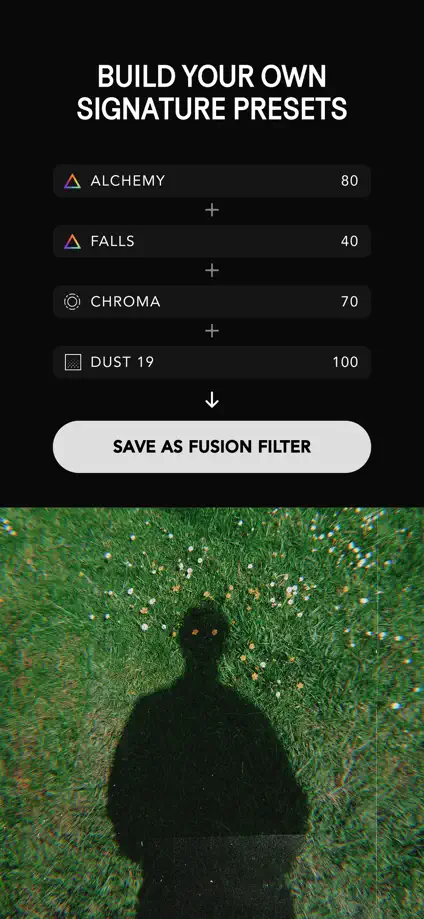

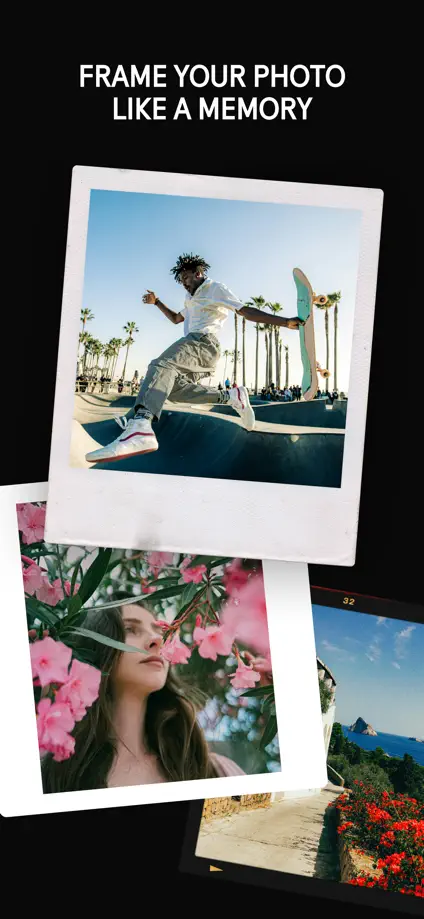

Colorful backgrounds echo edited photographs while large interface crops reveal editing controls.


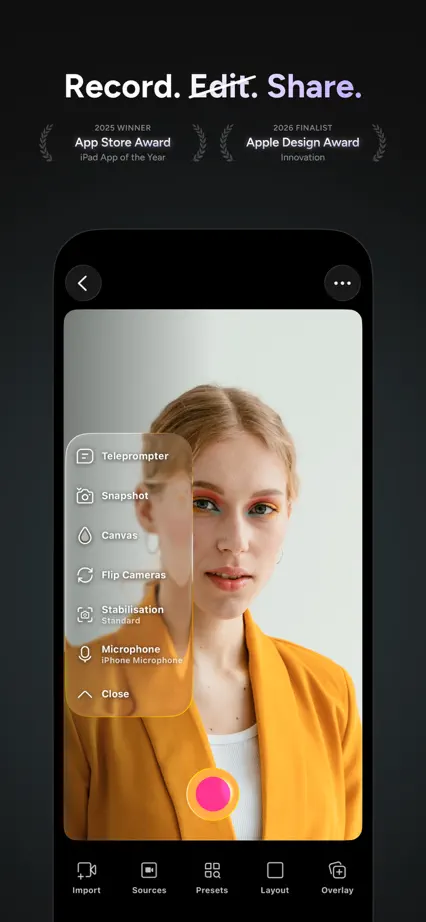

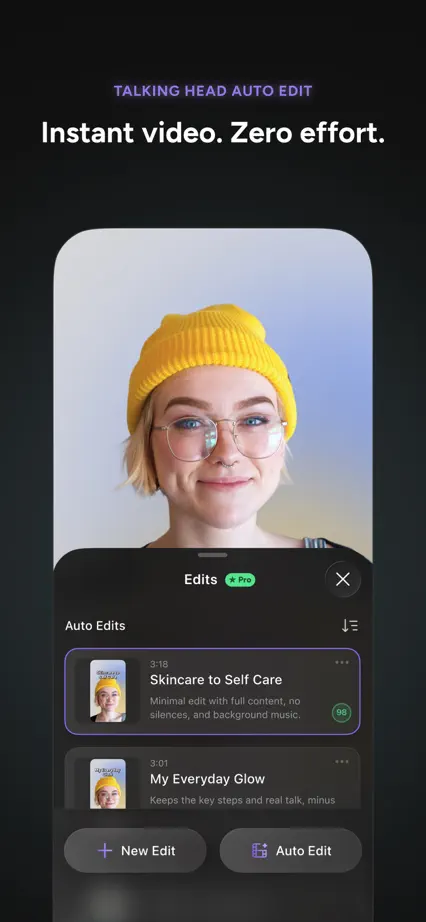
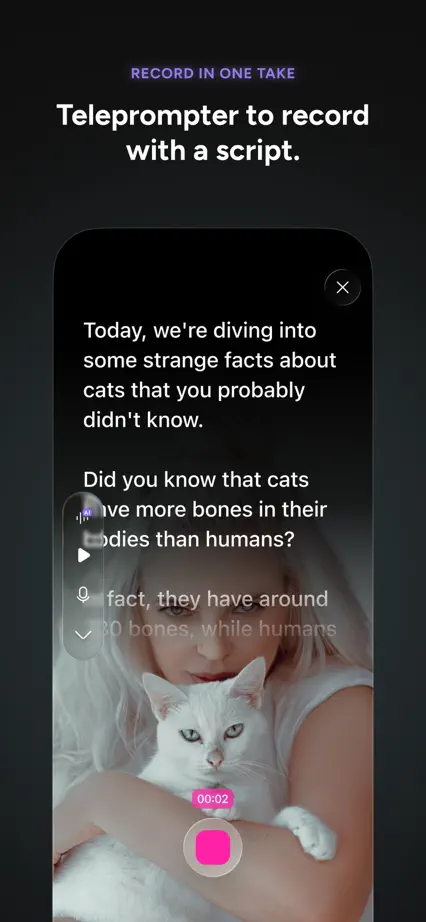
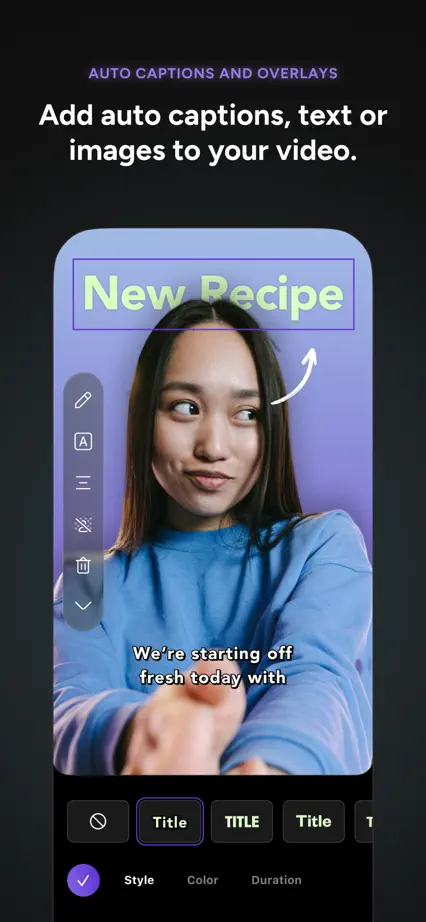
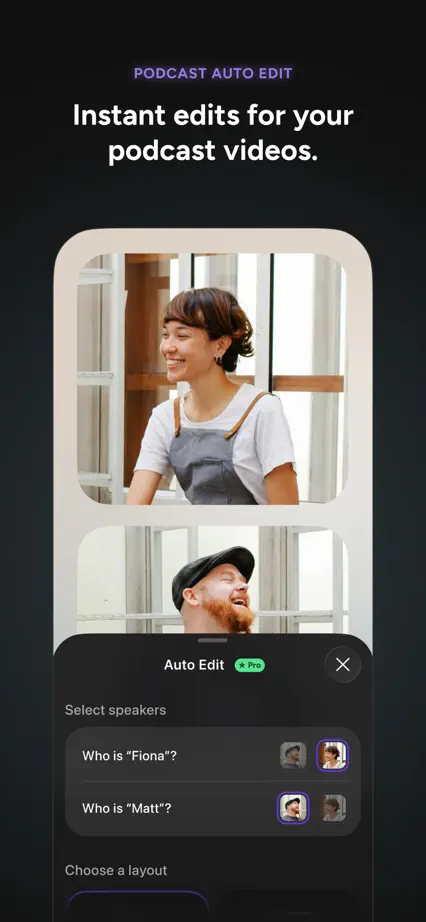
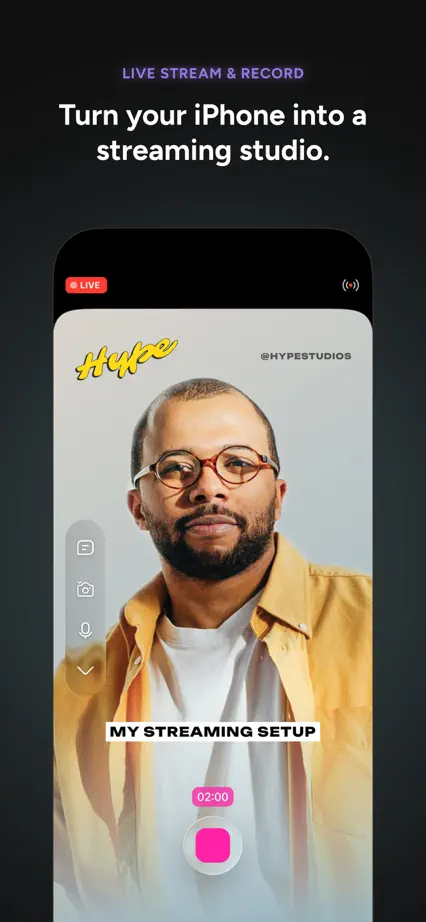
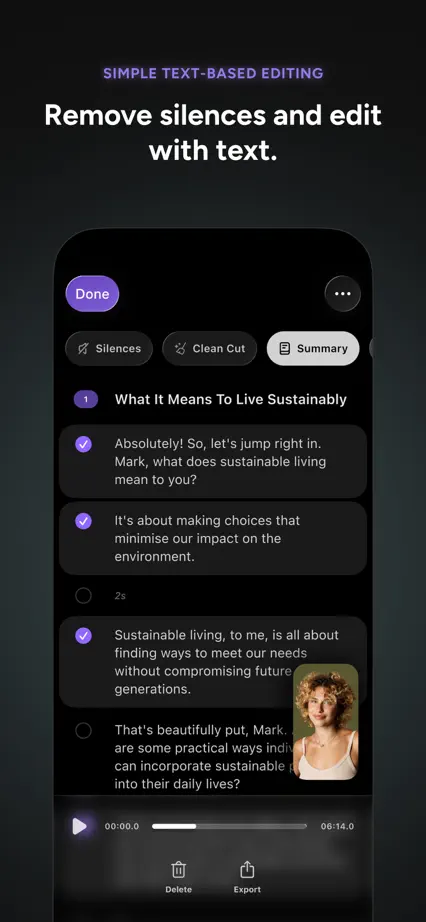
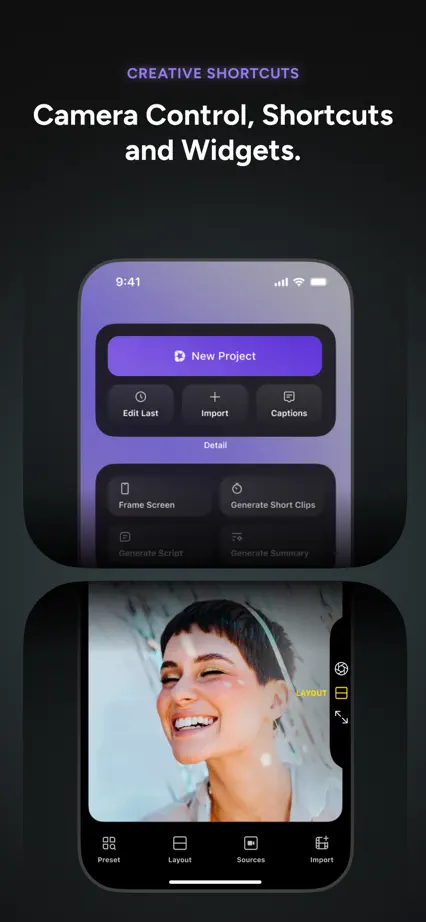

Mixed serif and sans-serif headlines sit above full-height photographs and a reveal-in-progress grid.
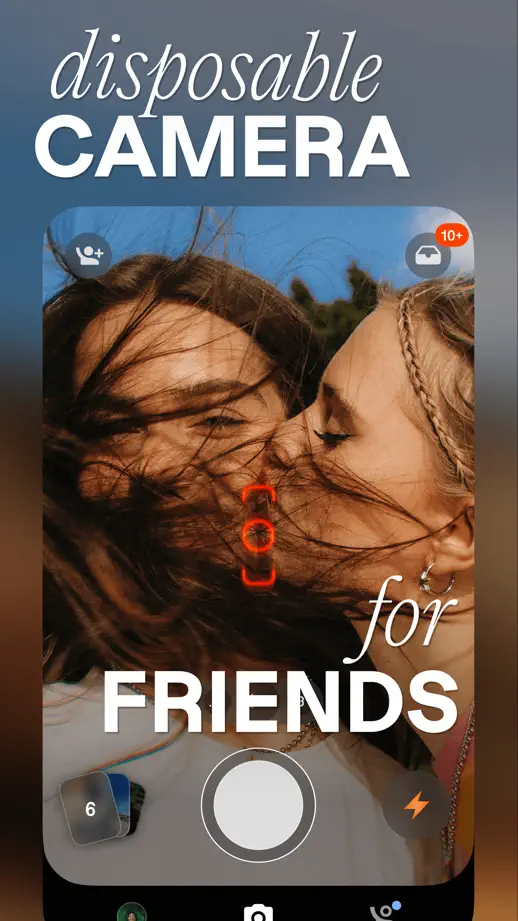


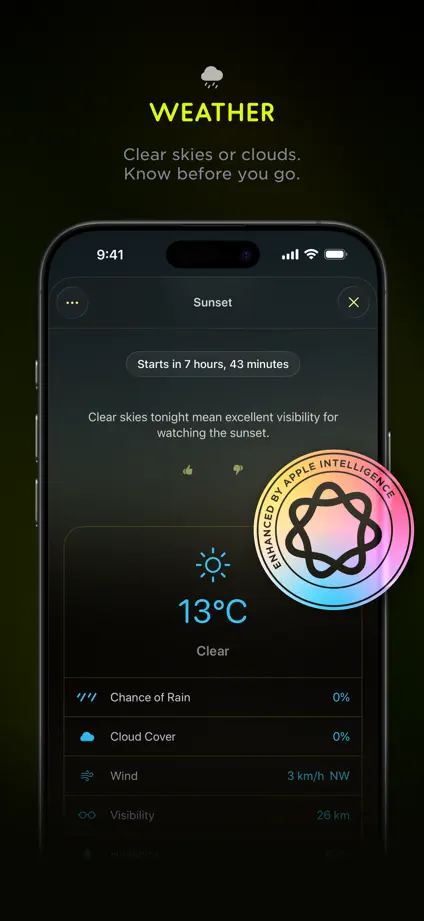
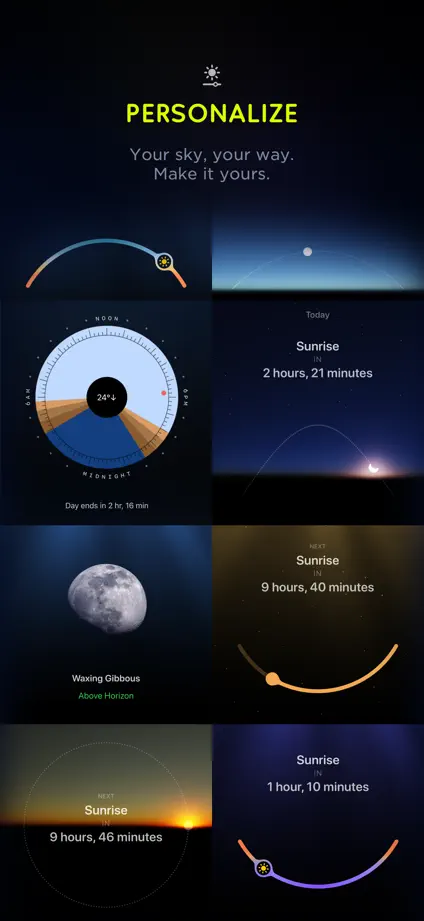
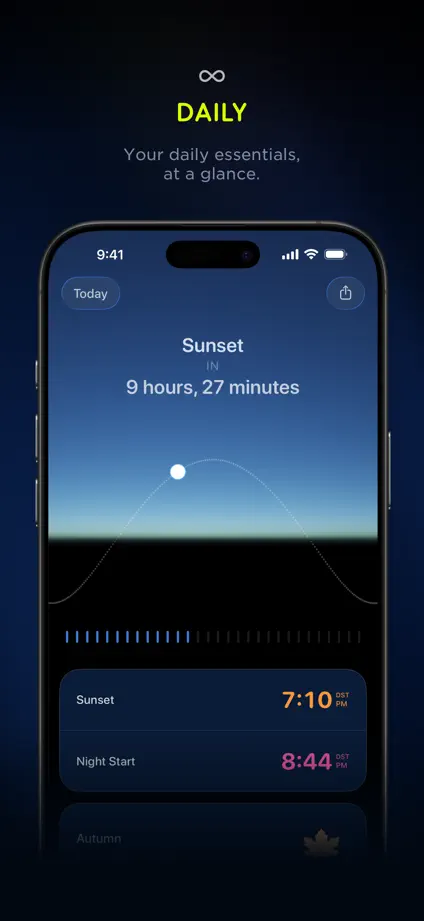
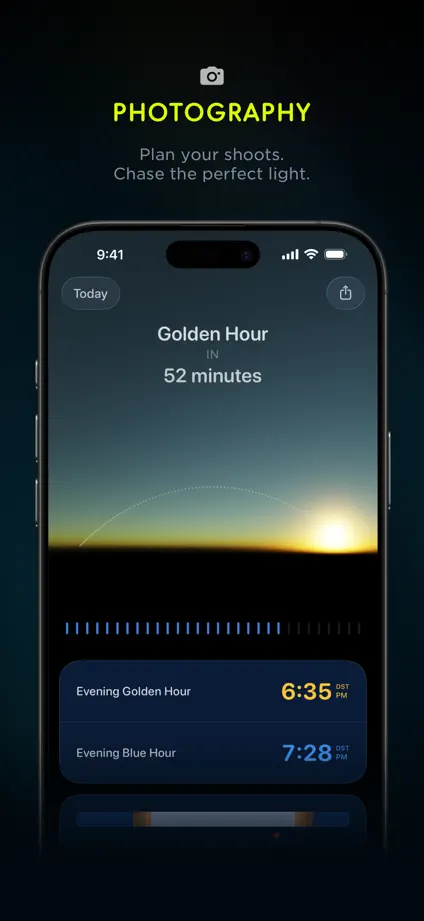
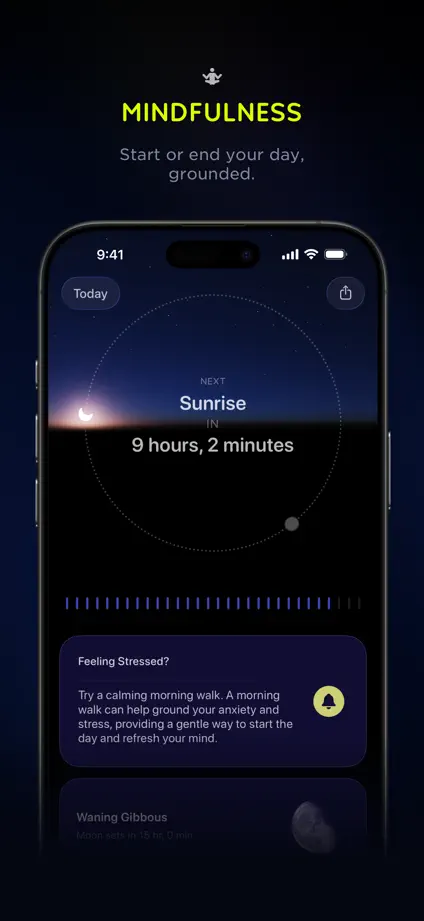
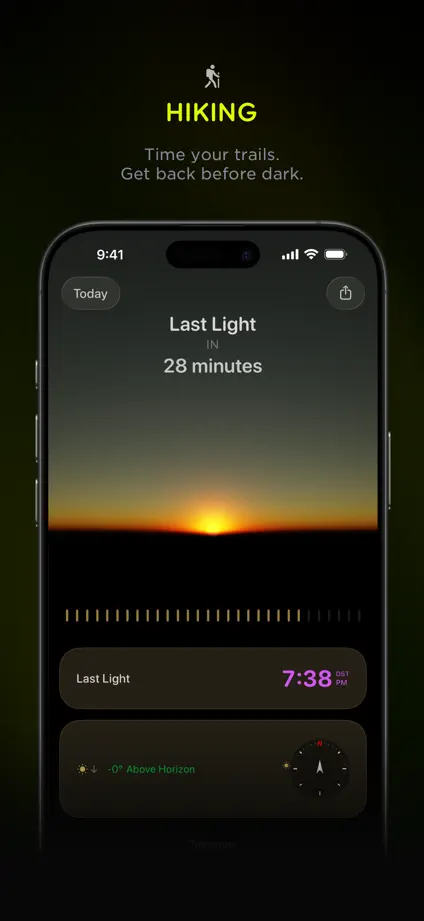
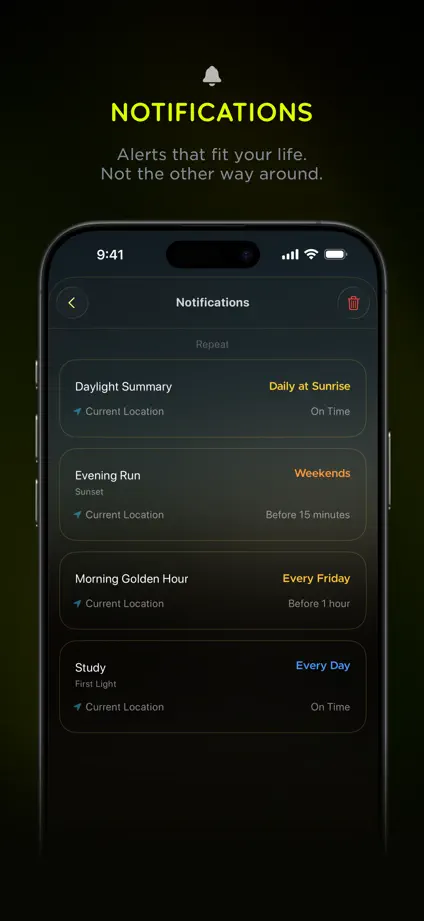
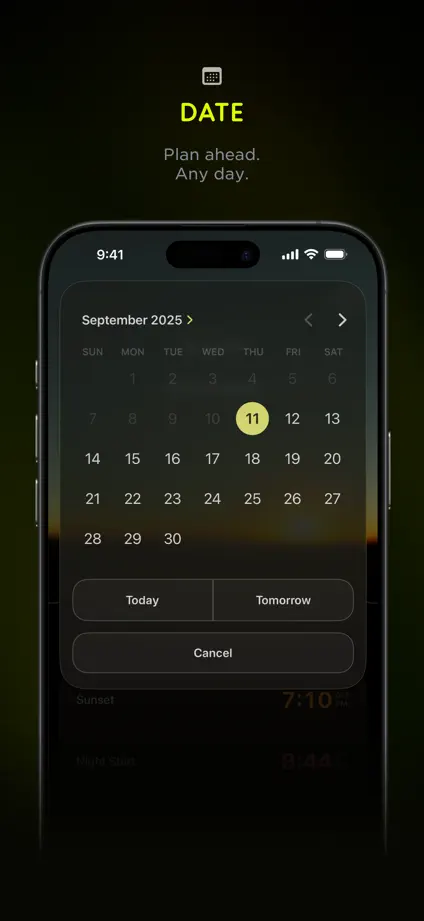
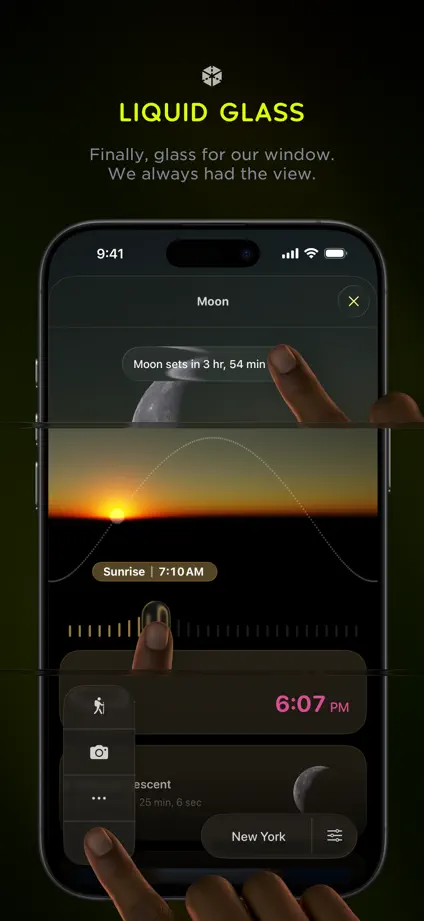

Photographic examples bring color to a dark sequence of camera controls and processing options.

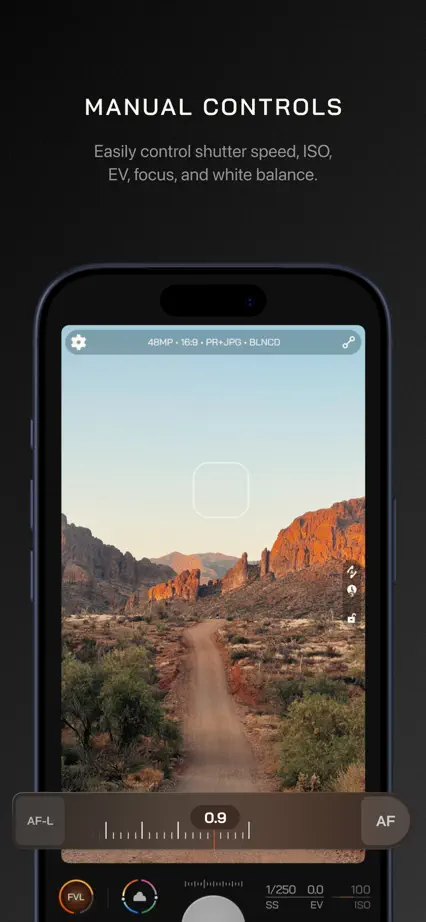
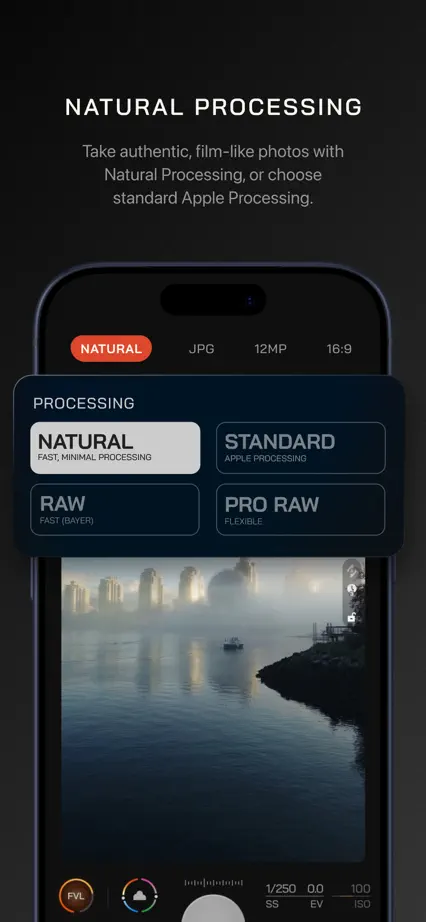


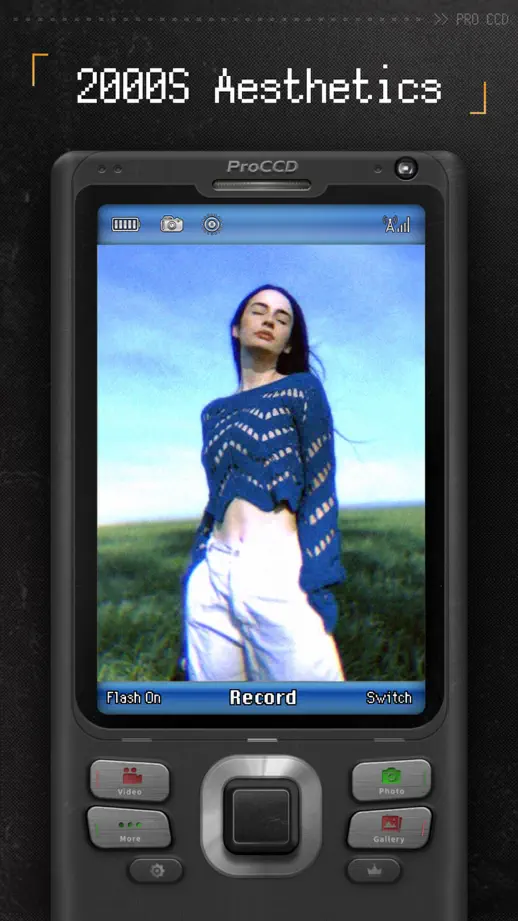
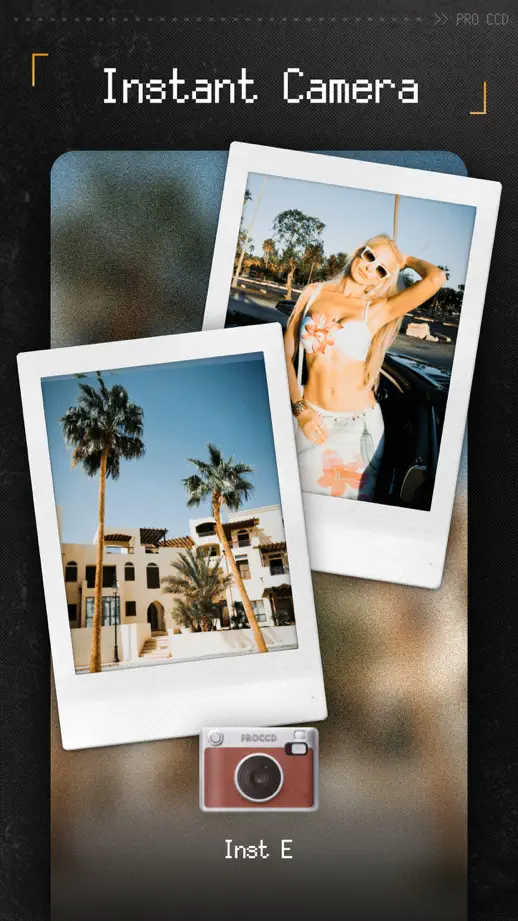
Textured camera-like frames surround photographic examples, with pixel-style headings continuing the hardware metaphor.


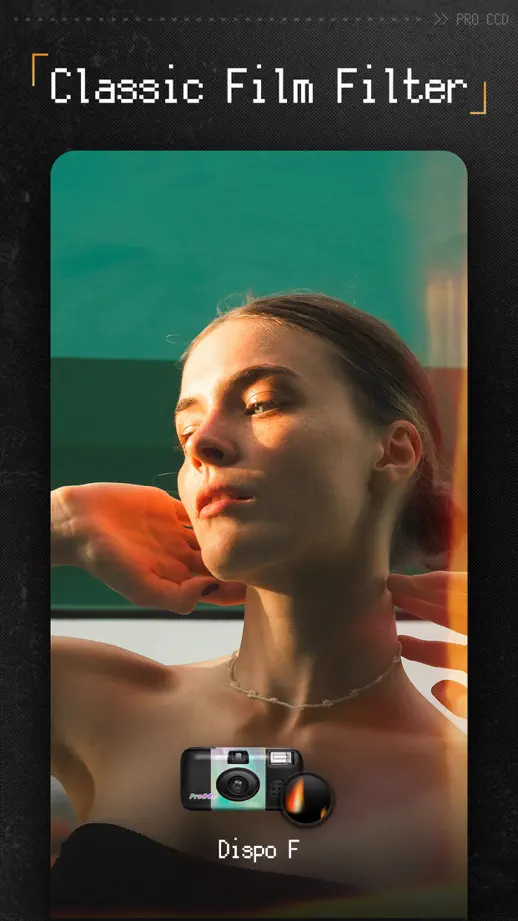
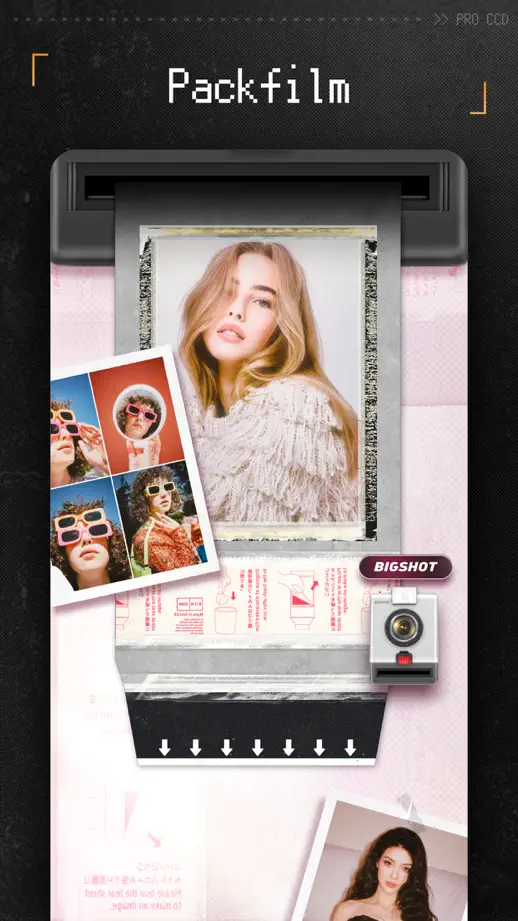
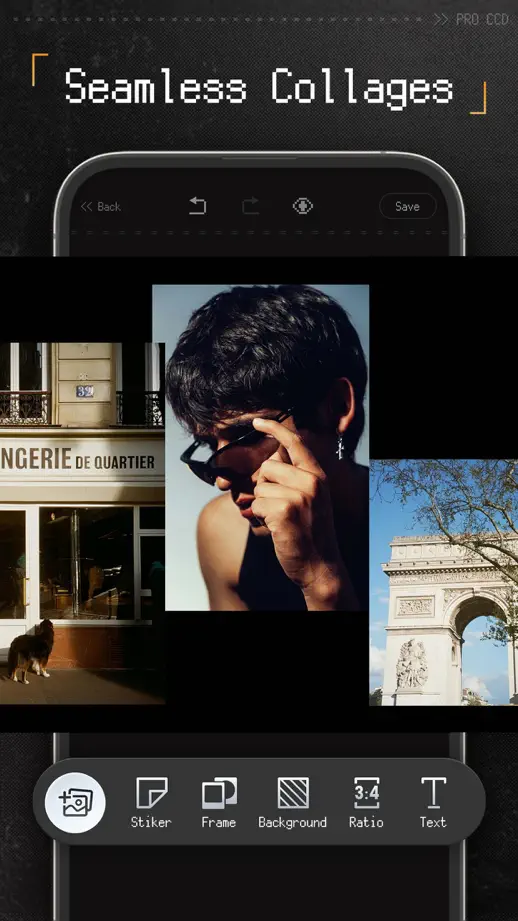
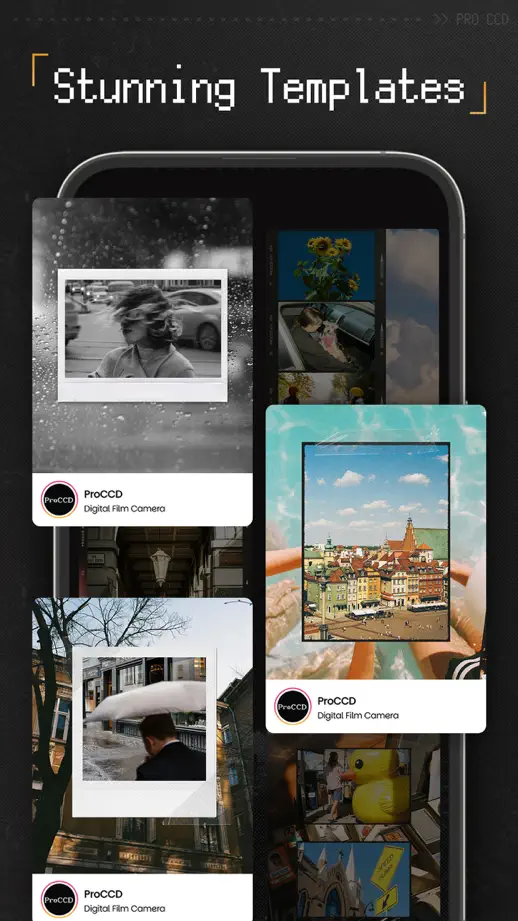

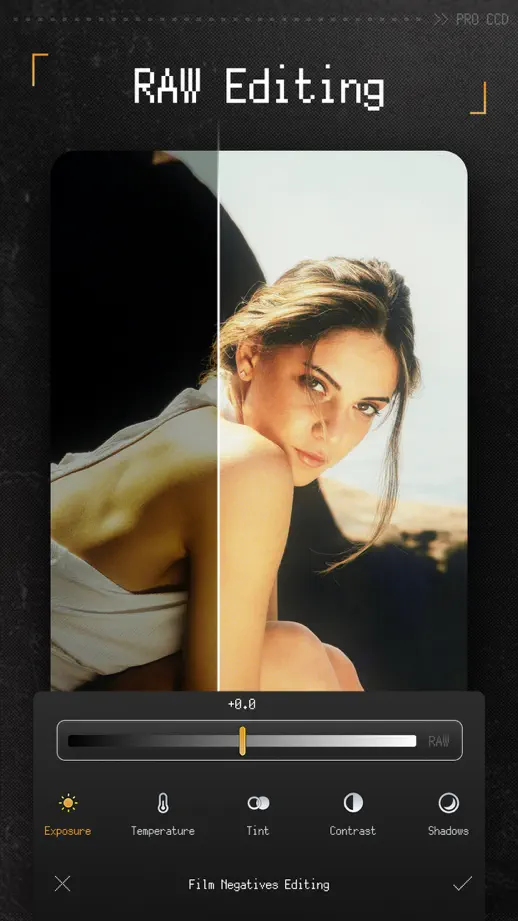

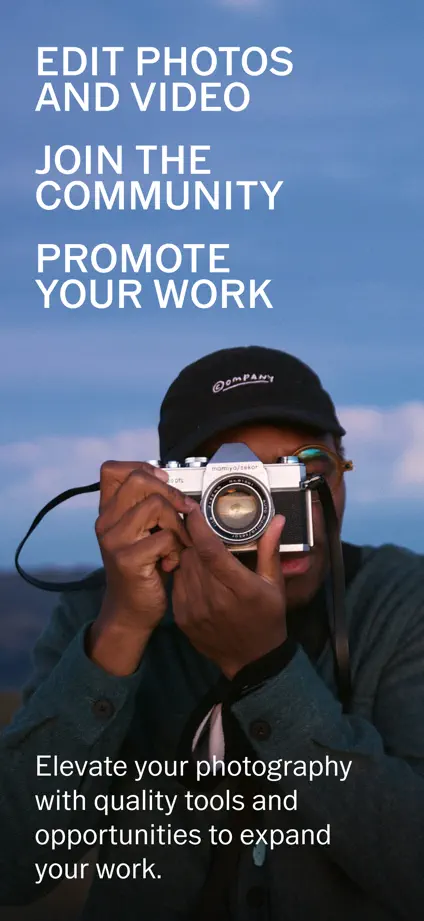
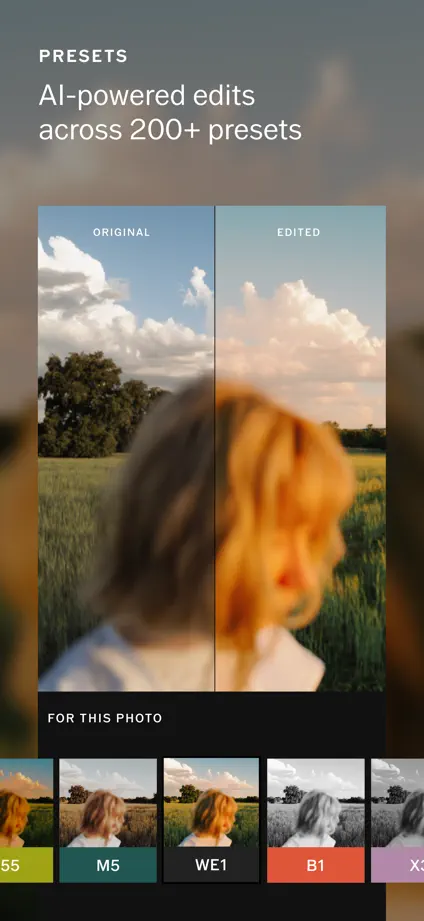

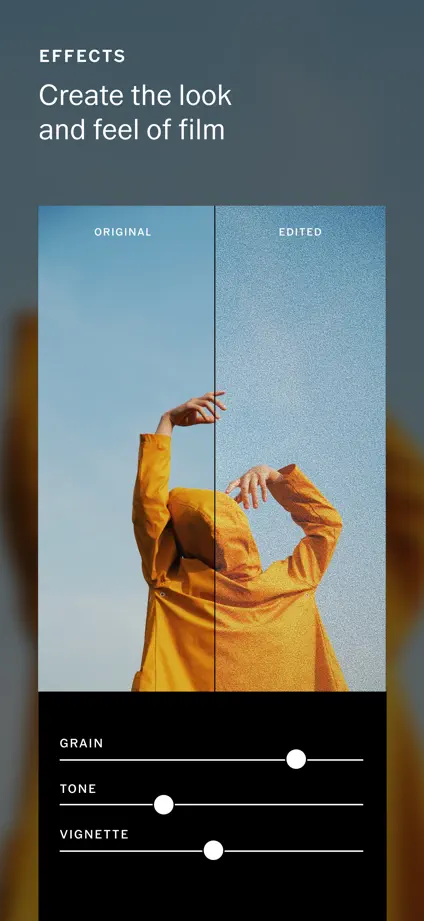
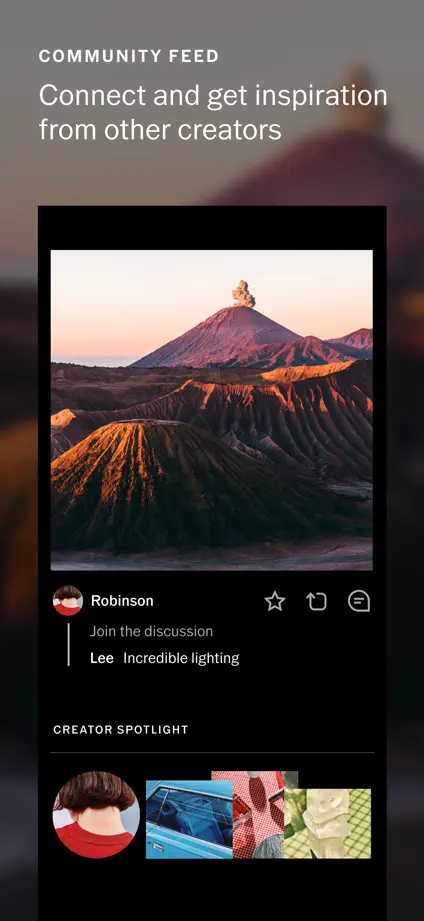
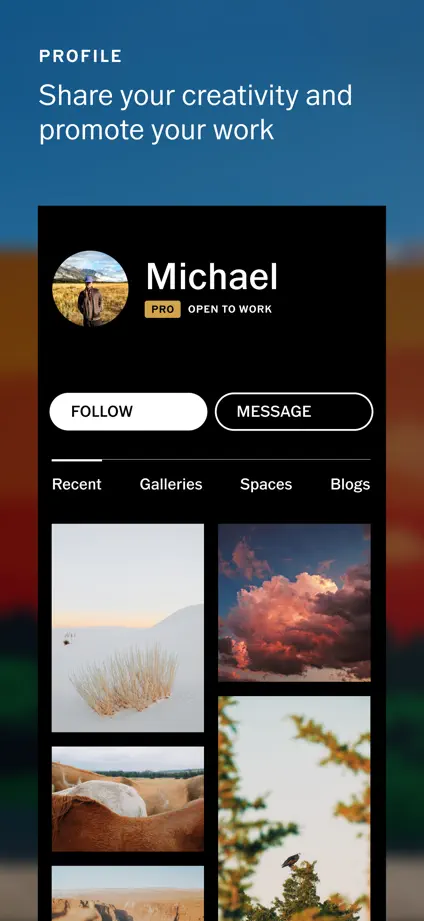
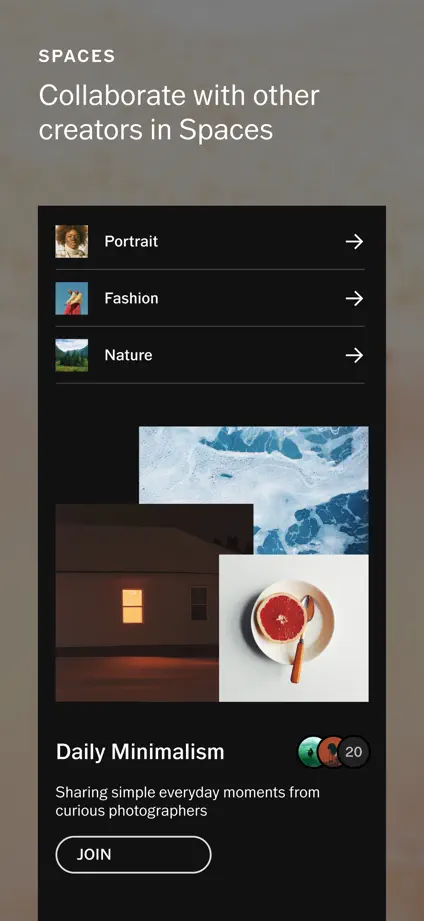

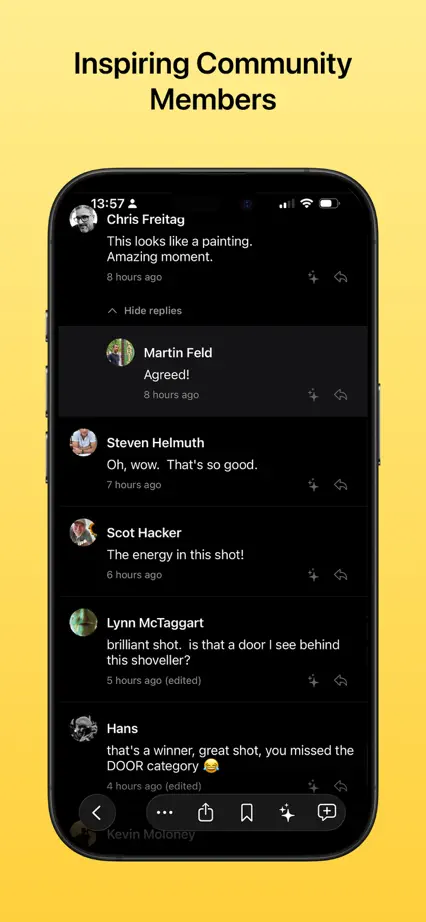
Yellow backgrounds give way to gray and black gradients as dark phones display full-bleed photography, with captions moving between top and bottom.

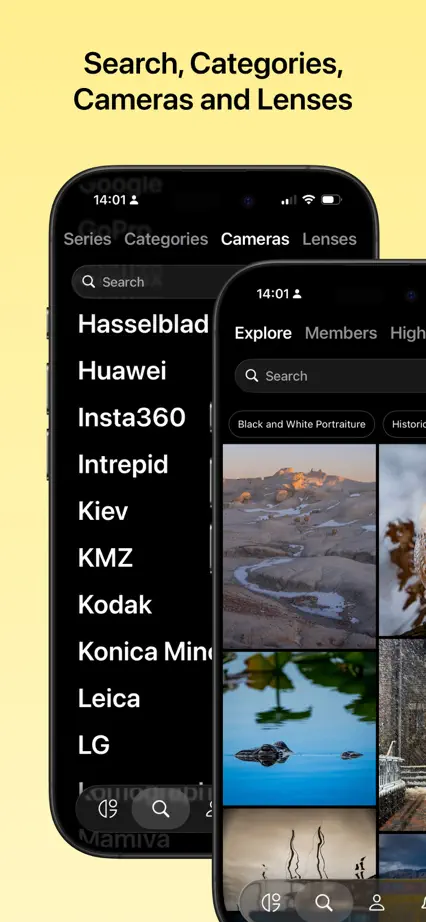
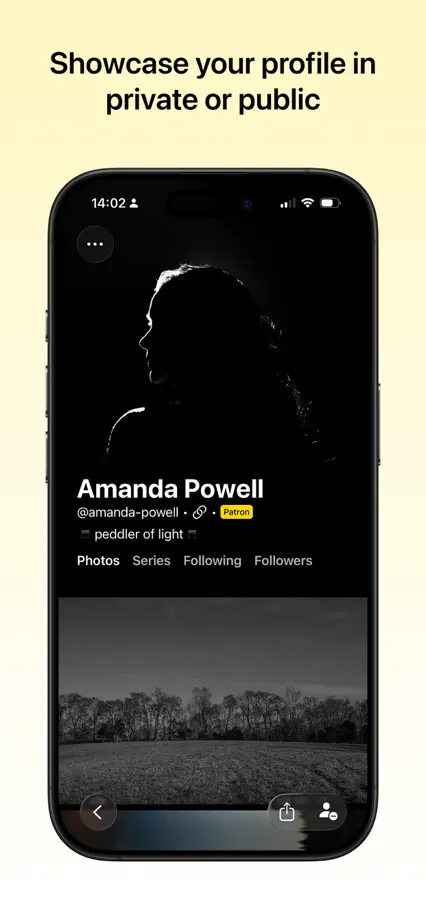
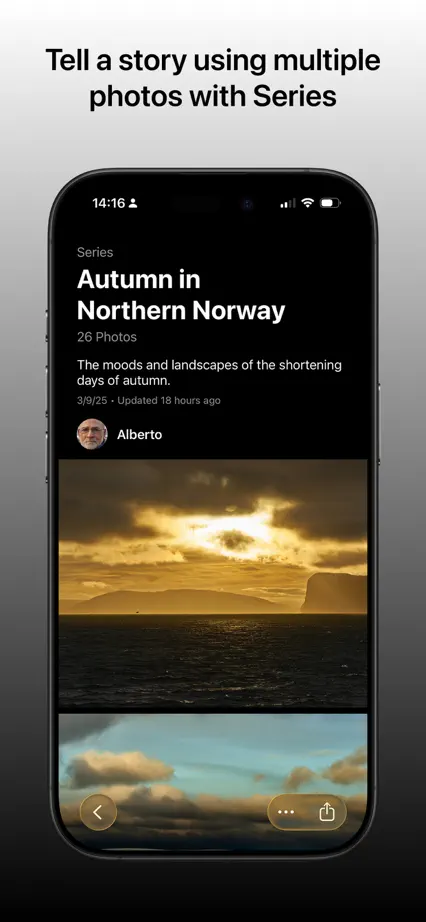
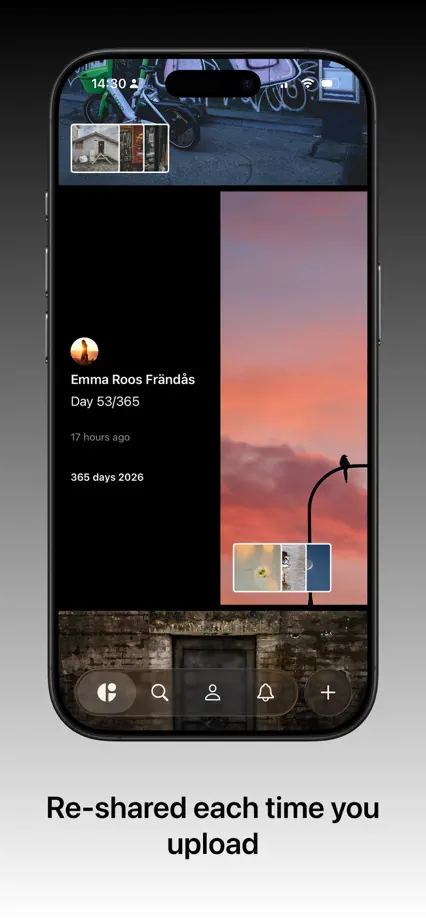
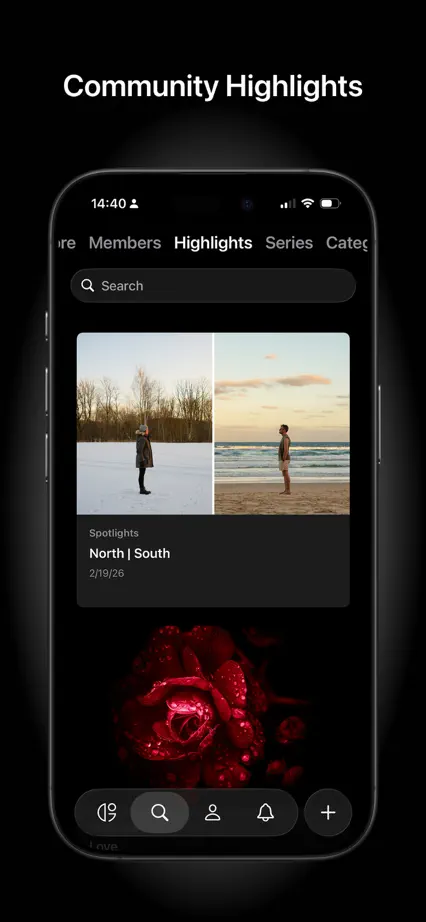
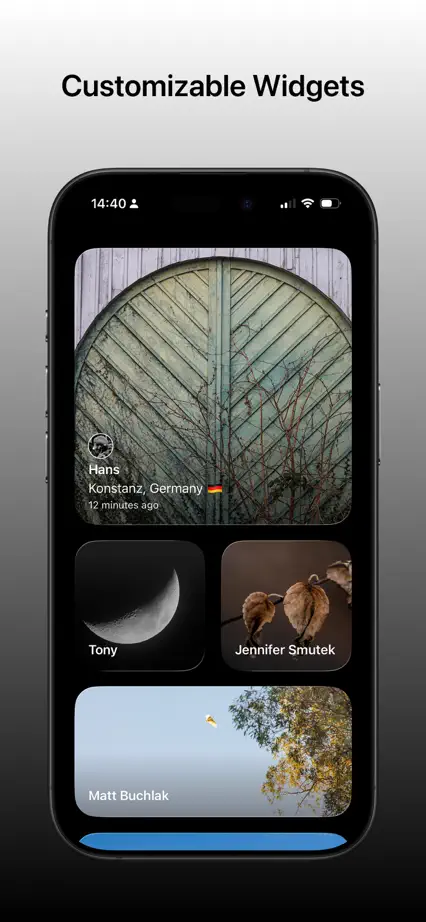

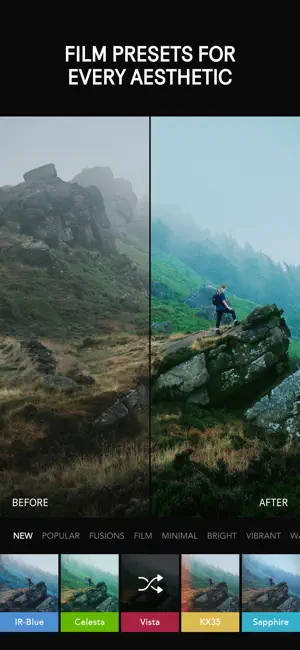
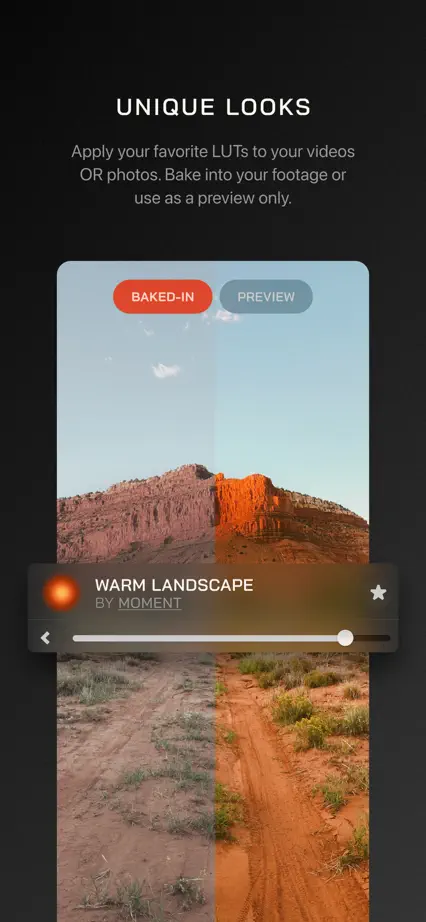
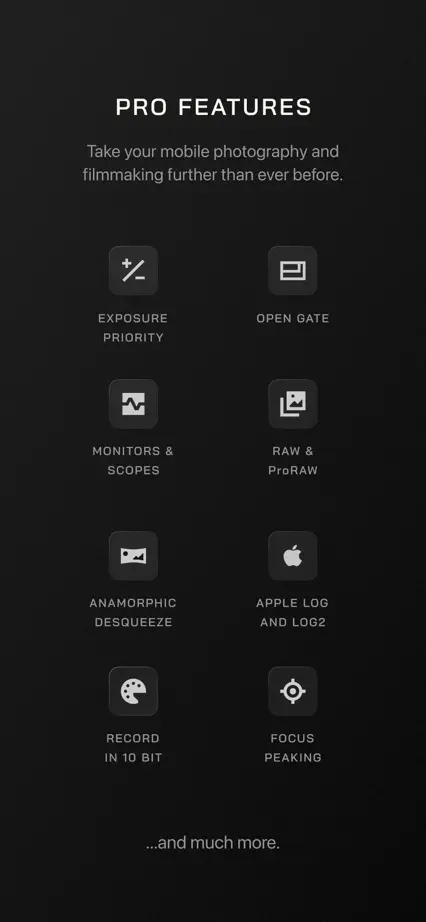
Dark frames with spaced uppercase labels mix a cropped camera viewfinder, a diagonal before-and-after grade split and a rotated landscape phone.