kit0

Food & Drink App Store screenshots

16 complete App Store screenshot sets from food & drink apps, including Filtru, Mela and Too Good To Go. The most common techniques here are repeated layout, photography and interface close-ups.

16 appsShow all

Filtru

Food & Drink · 8 frames

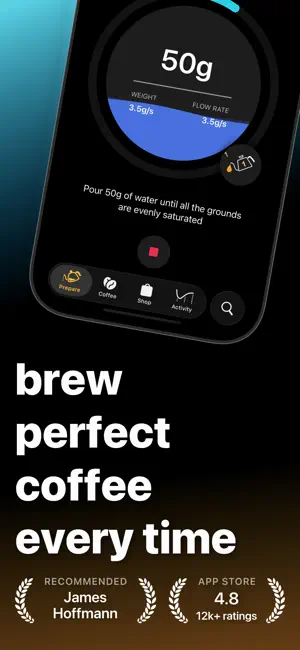
Orange keyword highlights tie together dark brewing screens, watch views and a large scale reading.
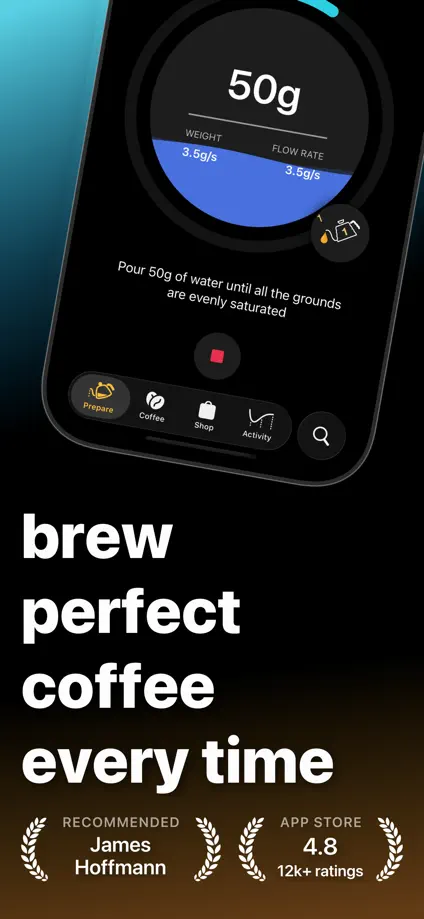
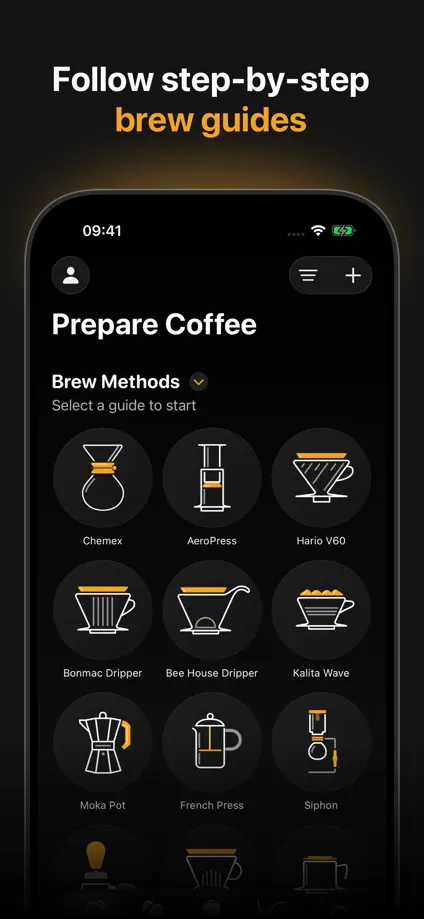
Filtru, App Store screenshot 1
Filtru, App Store screenshot 2
Filtru, App Store screenshot 3
Filtru, App Store screenshot 4
Filtru, App Store screenshot 5
Filtru, App Store screenshot 6
Filtru, App Store screenshot 7
Filtru, App Store screenshot 8

Mela

Food & Drink · 7 frames

Coral backgrounds with heavy uppercase captions hold cropped screens and food photography, before the last two frames switch to yellow.

Mela, App Store screenshot 1
Mela, App Store screenshot 2
Mela, App Store screenshot 3
Mela, App Store screenshot 4
Mela, App Store screenshot 5
Mela, App Store screenshot 6
Mela, App Store screenshot 7

Too Good To Go

Food & Drink · 6 frames

A deep teal background carries a hand-drawn line between frames, with yellow script words, bold caps captions and a photographic opening.

Too Good To Go, App Store screenshot 1
Too Good To Go, App Store screenshot 2
Too Good To Go, App Store screenshot 3
Too Good To Go, App Store screenshot 4
Too Good To Go, App Store screenshot 5
Too Good To Go, App Store screenshot 6

Tasty

Food & Drink · 9 frames

Pale blue panels and small food illustrations frame a consistent tour of recipe grids, community posts, shopping lists and meal planning.

Tasty, App Store screenshot 1
Tasty, App Store screenshot 2
Tasty, App Store screenshot 3
Tasty, App Store screenshot 4
Tasty, App Store screenshot 5
Tasty, App Store screenshot 6
Tasty, App Store screenshot 7
Tasty, App Store screenshot 8
Tasty, App Store screenshot 9

NYT Cooking

Food & Drink · 7 frames

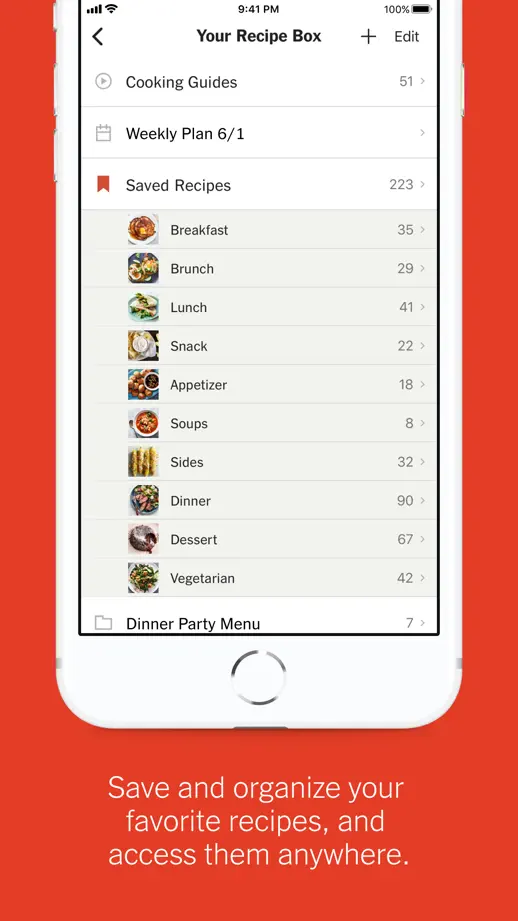
Orange-red panels alternate the vertical position of white phones, moving through recipe discovery, search, instructions and saved lists.

NYT Cooking, App Store screenshot 1
NYT Cooking, App Store screenshot 2
NYT Cooking, App Store screenshot 3
NYT Cooking, App Store screenshot 4
NYT Cooking, App Store screenshot 5
NYT Cooking, App Store screenshot 6
NYT Cooking, App Store screenshot 7

Kitchen Stories

Food & Drink · 9 frames

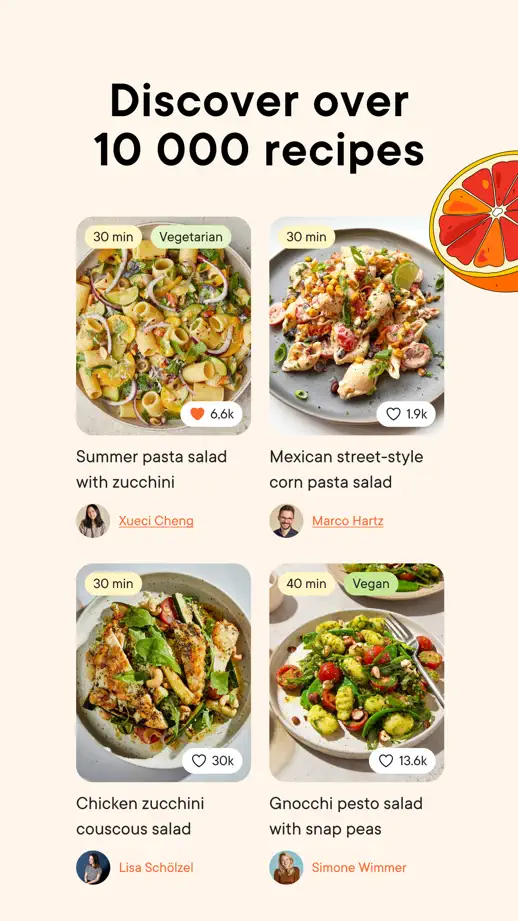
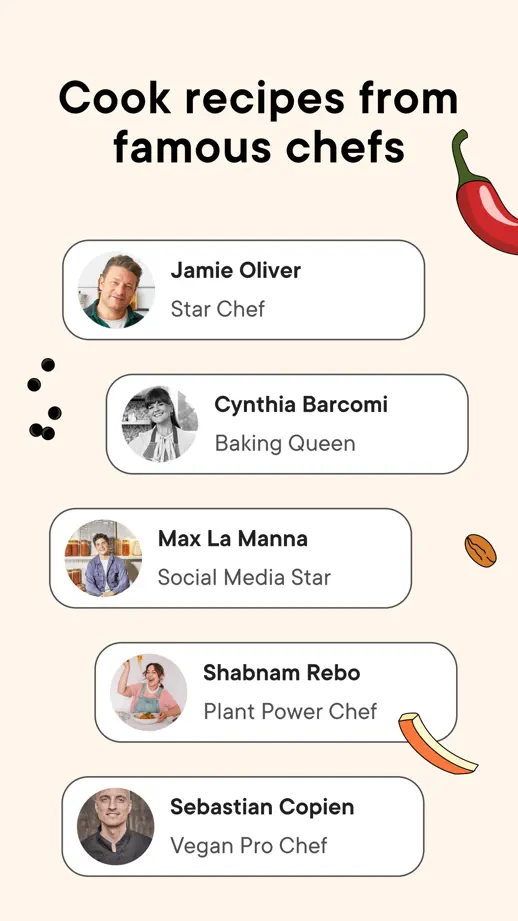
Large food photographs introduce the set before cream panels, ingredient illustrations and cropped interface cards guide the feature tour.

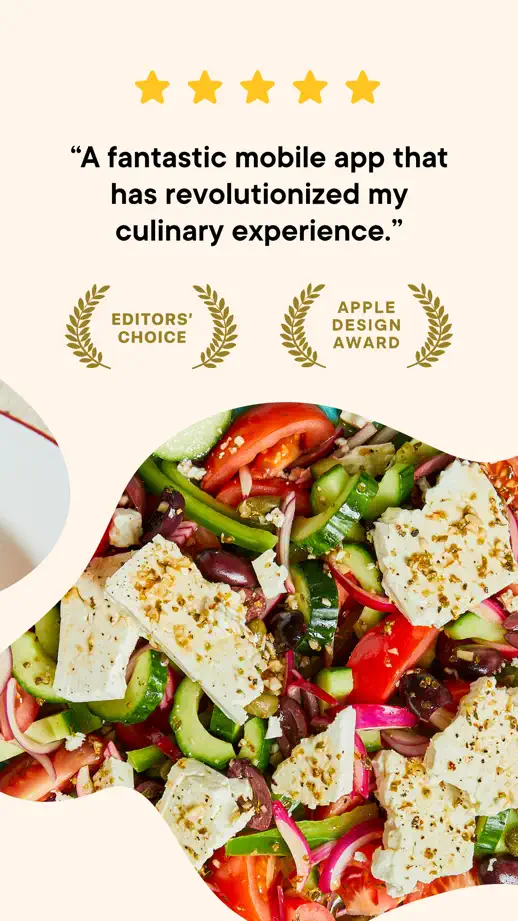
Kitchen Stories, App Store screenshot 1
Kitchen Stories, App Store screenshot 2
Kitchen Stories, App Store screenshot 3
Kitchen Stories, App Store screenshot 4
Kitchen Stories, App Store screenshot 5
Kitchen Stories, App Store screenshot 6
Kitchen Stories, App Store screenshot 7
Kitchen Stories, App Store screenshot 8
Kitchen Stories, App Store screenshot 9

Samsung Food

Food & Drink · 8 frames

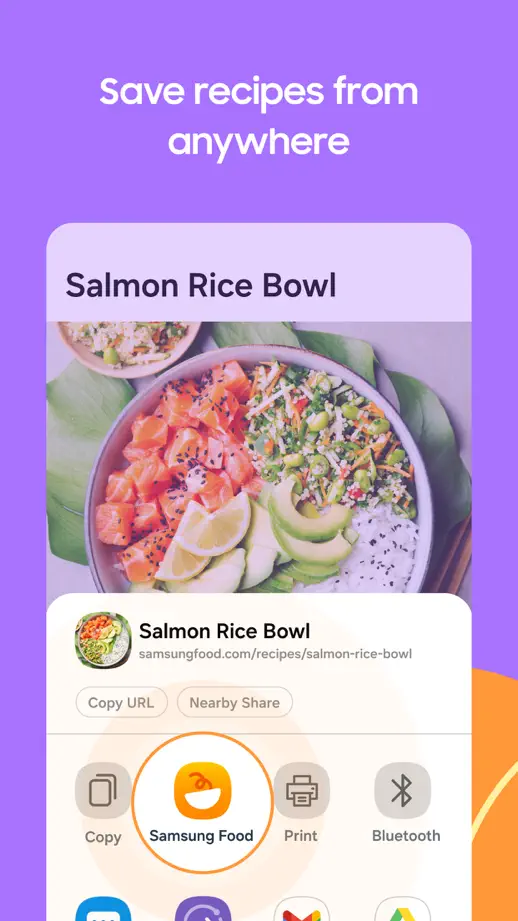
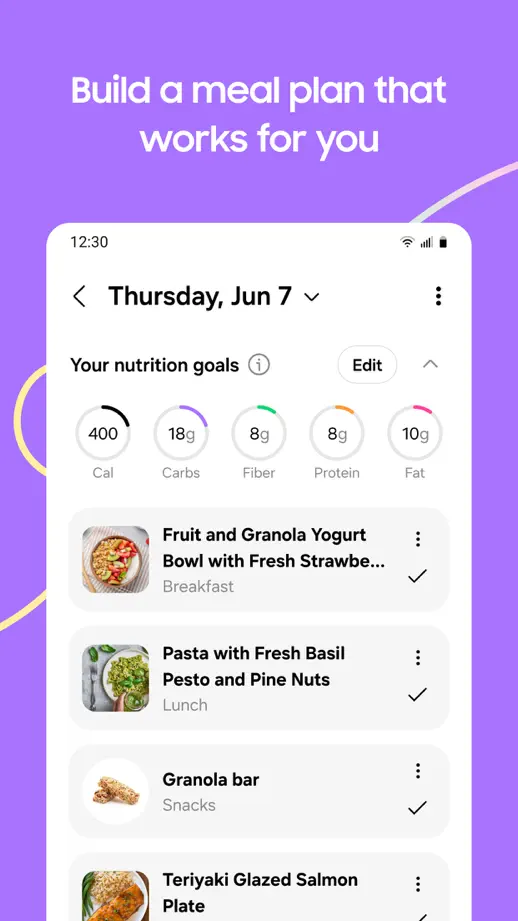
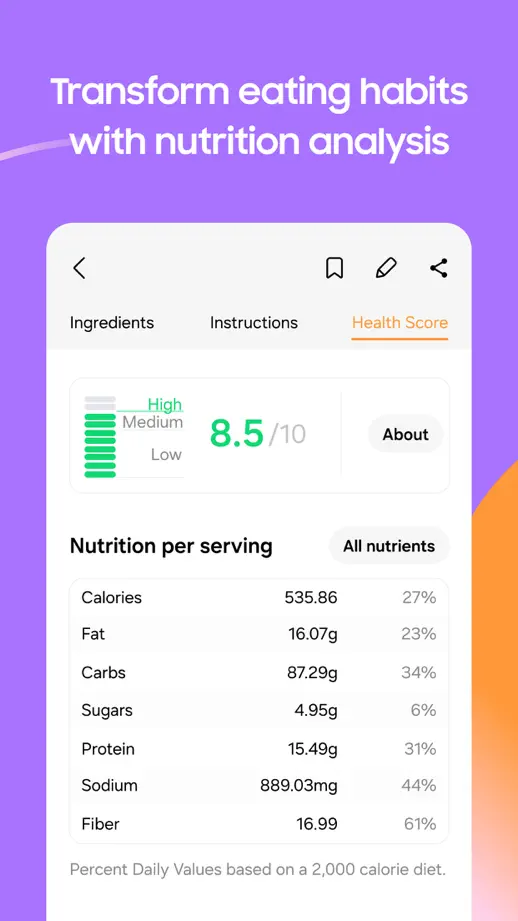
Orange opening panels give way to purple feature panels, with food photography and enlarged planning screens connecting the two sections.

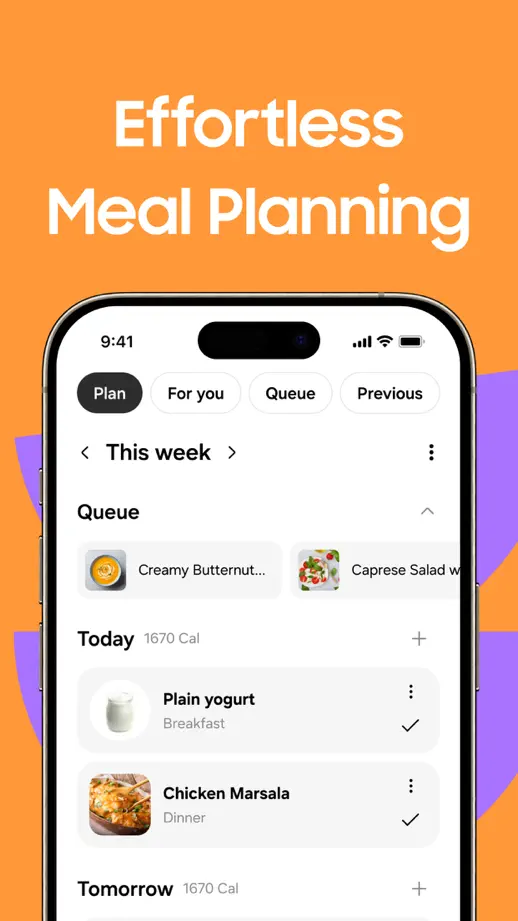
Samsung Food, App Store screenshot 1
Samsung Food, App Store screenshot 2
Samsung Food, App Store screenshot 3
Samsung Food, App Store screenshot 4
Samsung Food, App Store screenshot 5
Samsung Food, App Store screenshot 6
Samsung Food, App Store screenshot 7
Samsung Food, App Store screenshot 8

Sidekick

Food & Drink · 7 frames

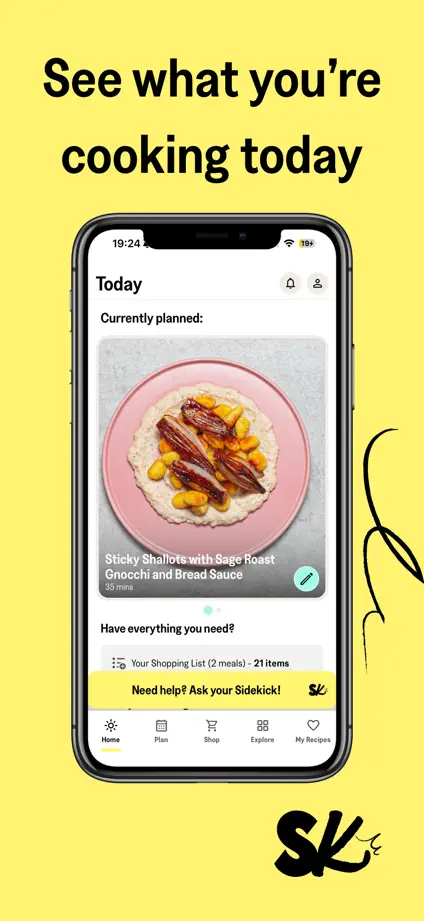
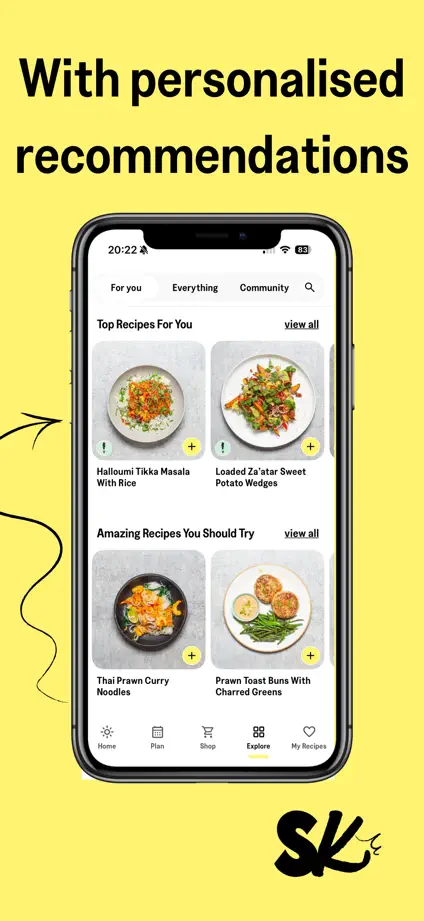
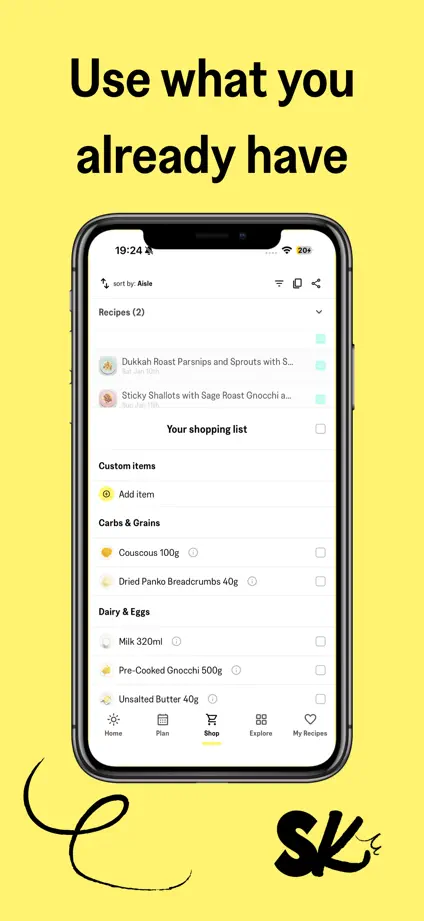
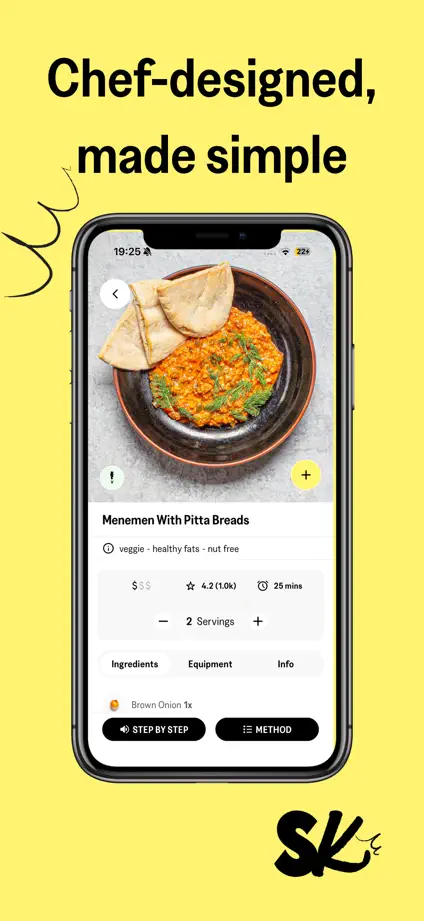
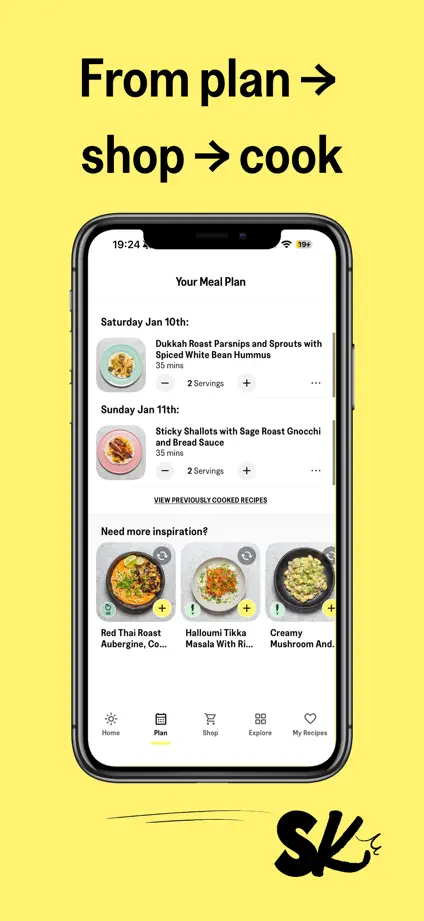
Yellow backgrounds, black handwritten accents and repeated upright phones give each cooking feature a consistent, recognizable frame.

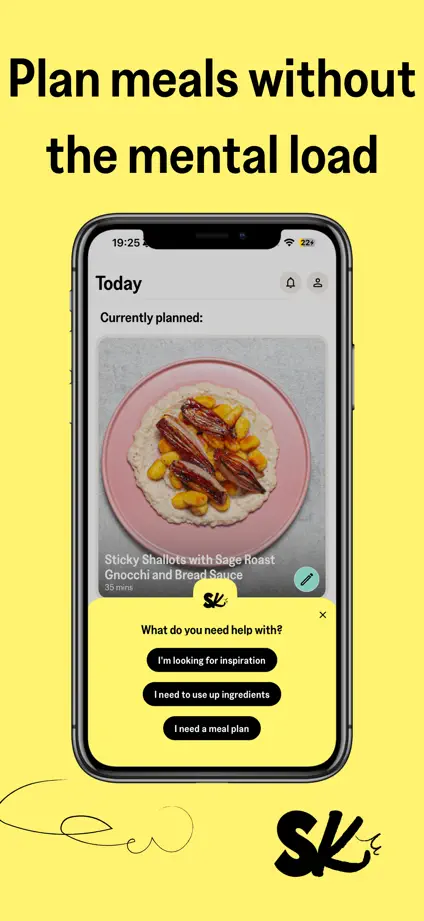
Sidekick, App Store screenshot 1
Sidekick, App Store screenshot 2
Sidekick, App Store screenshot 3
Sidekick, App Store screenshot 4
Sidekick, App Store screenshot 5
Sidekick, App Store screenshot 6
Sidekick, App Store screenshot 7

Pestle

Food & Drink · 9 frames

Green text accents and dotted paths connect angled phones, recipe cards and system-interface examples across a mostly white sequence.

Pestle, App Store screenshot 1
Pestle, App Store screenshot 2
Pestle, App Store screenshot 3
Pestle, App Store screenshot 4
Pestle, App Store screenshot 5
Pestle, App Store screenshot 6
Pestle, App Store screenshot 7
Pestle, App Store screenshot 8
Pestle, App Store screenshot 9

Mealime

Food & Drink · 10 frames

Bright green panels alternate headline placement around enlarged recipe, grocery and cooking cards, with food illustrations at the edges.

Mealime, App Store screenshot 1
Mealime, App Store screenshot 2
Mealime, App Store screenshot 3
Mealime, App Store screenshot 4
Mealime, App Store screenshot 5
Mealime, App Store screenshot 6
Mealime, App Store screenshot 7
Mealime, App Store screenshot 8
Mealime, App Store screenshot 9
Mealime, App Store screenshot 10

AnyList

Food & Drink · 10 frames

A steady blue background and large white headings organize a thorough feature tour, with shopping lists and recipe screens filling most of each frame.

AnyList, App Store screenshot 1
AnyList, App Store screenshot 2
AnyList, App Store screenshot 3
AnyList, App Store screenshot 4
AnyList, App Store screenshot 5
AnyList, App Store screenshot 6
AnyList, App Store screenshot 7
AnyList, App Store screenshot 8
AnyList, App Store screenshot 9
AnyList, App Store screenshot 10

HappyCow

Food & Drink · 8 frames

Purple shapes connect the frames while map search bars, reviews and restaurant cards are pulled forward from the underlying screens.

HappyCow, App Store screenshot 1
HappyCow, App Store screenshot 2
HappyCow, App Store screenshot 3
HappyCow, App Store screenshot 4
HappyCow, App Store screenshot 5
HappyCow, App Store screenshot 6
HappyCow, App Store screenshot 7
HappyCow, App Store screenshot 8

Add to collection

New collection