Reading App Store screenshots
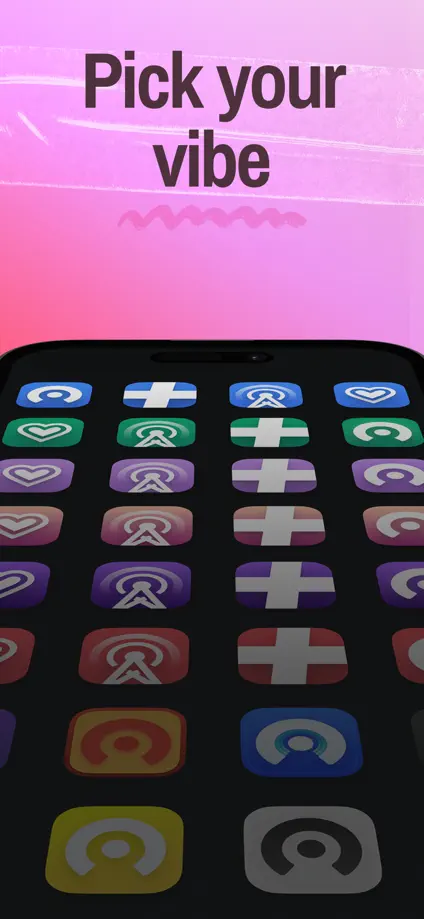
10 complete App Store screenshot sets from reading apps, including Castro, Ground News and Neuecast. The most common techniques here are repeated layout, device mockups and photography.


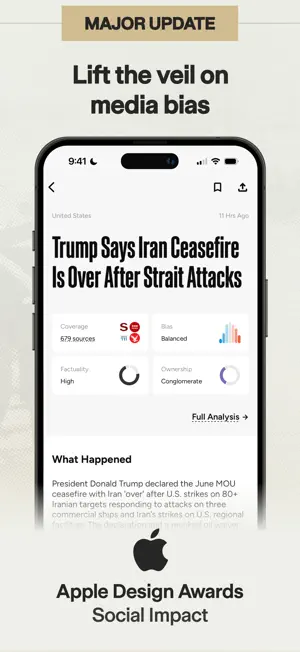

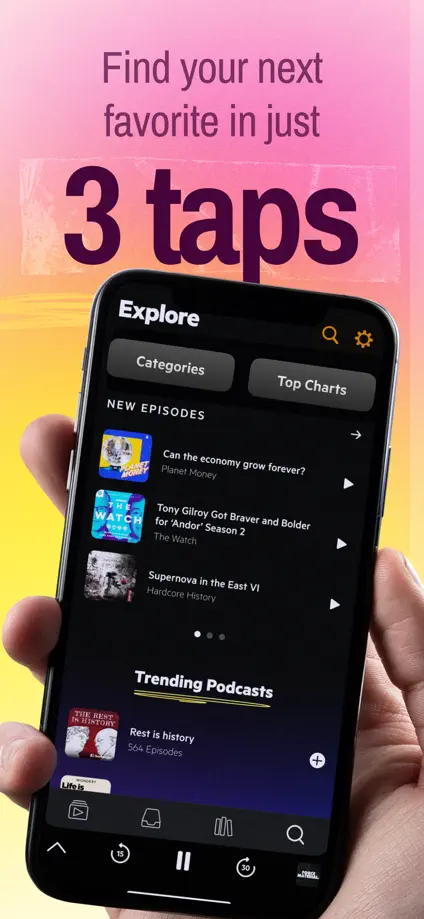


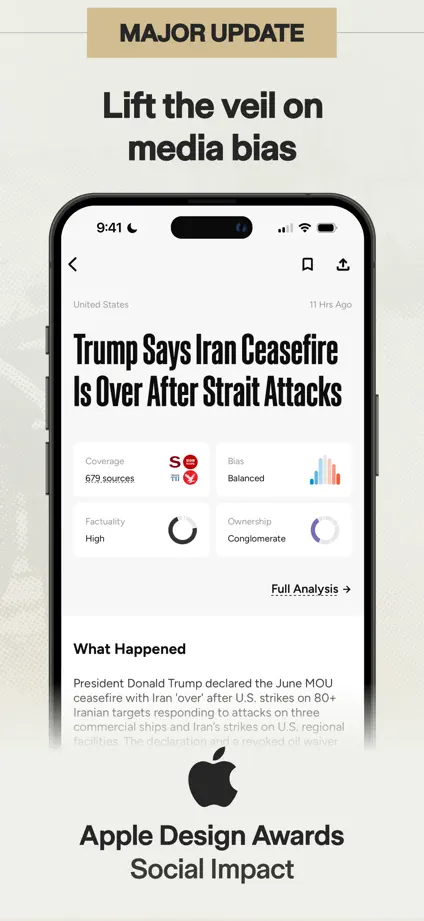
A quiet neutral background and repeated phone placement give article comparisons and bias charts room to read.

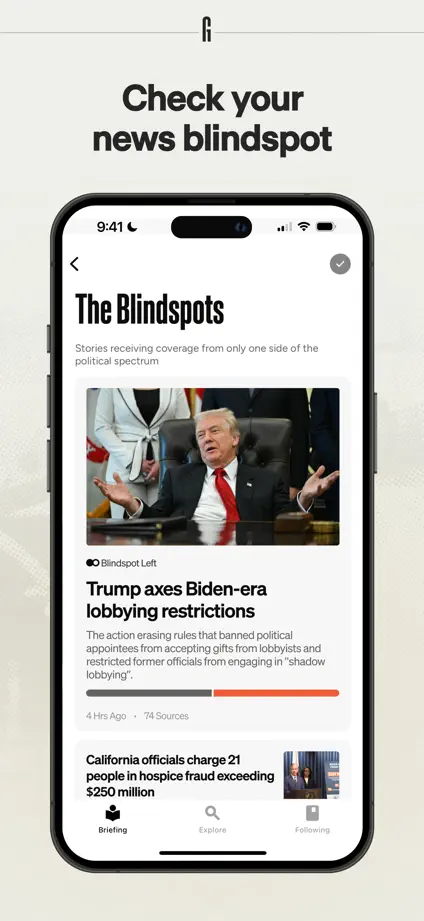
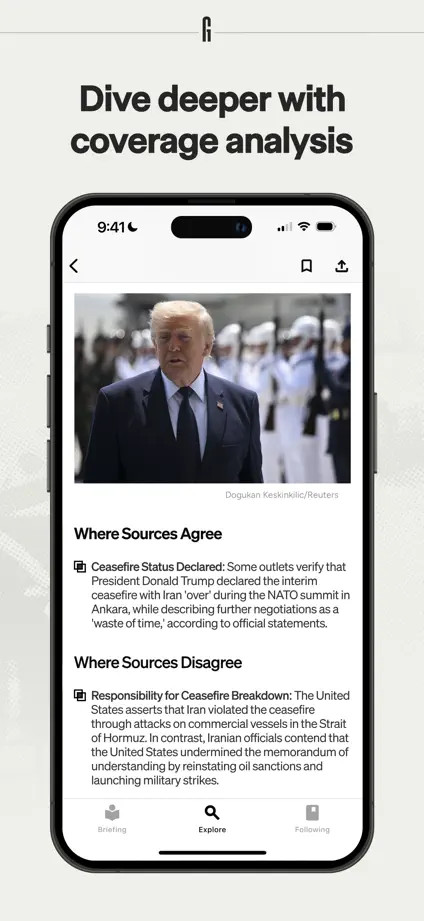
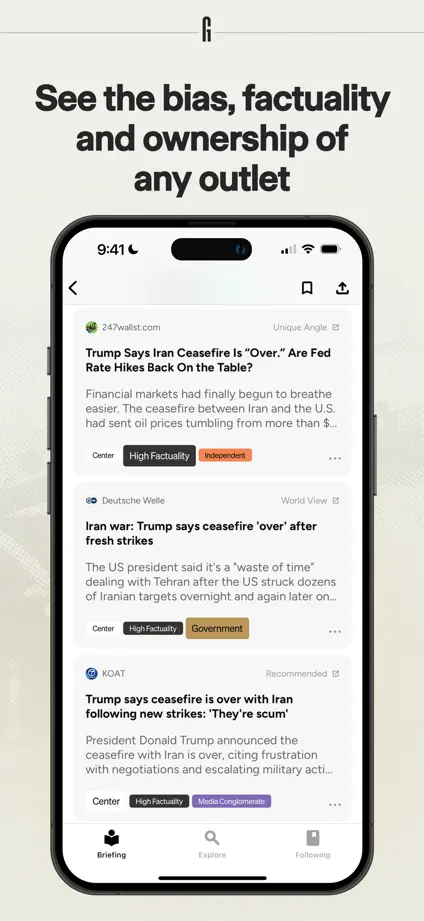
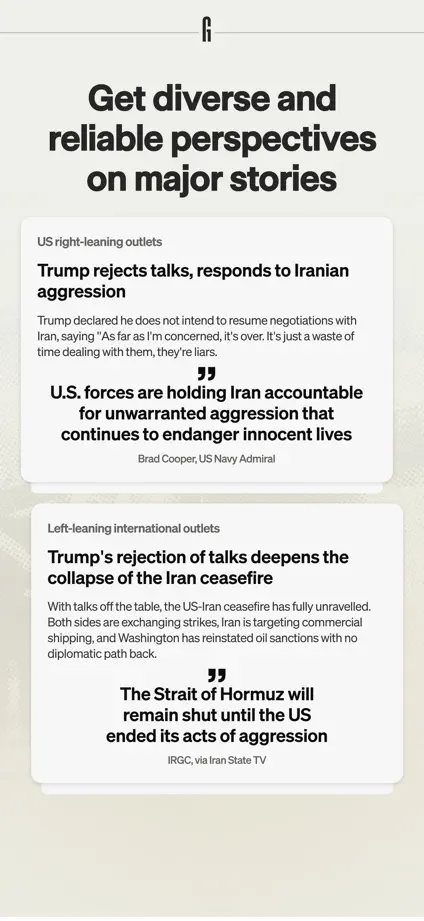

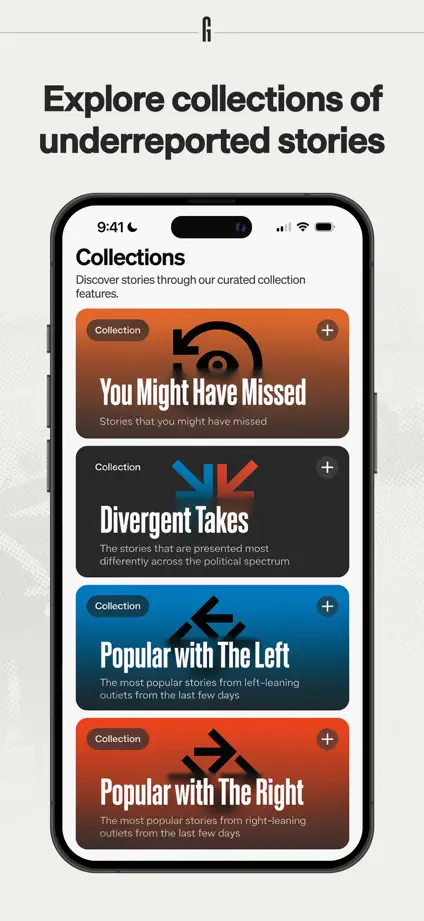

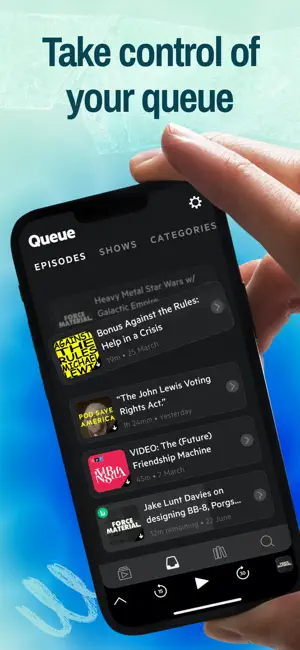
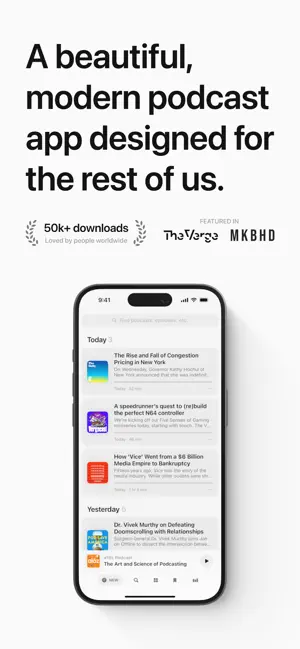
Alternating interface crops and complete phones create a restrained black-and-white podcast tour.
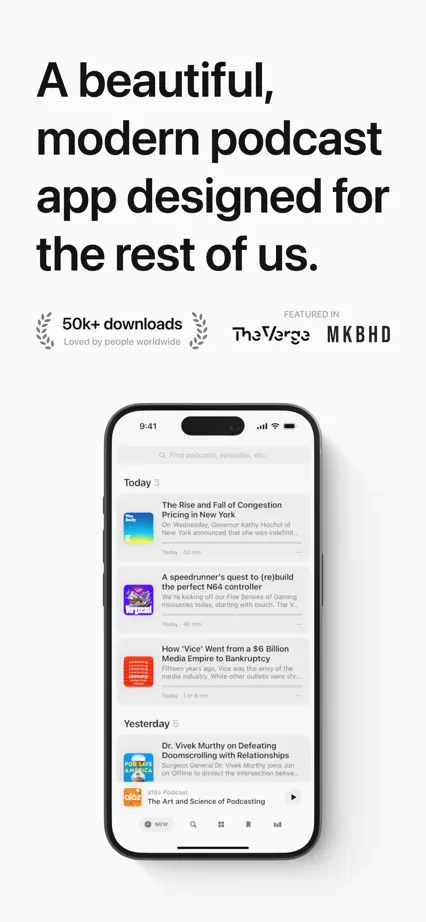
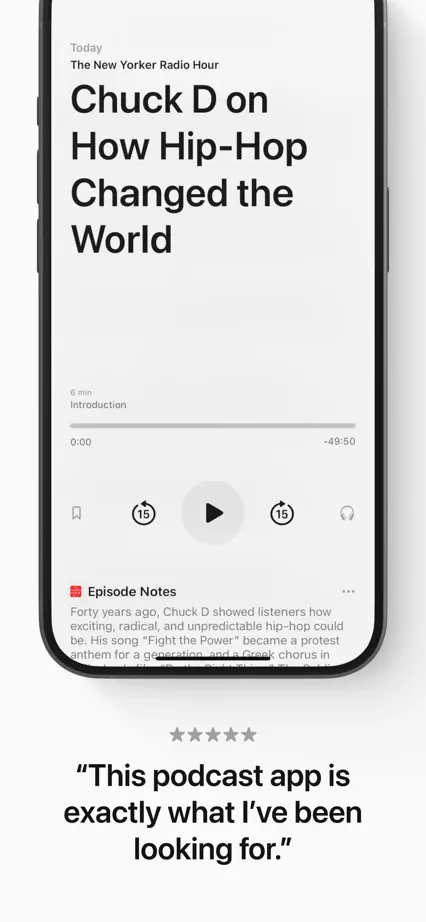
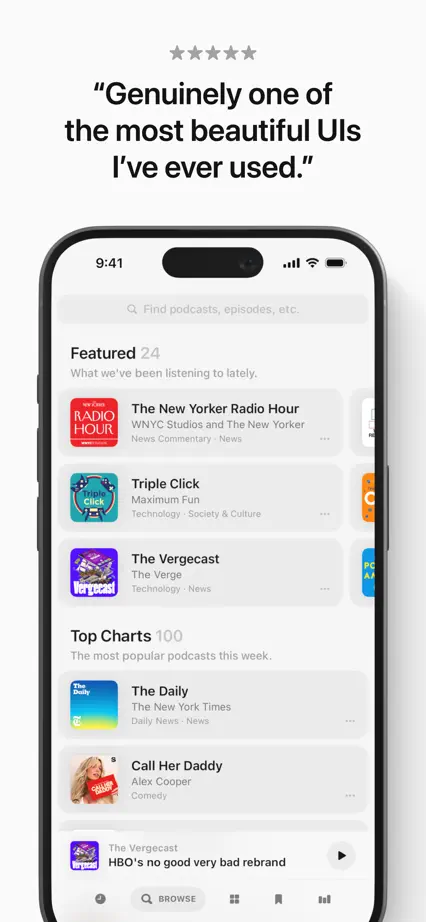
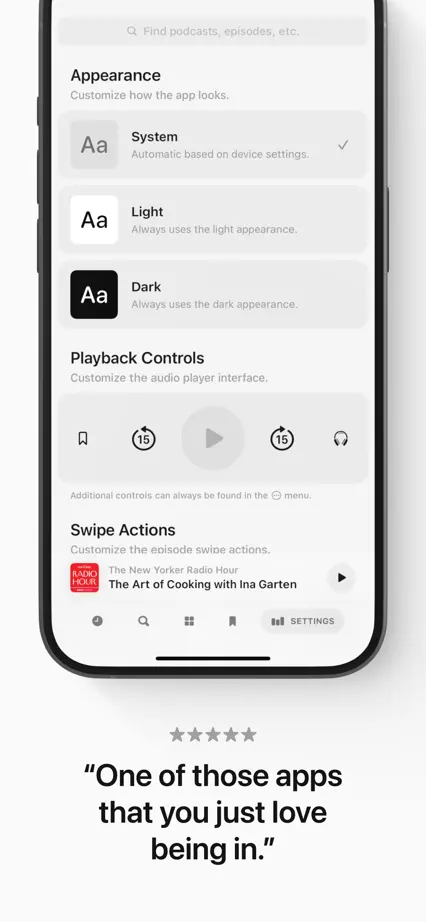
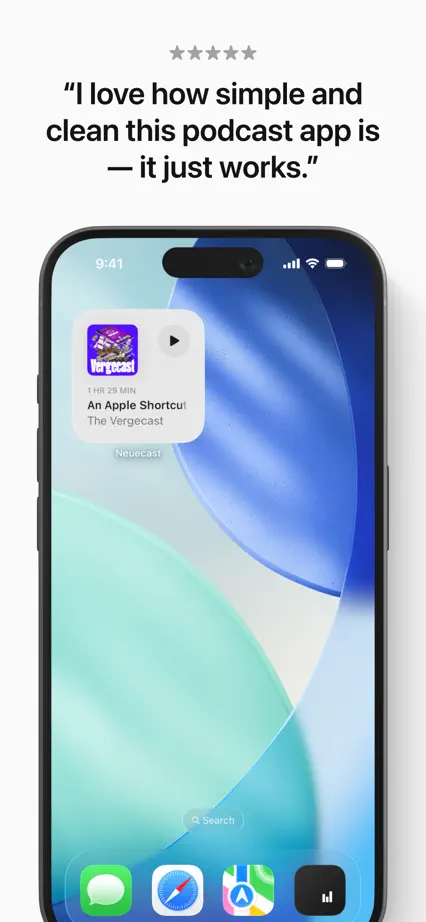

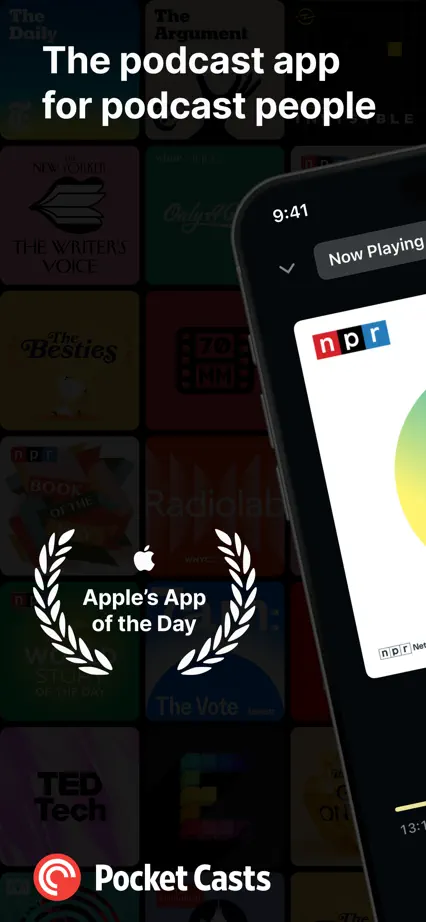
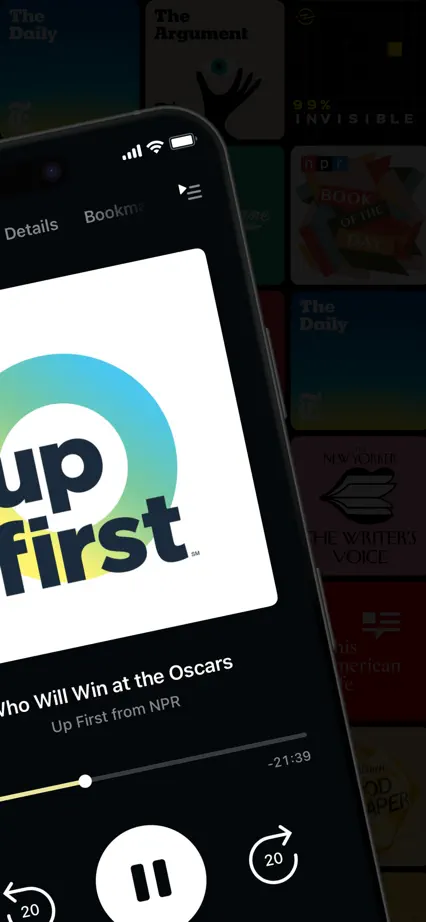
Podcast artwork forms a dark background behind large phones, with an angled device spanning the opening.
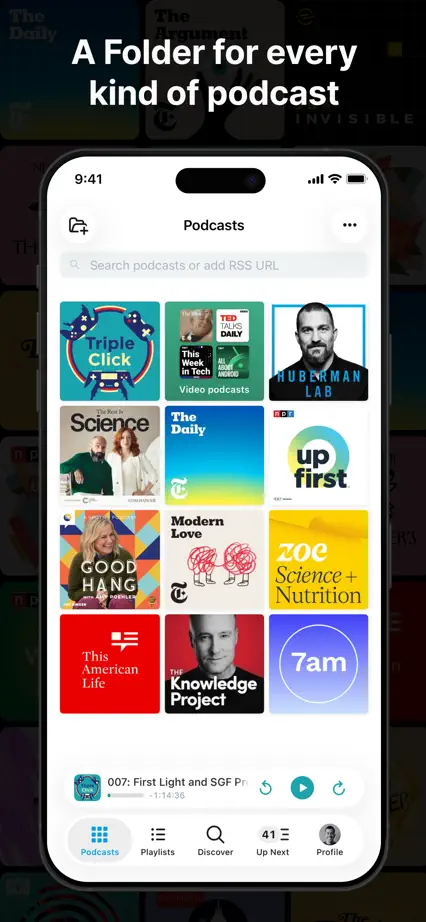
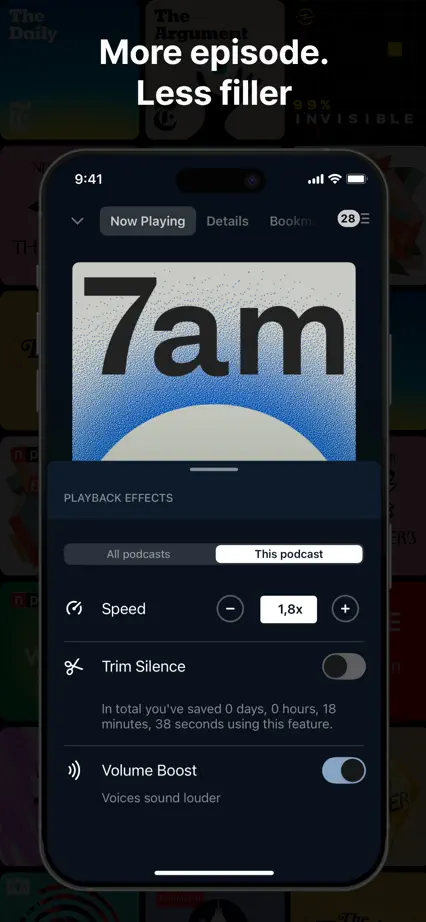
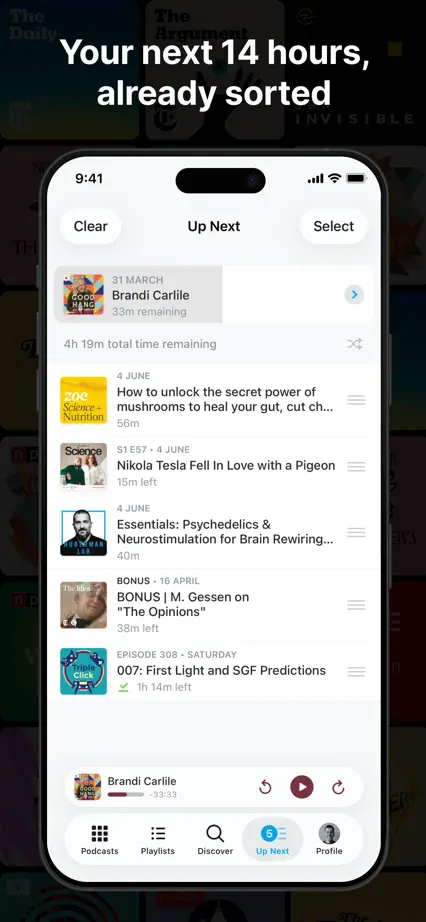
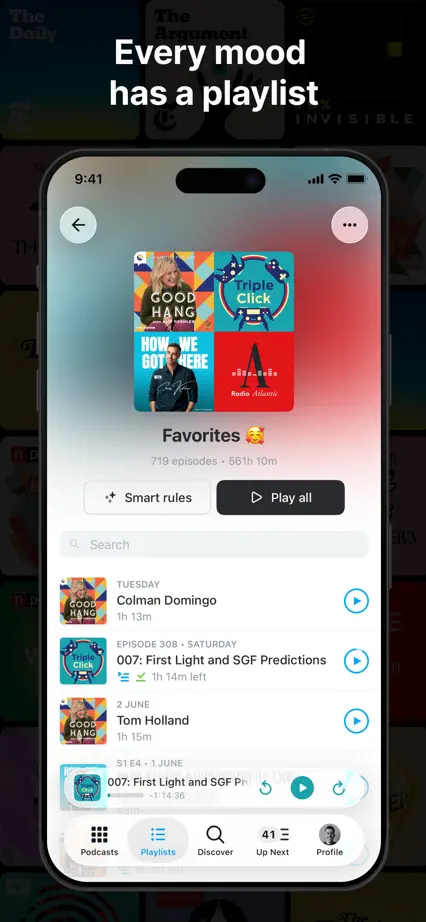

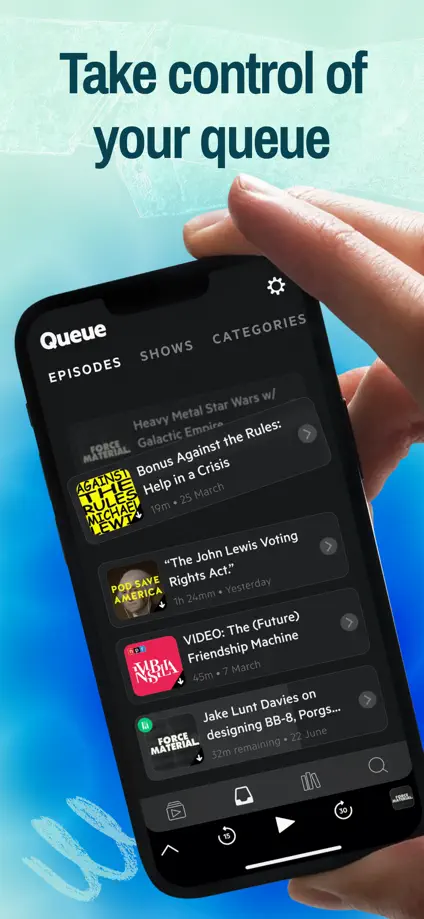
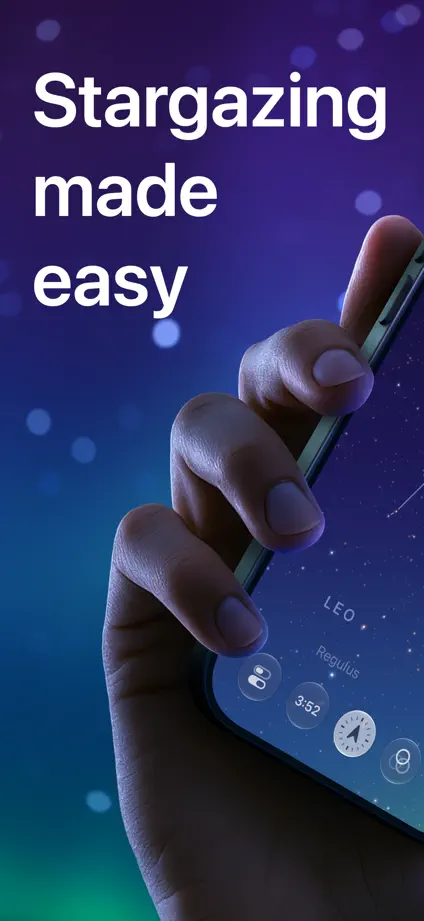
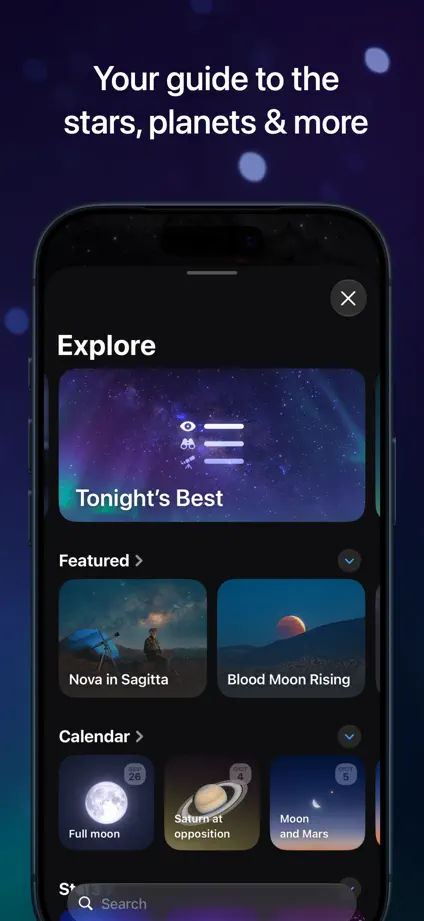
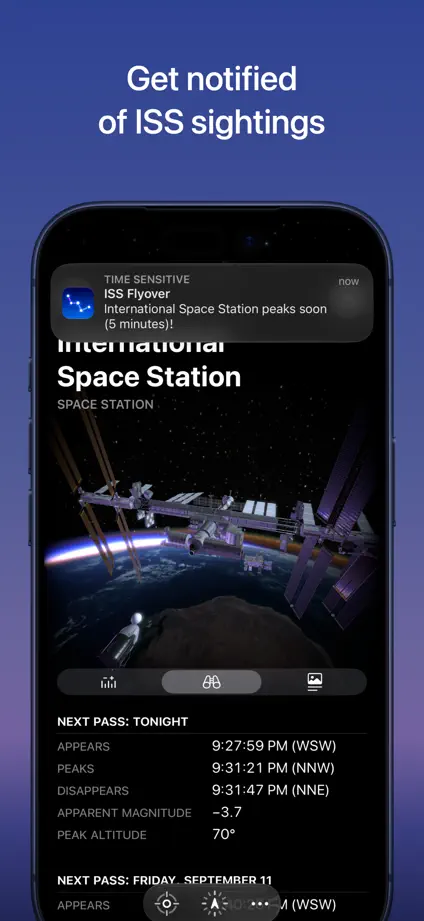
A hand-held phone crosses the opening panels before a dark tour of sky maps and astronomy features.

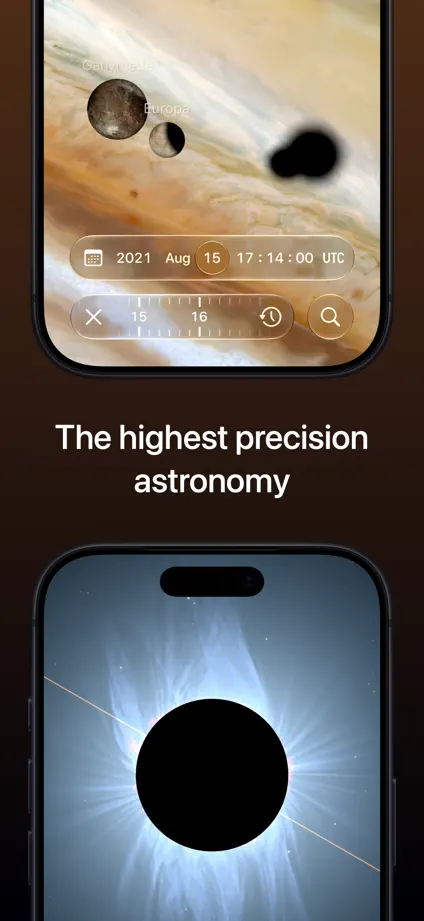
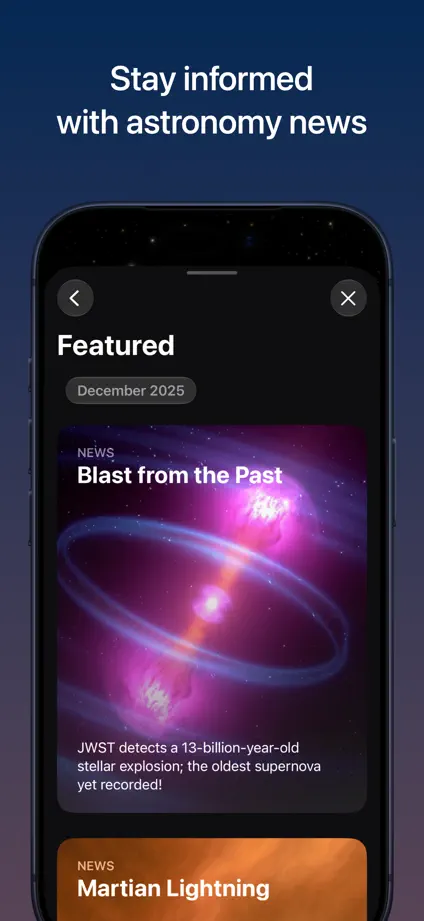
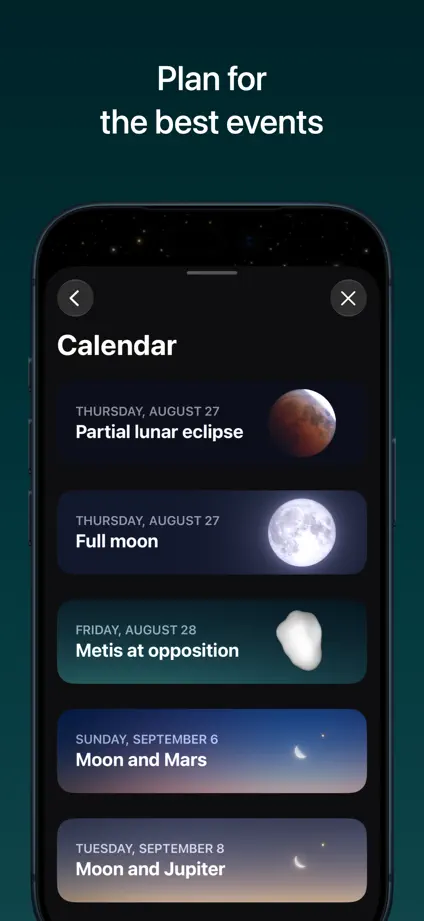
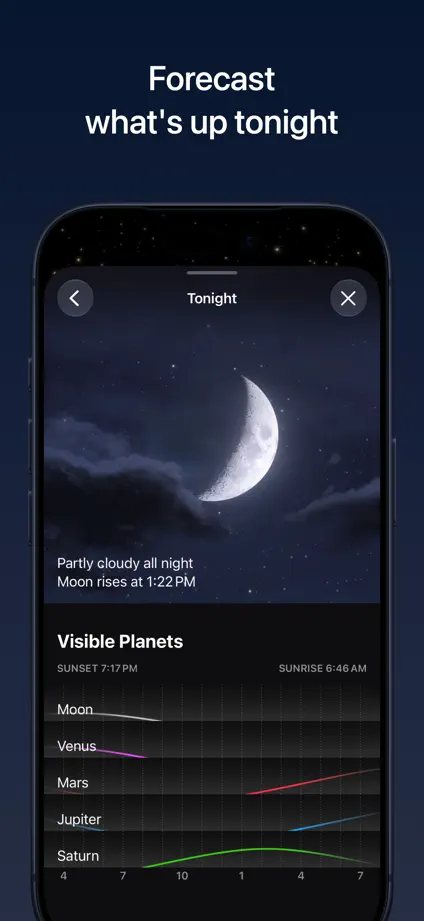
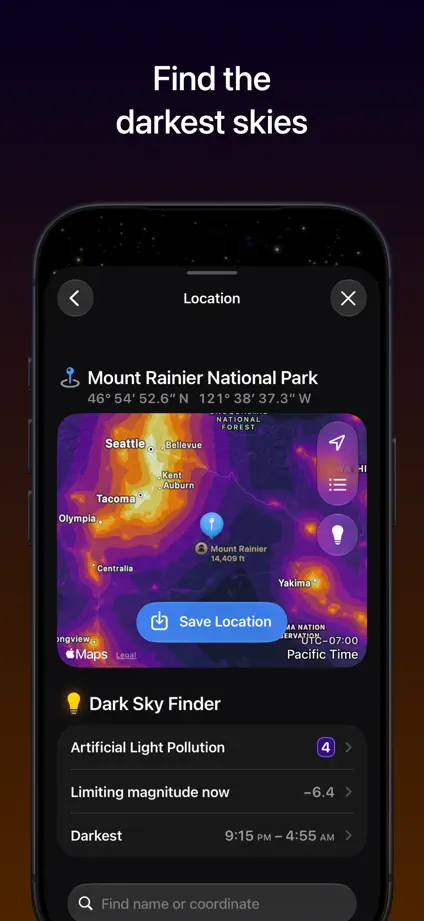
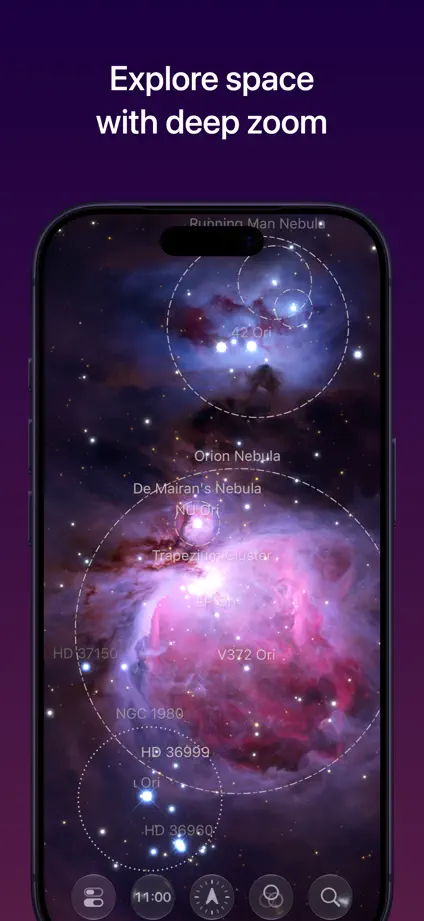

Dark frames with faint text texture carry tilted phones, a large reading-streak ring and press logos that open and close the sequence.


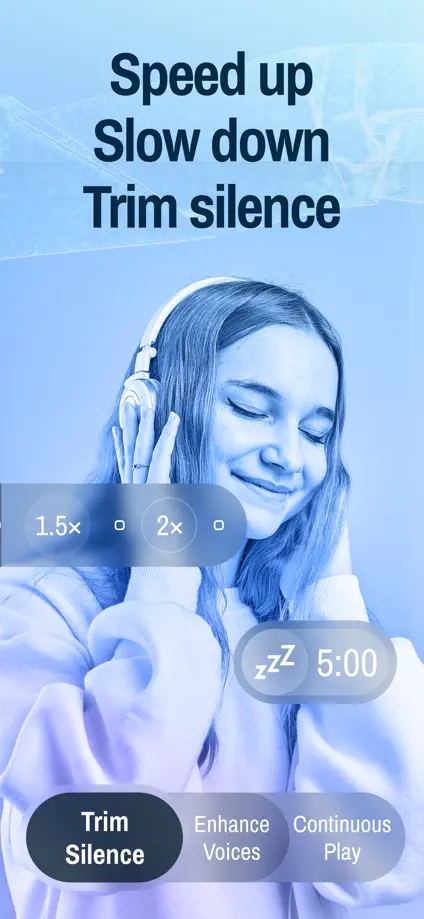
Four blue panels maintain a consistent headline and device position, with selected controls pulled forward for emphasis.


A continuous red background and small serif headings frame large black interface crops, with content and audio screens providing variation.


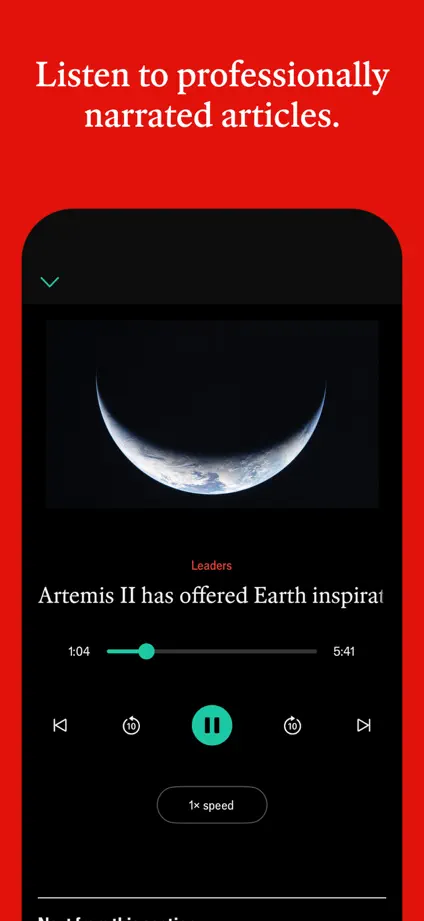


Short serif headings and generous gray margins create a quiet, consistent frame around white and dark devices.


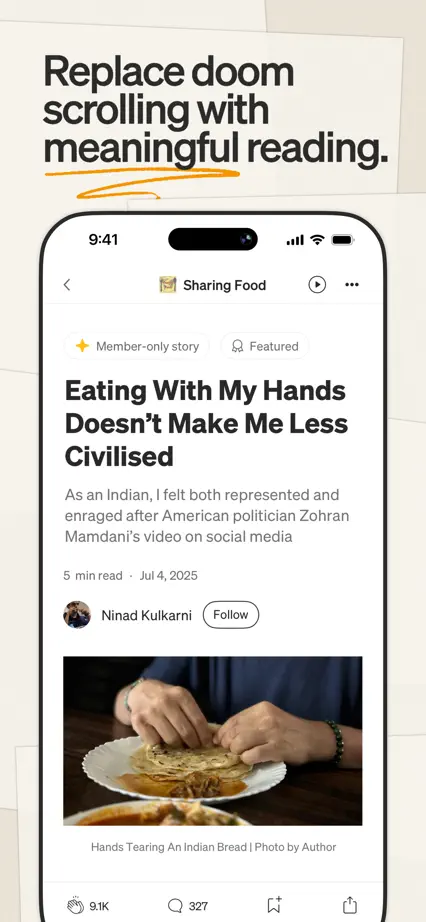
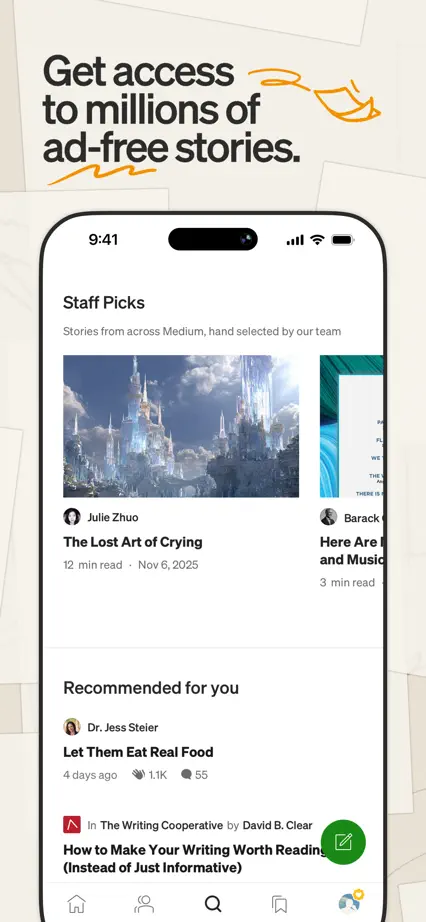
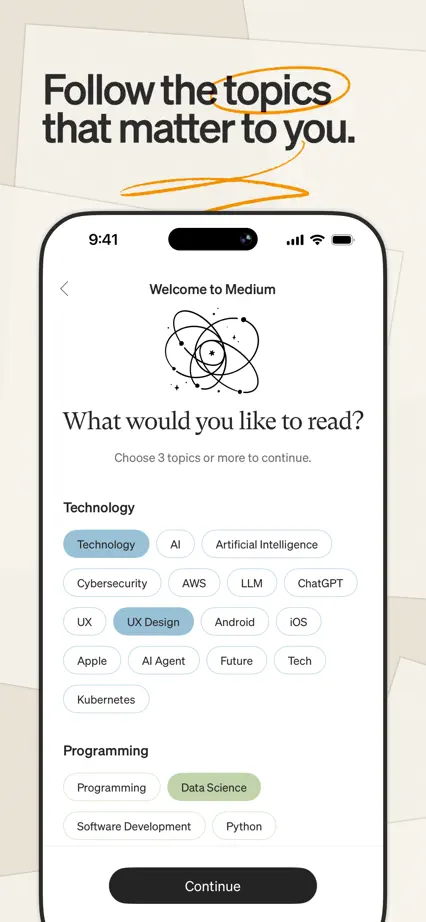
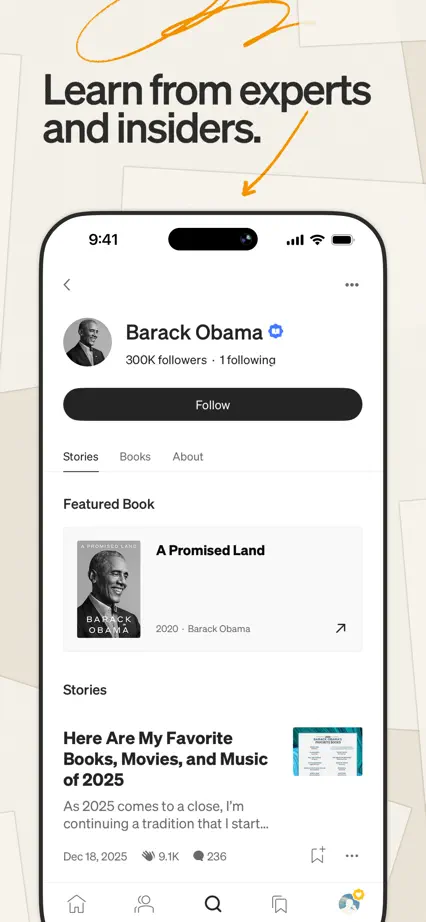
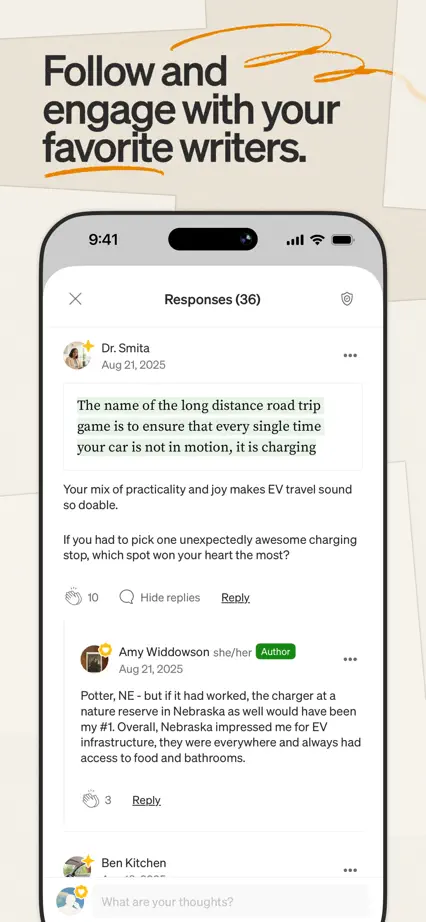
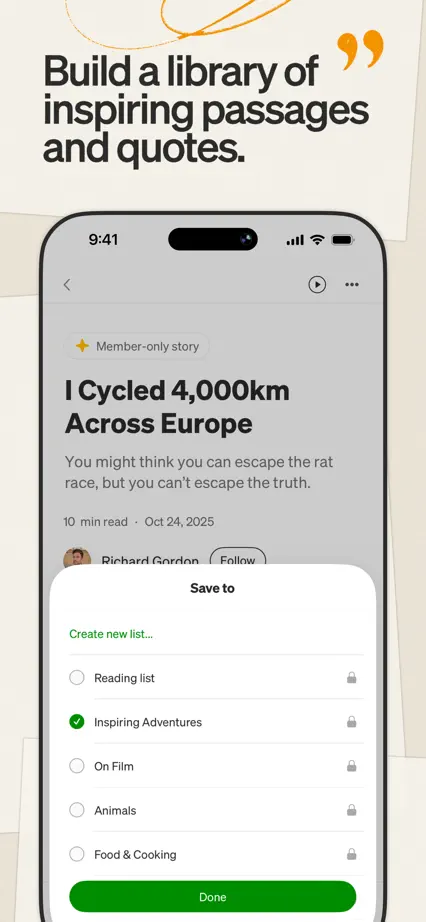
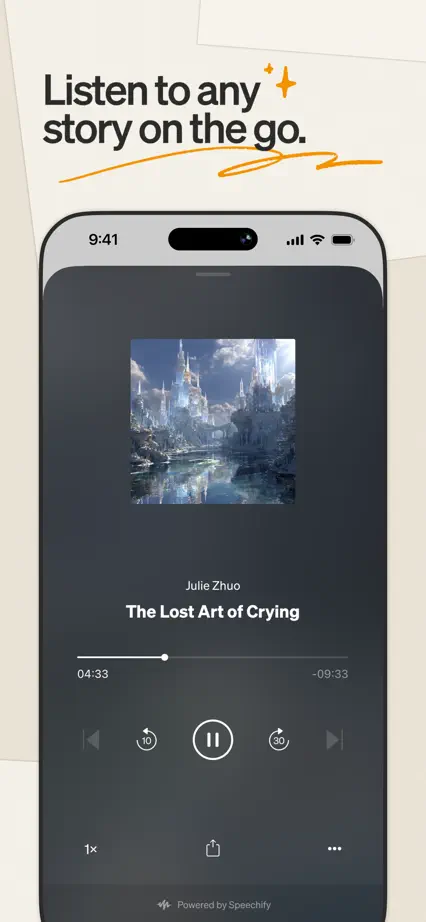
Paper-like backgrounds and loose yellow annotations give a repeating device layout an editorial character.