kit0

Book App Store screenshots

7 complete App Store screenshot sets from book apps, including Moshi Kids, Libby and Goodreads. The most common techniques here are repeated layout, device mockups and photography.

7 appsShow all

Moshi Kids

Book · 9 frames

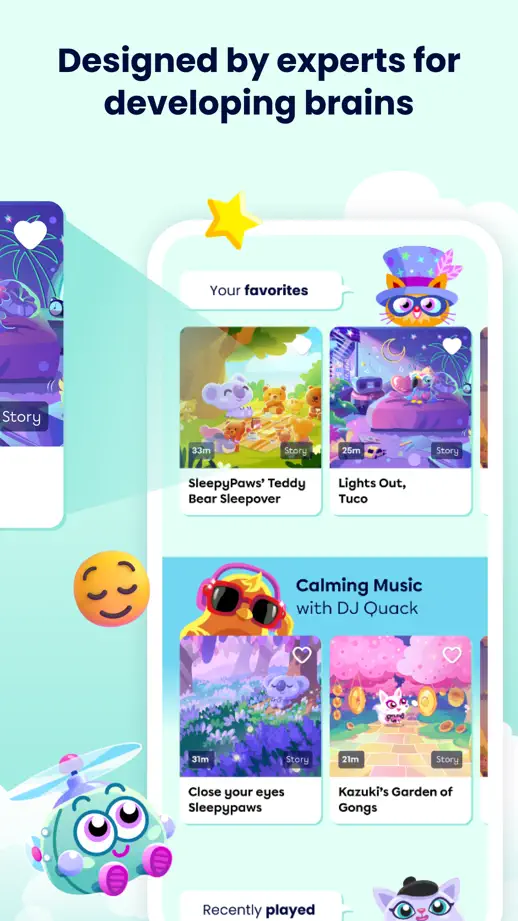
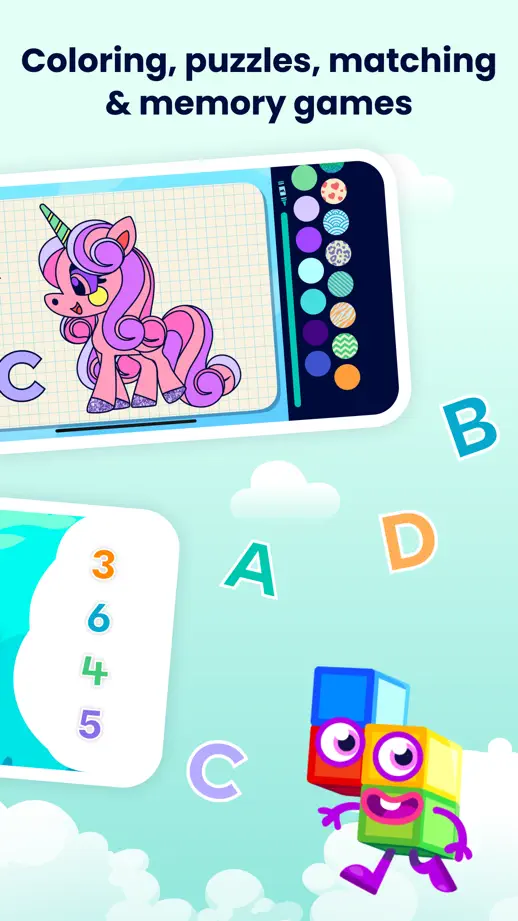
A mint-colored world of characters surrounds the screens and continues between feature panels.

Moshi Kids, App Store screenshot 1
Moshi Kids, App Store screenshot 2
Moshi Kids, App Store screenshot 3
Moshi Kids, App Store screenshot 4
Moshi Kids, App Store screenshot 5
Moshi Kids, App Store screenshot 6
Moshi Kids, App Store screenshot 7
Moshi Kids, App Store screenshot 8
Moshi Kids, App Store screenshot 9

Libby

Book · 10 frames

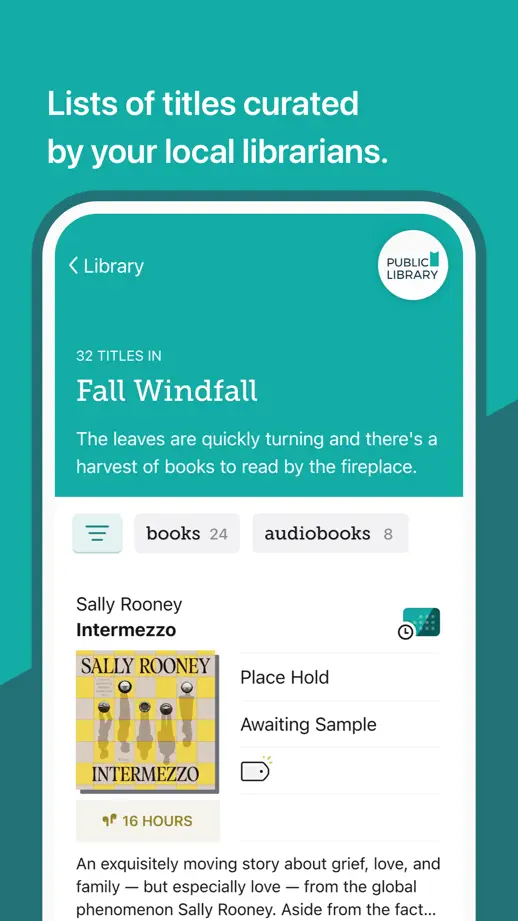
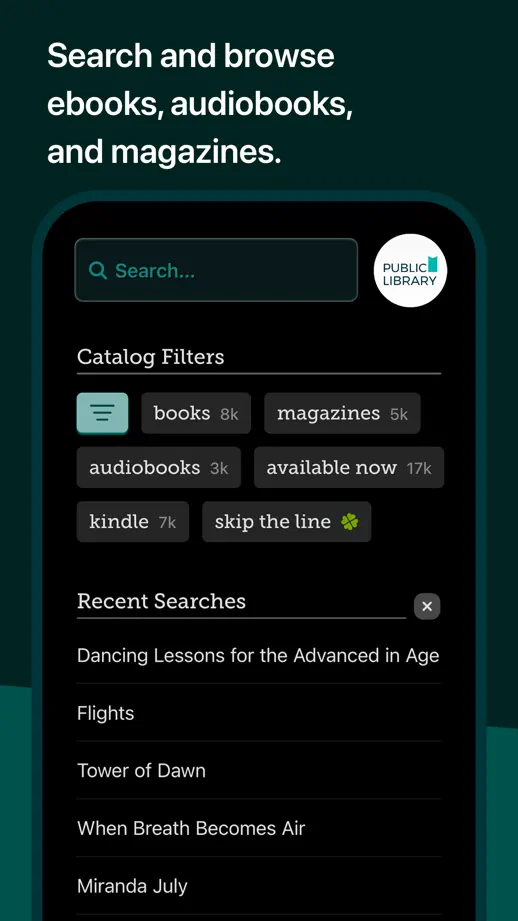
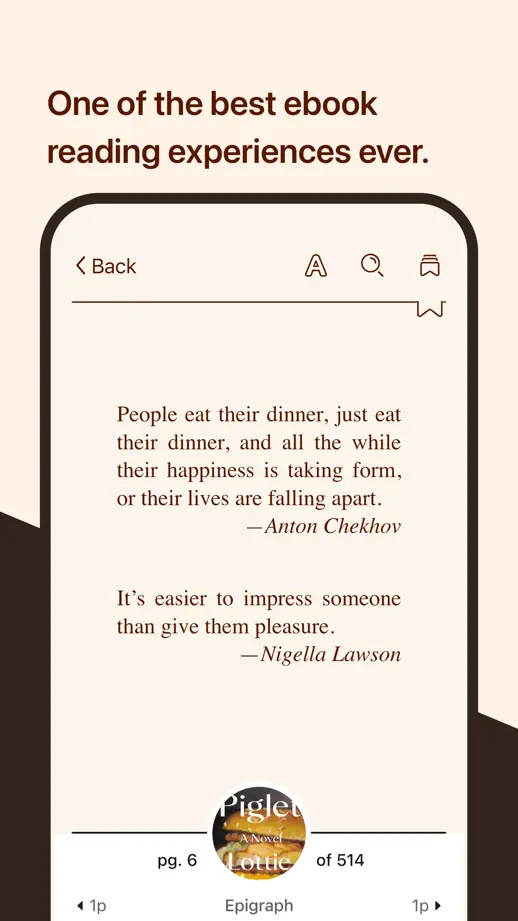
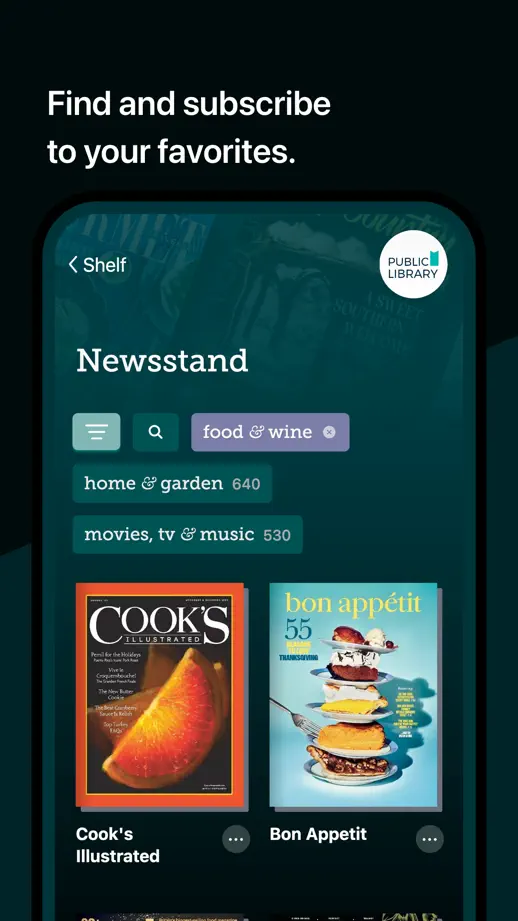
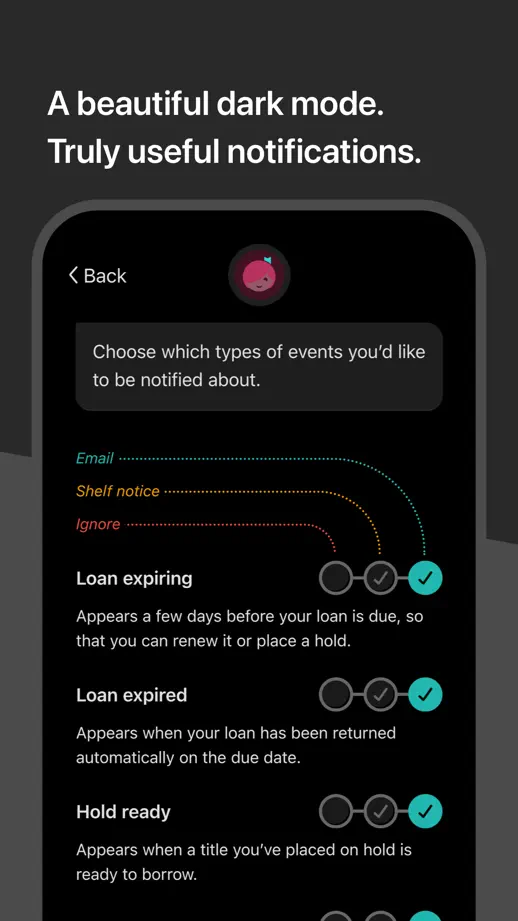
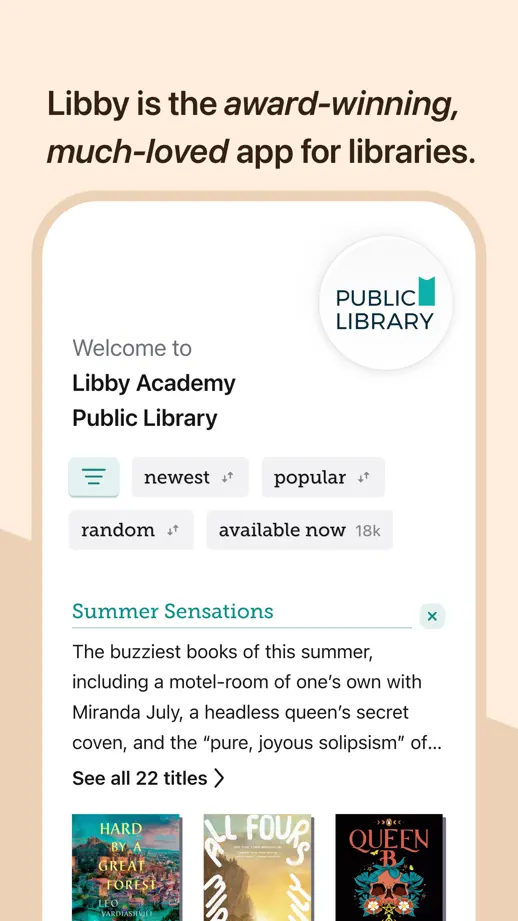
A burgundy wordmark opening leads into shifting color bands, each phone cropped at the bottom beneath short headlines with italic emphasis.
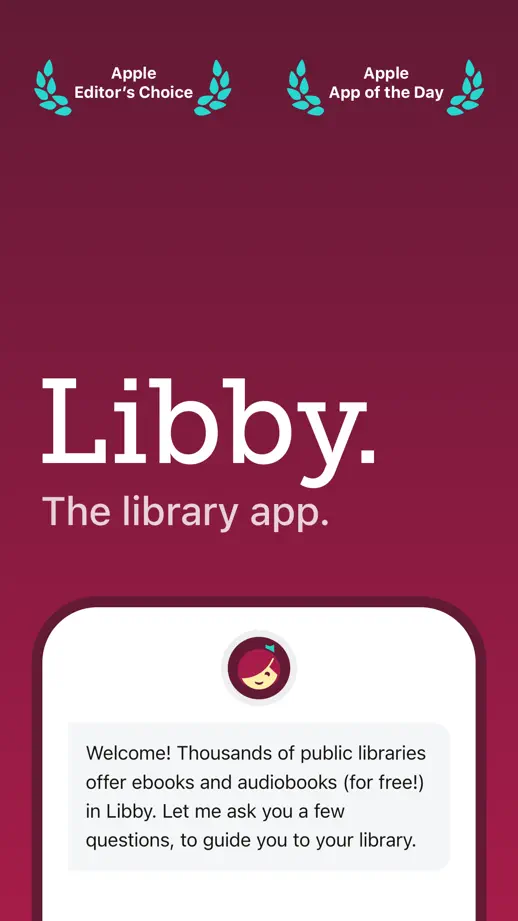
Libby, App Store screenshot 1
Libby, App Store screenshot 2
Libby, App Store screenshot 3
Libby, App Store screenshot 4
Libby, App Store screenshot 5
Libby, App Store screenshot 6
Libby, App Store screenshot 7
Libby, App Store screenshot 8
Libby, App Store screenshot 9
Libby, App Store screenshot 10

Goodreads

Book · 8 frames

Warm yellow panels pair literary serif headings with reader illustrations, book photography and large interface crops.

Goodreads, App Store screenshot 1
Goodreads, App Store screenshot 2
Goodreads, App Store screenshot 3
Goodreads, App Store screenshot 4
Goodreads, App Store screenshot 5
Goodreads, App Store screenshot 6
Goodreads, App Store screenshot 7
Goodreads, App Store screenshot 8

Amazon Kindle

Book · 10 frames

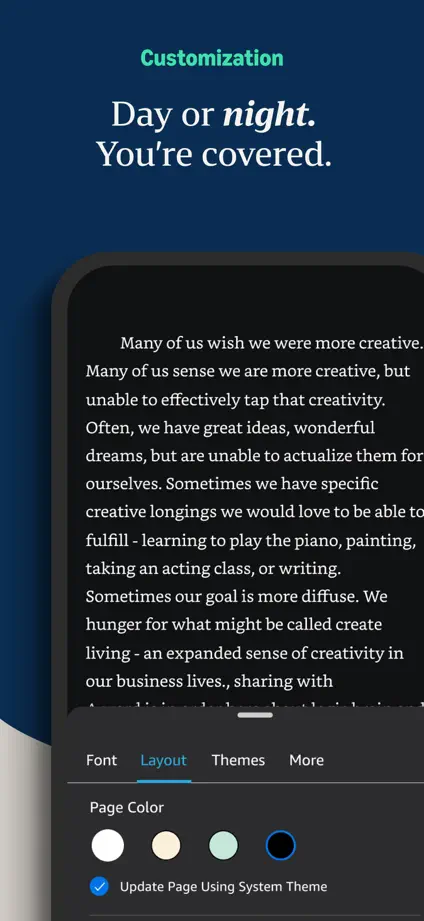
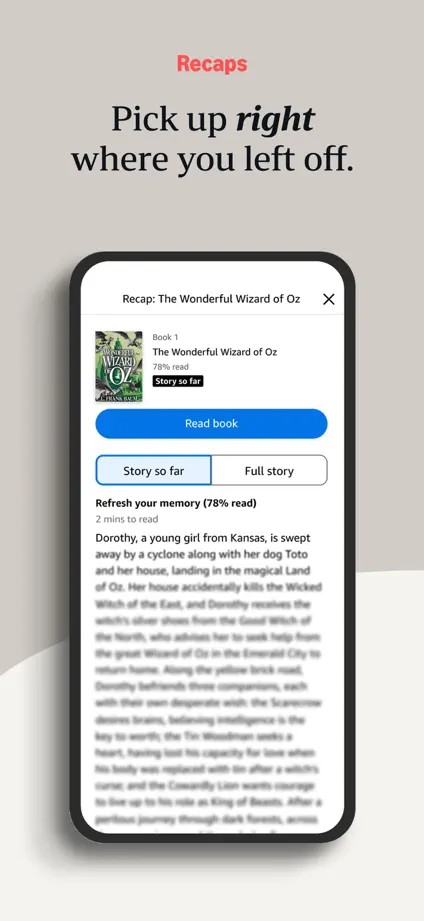
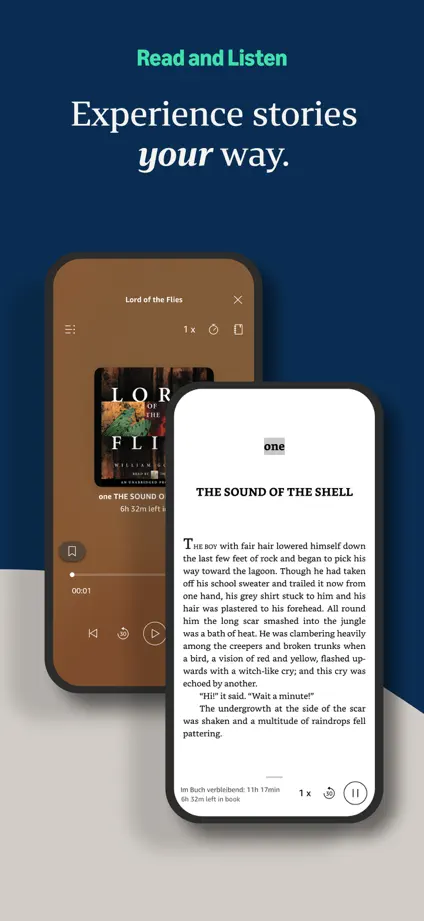
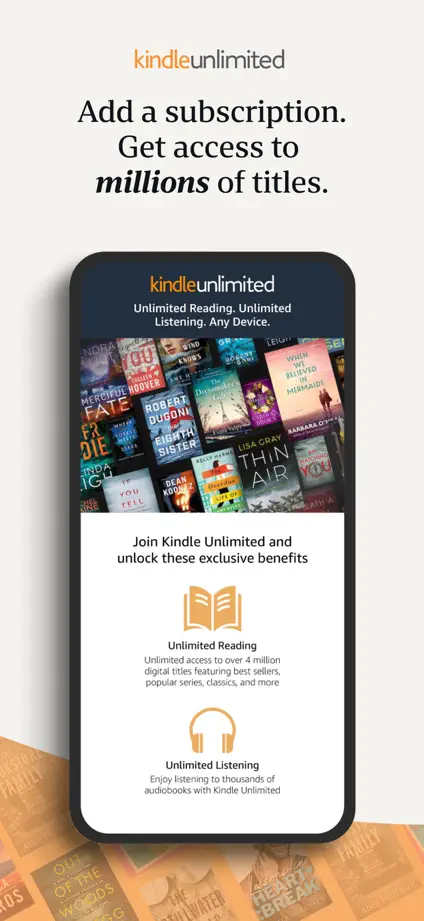
Neutral and navy panels alternate interface examples with reader portraits, ending in a simple brand silhouette.
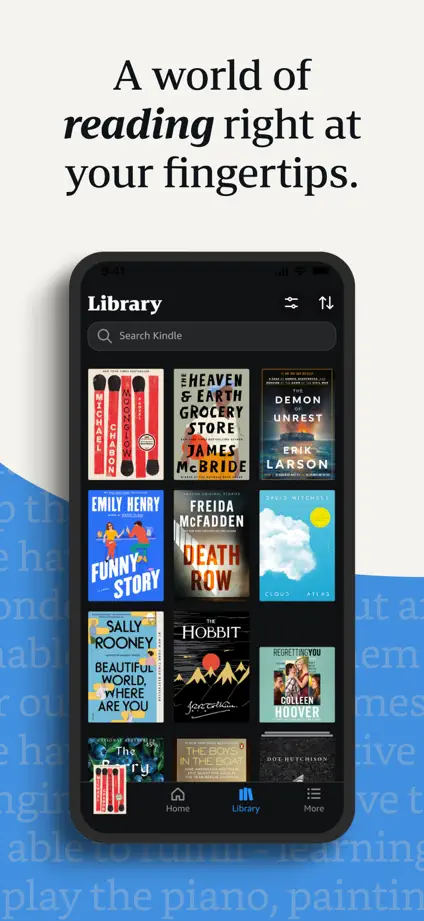
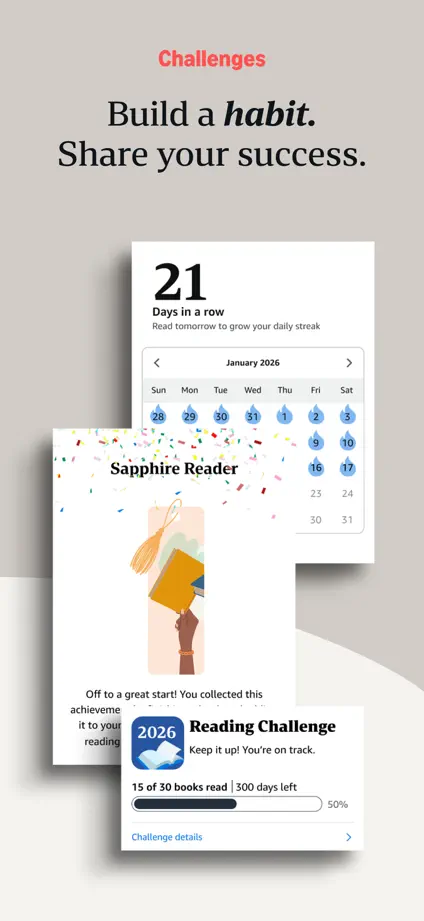
Amazon Kindle, App Store screenshot 1
Amazon Kindle, App Store screenshot 2
Amazon Kindle, App Store screenshot 3
Amazon Kindle, App Store screenshot 4
Amazon Kindle, App Store screenshot 5
Amazon Kindle, App Store screenshot 6
Amazon Kindle, App Store screenshot 7
Amazon Kindle, App Store screenshot 8
Amazon Kindle, App Store screenshot 9
Amazon Kindle, App Store screenshot 10

Blinkist

Book · 10 frames

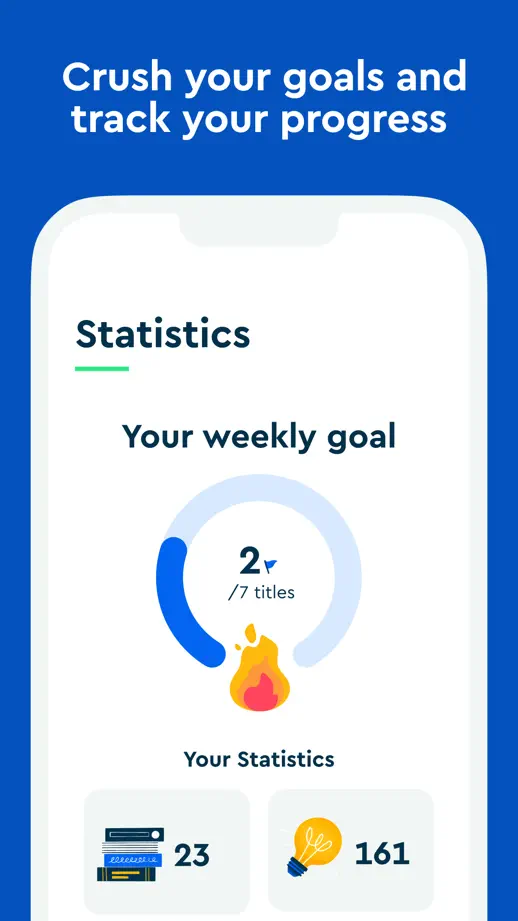
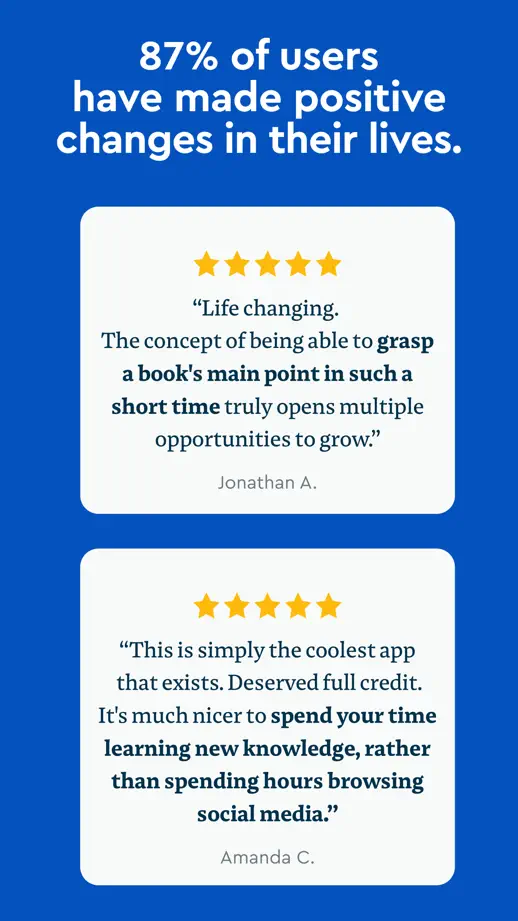
Blue panels repeat a white device silhouette, moving from book covers and interface examples to closing quotation cards.

Blinkist, App Store screenshot 1
Blinkist, App Store screenshot 2
Blinkist, App Store screenshot 3
Blinkist, App Store screenshot 4
Blinkist, App Store screenshot 5
Blinkist, App Store screenshot 6
Blinkist, App Store screenshot 7
Blinkist, App Store screenshot 8
Blinkist, App Store screenshot 9
Blinkist, App Store screenshot 10

Audible

Book · 10 frames

Orange and dark panels alternate close-up portraits, cover artwork and large devices, creating a varied editorial rhythm.

Audible, App Store screenshot 1
Audible, App Store screenshot 2
Audible, App Store screenshot 3
Audible, App Store screenshot 4
Audible, App Store screenshot 5
Audible, App Store screenshot 6
Audible, App Store screenshot 7
Audible, App Store screenshot 8
Audible, App Store screenshot 9
Audible, App Store screenshot 10

Book Tracker

Book · 10 frames

Large devices sit tightly below compact headings, alternating pale and dark panels to show both interface themes.

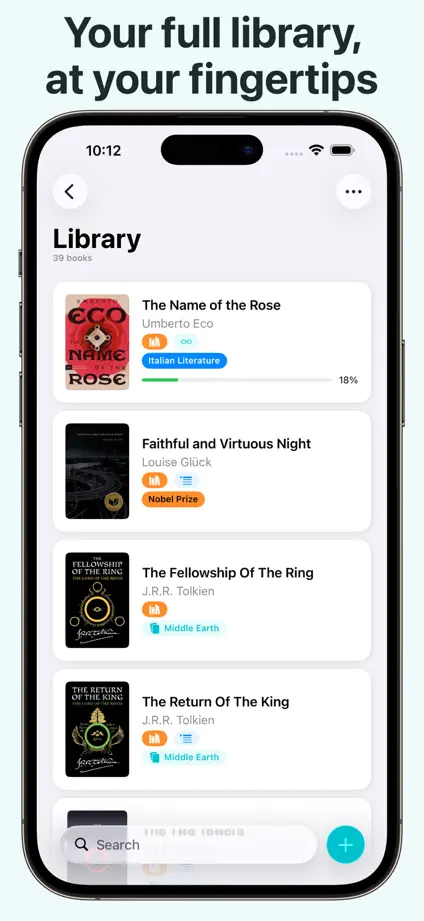
Book Tracker, App Store screenshot 1
Book Tracker, App Store screenshot 2
Book Tracker, App Store screenshot 3
Book Tracker, App Store screenshot 4
Book Tracker, App Store screenshot 5
Book Tracker, App Store screenshot 6
Book Tracker, App Store screenshot 7
Book Tracker, App Store screenshot 8
Book Tracker, App Store screenshot 9
Book Tracker, App Store screenshot 10

Add to collection

New collection