Lifestyle App Store screenshots
14 complete App Store screenshot sets from lifestyle apps, including Cosmos, Planta and Daylio. The most common techniques here are repeated layout, photography and interface close-ups.


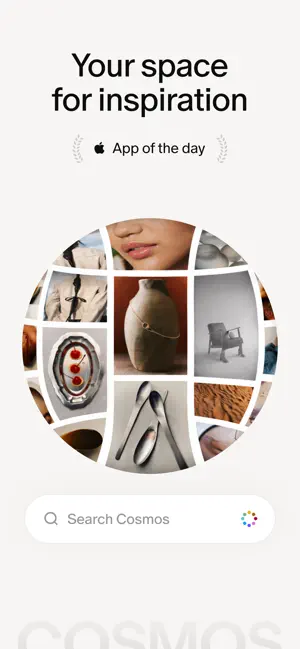

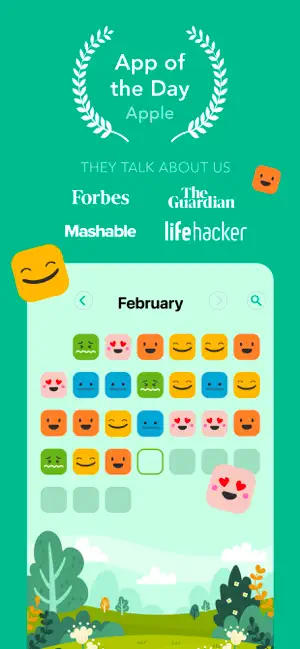

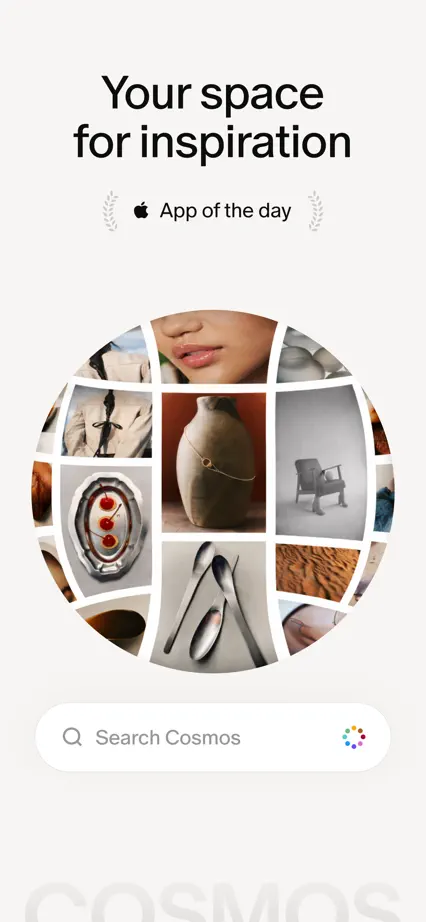
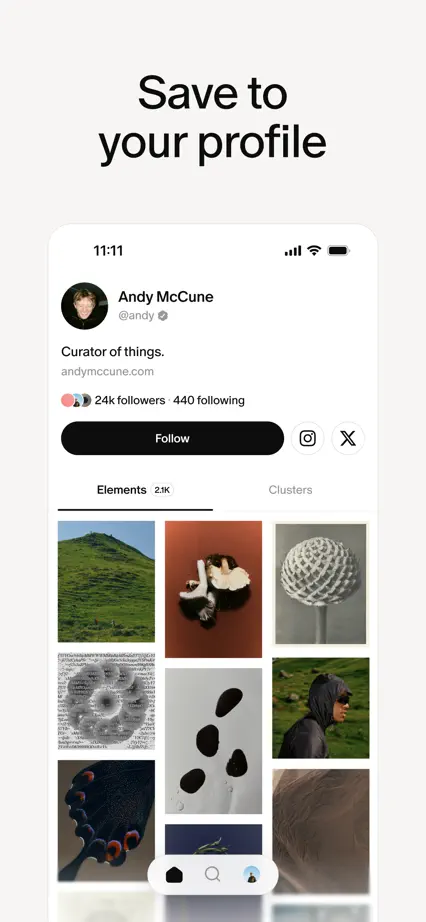
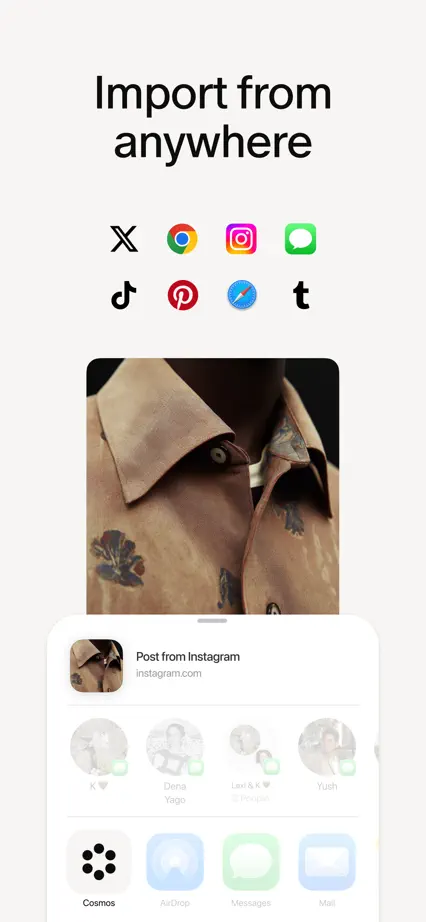
Image grids and restrained typography keep collected imagery central, with a green panel explaining color search.

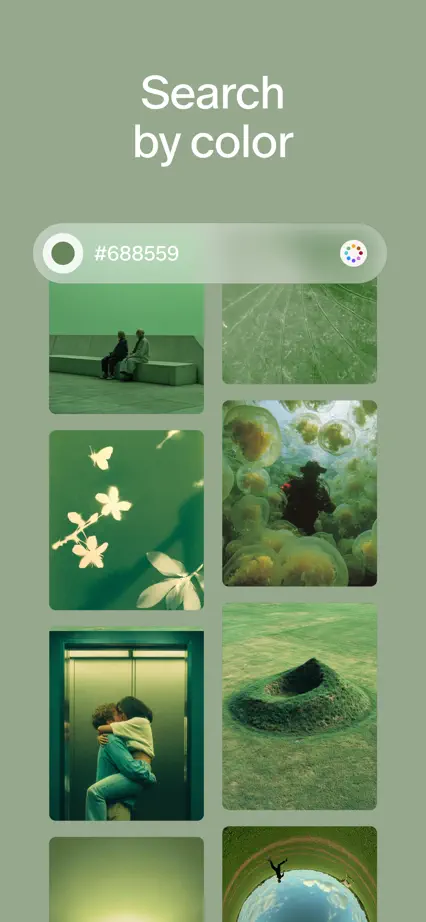
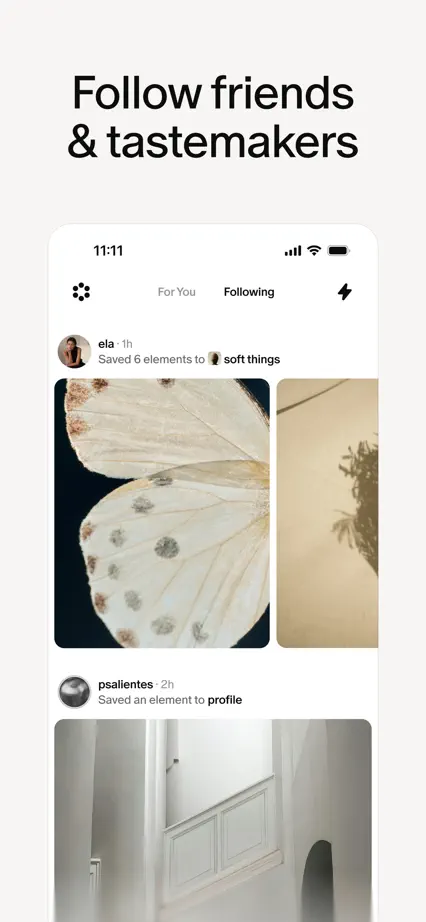
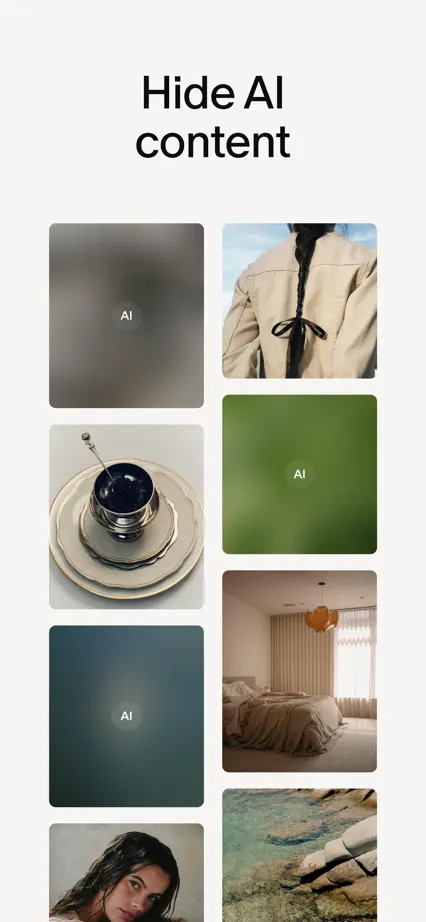
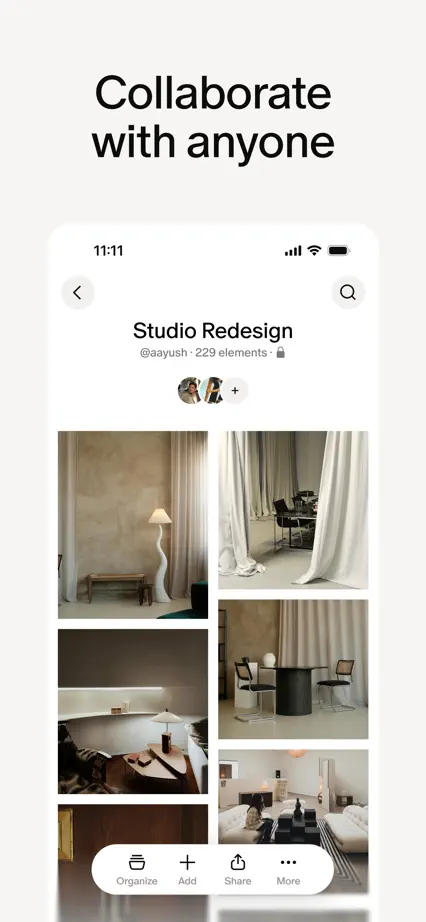

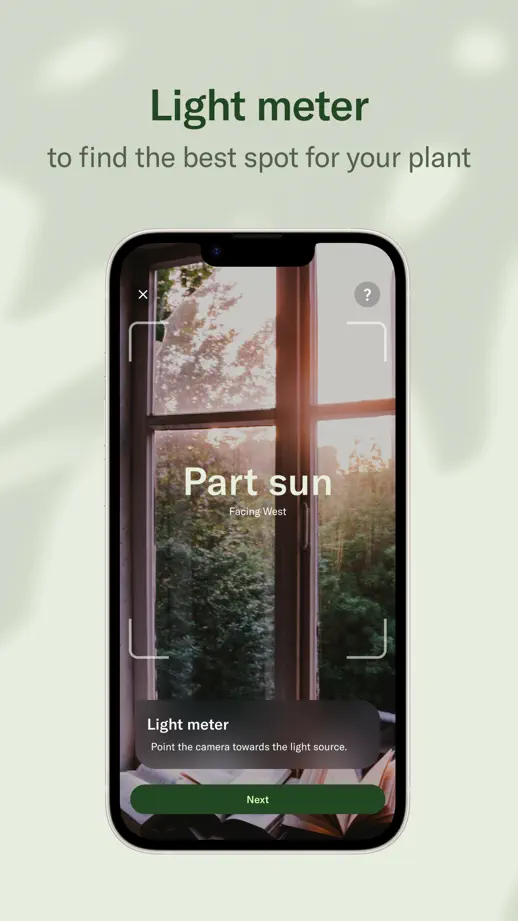
Leaf shadows and pale green backgrounds carry a consistent tour from care reminders to community.




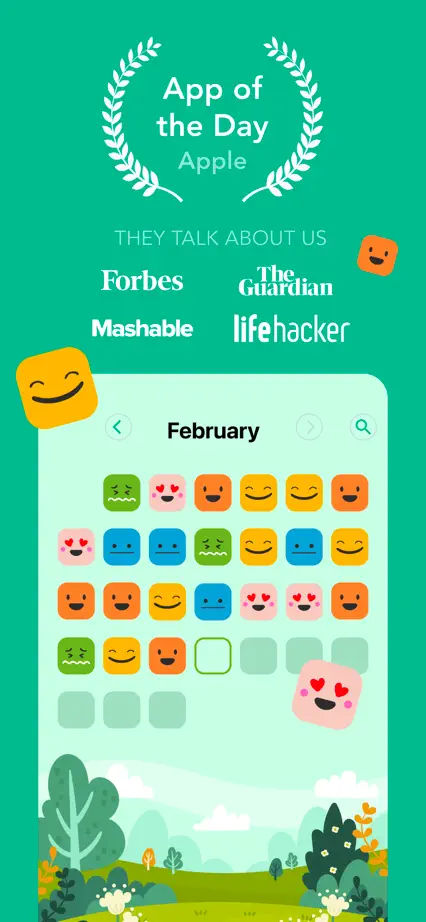
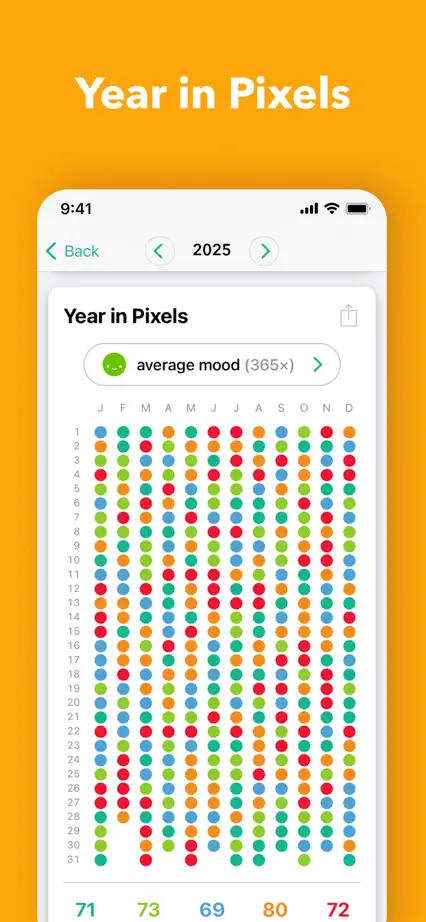
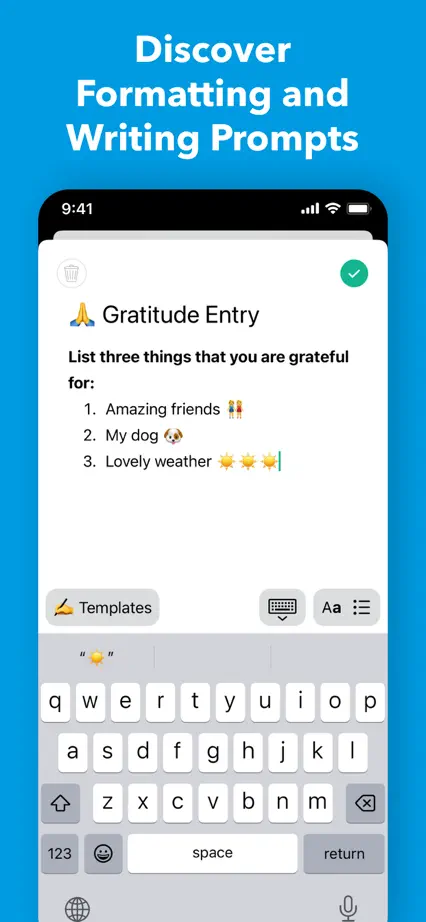
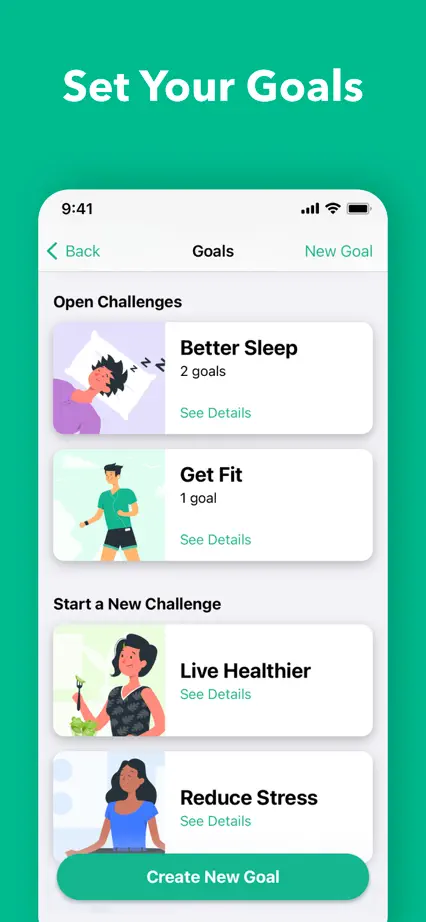
Saturated background colors change with each frame behind white headlines and upright phones, opening on press logos over an illustrated calendar.


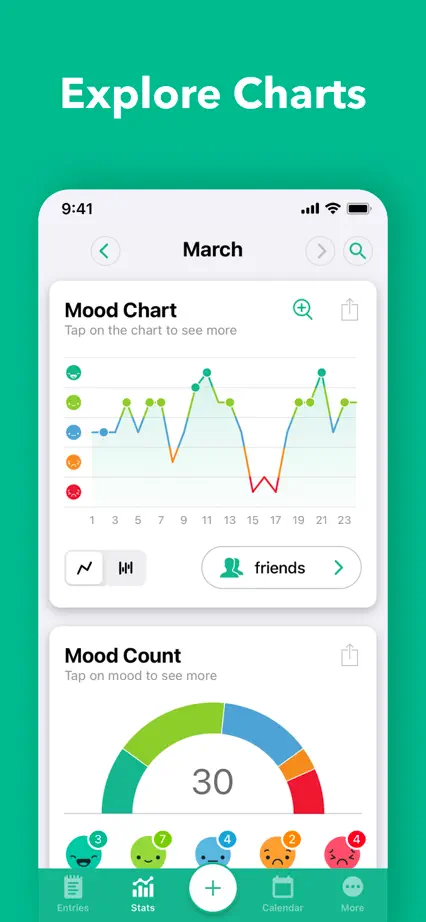



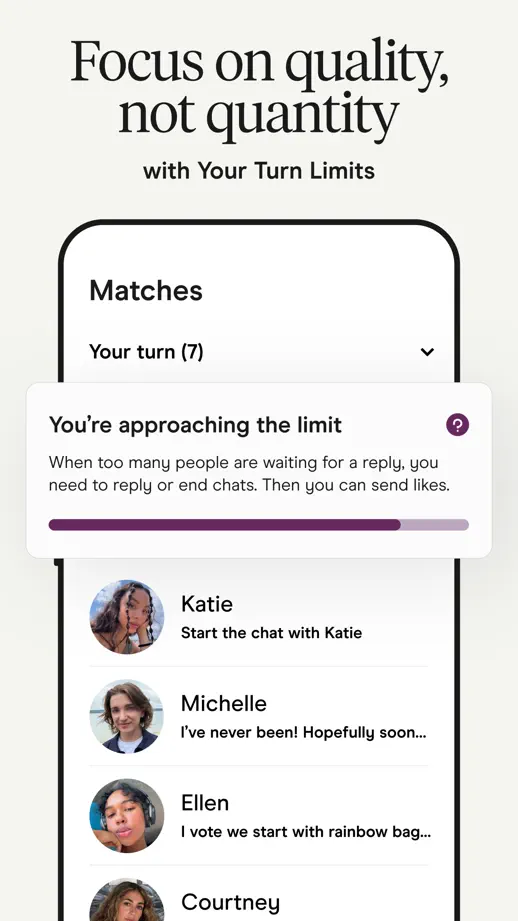
A street photograph with a serif headline opens a cream sequence of upright phones, each paired with a two-line serif heading and feature label.




A white opening scatters colorful event posters, then warm gradients from orange to blue hold glowing phones with bold two-line headings.
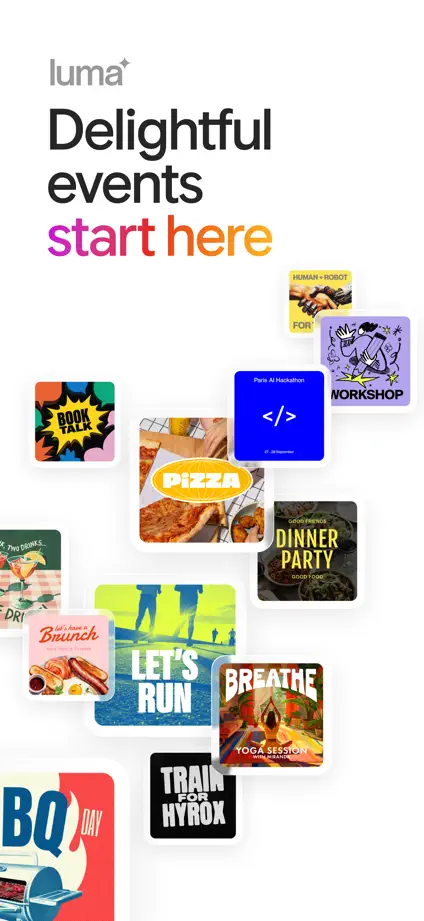
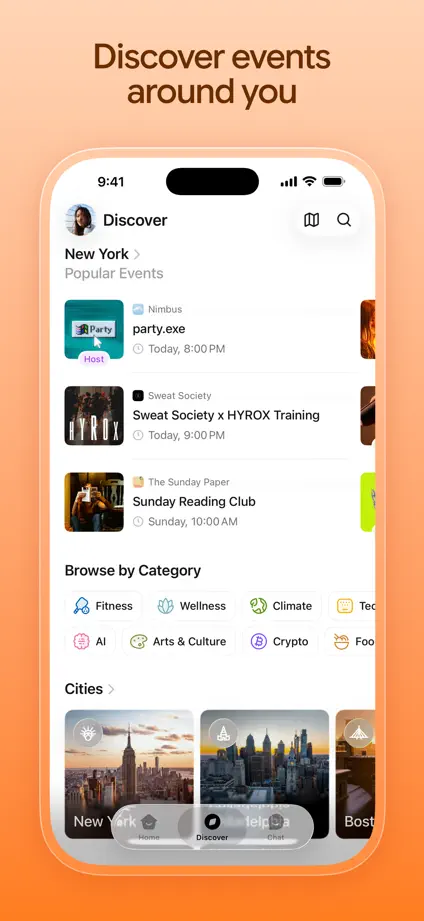
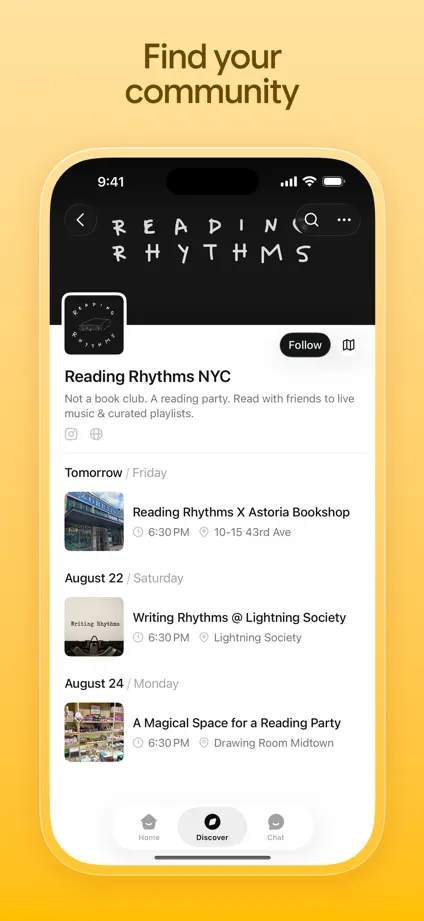
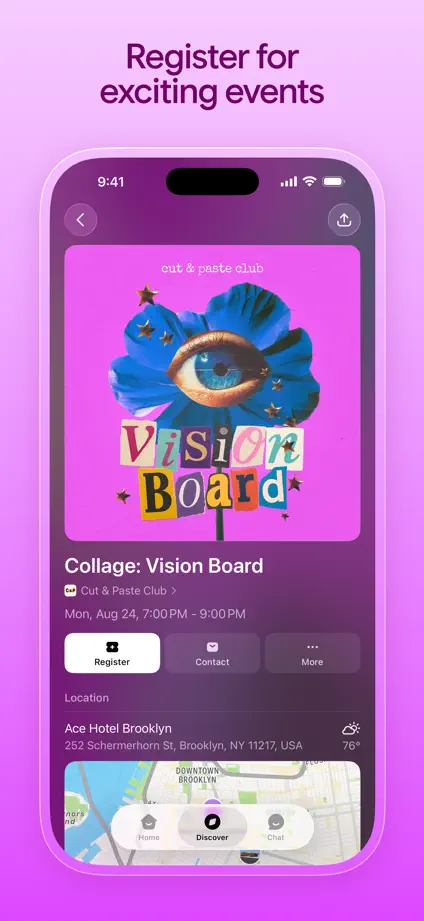
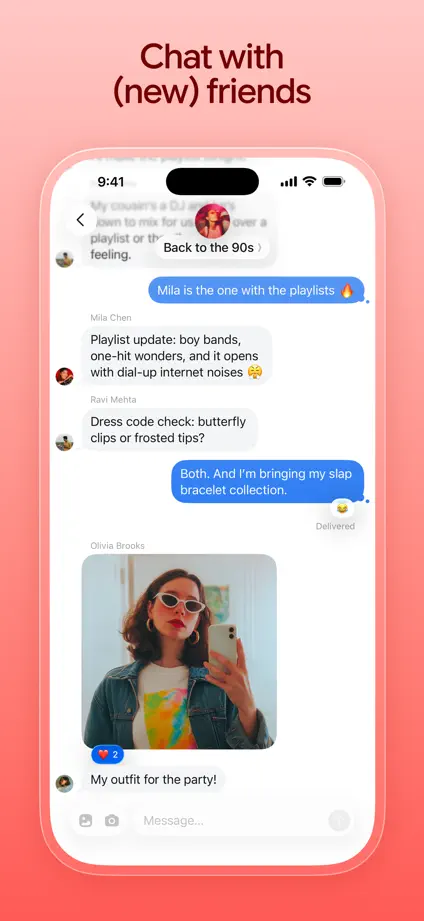
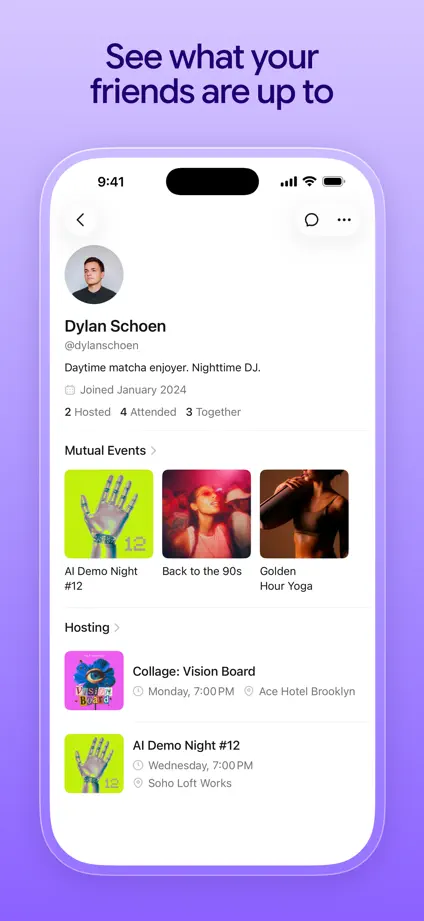
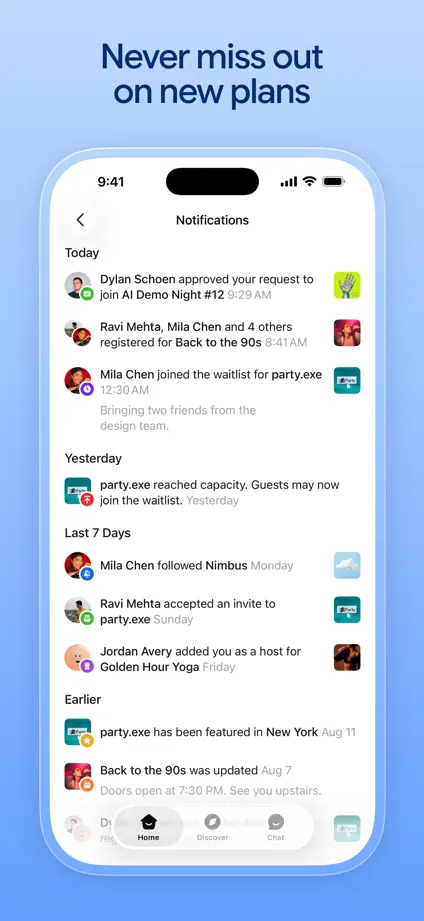

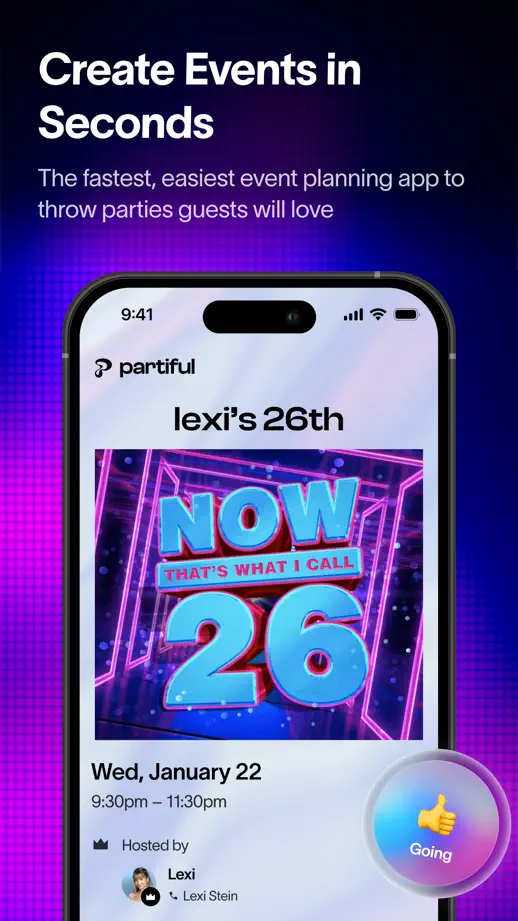
Neon gradients and grainy color fields back phones surrounded by sticker-like party flyers, photos and floating RSVP chips.
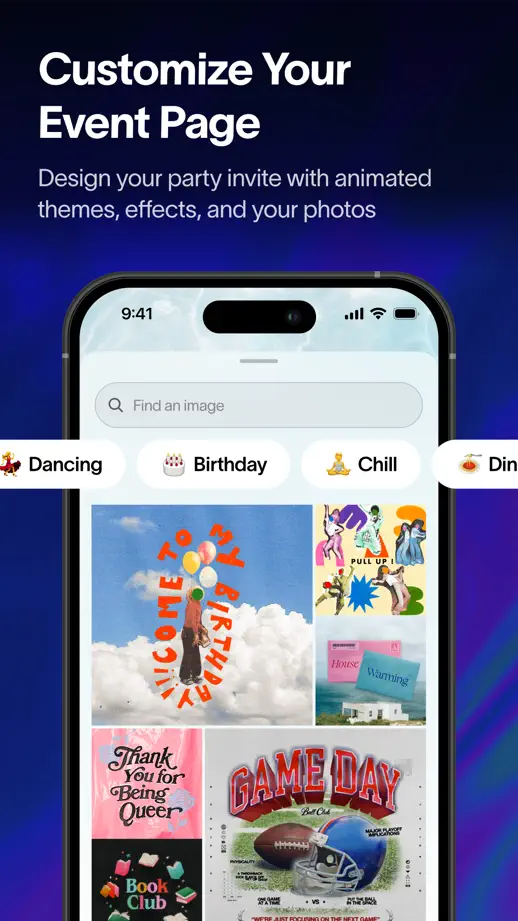
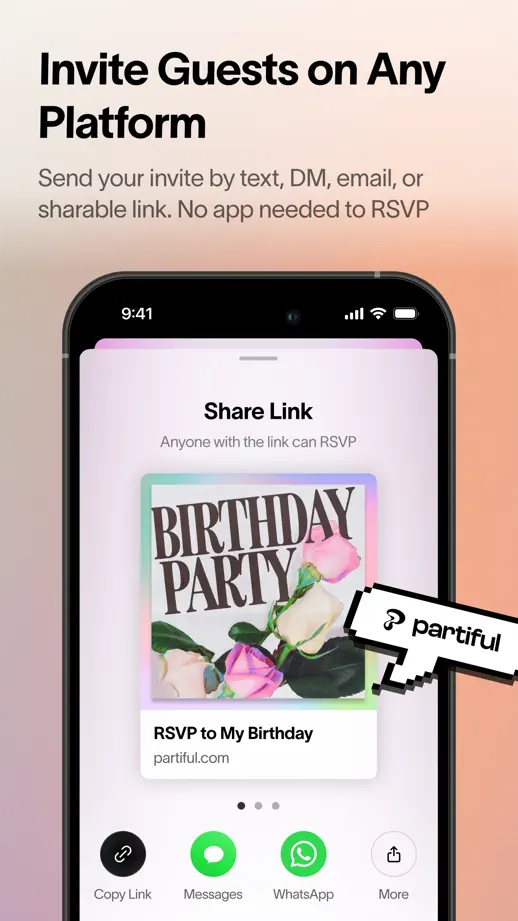
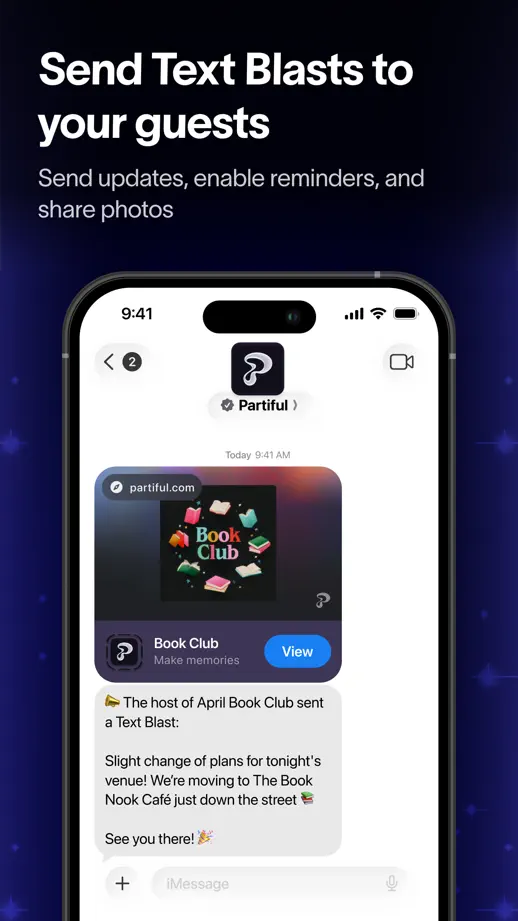
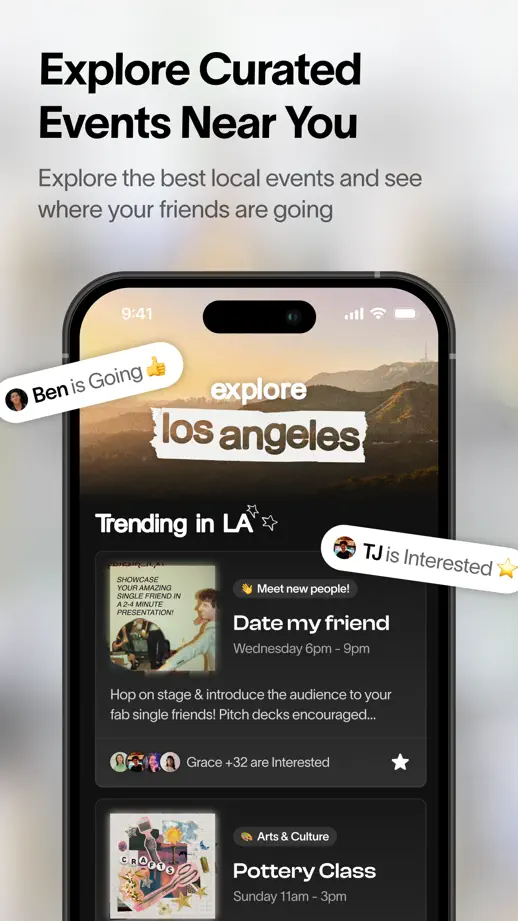
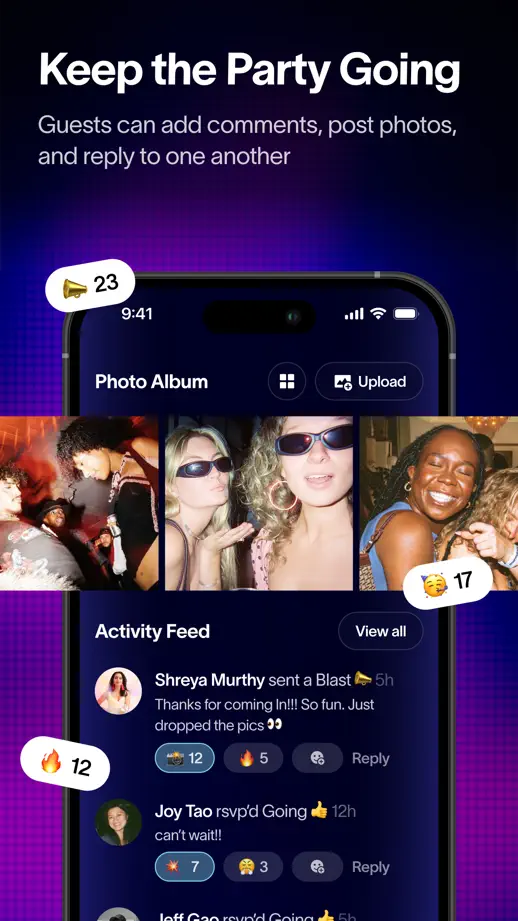
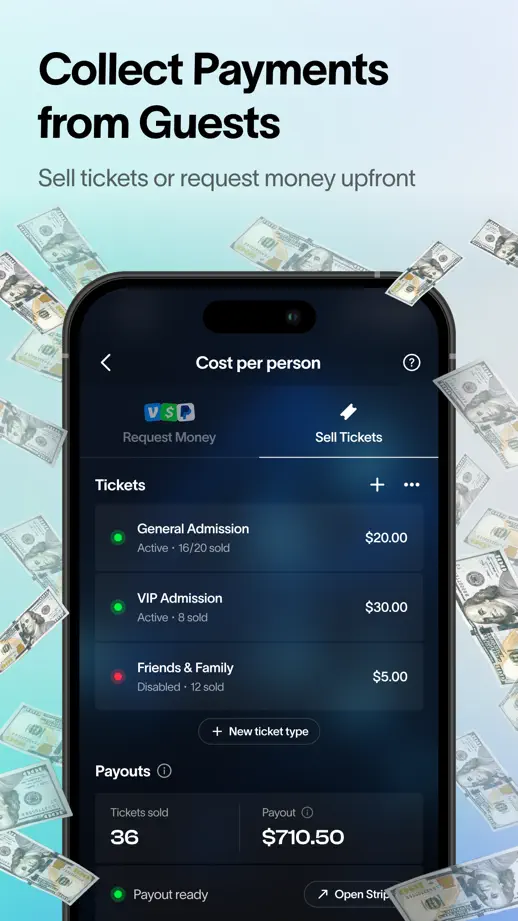
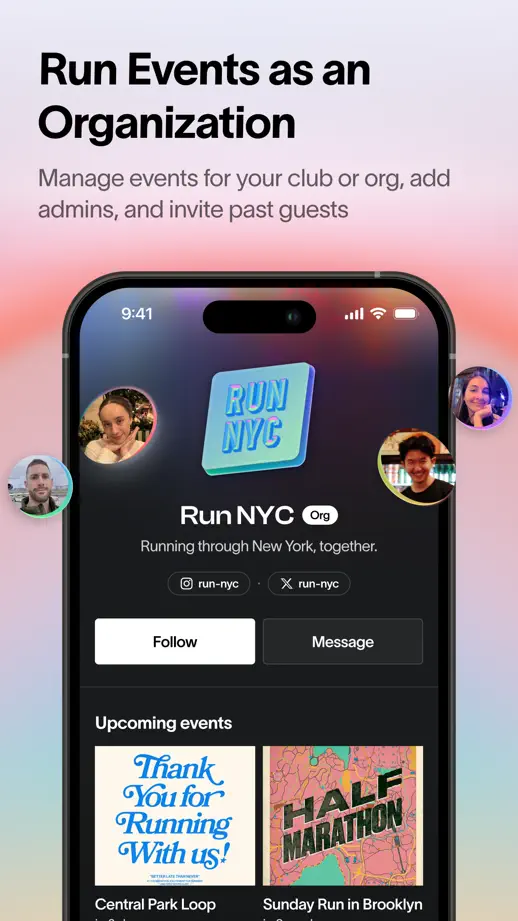


A coordinated seasonal photo palette connects collages, search details and shopping interfaces across the entire sequence.


Wide white margins and small centered captions leave alternating light and dark devices as the main visual element.
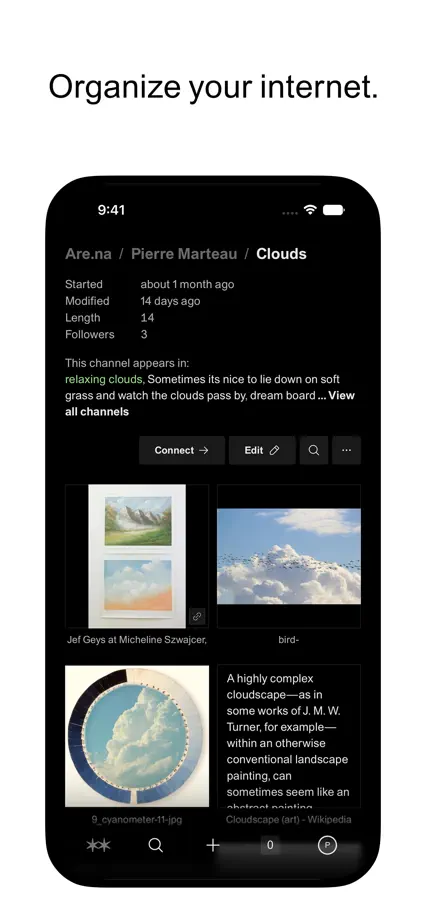
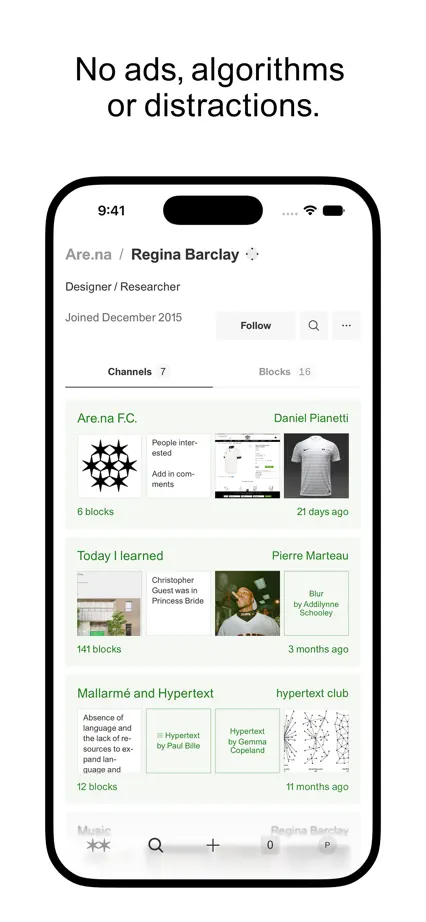
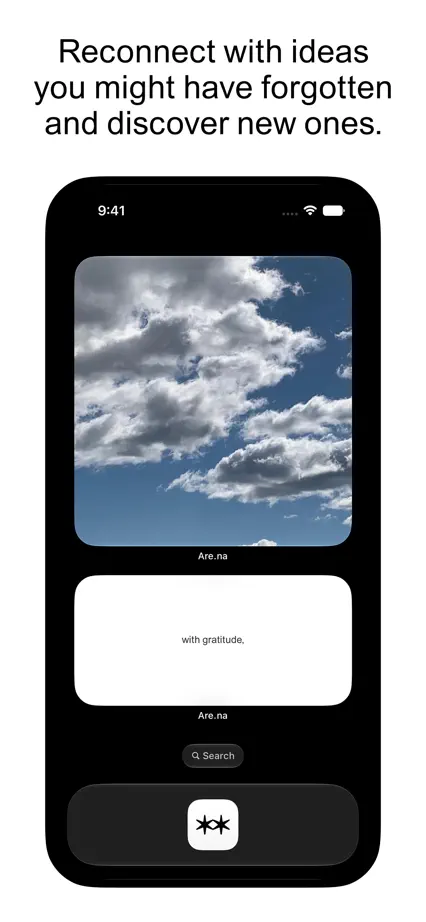

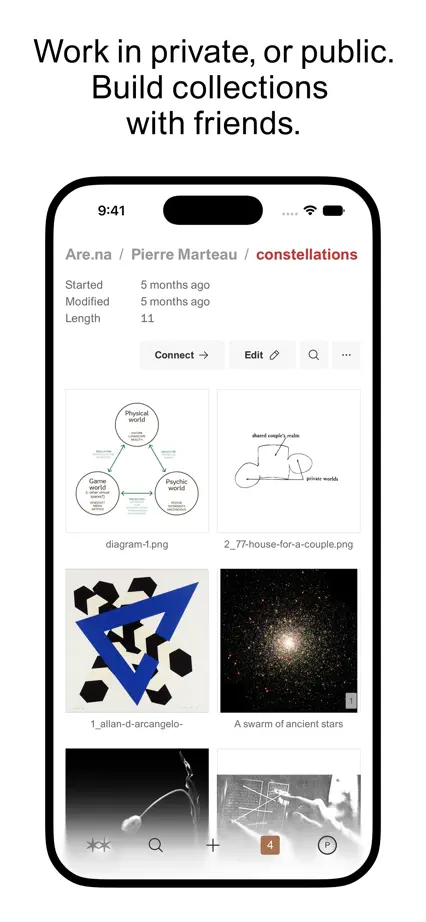


An angled device spans the opening pair, followed by consistent turquoise panels and a darker closing section.


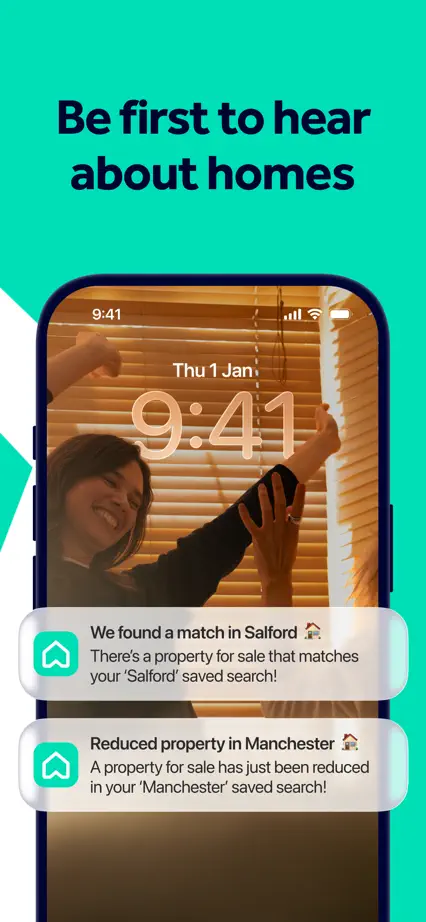
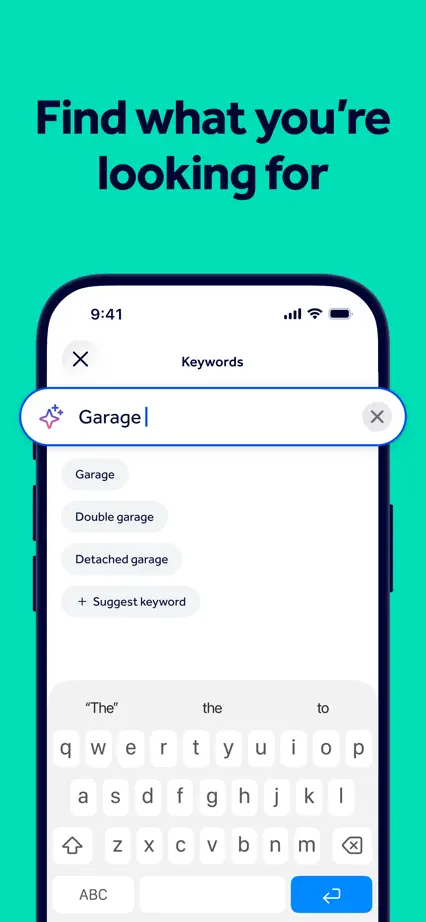


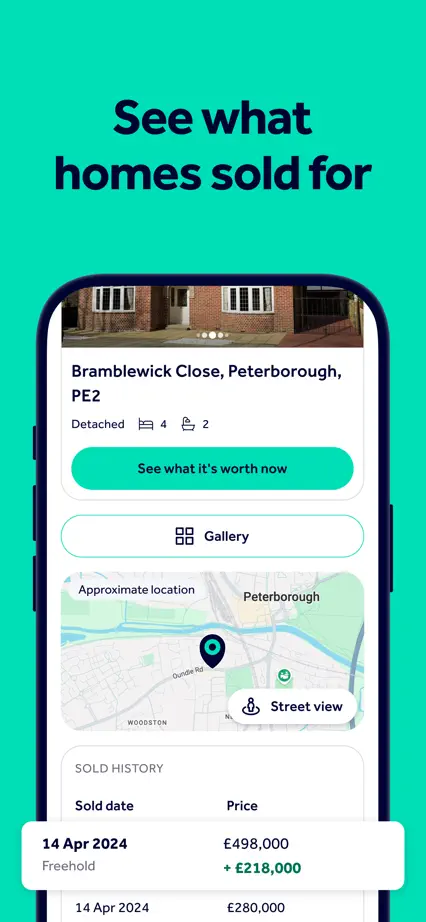

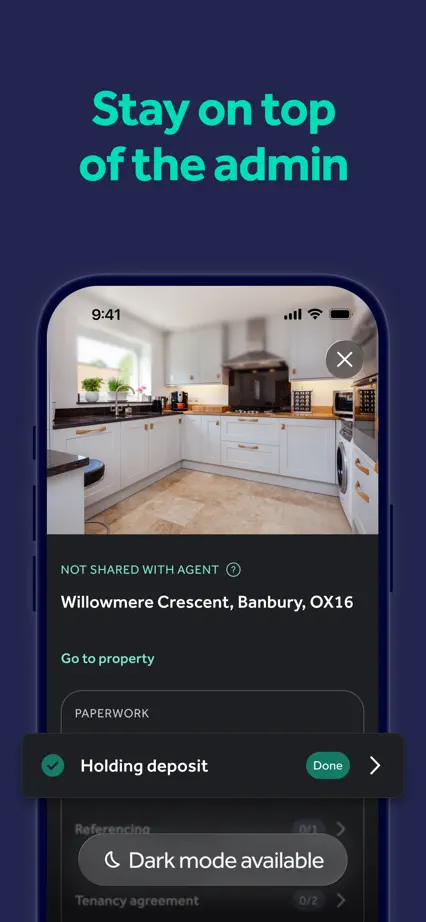

Cream and green panels mix pet photography, maps and simple cards, keeping the same horizontal color split throughout.


A pale blue sequence combines angled devices, small illustrations and enlarged tracking details, with distinct spacing around each feature.
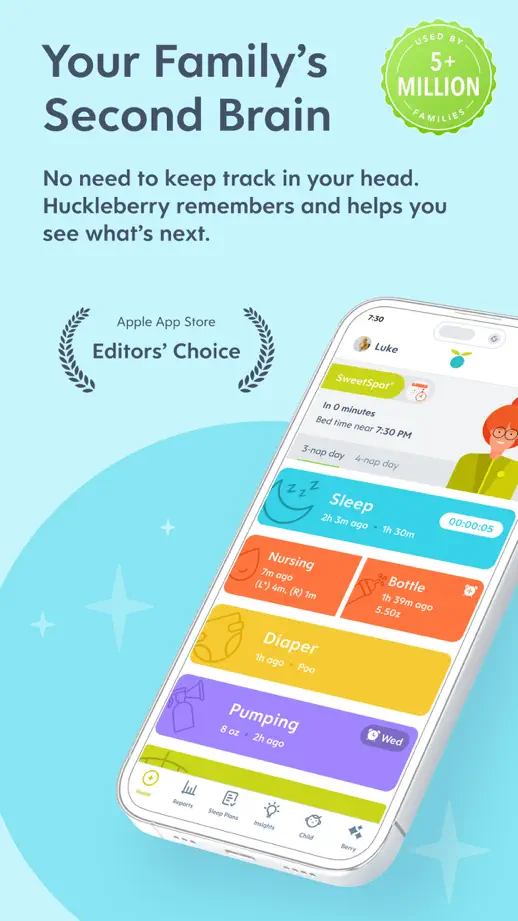


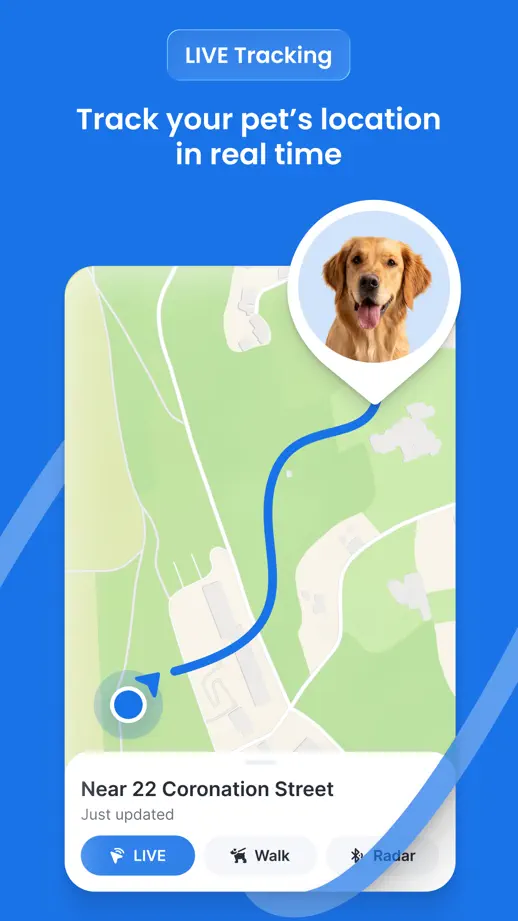
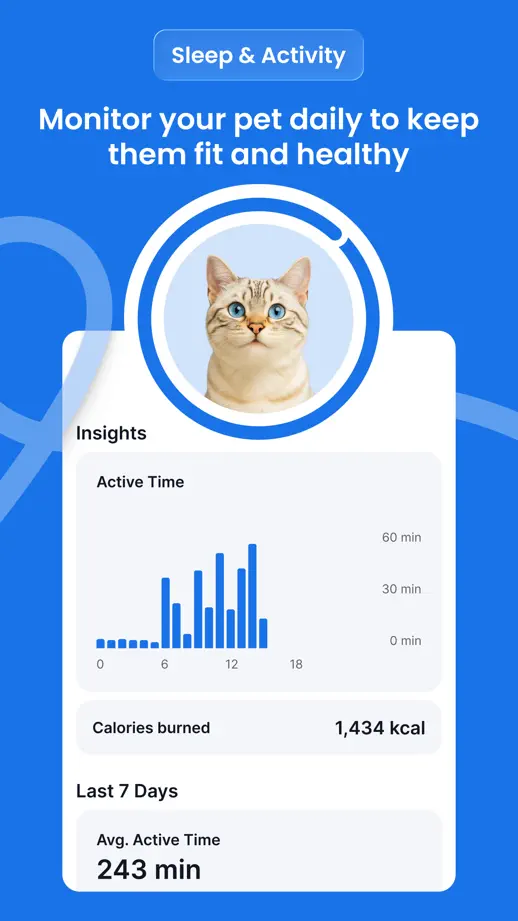
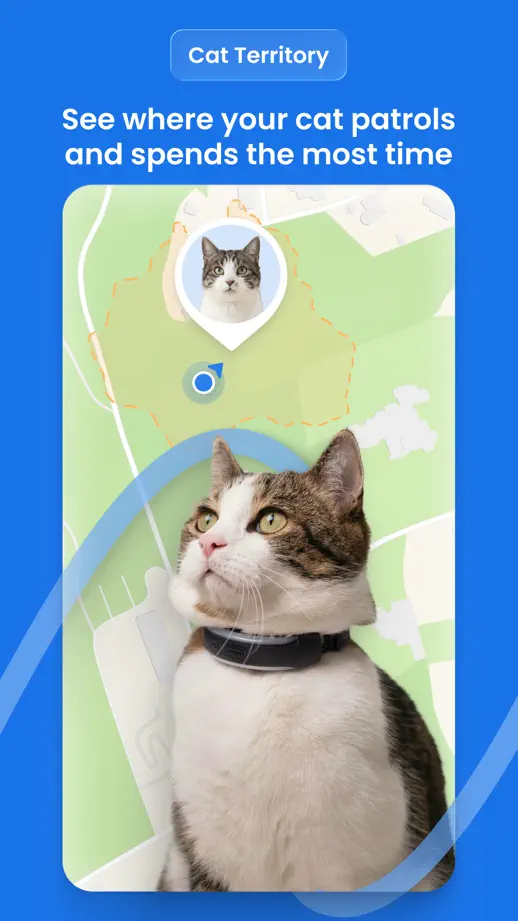
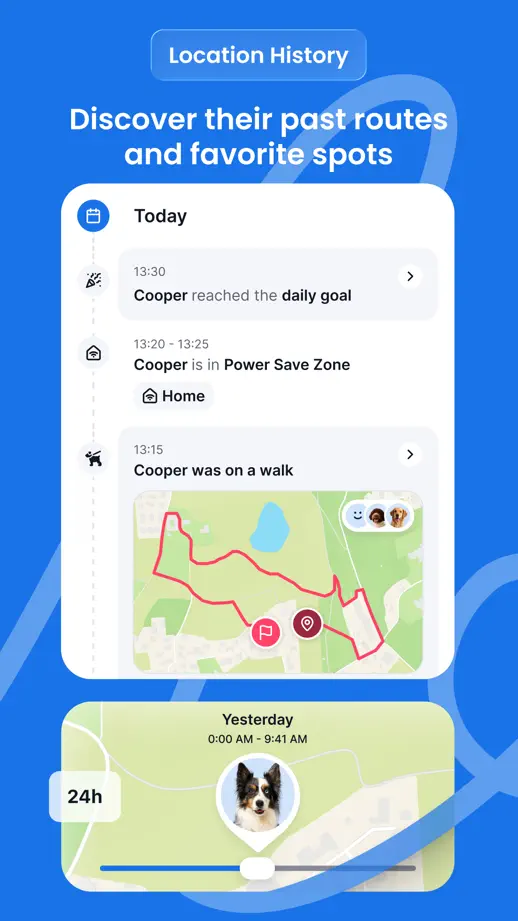
Pet portraits, maps and floating tracking cards share a blue backdrop, with a fine line weaving through the panels.