kit0

App Store screenshots using device mockups

92 listings that use device mockups, from StockX, H&M and Shop. Most are education, travel and sports apps.

92 appsShow all

StockX

Shopping · 8 frames

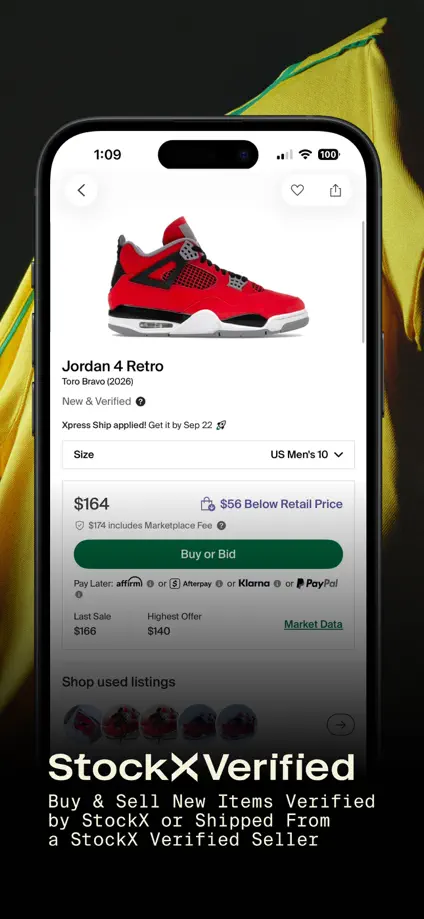
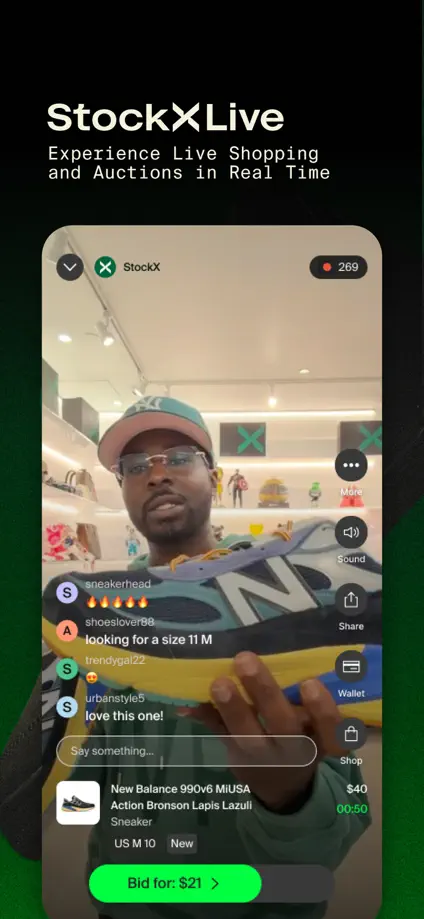
An angled phone and product collage open the set before dark backgrounds and enlarged shopping screens introduce individual features.

StockX, App Store screenshot 1
StockX, App Store screenshot 2
StockX, App Store screenshot 3
StockX, App Store screenshot 4
StockX, App Store screenshot 5
StockX, App Store screenshot 6
StockX, App Store screenshot 7
StockX, App Store screenshot 8

H&M

Shopping · 10 frames

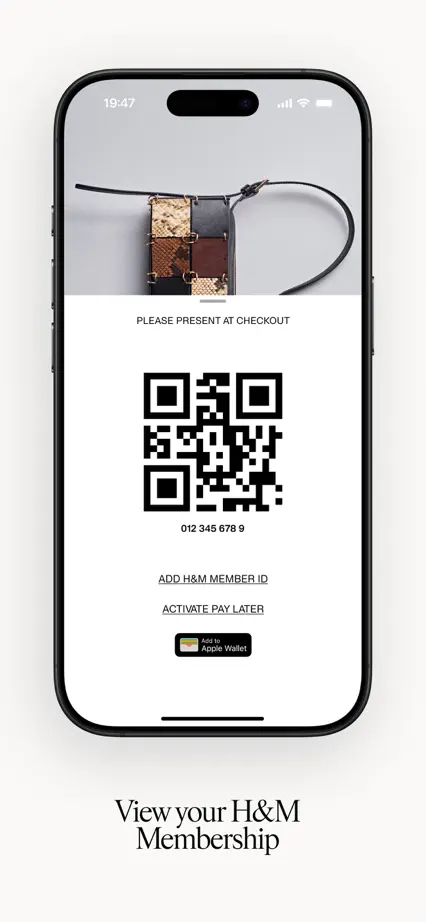
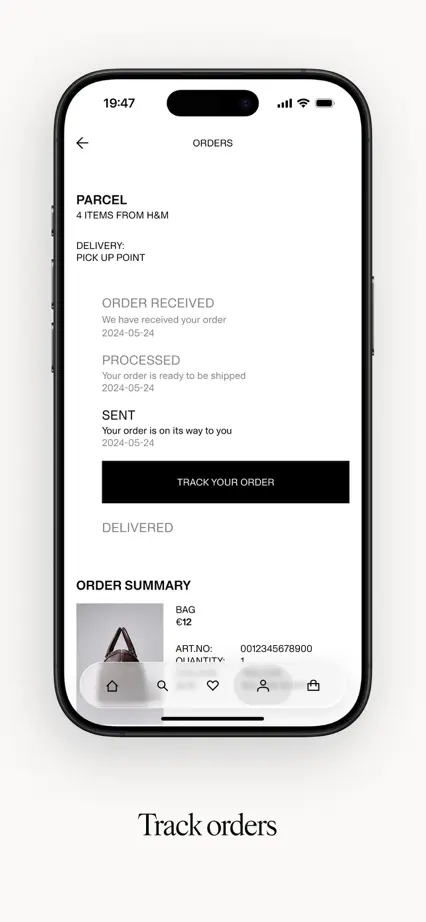
Fashion photography bookends a restrained feature tour, with phones on pale backgrounds and short serif captions below each screen.

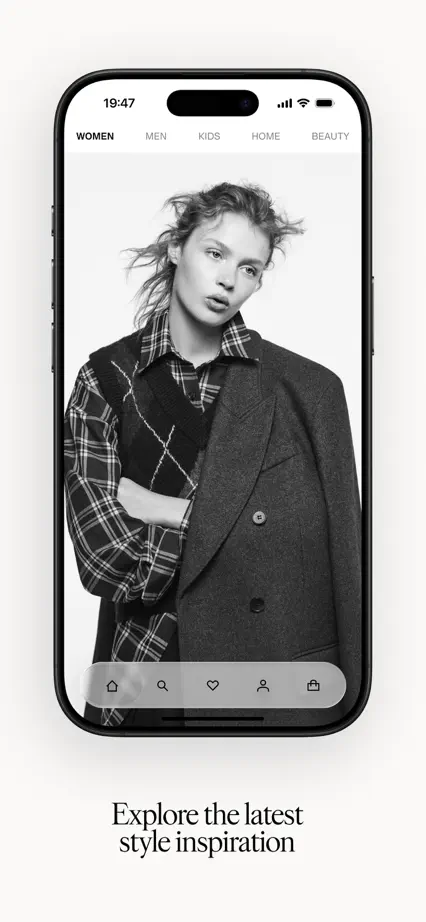
H&M, App Store screenshot 1
H&M, App Store screenshot 2
H&M, App Store screenshot 3
H&M, App Store screenshot 4
H&M, App Store screenshot 5
H&M, App Store screenshot 6
H&M, App Store screenshot 7
H&M, App Store screenshot 8
H&M, App Store screenshot 9
H&M, App Store screenshot 10

Shop

Shopping · 6 frames

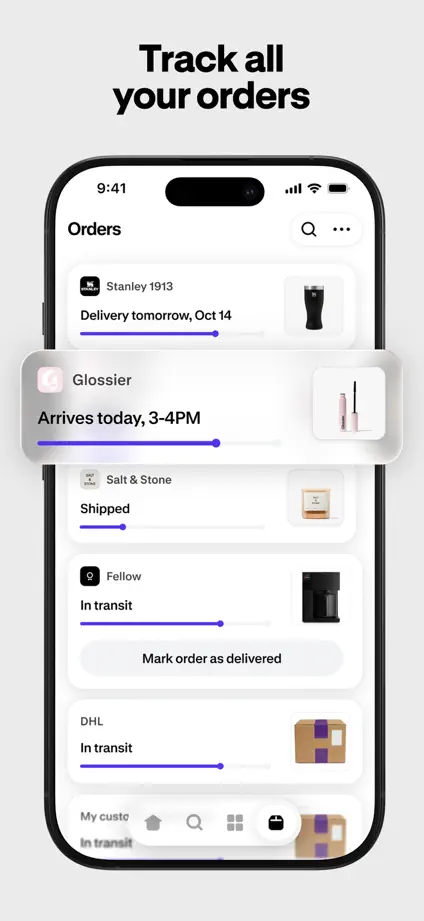
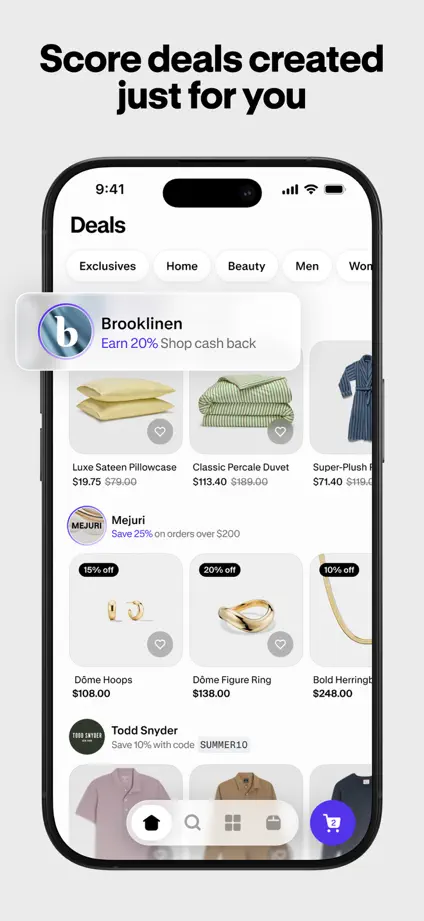
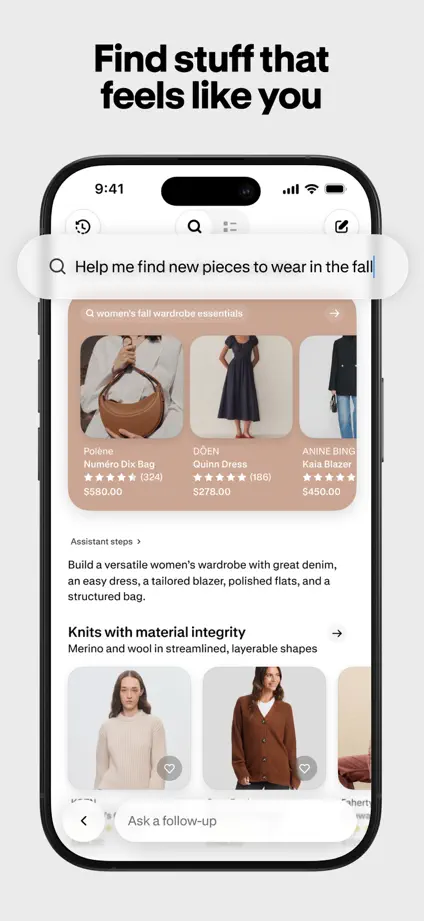
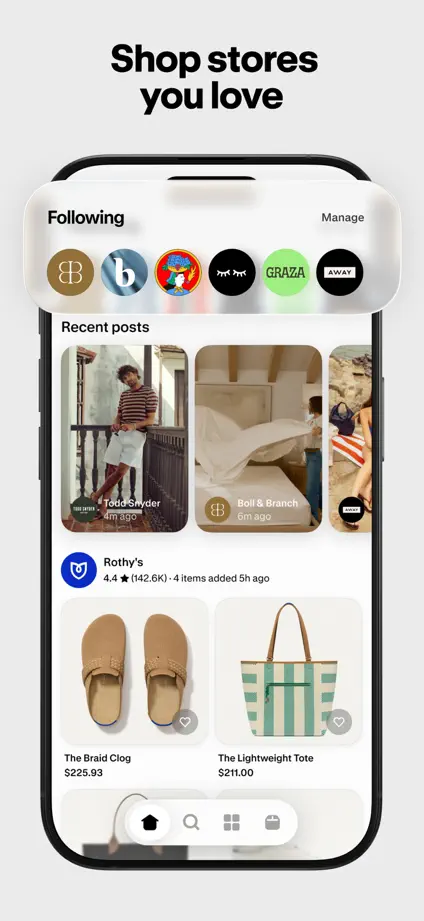
Large upright phones repeat on pale backgrounds, with selected product and tracking cards pulled forward to highlight particular interactions.
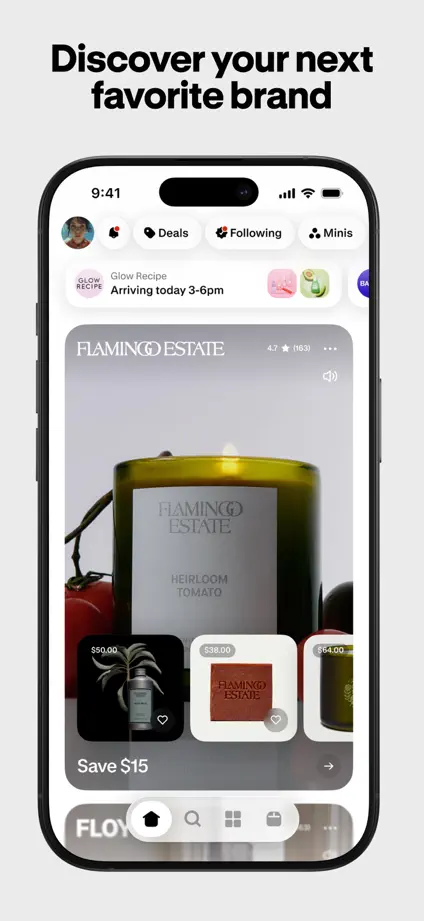
Shop, App Store screenshot 1
Shop, App Store screenshot 2
Shop, App Store screenshot 3
Shop, App Store screenshot 4
Shop, App Store screenshot 5
Shop, App Store screenshot 6

Lyst

Shopping · 6 frames

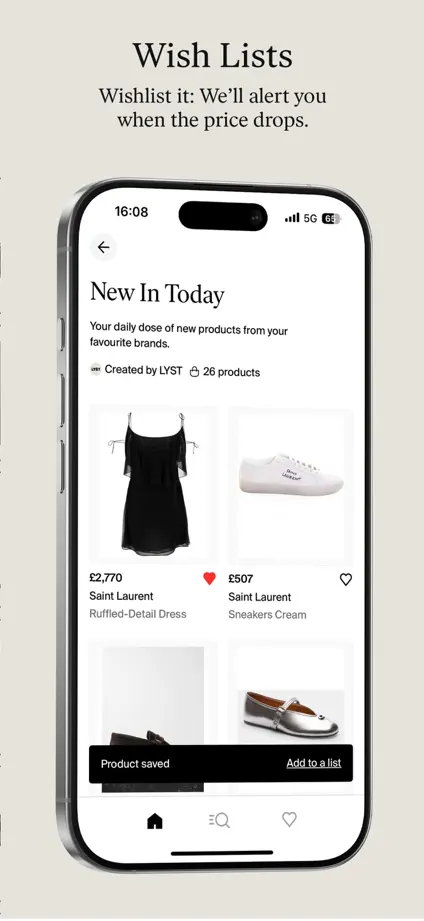
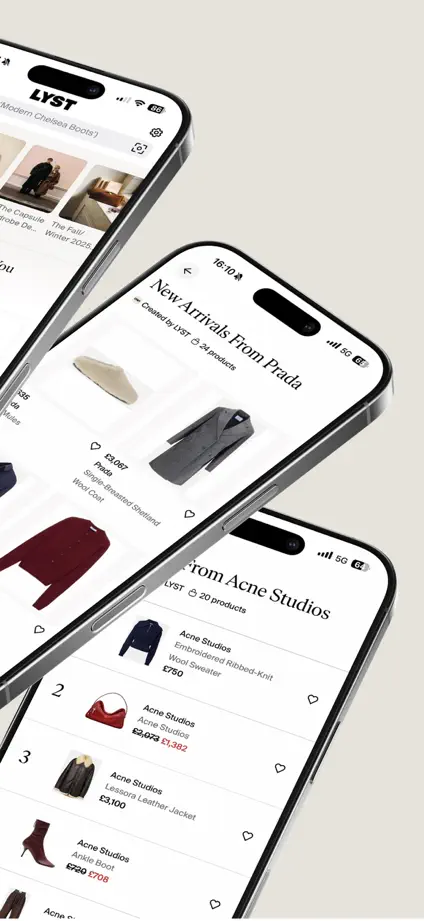
Oversized angled phones span the opening frames, followed by a quiet cream feature tour with serif headings and isolated product details.
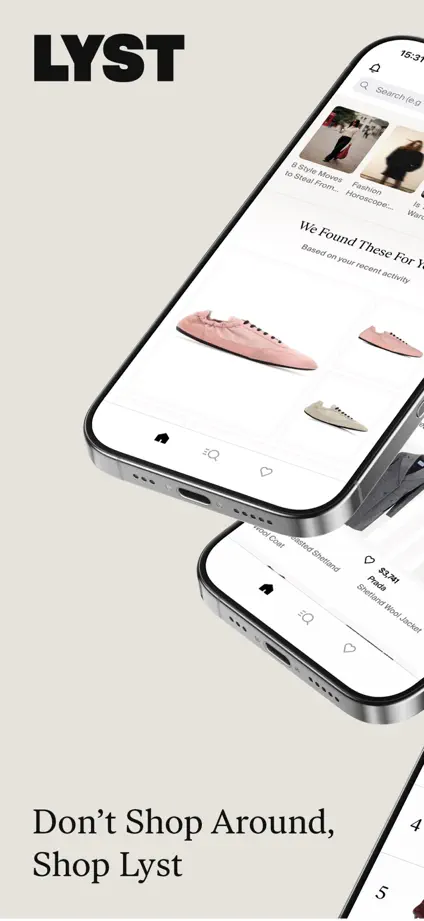
Lyst, App Store screenshot 1
Lyst, App Store screenshot 2
Lyst, App Store screenshot 3
Lyst, App Store screenshot 4
Lyst, App Store screenshot 5
Lyst, App Store screenshot 6

FARFETCH

Shopping · 7 frames

Full-height fashion photography alternates with overlapping phones and shopping screens, preserving the editorial images as the main visual anchor.

FARFETCH, App Store screenshot 1
FARFETCH, App Store screenshot 2
FARFETCH, App Store screenshot 3
FARFETCH, App Store screenshot 4
FARFETCH, App Store screenshot 5
FARFETCH, App Store screenshot 6
FARFETCH, App Store screenshot 7

NET-A-PORTER

Shopping · 10 frames

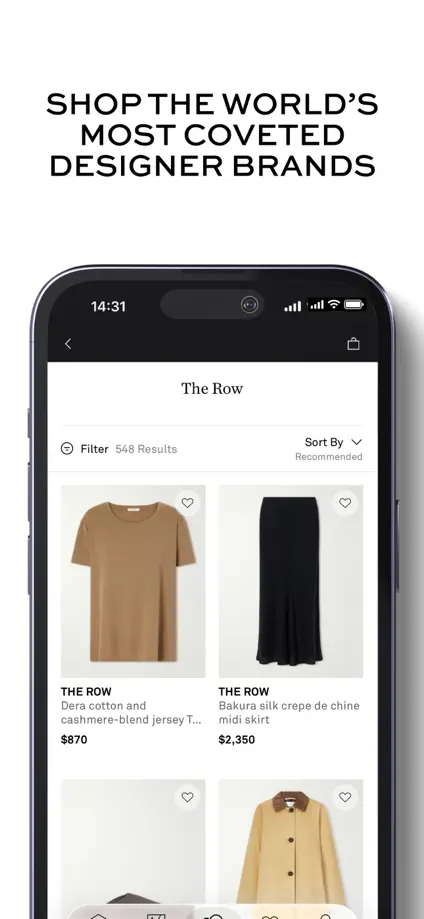
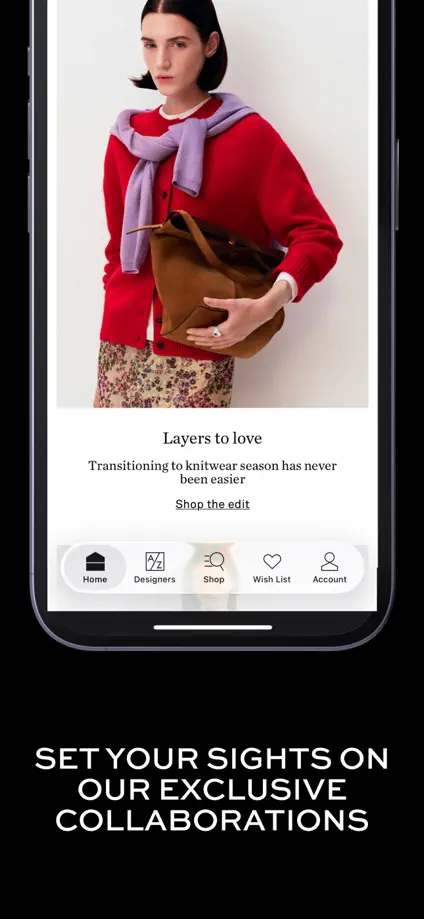
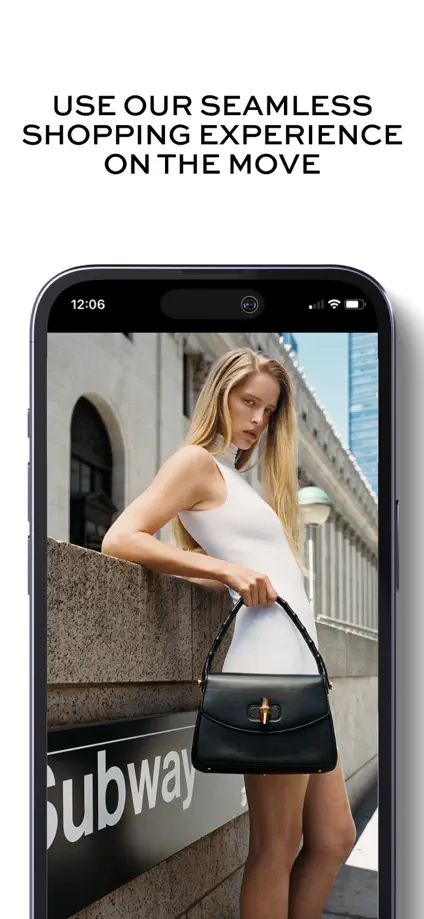
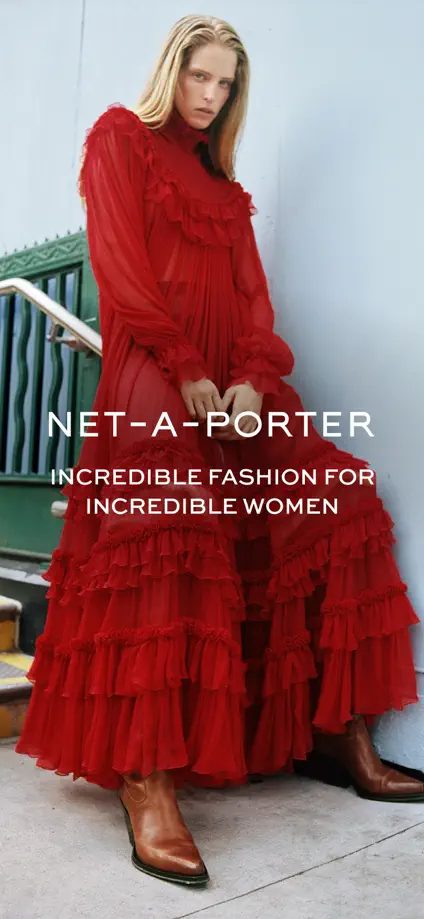
Black and white headline panels alternate with fashion photography, varying phone scale while maintaining a spare editorial palette.
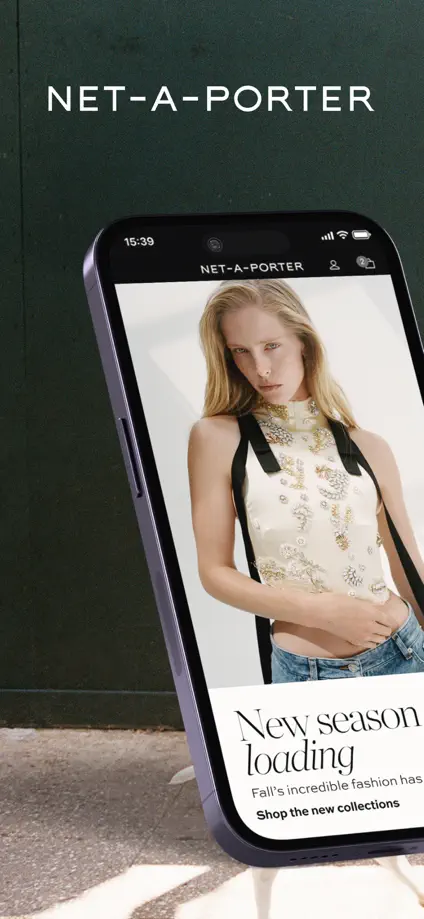
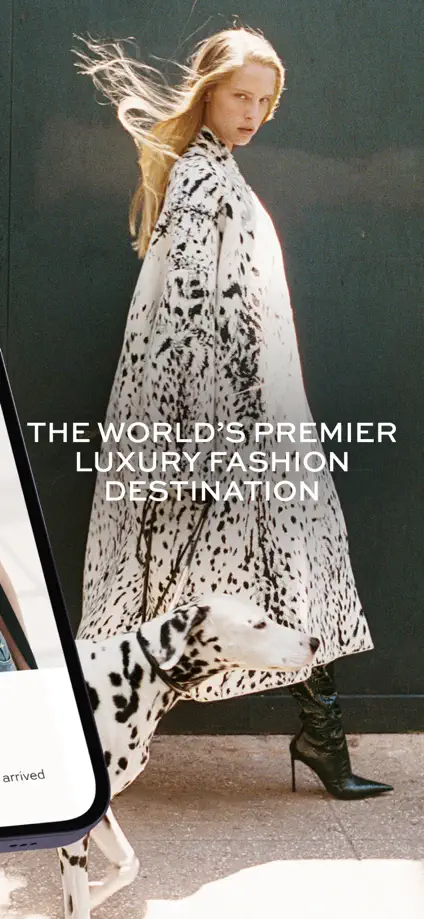
NET-A-PORTER, App Store screenshot 1
NET-A-PORTER, App Store screenshot 2
NET-A-PORTER, App Store screenshot 3
NET-A-PORTER, App Store screenshot 4
NET-A-PORTER, App Store screenshot 5
NET-A-PORTER, App Store screenshot 6
NET-A-PORTER, App Store screenshot 7
NET-A-PORTER, App Store screenshot 8
NET-A-PORTER, App Store screenshot 9
NET-A-PORTER, App Store screenshot 10

NYT Cooking

Food & Drink · 7 frames

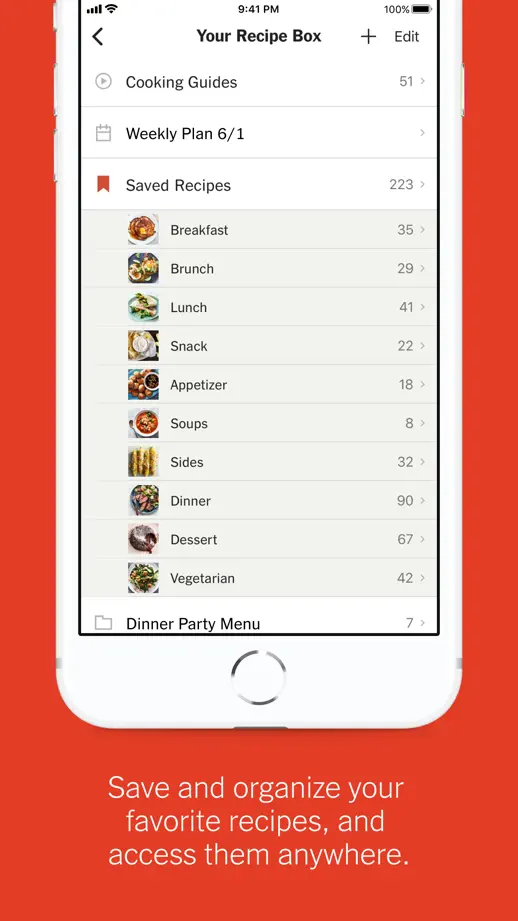
Orange-red panels alternate the vertical position of white phones, moving through recipe discovery, search, instructions and saved lists.

NYT Cooking, App Store screenshot 1
NYT Cooking, App Store screenshot 2
NYT Cooking, App Store screenshot 3
NYT Cooking, App Store screenshot 4
NYT Cooking, App Store screenshot 5
NYT Cooking, App Store screenshot 6
NYT Cooking, App Store screenshot 7

Sidekick

Food & Drink · 7 frames

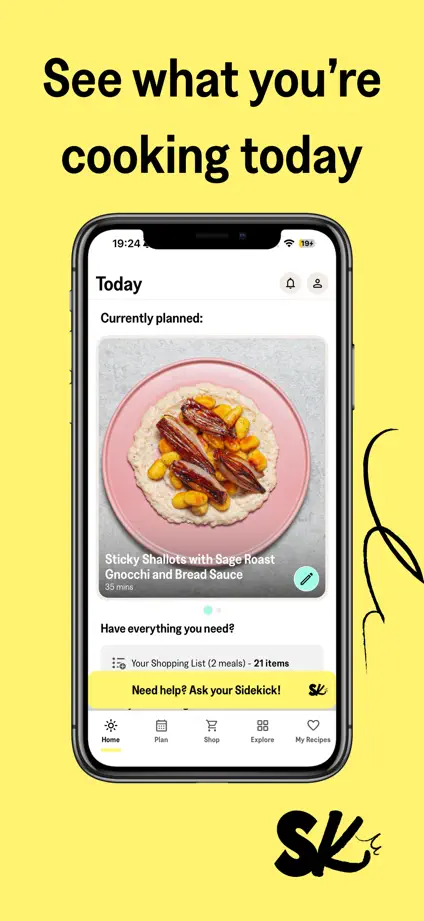
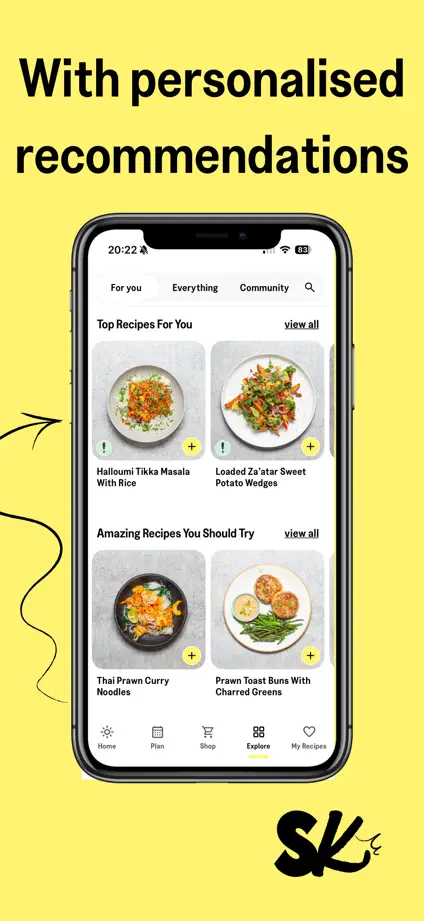
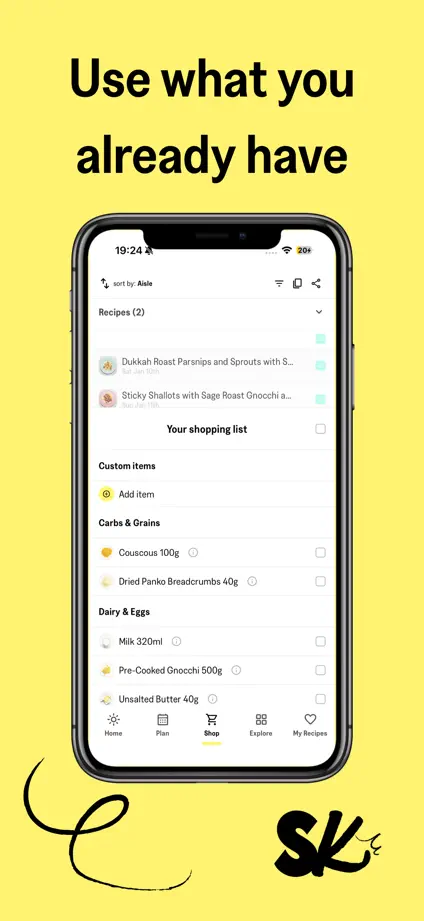
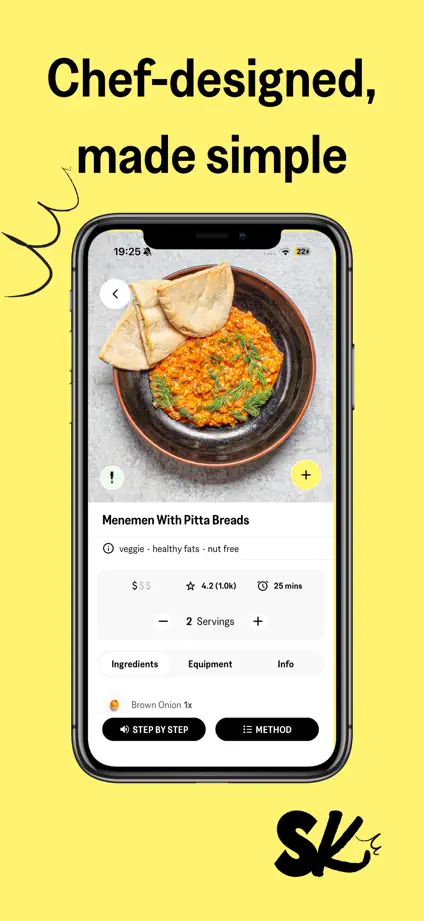
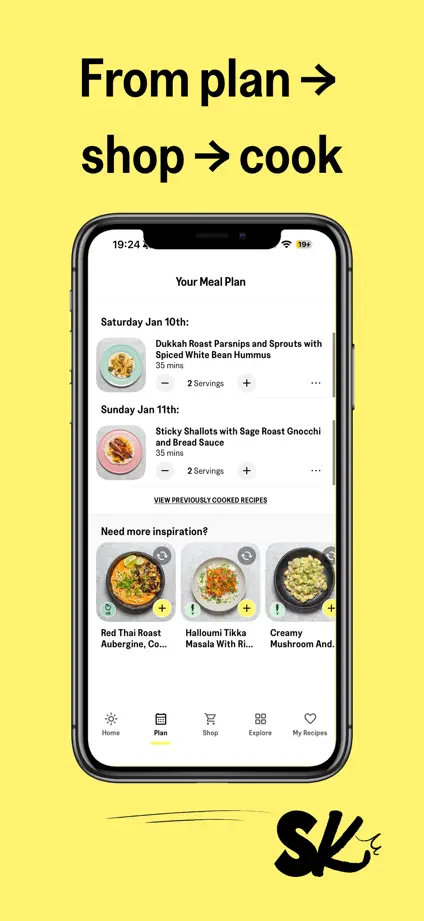
Yellow backgrounds, black handwritten accents and repeated upright phones give each cooking feature a consistent, recognizable frame.

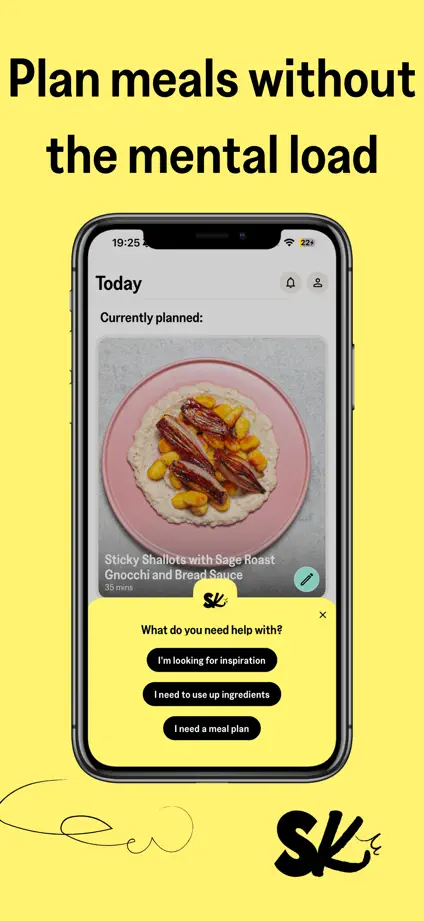
Sidekick, App Store screenshot 1
Sidekick, App Store screenshot 2
Sidekick, App Store screenshot 3
Sidekick, App Store screenshot 4
Sidekick, App Store screenshot 5
Sidekick, App Store screenshot 6
Sidekick, App Store screenshot 7

Pestle

Food & Drink · 9 frames

Green text accents and dotted paths connect angled phones, recipe cards and system-interface examples across a mostly white sequence.

Pestle, App Store screenshot 1
Pestle, App Store screenshot 2
Pestle, App Store screenshot 3
Pestle, App Store screenshot 4
Pestle, App Store screenshot 5
Pestle, App Store screenshot 6
Pestle, App Store screenshot 7
Pestle, App Store screenshot 8
Pestle, App Store screenshot 9

AnyList

Food & Drink · 10 frames

A steady blue background and large white headings organize a thorough feature tour, with shopping lists and recipe screens filling most of each frame.

AnyList, App Store screenshot 1
AnyList, App Store screenshot 2
AnyList, App Store screenshot 3
AnyList, App Store screenshot 4
AnyList, App Store screenshot 5
AnyList, App Store screenshot 6
AnyList, App Store screenshot 7
AnyList, App Store screenshot 8
AnyList, App Store screenshot 9
AnyList, App Store screenshot 10

Starbucks

Food & Drink · 9 frames

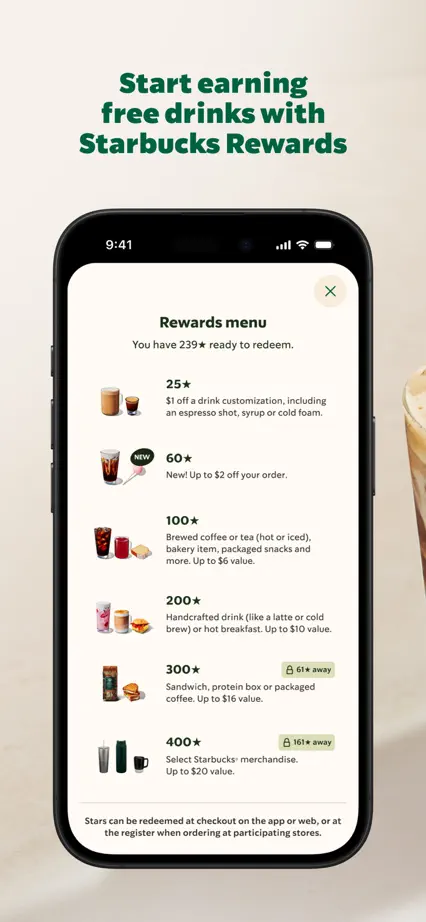
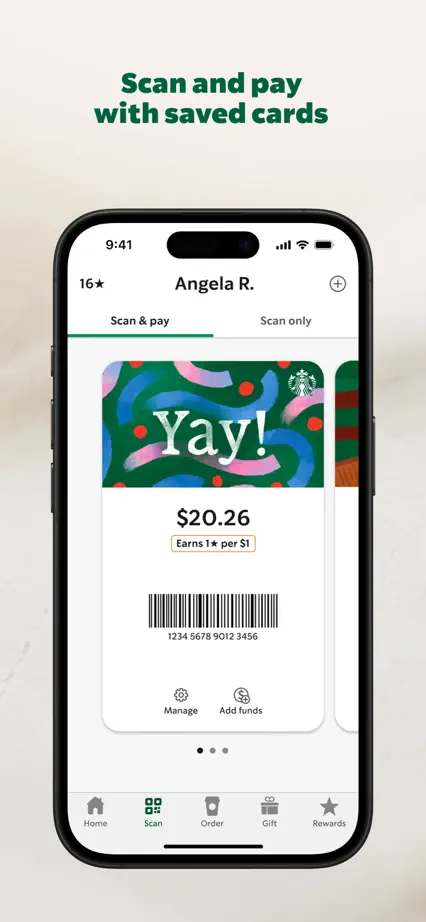
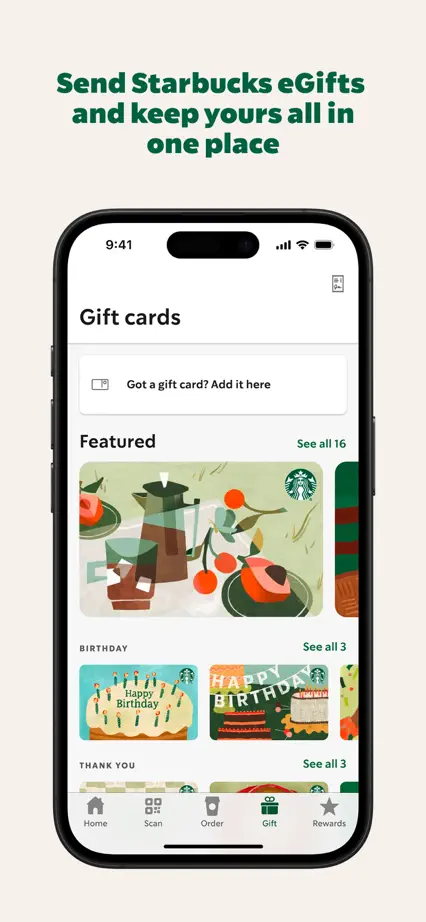
Cream backgrounds and green headings alternate with drink and lifestyle photographs, keeping the upright phone tour visually tied to the brand.
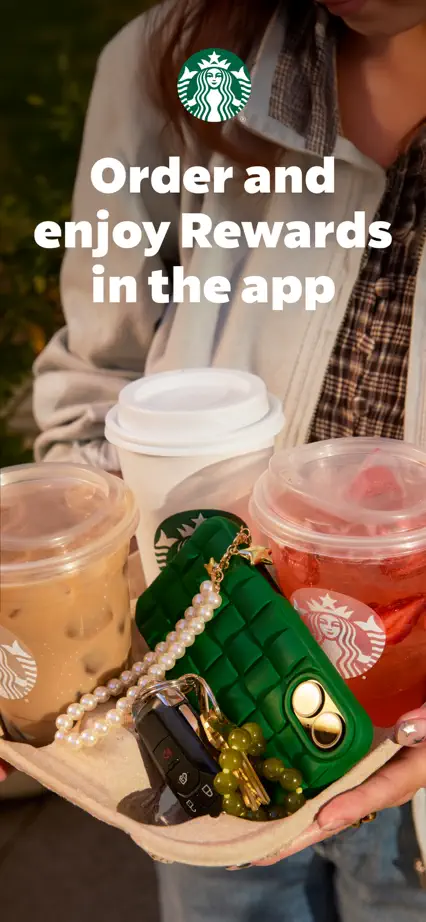
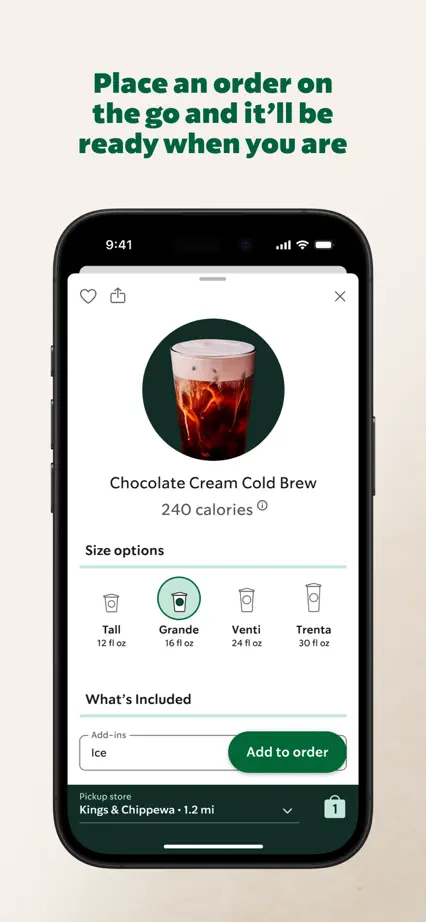
Starbucks, App Store screenshot 1
Starbucks, App Store screenshot 2
Starbucks, App Store screenshot 3
Starbucks, App Store screenshot 4
Starbucks, App Store screenshot 5
Starbucks, App Store screenshot 6
Starbucks, App Store screenshot 7
Starbucks, App Store screenshot 8
Starbucks, App Store screenshot 9

Blue Bottle Coffee

Food & Drink · 3 frames

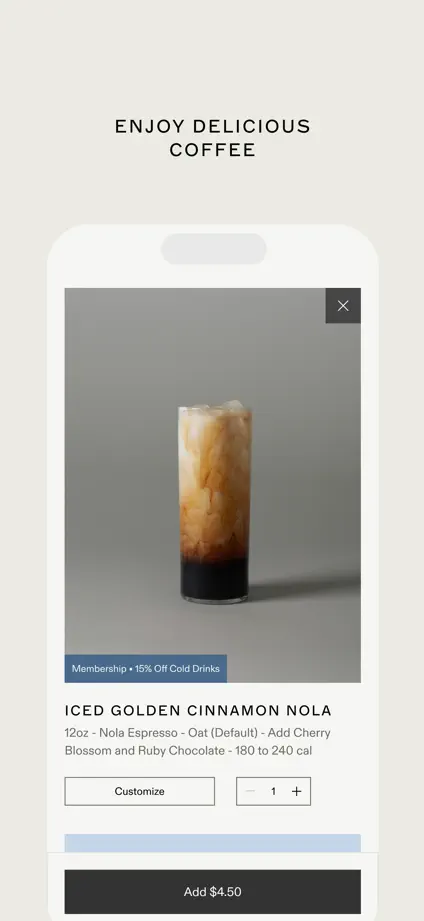
Three restrained panels pair small uppercase headings with pale phones, progressing from a cafe page to ordering and an individual drink.

Blue Bottle Coffee, App Store screenshot 1
Blue Bottle Coffee, App Store screenshot 2
Blue Bottle Coffee, App Store screenshot 3

Add to collection

New collection