kit0

App Store screenshots using device mockups

92 listings that use device mockups, from StockX, H&M and Shop. Most are education, travel and sports apps.

92 appsShow all

Waze

Navigation · 10 frames

Blue panels repeat a bold headline above an isolated screen, mixing maps with customization and car-display examples before a simple brand closing.

Waze, App Store screenshot 1
Waze, App Store screenshot 2
Waze, App Store screenshot 3
Waze, App Store screenshot 4
Waze, App Store screenshot 5
Waze, App Store screenshot 6
Waze, App Store screenshot 7
Waze, App Store screenshot 8
Waze, App Store screenshot 9
Waze, App Store screenshot 10

Organic Maps

Navigation · 10 frames

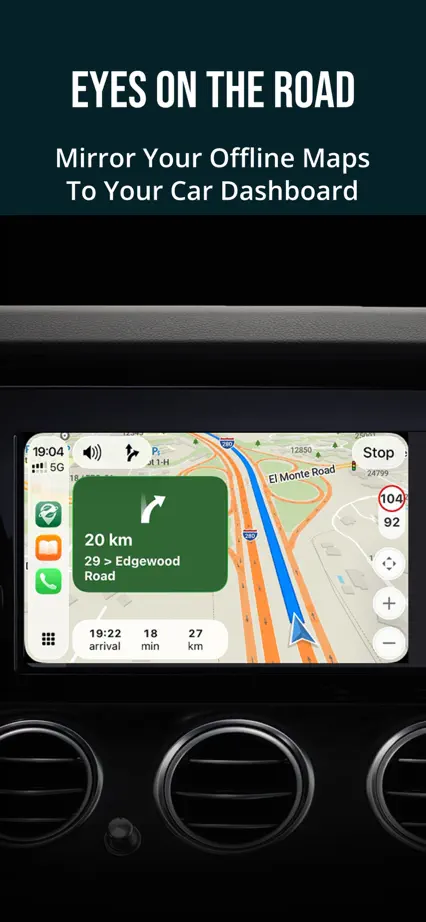
Dark teal panels and condensed headings keep the maps prominent, with occasional icon-only panels interrupting the repeated phone layout.
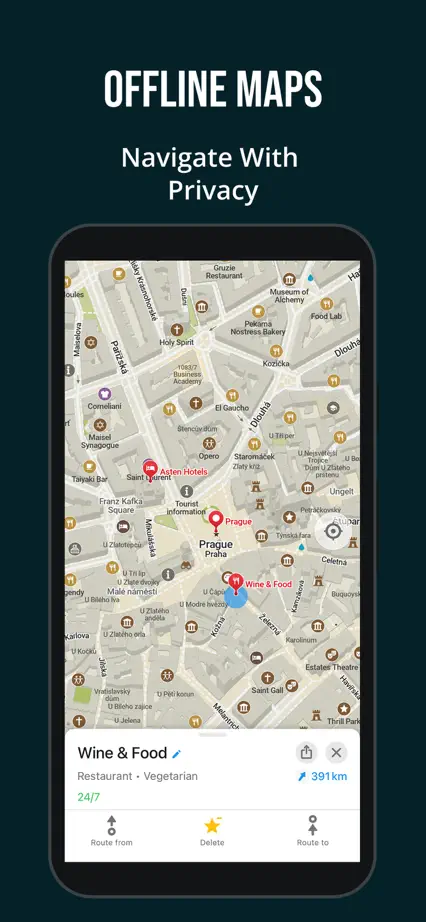
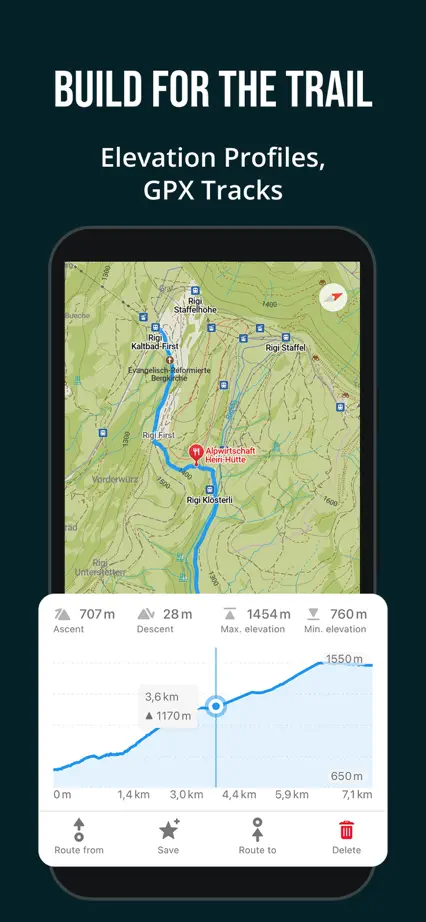
Organic Maps, App Store screenshot 1
Organic Maps, App Store screenshot 2
Organic Maps, App Store screenshot 3
Organic Maps, App Store screenshot 4
Organic Maps, App Store screenshot 5
Organic Maps, App Store screenshot 6
Organic Maps, App Store screenshot 7
Organic Maps, App Store screenshot 8
Organic Maps, App Store screenshot 9
Organic Maps, App Store screenshot 10

HERE WeGo

Navigation · 9 frames

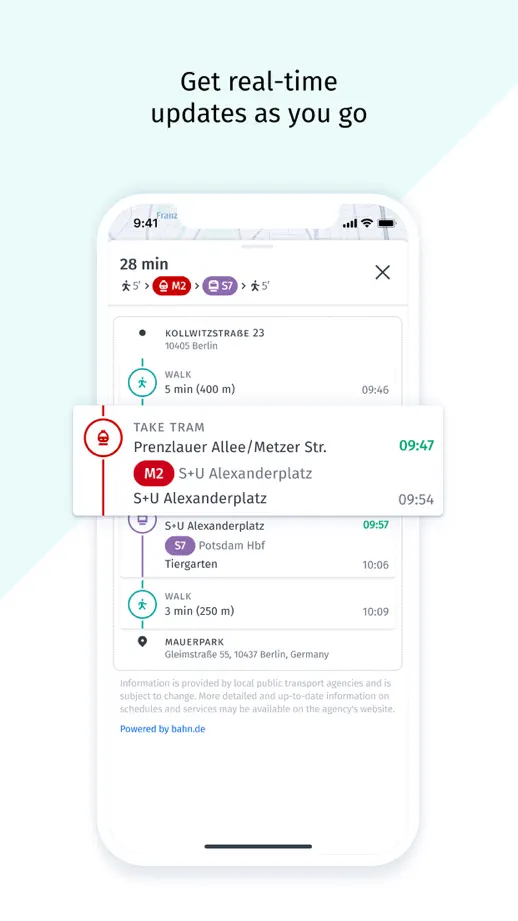
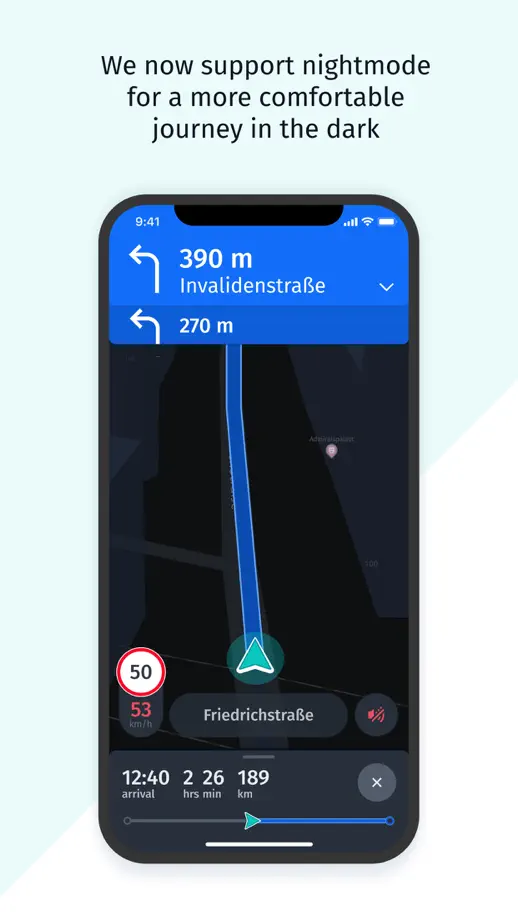
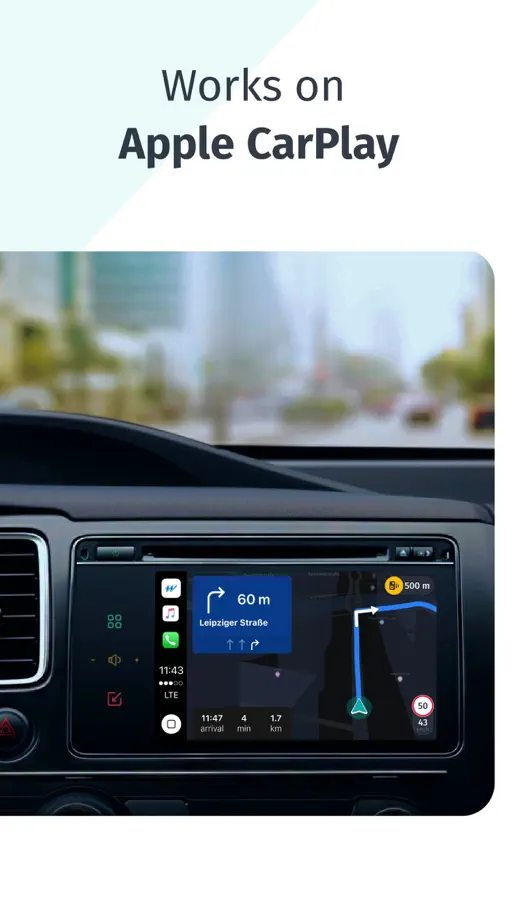
An angled phone spans the blue opening panels before a pale, consistent feature tour moves from route guidance to offline maps and car navigation.

HERE WeGo, App Store screenshot 1
HERE WeGo, App Store screenshot 2
HERE WeGo, App Store screenshot 3
HERE WeGo, App Store screenshot 4
HERE WeGo, App Store screenshot 5
HERE WeGo, App Store screenshot 6
HERE WeGo, App Store screenshot 7
HERE WeGo, App Store screenshot 8
HERE WeGo, App Store screenshot 9

Footpath

Navigation · 8 frames

White backgrounds and fine map lines support close interface views, with a pointing hand, paired watches and terrain imagery explaining different interactions.
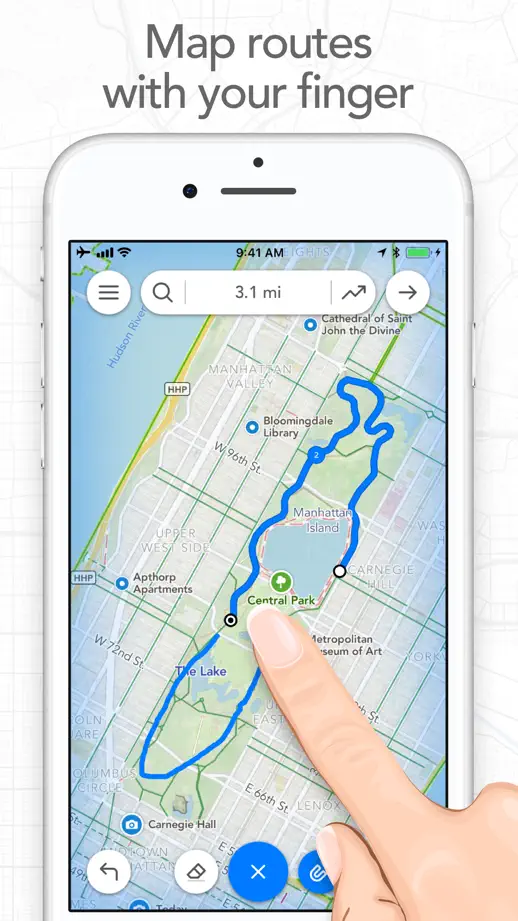
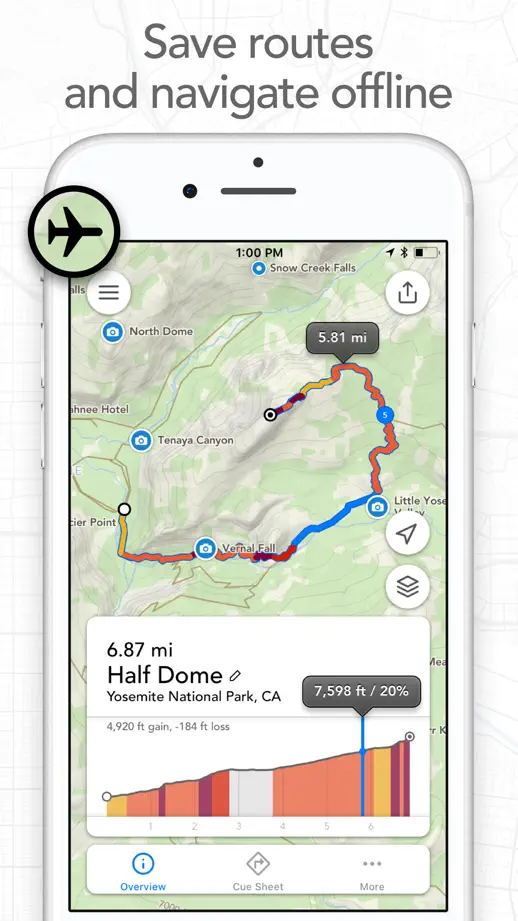
Footpath, App Store screenshot 1
Footpath, App Store screenshot 2
Footpath, App Store screenshot 3
Footpath, App Store screenshot 4
Footpath, App Store screenshot 5
Footpath, App Store screenshot 6
Footpath, App Store screenshot 7
Footpath, App Store screenshot 8

what3words

Navigation · 6 frames

A photograph and angled phone connect the opening pair; blue panels then isolate destination, sharing, camera and voice-entry examples.

what3words, App Store screenshot 1
what3words, App Store screenshot 2
what3words, App Store screenshot 3
what3words, App Store screenshot 4
what3words, App Store screenshot 5
what3words, App Store screenshot 6

F1 TV

Sports · 5 frames

Five landscape panels pair large white labels with horizontal video screens on a consistent red background.

F1 TV, App Store screenshot 1
F1 TV, App Store screenshot 2
F1 TV, App Store screenshot 3
F1 TV, App Store screenshot 4
F1 TV, App Store screenshot 5

FotMob

Sports · 10 frames

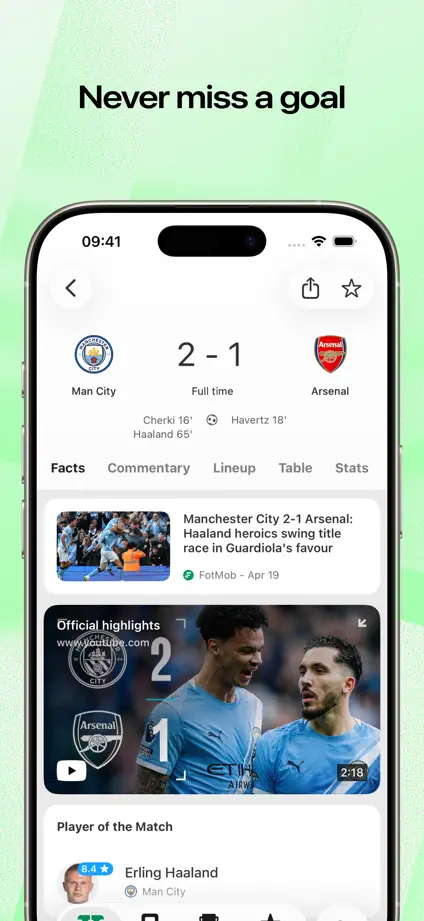
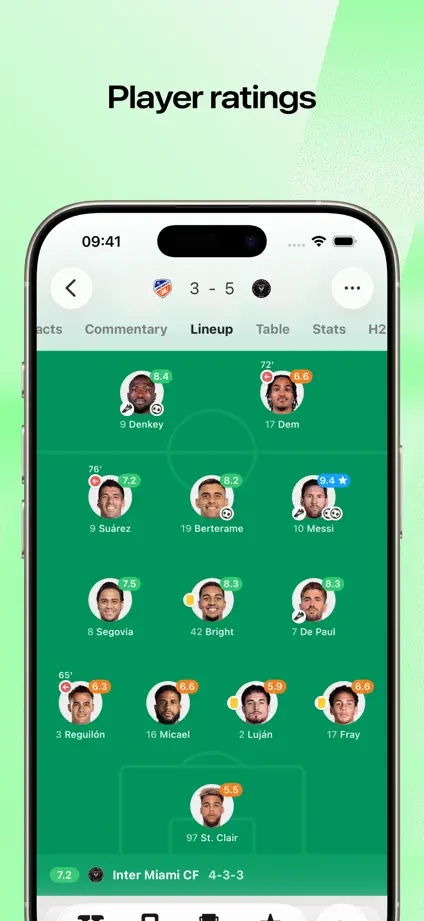
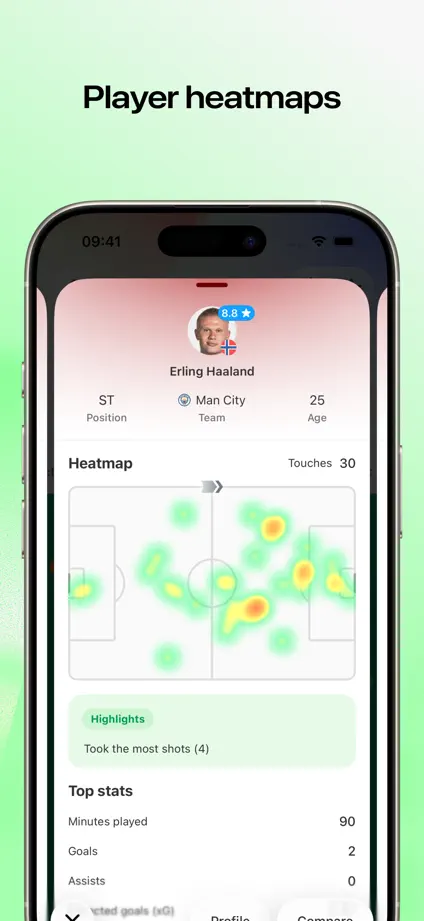
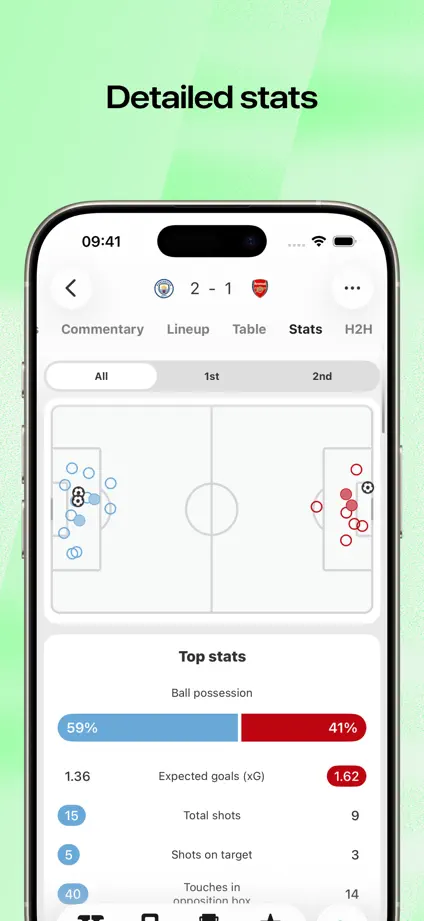
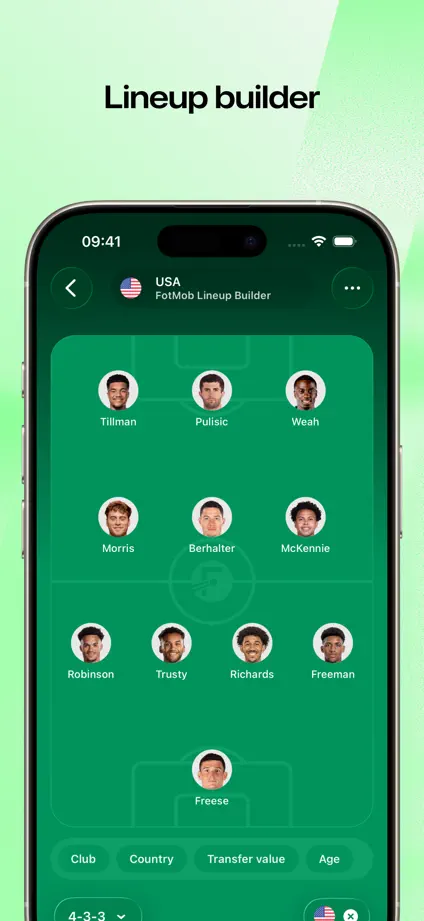
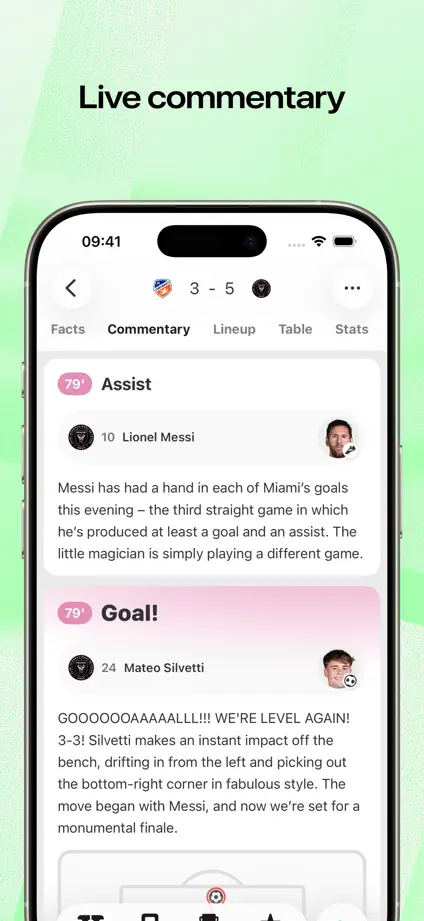
Pale green backgrounds support large phone crops, with live-activity and widget examples breaking up the run of scores, lineups and statistics.
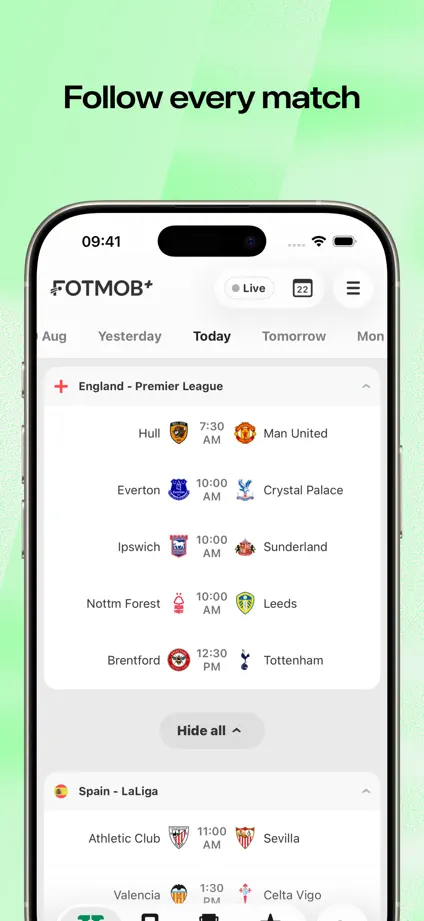
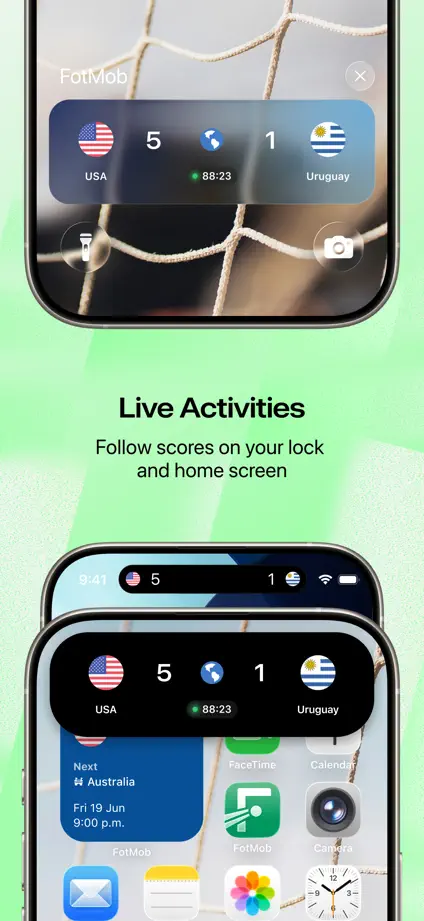
FotMob, App Store screenshot 1
FotMob, App Store screenshot 2
FotMob, App Store screenshot 3
FotMob, App Store screenshot 4
FotMob, App Store screenshot 5
FotMob, App Store screenshot 6
FotMob, App Store screenshot 7
FotMob, App Store screenshot 8
FotMob, App Store screenshot 9
FotMob, App Store screenshot 10

Sofascore

Sports · 8 frames

A large typographic opening leads into blue textured panels where phones alternate vertical position and short feature labels sit above or below them.

Sofascore, App Store screenshot 1
Sofascore, App Store screenshot 2
Sofascore, App Store screenshot 3
Sofascore, App Store screenshot 4
Sofascore, App Store screenshot 5
Sofascore, App Store screenshot 6
Sofascore, App Store screenshot 7
Sofascore, App Store screenshot 8

The Athletic

Sports · 9 frames

Serif headlines and dark article screens repeat over a continuous black-and-white horizontal stripe, with angled phones introducing the opening pair.

The Athletic, App Store screenshot 1
The Athletic, App Store screenshot 2
The Athletic, App Store screenshot 3
The Athletic, App Store screenshot 4
The Athletic, App Store screenshot 5
The Athletic, App Store screenshot 6
The Athletic, App Store screenshot 7
The Athletic, App Store screenshot 8
The Athletic, App Store screenshot 9

NHL

Sports · 8 frames

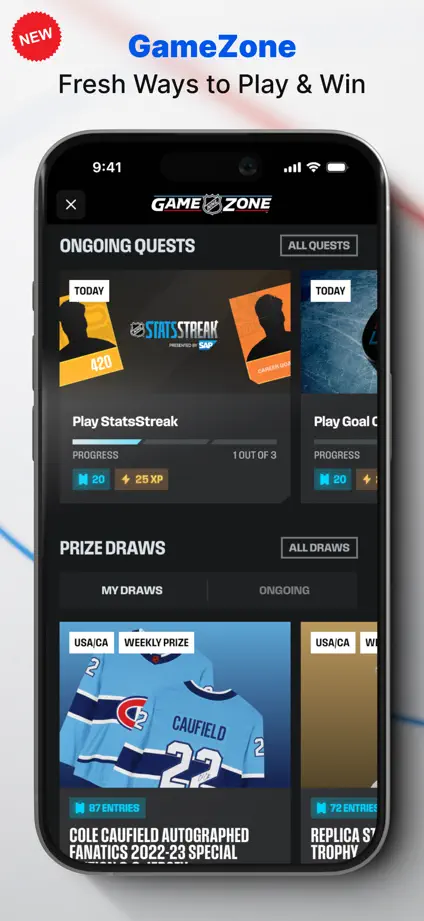
Dark phones on pale backgrounds keep the content prominent, with blue headline emphasis and a lock-screen frame separating the live-update feature.
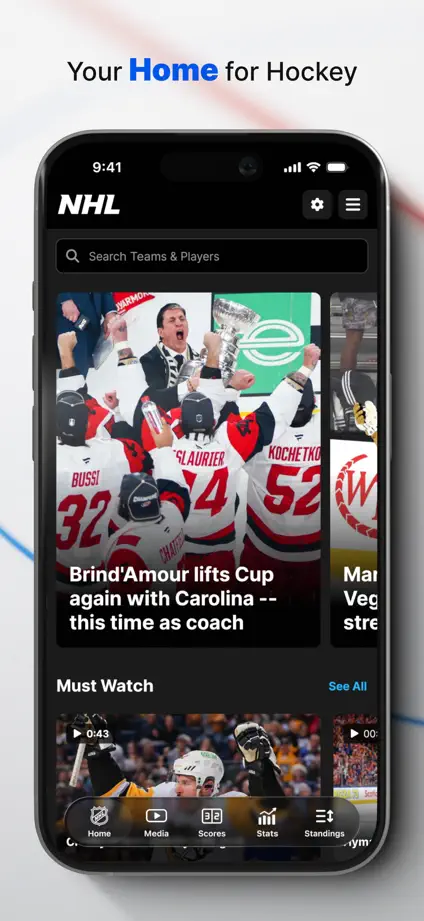
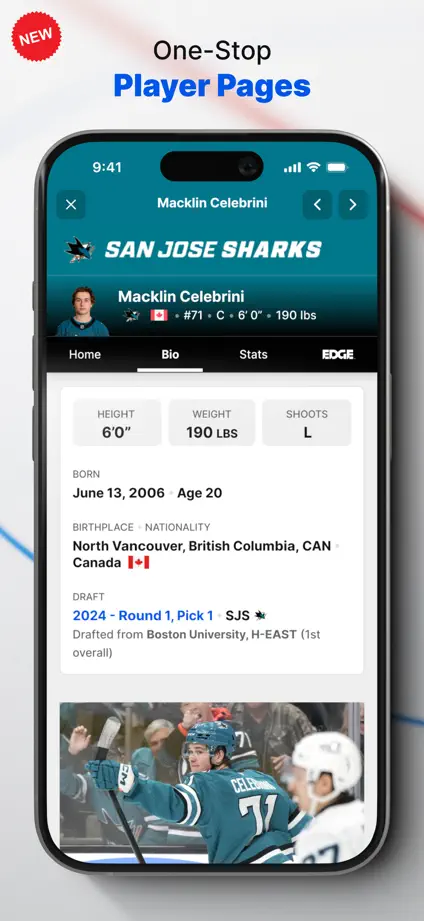
NHL, App Store screenshot 1
NHL, App Store screenshot 2
NHL, App Store screenshot 3
NHL, App Store screenshot 4
NHL, App Store screenshot 5
NHL, App Store screenshot 6
NHL, App Store screenshot 7
NHL, App Store screenshot 8

Golfshot

Sports · 8 frames

Dark backgrounds and angled phones repeat through the sequence, pairing watch screens with maps and swing diagrams where the feature needs both.

Golfshot, App Store screenshot 1
Golfshot, App Store screenshot 2
Golfshot, App Store screenshot 3
Golfshot, App Store screenshot 4
Golfshot, App Store screenshot 5
Golfshot, App Store screenshot 6
Golfshot, App Store screenshot 7
Golfshot, App Store screenshot 8

18Birdies

Sports · 10 frames

An angled phone and watch introduce the set before blue panels repeat a centered device for course maps, swing video and performance charts.

18Birdies, App Store screenshot 1
18Birdies, App Store screenshot 2
18Birdies, App Store screenshot 3
18Birdies, App Store screenshot 4
18Birdies, App Store screenshot 5
18Birdies, App Store screenshot 6
18Birdies, App Store screenshot 7
18Birdies, App Store screenshot 8
18Birdies, App Store screenshot 9
18Birdies, App Store screenshot 10

Add to collection

New collection