Utilities App Store screenshots
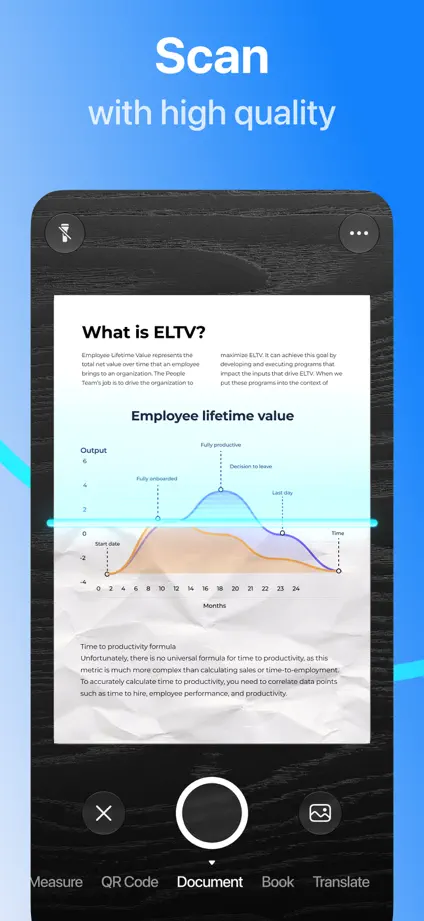
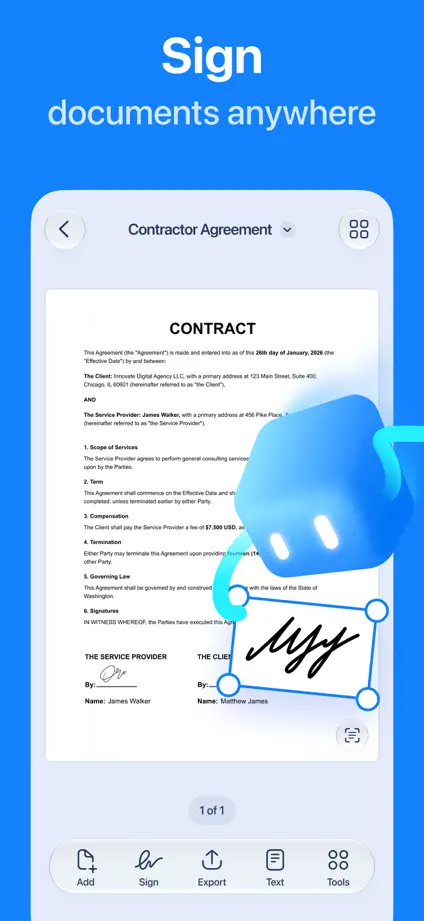
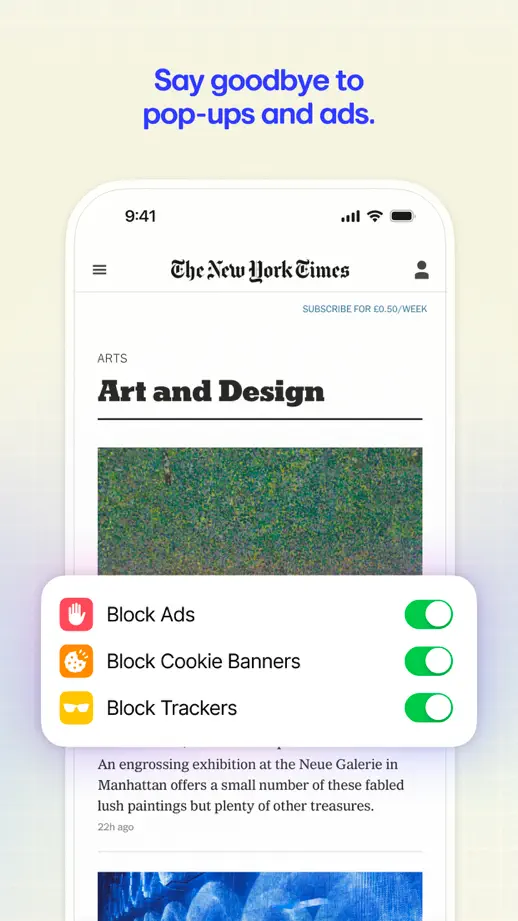
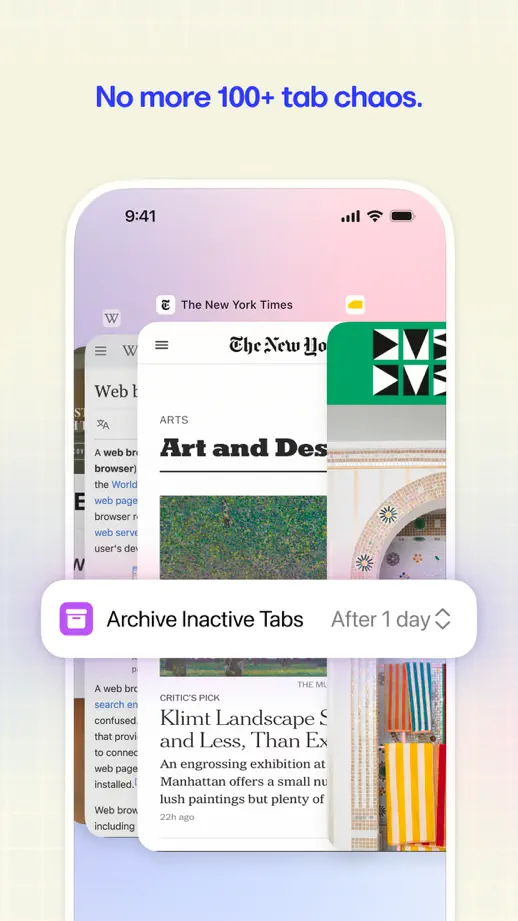
12 complete App Store screenshot sets from utilities apps, including Arc Search, Dashlane and Proton Pass. The most common techniques here are interface close-ups, device mockups and repeated layout.


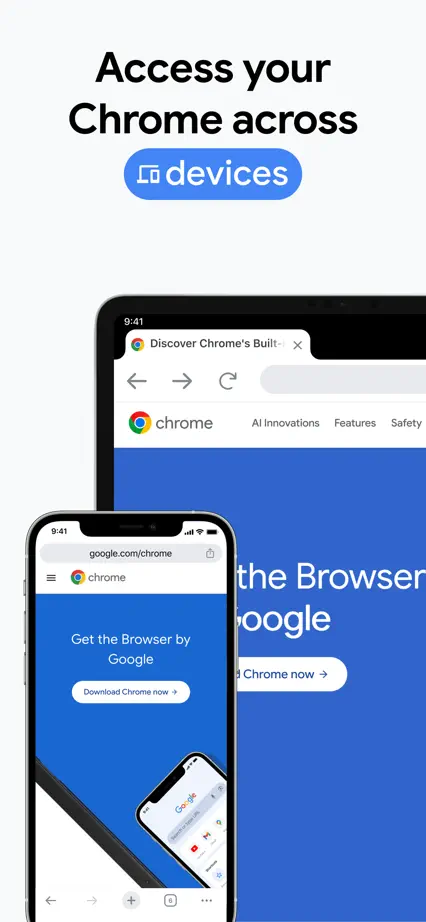
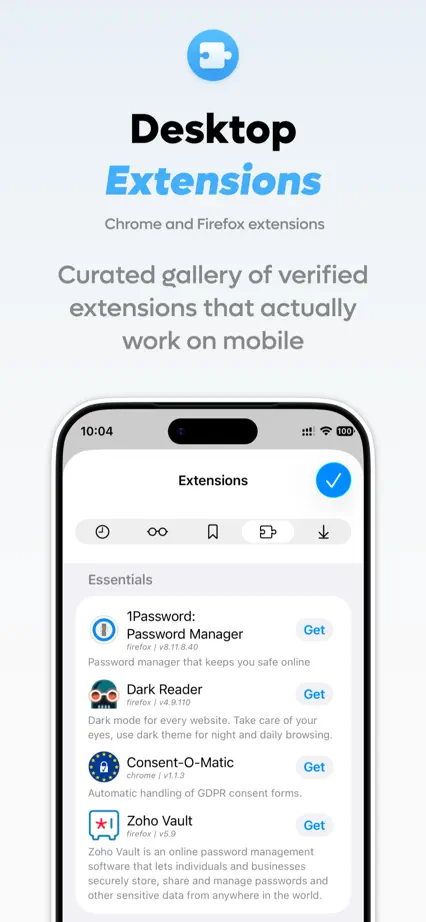
A vivid typographic opening introduces a pale sequence of browser screens with blue feature headings.




A fine yellow line connects dark teal panels, with the same upright device placement throughout.

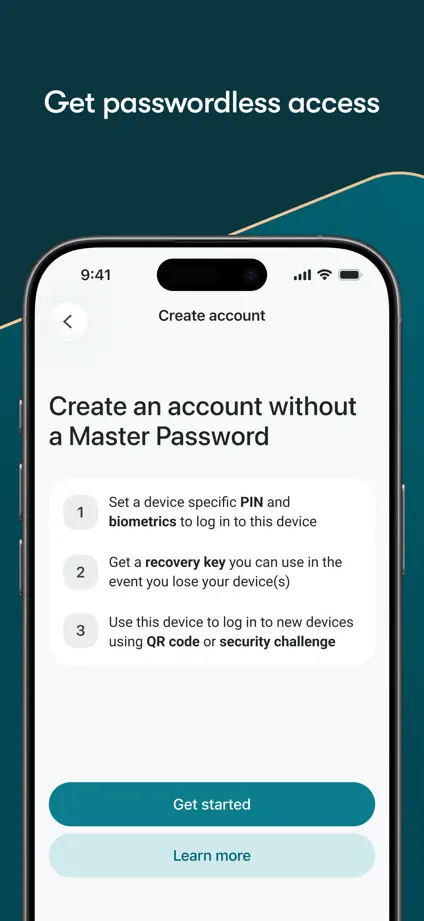


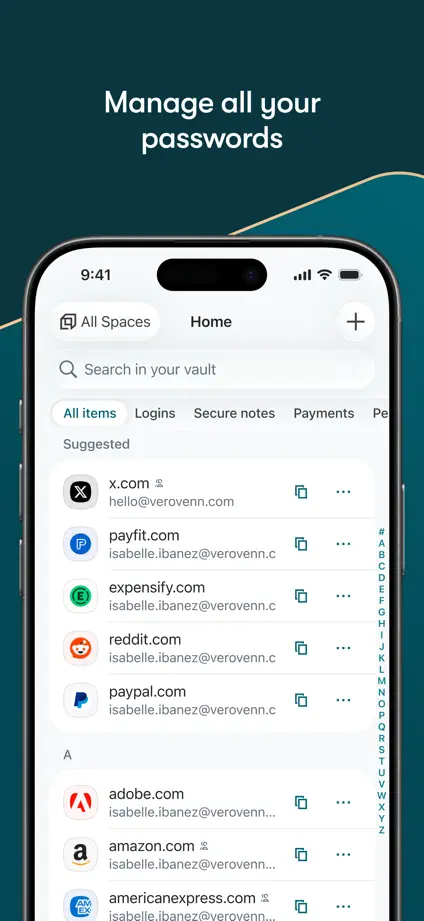


Purple glows and outlined devices give dark panels depth, while enlarged cards bring individual interactions forward.


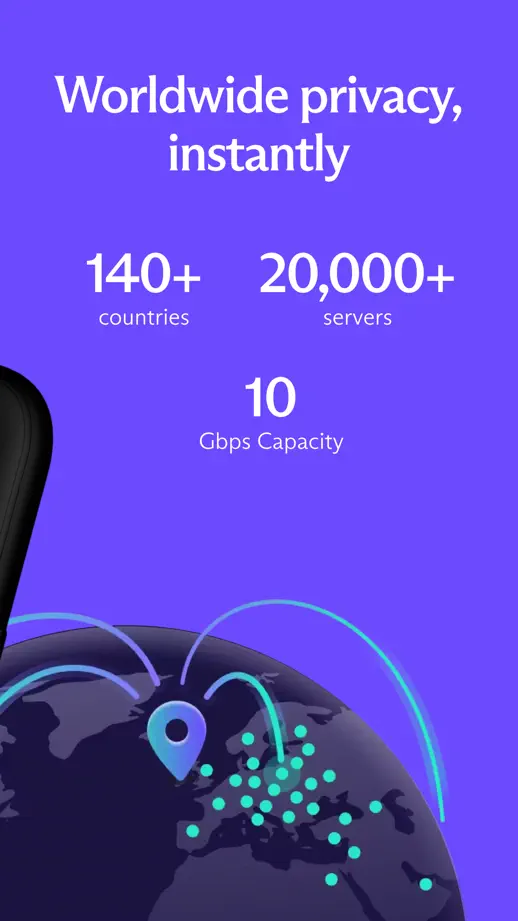
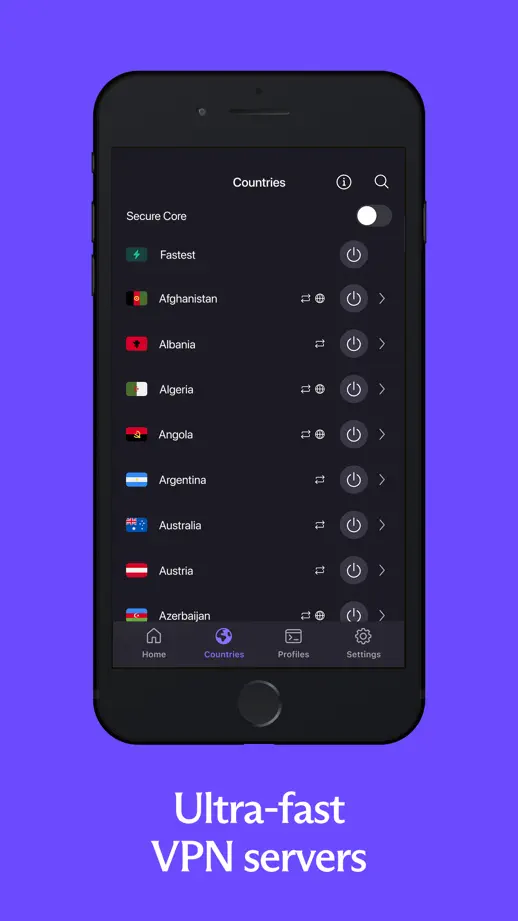
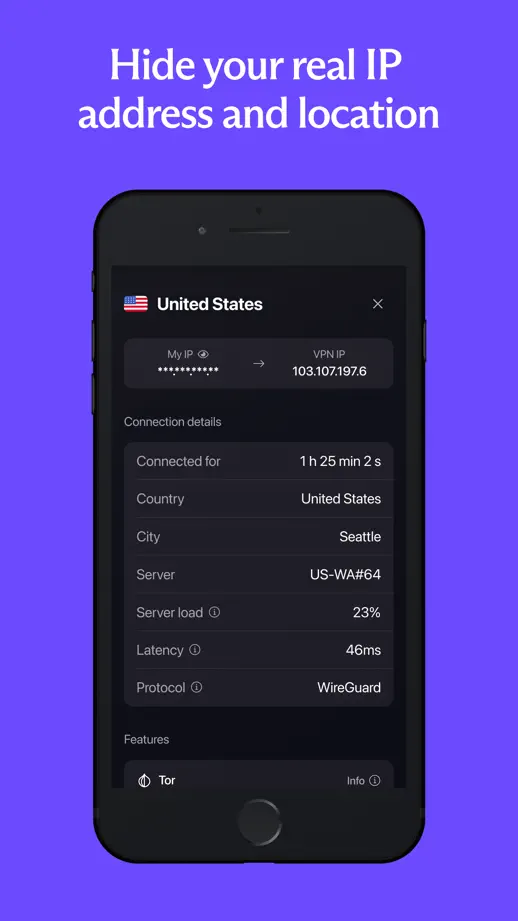
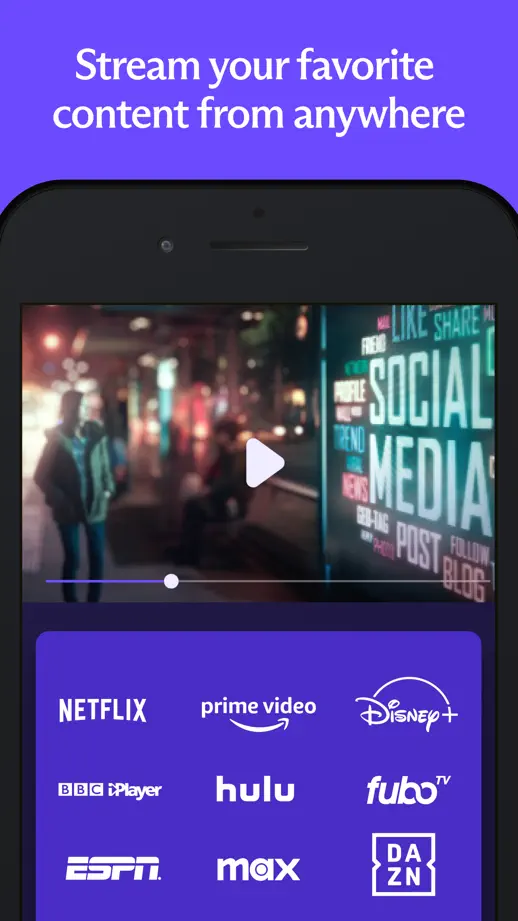
White headlines and varied device positions break up a saturated purple sequence, with a globe and large cards adding contrast.





Textured yellow panels and hand-drawn lettering create a distinctive frame for dark blue interface screens.


Large headings, phone photographs and floating interface details alternate against dark blue backgrounds.


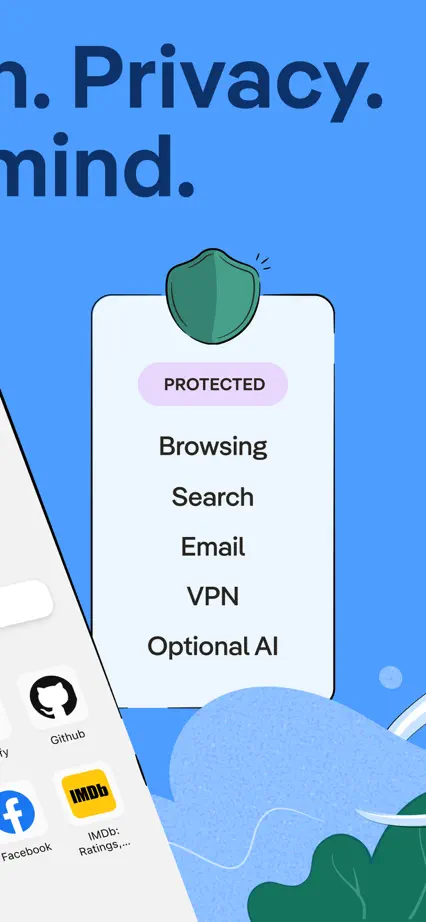
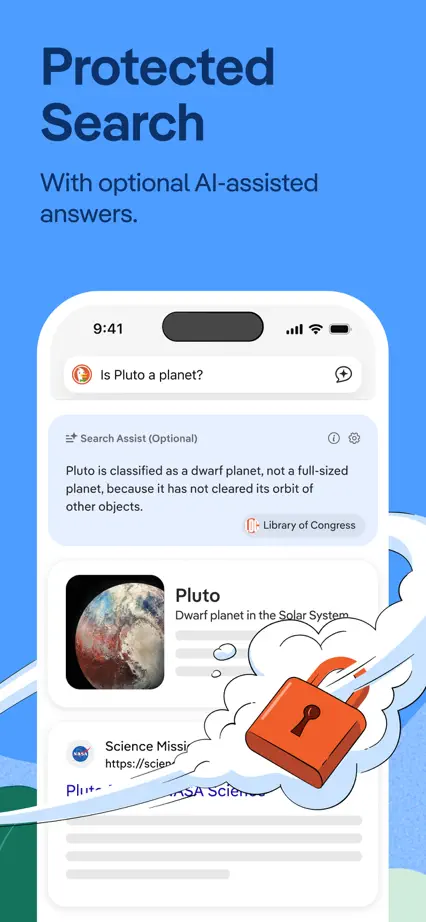
An oversized opening headline leads into blue and white panels combining interface cards with simple privacy illustrations.



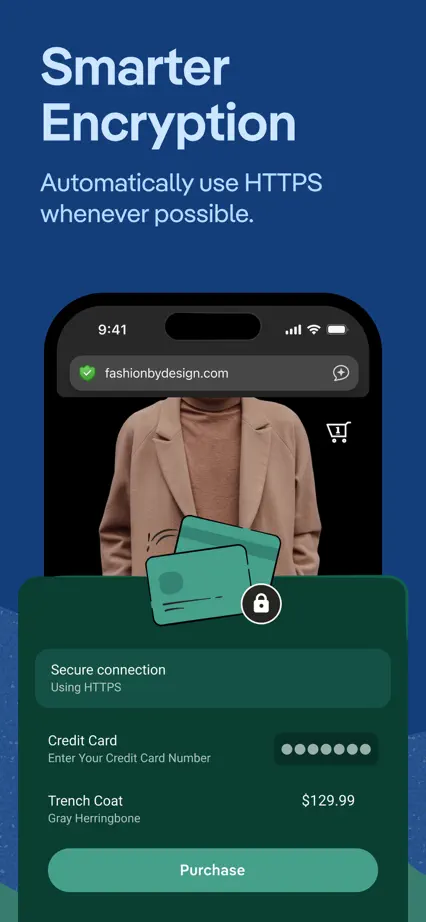


Serif headings and generous pale space let browser cards, sheets and selected interface details carry the sequence.


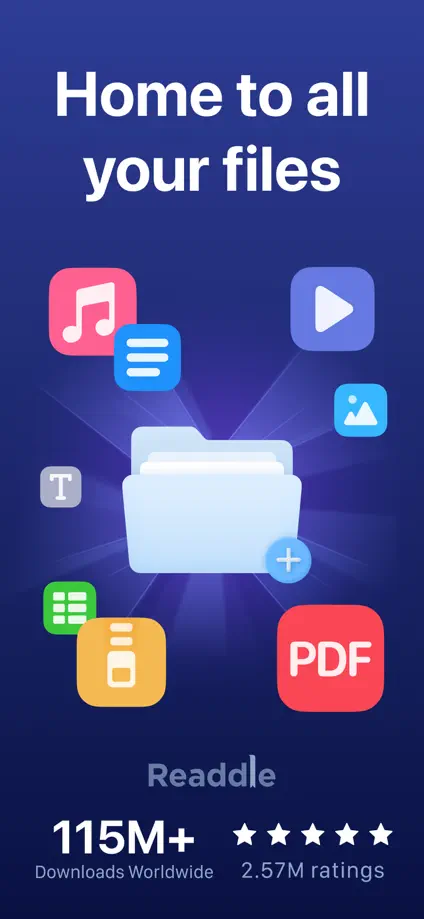
Dimensional file artwork opens a dark blue sequence, followed by large document interfaces and enlarged editing controls.


Blue highlights within short headings give a steady rhythm to large white devices and floating interface details.


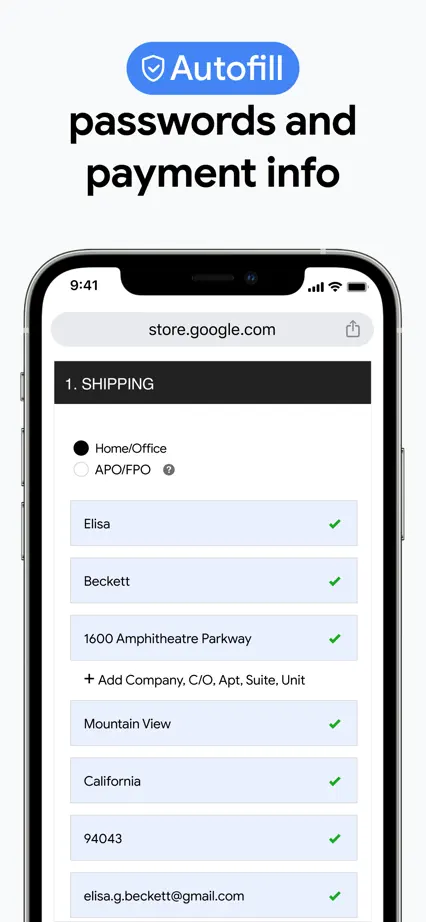
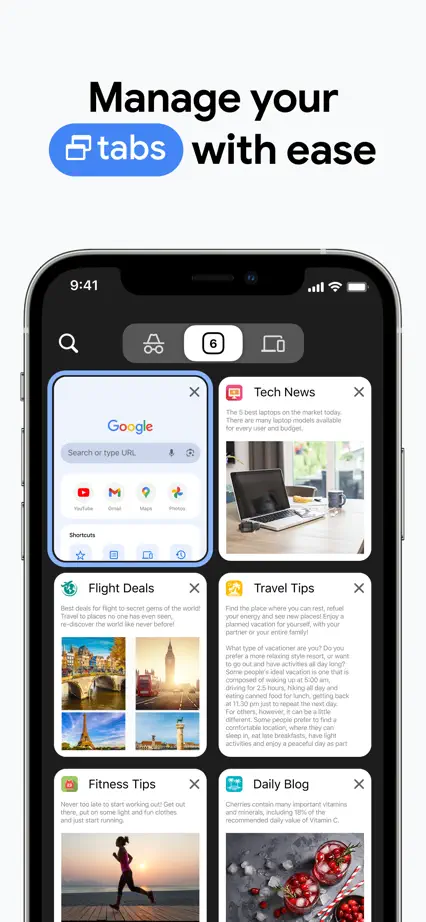
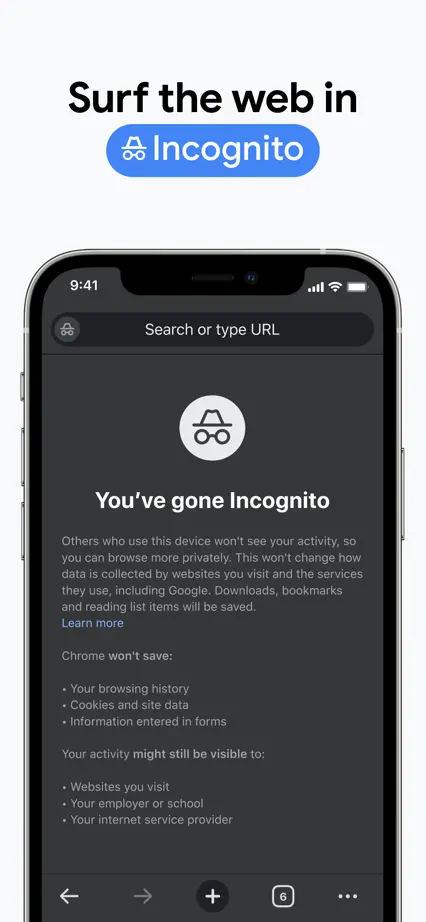

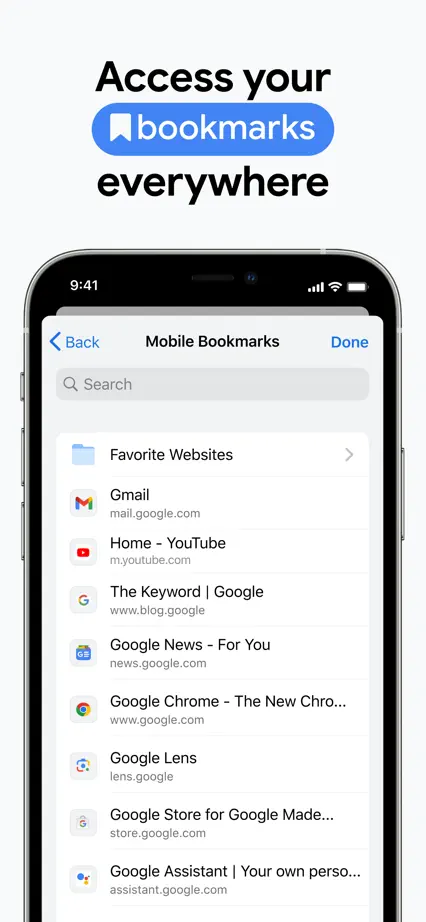

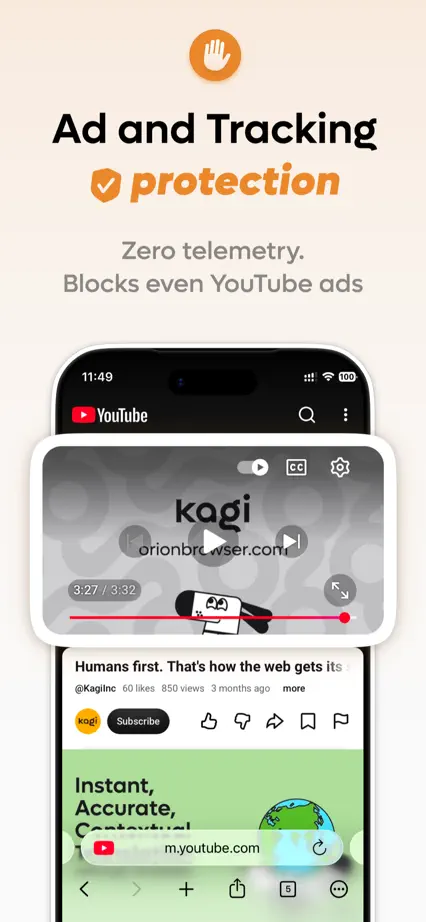
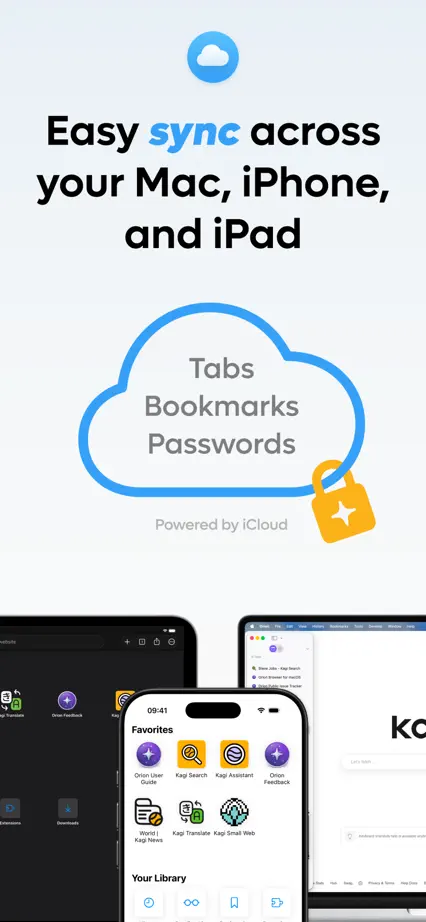
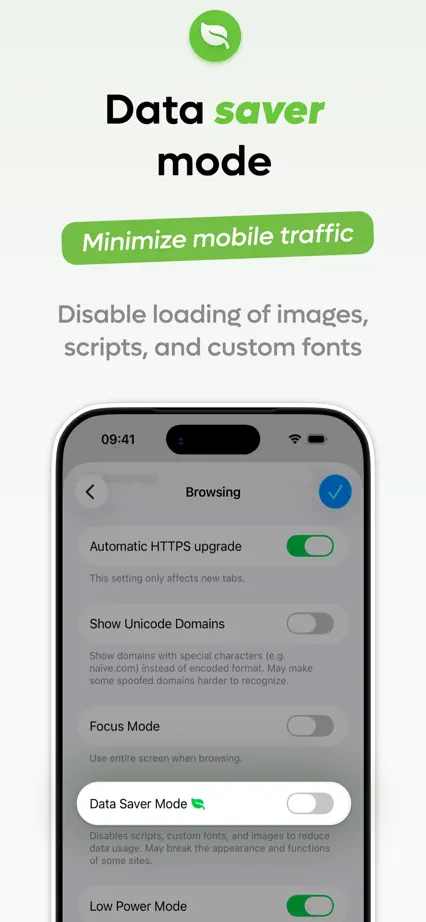
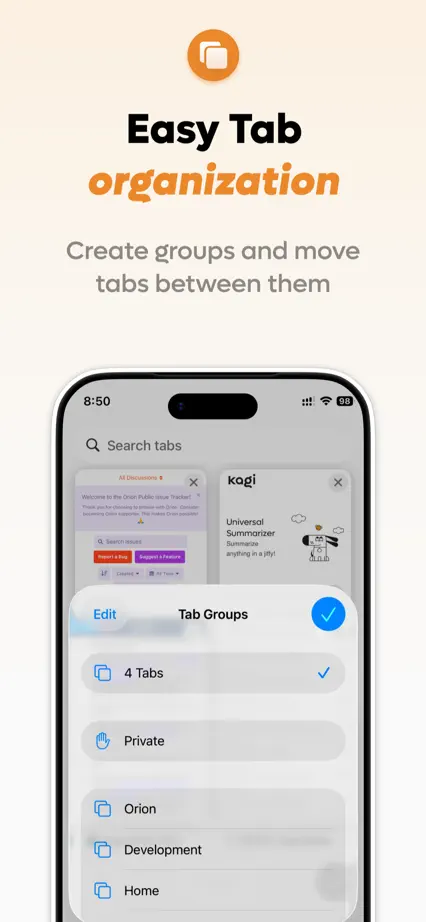
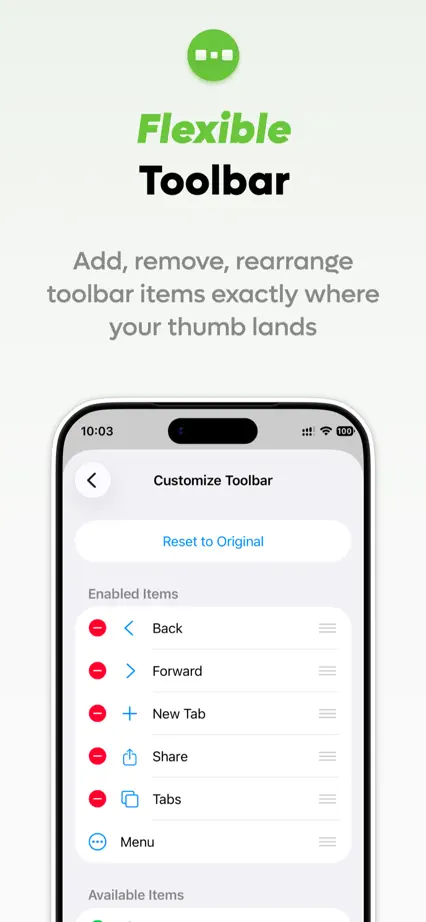
Pastel panels change color with each feature, using a small icon and an italic accent word above generous device crops.
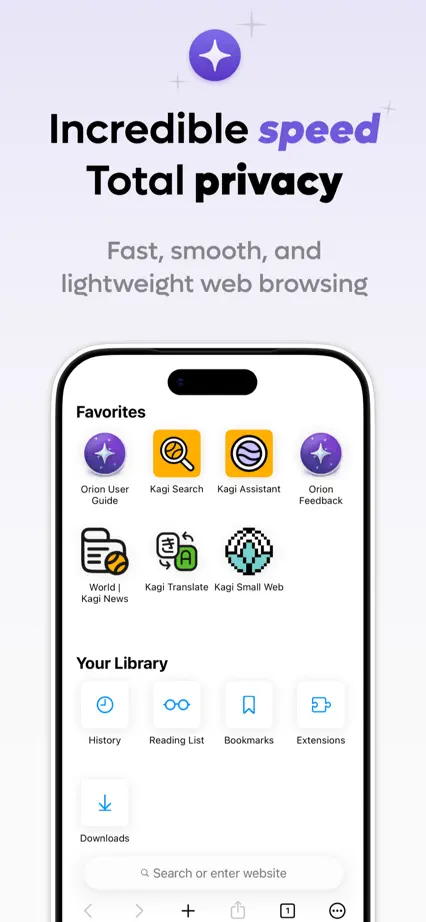



Bright blue panels and a small dimensional mascot connect large document interfaces, with consistent feature headings.