kit0

Productivity App Store screenshots

33 complete App Store screenshot sets from productivity apps, including Things 3, Bear and Amie. The most common techniques here are repeated layout, oversized interface and color-coded features.

33 appsShow all

Things 3

Productivity · 8 frames

A fixed phone layout gives each planning feature the same space.

Things 3, App Store screenshot 1
Things 3, App Store screenshot 2
Things 3, App Store screenshot 3
Things 3, App Store screenshot 4
Things 3, App Store screenshot 5
Things 3, App Store screenshot 6
Things 3, App Store screenshot 7
Things 3, App Store screenshot 8

Bear

Productivity · 8 frames

Changing background colors and bear illustrations connect a varied tour of writing tools.

Bear, App Store screenshot 1
Bear, App Store screenshot 2
Bear, App Store screenshot 3
Bear, App Store screenshot 4
Bear, App Store screenshot 5
Bear, App Store screenshot 6
Bear, App Store screenshot 7
Bear, App Store screenshot 8

Amie

Productivity · 5 frames

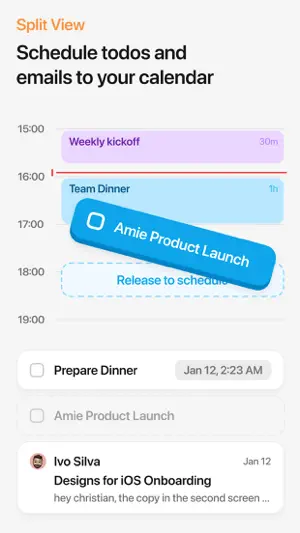
Calendar events and floating task cards carry the feature tour without a full device frame.

Amie, App Store screenshot 1
Amie, App Store screenshot 2
Amie, App Store screenshot 3
Amie, App Store screenshot 4
Amie, App Store screenshot 5

Sofa

Productivity · 10 frames

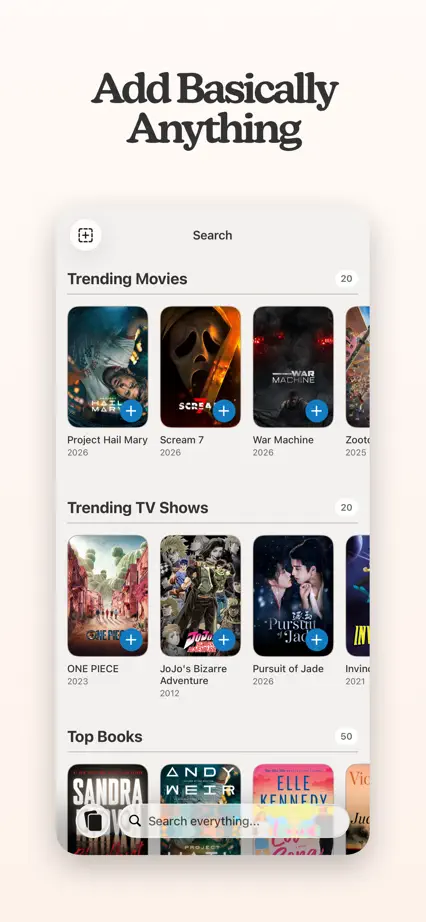
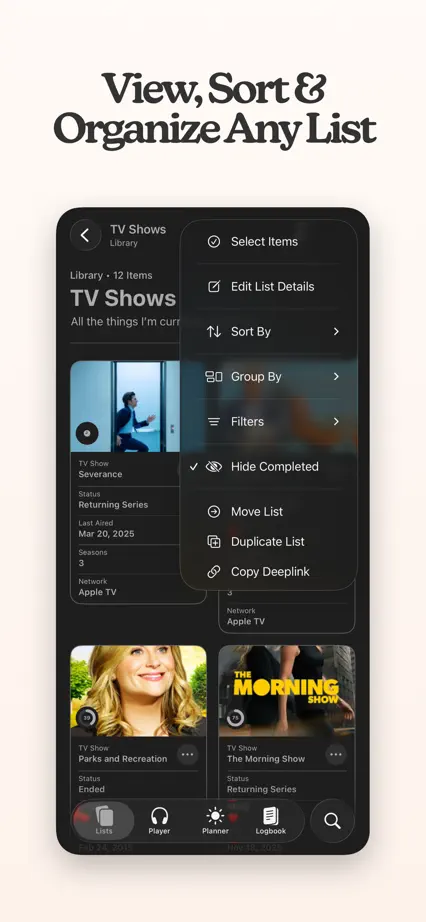
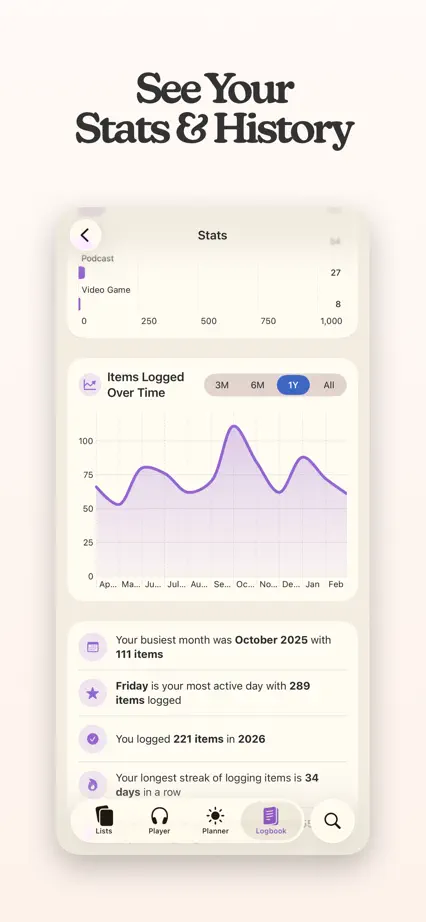
Warm white panels and compact serif headings frame floating screens, ending with a portrait of the maker.

Sofa, App Store screenshot 1
Sofa, App Store screenshot 2
Sofa, App Store screenshot 3
Sofa, App Store screenshot 4
Sofa, App Store screenshot 5
Sofa, App Store screenshot 6
Sofa, App Store screenshot 7
Sofa, App Store screenshot 8
Sofa, App Store screenshot 9
Sofa, App Store screenshot 10

Raycast

Productivity · 6 frames

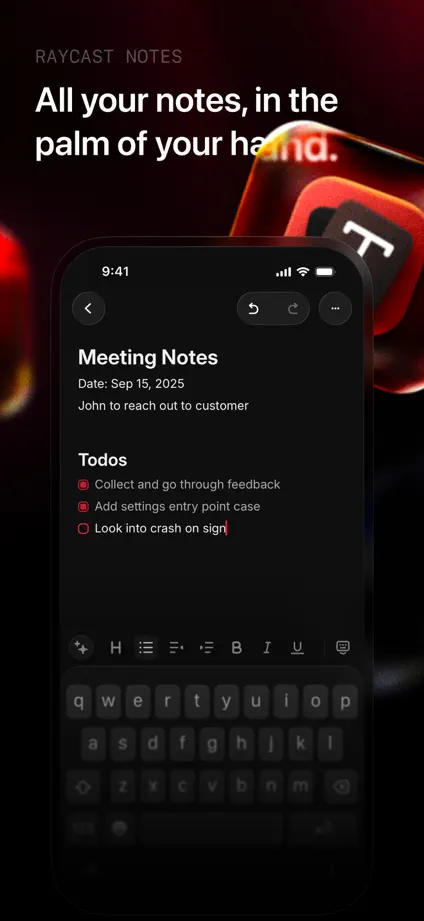
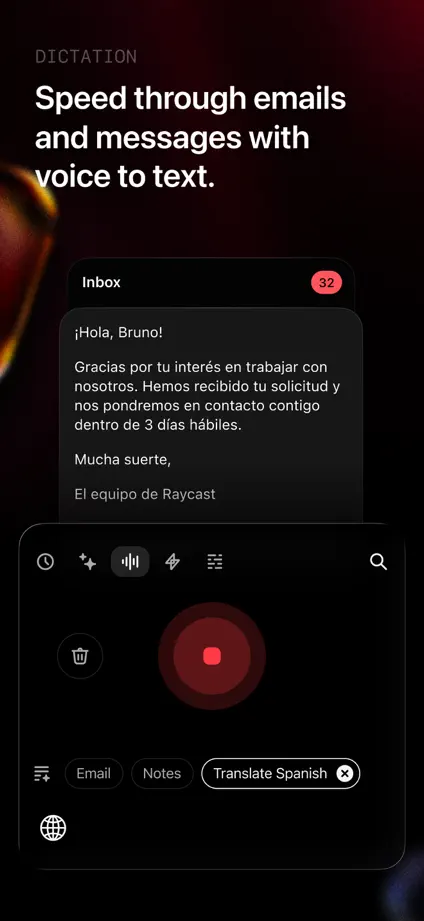
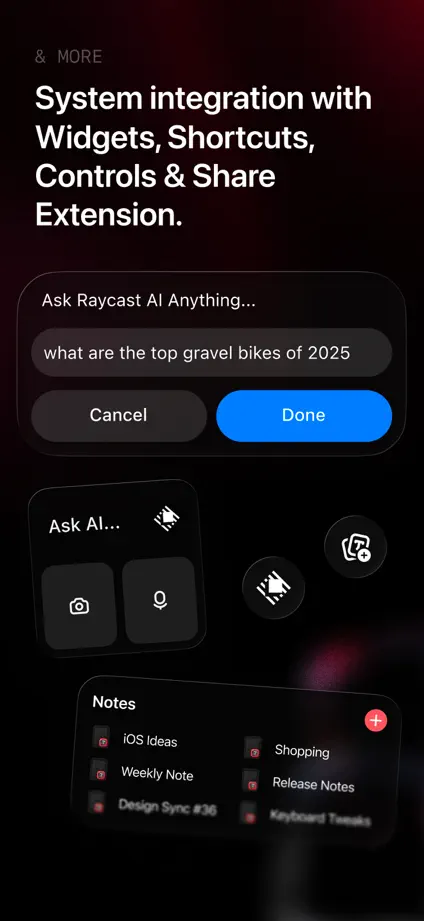
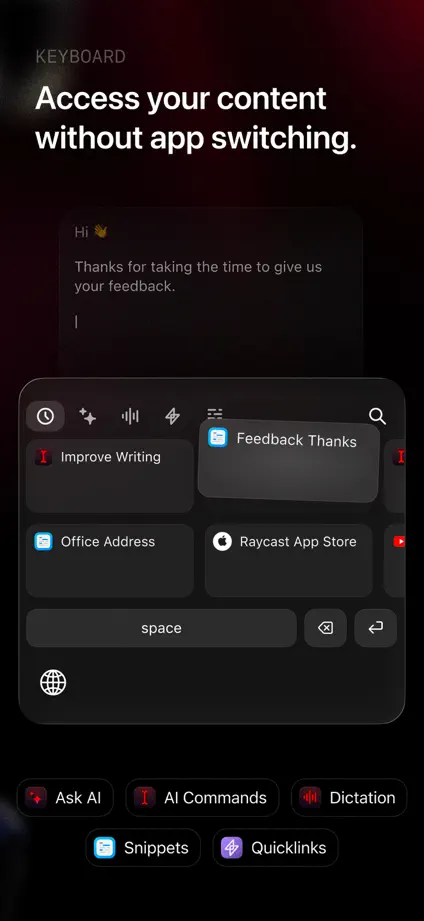
Red light and floating app symbols connect a dark feature-by-feature interface tour.

Raycast, App Store screenshot 1
Raycast, App Store screenshot 2
Raycast, App Store screenshot 3
Raycast, App Store screenshot 4
Raycast, App Store screenshot 5
Raycast, App Store screenshot 6

mymind

Productivity · 6 frames

Serif headlines sit above floating cards and softly blurred color fields.

mymind, App Store screenshot 1
mymind, App Store screenshot 2
mymind, App Store screenshot 3
mymind, App Store screenshot 4
mymind, App Store screenshot 5
mymind, App Store screenshot 6

Tiimo

Productivity · 7 frames

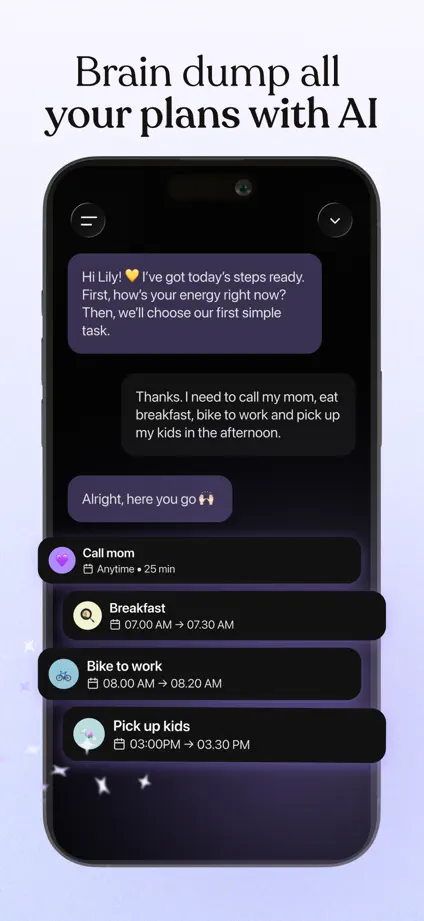
Serif headings and soft purple backgrounds frame a planner tour with floating tasks and collectibles.

Tiimo, App Store screenshot 1
Tiimo, App Store screenshot 2
Tiimo, App Store screenshot 3
Tiimo, App Store screenshot 4
Tiimo, App Store screenshot 5
Tiimo, App Store screenshot 6
Tiimo, App Store screenshot 7

Craft

Productivity · 8 frames

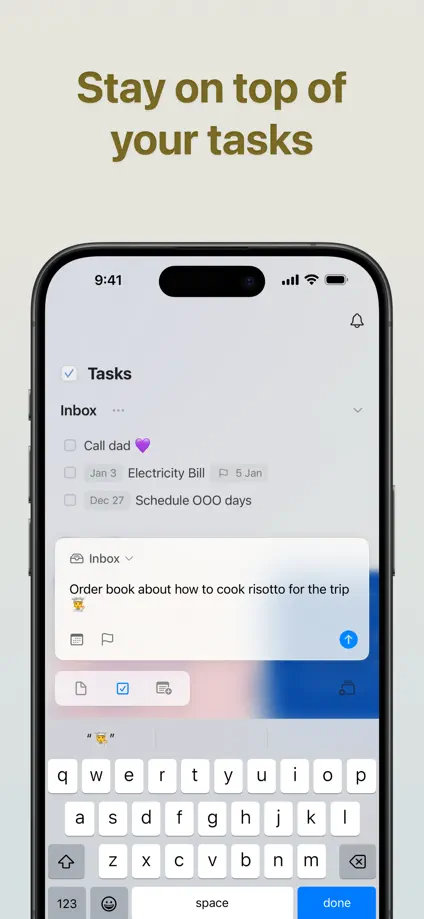
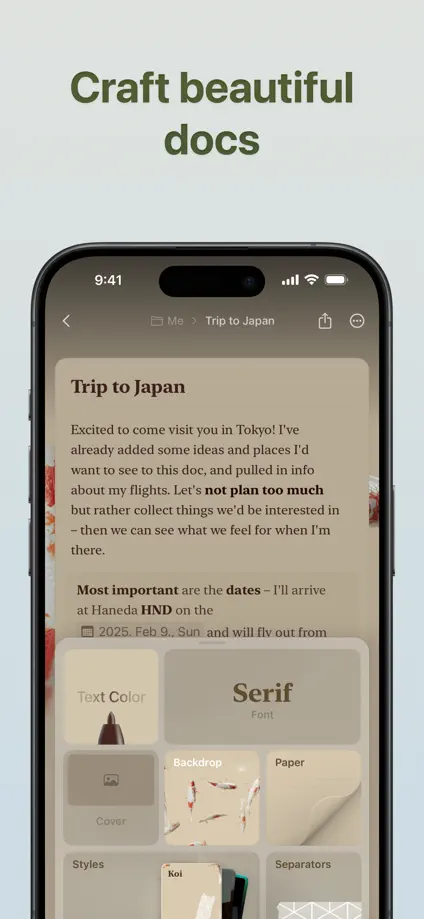
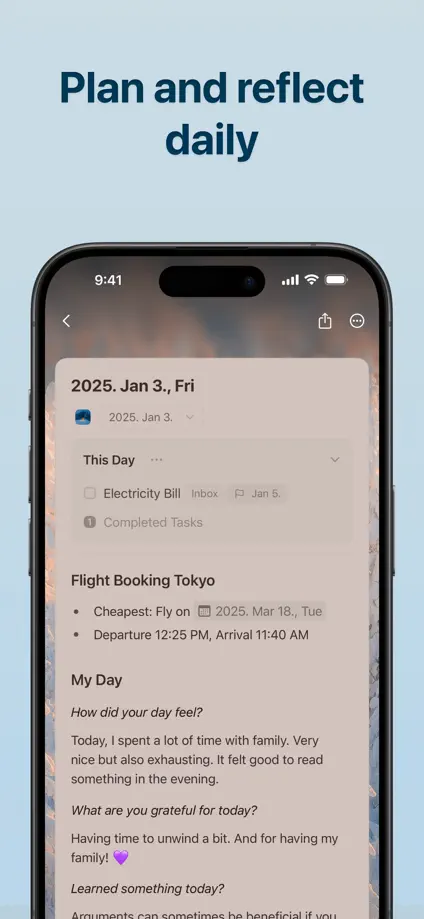
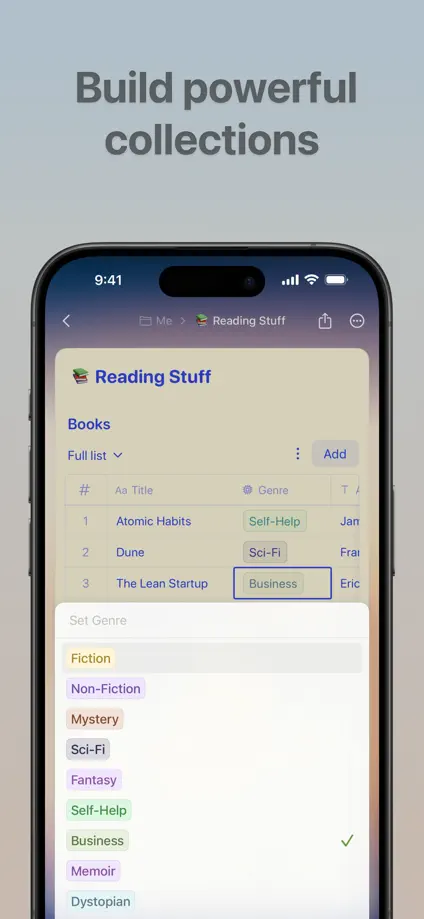
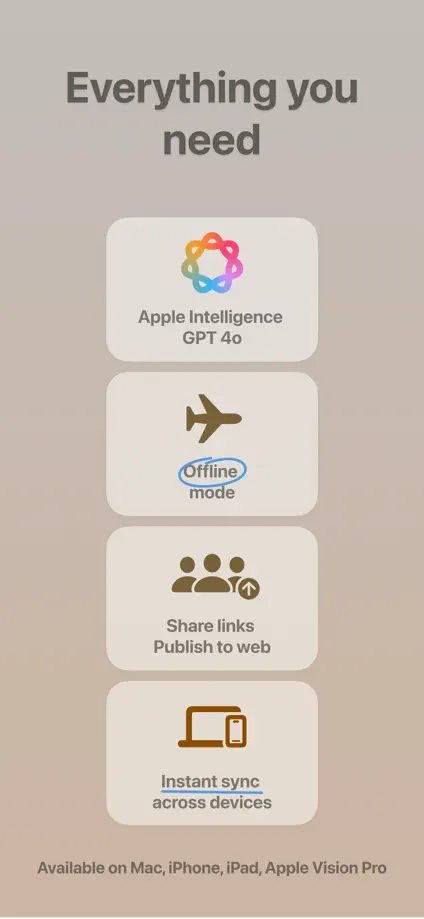
Muted color fields and floating documents introduce a consistent tour of notes, tasks and collections.
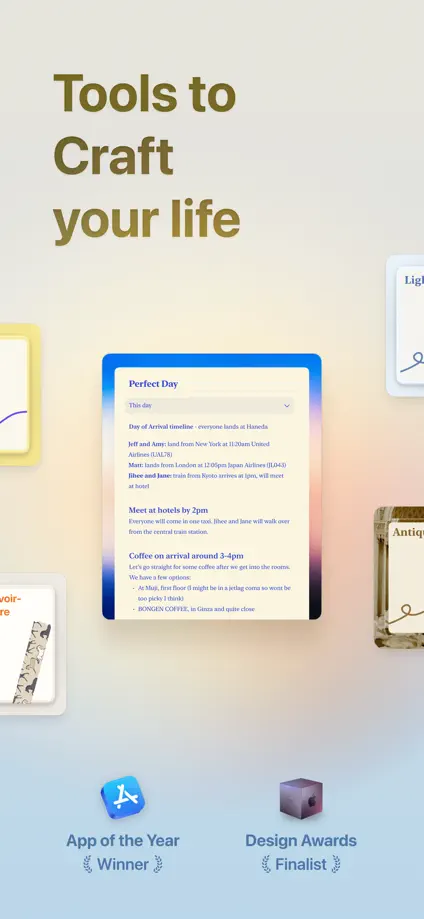
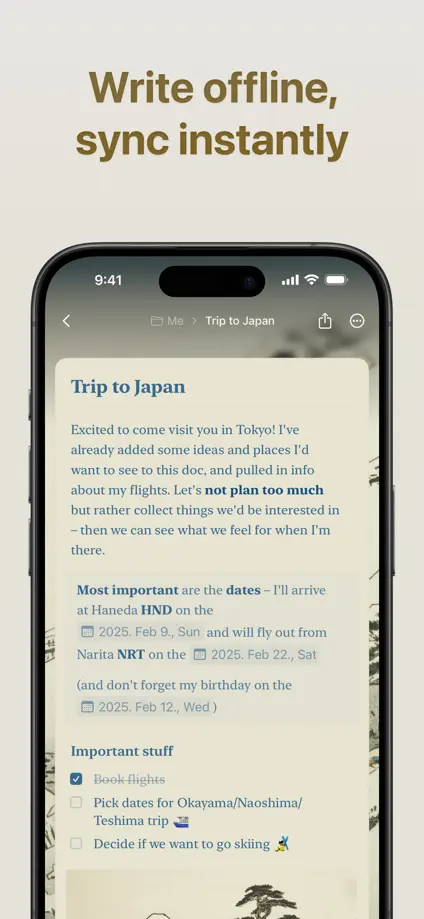
Craft, App Store screenshot 1
Craft, App Store screenshot 2
Craft, App Store screenshot 3
Craft, App Store screenshot 4
Craft, App Store screenshot 5
Craft, App Store screenshot 6
Craft, App Store screenshot 7
Craft, App Store screenshot 8

Structured

Productivity · 8 frames

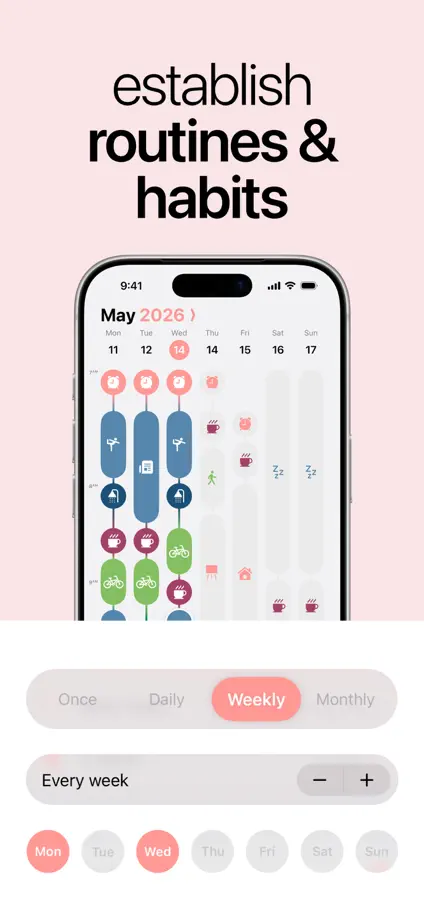
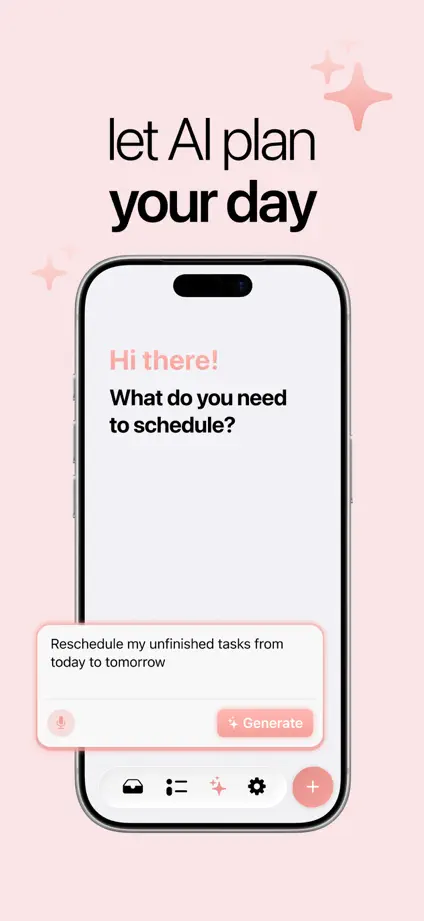
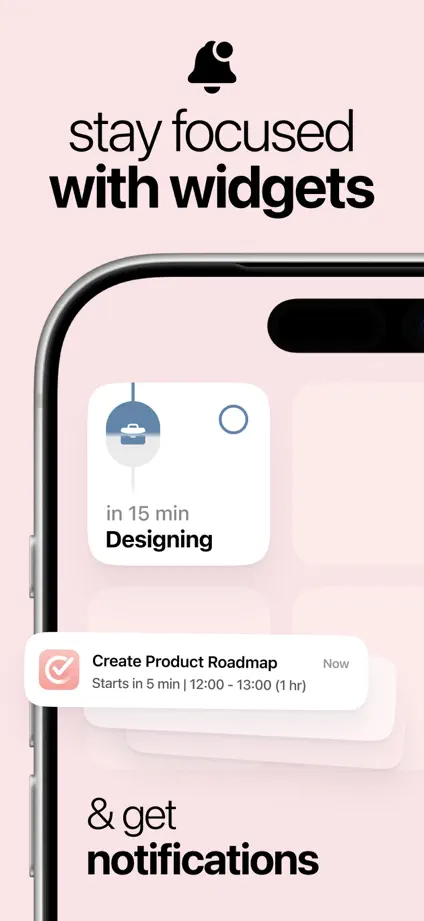
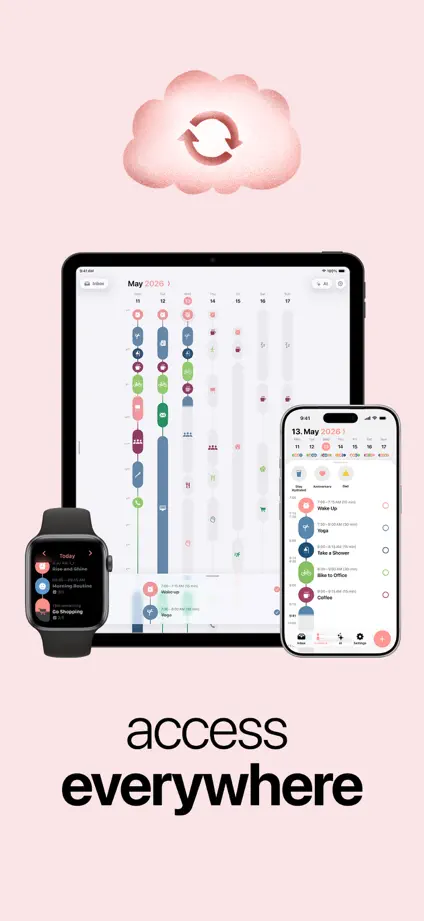
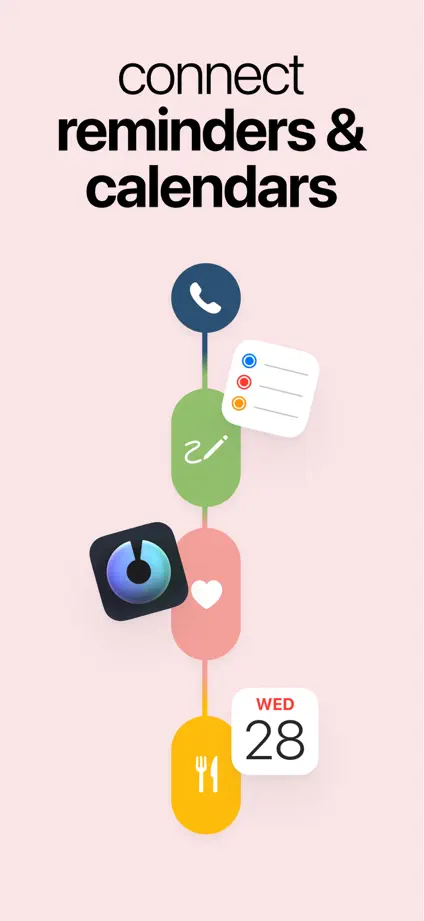
A pale pink background holds together oversized typography and a phone crossing the first two frames.
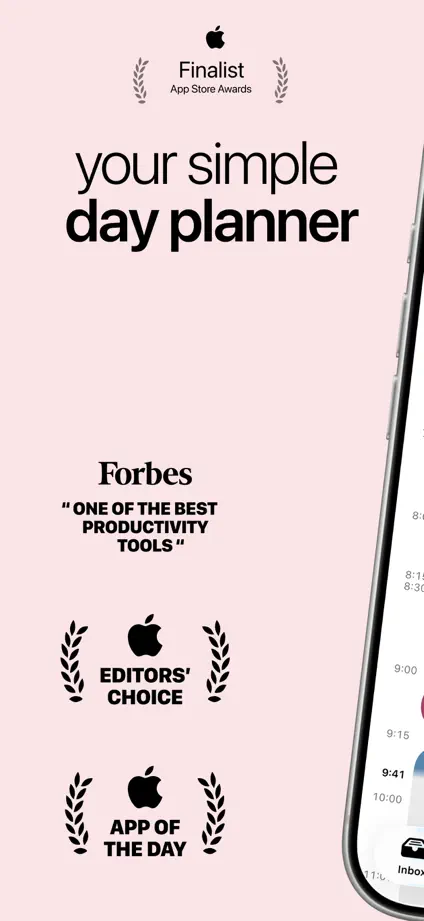
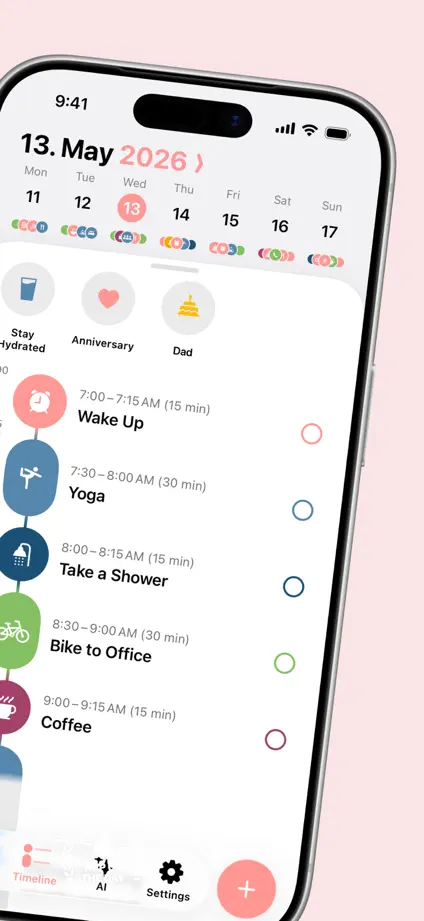
Structured, App Store screenshot 1
Structured, App Store screenshot 2
Structured, App Store screenshot 3
Structured, App Store screenshot 4
Structured, App Store screenshot 5
Structured, App Store screenshot 6
Structured, App Store screenshot 7
Structured, App Store screenshot 8

Paste

Productivity · 9 frames

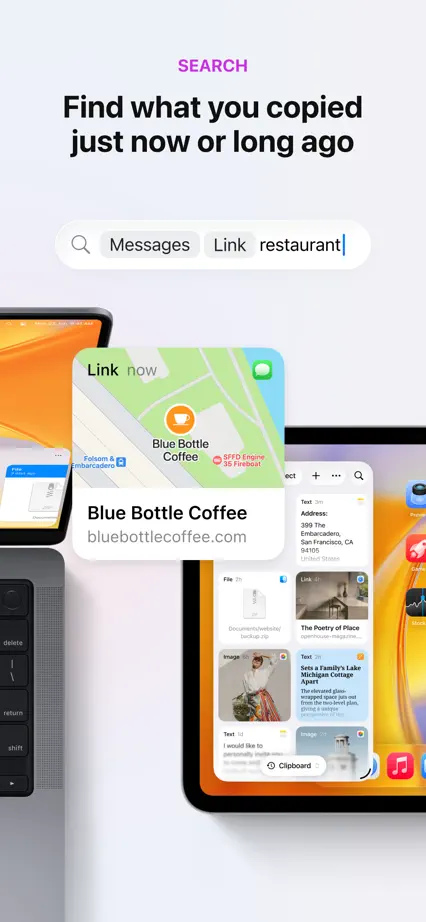
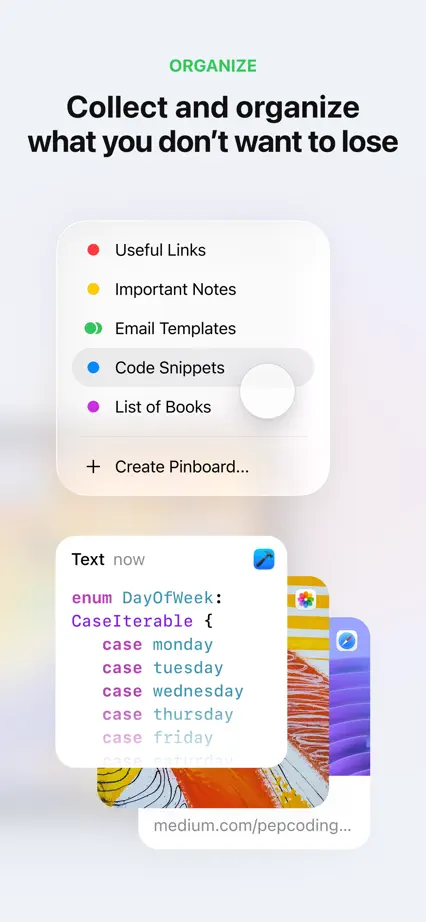
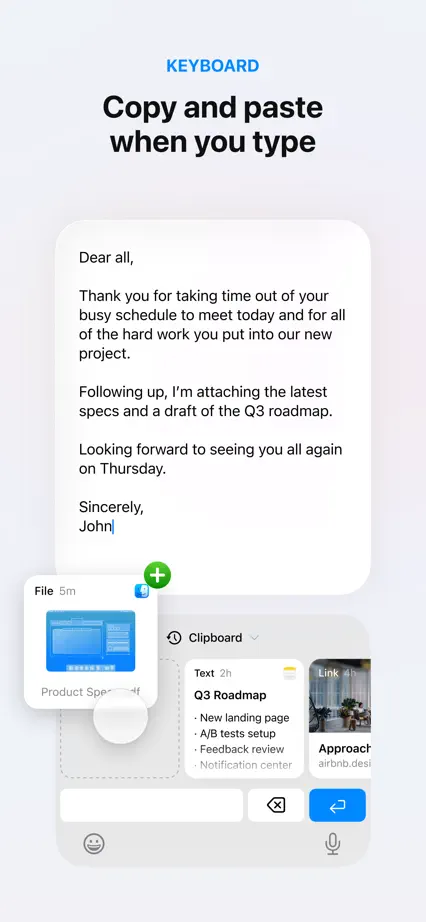
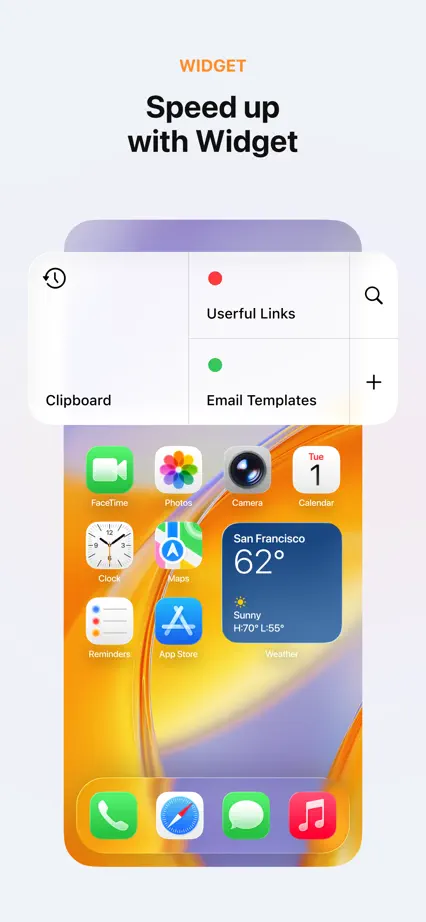
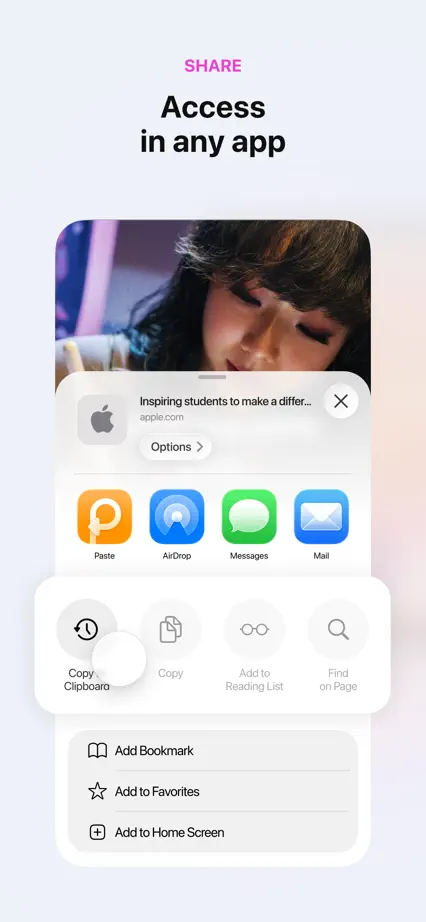
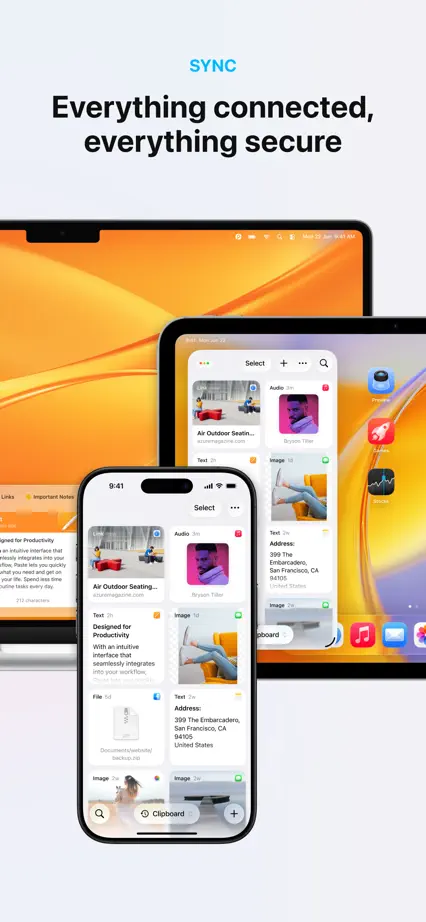
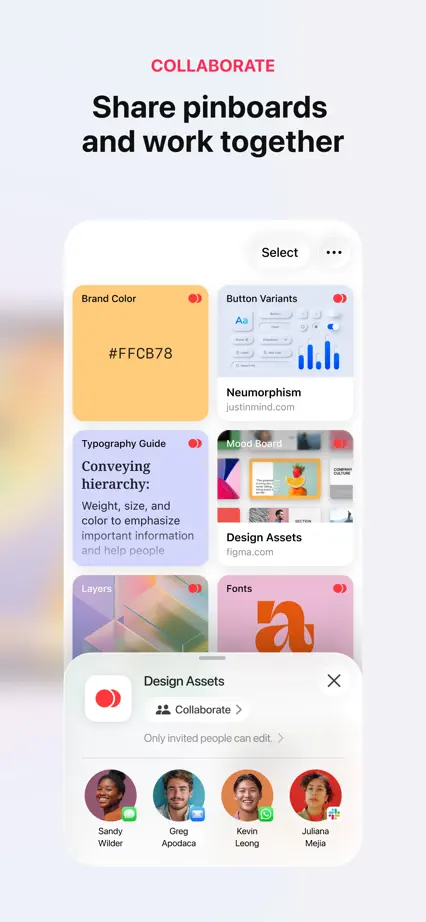
A laptop crosses the opening panels before floating clipboard cards explain individual workflows.
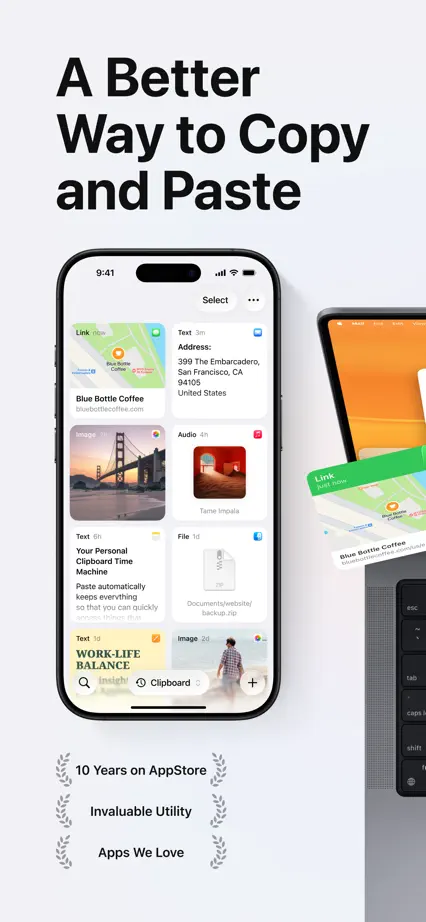
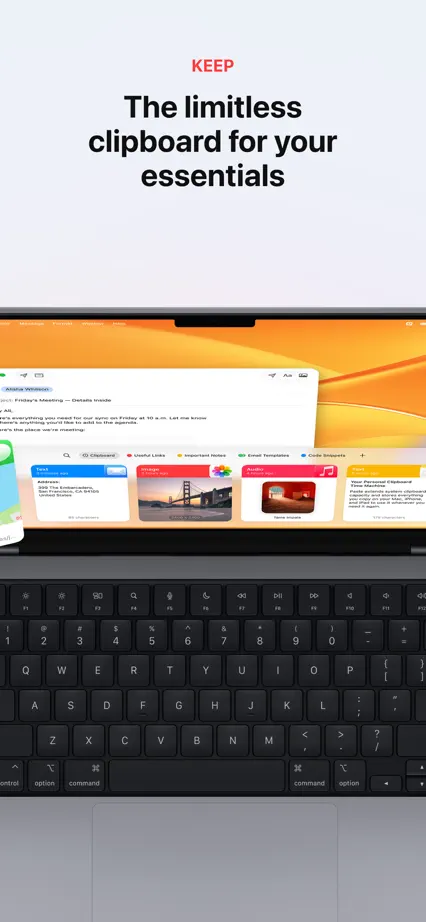
Paste, App Store screenshot 1
Paste, App Store screenshot 2
Paste, App Store screenshot 3
Paste, App Store screenshot 4
Paste, App Store screenshot 5
Paste, App Store screenshot 6
Paste, App Store screenshot 7
Paste, App Store screenshot 8
Paste, App Store screenshot 9

Atoms

Productivity · 7 frames

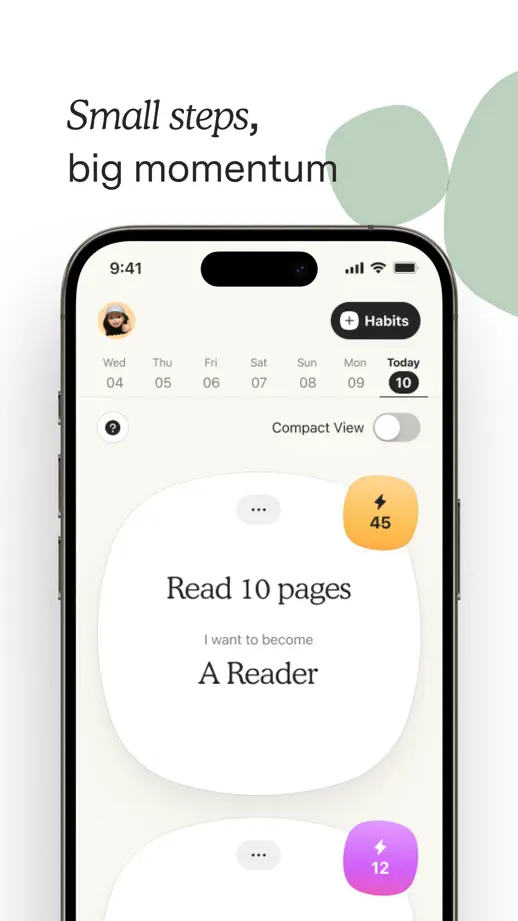
Generous white space, serif copy and soft geometric shapes give a habit-building tour a calm rhythm.

Atoms, App Store screenshot 1
Atoms, App Store screenshot 2
Atoms, App Store screenshot 3
Atoms, App Store screenshot 4
Atoms, App Store screenshot 5
Atoms, App Store screenshot 6
Atoms, App Store screenshot 7

Capacities

Productivity · 8 frames

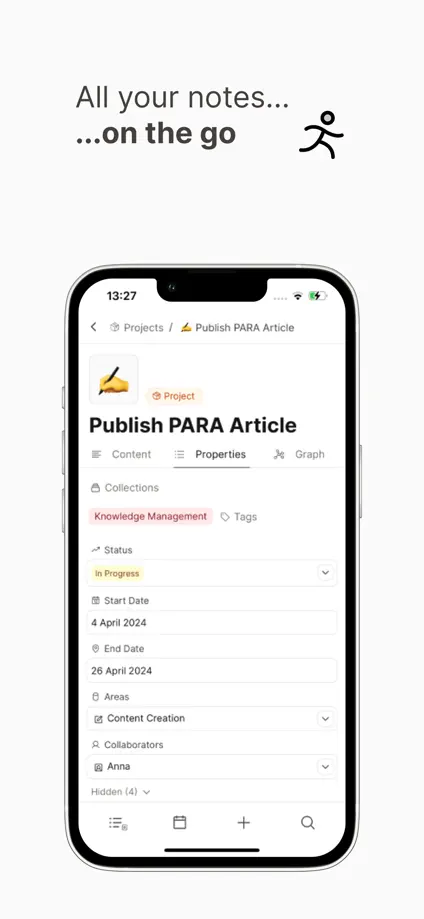
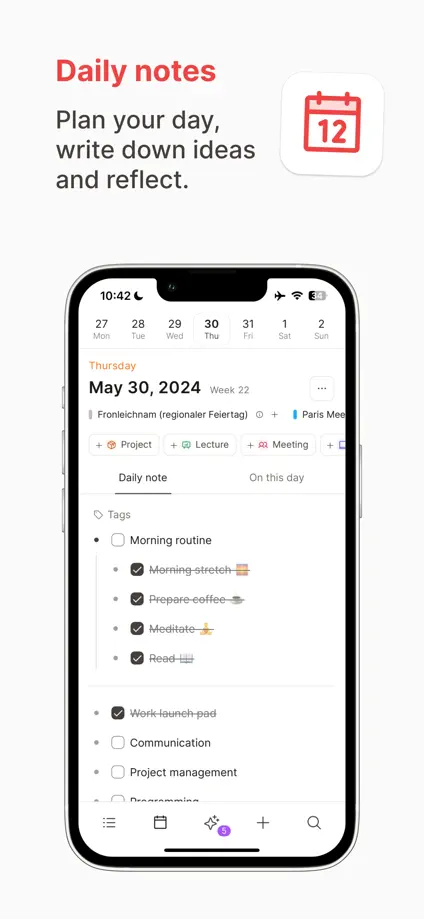
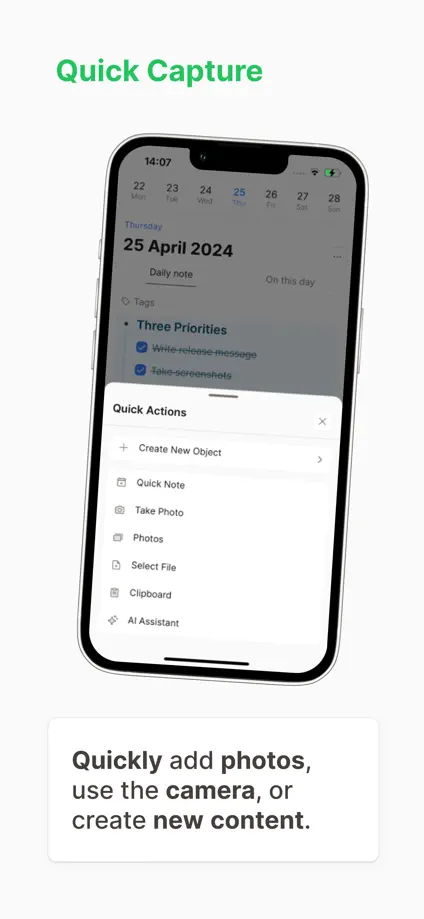
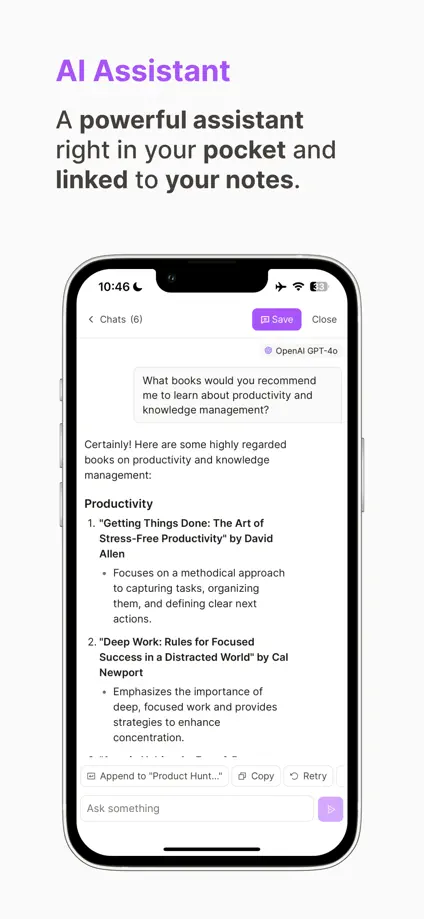
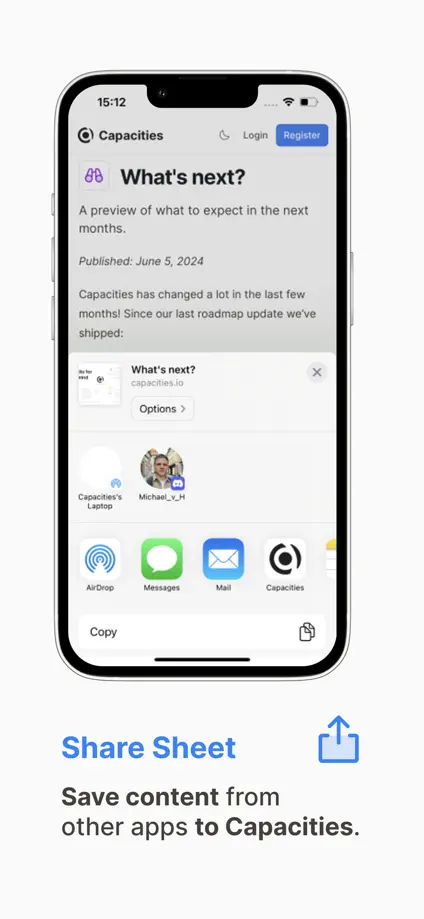
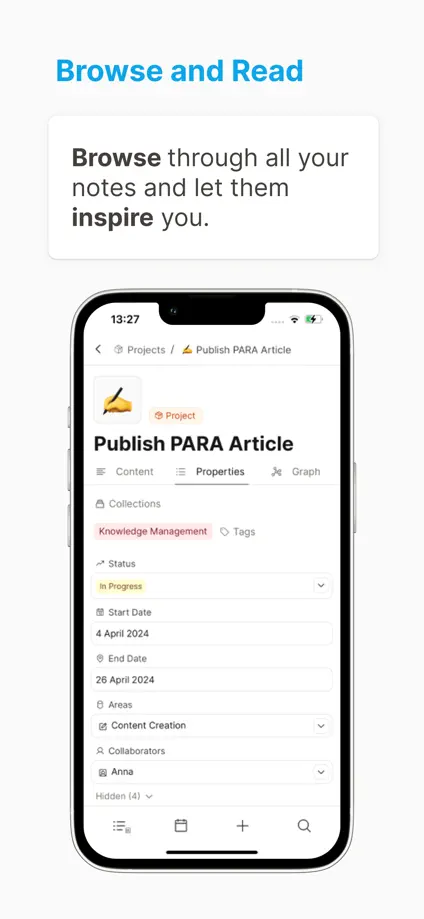
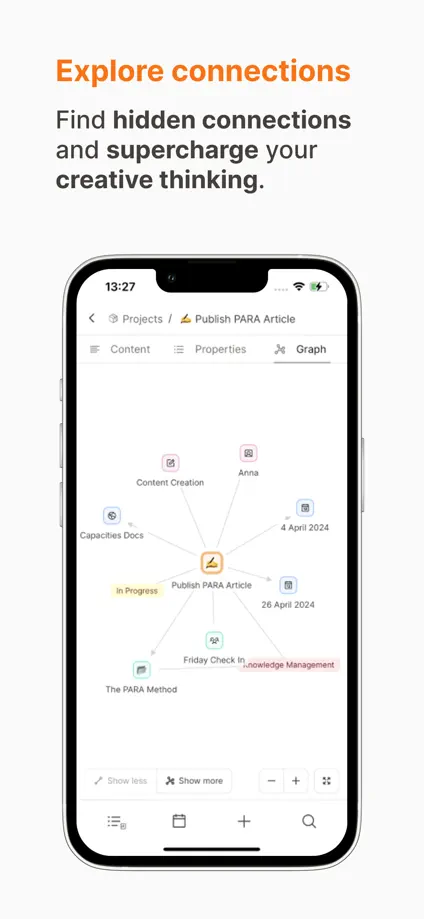
Small colored headings distinguish note-taking features on otherwise quiet white panels.

Capacities, App Store screenshot 1
Capacities, App Store screenshot 2
Capacities, App Store screenshot 3
Capacities, App Store screenshot 4
Capacities, App Store screenshot 5
Capacities, App Store screenshot 6
Capacities, App Store screenshot 7
Capacities, App Store screenshot 8

Add to collection

New collection