1.5.519 Nov 2026
Bug fixes & Improvements
1.5.413 Nov 2026
New
Keyboard: Type in Swedish and German. Add them in Keyboard settings → Language & Layout
Keyboard: Hide the row above the keys with the new Show Top Bar setting
Keyboard: Long-press the period key in web and email fields to get domains for your region, like .co.uk or .se
Improvements
Keyboard: Improved and more accurate autocorrection
Keyboard: Matched the native keyboard size and key layout on Duo, folded and unfolded
Keyboard: Title Case now keeps short words like “and” and “of” lowercase
Keyboard: Hide the empty suggestion row when suggestions, dictation and the leading button are turned off
Keyboard: Added the hryvnia (₴) to currency symbols
Onboarding: Added a video guide for setting up the keyboard
Calculator: Get complete date and time suggestions, like “+ 1 day” or “- 1 hour”
AI Chat: Reconnect MCP servers from Settings when their sign-in expires
AI Chat: Dictated messages now let the AI know they were spoken, so it handles transcription mistakes better
AI Chat: Made long answer options and action labels easier to read
AI Chat: Regenerated responses now scroll back into view
AI Chat: Signing out now removes your own AI provider API keys from the device
Dictation: Keep recording in the app while audio plays through AirPods
Dictation: Dictation styles now work with multiple languages selected
Fixes
Keyboard: Fixed AI Commands not running from the keyboard
Keyboard: Fixed Double space not adding a period after a suggestion or an emoji
Keyboard: Fixed the keyboard staying on numbers or symbols after sending a message
Keyboard: Fixed Snippets expanding in the middle of a word
Keyboard: Fixed fast taps being dropped in the emoji picker
Keyboard: Fixed the keyboard height glitching when switching keyboards
Keyboard: Fixed AI results overflowing the keyboard panel
Keyboard: Fixed the keyboard ignoring apps that ask for a light keyboard
Keyboard: Fixed suggestion colors not updating when switching between light and dark mode
Keyboard: Fixed the number row and numbers on letter keys on iPad
Keyboard: Fixed several crashes
Dictation: Fixed dictation not starting after dismissing the microphone prompt
AI Chat: Fixed responses getting stuck when leaving the app while AI is writing
AI Chat: Fixed signing in to Cloudflare MCP servers
AI Chat: Fixed the chat layout on Duo
AI Chat: Fixed your own API keys being lost when opening the app before signing in
Notes: Fixed the note jumping around while typing
Notes: Fixed applying an AI result to selected text
Notes: Fixed switching notes quickly overwriting the note you just opened
1.5.36 Nov 2026
New
Keyboard: Translate text without leaving the app you’re typing in, with your recent languages close at hand
Keyboard: Change text case or give your words a new look with text styles
Keyboard: Add a dedicated number row to keep digits within reach
Keyboard: Add individual AI Commands to your action row for one-tap access
Emoji: Get emoji suggestions based on the message you’re writing
Improvements
Keyboard: Added an option to turn off automatic Snippet expansion
Keyboard: Added haptic feedback when selecting emoji and tapping action row buttons
Keyboard: Improved autocorrection
GIFs: Automatically return to the keyboard panel after copying a GIF
Fixes
Keyboard: Keep typing available when signing in or syncing needs attention
Keyboard: Remember your Split/Join choice in landscape on Duo, even after the keyboard restarts
Keyboard: Fixed crashes when switching between apps and generating word suggestions
AI Chat: Fixed web search failures for organization accounts
Calculator: Fixed a crash when calculating very large factorials
1.5.230 Oct 2026
This update fixes a few bugs following our big 1.5.0 release.
In case you missed it, here’s what’s new in 1.5.0:
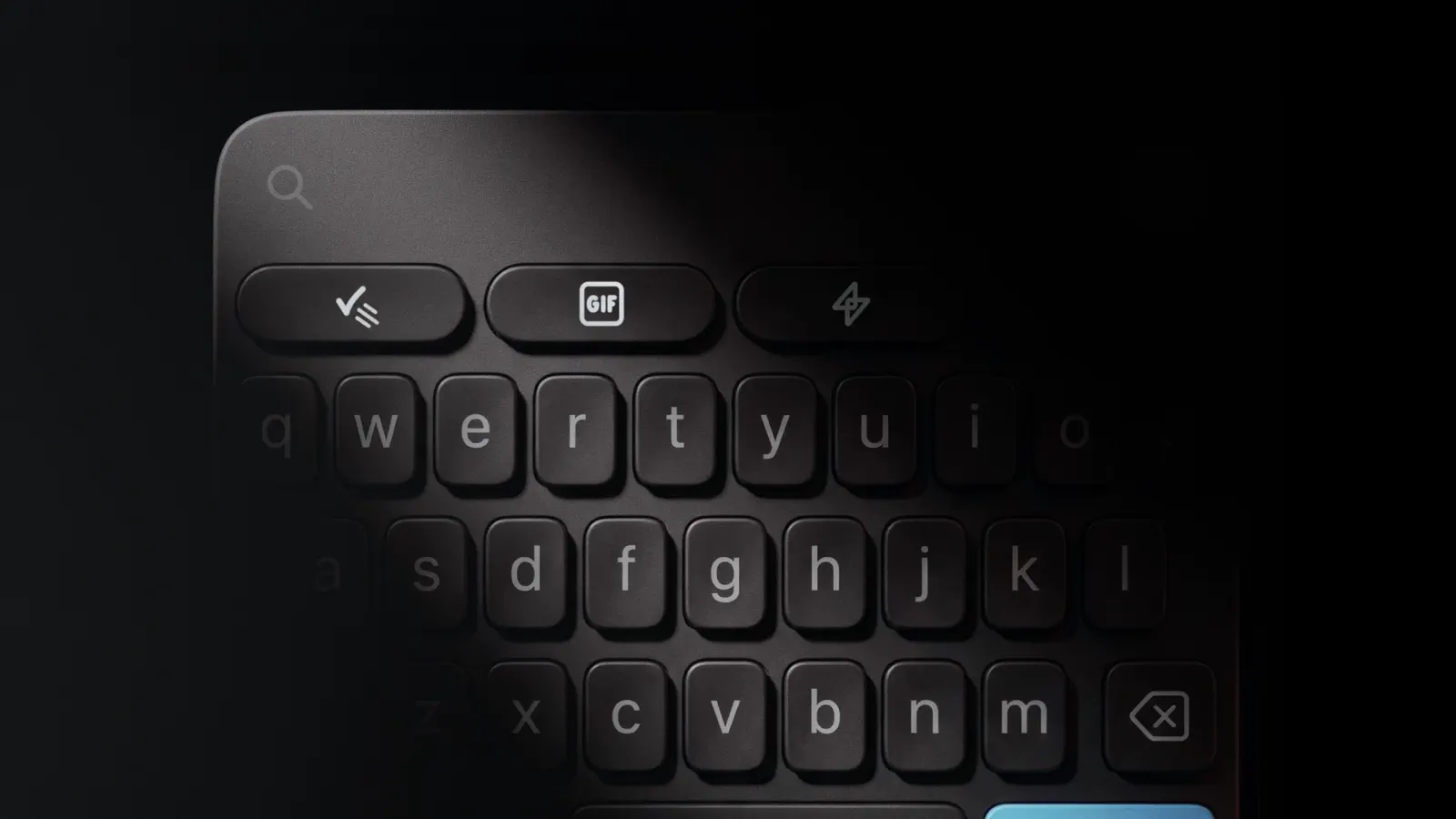
Meet your new keyboard. Type or swipe in English with autocorrection and word suggestions, polish spelling and grammar with Quick Fix, and expand Snippet keywords as you write. Dictation, emoji, GIFs, Quicklinks, and AI commands are close at hand - without switching keyboards.
Make it yours with five themes, customizable keys, an optional number row, and haptics.
New
Keyboard: Added a full typing experience with Slide to Type, autocorrection, word suggestions, Quick Fix, and inline Snippet expansion
AI Chat: Queue follow-up messages while AI responds, or choose Steer in Settings → AI to redirect the conversation
AI Chat: Edit and resend earlier messages, or delete a message and the conversation that follows it
Improvements
Search: Find chats by their message content
Search: Discover AI projects directly from search
Cloud Sync: View your synced devices, check their last sync, rename them, and remove devices you no longer use
AI Chat: Send attachments without adding a text prompt
Dictation: Export recordings from Dictation History
Fixes
Notes: Fixed the end of a note being obscured when the keyboard opens or changes
Snippets: Fixed long Snippets not being preserved when upgrading to Cloud Sync v2
AI Commands: Fixed default model selection not resolving correctly against available models
Links: Fixed embedded web links not opening when Safari was removed
1.5.129 Oct 2026
This update fixes a few bugs following our big 1.5.0 release.
In case you missed it, here’s what’s new in 1.5.0:
Meet your new keyboard. Type or swipe in English with autocorrection and word suggestions, polish spelling and grammar with Quick Fix, and expand Snippet keywords as you write. Dictation, emoji, GIFs, Quicklinks, and AI commands are close at hand - without switching keyboards.
Make it yours with five themes, customizable keys, an optional number row, and haptics.
New
Keyboard: Added a full typing experience with Slide to Type, autocorrection, word suggestions, Quick Fix, and inline Snippet expansionAI Chat: Queue follow-up messages while AI responds, or choose Steer in Settings → AI to redirect the conversationAI Chat: Edit and resend earlier messages, or delete a message and the conversation that follows it
Improvements
Search: Find chats by their message contentSearch: Discover AI projects directly from searchCloud Sync: View your synced devices, check their last sync, rename them, and remove devices you no longer useAI Chat: Send attachments without adding a text promptDictation: Export recordings from Dictation History
Fixes
Notes: Fixed the end of a note being obscured when the keyboard opens or changesSnippets: Fixed long Snippets not being preserved when upgrading to Cloud Sync v2AI Commands: Fixed default model selection not resolving correctly against available modelsLinks: Fixed embedded web links not opening when Safari was removed
1.5.029 Oct 2026
Meet your new keyboard. Type or swipe in English with autocorrection and word suggestions, polish spelling and grammar with Quick Fix, and expand Snippet keywords as you write. Dictation, emoji, GIFs, Quicklinks, and AI commands are close at hand - without switching keyboards.
Make it yours with five themes, customizable keys, an optional number row, and haptics.
New
Keyboard: Added a full typing experience with Slide to Type, autocorrection, word suggestions, Quick Fix, and inline Snippet expansion
AI Chat: Queue follow-up messages while AI responds, or choose Steer in Settings → AI to redirect the conversation
AI Chat: Edit and resend earlier messages, or delete a message and the conversation that follows it
Improvements
Search: Find chats by their message content
Search: Discover AI projects directly from search
Cloud Sync: View your synced devices, check their last sync, rename them, and remove devices you no longer use
AI Chat: Send attachments without adding a text prompt
Dictation: Export recordings from Dictation History
Fixes
Notes: Fixed the end of a note being obscured when the keyboard opens or changes
Snippets: Fixed long Snippets not being preserved when upgrading to Cloud Sync v2
AI Commands: Fixed default model selection not resolving correctly against available models
Links: Fixed embedded web links not opening when Safari was removed
1.4.012 Oct 2026
New
- Cloud Sync: Introduced Cloud Sync v2, bringing support for syncing more of your Raycast data across devices
- AI Chat: Added AI Memory to personalize conversations using context from your previous chats
- AI Chat: Organize conversations into projects with custom instructions
- AI Chat: Archive chats to keep your chat list tidy without deleting conversations
- AI Chat: Added Recently Deleted to view and restore deleted chats for up to 60 days
- Quicklinks and Snippets: Organize your collection with tags that sync across devices
- Shortcuts: Added the New Chat action to start a fresh conversation
Improvements
- Performance: Improved app launch responsiveness, especially with larger collections
- Widgets: Open AI Chat projects directly from the Ask AI widget
- Notes: Find recent notes more easily with Previous 7 Days and Previous 30 Days groups
- AI: See your credit renewal date and time in your local time zone
Fixes
- AI Chat: Fixed saved model selections being replaced when model information was temporarily unavailable
- AI Chat: Fixed incomplete responses and failures when continuing after tool calls
- AI Chat: Fixed setup cards remaining visible after connecting a service
- AI Chat: Fixed the photo picker not opening when limited photo access had no selected photos
- Home: Fixed deleted chats remaining in Recent
- Notes: Fixed cursor and scroll jumps when changes arrived from another device
- Notes: Fixed Markdown formatting in notes created or edited by AI
- Notes: Fixed links to other apps not opening
- Notes: Fixed the editor toolbar covering content and checklist controls
- Shortcuts: Fixed Open Last Note opening the wrong note
- Dictation: Fixed recordings getting stuck on Listening and interrupted recordings not recovering correctly
1.3.82 Oct 2026
New Navigation
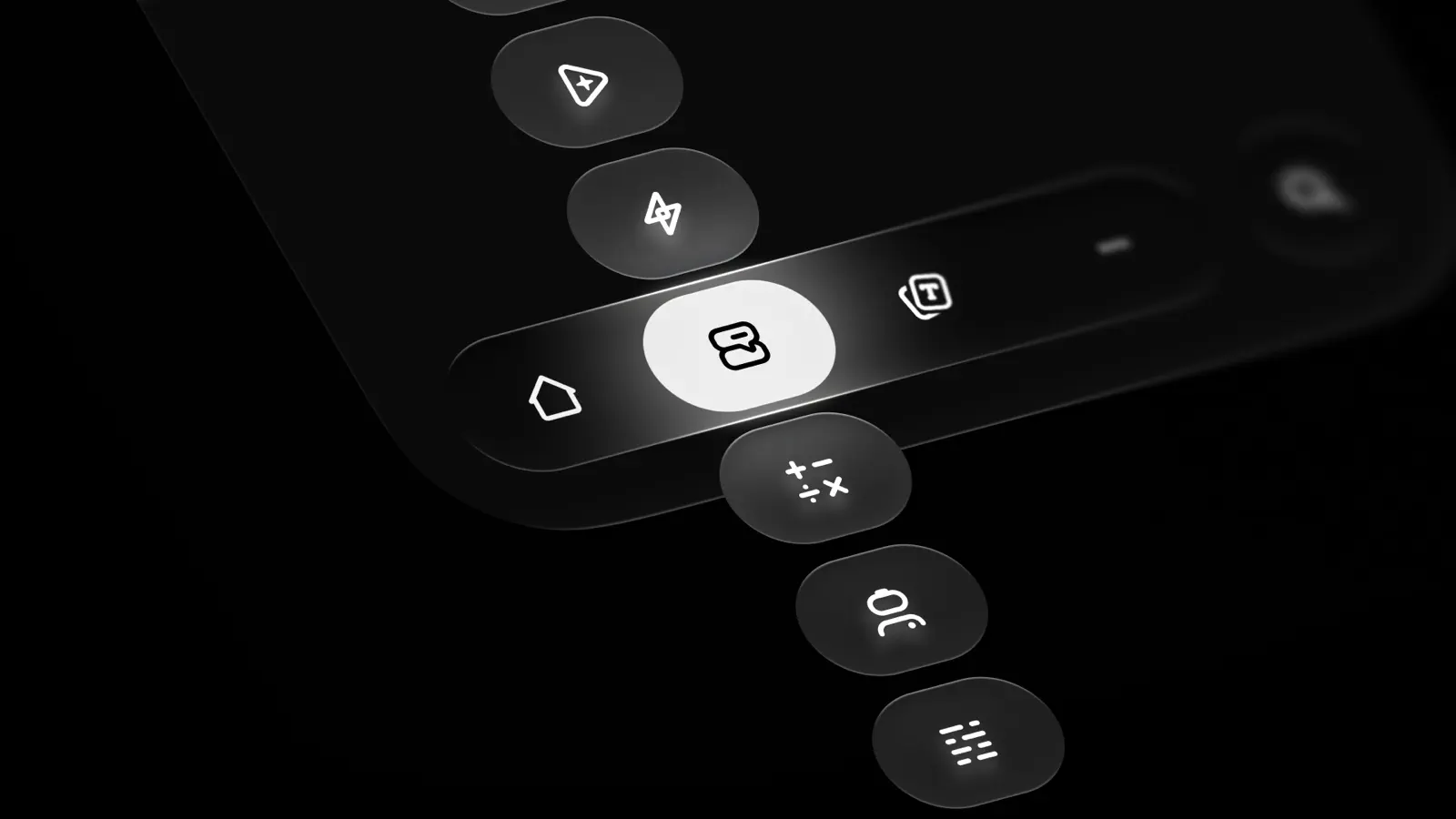
Get around Raycast with a new, customizable tab bar. Keep your most-used features within reach, find the rest in More, and use unified search to quickly find what you need across the app.
You can now top up your AI credits directly in the app on eligible individual plans. When you run out of credits, purchase more to keep using Raycast AI.
New
Navigation: A new, customizable tab bar gives quick access to your favorite features, with More for everything else and unified search across the app
AI: Purchase additional AI credits directly in the app on eligible individual plans
AI: Ask Raycast to find and read previous conversations with the AI Chat tools
AI: View Mermaid diagrams directly in chat responses
AI: New Auto model router
Dictation: Added Dictation History to revisit and search your previous transcriptions
Notes: Added the Append to Note action in Shortcuts
Improvements
AI: Unsent messages are now saved as drafts in Home and individual chats
AI: Added favorite and pin actions directly inside chats, and a favorite action in the chat list
AI: Improved context handling in very long conversations
AI Commands: Added Selected Text to the placeholder picker
Dictation: Improved recording startup and silence handling across the app, keyboard, and Shortcuts
Apple Health: Improved distance precision in AI responses for health metrics and workouts
Fixes
AI: Restored clipboard attachments and fixed missing or stale attachment previews
AI: Fixed the Open Library button not responding in the attachment picker
AI: Fixed unavailable model selections and model inheritance for AI Agents
MCP: Fixed tool naming, server renaming, OAuth settings, and settings not refreshing after changes
Keyboard: Fixed inline text editing in Ask AI and Search, and improved startup when Full Access is unavailable
Notes: Fixed invalid documents created through Shortcuts and formatting when appending lists
Widgets: Keep the current note or chat open when returning to the app from a widget
Lists: Fixed upgrade banners not responding to taps in empty lists