kit0

Productivity App Store screenshots

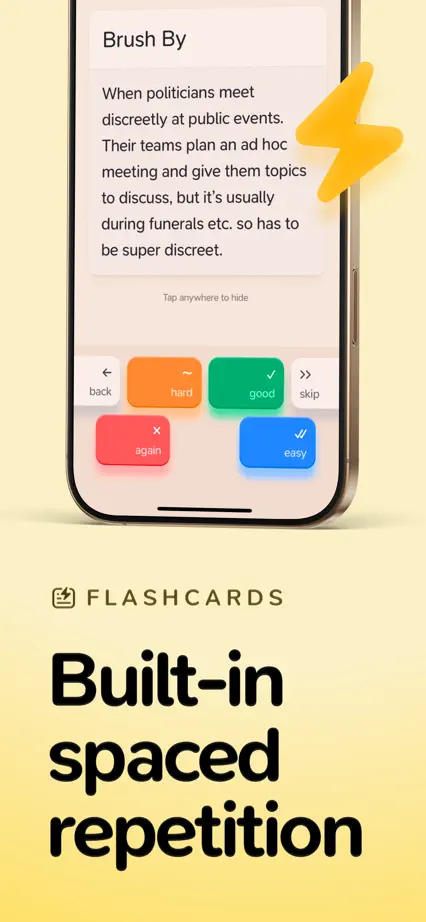
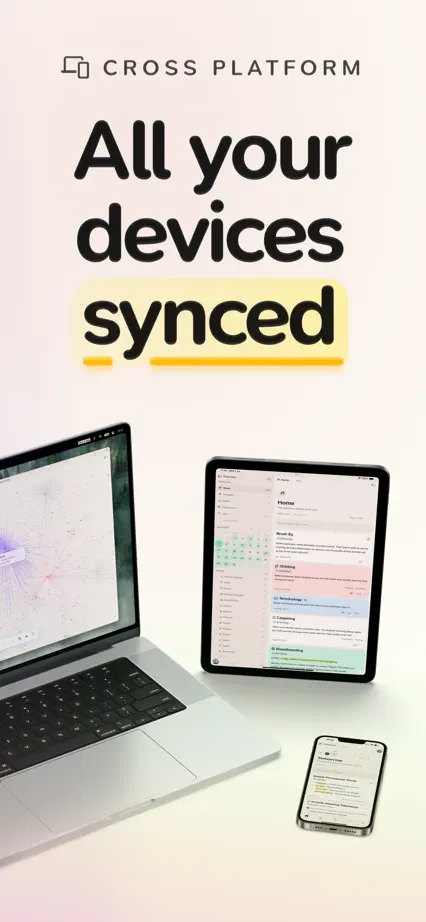
33 complete App Store screenshot sets from productivity apps, including Things 3, Bear and Amie. The most common techniques here are repeated layout, oversized interface and color-coded features.

33 appsShow all

Things 3

Productivity · 8 frames

A fixed phone layout gives each planning feature the same space.

Things 3, App Store screenshot 1
Things 3, App Store screenshot 2
Things 3, App Store screenshot 3
Things 3, App Store screenshot 4
Things 3, App Store screenshot 5
Things 3, App Store screenshot 6
Things 3, App Store screenshot 7
Things 3, App Store screenshot 8

Bear

Productivity · 8 frames

Changing background colors and bear illustrations connect a varied tour of writing tools.

Bear, App Store screenshot 1
Bear, App Store screenshot 2
Bear, App Store screenshot 3
Bear, App Store screenshot 4
Bear, App Store screenshot 5
Bear, App Store screenshot 6
Bear, App Store screenshot 7
Bear, App Store screenshot 8

Amie

Productivity · 5 frames

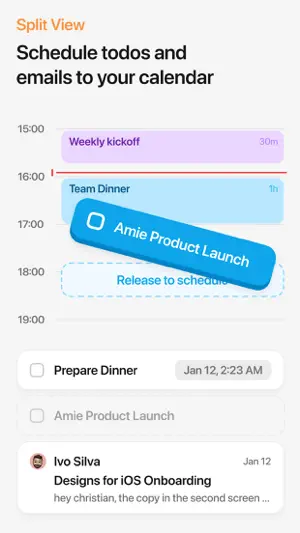
Calendar events and floating task cards carry the feature tour without a full device frame.

Amie, App Store screenshot 1
Amie, App Store screenshot 2
Amie, App Store screenshot 3
Amie, App Store screenshot 4
Amie, App Store screenshot 5

Sofa

Productivity · 10 frames

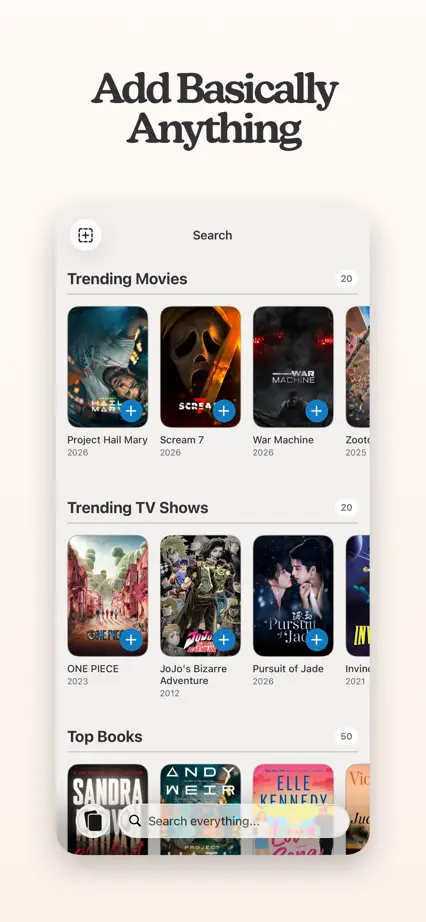
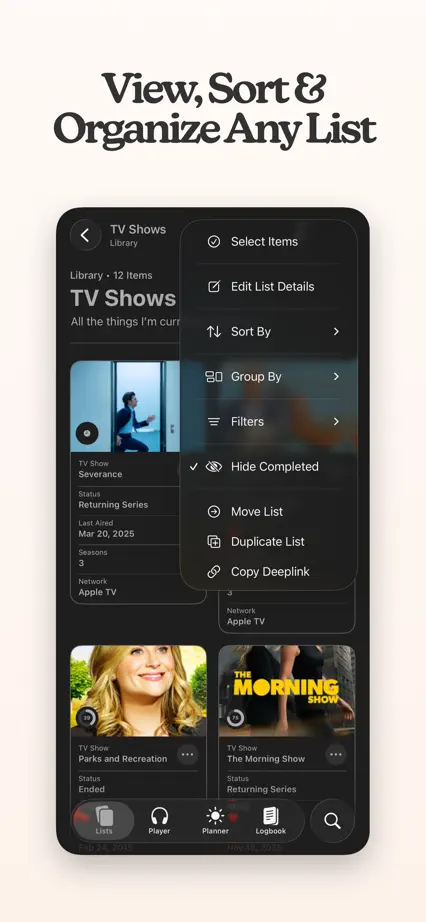
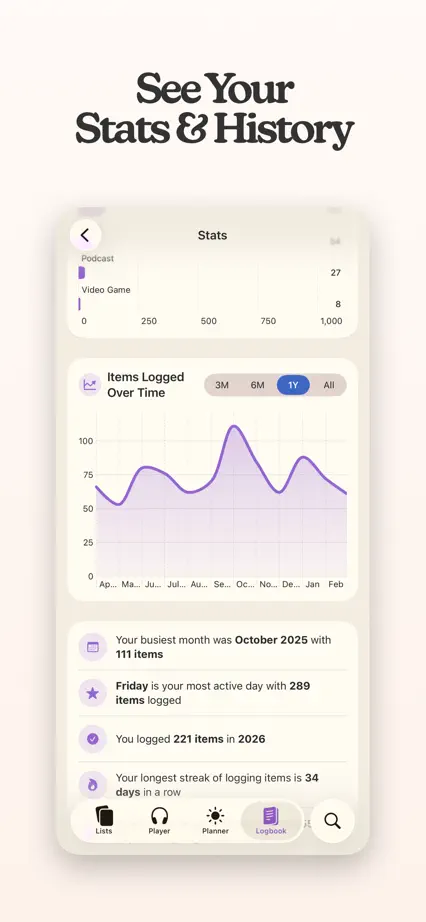
Warm white panels and compact serif headings frame floating screens, ending with a portrait of the maker.

Sofa, App Store screenshot 1
Sofa, App Store screenshot 2
Sofa, App Store screenshot 3
Sofa, App Store screenshot 4
Sofa, App Store screenshot 5
Sofa, App Store screenshot 6
Sofa, App Store screenshot 7
Sofa, App Store screenshot 8
Sofa, App Store screenshot 9
Sofa, App Store screenshot 10

Raycast

Productivity · 6 frames

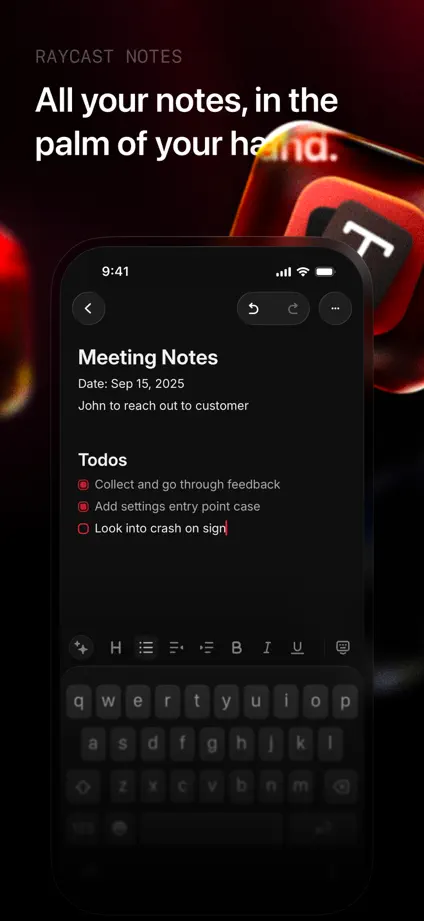
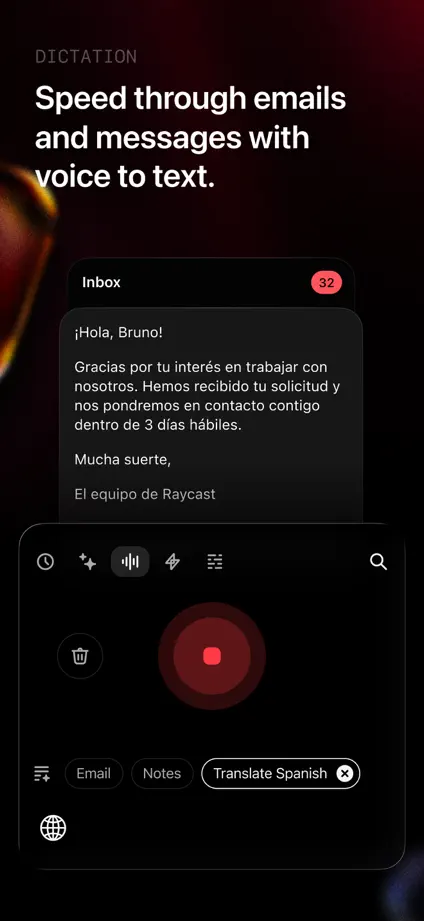
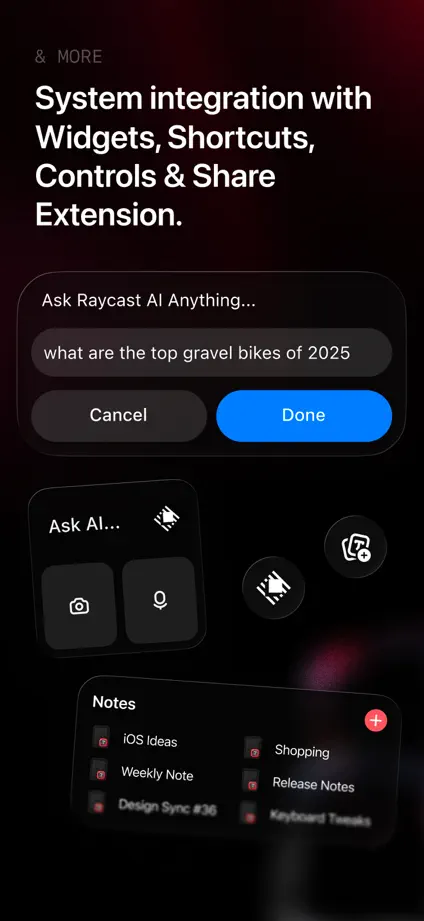
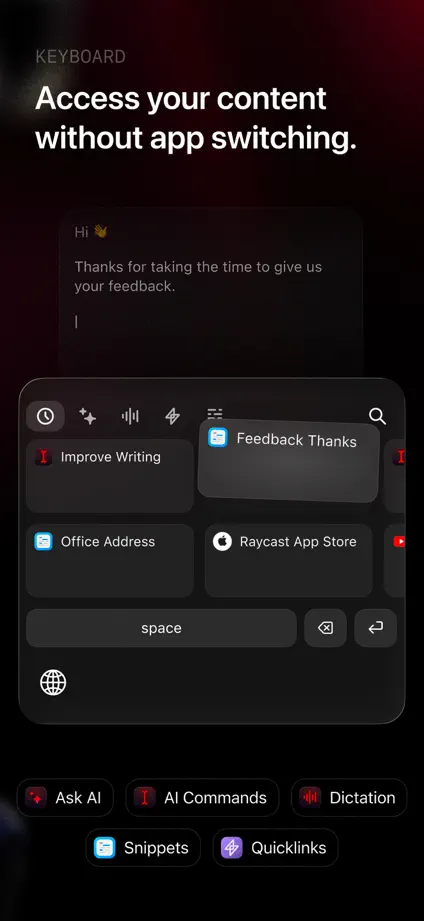
Red light and floating app symbols connect a dark feature-by-feature interface tour.

Raycast, App Store screenshot 1
Raycast, App Store screenshot 2
Raycast, App Store screenshot 3
Raycast, App Store screenshot 4
Raycast, App Store screenshot 5
Raycast, App Store screenshot 6

mymind

Productivity · 6 frames

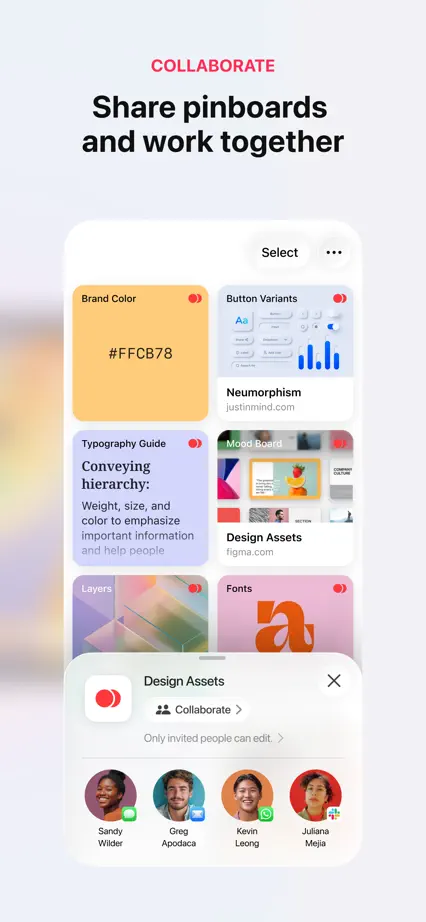
Serif headlines sit above floating cards and softly blurred color fields.

mymind, App Store screenshot 1
mymind, App Store screenshot 2
mymind, App Store screenshot 3
mymind, App Store screenshot 4
mymind, App Store screenshot 5
mymind, App Store screenshot 6

Tiimo

Productivity · 7 frames

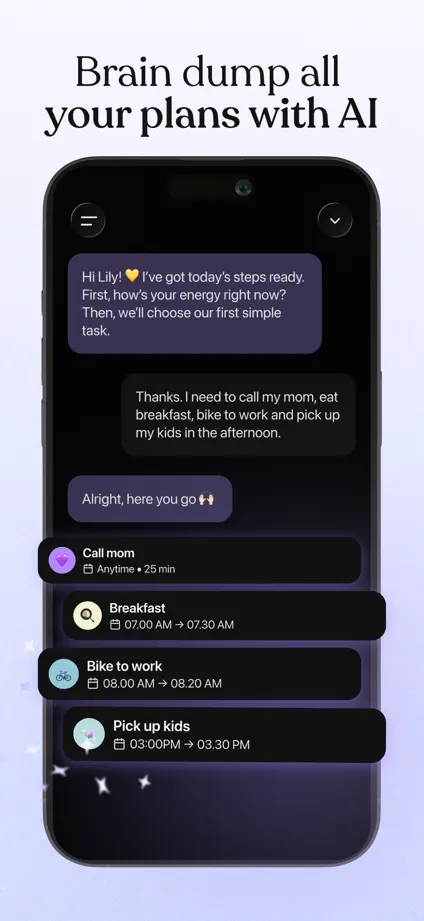
Serif headings and soft purple backgrounds frame a planner tour with floating tasks and collectibles.

Tiimo, App Store screenshot 1
Tiimo, App Store screenshot 2
Tiimo, App Store screenshot 3
Tiimo, App Store screenshot 4
Tiimo, App Store screenshot 5
Tiimo, App Store screenshot 6
Tiimo, App Store screenshot 7

Craft

Productivity · 8 frames

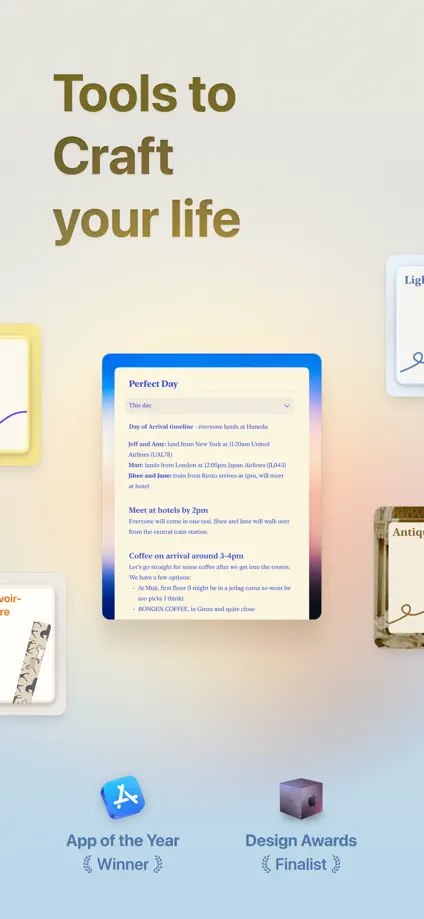
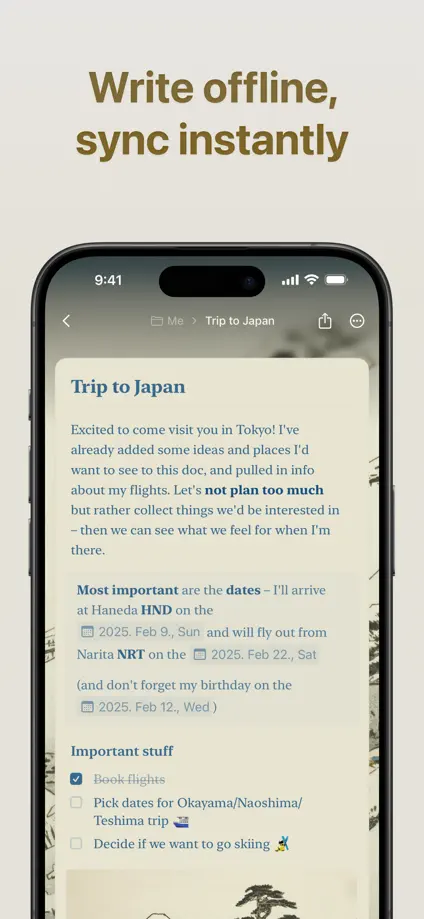
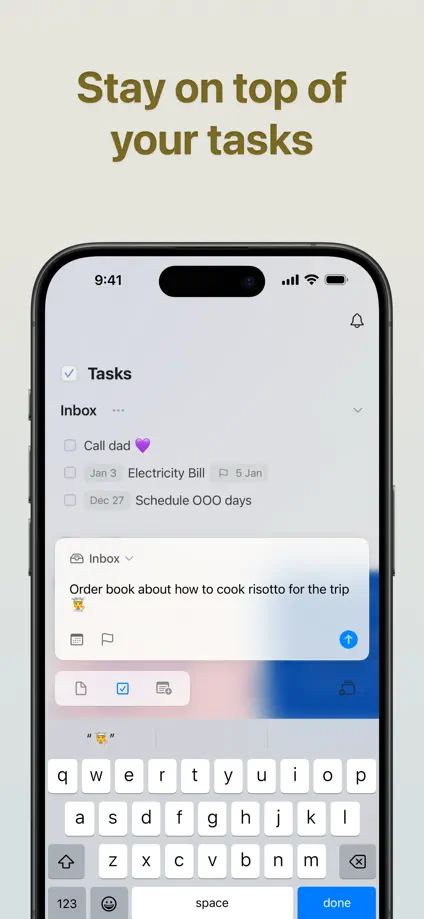
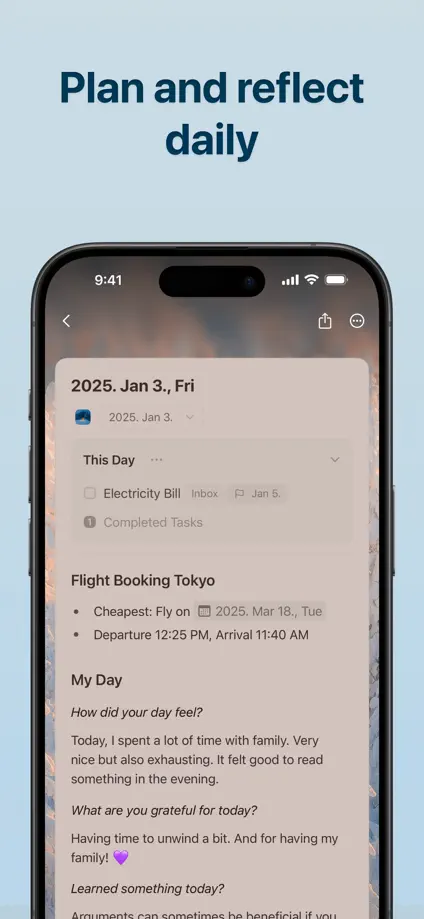
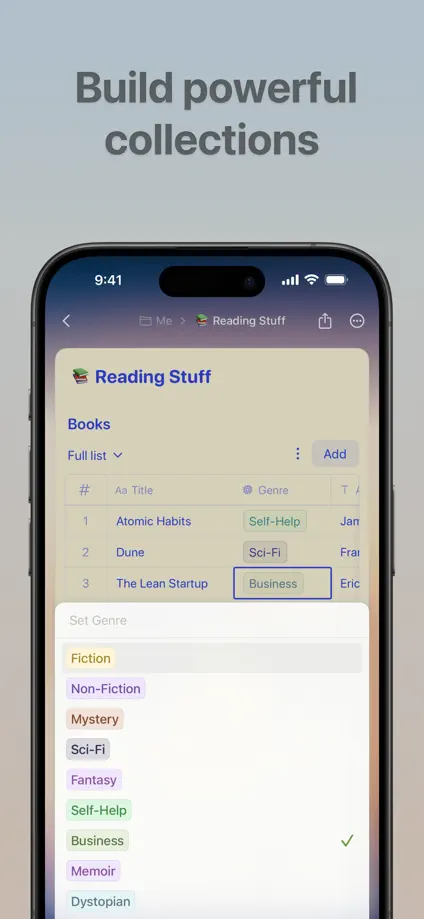
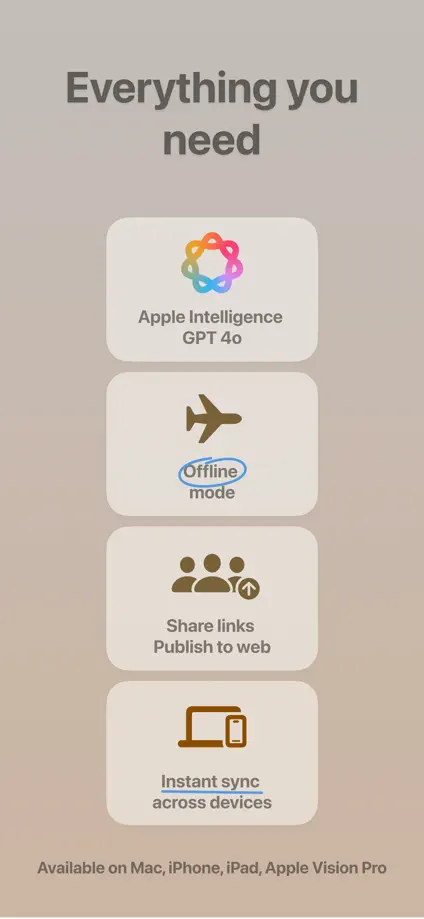
Muted color fields and floating documents introduce a consistent tour of notes, tasks and collections.

Craft, App Store screenshot 1
Craft, App Store screenshot 2
Craft, App Store screenshot 3
Craft, App Store screenshot 4
Craft, App Store screenshot 5
Craft, App Store screenshot 6
Craft, App Store screenshot 7
Craft, App Store screenshot 8

Structured

Productivity · 8 frames

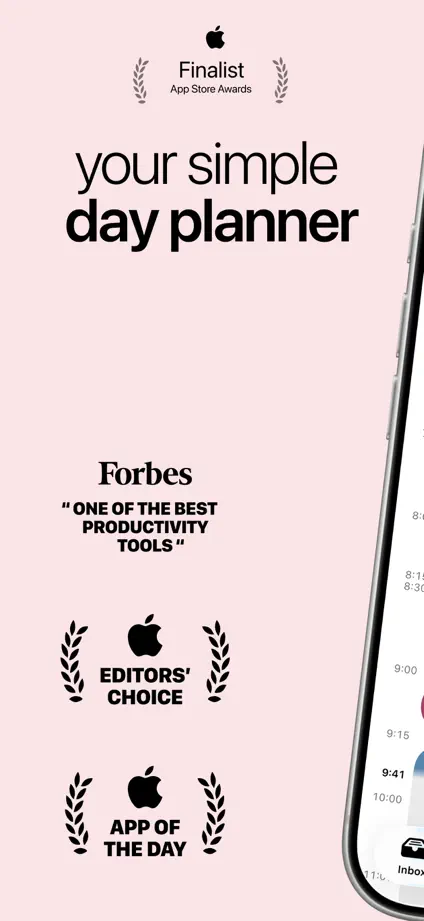
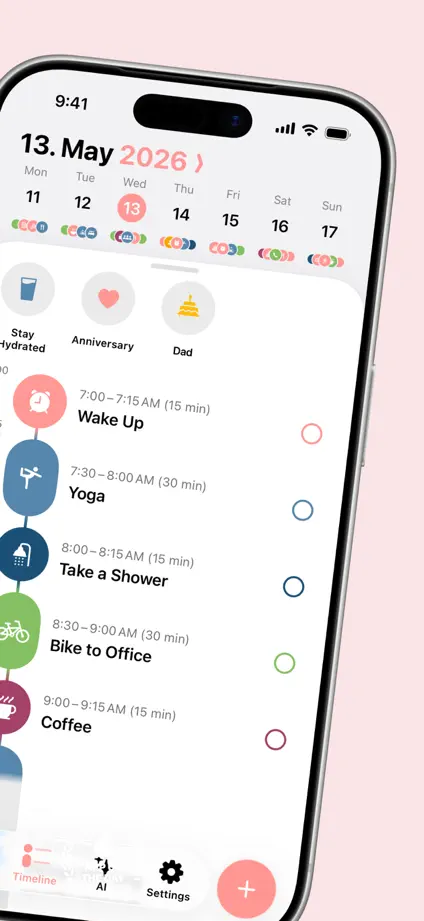
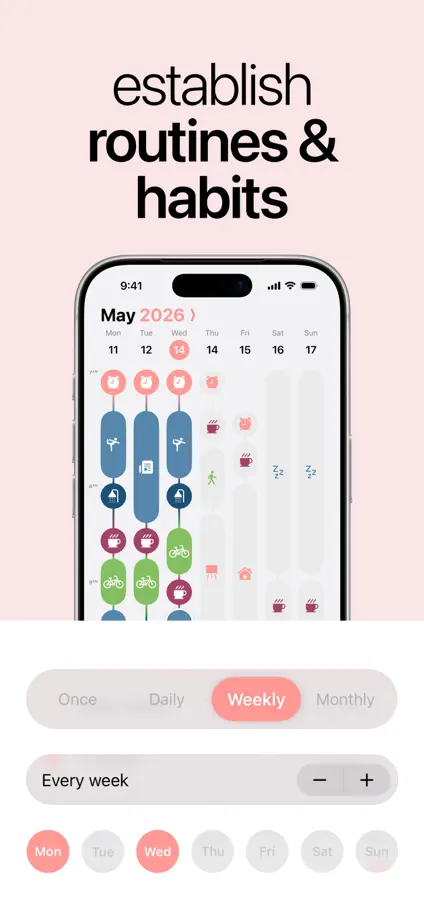
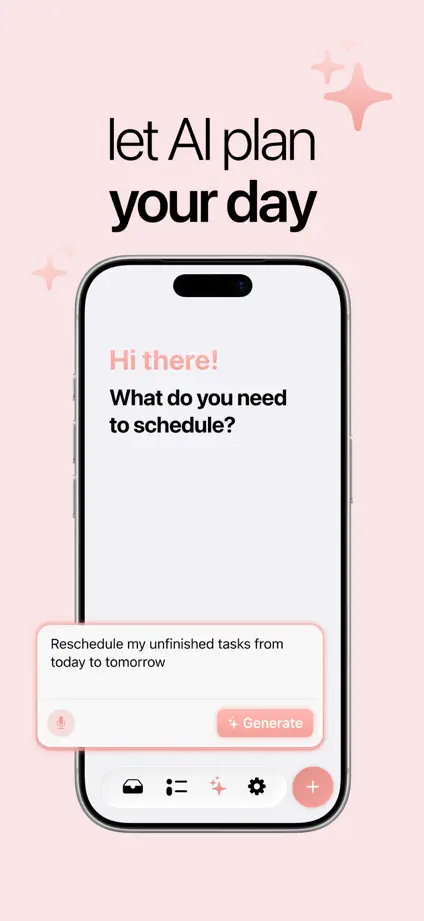
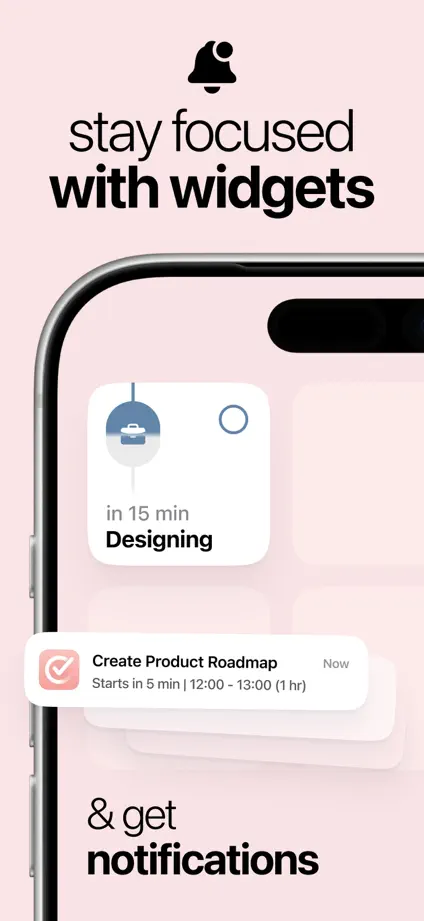
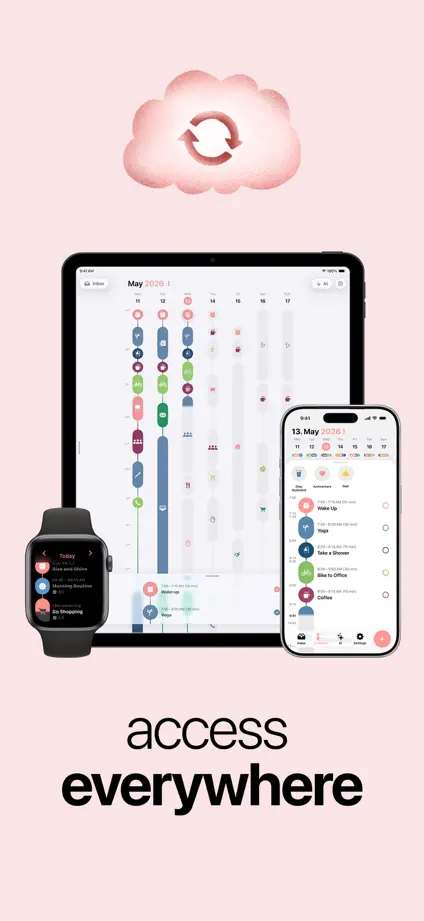
A pale pink background holds together oversized typography and a phone crossing the first two frames.

Structured, App Store screenshot 1
Structured, App Store screenshot 2
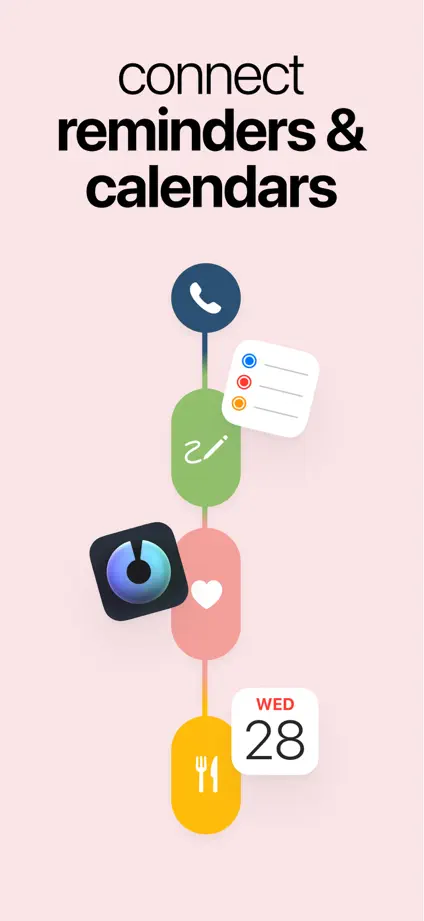
Structured, App Store screenshot 3
Structured, App Store screenshot 4
Structured, App Store screenshot 5
Structured, App Store screenshot 6
Structured, App Store screenshot 7
Structured, App Store screenshot 8

Paste

Productivity · 9 frames

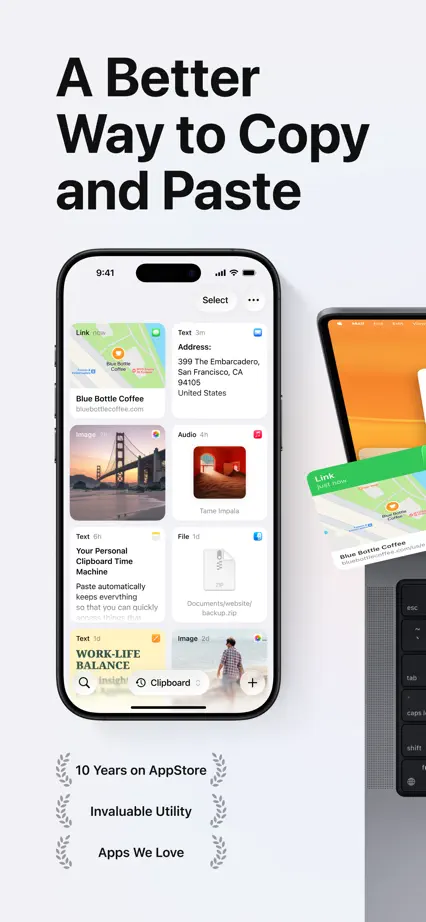
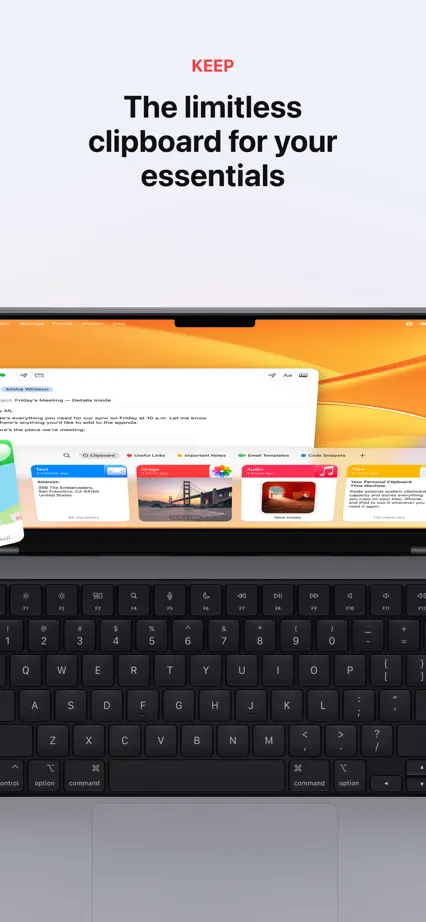
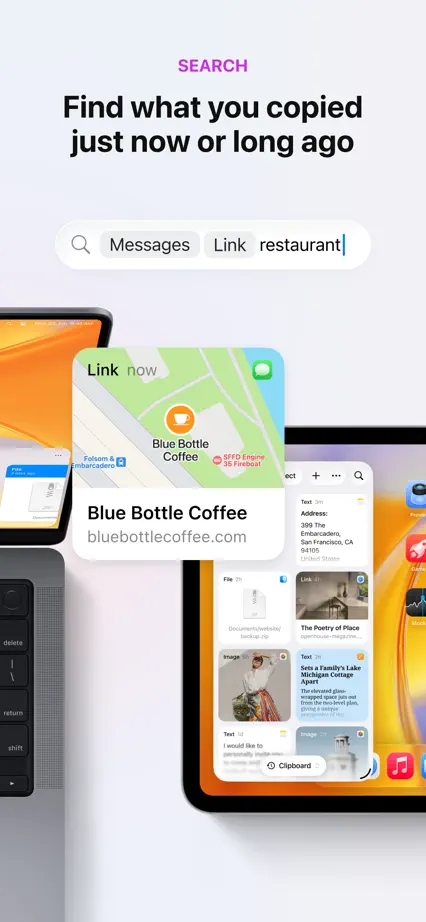
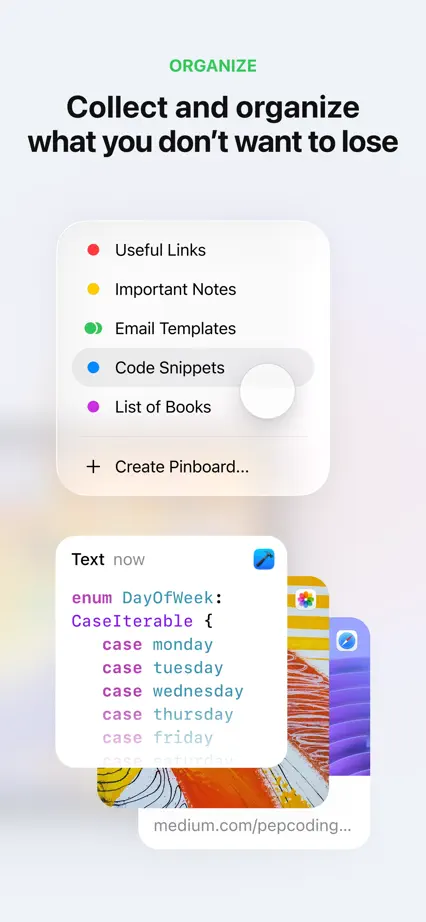
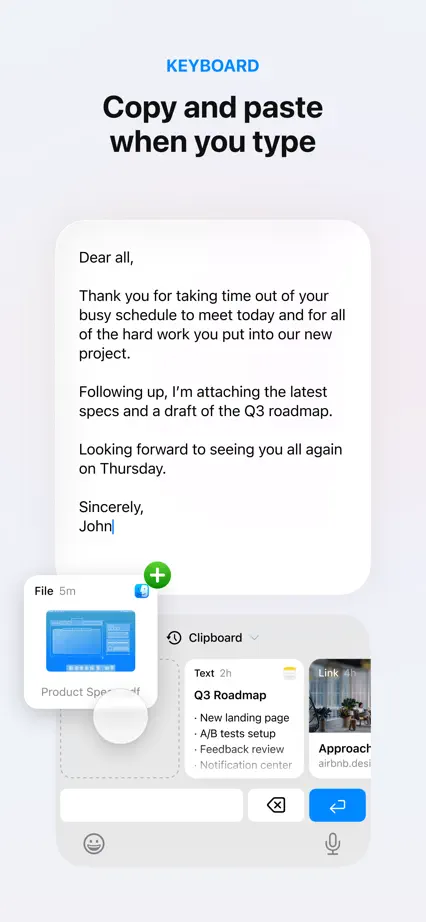
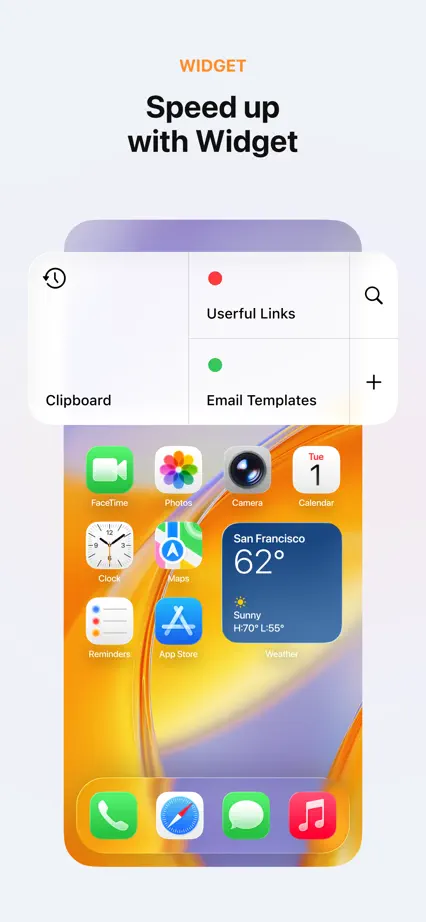
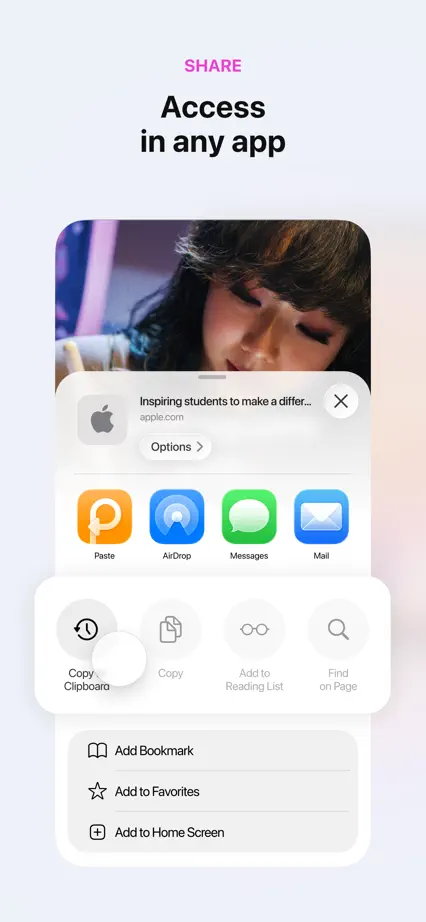
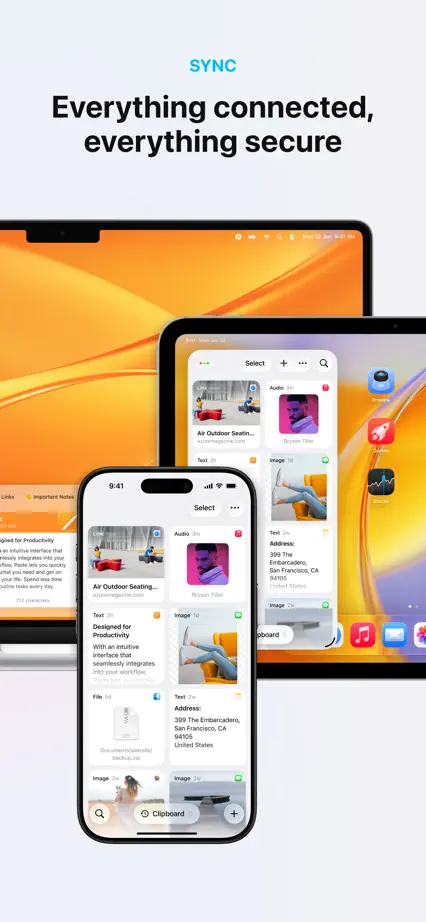
A laptop crosses the opening panels before floating clipboard cards explain individual workflows.

Paste, App Store screenshot 1
Paste, App Store screenshot 2
Paste, App Store screenshot 3
Paste, App Store screenshot 4
Paste, App Store screenshot 5
Paste, App Store screenshot 6
Paste, App Store screenshot 7
Paste, App Store screenshot 8
Paste, App Store screenshot 9

Atoms

Productivity · 7 frames

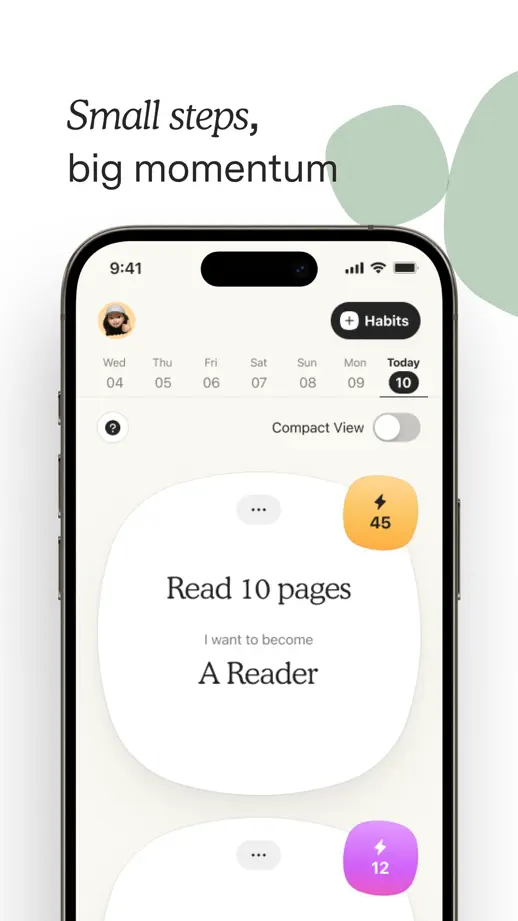
Generous white space, serif copy and soft geometric shapes give a habit-building tour a calm rhythm.

Atoms, App Store screenshot 1
Atoms, App Store screenshot 2
Atoms, App Store screenshot 3
Atoms, App Store screenshot 4
Atoms, App Store screenshot 5
Atoms, App Store screenshot 6
Atoms, App Store screenshot 7

Capacities

Productivity · 8 frames

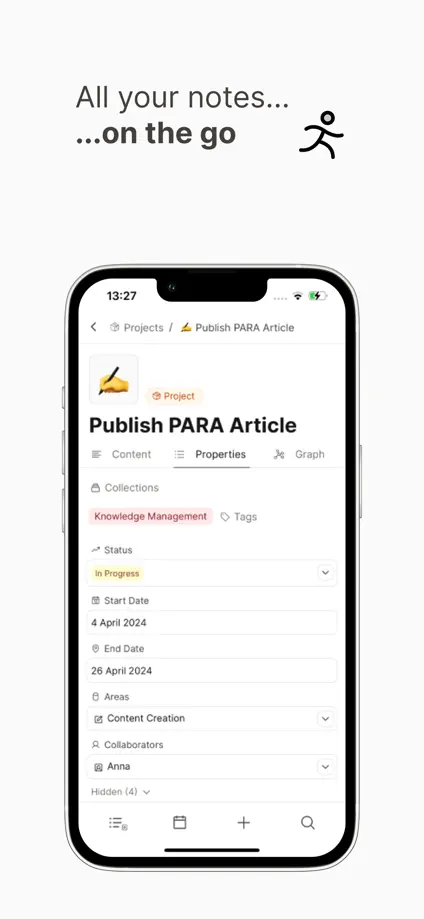
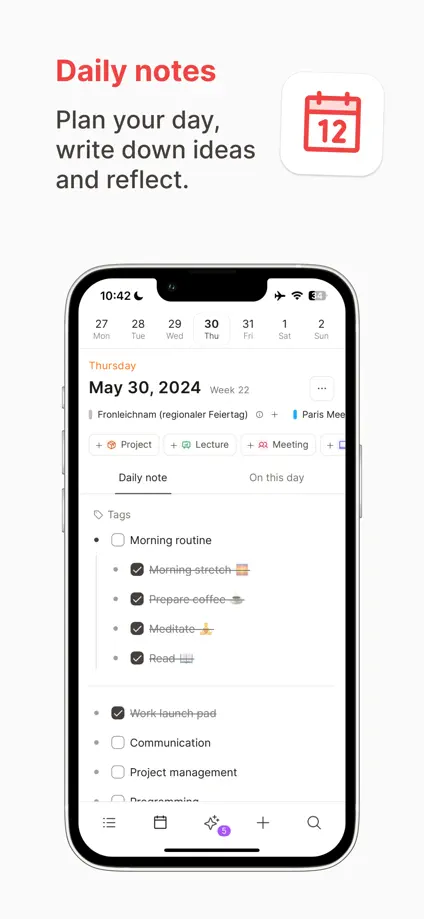
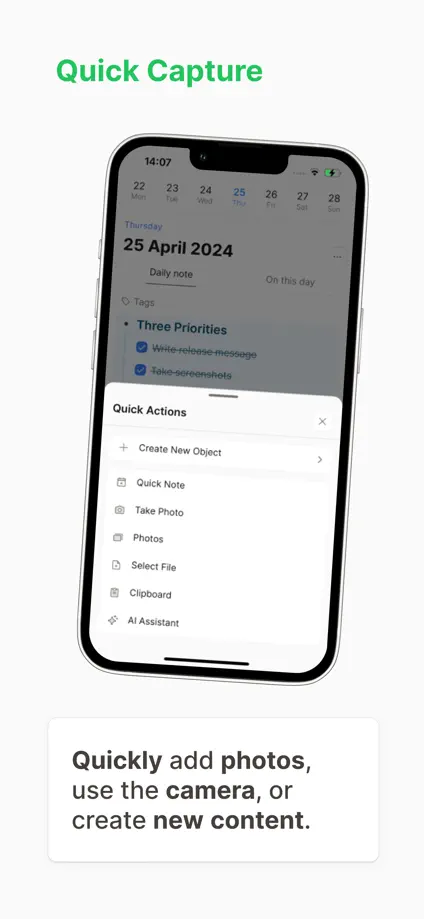
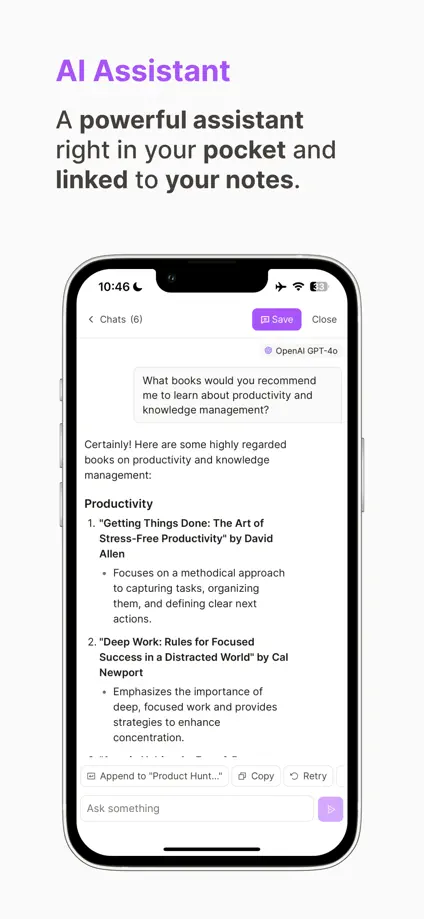
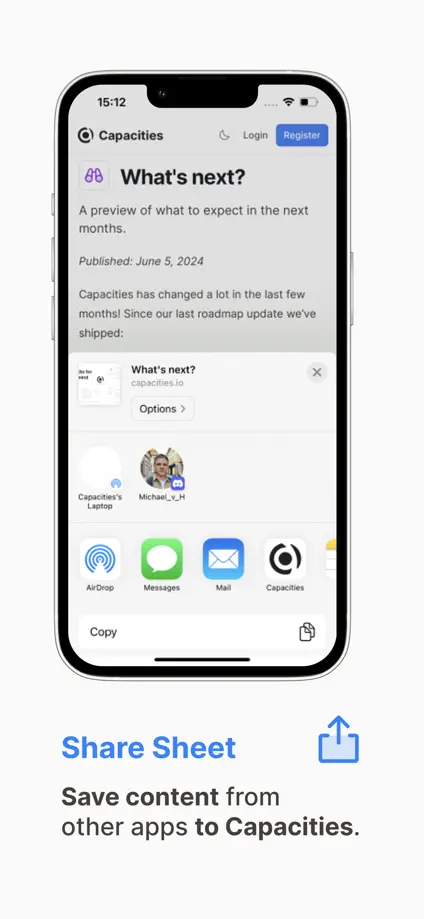
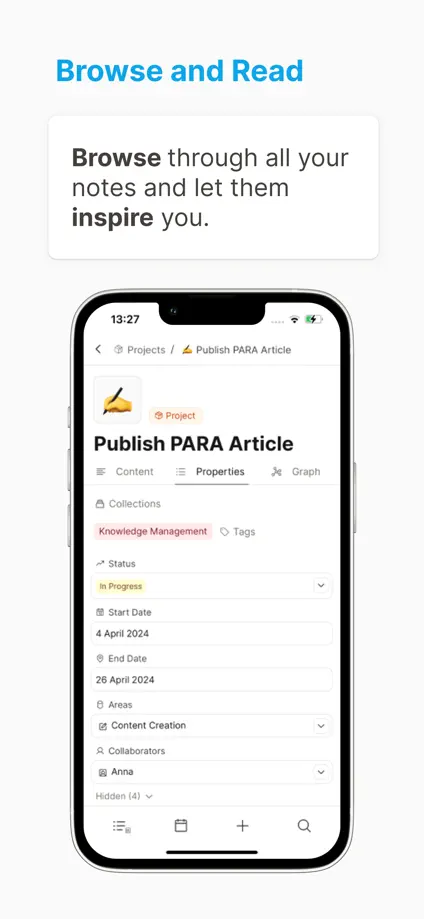
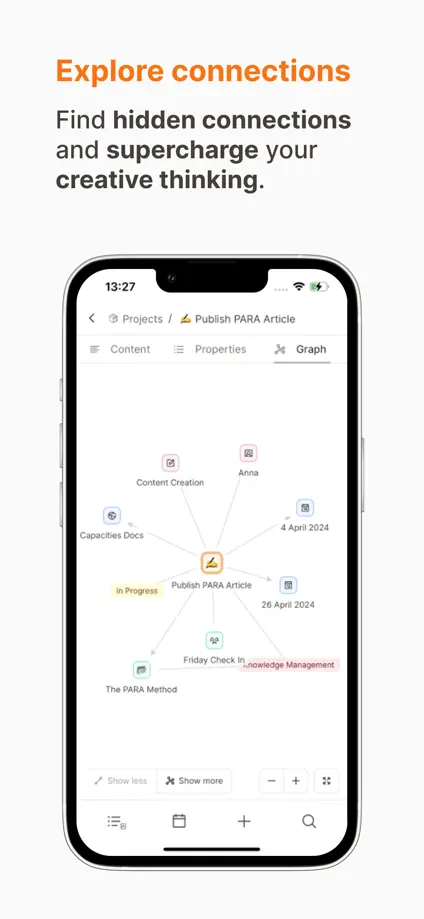
Small colored headings distinguish note-taking features on otherwise quiet white panels.

Capacities, App Store screenshot 1
Capacities, App Store screenshot 2
Capacities, App Store screenshot 3
Capacities, App Store screenshot 4
Capacities, App Store screenshot 5
Capacities, App Store screenshot 6
Capacities, App Store screenshot 7
Capacities, App Store screenshot 8

ChatGPT

Productivity · 8 frames

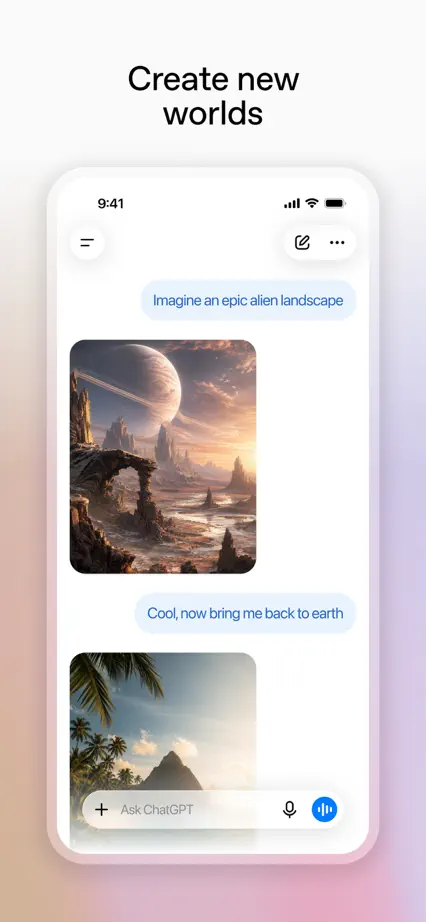
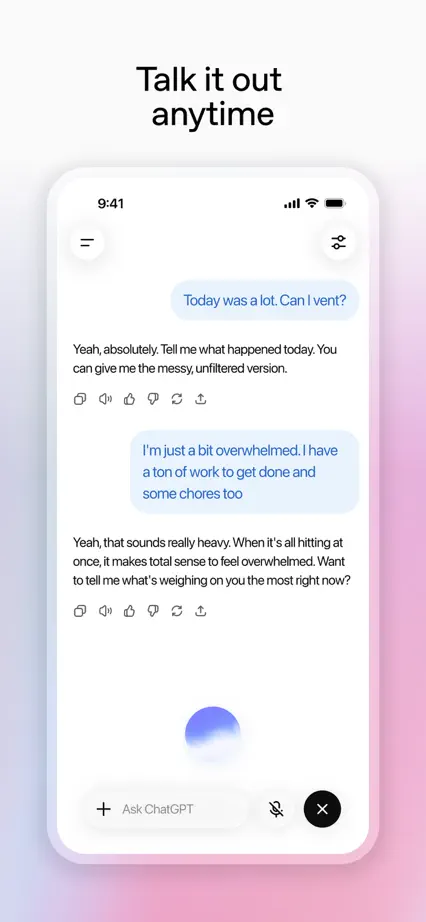
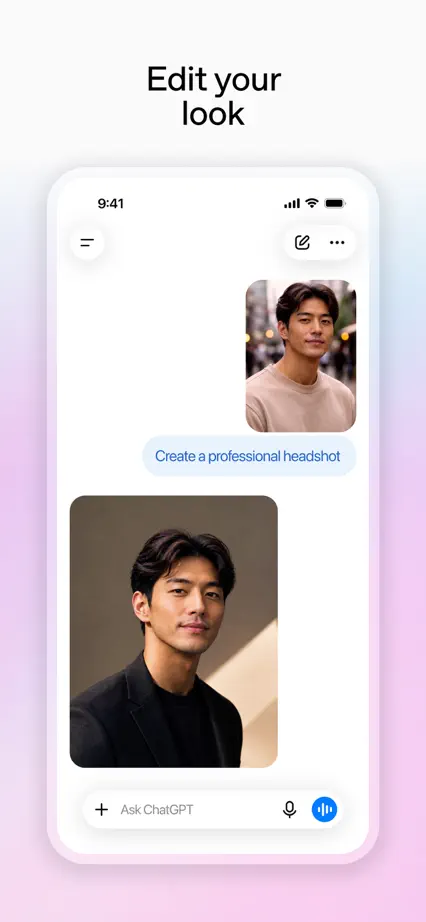
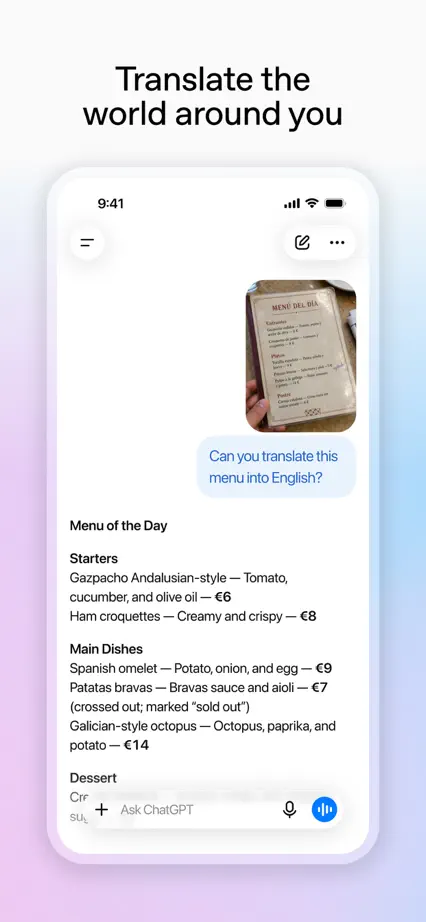
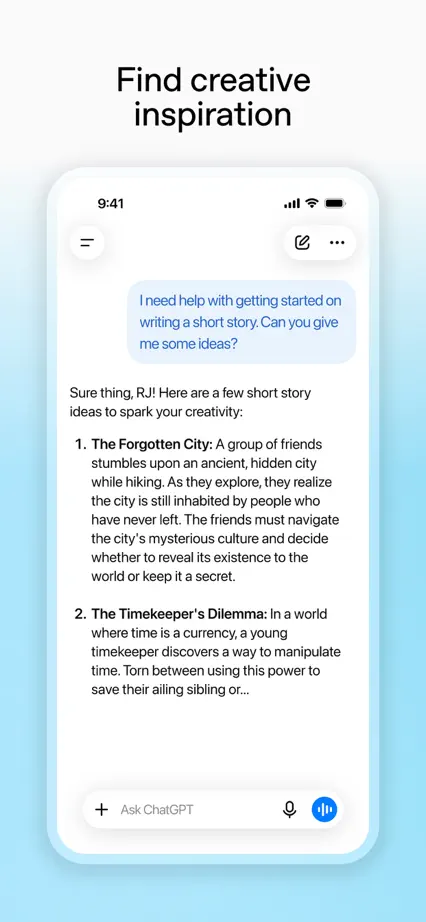
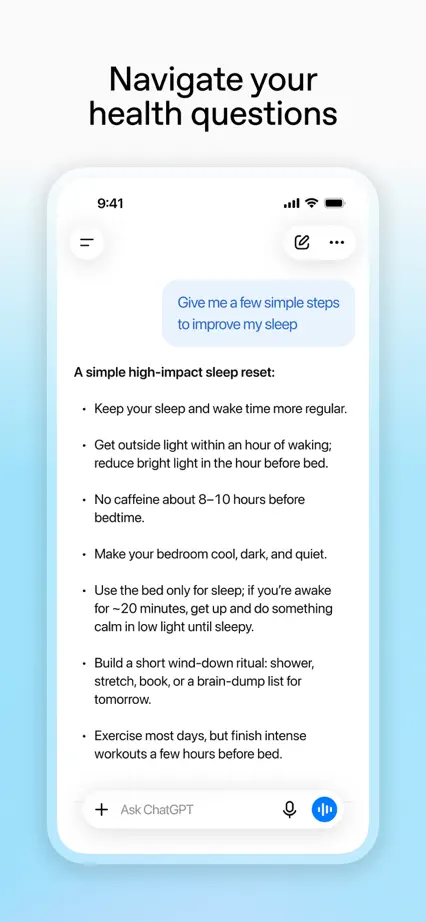
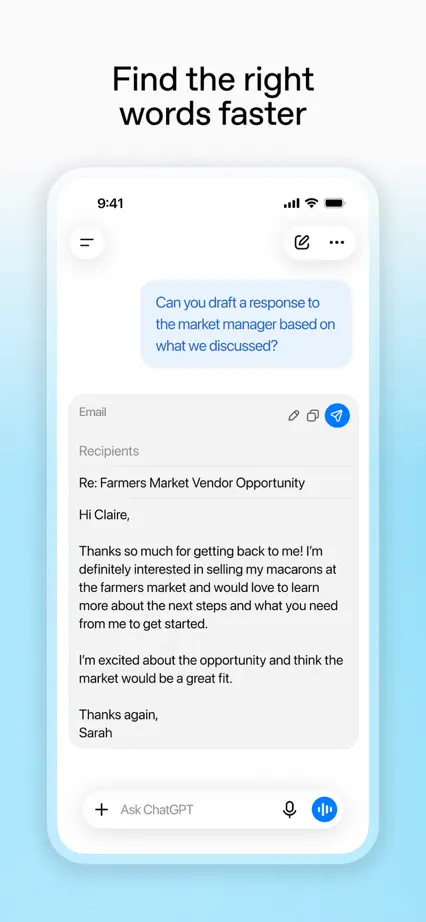
White phones sit above subtle color glows, keeping the same layout for eight different conversational examples.

ChatGPT, App Store screenshot 1
ChatGPT, App Store screenshot 2
ChatGPT, App Store screenshot 3
ChatGPT, App Store screenshot 4
ChatGPT, App Store screenshot 5
ChatGPT, App Store screenshot 6
ChatGPT, App Store screenshot 7
ChatGPT, App Store screenshot 8

Claude

Productivity · 9 frames

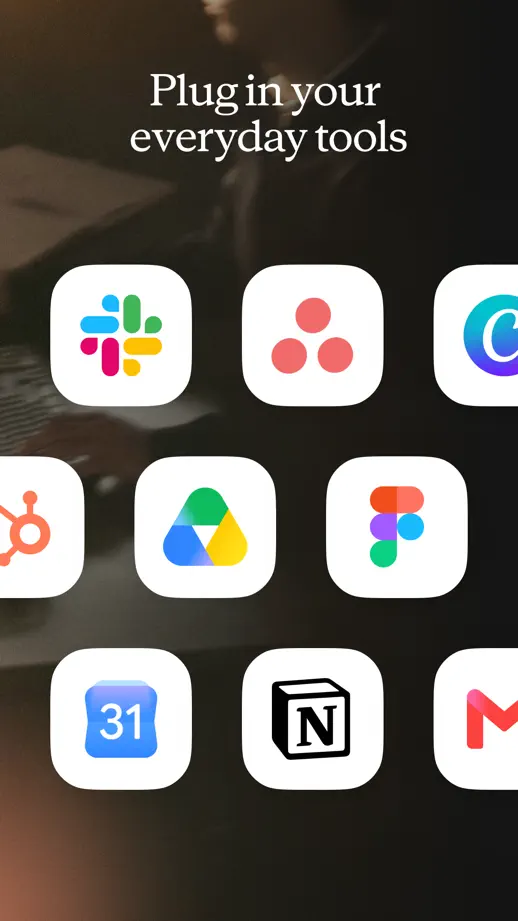
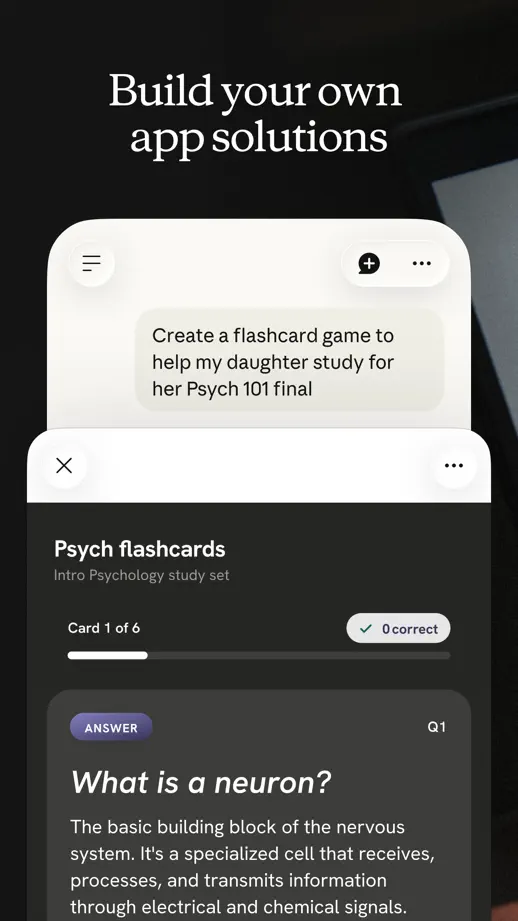
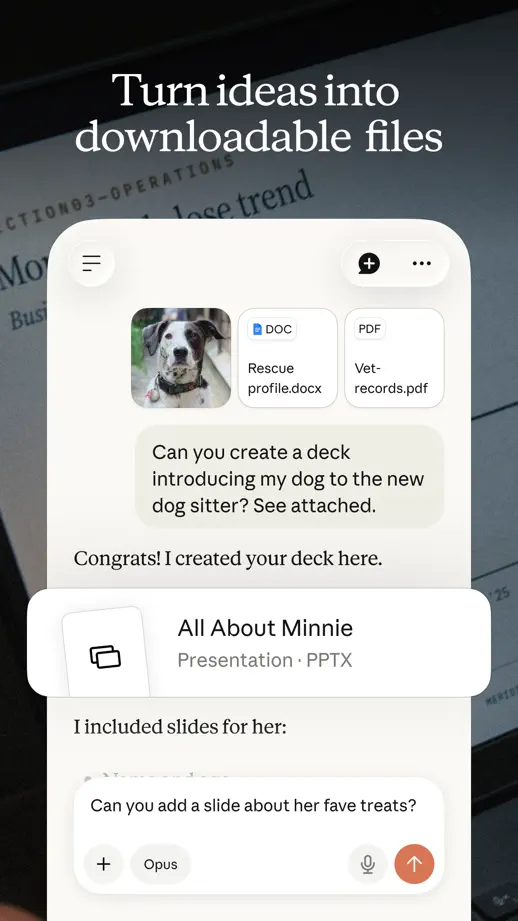
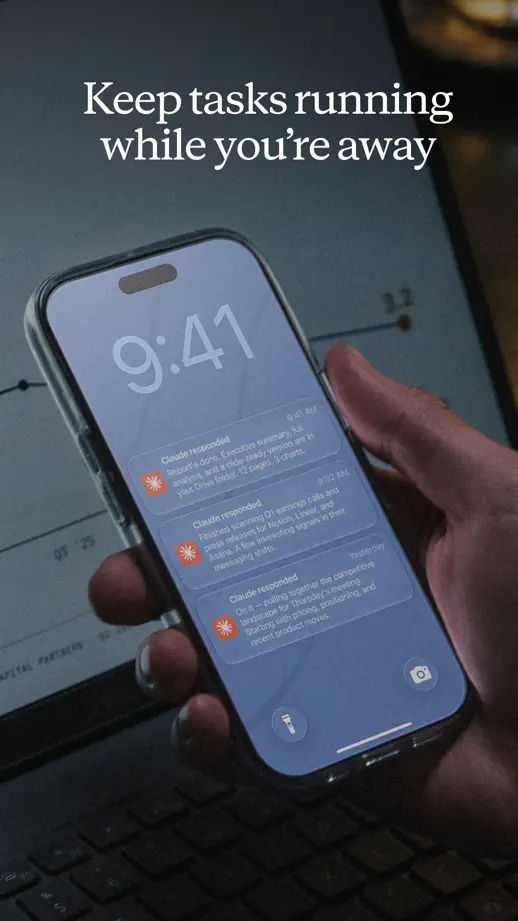
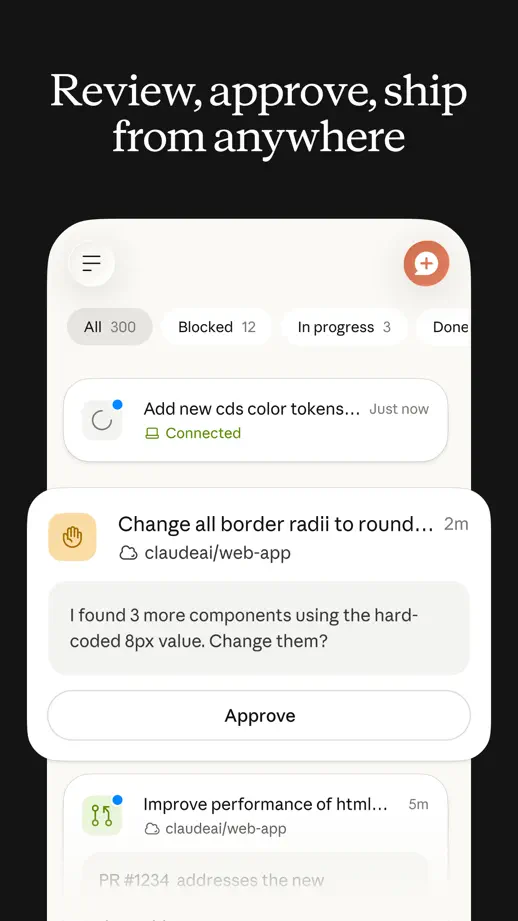
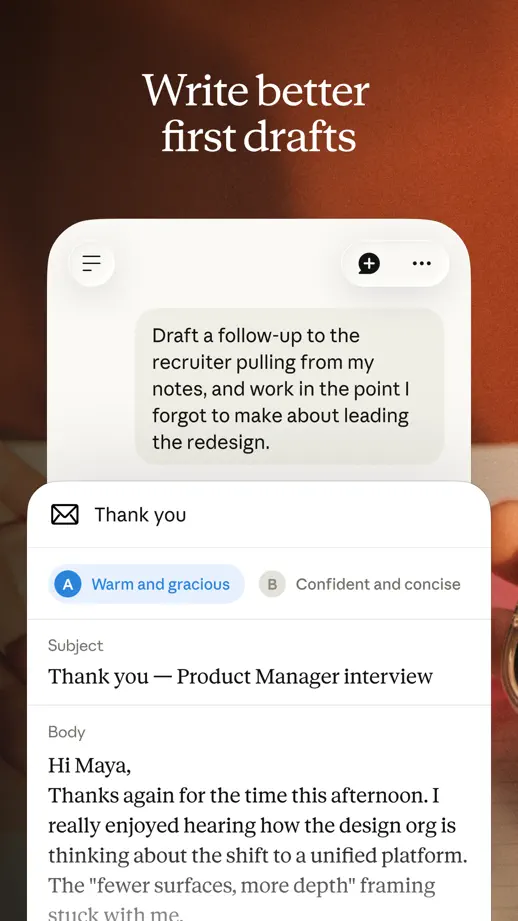
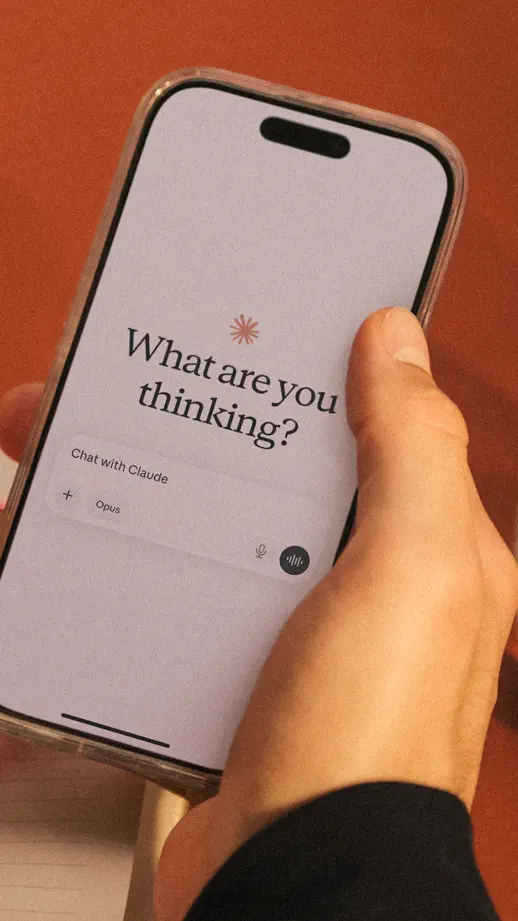
Serif headlines and warm photographic settings frame large conversational interface cards.

Claude, App Store screenshot 1
Claude, App Store screenshot 2
Claude, App Store screenshot 3
Claude, App Store screenshot 4
Claude, App Store screenshot 5
Claude, App Store screenshot 6
Claude, App Store screenshot 7
Claude, App Store screenshot 8
Claude, App Store screenshot 9

Fantastical

Productivity · 10 frames

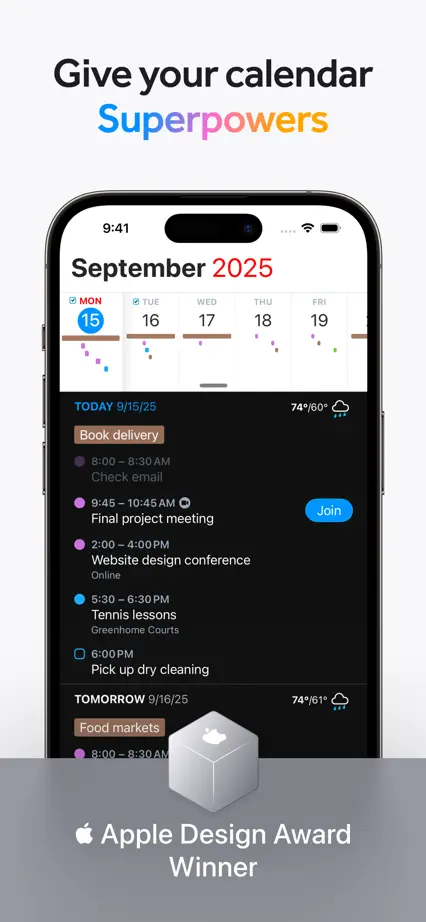
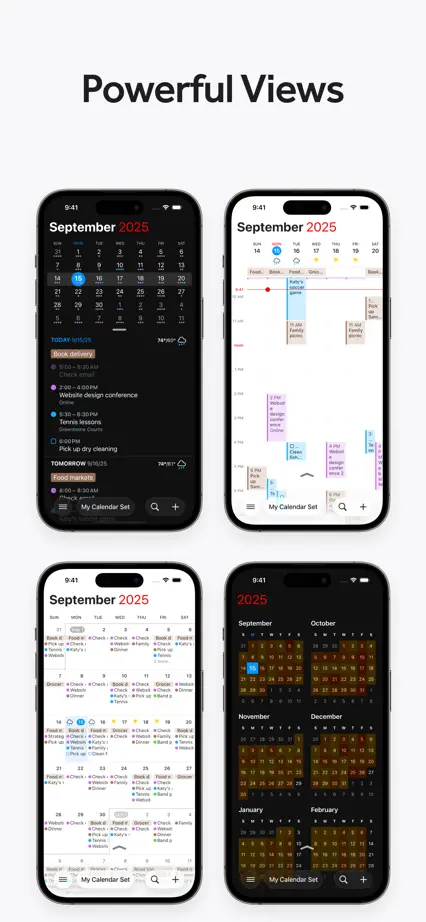
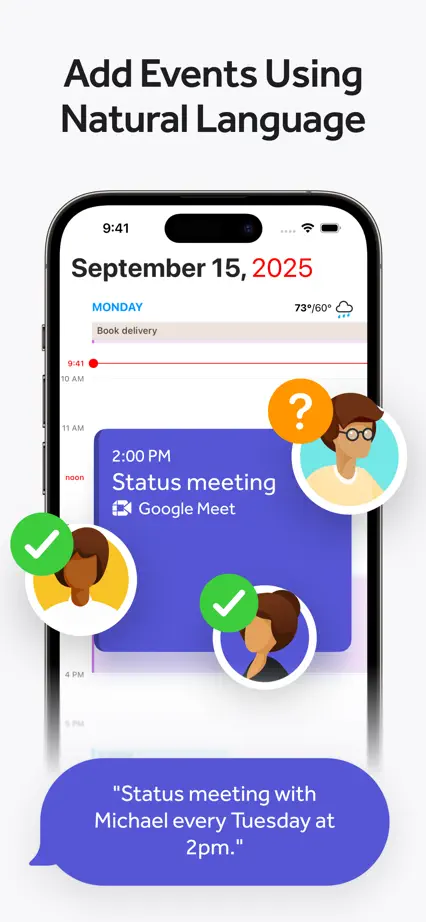
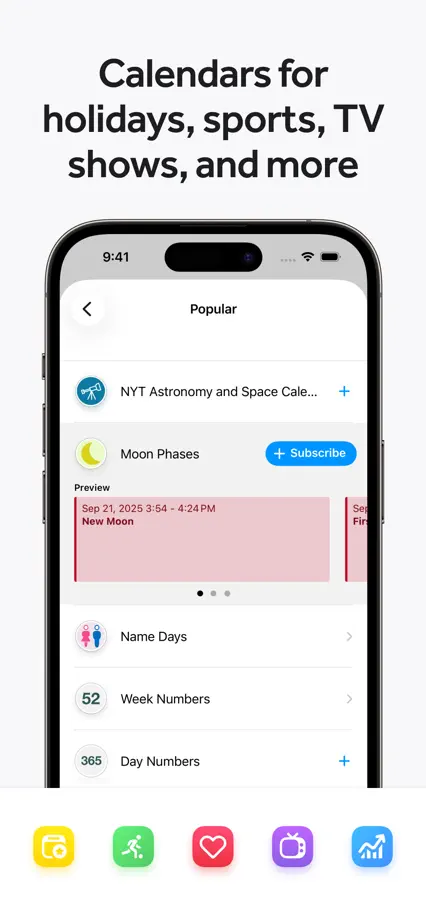
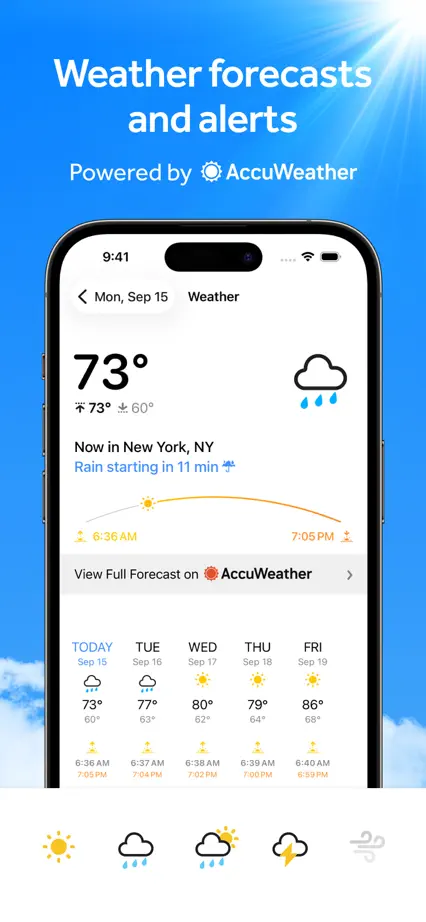
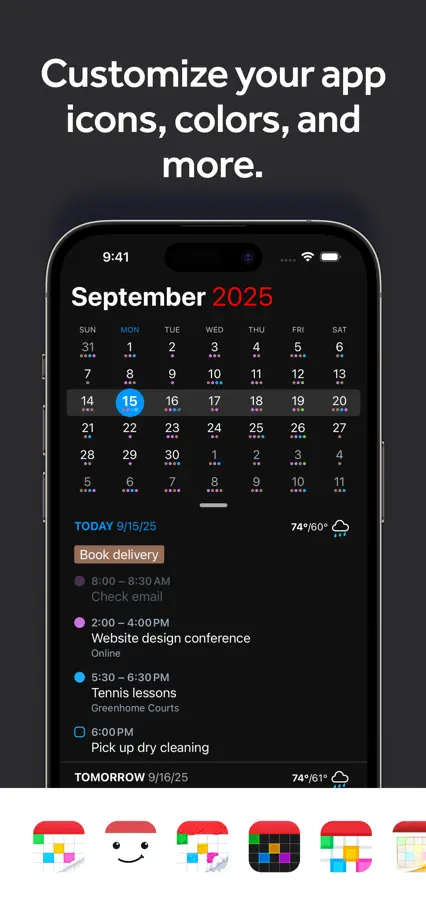
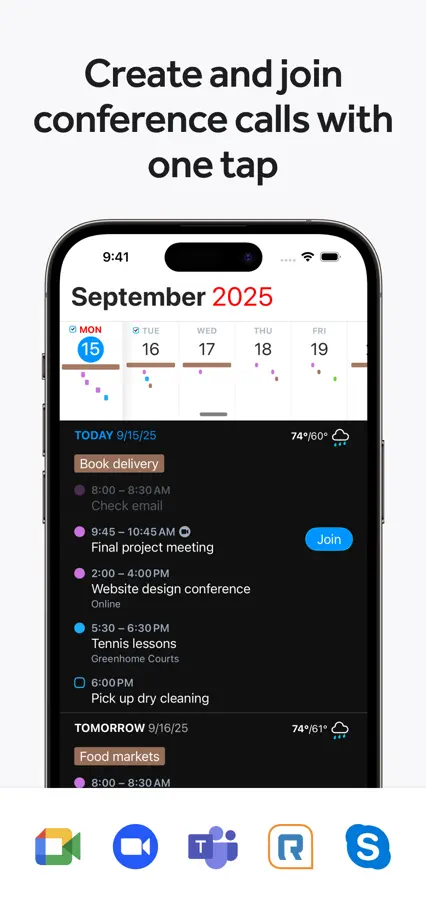
Pale panels combine large calendar views, floating symbols and groups of widgets at changing scales.

Fantastical, App Store screenshot 1
Fantastical, App Store screenshot 2
Fantastical, App Store screenshot 3
Fantastical, App Store screenshot 4
Fantastical, App Store screenshot 5
Fantastical, App Store screenshot 6
Fantastical, App Store screenshot 7
Fantastical, App Store screenshot 8
Fantastical, App Store screenshot 9
Fantastical, App Store screenshot 10

Forest

Productivity · 8 frames

An illustrated green world links the opening to focus controls, progress charts and a tree-planting photograph.

Forest, App Store screenshot 1
Forest, App Store screenshot 2
Forest, App Store screenshot 3
Forest, App Store screenshot 4
Forest, App Store screenshot 5
Forest, App Store screenshot 6
Forest, App Store screenshot 7
Forest, App Store screenshot 8

Jomo

Productivity · 10 frames

A consistent blue background connects short feature headings, floating controls and occasional angled phones.

Jomo, App Store screenshot 1
Jomo, App Store screenshot 2
Jomo, App Store screenshot 3
Jomo, App Store screenshot 4
Jomo, App Store screenshot 5
Jomo, App Store screenshot 6
Jomo, App Store screenshot 7
Jomo, App Store screenshot 8
Jomo, App Store screenshot 9
Jomo, App Store screenshot 10

Notion

Productivity · 7 frames

Small monochrome drawings bookend a sequence of consistently placed phones and plain black headings.

Notion, App Store screenshot 1
Notion, App Store screenshot 2
Notion, App Store screenshot 3
Notion, App Store screenshot 4
Notion, App Store screenshot 5
Notion, App Store screenshot 6
Notion, App Store screenshot 7

one sec

Productivity · 9 frames

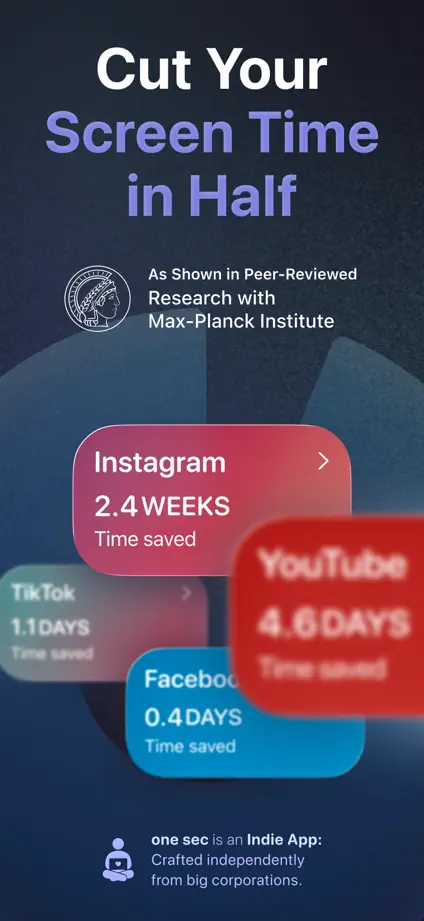
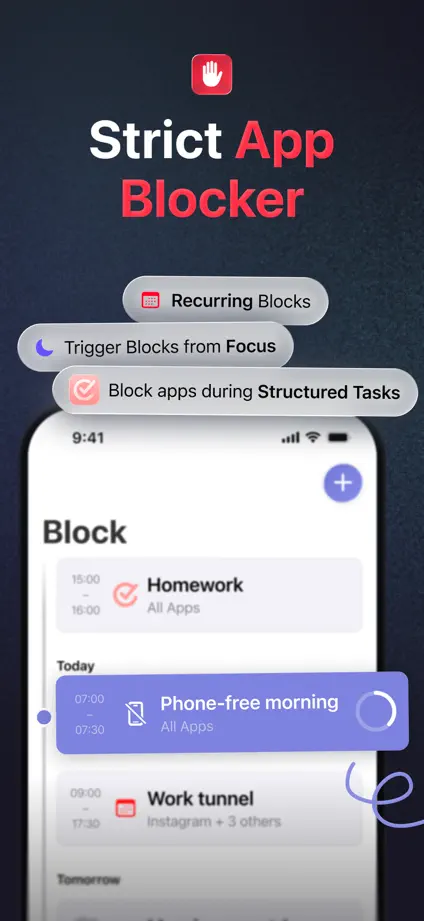
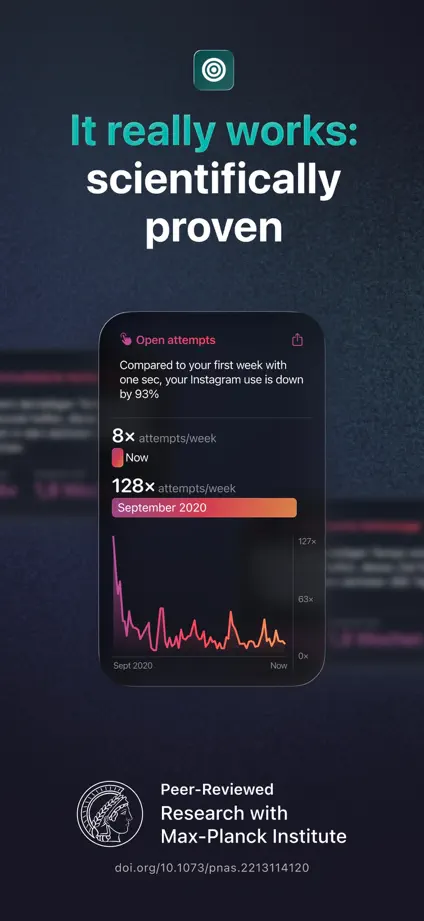
Colored keywords and floating interface cards connect dark panels explaining different interruptions to scrolling.

one sec, App Store screenshot 1
one sec, App Store screenshot 2
one sec, App Store screenshot 3
one sec, App Store screenshot 4
one sec, App Store screenshot 5
one sec, App Store screenshot 6
one sec, App Store screenshot 7
one sec, App Store screenshot 8
one sec, App Store screenshot 9

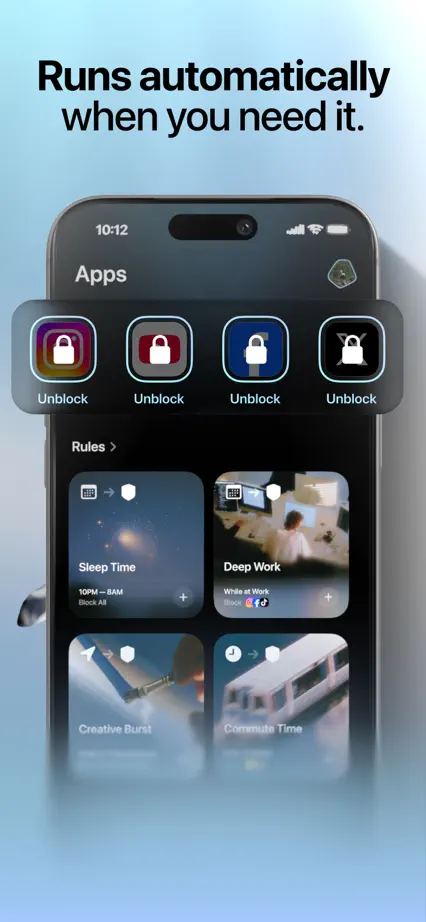
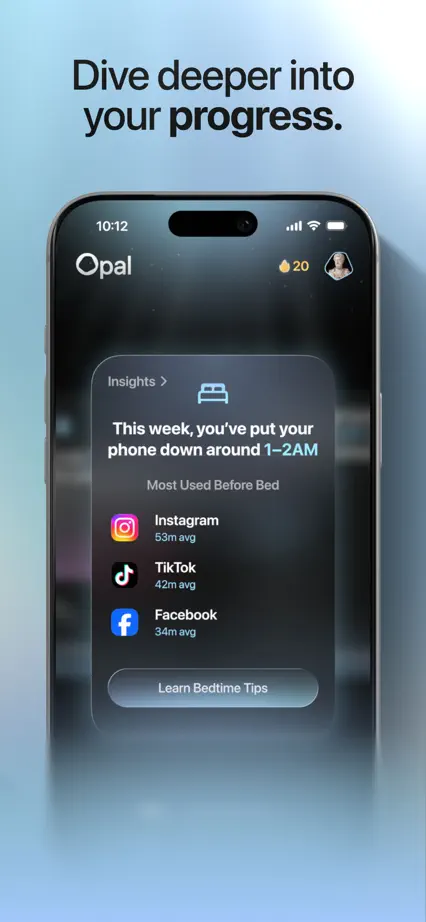
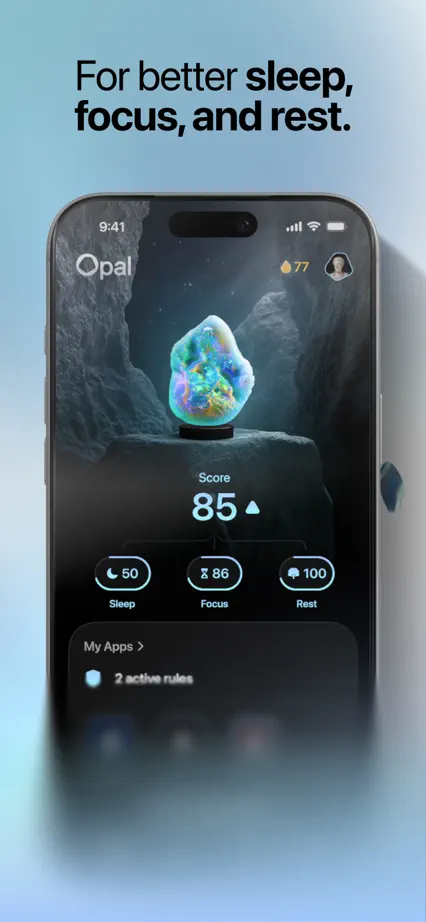
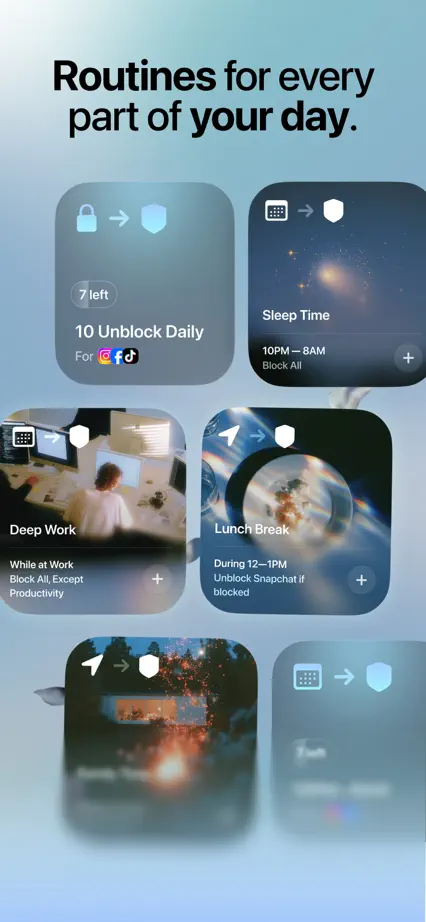
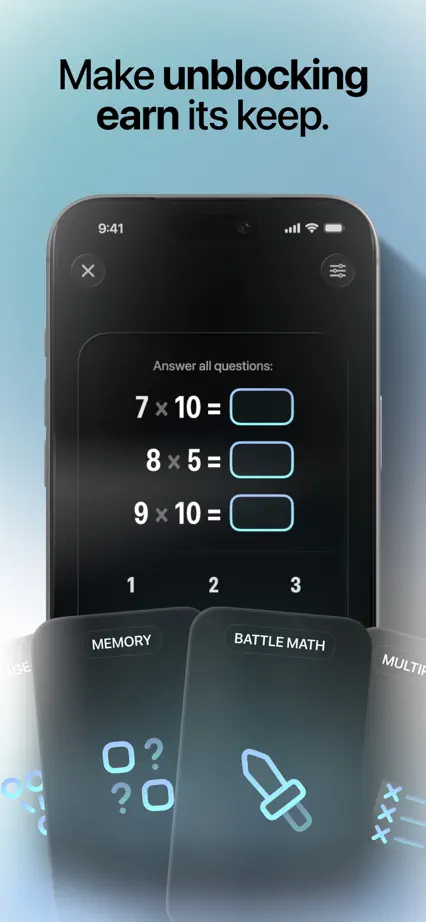
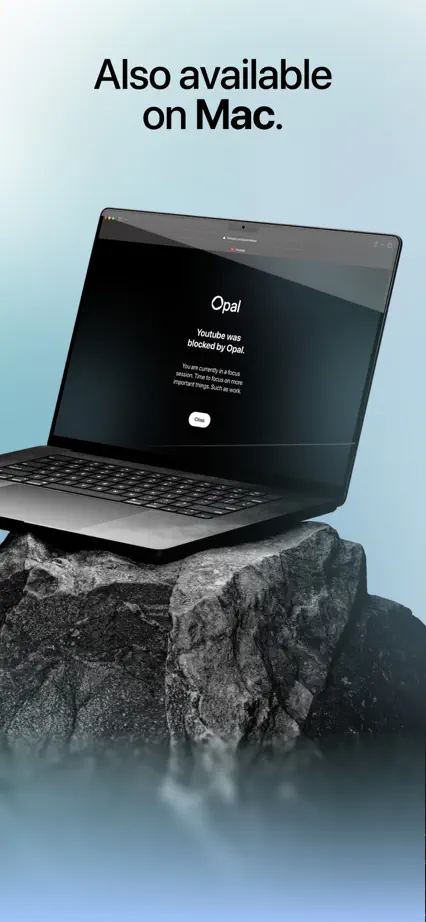
Opal

Productivity · 9 frames

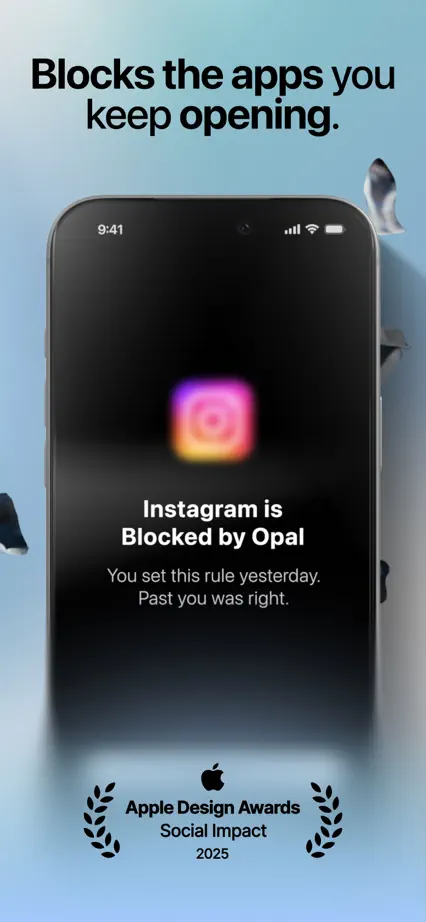
Soft blue mist links dark devices, floating controls and a dimensional timer scene.

Opal, App Store screenshot 1
Opal, App Store screenshot 2
Opal, App Store screenshot 3
Opal, App Store screenshot 4
Opal, App Store screenshot 5
Opal, App Store screenshot 6
Opal, App Store screenshot 7
Opal, App Store screenshot 8
Opal, App Store screenshot 9

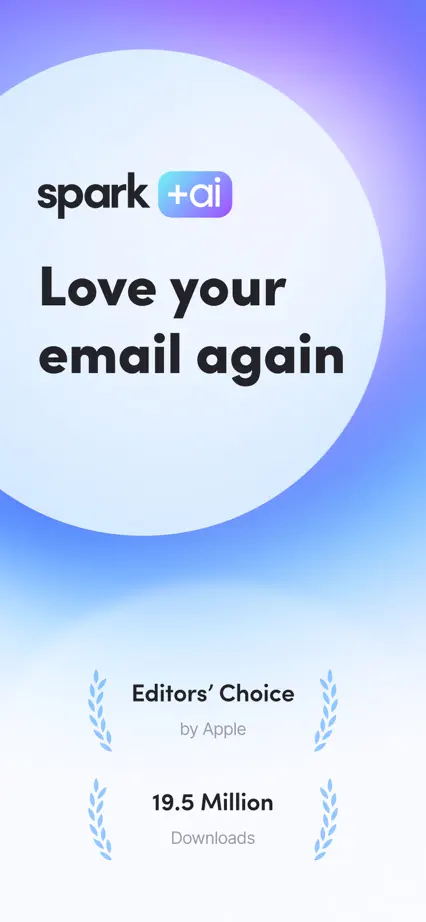
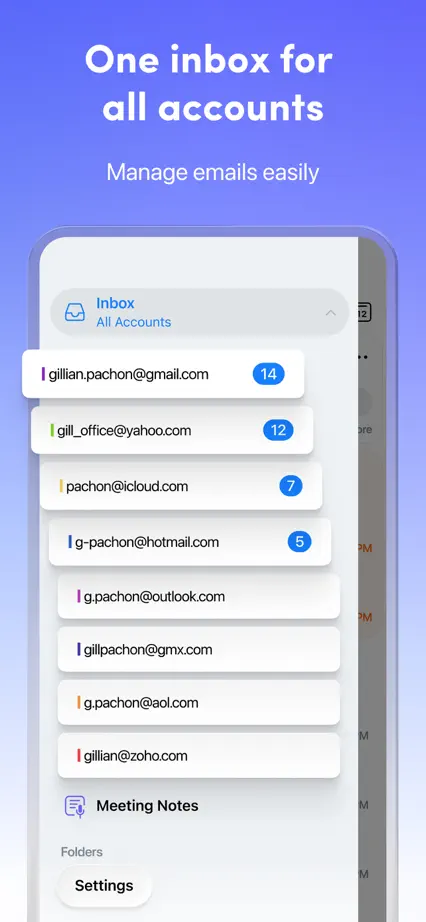
Spark

Productivity · 10 frames

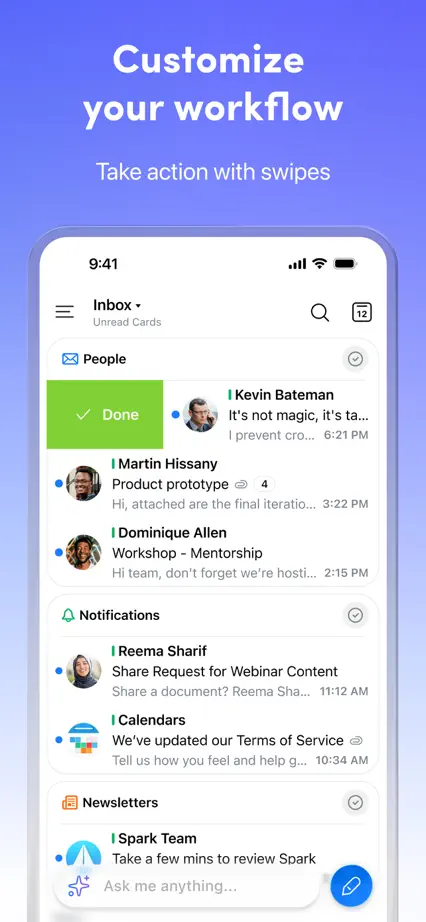
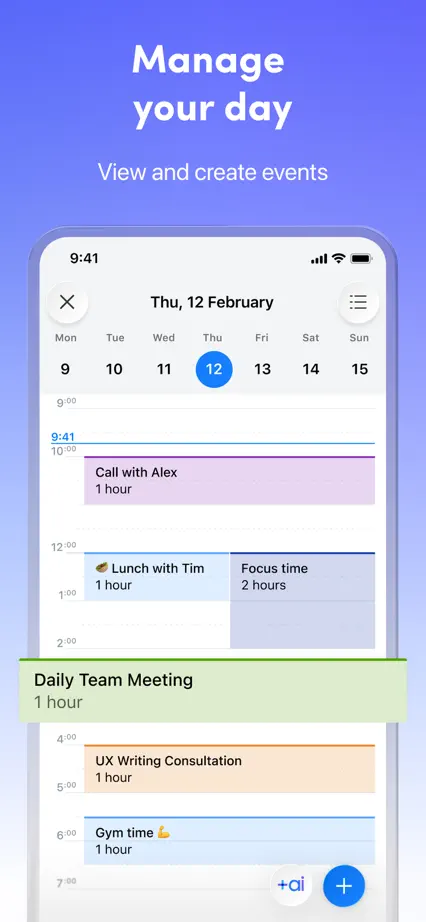
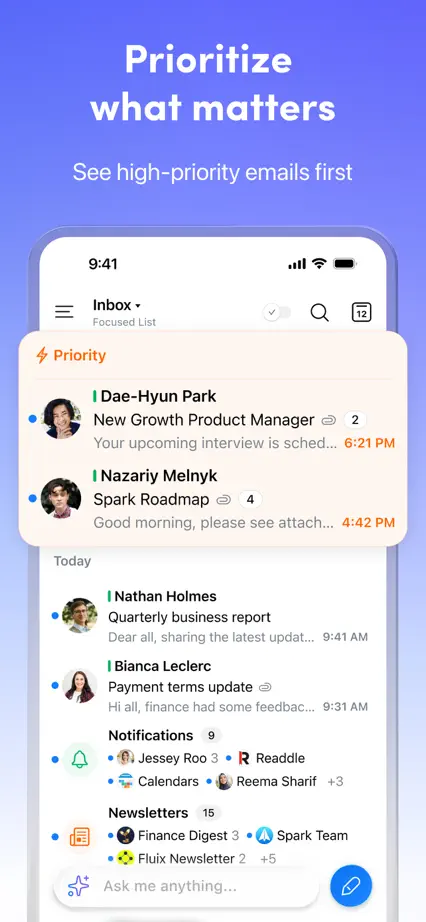
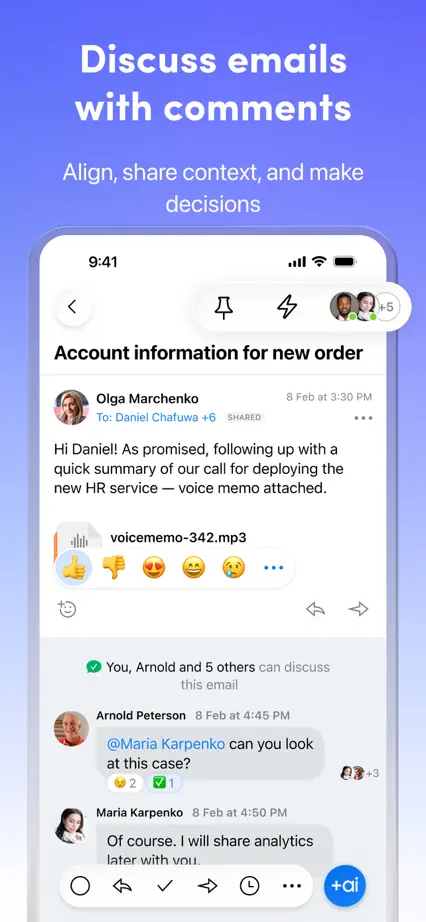
A pale typographic opening leads into large email screens on a consistent purple-blue field.

Spark, App Store screenshot 1
Spark, App Store screenshot 2
Spark, App Store screenshot 3
Spark, App Store screenshot 4
Spark, App Store screenshot 5
Spark, App Store screenshot 6
Spark, App Store screenshot 7
Spark, App Store screenshot 8
Spark, App Store screenshot 9
Spark, App Store screenshot 10

Superlist

Productivity · 8 frames

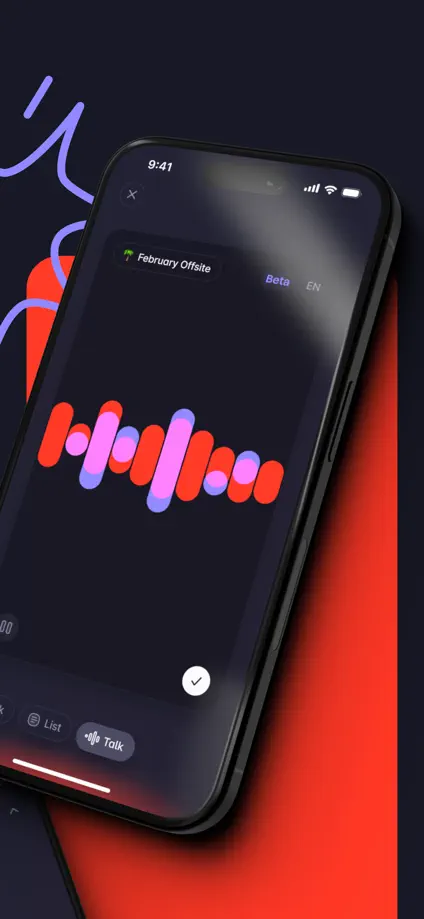
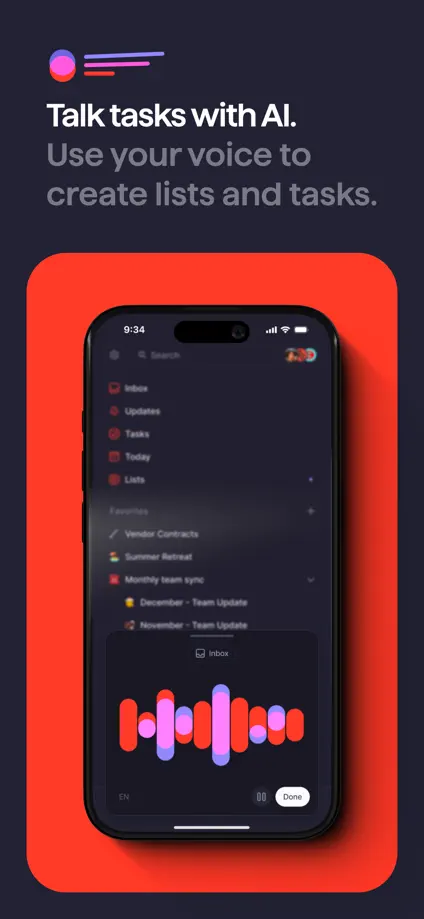
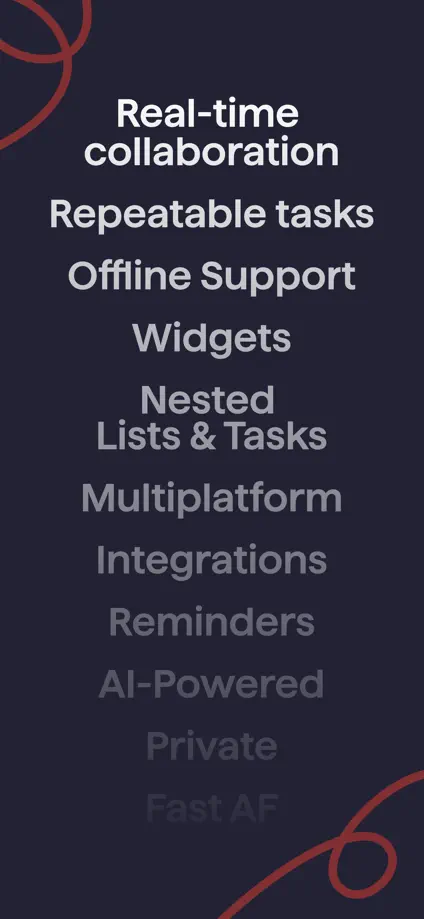
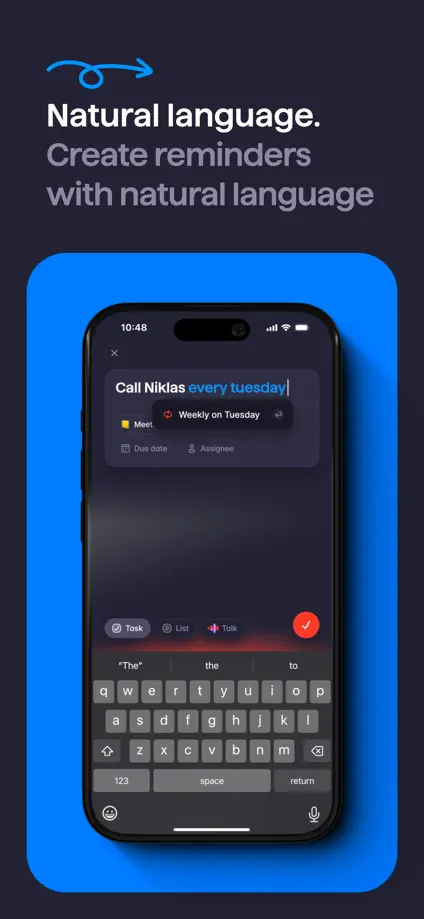
Red and purple interface panels stand out against a dark background and loose drawn lines.

Superlist, App Store screenshot 1
Superlist, App Store screenshot 2
Superlist, App Store screenshot 3
Superlist, App Store screenshot 4
Superlist, App Store screenshot 5
Superlist, App Store screenshot 6
Superlist, App Store screenshot 7
Superlist, App Store screenshot 8

Supernotes

Productivity · 7 frames

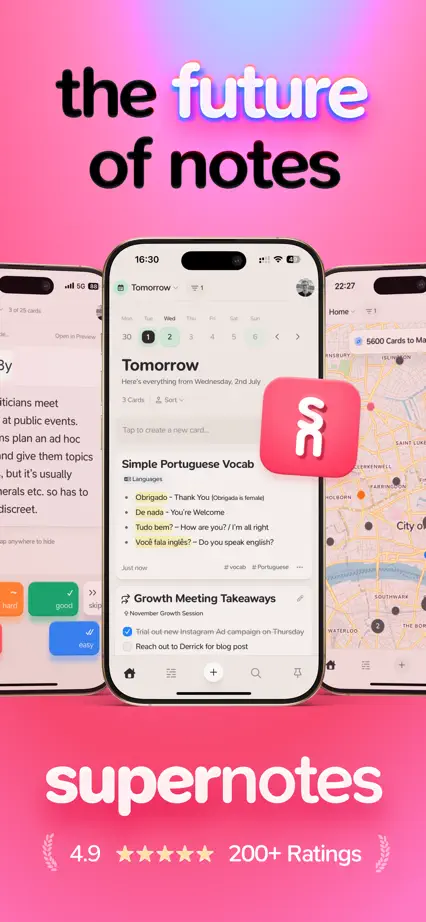
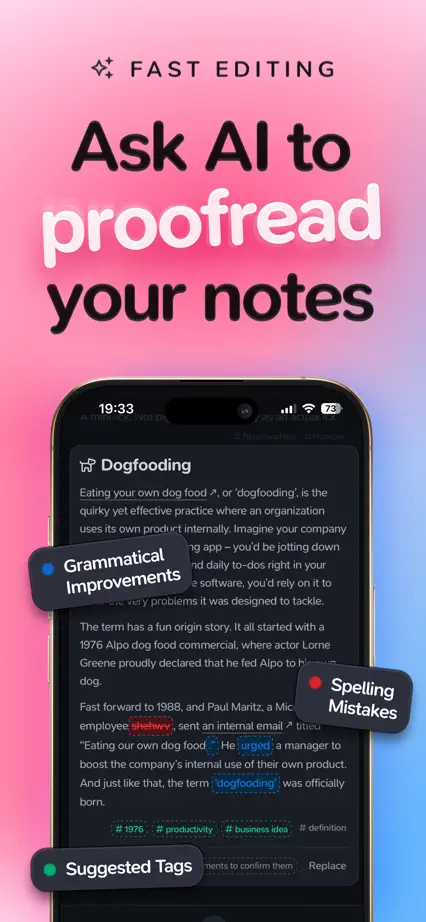
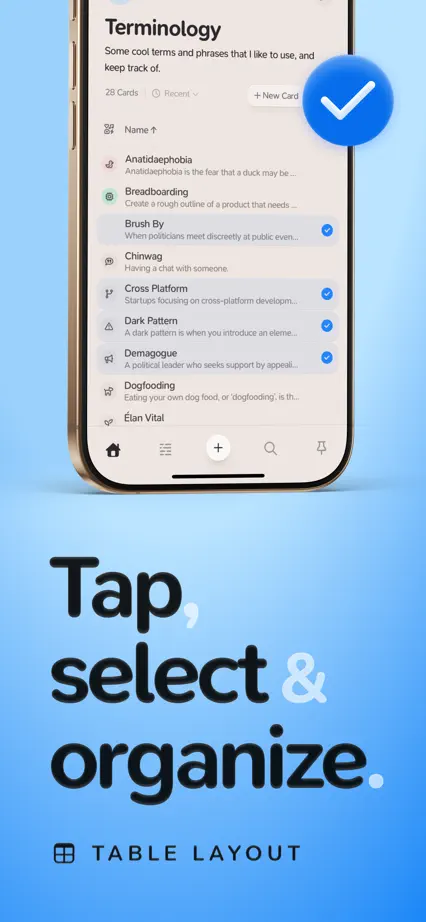
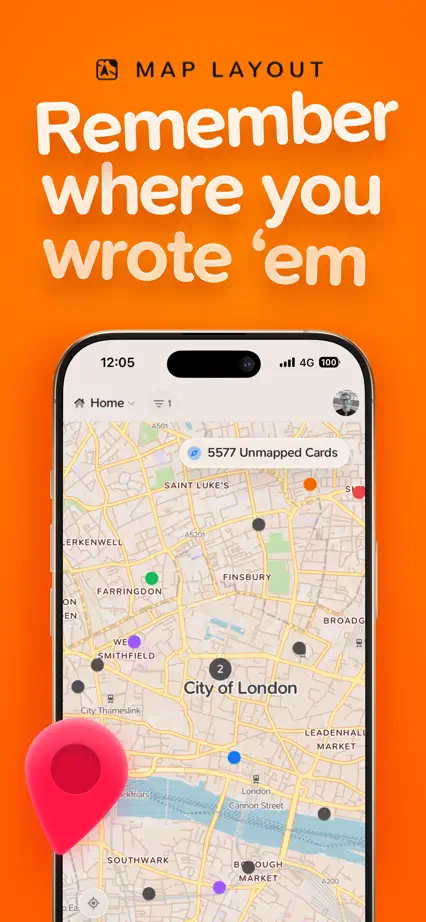
Large playful headings alternate above and below phones, with color changes and floating symbols separating features.

Supernotes, App Store screenshot 1
Supernotes, App Store screenshot 2
Supernotes, App Store screenshot 3
Supernotes, App Store screenshot 4
Supernotes, App Store screenshot 5
Supernotes, App Store screenshot 6
Supernotes, App Store screenshot 7

Timepage

Productivity · 9 frames

The interface fills every frame, letting calendar typography and theme colors explain the product without extra headlines.
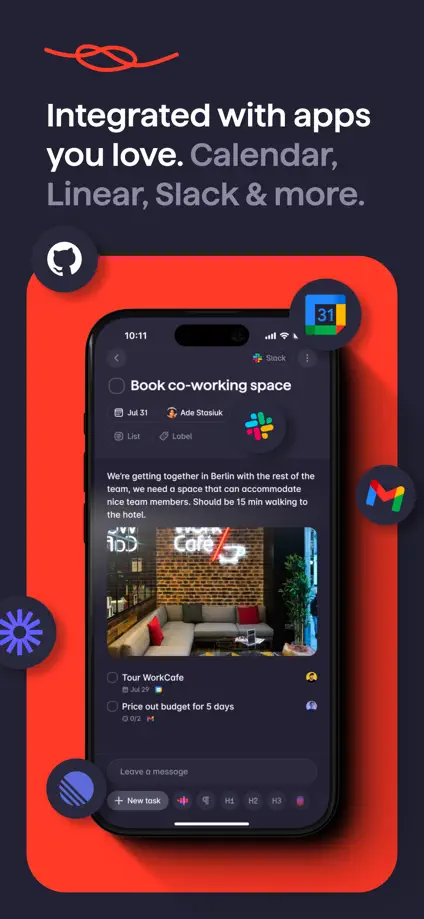
Timepage, App Store screenshot 1
Timepage, App Store screenshot 2
Timepage, App Store screenshot 3
Timepage, App Store screenshot 4
Timepage, App Store screenshot 5
Timepage, App Store screenshot 6
Timepage, App Store screenshot 7
Timepage, App Store screenshot 8
Timepage, App Store screenshot 9

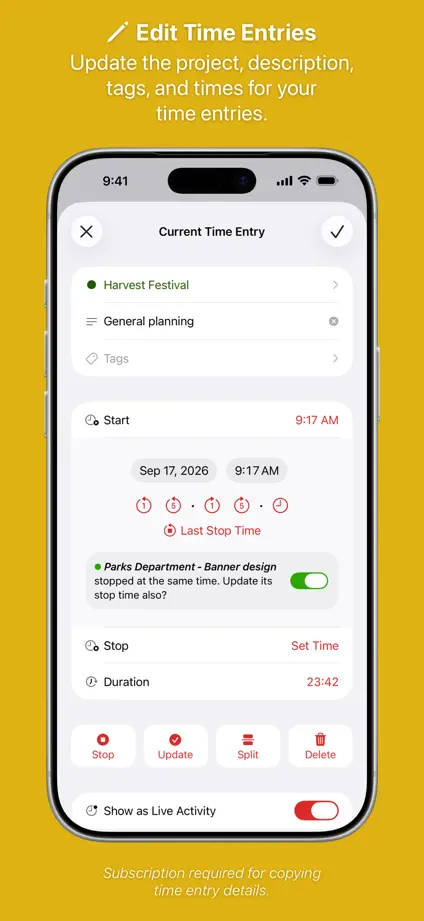
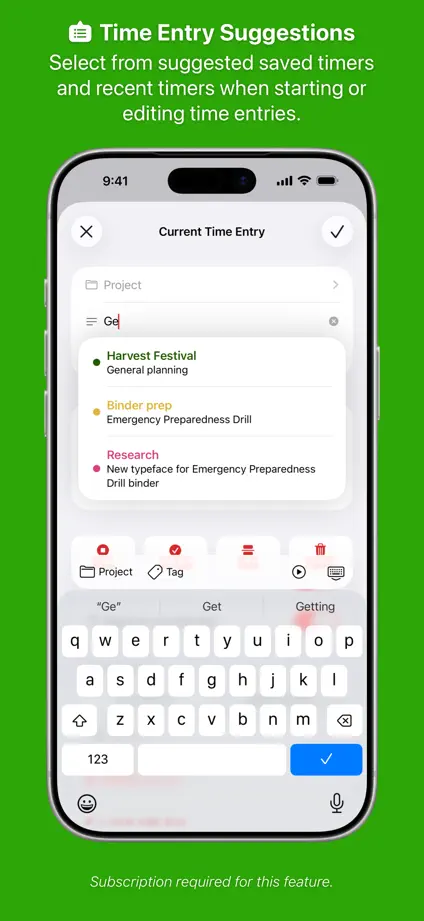
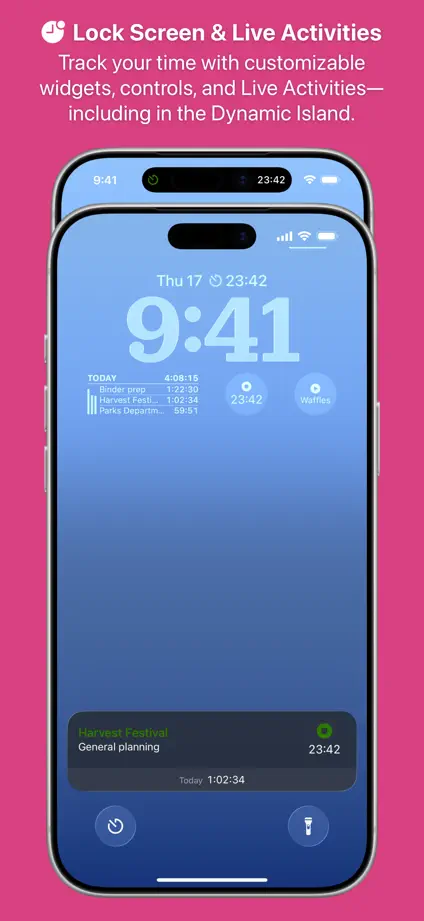
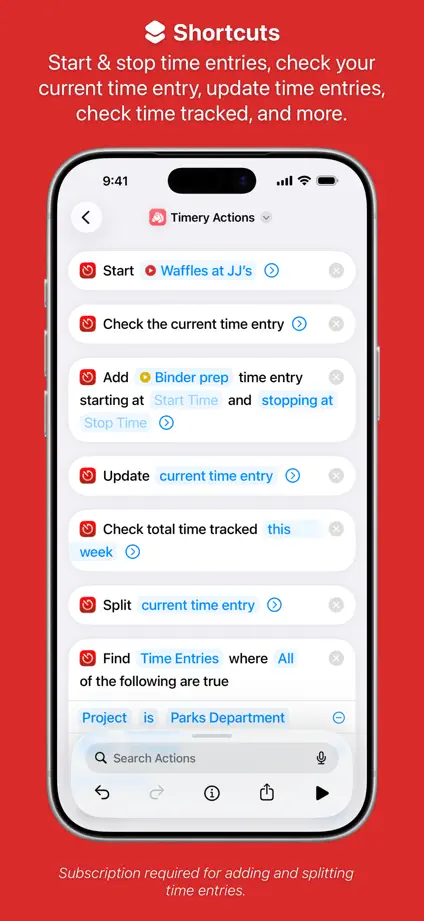
Timery

Productivity · 10 frames

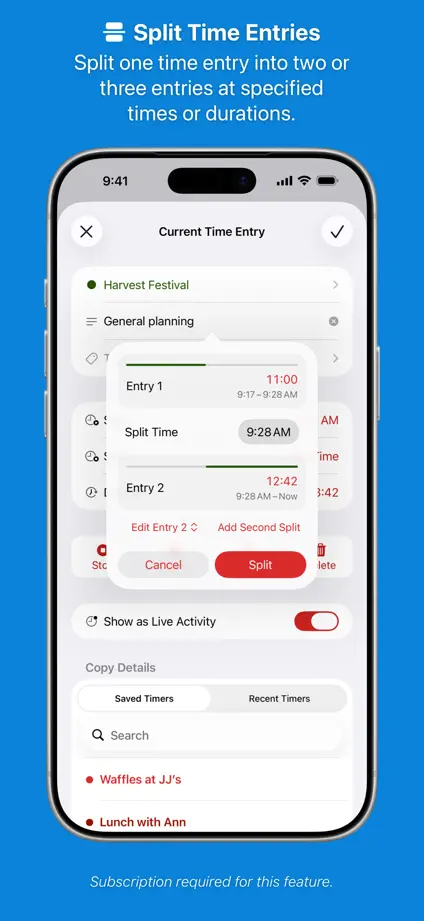
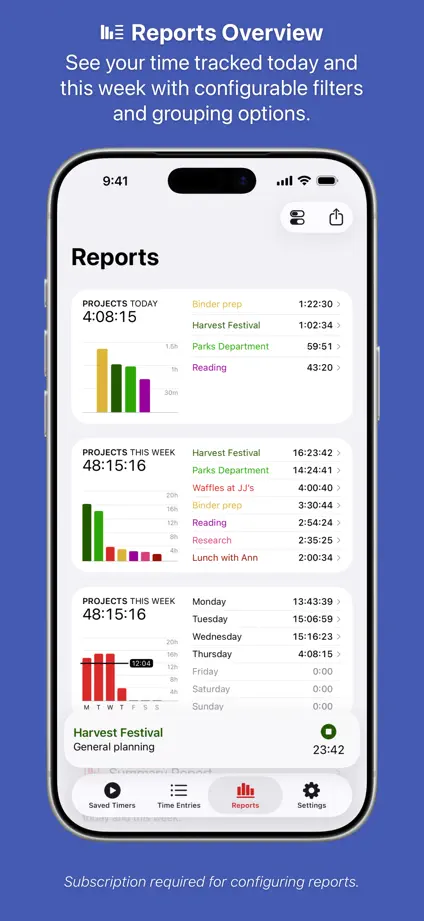
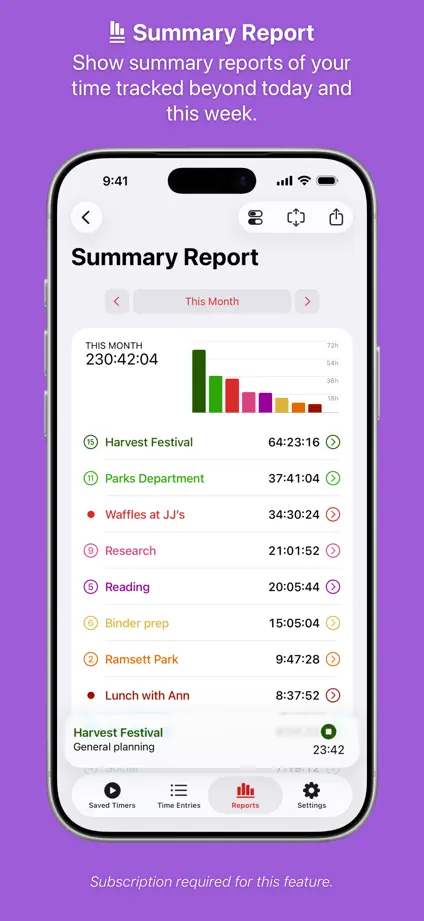
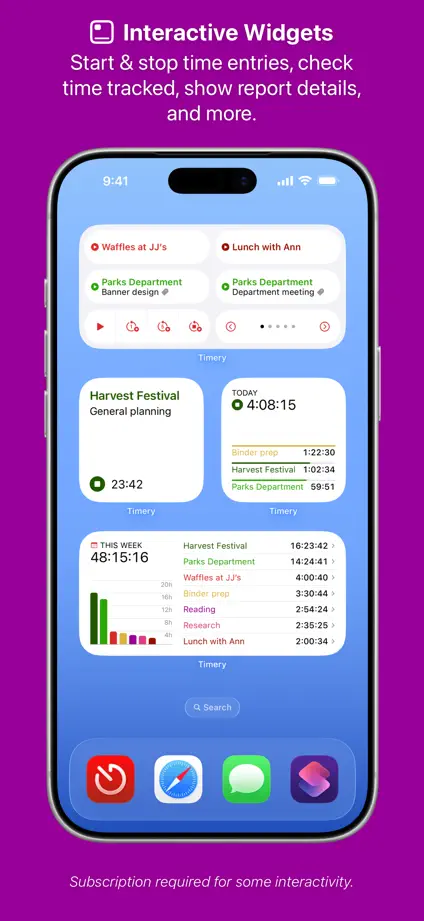
A rainbow of backgrounds gives each time-tracking feature a separate panel while phone placement stays consistent.
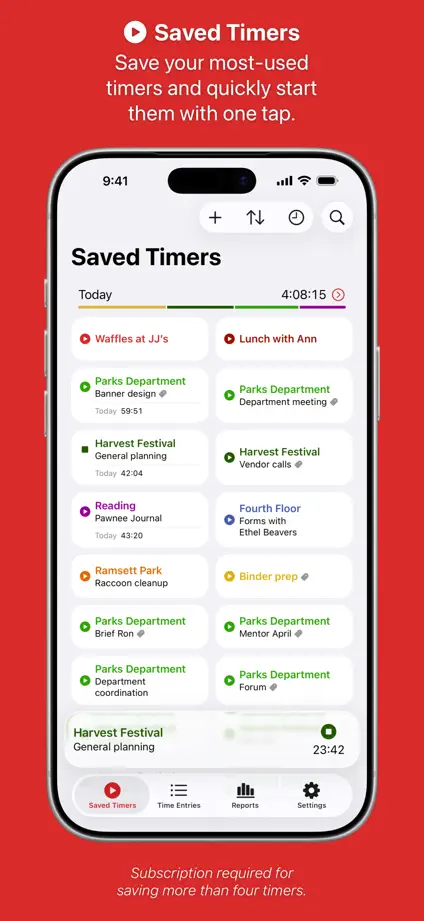
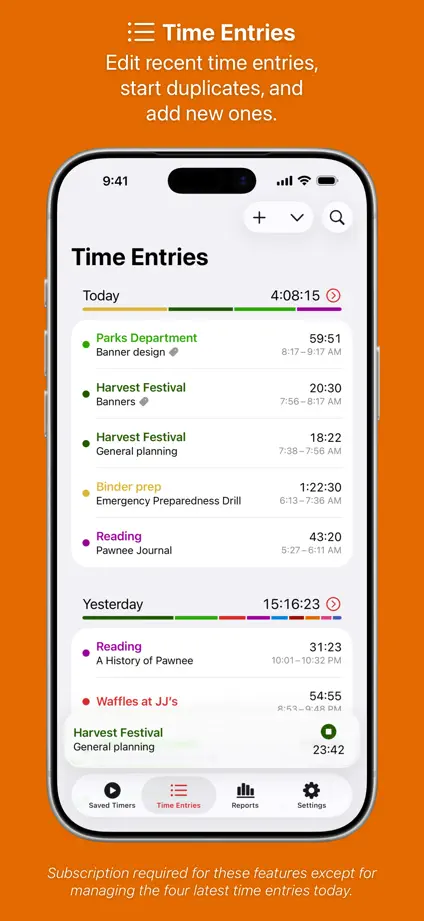
Timery, App Store screenshot 1
Timery, App Store screenshot 2
Timery, App Store screenshot 3
Timery, App Store screenshot 4
Timery, App Store screenshot 5
Timery, App Store screenshot 6
Timery, App Store screenshot 7
Timery, App Store screenshot 8
Timery, App Store screenshot 9
Timery, App Store screenshot 10

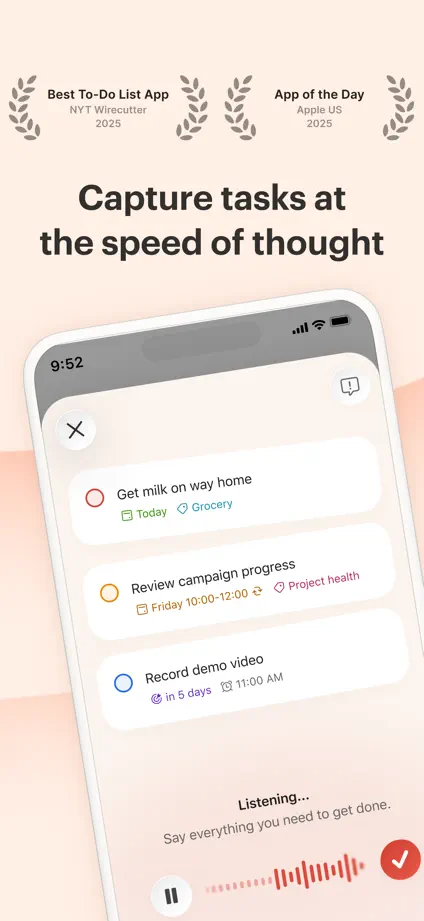
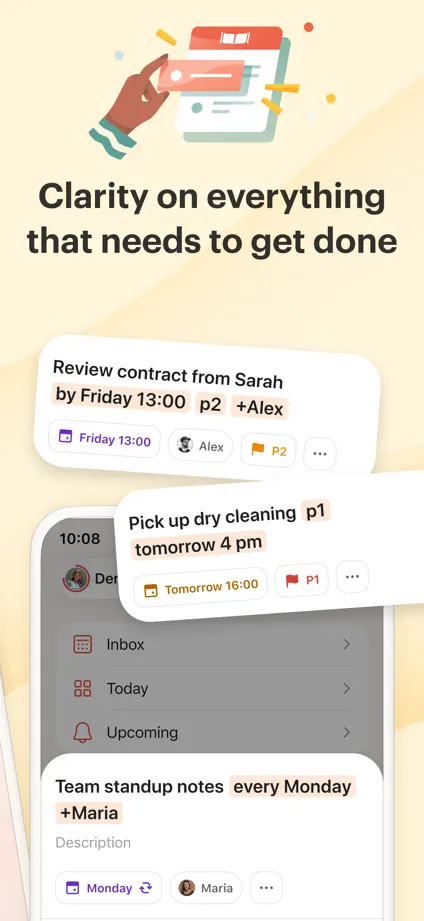
Todoist

Productivity · 7 frames

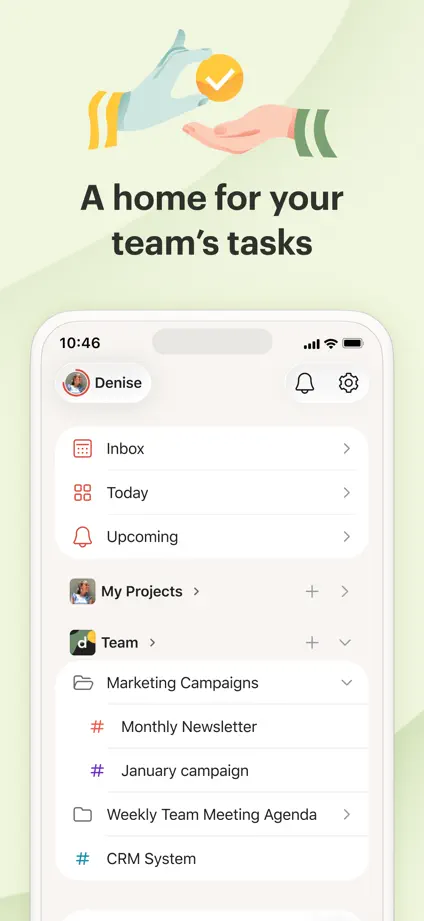
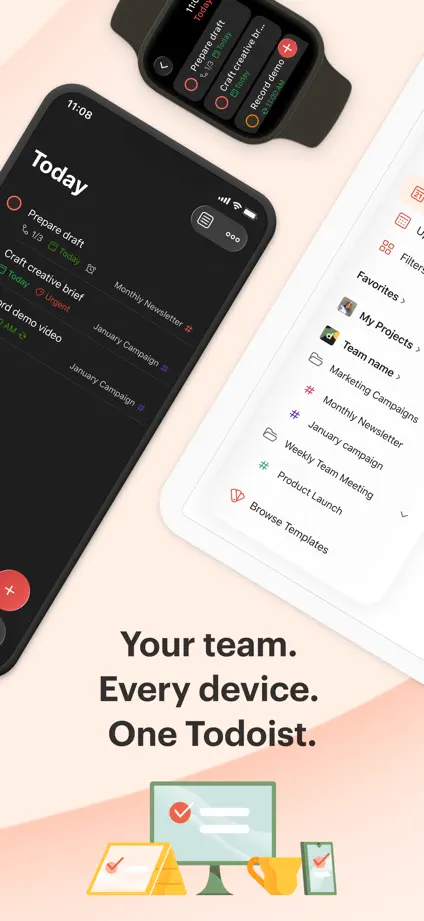
Small illustrations and warm pastel panels introduce angled phones and enlarged task cards.

Todoist, App Store screenshot 1
Todoist, App Store screenshot 2
Todoist, App Store screenshot 3
Todoist, App Store screenshot 4
Todoist, App Store screenshot 5
Todoist, App Store screenshot 6
Todoist, App Store screenshot 7

Widgetsmith

Productivity · 5 frames

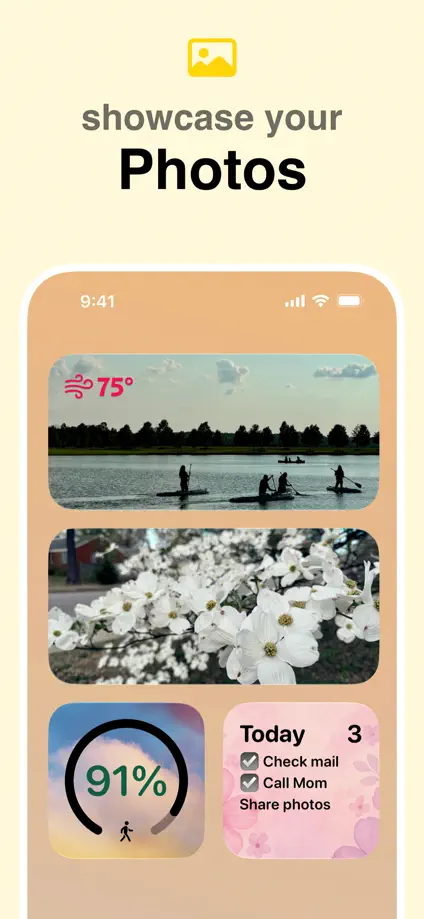
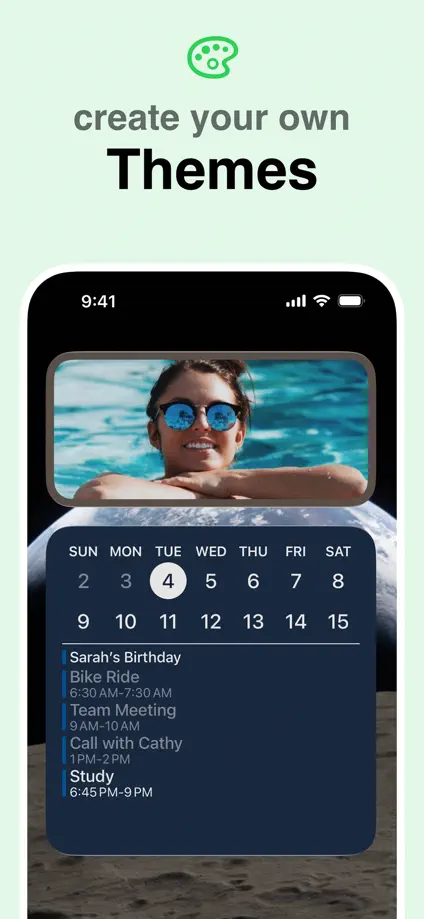
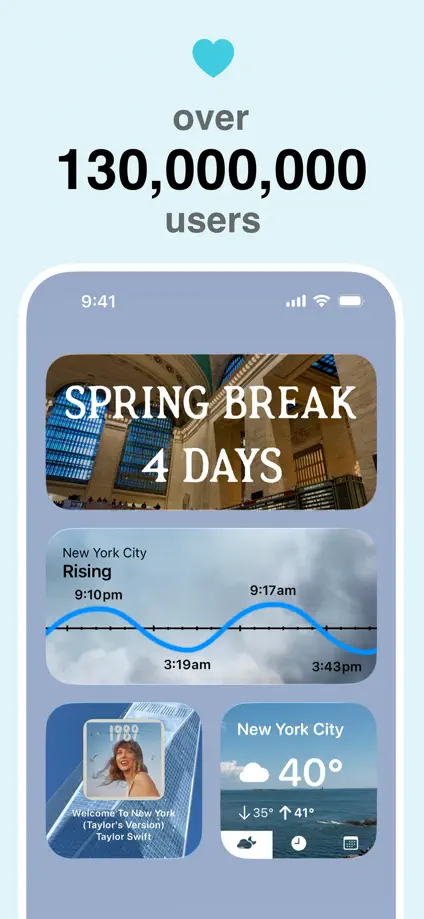
Five pastel panels keep a fixed phone position while showing different home-screen compositions.
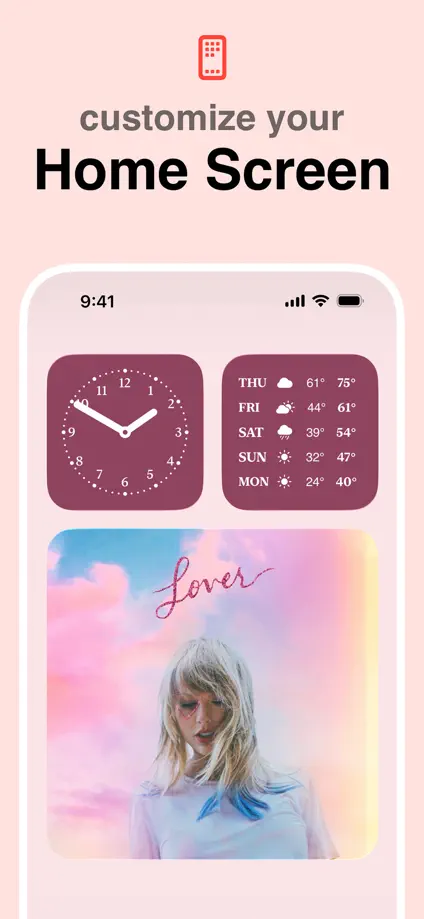
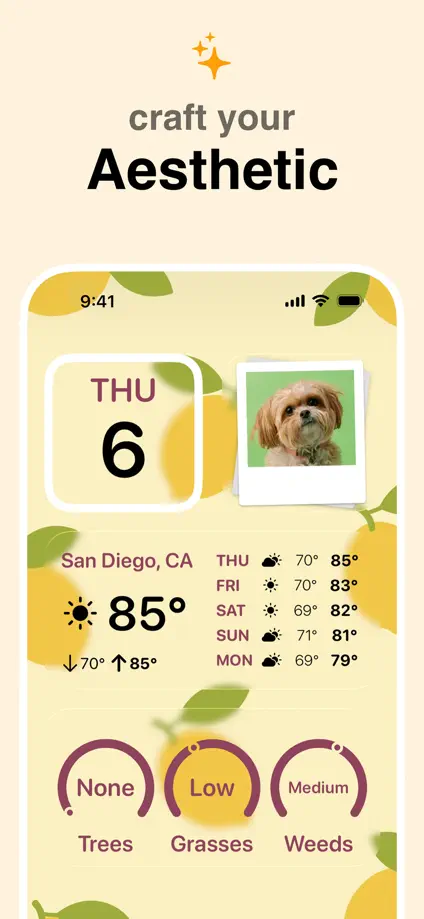
Widgetsmith, App Store screenshot 1
Widgetsmith, App Store screenshot 2
Widgetsmith, App Store screenshot 3
Widgetsmith, App Store screenshot 4
Widgetsmith, App Store screenshot 5

Clearspace

Productivity · 5 frames

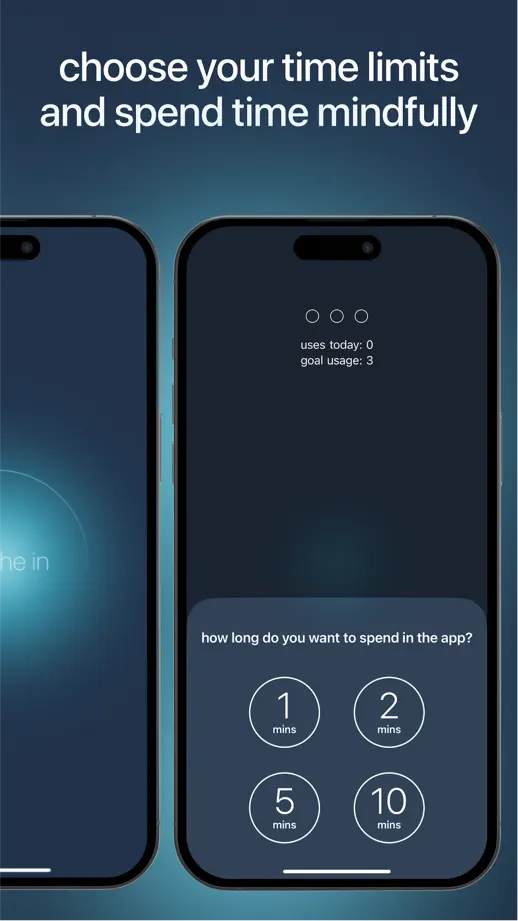
Lowercase headlines over a dark teal glow run through angled and paired phones, closing on floating review bubbles instead of an interface.
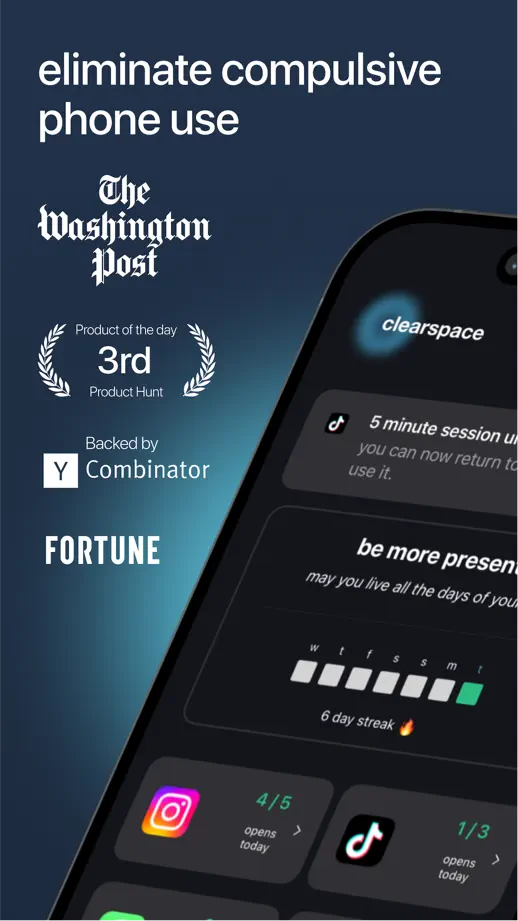
Clearspace, App Store screenshot 1
Clearspace, App Store screenshot 2
Clearspace, App Store screenshot 3
Clearspace, App Store screenshot 4
Clearspace, App Store screenshot 5

NotePlan

Productivity · 10 frames

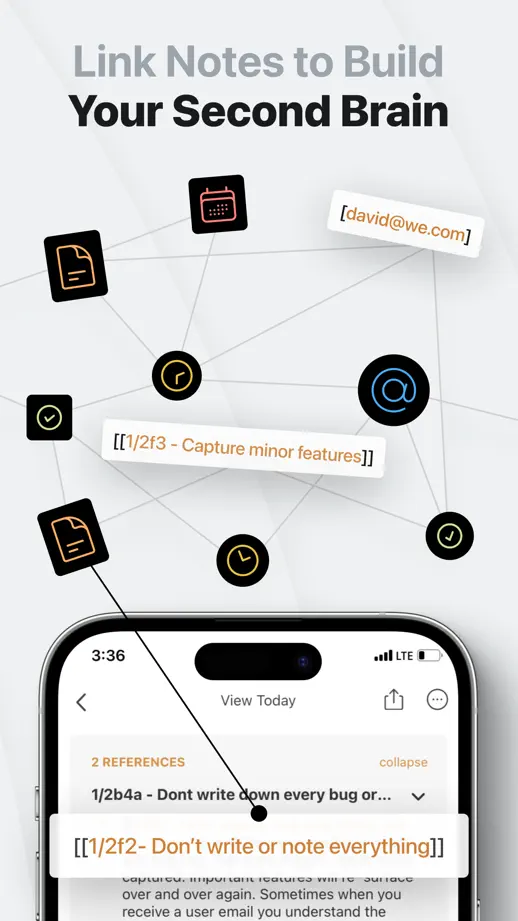
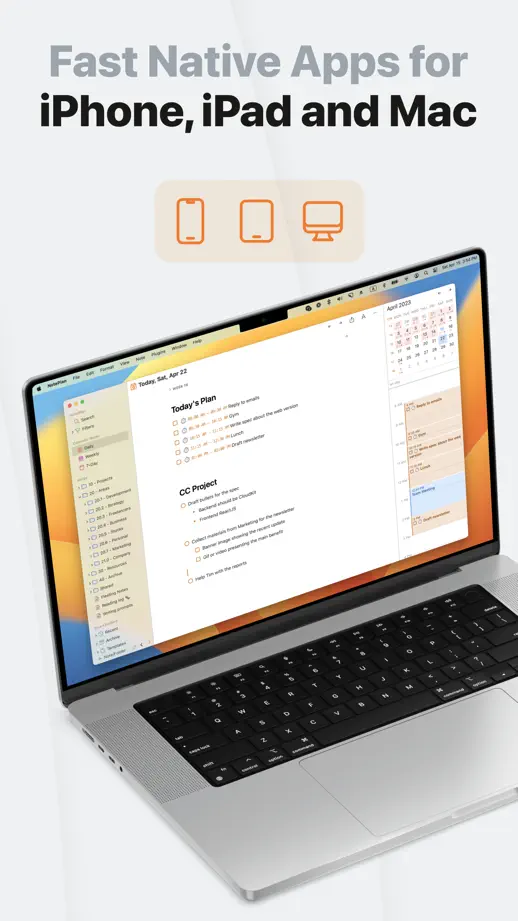
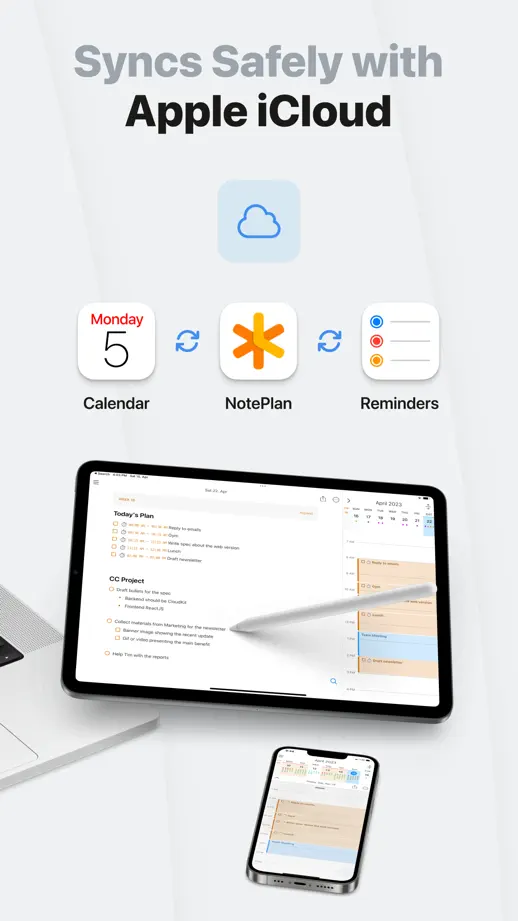
Light gray frames alternate tilted phones, bento grids of interface cards and a link-graph diagram before closing on Mac and iPad.
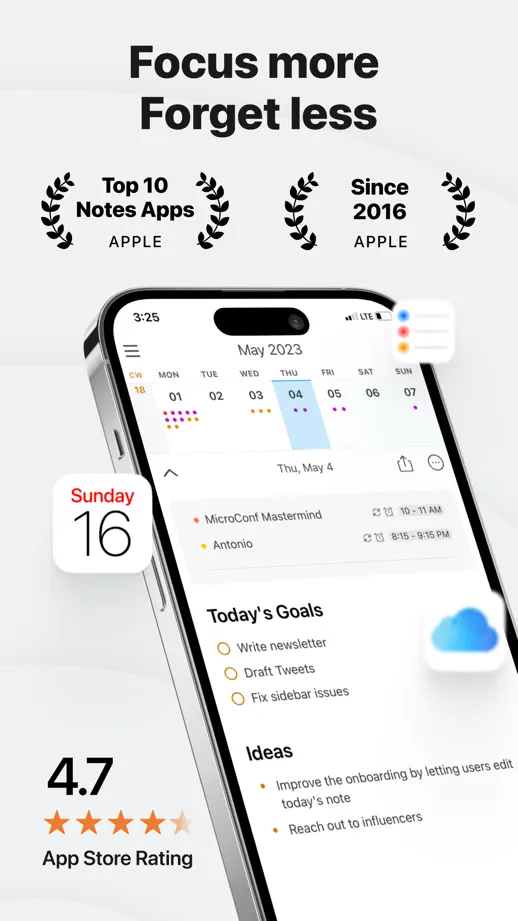
NotePlan, App Store screenshot 1
NotePlan, App Store screenshot 2
NotePlan, App Store screenshot 3
NotePlan, App Store screenshot 4
NotePlan, App Store screenshot 5
NotePlan, App Store screenshot 6
NotePlan, App Store screenshot 7
NotePlan, App Store screenshot 8
NotePlan, App Store screenshot 9
NotePlan, App Store screenshot 10

Perplexity

Productivity · 8 frames

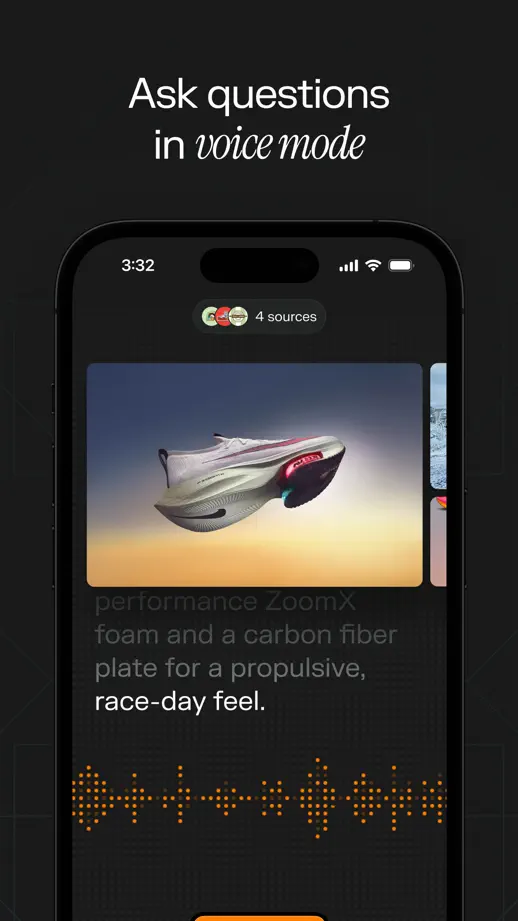
An illustrated scene with a condensed serif title opens a dark set whose headings mix sans words with italic serif terms.
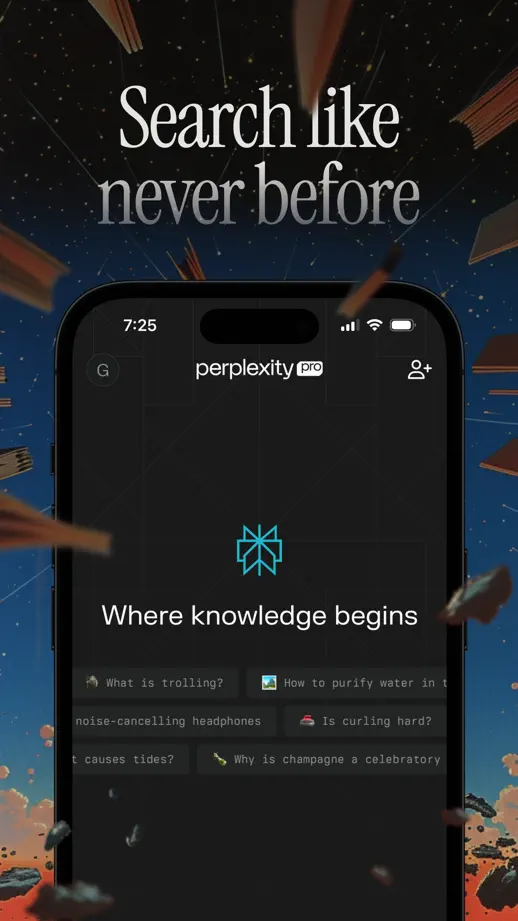
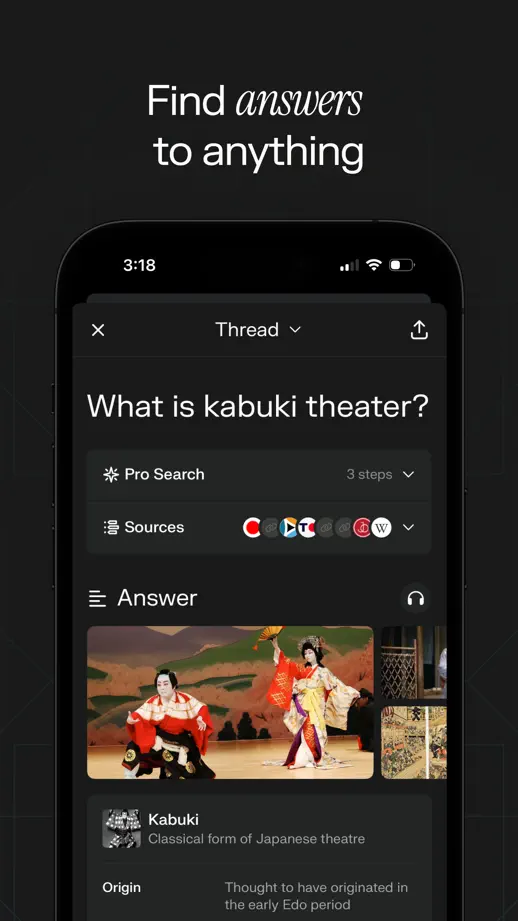
Perplexity, App Store screenshot 1
Perplexity, App Store screenshot 2
Perplexity, App Store screenshot 3
Perplexity, App Store screenshot 4
Perplexity, App Store screenshot 5
Perplexity, App Store screenshot 6
Perplexity, App Store screenshot 7
Perplexity, App Store screenshot 8

Readwise Reader

Productivity · 8 frames

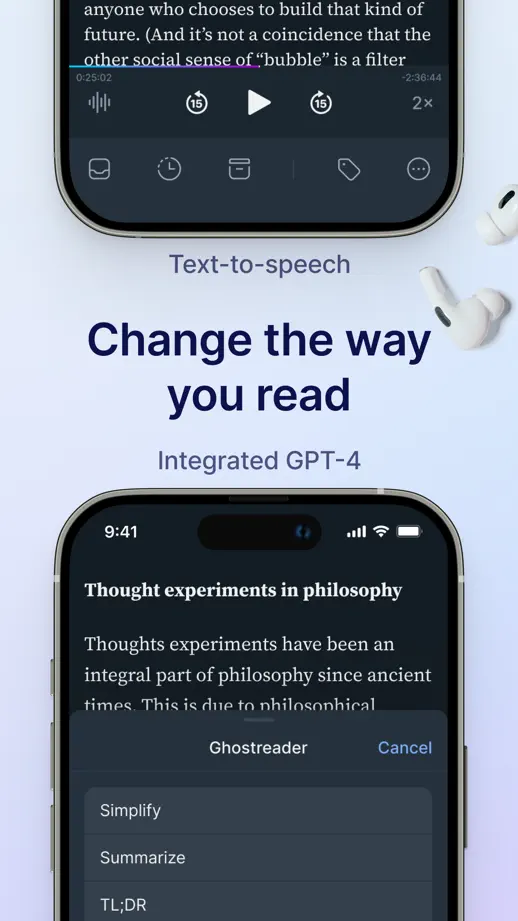
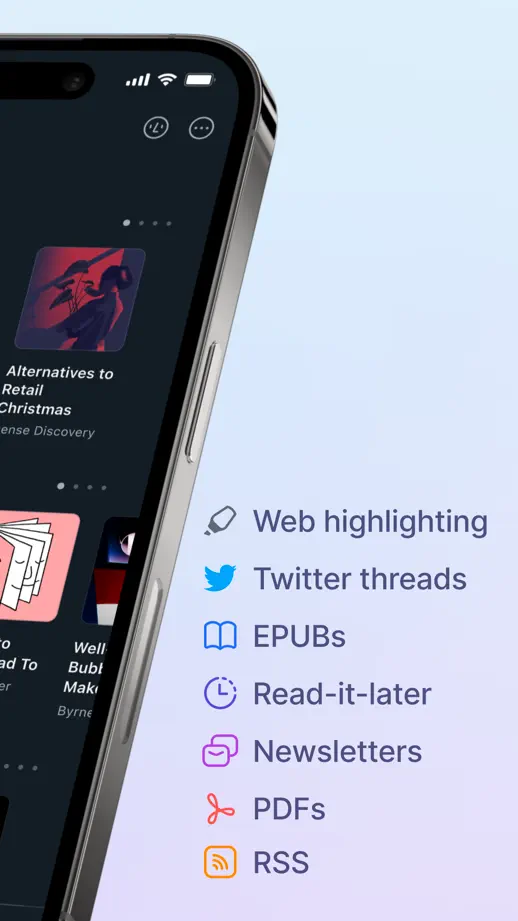
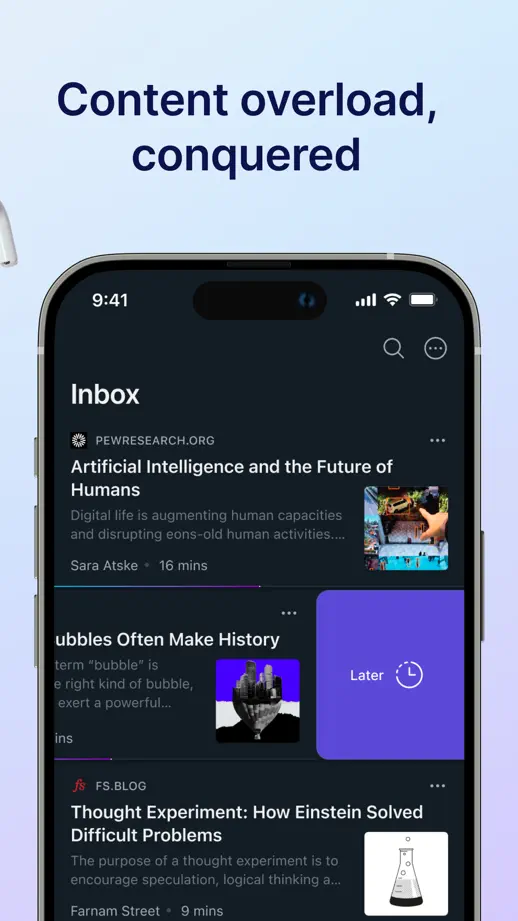
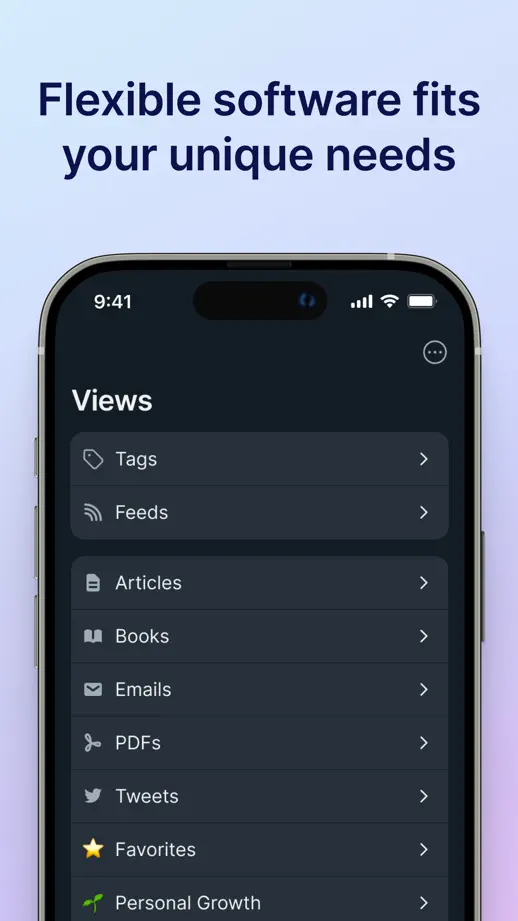
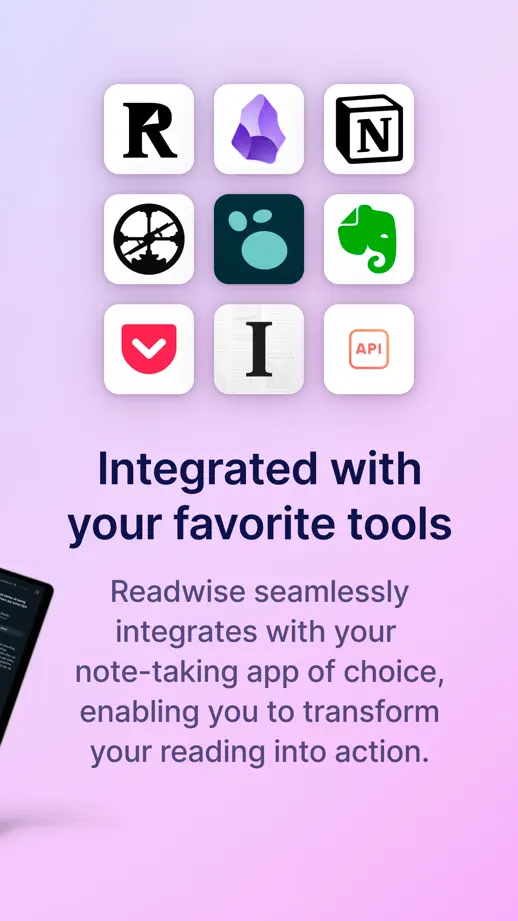
Soft blue-to-lilac gradients frame tilted and upright dark-mode phones, closing with a multi-device scene and a grid of integration icons.
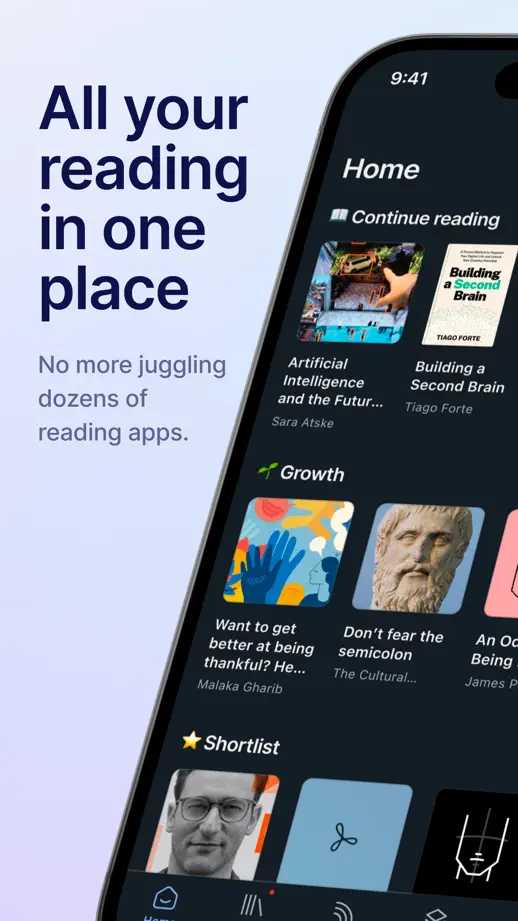
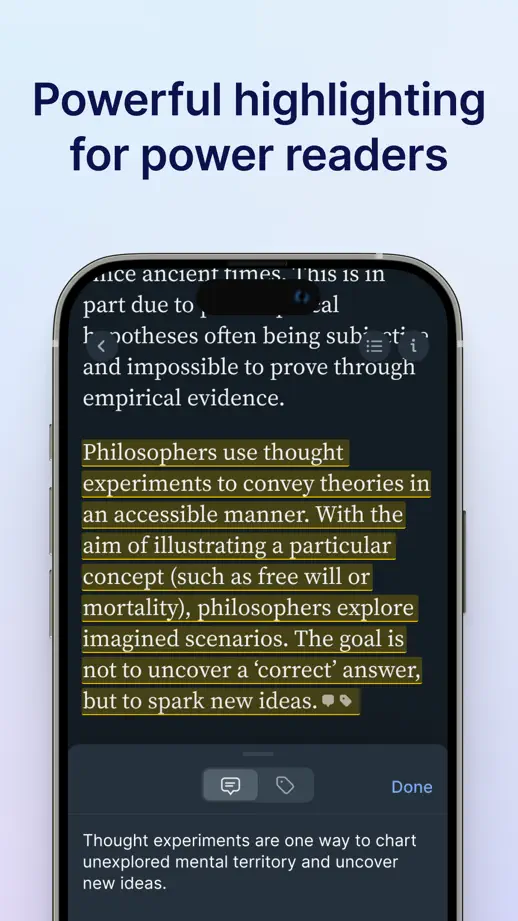
Readwise Reader, App Store screenshot 1
Readwise Reader, App Store screenshot 2
Readwise Reader, App Store screenshot 3
Readwise Reader, App Store screenshot 4
Readwise Reader, App Store screenshot 5
Readwise Reader, App Store screenshot 6
Readwise Reader, App Store screenshot 7
Readwise Reader, App Store screenshot 8

TickTick

Productivity · 10 frames

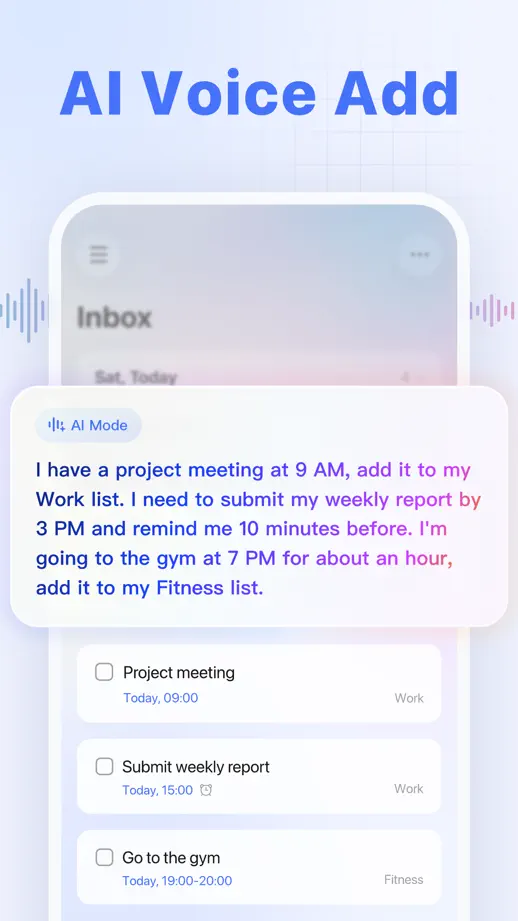
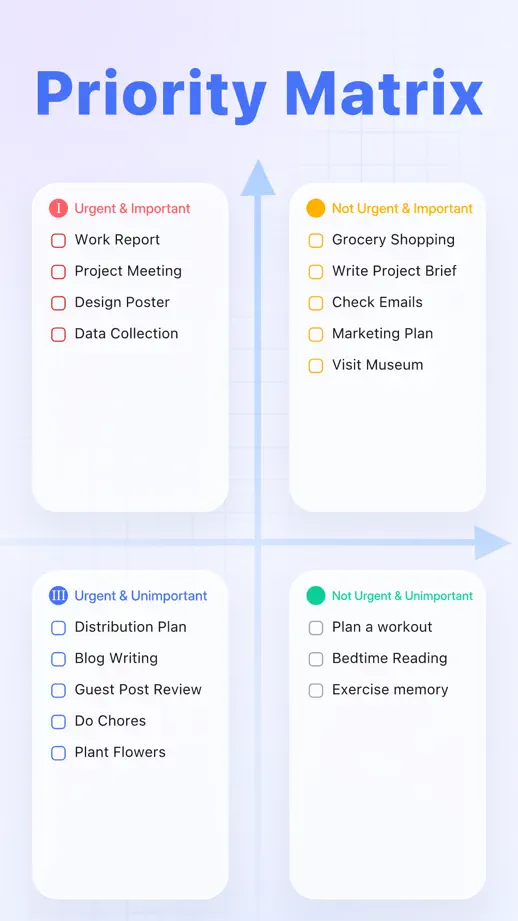
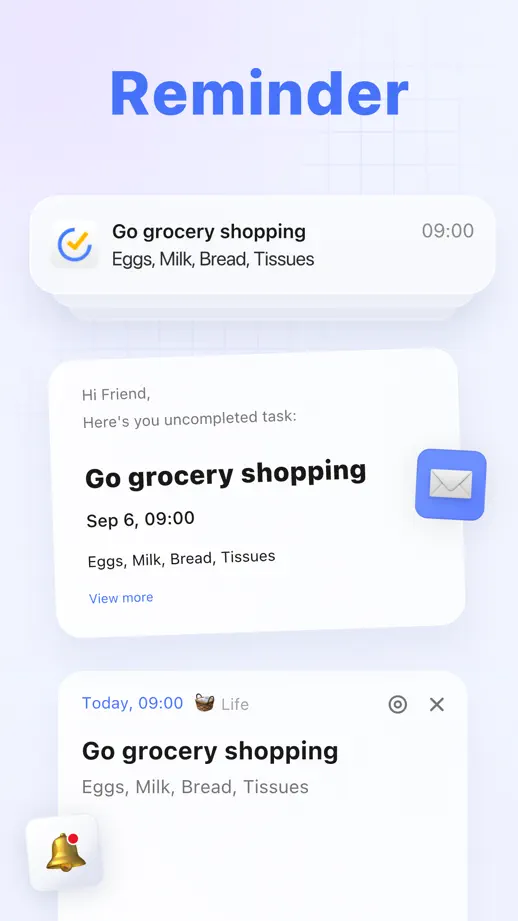
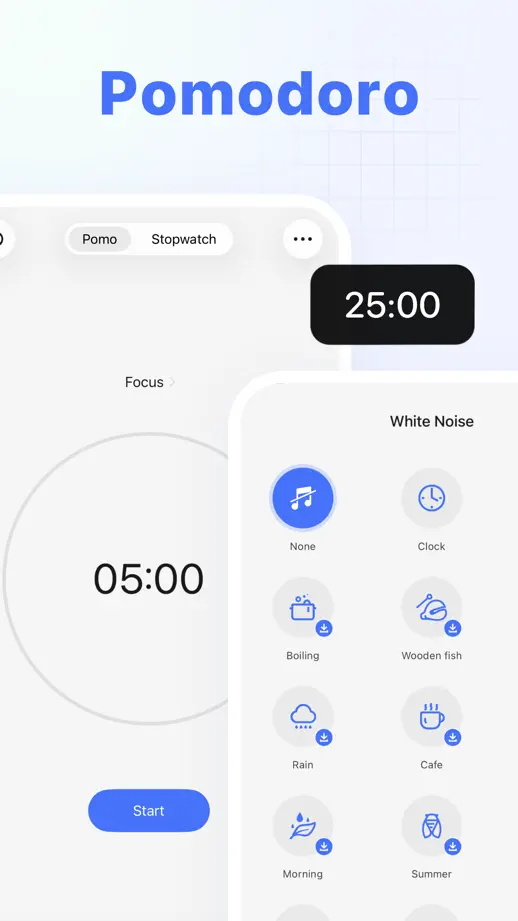
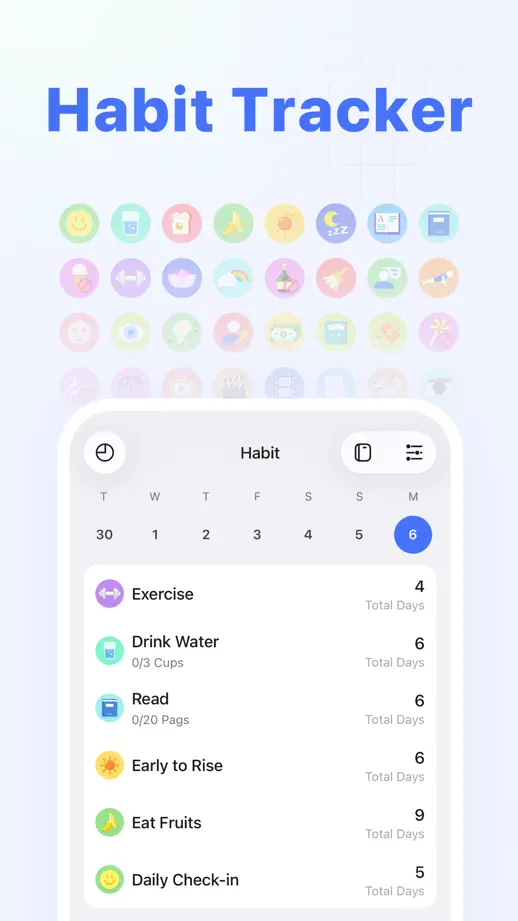
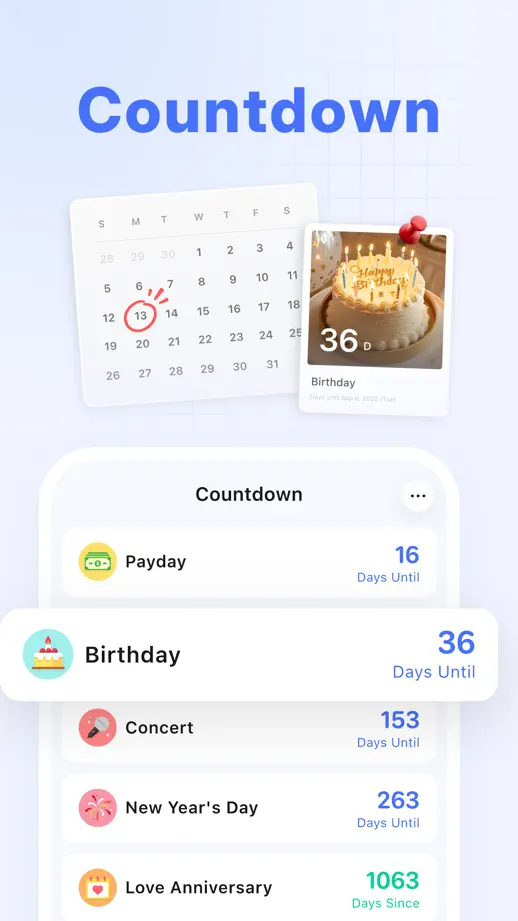
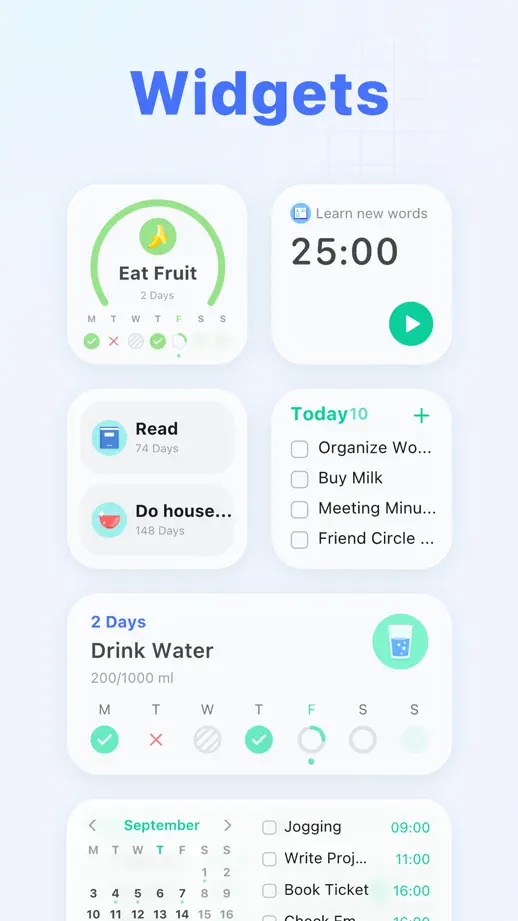
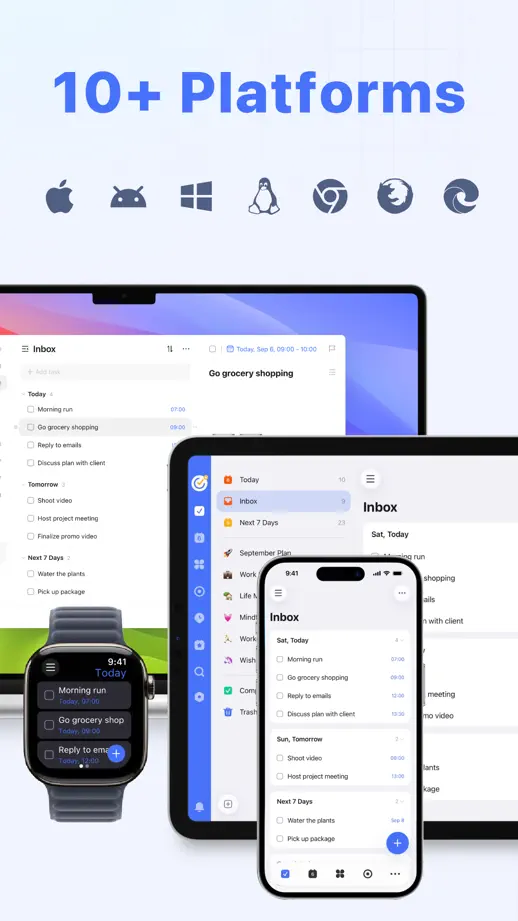
Bold blue headings name one feature per frame over a pale lavender grid, with floating cards and platform icons filling each composition.
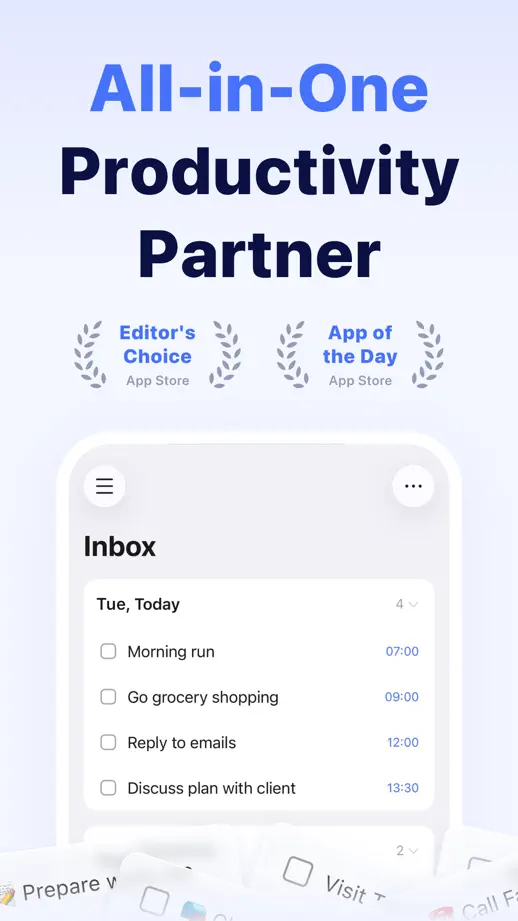
TickTick, App Store screenshot 1
TickTick, App Store screenshot 2
TickTick, App Store screenshot 3
TickTick, App Store screenshot 4
TickTick, App Store screenshot 5
TickTick, App Store screenshot 6
TickTick, App Store screenshot 7
TickTick, App Store screenshot 8
TickTick, App Store screenshot 9
TickTick, App Store screenshot 10

Tot

Productivity · 5 frames

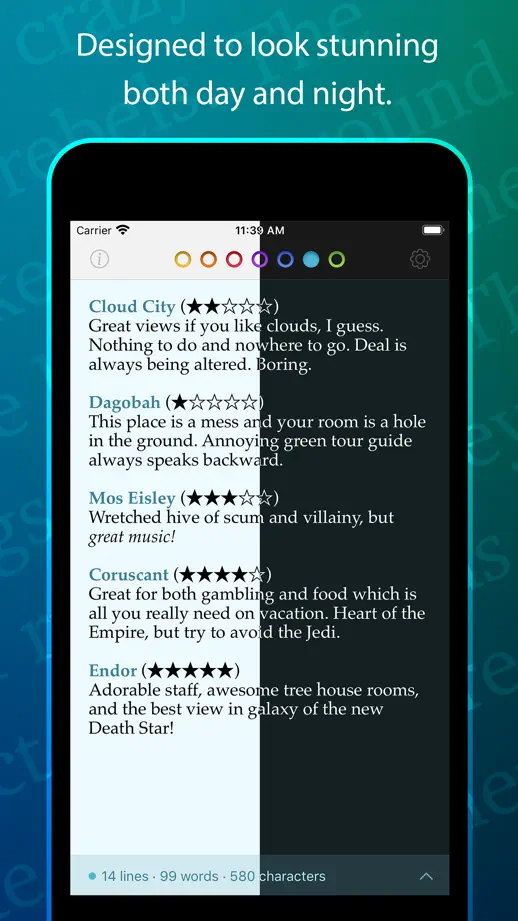
Saturated purple, blue, teal, green and orange backgrounds shift frame by frame behind glowing phones filled with sample text.
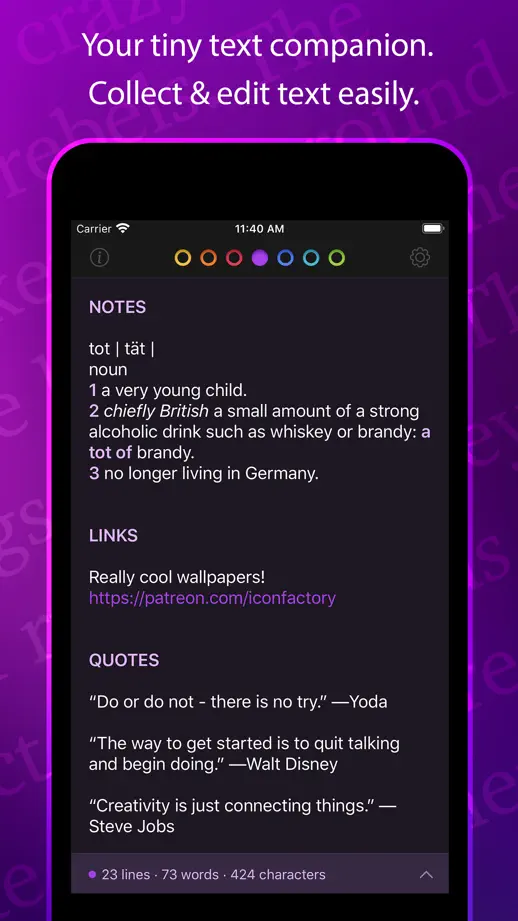
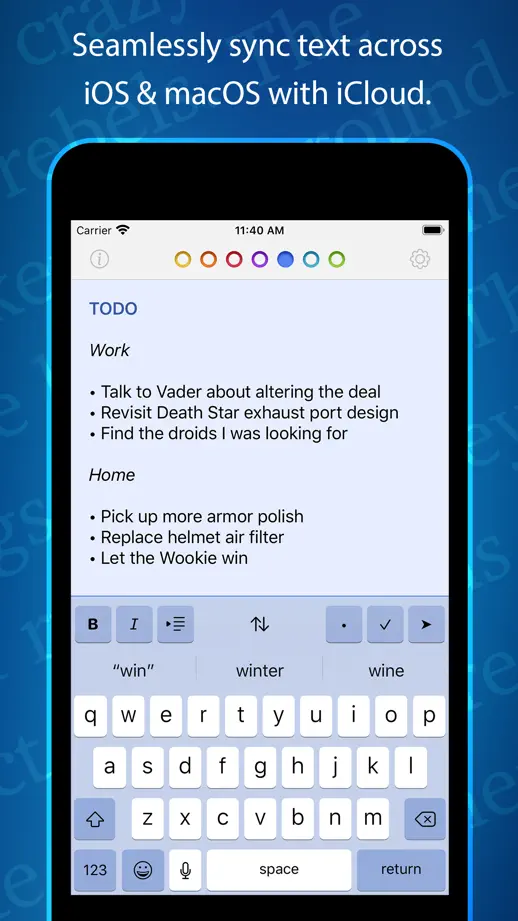
Tot, App Store screenshot 1
Tot, App Store screenshot 2
Tot, App Store screenshot 3
Tot, App Store screenshot 4
Tot, App Store screenshot 5

Add to collection

New collection