
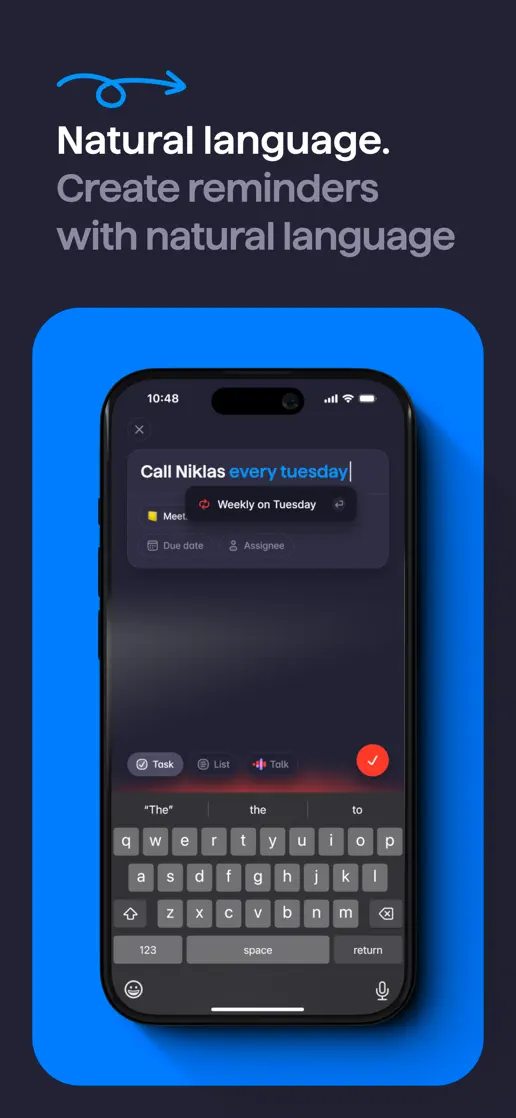
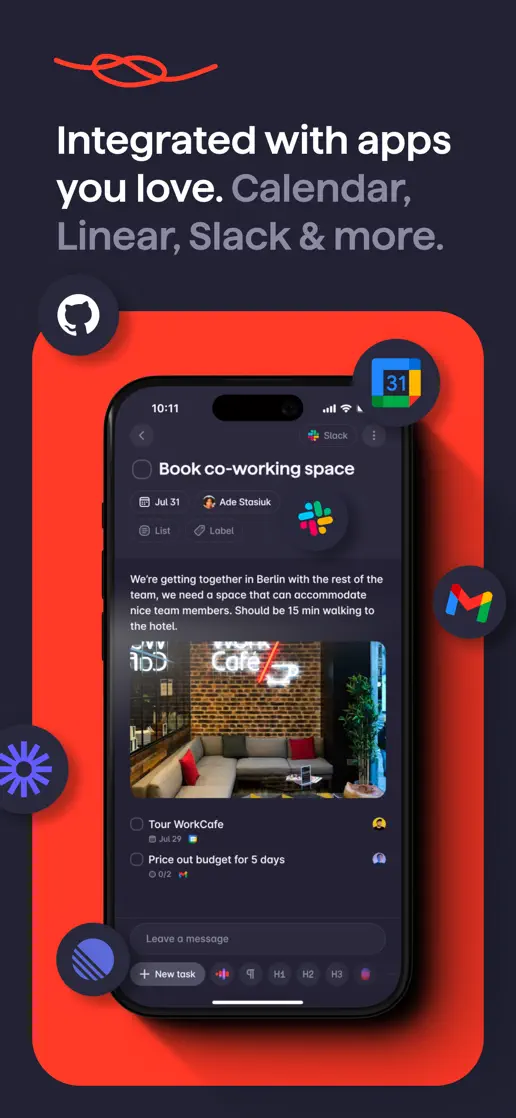
Red and purple interface panels stand out against a dark background and loose drawn lines.





- Category
- Productivity
- Publisher
- Superlist Software GmbH
- Version
- 1.59.2
- Approach
- Interface-led
App preview
Around the world
More localized listings →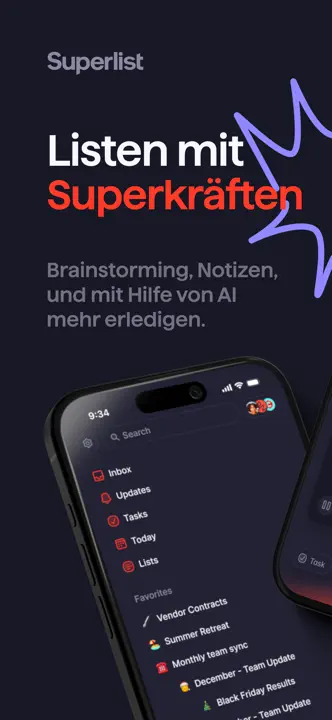





What’s New
1.59.1
Week View: Plan your whole week at a glance. The new Week View shows every day side by side, so you can spot busy days early and drag tasks from one day to another to balance your week.
Nested subtasks in Inbox and Today: Subtasks now appear right under their parent task in Inbox and Today. You always see what a subtask belongs to, so it’s easier to pick the right thing to work on next.
Choose your first day of the week: Sunday, Monday, or any other day: you can now choose which day your week starts on, so Superlist matches the way you plan.
Optimized for iPhone Duo: Layouts now adapt to iPhone Duo screens, so Superlist makes good use of the space however you hold your phone.
Faster and more reliable: Lots of bug fixes, plus performance and sync improvements to keep everything running smoothly.
1.59.0
Week View: Plan your whole week at a glance. The new Week View shows every day side by side, so you can spot busy days early and drag tasks from one day to another to balance your week.
Nested subtasks in Inbox and Today: Subtasks now appear right under their parent task in Inbox and Today. You always see what a subtask belongs to, so it’s easier to pick the right thing to work on next.
Choose your first day of the week: Sunday, Monday, or any other day: you can now choose which day your week starts on, so Superlist matches the way you plan.
Optimized for iPhone Duo: Layouts now adapt to iPhone Duo screens, so Superlist makes good use of the space however you hold your phone.
Faster and more reliable: Lots of bug fixes, plus performance and sync improvements to keep everything running smoothly.
1.58.5
Trash is here
Deleted something by mistake? Now you can restore deleted tasks and lists from Trash, or delete them for good.
A better Today view
Switch between days to see what's coming up, and see the tasks you've already completed.
Act on reminders right away
Complete a task or snooze its reminder straight from the notification, without opening the app.
Faster and more reliable
Performance and sync improvements, plus bug fixes.
1.58.4
Trash is here
Deleted something by mistake? Now you can restore deleted tasks and lists from Trash, or delete them for good.
A better Today view
Switch between days to see what's coming up, and see the tasks you've already completed.
Act on reminders right away
Complete a task or snooze its reminder straight from the notification, without opening the app.
Faster and more reliable
Performance and sync improvements, plus bug fixes.
1.58.2
Trash is here
Deleted something by mistake? Now you can restore deleted tasks and lists from Trash, or delete them for good.
A better Today view
Switch between days to see what's coming up, and see the tasks you've already completed.
Act on reminders right away
Complete a task or snooze its reminder straight from the notification, without opening the app.
Faster and more reliable
Performance and sync improvements, plus bug fixes.
1.58.1
Trash is here
Deleted something by mistake? Now you can restore deleted tasks and lists from Trash, or delete them for good.
A better Today view
Switch between days to see what's coming up, and see the tasks you've already completed.
Act on reminders right away
Complete a task or snooze its reminder straight from the notification, without opening the app.
Faster and more reliable
Performance and sync improvements, plus bug fixes.
1.57.6
Recurring tasks, more precisely. Choose the exact days of the week a task should repeat on.
Activity Log. Open any task to see who changed what, and when.
More with multiselect. Select several items, then drag them into place in one move.
Undo while typing. Take back your last edit in any list.
Plus smaller bug fixes and improvements.
1.57.5
Recurring tasks, more precisely. Choose the exact days of the week a task should repeat on.
Activity Log. Open any task to see who changed what, and when.
More with multiselect. Select several items, then drag them into place in one move.
Undo while typing. Take back your last edit in any list.
Plus smaller bug fixes and improvements.
Listing history
New icon
New icon
New icon
New icon
New icon
New icon
New preview video
New subtitle
Renamed
New icon
New preview video
Compare with


Browse similar
Source: App Store listing by Superlist Software GmbH, United States storefront. Captured 27 Nov 2026. The artwork belongs to its publisher and is shown here for reference.