
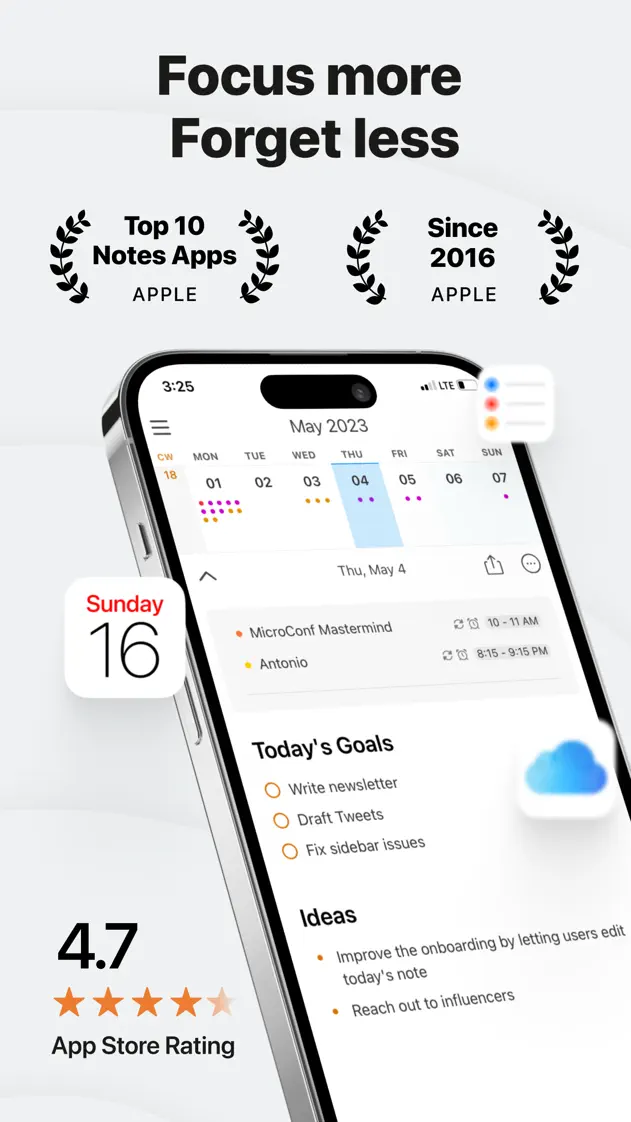
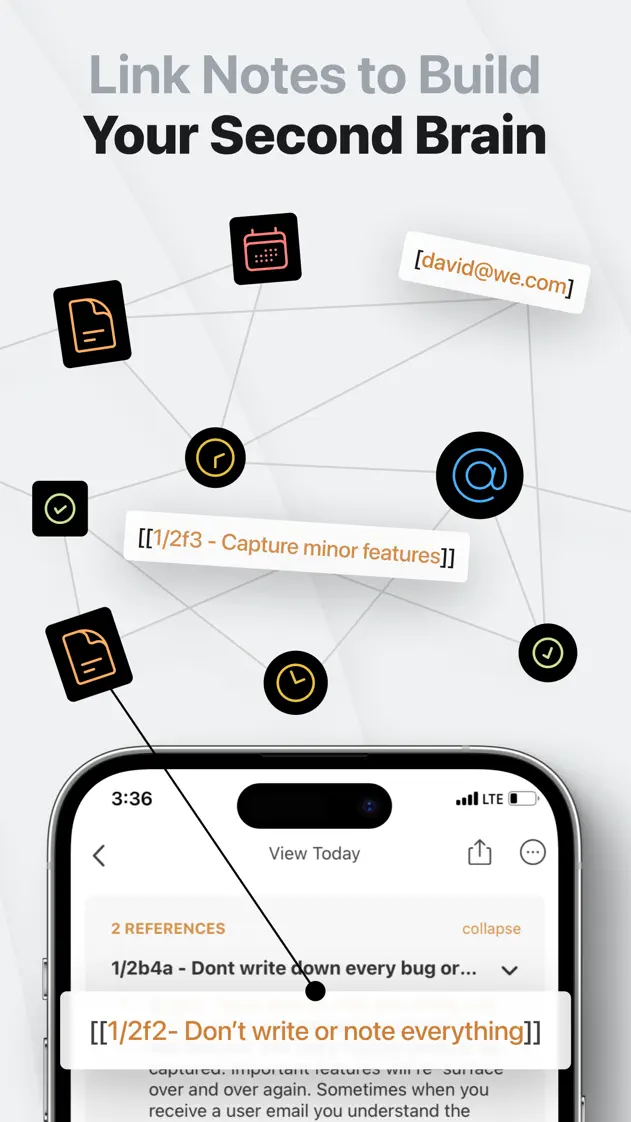
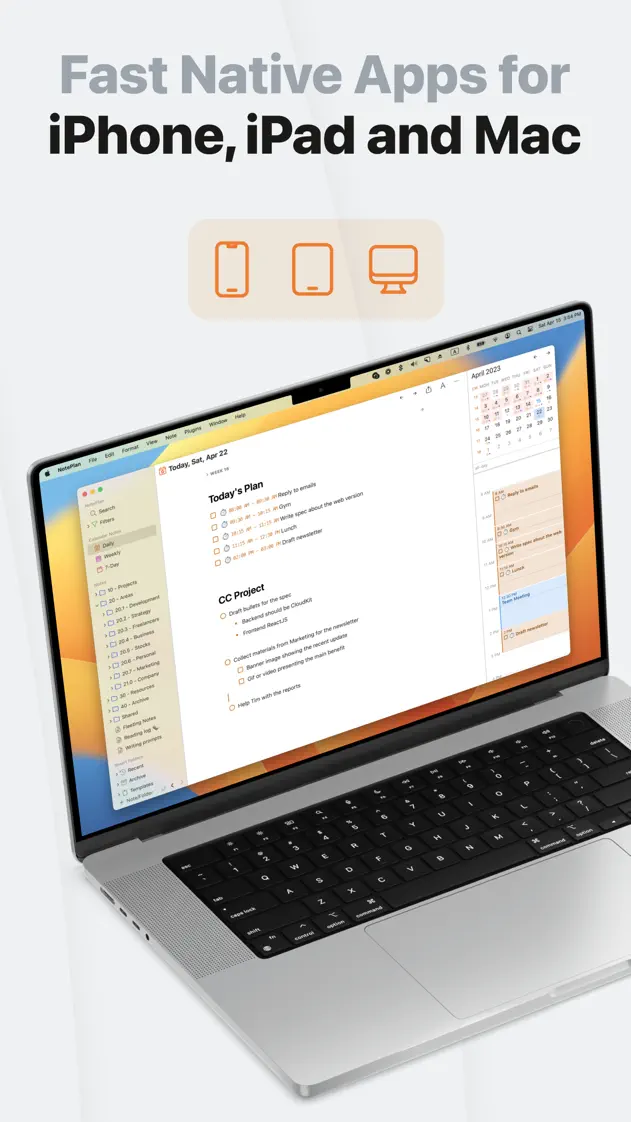
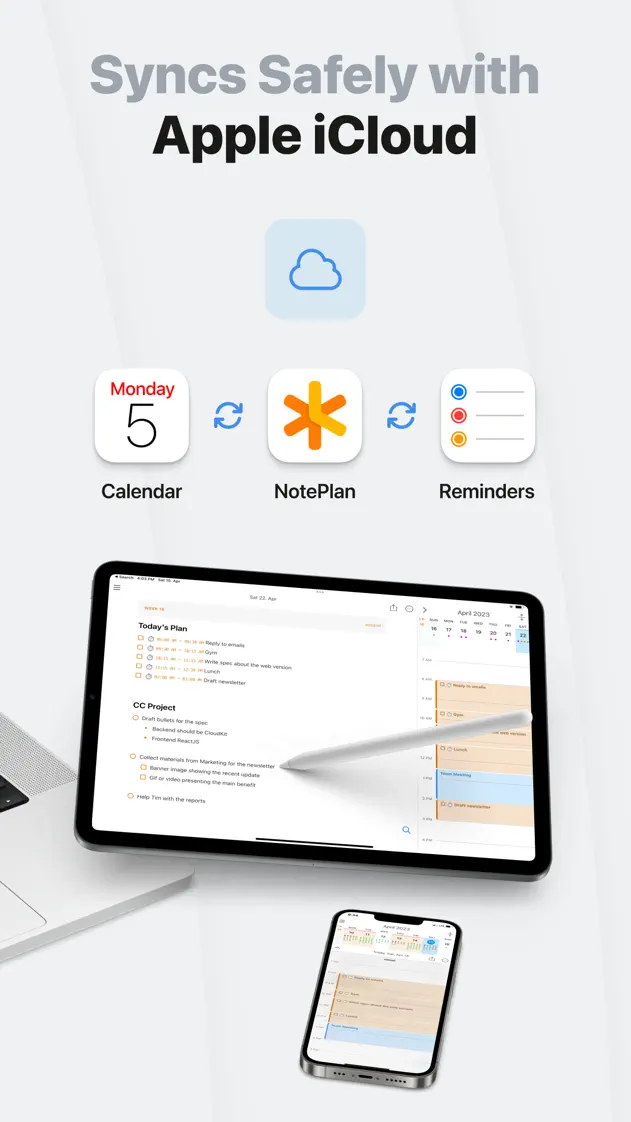
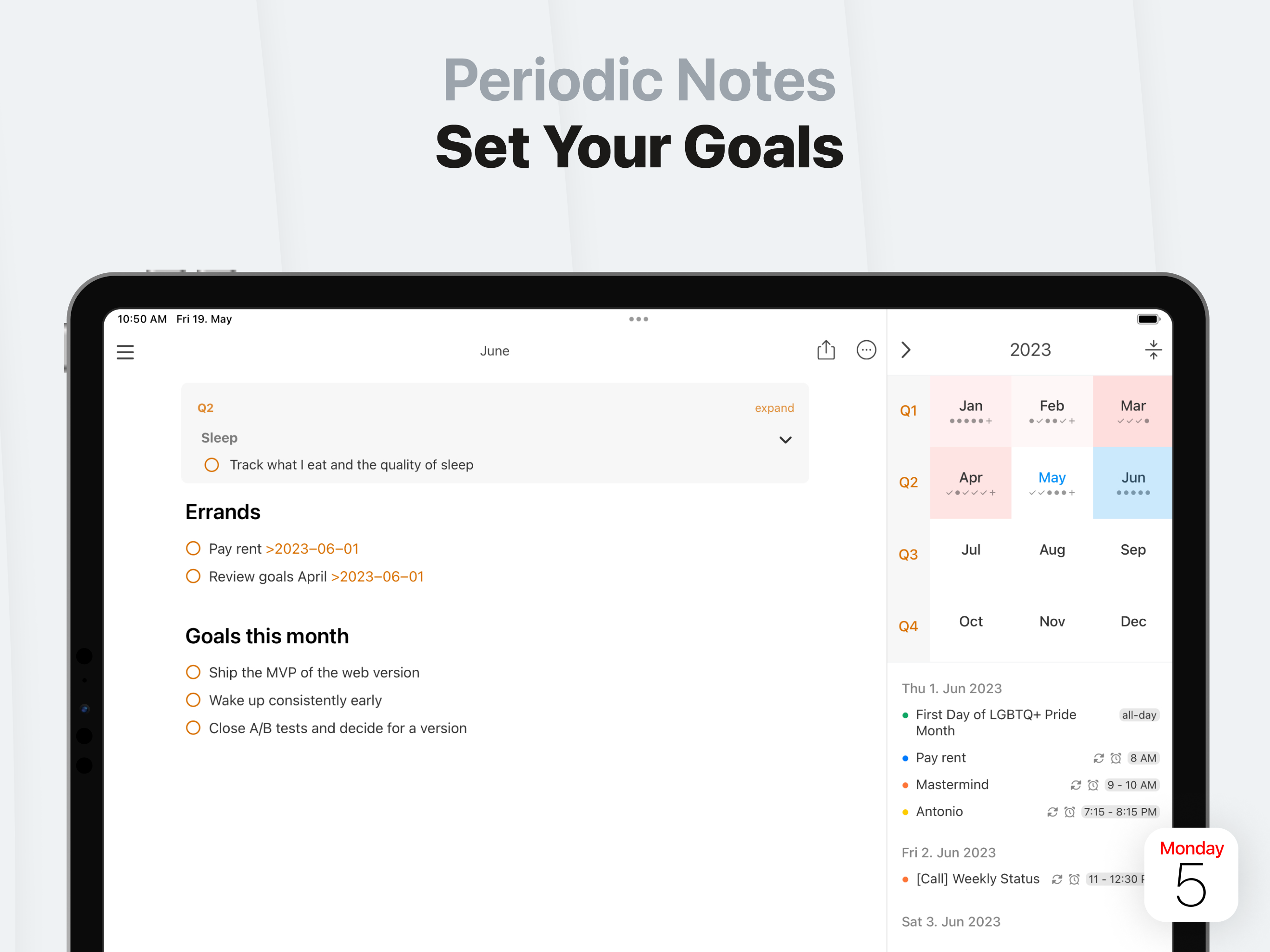
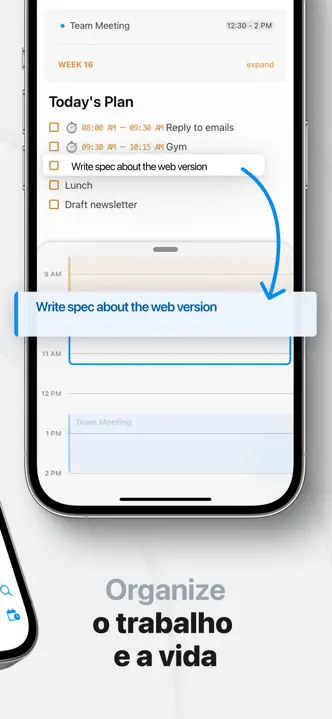
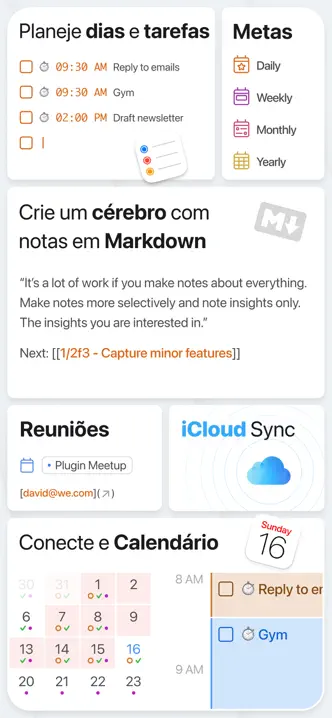
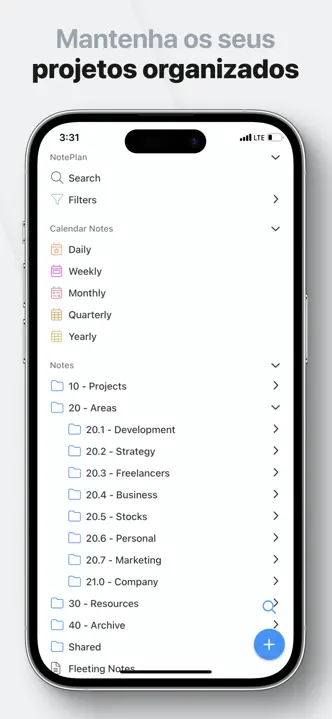
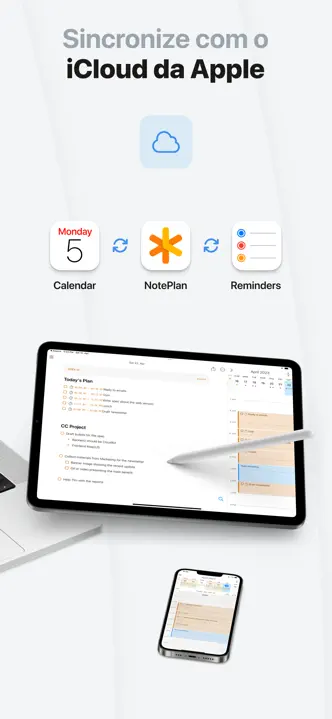
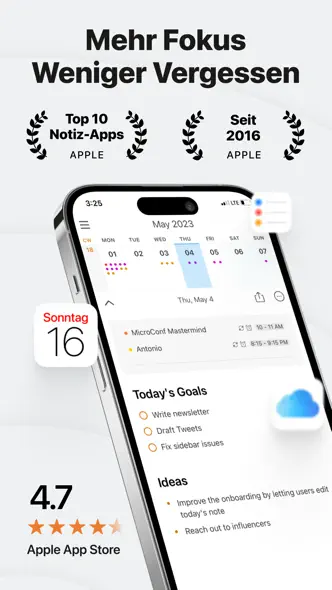
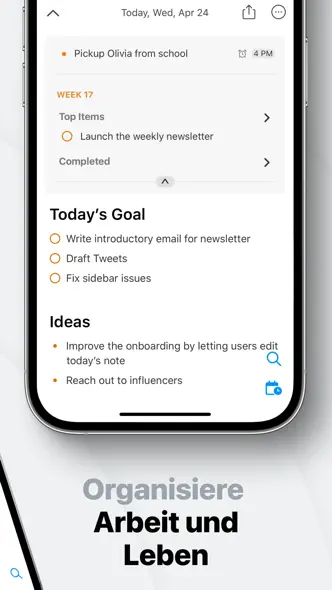
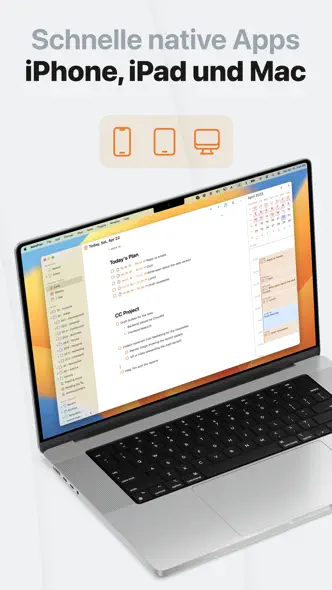
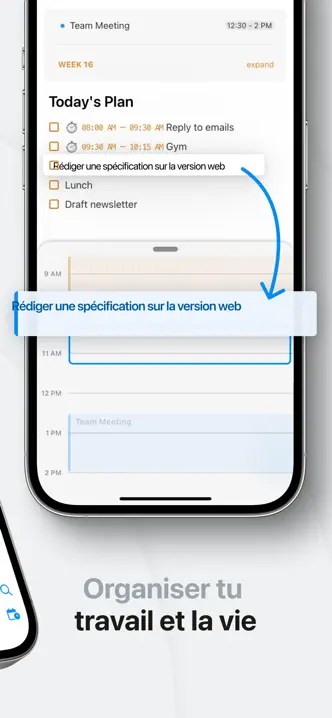
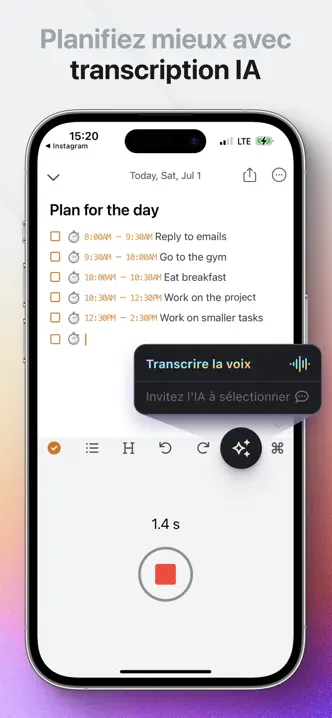
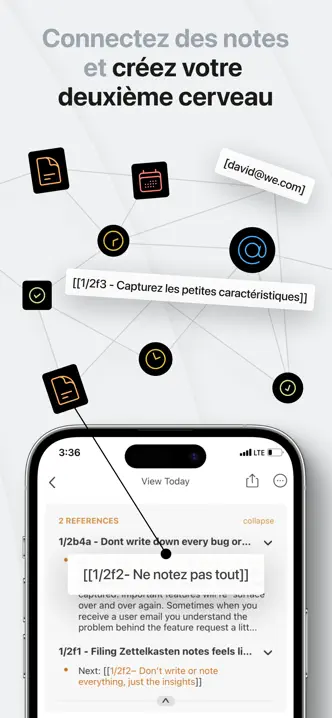
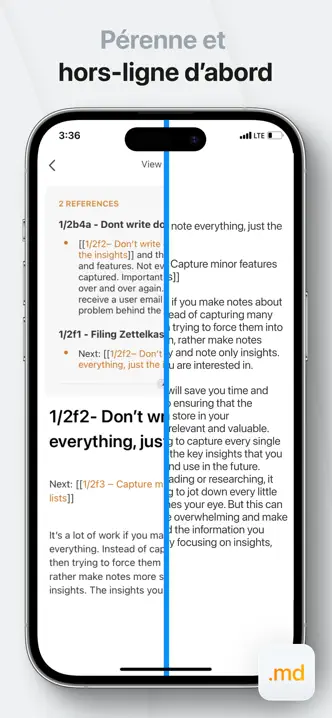
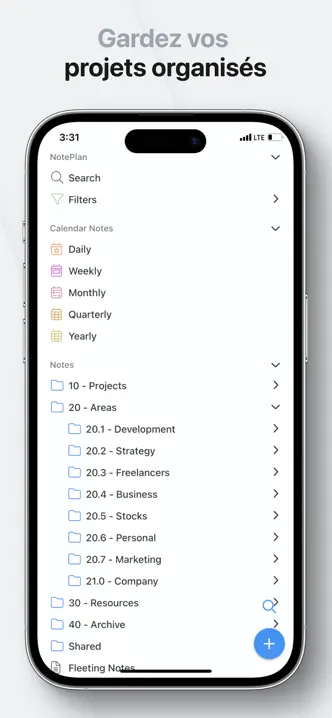
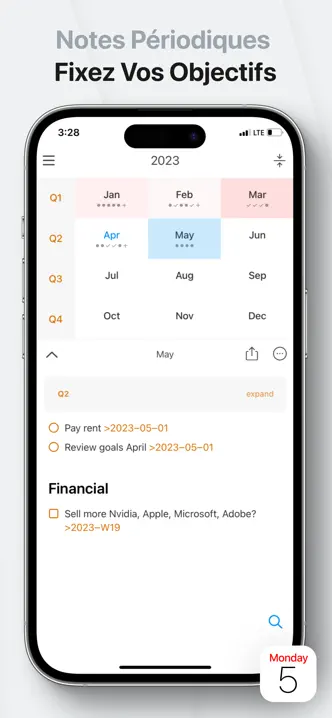
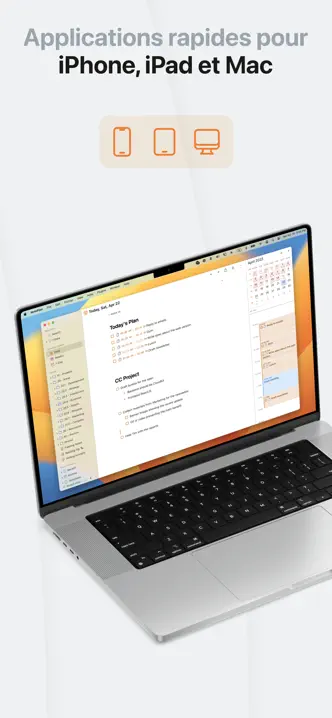
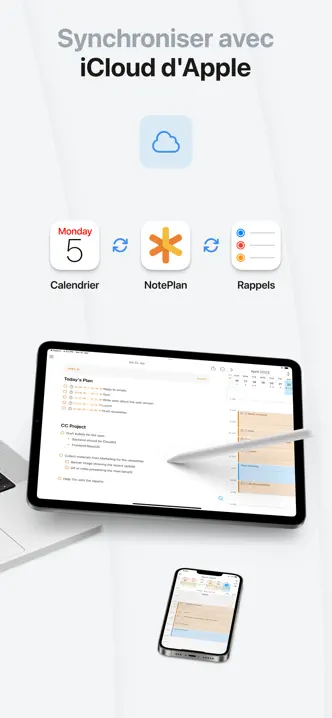
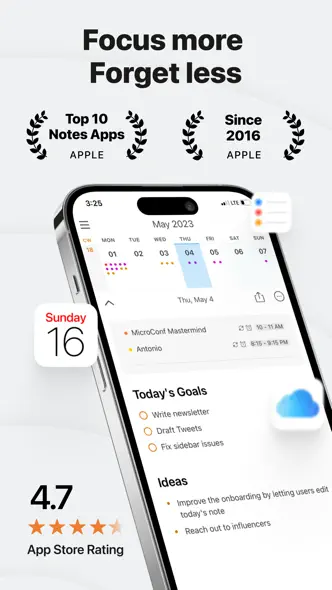
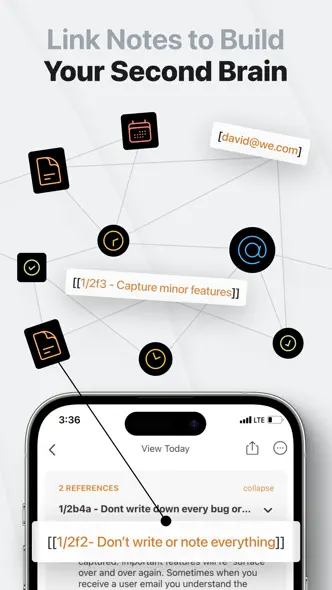
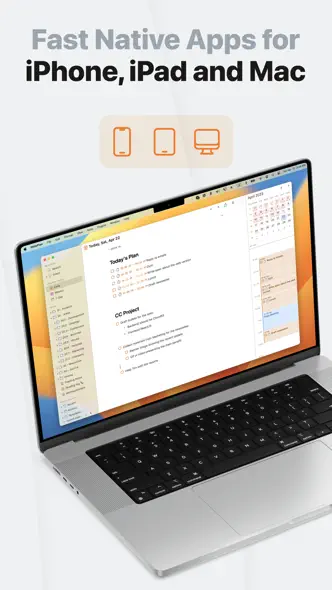
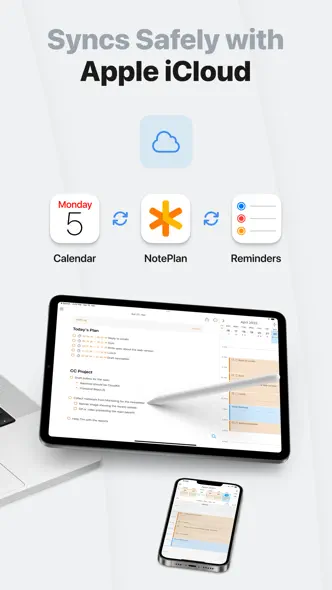
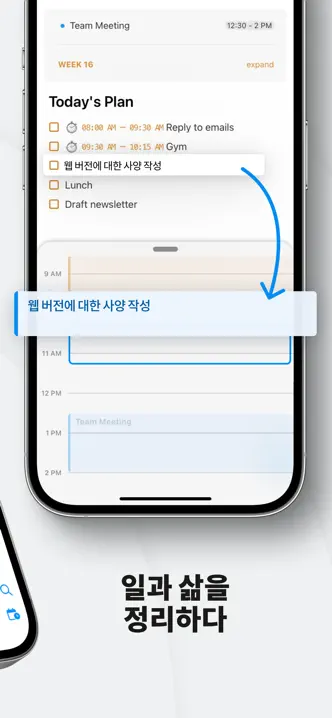
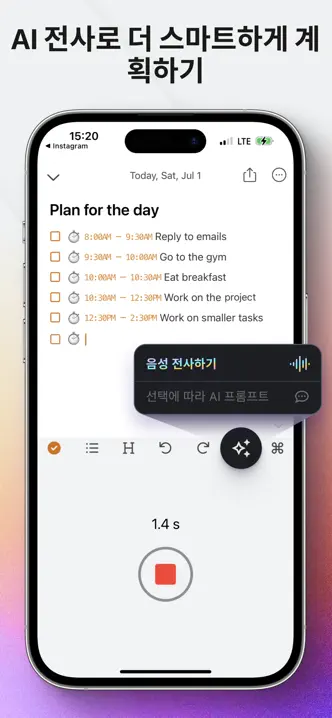
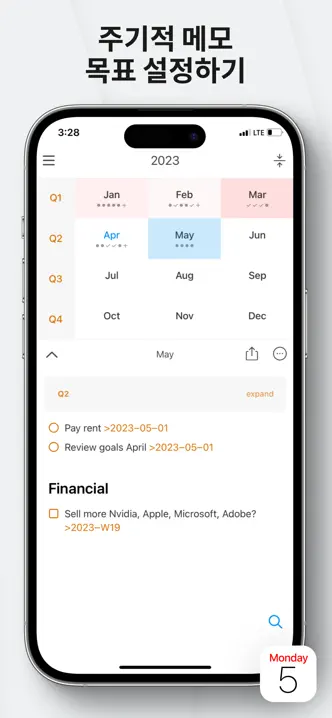
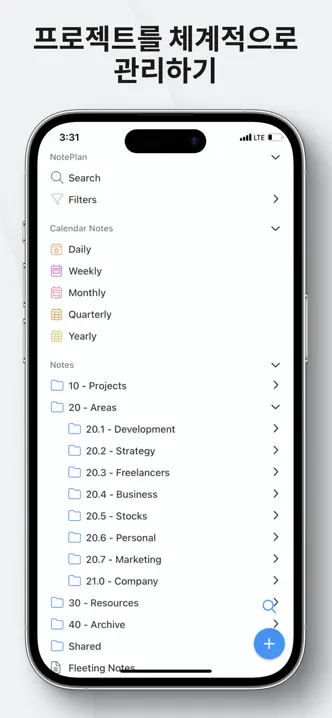
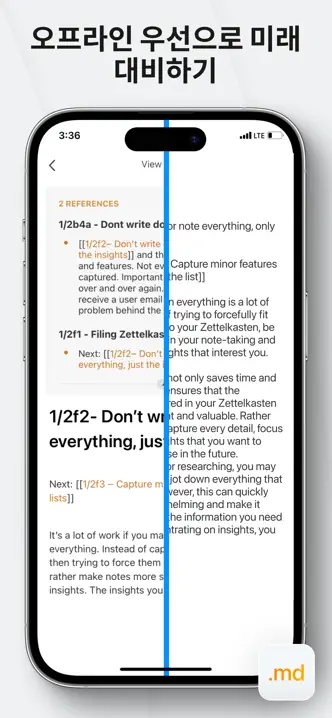
Light gray frames alternate tilted phones, bento grids of interface cards and a link-graph diagram before closing on Mac and iPad.








- Category
- Productivity
- Publisher
- NotePlan LLC
- Version
- 3.21.3
- Approach
- Interface-led
Around the world
More localized listings →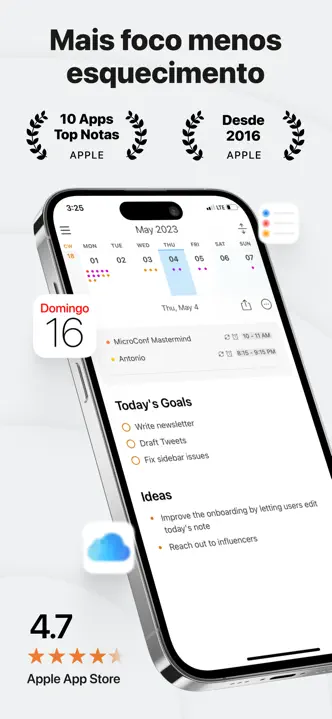















What’s New
3.21.3
NotePlan 3.21.3 brings Siri AI support and gets you ready for iOS 27. NotePlan now works with the new AI-powered Siri, helping you find information in your notes. You'll also find more reliable reminders and sync, new ways to group your notes, and editor improvements.
■ SIRI AI SUPPORT & iOS 27 READINESS
- NotePlan is now compatible with the new AI-powered Siri, with improved discovery of your notes and their content.
- Fixed keyboard toolbar overflow on iOS 27.
■ APPLE REMINDERS
- Send several selected tasks to Reminders at once.
- Linked reminders follow tasks when you move them to another day.
- Undo and redo now handle reminder creation correctly.
- Fixed duplicated task content when completing reminders, and improved time and priority updates.
■ FOLDER VIEWS & PROPERTIES
- Group regular notes and tasks by day, week, month, quarter, or year, using scheduled dates, note timestamps, or date properties.
- Switching saved views preserves each view's settings.
- Hashtags and mentions in frontmatter are now clickable.
■ SYNC & EDITING
- Improved sync reliability, including shared spaces with large note collections.
- Restoring a note version now recovers linked attachments from the trash when available.
- Fixed unchanged tables overwriting external edits and Markdown links losing their URLs near code blocks.
- Moving tasks preserves indentation, and time blocks ending at midnight work correctly.
- Fixed crashes caused by invalid theme font sizes.
■ PLUGINS
- New calendar APIs support recurring events and editing individual occurrences.
- Fixed async plugin calls that could hang, and date values returned to HTML plugins.
■ ON IPHONE & IPAD
- Improved saving of drawings and recent edits before the app goes into the background.
- Fixed dragging reminders from the timeline and overdue-list refresh after closing the quick editor.
Enjoying NotePlan? A quick review helps support independent development!
3.21.2
NotePlan 3.21.2 is all about the new Apple Reminders integration: push individual tasks to Apple Reminders and keep them in two-way sync. Alongside it you'll find smarter filters, calendar boards grouped by time frame, and a long list of fixes and refinements.
■ APPLE REMINDERS INTEGRATION (@remind)
Push individual tasks to Apple Reminders — just the ones you want, not your whole note.
- Type @remind in a task and NotePlan creates a matching reminder in Apple Reminders
- Add a time, a list, or both right in the tag — @remind(2pm), @remind(2pm, Errands) — all from the keyboard, no dialog needed
- Two-way sync: completing, renaming, or rescheduling on either side updates the other
- Task priorities sync too — "!! task" becomes a high-priority reminder
- Tap the reminder pill to edit it
- Removing the reminder in NotePlan (or deleting the note) deletes it in Apple Reminders too
- Drag a reminder from the timeline or a filter into a note to link it as a task
- Limitations: reminders aren't available in shared spaces, can't be duplicated, and can't be used in synced lines (yet)
■ SPACES
- Backups with restore — long-press a space (or the "Spaces" heading) in the sidebar to create and restore backups; backups are also created automatically daily
- Date links and date navigation now stay in the current note's space — shared-space date links no longer jump to your private daily note
■ KANBAN BOARDS & FOLDER VIEWS
- Group calendar notes by time frame (day/week/month/quarter/year) and drag tasks between columns to reschedule them — tap the "Calendar Notes" title in the sidebar to open it
- Dragging a scheduled task between days updates its date link instead of moving it out of its note
- Dragging a task onto a calendar day or week number now opens a compact drop menu, like on Mac — link the task, or move it to the top, a heading, or the bottom
■ FILTERS
- New {{currentNote}} placeholder for "path contains" — build a filter that always shows tasks from whatever note you have open
- The "Other" line-type toggle is now granular, matching Mac: choose exactly which non-task lines appear (headings, bullets, quotes, plain text, checklists), plus display options. Tip: select only headings for a table of contents of your note
- New per-filter option to hide the "Add Task" button
■ FRONTMATTER
- Links in property fields are now clickable — URLs, wiki links, and markdown links, even when the frontmatter is collapsed
■ PLUGIN API
- Reminders can be created, read, and updated without a due date, and a new .priority field matches Apple Reminders
- description in plugin.json is now optional — commands without it were silently dropped, breaking triggers like onOpen
- onOpen triggers now fire for calendar notes, and more Apple URL schemes are whitelisted (Reminders, Calendar, Messages, Shortcuts, Notes, Maps)
■ FIXES & IMPROVEMENTS
- The share sheet lets you edit the title when creating a new note, and the keyboard no longer covers the form
- Custom transcription hosts (Groq, local Whisper) work again, and failures show a real error instead of failing silently
- Fixed auto-inserted templates landing on the previous day's note after a timezone change
- Fixed [[note|alias]] including the alias in the filename when creating the note
- Fixed several freezes and hangs — heavily folded notes with time blocks, opening notes, adding a note in a folder view, and a permanent freeze from stale time-block ranges
Enjoying NotePlan? A quick review helps support independent development!
3.21.1
NotePlan 3.21.1 brings a few bigger additions alongside the usual round of fixes and refinements. The highlights: wiki links can now have aliases, the share extension was rebuilt to accept any kind of content and sync it across your devices, plugins load faster with quicker access to their settings, and tables gained reordering.
WIKI LINKS
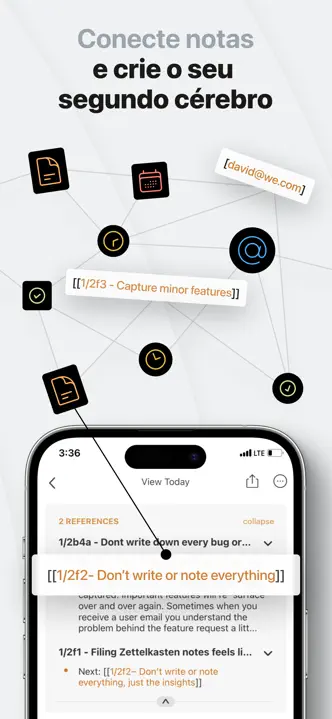
- Aliases — give a wiki link a custom display name with a pipe: [[Project XYZ | Roadmap]] links to Project XYZ but shows as "Roadmap". The full link reappears when your cursor is on it, so it stays easy to edit
SHARE EXTENSION
- Rebuilt share extension — now accepts any kind of content, so you can attach images and files to notes without opening NotePlan afterward. Shared content syncs automatically to your other devices
- Append or prepend to notes when sharing
- Share into non-calendar notes too — Spaces, project notes, and other notes, not just calendar notes
PLUGINS
- Rebuilt plugin loading internally — smoother and much more performant
- Long-press to reach plugin settings faster
- New filter button to the right of the search field — your filter settings save and sync across devices, so your favorite plugins are quicker to reach
- Refined CommandBar Forms when opened via the API
- New ParagraphObject.fileLineIndex gives plugins the absolute file line (including frontmatter), preventing note corruption when indexing Editor.paragraphs with line numbers from Editor.selectedParagraphs
SHORTCUTS & AUTOMATION
- "Add File to Note" (Apple Shortcuts) now supports adding text with a line type and priority
- Memo AI import now adds a summary to your daily note and correctly matches memos that have been moved (configure in Memo AI)
TABLES
- Reorder rows and columns, and add rows and columns
FIXES & IMPROVEMENTS
- Added a filter button beside the search field
- Date navigation (title tap, Cmd+T, Today/Tomorrow) now stays within the note's current space
- Fixed Space titles sometimes falling back to their ID in the sidebar
- Fixed time blocks not appearing in the timeline when folded below a heading or task
- Fixed dragging a dated task from references corrupting the time block's title
- Fixed pasting images from Apple Notes landing as an empty link
- Fixed wiki links and date links inside headings being dropped from references
- Fixed >tod / >tom / >yes not suggesting today / tomorrow / yesterday in autocomplete
- Fixed a repeating "Add order property?" prompt on some notes
- Edited notes no longer clutter the Files app's "Recents" list
- Breadcrumb taps in the path bar now open in the correct window
- Fixed folder titles not being centered and references being misaligned
- Fixed icons clipped at the bottom of the autocomplete popup
- Fixed several stability crashes — editing table cells, autocomplete, search results (which also dropped reminders), the in-note find bar (Cmd+F), quitting the app, odd cursor placement with Cmd+Left / Cmd+Shift+Left next to a task, a hang opening notes with long runs of whitespace, and a hang that could leave a note stuck while loading
Enjoying NotePlan? A quick review helps support independent development!
3.21
NotePlan 3.21 is a polish-focused release — many small improvements, speed and memory gains, and new touches across the app. The bigger additions: the doors are now open to Community Plugins, and a new CommandBar Forms API for multi-field dialogs.
Tables and Kanban boards got a lot of love, folder views can show events and reminders alongside tasks, and in-note Find works inside tables.
COMMUNITY PLUGINS
- More plugins by the community, mixed in with the core plugins
- Community plugins carry a COMMUNITY badge and are security-reviewed before being listed
- New: Stock Ticker, Weekly Review Dashboard, Task Zoom, Reflect, Note Graph, Donote, CRM Dashboard
KANBAN BOARD
- Heading columns — add, rename, remove, reorder
- Drag and drop columns to reorder
- "+" button on heading and date columns to add tasks
- Smoother card dragging
- Today's column header uses the accent color
- Date columns sort chronologically
TABLES
- Simple formulas like "=sum" with autocomplete and a formulas submenu (hit "=" in a cell)
- Resizable columns (drag the borders)
- Rewritten tables load faster and scroll more smoothly
FOLDER VIEWS
- Events and reminders available as sources, enabled under the View menu
- New Sources option — mix calendar notes and regular notes in one view
- Drag events and reminders between date columns
- New filters: Hide Past Events, Hide Timeblock Events
- New "Rolling 7 Days" timeframe
- Event editor, context menus, and sorting for calendar items
- Tap the folder title to jump to today's note
- Fixed swipe from the edge to open the sidebar when a folder view was open
IN-NOTE FIND
- Find now also searches inside embedded tables
EDITOR
- Optional setting to let tables expand beyond the text width
- Copy button for code blocks
- Fold chevrons stay visible for collapsed lines
- Filter completed or cancelled tasks in References
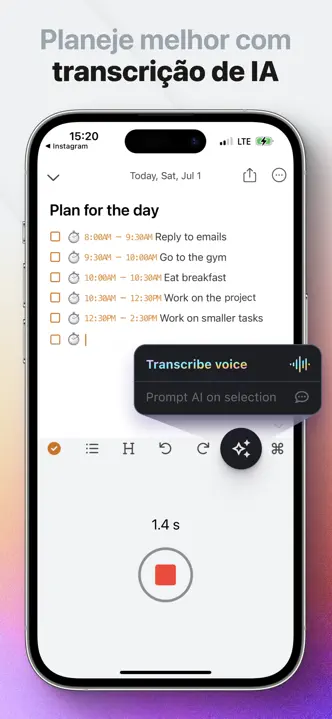
- Confirmation before discarding a voice recording
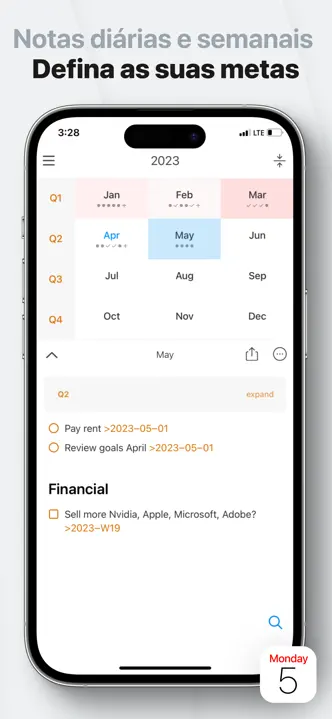
- Week-number options in the schedule dialog
WIDGETS
- New Control Center widgets to quickly add a task or bullet
PLUGIN API
- New CommandBar Forms API (CommandBar.showForm) for multi-field dialogs
- New HTML plugin type with lifecycle events for refresh on show/hide
- API expanded so notes can be accessed and edited from HTML view JavaScript
- Tightened plugin URL handling for safer links
PERFORMANCE & MEMORY
- Notes with big tables open noticeably faster
- Lower memory usage with many notes
- Snappier folder views, tag search, and calendar updates
FIXES & IMPROVEMENTS
- Fixed editor toolbar overflowing with Display Zoom
- Fixed freezes opening notes with very large tables
- Fixed references count to show the real number of matches
- Fixed folder rename merging notes with the same name
- Fixed slash date parsing for day-first locales (e.g. en_GB)
- Fixed weekly references disappearing when the week didn't start on Monday
- Fixed the overdue task popover going blank after switching Spaces
- Fixed an empty calendar on iPad with an external display
- Fixed table content being wiped when moving between notes
- Fixed x-callback links being stripped when pasting
- Fixed a clipped highlight and caret at the bottom of a note
- Fixed several rare stability crashes
Enjoying NotePlan? A quick review helps support independent development!
3.20.2
NotePlan 3.20.2 focuses on faster note loading and smarter editing, making everyday planning feel smoother and more precise.
This release adds new context-menu options for Spaces export/import and improves drag & drop into daily notes with a new destination menu (including heading selection and a new “Bottom” option). On top of that, opening notes—especially ones with tables and code blocks—is now significantly faster.
SPACES
• Export/import Spaces via context menu
• New setting for calendar note visibility per Space: right-click a Space to turn calendar notes on/off
DRAG & DROP
• Choose a heading when dropping tasks onto calendar days, including a new option "Bottom".
TIMELINE
• Drag or long-press in the timeline at the bottom of a daily note to create an event (drag to define start and end time)
PERFORMANCE
• Improved embedded table loading performance (notes open and load faster)
• Improved code fence rendering performance
• Smoother references section height animation
SEARCH
• Search field now auto-focuses
FIXES & IMPROVEMENTS
• Fixed image copy/paste into other apps
• Fixed text formatting around inline code
• Fixed backlink bounce animation when switching between notes
• Fixed share log crash on iPad
• Fixed table column crash
• Fixed several stability crashes
• Fixed publishing notes with bullets and tasks not following settings
• Fixed first startup not starting logging
• Fixed indentation issues in numbered list editing
• Fixed empty note showing after dismissing drawing canvas from Lock Screen widget
• Fixed empty heading in references for notes whose title is defined only in frontmatter
Enjoying NotePlan? A quick review helps support independent development!
3.20.1
NotePlan 3.20.1 brings the Plugin Browser to iPhone and iPad for the first time, letting you discover, install, and manage plugins directly on your device.
Until now, plugins could only be installed from the Mac. This update introduces a completely redesigned Plugin Browser built for iOS, so you can extend NotePlan with powerful plugins wherever you are. Browse the full plugin catalog, install with a tap, and pin your favorites right into the sidebar for instant access.
PLUGIN BROWSER
• All-new Plugin Browser on iPhone and iPad (Settings > General > Plugins)
• Browse, search, install, and update plugins directly on your device
• Pin plugin views to the sidebar for quick access
• Plugins auto-pin to the sidebar when installed
• HTML plugins can now load into the main view and sidebar
• Sidebar toggle button for plugin views on iPad
COPY AS HTML
• Export notes as formatted HTML from the context menu
• Converts markdown to properly formatted HTML for pasting into emails, Google Docs, and other apps
LOCK SCREEN WIDGET
• New circular and slim widget style variations
• Added setting to preselect the post-processing prompt for voice transcriptions
AI PROMPT
• Add daily notes of a specific year, month, or week to the context by typing and selecting the suggestion (for example type "2025" or "January" and see suggestions).
SEARCH
• Added CJK language support (Chinese, Japanese, Korean)
• "Open" button in inline edit sheet to jump to the search result in the original note
FIXES & IMPROVEMENTS
• Added sidebarFolderColorOverride setting (custom themes)
• Fixed checkbox interaction issues with trackpad scrolling
• Fixed drawing canvas partial save when opened from Lock Screen widget
• Fixed adding notes to Spaces folders in Shortcuts
• Fixed stale task cache affecting note updates
• Numerous plugin stability improvements
Enjoying NotePlan? A quick review helps support independent development!
3.20
NotePlan 3.20 brings a powerful new Lock Screen widget, faster voice capture, and a big round of stability and accessibility improvements.
This update makes it quicker to capture tasks, dictations, and sketches right from your Lock Screen, with detailed controls over where new content lands in your notes. You’ll also notice smoother performance in search, better accessibility throughout the app, and a range of fixes for edge cases and calendar display.
LOCK SCREEN WIDGET
• Added a new Lock Screen widget: Add New Task / Voice Transcription / Drawing
• Extensive configuration options to control exactly where new items are added (note, heading, top/bottom, and more)
• Jump directly into voice transcription to dictate something on the go
• On iPad, open directly into the drawing canvas for Apple Pencil input
ACCESSIBILITY
• Added full VoiceOver support
DRAWING
• Added background pattern options to the drawing canvas when the note doesn’t provide one
PERFORMANCE
• Search now requires a 3-character minimum keyword length to prevent freezing
• Improved memory and CPU management
FIXES & IMPROVEMENTS
• Added a Calendar setting to switch to different week number calculation methods
• Improved rendering of attachments and images in References
• Fixed multi-day events not displaying correctly
• Fixed dragging a task into the calendar moving it to the wrong note
• Fixed renaming tags with parentheses
• Fixed crashes when keyboard-navigating inside the properties editor
• Fixed various crashes in edge cases
LANGUAGE SUPPORT
• Added Japanese, Italian, Simplified Chinese, Korean, and Russian translations
Enjoying NotePlan? A quick review helps support independent development!
3.19.3
NotePlan 3.19.3 introduces a clearer Spaces experience, expanded import tools, and full French and Portuguese translations. This update also includes many refinements and fixes.
SPACES
• Renamed “Teamspaces” to “Spaces”
• Improved Spaces login and onboarding
• Added “Copy Web Link” to open a read-only website version of a Space
• Calendar notes from Spaces now appear inside the References of your private notes
• Improved References layout for better overview
• Made the collapse button in References separately tappable, so you can tap on the task, heading or title to jump directly into the note
• Fixed folder moves in Spaces creating duplicate folders
• Fixed switching between Space calendar notes on iPad jumping back to private notes
IMPORTING
• Added importers for Markdown, Obsidian folders, and Evernote (Settings → Files → Import Notes)
• Updated Settings icons and improved iPad import dialog
LANGUAGE SUPPORT
• Added full Portuguese translation
• Added full French translation
FIXES & IMPROVEMENTS
• Improved sync robustness and recovery in the case the local database gets corrupted
• Attempted fix for calendar scrolling back to the previous week on Mondays
• Fixed typing lockup when inserting an emoji into a new bullet or task
• Fixed missing error message when publishing failed
• Fixed swiping between daily notes sometimes landing on the wrong day
• Fixed Note Cards font size not resizing
• Enhanced weather API with more detailed location information
• Moved Lab settings to Sync → Advanced and added a dedicated Spaces settings tab
• Various layout, polish, and stability improvements across devices
Enjoying NotePlan? A quick review helps support independent development!
Listing history
Kit checks this listing every day, most recently on 30 Sept 2026. Changes to its screenshots, icon, subtitle, videos and events will show up here.
Compare with


Browse similar
Source: App Store listing by NotePlan LLC, United States storefront. Captured 30 Sept 2026. The artwork belongs to its publisher and is shown here for reference.