Navigation App Store screenshots
11 complete App Store screenshot sets from navigation apps, including Citymapper, Gaia GPS and Transit. The most common techniques here are repeated layout, device mockups and photography.





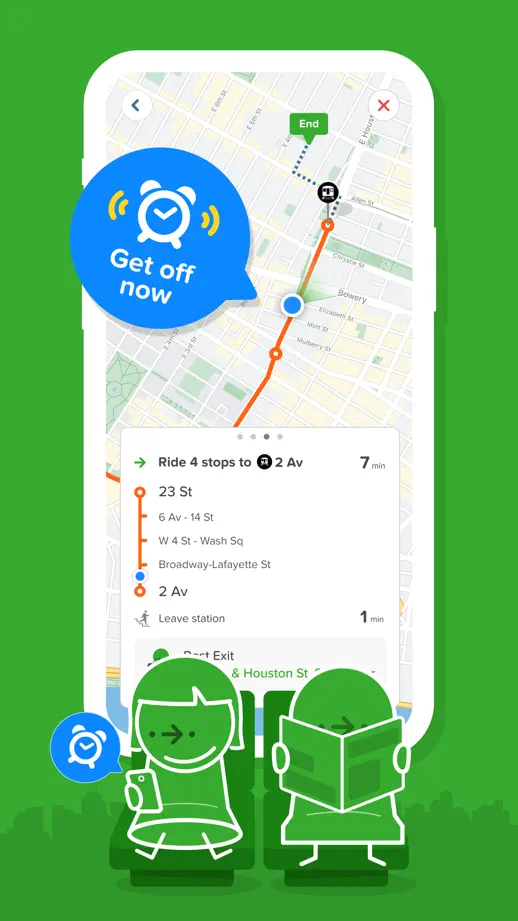
An all-green set uses white line-drawn characters and city silhouettes around tilted and upright phones, closing on awards and a mascot sign-off.






A hiker photograph opens a dark sequence of topographic line backgrounds, green headlines and map panels enlarged beyond the phones.


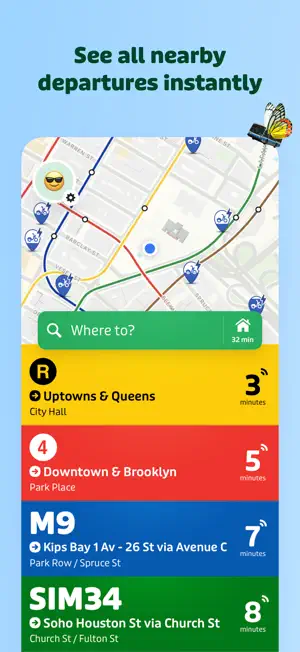
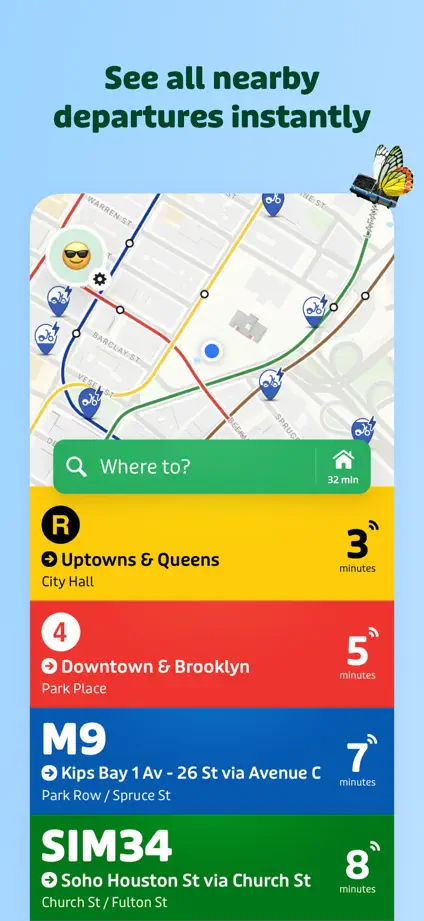
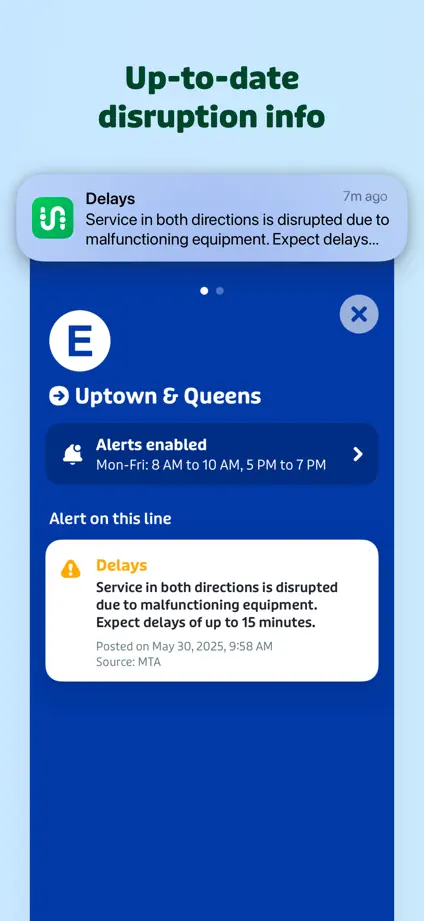
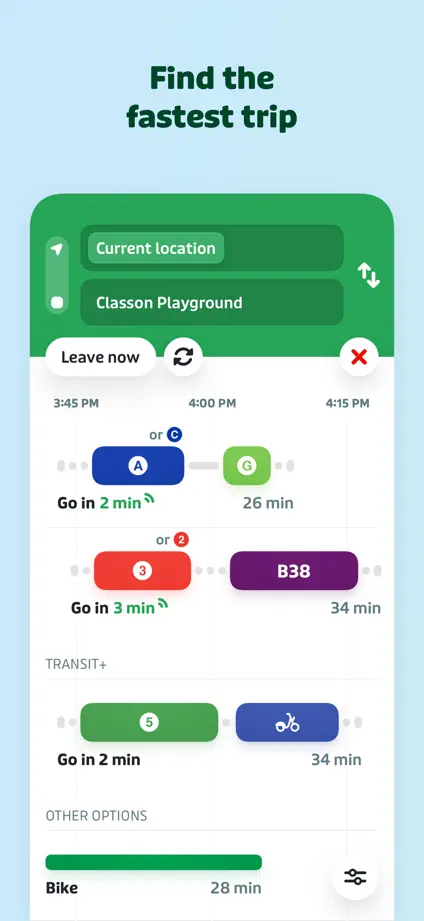
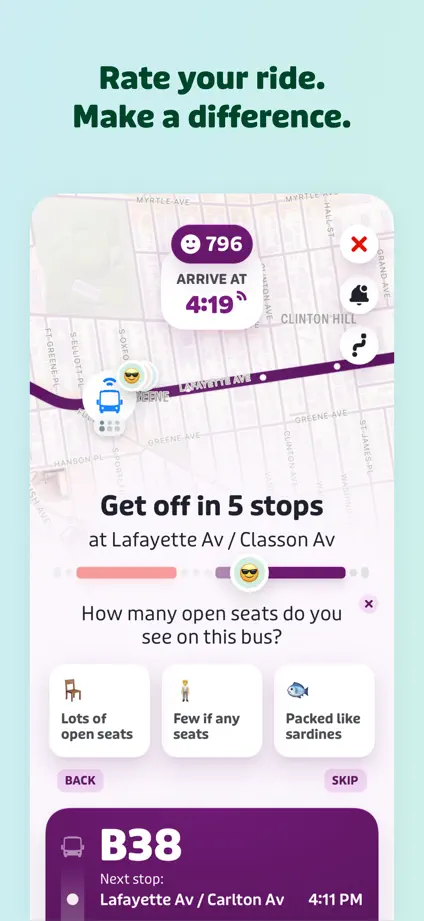
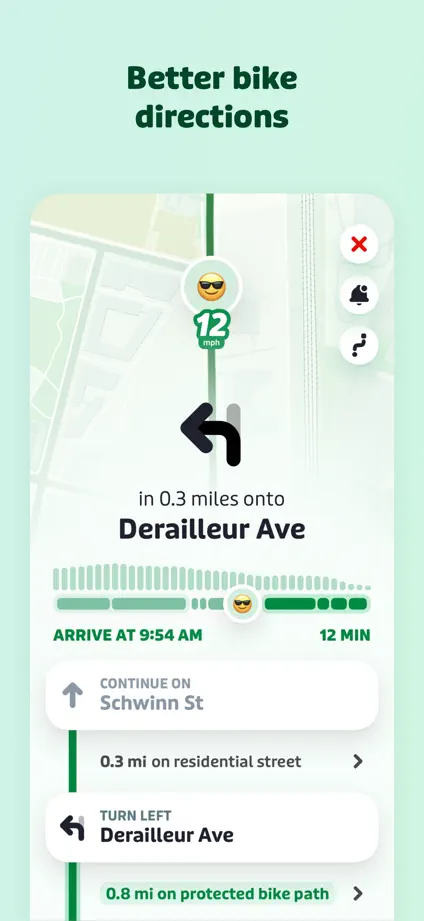
Pale blue-to-mint gradients hold bold two-line headings over phones cropped at the bottom, with vivid line colors and cartoon badges in the interface.




Large phone crops on white backgrounds show routes, discovery, saved places and map layers before ending with street imagery and a car display.


Blue panels repeat a bold headline above an isolated screen, mixing maps with customization and car-display examples before a simple brand closing.


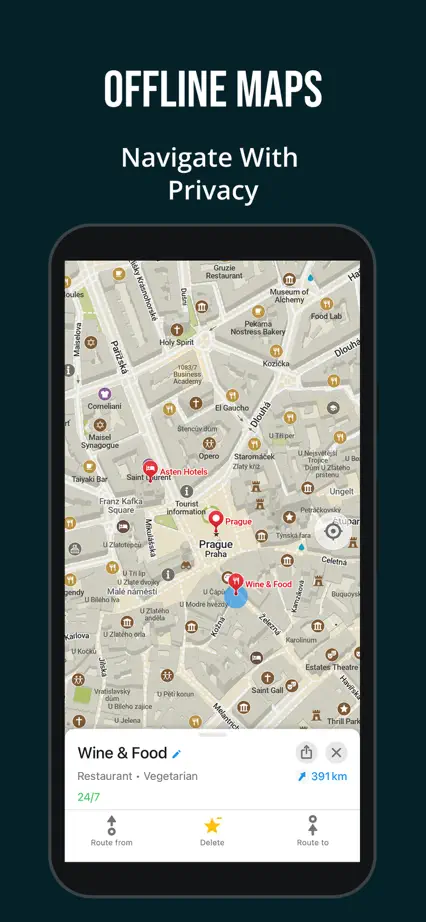
Dark teal panels and condensed headings keep the maps prominent, with occasional icon-only panels interrupting the repeated phone layout.
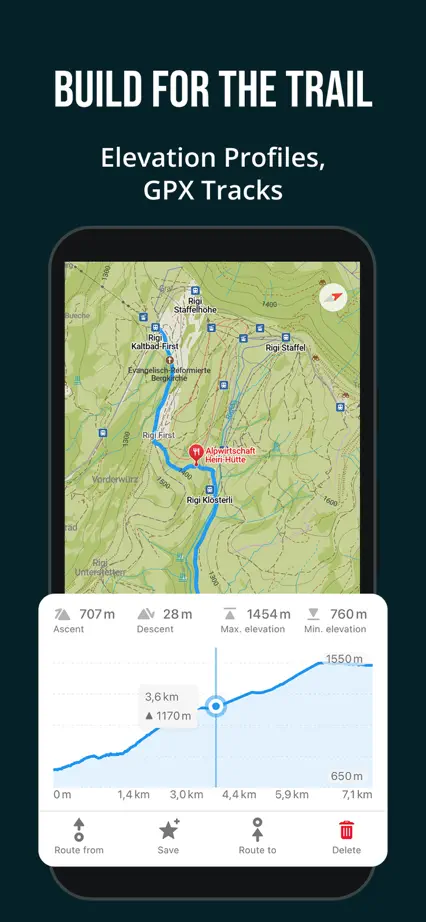


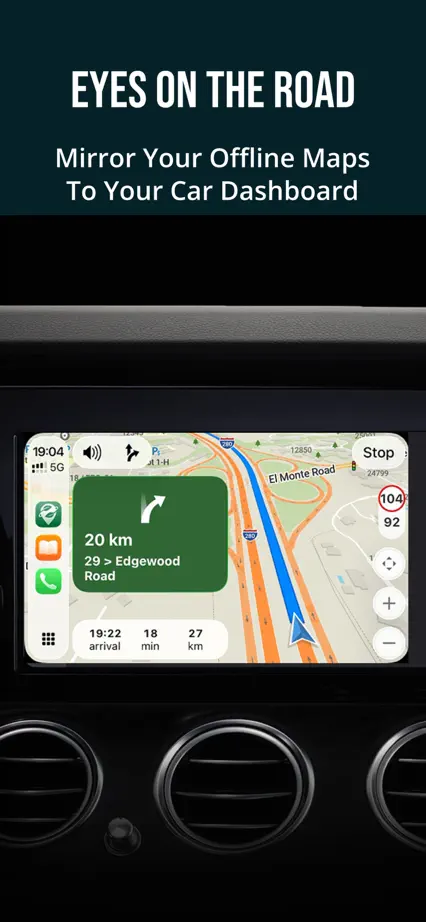


An angled phone spans the blue opening panels before a pale, consistent feature tour moves from route guidance to offline maps and car navigation.


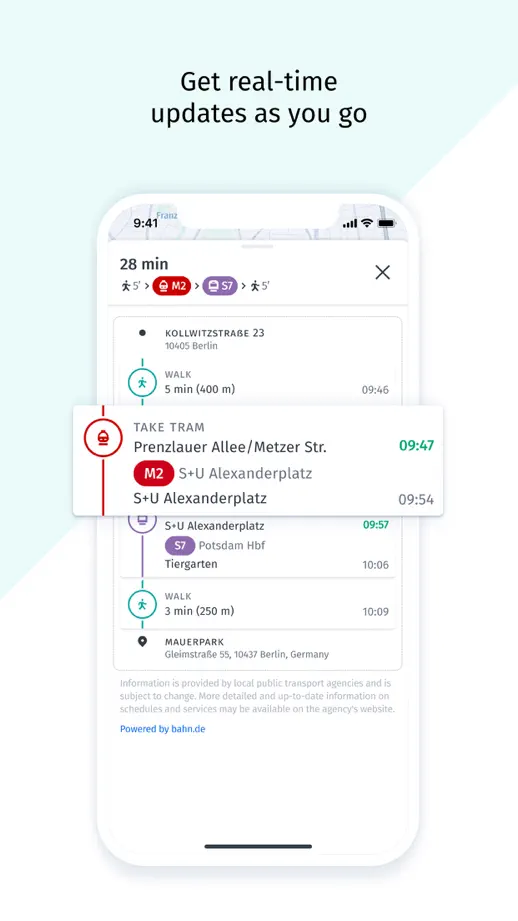


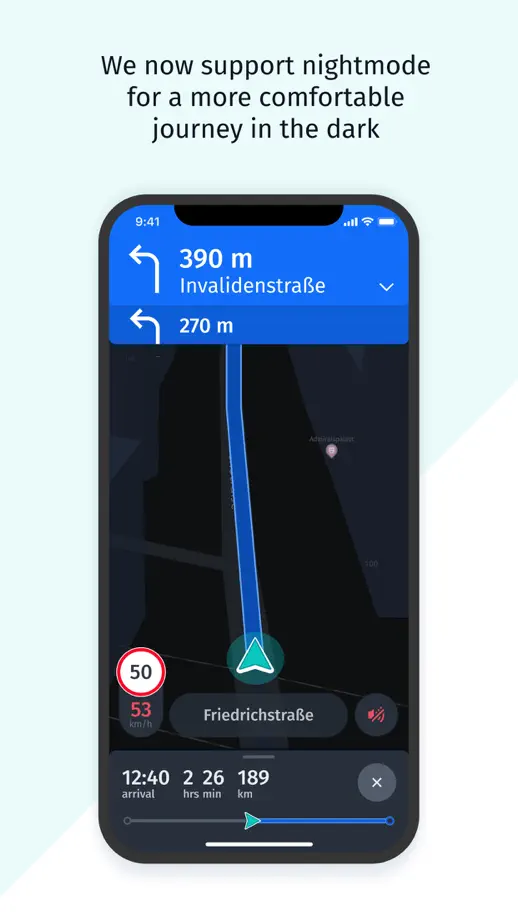
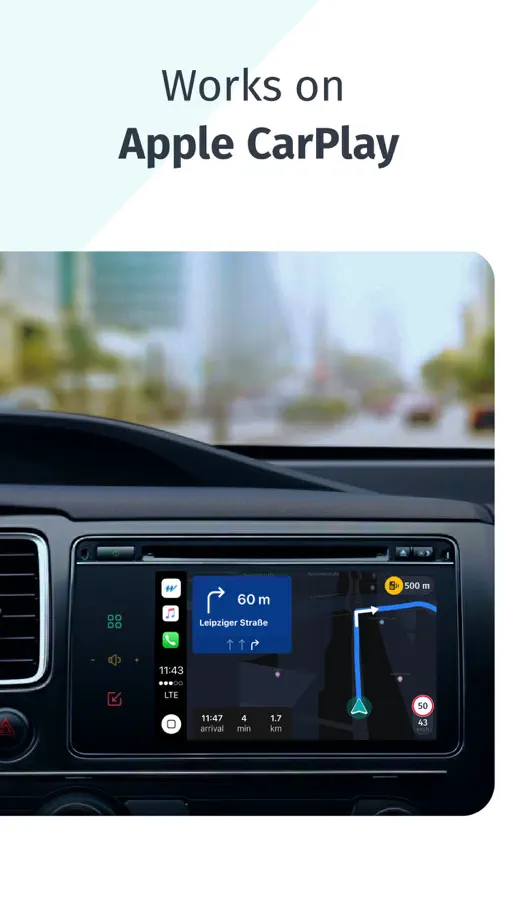

White backgrounds and fine map lines support close interface views, with a pointing hand, paired watches and terrain imagery explaining different interactions.
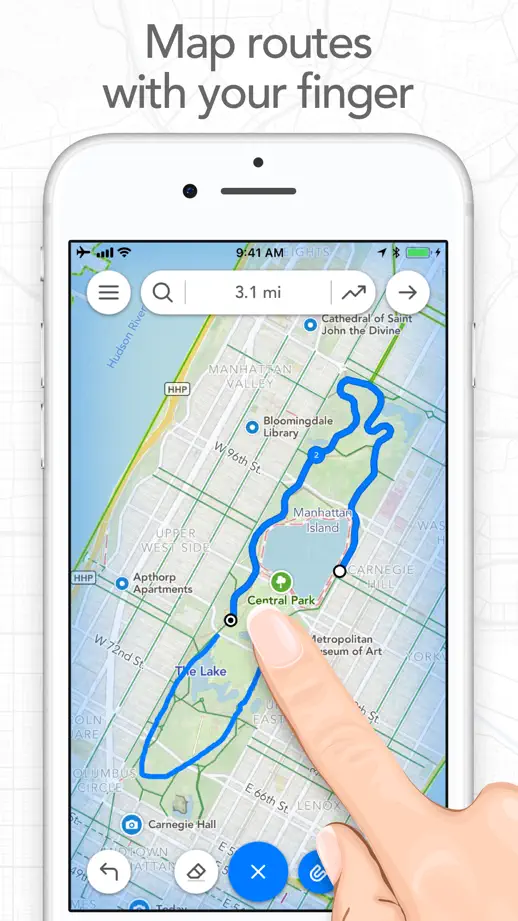
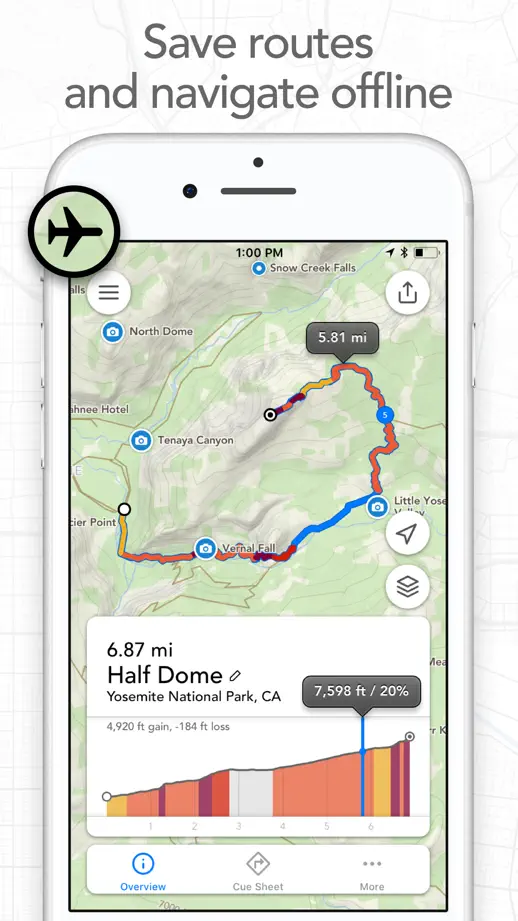


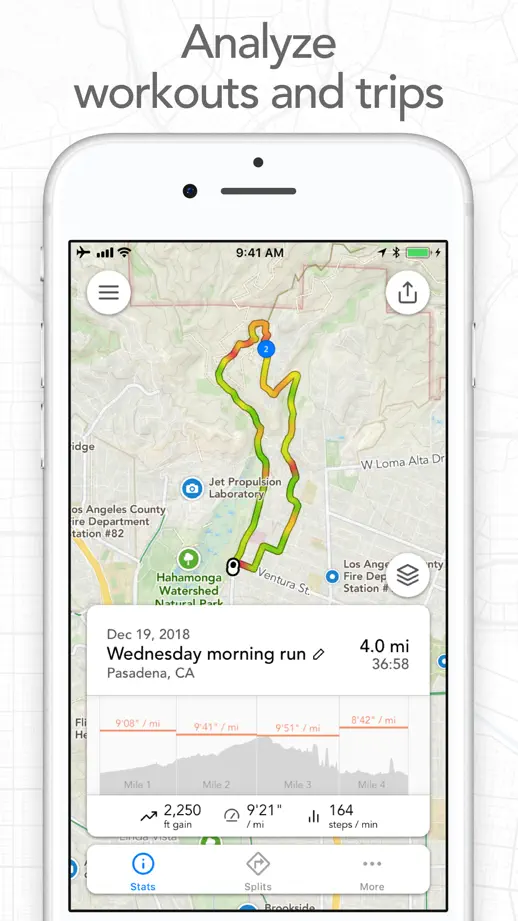


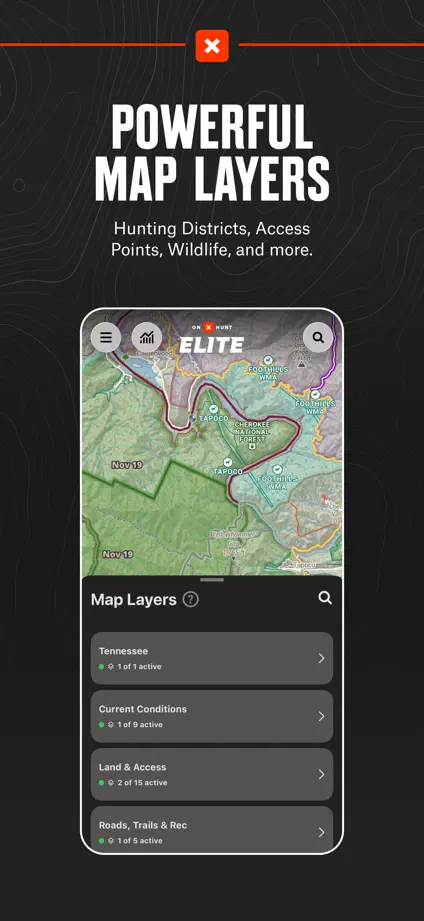
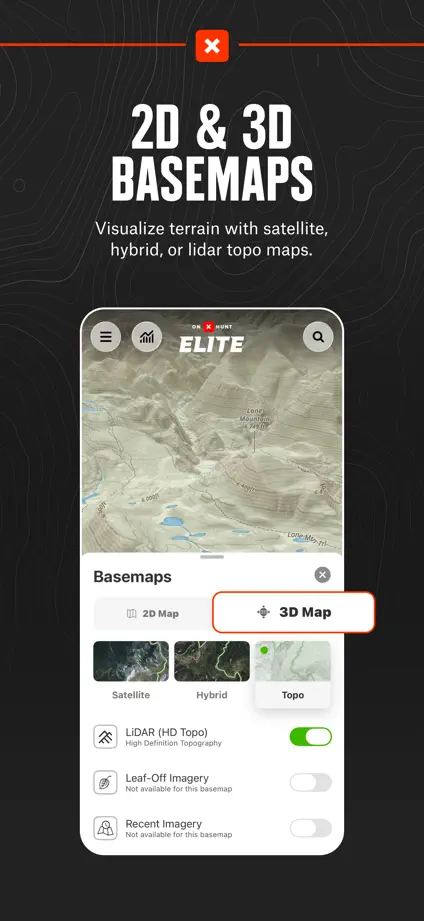
Condensed white headings on charcoal panels establish a consistent feature tour, with map layers and selected controls enlarged outside the phones.





A photograph and angled phone connect the opening pair; blue panels then isolate destination, sharing, camera and voice-entry examples.


Outdoor photographs introduce the maps, while oversized route controls, location markers and interface cards bring individual tools forward.


