
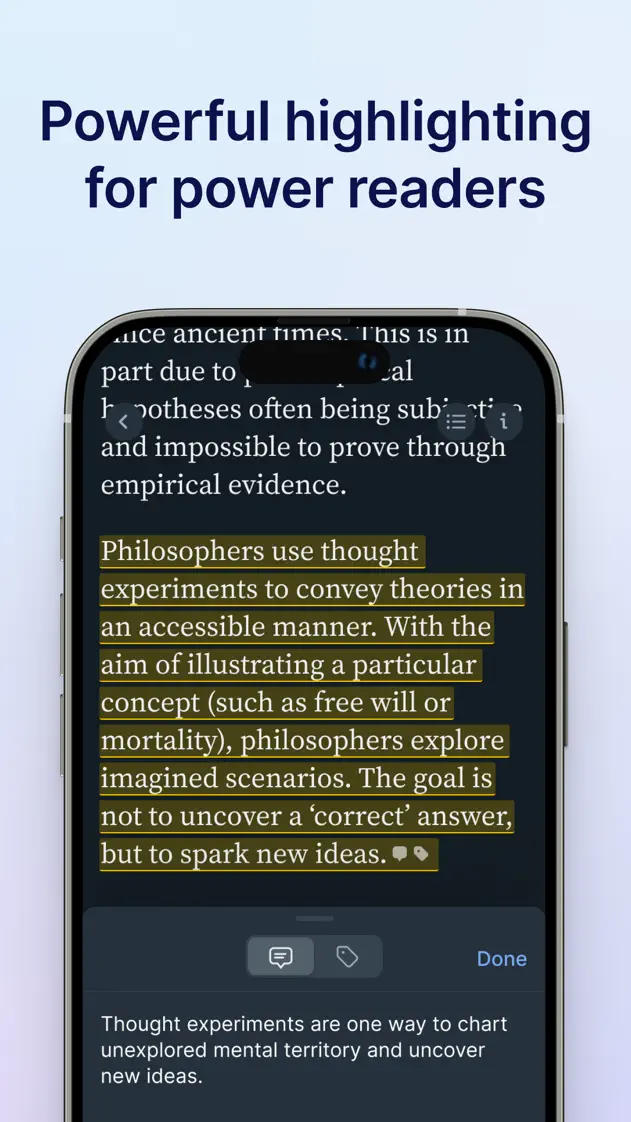
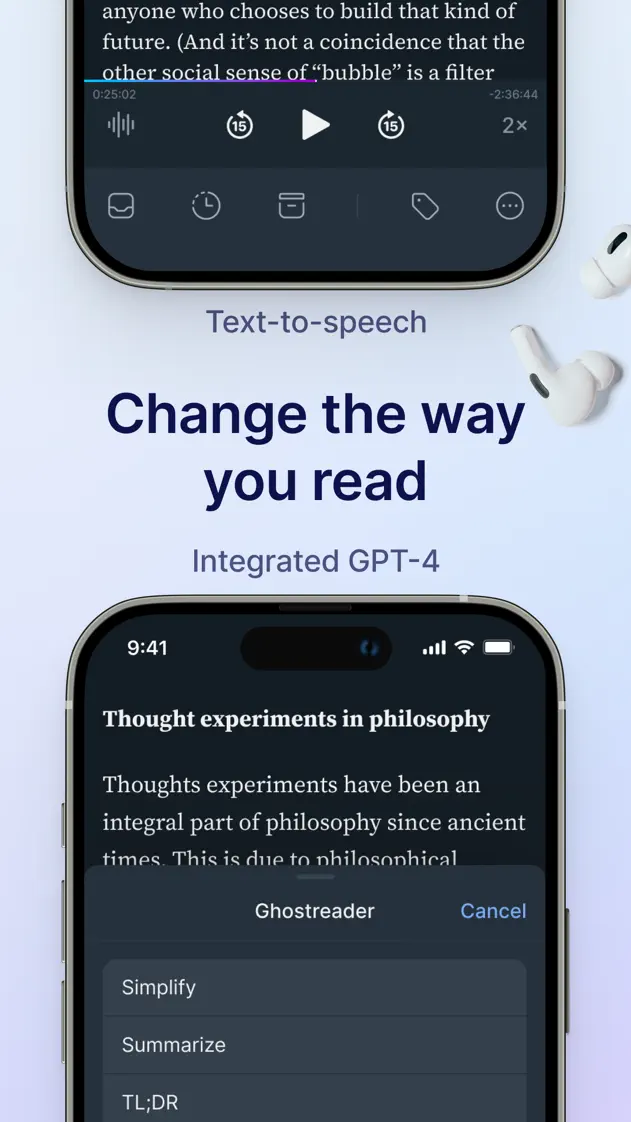
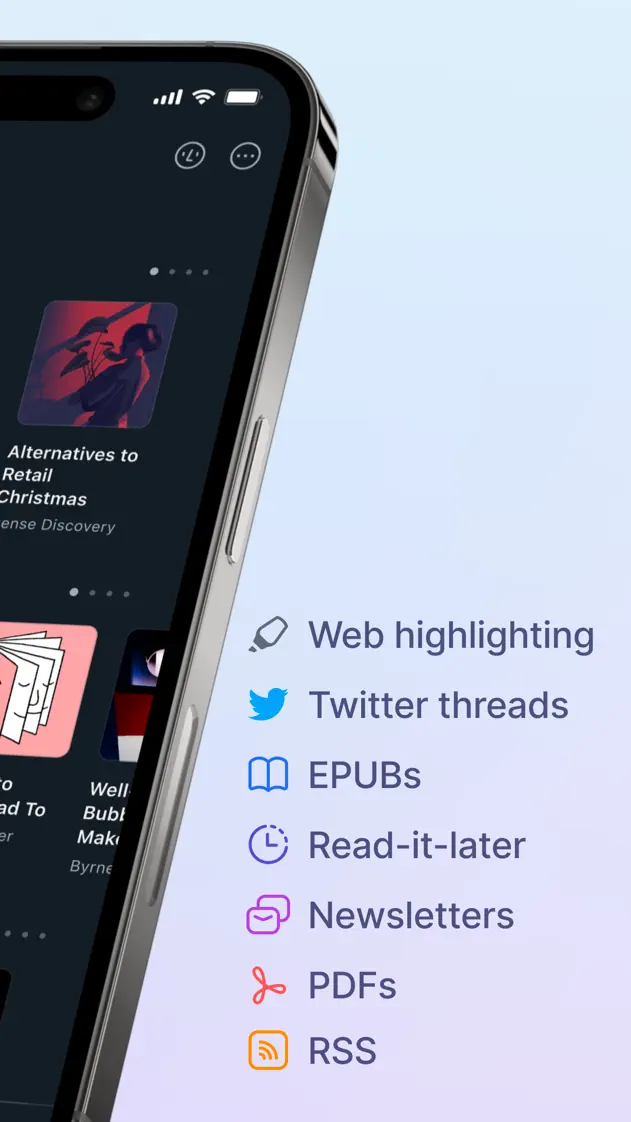
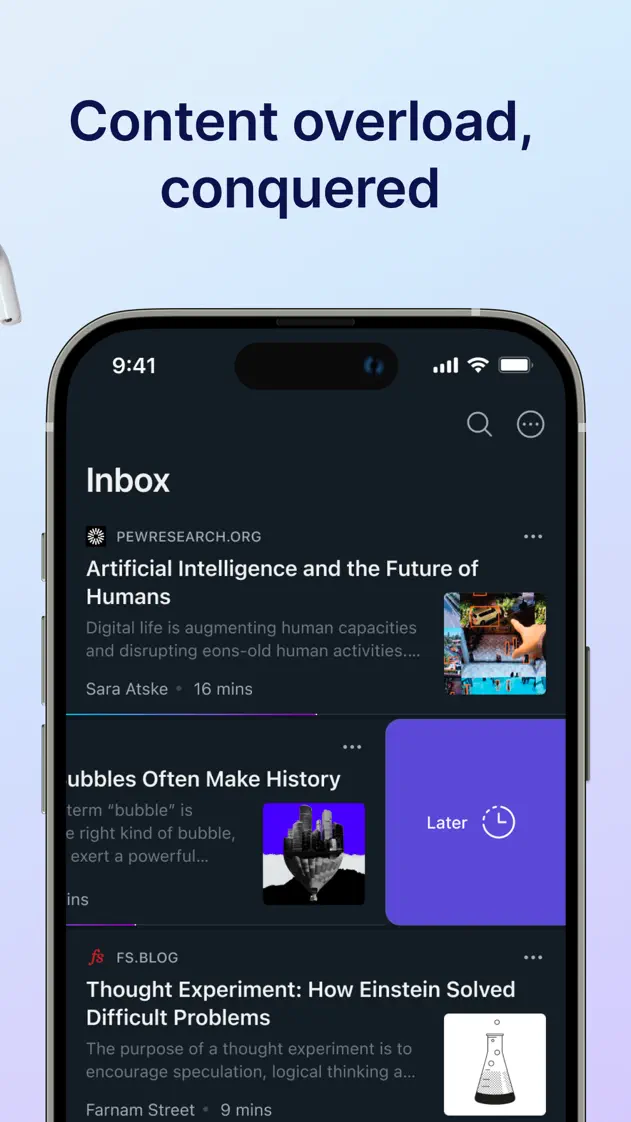
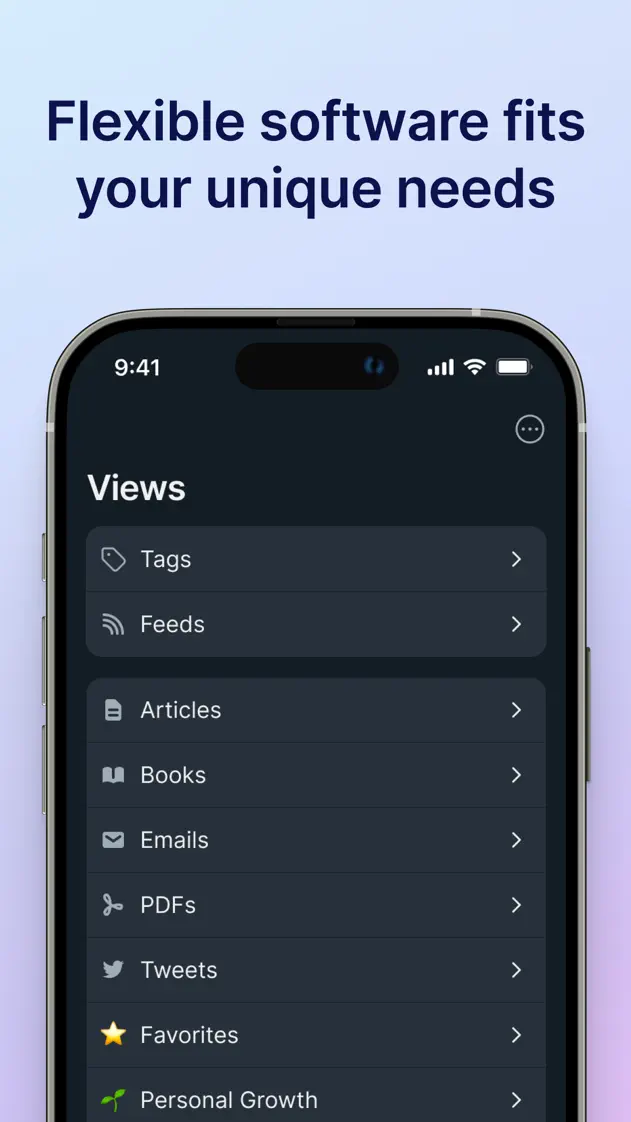
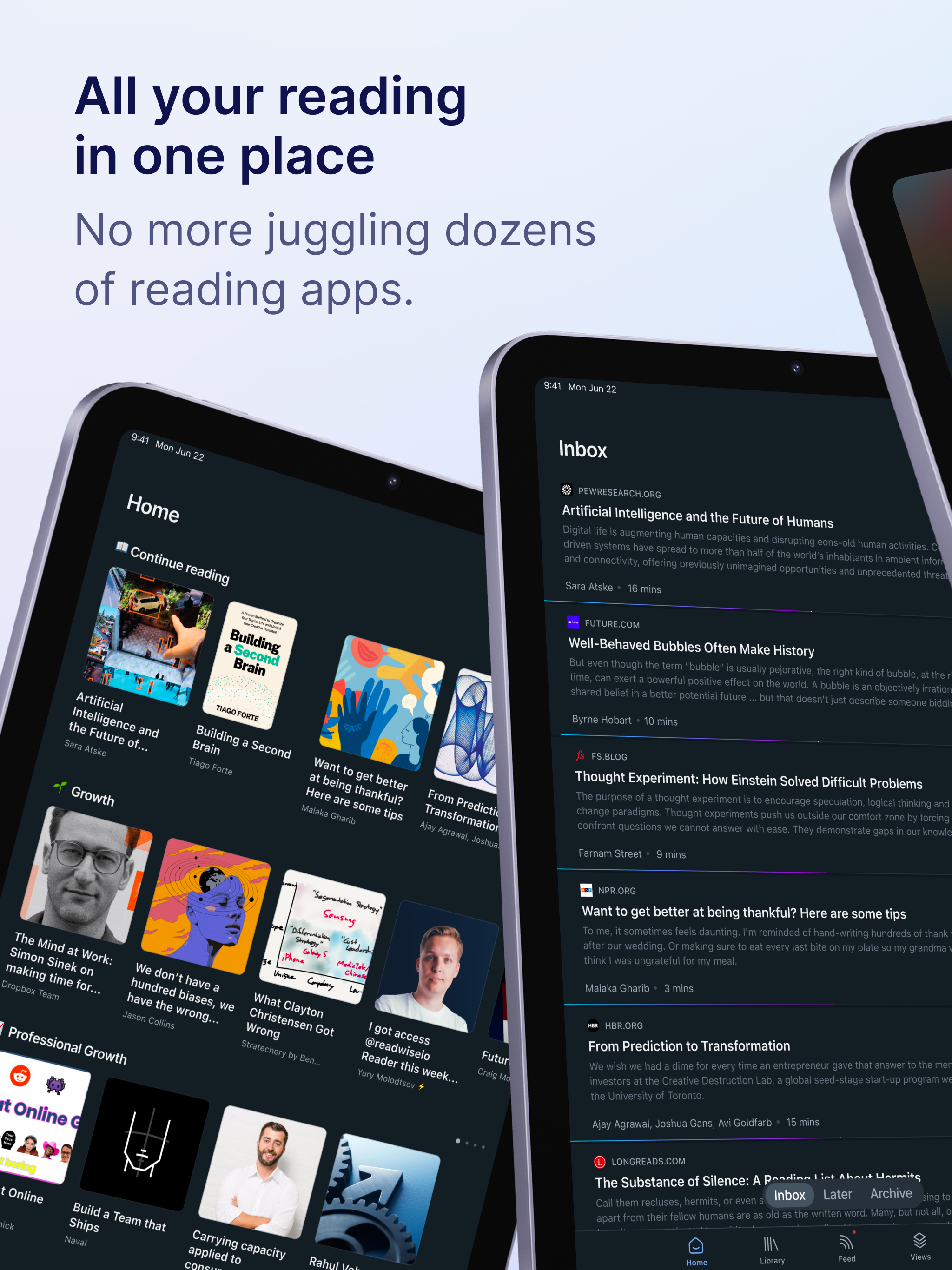
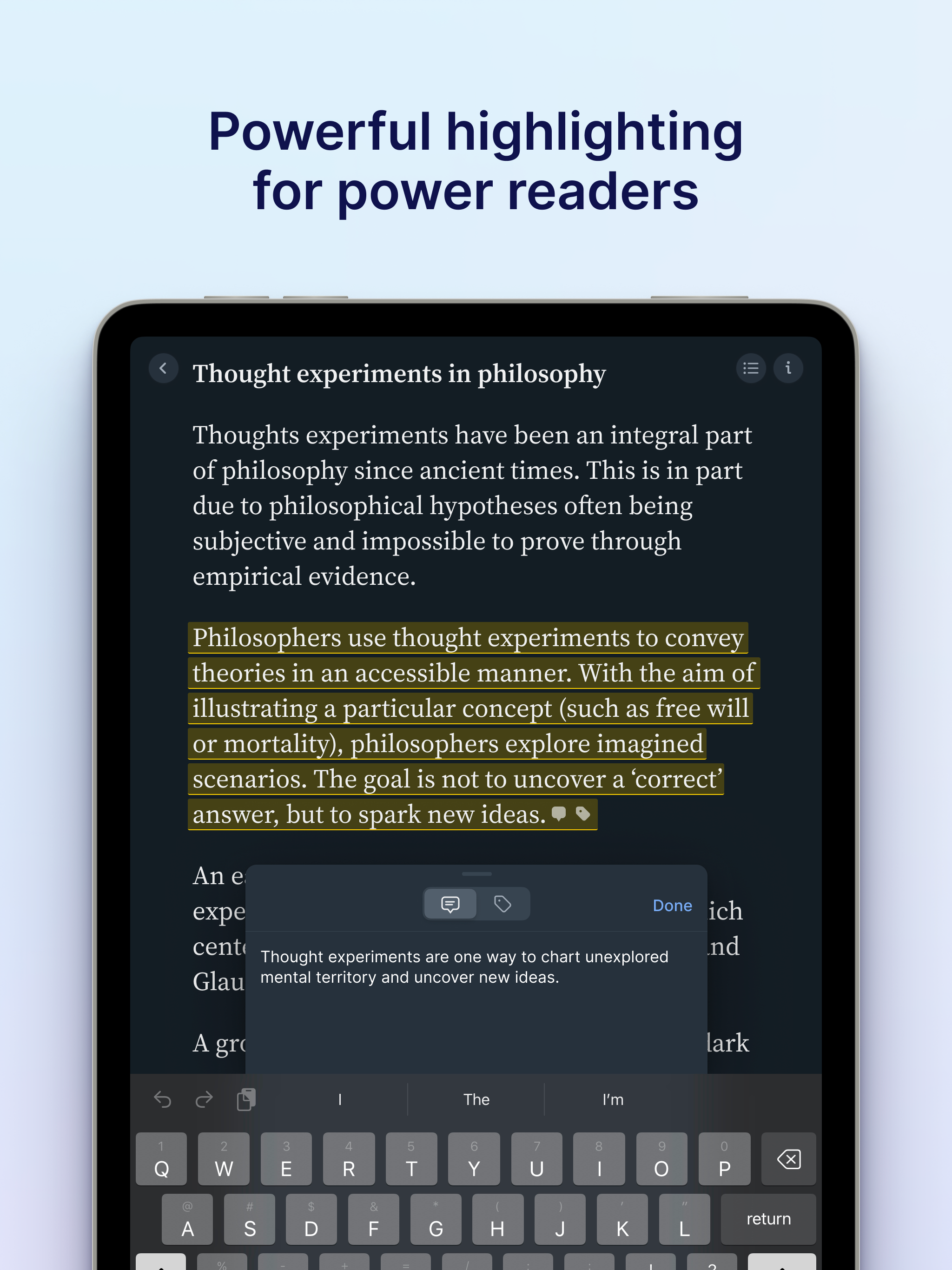
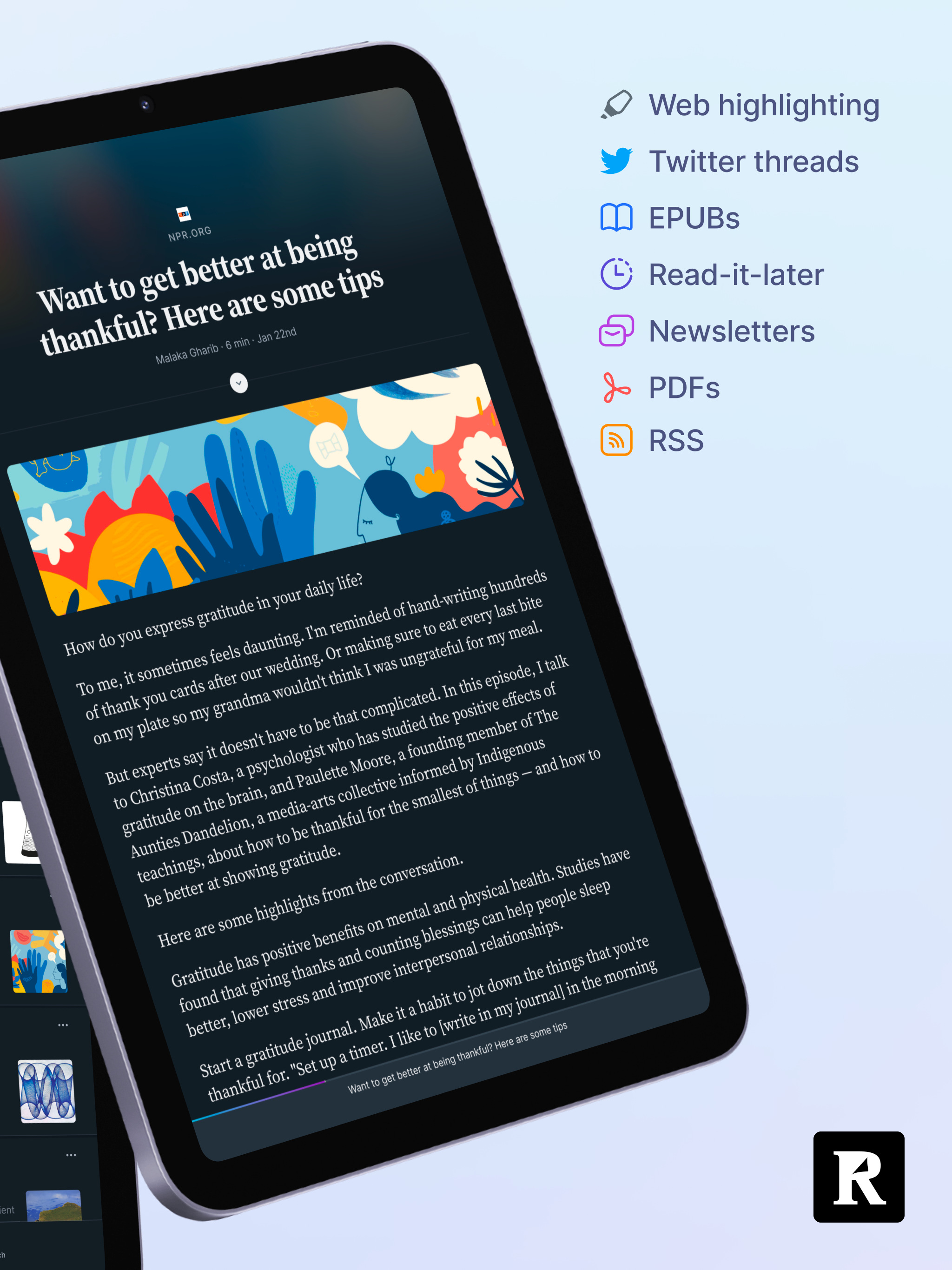
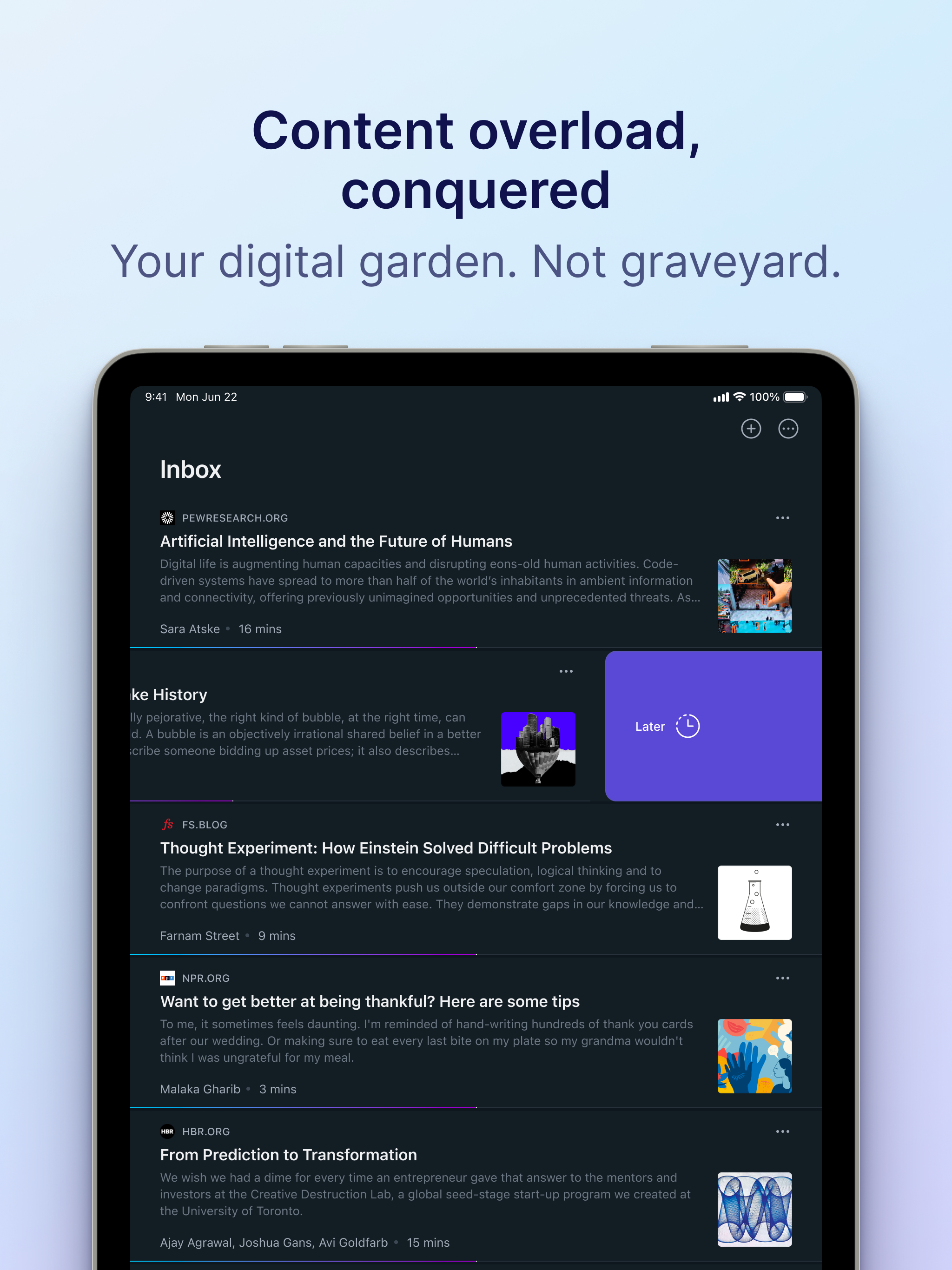
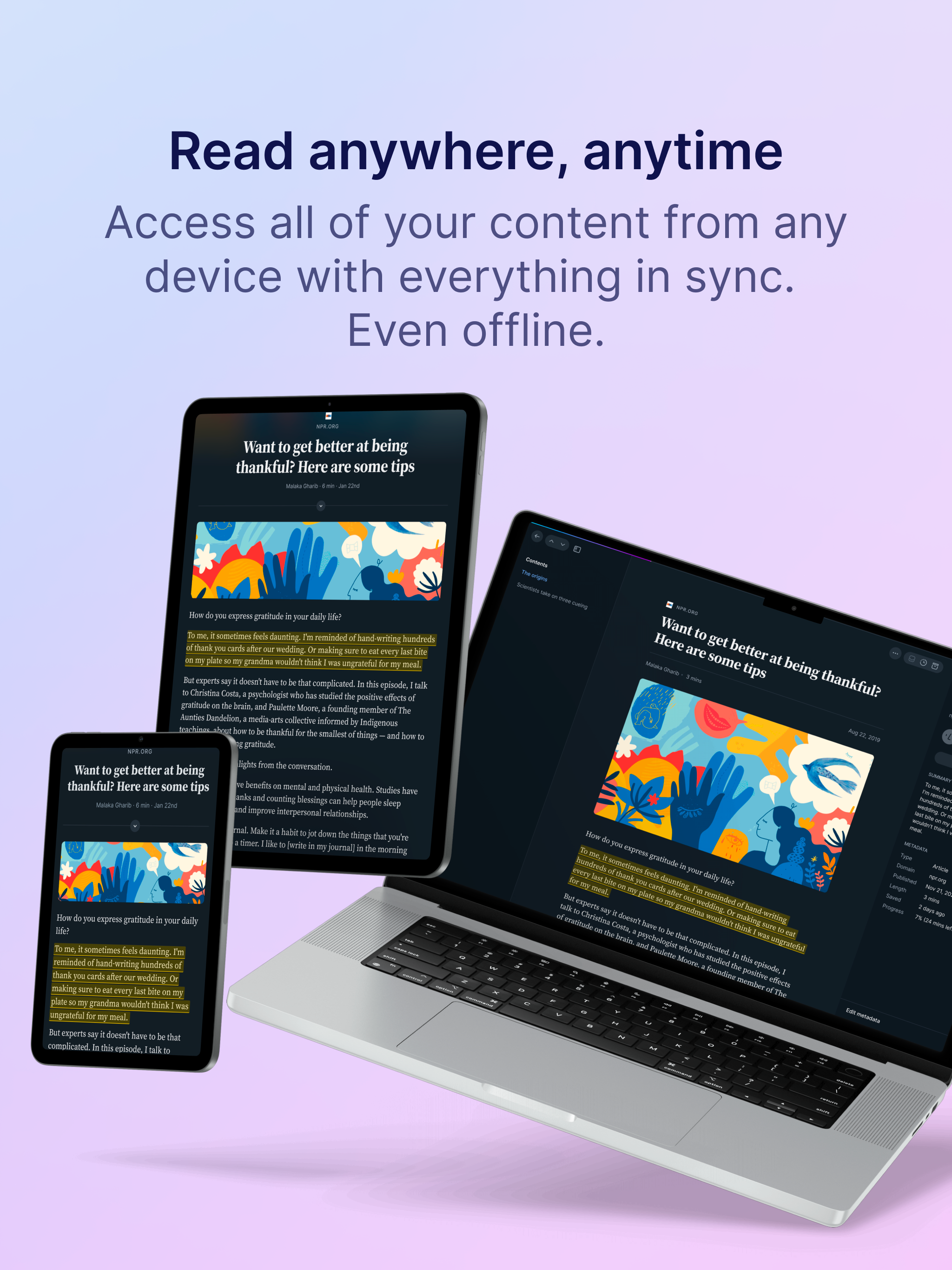
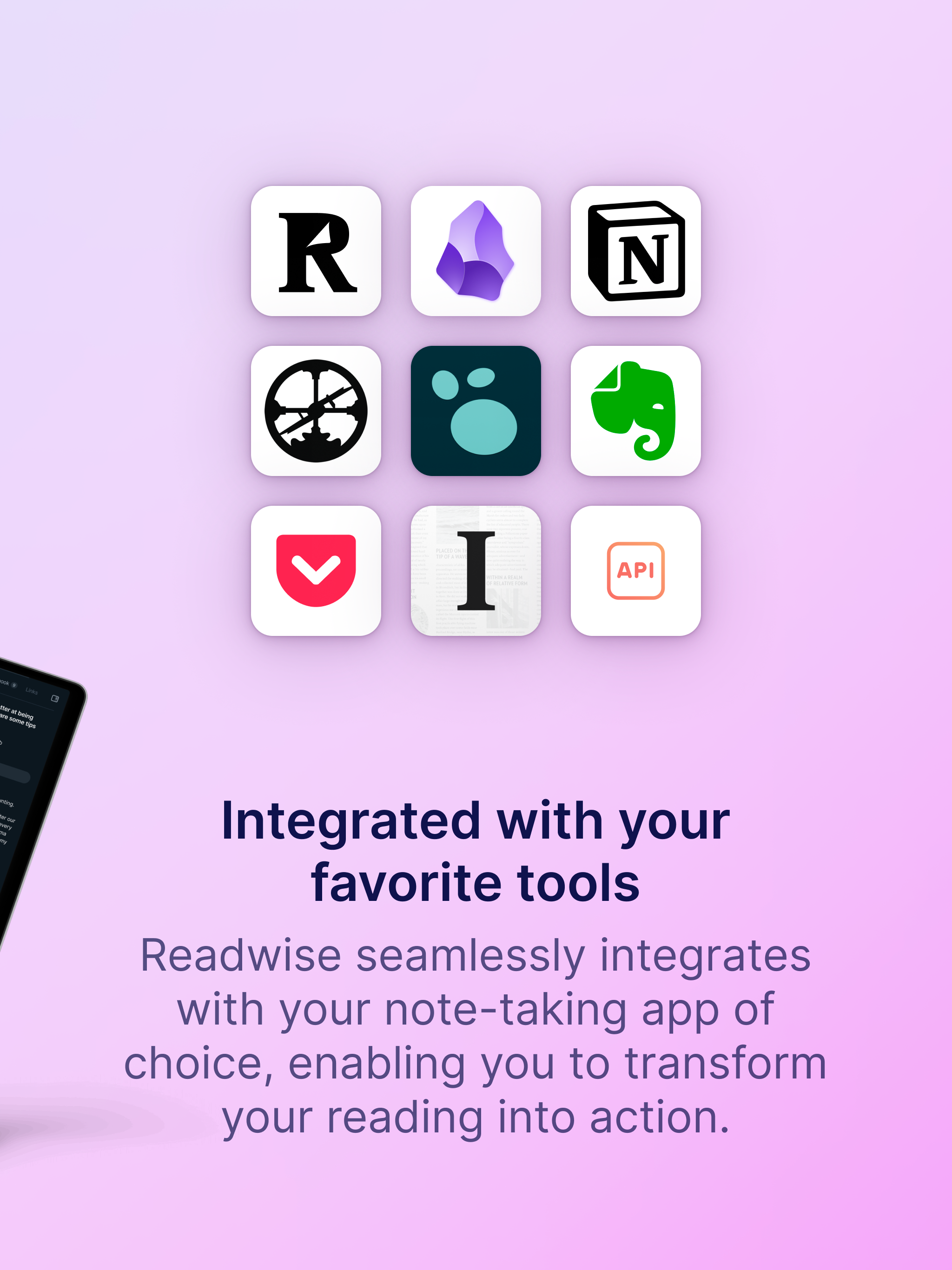
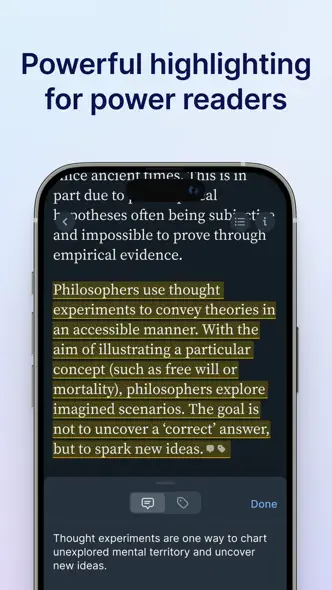
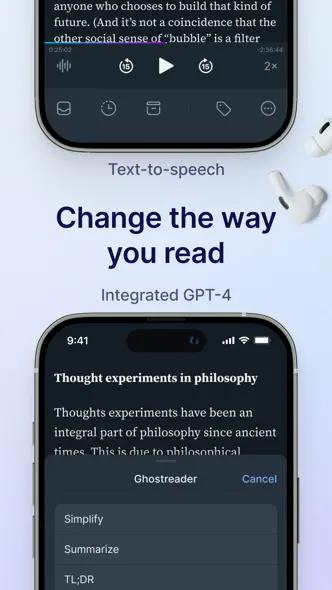
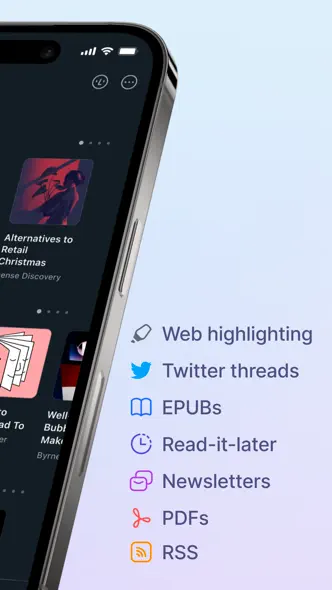
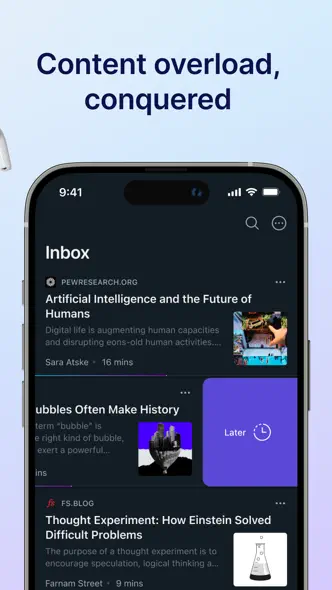
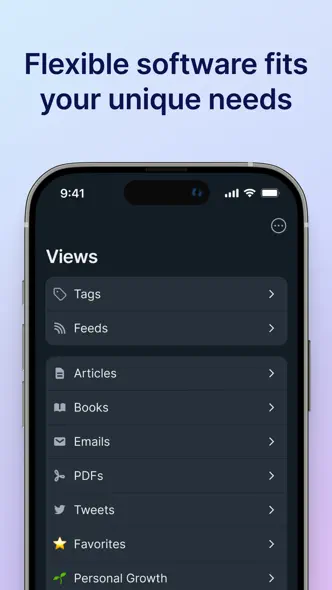
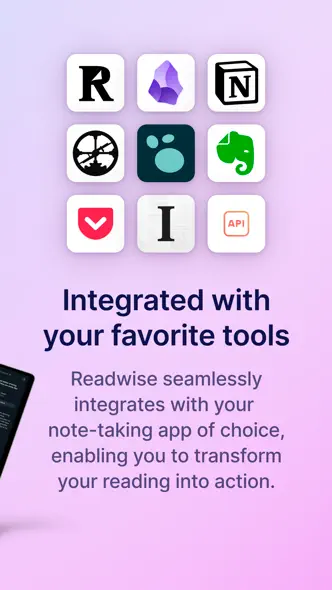
Soft blue-to-lilac gradients frame tilted and upright dark-mode phones, closing with a multi-device scene and a grid of integration icons.




- Category
- Productivity
- Publisher
- Readwise, Inc
- Version
- 8.20
- Approach
- Interface-led
Around the world
More localized listings →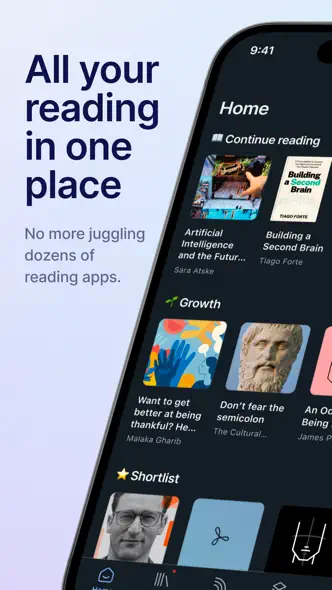

What’s New
8.20
Mobile Chat — The long awaited “chat with document” feature is now available on mobile. Intuitively ask any question while reading and receive a fast, accurate answer that will link to the cited text in the document. Ghostreader is also aware of your position and context while reading -- it’s like a smart friend reading over your shoulder that you can ask questions. To try it, just trigger Ghostreader while reading.
Modern Toolbar — We’re also introducing a new mobile toolbar in the reading view! You can enable it in the app from your settings at Account > “Modern Toolbar”. The new toolbar allows you to quickly access ghostreader (in one tap), gives you more easy access to delete documents, and allows you to jump to the previous/next documents without needing to leave the reading view. Of course, if you prefer the existing toolbar, we have preserved that option as well.
Upload Markdown — You can now upload markdown documents to Reader.
GPT-5.6 Support — If you bring your own OpenAI API key for custom Ghostreader prompts, you can now use GPT-5.6: Sol, Terra, and Luna.
Better Search (beta) — There is now a toggle on the Search screen to enable our new server-based search that runs both more quickly, accurately, consistently, and takes much less time to index all of your documents (compared with our old local-first search).
Lookup in Reader — Reader now has a dedicated way to look things up without leaving the page. Easily select (long press) any word or phrase and Reader explains it right away in a dedicated lookup panel. For stand words/terms, get standard definitions, or when you select a term (or name) unique to the document, get the definition the way the author uses it. If you want to revert to the old selection behavior, there is a new option to do that too.
Previously:
Fixed Feed Email Attachments — Rasul fixed a bug where emailing a PDF or EPUB to your Reader email address discarded the email body.
Fixed Twitter Video on iOS — Krzys fixed an iOS bug where the first tap on a Twitter video in Reader did nothing, requiring a pause-then-play to unblock it. Videos now start on the first tap on iOS, matching the behavior on every other platform.
Parsing Updates — Krzys improved how Reader handles documents from The Verge, Reuters, Substack, and Medium, and now routes X.com /article/ links through the Twitter parser so long-form X posts come through cleanly.
Core libraries update — We've updated many of the core libraries that support Reader, which should result in a more native-feeling experience, many fewer bugs, and faster performance!
Readwise MCP & CLI — The (new, improved) Readwise MCP server gives Claude, ChatGPT, Cursor, or any MCP-compatible AI direct access to your Readwise highlights, and the full text of all your Reader documents. Once connected, you can ask your AI to search your notes, answer questions using your own reading history as context, or even make changes to your Reader library for you. We also pre-built AI workflows like inbox triage, feed catchup, a custom book review that is aware of related context in your vault, and a quiz mode for testing yourself on recent reads.
Improved Reading Progress — Artem and Lior enhanced the reading progress modal for EPUBs to show more detail at a glance. You can now choose between percent, page number, time left in chapter, time left in book, or hidden and each option previews the current value right in the picker.
Restore All from Trash — Mati added a "Restore All" button to the trash view on both web and mobile.
Podcast Transcripts — share any podcast episode from Apple Podcasts, Spotify, or Overcast into Reader, and it will be saved as a permanent, highlightable transcript.
Better Offline Control — Choose which categories of documents to keep available offline from the offline documents section of the Account screen. A new status shows whether a location is currently downloading.
8.19
Mobile Chat — The long awaited “chat with document” feature is now available on mobile. Intuitively ask any question while reading and receive a fast, accurate answer that will link to the cited text in the document. Ghostreader is also aware of your position and context while reading -- it’s like a smart friend reading over your shoulder that you can ask questions. To try it, just trigger Ghostreader while reading.
Modern Toolbar — We’re also introducing a new mobile toolbar in the reading view! You can enable it in the app from your settings at Account > “Toolbar layout”. The new toolbar allows you to quickly access ghostreader (in one tap), gives you more easy access to delete documents, and allows you to jump to the previous/next documents without needing to leave the reading view. Of course, if you prefer the existing toolbar, we have preserved that option as well.
Upload Markdown — You can now upload markdown documents to Reader.
GPT-5.6 Support — If you bring your own OpenAI API key for custom Ghostreader prompts, you can now use GPT-5.6: Sol, Terra, and Luna.
Better Search (beta) — There is now a toggle on the Search screen to enable our new server-based search that runs both more quickly, accurately, consistently, and takes much less time to index all of your documents (compared with our old local-first search).
Lookup in Reader — Reader now has a dedicated way to look things up without leaving the page. Easily select (long press) any word or phrase and Reader explains it right away in a dedicated lookup panel. For stand words/terms, get standard definitions, or when you select a term (or name) unique to the document, get the definition the way the author uses it. If you want to revert to the old selection behavior, there is a new option to do that too.
Previously:
Fixed Feed Email Attachments — Rasul fixed a bug where emailing a PDF or EPUB to your Reader email address discarded the email body.
Fixed Twitter Video on iOS — Krzys fixed an iOS bug where the first tap on a Twitter video in Reader did nothing, requiring a pause-then-play to unblock it. Videos now start on the first tap on iOS, matching the behavior on every other platform.
Parsing Updates — Krzys improved how Reader handles documents from The Verge, Reuters, Substack, and Medium, and now routes X.com /article/ links through the Twitter parser so long-form X posts come through cleanly.
Core libraries update — We've updated many of the core libraries that support Reader, which should result in a more native-feeling experience, many fewer bugs, and faster performance!
Readwise MCP & CLI — The (new, improved) Readwise MCP server gives Claude, ChatGPT, Cursor, or any MCP-compatible AI direct access to your Readwise highlights, and the full text of all your Reader documents. Once connected, you can ask your AI to search your notes, answer questions using your own reading history as context, or even make changes to your Reader library for you. We also pre-built AI workflows like inbox triage, feed catchup, a custom book review that is aware of related context in your vault, and a quiz mode for testing yourself on recent reads.
Improved Reading Progress — Artem and Lior enhanced the reading progress modal for EPUBs to show more detail at a glance. You can now choose between percent, page number, time left in chapter, time left in book, or hidden and each option previews the current value right in the picker.
Restore All from Trash — Mati added a "Restore All" button to the trash view on both web and mobile.
Podcast Transcripts — share any podcast episode from Apple Podcasts, Spotify, or Overcast into Reader, and it will be saved as a permanent, highlightable transcript.
Better Offline Control — Choose which categories of documents to keep available offline from the offline documents section of the Account screen. A new status shows whether a location is currently downloading.
8.18
Mobile Chat — The long awaited “chat with document” feature is now available on mobile. Intuitively ask any question while reading and receive a fast, accurate answer that will link to the cited text in the document. Ghostreader is also aware of your position and context while reading -- it’s like a smart friend reading over your shoulder that you can ask questions. To try it, just trigger Ghostreader while reading.
Modern Toolbar — We’re also introducing a new mobile toolbar in the reading view! You can enable it in the app from your settings at Account > “Toolbar layout”. The new toolbar allows you to quickly access ghostreader (in one tap), gives you more easy access to delete documents, and allows you to jump to the previous/next documents without needing to leave the reading view. Of course, if you prefer the existing toolbar, we have preserved that option as well.
Upload Markdown — You can now upload markdown documents to Reader.
GPT-5.6 Support — If you bring your own OpenAI API key for custom Ghostreader prompts, you can now use GPT-5.6: Sol, Terra, and Luna.
Better Search (beta) — There is now a toggle on the Search screen to enable our new server-based search that runs both more quickly, accurately, consistently, and takes much less time to index all of your documents (compared with our old local-first search).
Lookup in Reader — Reader now has a dedicated way to look things up without leaving the page. Easily select (long press) any word or phrase and Reader explains it right away in a dedicated lookup panel. For stand words/terms, get standard definitions, or when you select a term (or name) unique to the document, get the definition the way the author uses it. If you want to revert to the old selection behavior, there is a new option to do that too.
Previously:
Fixed Feed Email Attachments — Rasul fixed a bug where emailing a PDF or EPUB to your Reader email address discarded the email body.
Fixed Twitter Video on iOS — Krzys fixed an iOS bug where the first tap on a Twitter video in Reader did nothing, requiring a pause-then-play to unblock it. Videos now start on the first tap on iOS, matching the behavior on every other platform.
Parsing Updates — Krzys improved how Reader handles documents from The Verge, Reuters, Substack, and Medium, and now routes X.com /article/ links through the Twitter parser so long-form X posts come through cleanly.
Core libraries update — We've updated many of the core libraries that support Reader, which should result in a more native-feeling experience, many fewer bugs, and faster performance!
Readwise MCP & CLI — The (new, improved) Readwise MCP server gives Claude, ChatGPT, Cursor, or any MCP-compatible AI direct access to your Readwise highlights, and the full text of all your Reader documents. Once connected, you can ask your AI to search your notes, answer questions using your own reading history as context, or even make changes to your Reader library for you. We also pre-built AI workflows like inbox triage, feed catchup, a custom book review that is aware of related context in your vault, and a quiz mode for testing yourself on recent reads.
Improved Reading Progress — Artem and Lior enhanced the reading progress modal for EPUBs to show more detail at a glance. You can now choose between percent, page number, time left in chapter, time left in book, or hidden and each option previews the current value right in the picker.
Restore All from Trash — Mati added a "Restore All" button to the trash view on both web and mobile.
Podcast Transcripts — share any podcast episode from Apple Podcasts, Spotify, or Overcast into Reader, and it will be saved as a permanent, highlightable transcript.
Better Offline Control — Choose which categories of documents to keep available offline from the offline documents section of the Account screen. A new status shows whether a location is currently downloading.
8.16
Mobile Chat — The long awaited “chat with document” feature is now available on mobile. Intuitively ask any question while reading and receive a fast, accurate answer that will link to the cited text in the document. Ghostreader is also aware of your position and context while reading -- it’s like a smart friend reading over your shoulder that you can ask questions. To try it, just trigger Ghostreader while reading.
Modern Toolbar — We’re also introducing a new mobile toolbar in the reading view! You can enable it in the app from your settings at Account > “Toolbar layout”. The new toolbar allows you to quickly access ghostreader (in one tap), gives you more easy access to delete documents, and allows you to jump to the previous/next documents without needing to leave the reading view. Of course, if you prefer the existing toolbar, we have preserved that option as well.
Upload Markdown — You can now upload markdown documents to Reader.
GPT-5.6 Support — If you bring your own OpenAI API key for custom Ghostreader prompts, you can now use GPT-5.6: Sol, Terra, and Luna.
Better Search (beta) — There is now a toggle on the Search screen to enable our new server-based search that runs both more quickly, accurately, consistently, and takes much less time to index all of your documents (compared with our old local-first search).
Lookup in Reader — Reader now has a dedicated way to look things up without leaving the page. Easily select (long press) any word or phrase and Reader explains it right away in a dedicated lookup panel. For stand words/terms, get standard definitions, or when you select a term (or name) unique to the document, get the definition the way the author uses it. If you want to revert to the old selection behavior, there is a new option to do that too.
Previously:
Fixed Feed Email Attachments — Rasul fixed a bug where emailing a PDF or EPUB to your Reader email address discarded the email body.
Fixed Twitter Video on iOS — Krzys fixed an iOS bug where the first tap on a Twitter video in Reader did nothing, requiring a pause-then-play to unblock it. Videos now start on the first tap on iOS, matching the behavior on every other platform.
Parsing Updates — Krzys improved how Reader handles documents from The Verge, Reuters, Substack, and Medium, and now routes X.com /article/ links through the Twitter parser so long-form X posts come through cleanly.
Core libraries update — We've updated many of the core libraries that support Reader, which should result in a more native-feeling experience, many fewer bugs, and faster performance!
Readwise MCP & CLI — The (new, improved) Readwise MCP server gives Claude, ChatGPT, Cursor, or any MCP-compatible AI direct access to your Readwise highlights, and the full text of all your Reader documents. Once connected, you can ask your AI to search your notes, answer questions using your own reading history as context, or even make changes to your Reader library for you. We also pre-built AI workflows like inbox triage, feed catchup, a custom book review that is aware of related context in your vault, and a quiz mode for testing yourself on recent reads.
Improved Reading Progress — Artem and Lior enhanced the reading progress modal for EPUBs to show more detail at a glance. You can now choose between percent, page number, time left in chapter, time left in book, or hidden and each option previews the current value right in the picker.
Restore All from Trash — Mati added a "Restore All" button to the trash view on both web and mobile.
Podcast Transcripts — share any podcast episode from Apple Podcasts, Spotify, or Overcast into Reader, and it will be saved as a permanent, highlightable transcript.
Better Offline Control — Choose which categories of documents to keep available offline from the offline documents section of the Account screen. A new status shows whether a location is currently downloading.
8.14
Mobile Chat — The long awaited “chat with document” feature is now available on mobile. Intuitively ask any question while reading and receive a fast, accurate answer that will link to the cited text in the document. Ghostreader is also aware of your position and context while reading -- it’s like a smart friend reading over your shoulder that you can ask questions. To try it, just trigger Ghostreader while reading.
Modern Toolbar — We’re also introducing a new mobile toolbar in the reading view! You can enable it in the app from your settings at Account > “Modern Toolbar”. The new toolbar allows you to quickly access ghostreader (in one tap), gives you more easy access to delete documents, and allows you to jump to the previous/next documents without needing to leave the reading view. Of course, if you prefer the existing toolbar, we have preserved that option as well.
Upload Markdown — You can now upload markdown documents to Reader.
GPT-5.6 Support — If you bring your own OpenAI API key for custom Ghostreader prompts, you can now use GPT-5.6: Sol, Terra, and Luna.
Better Search (beta) — There is now a toggle on the Search screen to enable our new server-based search that runs both more quickly, accurately, consistently, and takes much less time to index all of your documents (compared with our old local-first search).
Lookup in Reader — Reader now has a dedicated way to look things up without leaving the page. Easily select (long press) any word or phrase and Reader explains it right away in a dedicated lookup panel. For stand words/terms, get standard definitions, or when you select a term (or name) unique to the document, get the definition the way the author uses it. If you want to revert to the old selection behavior, there is a new option to do that too.
Previously:
Fixed Feed Email Attachments — Rasul fixed a bug where emailing a PDF or EPUB to your Reader email address discarded the email body.
Fixed Twitter Video on iOS — Krzys fixed an iOS bug where the first tap on a Twitter video in Reader did nothing, requiring a pause-then-play to unblock it. Videos now start on the first tap on iOS, matching the behavior on every other platform.
Parsing Updates — Krzys improved how Reader handles documents from The Verge, Reuters, Substack, and Medium, and now routes X.com /article/ links through the Twitter parser so long-form X posts come through cleanly.
Core libraries update — We've updated many of the core libraries that support Reader, which should result in a more native-feeling experience, many fewer bugs, and faster performance!
Readwise MCP & CLI — The (new, improved) Readwise MCP server gives Claude, ChatGPT, Cursor, or any MCP-compatible AI direct access to your Readwise highlights, and the full text of all your Reader documents. Once connected, you can ask your AI to search your notes, answer questions using your own reading history as context, or even make changes to your Reader library for you. We also pre-built AI workflows like inbox triage, feed catchup, a custom book review that is aware of related context in your vault, and a quiz mode for testing yourself on recent reads.
Improved Reading Progress — Artem and Lior enhanced the reading progress modal for EPUBs to show more detail at a glance. You can now choose between percent, page number, time left in chapter, time left in book, or hidden and each option previews the current value right in the picker.
Restore All from Trash — Mati added a "Restore All" button to the trash view on both web and mobile.
Podcast Transcripts — share any podcast episode from Apple Podcasts, Spotify, or Overcast into Reader, and it will be saved as a permanent, highlightable transcript.
Better Offline Control — Choose which categories of documents to keep available offline from the offline documents section of the Account screen. A new status shows whether a location is currently downloading.
8.13
Better Search (beta) — There is now a toggle on the Search screen to enable our new server-based search that runs both more quickly, accurately, consistently, and takes much less time to index all of your documents (compared with our old local-first search).
Upload Markdown — You can now upload markdown documents to Reader.
Lookup in Reader — Reader now has a dedicated way to look things up without leaving the page. Easily select (long press) any word or phrase and Reader explains it right away in a dedicated lookup panel. For stand words/terms, get standard definitions, or when you select a term (or name) unique to the document, get the definition the way the author uses it. If you want to revert to the old selection behavior, there is a new option to do that too.
Fixed Re-Importing Deleted Articles — Previously, if you imported articles by CSV, deleted some, then tried to import them again, the importer skipped them as duplicates. CSV imports (Instapaper, Matter, and custom) now ignore deleted documents, so you can re-import an article after deleting it.
GPT-5.5 Support — If you bring your own OpenAI API key for custom Ghostreader prompts, you can now use GPT-5.5.
Fixed Feed Email Attachments — Rasul fixed a bug where emailing a PDF or EPUB to your Reader email address discarded the email body.
Fixed Twitter Video on iOS — Krzys fixed an iOS bug where the first tap on a Twitter video in Reader did nothing, requiring a pause-then-play to unblock it. Videos now start on the first tap on iOS, matching the behavior on every other platform.
Parsing Updates — Krzys improved how Reader handles documents from The Verge, Reuters, Substack, and Medium, and now routes X.com /article/ links through the Twitter parser so long-form X posts come through cleanly.
Previously:
Core libraries update — We've updated many of the core libraries that support Reader, which should result in a more native-feeling experience, many fewer bugs, and faster performance!
Readwise MCP & CLI — The (new, improved) Readwise MCP server gives Claude, ChatGPT, Cursor, or any MCP-compatible AI direct access to your Readwise highlights, and the full text of all your Reader documents. Once connected, you can ask your AI to search your notes, answer questions using your own reading history as context, or even make changes to your Reader library for you. We also pre-built AI workflows like inbox triage, feed catchup, a custom book review that is aware of related context in your vault, and a quiz mode for testing yourself on recent reads.
Improved Reading Progress — Artem and Lior enhanced the reading progress modal for EPUBs to show more detail at a glance. You can now choose between percent, page number, time left in chapter, time left in book, or hidden and each option previews the current value right in the picker.
Restore All from Trash — Mati added a "Restore All" button to the trash view on both web and mobile.
Improved Search Indexing — Piotr fixed an issue where profiles with extremely large documents (like multi-volume epub collections at 50MB+) could cause issues with search indexing. Large document batches are now split by size, so even the biggest libraries should index smoothly.
Fixed Tag Trimming — Adam improved server-side trimming for tag names, so tags created via the API or share extension can no longer end up with trailing spaces.
Podcast Transcripts — share any podcast episode from Apple Podcasts, Spotify, or Overcast into Reader, and it will be saved as a permanent, highlightable transcript.
Better Offline Control — Choose which categories of documents to keep available offline from the offline documents section of the Account screen. A new status shows whether a location is currently downloading.
8.11
Better Search (beta) — There is now a toggle on the Search screen to enable our new server-based search that runs both more quickly, accurately, consistently, and takes much less time to index all of your documents (compared with our old local-first search).
Upload Markdown — You can now upload markdown documents to Reader.
Lookup in Reader — Reader now has a dedicated way to look things up without leaving the page. Easily select (long press) any word or phrase and Reader explains it right away in a dedicated lookup panel. For stand words/terms, get standard definitions, or when you select a term (or name) unique to the document, get the definition the way the author uses it. If you want to revert to the old selection behavior, there is a new option to do that too.
Fixed Re-Importing Deleted Articles — Previously, if you imported articles by CSV, deleted some, then tried to import them again, the importer skipped them as duplicates. CSV imports (Instapaper, Matter, and custom) now ignore deleted documents, so you can re-import an article after deleting it.
GPT-5.5 Support — If you bring your own OpenAI API key for custom Ghostreader prompts, you can now use GPT-5.5.
Fixed Feed Email Attachments — Rasul fixed a bug where emailing a PDF or EPUB to your Reader email address discarded the email body.
Fixed Twitter Video on iOS — Krzys fixed an iOS bug where the first tap on a Twitter video in Reader did nothing, requiring a pause-then-play to unblock it. Videos now start on the first tap on iOS, matching the behavior on every other platform.
Parsing Updates — Krzys improved how Reader handles documents from The Verge, Reuters, Substack, and Medium, and now routes X.com /article/ links through the Twitter parser so long-form X posts come through cleanly.
Previously:
Core libraries update — We've updated many of the core libraries that support Reader, which should result in a more native-feeling experience, many fewer bugs, and faster performance!
Readwise MCP & CLI — The (new, improved) Readwise MCP server gives Claude, ChatGPT, Cursor, or any MCP-compatible AI direct access to your Readwise highlights, and the full text of all your Reader documents. Once connected, you can ask your AI to search your notes, answer questions using your own reading history as context, or even make changes to your Reader library for you. We also pre-built AI workflows like inbox triage, feed catchup, a custom book review that is aware of related context in your vault, and a quiz mode for testing yourself on recent reads.
Improved Reading Progress — Artem and Lior enhanced the reading progress modal for EPUBs to show more detail at a glance. You can now choose between percent, page number, time left in chapter, time left in book, or hidden and each option previews the current value right in the picker.
Restore All from Trash — Mati added a "Restore All" button to the trash view on both web and mobile.
Improved Search Indexing — Piotr fixed an issue where profiles with extremely large documents (like multi-volume epub collections at 50MB+) could cause issues with search indexing. Large document batches are now split by size, so even the biggest libraries should index smoothly.
Fixed Tag Trimming — Adam improved server-side trimming for tag names, so tags created via the API or share extension can no longer end up with trailing spaces.
Podcast Transcripts — share any podcast episode from Apple Podcasts, Spotify, or Overcast into Reader, and it will be saved as a permanent, highlightable transcript.
Better Offline Control — Choose which categories of documents to keep available offline from the offline documents section of the Account screen. A new status shows whether a location is currently downloading.
8.10
Better Search (beta) — There is now a toggle on the Search screen to enable our new server-based search that runs both more quickly, accurately, consistently, and takes much less time to index all of your documents (compared with our old local-first search).
Upload Markdown — You can now upload markdown documents to Reader.
Lookup in Reader — Reader now has a dedicated way to look things up without leaving the page. Easily select (long press) any word or phrase and Reader explains it right away in a dedicated lookup panel. For stand words/terms, get standard definitions, or when you select a term (or name) unique to the document, get the definition the way the author uses it. If you want to revert to the old selection behavior, there is a new option to do that too.
Fixed Re-Importing Deleted Articles — Previously, if you imported articles by CSV, deleted some, then tried to import them again, the importer skipped them as duplicates. CSV imports (Instapaper, Matter, and custom) now ignore deleted documents, so you can re-import an article after deleting it.
GPT-5.5 Support — If you bring your own OpenAI API key for custom Ghostreader prompts, you can now use GPT-5.5.
Fixed Feed Email Attachments — Rasul fixed a bug where emailing a PDF or EPUB to your Reader email address discarded the email body.
Fixed Twitter Video on iOS — Krzys fixed an iOS bug where the first tap on a Twitter video in Reader did nothing, requiring a pause-then-play to unblock it. Videos now start on the first tap on iOS, matching the behavior on every other platform.
Parsing Updates — Krzys improved how Reader handles documents from The Verge, Reuters, Substack, and Medium, and now routes X.com /article/ links through the Twitter parser so long-form X posts come through cleanly.
Previously:
Core libraries update — We've updated many of the core libraries that support Reader, which should result in a more native-feeling experience, many fewer bugs, and faster performance!
Readwise MCP & CLI — The (new, improved) Readwise MCP server gives Claude, ChatGPT, Cursor, or any MCP-compatible AI direct access to your Readwise highlights, and the full text of all your Reader documents. Once connected, you can ask your AI to search your notes, answer questions using your own reading history as context, or even make changes to your Reader library for you. We also pre-built AI workflows like inbox triage, feed catchup, a custom book review that is aware of related context in your vault, and a quiz mode for testing yourself on recent reads.
Improved Reading Progress — Artem and Lior enhanced the reading progress modal for EPUBs to show more detail at a glance. You can now choose between percent, page number, time left in chapter, time left in book, or hidden and each option previews the current value right in the picker.
Restore All from Trash — Mati added a "Restore All" button to the trash view on both web and mobile.
Improved Search Indexing — Piotr fixed an issue where profiles with extremely large documents (like multi-volume epub collections at 50MB+) could cause issues with search indexing. Large document batches are now split by size, so even the biggest libraries should index smoothly.
Fixed Tag Trimming — Adam improved server-side trimming for tag names, so tags created via the API or share extension can no longer end up with trailing spaces.
Podcast Transcripts — share any podcast episode from Apple Podcasts, Spotify, or Overcast into Reader, and it will be saved as a permanent, highlightable transcript.
Better Offline Control — Choose which categories of documents to keep available offline from the offline documents section of the Account screen. A new status shows whether a location is currently downloading.
Listing history
Kit checks this listing every day, most recently on 30 Sept 2026. Changes to its screenshots, icon, subtitle, videos and events will show up here.
Compare with


Browse similar
Source: App Store listing by Readwise, Inc, United States storefront. Captured 30 Sept 2026. The artwork belongs to its publisher and is shown here for reference.