8.2.2029 Sept 2026
New features for iOS 27:
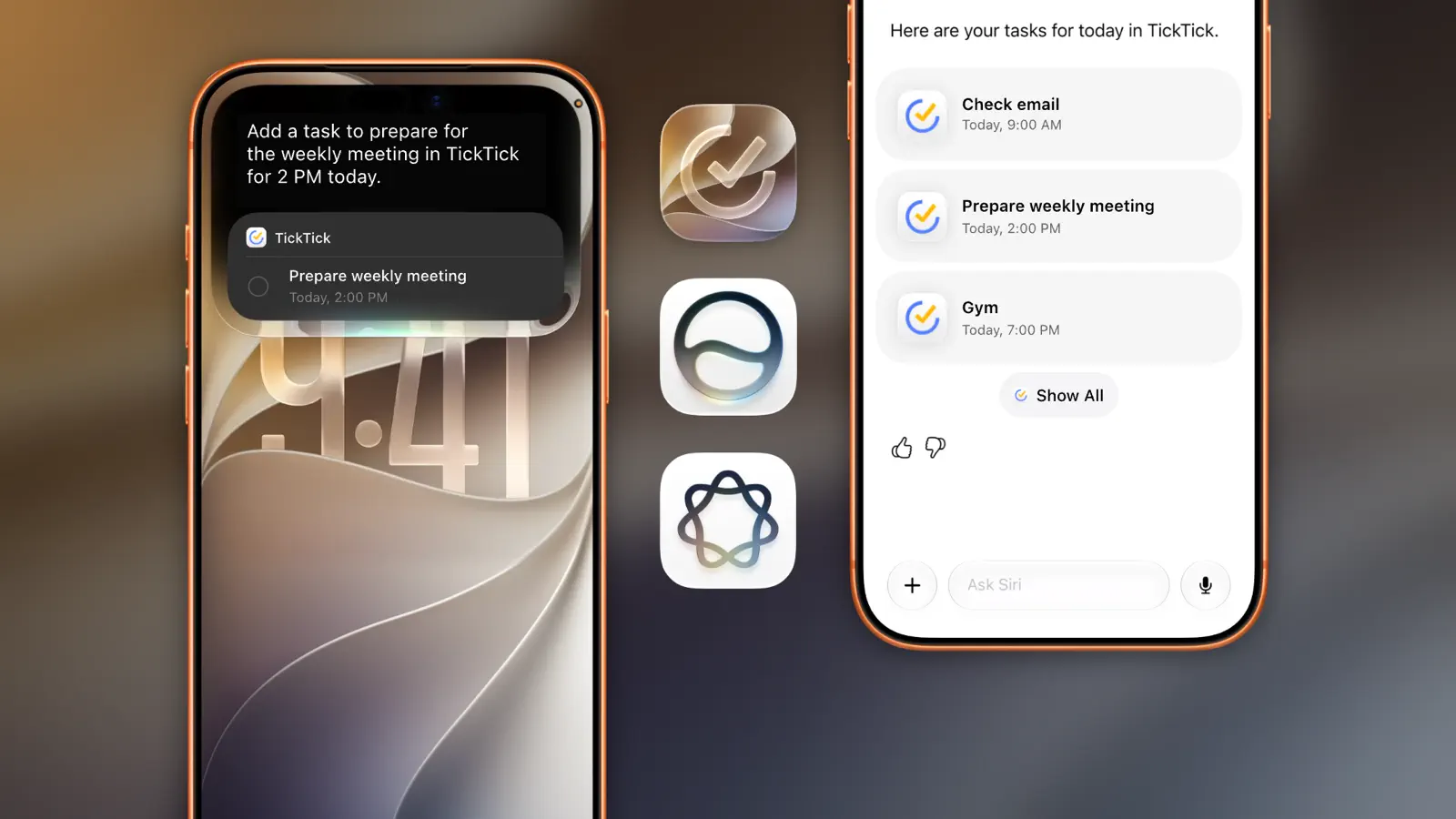
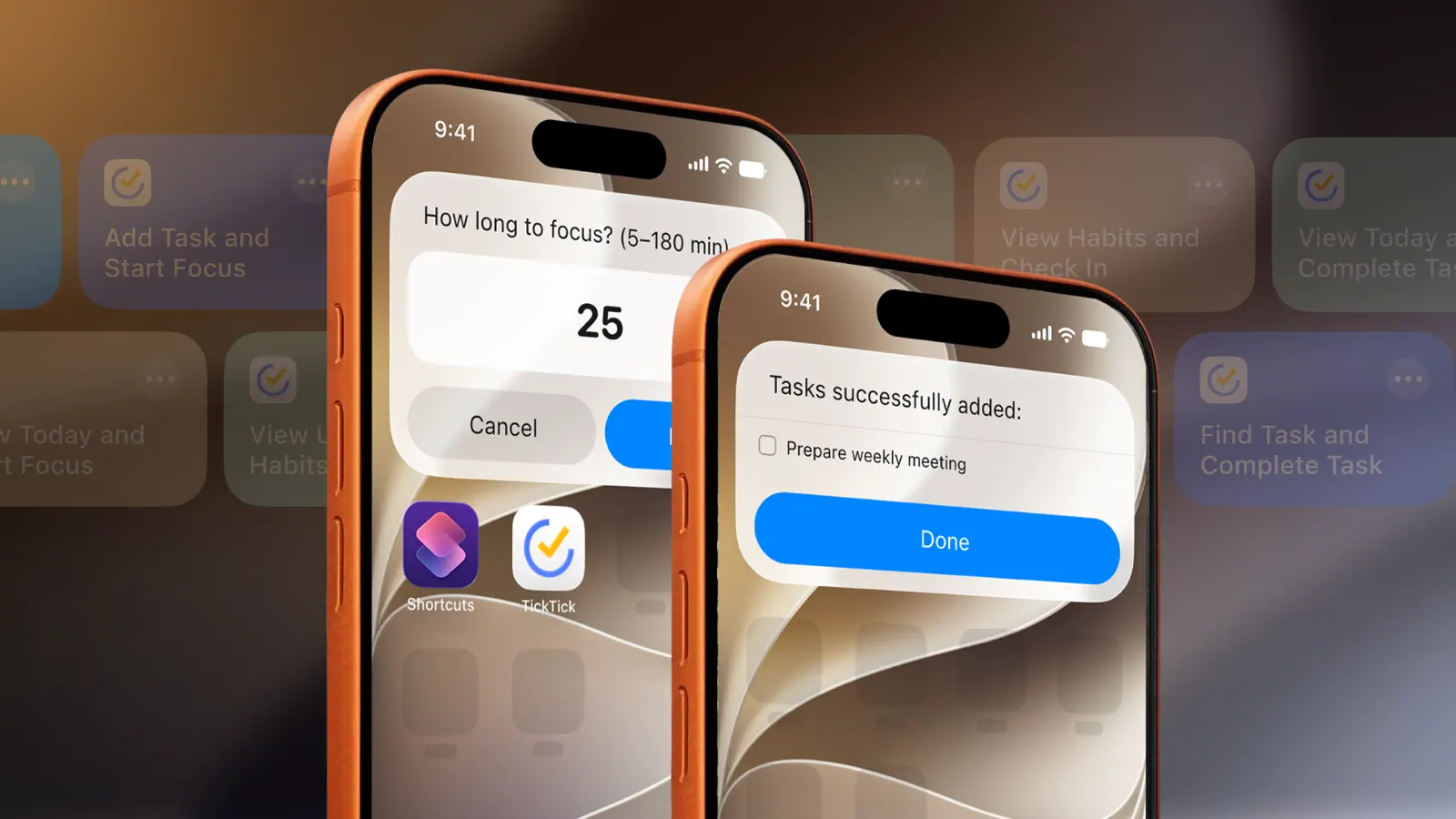
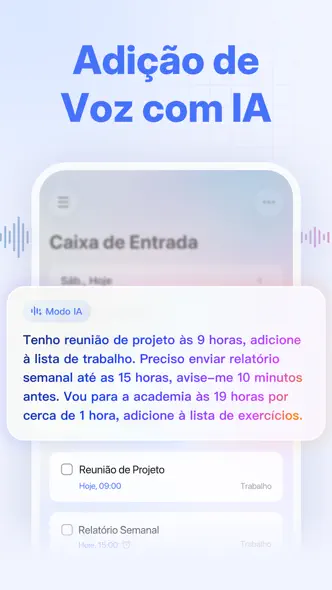
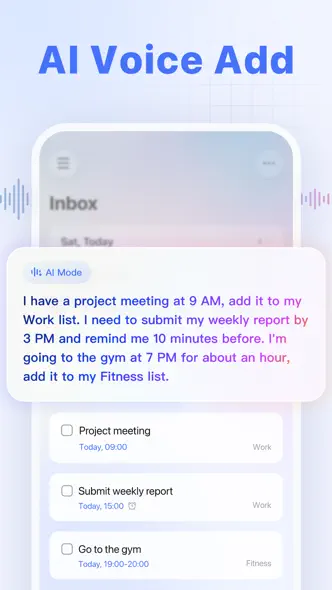
- Create tasks in Siri AI and have them automatically added to TickTick.
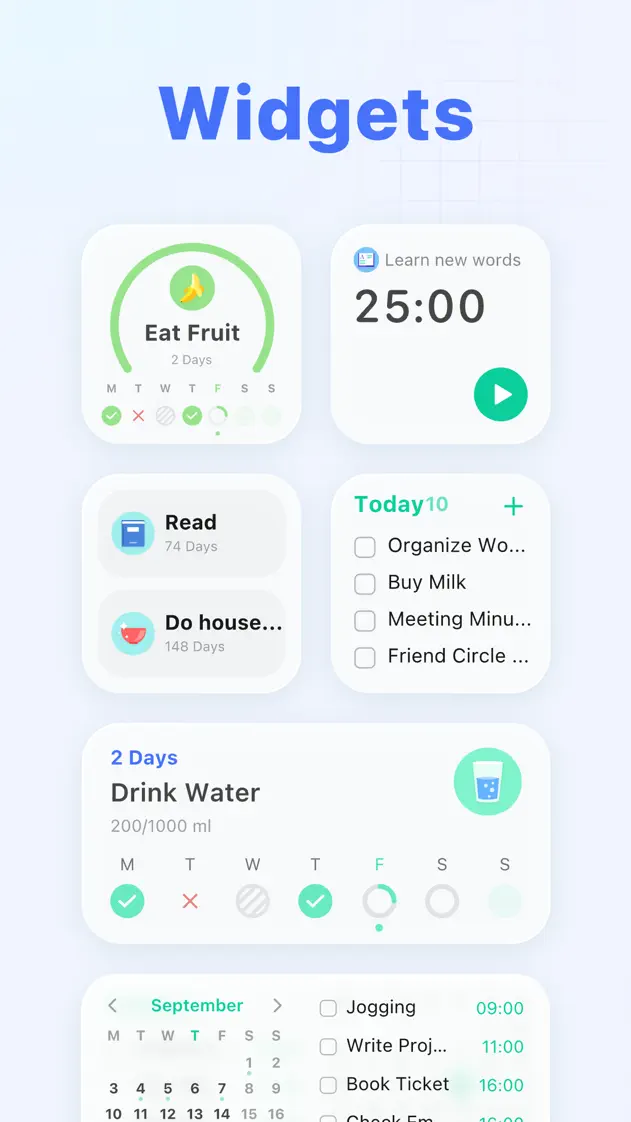
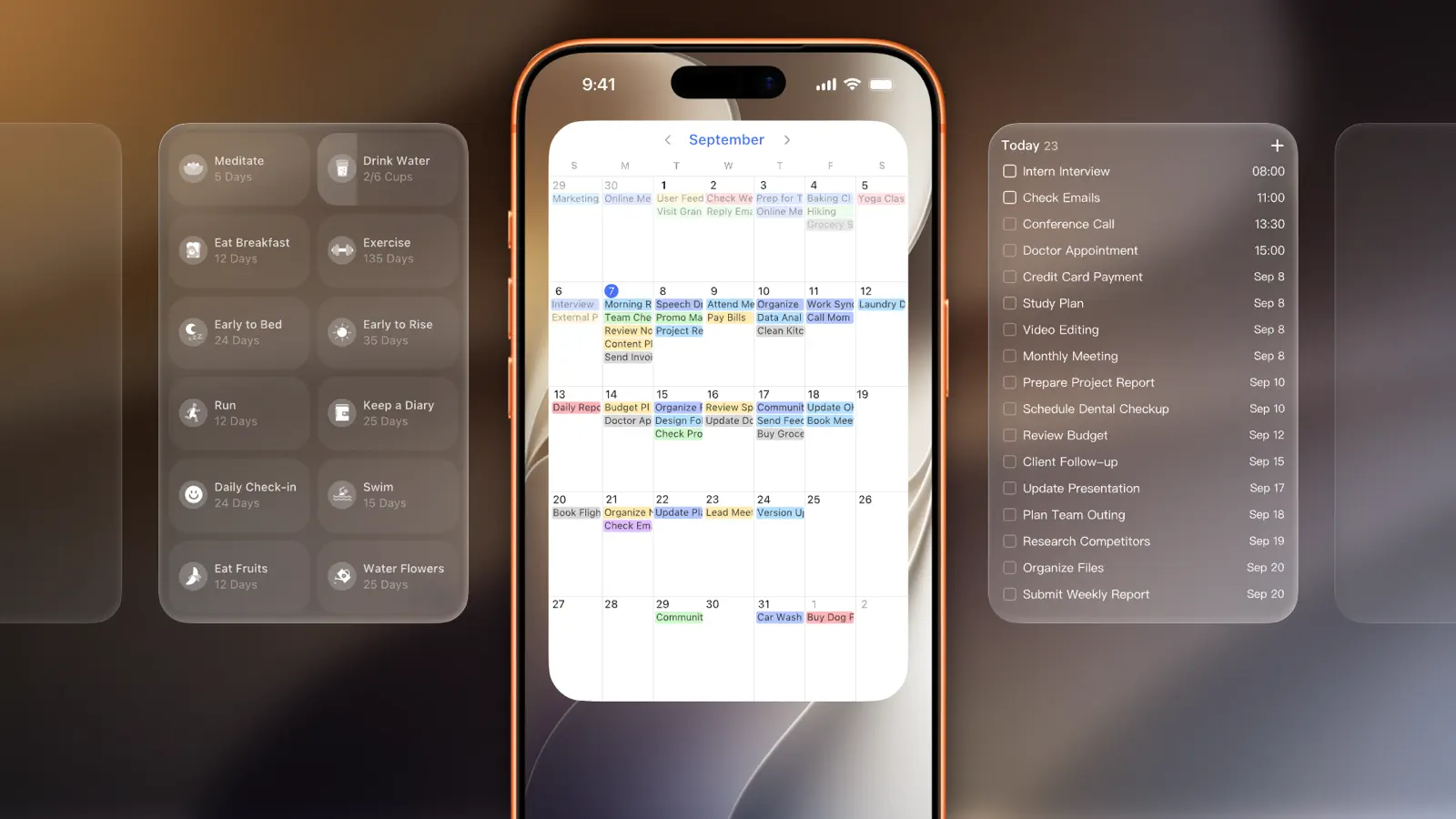
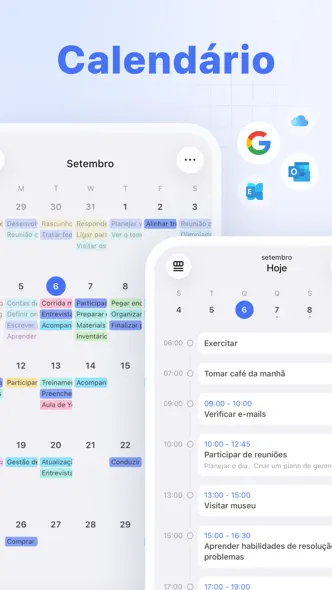
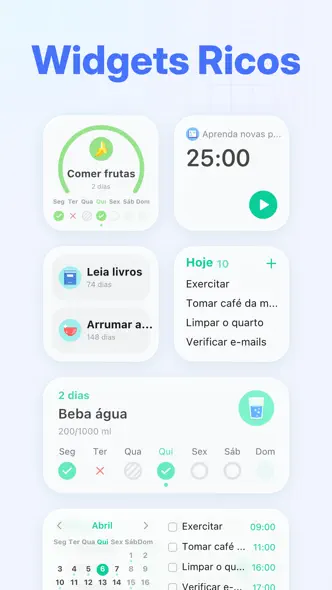
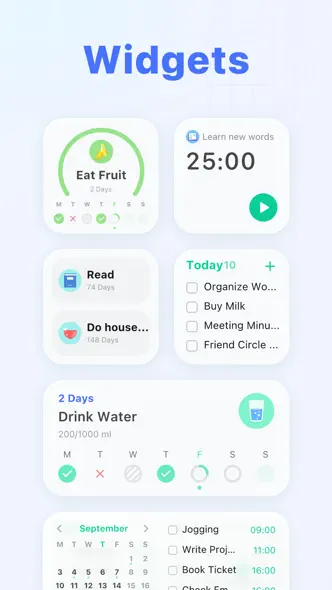
- New extra-large widgets provide more space for tasks and schedules.
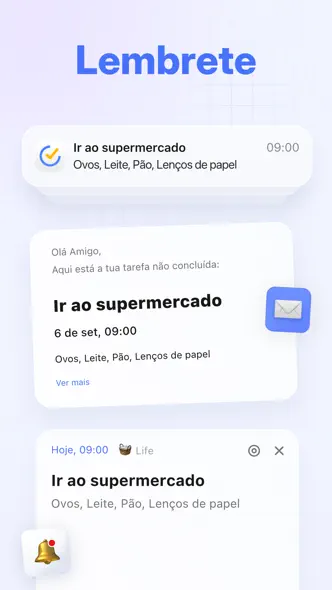
- Live Activities now support landscape mode and StandBy, keeping key information visible at a glance.
Feature Improvements:
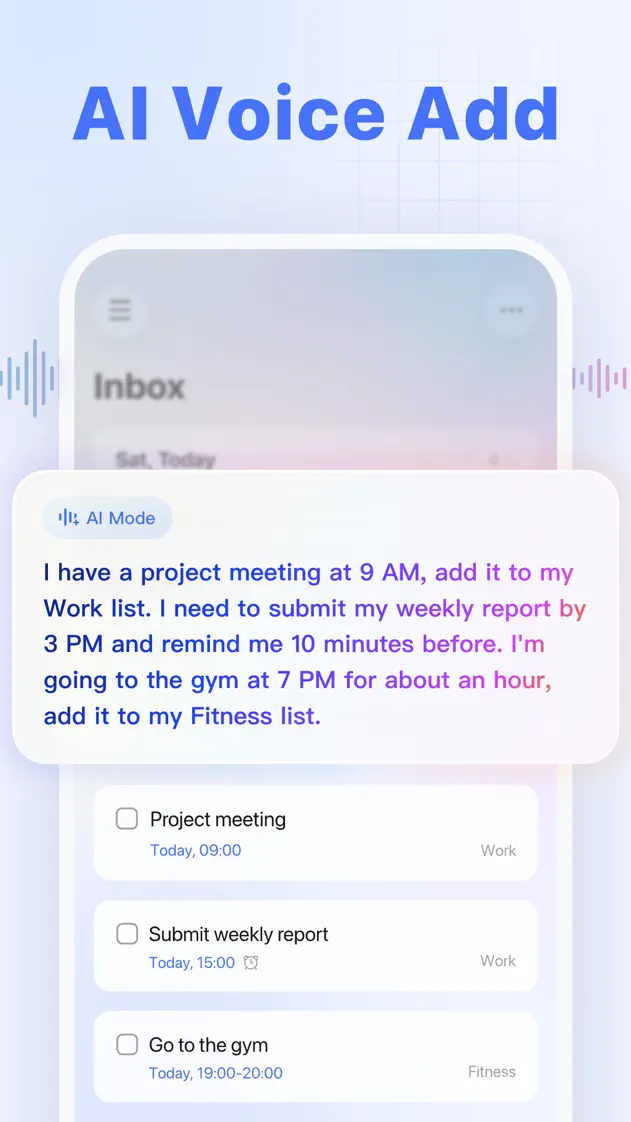
- Added AI Assistant: Create tasks, break down projects, and organize lists with a single instruction, making task management clearer and easier.
- Improved Recurring Event Editing: You can now modify just the current event or apply changes to current and future events for more flexible scheduling.
Regular updates will be made to offer you an ever more smooth and stable journey at TickTick.
To follow what’s new, discover tips, or leave us a feedback, let’s chat on Facebook & Instagram @TickTickApp, Twitter @TickTick, or Reddit r/ticktick.
8.2.1219 Sept 2026
New features for iOS 27:
- Create tasks in Siri AI and have them automatically added to TickTick.
- New extra-large widgets provide more space for tasks and schedules.
- Live Activities now support landscape mode and StandBy, keeping key information visible at a glance.
Feature Improvements:
- Added AI Assistant: Create tasks, break down projects, and organize lists with a single instruction, making task management clearer and easier.
- Improved Recurring Event Editing: You can now modify just the current event or apply changes to current and future events for more flexible scheduling.
Regular updates will be made to offer you an ever more smooth and stable journey at TickTick.
To follow what’s new, discover tips, or leave us a feedback, let’s chat on Facebook & Instagram @TickTickApp, Twitter @TickTick, or Reddit r/ticktick.
8.2.1115 Sept 2026
New features for iOS 27:
- Create tasks in Siri AI and have them automatically added to TickTick.
- New extra-large widgets provide more space for tasks and schedules.
- Live Activities now support landscape mode and StandBy, keeping key information visible at a glance.
Feature Improvements:
- Added AI Assistant: Create tasks, break down projects, and organize lists with a single instruction, making task management clearer and easier.
- Improved Recurring Event Editing: You can now modify just the current event or apply changes to current and future events for more flexible scheduling.
Regular updates will be made to offer you an ever more smooth and stable journey at TickTick.
To follow what’s new, discover tips, or leave us a feedback, let’s chat on Facebook & Instagram @TickTickApp, Twitter @TickTick, or Reddit r/ticktick.
8.2.1014 Sept 2026
- Added AI Assistant: Create tasks, break down projects, and organize lists with a single instruction, making task management clearer and easier.
- Improved Recurring Event Editing: You can now modify just the current event or apply changes to current and future events for more flexible scheduling.
Regular updates will be made to offer you an ever more smooth and stable journey at TickTick.
To follow what’s new, discover tips, or leave us a feedback, let’s chat on Facebook & Instagram @TickTickApp, Twitter @TickTick, or Reddit r/ticktick.
8.2.014 Sept 2026
Editor Improvements
- Cleaner Writing: Hide formatting marks and focus on your content.
- Clearer Highlights: More highlight colors make key information easier to spot.
- Easier Browsing: Expand or collapse headings to navigate notes with ease.
Regular updates will be made to offer you an ever more smooth and stable journey at TickTick.
To follow what’s new, discover tips, or leave us a feedback, let’s chat on Facebook & Instagram @TickTickApp, Twitter @TickTick, or Reddit r/ticktick.
8.2.0031 Aug 2026
Editor Improvements
- Cleaner Writing: Hide formatting marks and focus on your content.
- Clearer Highlights: More highlight colors make key information easier to spot.
- Easier Browsing: Expand or collapse headings to navigate notes with ease.
Regular updates will be made to offer you an ever more smooth and stable journey at TickTick.
To follow what’s new, discover tips, or leave us a feedback, let’s chat on Facebook & Instagram @TickTickApp, Twitter @TickTick, or Reddit r/ticktick.
8.1.5225 Aug 2026
- More font size options: Added smaller font size options to display more content on the screen.
Regular updates will be made to offer you an ever more smooth and stable journey at TickTick.
To follow what’s new, discover tips, or leave us a feedback, let’s chat on Facebook & Instagram @TickTickApp, Twitter @TickTick, or Reddit r/ticktick.
8.1.5120 Aug 2026
- More font size options: Added smaller font size options to display more content on the screen.
Regular updates will be made to offer you an ever more smooth and stable journey at TickTick.
To follow what’s new, discover tips, or leave us a feedback, let’s chat on Facebook & Instagram @TickTickApp, Twitter @TickTick, or Reddit r/ticktick.