
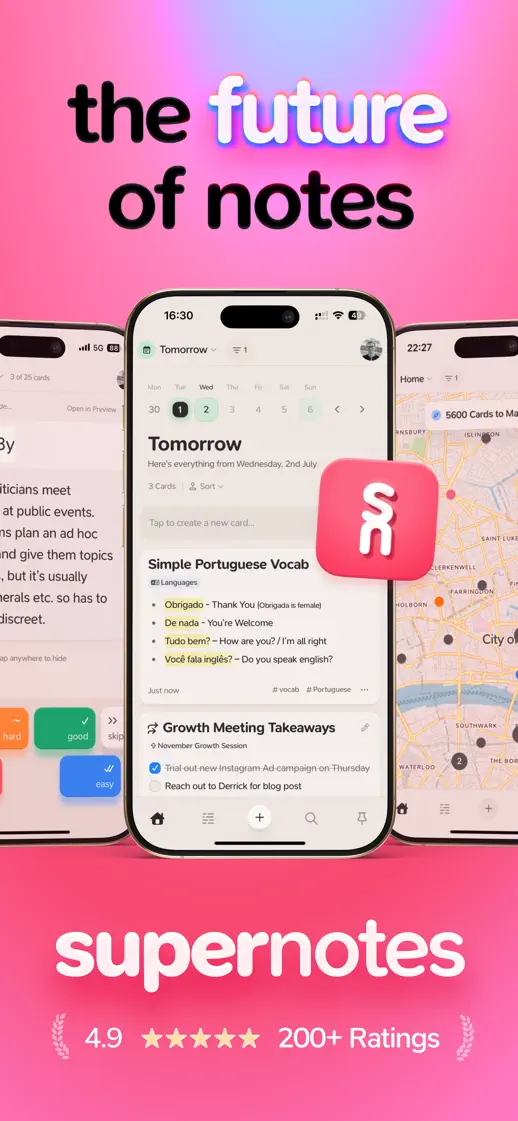
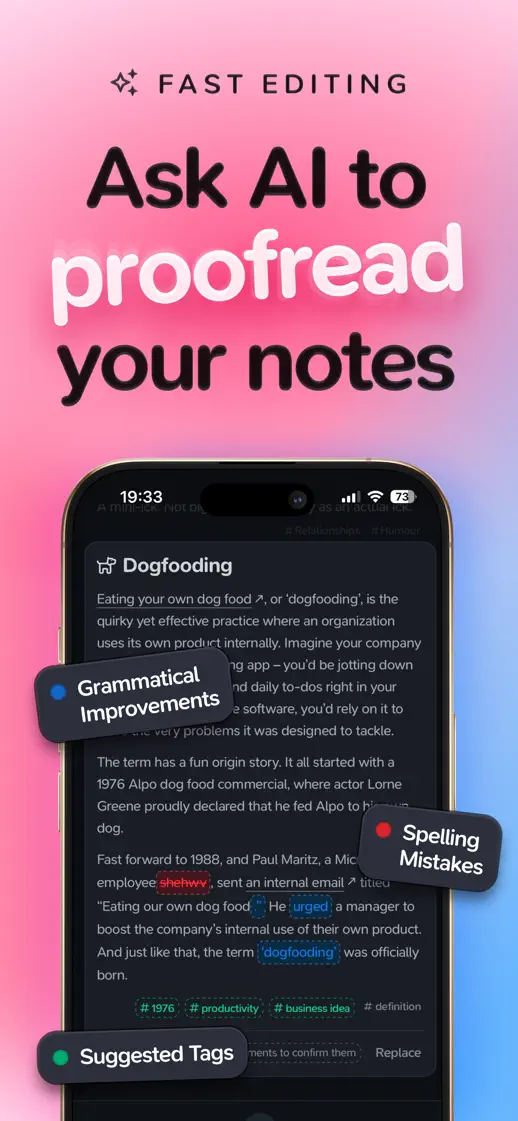
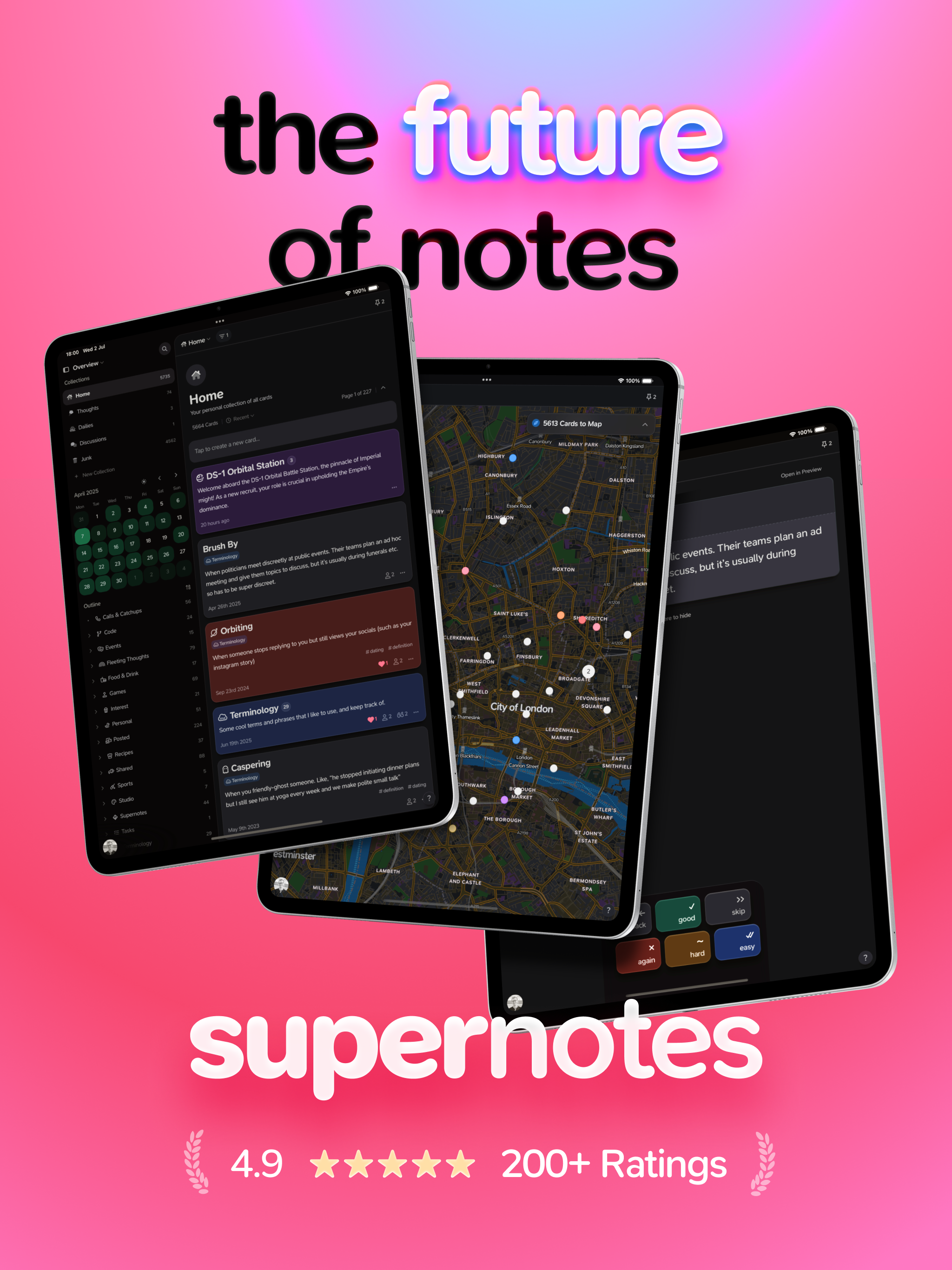
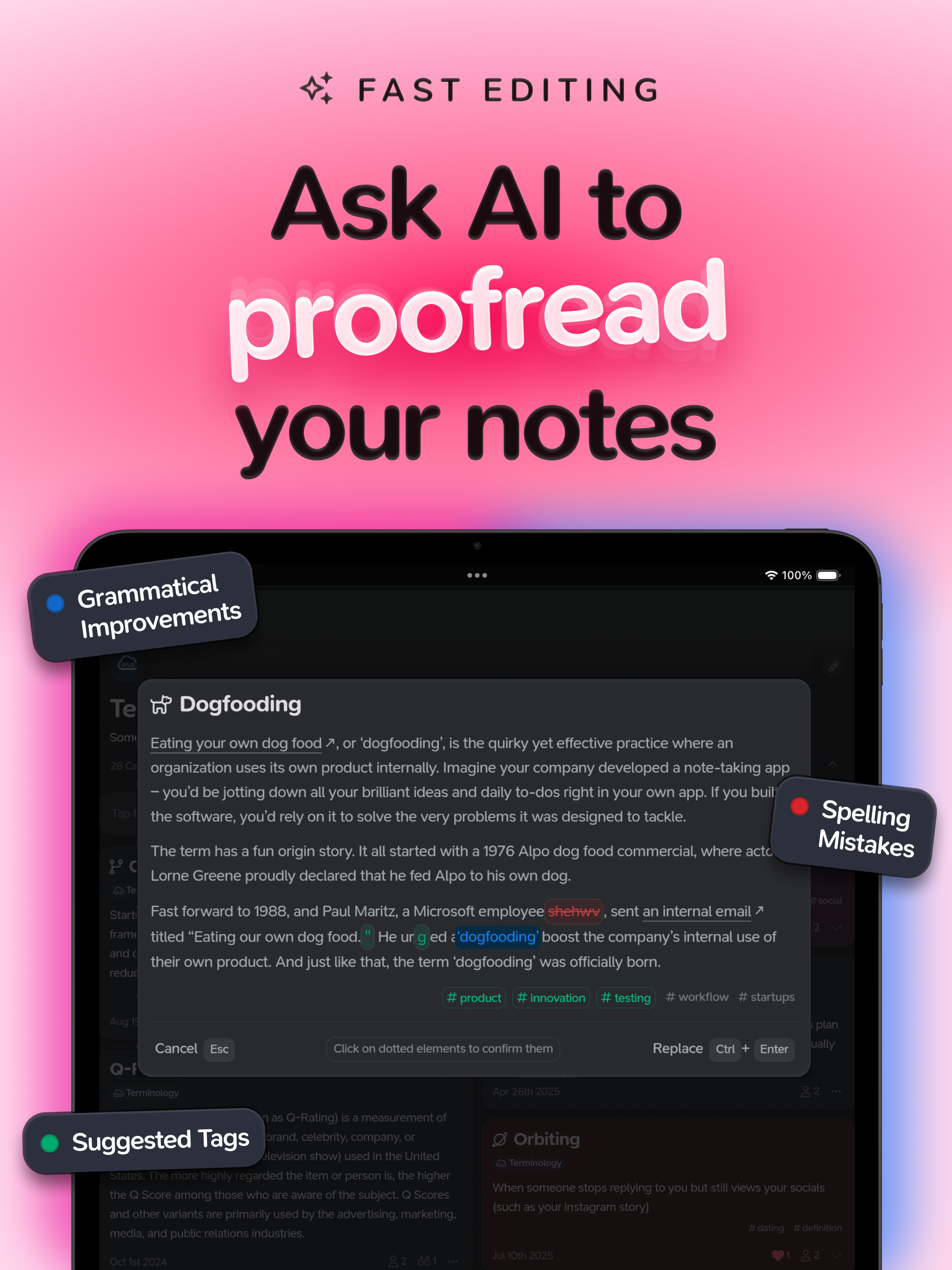
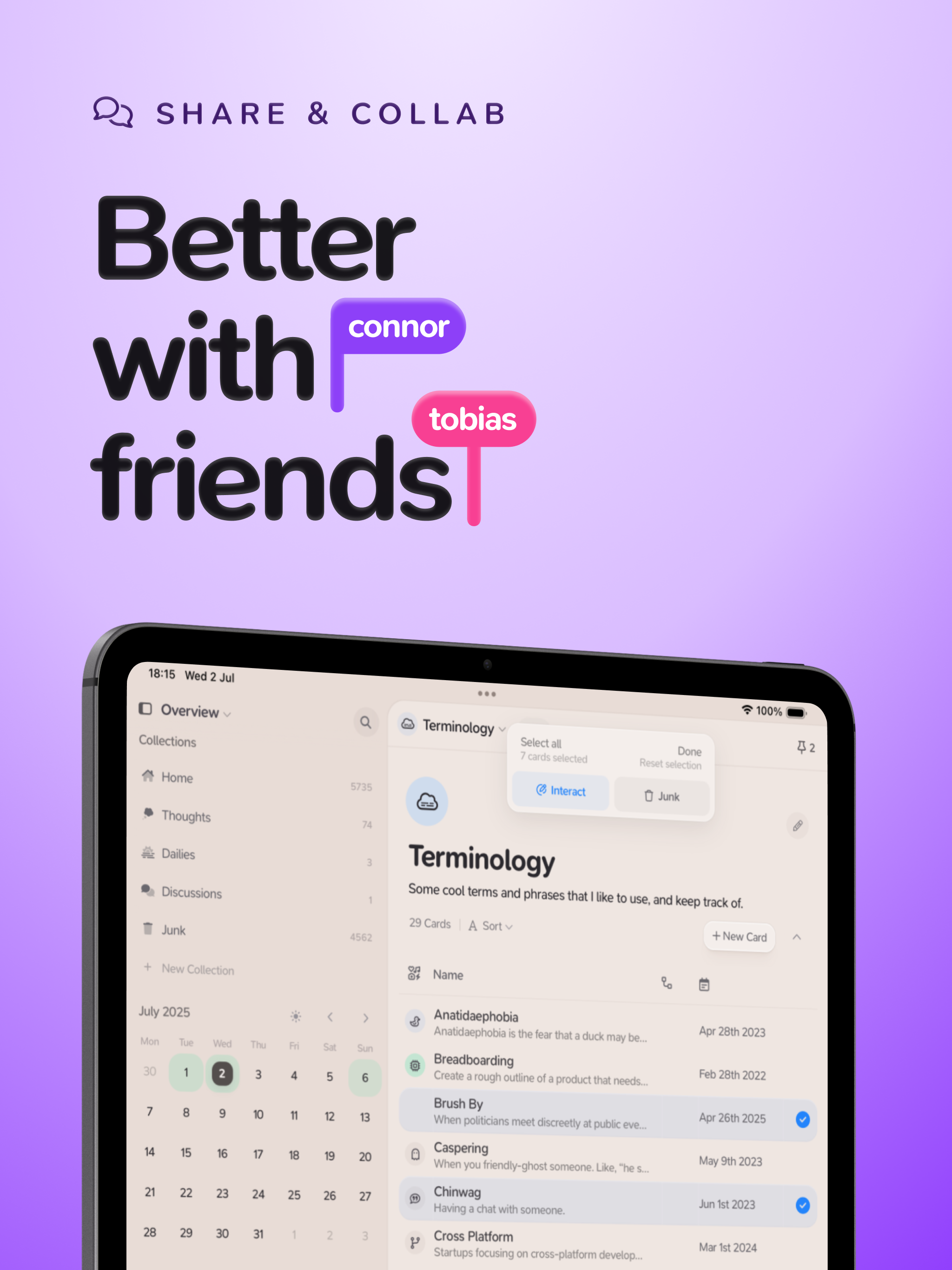
Large playful headings alternate above and below phones, with color changes and floating symbols separating features.








- Category
- Productivity
- Publisher
- Supernotes
- Version
- 3.2.5
- Approach
- Interface-led
What’s New
3.2.5
New update for iOS 27, featuring better sign in support on iPadOS and a host of small fixes and improvements.
3.2.4
We've improved cursors for card editing, tuned text selection to brand colors, and fixed Vision breaking on iOS. Map zoom and pan is now much smoother, keyboard suggestions are hidden while in Vision, and overall syncing performance on mobile is faster. We've also added a keyboard shortcut for archiving and improved sync handling when you run out of card quota. For full release notes, visit our community forum.
3.2.3
Maps just got a major upgrade! New tiles with better signage, long-press to drop new cards right on the map, and search locations directly from Universal Search. We've also added @mentions for tagging users in cards, Chinese (Simplified) language support, and a bunch of mobile fixes. For full release notes, visit our community forum.
3.2.2
Supernotes now speaks your language! We've added five new translations — Spanish, French, Italian, Portuguese, and Brazilian Portuguese — so you can enjoy the full Supernotes experience in your native tongue. Switch languages anytime in Help. For full release notes, visit our community forum.
3.2.1
Discover a smoother Supernotes with a smarter Character count and more encouraging Achievements. Multi-select, content fallbacks, and parent inheritance make Tables easier, while fixes across layouts and mobile ensure a consistent, reliable experience. For full release notes, visit our community forum.
3.2.0
Say hello to a simpler interface and four versatile new layouts designed for every kind of thinking. Columns and Table layouts offer unified, responsive ways to browse and manage cards. Use Flashcards with spaced repetition to sharpen your memory, or jump into the Map to explore notes by where they were created. Everything from search to drag-and-drop is now faster and more fluid – making your workflow feel effortless. For full release notes, visit our community forum.
3.1.12
We've streamlined mobile navigation to help you take notes faster than ever. Quick-access features like holding the search button for recent cards and a smart creation menu make it easy to jump between notes, tasks, and journaling. Writing and organizing feels more natural with improved collection tools and smoother editing controls. Plus, we've fixed several bugs to make your experience even better. For full release notes, please visit our community forum.
3.1.11
Celebrate 2024 with Supernotes Wrapped and discover your note-taking personality. This update also introduces new backlink count filters, enhances LaTeX rendering, and offers a smoother experience with numerous bug fixes. Check out our community forum for the full release notes.
Listing history
New icon
Compare with


Browse similar
Source: App Store listing by SUPERNOTES EDUCATION LTD, United States storefront. Captured 26 Nov 2026. The artwork belongs to its publisher and is shown here for reference.