Productivity App Store screenshots
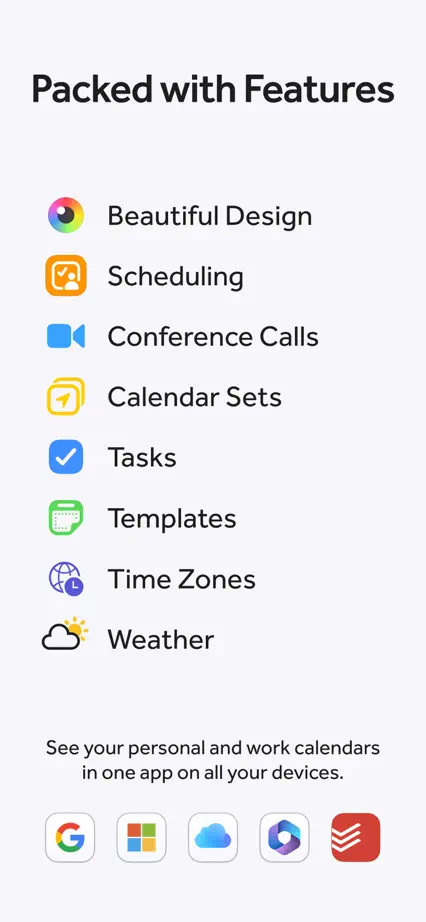
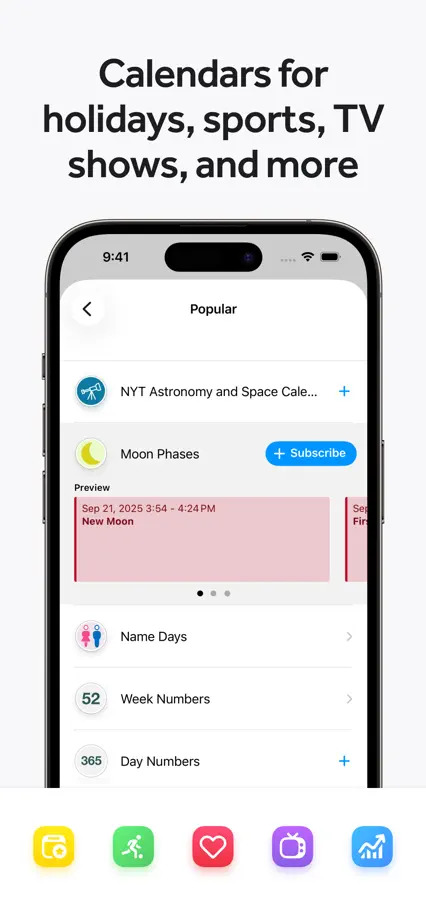
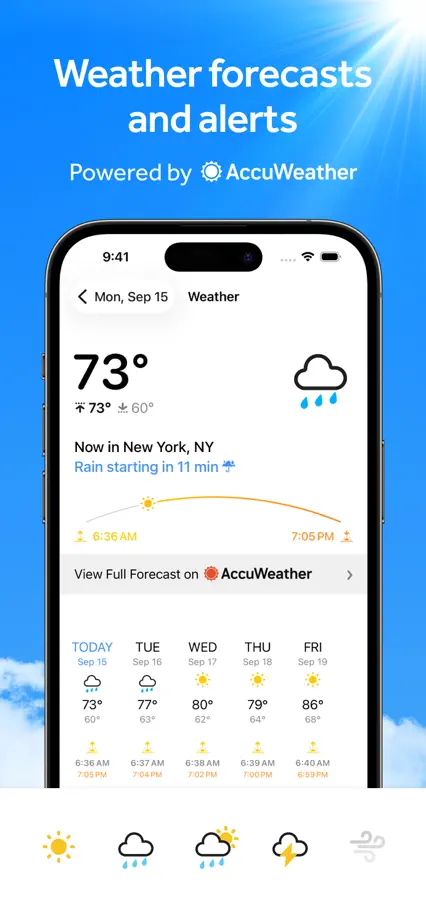
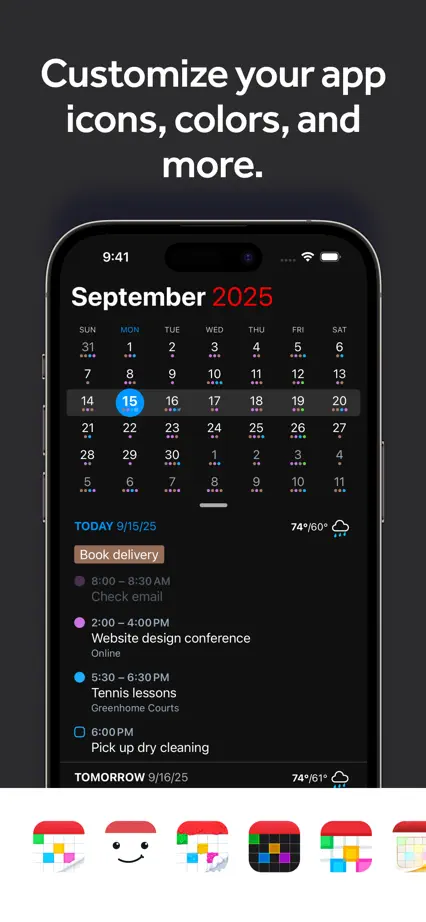
33 complete App Store screenshot sets from productivity apps, including Things 3, Bear and Amie. The most common techniques here are repeated layout, oversized interface and color-coded features.



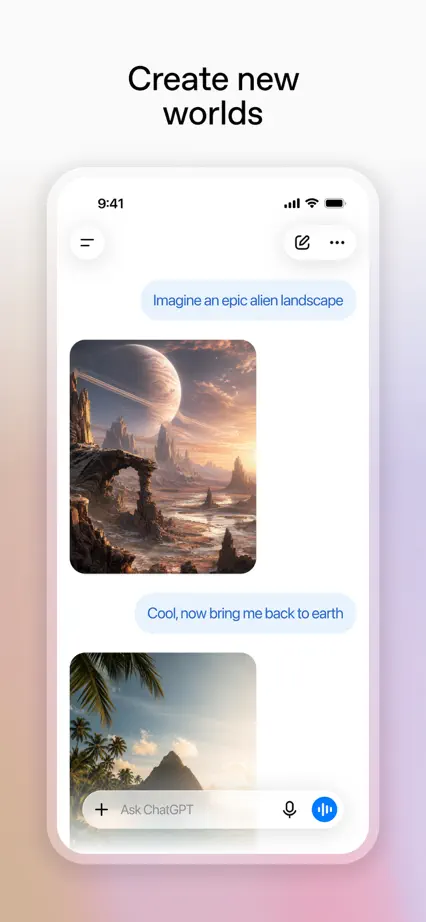
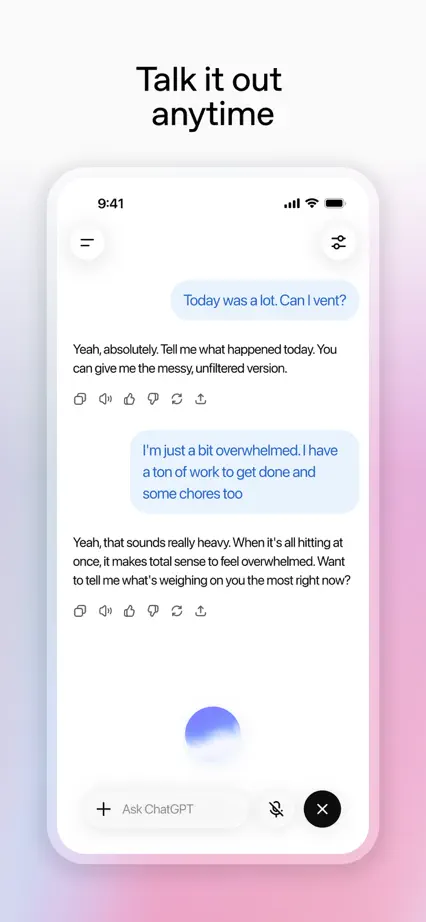
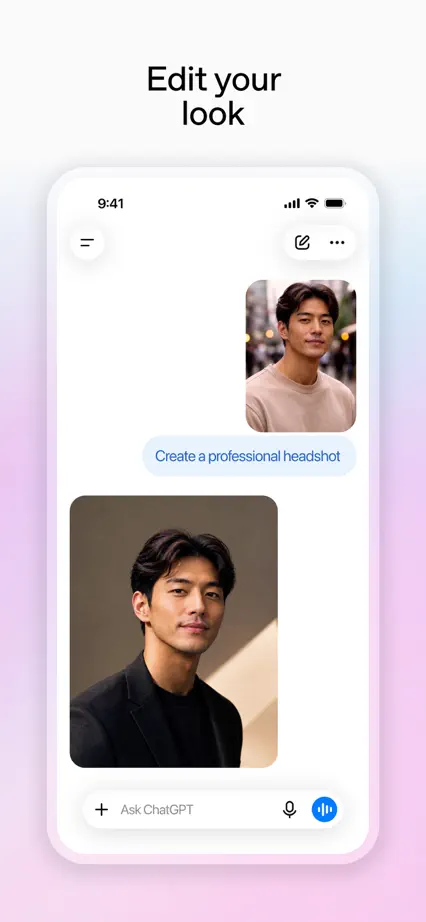
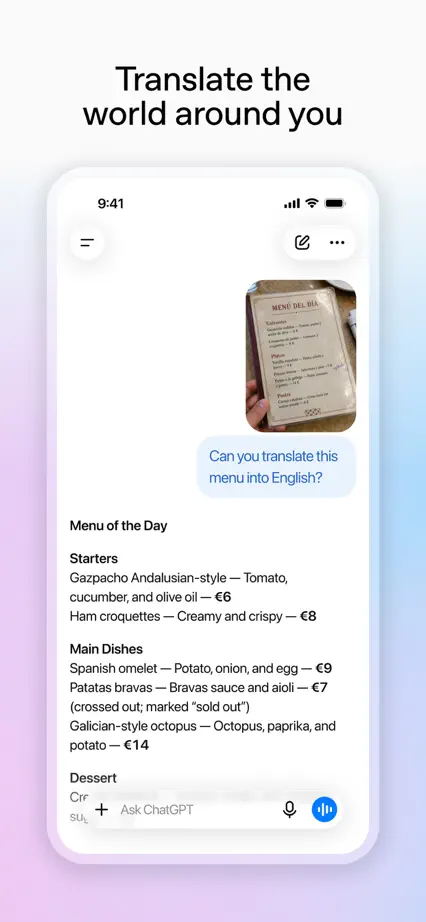
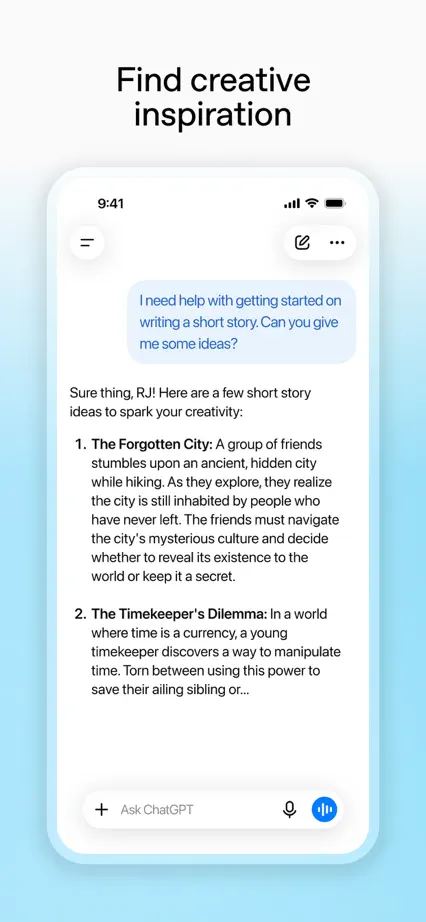
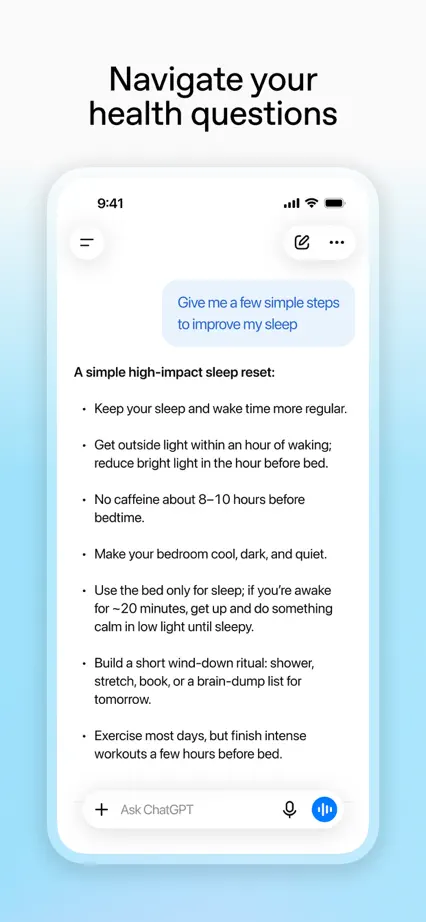
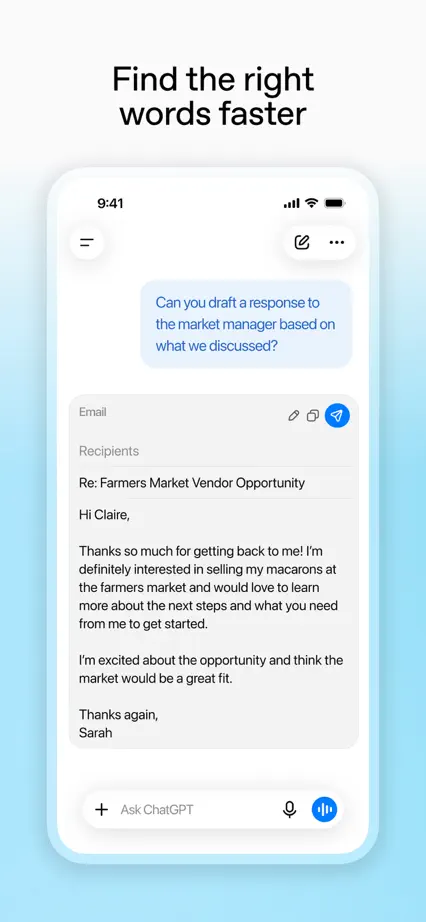
White phones sit above subtle color glows, keeping the same layout for eight different conversational examples.



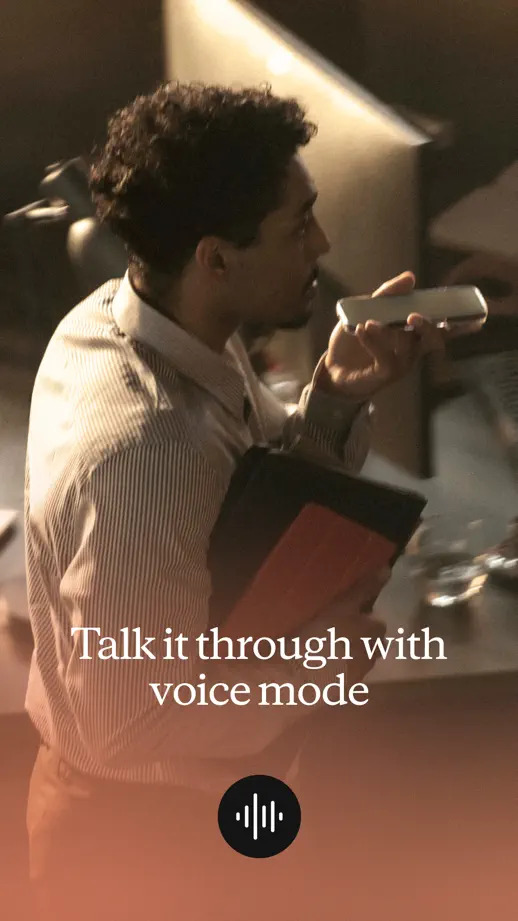
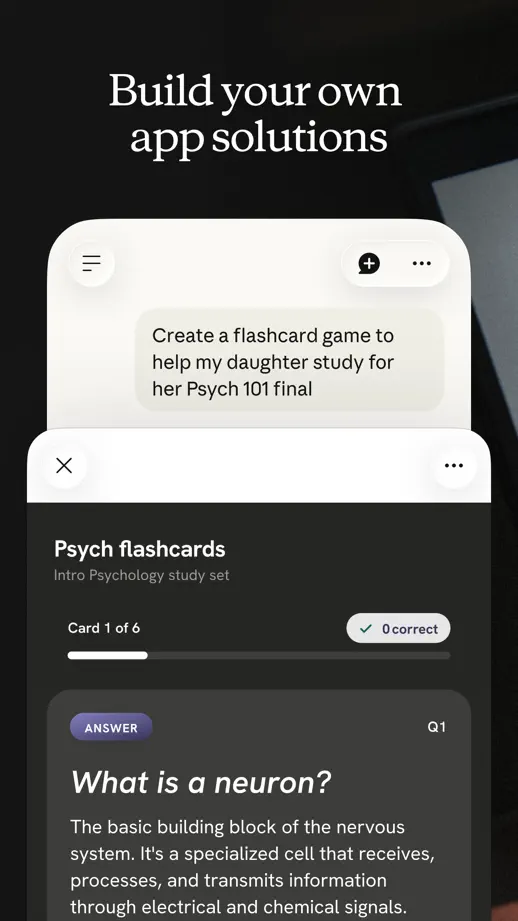
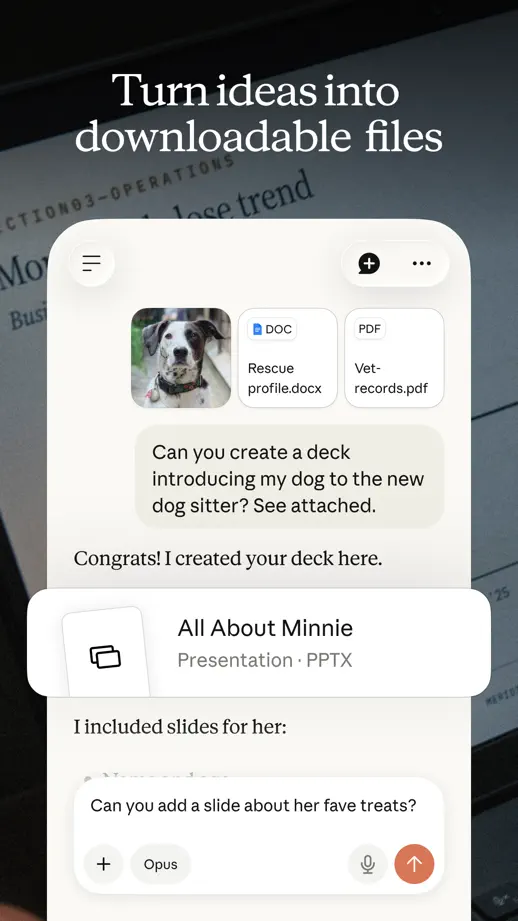

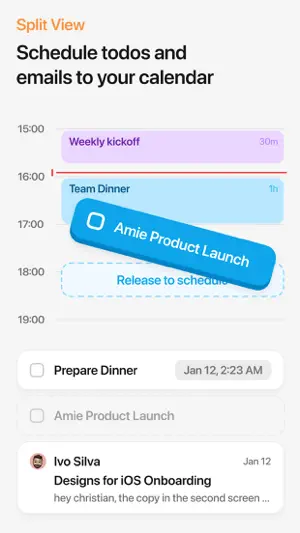
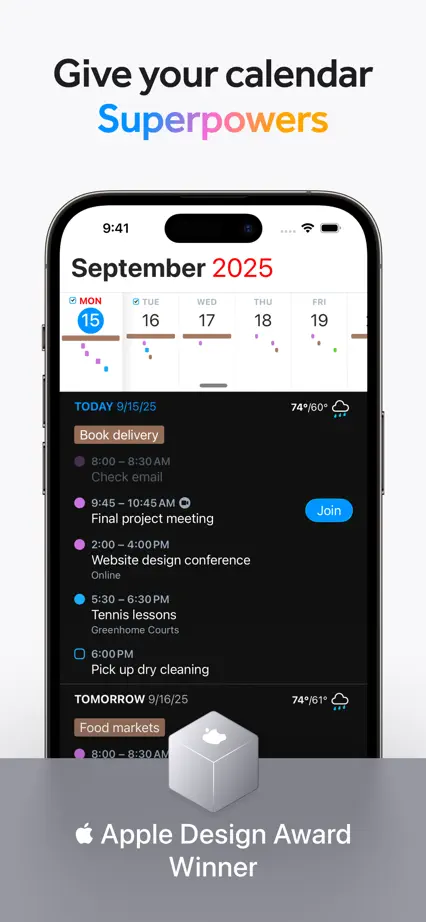
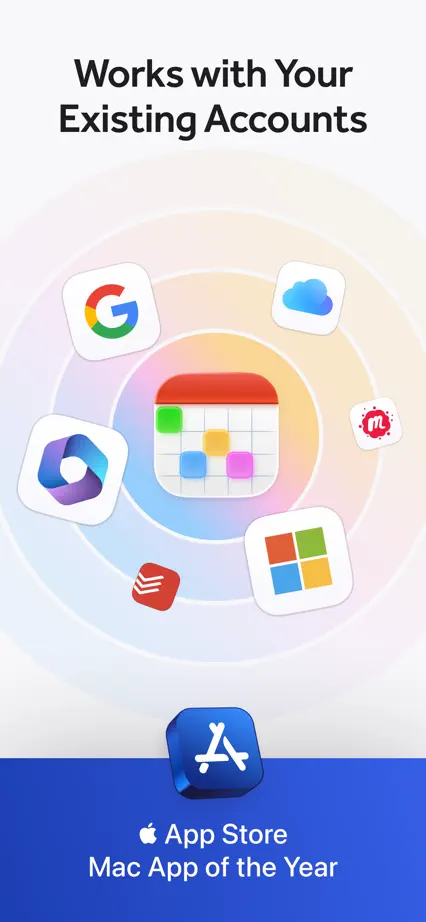
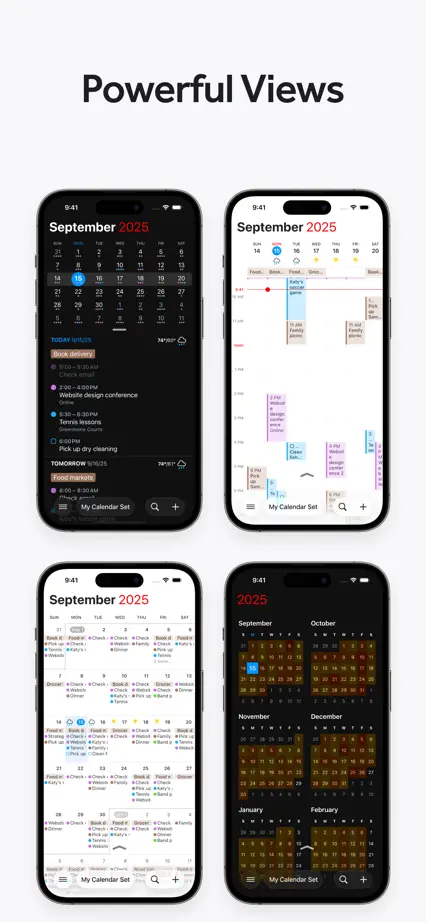
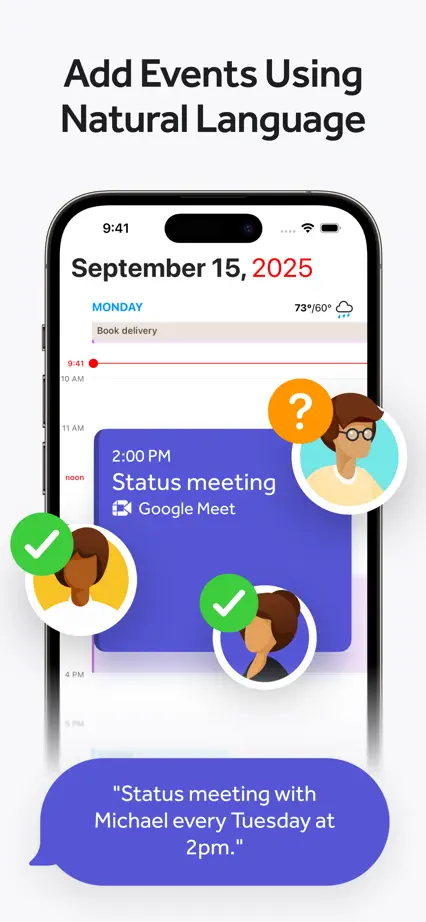
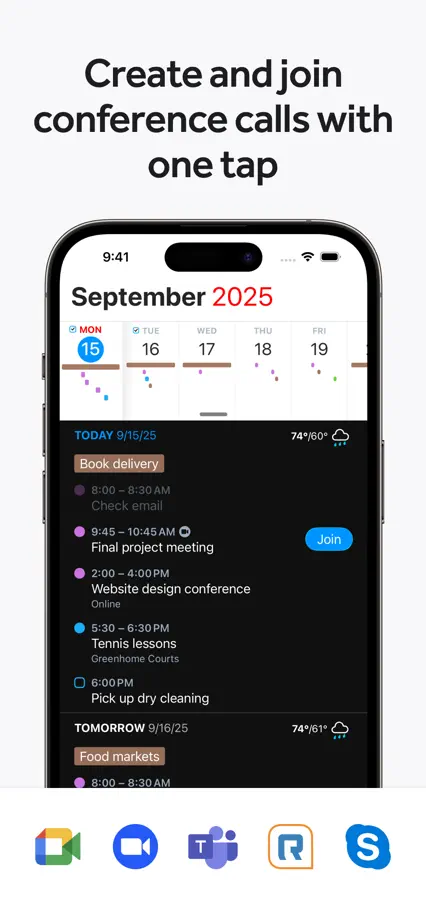
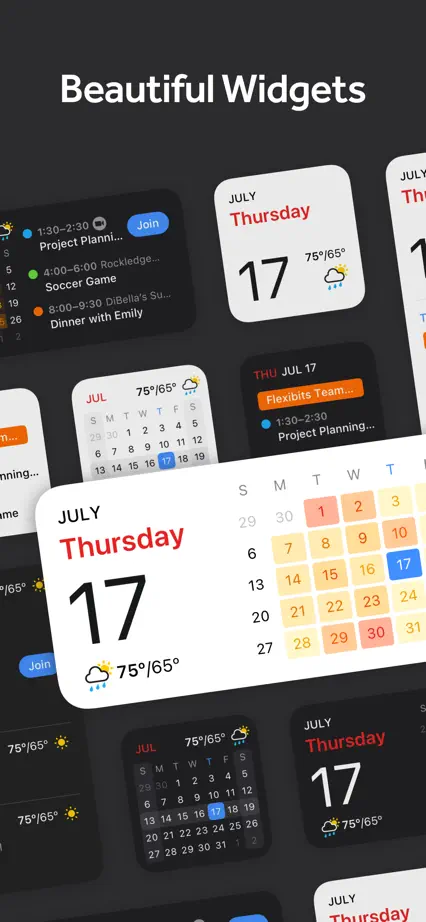
Pale panels combine large calendar views, floating symbols and groups of widgets at changing scales.

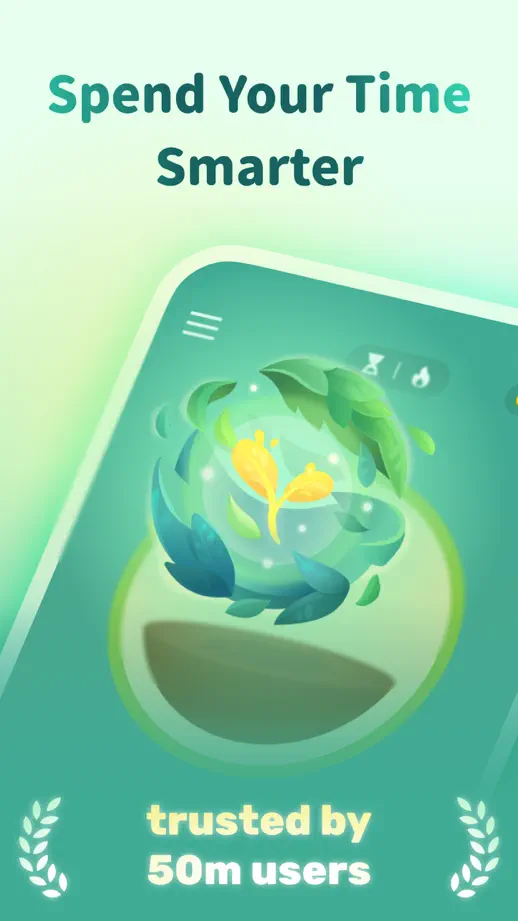
An illustrated green world links the opening to focus controls, progress charts and a tree-planting photograph.


A consistent blue background connects short feature headings, floating controls and occasional angled phones.


Small monochrome drawings bookend a sequence of consistently placed phones and plain black headings.


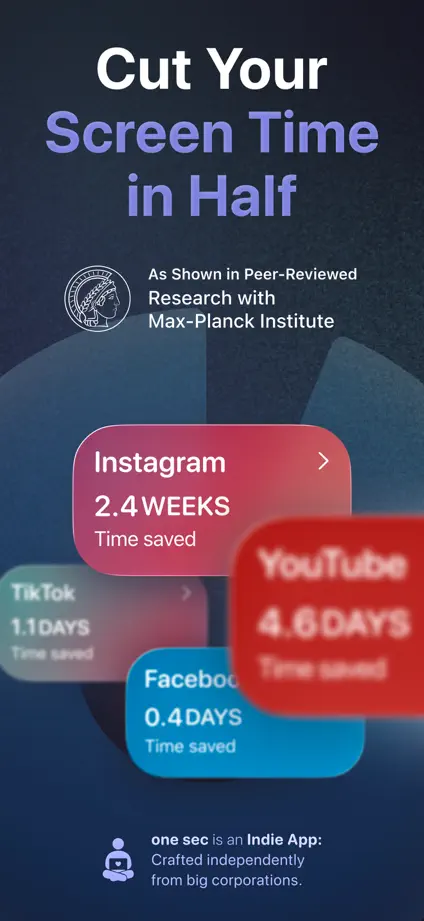
Colored keywords and floating interface cards connect dark panels explaining different interruptions to scrolling.

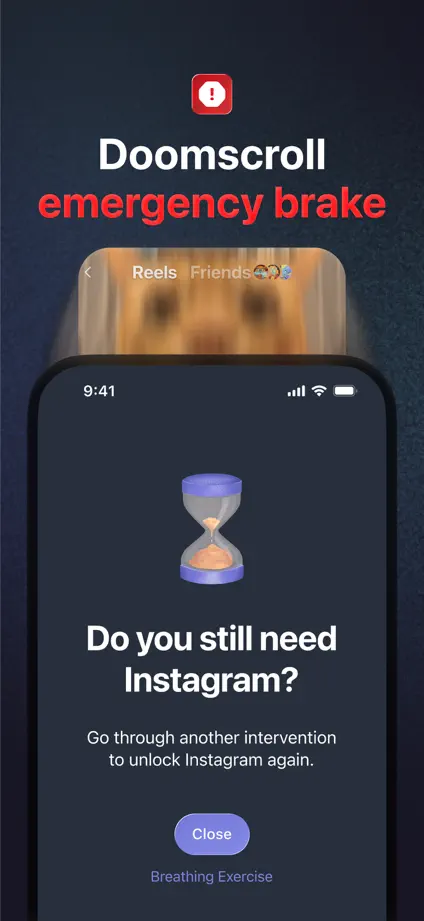
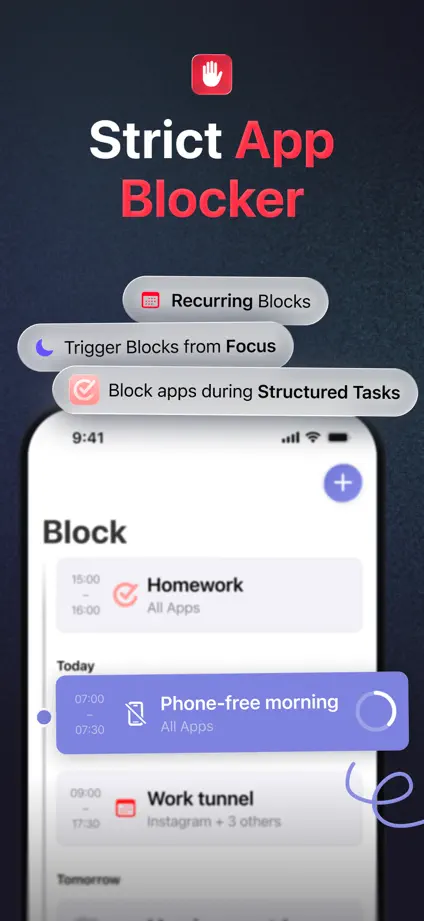

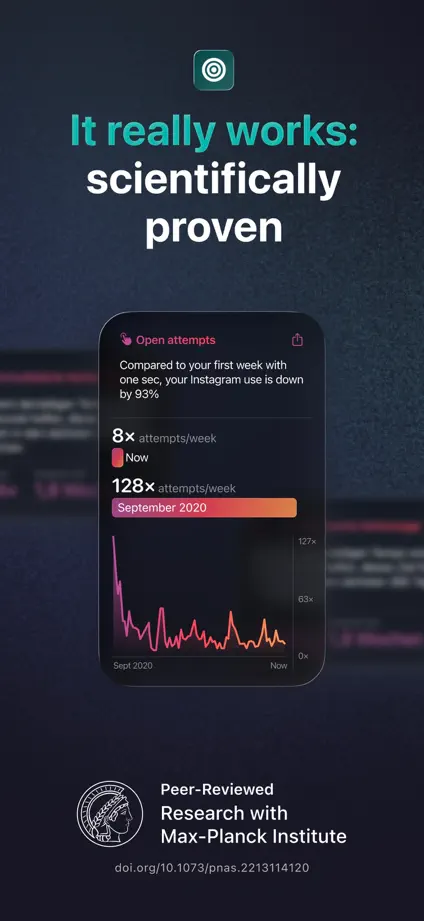
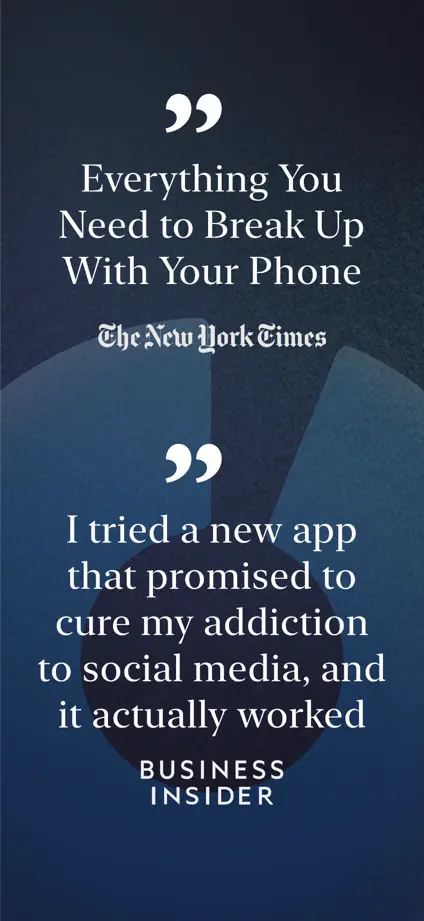
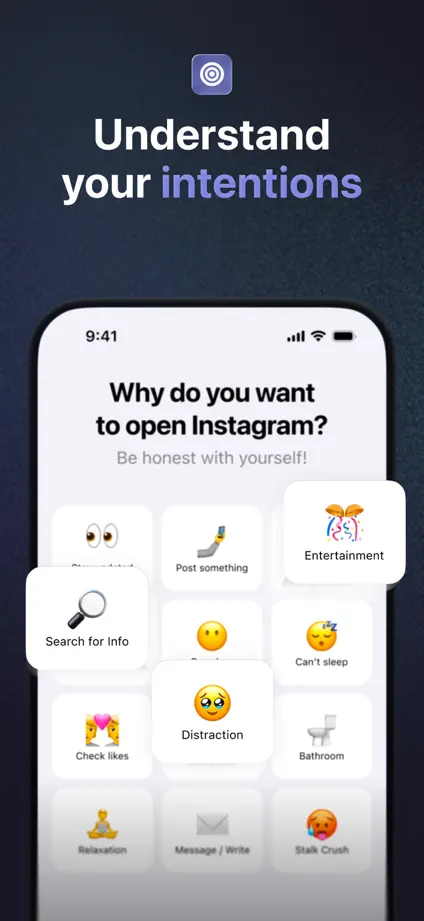
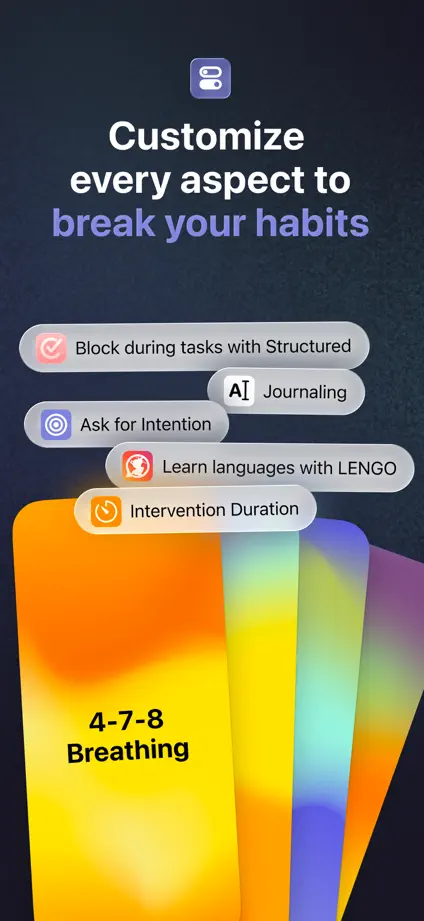


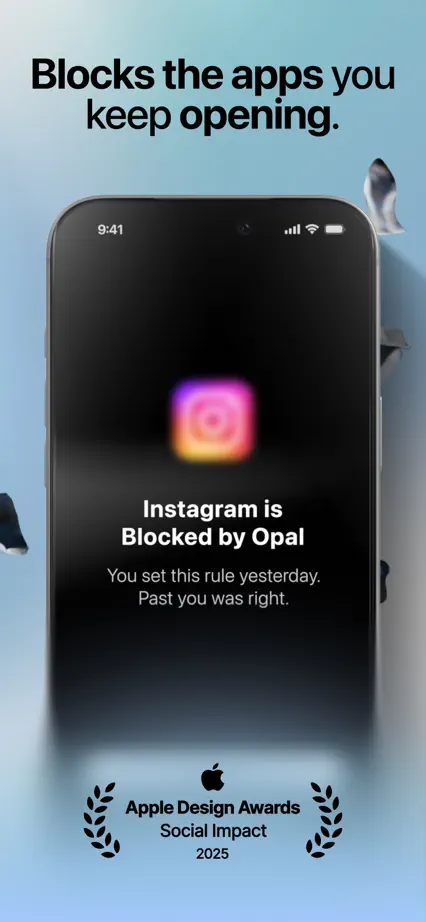
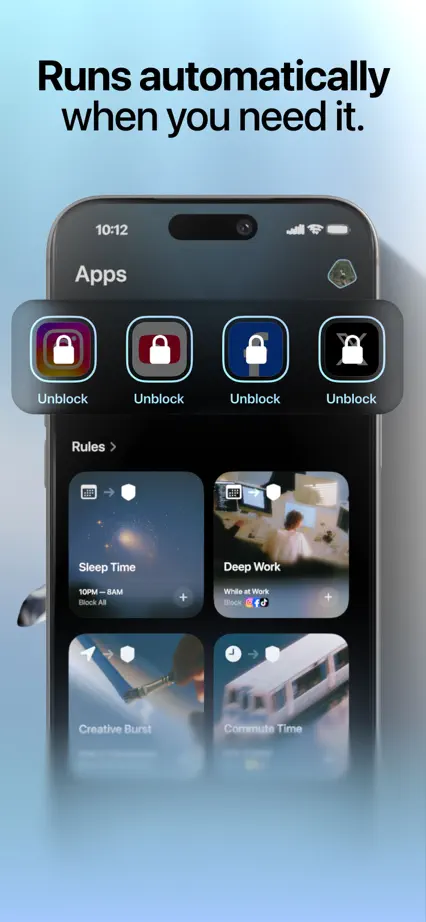
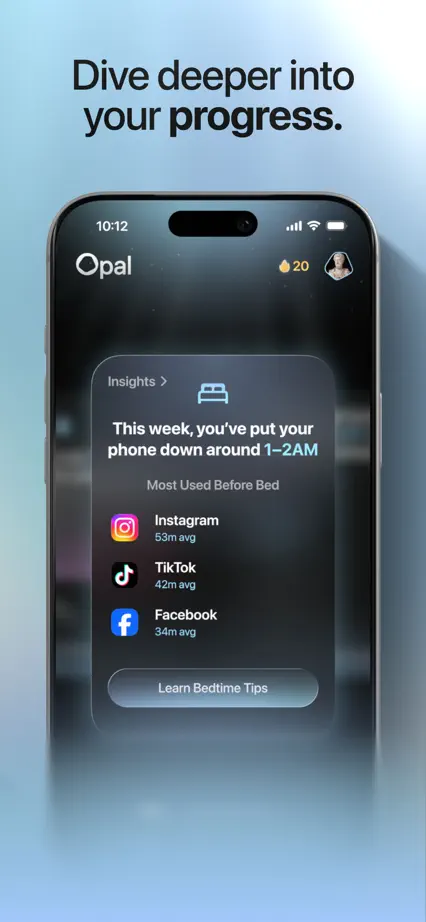

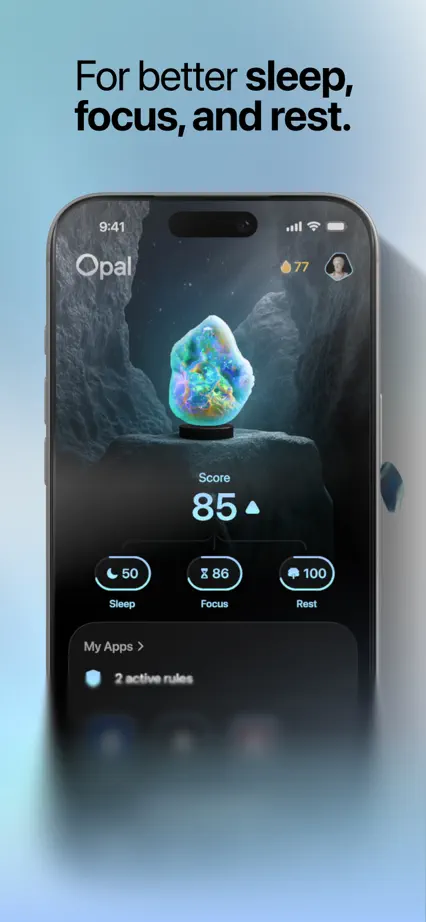
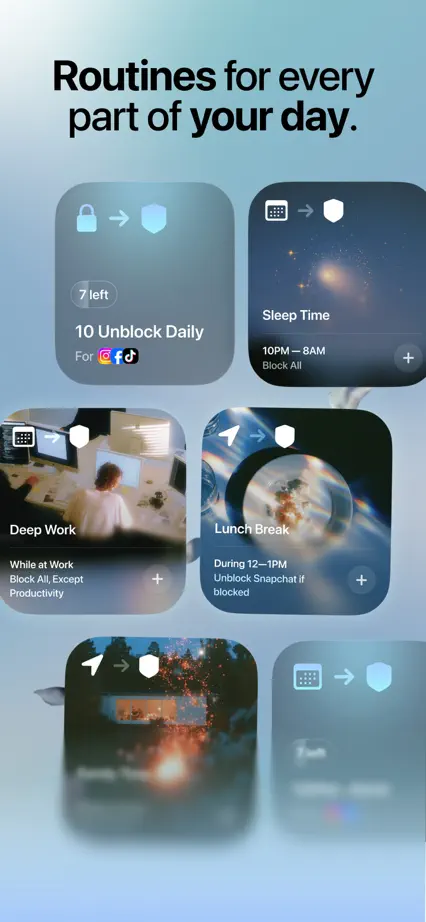
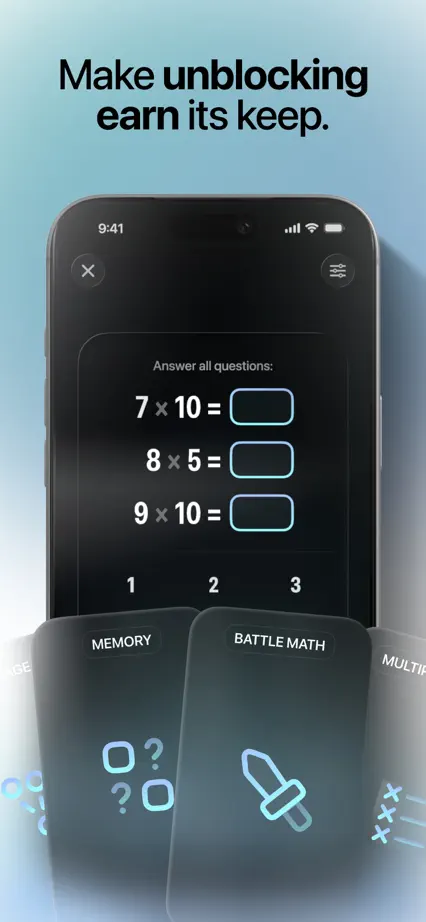
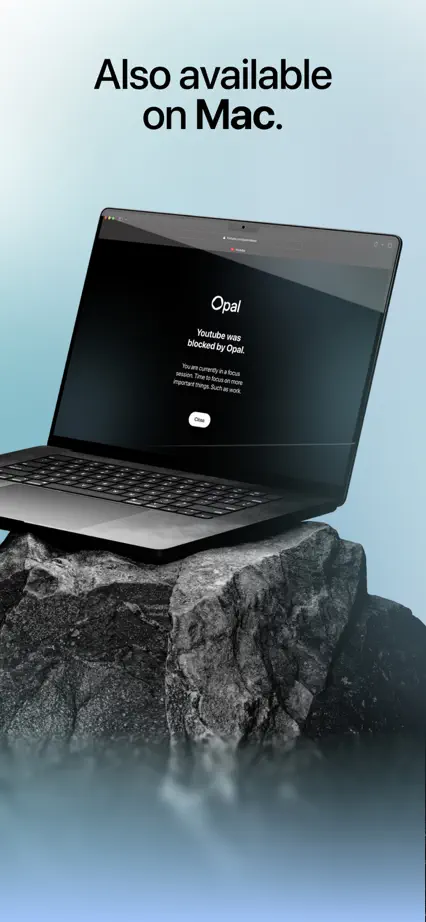

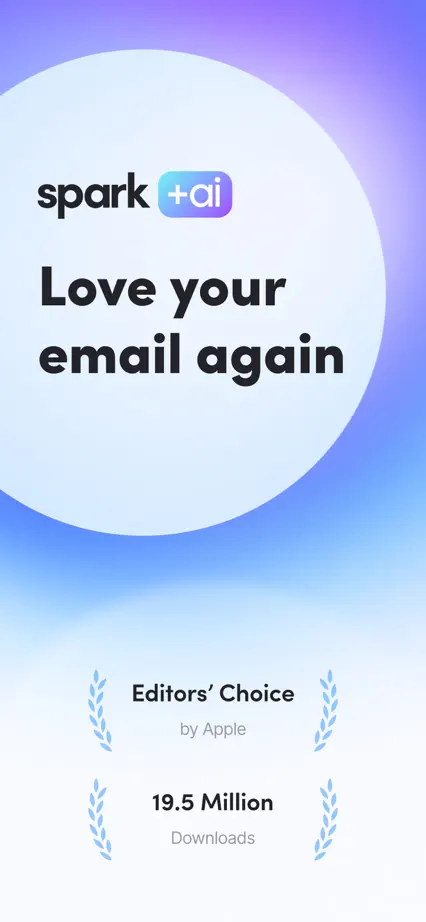

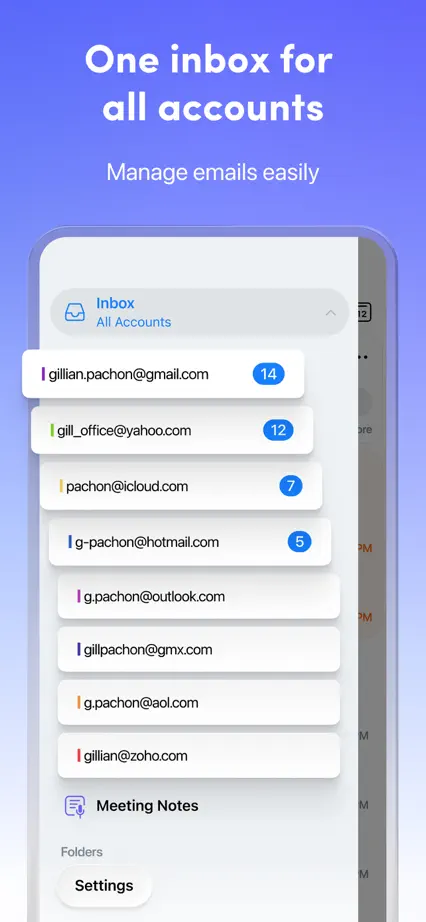


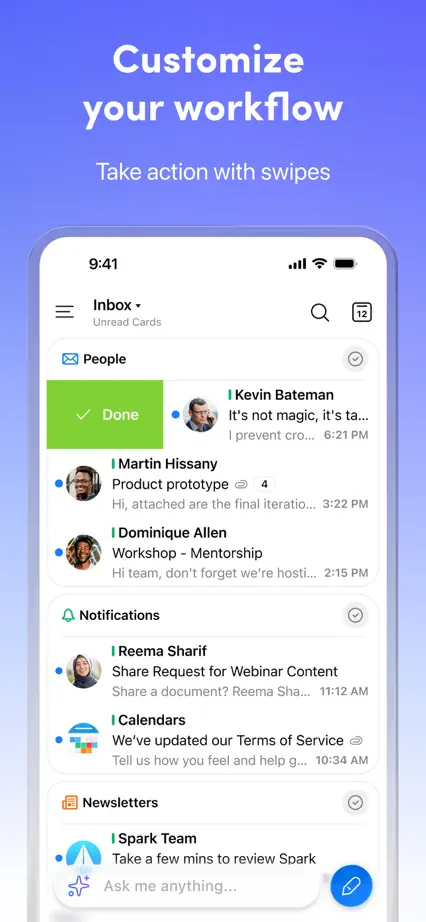
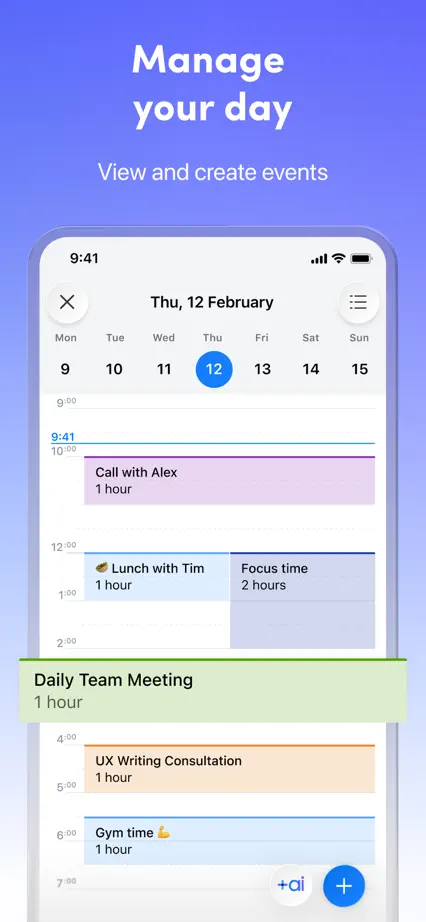
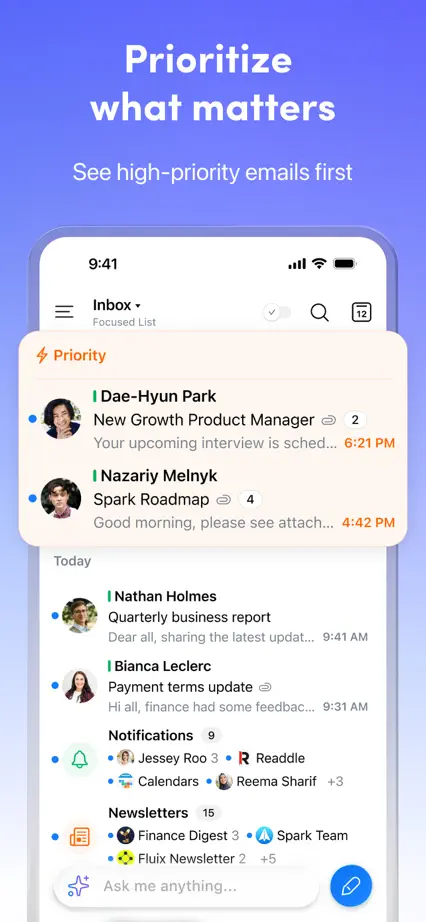

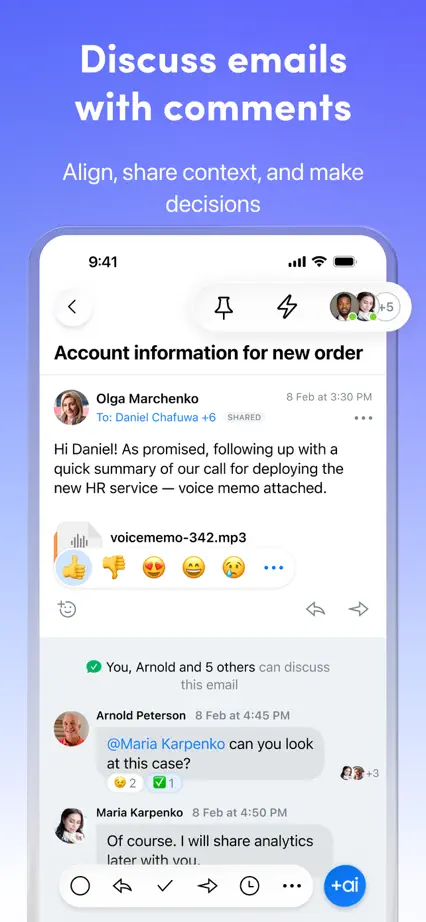


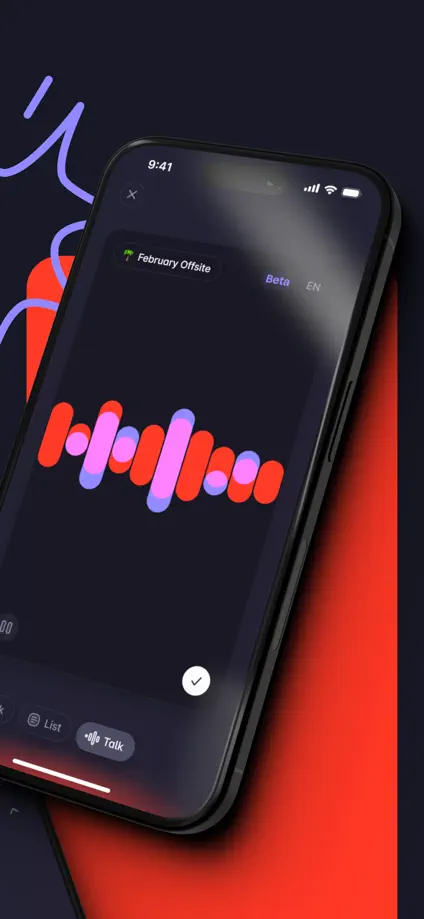

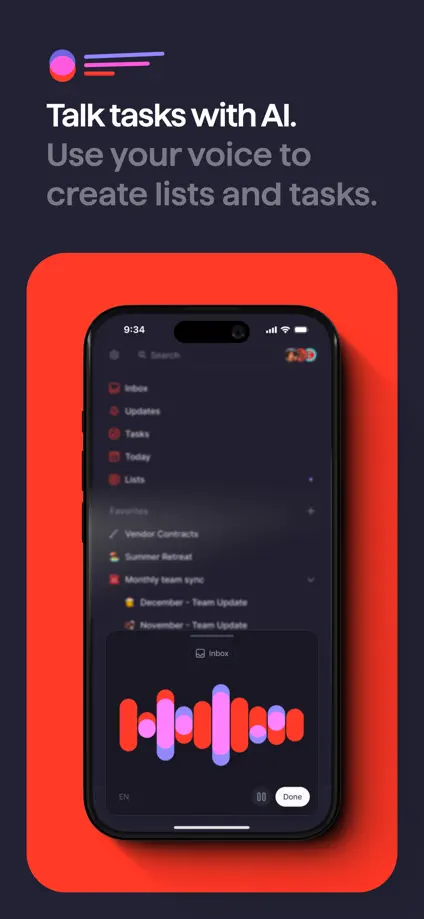
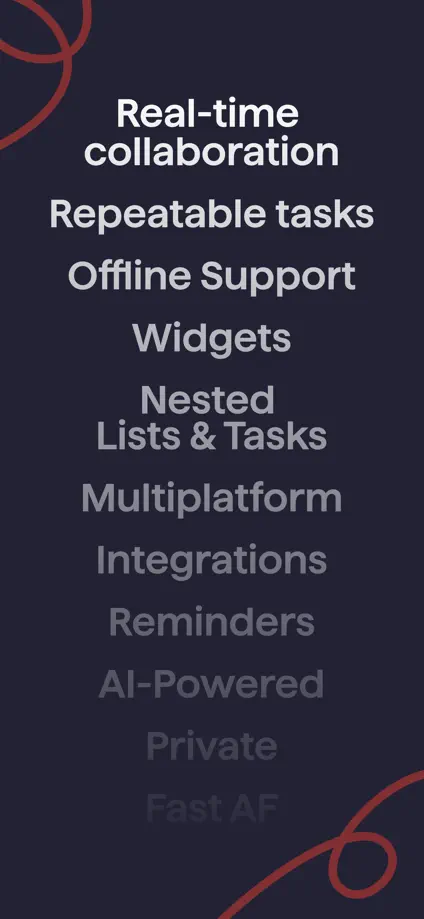
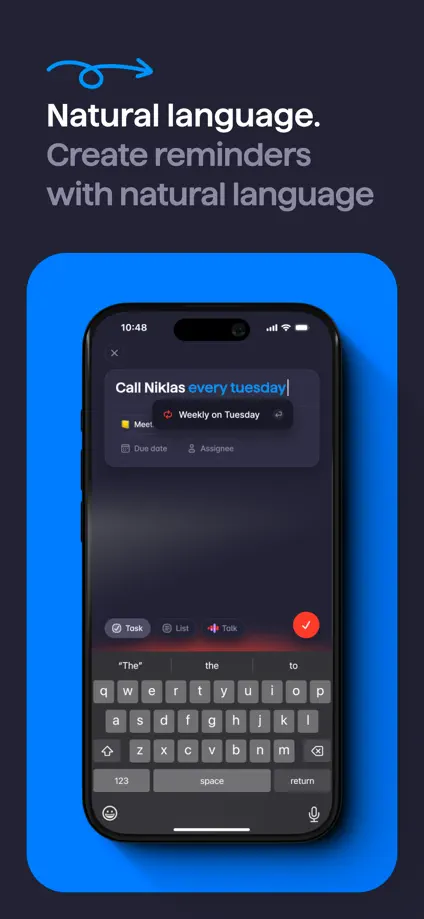

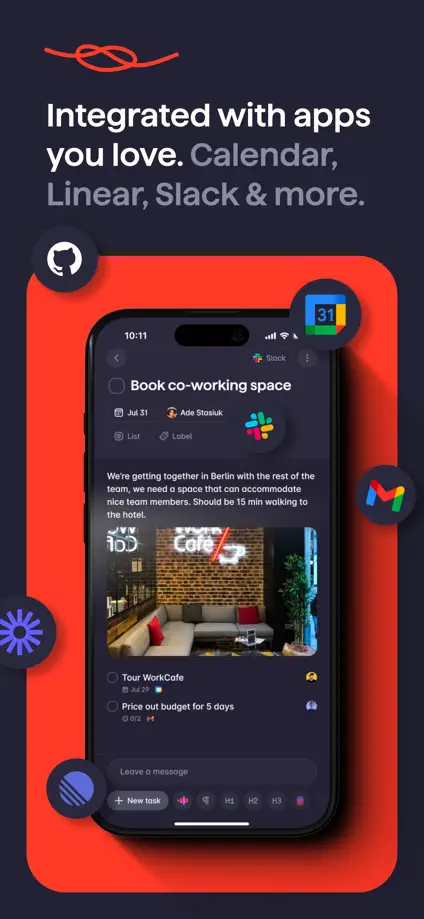

Large playful headings alternate above and below phones, with color changes and floating symbols separating features.
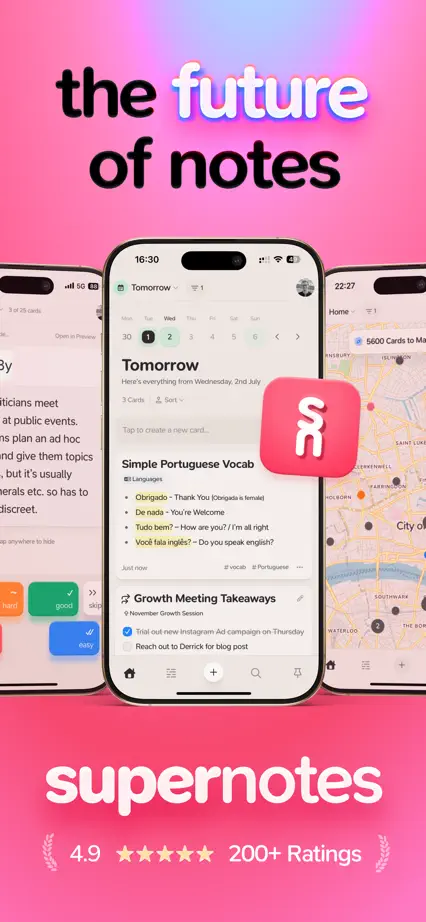
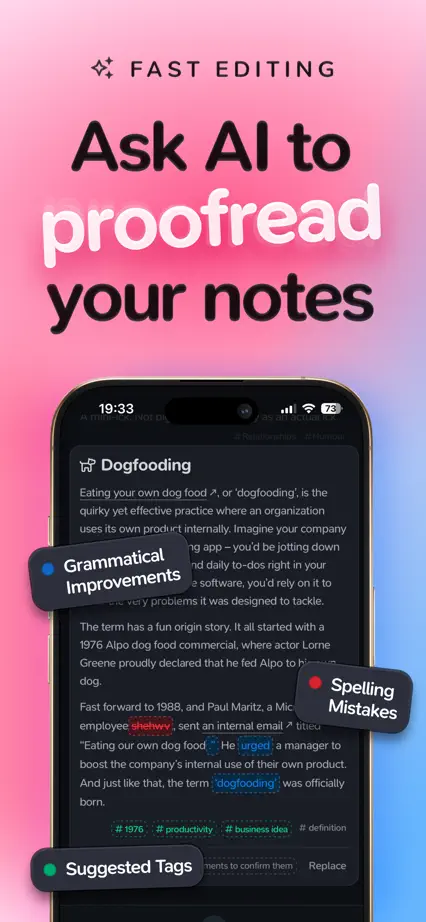
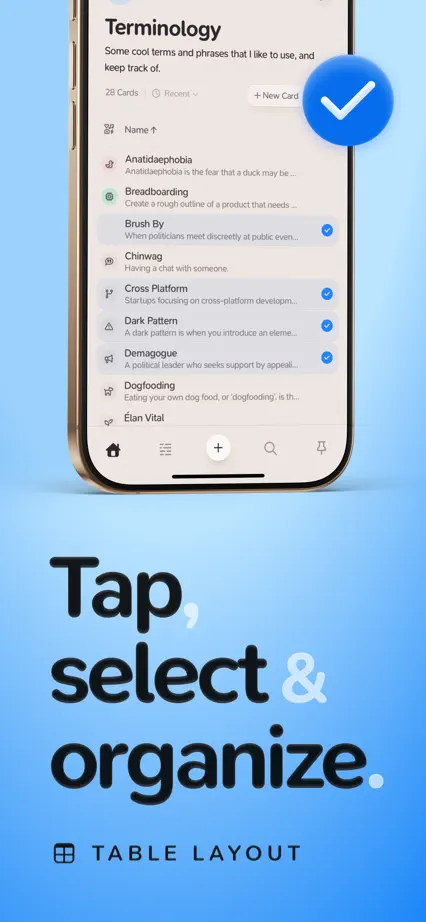
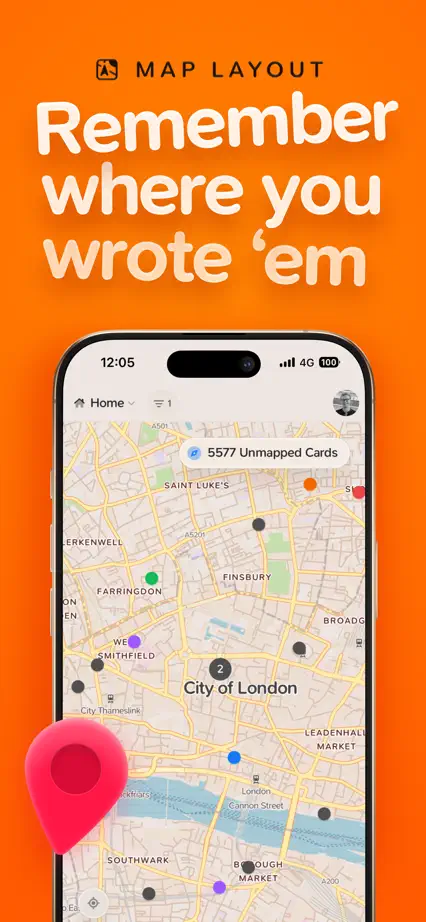
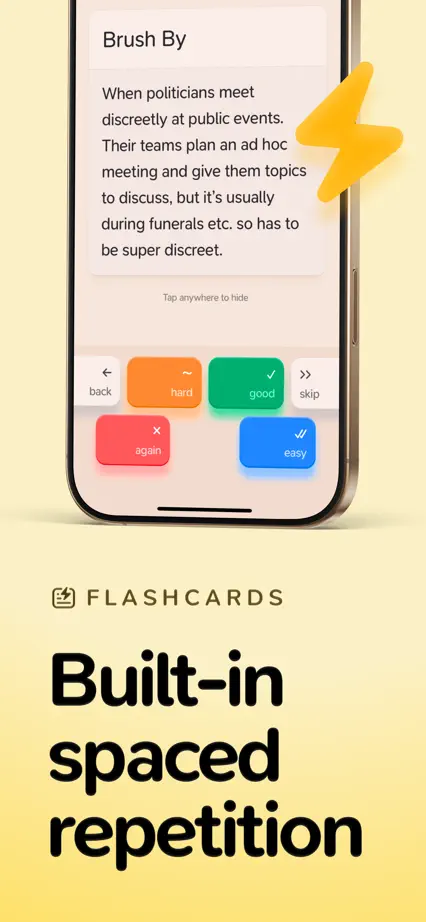

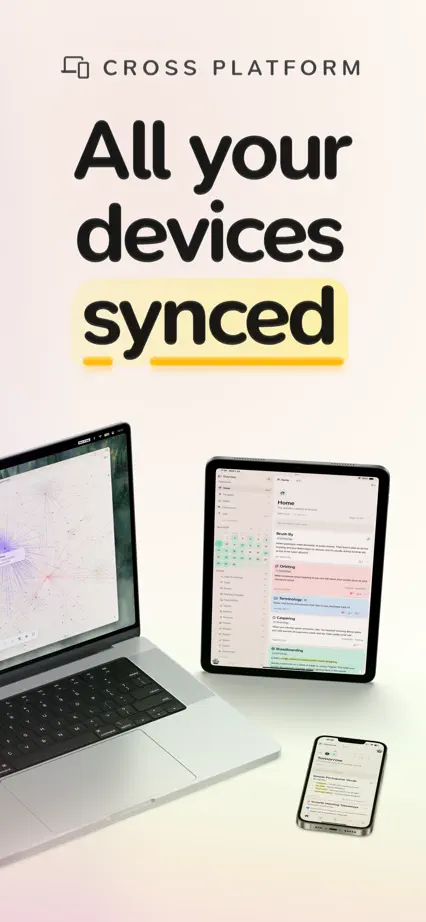

The interface fills every frame, letting calendar typography and theme colors explain the product without extra headlines.


