kit0

Productivity App Store screenshots

33 complete App Store screenshot sets from productivity apps, including Things 3, Bear and Amie. The most common techniques here are repeated layout, oversized interface and color-coded features.

33 appsShow all

Timery

Productivity · 10 frames

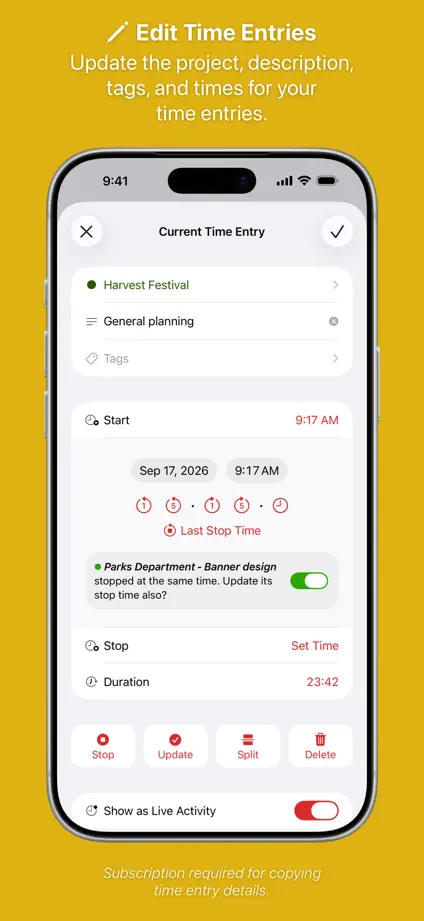
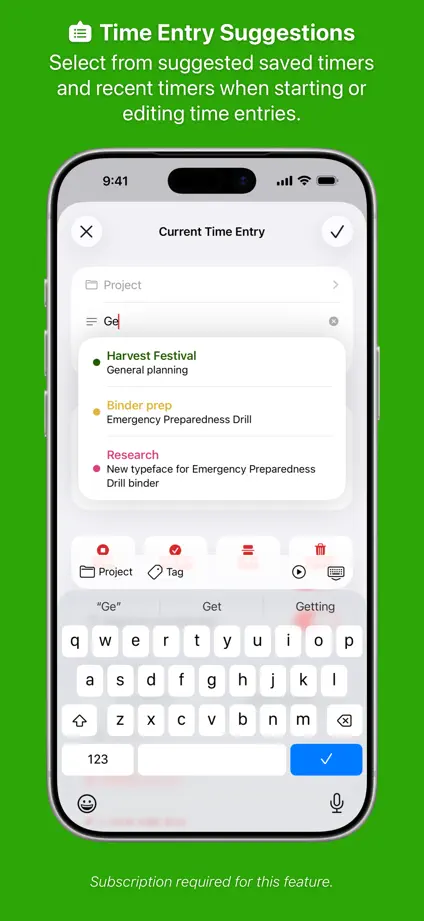
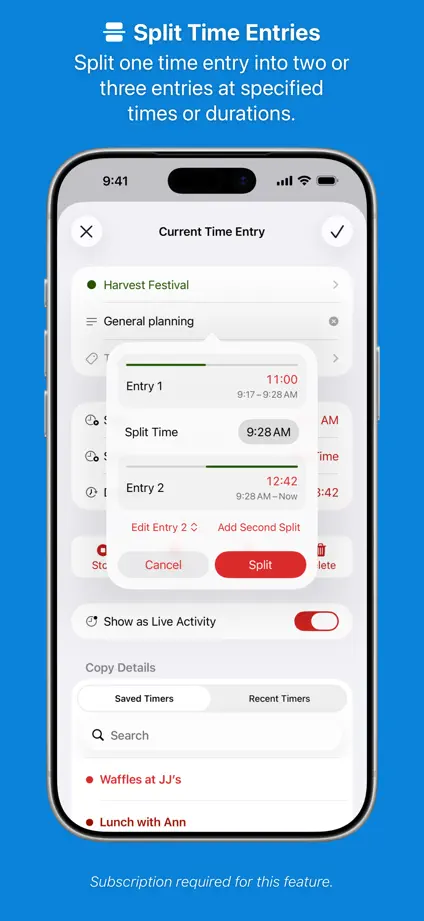
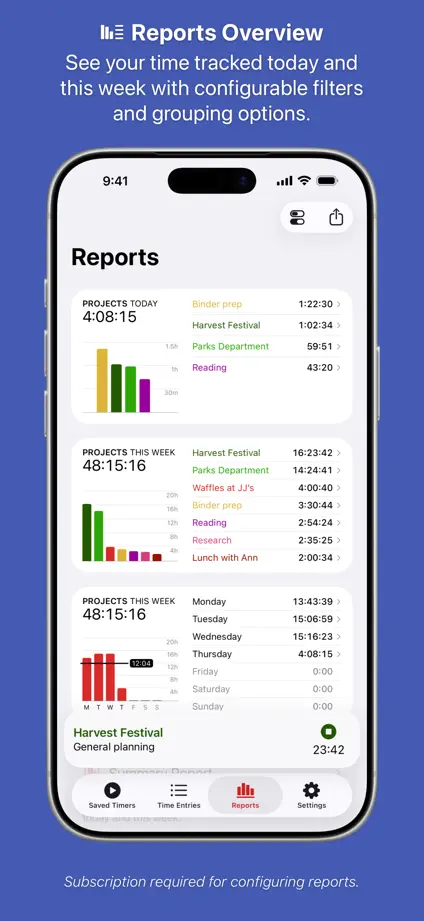
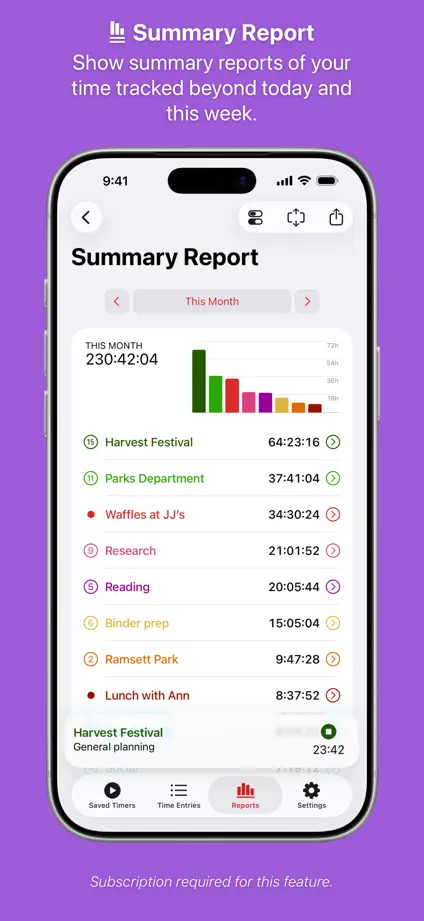
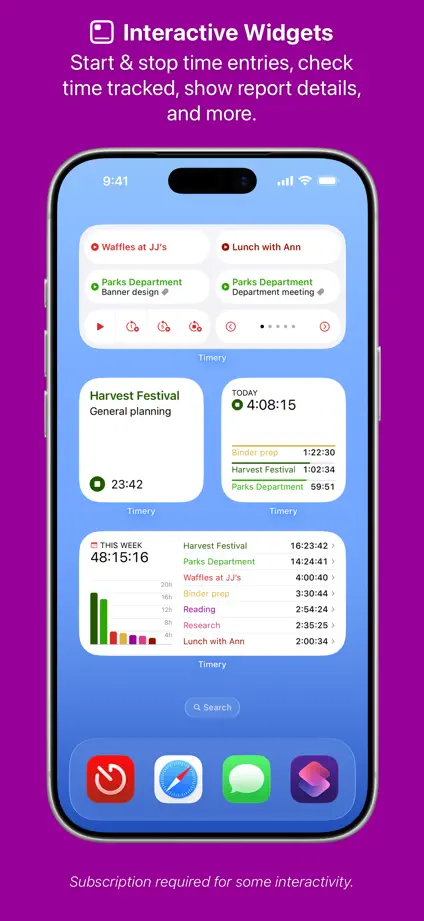
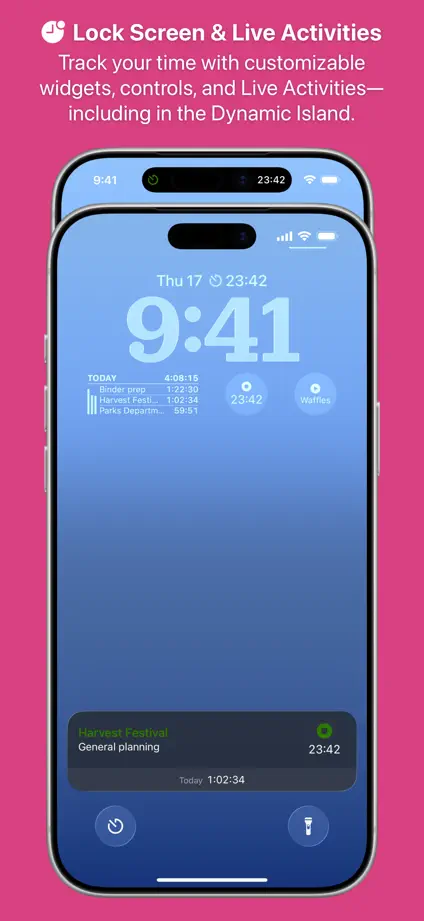
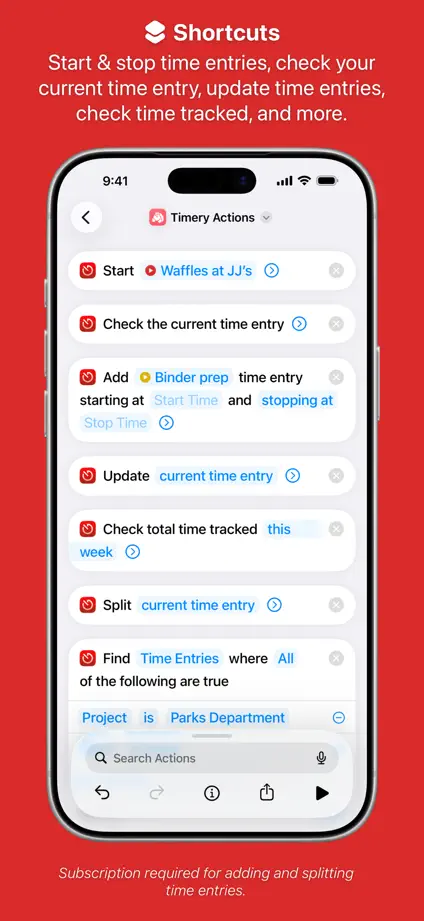
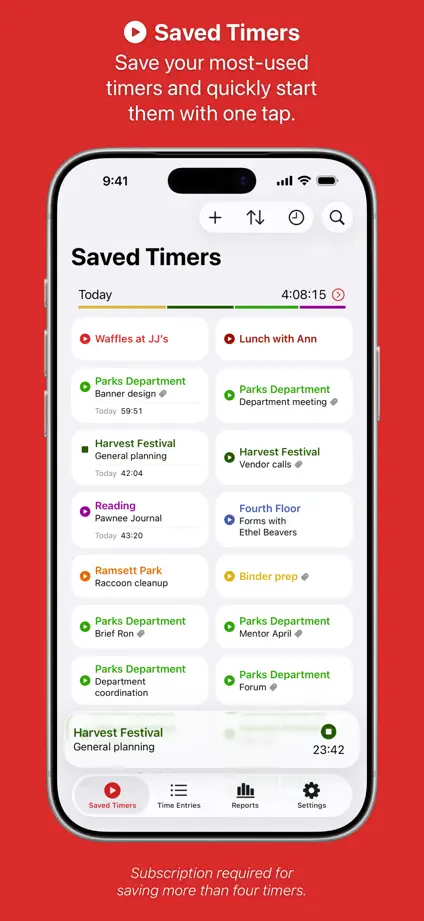
A rainbow of backgrounds gives each time-tracking feature a separate panel while phone placement stays consistent.
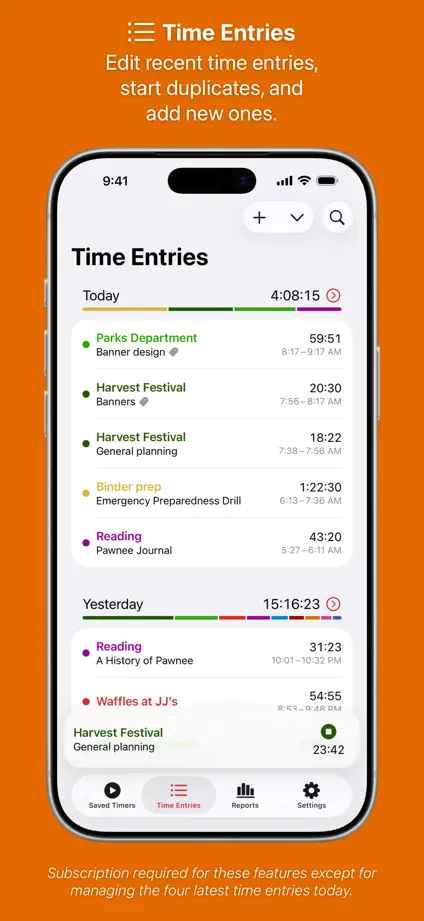
Timery, App Store screenshot 1
Timery, App Store screenshot 2
Timery, App Store screenshot 3
Timery, App Store screenshot 4
Timery, App Store screenshot 5
Timery, App Store screenshot 6
Timery, App Store screenshot 7
Timery, App Store screenshot 8
Timery, App Store screenshot 9
Timery, App Store screenshot 10

Todoist

Productivity · 7 frames

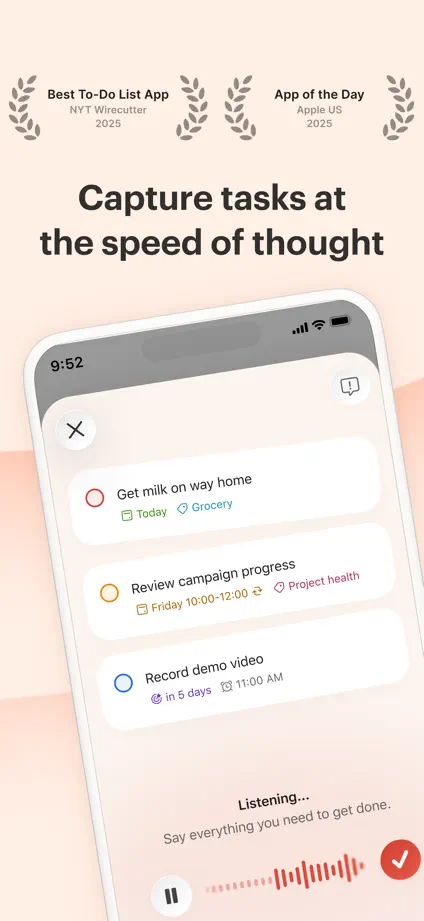
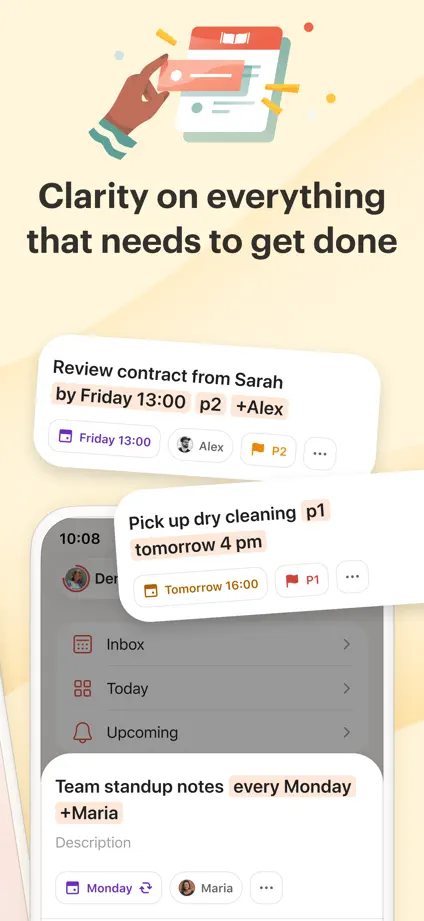
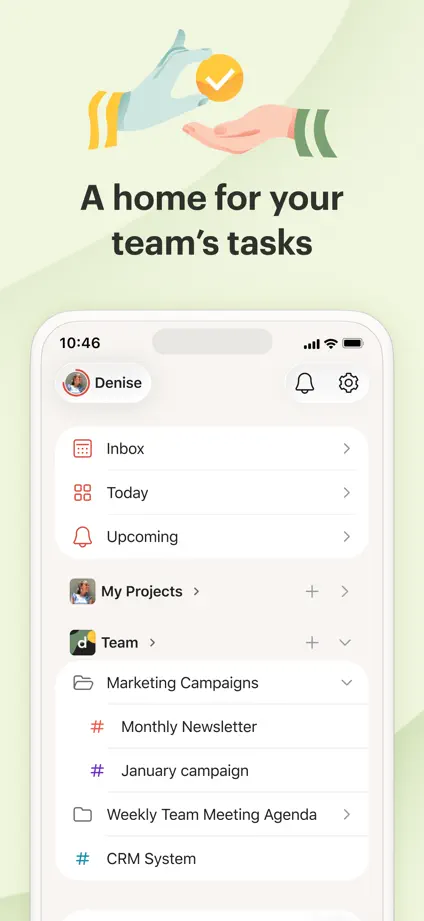
Small illustrations and warm pastel panels introduce angled phones and enlarged task cards.

Todoist, App Store screenshot 1
Todoist, App Store screenshot 2
Todoist, App Store screenshot 3
Todoist, App Store screenshot 4
Todoist, App Store screenshot 5
Todoist, App Store screenshot 6
Todoist, App Store screenshot 7

Widgetsmith

Productivity · 5 frames

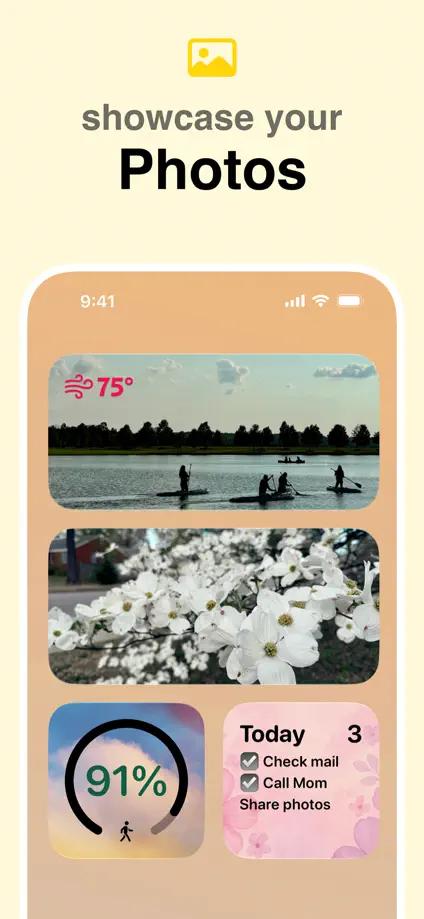
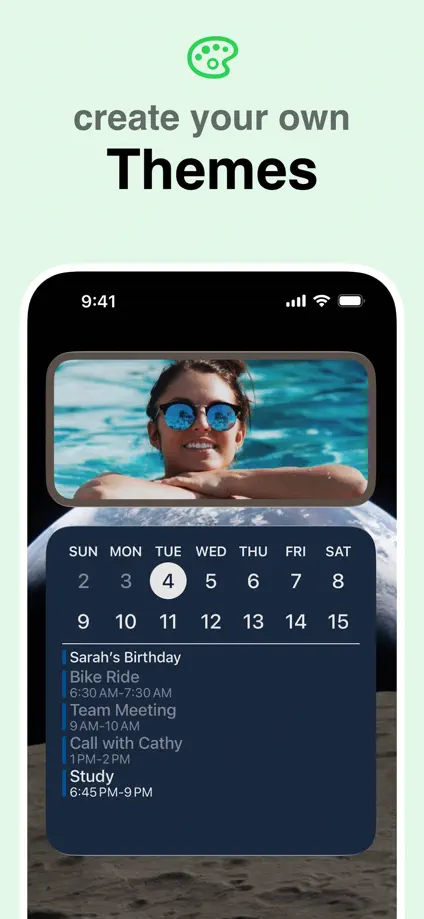
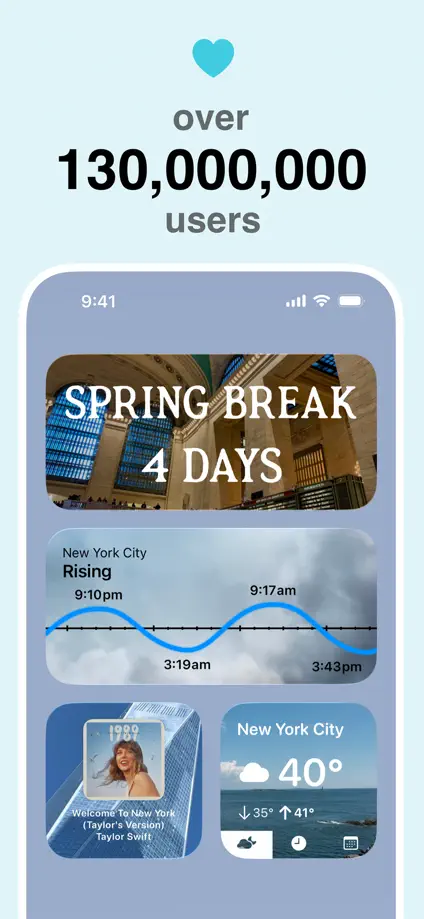
Five pastel panels keep a fixed phone position while showing different home-screen compositions.
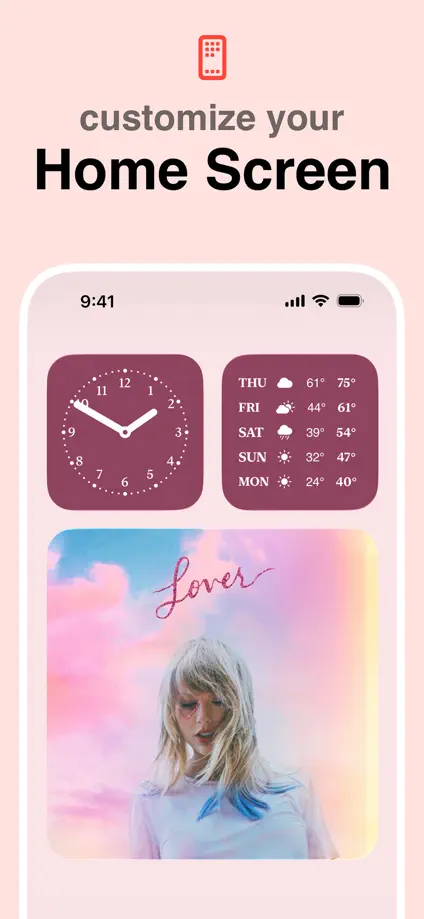
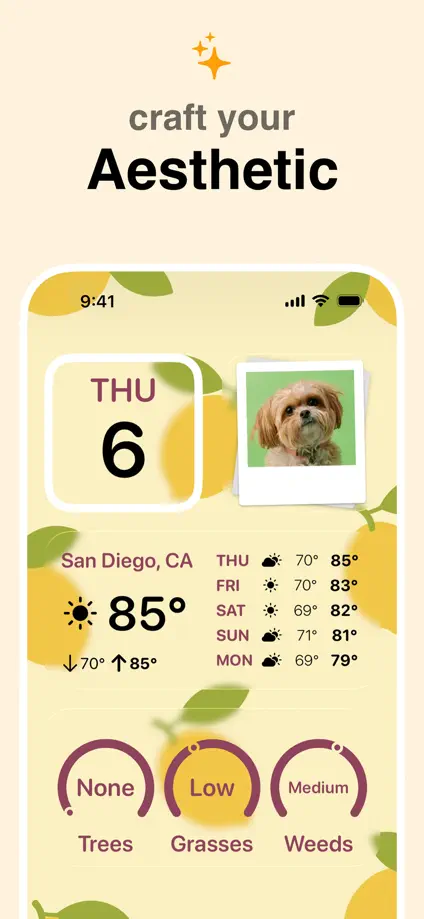
Widgetsmith, App Store screenshot 1
Widgetsmith, App Store screenshot 2
Widgetsmith, App Store screenshot 3
Widgetsmith, App Store screenshot 4
Widgetsmith, App Store screenshot 5

Clearspace

Productivity · 5 frames

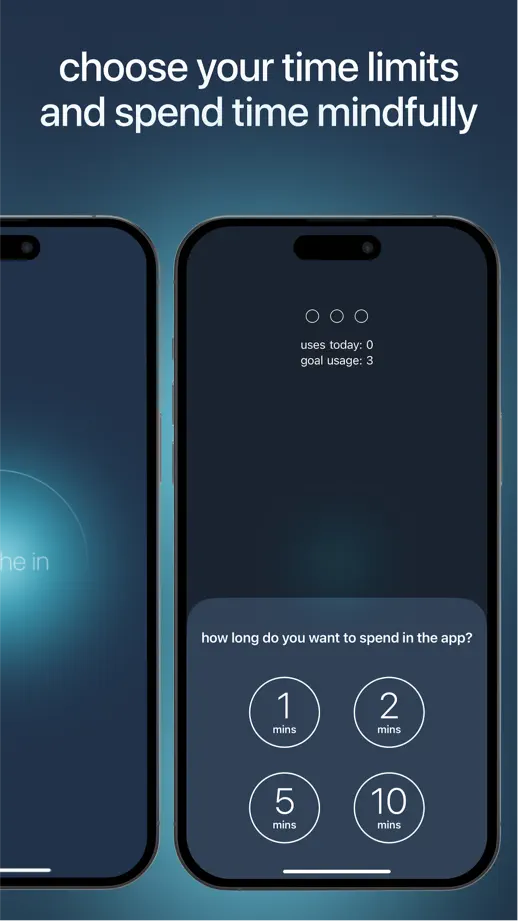
Lowercase headlines over a dark teal glow run through angled and paired phones, closing on floating review bubbles instead of an interface.
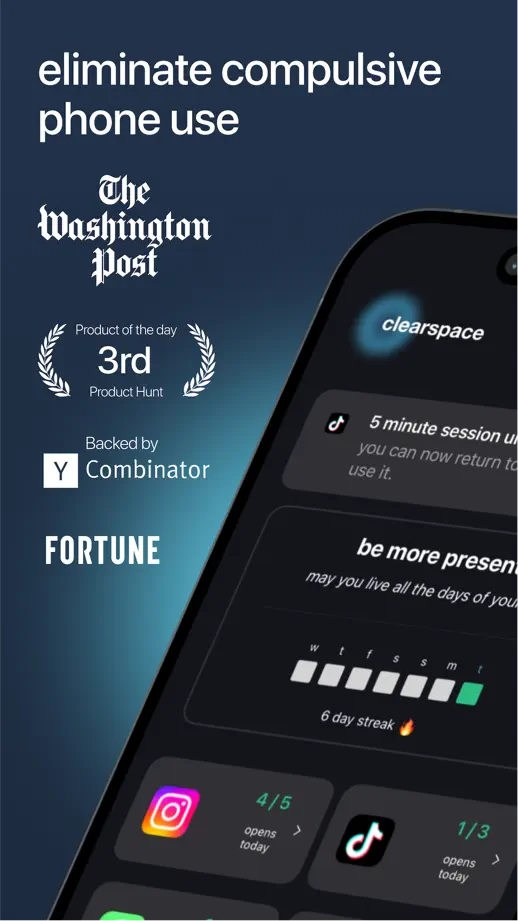
Clearspace, App Store screenshot 1
Clearspace, App Store screenshot 2
Clearspace, App Store screenshot 3
Clearspace, App Store screenshot 4
Clearspace, App Store screenshot 5

NotePlan

Productivity · 10 frames

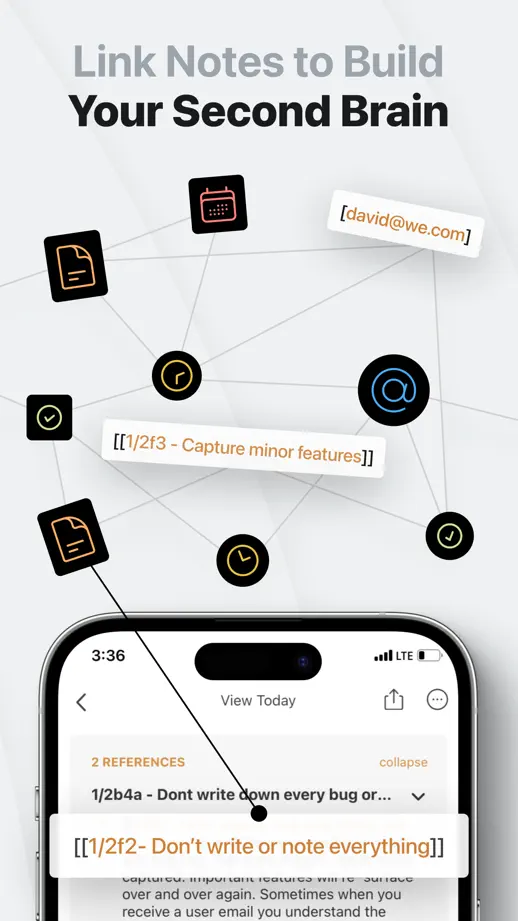
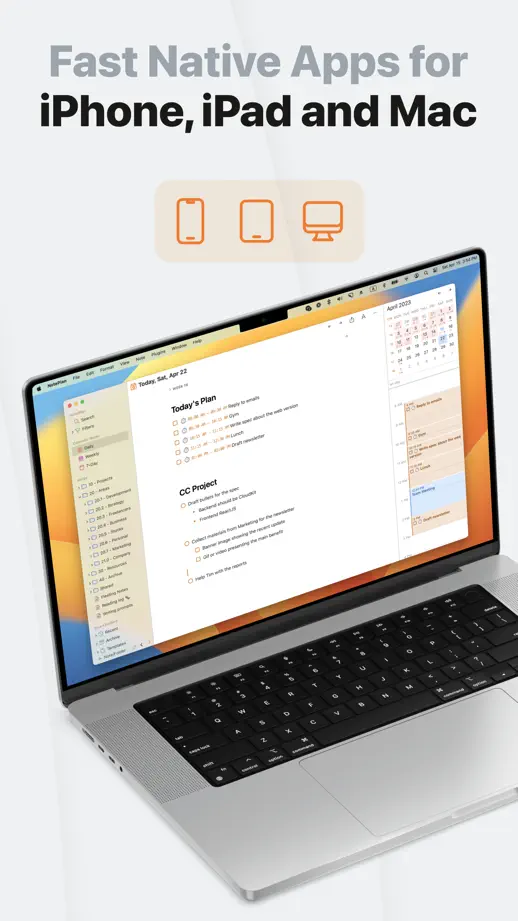
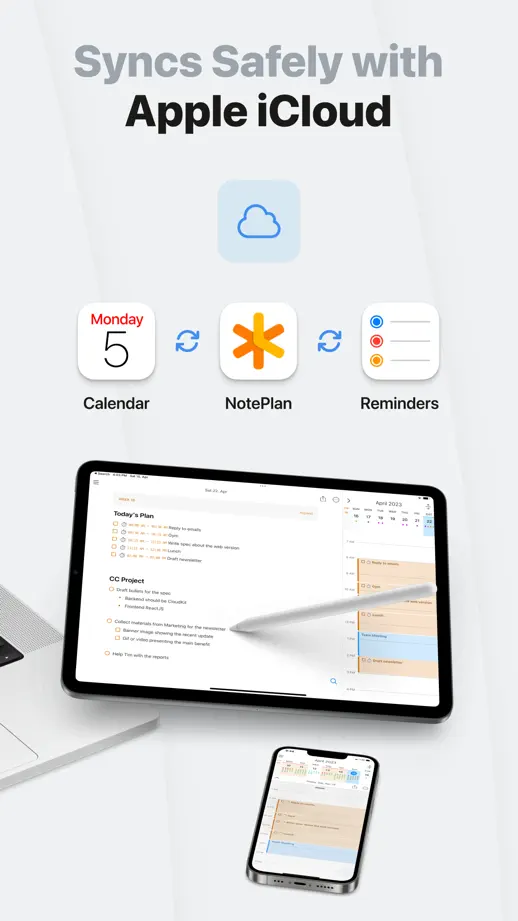
Light gray frames alternate tilted phones, bento grids of interface cards and a link-graph diagram before closing on Mac and iPad.
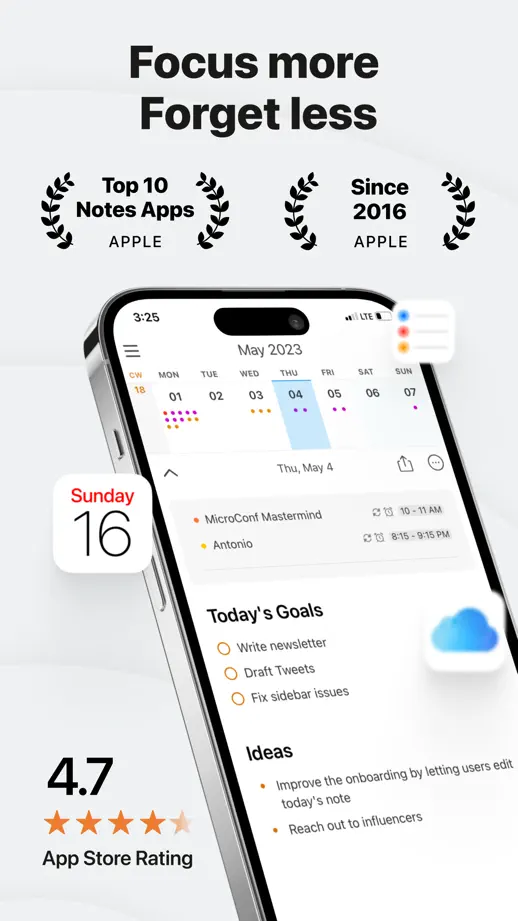
NotePlan, App Store screenshot 1
NotePlan, App Store screenshot 2
NotePlan, App Store screenshot 3
NotePlan, App Store screenshot 4
NotePlan, App Store screenshot 5
NotePlan, App Store screenshot 6
NotePlan, App Store screenshot 7
NotePlan, App Store screenshot 8
NotePlan, App Store screenshot 9
NotePlan, App Store screenshot 10

Perplexity

Productivity · 8 frames

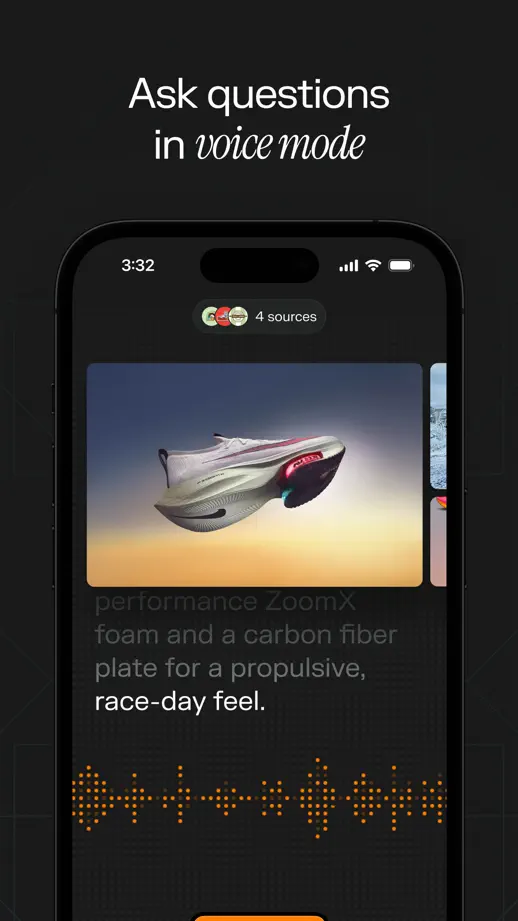
An illustrated scene with a condensed serif title opens a dark set whose headings mix sans words with italic serif terms.
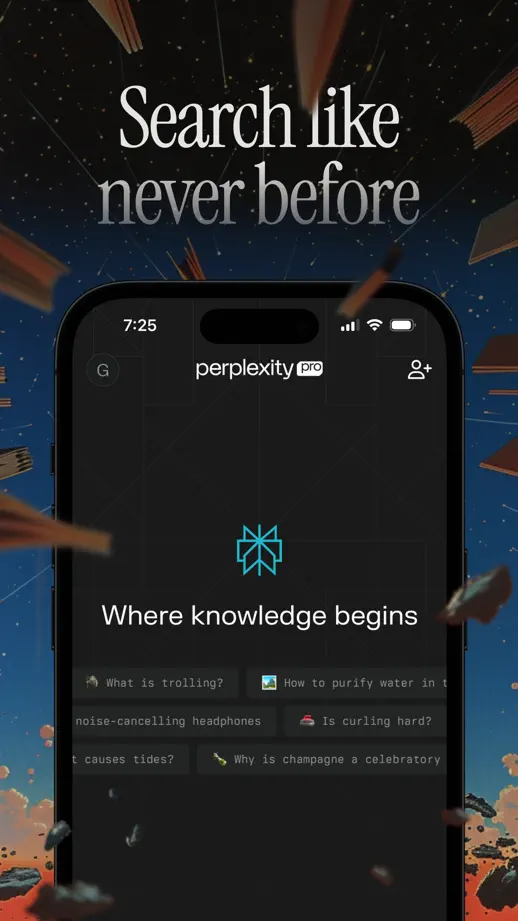
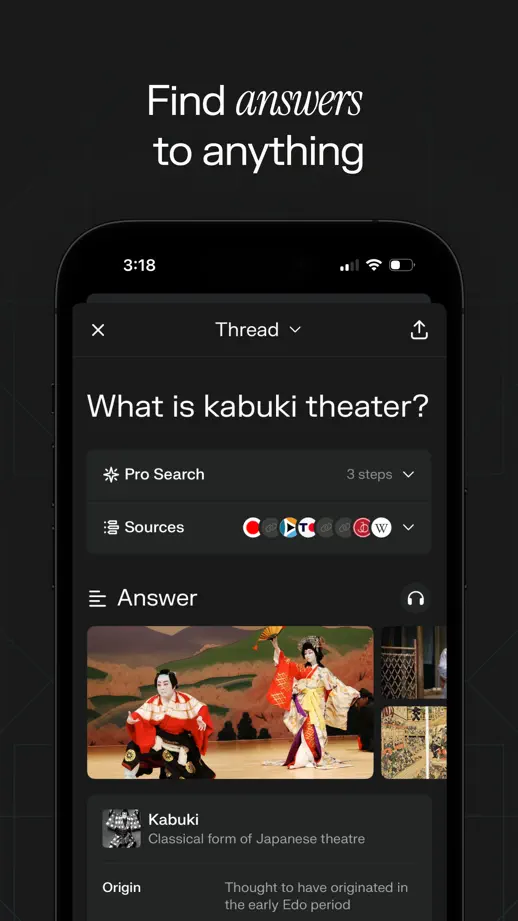
Perplexity, App Store screenshot 1
Perplexity, App Store screenshot 2
Perplexity, App Store screenshot 3
Perplexity, App Store screenshot 4
Perplexity, App Store screenshot 5
Perplexity, App Store screenshot 6
Perplexity, App Store screenshot 7
Perplexity, App Store screenshot 8

Readwise Reader

Productivity · 8 frames

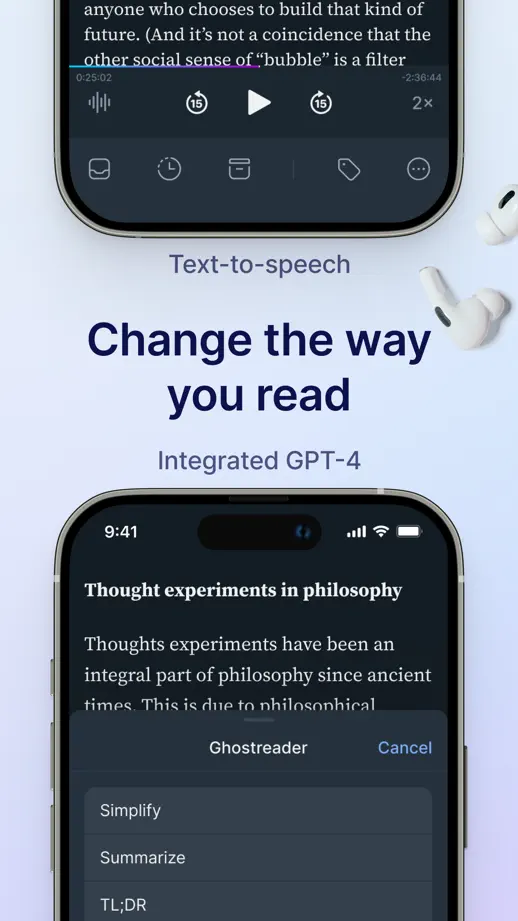
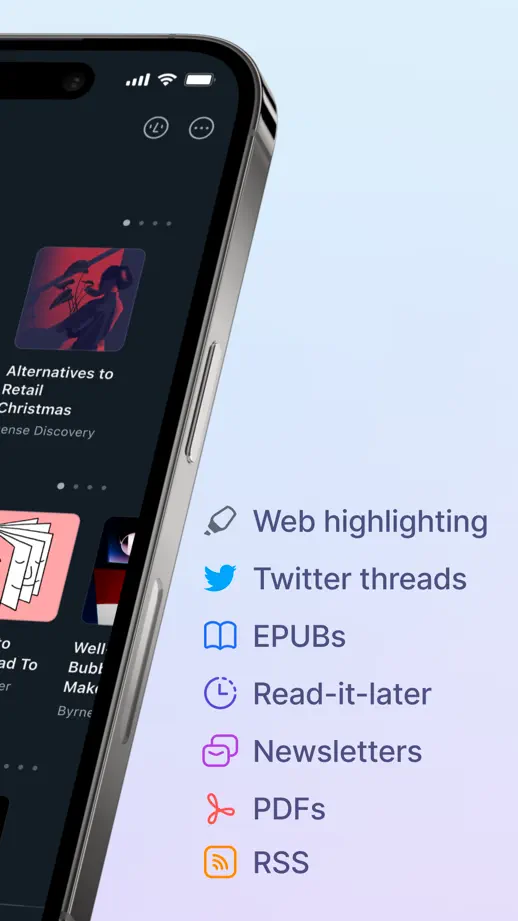
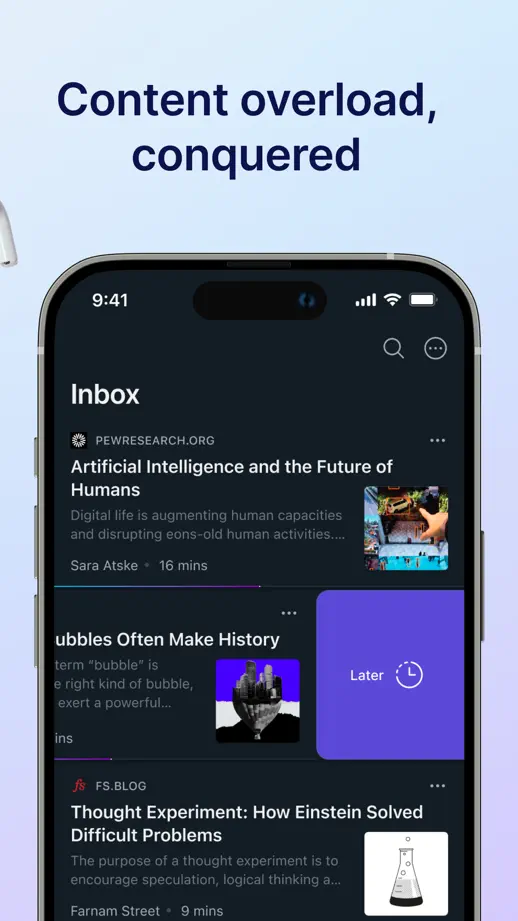
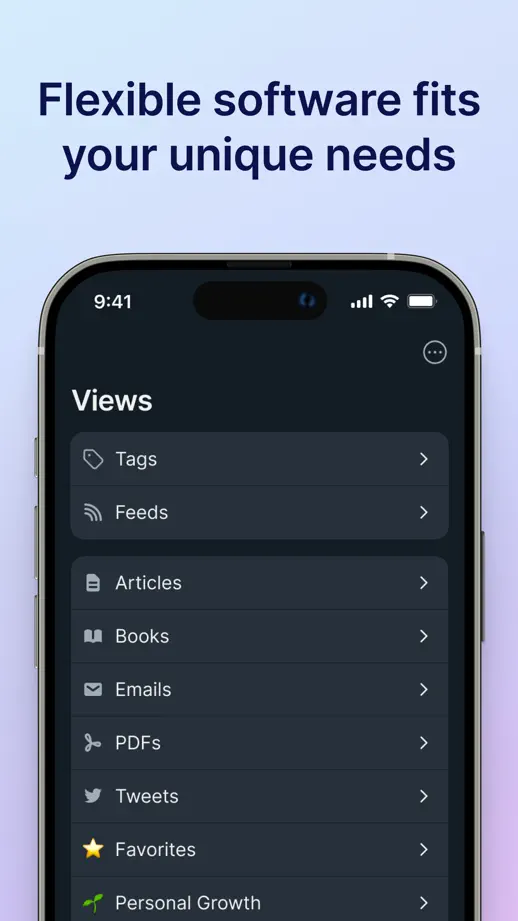
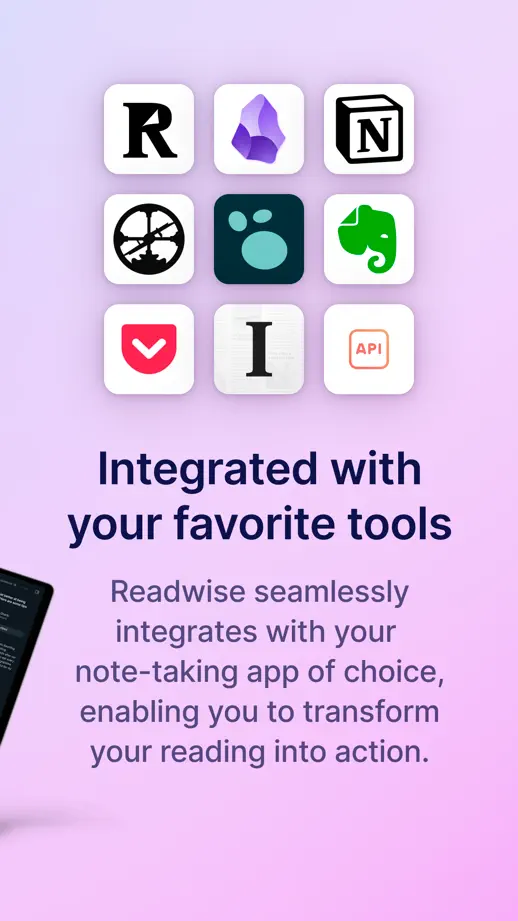
Soft blue-to-lilac gradients frame tilted and upright dark-mode phones, closing with a multi-device scene and a grid of integration icons.
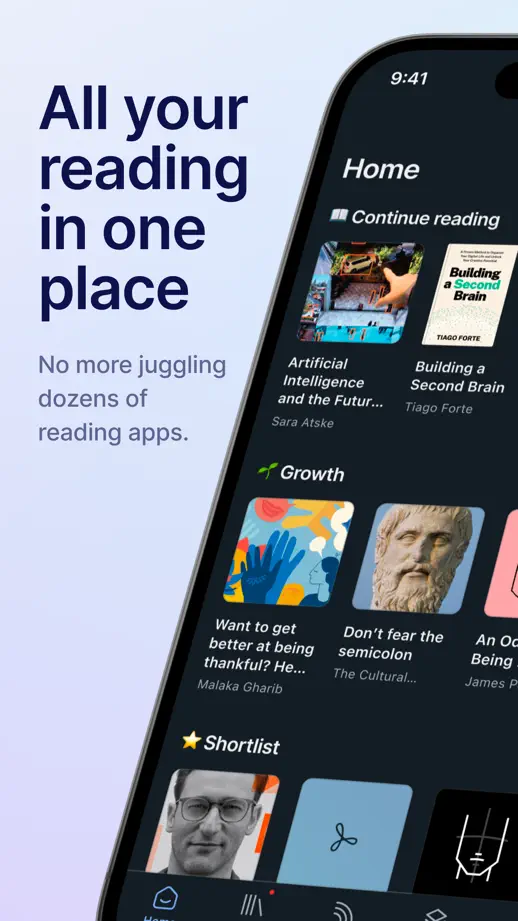
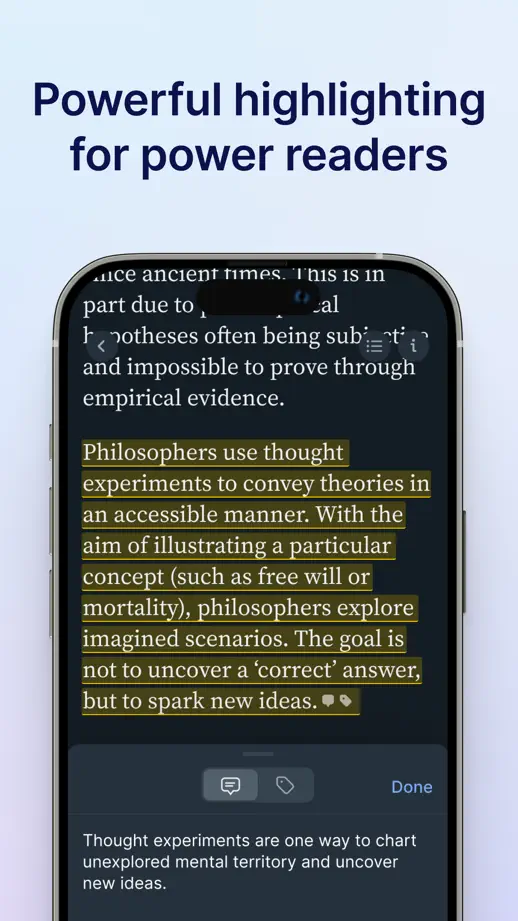
Readwise Reader, App Store screenshot 1
Readwise Reader, App Store screenshot 2
Readwise Reader, App Store screenshot 3
Readwise Reader, App Store screenshot 4
Readwise Reader, App Store screenshot 5
Readwise Reader, App Store screenshot 6
Readwise Reader, App Store screenshot 7
Readwise Reader, App Store screenshot 8

TickTick

Productivity · 10 frames

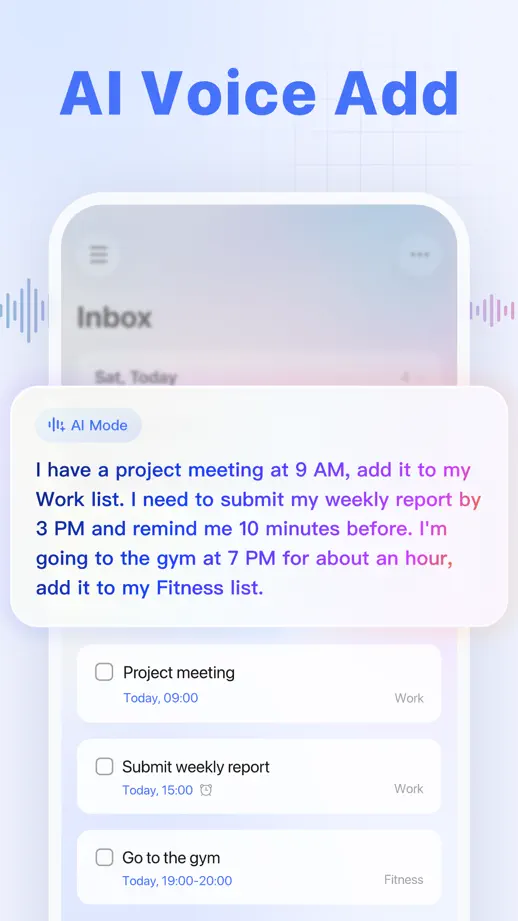
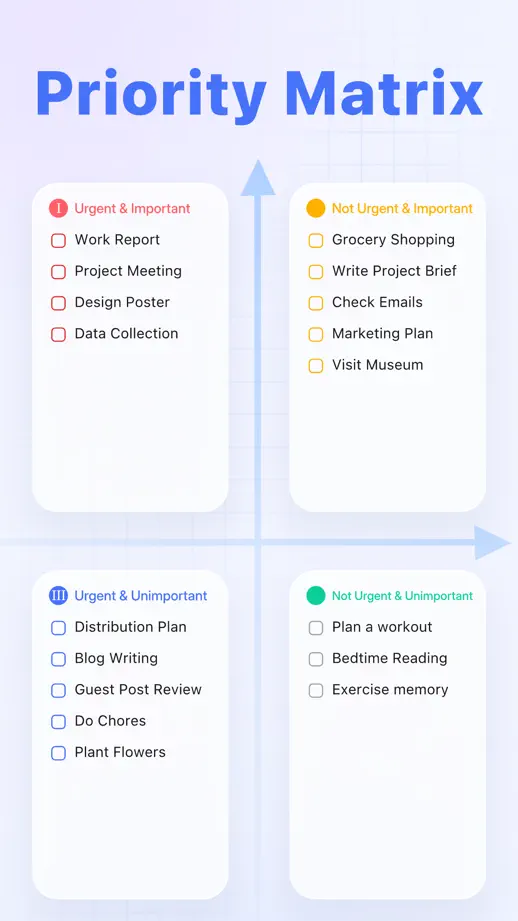
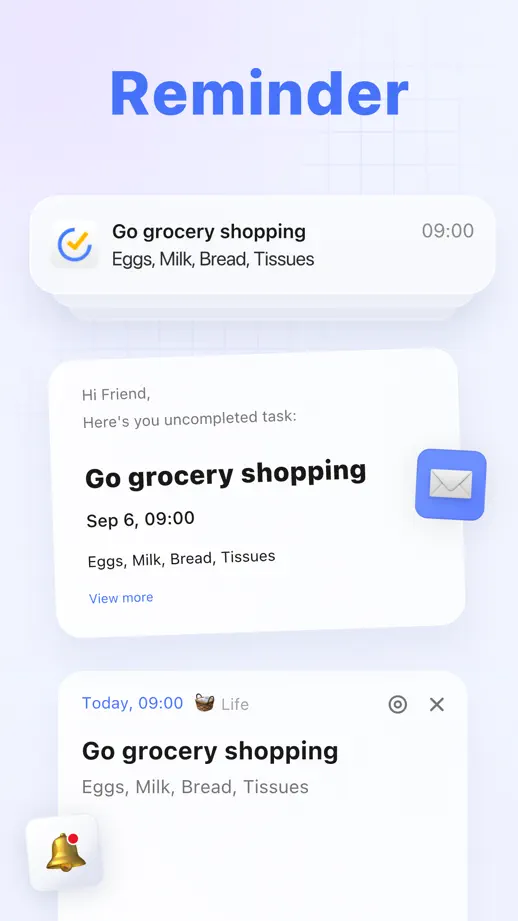
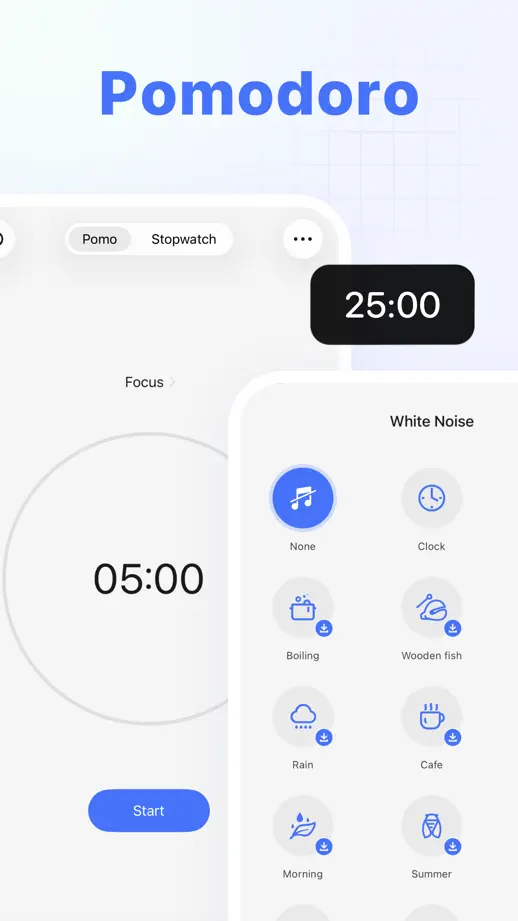
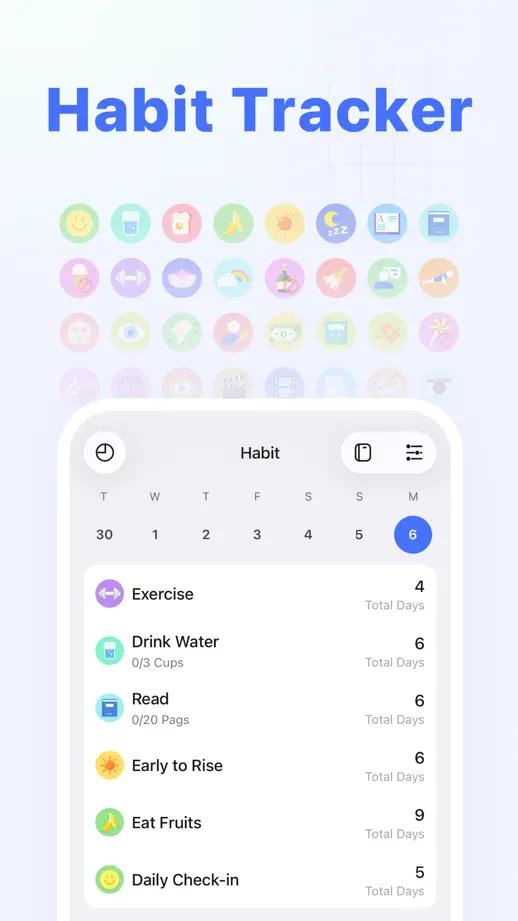
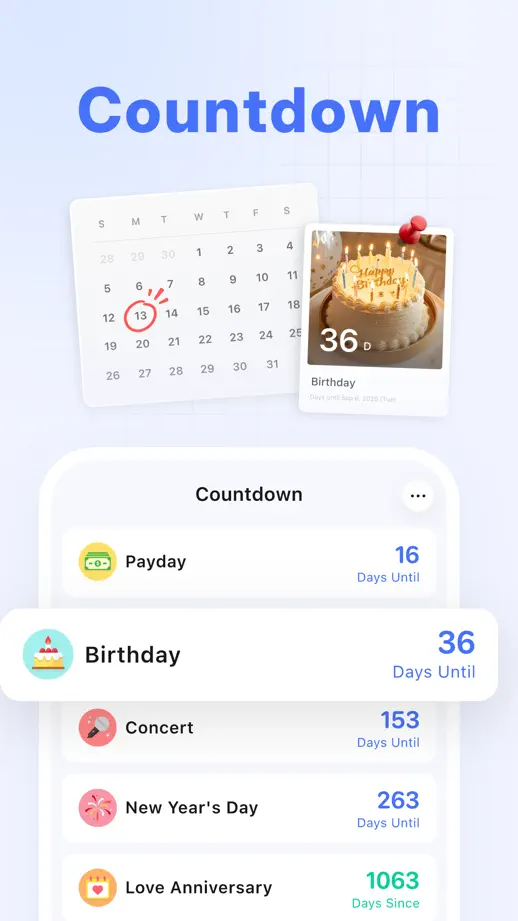
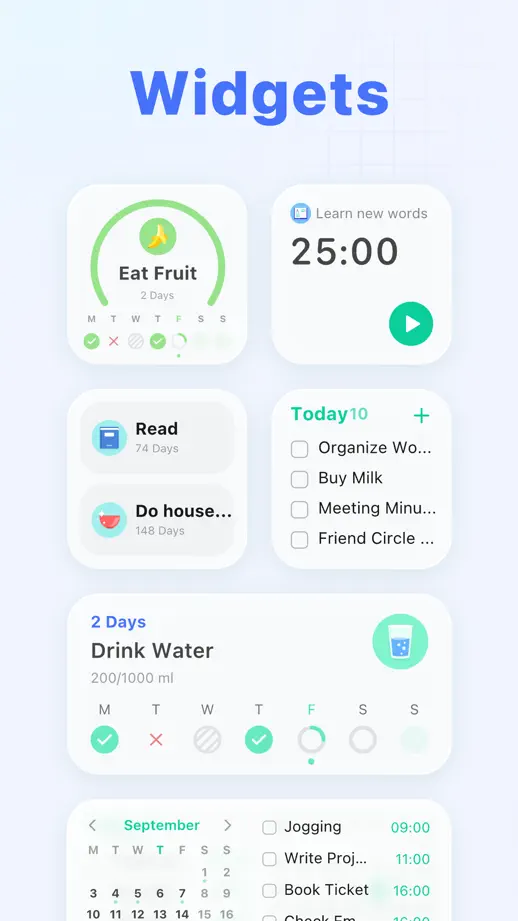
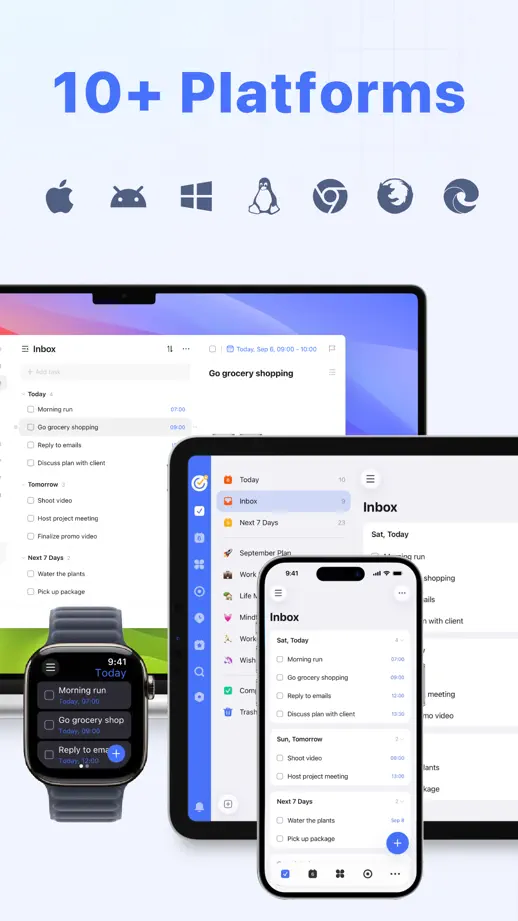
Bold blue headings name one feature per frame over a pale lavender grid, with floating cards and platform icons filling each composition.
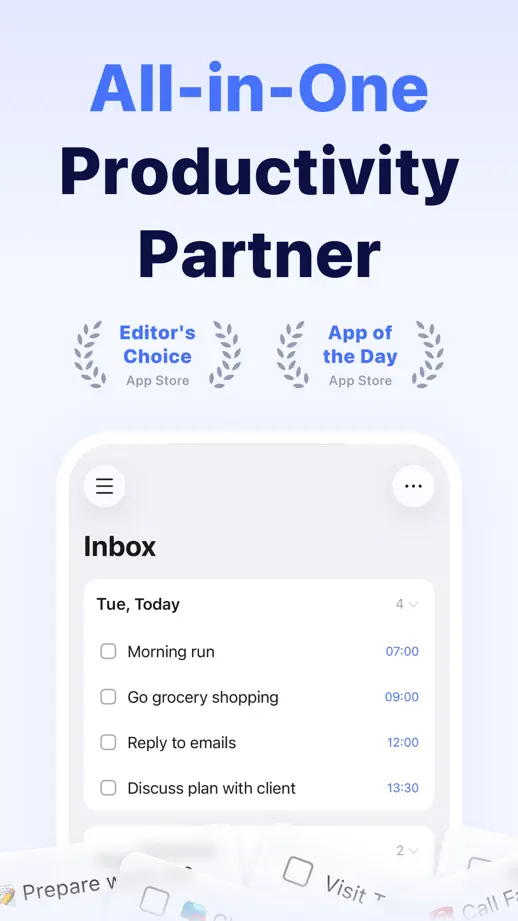
TickTick, App Store screenshot 1
TickTick, App Store screenshot 2
TickTick, App Store screenshot 3
TickTick, App Store screenshot 4
TickTick, App Store screenshot 5
TickTick, App Store screenshot 6
TickTick, App Store screenshot 7
TickTick, App Store screenshot 8
TickTick, App Store screenshot 9
TickTick, App Store screenshot 10

Tot

Productivity · 5 frames

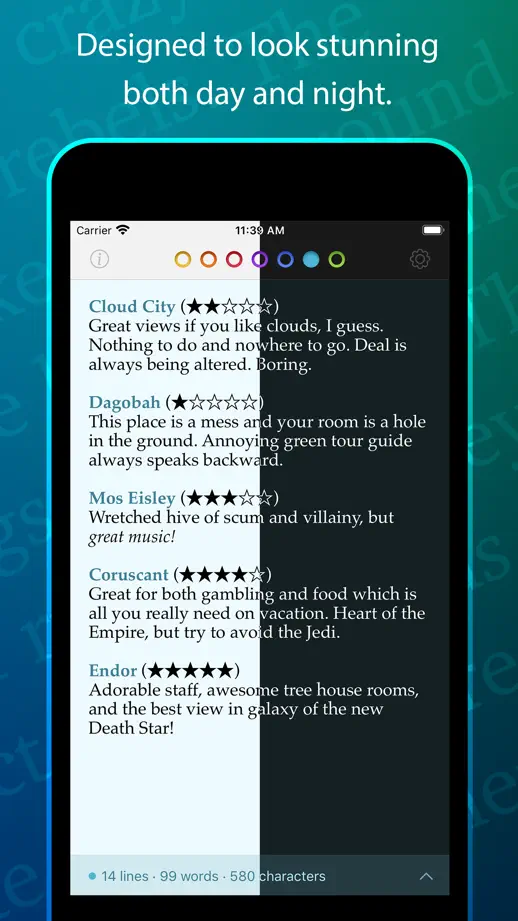
Saturated purple, blue, teal, green and orange backgrounds shift frame by frame behind glowing phones filled with sample text.
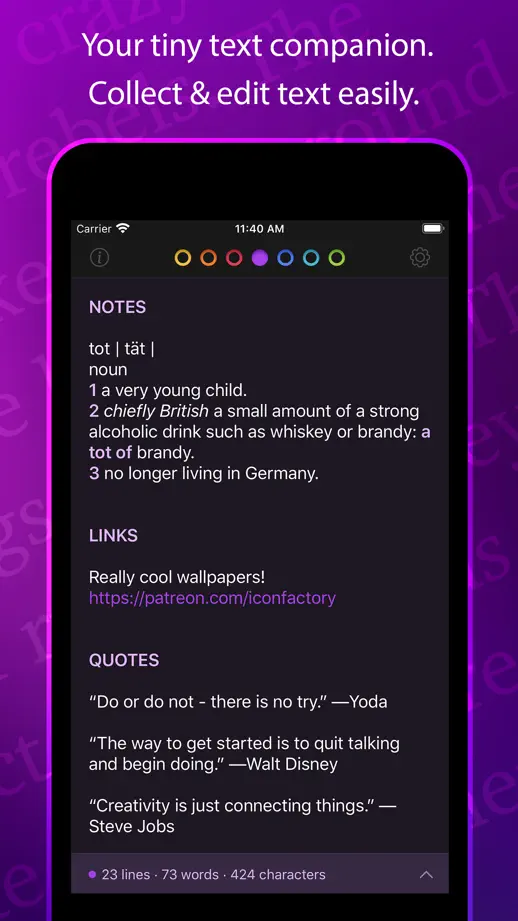
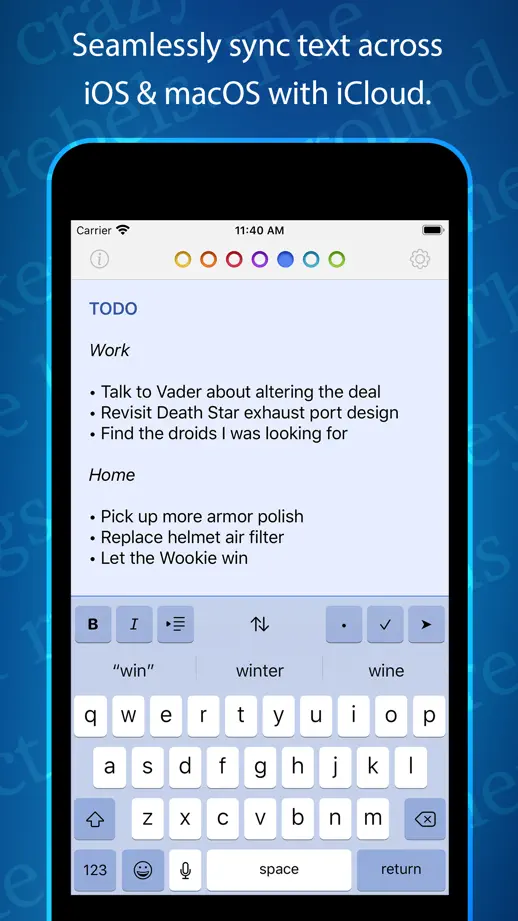
Tot, App Store screenshot 1
Tot, App Store screenshot 2
Tot, App Store screenshot 3
Tot, App Store screenshot 4
Tot, App Store screenshot 5

Add to collection

New collection