kit0

App Store screenshots using device mockups

92 listings that use device mockups, from StockX, H&M and Shop. Most are education, travel and sports apps.

92 appsShow all

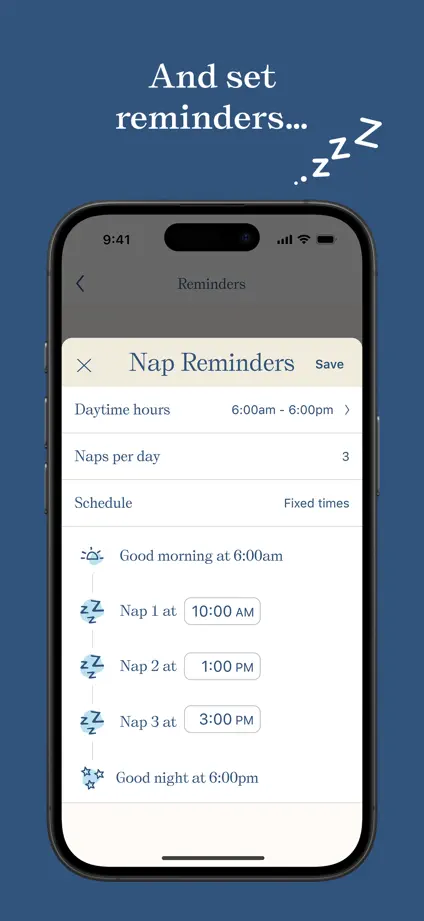
Nara Baby

Lifestyle · 10 frames

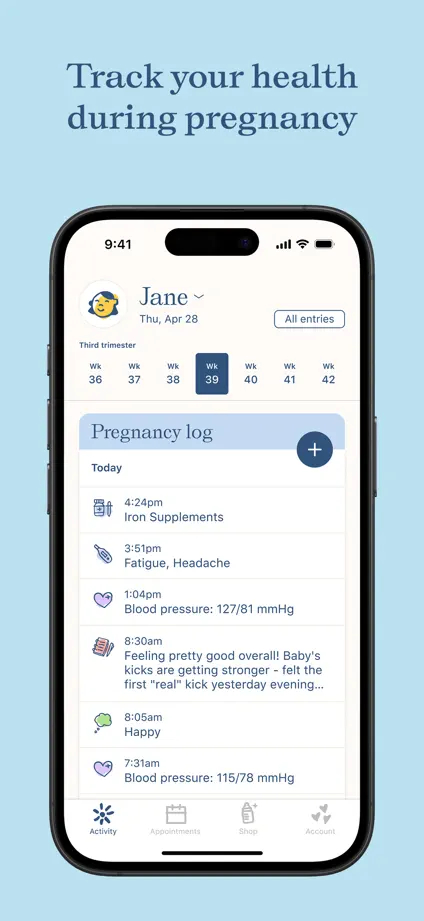
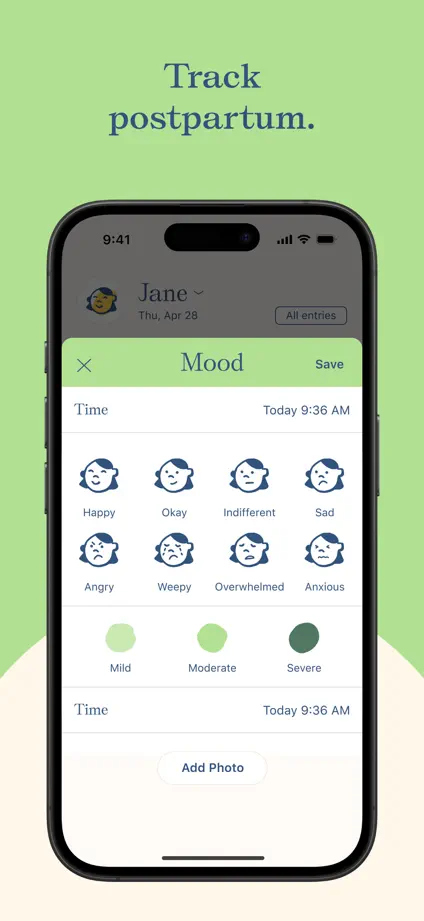
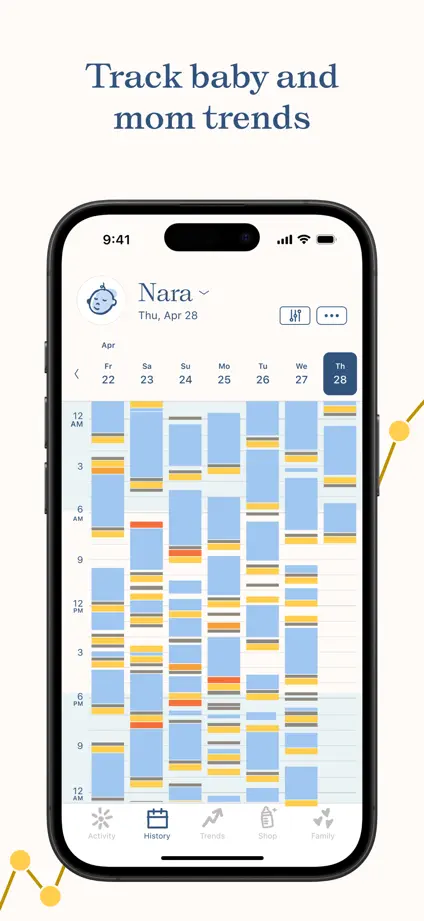
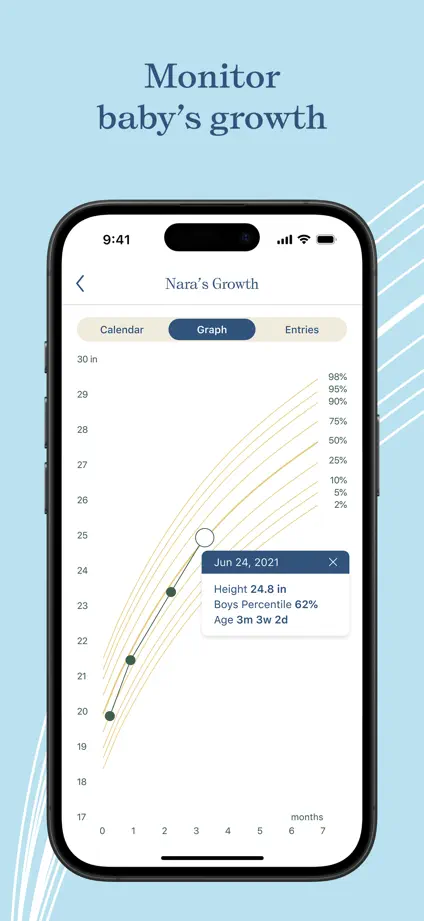
Soft pastel backgrounds and small serif headings frame a consistent device sequence, beginning with an angled overlapping pair.

Nara Baby, App Store screenshot 1
Nara Baby, App Store screenshot 2
Nara Baby, App Store screenshot 3
Nara Baby, App Store screenshot 4
Nara Baby, App Store screenshot 5
Nara Baby, App Store screenshot 6
Nara Baby, App Store screenshot 7
Nara Baby, App Store screenshot 8
Nara Baby, App Store screenshot 9
Nara Baby, App Store screenshot 10

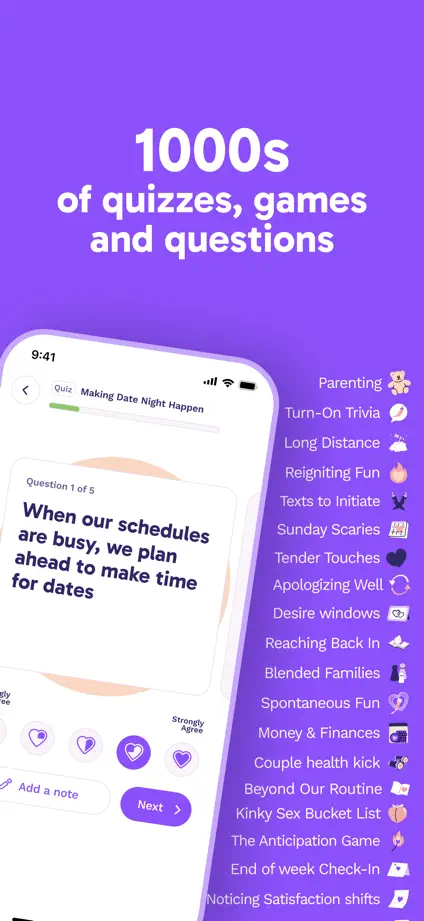
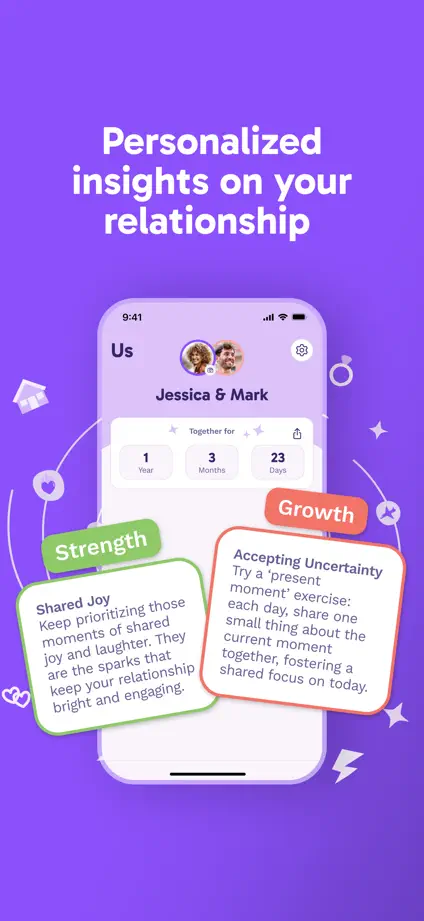
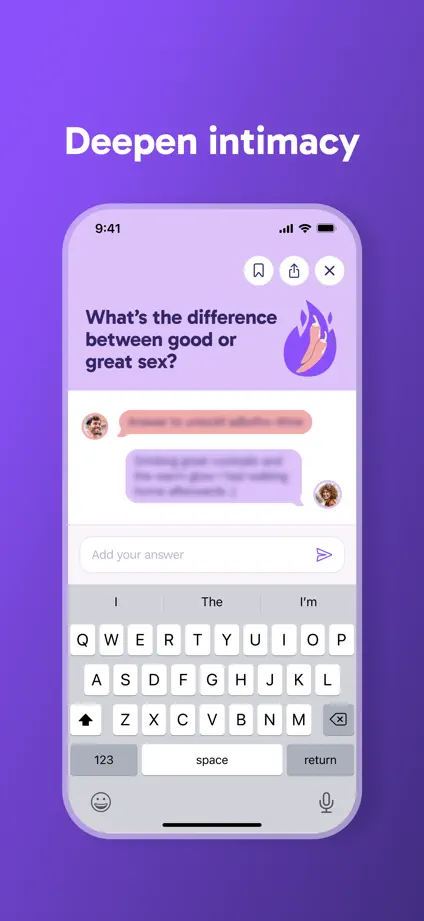
Paired

Lifestyle · 8 frames

Purple gradients connect tilted devices, illustrated cards and enlarged questions, with generous space above each feature.
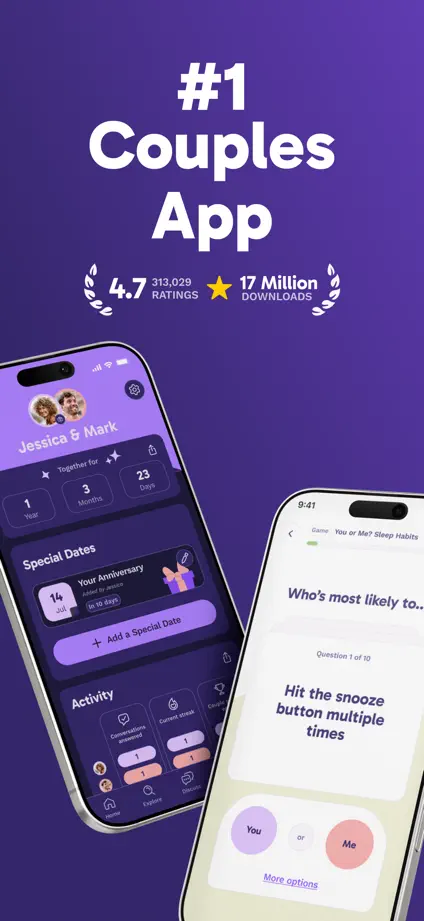
Paired, App Store screenshot 1
Paired, App Store screenshot 2
Paired, App Store screenshot 3
Paired, App Store screenshot 4
Paired, App Store screenshot 5
Paired, App Store screenshot 6
Paired, App Store screenshot 7
Paired, App Store screenshot 8

Booking.com

Travel · 9 frames

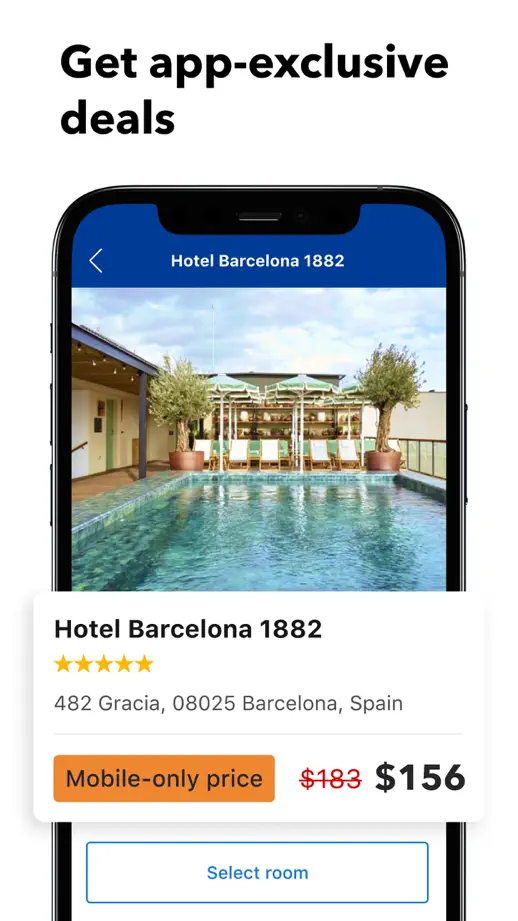
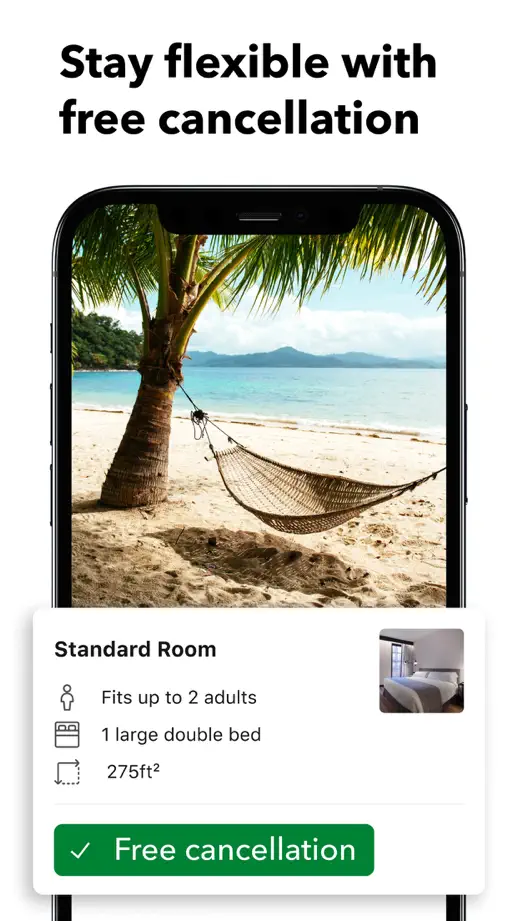
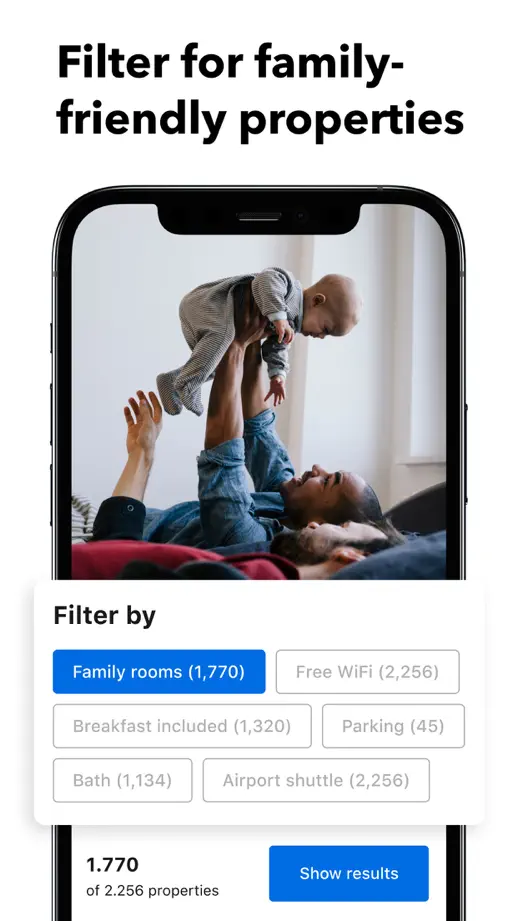
Large white interface cards overlap devices and travel photography, highlighting one booking interaction per panel.

Booking.com, App Store screenshot 1
Booking.com, App Store screenshot 2
Booking.com, App Store screenshot 3
Booking.com, App Store screenshot 4
Booking.com, App Store screenshot 5
Booking.com, App Store screenshot 6
Booking.com, App Store screenshot 7
Booking.com, App Store screenshot 8
Booking.com, App Store screenshot 9

Expedia

Travel · 8 frames

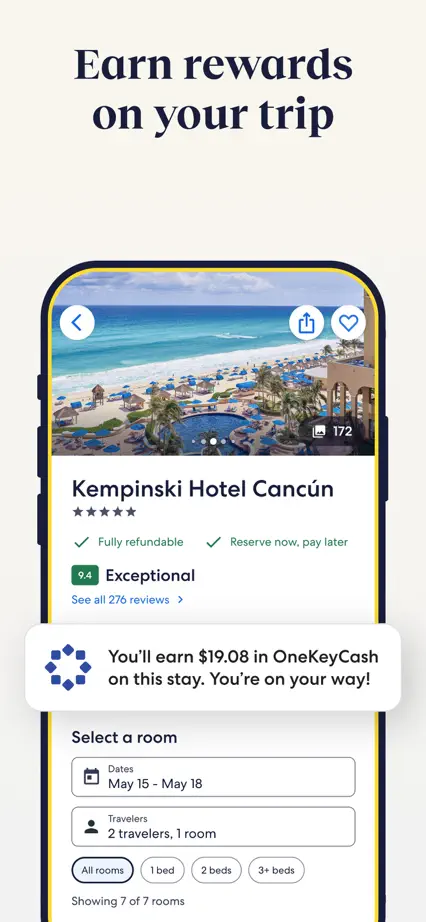
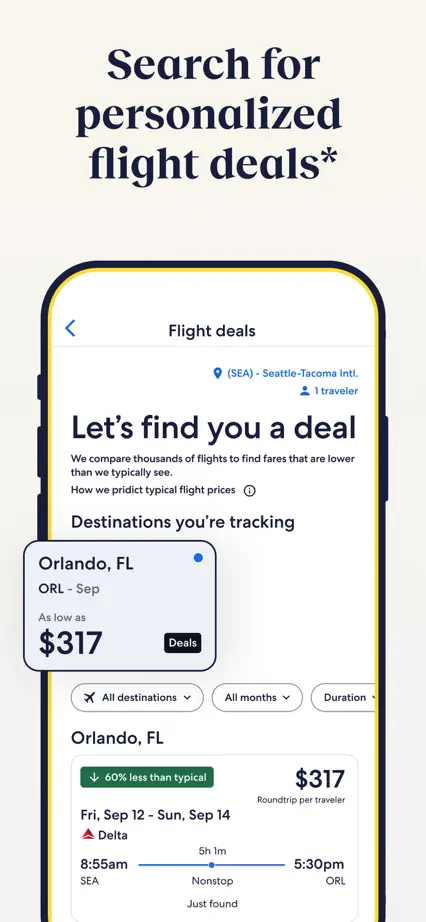
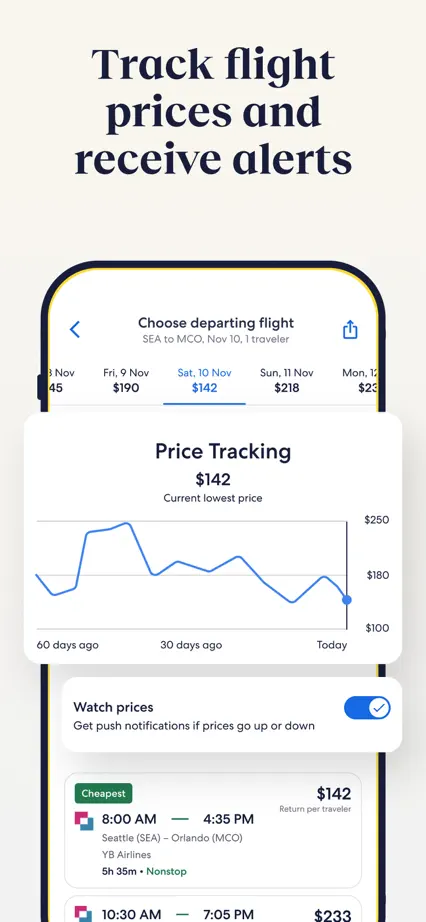
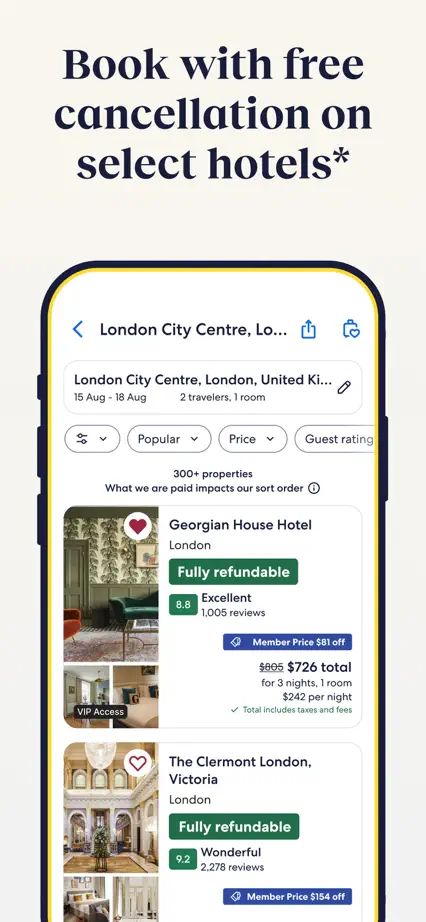
Navy serif headings and cream space soften a repeated device layout, while enlarged white cards highlight selected controls.
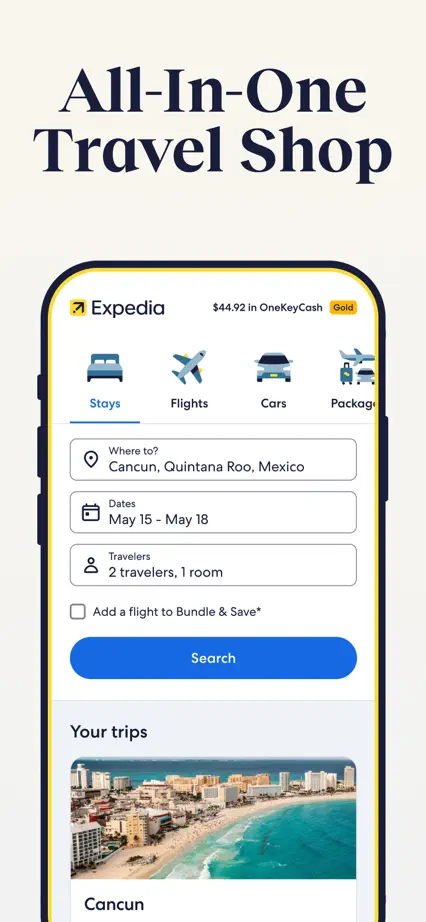
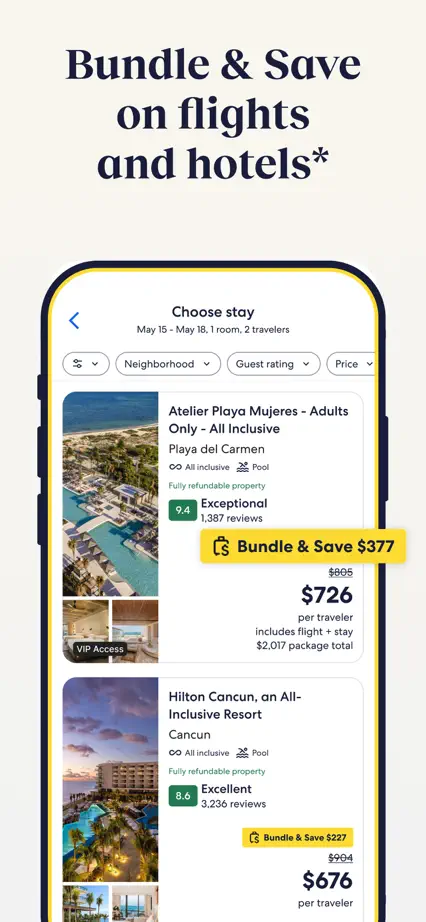
Expedia, App Store screenshot 1
Expedia, App Store screenshot 2
Expedia, App Store screenshot 3
Expedia, App Store screenshot 4
Expedia, App Store screenshot 5
Expedia, App Store screenshot 6
Expedia, App Store screenshot 7
Expedia, App Store screenshot 8

KAYAK

Travel · 6 frames

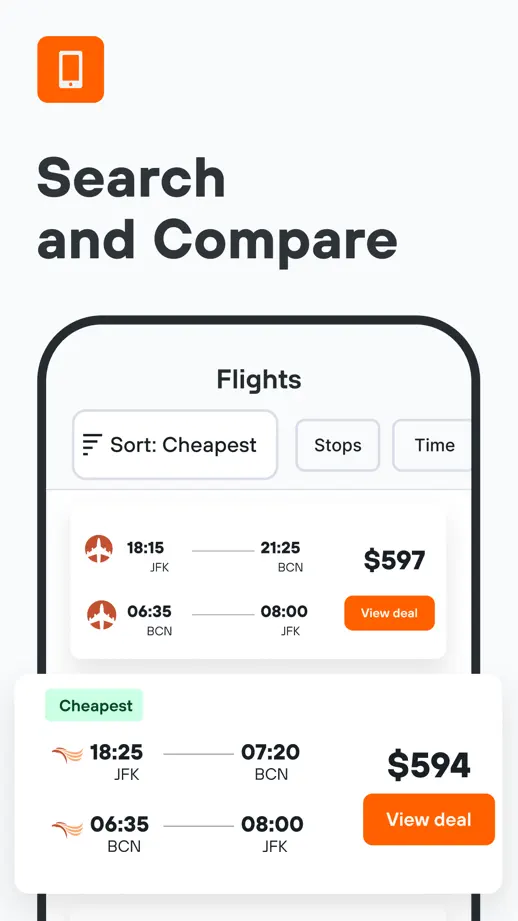
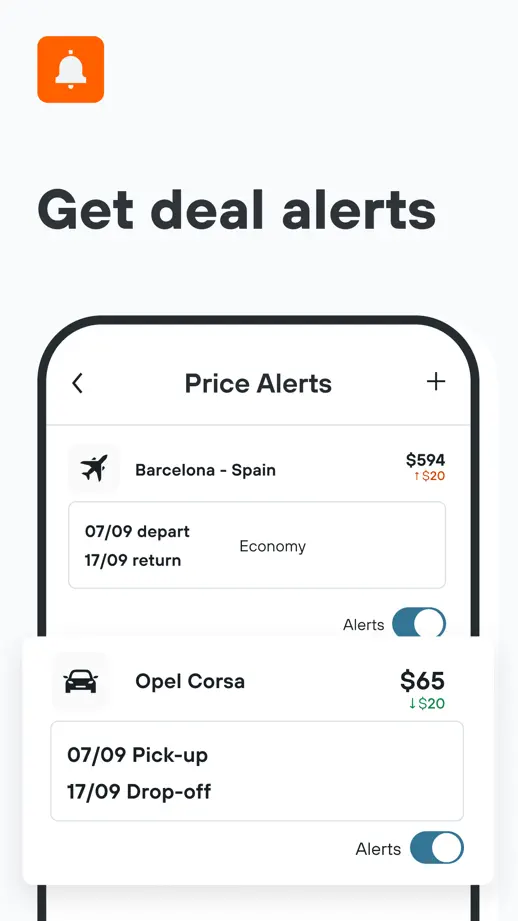
Small orange icons and bold headings anchor a simple white sequence, with selected interface cards pulled out of devices.
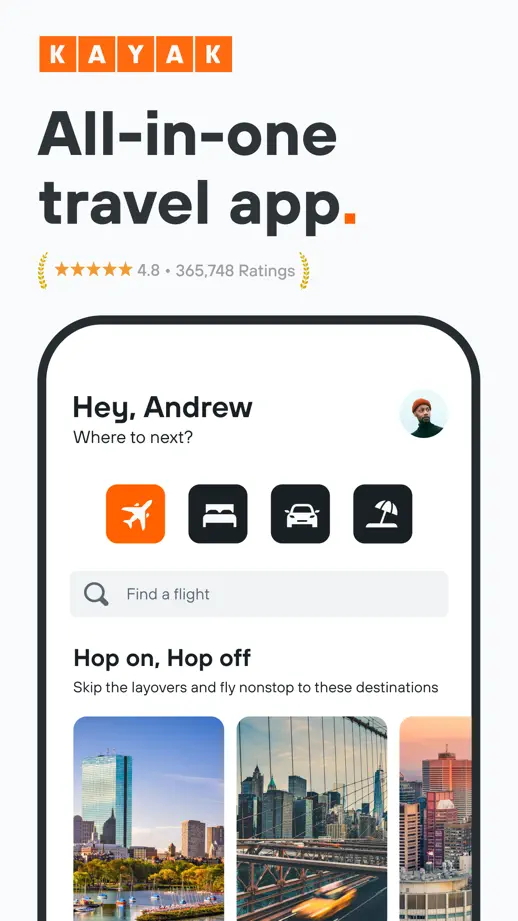
KAYAK, App Store screenshot 1
KAYAK, App Store screenshot 2
KAYAK, App Store screenshot 3
KAYAK, App Store screenshot 4
KAYAK, App Store screenshot 5
KAYAK, App Store screenshot 6

TripIt

Travel · 10 frames

An angled opening pair leads into smaller white devices on blue panels, with a recurring vertical rule beside each heading.

TripIt, App Store screenshot 1
TripIt, App Store screenshot 2
TripIt, App Store screenshot 3
TripIt, App Store screenshot 4
TripIt, App Store screenshot 5
TripIt, App Store screenshot 6
TripIt, App Store screenshot 7
TripIt, App Store screenshot 8
TripIt, App Store screenshot 9
TripIt, App Store screenshot 10

Omio

Travel · 7 frames

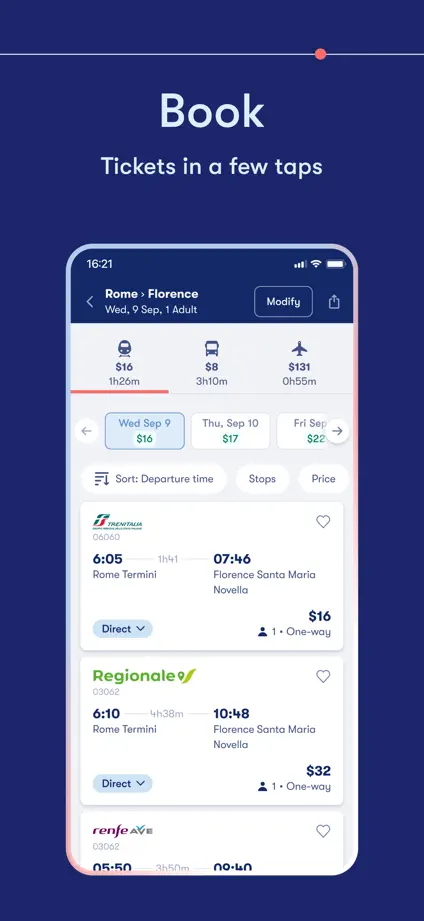
A thin route line links simple one-word headings, with destination photography bookending a dark blue device sequence.

Omio, App Store screenshot 1
Omio, App Store screenshot 2
Omio, App Store screenshot 3
Omio, App Store screenshot 4
Omio, App Store screenshot 5
Omio, App Store screenshot 6
Omio, App Store screenshot 7

GetYourGuide

Travel · 8 frames

Oversized opening type and travel photography lead into alternating orange and dark brown panels with large devices.

GetYourGuide, App Store screenshot 1
GetYourGuide, App Store screenshot 2
GetYourGuide, App Store screenshot 3
GetYourGuide, App Store screenshot 4
GetYourGuide, App Store screenshot 5
GetYourGuide, App Store screenshot 6
GetYourGuide, App Store screenshot 7
GetYourGuide, App Store screenshot 8

Rome2Rio

Travel · 6 frames

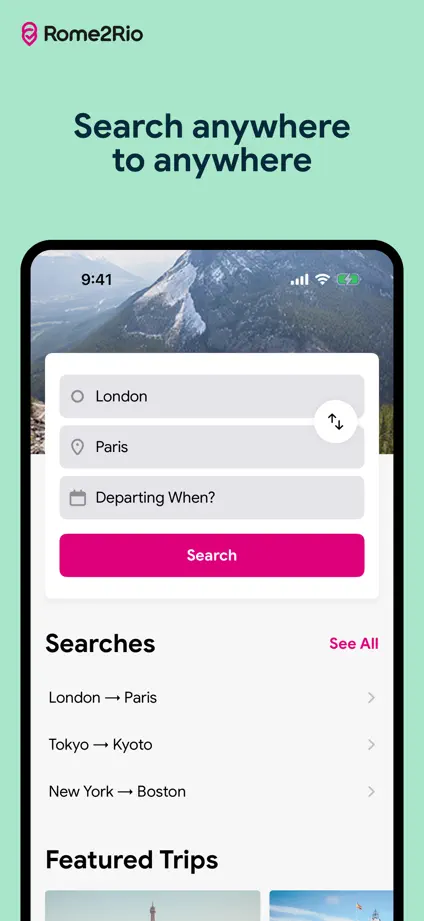
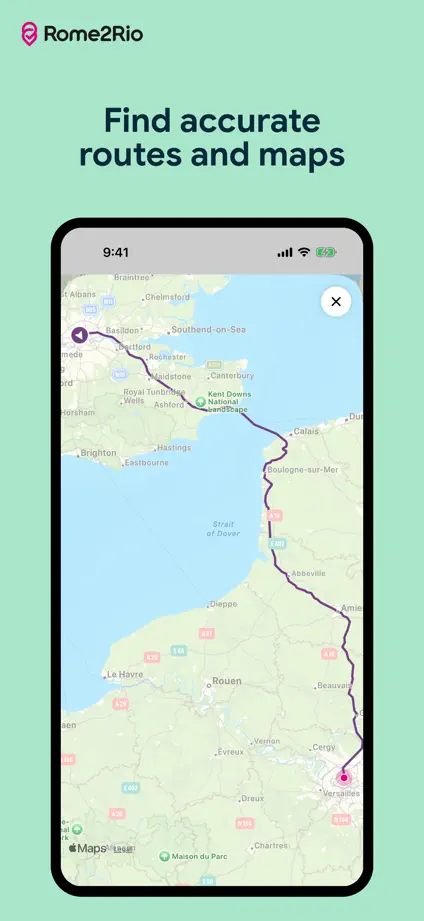
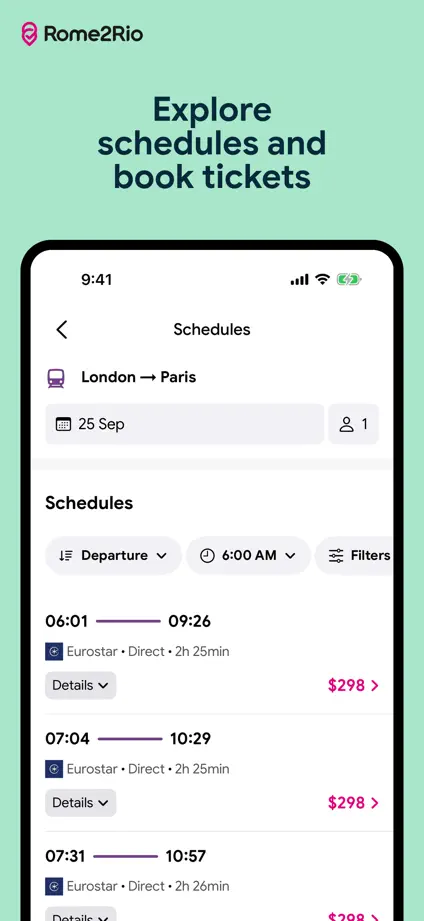
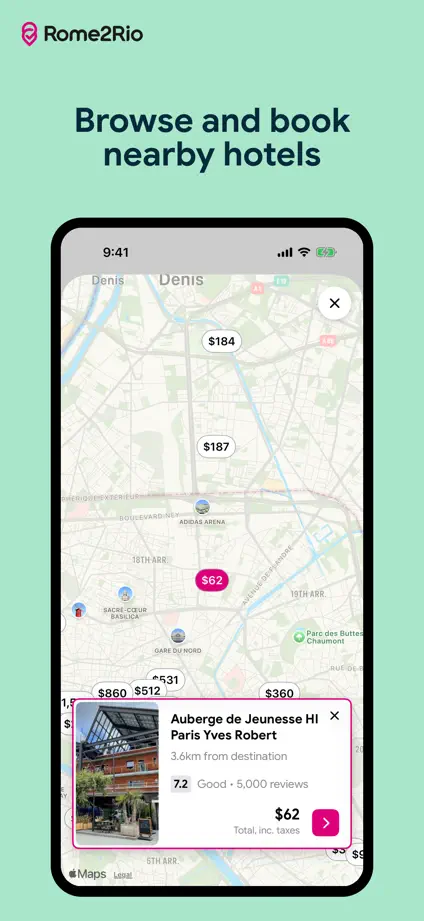
Mint backgrounds and small centered headings give maps and route lists a calm, consistent frame.
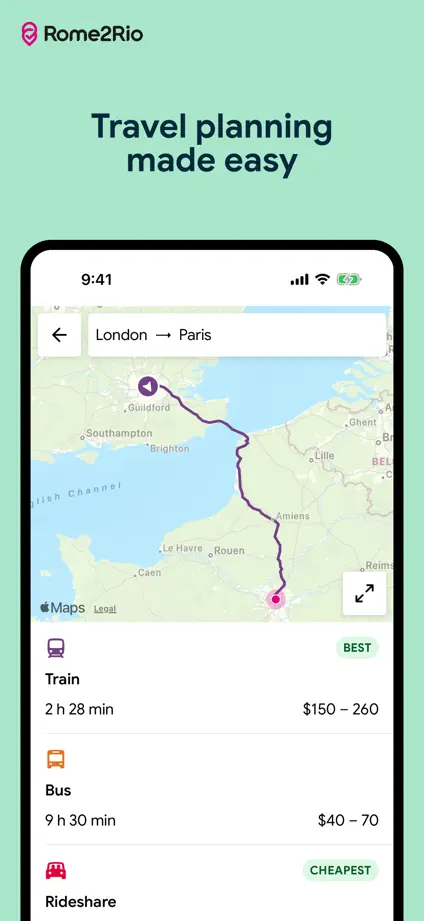
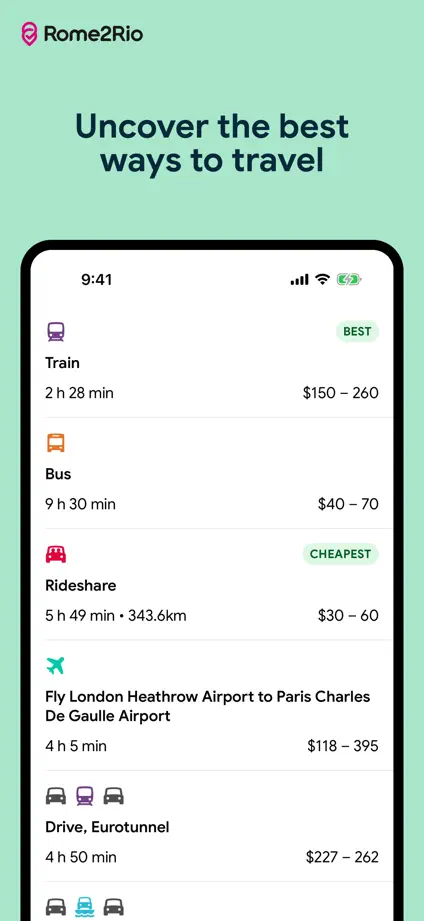
Rome2Rio, App Store screenshot 1
Rome2Rio, App Store screenshot 2
Rome2Rio, App Store screenshot 3
Rome2Rio, App Store screenshot 4
Rome2Rio, App Store screenshot 5
Rome2Rio, App Store screenshot 6

Klook

Travel · 6 frames

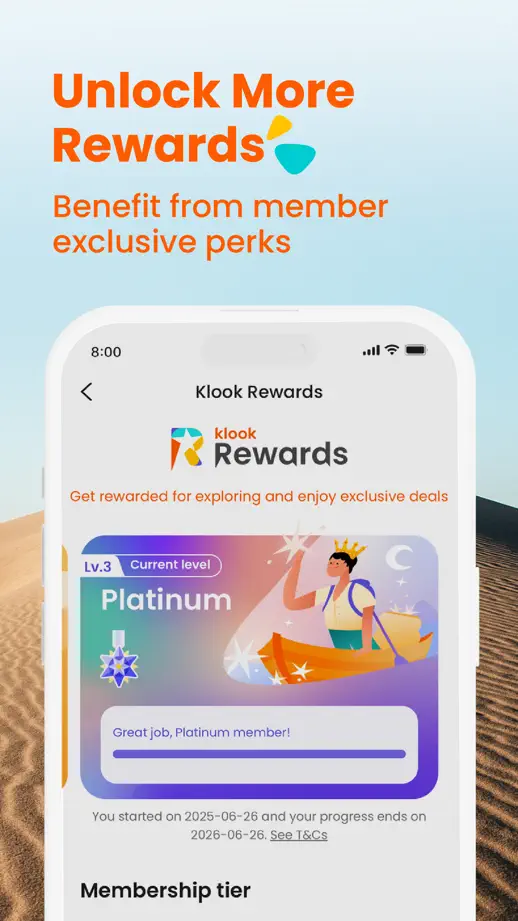
Orange headings stand over pale destination photographs, while floating cards bring booking and support details forward.

Klook, App Store screenshot 1
Klook, App Store screenshot 2
Klook, App Store screenshot 3
Klook, App Store screenshot 4
Klook, App Store screenshot 5
Klook, App Store screenshot 6

Culture Trip

Travel · 5 frames

Quiet green illustrations fill the margins around small devices, keeping the destination photography within the interface prominent.

Culture Trip, App Store screenshot 1
Culture Trip, App Store screenshot 2
Culture Trip, App Store screenshot 3
Culture Trip, App Store screenshot 4
Culture Trip, App Store screenshot 5

Spotify

Music · 8 frames

Pink panels with green borders provide a consistent frame for oversized dark devices, including a tilted opening podcast view.

Spotify, App Store screenshot 1
Spotify, App Store screenshot 2
Spotify, App Store screenshot 3
Spotify, App Store screenshot 4
Spotify, App Store screenshot 5
Spotify, App Store screenshot 6
Spotify, App Store screenshot 7
Spotify, App Store screenshot 8

Add to collection

New collection