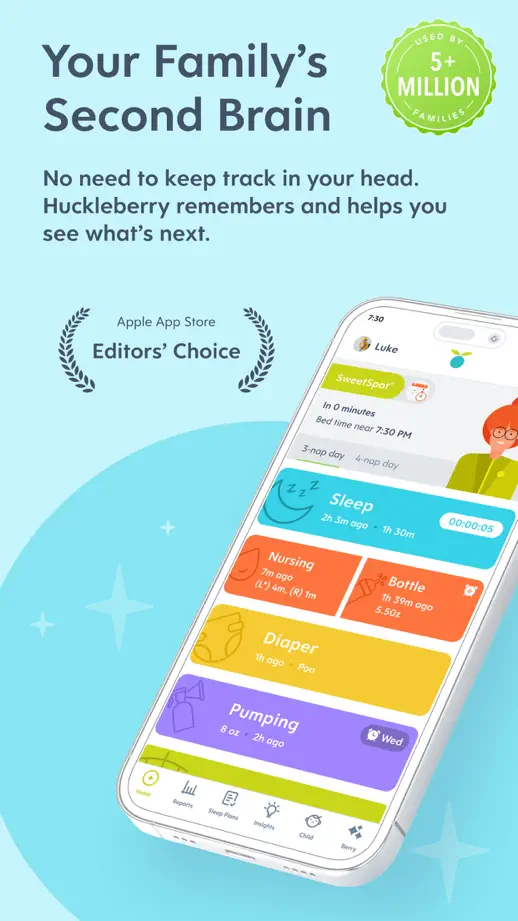
App Store screenshots using device mockups
92 listings that use device mockups, from StockX, H&M and Shop. Most are education, travel and sports apps.





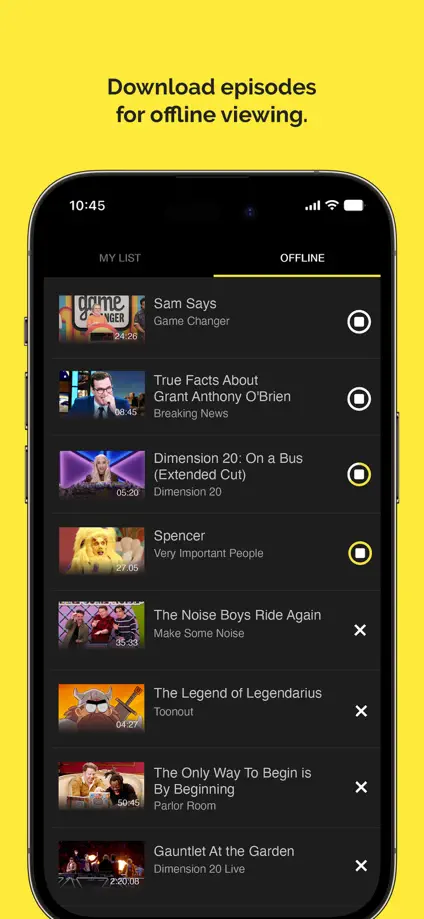
Yellow highlights connect headings, selected interface controls and the closing brand panel on a dark background.


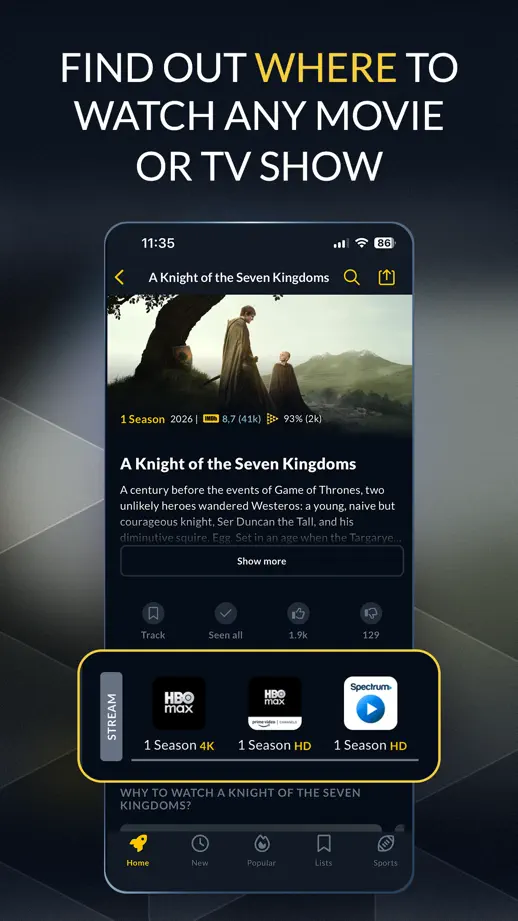


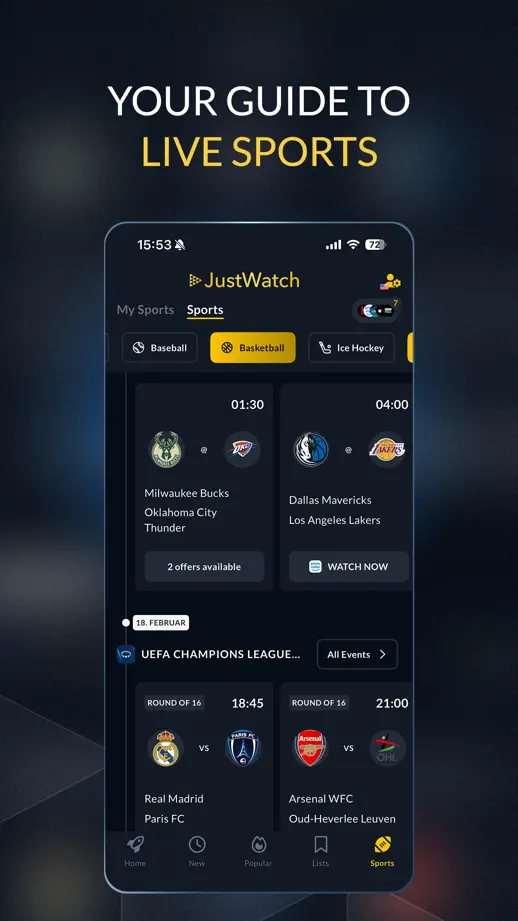


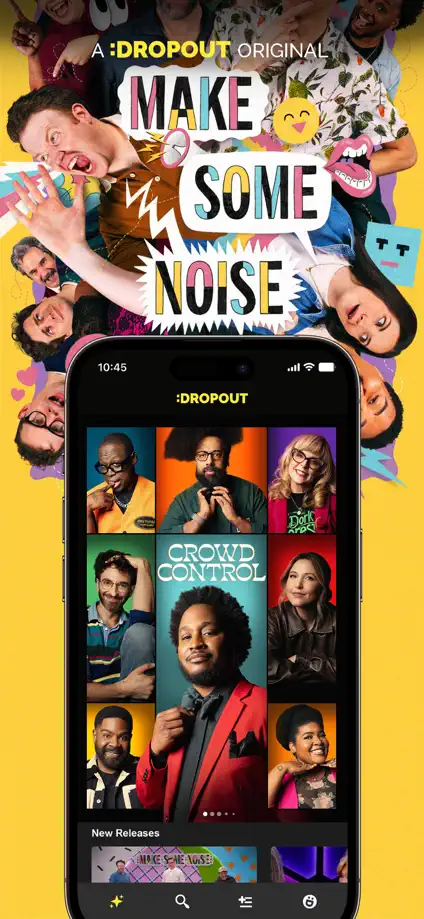
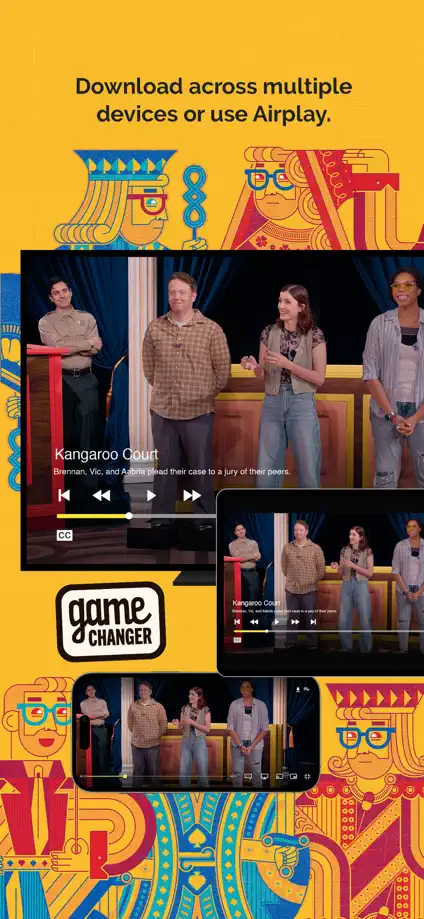
Large program artwork alternates with yellow feature panels and a black lock-screen example, ending in a full content collage.





Neutral and navy panels alternate interface examples with reader portraits, ending in a simple brand silhouette.
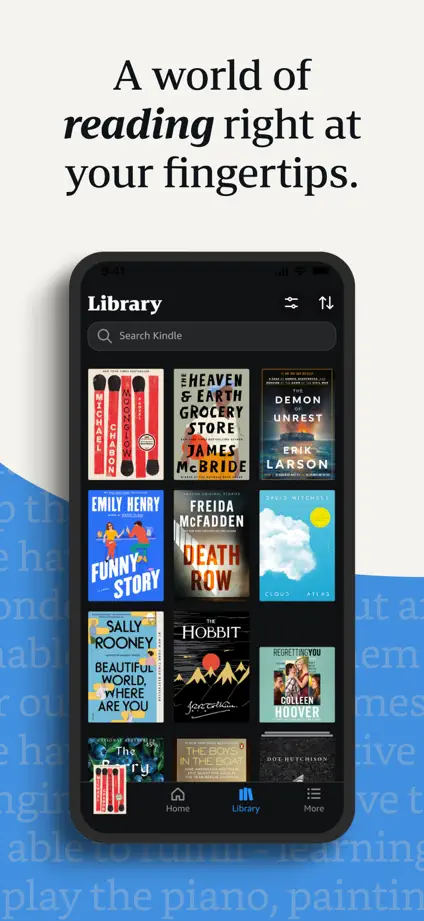
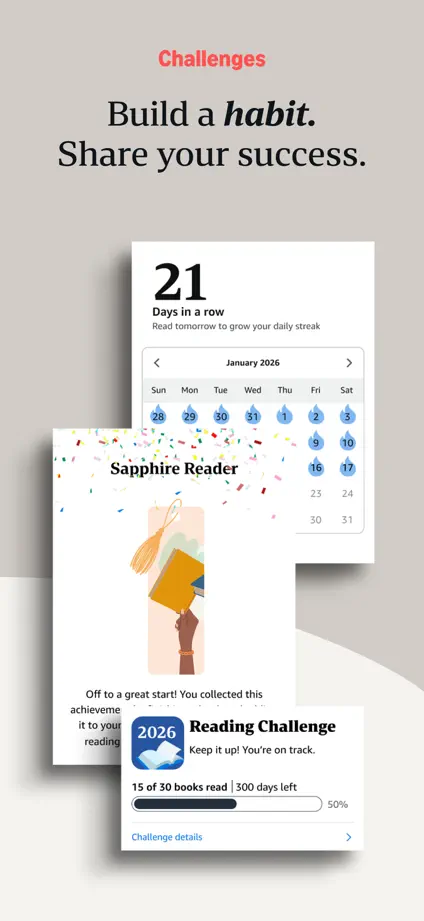
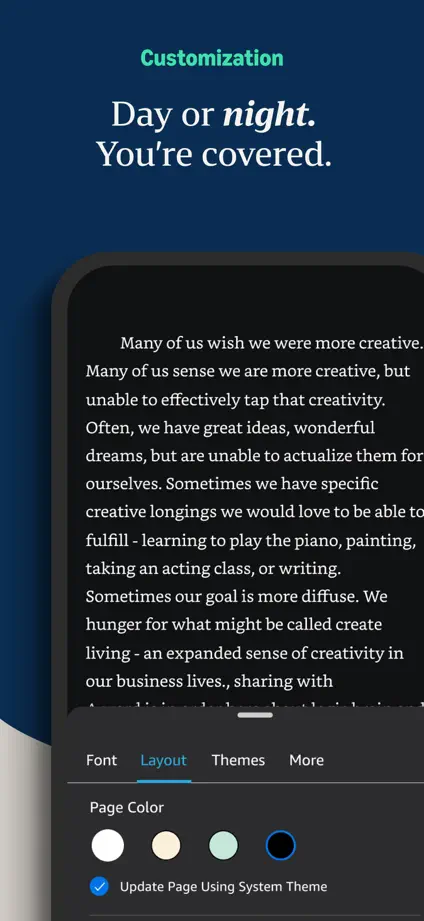

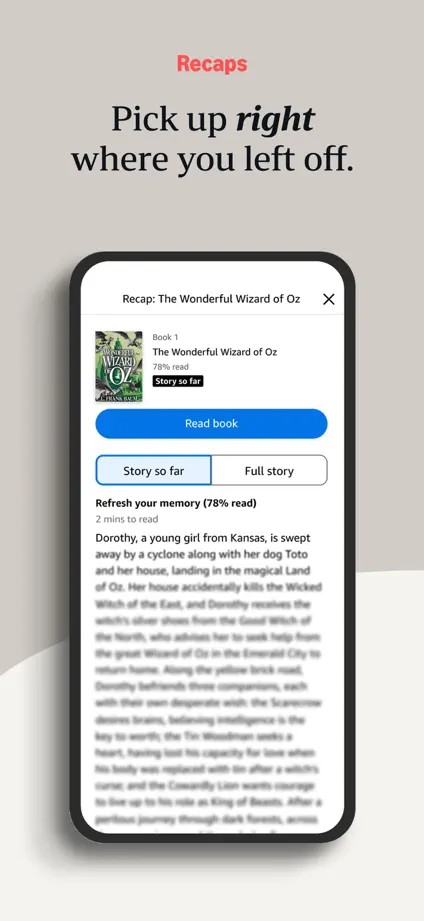
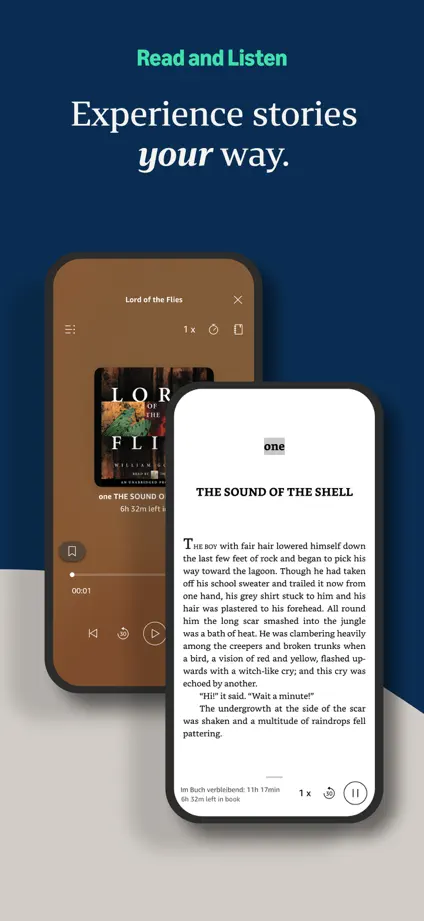





Blue panels repeat a white device silhouette, moving from book covers and interface examples to closing quotation cards.


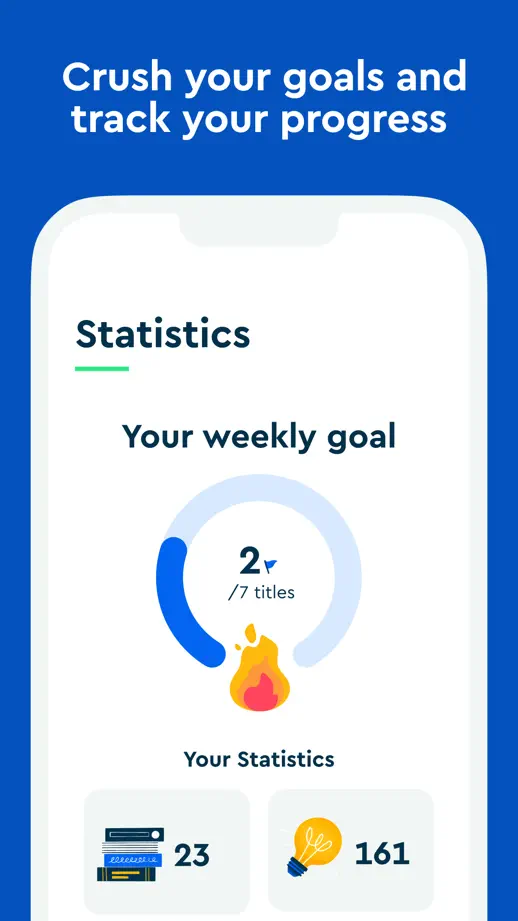


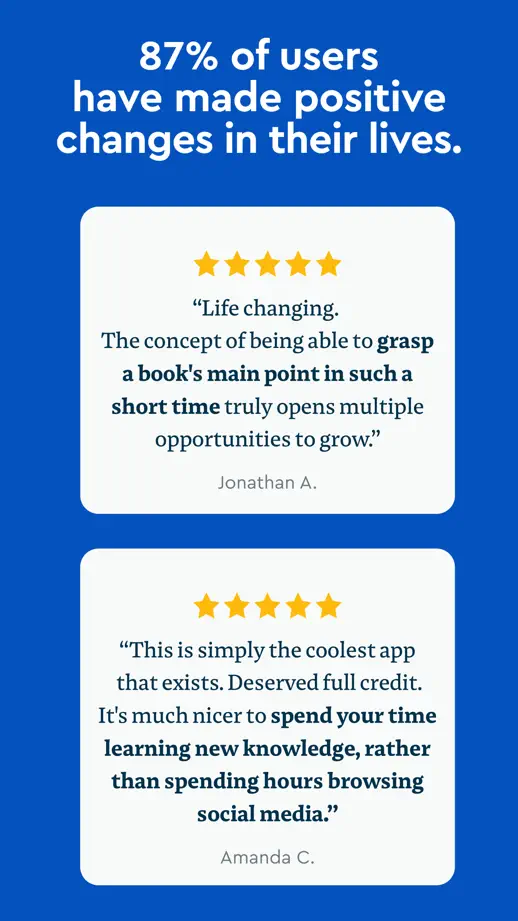


Orange and dark panels alternate close-up portraits, cover artwork and large devices, creating a varied editorial rhythm.


Large devices sit tightly below compact headings, alternating pale and dark panels to show both interface themes.

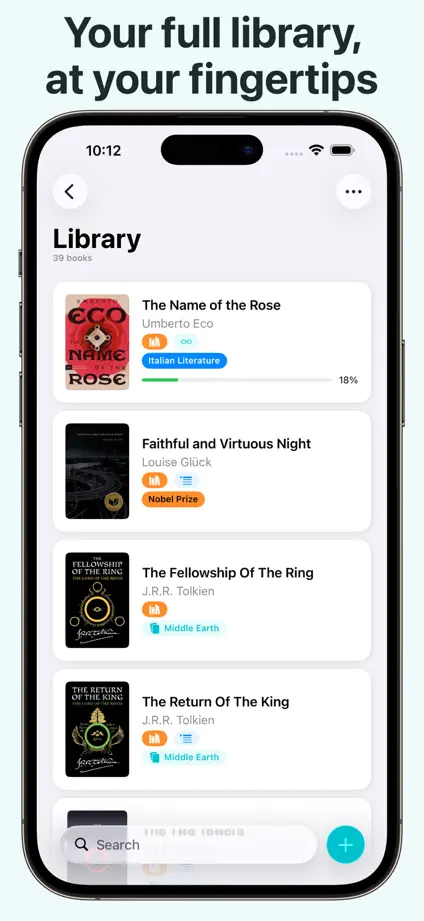


Four blue panels maintain a consistent headline and device position, with selected controls pulled forward for emphasis.


Short serif headings and generous gray margins create a quiet, consistent frame around white and dark devices.


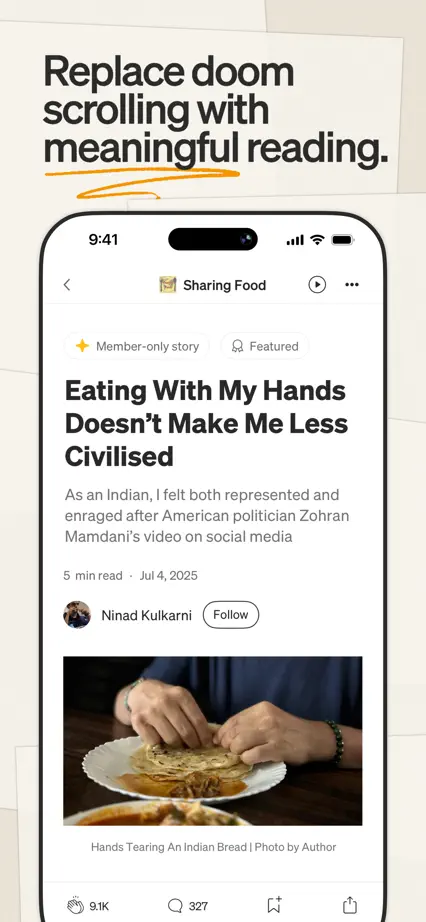
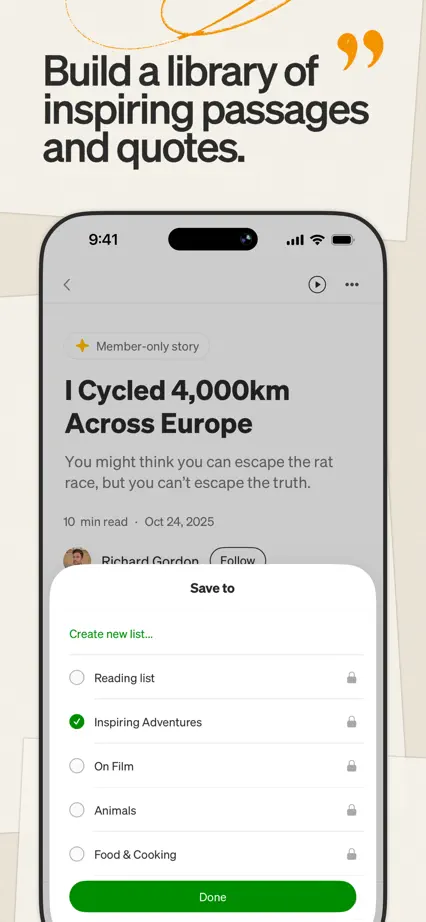
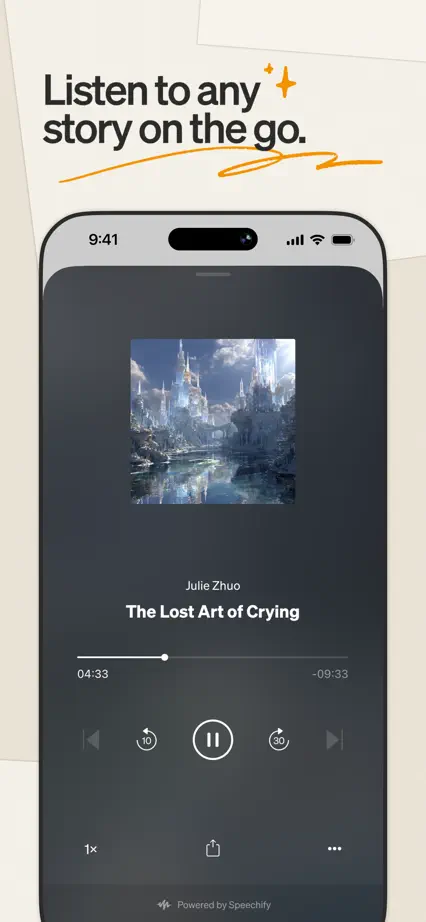
Paper-like backgrounds and loose yellow annotations give a repeating device layout an editorial character.
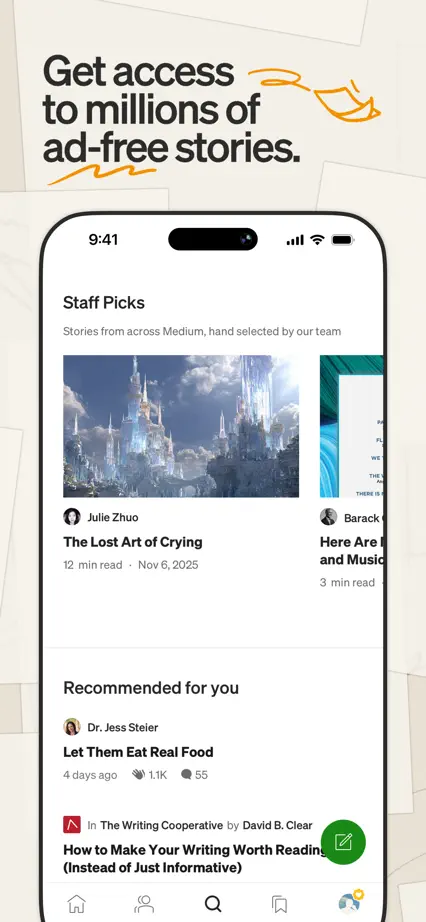
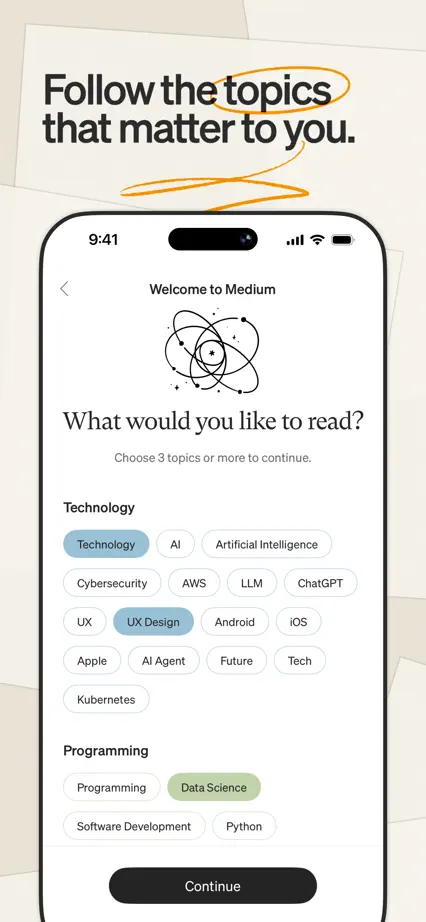
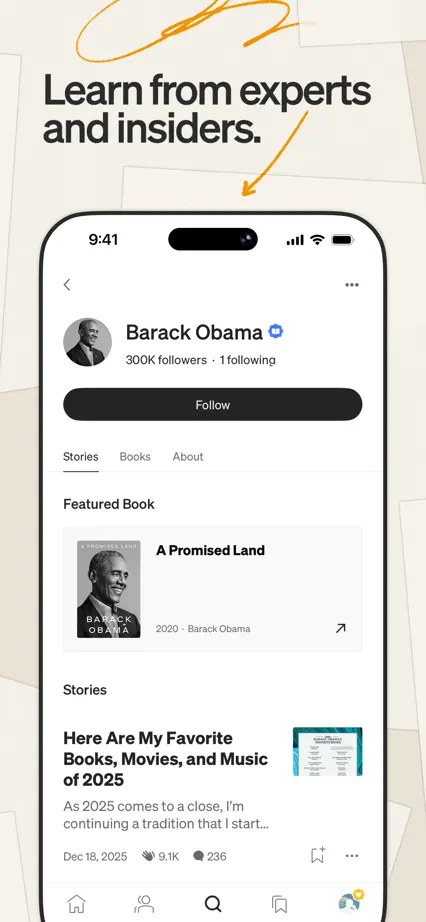
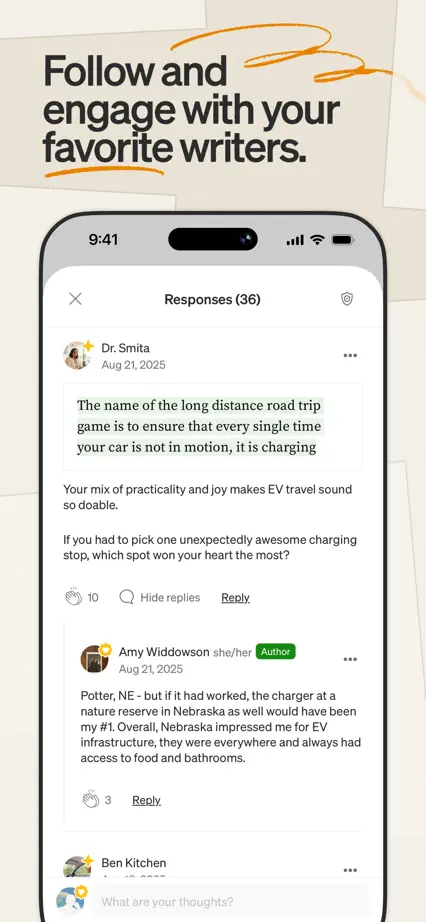

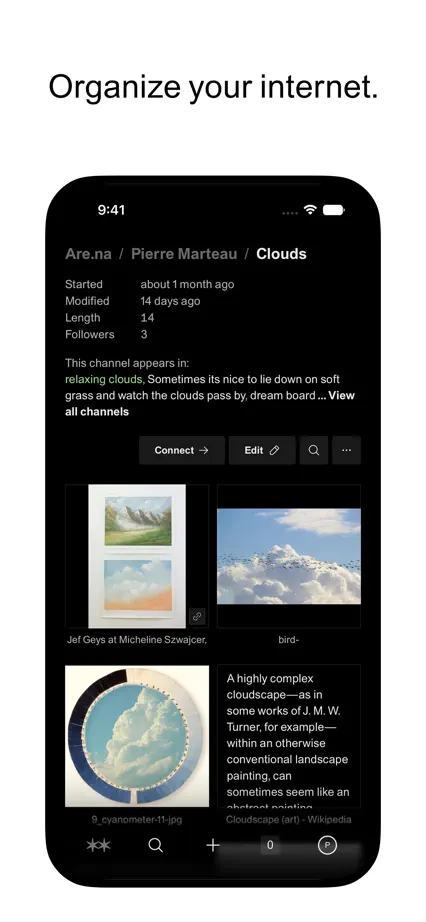
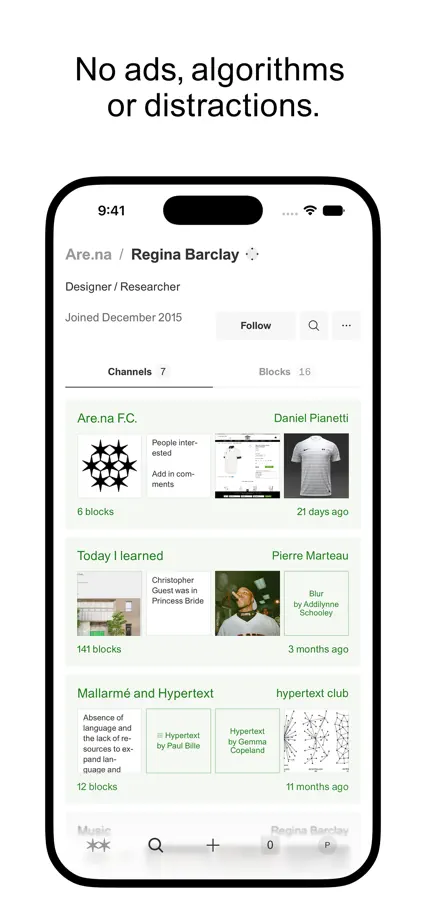
Wide white margins and small centered captions leave alternating light and dark devices as the main visual element.



An angled device spans the opening pair, followed by consistent turquoise panels and a darker closing section.




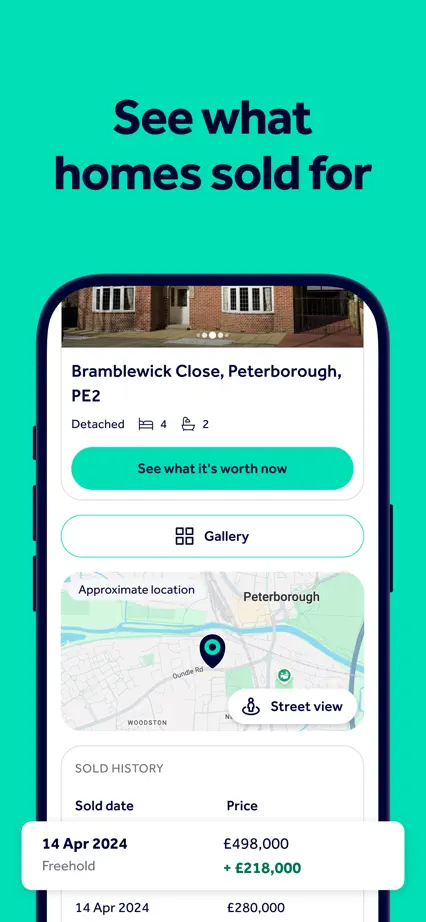

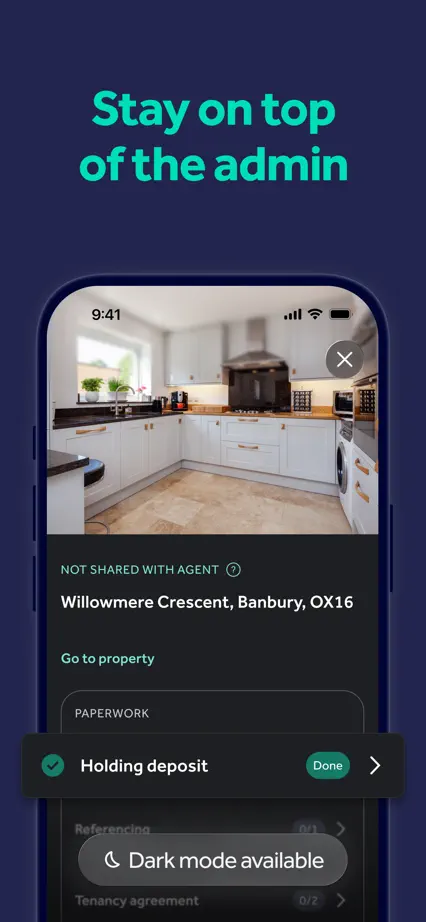

A pale blue sequence combines angled devices, small illustrations and enlarged tracking details, with distinct spacing around each feature.