kit0

Photo & video App Store screenshots

25 complete App Store screenshot sets from photo & video apps, including (Not Boring) Camera, 1 Second Everyday and Afterlight. The most common techniques here are photography, repeated layout and interface close-ups.

25 appsShow all

Mojo

Photo & video · 10 frames

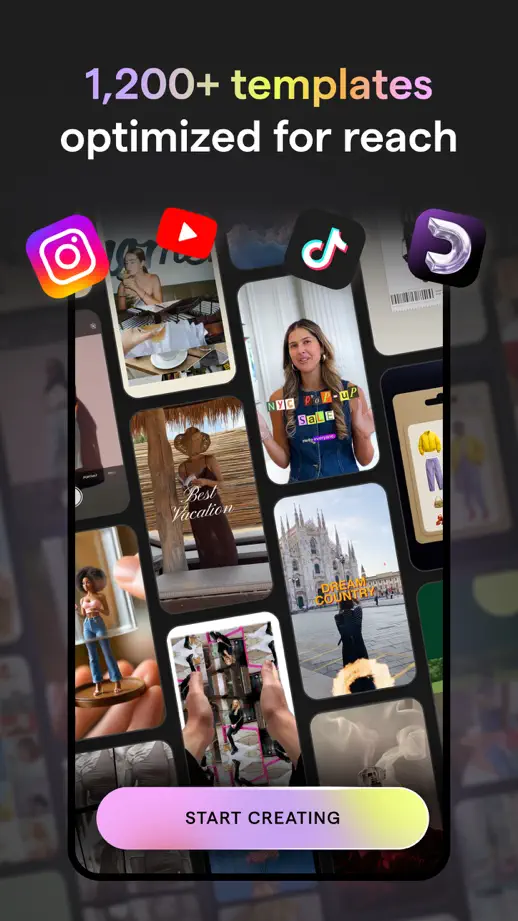
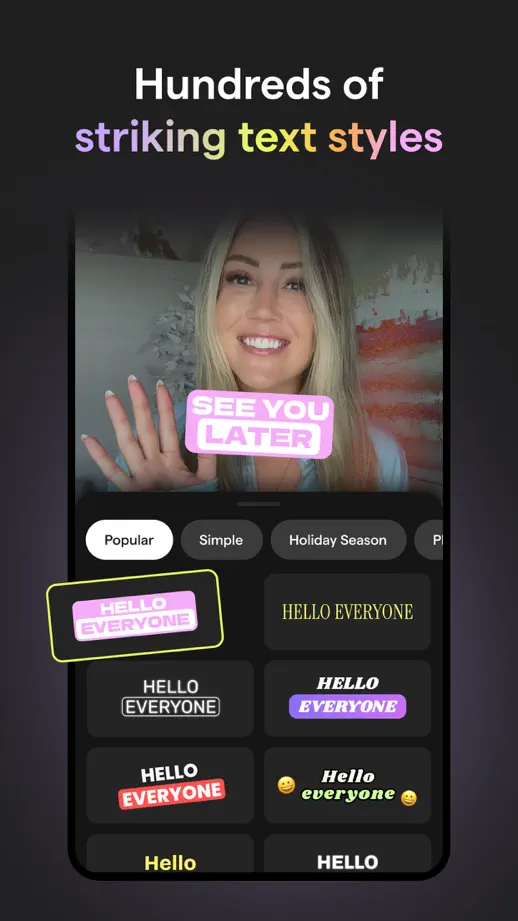
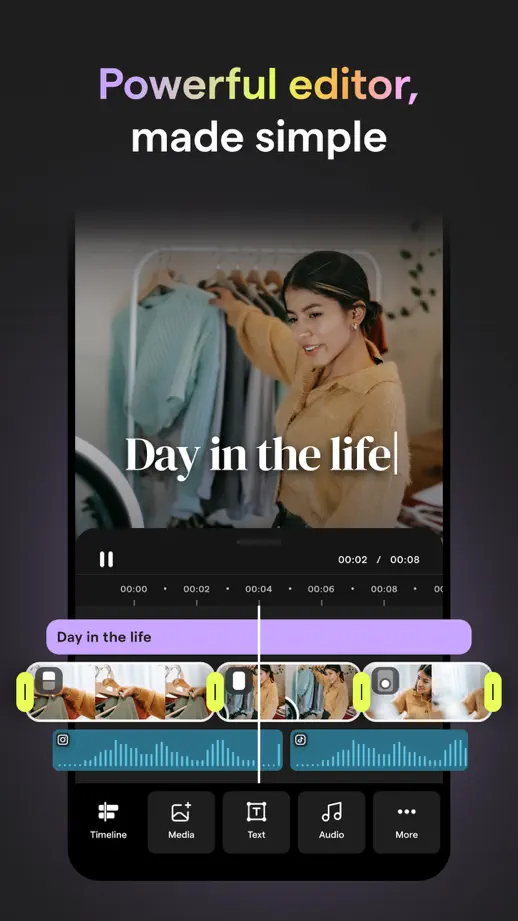
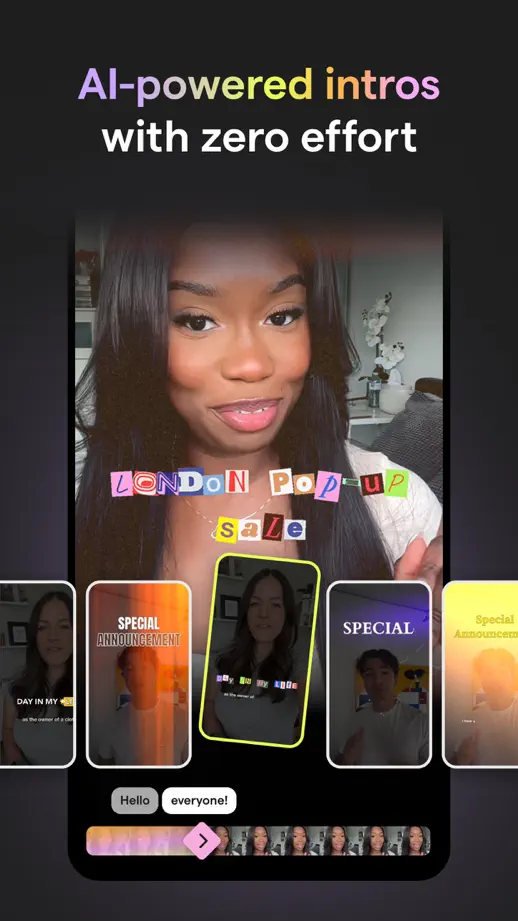
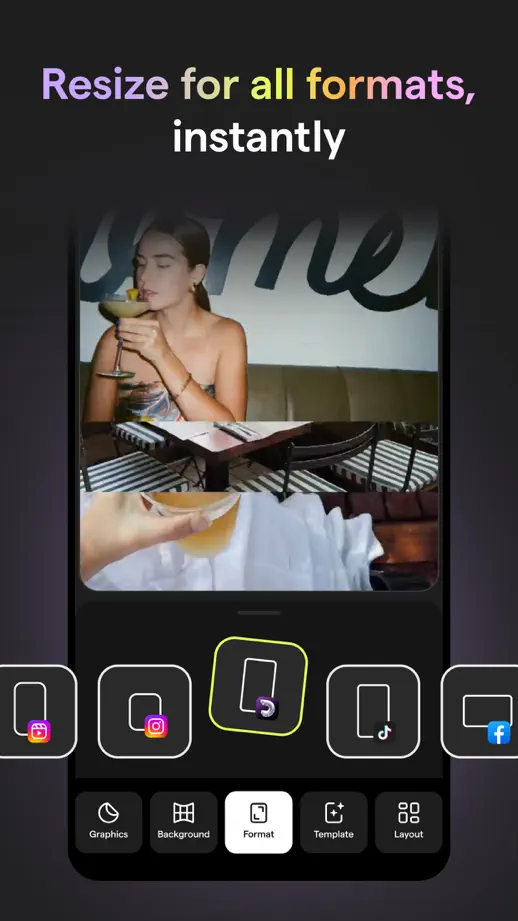
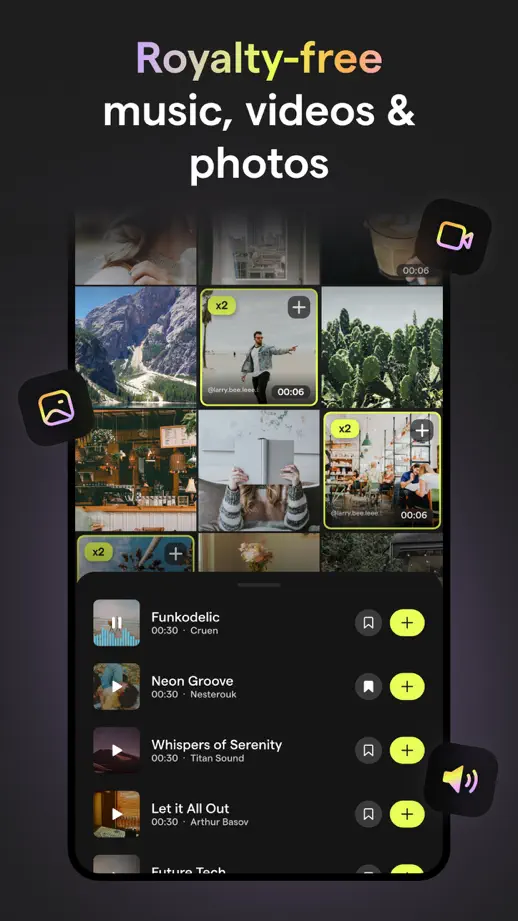
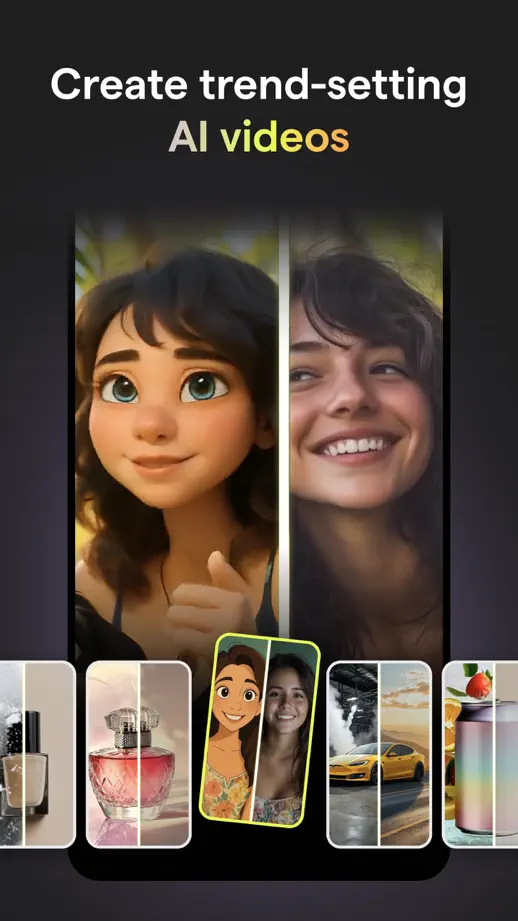
Charcoal frames with two-tone headlines hold full-bleed video portraits, while carousels of clips and templates spill beyond the phone edges.
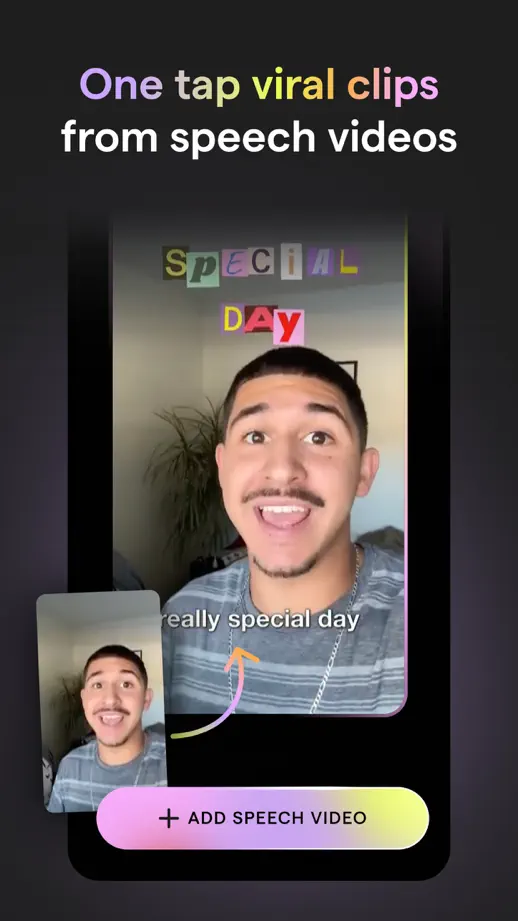
Mojo, App Store screenshot 1
Mojo, App Store screenshot 2
Mojo, App Store screenshot 3
Mojo, App Store screenshot 4
Mojo, App Store screenshot 5
Mojo, App Store screenshot 6
Mojo, App Store screenshot 7
Mojo, App Store screenshot 8
Mojo, App Store screenshot 9
Mojo, App Store screenshot 10

Obscura

Photo & video · 10 frames

Black frames repeat a large phone with the photograph as the whole screen, and a spaced uppercase label and caption below.

Obscura, App Store screenshot 1
Obscura, App Store screenshot 2
Obscura, App Store screenshot 3
Obscura, App Store screenshot 4
Obscura, App Store screenshot 5
Obscura, App Store screenshot 6
Obscura, App Store screenshot 7
Obscura, App Store screenshot 8
Obscura, App Store screenshot 9
Obscura, App Store screenshot 10

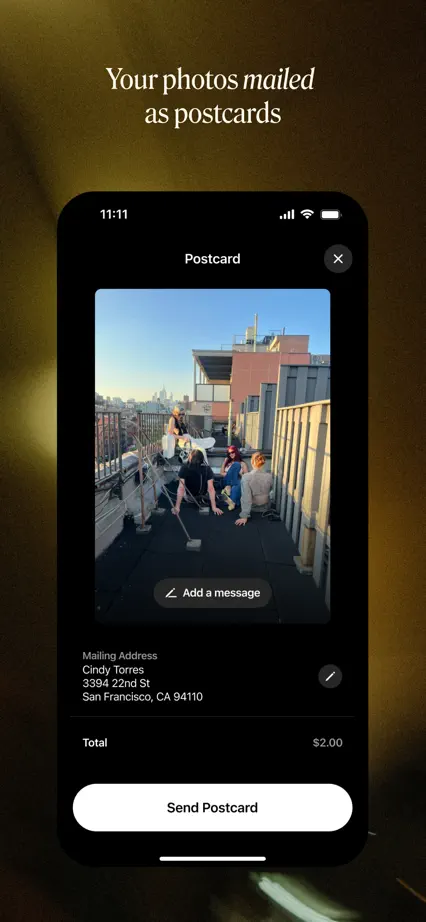
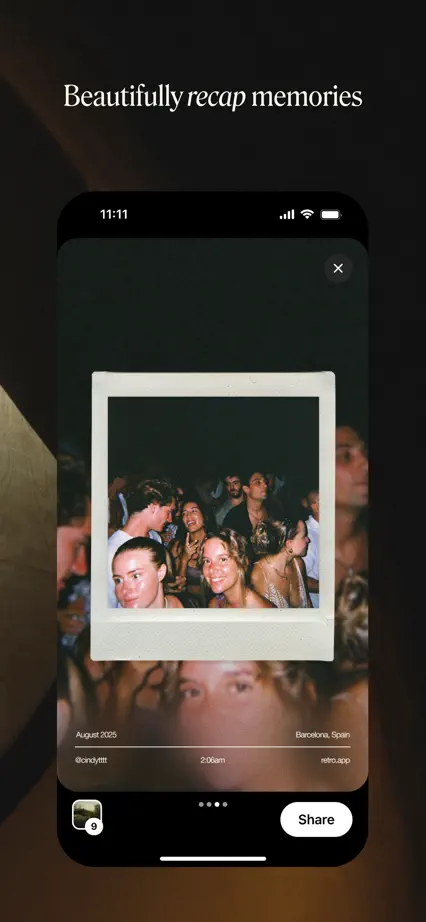
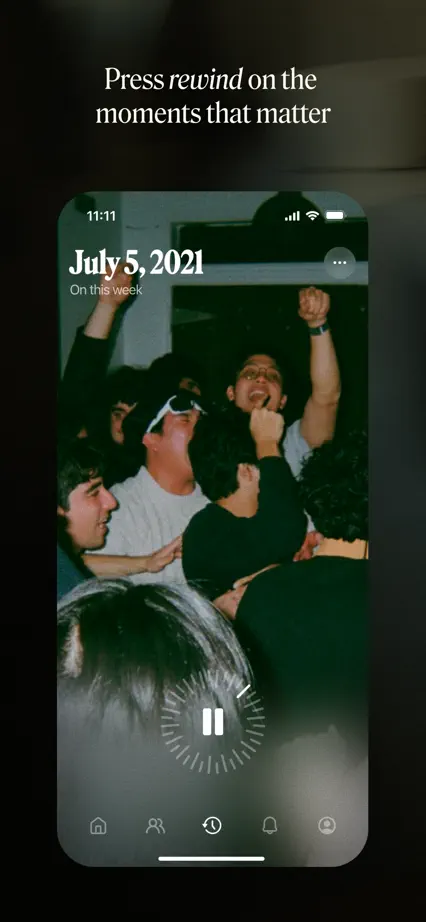
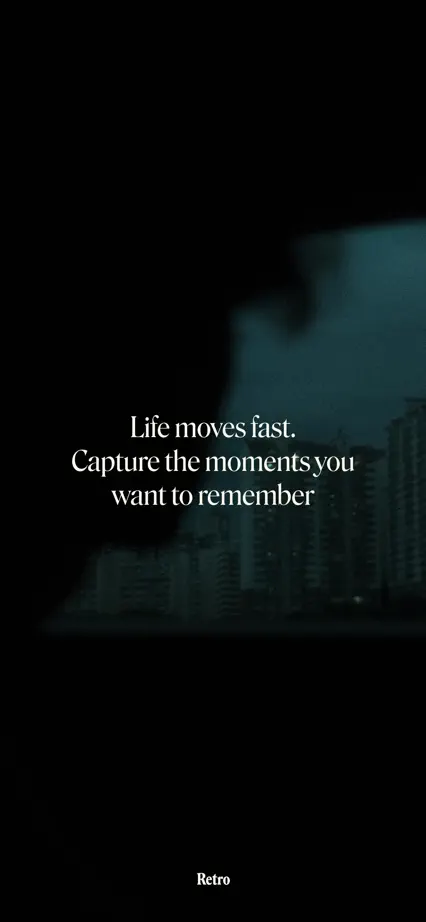
Retro

Photo & video · 6 frames

Italic serif captions sit over blurred warm photo backgrounds, and the sequence closes on a near-black frame with a quiet typographic line.
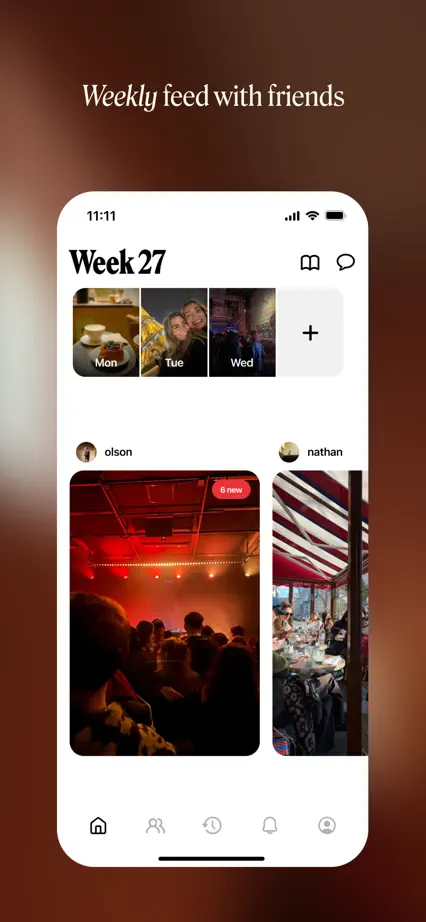
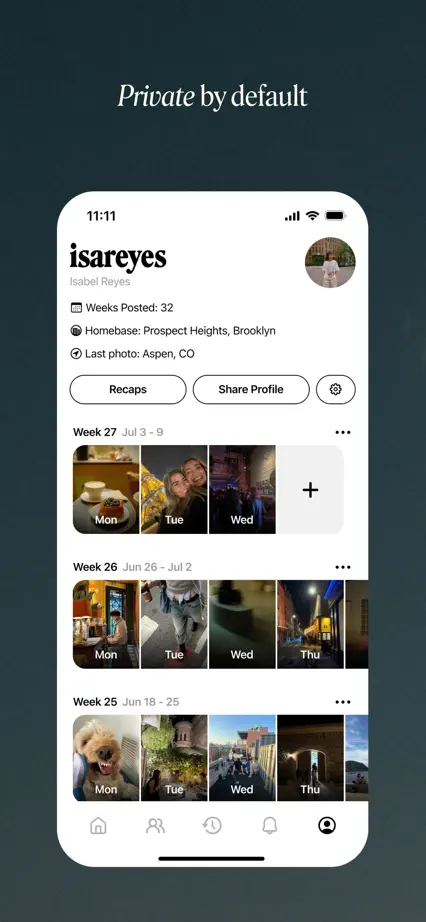
Retro, App Store screenshot 1
Retro, App Store screenshot 2
Retro, App Store screenshot 3
Retro, App Store screenshot 4
Retro, App Store screenshot 5
Retro, App Store screenshot 6

Spectre Camera

Photo & video · 7 frames

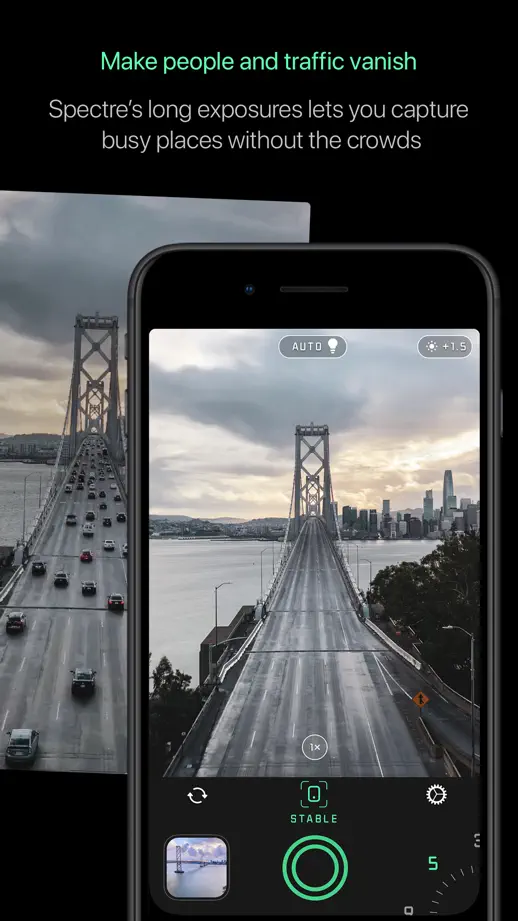
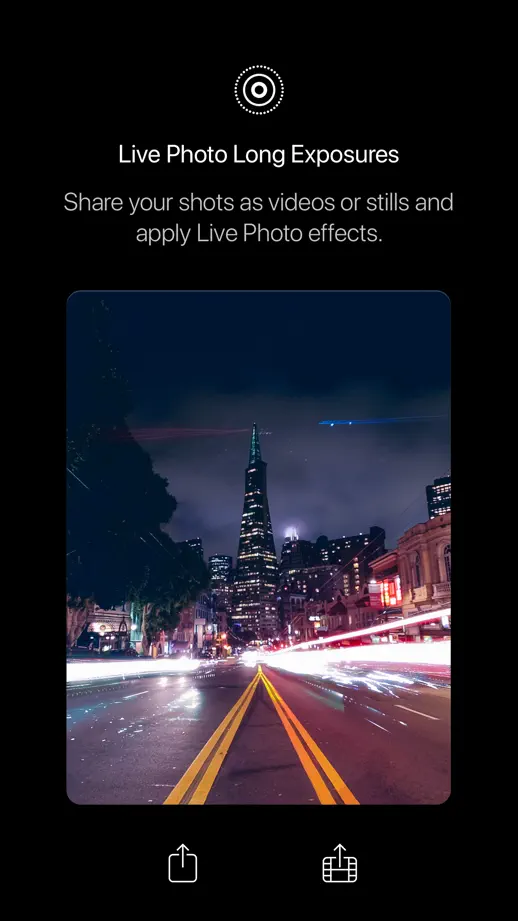
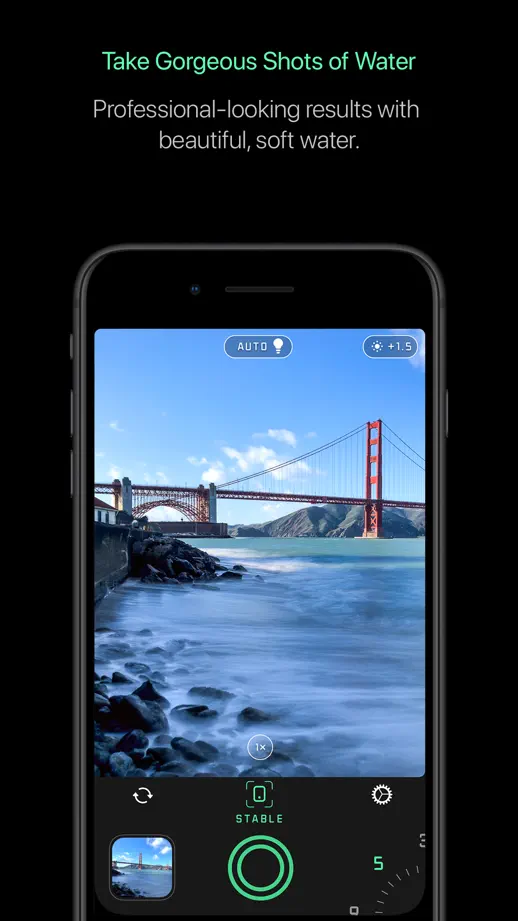
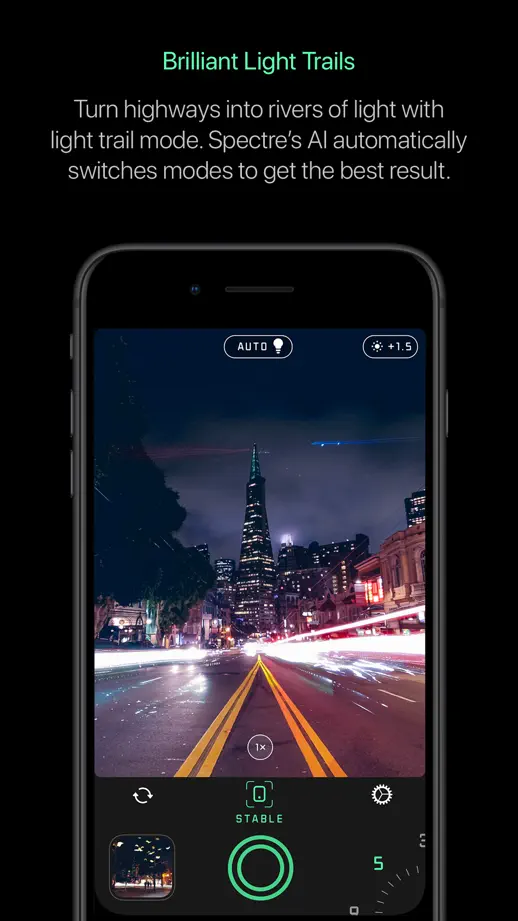
Black frames with small green headings present long-exposure photographs inside older phones, closing on a sparse grid of technology icons.
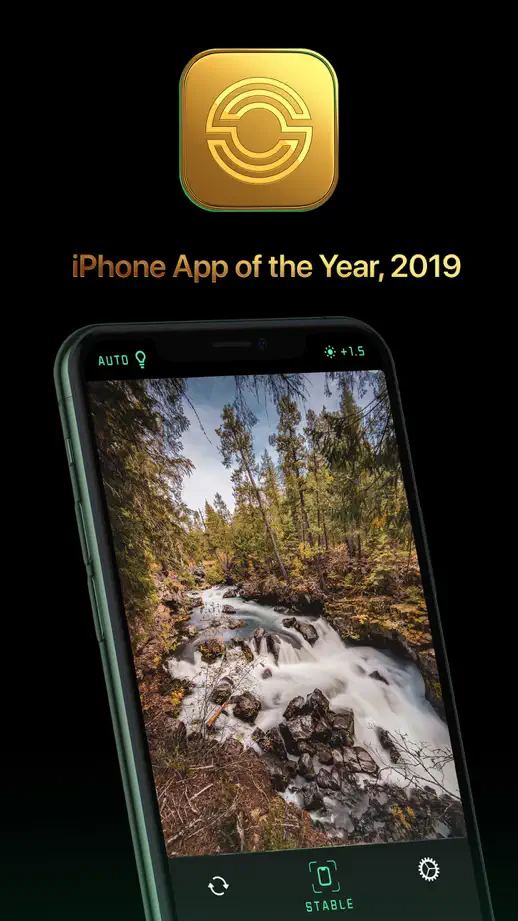
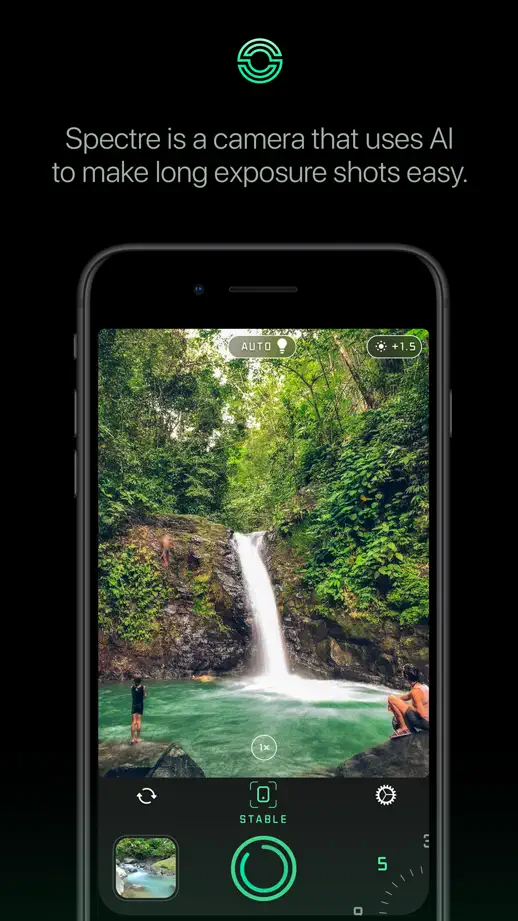
Spectre Camera, App Store screenshot 1
Spectre Camera, App Store screenshot 2
Spectre Camera, App Store screenshot 3
Spectre Camera, App Store screenshot 4
Spectre Camera, App Store screenshot 5
Spectre Camera, App Store screenshot 6
Spectre Camera, App Store screenshot 7

Unfold

Photo & video · 8 frames

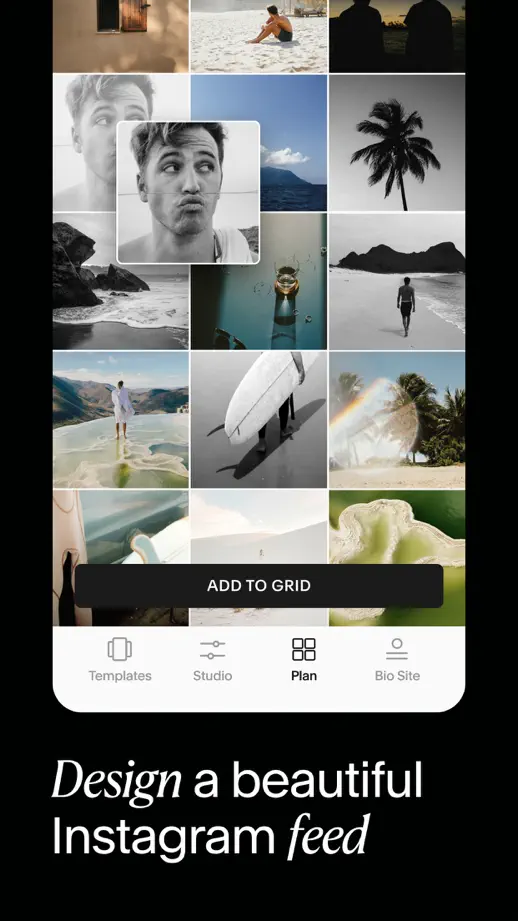
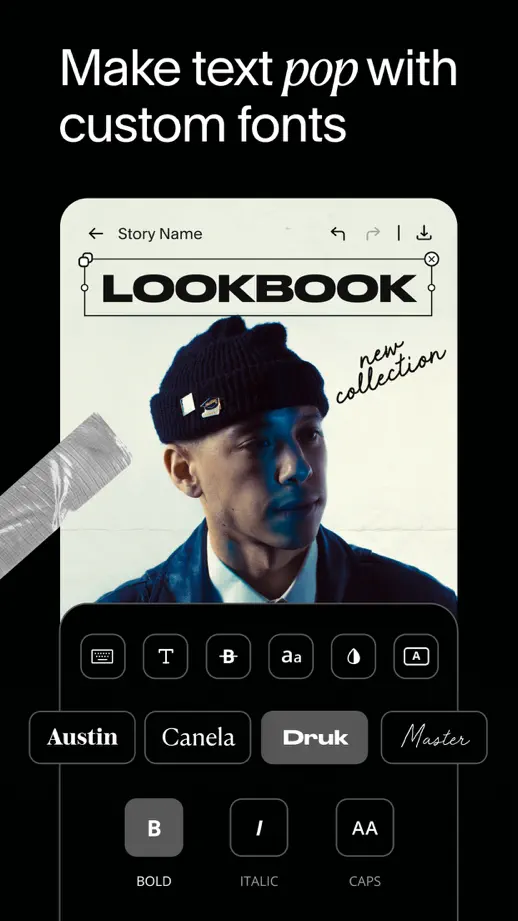
Black frames mix serif italic accents into sans headlines, alternating full phones with bleeding photo grids, template strips and social icons.

Unfold, App Store screenshot 1
Unfold, App Store screenshot 2
Unfold, App Store screenshot 3
Unfold, App Store screenshot 4
Unfold, App Store screenshot 5
Unfold, App Store screenshot 6
Unfold, App Store screenshot 7
Unfold, App Store screenshot 8

Lightroom

Photo & video · 10 frames

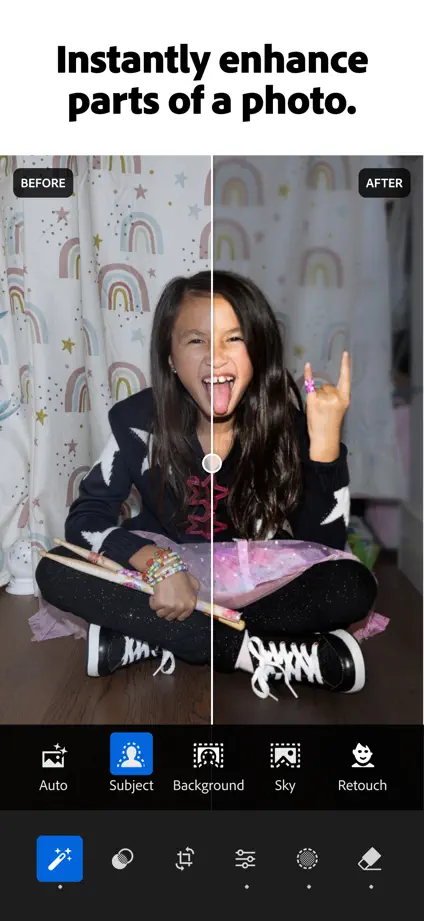
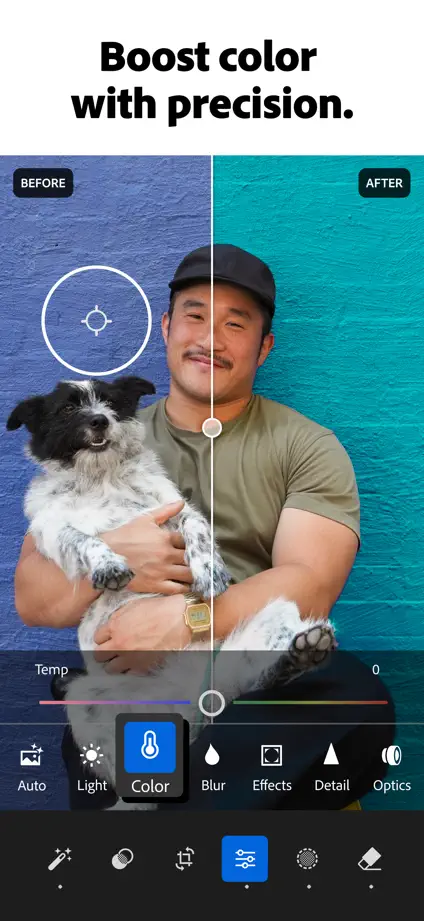
Full-height photographs and before-and-after treatments place the result above compact editing controls, with a consistent white headline strip.

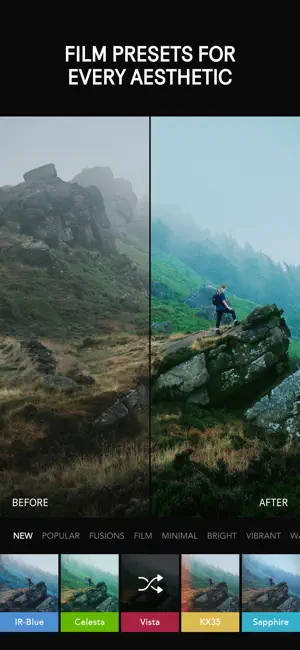
Lightroom, App Store screenshot 1
Lightroom, App Store screenshot 2
Lightroom, App Store screenshot 3
Lightroom, App Store screenshot 4
Lightroom, App Store screenshot 5
Lightroom, App Store screenshot 6
Lightroom, App Store screenshot 7
Lightroom, App Store screenshot 8
Lightroom, App Store screenshot 9
Lightroom, App Store screenshot 10

Snapseed

Photo & video · 10 frames

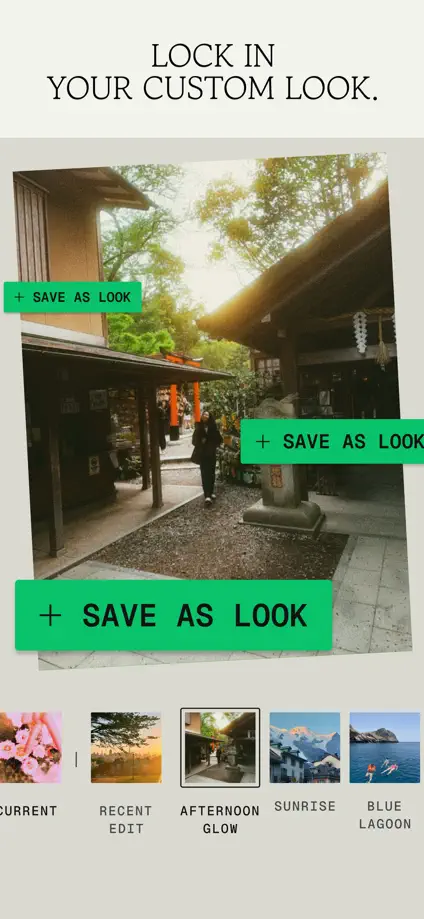
Serif headlines, sticker-like accents and layered photographs create an editorial collage around compact editing interfaces.

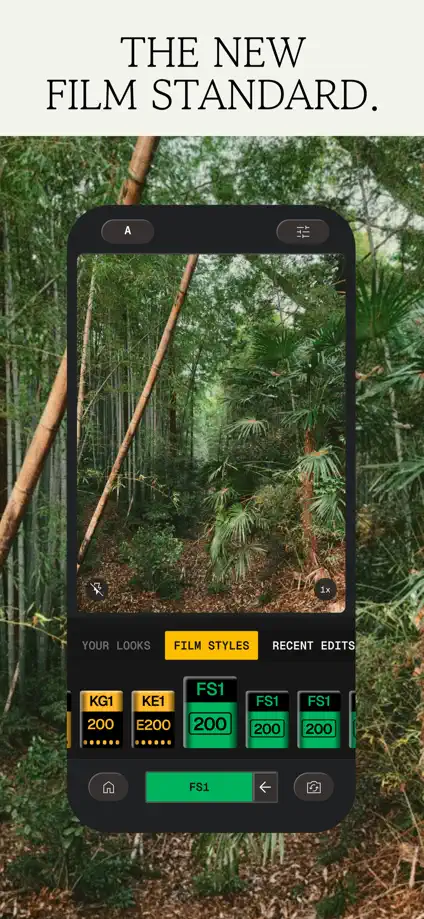
Snapseed, App Store screenshot 1
Snapseed, App Store screenshot 2
Snapseed, App Store screenshot 3
Snapseed, App Store screenshot 4
Snapseed, App Store screenshot 5
Snapseed, App Store screenshot 6
Snapseed, App Store screenshot 7
Snapseed, App Store screenshot 8
Snapseed, App Store screenshot 9
Snapseed, App Store screenshot 10

Photoleap

Photo & video · 10 frames

Large edited photographs fill each panel, with consistent short headings and a narrow strip of editing controls below.

Photoleap, App Store screenshot 1
Photoleap, App Store screenshot 2
Photoleap, App Store screenshot 3
Photoleap, App Store screenshot 4
Photoleap, App Store screenshot 5
Photoleap, App Store screenshot 6
Photoleap, App Store screenshot 7
Photoleap, App Store screenshot 8
Photoleap, App Store screenshot 9
Photoleap, App Store screenshot 10

Videoleap

Photo & video · 10 frames

Full-height video examples pair short white captions with visible timelines and controls, ending in a separate brand composition.
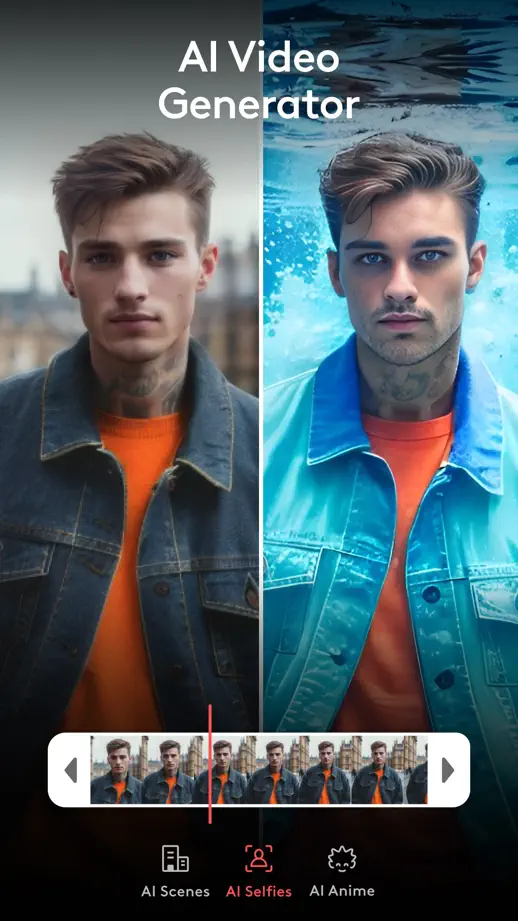
Videoleap, App Store screenshot 1
Videoleap, App Store screenshot 2
Videoleap, App Store screenshot 3
Videoleap, App Store screenshot 4
Videoleap, App Store screenshot 5
Videoleap, App Store screenshot 6
Videoleap, App Store screenshot 7
Videoleap, App Store screenshot 8
Videoleap, App Store screenshot 9
Videoleap, App Store screenshot 10

InShot

Photo & video · 10 frames

Dark panels keep a steady heading position while varied photographs, timelines and enlarged editing results show distinct treatments.

InShot, App Store screenshot 1
InShot, App Store screenshot 2
InShot, App Store screenshot 3
InShot, App Store screenshot 4
InShot, App Store screenshot 5
InShot, App Store screenshot 6
InShot, App Store screenshot 7
InShot, App Store screenshot 8
InShot, App Store screenshot 9
InShot, App Store screenshot 10

CapCut

Photo & video · 9 frames

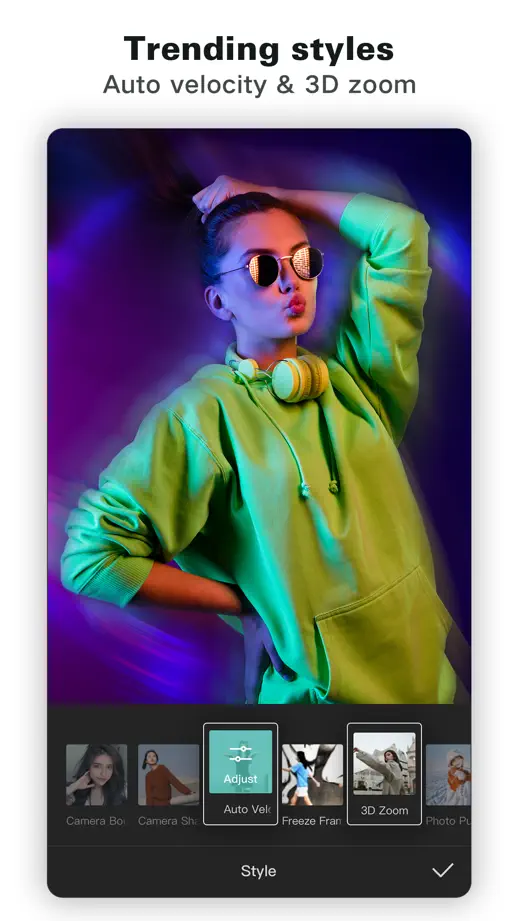
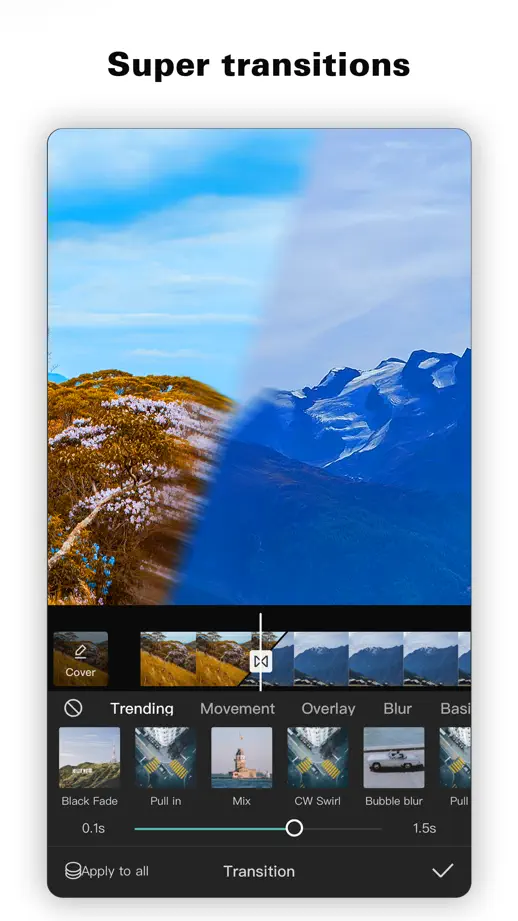
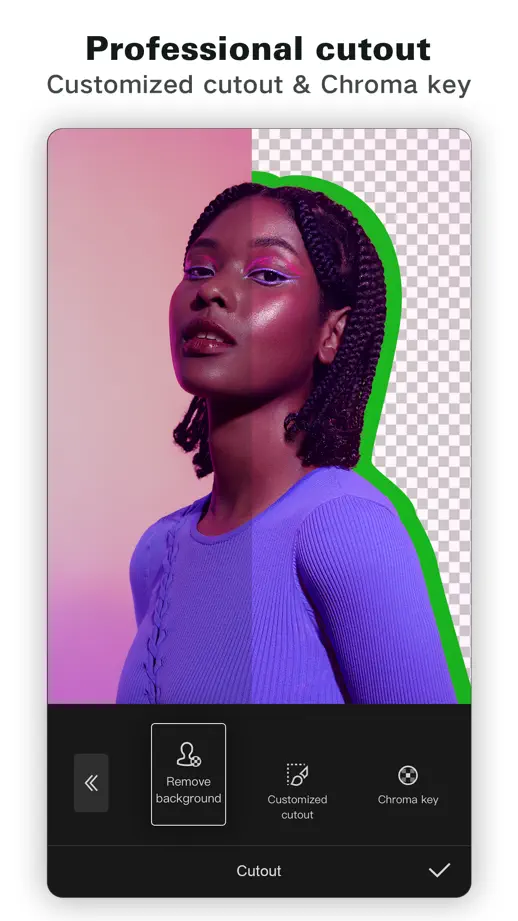
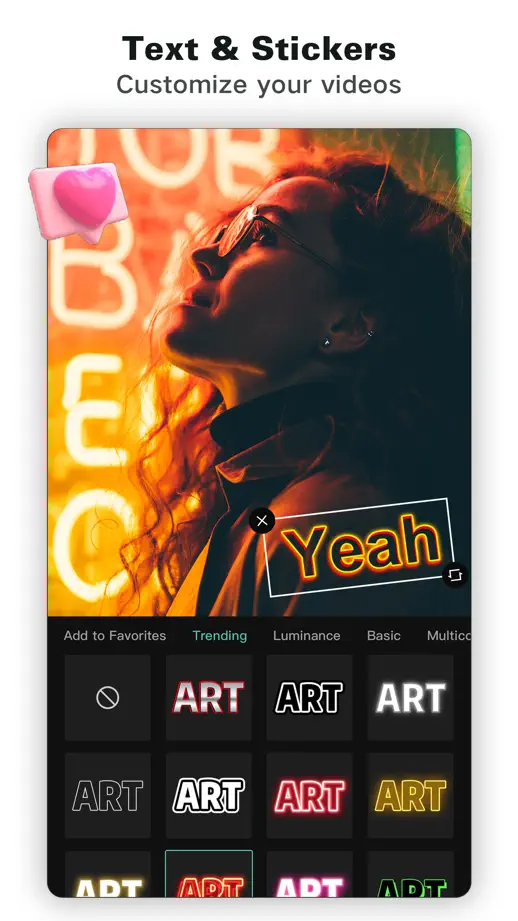
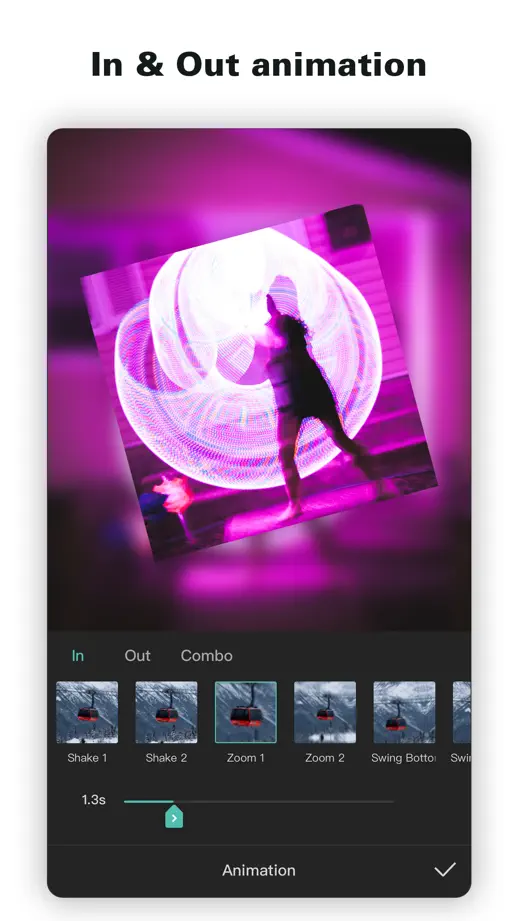
White margins and compact headings frame colorful edited examples, with controls retained below each result.

CapCut, App Store screenshot 1
CapCut, App Store screenshot 2
CapCut, App Store screenshot 3
CapCut, App Store screenshot 4
CapCut, App Store screenshot 5
CapCut, App Store screenshot 6
CapCut, App Store screenshot 7
CapCut, App Store screenshot 8
CapCut, App Store screenshot 9

NOMO CAM

Photo & video · 10 frames

Full-frame camera surfaces replace conventional device mockups, using texture, hardware details and color to distinguish each camera.

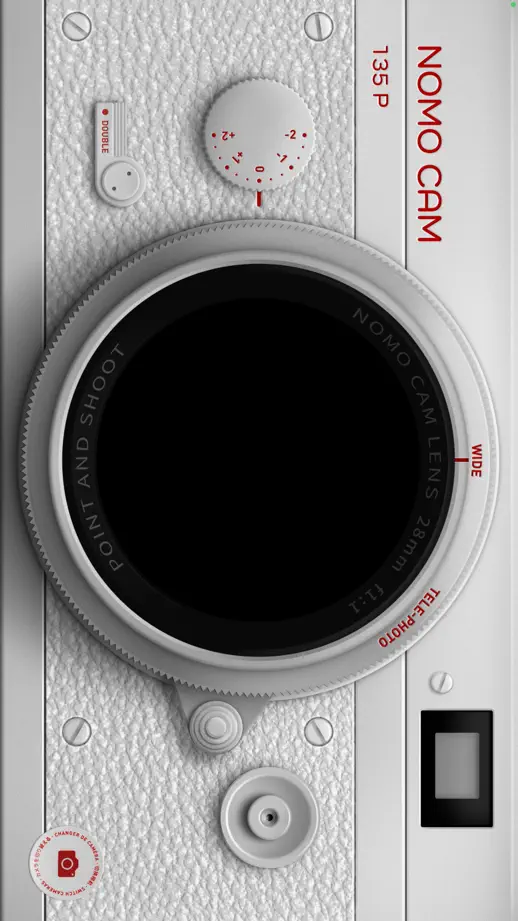
NOMO CAM, App Store screenshot 1
NOMO CAM, App Store screenshot 2
NOMO CAM, App Store screenshot 3
NOMO CAM, App Store screenshot 4
NOMO CAM, App Store screenshot 5
NOMO CAM, App Store screenshot 6
NOMO CAM, App Store screenshot 7
NOMO CAM, App Store screenshot 8
NOMO CAM, App Store screenshot 9
NOMO CAM, App Store screenshot 10

Add to collection

New collection