2026.2.421 Oct 2026
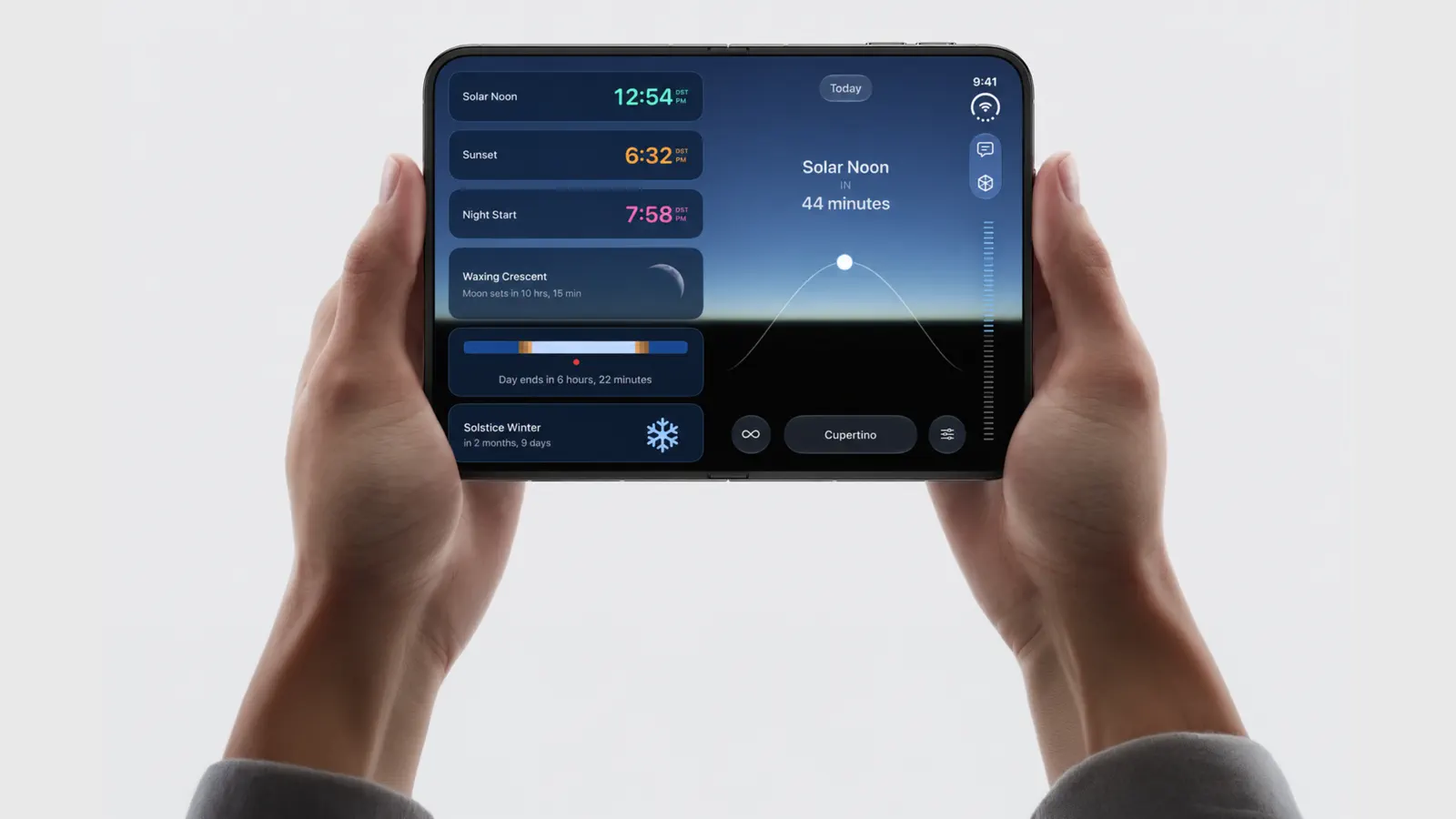
- Made for iPhone Duo. Check the sun one-handed on the outer display, or open it up and your day spreads across the larger inner display, the sky on one side and your sun times on the other. The sky even moves as you open and close iPhone Duo.
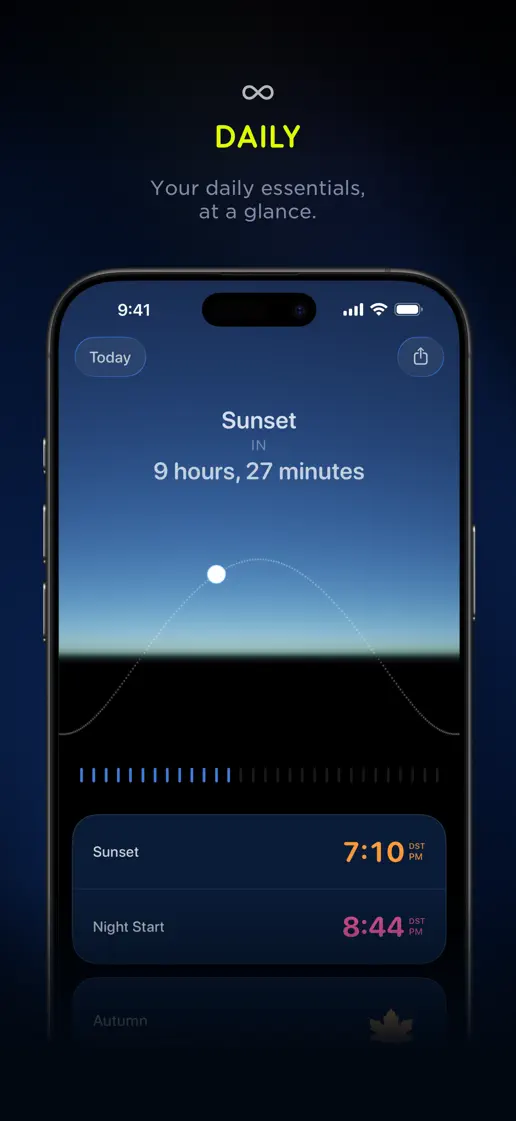
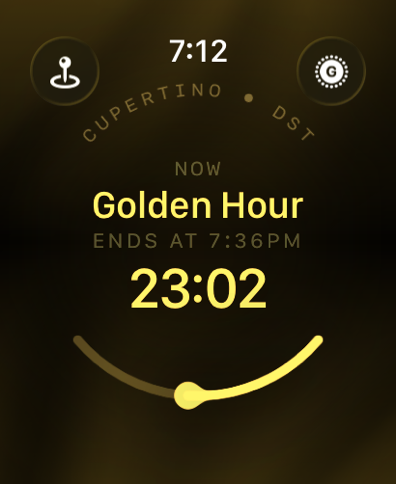
- Meet Glance. Turn your iPhone on its side, or prop iPhone Duo up on your desk, and Lumy becomes a quiet light display: the live sky edge to edge, a large countdown to the next sunrise, golden hour or sunset, with the date and your place in the corners. Tap the eye to keep the screen on while you watch.
- Meet the Sun Planner. Pick any day and drag through it to see where the sun will be and which way shadows will fall. Turn on Compass and the shadow dial turns with your iPhone to match the world around you. Or hold up your iPhone to see the sun's path in the real sky, with golden hour and sunset marked right where they'll happen. On iPhone Duo, the sky and the shadow dial each get their own side.
- Various fixes and UI polish.
Thanks a lot for all the love and your wonderful feedback.
2026.2.317 Sept 2026
Lumy is ready for OS 27.
Ask Lumy
- Ask about the sun, moon, golden hour, daylight and more in natural language. Questions are understood on device, while Lumy’s own solar engine calculates the answer.
On-screen awareness
- Looking at a place in Maps? Ask Siri to “Open this in Lumy” and the place you’re viewing comes straight into Lumy.
Siri shortcuts
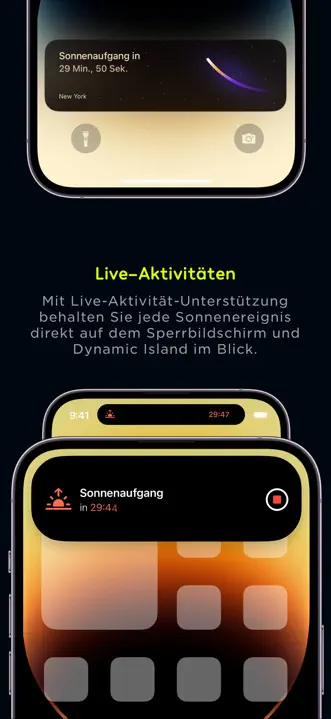
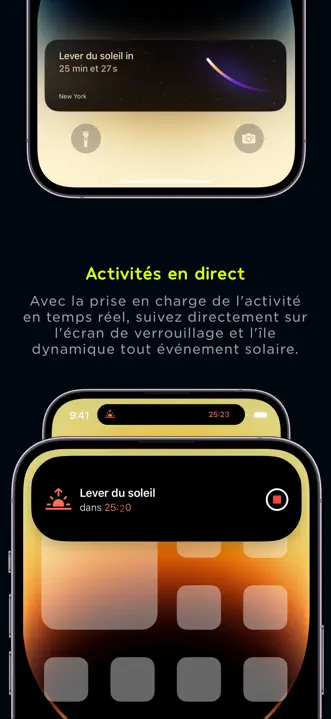
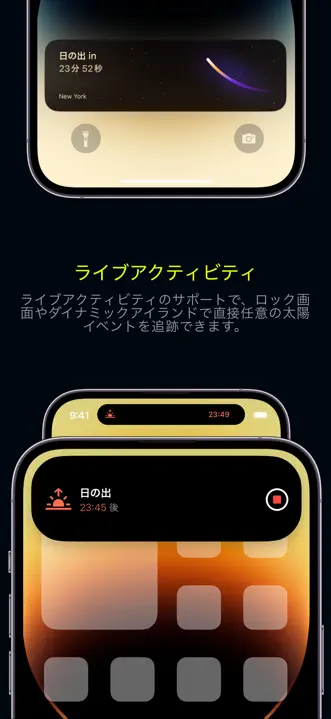
- Ask for the next blue hour, get notified about sunset, or start a sun timer that can continue on your Lock Screen as a Live Activity.
Weather insights
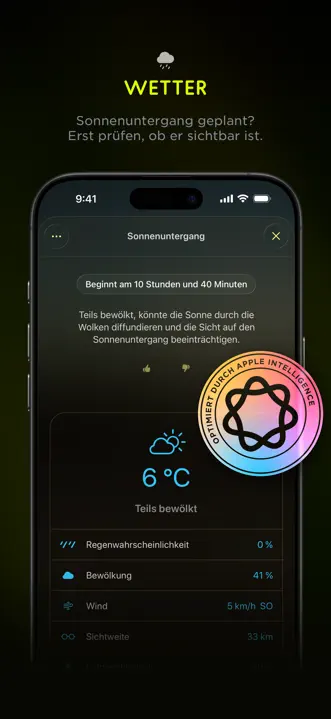
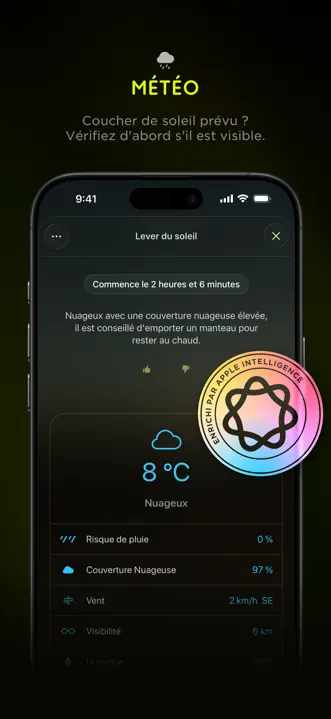
- See what the forecast could mean for golden hour, photography and the light outside.
Spotlight
- Find upcoming sun and moon events and jump straight to the one you want.
Extra Large Portrait widgets
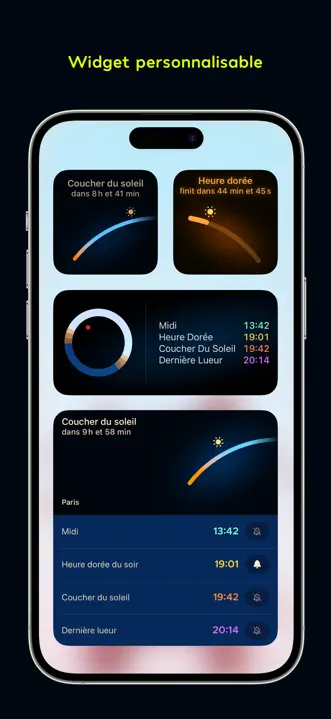
- See more of the sun, moon and daylight at a glance on your Home Screen.
Resizable windows
- Lumy now adapts as you resize its window.
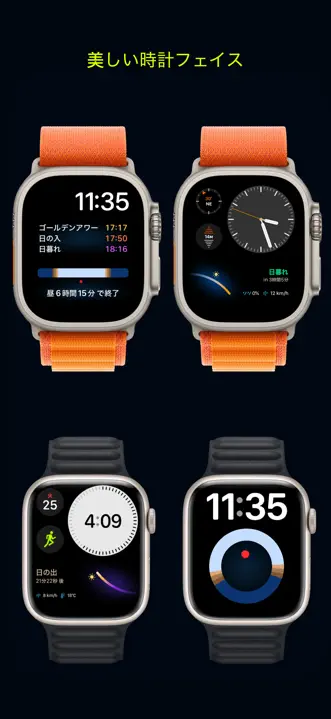
Widgets and Apple Watch complications
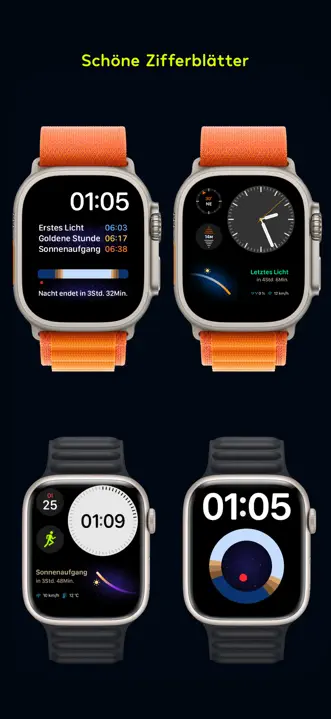
- Rebuilt to be more reliable, stay fresher, render faster and use less battery.
Thanks for continuing to use Lumy. I hope the iOS 27 update makes it feel even more useful in your day.
2026.2.215 Sept 2026
Lumy is ready for OS 27.
Ask Lumy
- Ask about the sun, moon, golden hour, daylight and more in natural language. Questions are understood on device, while Lumy’s own solar engine calculates the answer.
On-screen awareness
- Looking at a place in Maps? Ask Siri to “Open this in Lumy” and the place you’re viewing comes straight into Lumy.
Siri shortcuts
- Ask for the next blue hour, get notified about sunset, or start a sun timer that can continue on your Lock Screen as a Live Activity.
Weather insights
- See what the forecast could mean for golden hour, photography and the light outside.
Spotlight
- Find upcoming sun and moon events and jump straight to the one you want.
Extra Large Portrait widgets
- See more of the sun, moon and daylight at a glance on your Home Screen.
Resizable windows
- Lumy now adapts as you resize its window.
Widgets and Apple Watch complications
- Rebuilt to be more reliable, stay fresher, render faster and use less battery.
Thanks for continuing to use Lumy. I hope the iOS 27 update makes it feel even more useful in your day.
2026.2.115 Sept 2026
Lumy is ready for OS 27.
Ask Lumy
- Ask about the sun, moon, golden hour, daylight and more in natural language. Questions are understood on device, while Lumy’s own solar engine calculates the answer.
On-screen awareness
- Looking at a place in Maps? Ask Siri to “Open this in Lumy” and the place you’re viewing comes straight into Lumy.
Siri shortcuts
- Ask for the next blue hour, get notified about sunset, or start a sun timer that can continue on your Lock Screen as a Live Activity.
Weather insights
- See what the forecast could mean for golden hour, photography and the light outside.
Spotlight
- Find upcoming sun and moon events and jump straight to the one you want.
Extra Large Portrait widgets
- See more of the sun, moon and daylight at a glance on your Home Screen.
Resizable windows
- Lumy now adapts as you resize its window.
Widgets and Apple Watch complications
- Rebuilt to be more reliable, stay fresher, render faster and use less battery.
Thanks for continuing to use Lumy. I hope the iOS 27 update makes it feel even more useful in your day.
2026.214 Sept 2026
Lumy is ready for OS 27.
Ask Lumy
- Ask about the sun, moon, golden hour, daylight and more in natural language. Questions are understood on device, while Lumy’s own solar engine calculates the answer.
On-screen awareness
- Looking at a place in Maps? Ask Siri to “Open this in Lumy” and the place you’re viewing comes straight into Lumy.
Siri shortcuts
- Ask for the next blue hour, get notified about sunset, or start a sun timer that can continue on your Lock Screen as a Live Activity.
Weather insights
- See what the forecast could mean for golden hour, photography and the light outside.
Spotlight
- Find upcoming sun and moon events and jump straight to the one you want.
Extra Large Portrait widgets
- See more of the sun, moon and daylight at a glance on your Home Screen.
Resizable windows
- Lumy now adapts as you resize its window.
Widgets and Apple Watch complications
- Rebuilt to be more reliable, stay fresher, render faster and use less battery.
Thanks for continuing to use Lumy. I hope the iOS 27 update makes it feel even more useful in your day.
2026.1.174 Jun 2026
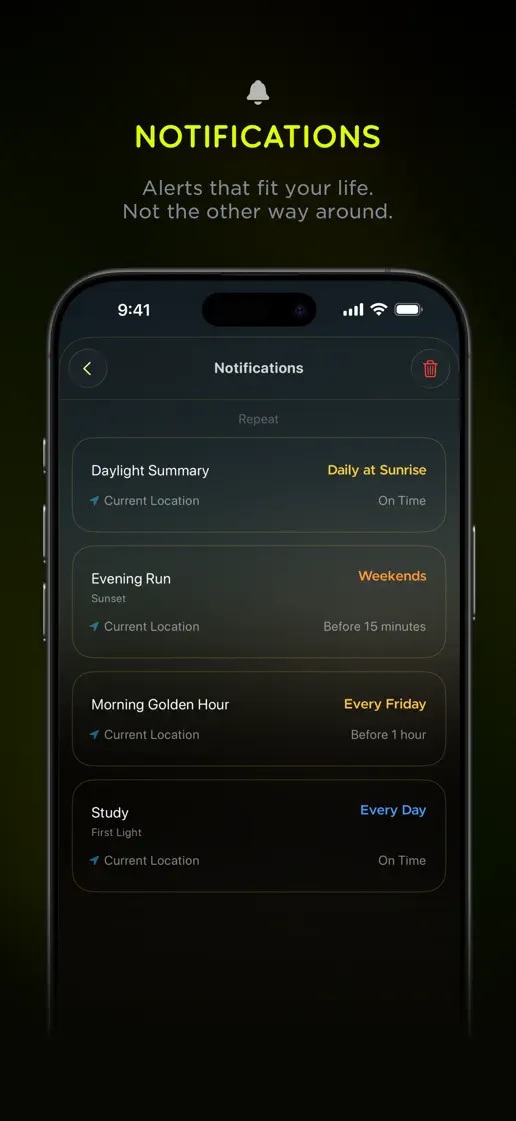
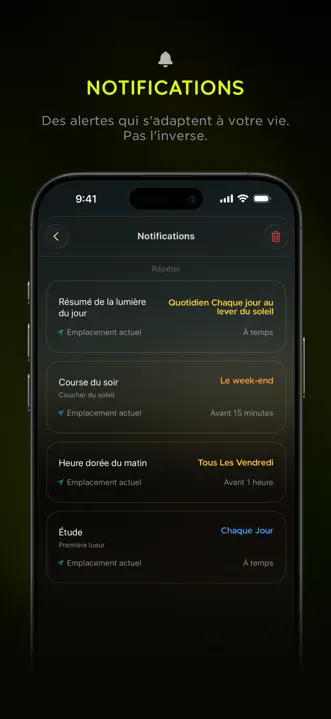
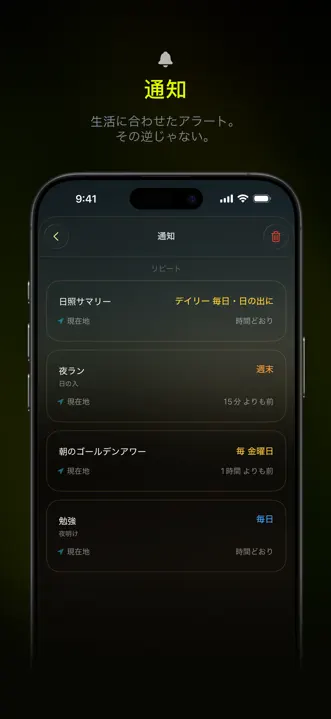
- New: Custom alert offsets. Pick any hour and minute before or after the sun events.
- Improved the UI/UX performance.
- Bug fixes.
Previously,
Lumy's OS 26 update is designed to feel lighter, smarter, and more in sync with daily life.
On iPhone and iPad
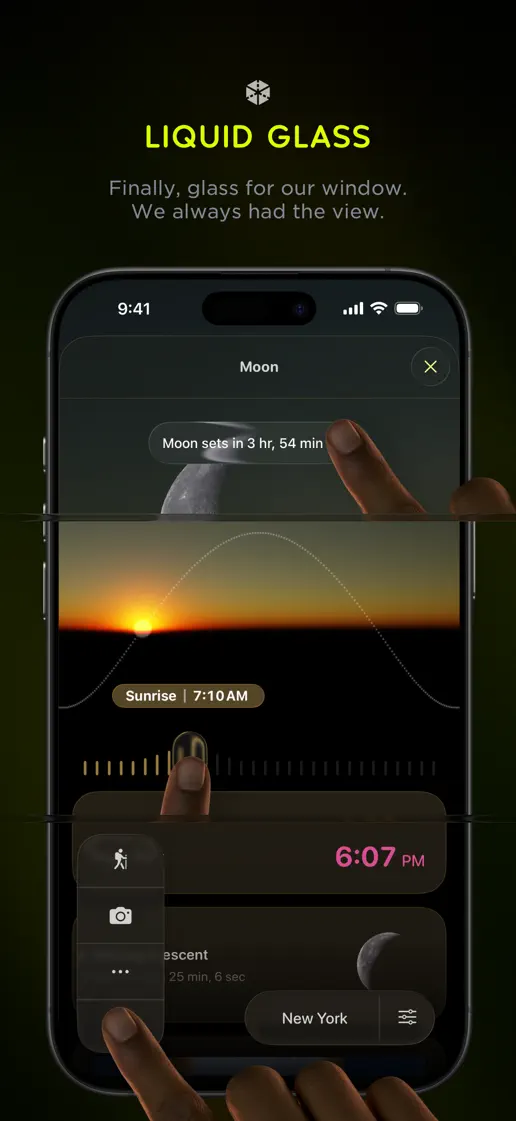
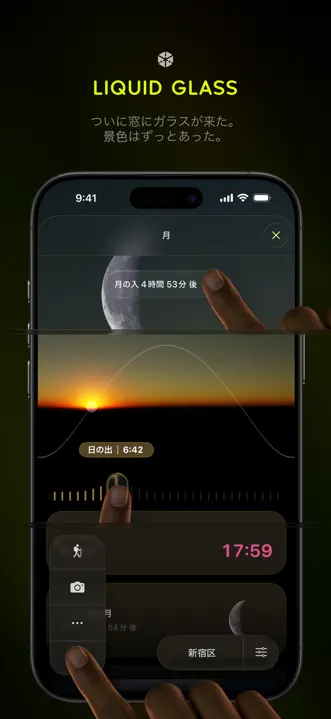
- Discover the new Liquid Glass design: UI elements feel gently illuminated, carrying a subtle echo of sunlight.
- New Peek Panel: A lightweight element that quietly shows simple info like "Moon above horizon." It fluidly expands to reveal more detail, such as "Sets in 20 min" when you need it, fading back automatically. Designed to balance presence and absence, it keeps information accessible without overwhelming the interface.
- A refreshed Bottom Bar with Quick Access Menu that morphs naturally with interaction, making it faster to switch modes or jump around the app.
- Make the Quick Access Menu your own by reordering modes... the first three are always at your fingertips.
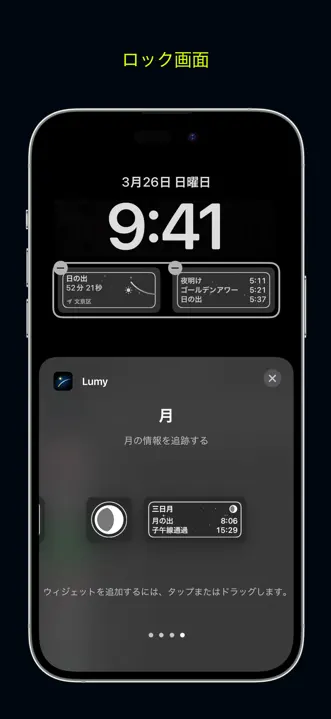
- The new Season widget now lets you choose between astronomical or meteorological seasons.
- Updated widgets and app icons now match the new home screen's tinted and clear styles.
- And many thoughtful refinements across the app.
Foundation Model Features (iOS 26 + iPadOS 26)
- Mode-Specific Weather Insights: Smarter, activity-aware tips.
- State of Mind Suggestions: Personalized, context-aware guidance that adapts to your state of mind log.
- Astronomical Events: Tailored explanations that transform solar events into relevant insights for Photography, Hiking, Mindfulness, or Travel.
- Review System: A simple thumbs up/down or alternative request helps refine future insights, while keeping all data private on your device.
On Apple Watch
- Experience the new Liquid Glass design on your wrist.
- Quickly enable or disable sun event notifications right from Control Center.
- Add a configurable Season complication for astronomical or meteorological seasons.
- Added support for the latest iPhone 17 Series, iPhone Air, Apple Watch Series 11, Apple Watch Ultra 3, and Apple Watch SE 3.
Thanks for being part of this journey. Your feedback continues to shape Lumy, and we'd love to hear your thoughts or suggestions at hello@waplestuff.com.
2026.1.1629 May 2026
- New: Custom alert offsets. Pick any hour and minute before or after the sun events.
- Improved the UI/UX performance.
- Bug fixes.
Previously,
Lumy's OS 26 update is designed to feel lighter, smarter, and more in sync with daily life.
On iPhone and iPad
- Discover the new Liquid Glass design: UI elements feel gently illuminated, carrying a subtle echo of sunlight.
- New Peek Panel: A lightweight element that quietly shows simple info like "Moon above horizon." It fluidly expands to reveal more detail, such as "Sets in 20 min" when you need it, fading back automatically. Designed to balance presence and absence, it keeps information accessible without overwhelming the interface.
- A refreshed Bottom Bar with Quick Access Menu that morphs naturally with interaction, making it faster to switch modes or jump around the app.
- Make the Quick Access Menu your own by reordering modes... the first three are always at your fingertips.
- The new Season widget now lets you choose between astronomical or meteorological seasons.
- Updated widgets and app icons now match the new home screen's tinted and clear styles.
- And many thoughtful refinements across the app.
Foundation Model Features (iOS 26 + iPadOS 26)
- Mode-Specific Weather Insights: Smarter, activity-aware tips.
- State of Mind Suggestions: Personalized, context-aware guidance that adapts to your state of mind log.
- Astronomical Events: Tailored explanations that transform solar events into relevant insights for Photography, Hiking, Mindfulness, or Travel.
- Review System: A simple thumbs up/down or alternative request helps refine future insights, while keeping all data private on your device.
On Apple Watch
- Experience the new Liquid Glass design on your wrist.
- Quickly enable or disable sun event notifications right from Control Center.
- Add a configurable Season complication for astronomical or meteorological seasons.
- Added support for the latest iPhone 17 Series, iPhone Air, Apple Watch Series 11, Apple Watch Ultra 3, and Apple Watch SE 3.
Thanks for being part of this journey. Your feedback continues to shape Lumy, and we'd love to hear your thoughts or suggestions at hello@waplestuff.com.
2026.1.1523 May 2026
- Redesigned iMessage extension.
- More reliable current location handling.
- Improved widget behavior.
- Improved the UI/UX performance.
- Bug fixes.
Previously,
Lumy's OS 26 update is designed to feel lighter, smarter, and more in sync with daily life.
On iPhone and iPad
- Discover the new Liquid Glass design: UI elements feel gently illuminated, carrying a subtle echo of sunlight.
- New Peek Panel: A lightweight element that quietly shows simple info like "Moon above horizon." It fluidly expands to reveal more detail, such as "Sets in 20 min" when you need it, fading back automatically. Designed to balance presence and absence, it keeps information accessible without overwhelming the interface.
- A refreshed Bottom Bar with Quick Access Menu that morphs naturally with interaction, making it faster to switch modes or jump around the app.
- Make the Quick Access Menu your own by reordering modes... the first three are always at your fingertips.
- The new Season widget now lets you choose between astronomical or meteorological seasons.
- Updated widgets and app icons now match the new home screen's tinted and clear styles.
- And many thoughtful refinements across the app.
Foundation Model Features (iOS 26 + iPadOS 26)
- Mode-Specific Weather Insights: Smarter, activity-aware tips.
- State of Mind Suggestions: Personalized, context-aware guidance that adapts to your state of mind log.
- Astronomical Events: Tailored explanations that transform solar events into relevant insights for Photography, Hiking, Mindfulness, or Travel.
- Review System: A simple thumbs up/down or alternative request helps refine future insights, while keeping all data private on your device.
On Apple Watch
- Experience the new Liquid Glass design on your wrist.
- Quickly enable or disable sun event notifications right from Control Center.
- Add a configurable Season complication for astronomical or meteorological seasons.
- Added support for the latest iPhone 17 Series, iPhone Air, Apple Watch Series 11, Apple Watch Ultra 3, and Apple Watch SE 3.
Thanks for being part of this journey. Your feedback continues to shape Lumy, and we'd love to hear your thoughts or suggestions at hello@waplestuff.com.