
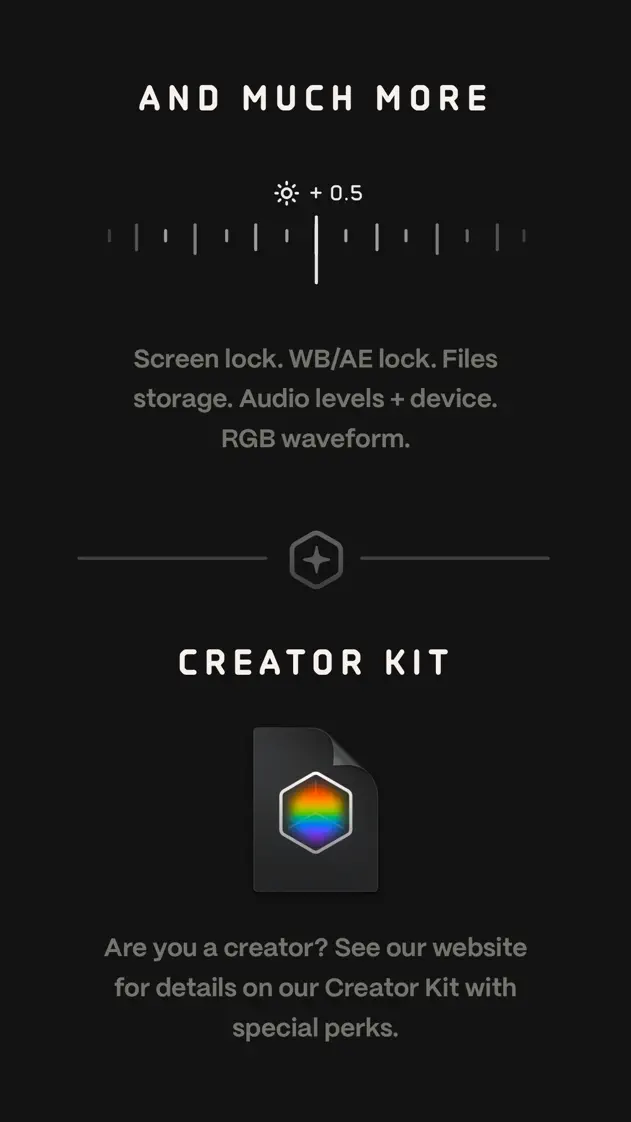
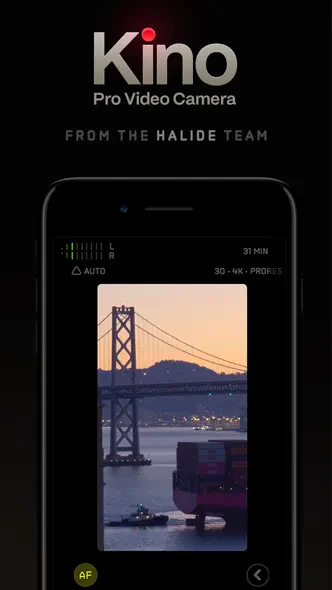
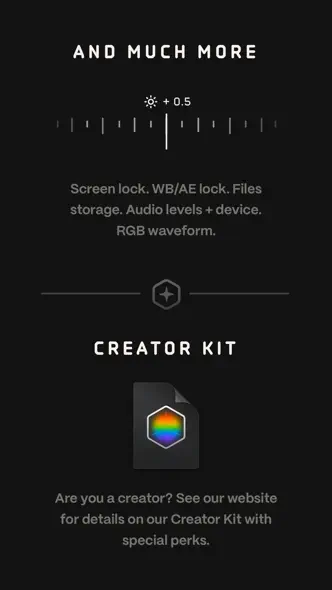
Dark frames with spaced uppercase labels mix a cropped camera viewfinder, a diagonal before-and-after grade split and a rotated landscape phone.


- Category
- Photo & video
- Publisher
- Lux Optics Incorporated
- Version
- 1.4.3
- Approach
- Photography-led
Around the world
More localized listings →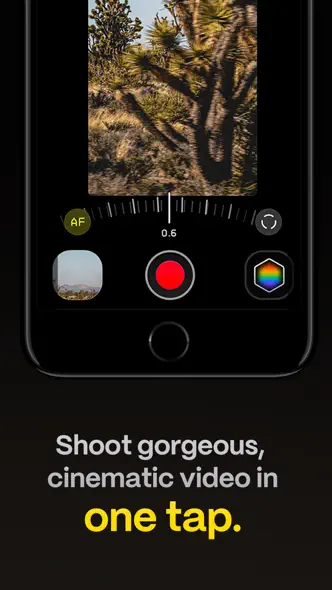


What’s New
1.4.3
Now that Halide Mark III is out, we're going to spend a bit of time digging into how we can make Kino even better. We're starting with a small update that fixes an issue with the VU Meters caused by an iOS update.
- Team Kino
1.4.2
In this small update, we have a few improvements in the unlikely event something goes wrong when writing a movie. If you have other suggestions for improvements, please let us know in the Discord!
1.4.1
Welcome to Kino 1.4.1! This follows up on our update that adds support for Apple Log 2 by fiddling a bit with gamma. If you have any issues or feedback, let us know at support@lux.camera, or drop a line in #support in our Discord.
1.4.0
Welcome to Kino 1.4.0! We're excited to get back in the swing of things, starting with support for Apple Log 2. Not only can you shoot in Apple Log 2 while using all of our existing Apple Log grades, you can also import your own Apple Log 2 grades.
We've also made a number of performance improvements, especially on iOS 26.
We have many updates in store for Kino. To keep up to date, and offer feedback and suggestions, check out our official Discord. You can allow follow updates at our blog, lux.camera. Thank you for your support!
1.3.2
This update adds support for the new 8× zoom on the iPhone 17 Pro. We've also patched a few issues on these new devices, such as 4× showing as "4.5×," and a crash when selecting custom video configurations. Got any other issues or suggestions for features? Let us know at support@lux.camera. We read every email!
— Team Lux
1.3.0
Welcome to Kino 1.3! This exciting update features three new features based on user requests!
First, we've given you greater control over audio. In the past, we simply picked the best audio source depending on the camera you were recording from, and whether or not you plugged in a USB microphone. With Kino 1.3, by tapping the VU meter in the upper left, you can manually pick your audio source and polar pattern.
Next, you may notice that we support more external drives. Previously, we only supported drives that iOS has verified will not drop frames. Now we allow you to record to any drive that iOS recognizes, regardless of its performance; we just warn you about it when you plug it in.
With Kino 1.3, we've added an indicator that tells when the current recording dropped frames. If Kino drops frames, this is usually due to the speed of your drive. If you can't change drives, try recording at a lower resolution or frame rate.
Finally, we've improved the geo-tagging. For one, it is now more precise. We've also updated how we write movies so that Apple Photos recognizes the geo tag in some workflows.
We've love to hear how we can make Kino better. Just email support@lux.camera.
1.2.4
This update adds two requested features. First, we let you attach location to videos! You can enable this in settings, under the "Advanced" action. We also offer this the first time you launch Kino.
We've also added support for more external drives, even if iOS cannot verify that the drive is fast enough. It turns out there are lots of third-party drives that run fast enough to record videos without dropping frames, so we'll just display a warning and let you proceed.
We have other features in progress, but if you have any feedback and other suggestions, let us know by emailing support@lux.camera. A real human reads every email!
— Team Kino
1.2.3
We're hard at work on our next major Kino update. In the mean time, we have this small update that improves stabilization.
Listing history
Kit checks this listing every day, most recently on 30 Sept 2026. Changes to its screenshots, icon, subtitle, videos and events will show up here.
Compare with


Browse similar
Source: App Store listing by Lux Optics Incorporated, United States storefront. Captured 30 Sept 2026. The artwork belongs to its publisher and is shown here for reference.