kit0

iPhone App Store screenshot examples, page 8

Every first impression.

335 apps

Sky: Children of the Light

Games · 10 frames

The sequence uses expansive scenery, small groups of characters and changing light to show the world without added headline overlays.

Sky: Children of the Light, App Store screenshot 1
Sky: Children of the Light, App Store screenshot 2
Sky: Children of the Light, App Store screenshot 3
Sky: Children of the Light, App Store screenshot 4
Sky: Children of the Light, App Store screenshot 5
Sky: Children of the Light, App Store screenshot 6
Sky: Children of the Light, App Store screenshot 7
Sky: Children of the Light, App Store screenshot 8
Sky: Children of the Light, App Store screenshot 9
Sky: Children of the Light, App Store screenshot 10

A Good Snowman

Games · 5 frames

A title frame leads into simple overhead garden scenes, ending on a wider map that reveals how the small puzzles connect.

A Good Snowman, App Store screenshot 1
A Good Snowman, App Store screenshot 2
A Good Snowman, App Store screenshot 3
A Good Snowman, App Store screenshot 4
A Good Snowman, App Store screenshot 5

The Gardens Between

Games · 8 frames

Tall illustrated islands fill the frames, with recurring characters and oversized household objects tying the changing scenes together.

The Gardens Between, App Store screenshot 1
The Gardens Between, App Store screenshot 2
The Gardens Between, App Store screenshot 3
The Gardens Between, App Store screenshot 4
The Gardens Between, App Store screenshot 5
The Gardens Between, App Store screenshot 6
The Gardens Between, App Store screenshot 7
The Gardens Between, App Store screenshot 8

Golf Peaks

Games · 6 frames

Pastel panels repeat a centered isometric puzzle, short headline and cards, changing colors as the sequence explains different mechanics.

Golf Peaks, App Store screenshot 1
Golf Peaks, App Store screenshot 2
Golf Peaks, App Store screenshot 3
Golf Peaks, App Store screenshot 4
Golf Peaks, App Store screenshot 5
Golf Peaks, App Store screenshot 6

Railbound

Games · 9 frames

Illustrated title art brackets a run of overhead railway puzzles, with seasonal palettes distinguishing the levels.

Railbound, App Store screenshot 1
Railbound, App Store screenshot 2
Railbound, App Store screenshot 3
Railbound, App Store screenshot 4
Railbound, App Store screenshot 5
Railbound, App Store screenshot 6
Railbound, App Store screenshot 7
Railbound, App Store screenshot 8
Railbound, App Store screenshot 9

Depop

Shopping · 8 frames

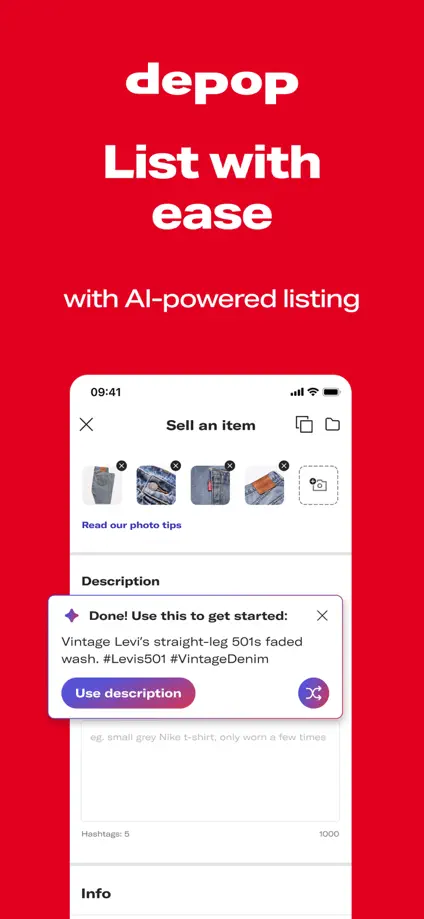
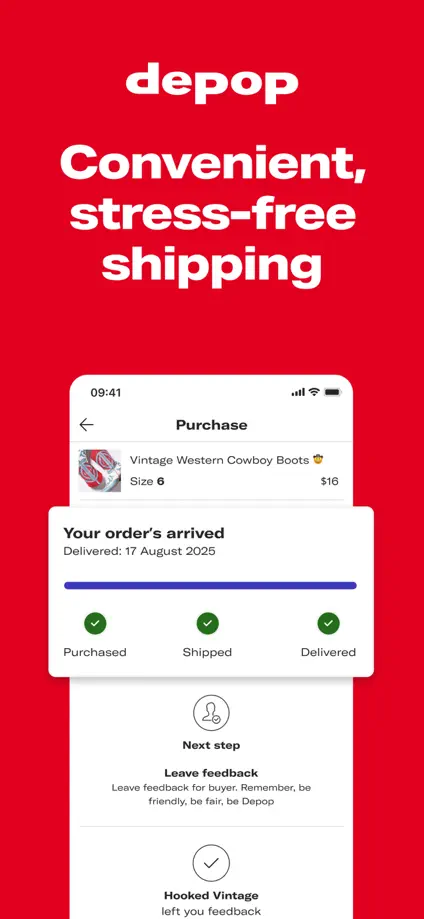
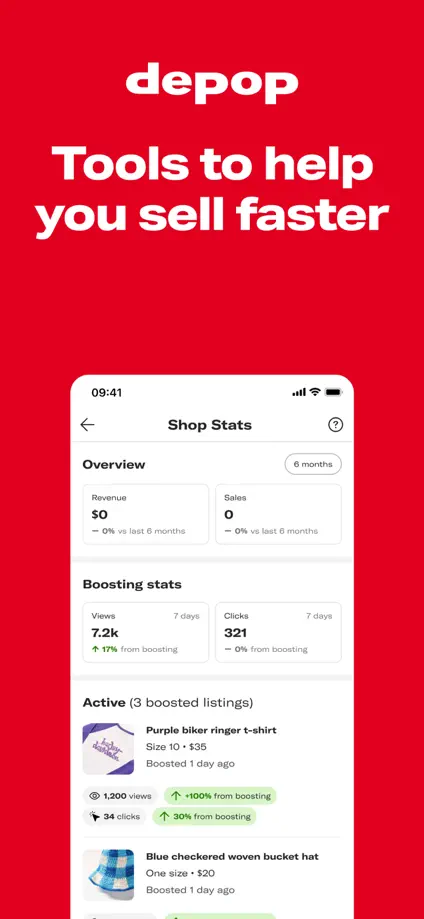
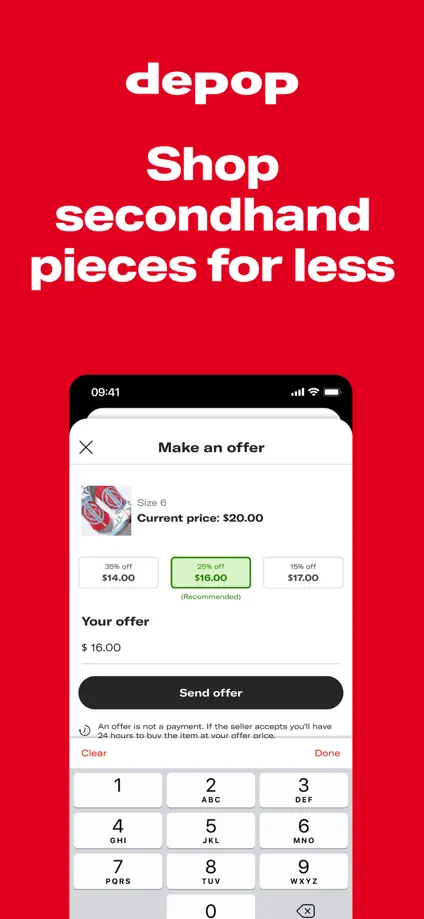
Red feature panels alternate with full-height lifestyle photographs, using bold centered headings and cropped screens to maintain a recognizable rhythm.

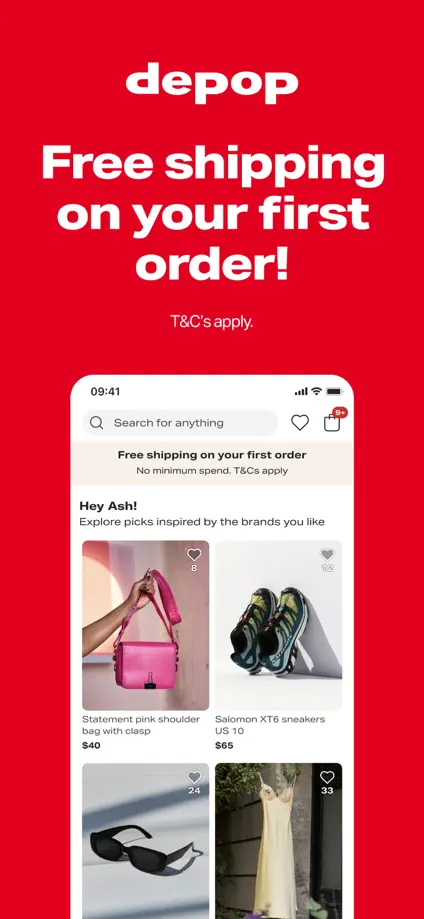
Depop, App Store screenshot 1
Depop, App Store screenshot 2
Depop, App Store screenshot 3
Depop, App Store screenshot 4
Depop, App Store screenshot 5
Depop, App Store screenshot 6
Depop, App Store screenshot 7
Depop, App Store screenshot 8

Vinted

Shopping · 7 frames

Dark teal backgrounds hold serif headlines, product collages and enlarged interface cards in a consistent vertical sequence.

Vinted, App Store screenshot 1
Vinted, App Store screenshot 2
Vinted, App Store screenshot 3
Vinted, App Store screenshot 4
Vinted, App Store screenshot 5
Vinted, App Store screenshot 6
Vinted, App Store screenshot 7

StockX

Shopping · 8 frames

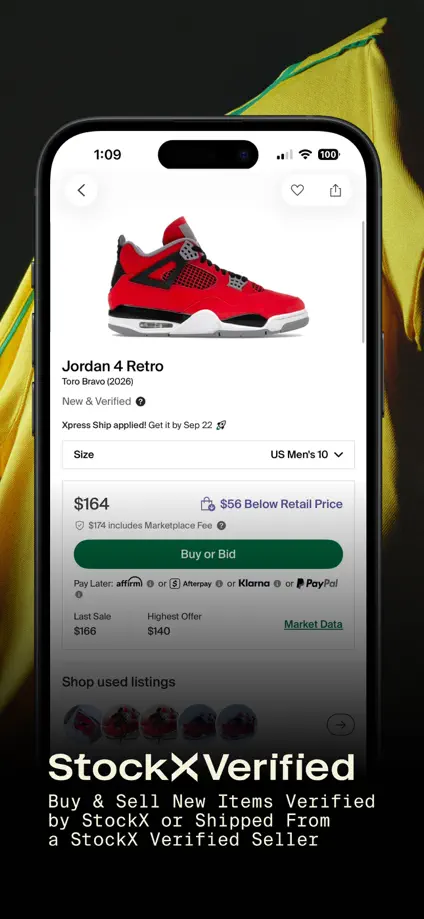
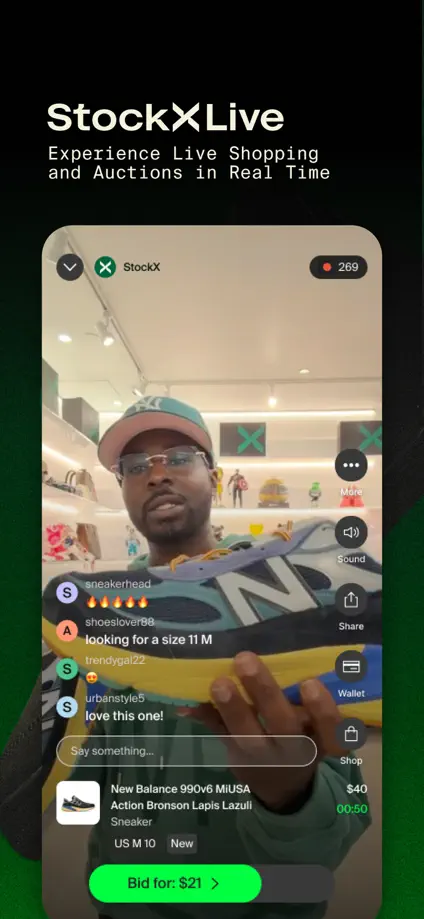
An angled phone and product collage open the set before dark backgrounds and enlarged shopping screens introduce individual features.

StockX, App Store screenshot 1
StockX, App Store screenshot 2
StockX, App Store screenshot 3
StockX, App Store screenshot 4
StockX, App Store screenshot 5
StockX, App Store screenshot 6
StockX, App Store screenshot 7
StockX, App Store screenshot 8

Nike SNKRS

Shopping · 8 frames

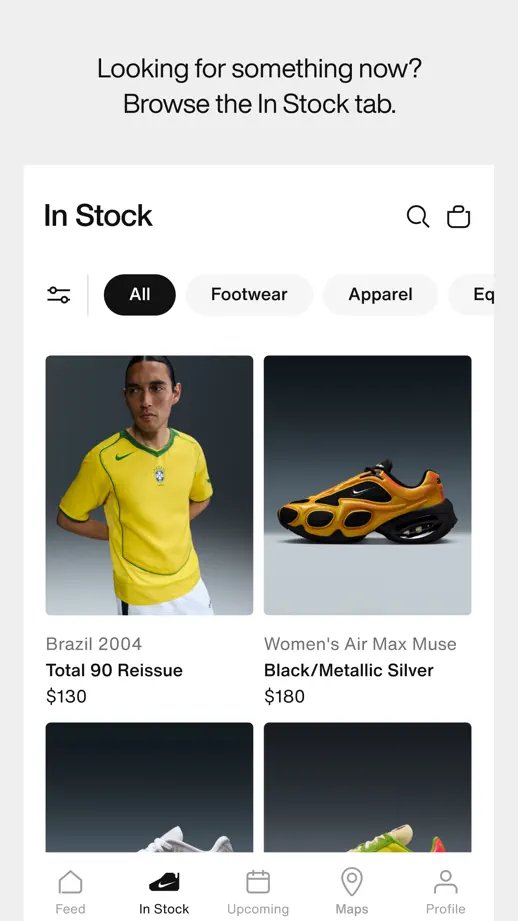
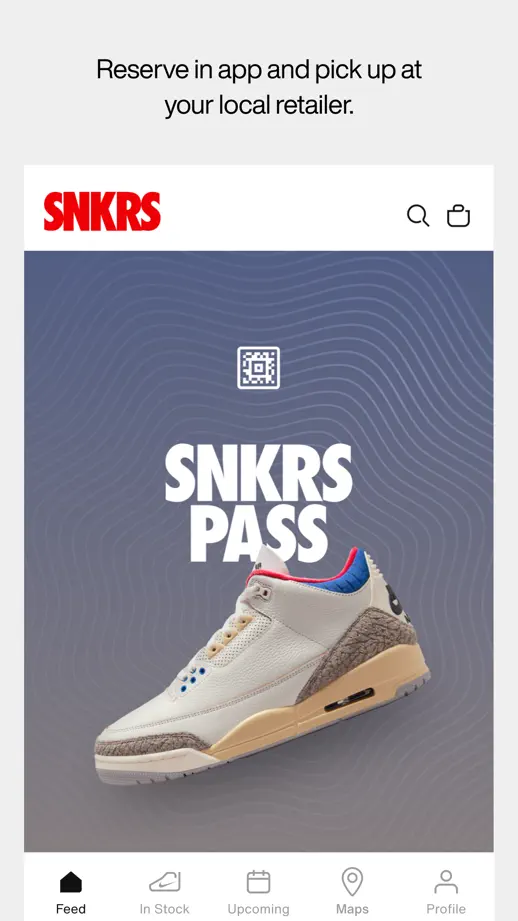
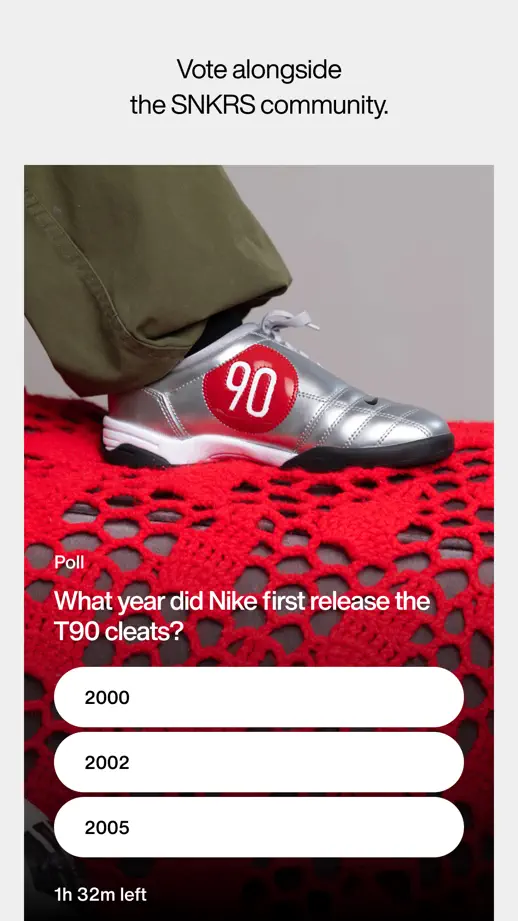
Compact captions introduce nearly full-height interface views, moving from editorial content and launch screens to reminders, maps and polls.
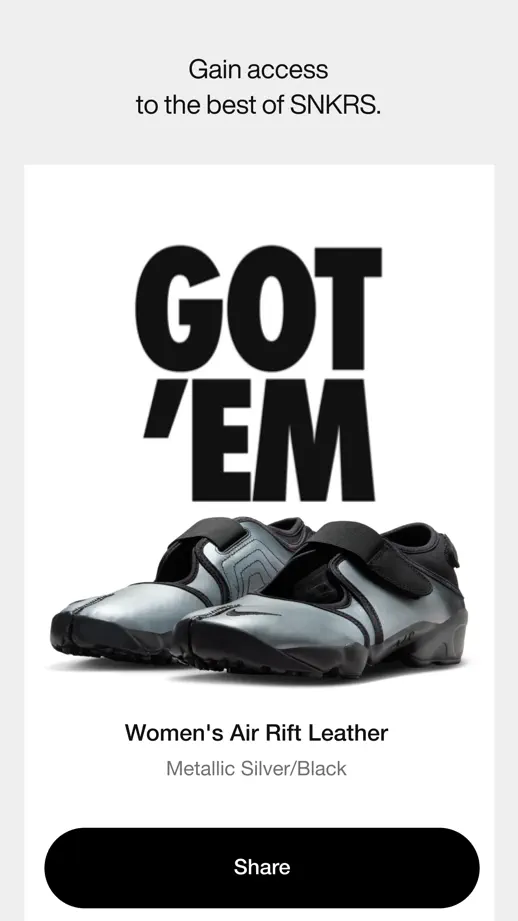
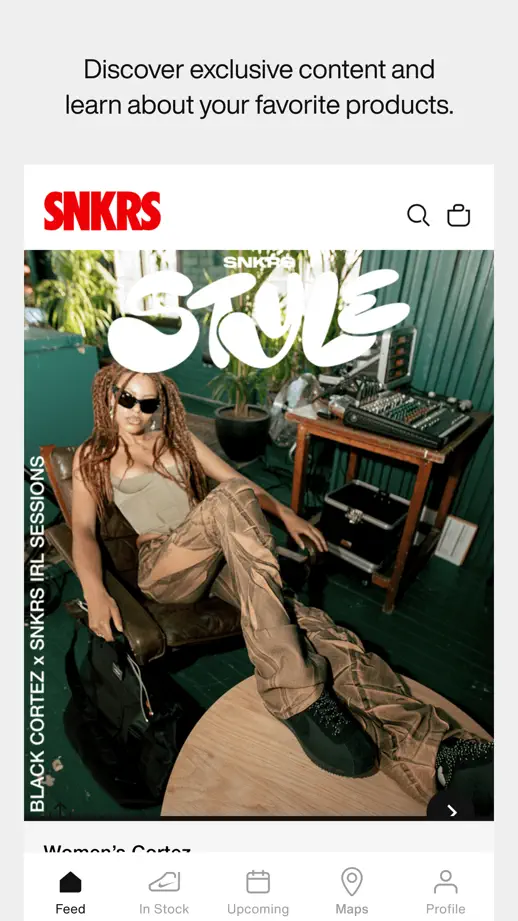
Nike SNKRS, App Store screenshot 1
Nike SNKRS, App Store screenshot 2
Nike SNKRS, App Store screenshot 3
Nike SNKRS, App Store screenshot 4
Nike SNKRS, App Store screenshot 5
Nike SNKRS, App Store screenshot 6
Nike SNKRS, App Store screenshot 7
Nike SNKRS, App Store screenshot 8

H&M

Shopping · 10 frames

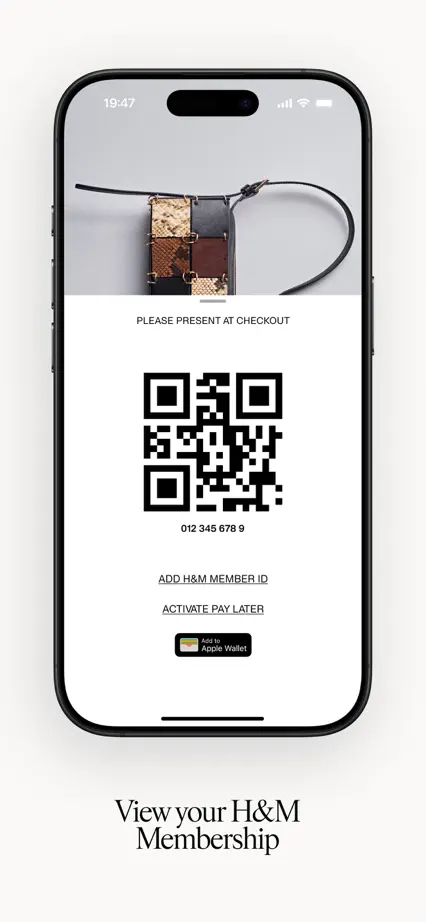
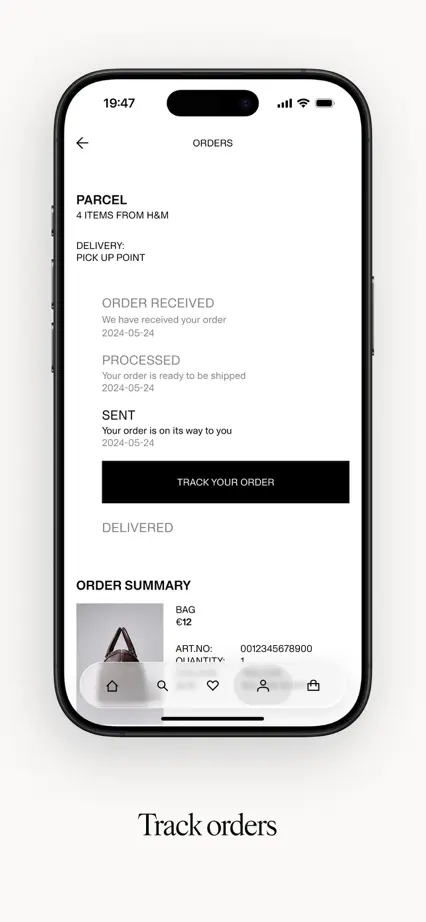
Fashion photography bookends a restrained feature tour, with phones on pale backgrounds and short serif captions below each screen.
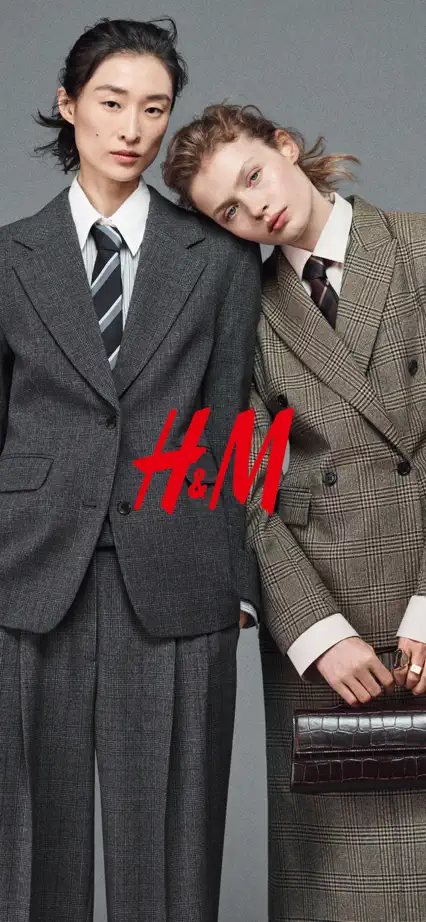
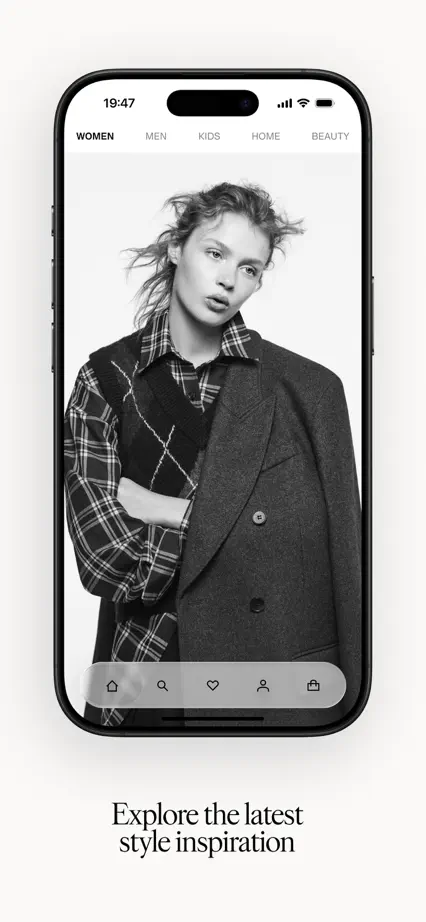
H&M, App Store screenshot 1
H&M, App Store screenshot 2
H&M, App Store screenshot 3
H&M, App Store screenshot 4
H&M, App Store screenshot 5
H&M, App Store screenshot 6
H&M, App Store screenshot 7
H&M, App Store screenshot 8
H&M, App Store screenshot 9
H&M, App Store screenshot 10

UNIQLO

Shopping · 9 frames

A two-frame fashion image leads into repeated red headline panels above cropped shopping screens, tying the tour to the brand color.

UNIQLO, App Store screenshot 1
UNIQLO, App Store screenshot 2
UNIQLO, App Store screenshot 3
UNIQLO, App Store screenshot 4
UNIQLO, App Store screenshot 5
UNIQLO, App Store screenshot 6
UNIQLO, App Store screenshot 7
UNIQLO, App Store screenshot 8
UNIQLO, App Store screenshot 9

Shop

Shopping · 6 frames

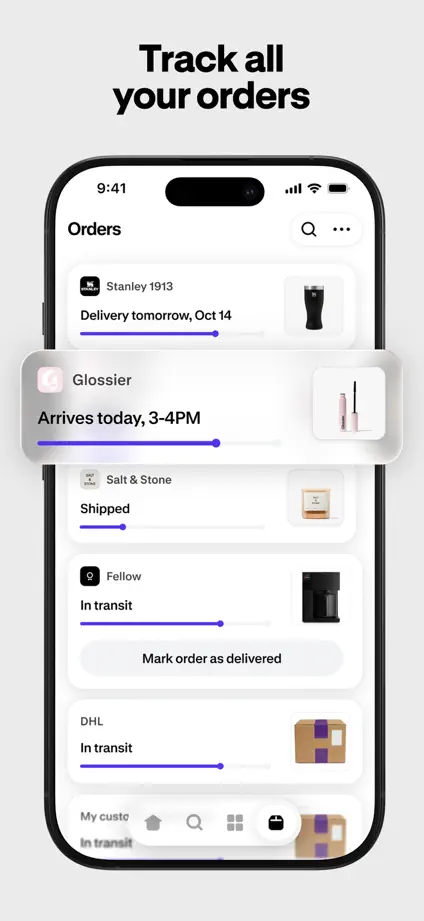
Large upright phones repeat on pale backgrounds, with selected product and tracking cards pulled forward to highlight particular interactions.
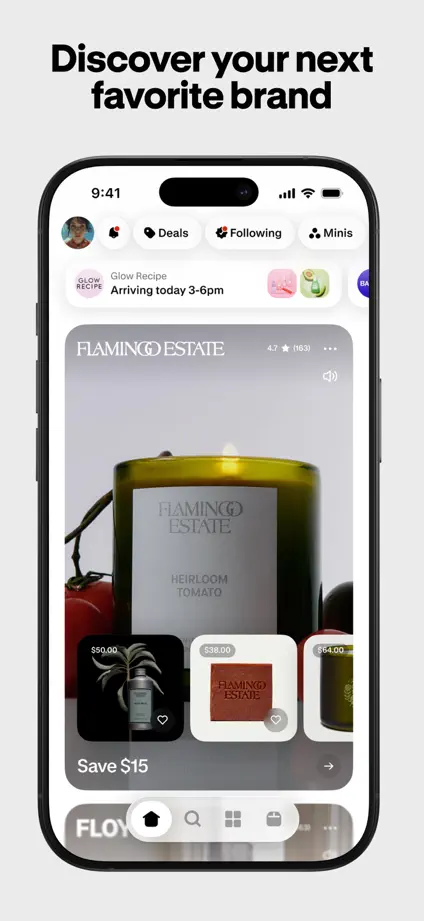
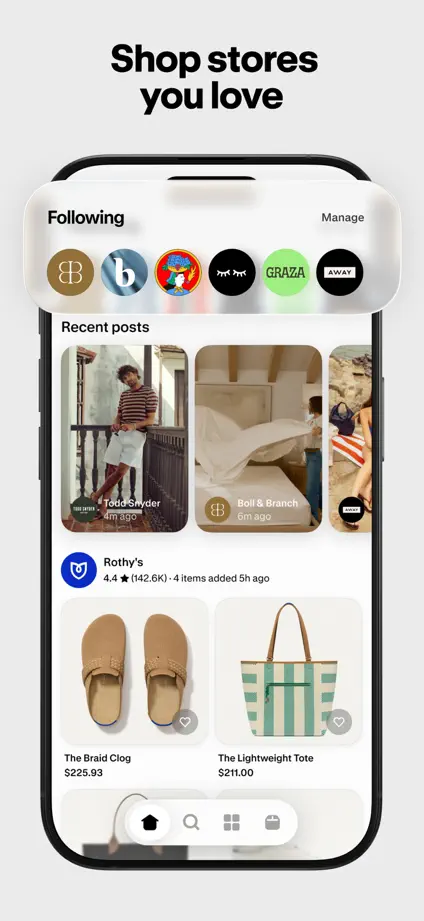
Shop, App Store screenshot 1
Shop, App Store screenshot 2
Shop, App Store screenshot 3
Shop, App Store screenshot 4
Shop, App Store screenshot 5
Shop, App Store screenshot 6

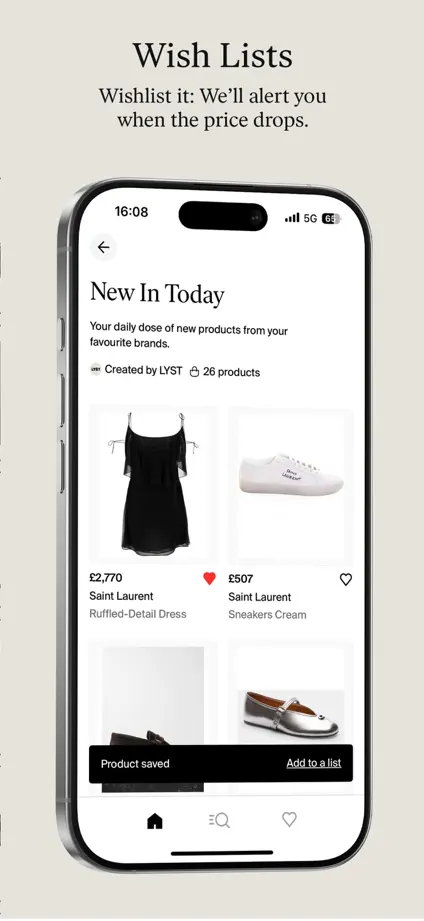
Lyst

Shopping · 6 frames

Oversized angled phones span the opening frames, followed by a quiet cream feature tour with serif headings and isolated product details.
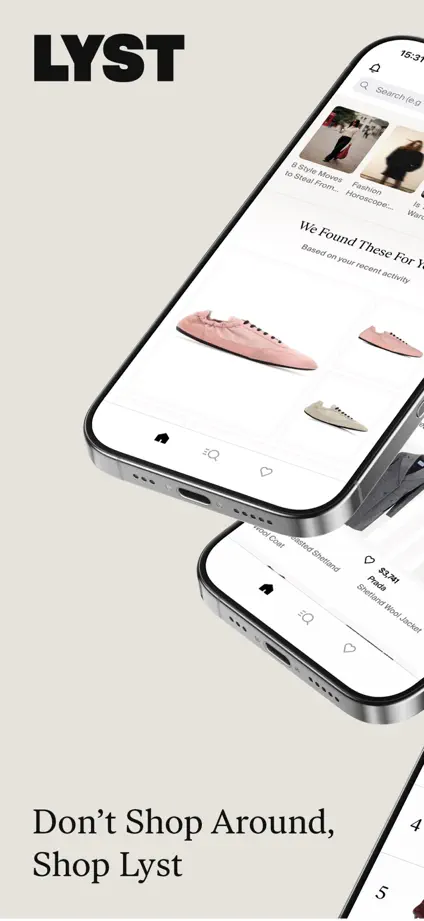
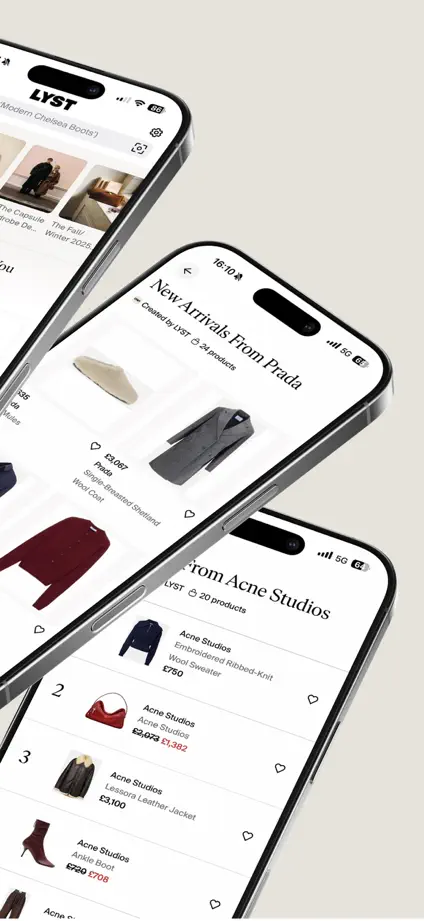
Lyst, App Store screenshot 1
Lyst, App Store screenshot 2
Lyst, App Store screenshot 3
Lyst, App Store screenshot 4
Lyst, App Store screenshot 5
Lyst, App Store screenshot 6

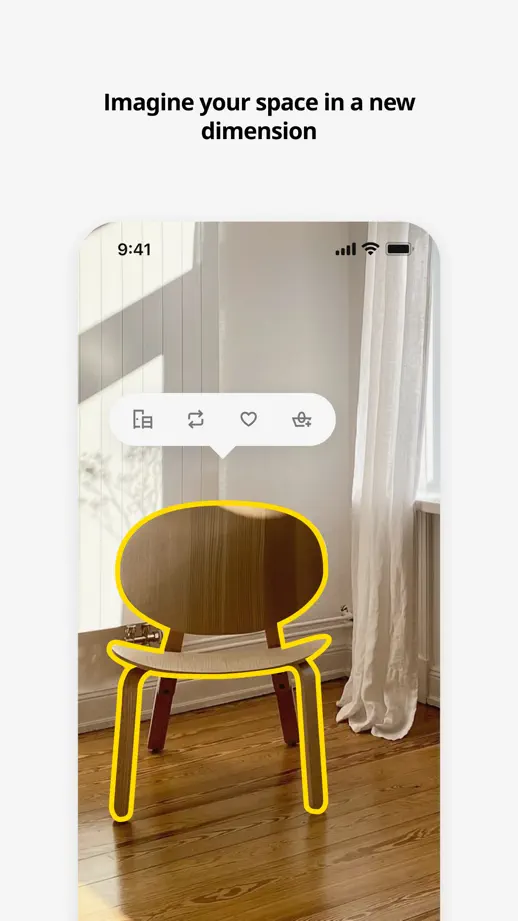
IKEA

Shopping · 8 frames

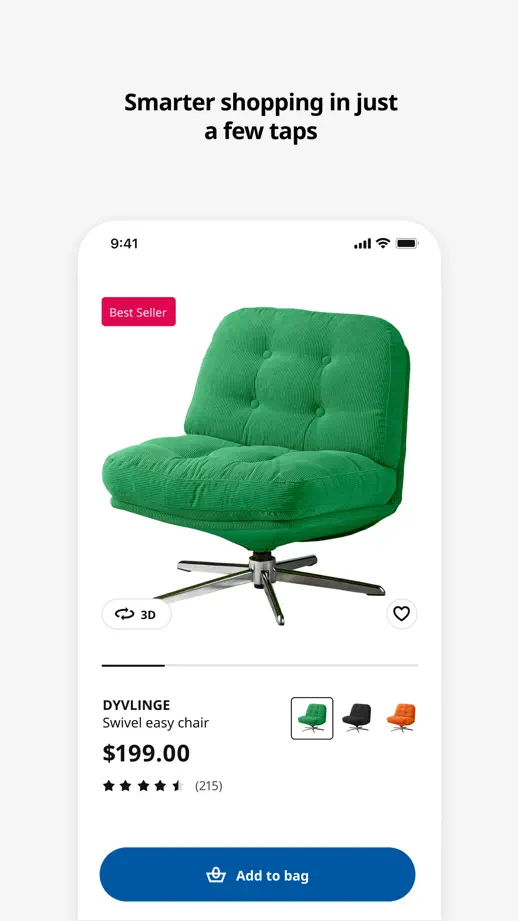
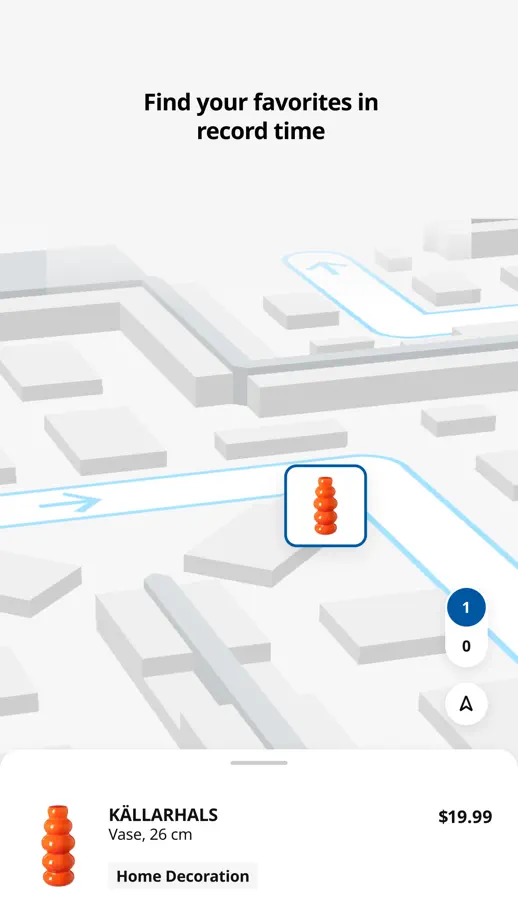
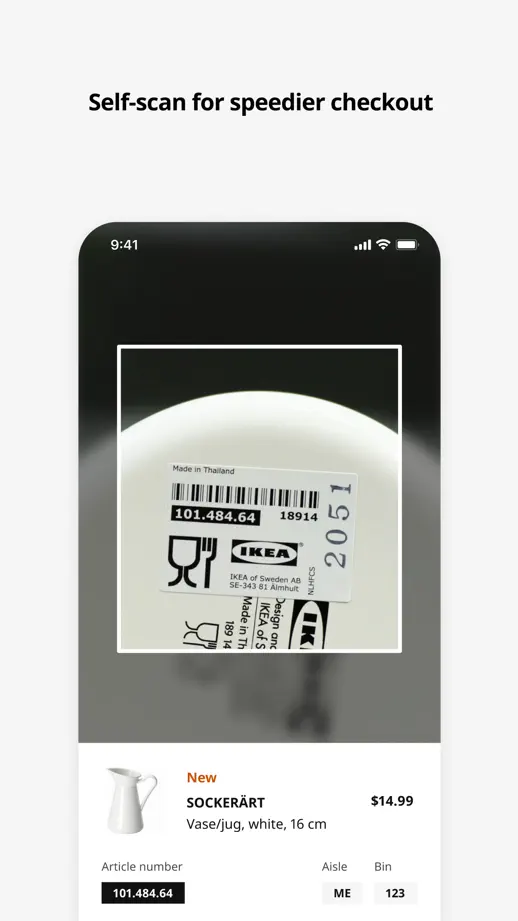
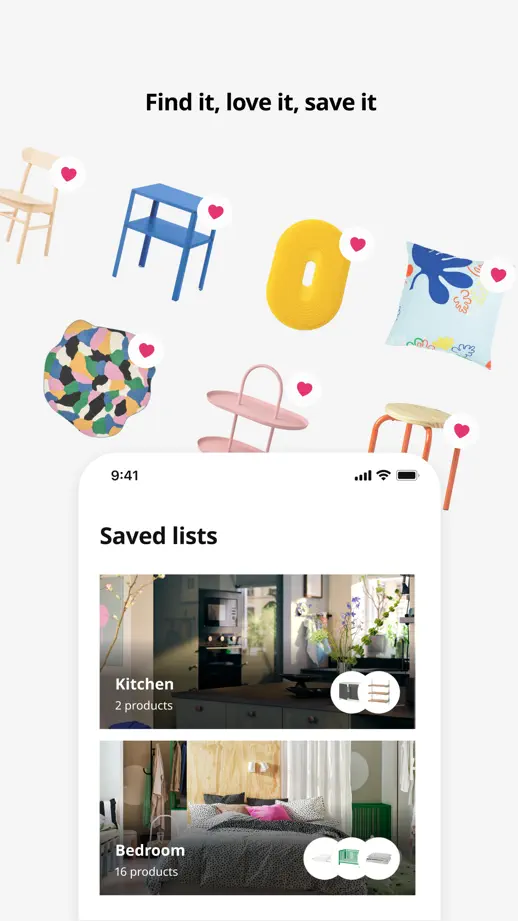
Unframed screens mix with furniture cutouts, room photography and a store map; blue and yellow punctuate the otherwise white sequence.

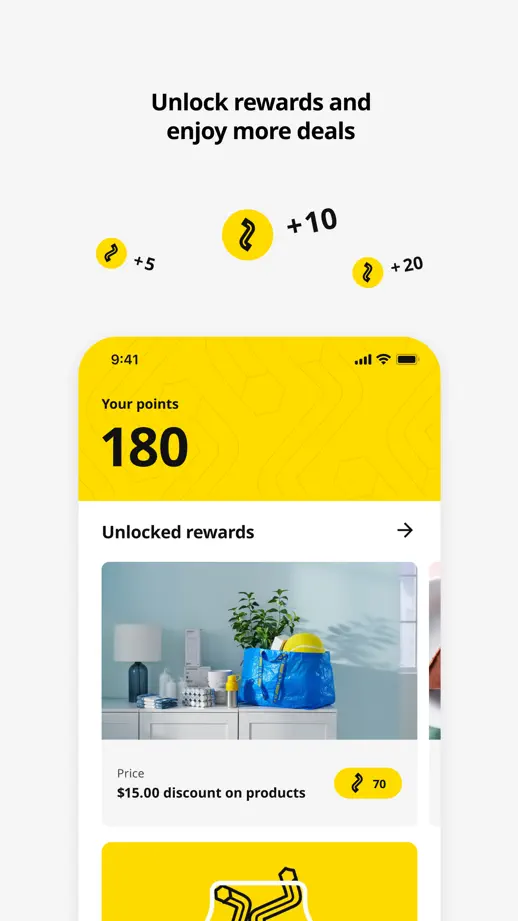
IKEA, App Store screenshot 1
IKEA, App Store screenshot 2
IKEA, App Store screenshot 3
IKEA, App Store screenshot 4
IKEA, App Store screenshot 5
IKEA, App Store screenshot 6
IKEA, App Store screenshot 7
IKEA, App Store screenshot 8

Target

Shopping · 9 frames

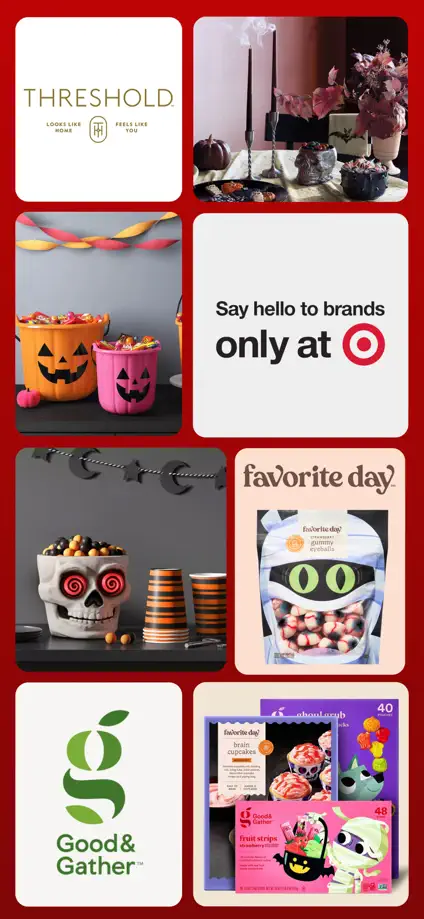
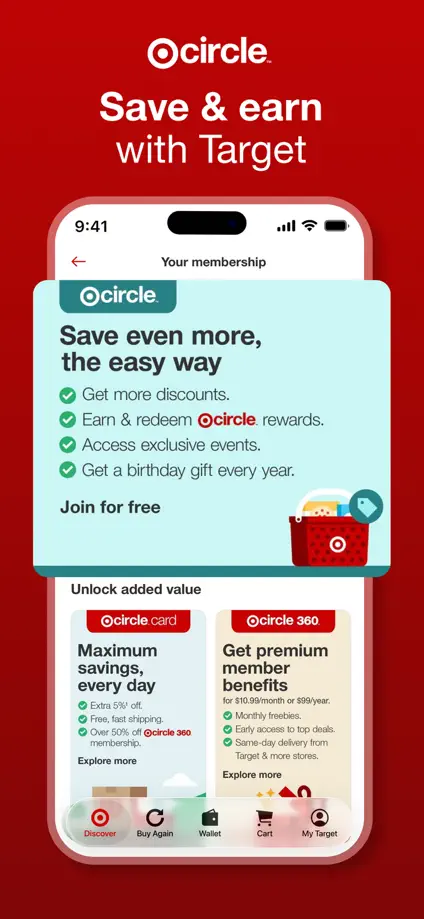
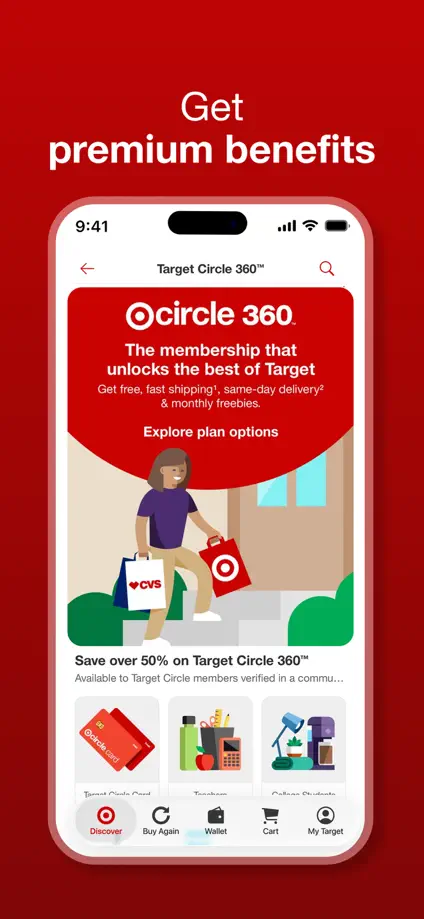
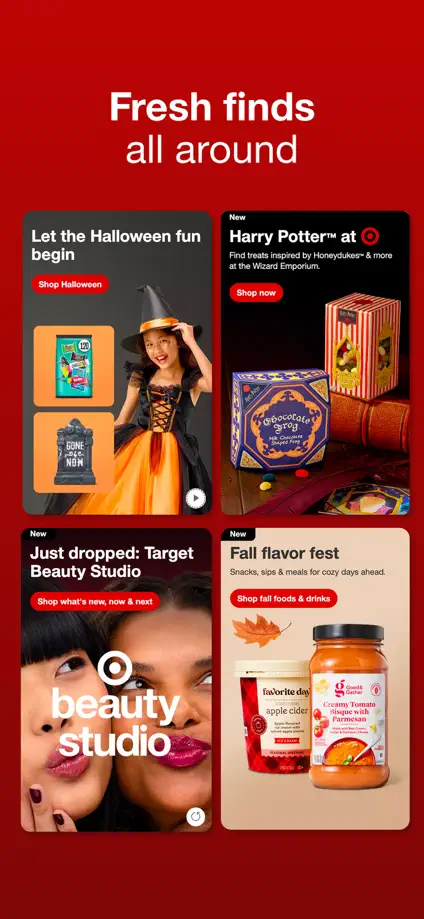
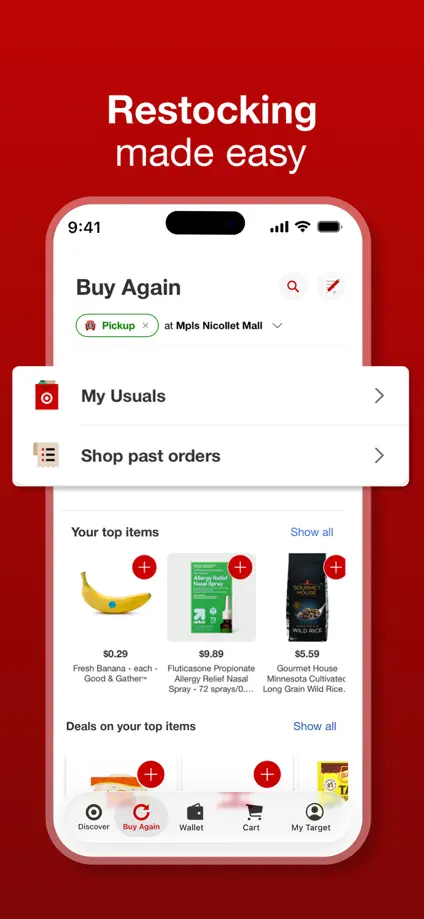
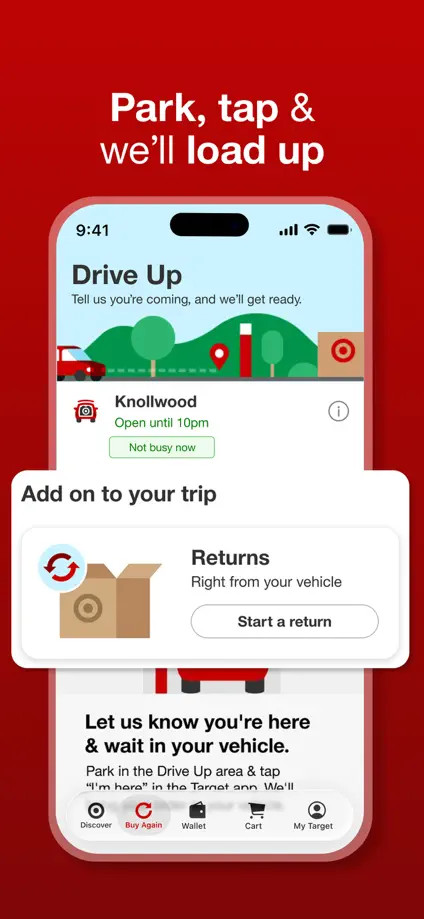
A repeated red background links seasonal product photography, shopping screens and enlarged membership cards across the feature tour.
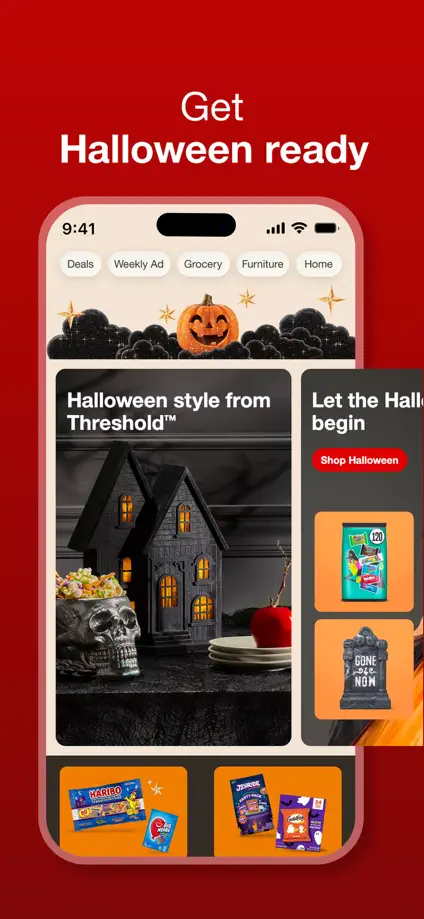
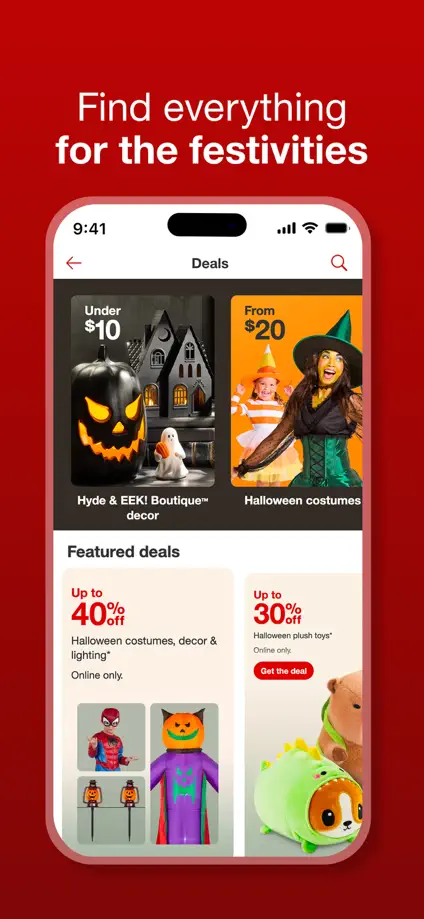
Target, App Store screenshot 1
Target, App Store screenshot 2
Target, App Store screenshot 3
Target, App Store screenshot 4
Target, App Store screenshot 5
Target, App Store screenshot 6
Target, App Store screenshot 7
Target, App Store screenshot 8
Target, App Store screenshot 9

SSENSE

Shopping · 5 frames

Numbered captions and narrow interface crops sit in generous white space, keeping the product imagery and monochrome typography prominent.

SSENSE, App Store screenshot 1
SSENSE, App Store screenshot 2
SSENSE, App Store screenshot 3
SSENSE, App Store screenshot 4
SSENSE, App Store screenshot 5

FARFETCH

Shopping · 7 frames

Full-height fashion photography alternates with overlapping phones and shopping screens, preserving the editorial images as the main visual anchor.

FARFETCH, App Store screenshot 1
FARFETCH, App Store screenshot 2
FARFETCH, App Store screenshot 3
FARFETCH, App Store screenshot 4
FARFETCH, App Store screenshot 5
FARFETCH, App Store screenshot 6
FARFETCH, App Store screenshot 7

Vestiaire Collective

Shopping · 6 frames

Serif headlines sit over warm photography and orange panels, while enlarged offer, price and authentication cards explain individual interactions.

Vestiaire Collective, App Store screenshot 1
Vestiaire Collective, App Store screenshot 2
Vestiaire Collective, App Store screenshot 3
Vestiaire Collective, App Store screenshot 4
Vestiaire Collective, App Store screenshot 5
Vestiaire Collective, App Store screenshot 6

Tasty

Food & Drink · 9 frames

Pale blue panels and small food illustrations frame a consistent tour of recipe grids, community posts, shopping lists and meal planning.

Tasty, App Store screenshot 1
Tasty, App Store screenshot 2
Tasty, App Store screenshot 3
Tasty, App Store screenshot 4
Tasty, App Store screenshot 5
Tasty, App Store screenshot 6
Tasty, App Store screenshot 7
Tasty, App Store screenshot 8
Tasty, App Store screenshot 9

NET-A-PORTER

Shopping · 10 frames

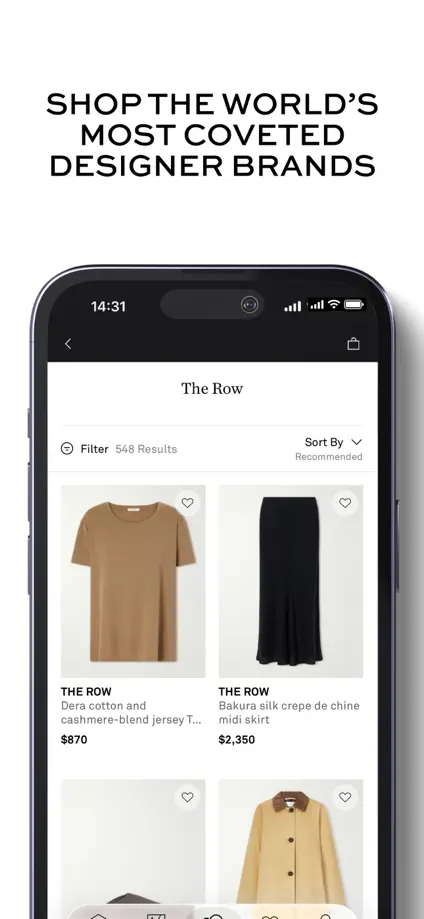
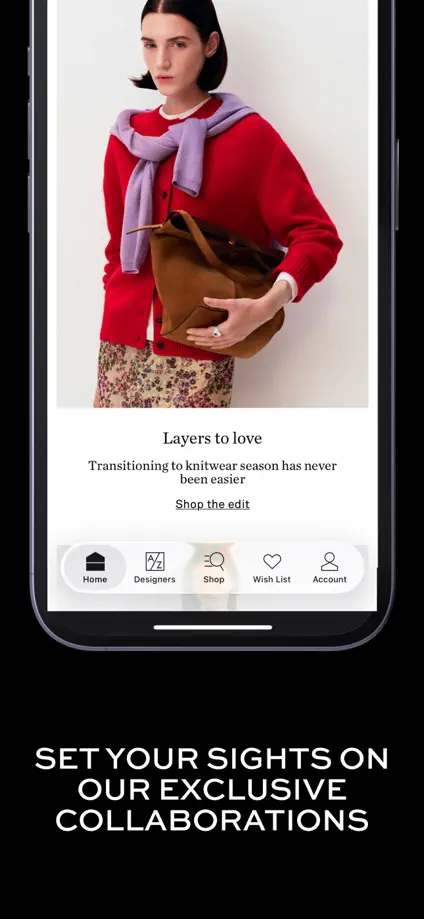
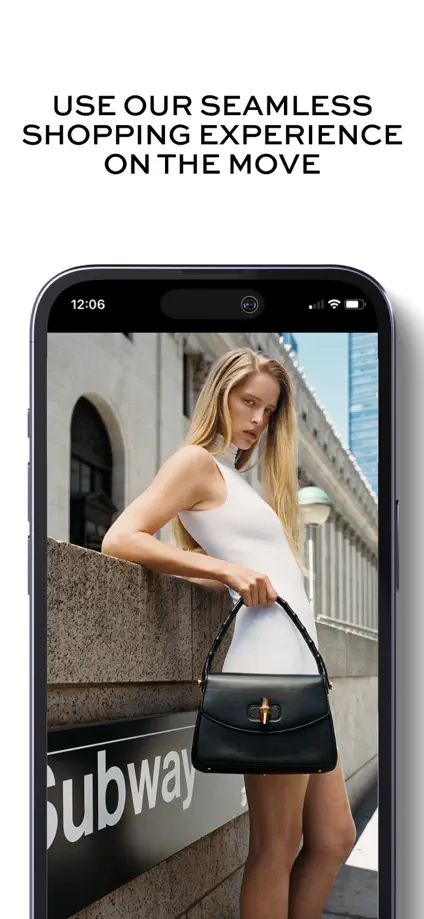
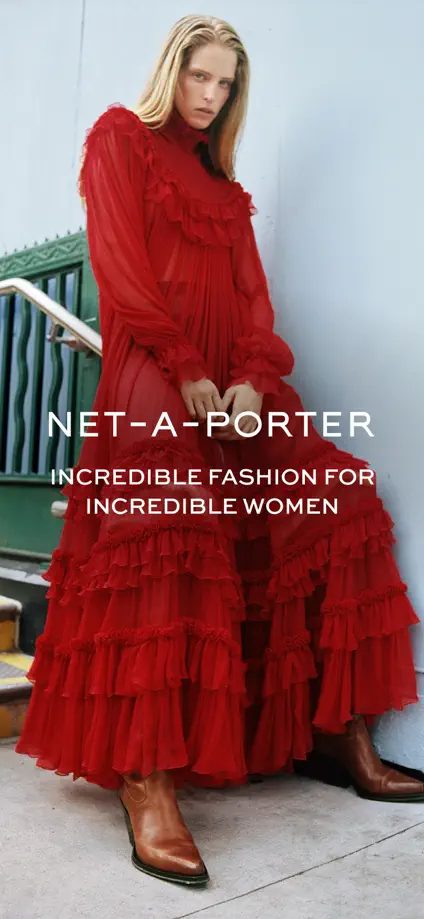
Black and white headline panels alternate with fashion photography, varying phone scale while maintaining a spare editorial palette.
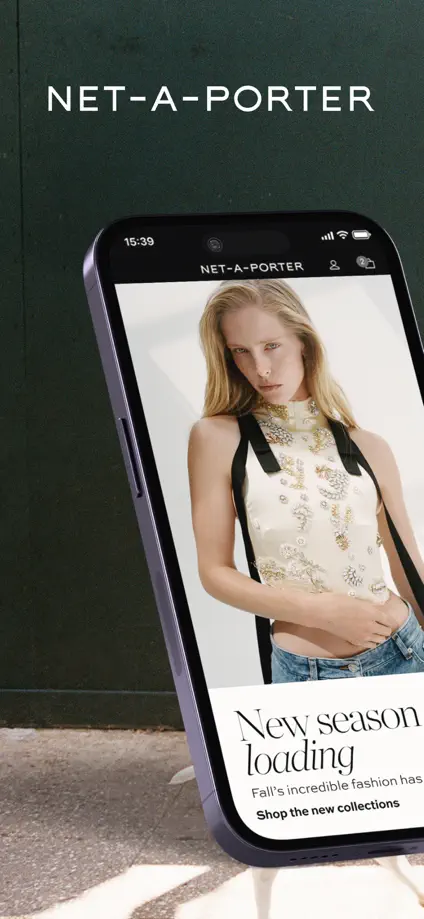
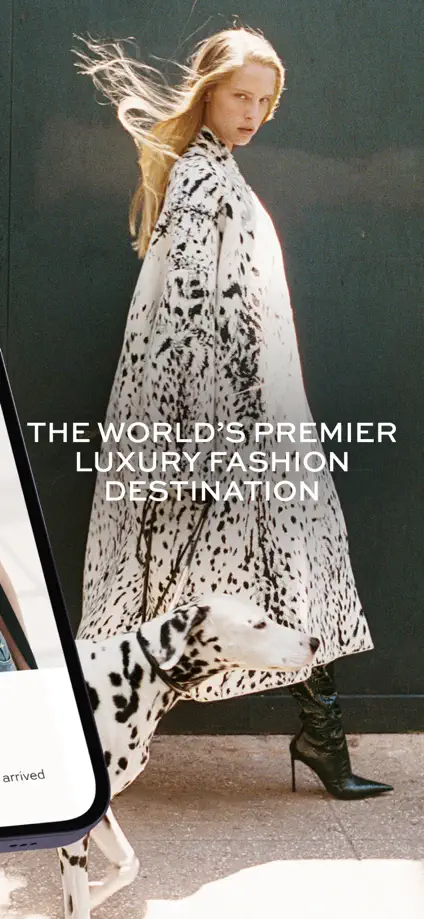
NET-A-PORTER, App Store screenshot 1
NET-A-PORTER, App Store screenshot 2
NET-A-PORTER, App Store screenshot 3
NET-A-PORTER, App Store screenshot 4
NET-A-PORTER, App Store screenshot 5
NET-A-PORTER, App Store screenshot 6
NET-A-PORTER, App Store screenshot 7
NET-A-PORTER, App Store screenshot 8
NET-A-PORTER, App Store screenshot 9
NET-A-PORTER, App Store screenshot 10

NYT Cooking

Food & Drink · 7 frames

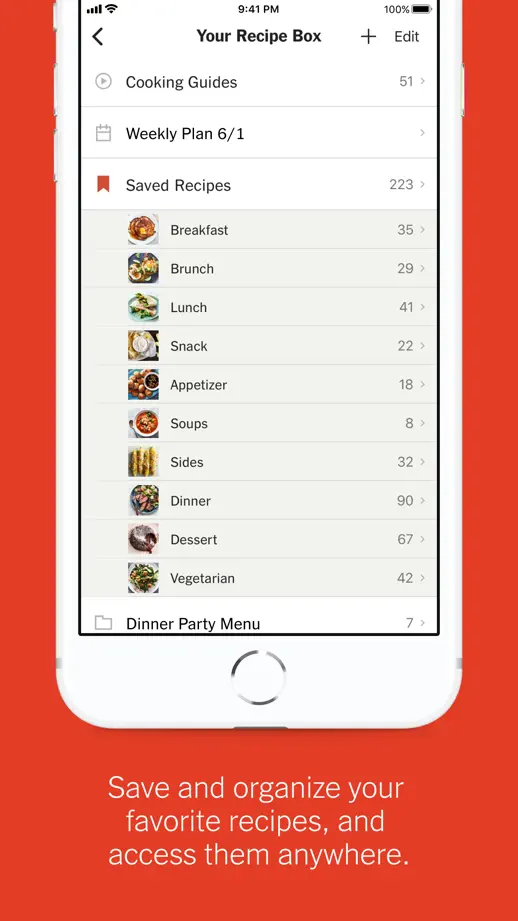
Orange-red panels alternate the vertical position of white phones, moving through recipe discovery, search, instructions and saved lists.

NYT Cooking, App Store screenshot 1
NYT Cooking, App Store screenshot 2
NYT Cooking, App Store screenshot 3
NYT Cooking, App Store screenshot 4
NYT Cooking, App Store screenshot 5
NYT Cooking, App Store screenshot 6
NYT Cooking, App Store screenshot 7

Kitchen Stories

Food & Drink · 9 frames

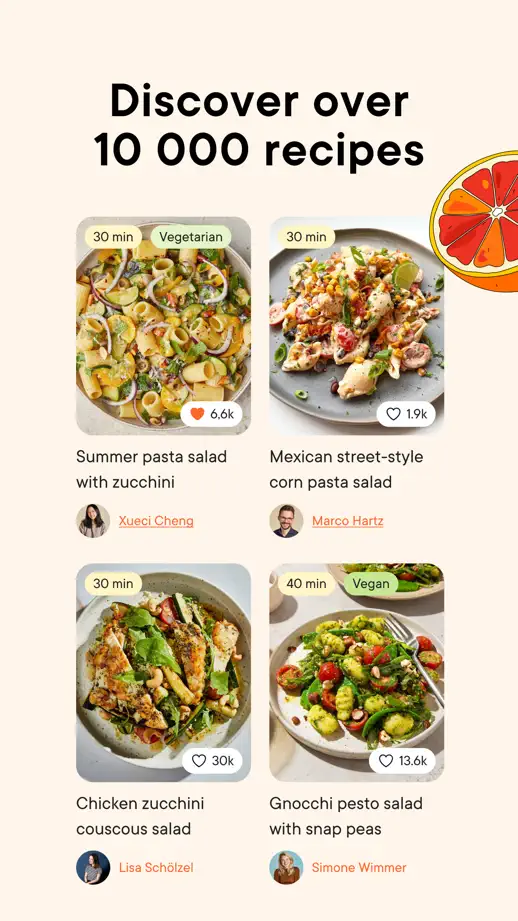
Large food photographs introduce the set before cream panels, ingredient illustrations and cropped interface cards guide the feature tour.

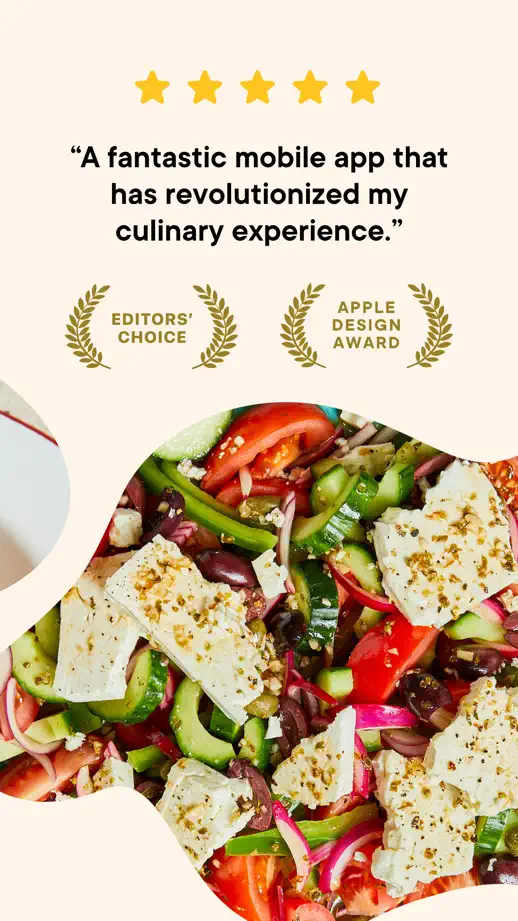
Kitchen Stories, App Store screenshot 1
Kitchen Stories, App Store screenshot 2
Kitchen Stories, App Store screenshot 3
Kitchen Stories, App Store screenshot 4
Kitchen Stories, App Store screenshot 5
Kitchen Stories, App Store screenshot 6
Kitchen Stories, App Store screenshot 7
Kitchen Stories, App Store screenshot 8
Kitchen Stories, App Store screenshot 9

Samsung Food

Food & Drink · 8 frames

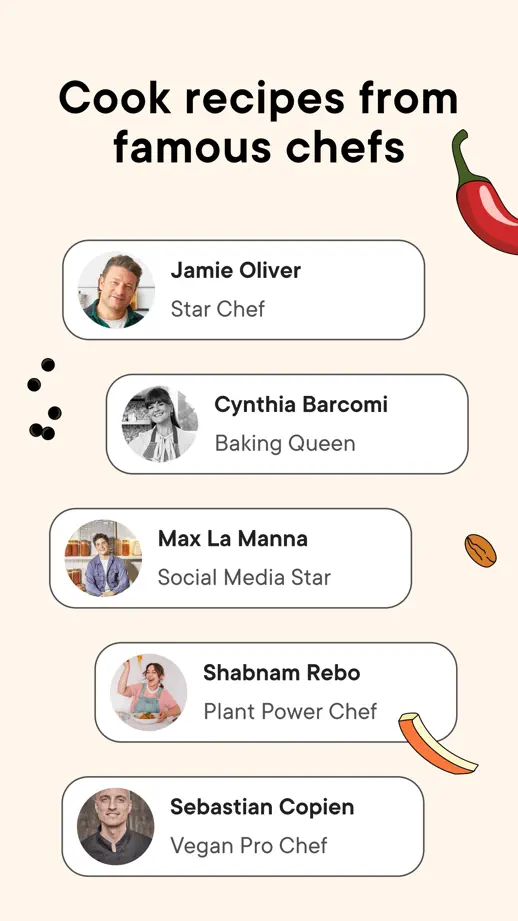
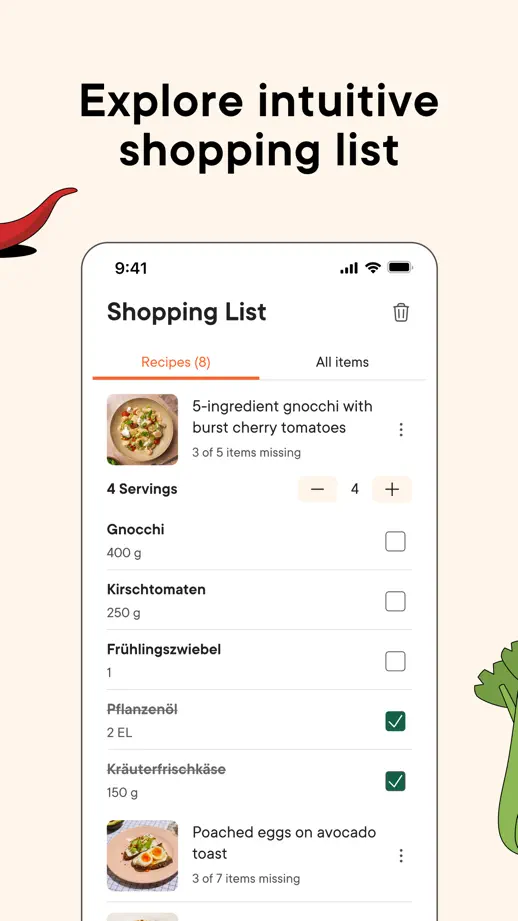
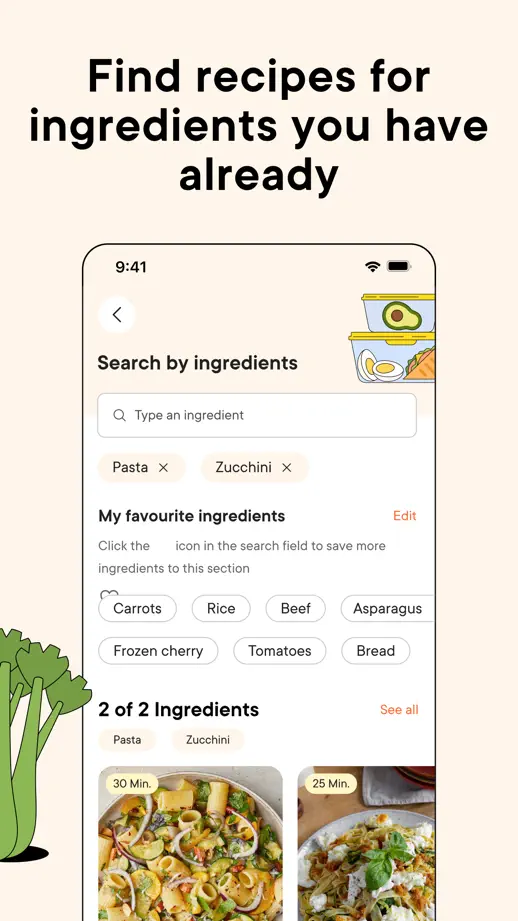
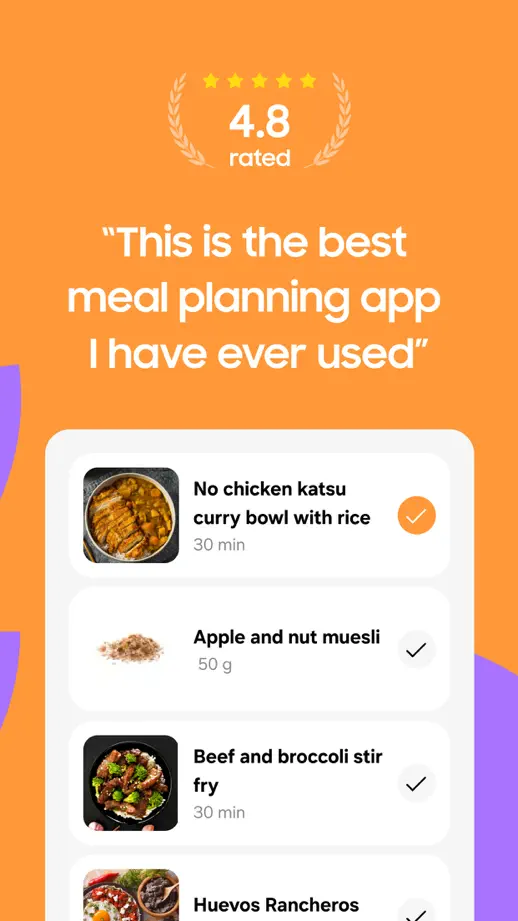
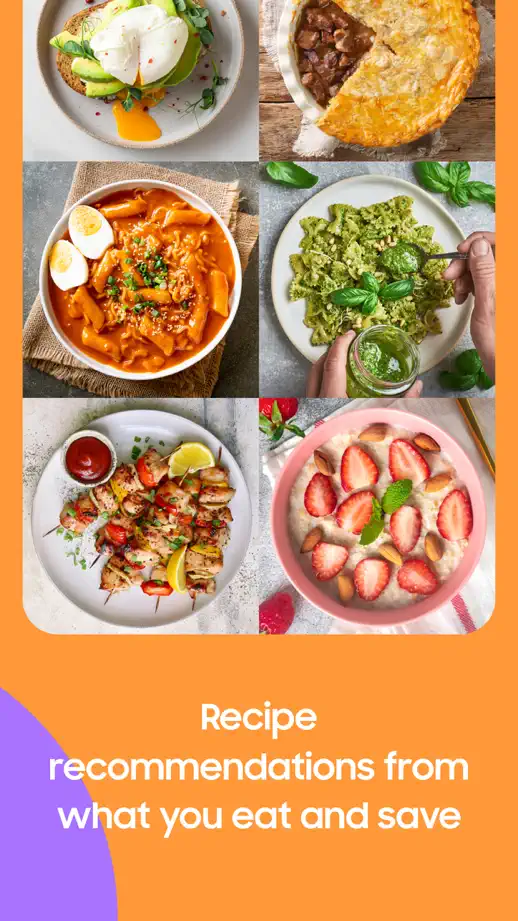
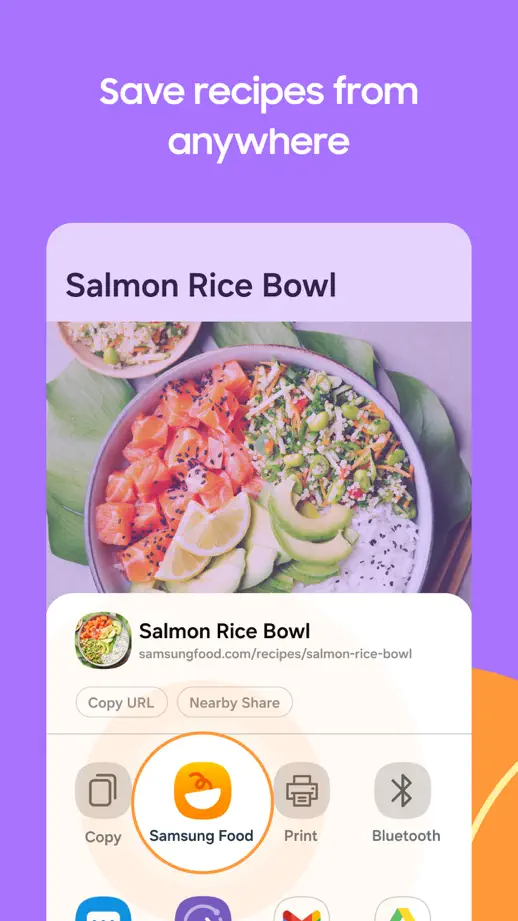
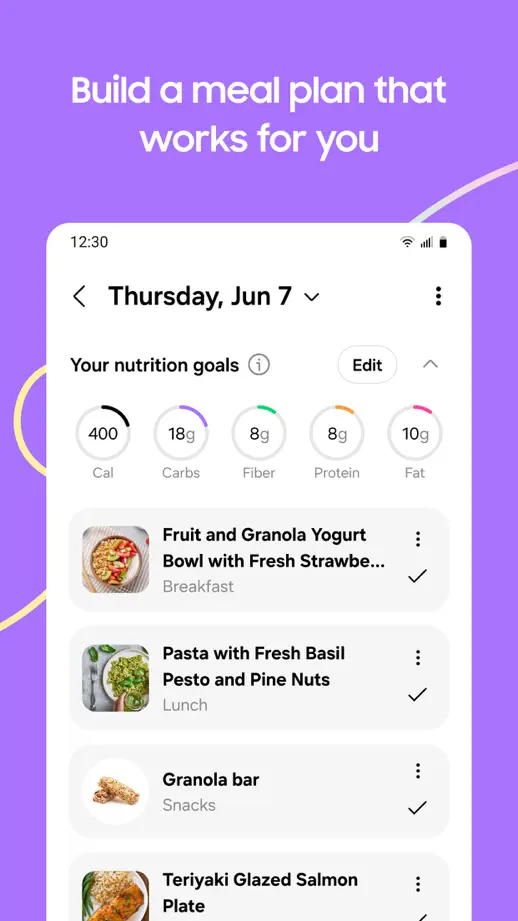
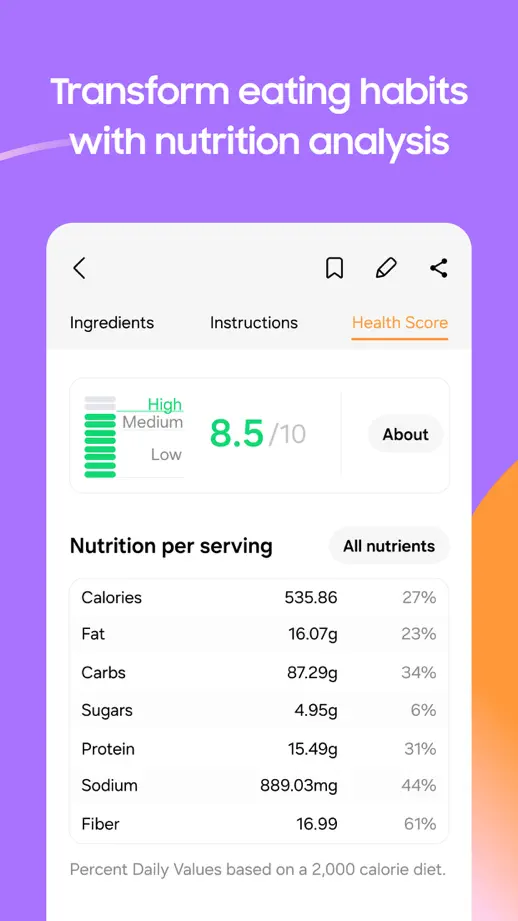
Orange opening panels give way to purple feature panels, with food photography and enlarged planning screens connecting the two sections.
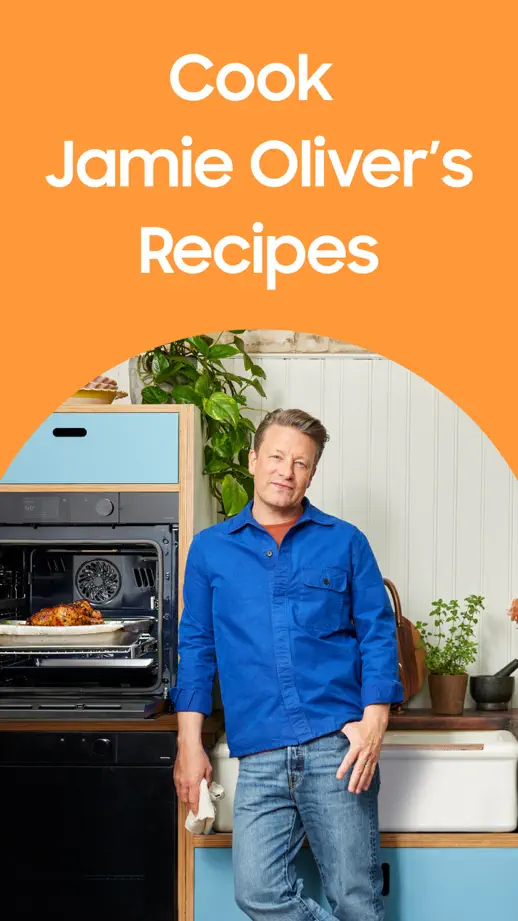
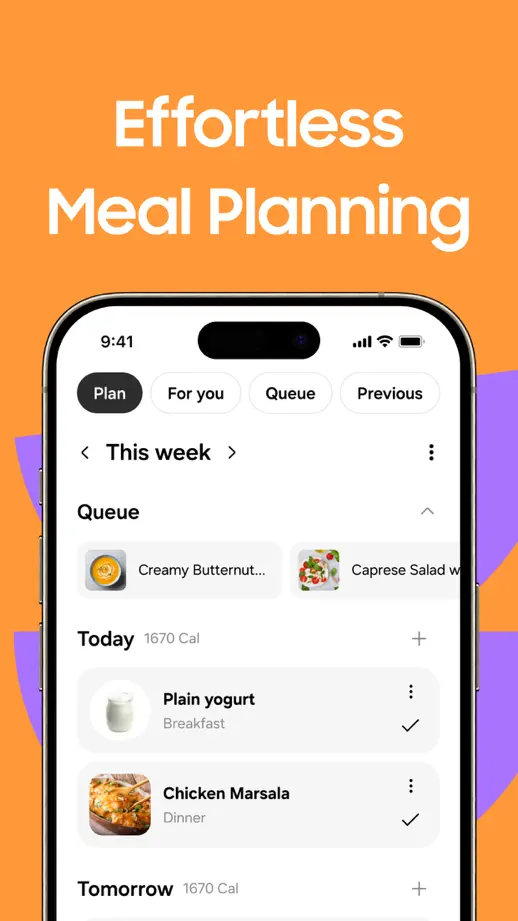
Samsung Food, App Store screenshot 1
Samsung Food, App Store screenshot 2
Samsung Food, App Store screenshot 3
Samsung Food, App Store screenshot 4
Samsung Food, App Store screenshot 5
Samsung Food, App Store screenshot 6
Samsung Food, App Store screenshot 7
Samsung Food, App Store screenshot 8

Sidekick

Food & Drink · 7 frames

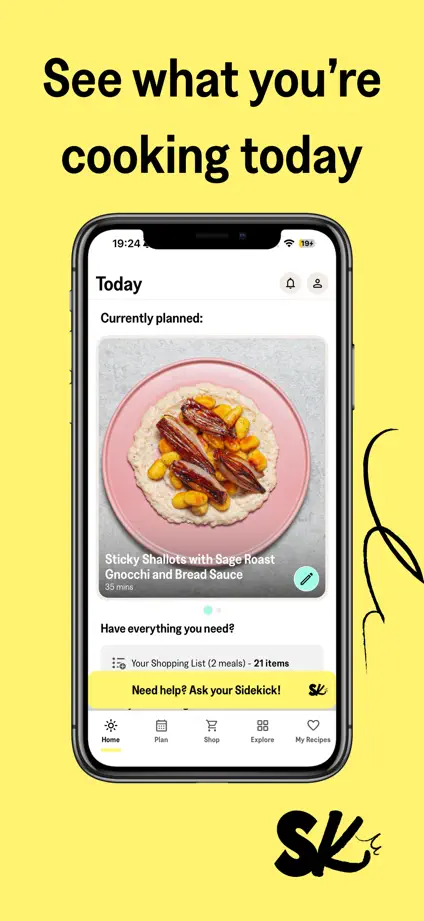
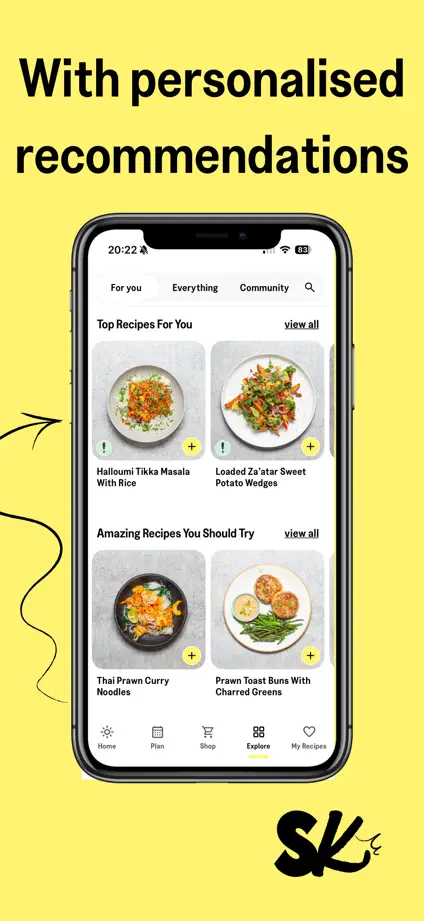
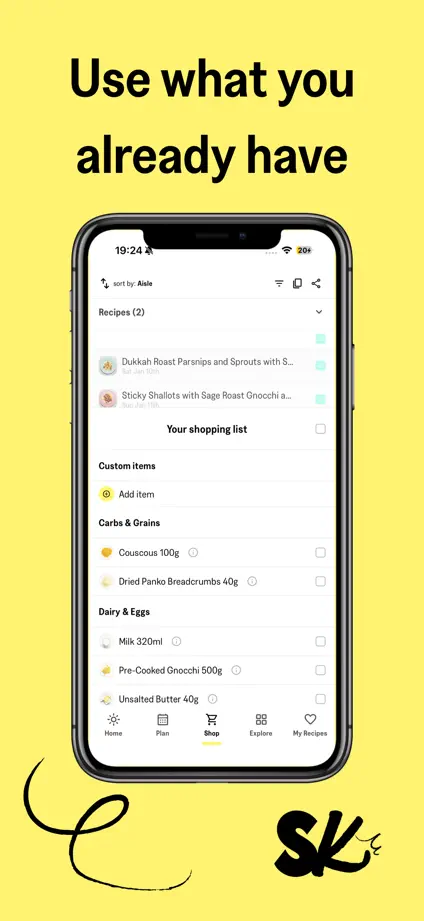
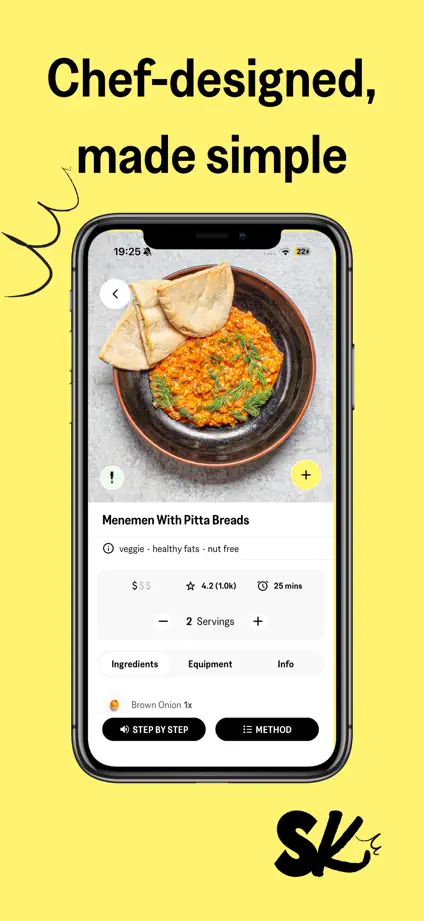
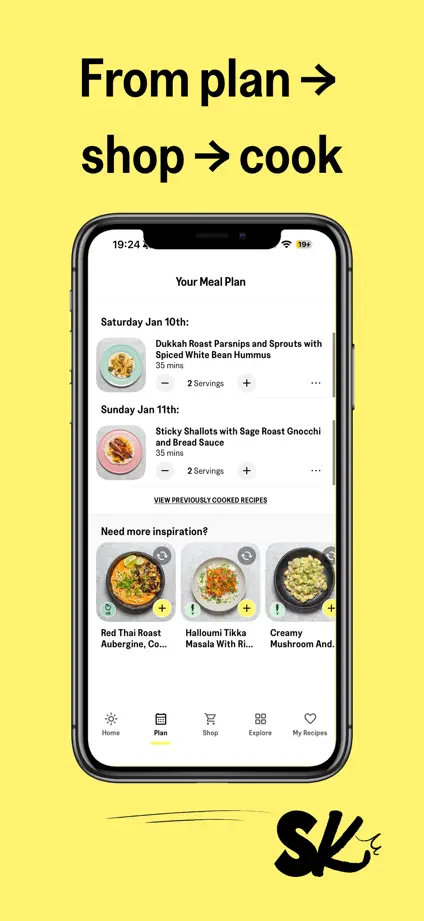
Yellow backgrounds, black handwritten accents and repeated upright phones give each cooking feature a consistent, recognizable frame.

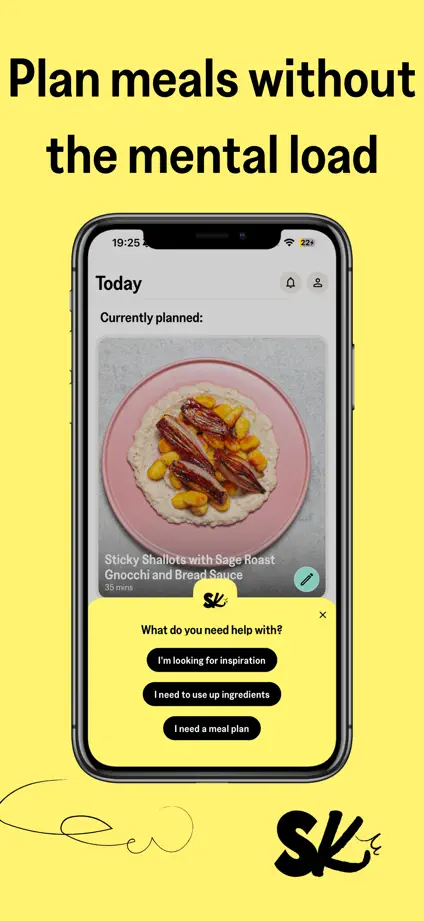
Sidekick, App Store screenshot 1
Sidekick, App Store screenshot 2
Sidekick, App Store screenshot 3
Sidekick, App Store screenshot 4
Sidekick, App Store screenshot 5
Sidekick, App Store screenshot 6
Sidekick, App Store screenshot 7

Add to collection

New collection