kit0

iPhone App Store screenshot examples, page 14

Every first impression.

335 apps

Tayasui Sketches

Creativity · 9 frames

Colorful panels pair illustrated artwork with oversized drawing tools and interface details, giving each technique its own palette.

Tayasui Sketches, App Store screenshot 1
Tayasui Sketches, App Store screenshot 2
Tayasui Sketches, App Store screenshot 3
Tayasui Sketches, App Store screenshot 4
Tayasui Sketches, App Store screenshot 5
Tayasui Sketches, App Store screenshot 6
Tayasui Sketches, App Store screenshot 7
Tayasui Sketches, App Store screenshot 8
Tayasui Sketches, App Store screenshot 9

Adobe Fresco

Creativity · 10 frames

Finished illustrations dominate large interface crops on a neutral background, with varied angles and loose drawn accents.

Adobe Fresco, App Store screenshot 1
Adobe Fresco, App Store screenshot 2
Adobe Fresco, App Store screenshot 3
Adobe Fresco, App Store screenshot 4
Adobe Fresco, App Store screenshot 5
Adobe Fresco, App Store screenshot 6
Adobe Fresco, App Store screenshot 7
Adobe Fresco, App Store screenshot 8
Adobe Fresco, App Store screenshot 9
Adobe Fresco, App Store screenshot 10

Lightroom

Photo & video · 10 frames

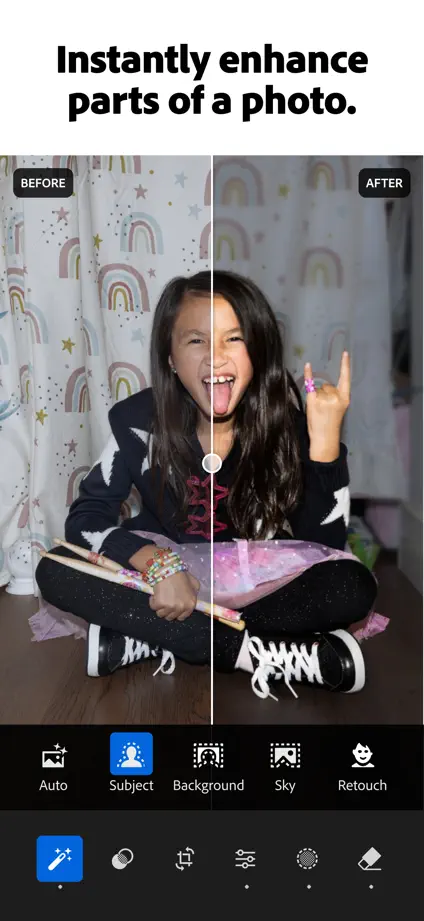
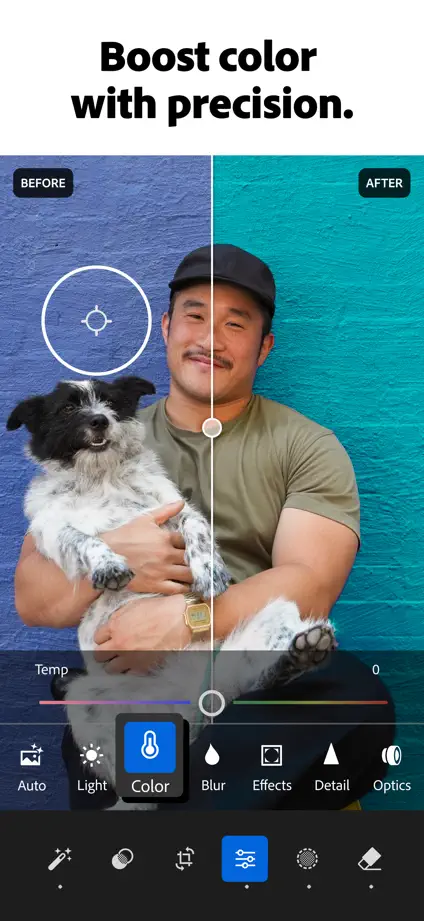
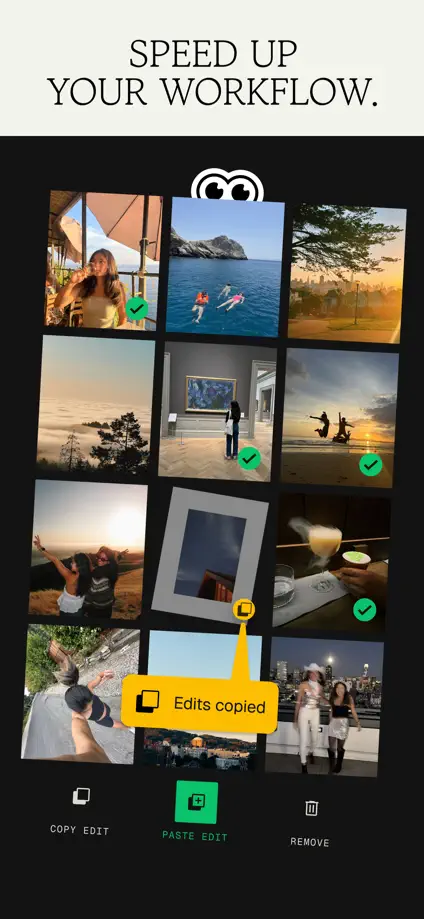
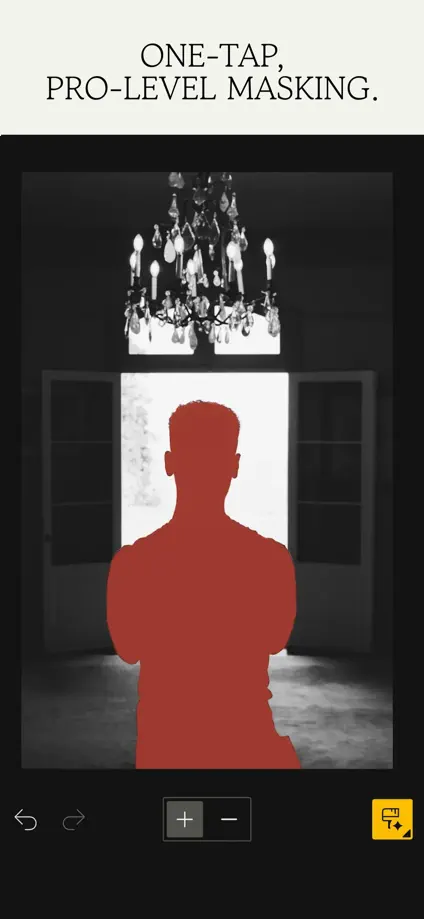
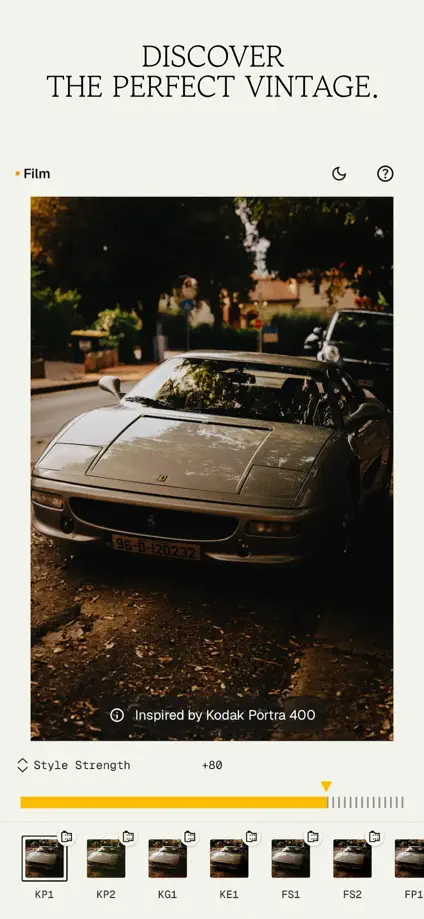
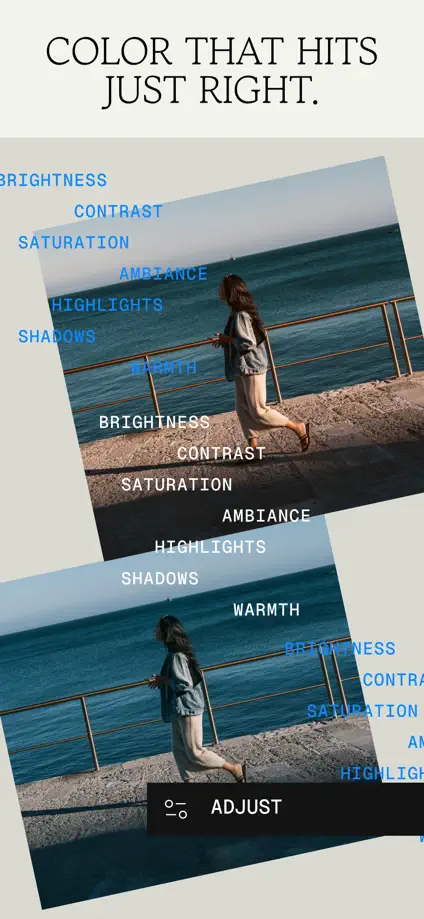
Full-height photographs and before-and-after treatments place the result above compact editing controls, with a consistent white headline strip.

Lightroom, App Store screenshot 1
Lightroom, App Store screenshot 2
Lightroom, App Store screenshot 3
Lightroom, App Store screenshot 4
Lightroom, App Store screenshot 5
Lightroom, App Store screenshot 6
Lightroom, App Store screenshot 7
Lightroom, App Store screenshot 8
Lightroom, App Store screenshot 9
Lightroom, App Store screenshot 10

Snapseed

Photo & video · 10 frames

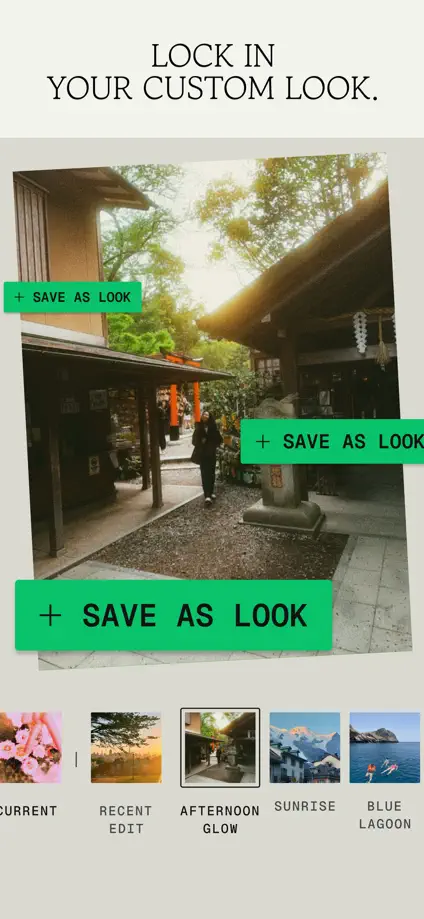
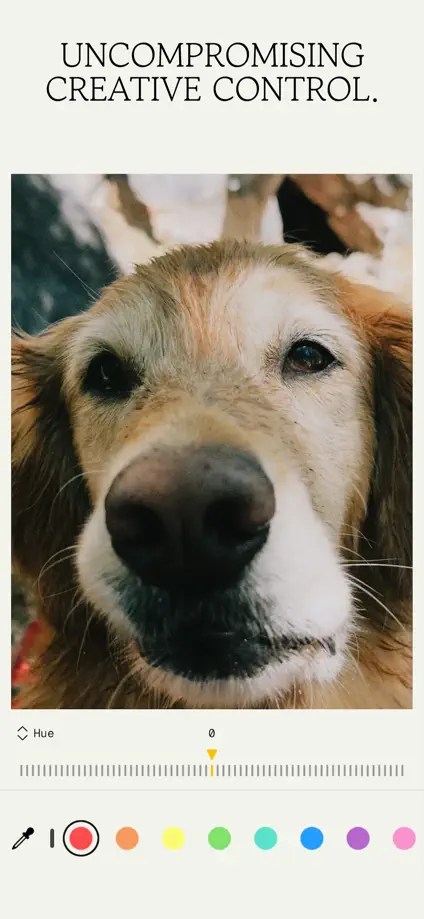
Serif headlines, sticker-like accents and layered photographs create an editorial collage around compact editing interfaces.

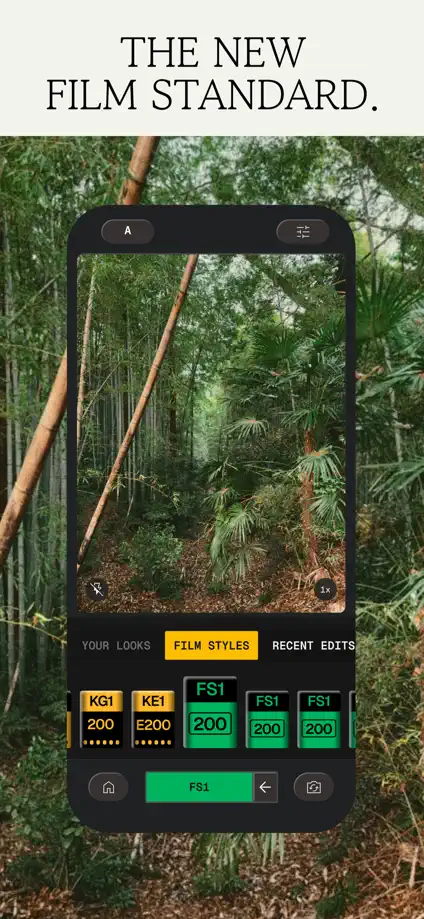
Snapseed, App Store screenshot 1
Snapseed, App Store screenshot 2
Snapseed, App Store screenshot 3
Snapseed, App Store screenshot 4
Snapseed, App Store screenshot 5
Snapseed, App Store screenshot 6
Snapseed, App Store screenshot 7
Snapseed, App Store screenshot 8
Snapseed, App Store screenshot 9
Snapseed, App Store screenshot 10

Photoleap

Photo & video · 10 frames

Large edited photographs fill each panel, with consistent short headings and a narrow strip of editing controls below.

Photoleap, App Store screenshot 1
Photoleap, App Store screenshot 2
Photoleap, App Store screenshot 3
Photoleap, App Store screenshot 4
Photoleap, App Store screenshot 5
Photoleap, App Store screenshot 6
Photoleap, App Store screenshot 7
Photoleap, App Store screenshot 8
Photoleap, App Store screenshot 9
Photoleap, App Store screenshot 10

Videoleap

Photo & video · 10 frames

Full-height video examples pair short white captions with visible timelines and controls, ending in a separate brand composition.
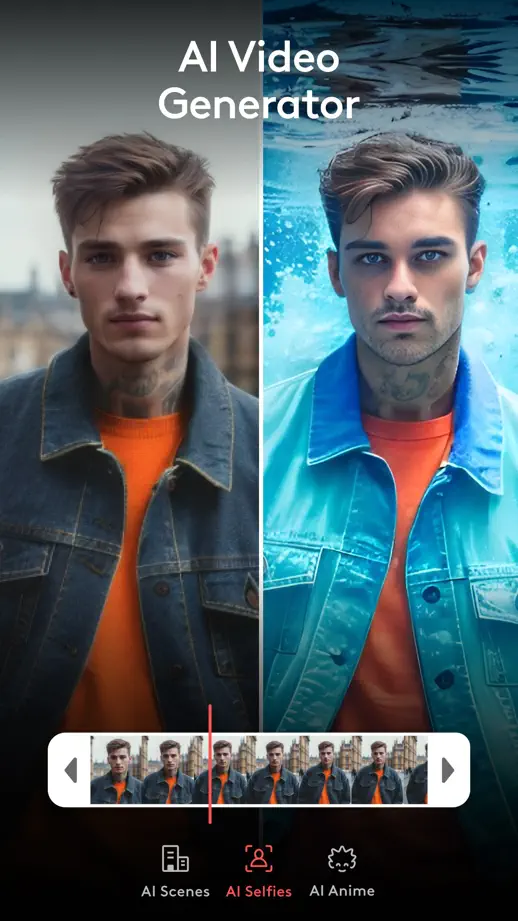
Videoleap, App Store screenshot 1
Videoleap, App Store screenshot 2
Videoleap, App Store screenshot 3
Videoleap, App Store screenshot 4
Videoleap, App Store screenshot 5
Videoleap, App Store screenshot 6
Videoleap, App Store screenshot 7
Videoleap, App Store screenshot 8
Videoleap, App Store screenshot 9
Videoleap, App Store screenshot 10

InShot

Photo & video · 10 frames

Dark panels keep a steady heading position while varied photographs, timelines and enlarged editing results show distinct treatments.

InShot, App Store screenshot 1
InShot, App Store screenshot 2
InShot, App Store screenshot 3
InShot, App Store screenshot 4
InShot, App Store screenshot 5
InShot, App Store screenshot 6
InShot, App Store screenshot 7
InShot, App Store screenshot 8
InShot, App Store screenshot 9
InShot, App Store screenshot 10

CapCut

Photo & video · 9 frames

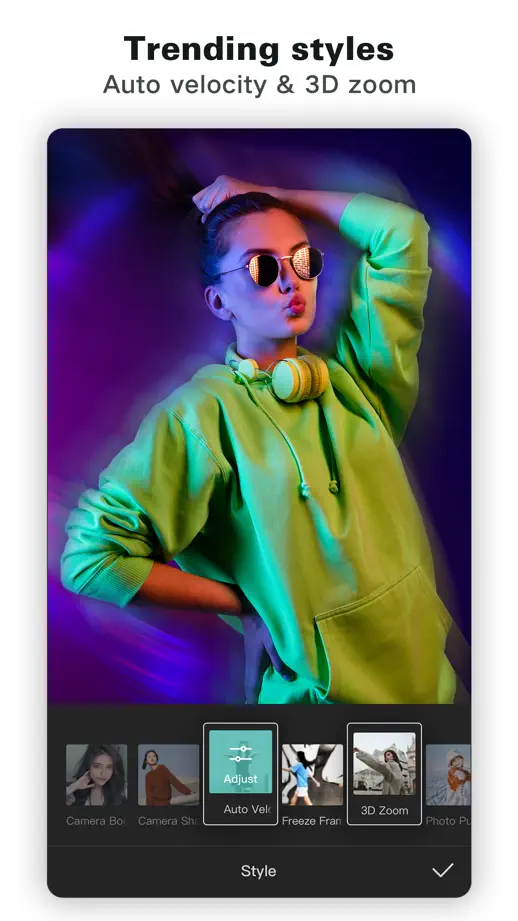
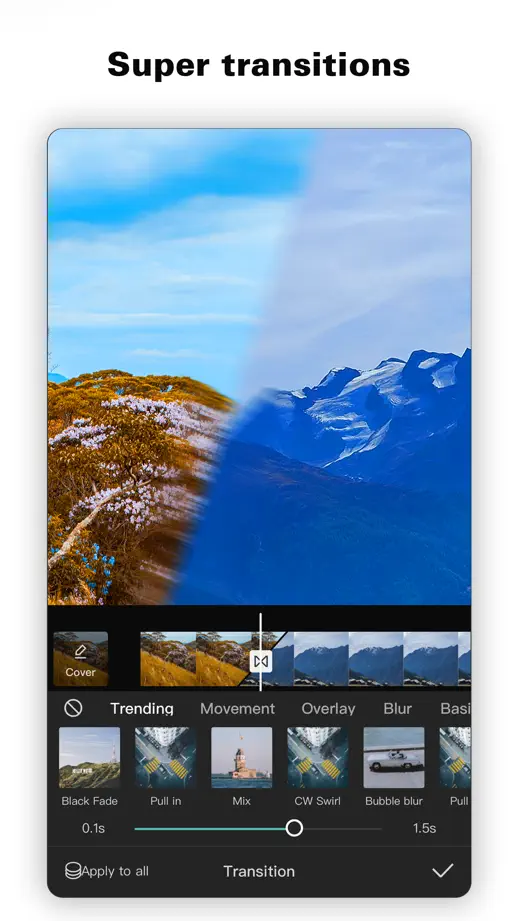
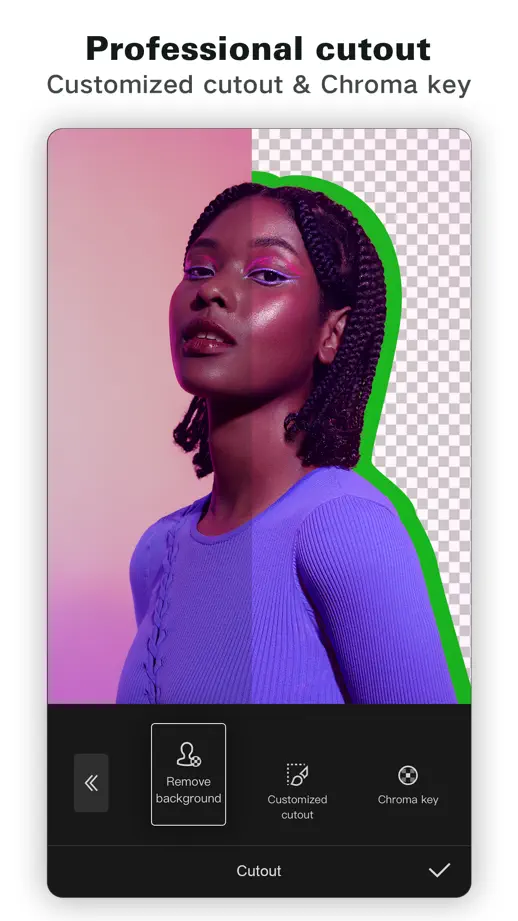
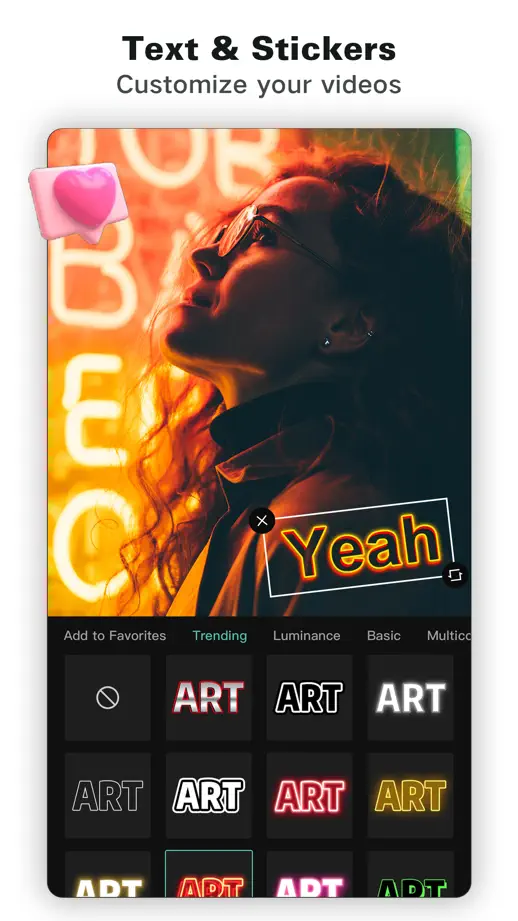
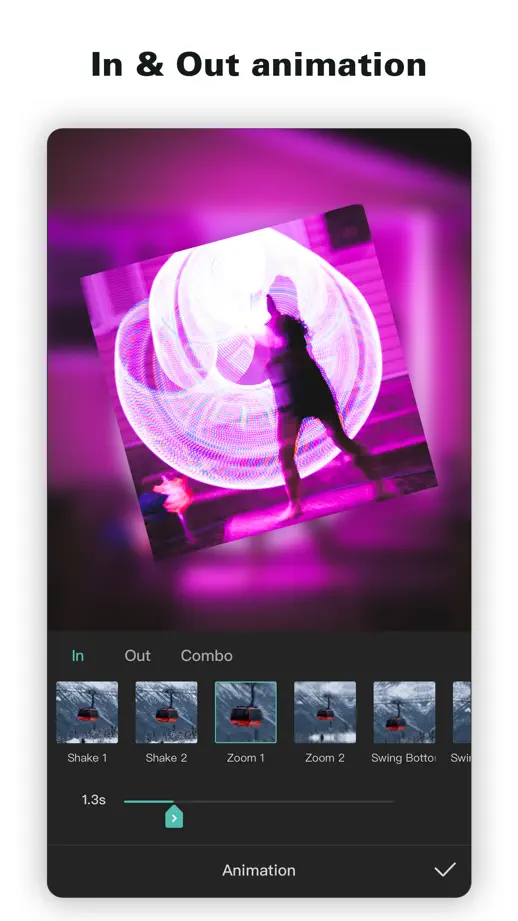
White margins and compact headings frame colorful edited examples, with controls retained below each result.

CapCut, App Store screenshot 1
CapCut, App Store screenshot 2
CapCut, App Store screenshot 3
CapCut, App Store screenshot 4
CapCut, App Store screenshot 5
CapCut, App Store screenshot 6
CapCut, App Store screenshot 7
CapCut, App Store screenshot 8
CapCut, App Store screenshot 9

NOMO CAM

Photo & video · 10 frames

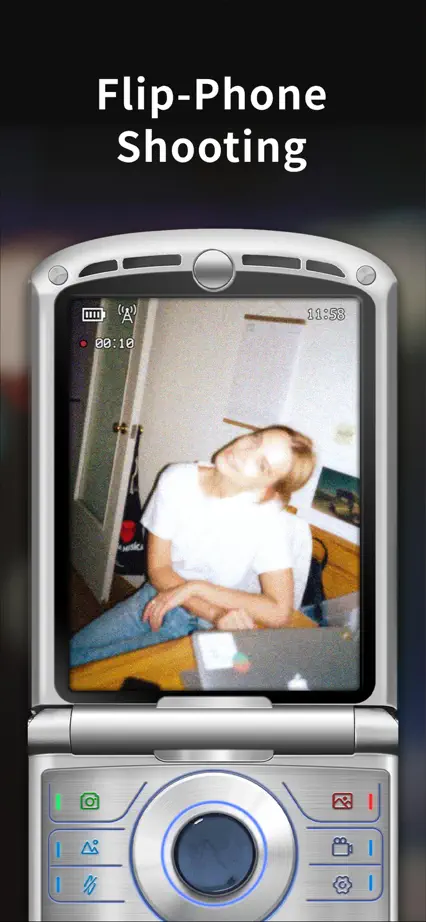
Full-frame camera surfaces replace conventional device mockups, using texture, hardware details and color to distinguish each camera.

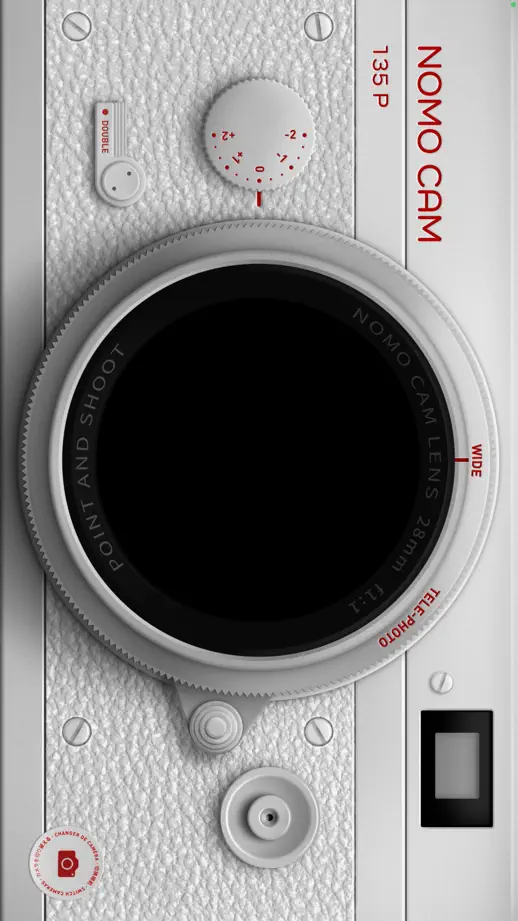
NOMO CAM, App Store screenshot 1
NOMO CAM, App Store screenshot 2
NOMO CAM, App Store screenshot 3
NOMO CAM, App Store screenshot 4
NOMO CAM, App Store screenshot 5
NOMO CAM, App Store screenshot 6
NOMO CAM, App Store screenshot 7
NOMO CAM, App Store screenshot 8
NOMO CAM, App Store screenshot 9
NOMO CAM, App Store screenshot 10

OldRoll

Photo & video · 9 frames

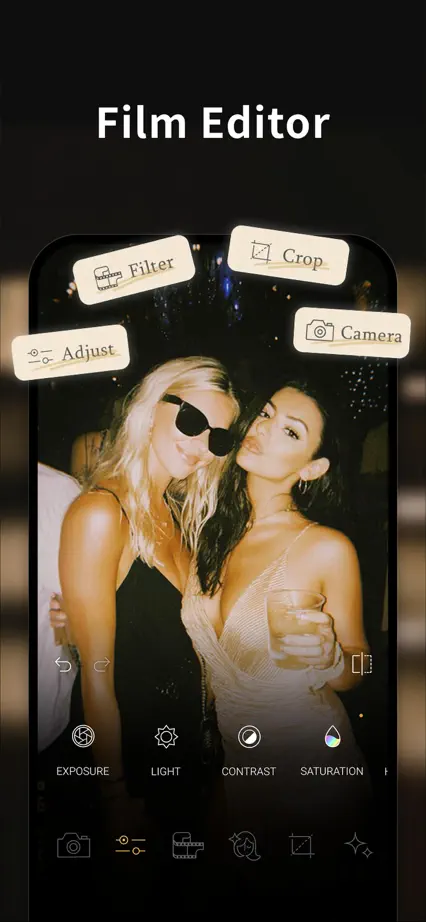
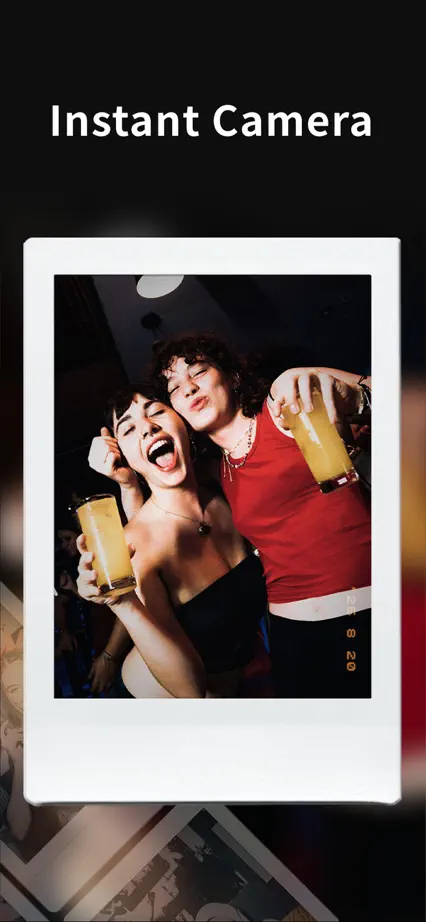
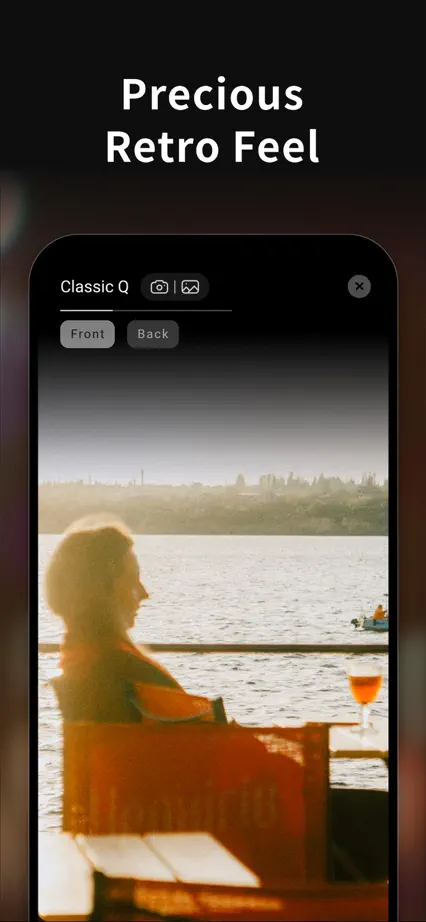
Warm photographs sit inside varied retro camera interfaces, with a consistent black backdrop and simple white captions.
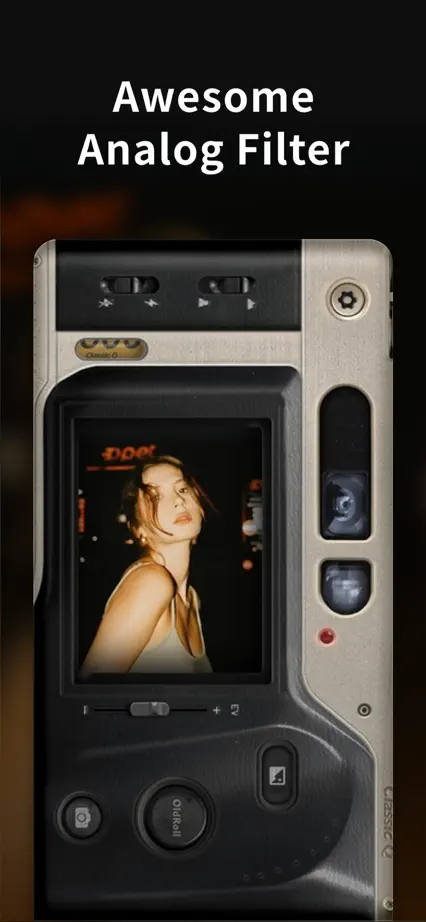
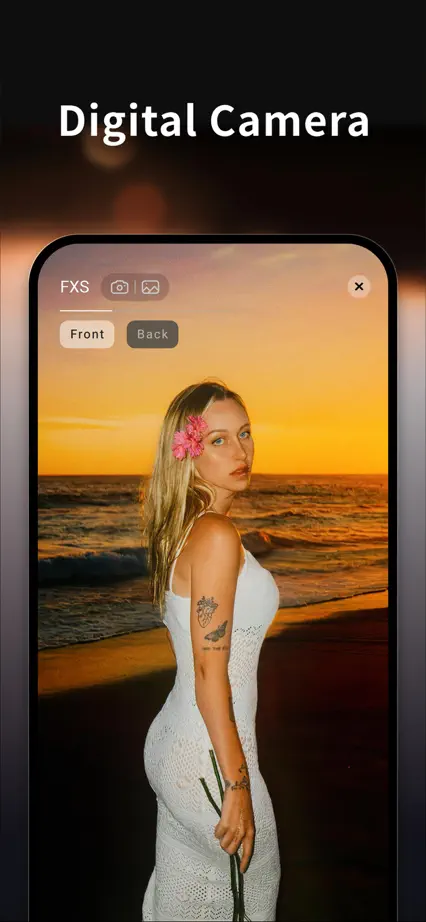
OldRoll, App Store screenshot 1
OldRoll, App Store screenshot 2
OldRoll, App Store screenshot 3
OldRoll, App Store screenshot 4
OldRoll, App Store screenshot 5
OldRoll, App Store screenshot 6
OldRoll, App Store screenshot 7
OldRoll, App Store screenshot 8
OldRoll, App Store screenshot 9

Ada

Medical · 4 frames

A short pale blue sequence uses serif headings and consistent devices to walk through a single interface flow.

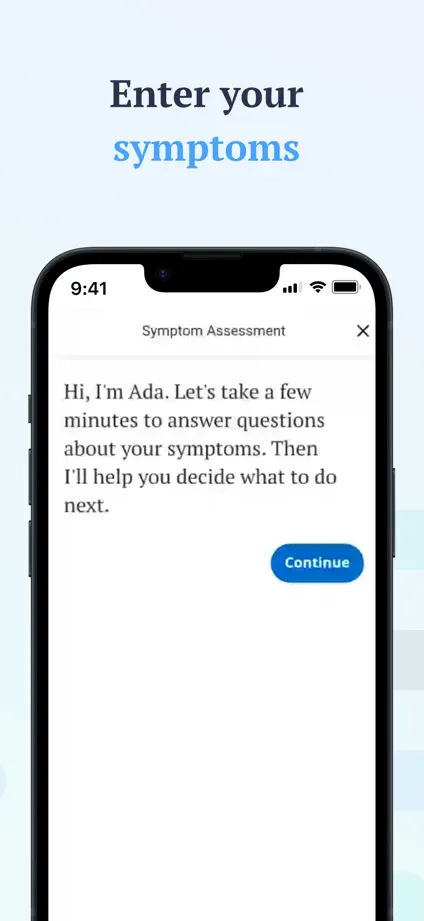
Ada, App Store screenshot 1
Ada, App Store screenshot 2
Ada, App Store screenshot 3
Ada, App Store screenshot 4

Bearable

Medical · 10 frames

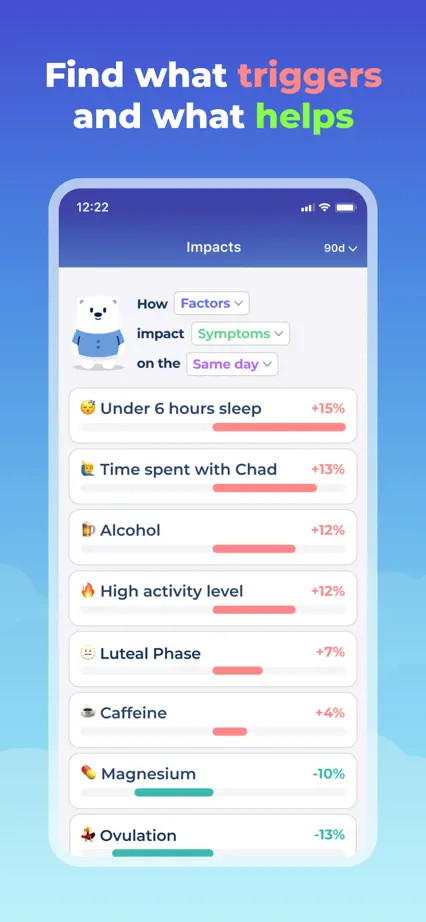
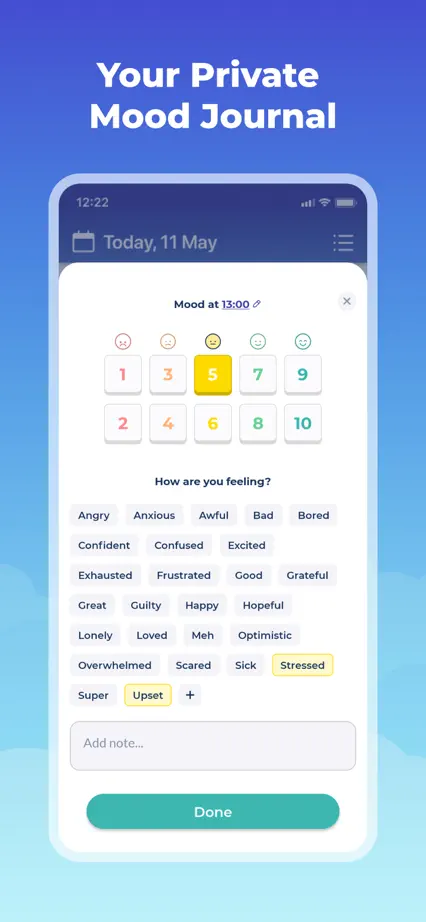
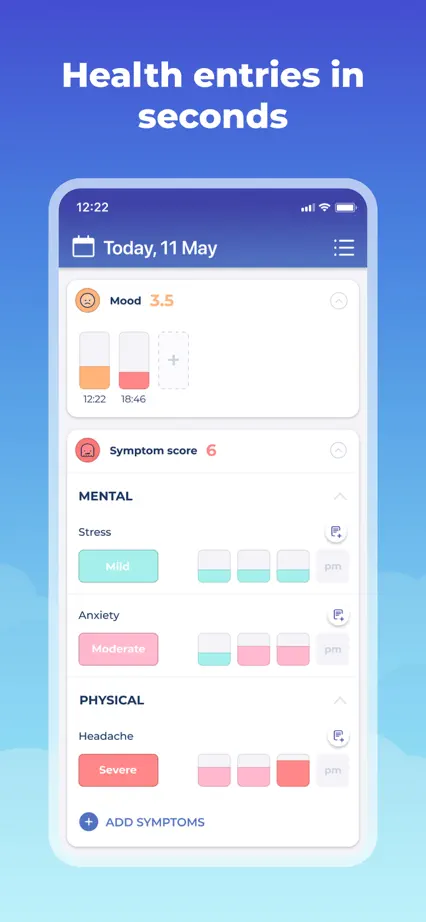
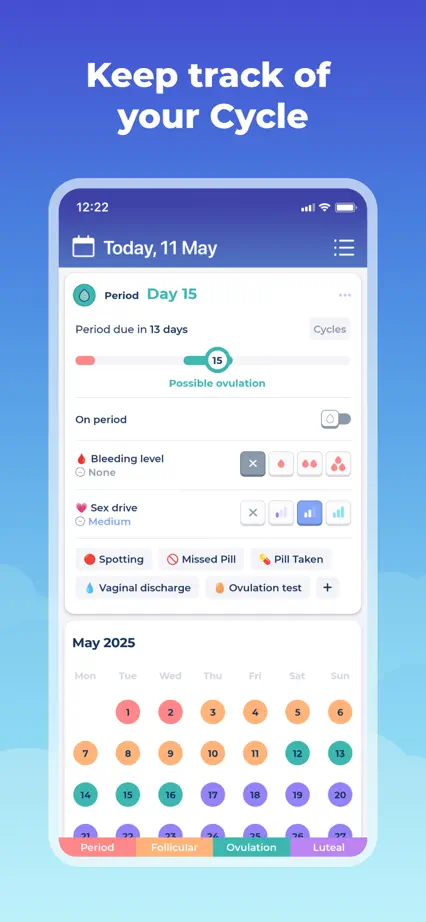
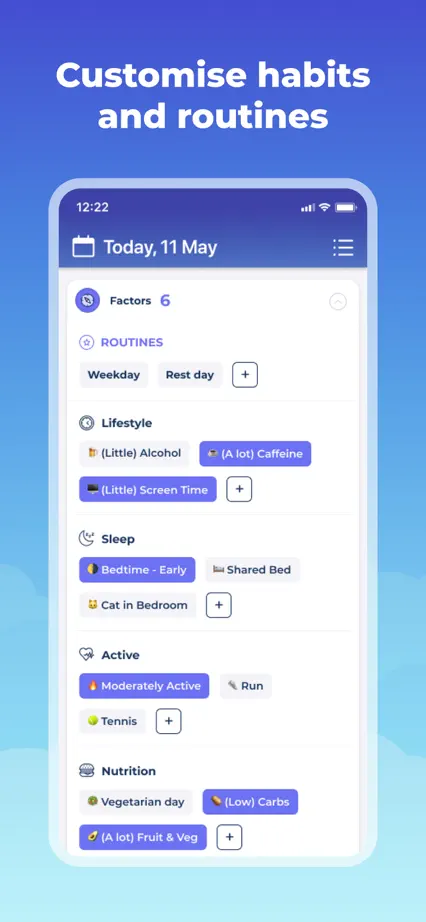
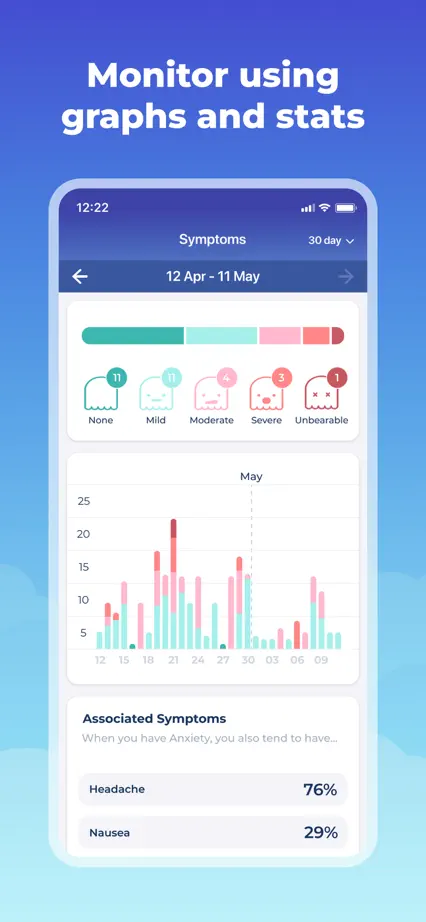
A blue gradient connects an illustrated opening panel with white devices and enlarged tracking details.

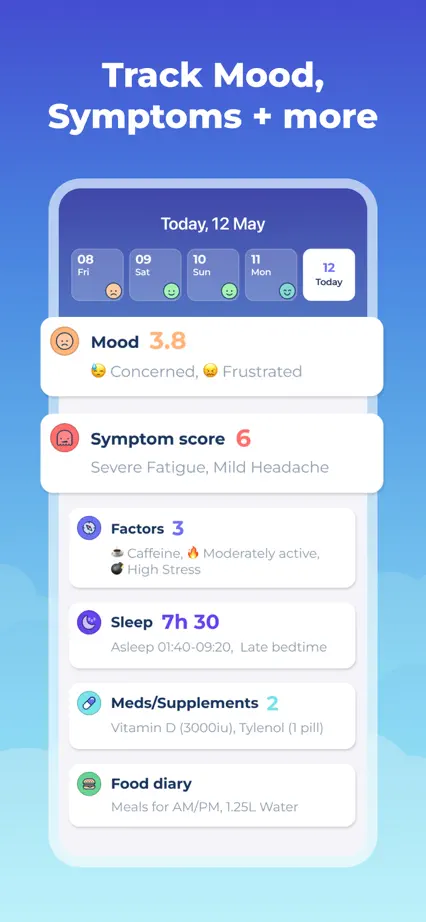
Bearable, App Store screenshot 1
Bearable, App Store screenshot 2
Bearable, App Store screenshot 3
Bearable, App Store screenshot 4
Bearable, App Store screenshot 5
Bearable, App Store screenshot 6
Bearable, App Store screenshot 7
Bearable, App Store screenshot 8
Bearable, App Store screenshot 9
Bearable, App Store screenshot 10

AutoSleep

Health & fitness · 10 frames

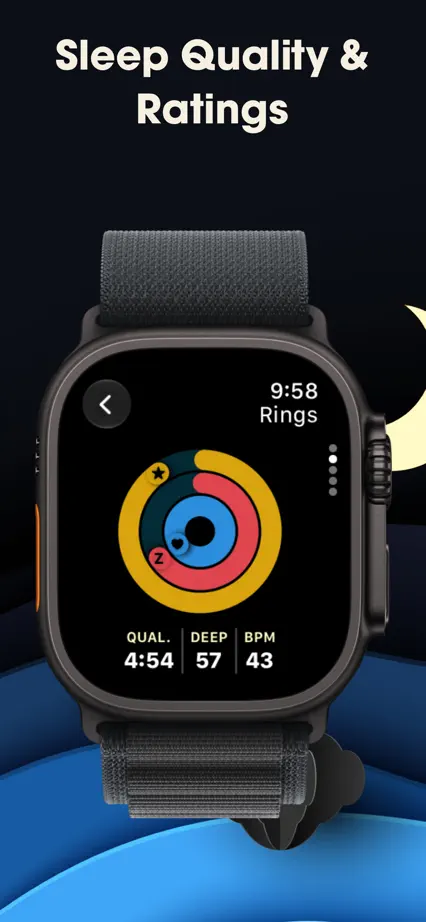
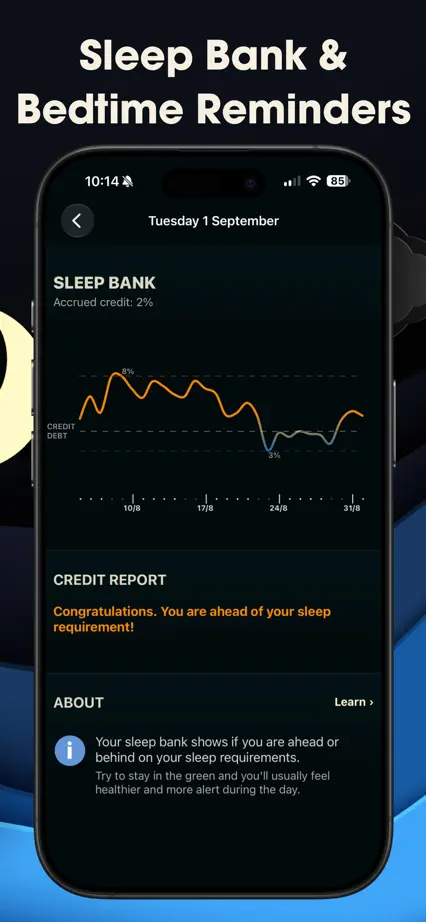
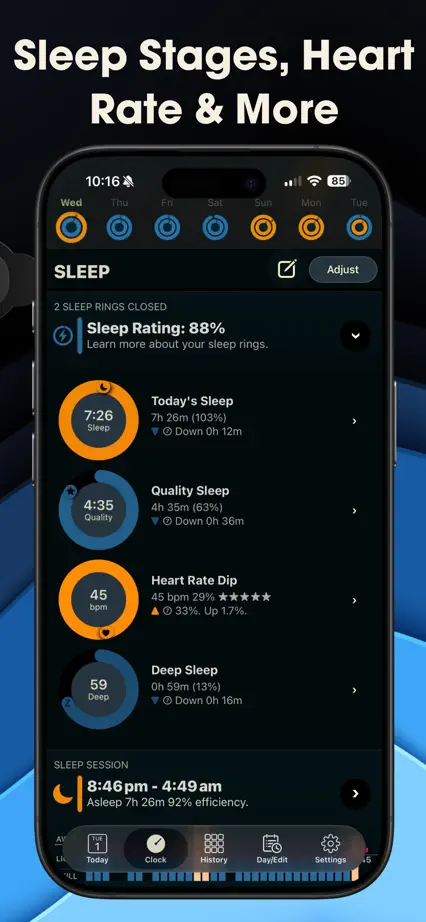
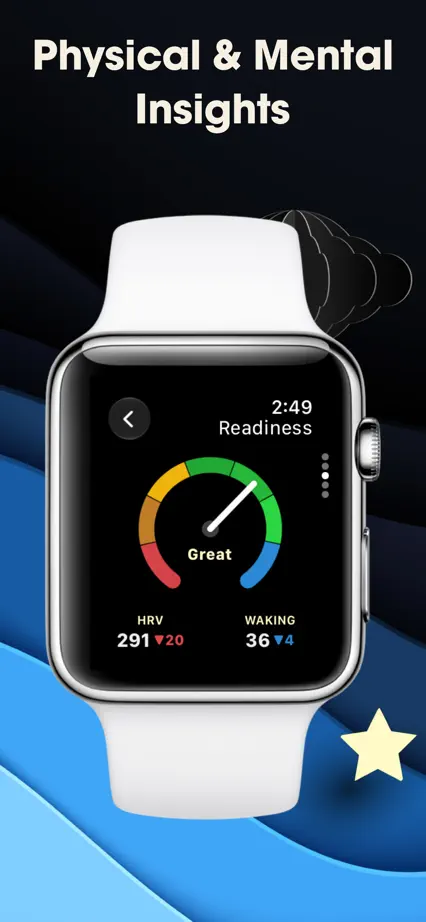
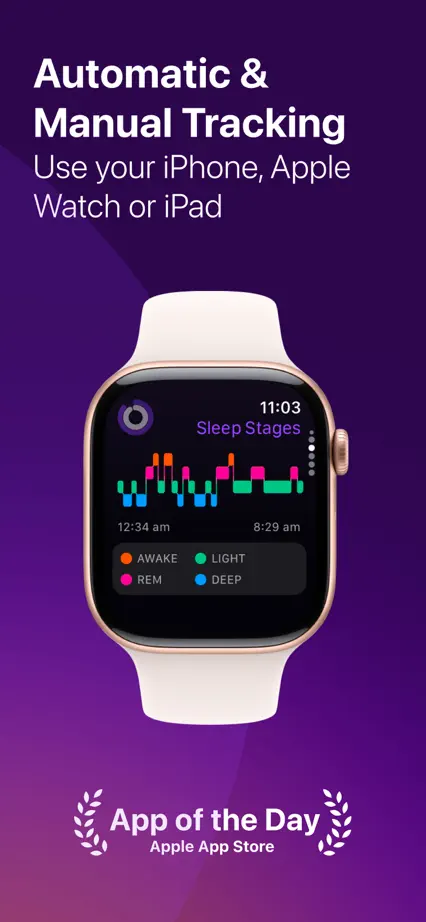
Watches alternate with tall phone views on a dark blue landscape, using yellow rings and small stars as recurring accents.

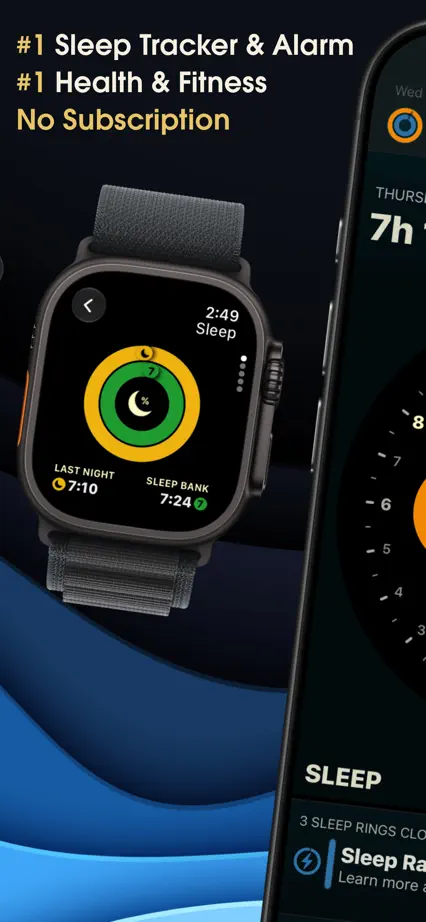
AutoSleep, App Store screenshot 1
AutoSleep, App Store screenshot 2
AutoSleep, App Store screenshot 3
AutoSleep, App Store screenshot 4
AutoSleep, App Store screenshot 5
AutoSleep, App Store screenshot 6
AutoSleep, App Store screenshot 7
AutoSleep, App Store screenshot 8
AutoSleep, App Store screenshot 9
AutoSleep, App Store screenshot 10

Guava

Medical · 8 frames

Green panels combine large tracking cards, overlapping devices and a record summary, using white space inside the interface for contrast.

Guava, App Store screenshot 1
Guava, App Store screenshot 2
Guava, App Store screenshot 3
Guava, App Store screenshot 4
Guava, App Store screenshot 5
Guava, App Store screenshot 6
Guava, App Store screenshot 7
Guava, App Store screenshot 8

Pillow

Health & fitness · 10 frames

An angled phone spans the opening pair, leading into purple panels that alternate watches, charts and large phone interfaces.

Pillow, App Store screenshot 1
Pillow, App Store screenshot 2
Pillow, App Store screenshot 3
Pillow, App Store screenshot 4
Pillow, App Store screenshot 5
Pillow, App Store screenshot 6
Pillow, App Store screenshot 7
Pillow, App Store screenshot 8
Pillow, App Store screenshot 9
Pillow, App Store screenshot 10

Nike Run Club

Health & fitness · 10 frames

Black panels and condensed white headings connect runner photography, bold orange interfaces, watches and widgets.

Nike Run Club, App Store screenshot 1
Nike Run Club, App Store screenshot 2
Nike Run Club, App Store screenshot 3
Nike Run Club, App Store screenshot 4
Nike Run Club, App Store screenshot 5
Nike Run Club, App Store screenshot 6
Nike Run Club, App Store screenshot 7
Nike Run Club, App Store screenshot 8
Nike Run Club, App Store screenshot 9
Nike Run Club, App Store screenshot 10

Windy.com

Weather · 10 frames

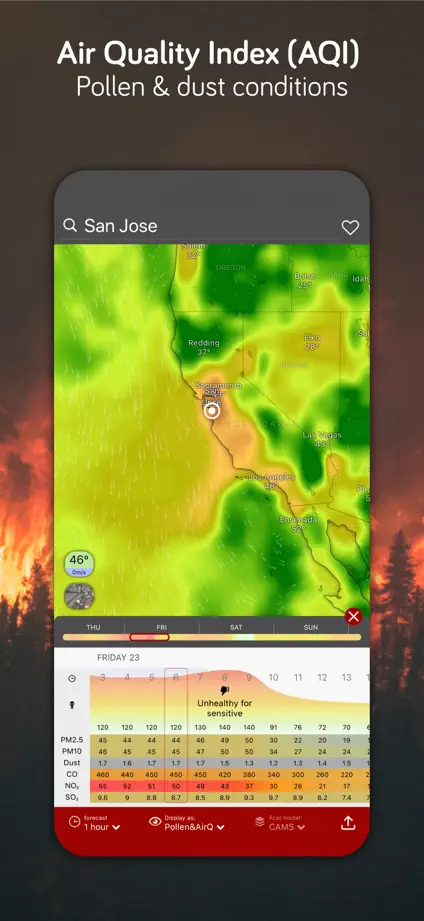
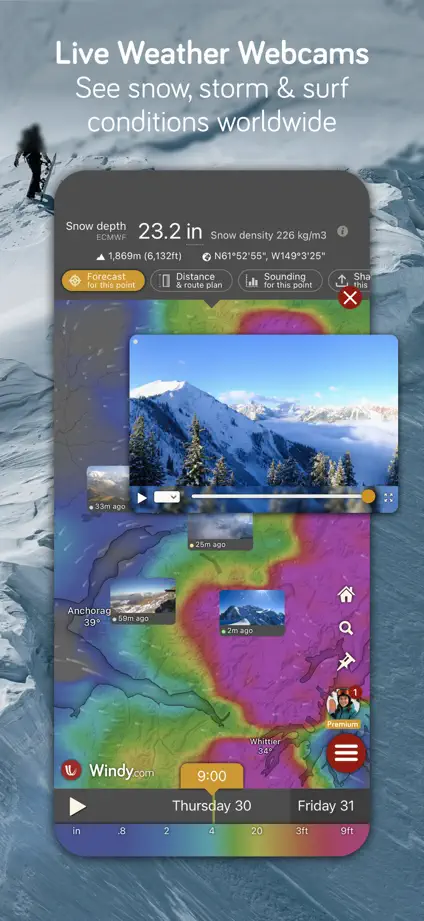
Weather photography forms a continuous backdrop for colorful maps, with an angled opening pair and upright devices thereafter.

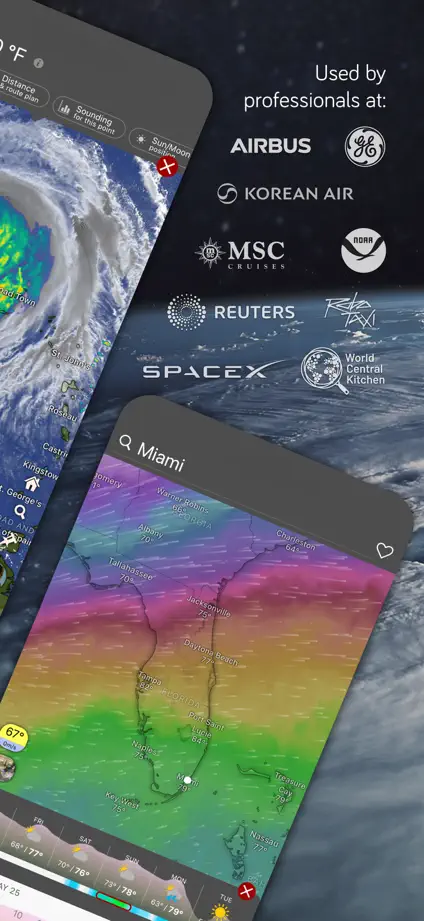
Windy.com, App Store screenshot 1
Windy.com, App Store screenshot 2
Windy.com, App Store screenshot 3
Windy.com, App Store screenshot 4
Windy.com, App Store screenshot 5
Windy.com, App Store screenshot 6
Windy.com, App Store screenshot 7
Windy.com, App Store screenshot 8
Windy.com, App Store screenshot 9
Windy.com, App Store screenshot 10

Seven

Health & fitness · 10 frames

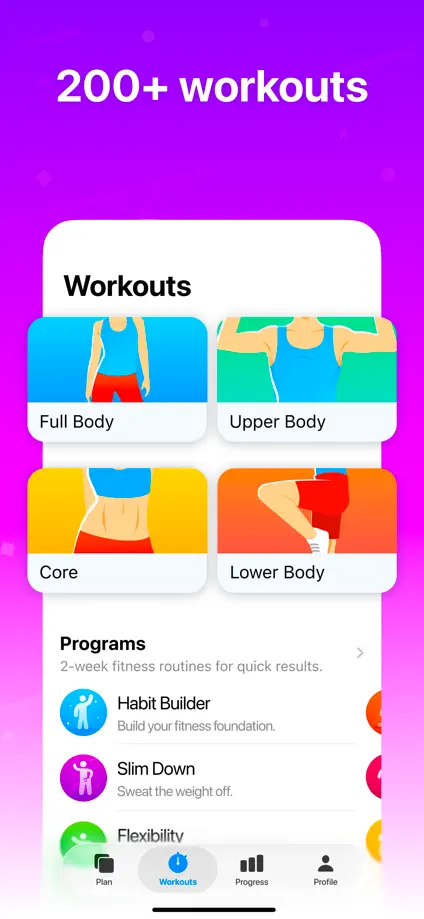
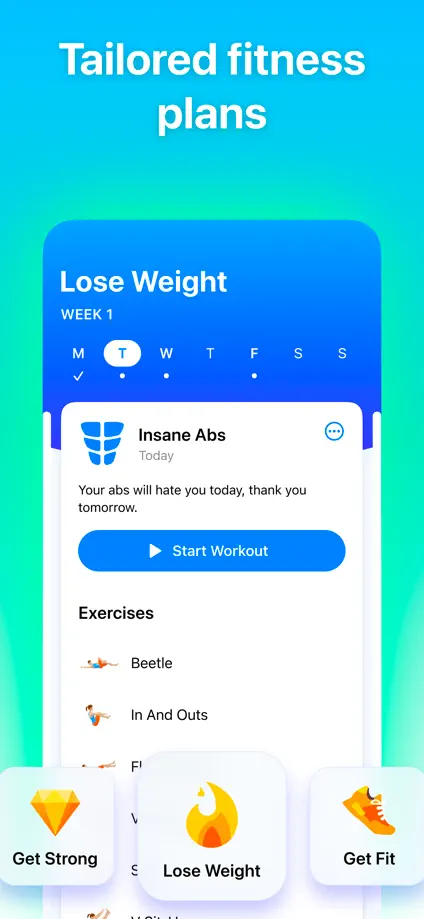
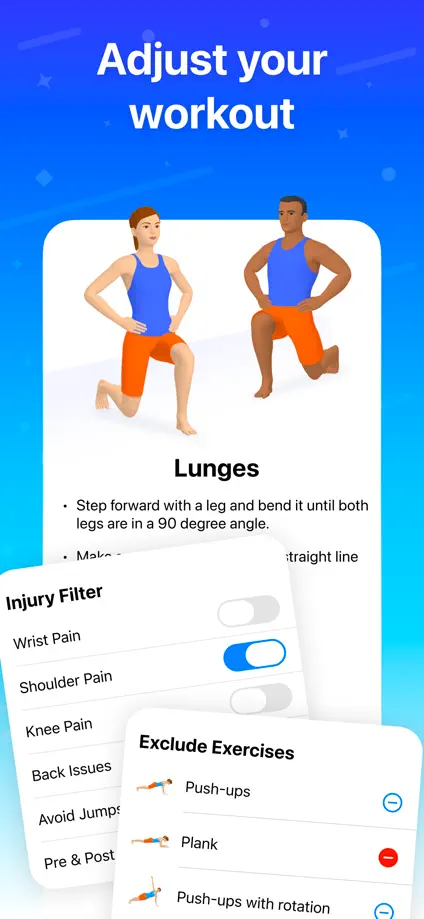
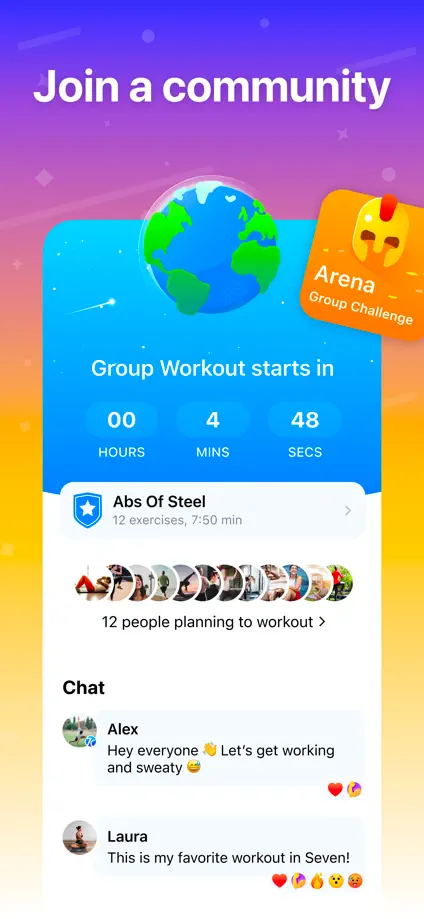
Saturated color changes, illustrated exercise figures and floating interface panels give each feature a distinct composition.

Seven, App Store screenshot 1
Seven, App Store screenshot 2
Seven, App Store screenshot 3
Seven, App Store screenshot 4
Seven, App Store screenshot 5
Seven, App Store screenshot 6
Seven, App Store screenshot 7
Seven, App Store screenshot 8
Seven, App Store screenshot 9
Seven, App Store screenshot 10

Signal

Social · 7 frames

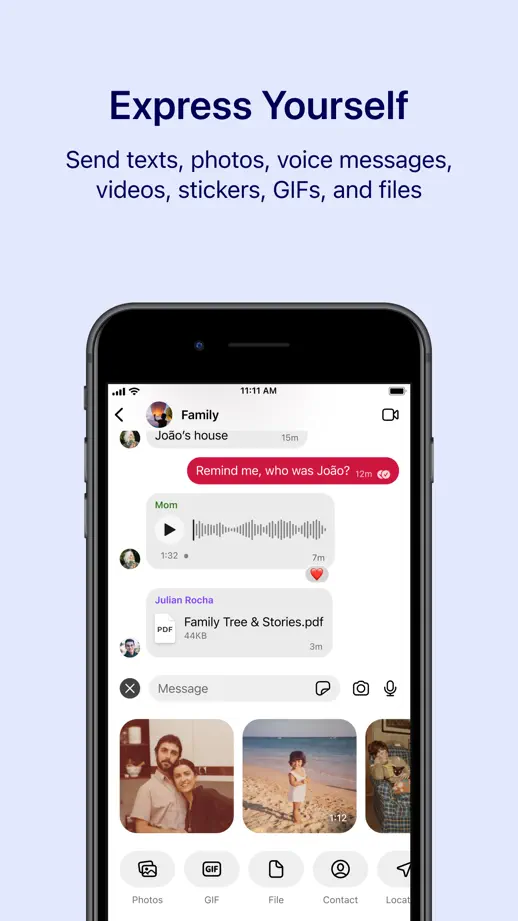
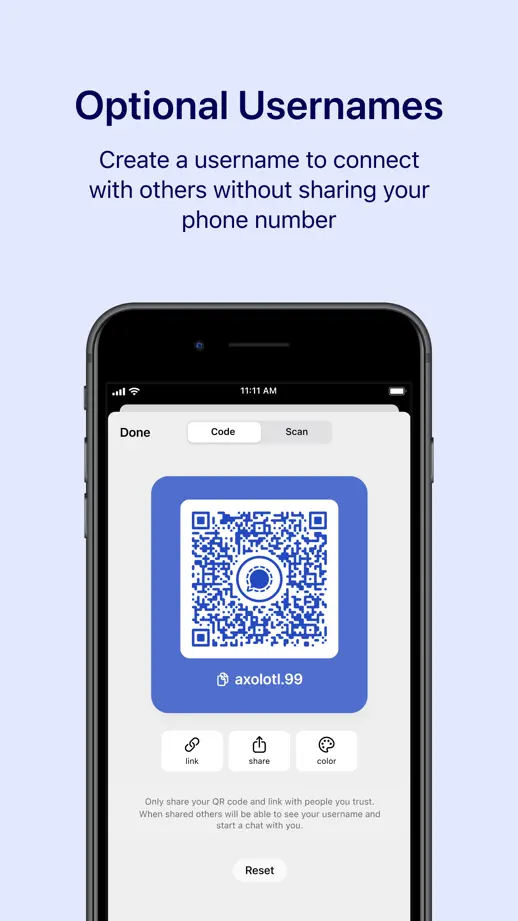
Pale lavender panels use a steady heading, caption and device position, letting conversation and photo content provide variety.
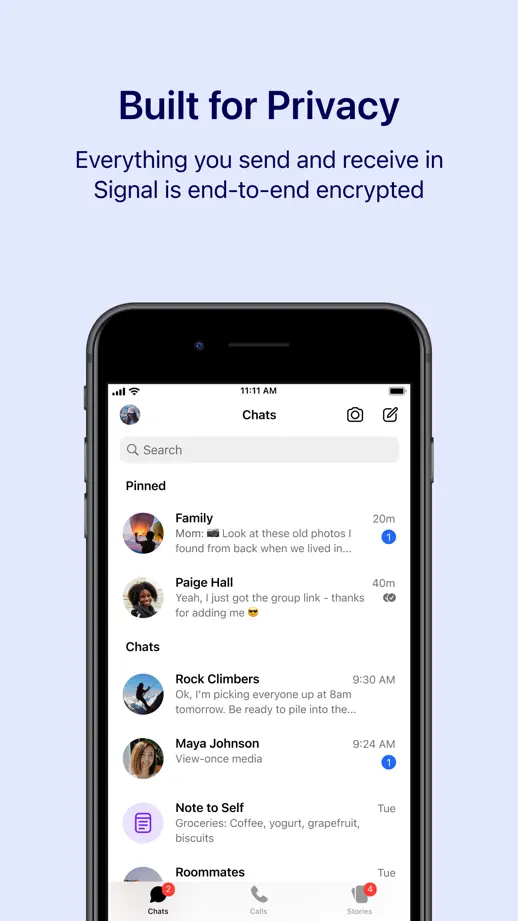
Signal, App Store screenshot 1
Signal, App Store screenshot 2
Signal, App Store screenshot 3
Signal, App Store screenshot 4
Signal, App Store screenshot 5
Signal, App Store screenshot 6
Signal, App Store screenshot 7

Discord

Social · 6 frames

A blue gradient connects bold headings and dark chat interfaces, with floating cards and a final cross-device composition.

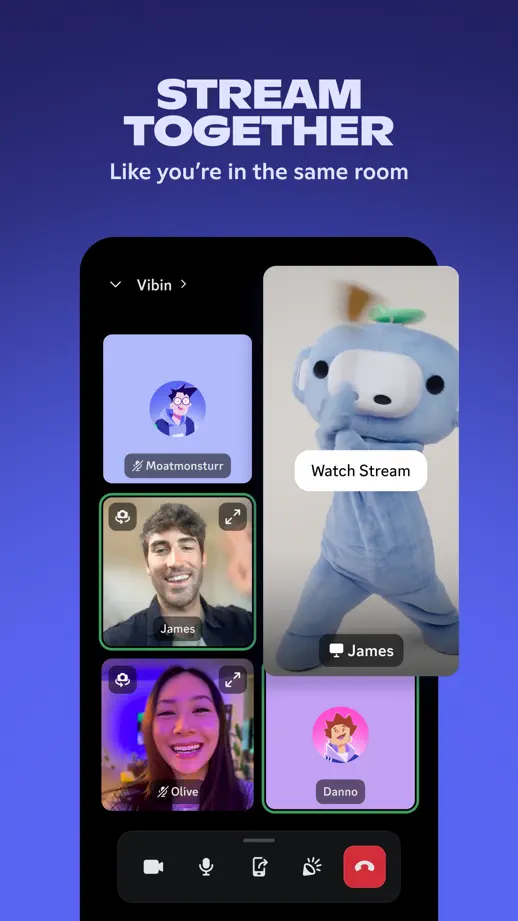
Discord, App Store screenshot 1
Discord, App Store screenshot 2
Discord, App Store screenshot 3
Discord, App Store screenshot 4
Discord, App Store screenshot 5
Discord, App Store screenshot 6

Telegram Messenger

Social · 7 frames

Changing gradients complement the colors inside each device, while short centered headings maintain a consistent structure.

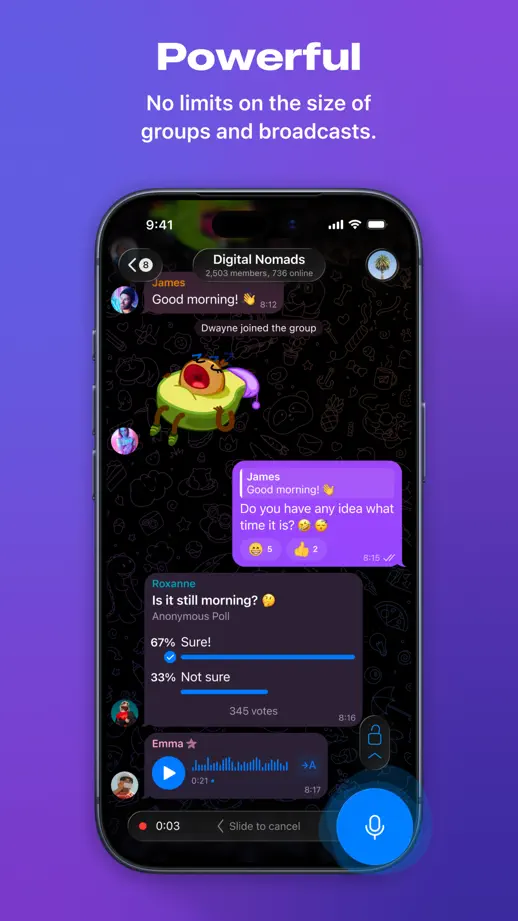
Telegram Messenger, App Store screenshot 1
Telegram Messenger, App Store screenshot 2
Telegram Messenger, App Store screenshot 3
Telegram Messenger, App Store screenshot 4
Telegram Messenger, App Store screenshot 5
Telegram Messenger, App Store screenshot 6
Telegram Messenger, App Store screenshot 7

Bumble

Social · 7 frames

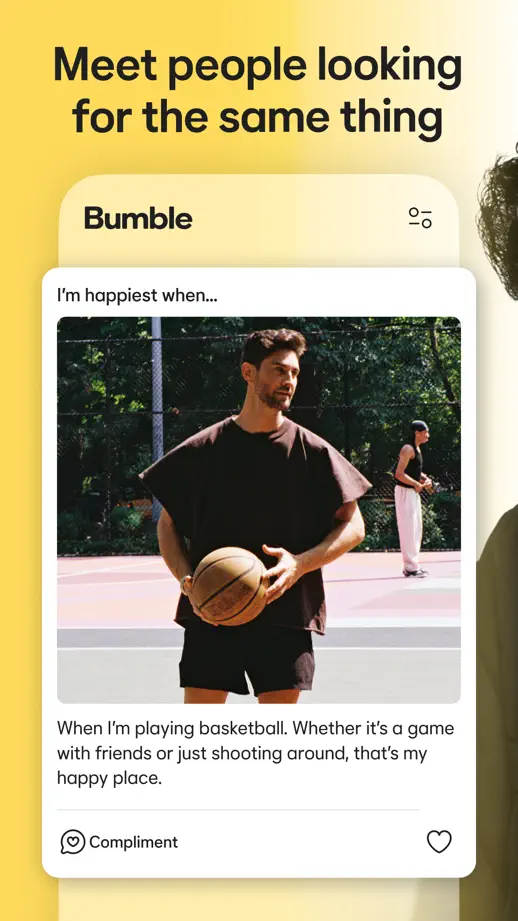
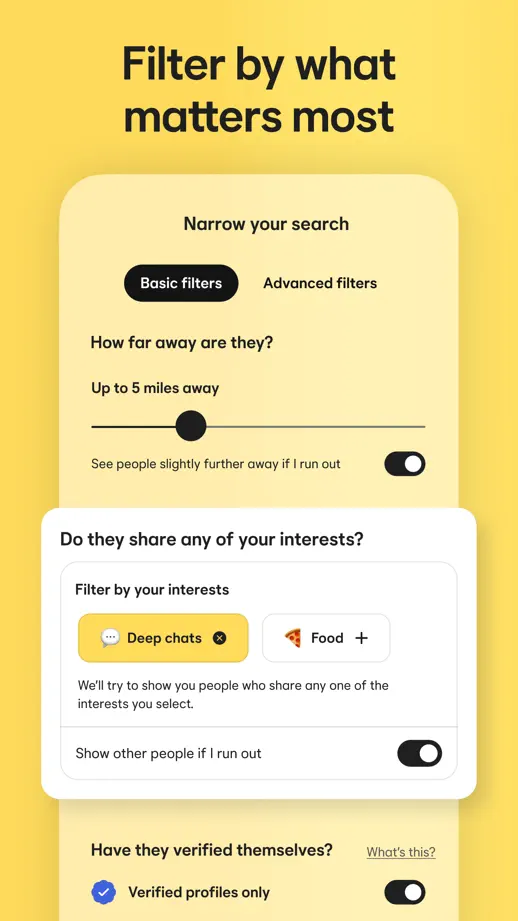
Black-and-white portraits alternate with warm yellow interface panels, using profile cards and conversation bubbles at a generous scale.

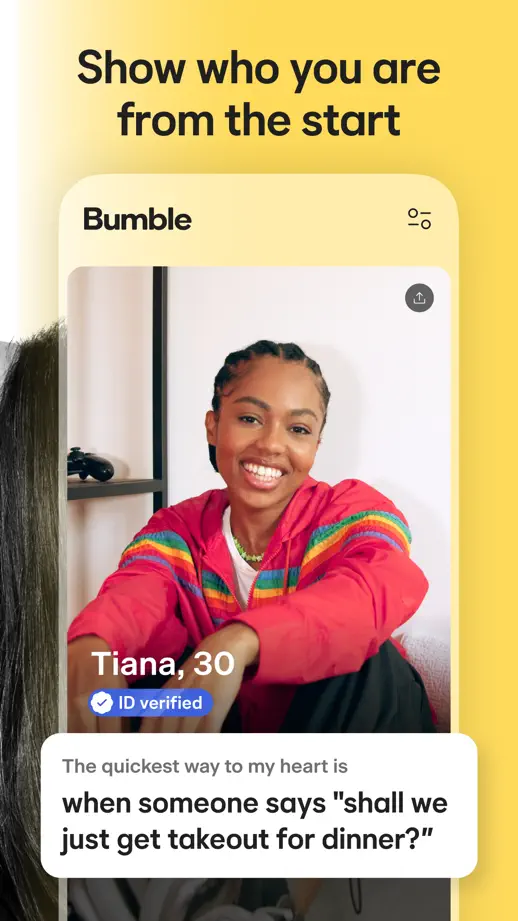
Bumble, App Store screenshot 1
Bumble, App Store screenshot 2
Bumble, App Store screenshot 3
Bumble, App Store screenshot 4
Bumble, App Store screenshot 5
Bumble, App Store screenshot 6
Bumble, App Store screenshot 7

BeReal

Social · 6 frames

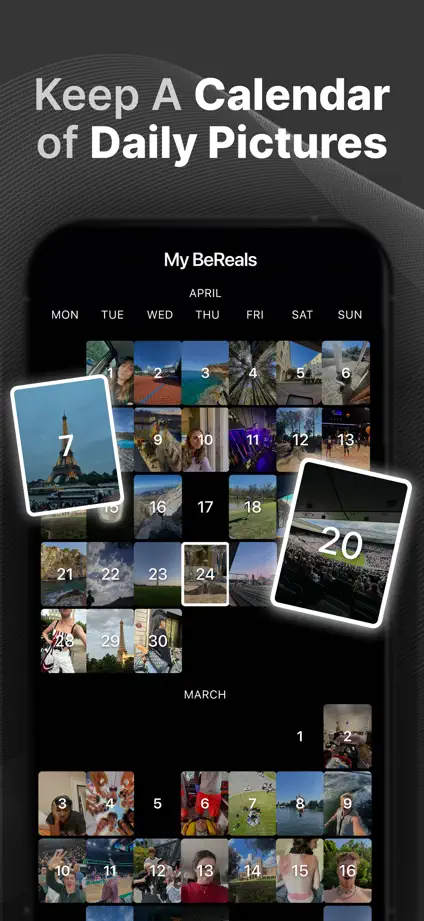
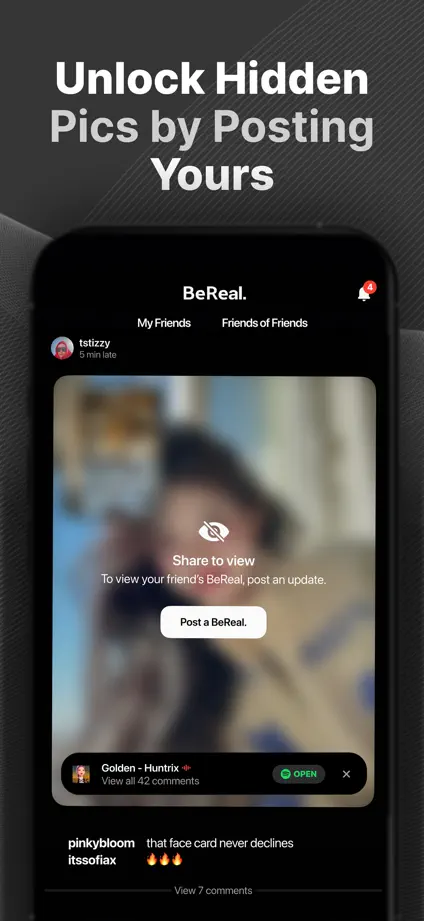
Dark textured panels frame large photo-led devices, with tilted calendar prints and floating reactions providing depth.

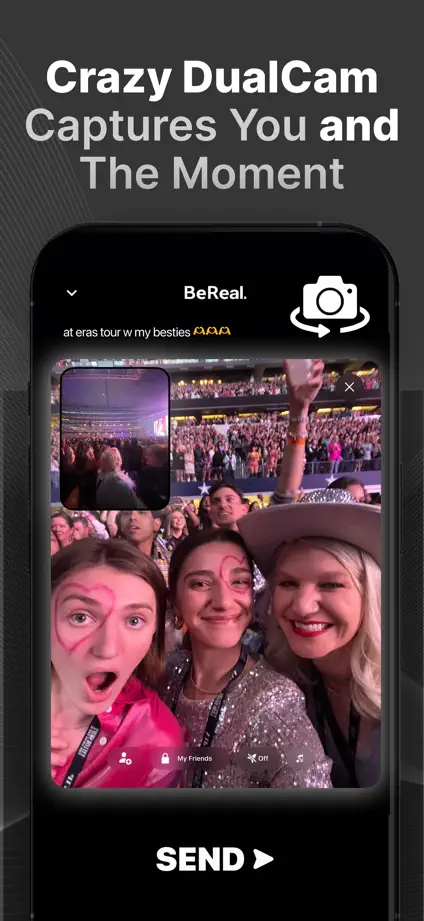
BeReal, App Store screenshot 1
BeReal, App Store screenshot 2
BeReal, App Store screenshot 3
BeReal, App Store screenshot 4
BeReal, App Store screenshot 5
BeReal, App Store screenshot 6

Add to collection

New collection