kit0

iPhone App Store screenshot examples, page 4

Every first impression.

155 apps

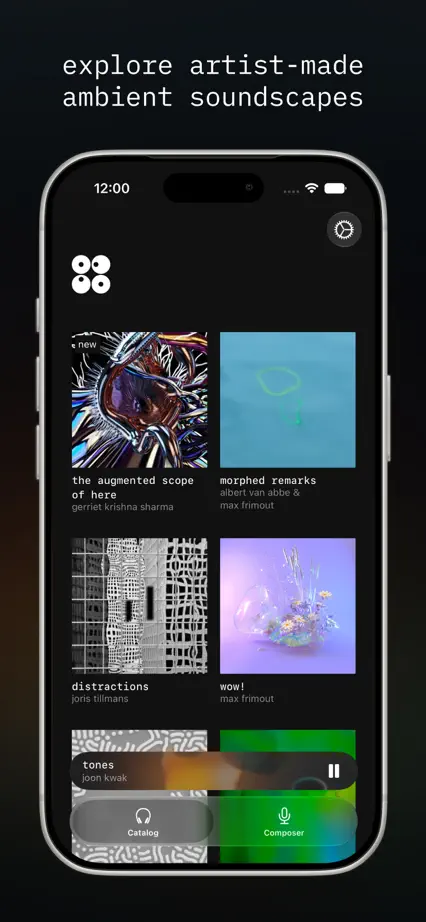
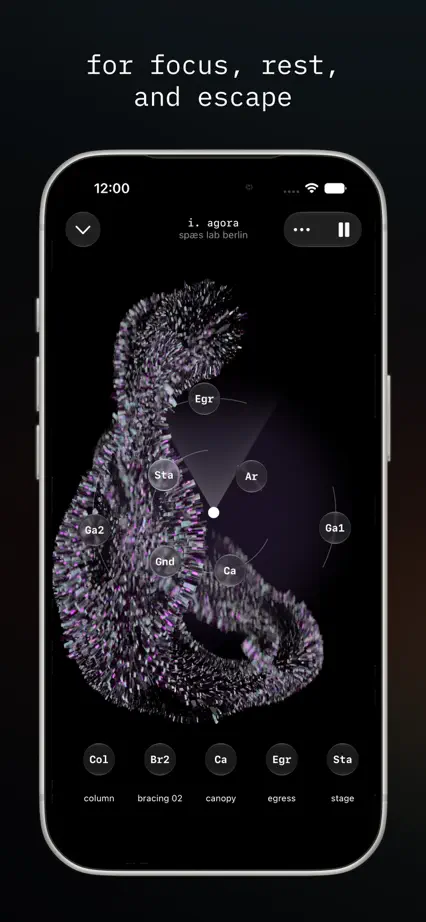
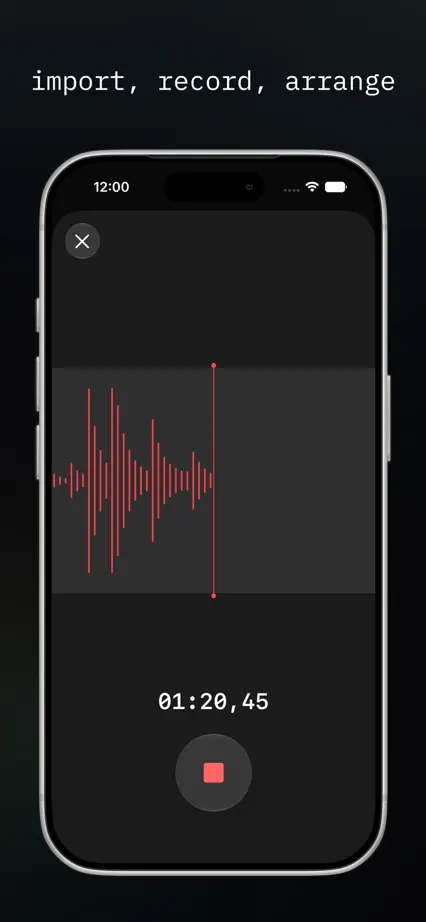
Odio

Music · 5 frames

Photography of listening gives way to dark screens, sound sculptures and compact monospaced captions.

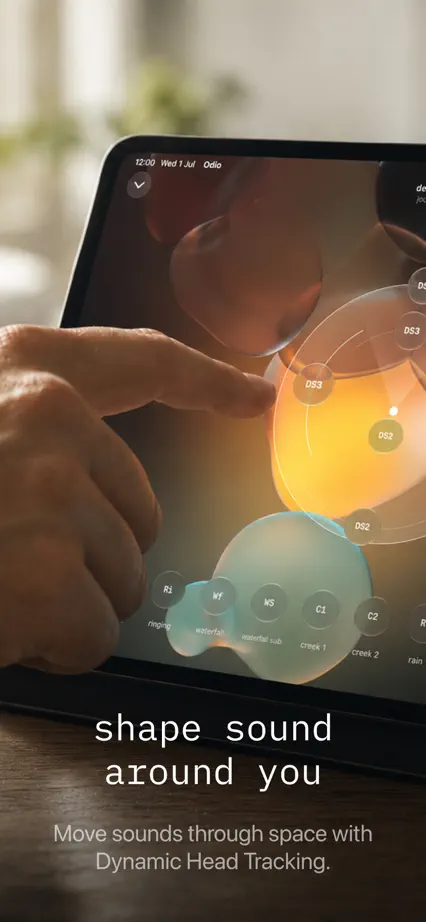
Odio, App Store screenshot 1
Odio, App Store screenshot 2
Odio, App Store screenshot 3
Odio, App Store screenshot 4
Odio, App Store screenshot 5

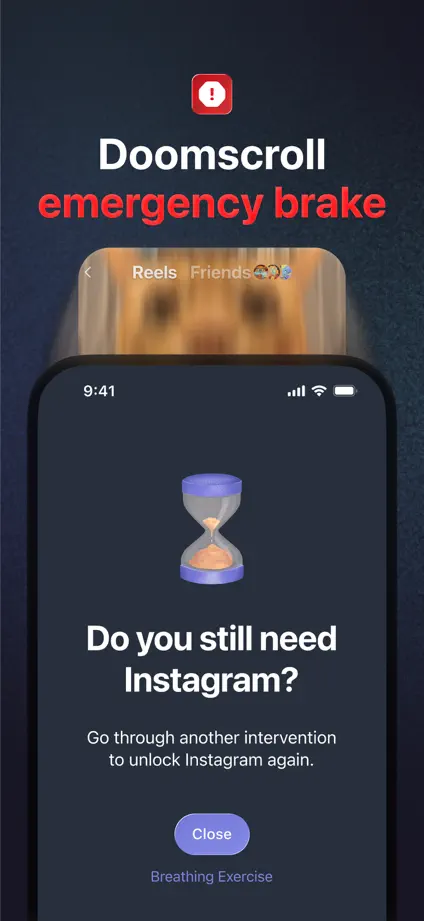
one sec

Productivity · 9 frames

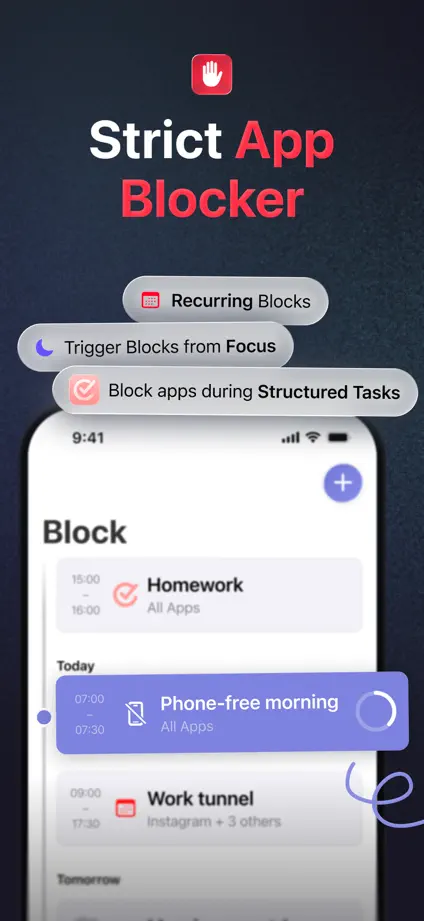
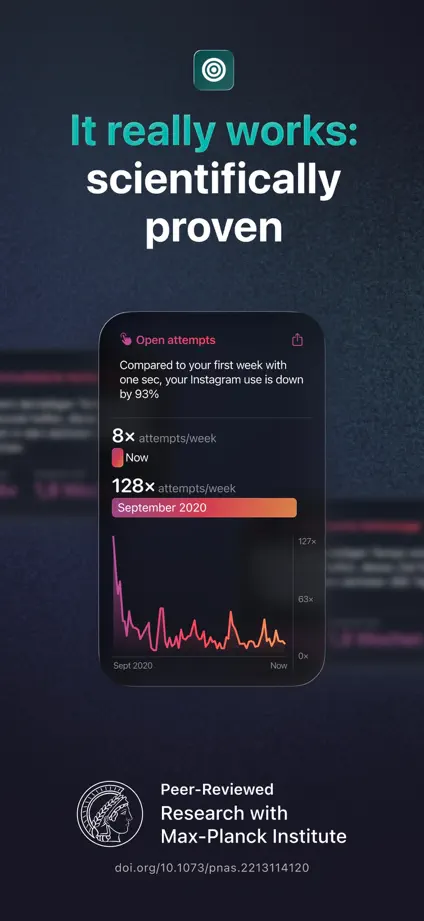
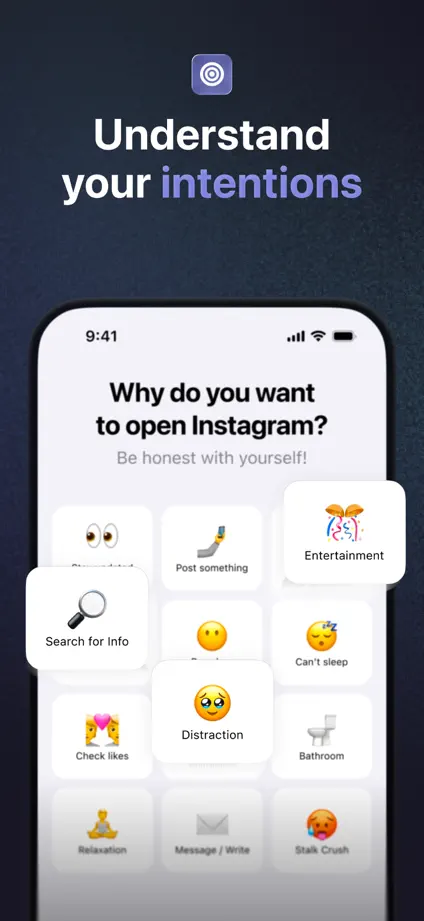
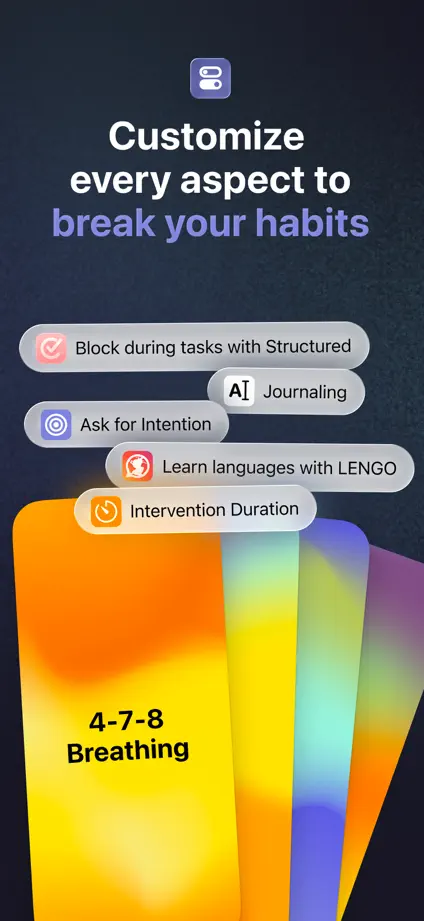
Colored keywords and floating interface cards connect dark panels explaining different interruptions to scrolling.
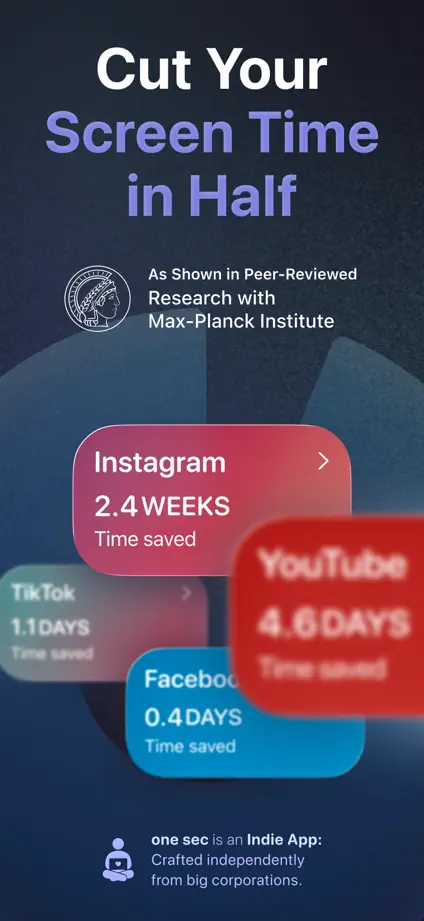
one sec, App Store screenshot 1
one sec, App Store screenshot 2
one sec, App Store screenshot 3
one sec, App Store screenshot 4
one sec, App Store screenshot 5
one sec, App Store screenshot 6
one sec, App Store screenshot 7
one sec, App Store screenshot 8
one sec, App Store screenshot 9

Opal

Productivity · 9 frames

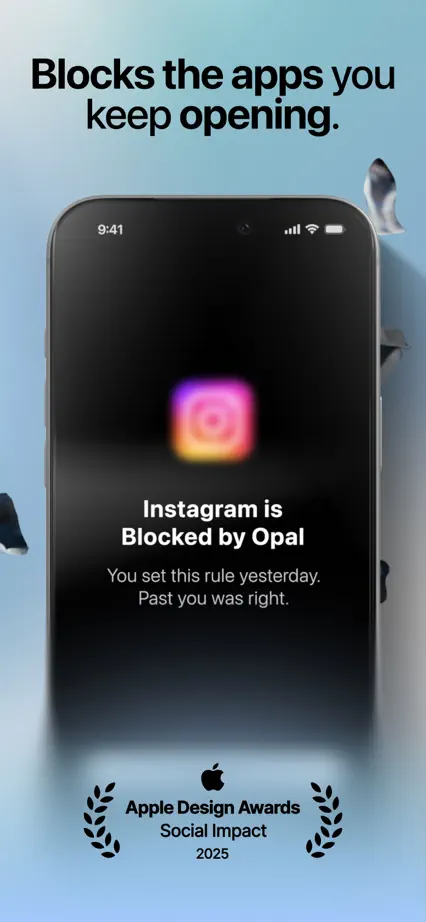
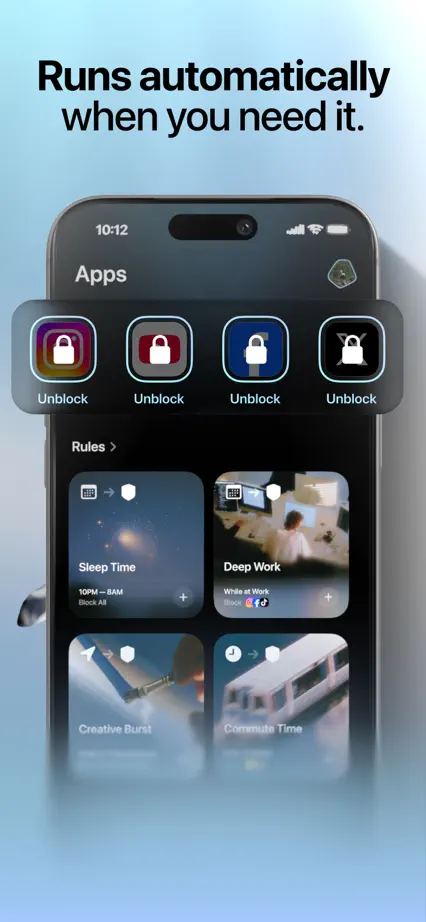
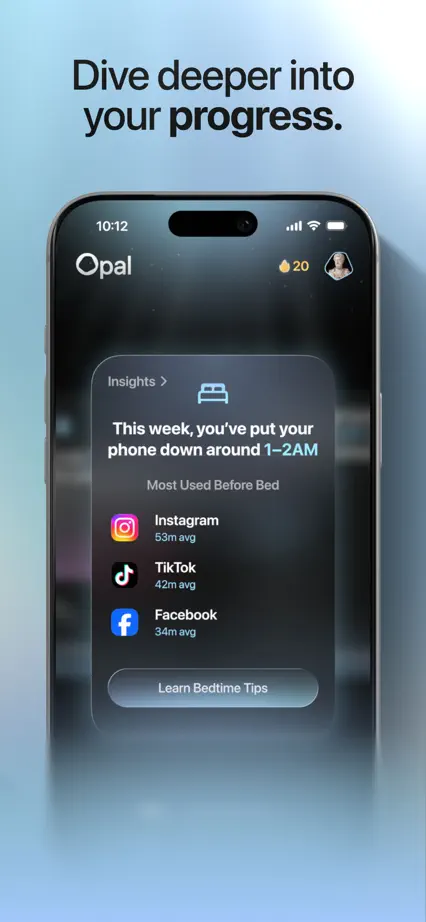
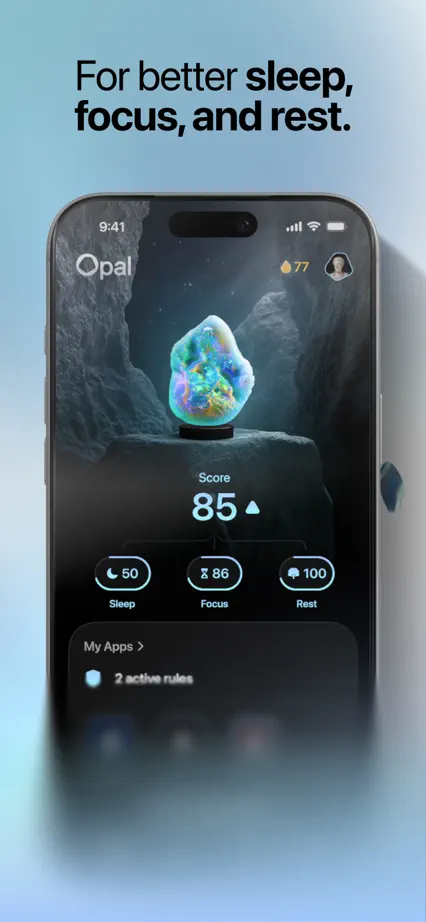
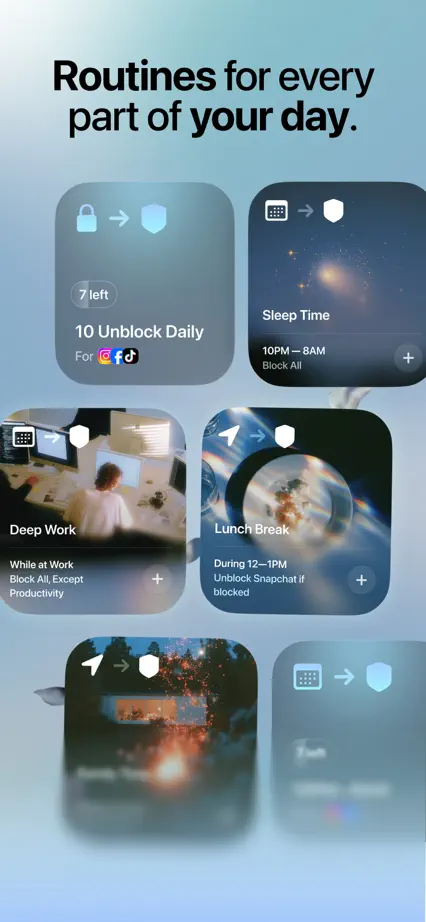
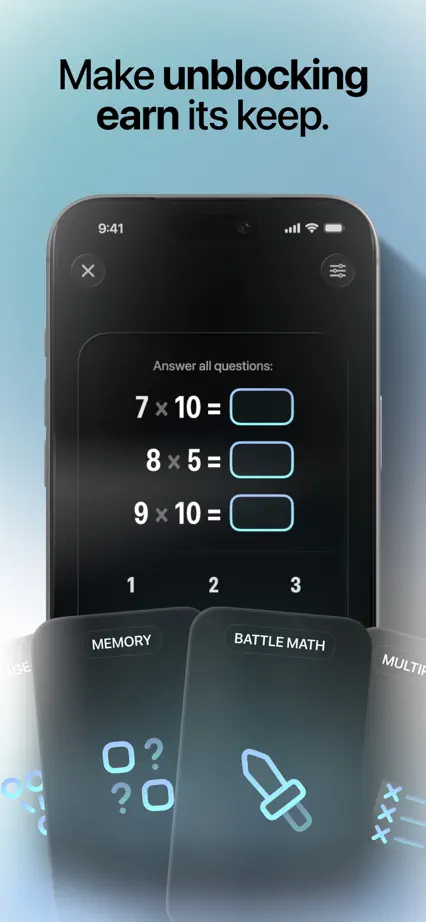
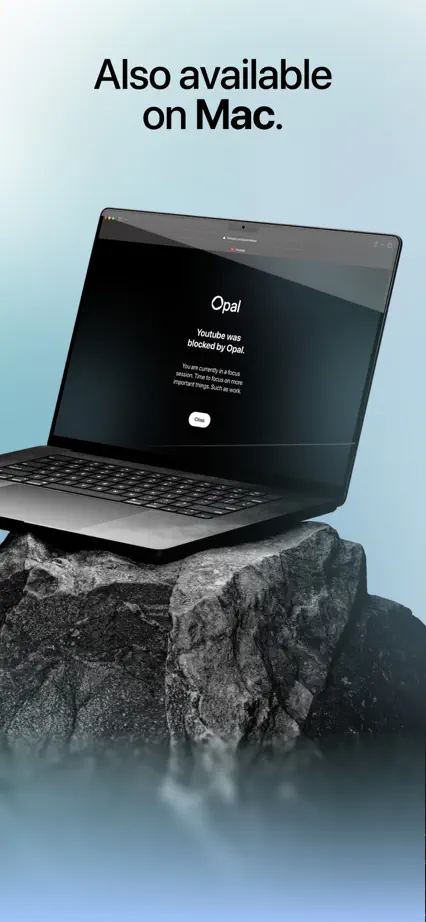
Soft blue mist links dark devices, floating controls and a dimensional timer scene.

Opal, App Store screenshot 1
Opal, App Store screenshot 2
Opal, App Store screenshot 3
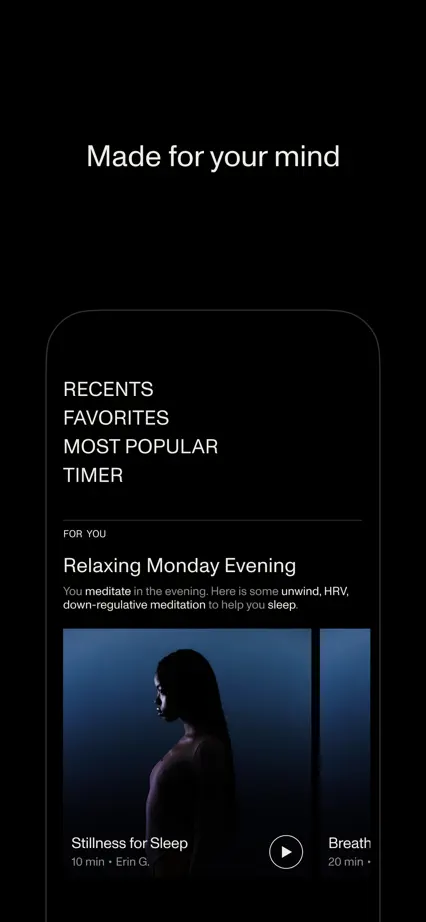
Opal, App Store screenshot 4
Opal, App Store screenshot 5
Opal, App Store screenshot 6
Opal, App Store screenshot 7
Opal, App Store screenshot 8
Opal, App Store screenshot 9

Open

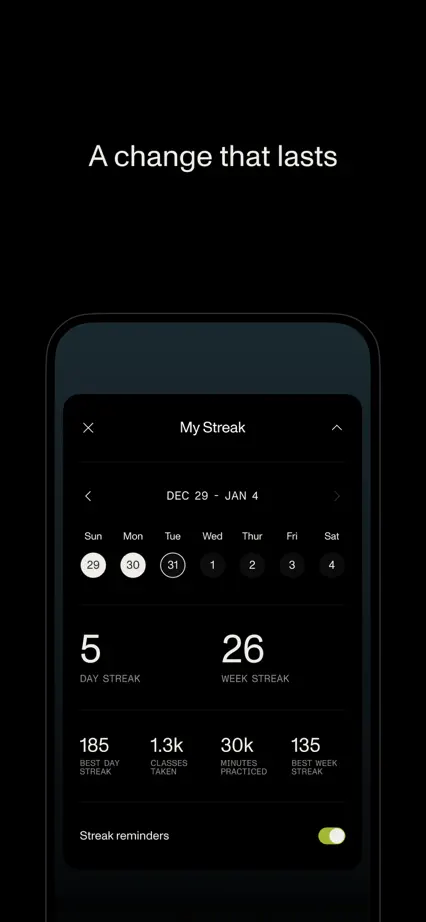
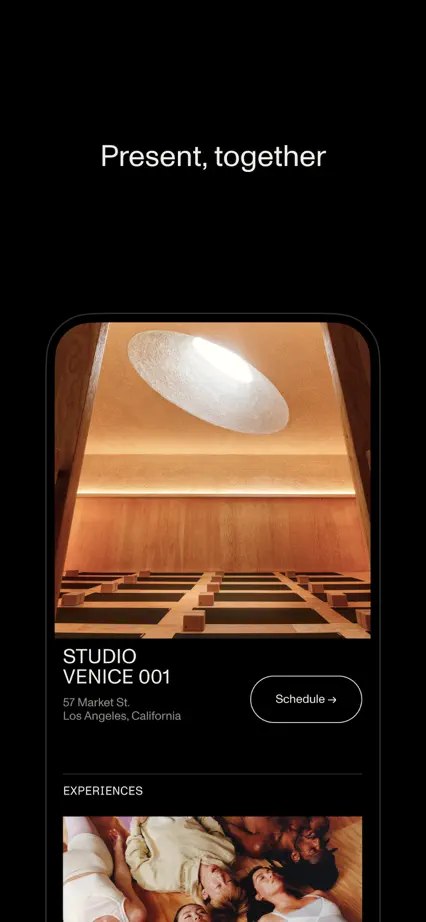
Health & fitness · 10 frames

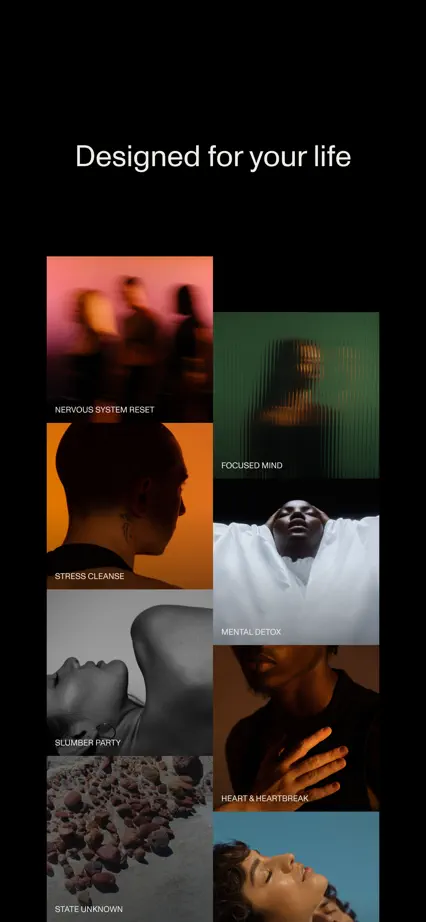
Warm photography introduces a predominantly black sequence of meditation and breathwork screens.

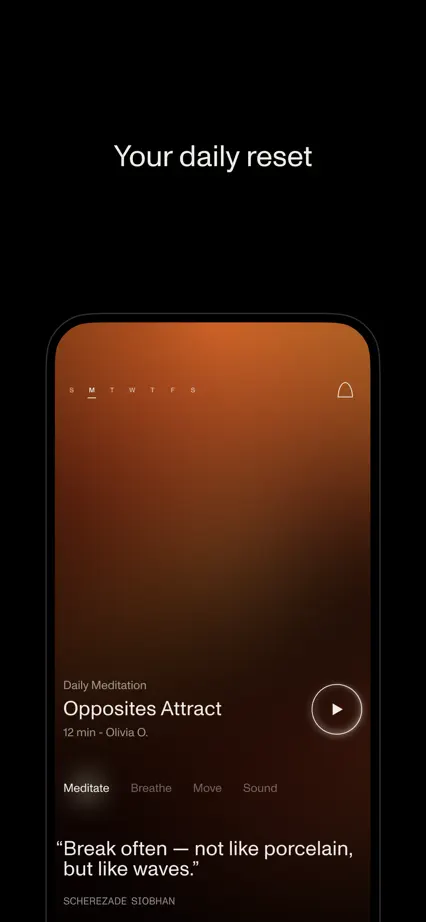
Open, App Store screenshot 1
Open, App Store screenshot 2
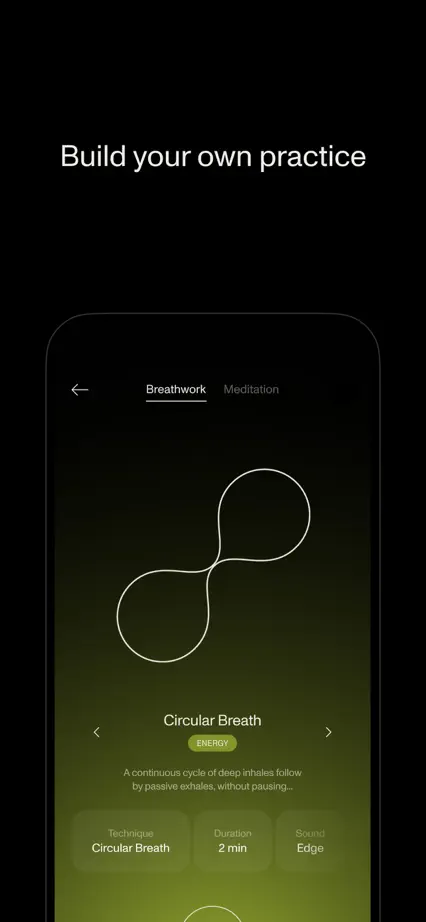
Open, App Store screenshot 3
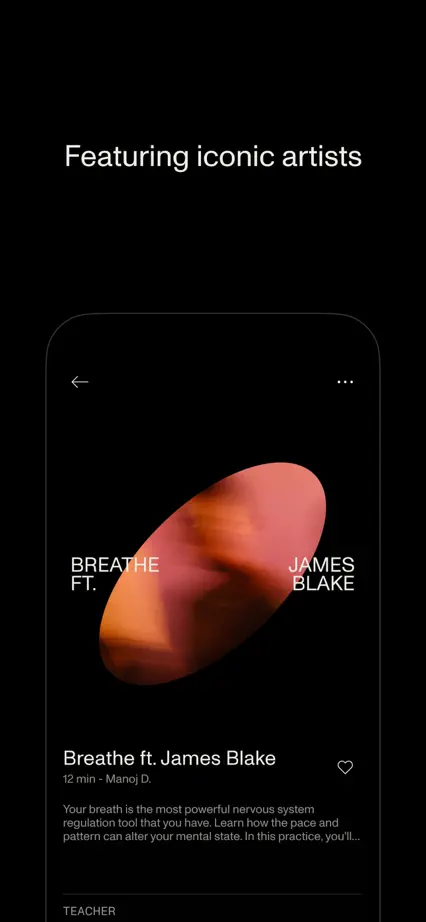
Open, App Store screenshot 4
Open, App Store screenshot 5
Open, App Store screenshot 6
Open, App Store screenshot 7
Open, App Store screenshot 8
Open, App Store screenshot 9
Open, App Store screenshot 10

Planta

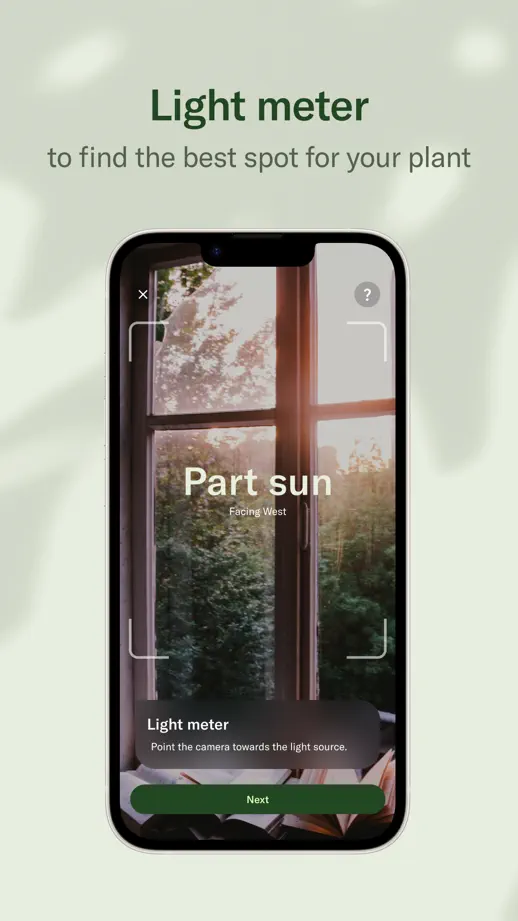
Lifestyle · 8 frames

Leaf shadows and pale green backgrounds carry a consistent tour from care reminders to community.

Planta, App Store screenshot 1
Planta, App Store screenshot 2
Planta, App Store screenshot 3
Planta, App Store screenshot 4
Planta, App Store screenshot 5
Planta, App Store screenshot 6
Planta, App Store screenshot 7
Planta, App Store screenshot 8

Pocket Casts

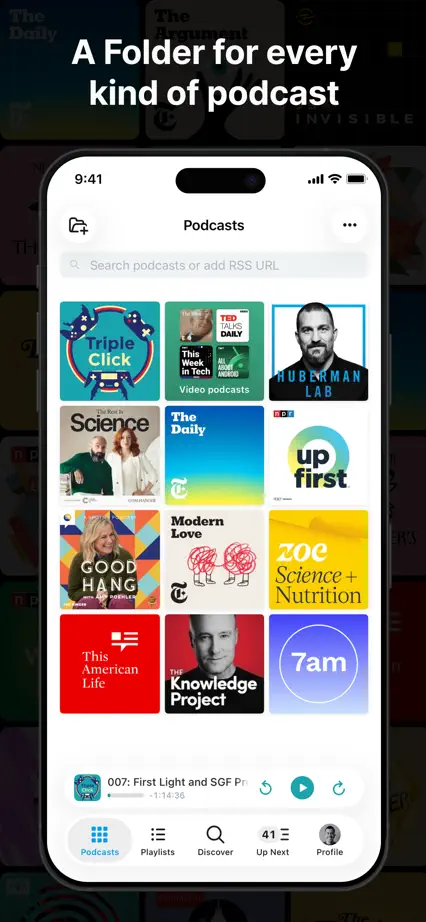
Reading · 7 frames

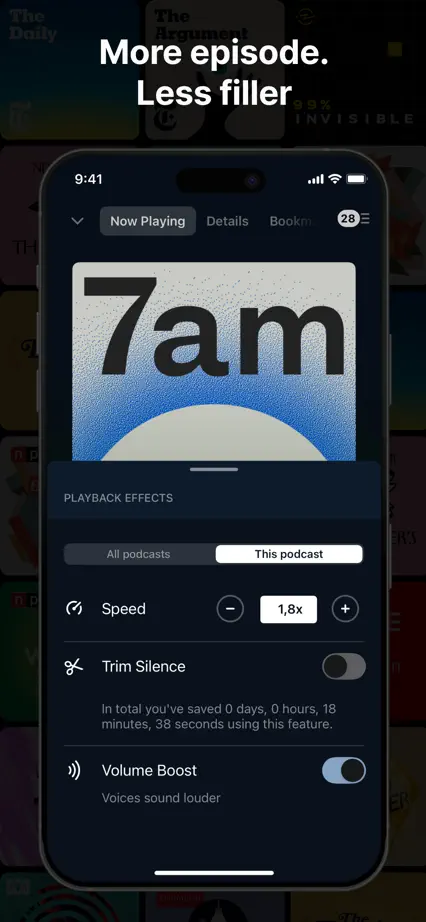
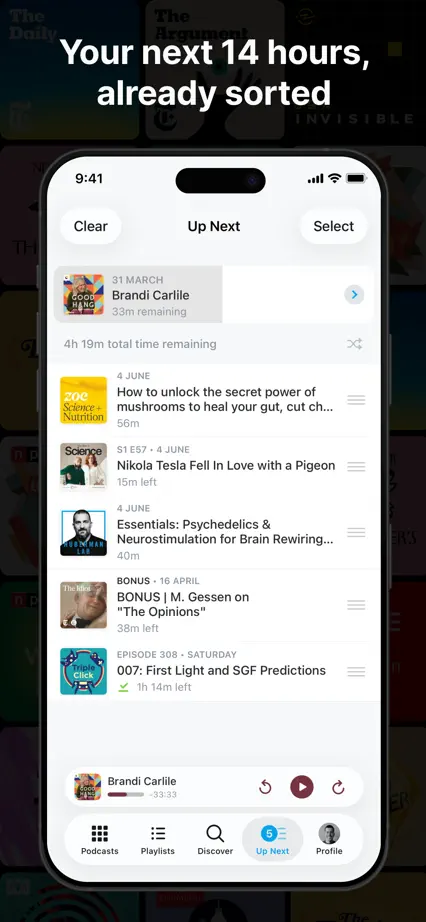
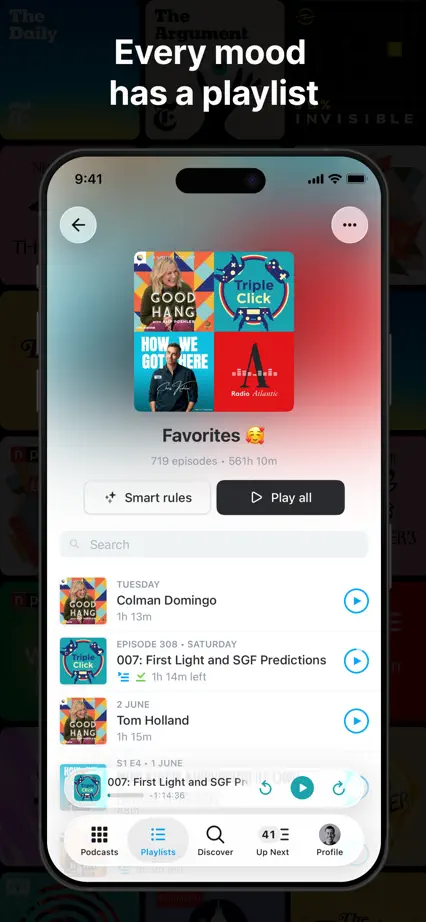
Podcast artwork forms a dark background behind large phones, with an angled device spanning the opening.
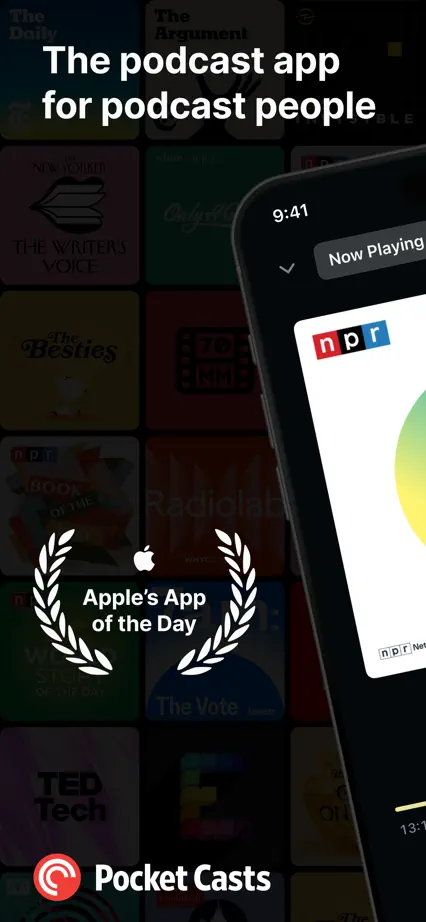
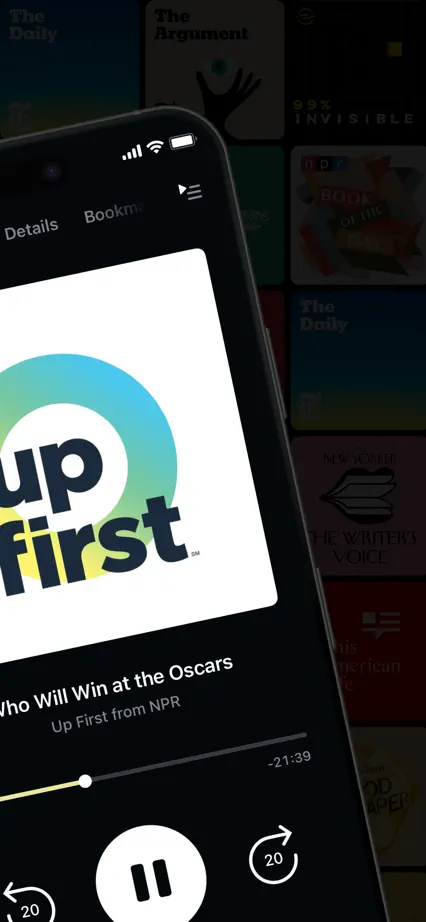
Pocket Casts, App Store screenshot 1
Pocket Casts, App Store screenshot 2
Pocket Casts, App Store screenshot 3
Pocket Casts, App Store screenshot 4
Pocket Casts, App Store screenshot 5
Pocket Casts, App Store screenshot 6
Pocket Casts, App Store screenshot 7

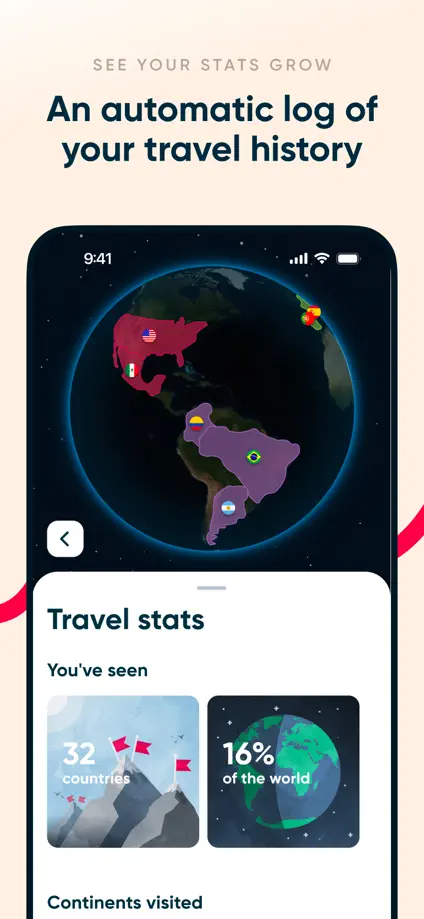
Polarsteps

Travel · 7 frames

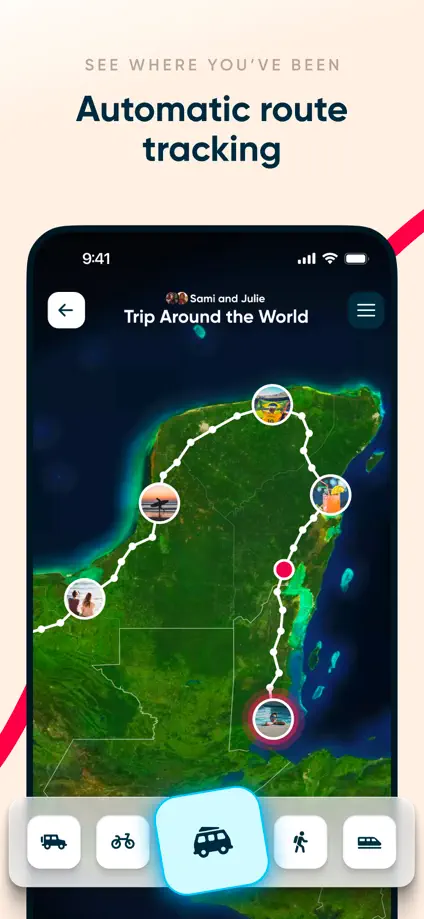
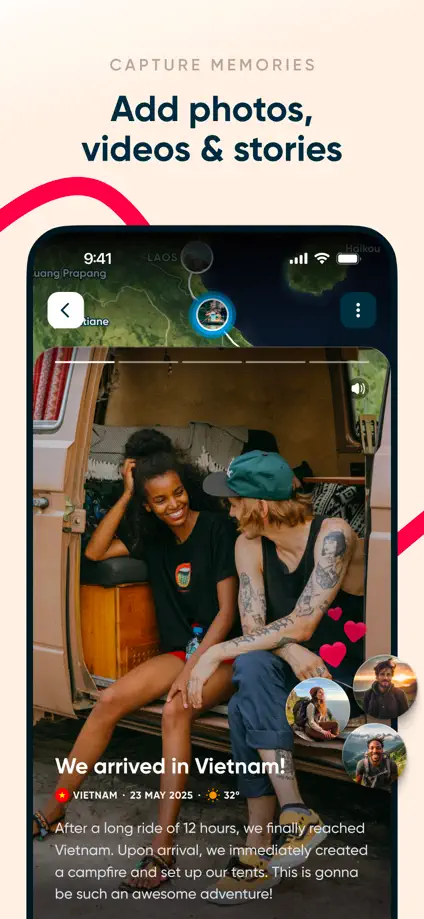
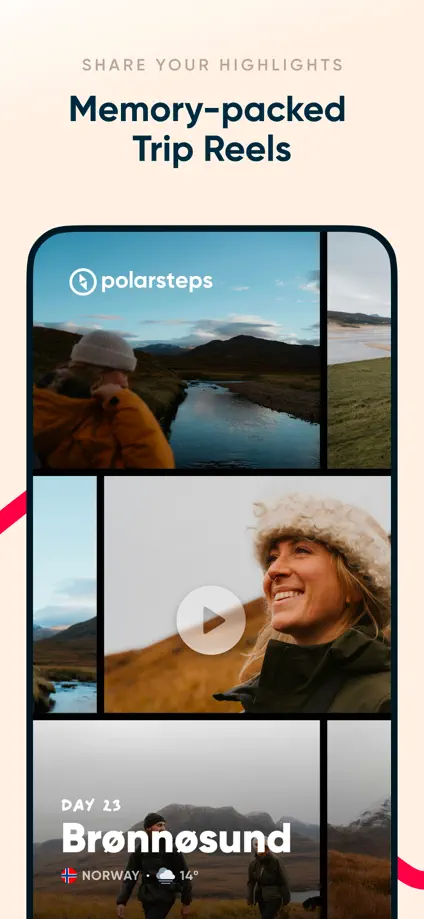
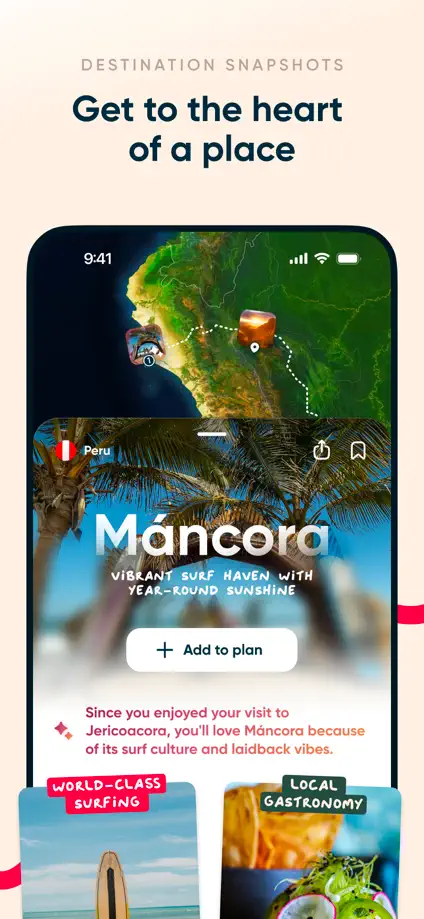
A pink route line continues between pale panels filled with maps and travel photography.

Polarsteps, App Store screenshot 1
Polarsteps, App Store screenshot 2
Polarsteps, App Store screenshot 3
Polarsteps, App Store screenshot 4
Polarsteps, App Store screenshot 5
Polarsteps, App Store screenshot 6
Polarsteps, App Store screenshot 7

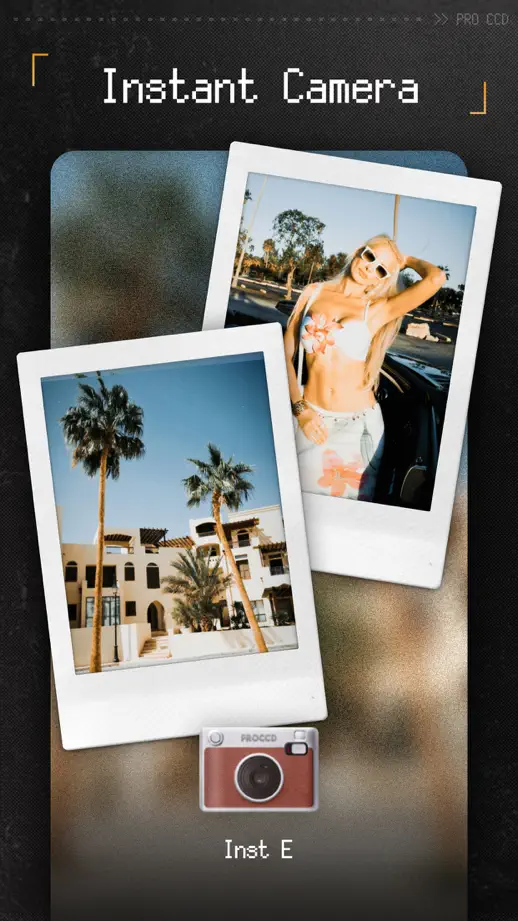
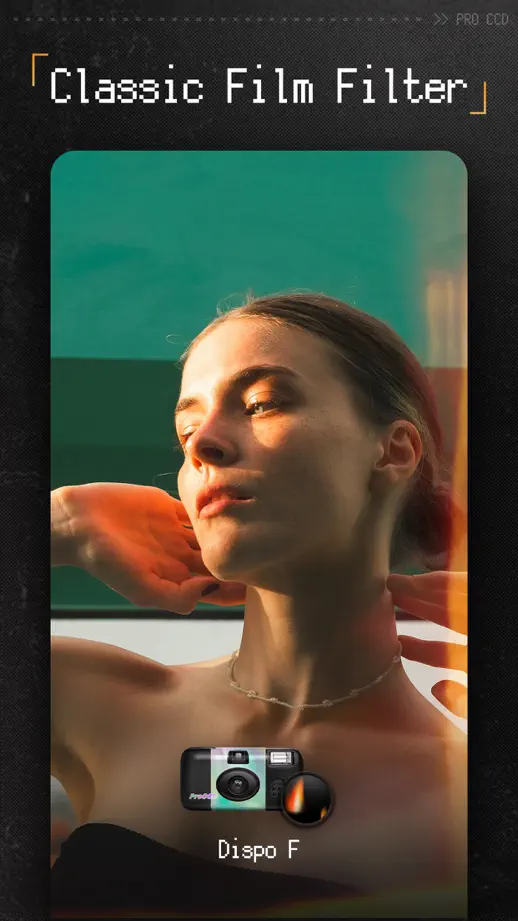
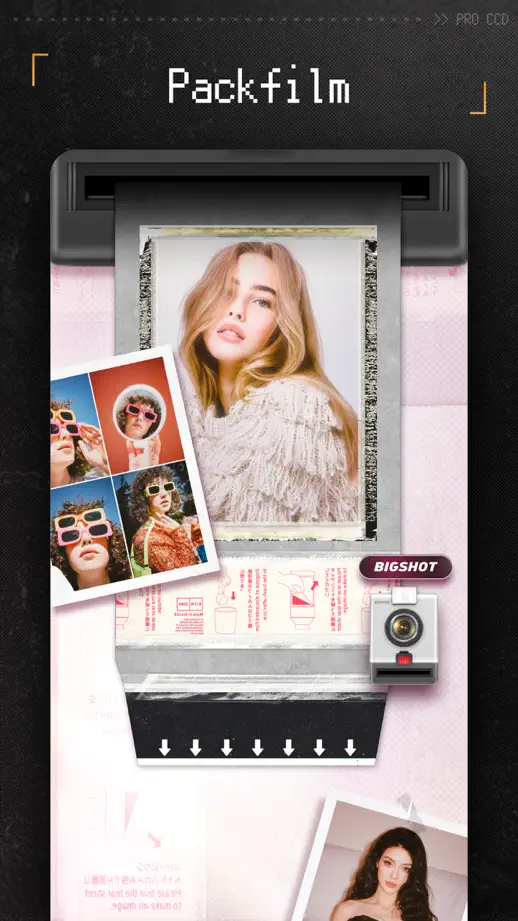
ProCCD

Photo & video · 10 frames

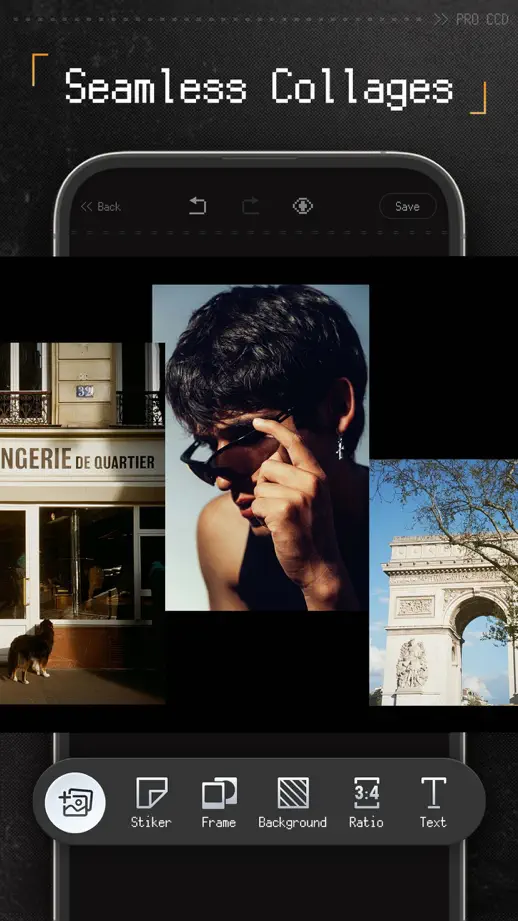
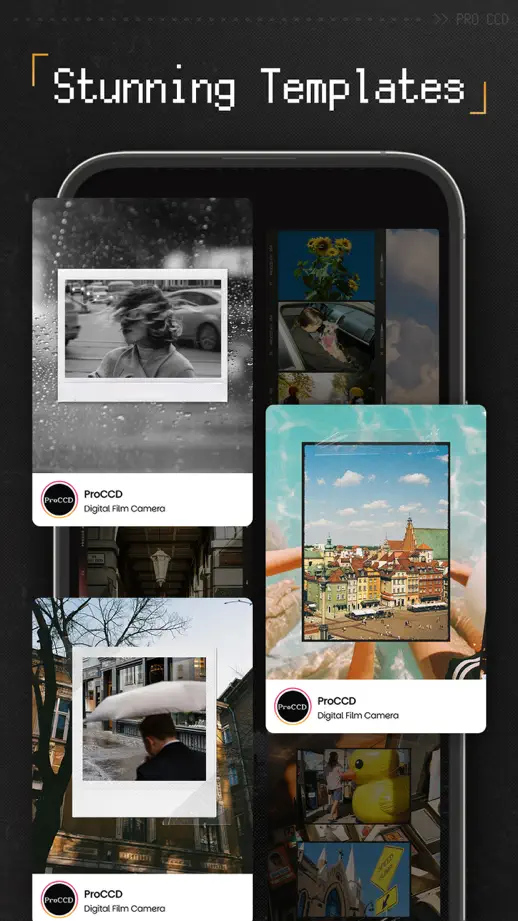
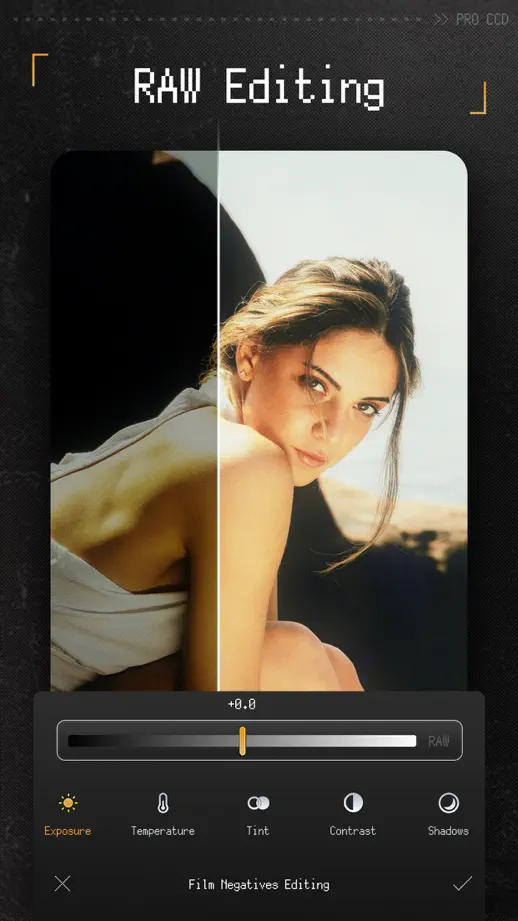
Textured camera-like frames surround photographic examples, with pixel-style headings continuing the hardware metaphor.

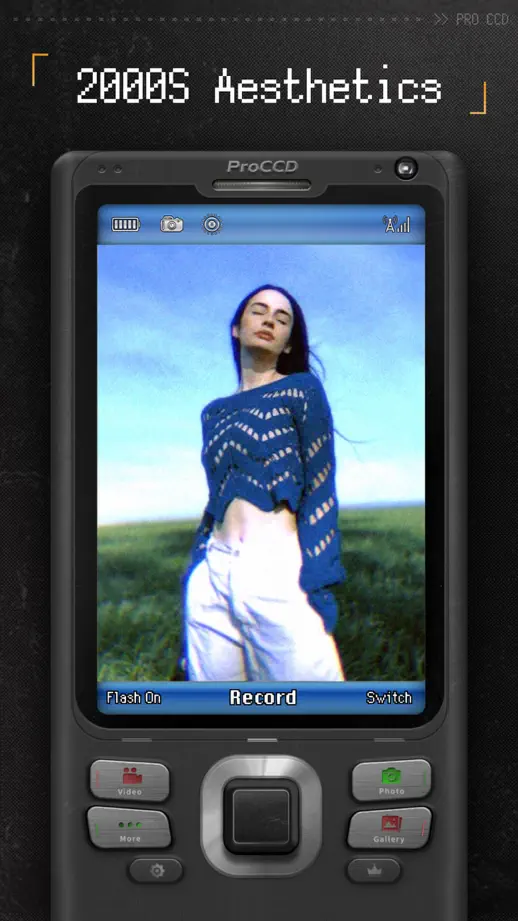
ProCCD, App Store screenshot 1
ProCCD, App Store screenshot 2
ProCCD, App Store screenshot 3
ProCCD, App Store screenshot 4
ProCCD, App Store screenshot 5
ProCCD, App Store screenshot 6
ProCCD, App Store screenshot 7
ProCCD, App Store screenshot 8
ProCCD, App Store screenshot 9
ProCCD, App Store screenshot 10

Savee

Creativity · 6 frames

Brief headings and largely black backgrounds let artwork grids dominate each frame.

Savee, App Store screenshot 1
Savee, App Store screenshot 2
Savee, App Store screenshot 3
Savee, App Store screenshot 4
Savee, App Store screenshot 5
Savee, App Store screenshot 6

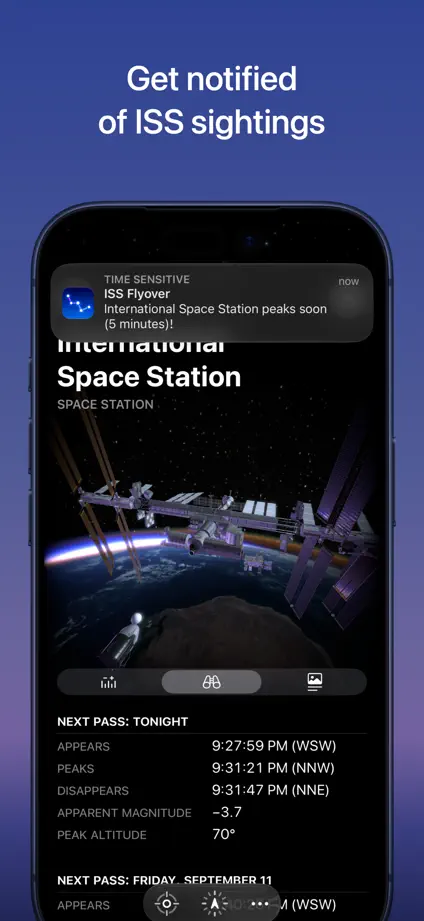
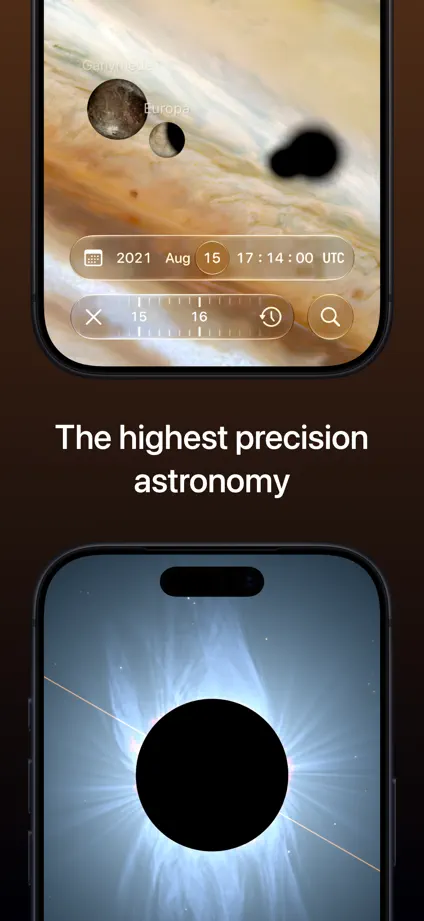
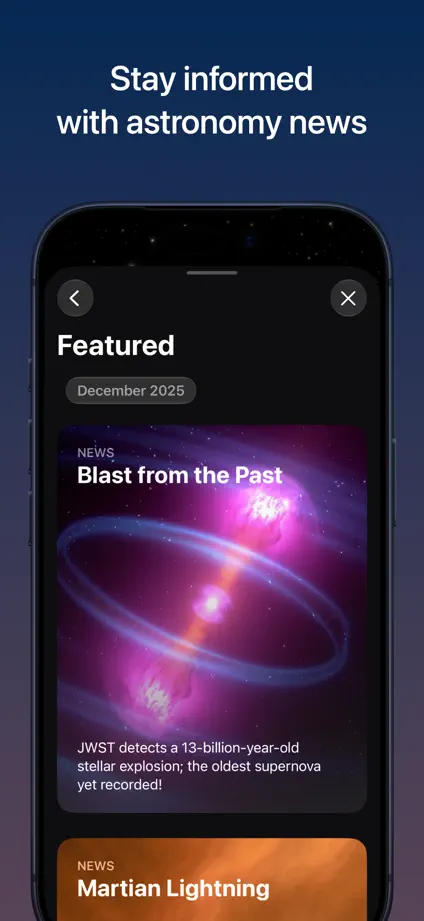
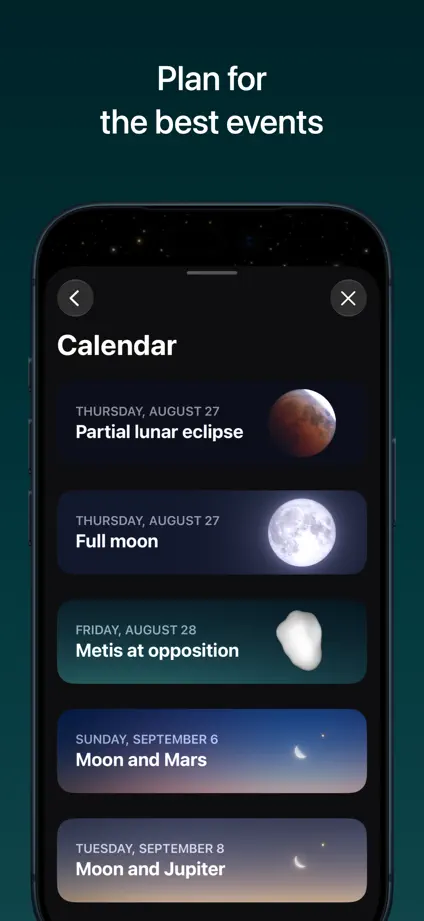
Sky Guide

Reading · 10 frames

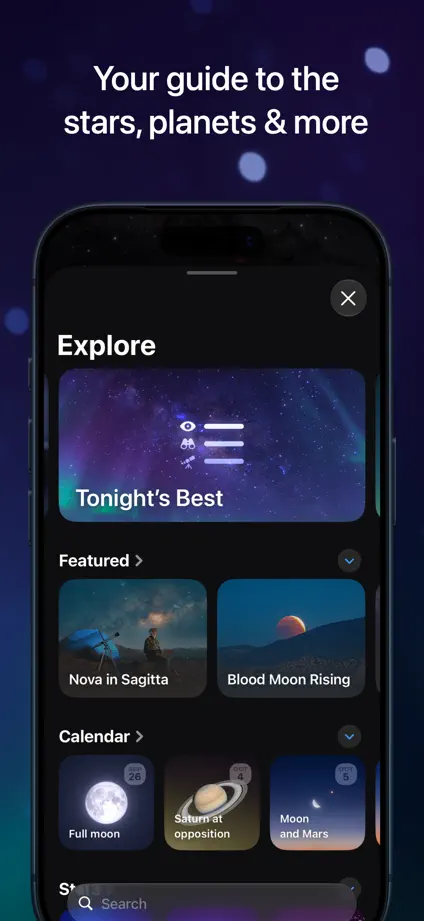
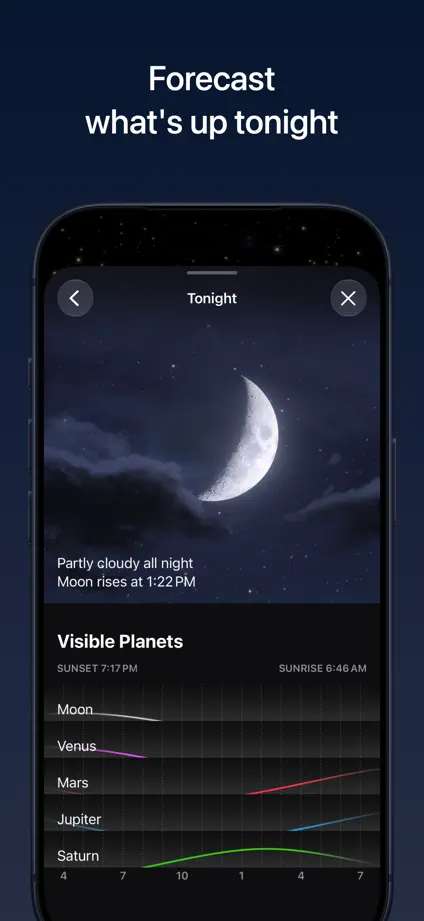
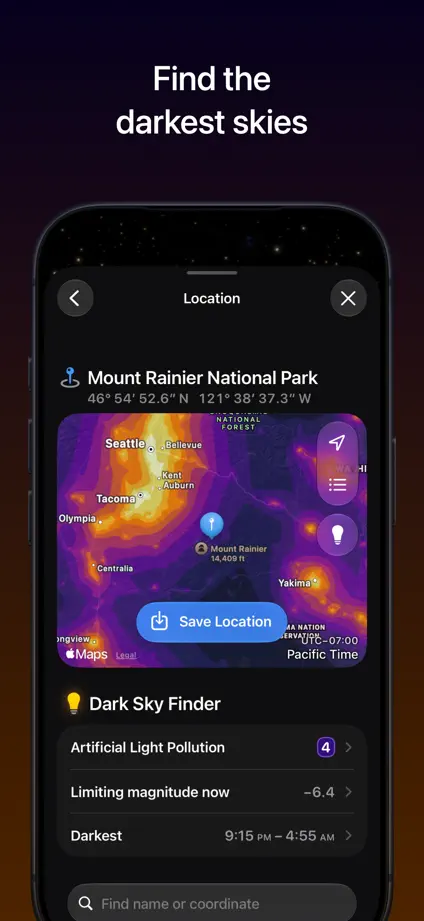
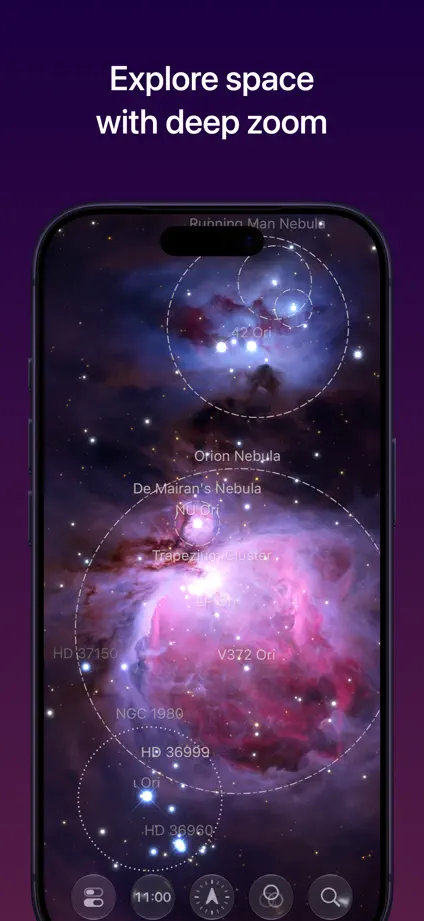
A hand-held phone crosses the opening panels before a dark tour of sky maps and astronomy features.
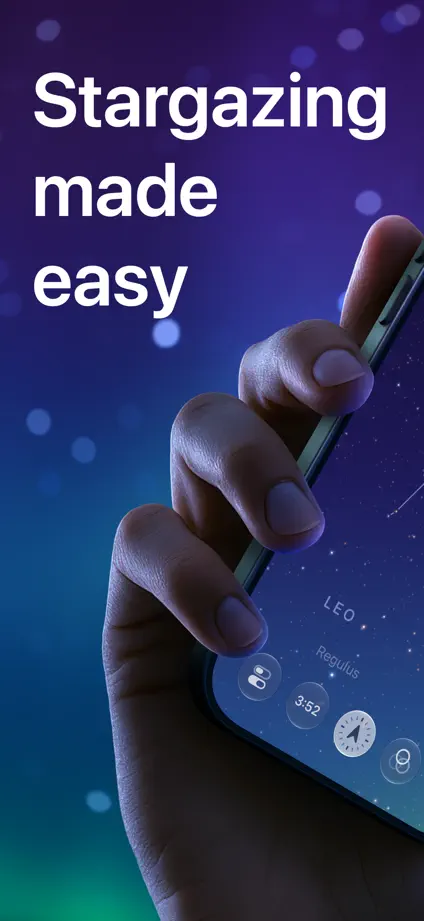
Sky Guide, App Store screenshot 1
Sky Guide, App Store screenshot 2
Sky Guide, App Store screenshot 3
Sky Guide, App Store screenshot 4
Sky Guide, App Store screenshot 5
Sky Guide, App Store screenshot 6
Sky Guide, App Store screenshot 7
Sky Guide, App Store screenshot 8
Sky Guide, App Store screenshot 9
Sky Guide, App Store screenshot 10

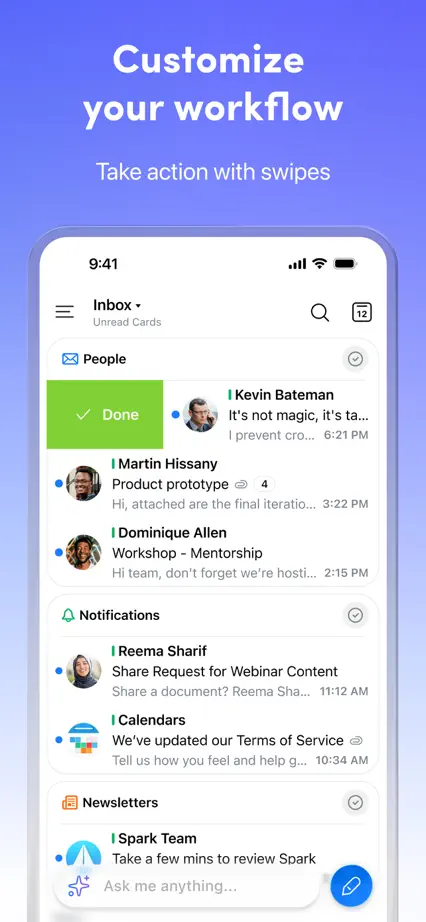
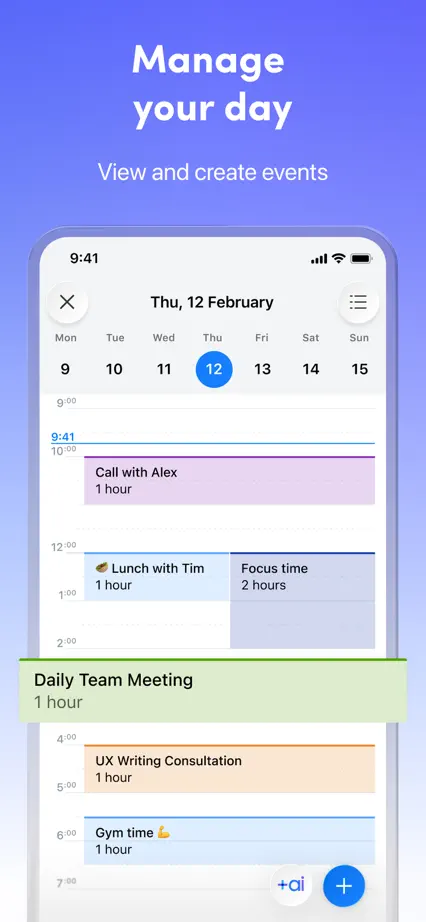
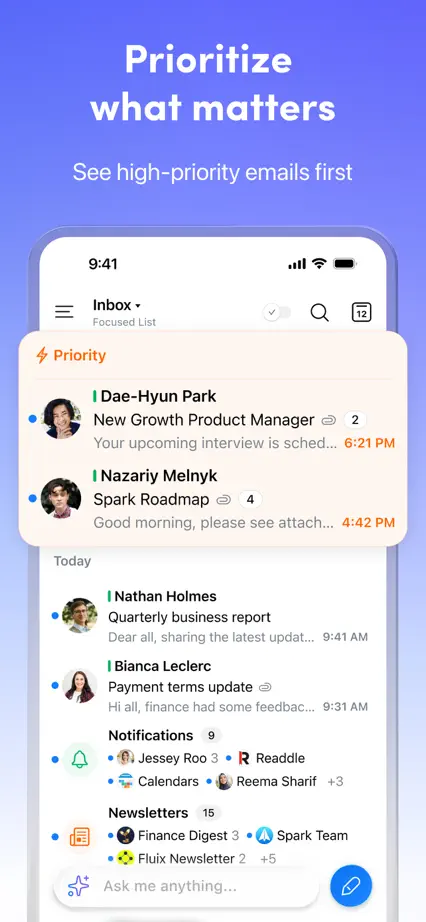
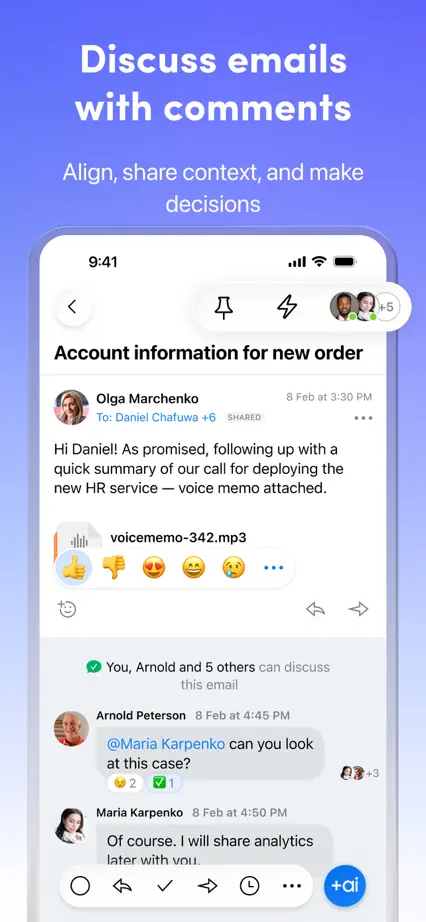
Spark

Productivity · 10 frames

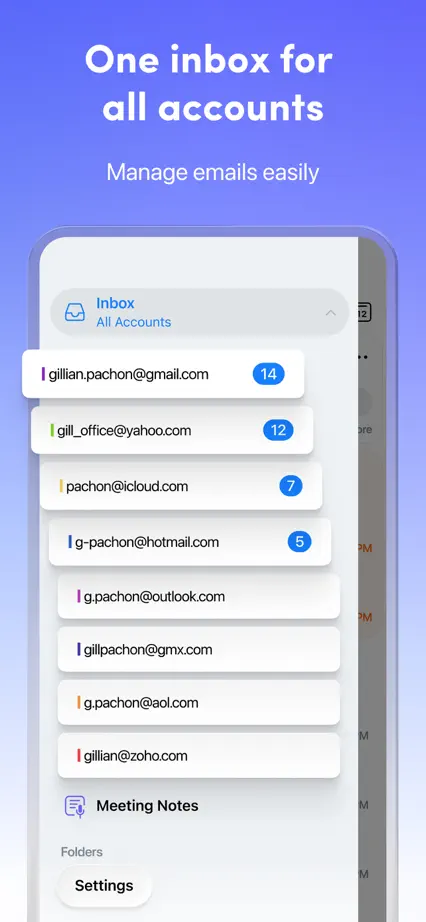
A pale typographic opening leads into large email screens on a consistent purple-blue field.

Spark, App Store screenshot 1
Spark, App Store screenshot 2
Spark, App Store screenshot 3
Spark, App Store screenshot 4
Spark, App Store screenshot 5
Spark, App Store screenshot 6
Spark, App Store screenshot 7
Spark, App Store screenshot 8
Spark, App Store screenshot 9
Spark, App Store screenshot 10

Speak

Education · 9 frames

Blue and pale gray panels alternate, with highlighted words and enlarged conversation cards explaining each feature.

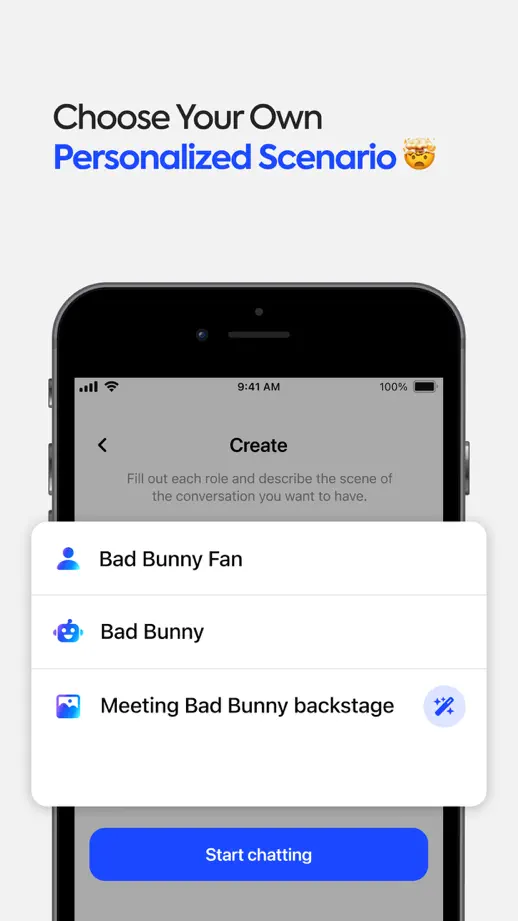
Speak, App Store screenshot 1
Speak, App Store screenshot 2
Speak, App Store screenshot 3
Speak, App Store screenshot 4
Speak, App Store screenshot 5
Speak, App Store screenshot 6
Speak, App Store screenshot 7
Speak, App Store screenshot 8
Speak, App Store screenshot 9

Strava

Health & fitness · 10 frames

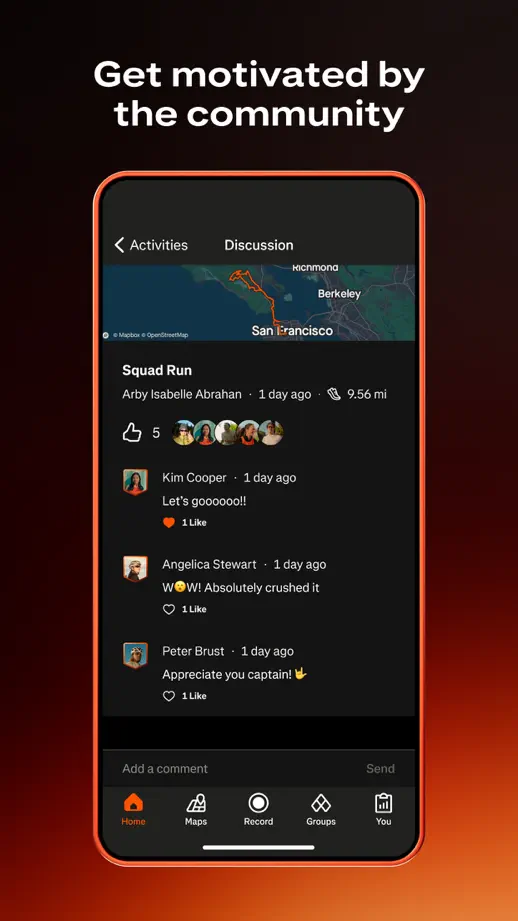
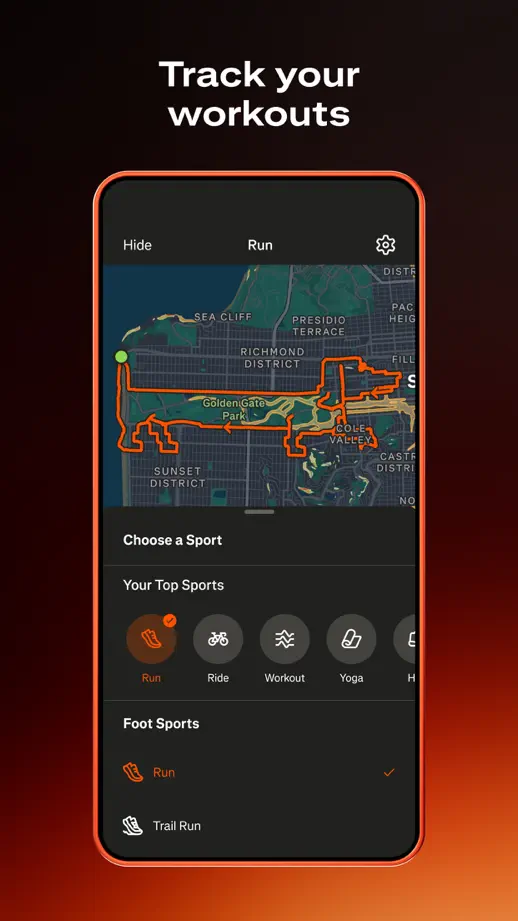
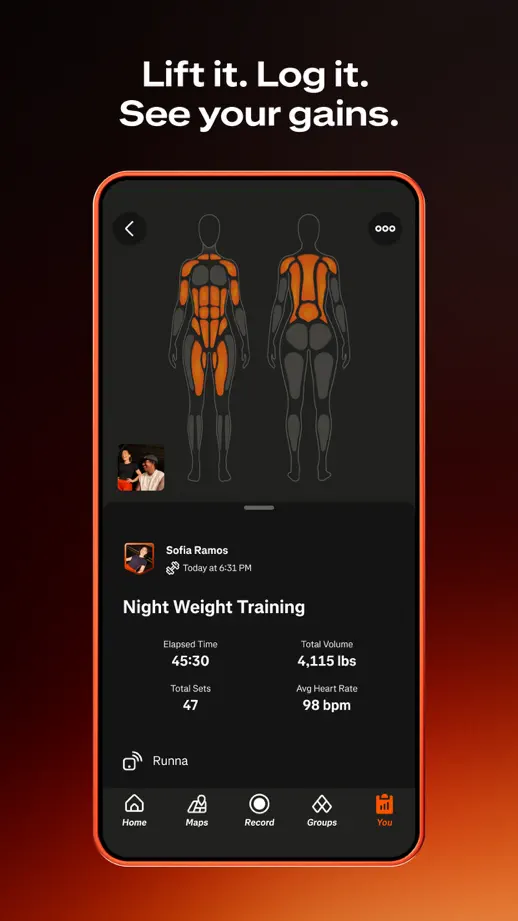
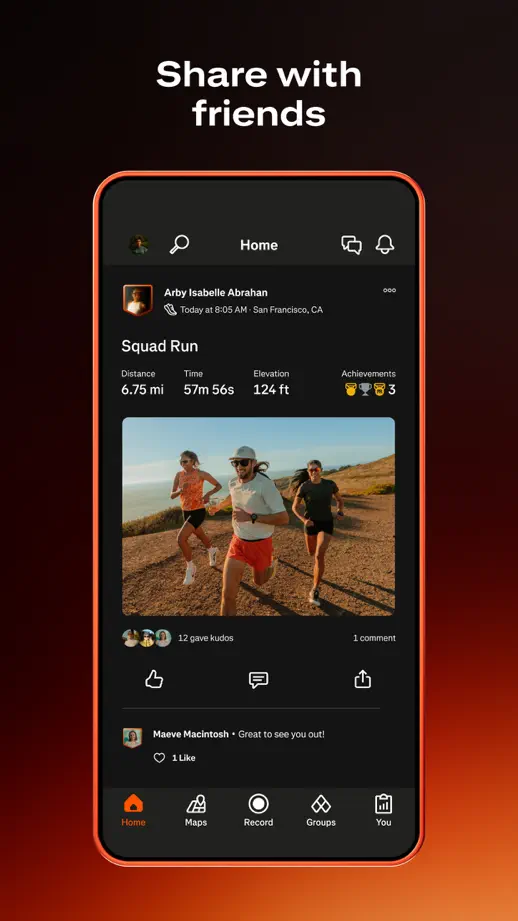
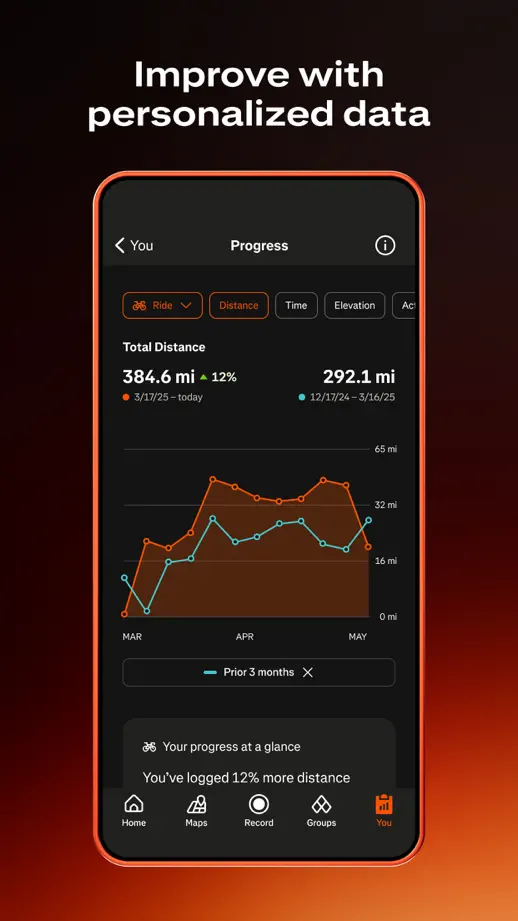
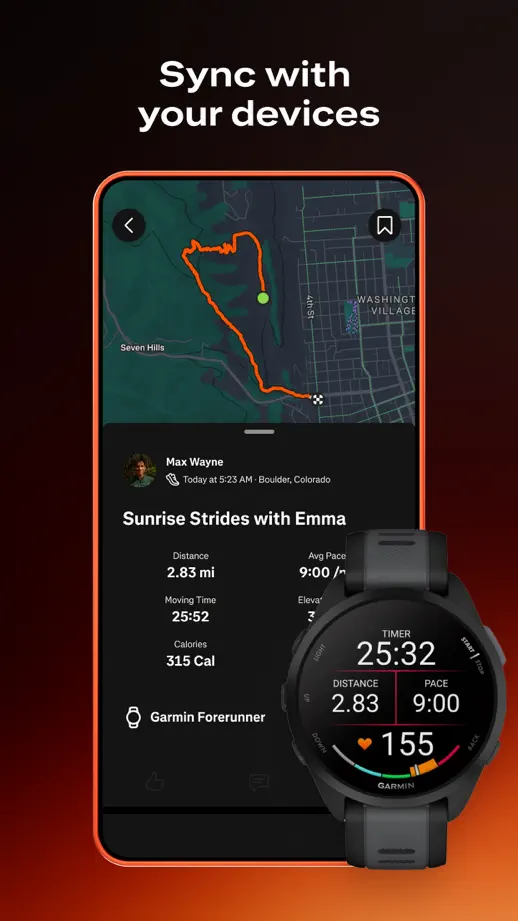
A dark background with an orange glow ties together activity maps, statistics and watch views.
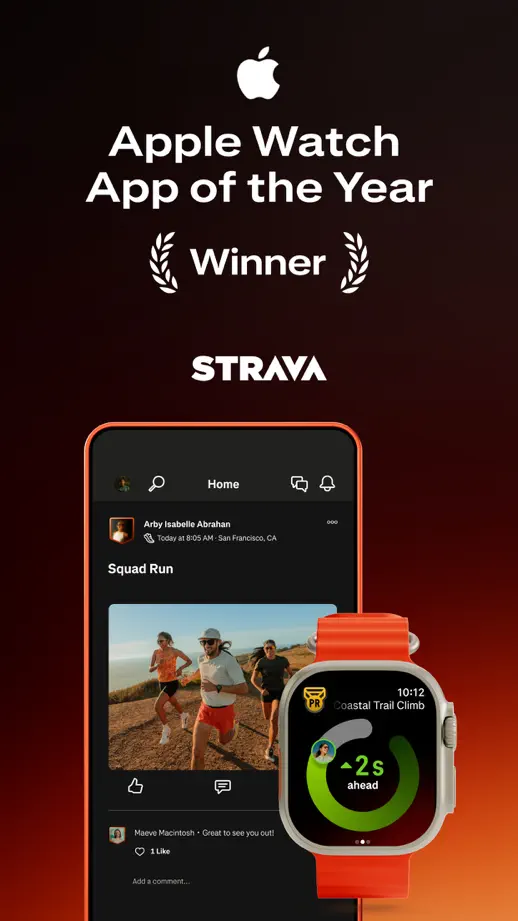
Strava, App Store screenshot 1
Strava, App Store screenshot 2
Strava, App Store screenshot 3
Strava, App Store screenshot 4
Strava, App Store screenshot 5
Strava, App Store screenshot 6
Strava, App Store screenshot 7
Strava, App Store screenshot 8
Strava, App Store screenshot 9
Strava, App Store screenshot 10

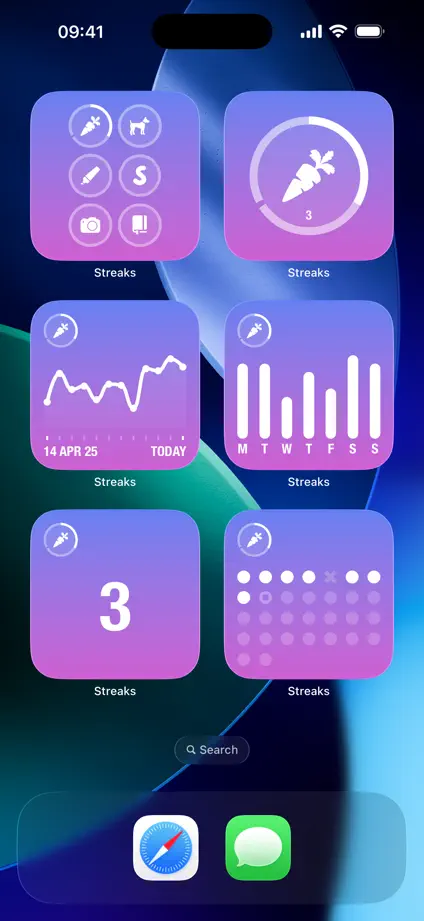
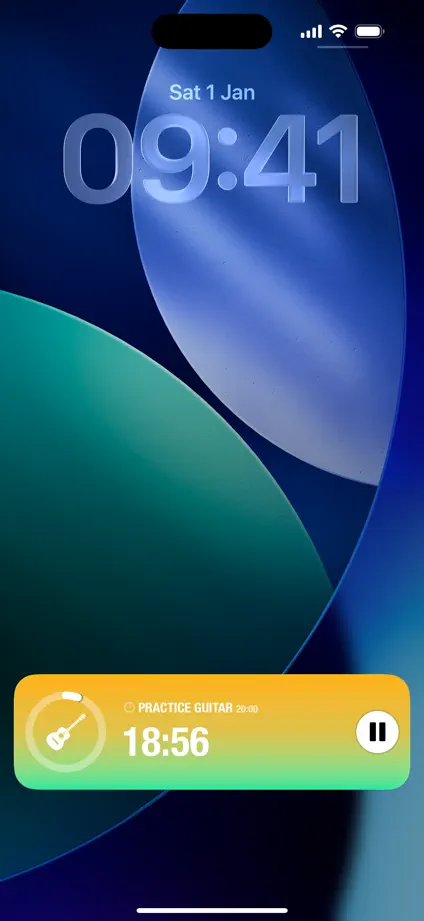
Streaks

Health & fitness · 10 frames

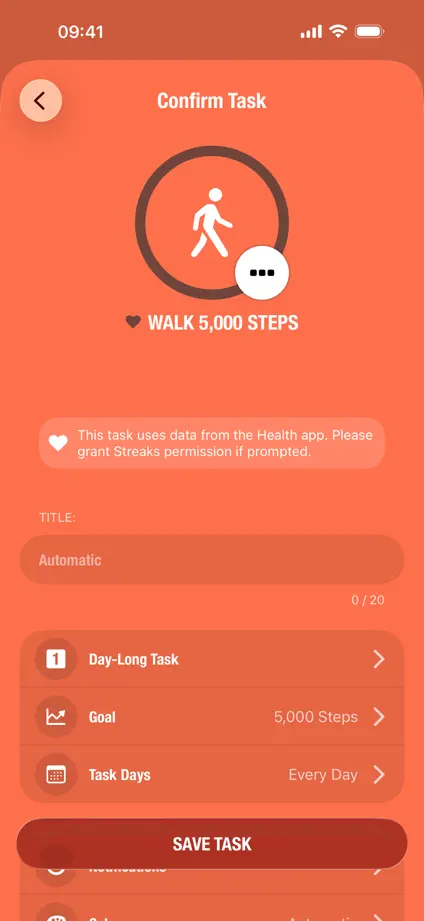
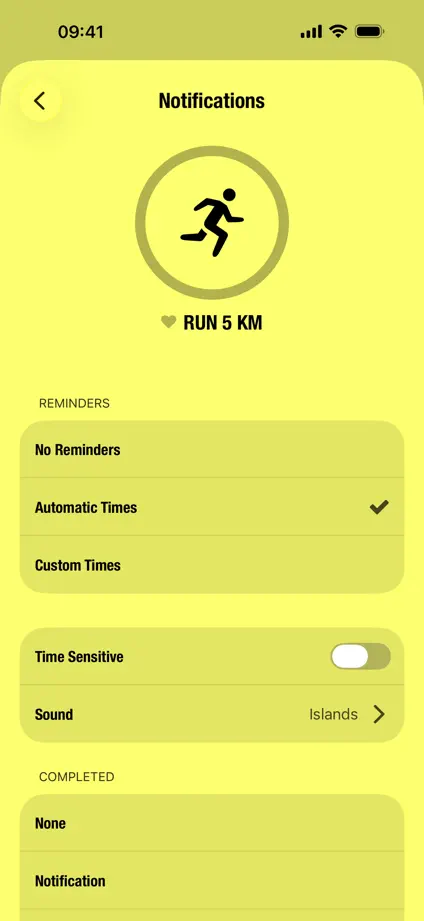
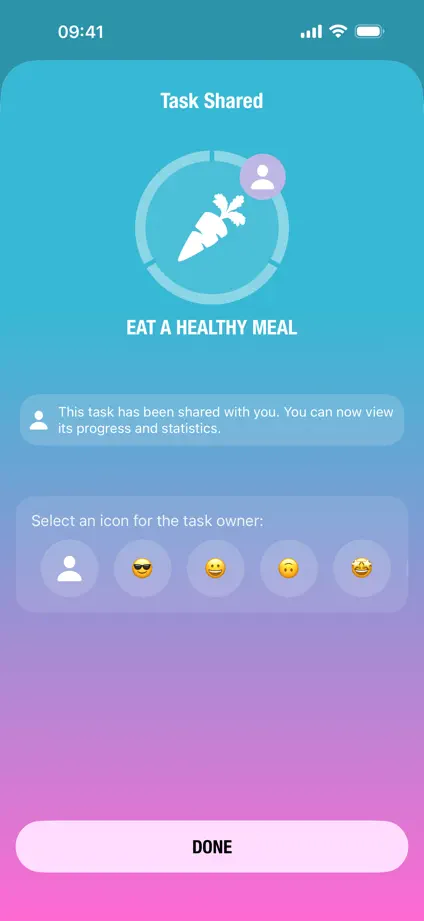
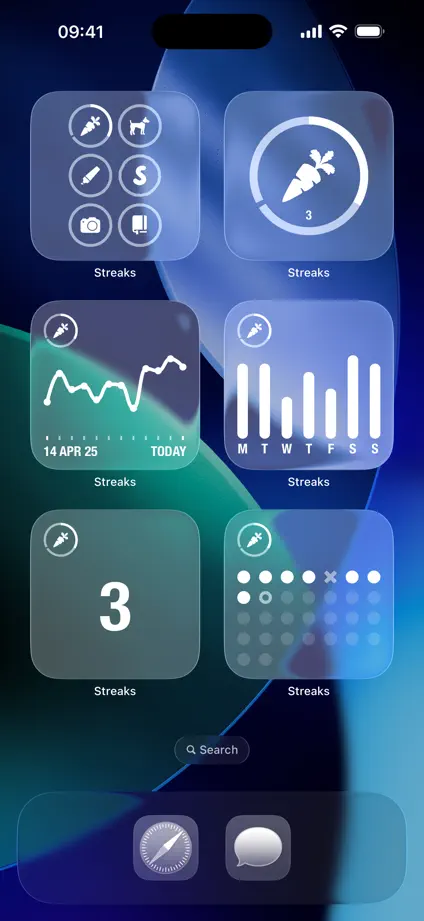
Full-frame interfaces and changing theme colors demonstrate habits, charts and widgets without extra captions.
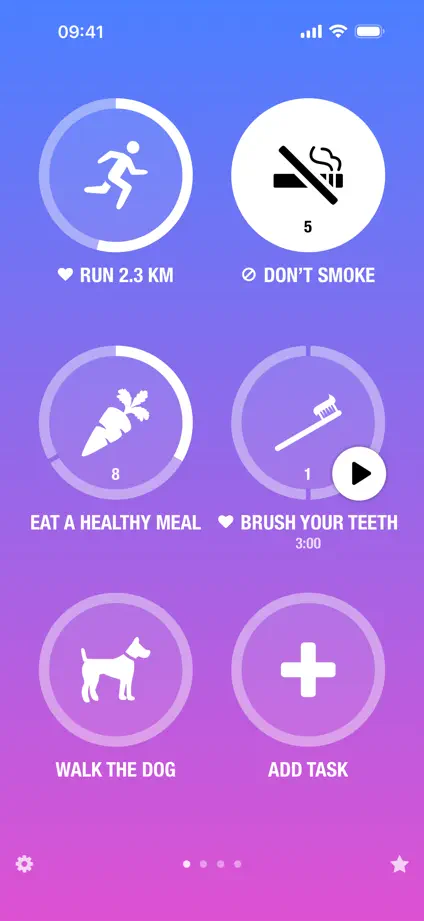
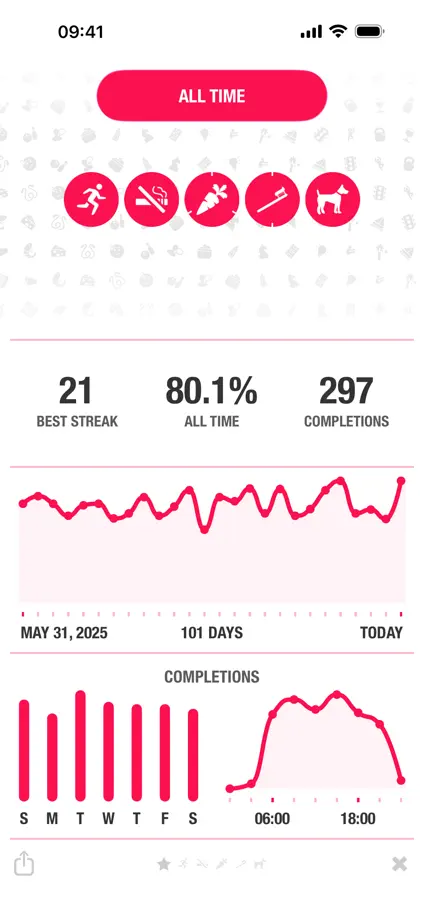
Streaks, App Store screenshot 1
Streaks, App Store screenshot 2
Streaks, App Store screenshot 3
Streaks, App Store screenshot 4
Streaks, App Store screenshot 5
Streaks, App Store screenshot 6
Streaks, App Store screenshot 7
Streaks, App Store screenshot 8
Streaks, App Store screenshot 9
Streaks, App Store screenshot 10

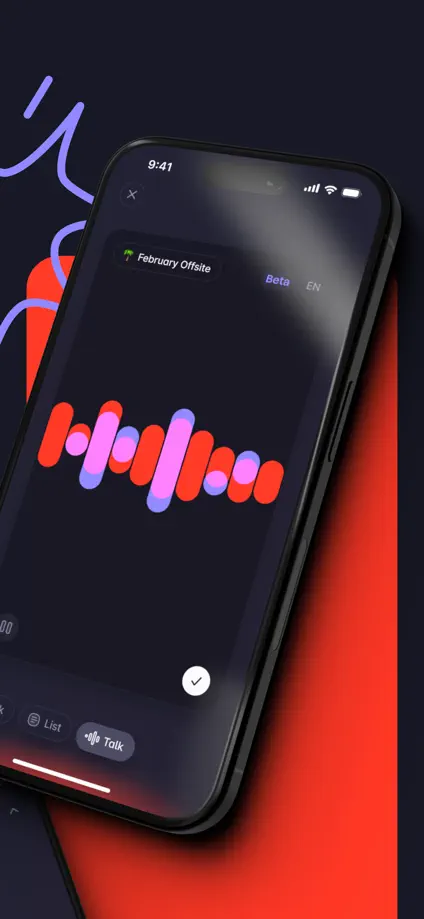
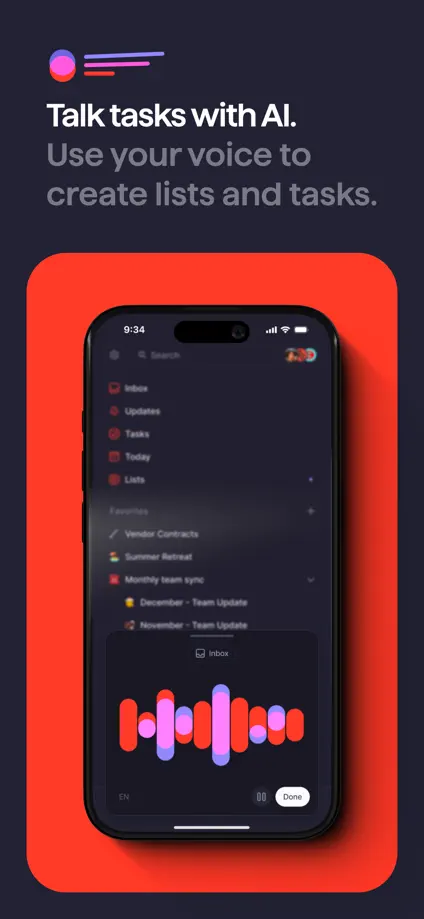
Superlist

Productivity · 8 frames

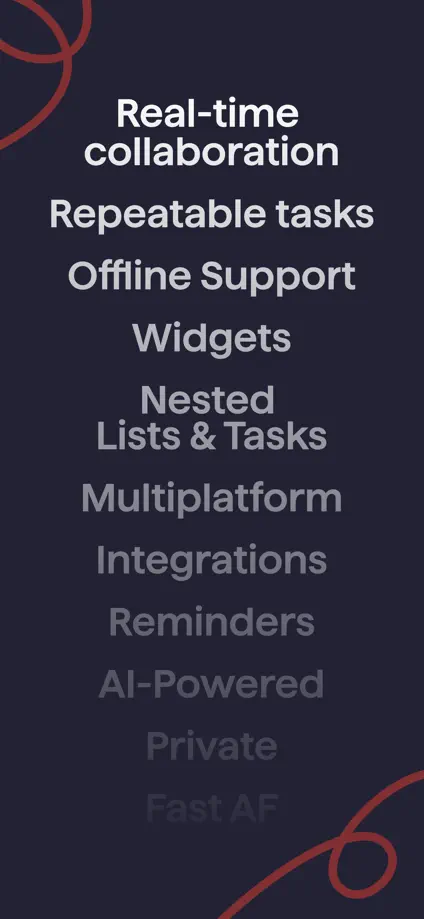
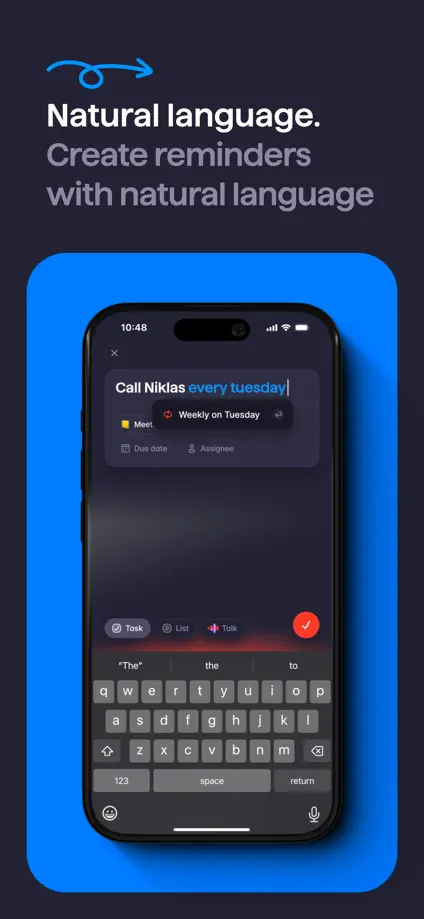
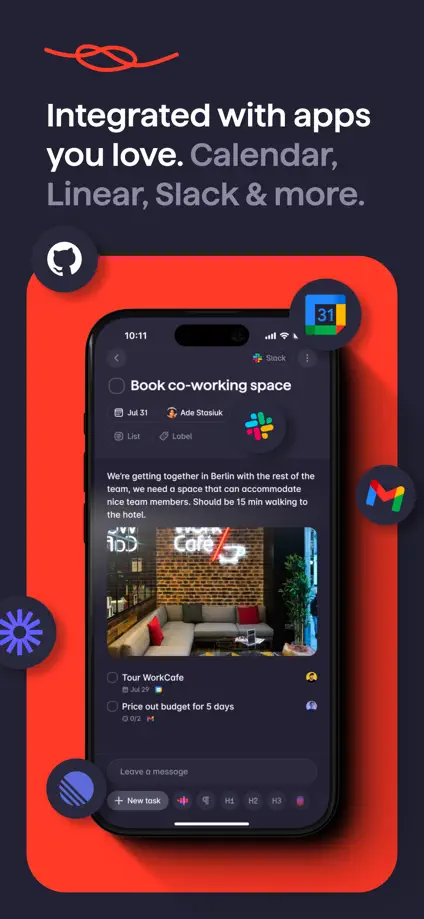
Red and purple interface panels stand out against a dark background and loose drawn lines.

Superlist, App Store screenshot 1
Superlist, App Store screenshot 2
Superlist, App Store screenshot 3
Superlist, App Store screenshot 4
Superlist, App Store screenshot 5
Superlist, App Store screenshot 6
Superlist, App Store screenshot 7
Superlist, App Store screenshot 8

Supernotes

Productivity · 7 frames

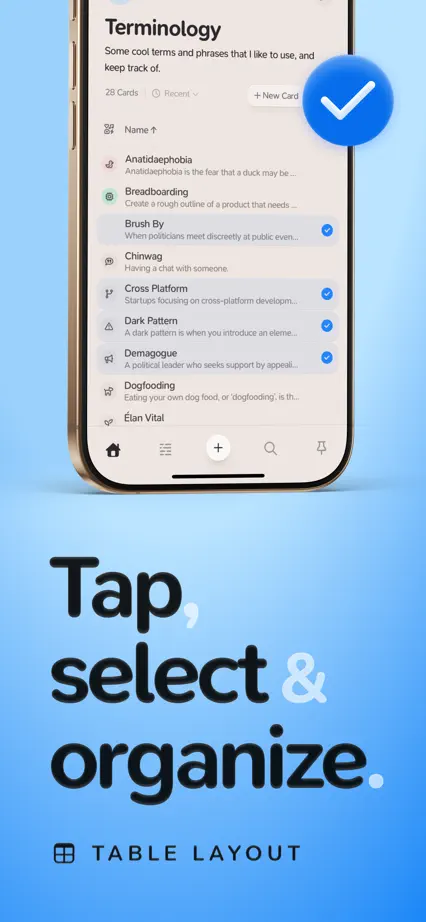
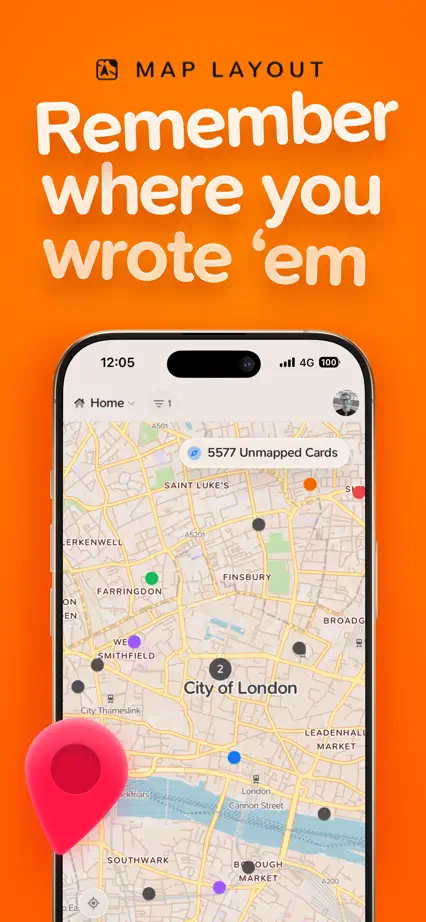
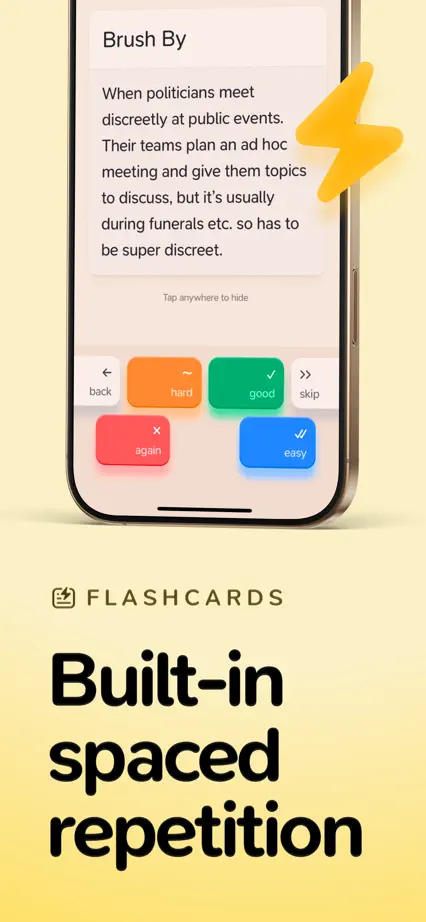
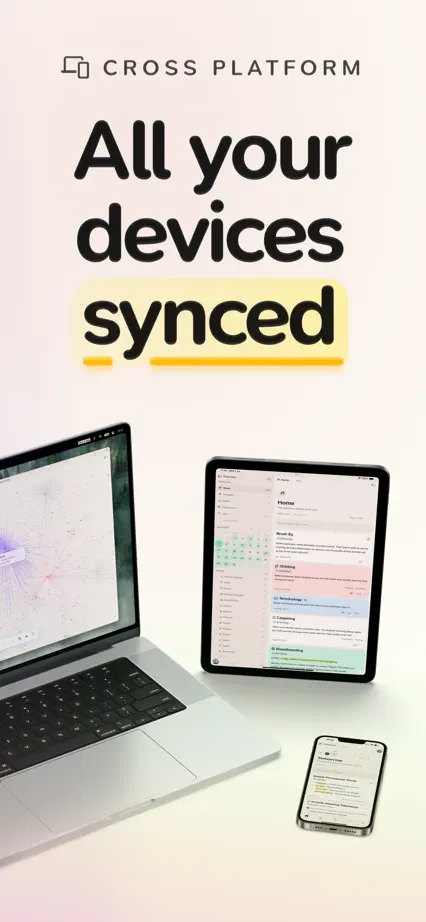
Large playful headings alternate above and below phones, with color changes and floating symbols separating features.
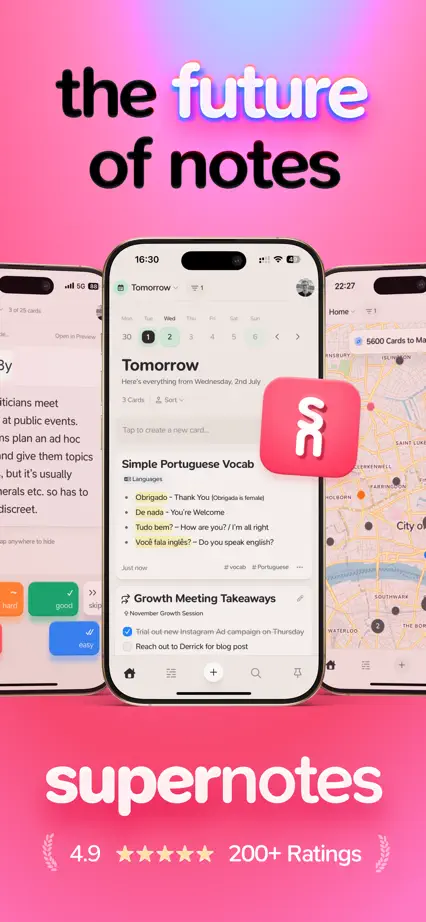
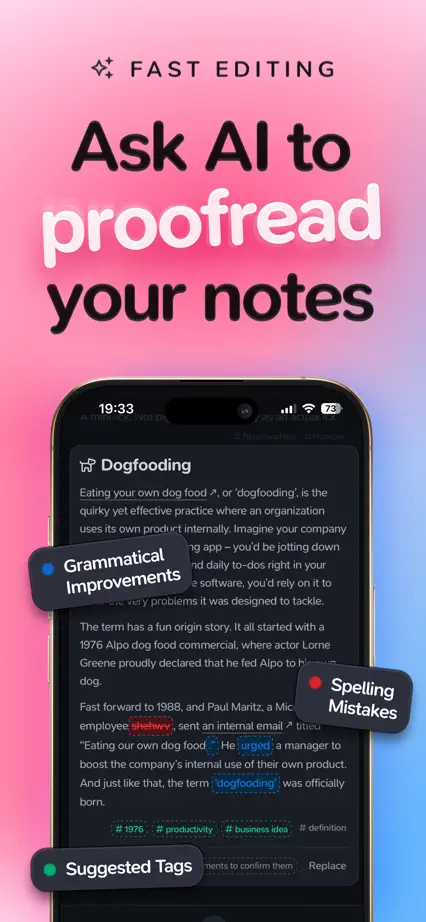
Supernotes, App Store screenshot 1
Supernotes, App Store screenshot 2
Supernotes, App Store screenshot 3
Supernotes, App Store screenshot 4
Supernotes, App Store screenshot 5
Supernotes, App Store screenshot 6
Supernotes, App Store screenshot 7

Tapestry

Social · 8 frames

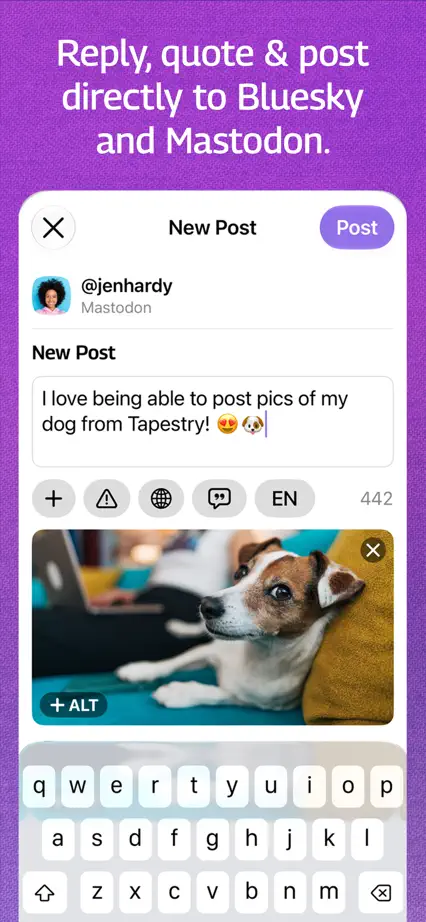
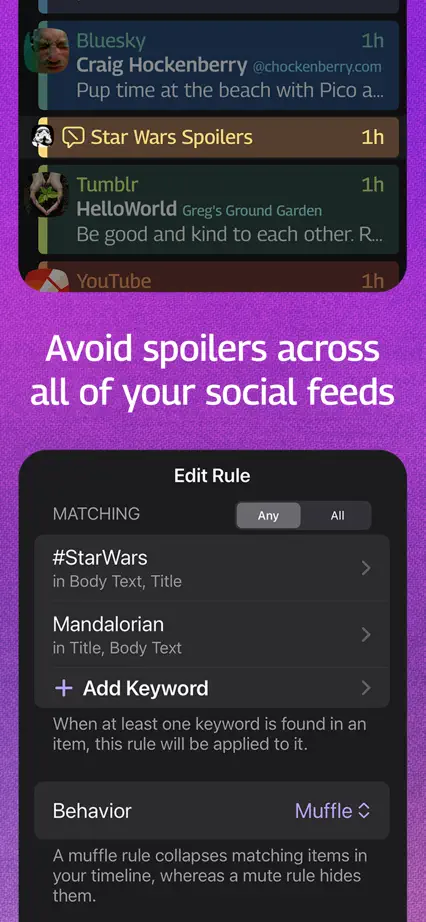
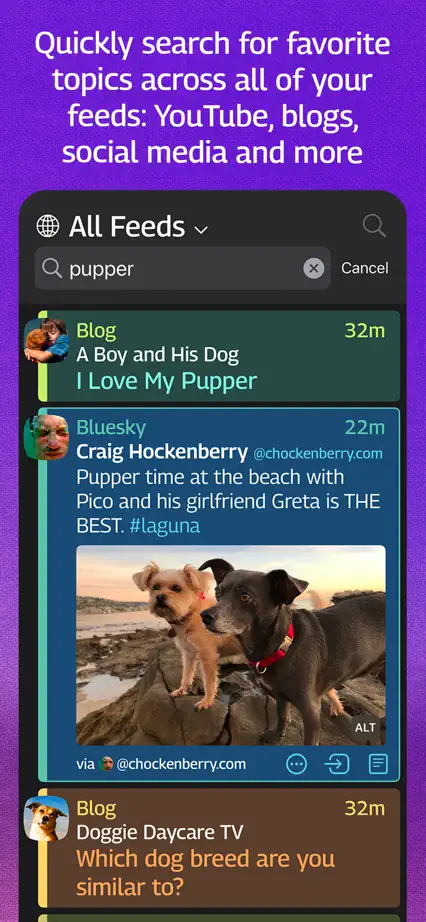
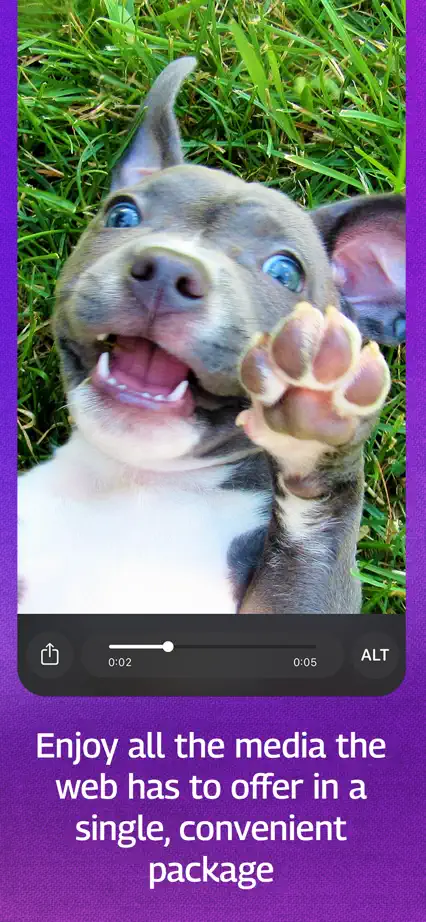
An angled phone spans the opening, followed by large timeline crops on a continuous purple field.
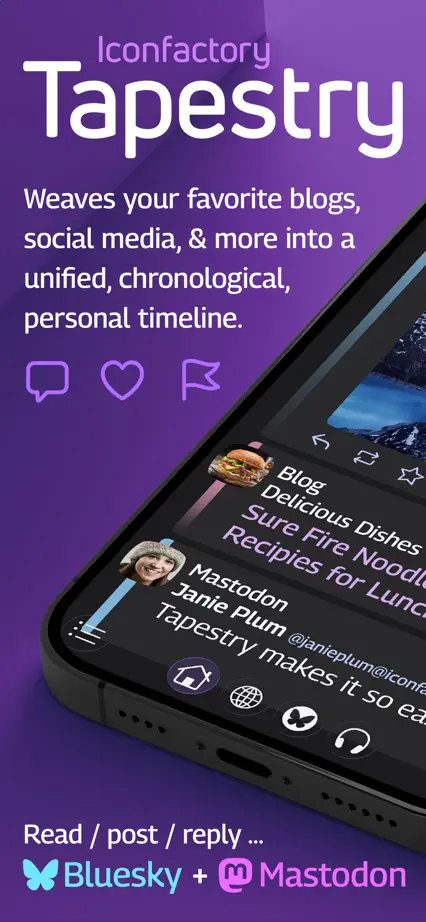
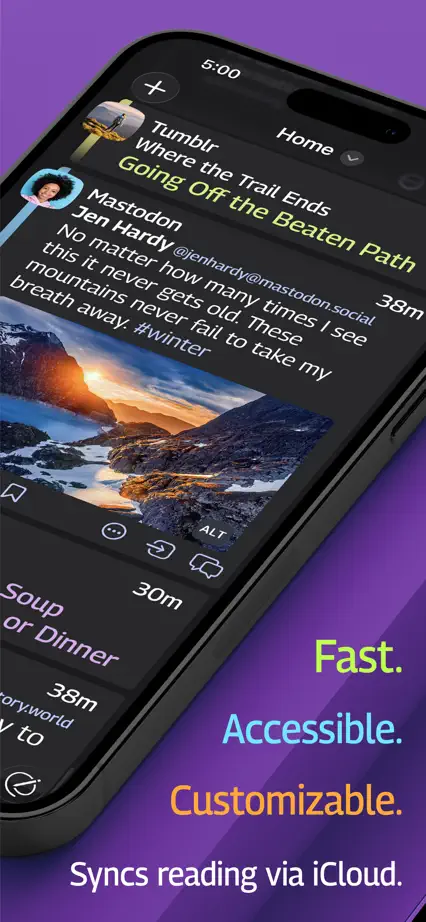
Tapestry, App Store screenshot 1
Tapestry, App Store screenshot 2
Tapestry, App Store screenshot 3
Tapestry, App Store screenshot 4
Tapestry, App Store screenshot 5
Tapestry, App Store screenshot 6
Tapestry, App Store screenshot 7
Tapestry, App Store screenshot 8

TIDE

Health & fitness · 8 frames

Soft pastel backgrounds separate focus, sleep and sound features shown through floating cards and devices.

TIDE, App Store screenshot 1
TIDE, App Store screenshot 2
TIDE, App Store screenshot 3
TIDE, App Store screenshot 4
TIDE, App Store screenshot 5
TIDE, App Store screenshot 6
TIDE, App Store screenshot 7
TIDE, App Store screenshot 8

Tide Guide

Weather · 7 frames

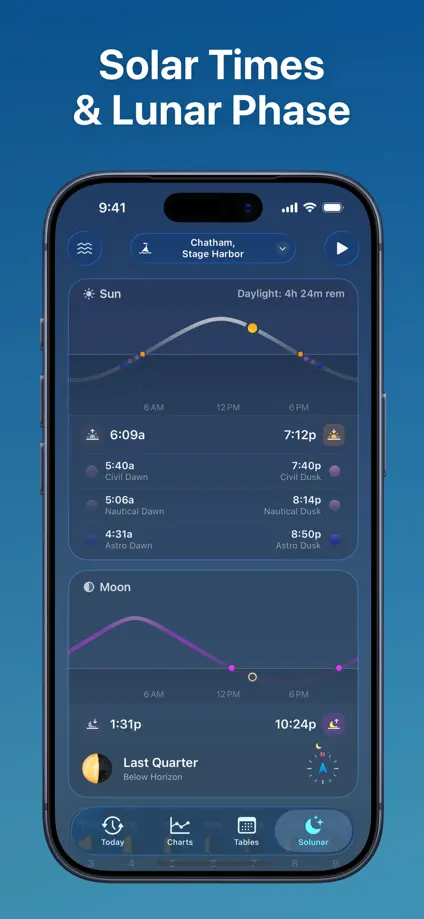
Blue panels connect tide charts, watch faces and widgets, using scale changes within a consistent palette.

Tide Guide, App Store screenshot 1
Tide Guide, App Store screenshot 2
Tide Guide, App Store screenshot 3
Tide Guide, App Store screenshot 4
Tide Guide, App Store screenshot 5
Tide Guide, App Store screenshot 6
Tide Guide, App Store screenshot 7

Timepage

Productivity · 9 frames

The interface fills every frame, letting calendar typography and theme colors explain the product without extra headlines.

Timepage, App Store screenshot 1
Timepage, App Store screenshot 2
Timepage, App Store screenshot 3
Timepage, App Store screenshot 4
Timepage, App Store screenshot 5
Timepage, App Store screenshot 6
Timepage, App Store screenshot 7
Timepage, App Store screenshot 8
Timepage, App Store screenshot 9

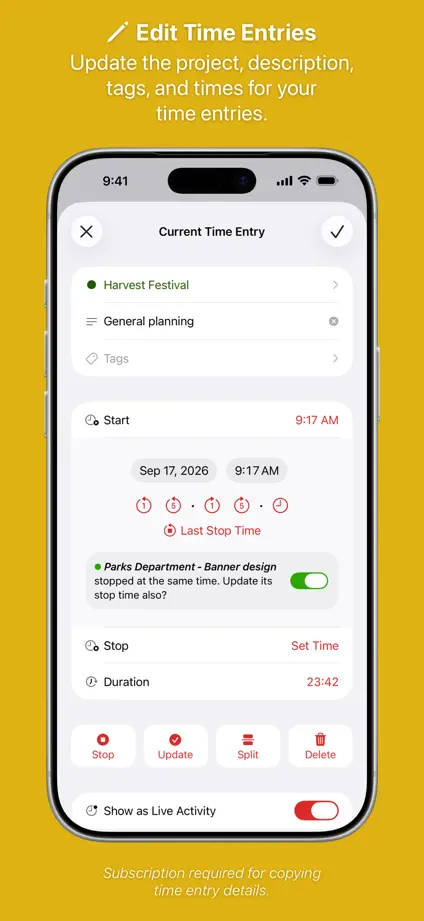
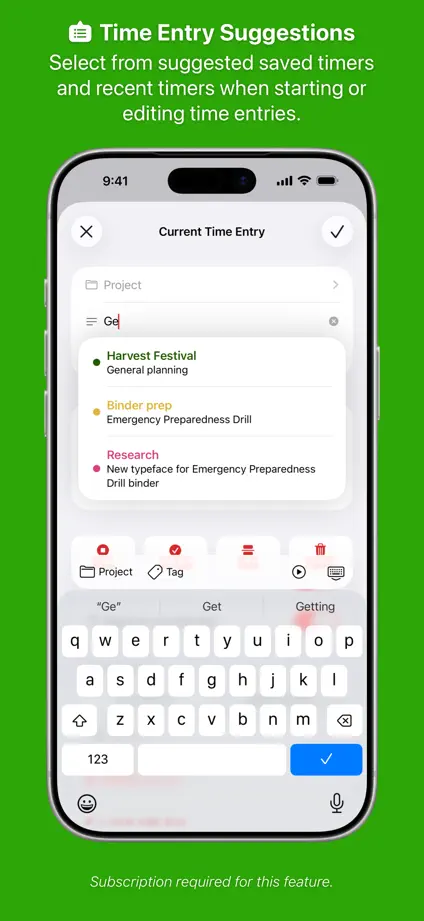
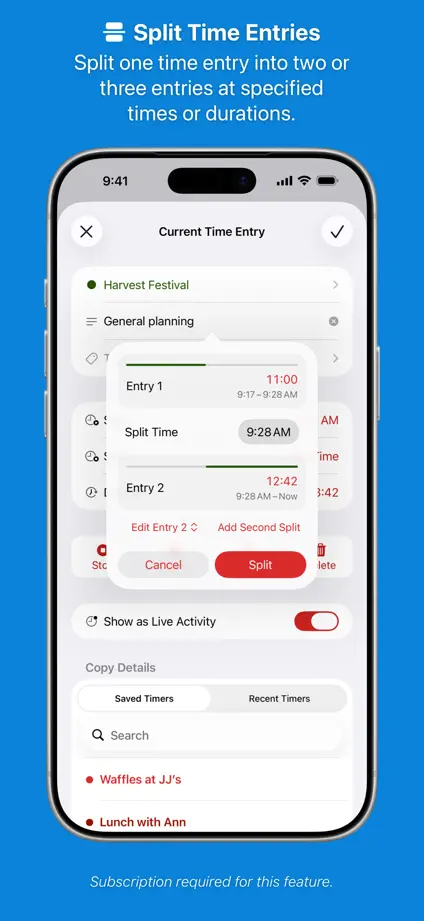
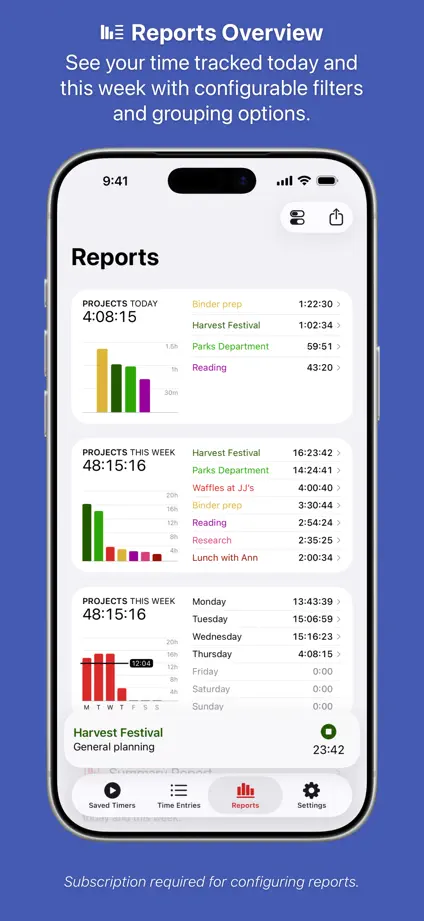
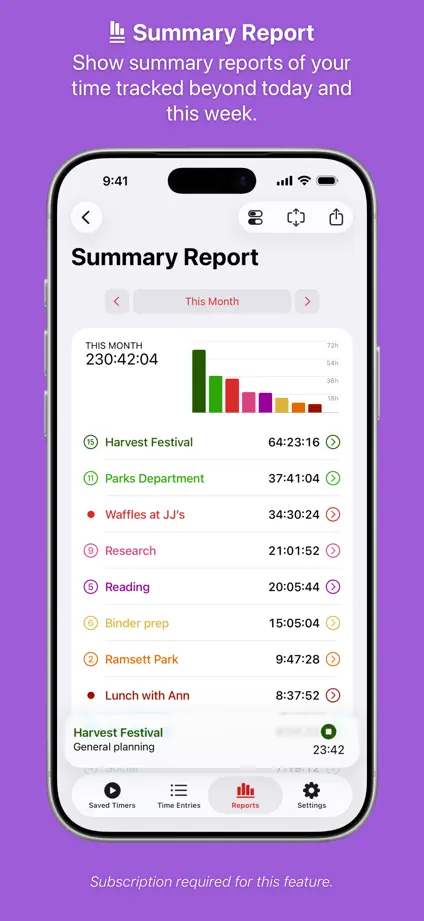
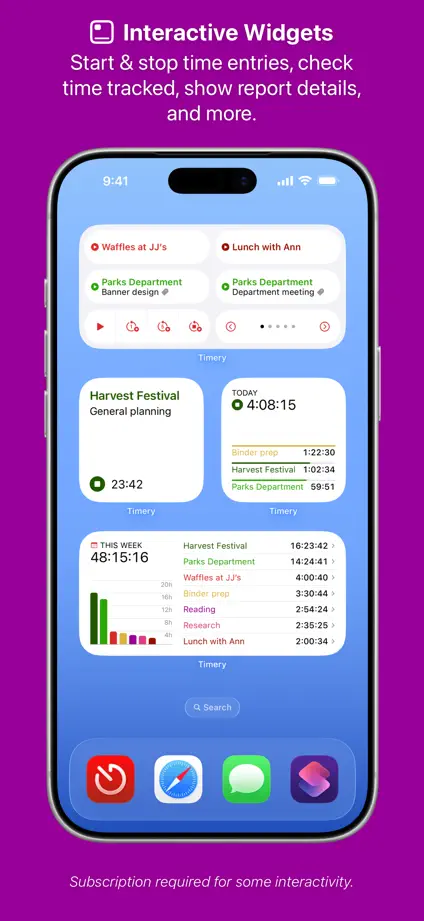
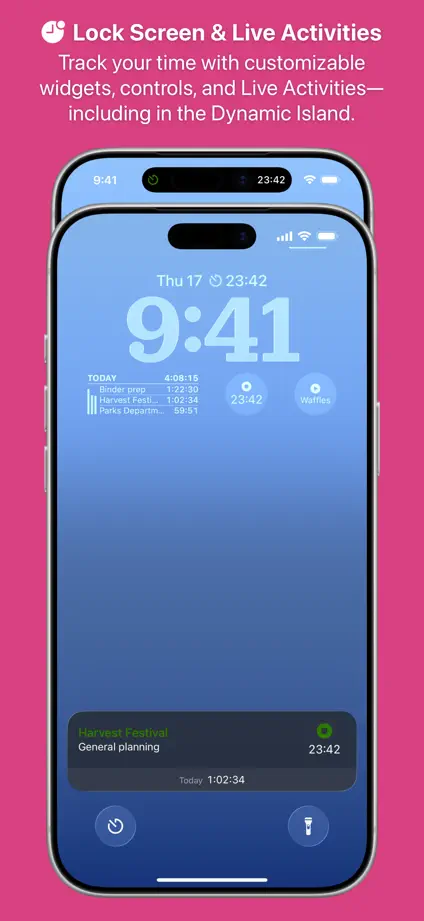
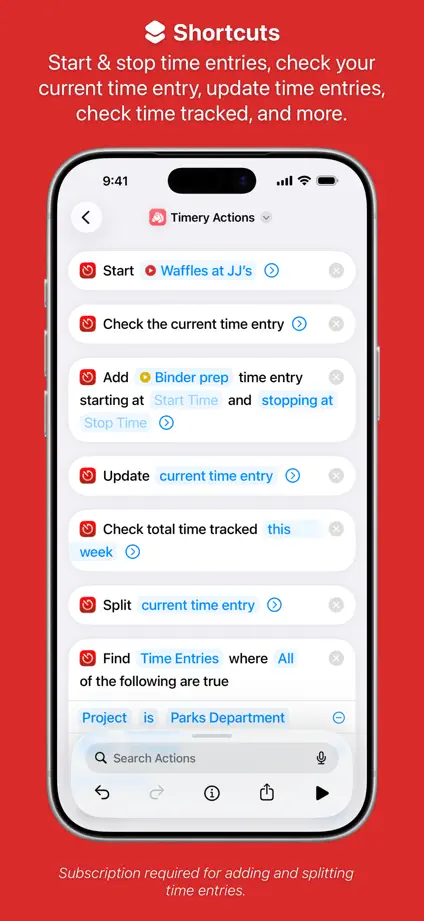
Timery

Productivity · 10 frames

A rainbow of backgrounds gives each time-tracking feature a separate panel while phone placement stays consistent.
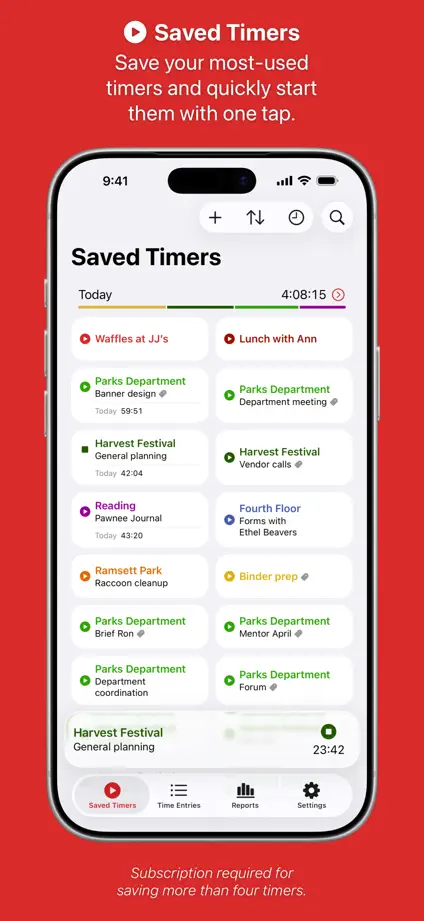
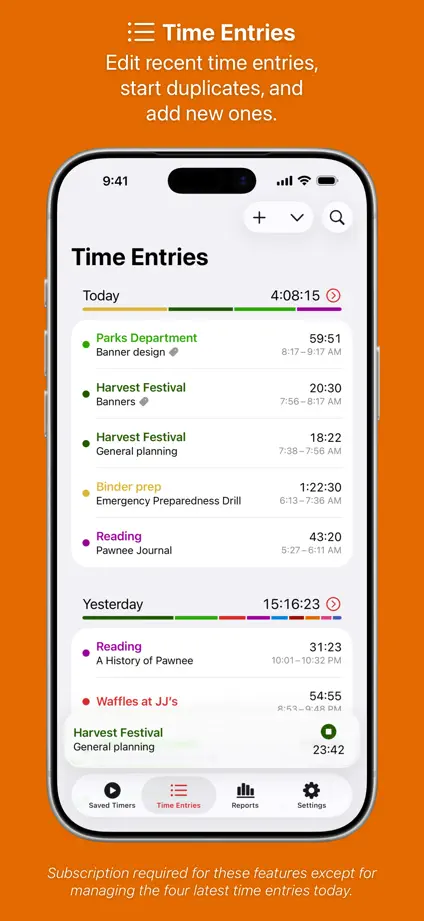
Timery, App Store screenshot 1
Timery, App Store screenshot 2
Timery, App Store screenshot 3
Timery, App Store screenshot 4
Timery, App Store screenshot 5
Timery, App Store screenshot 6
Timery, App Store screenshot 7
Timery, App Store screenshot 8
Timery, App Store screenshot 9
Timery, App Store screenshot 10

Todoist

Productivity · 7 frames

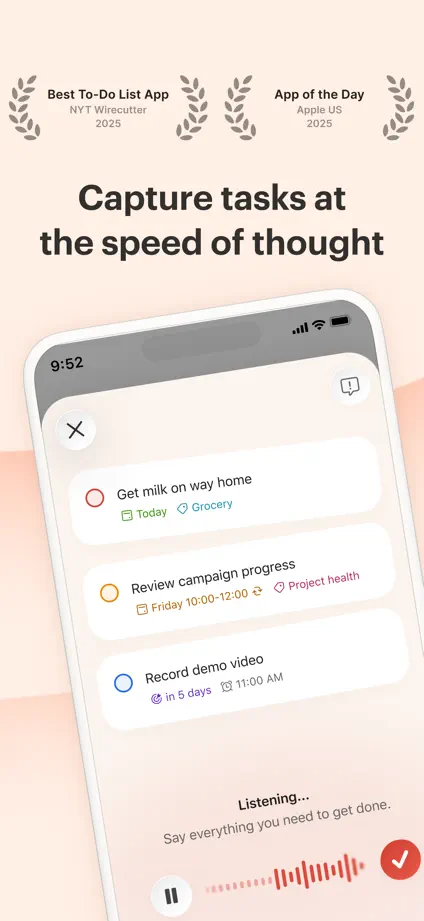
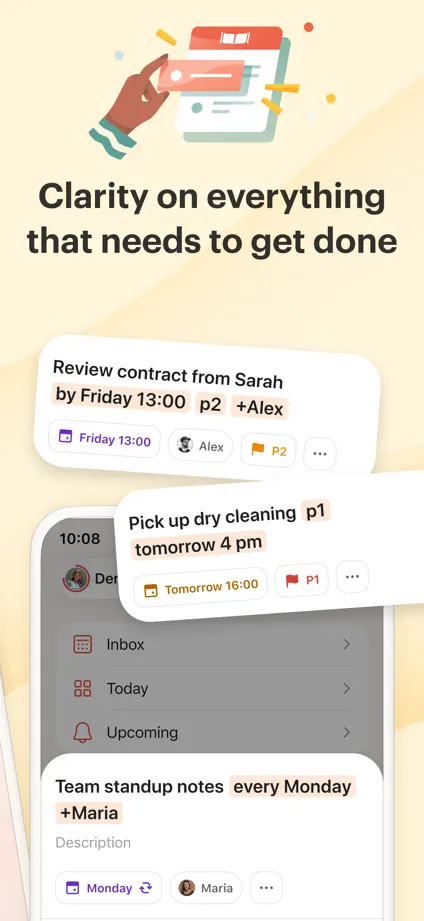
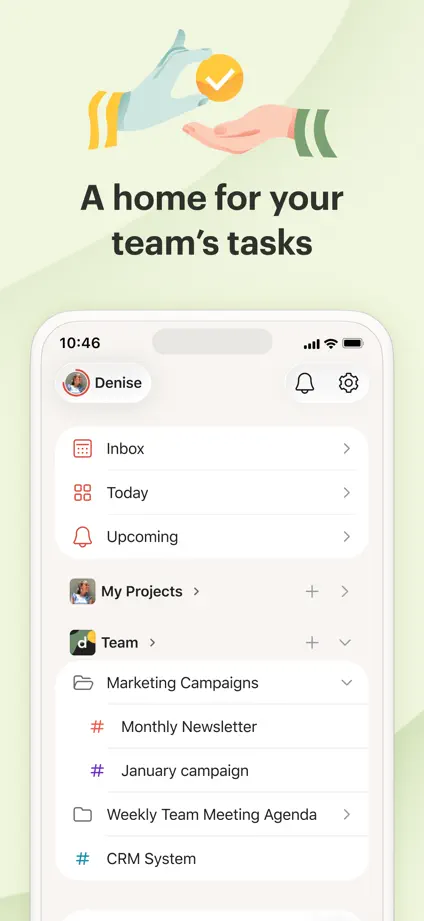
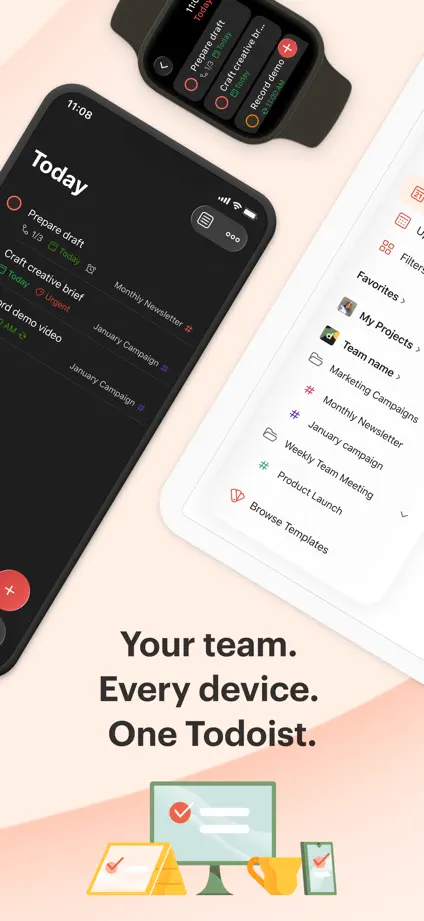
Small illustrations and warm pastel panels introduce angled phones and enlarged task cards.

Todoist, App Store screenshot 1
Todoist, App Store screenshot 2
Todoist, App Store screenshot 3
Todoist, App Store screenshot 4
Todoist, App Store screenshot 5
Todoist, App Store screenshot 6
Todoist, App Store screenshot 7

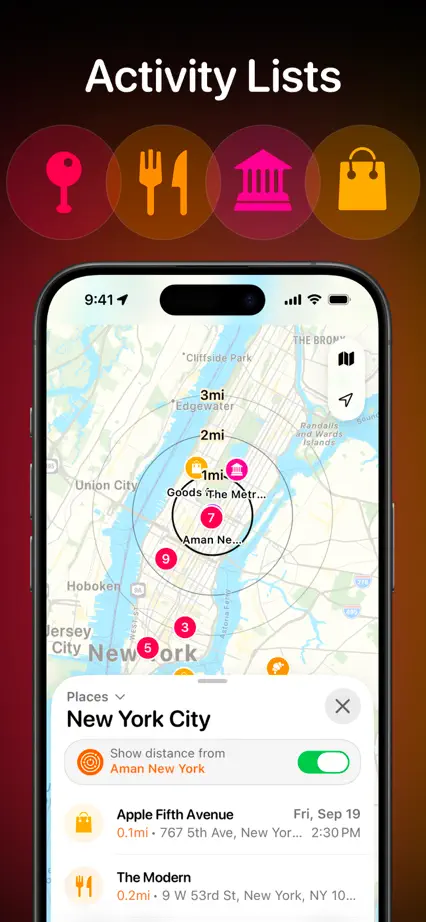
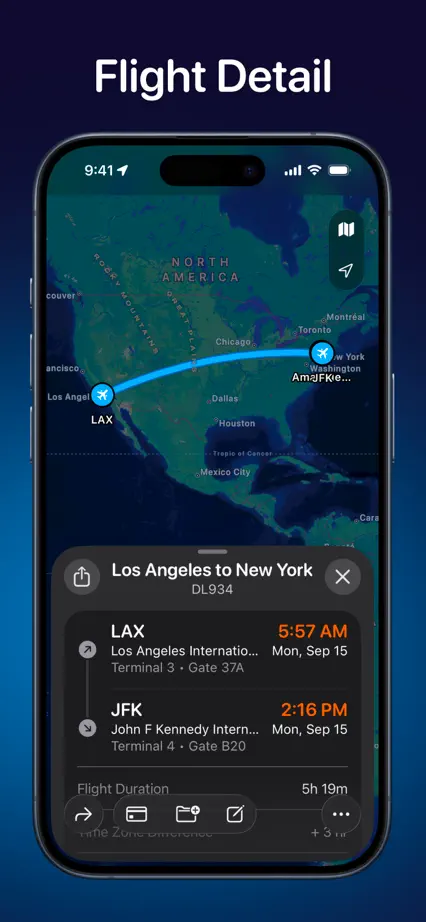
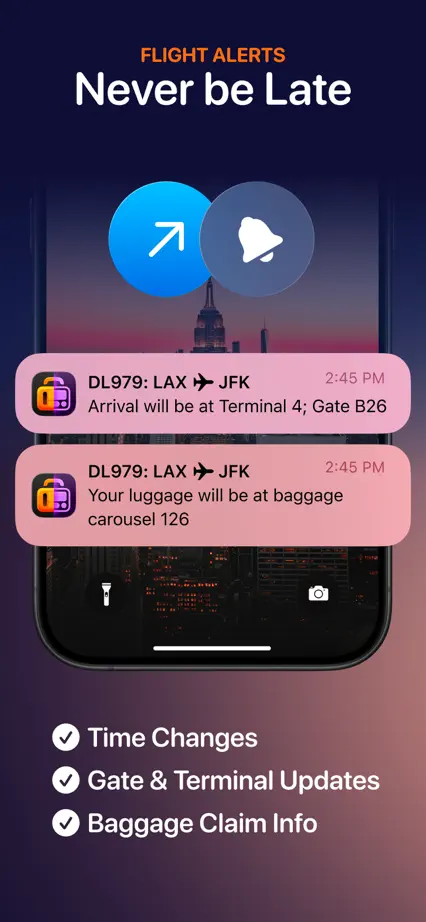
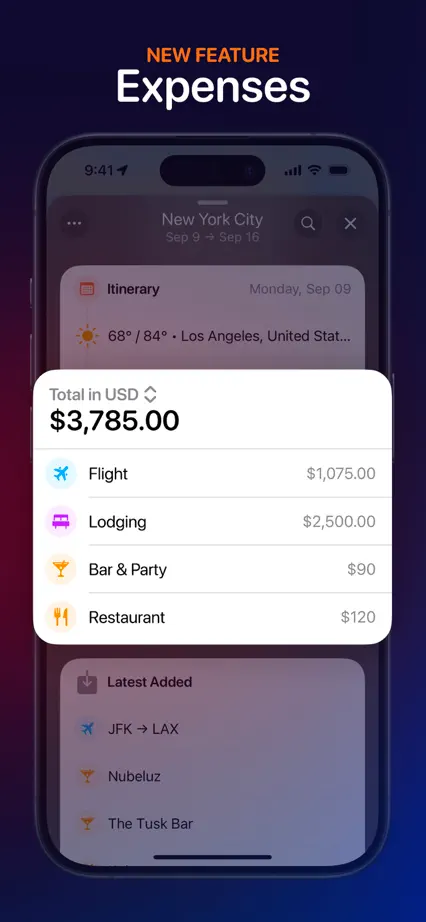
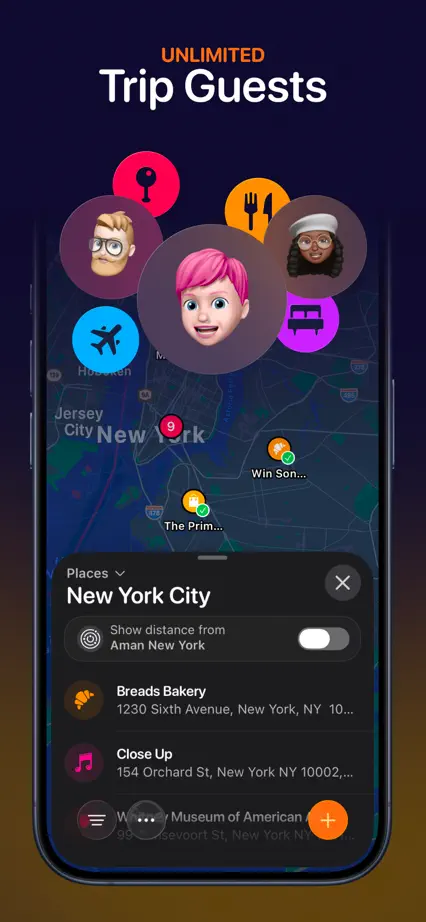
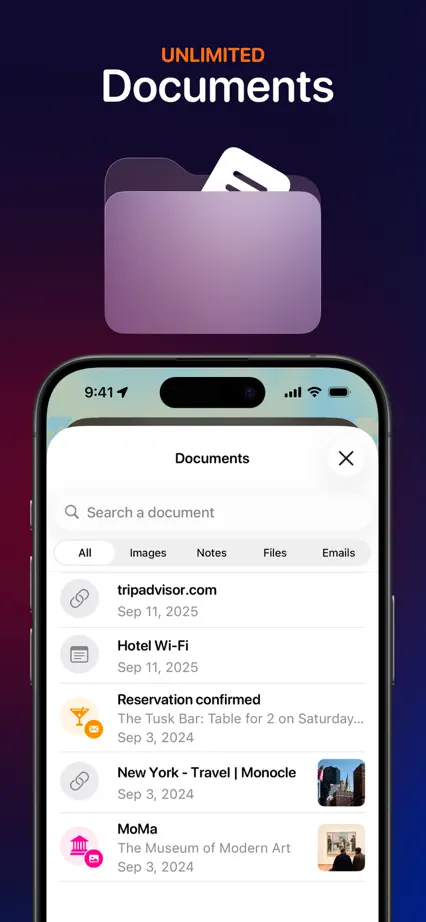
Tripsy

Travel · 9 frames

A travel photograph connects the first two panels before dark screens and floating travel details take over.

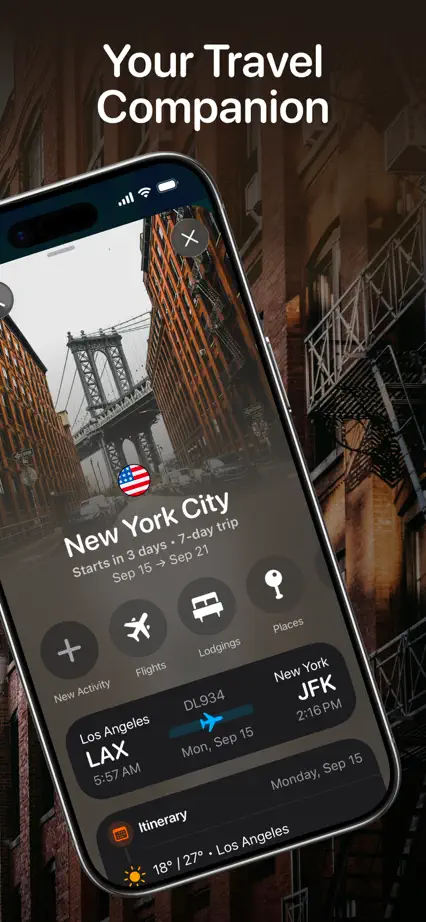
Tripsy, App Store screenshot 1
Tripsy, App Store screenshot 2
Tripsy, App Store screenshot 3
Tripsy, App Store screenshot 4
Tripsy, App Store screenshot 5
Tripsy, App Store screenshot 6
Tripsy, App Store screenshot 7
Tripsy, App Store screenshot 8
Tripsy, App Store screenshot 9

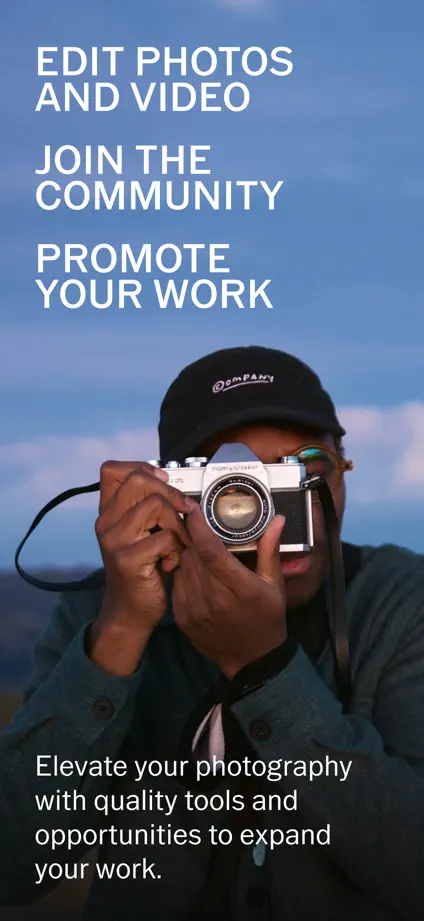
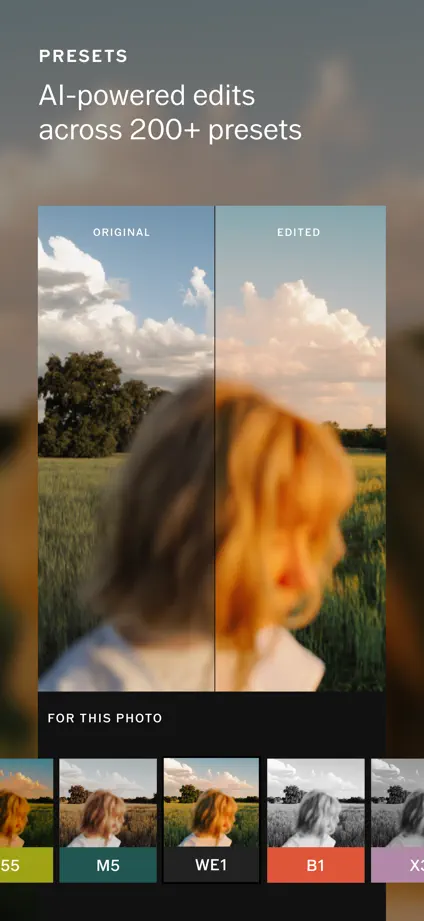
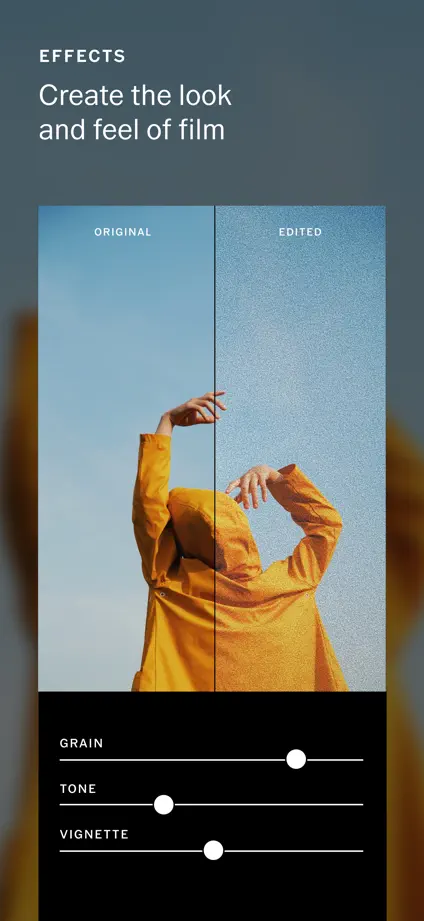
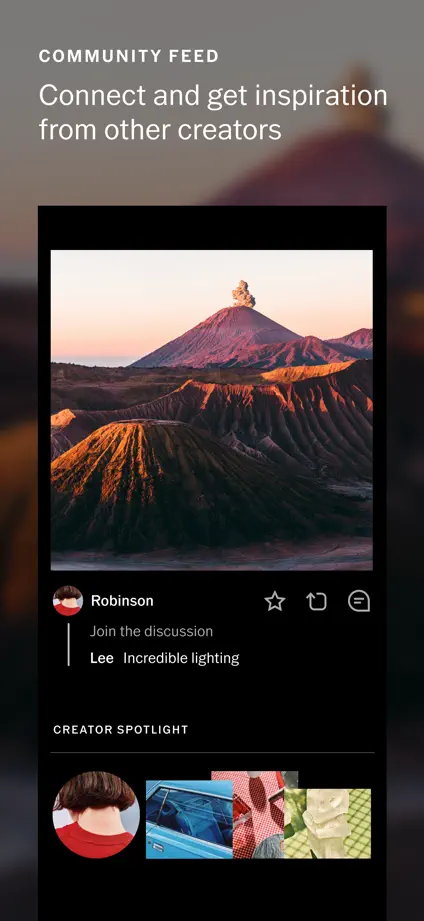
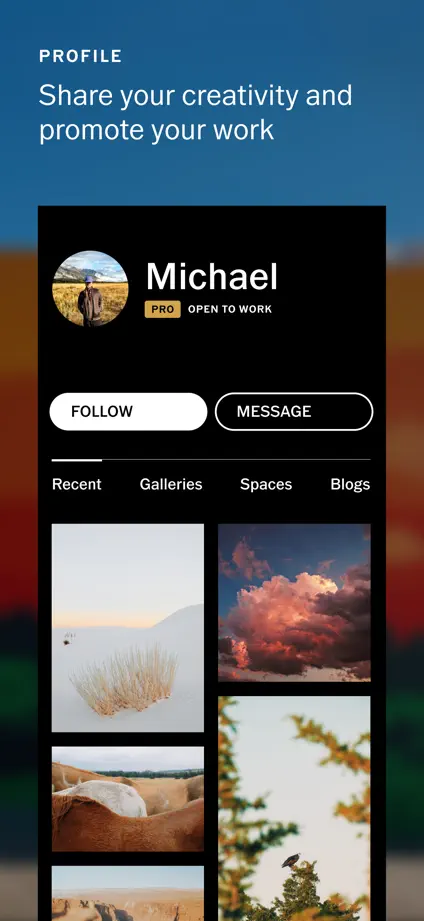
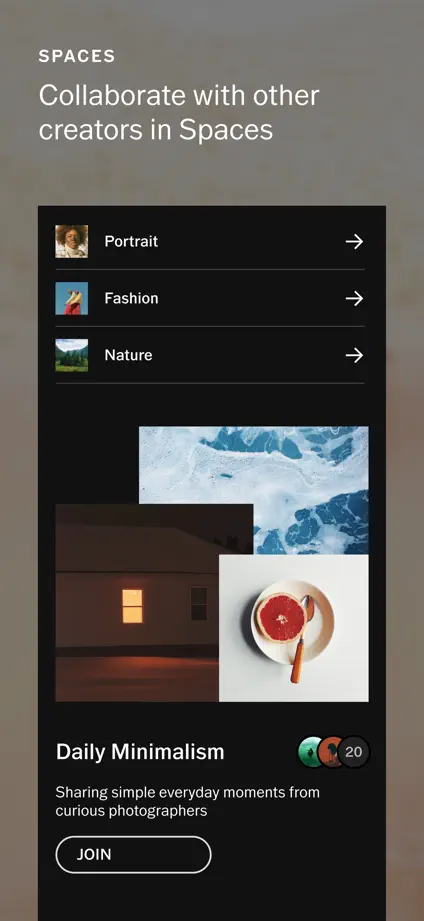
VSCO

Photo & video · 7 frames

Photographic backgrounds and large editing crops show the output and tools in the same frame.

VSCO, App Store screenshot 1
VSCO, App Store screenshot 2
VSCO, App Store screenshot 3
VSCO, App Store screenshot 4
VSCO, App Store screenshot 5
VSCO, App Store screenshot 6
VSCO, App Store screenshot 7

Add to collection

New collection