iPhone App Store screenshot examples, page 5
Every first impression.

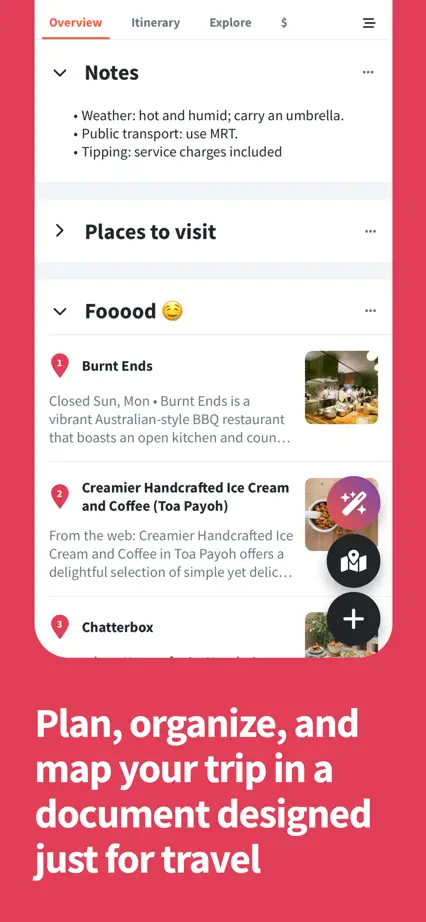
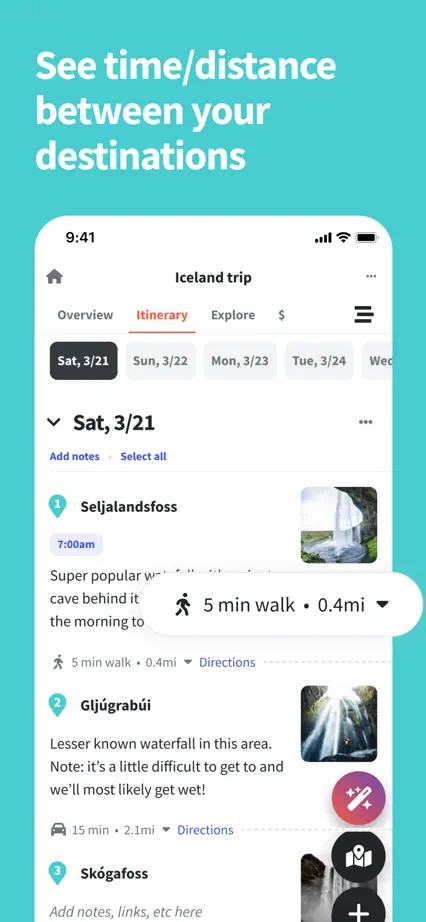
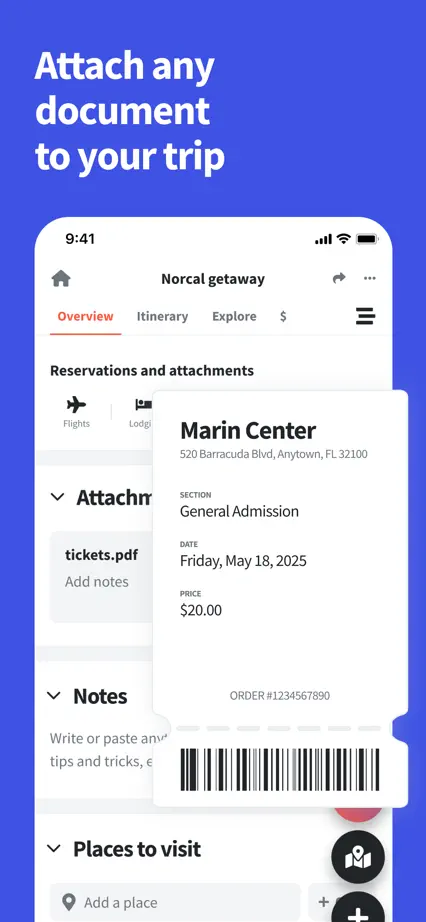
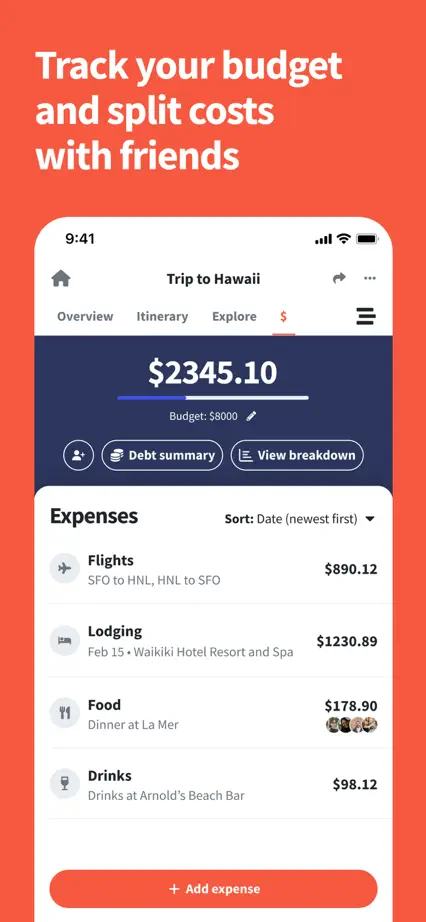
Saturated backgrounds and oversized white interfaces distinguish ten travel-planning features.







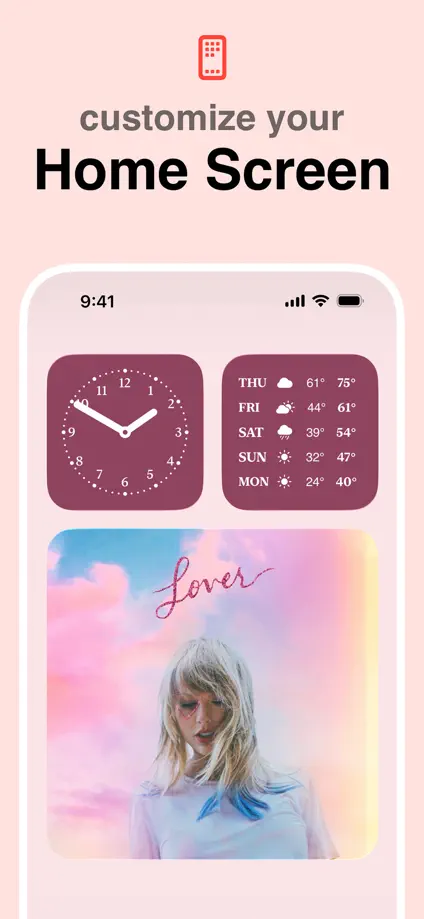
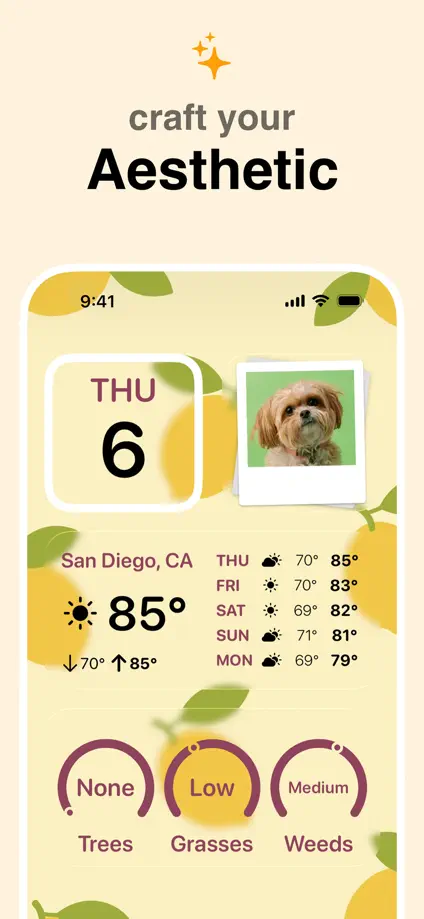
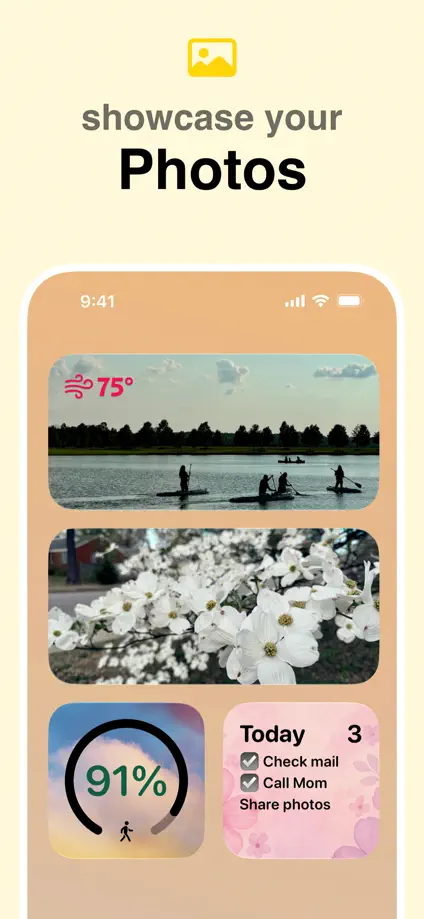
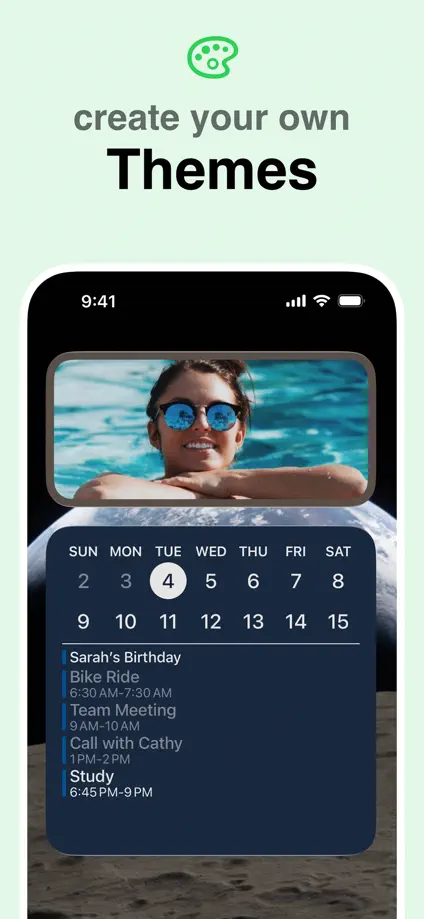
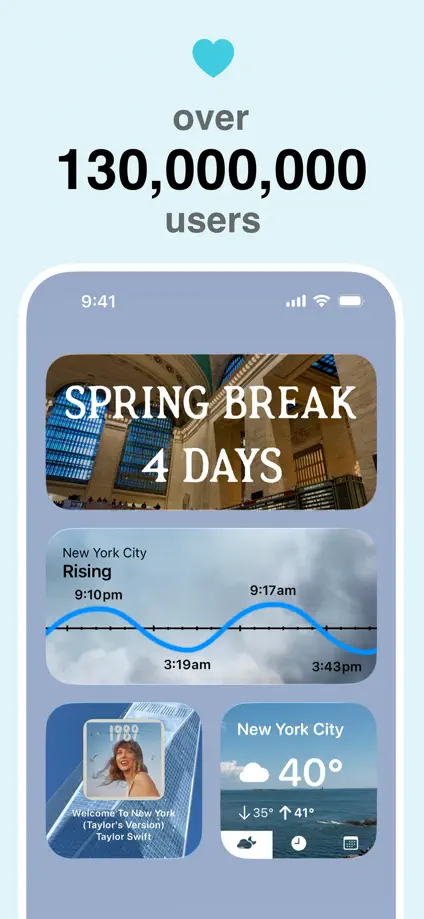
Five pastel panels keep a fixed phone position while showing different home-screen compositions.

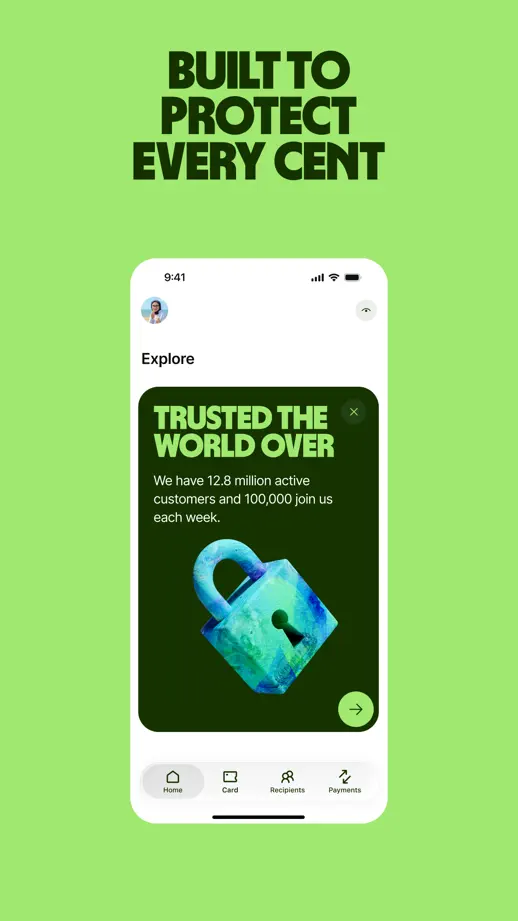
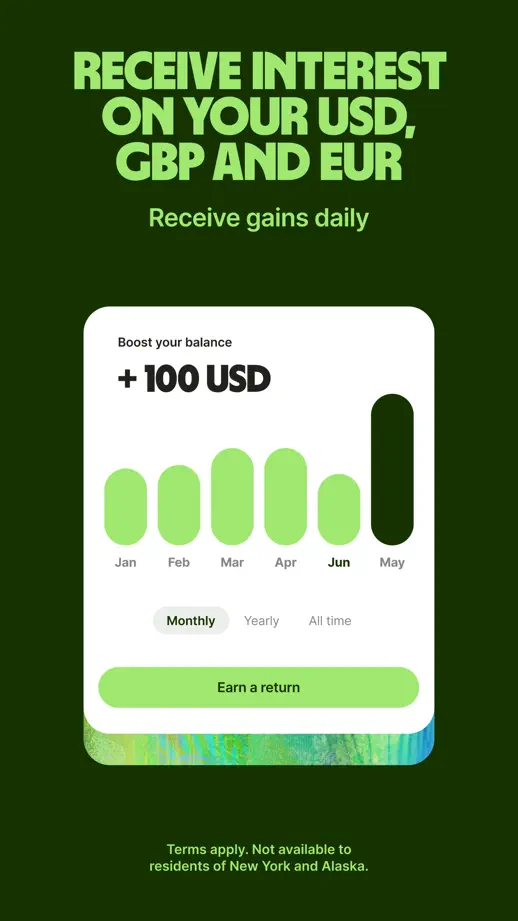
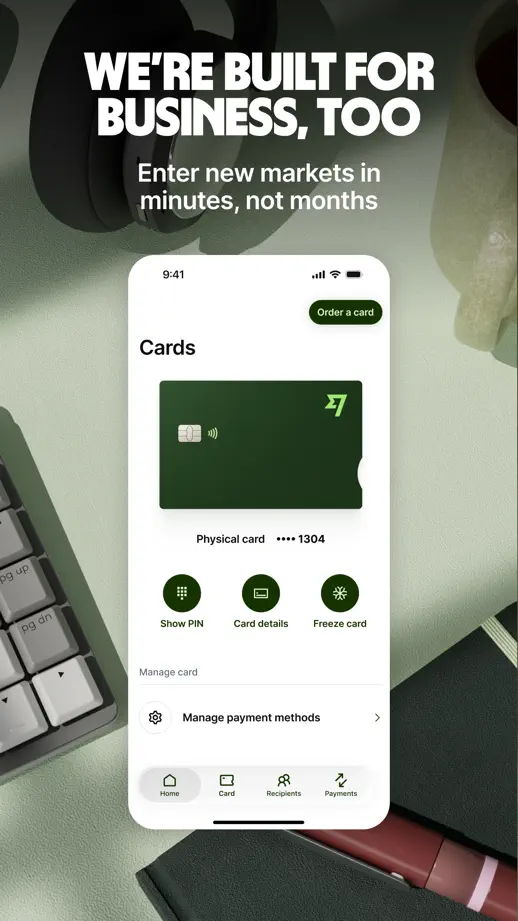
Condensed headlines and bright green accents connect payment interfaces with photographic settings.





A bright character, food photography and dark phone screens stand out against light neutral panels.


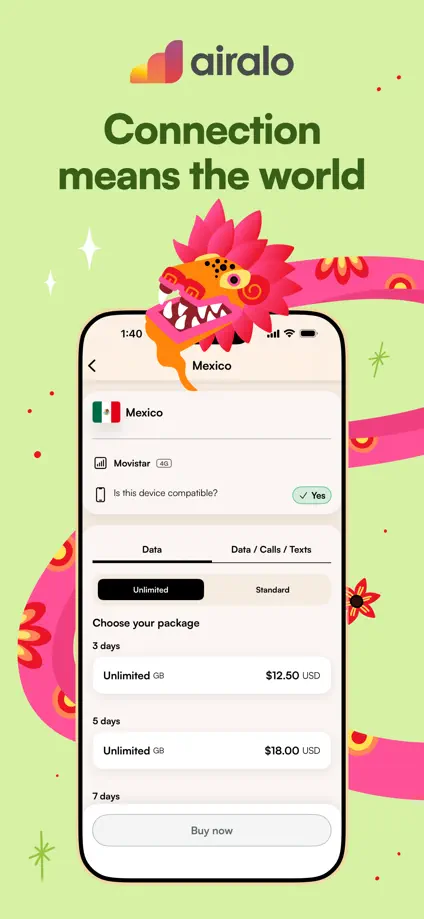
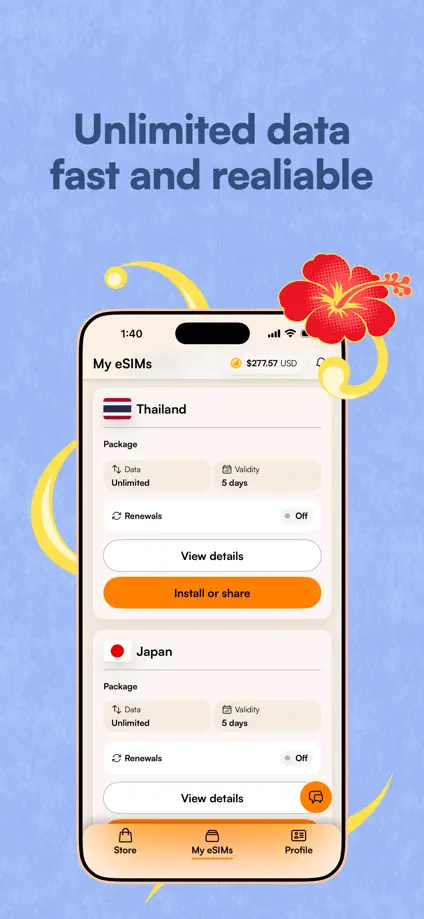
Saturated backgrounds change every frame while a pink dragon, flowers and doodled props wrap around upright phones under bold two-line headlines.







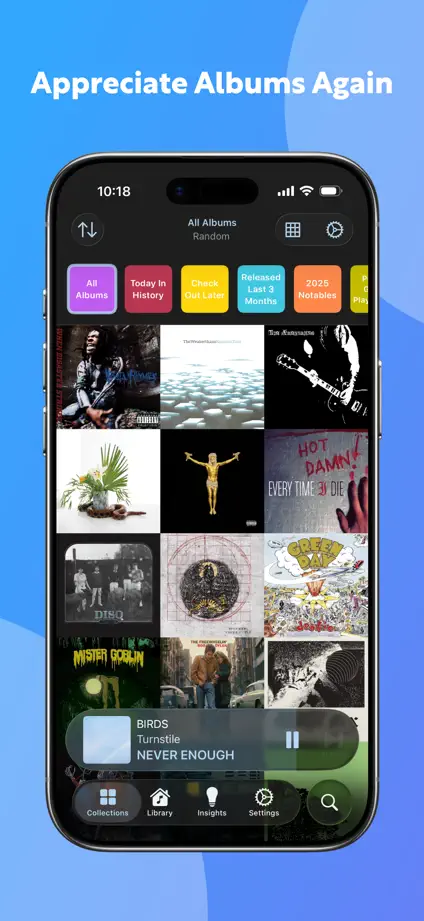
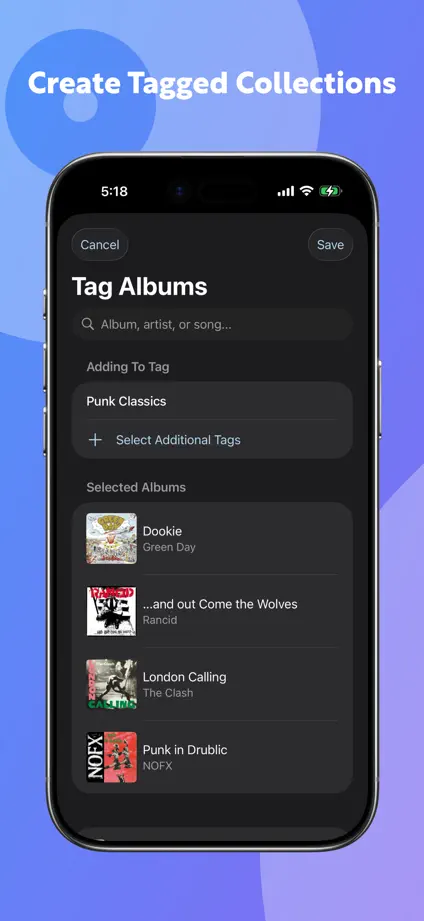
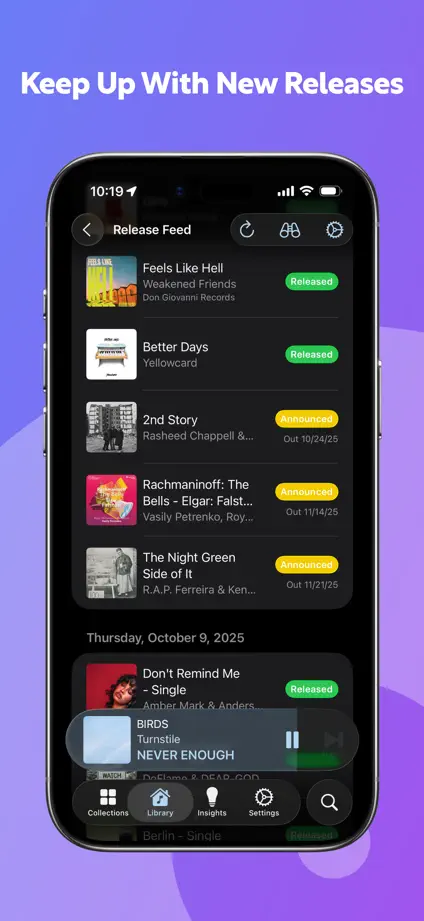
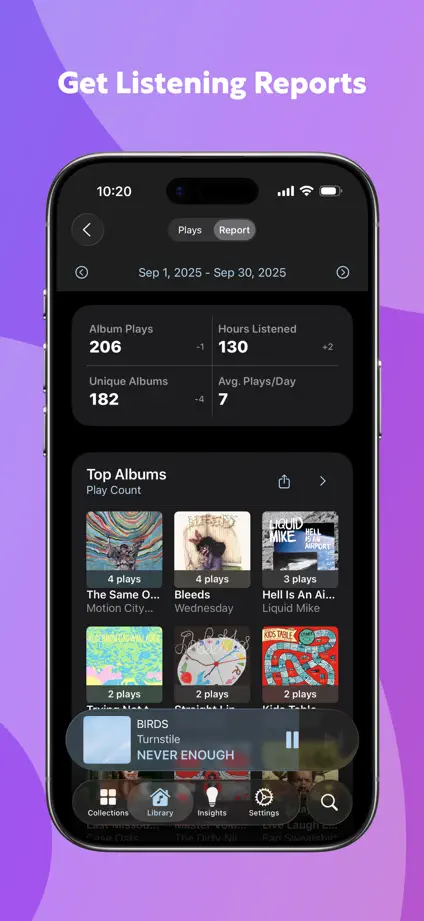
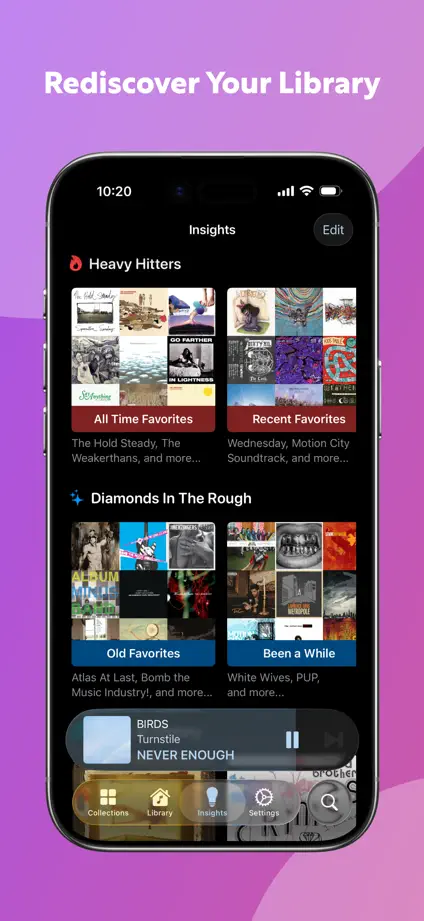
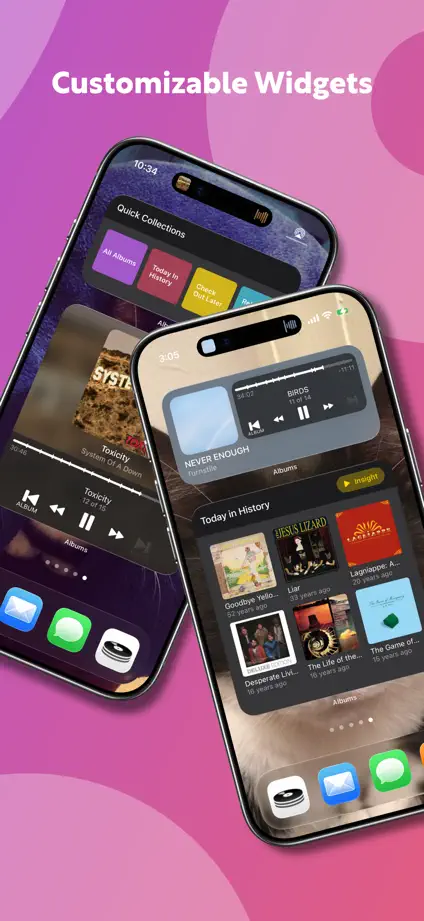
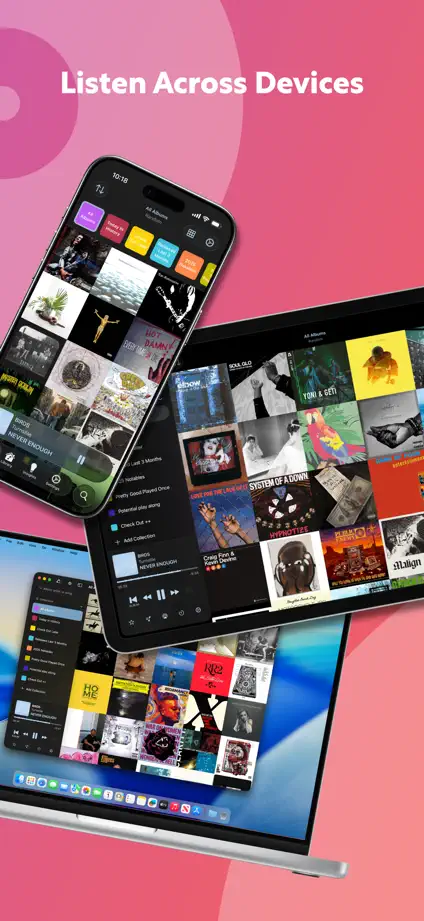
A blue-to-pink gradient shifts across the frames behind dark album-grid screens, closing with tilted phones and a laptop.

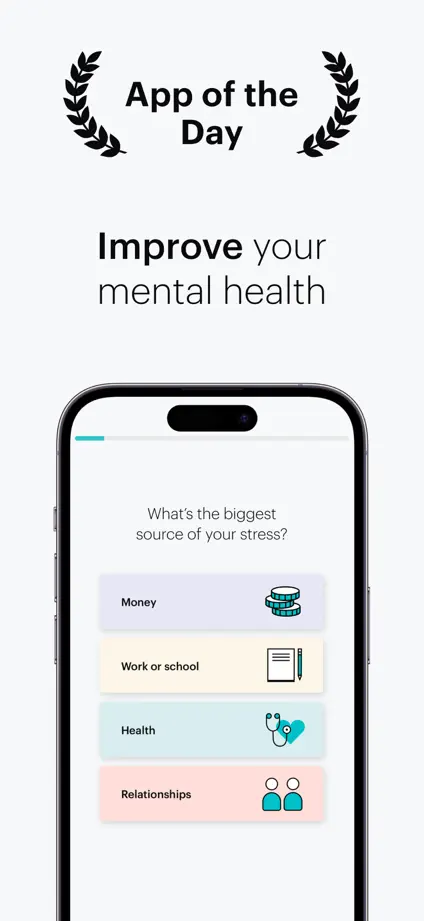
Pale gray, teal and black backgrounds alternate beneath upright phones with line illustrations, opening on a phone-free checklist of goals.


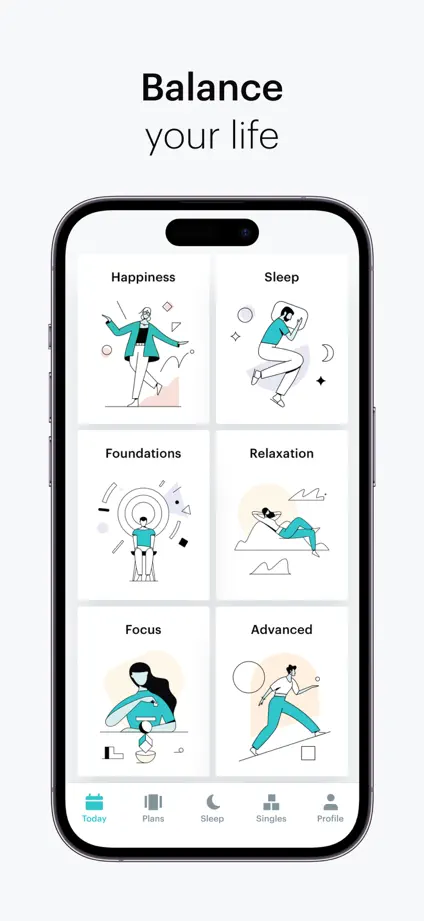
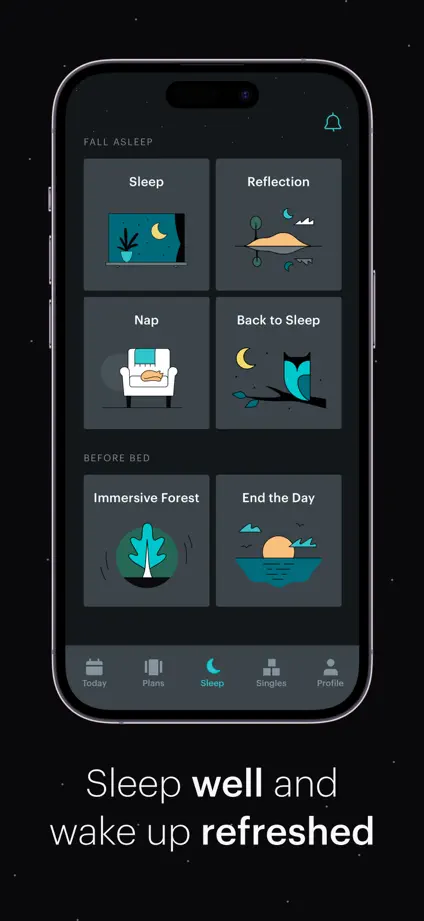
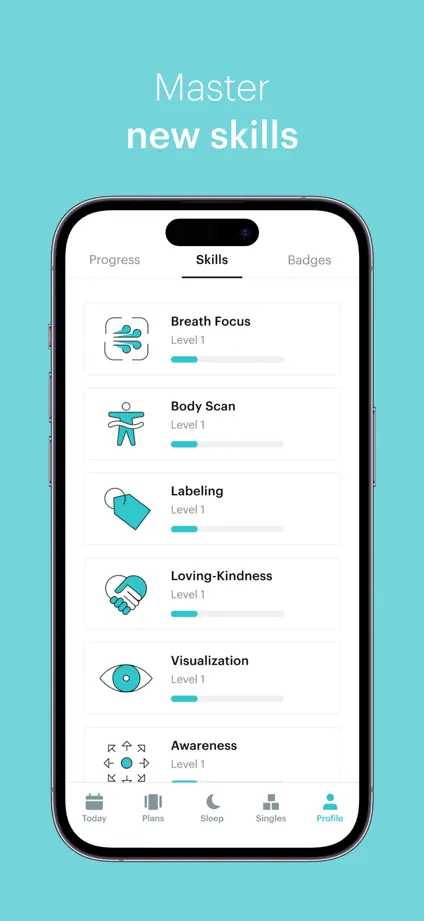

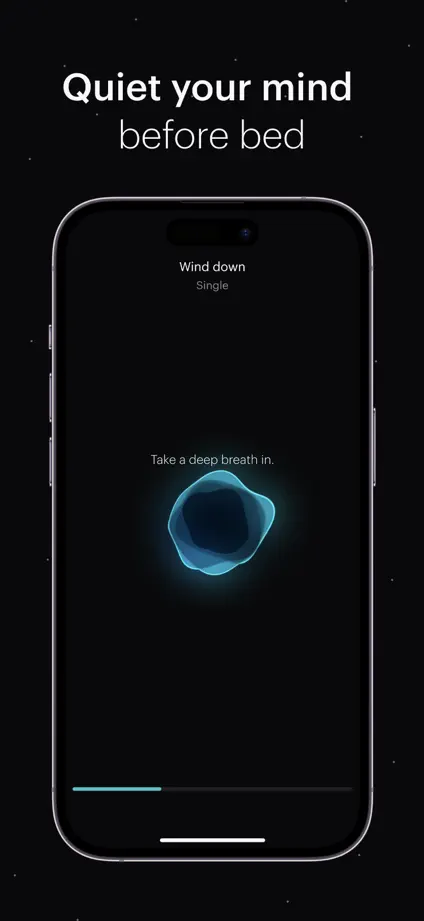
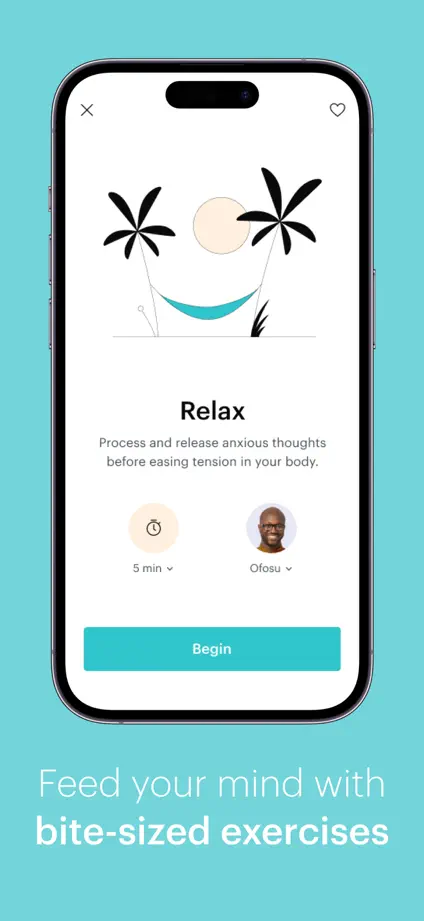
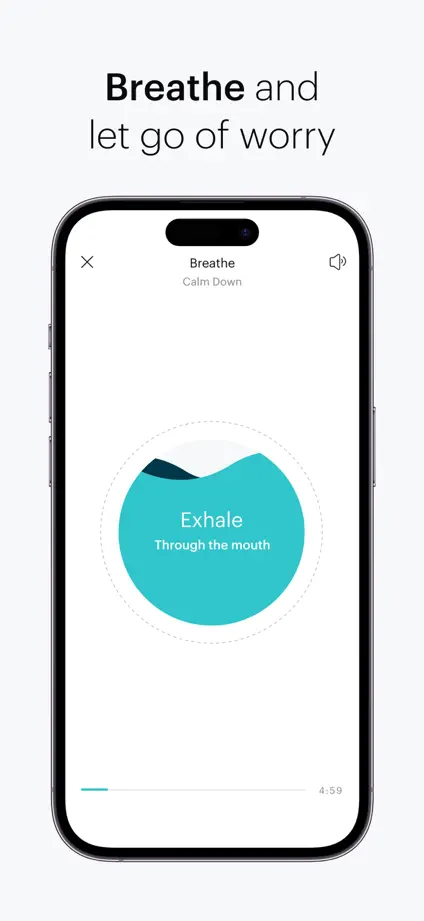

Sky gradients and colored keywords in each headline frame a feature-by-feature phone tour, closing on a review quote and press logos.



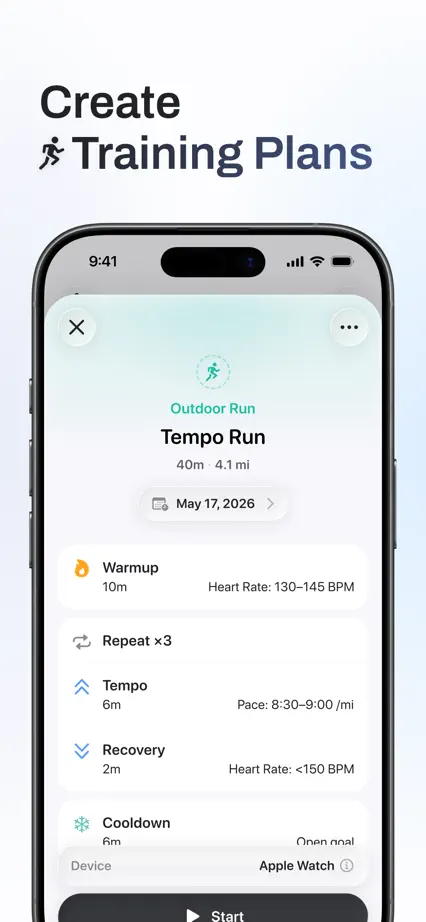
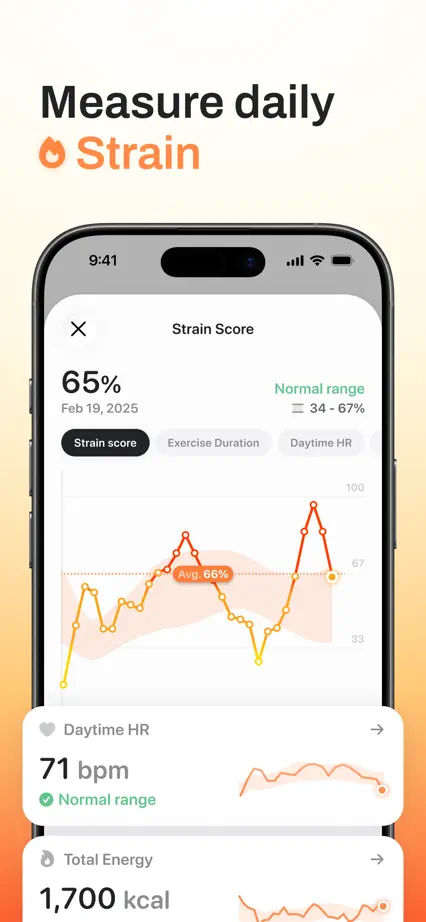


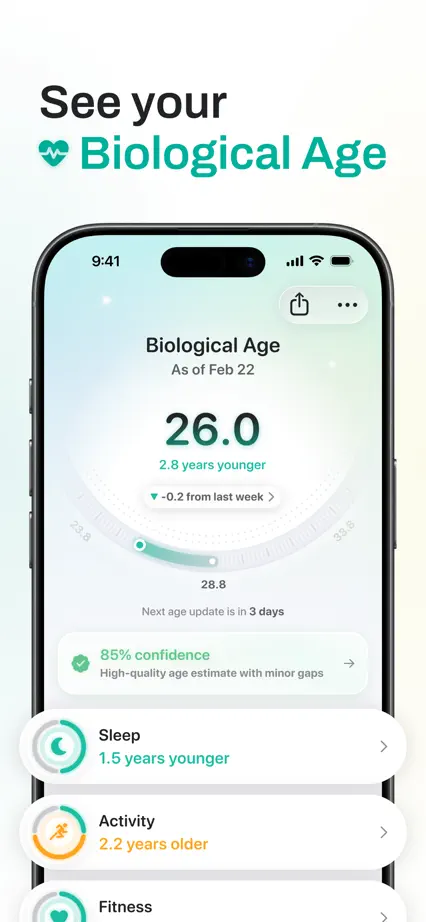


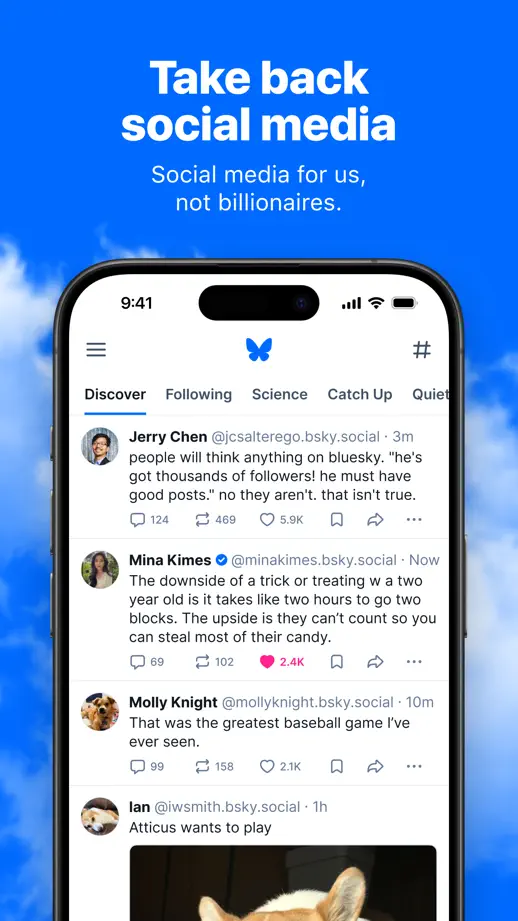
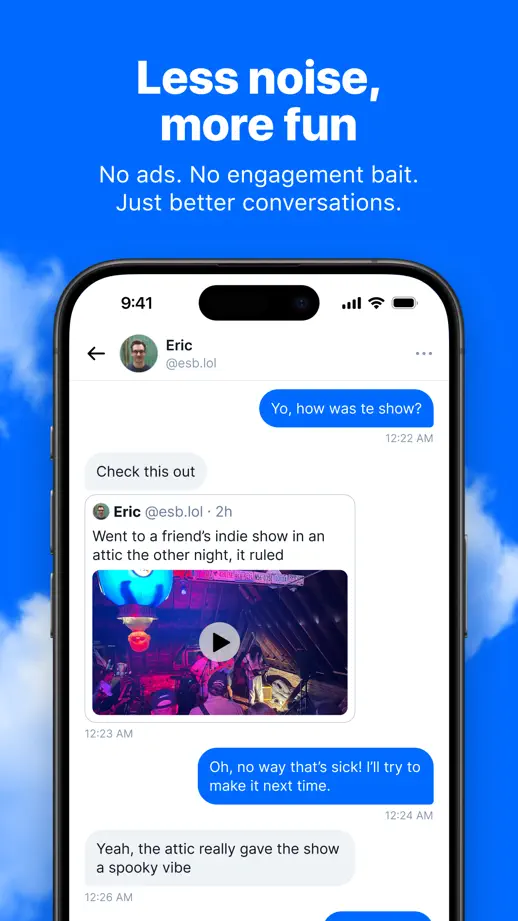
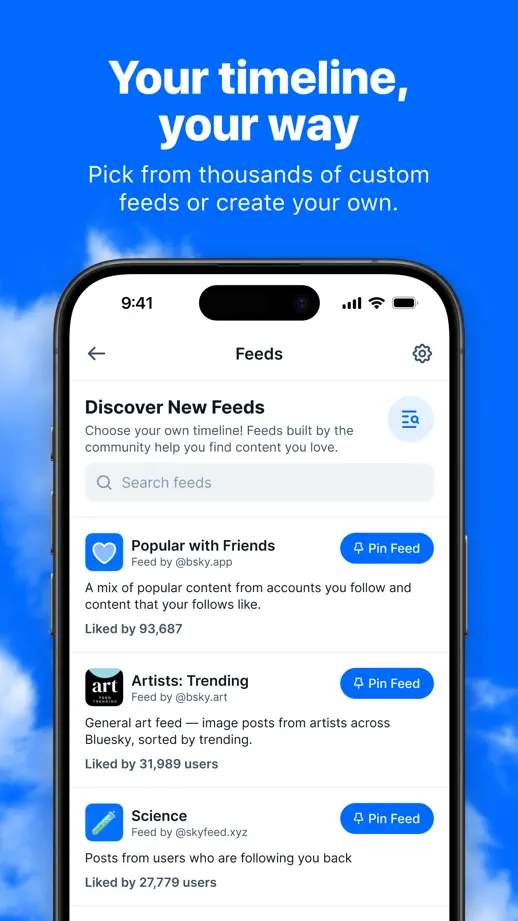
Cloud-streaked blue sky sits behind every frame, pairing bold white headlines with cropped upright phones in a strictly repeated layout.



Serif headlines with italic accents sit above bare interface panels on warm gray, with a green mascot and a press-logo closing frame.



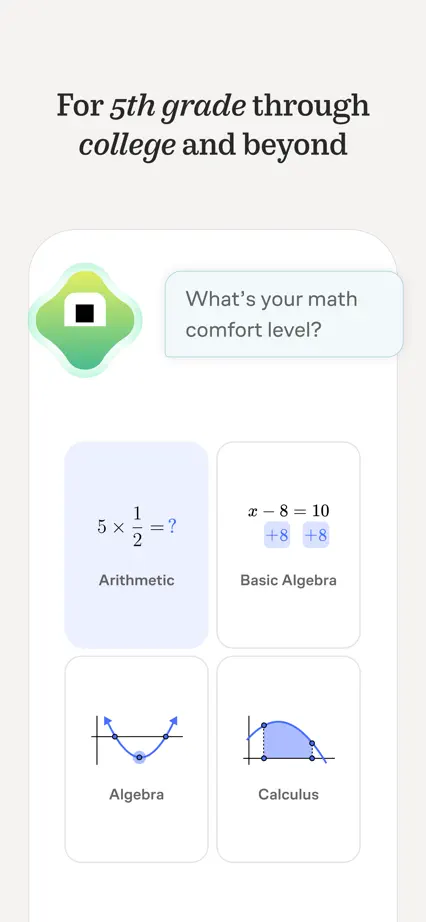
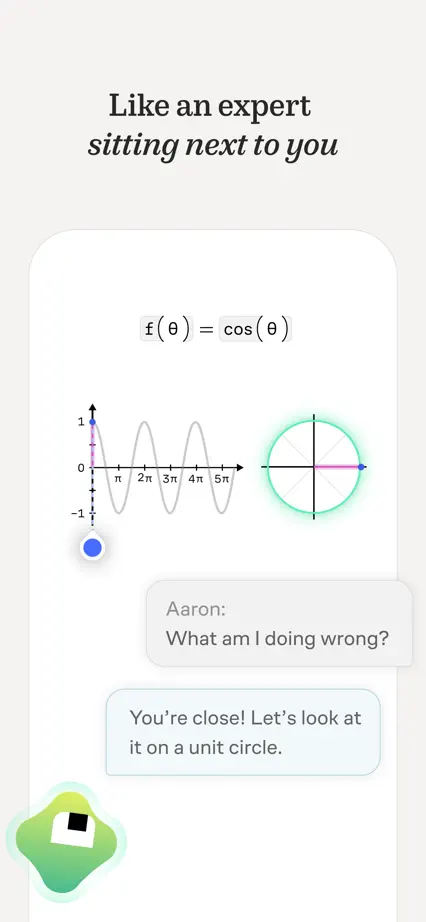


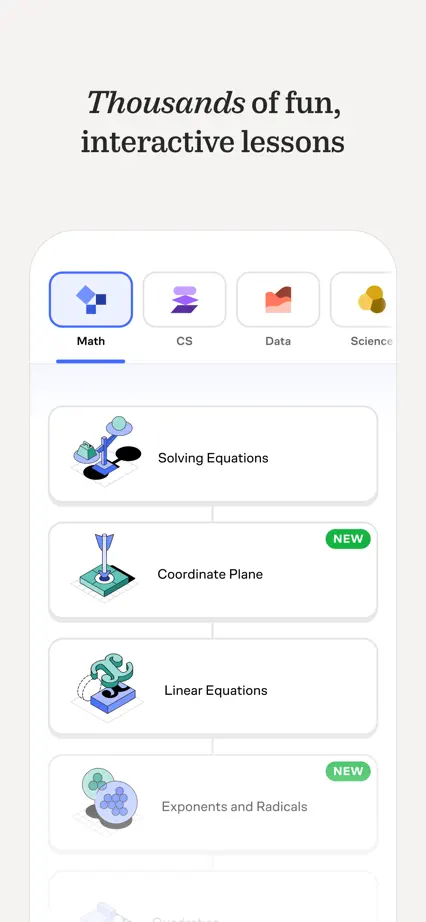
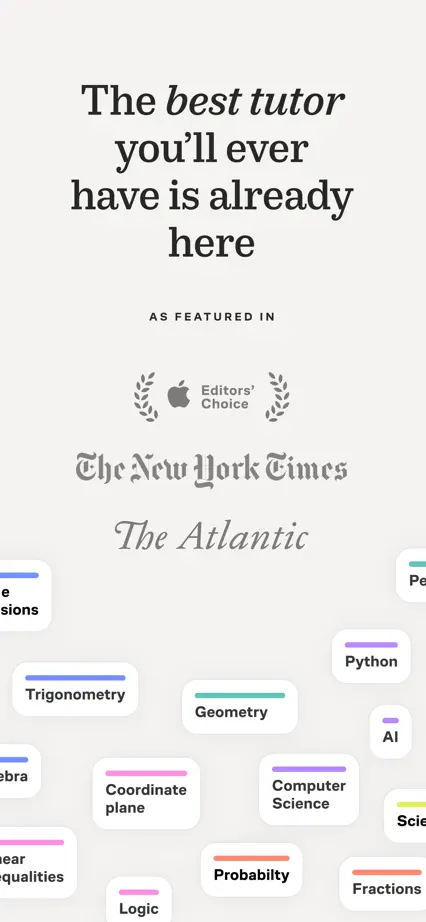

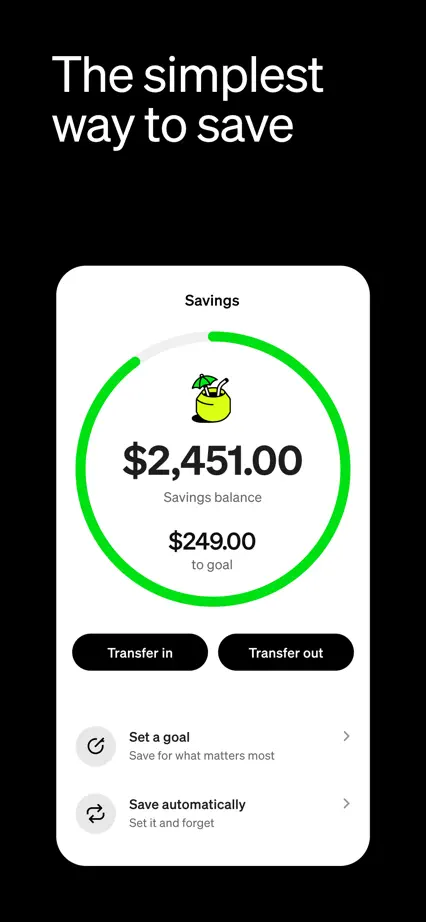
Green, black and warm gray backgrounds rotate behind large left-aligned headlines and frameless screen cards, including a photographic card design.

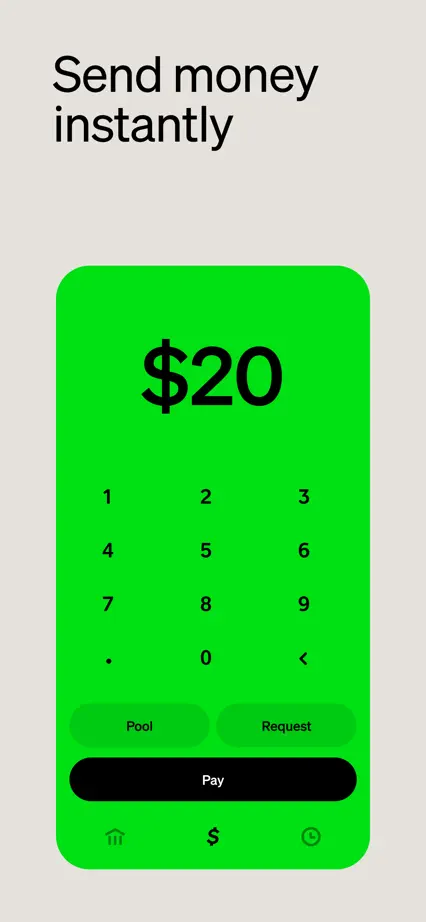








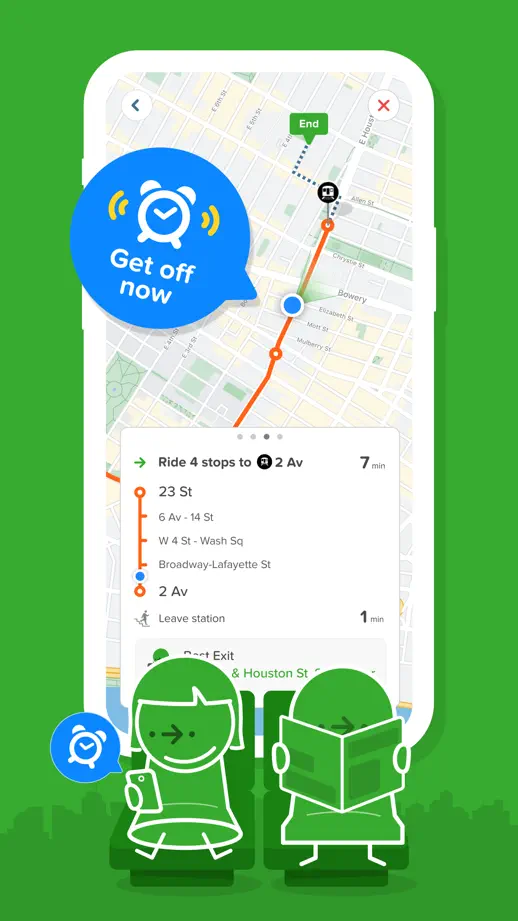
An all-green set uses white line-drawn characters and city silhouettes around tilted and upright phones, closing on awards and a mascot sign-off.






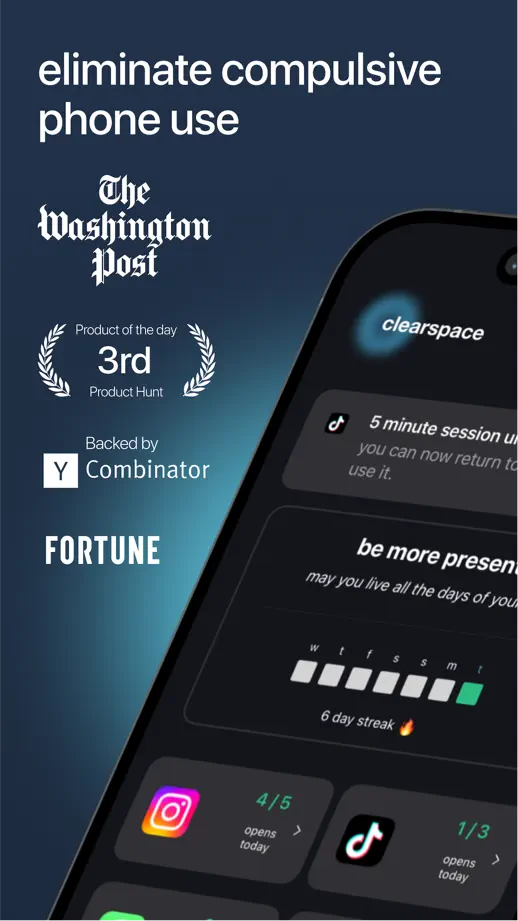
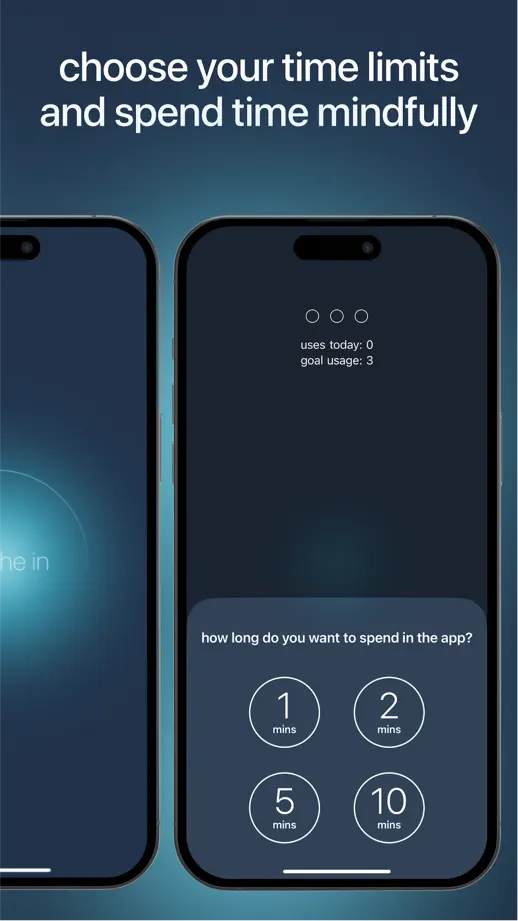
Lowercase headlines over a dark teal glow run through angled and paired phones, closing on floating review bubbles instead of an interface.



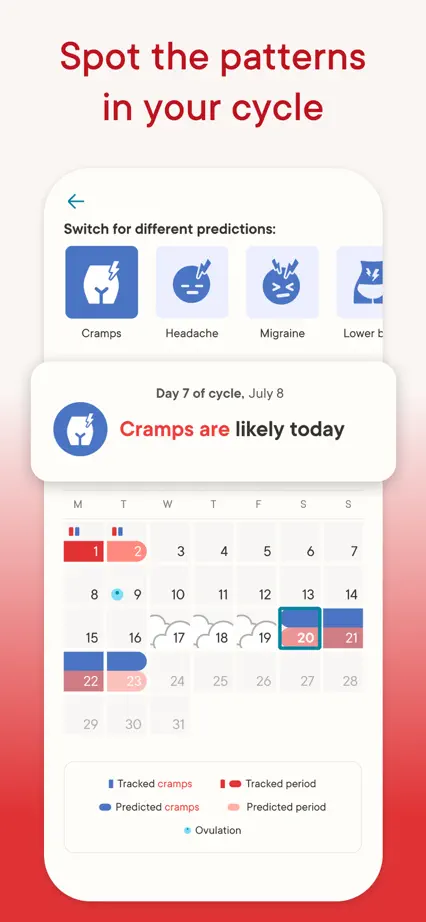
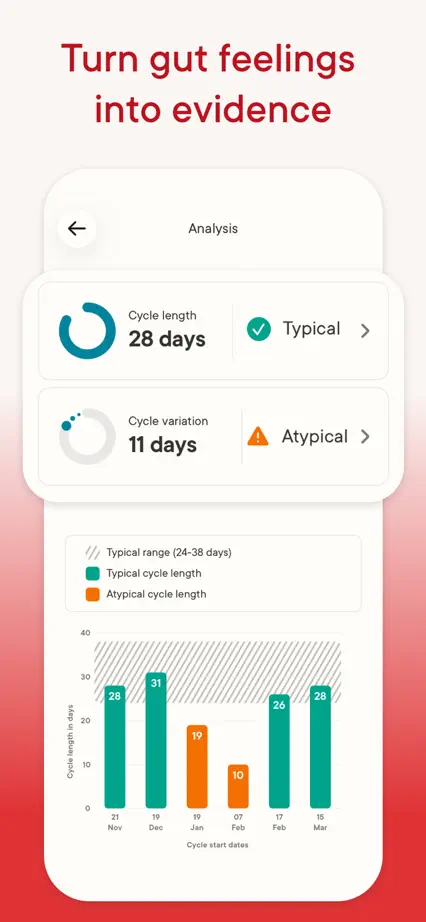
A red photo opening leads into white frames fading to red at the base, with enlarged calendar and chart panels over frameless screens.








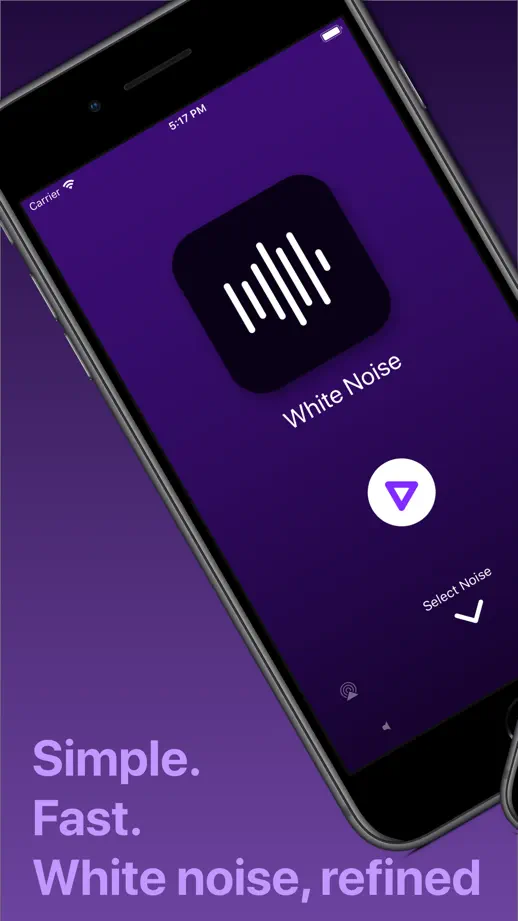
A uniform purple gradient carries tilted and stacked older phones, with lavender headlines and a closing frame of oversized type.
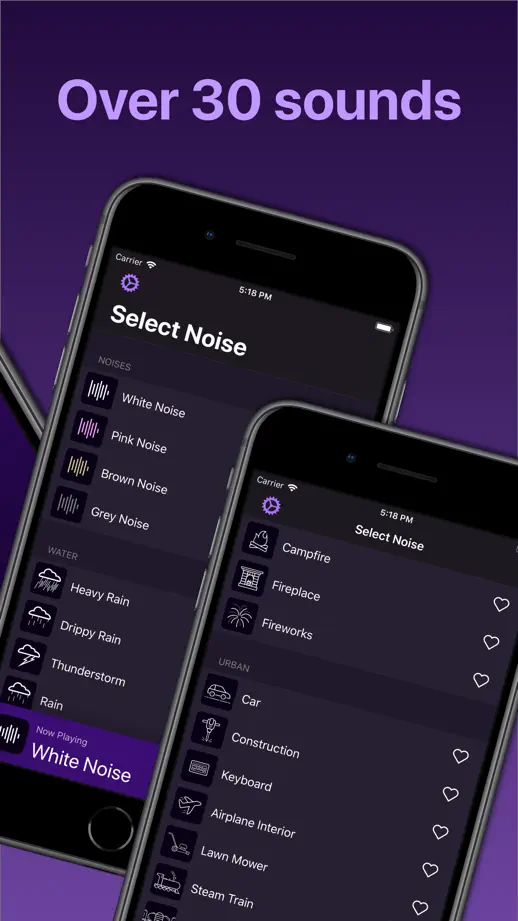


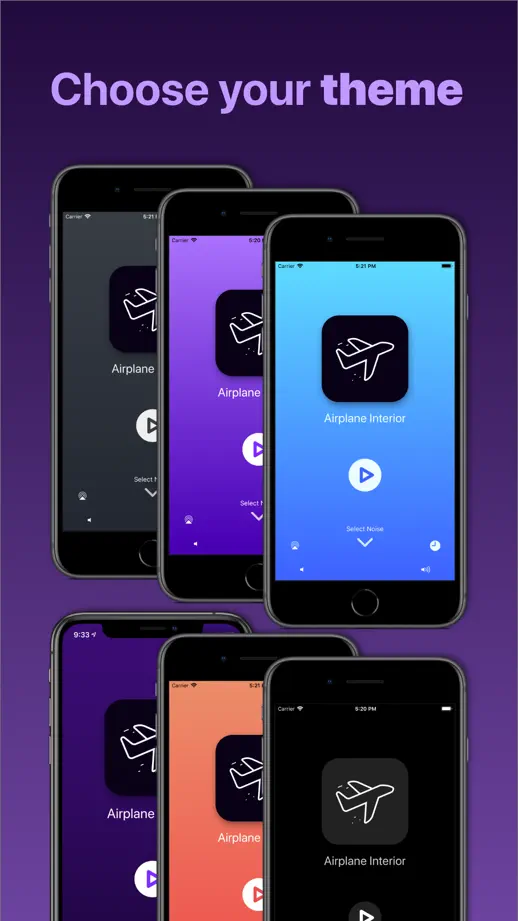
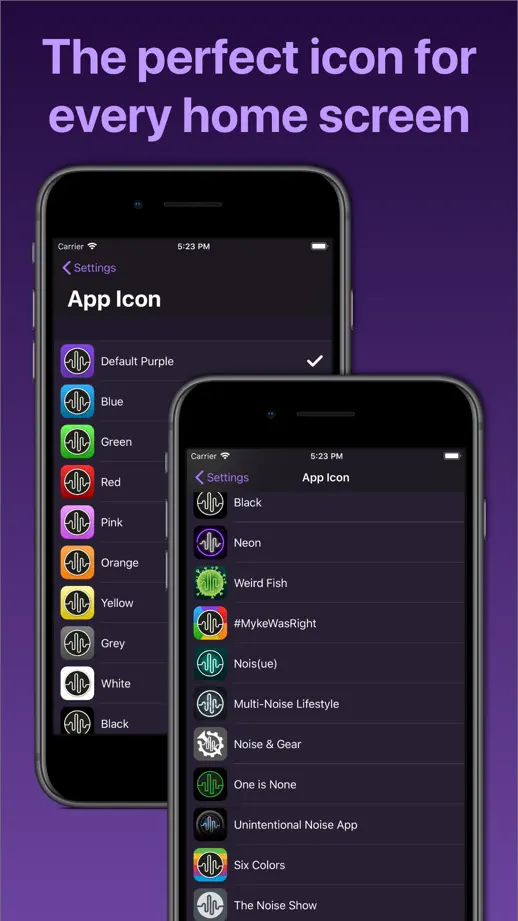
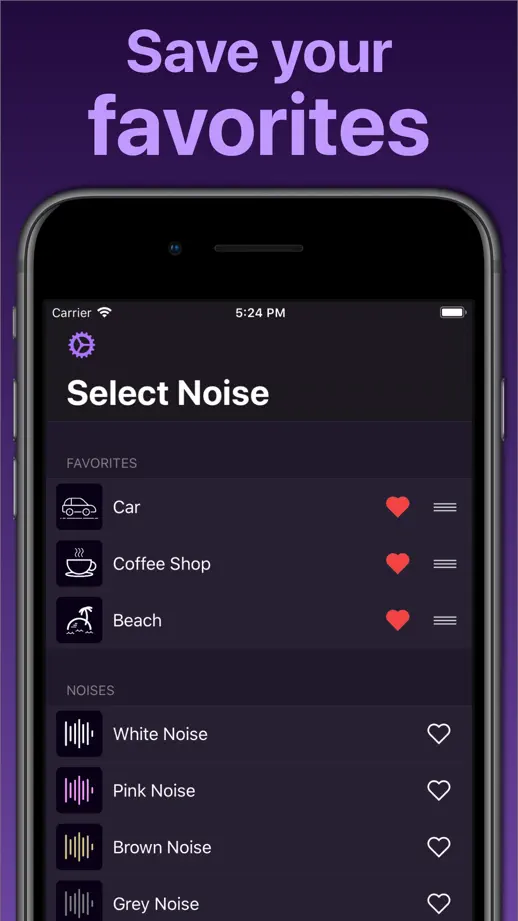

Saturated background colors change with each frame behind white headlines and upright phones, opening on press logos over an illustrated calendar.



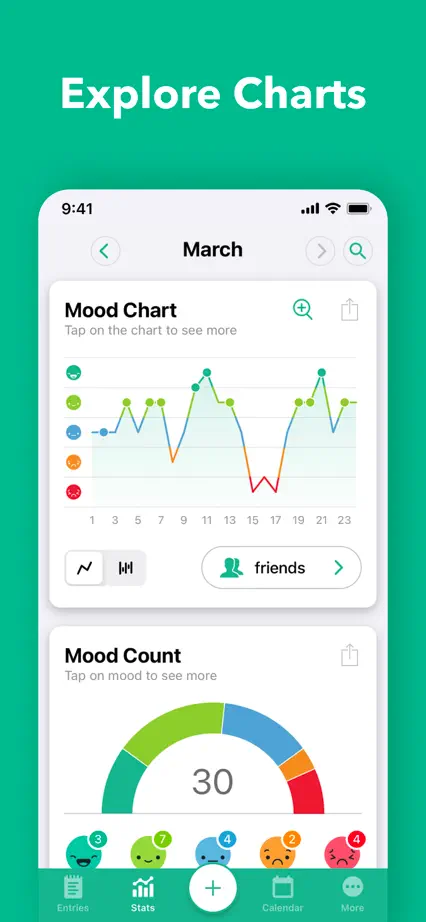
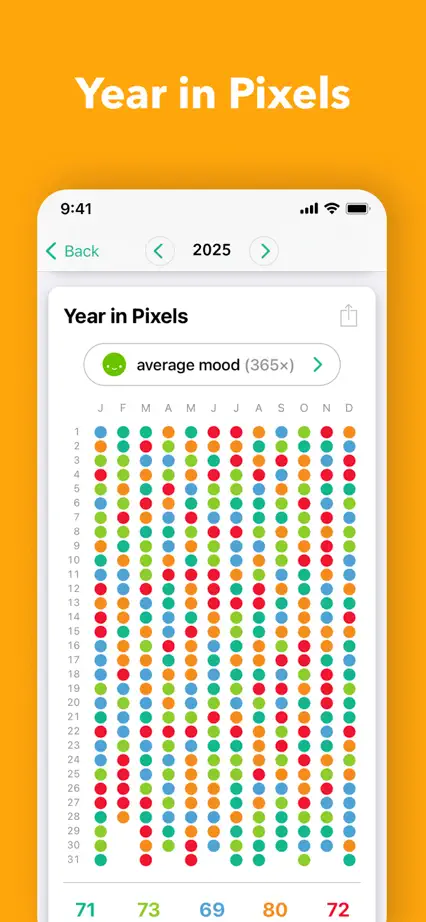

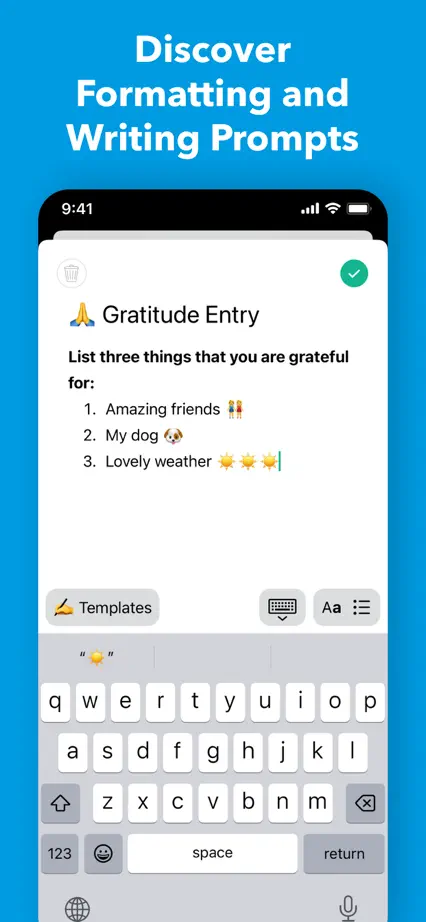

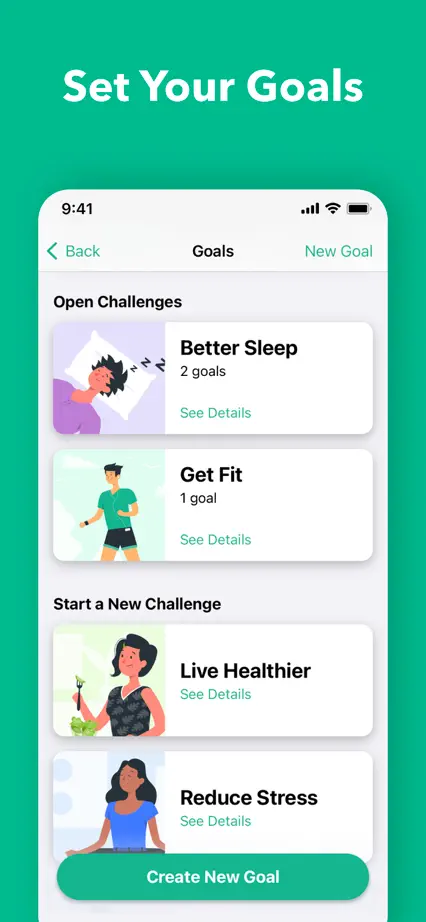

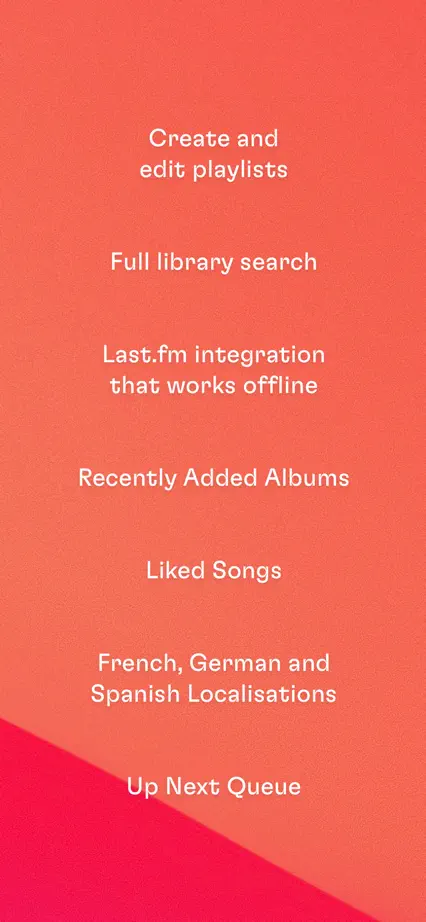
Red, orange and blue gradients sweep behind dark player screens with rounded bold headlines, ending on a phone-free list of features.

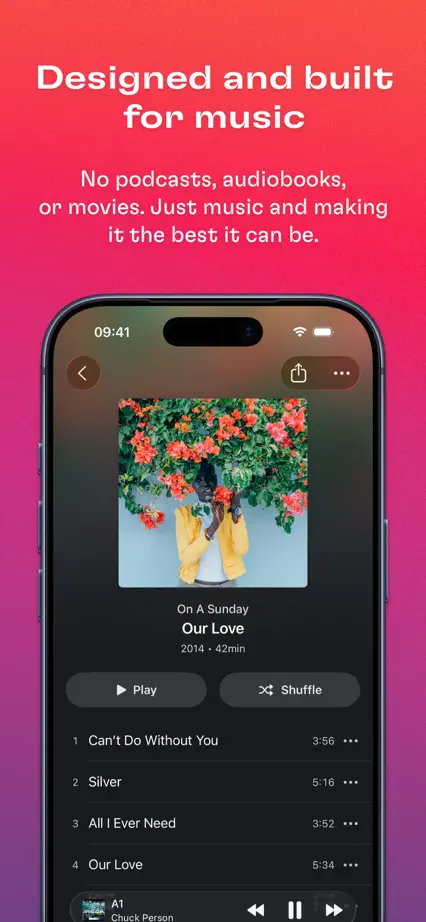

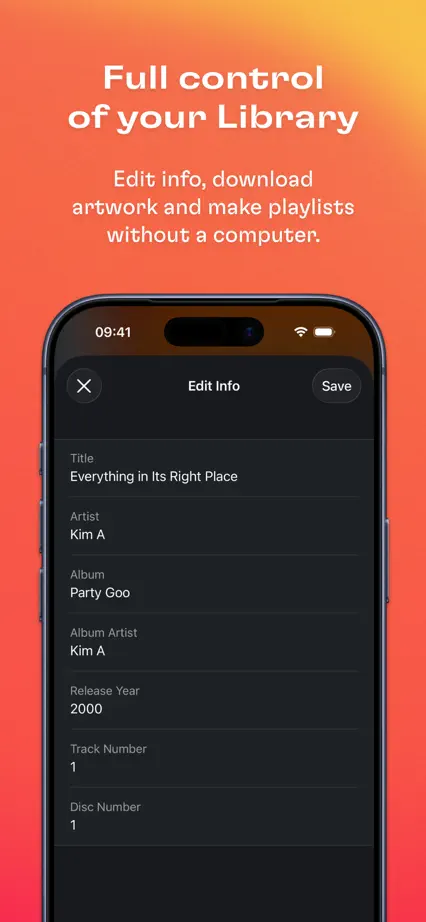
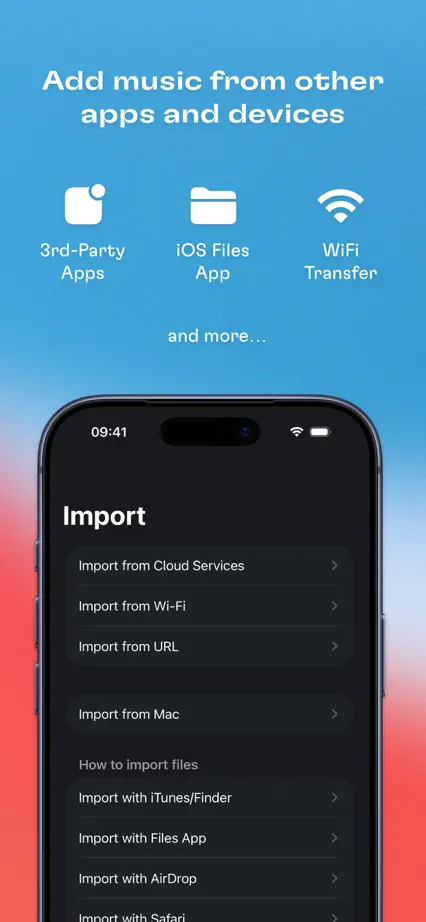
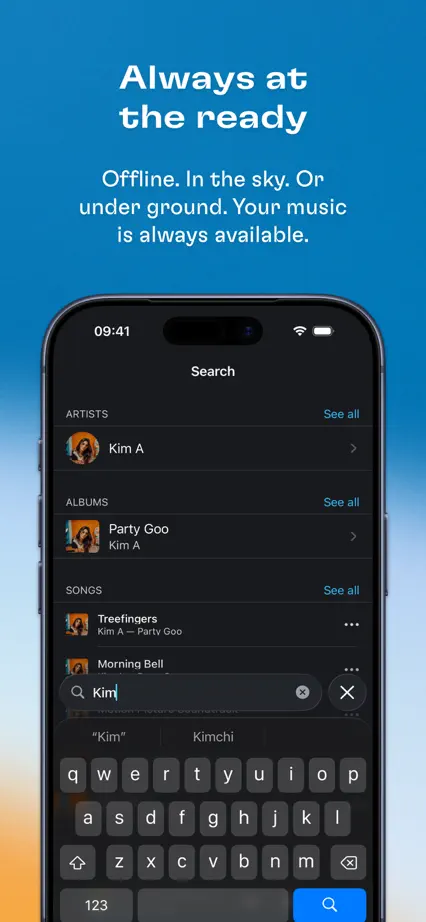


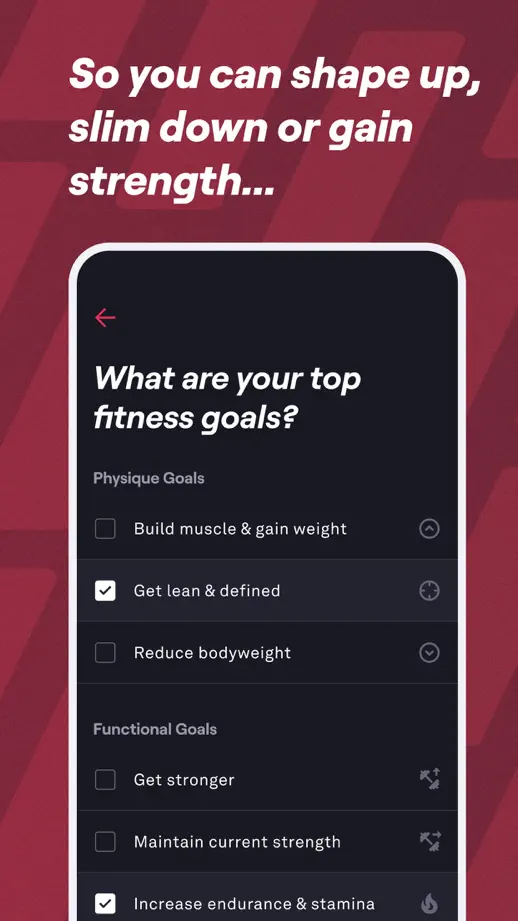
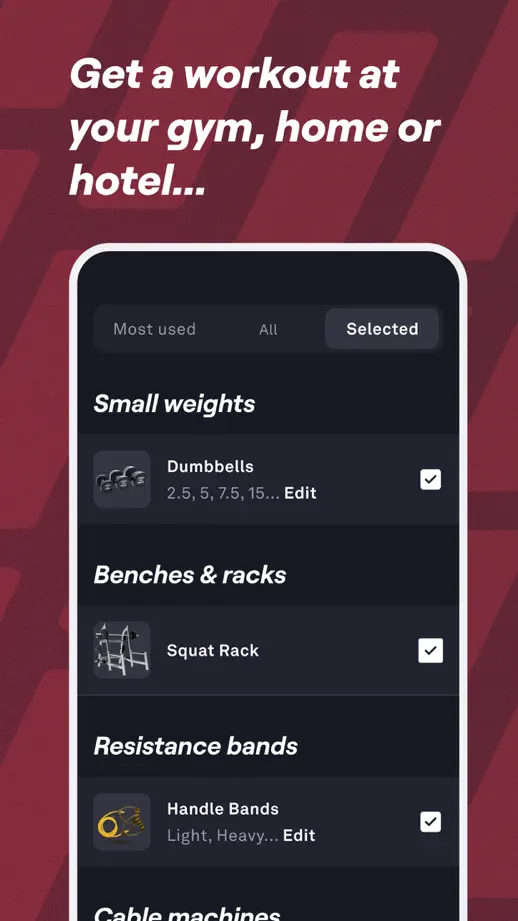
Italic white headlines run as one continuing sentence across crimson frames with a diagonal texture, after a charcoal opening of tilted phones.








A hiker photograph opens a dark sequence of topographic line backgrounds, green headlines and map panels enlarged beyond the phones.


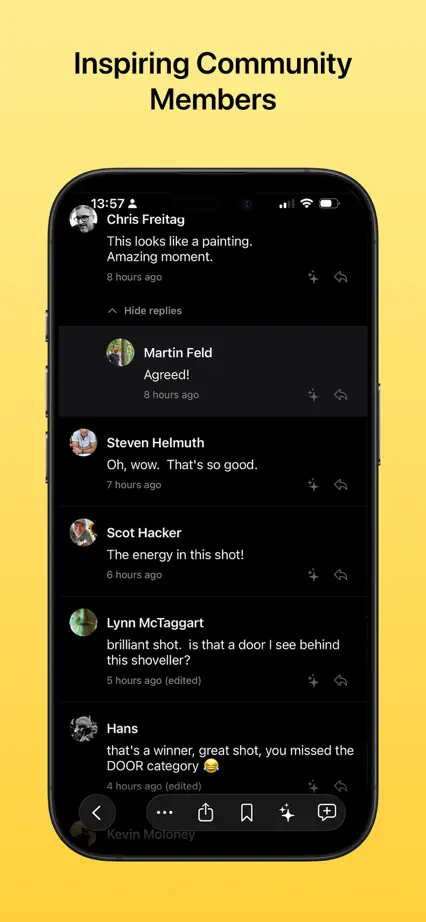
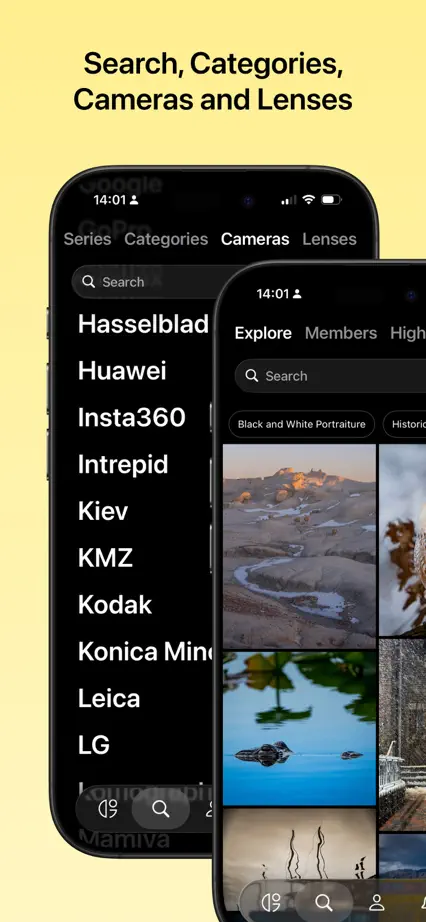
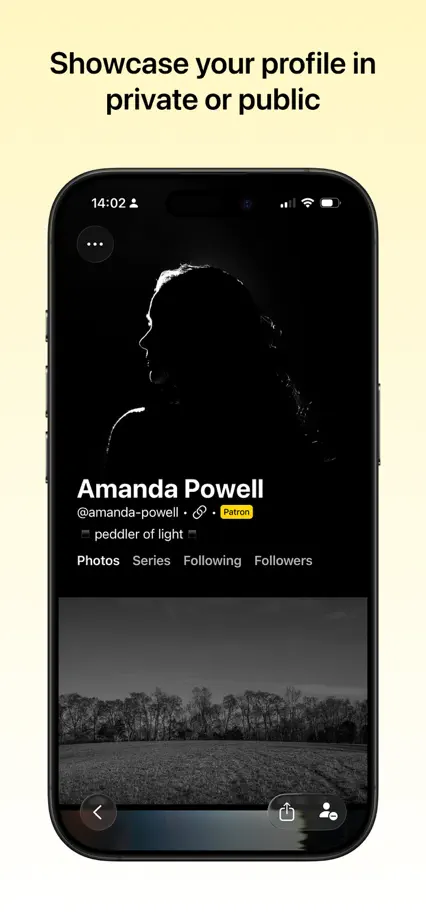
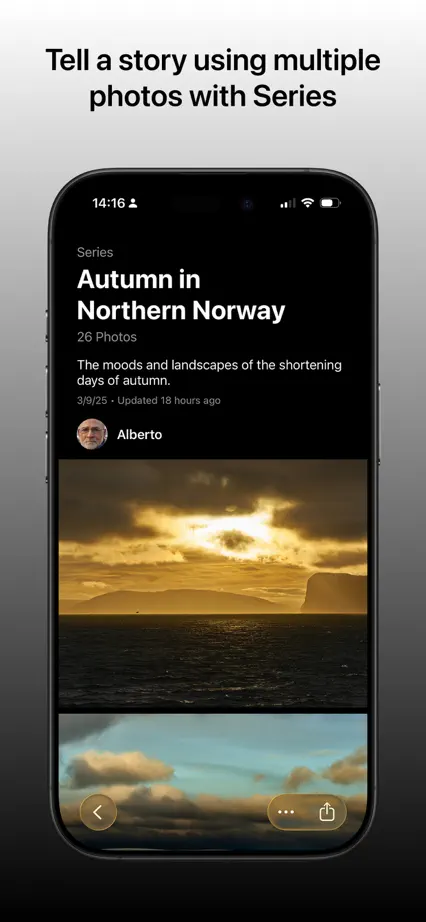
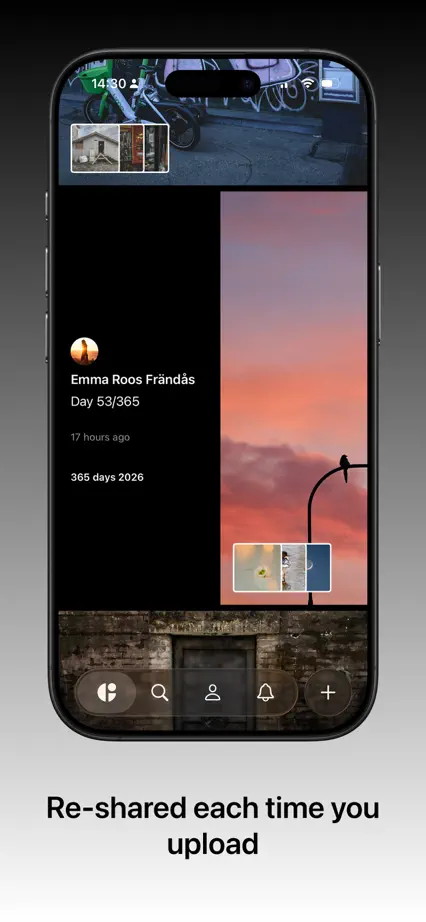
Yellow backgrounds give way to gray and black gradients as dark phones display full-bleed photography, with captions moving between top and bottom.

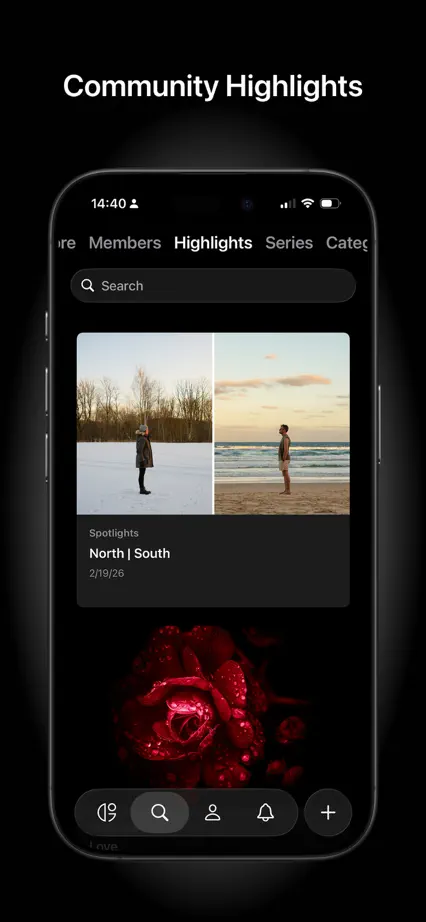
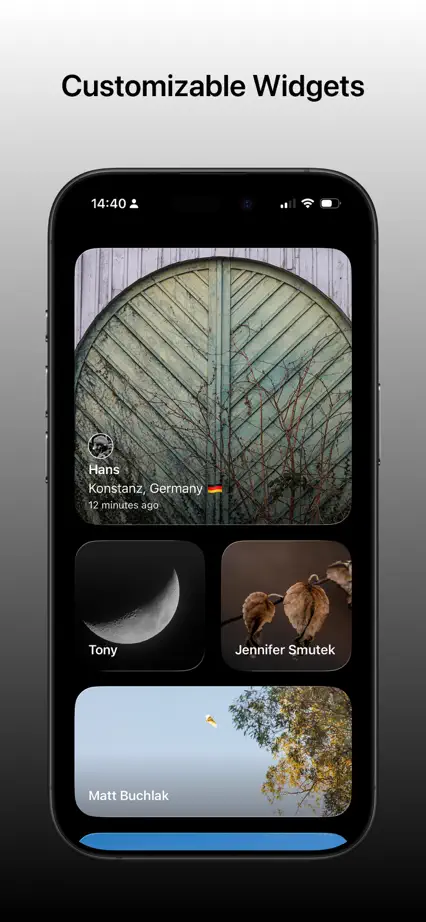

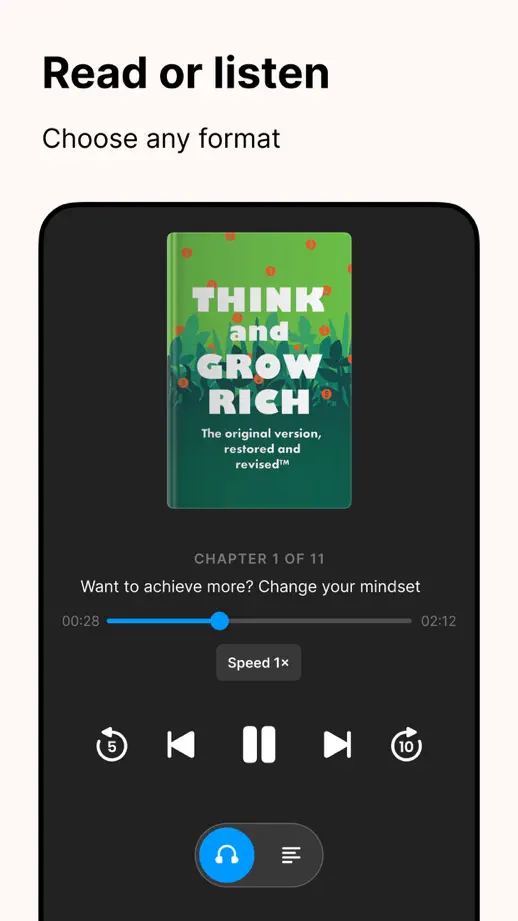
A blue opening with a pink brain character leads into cream frames of book covers, closing on a review quote and the character.




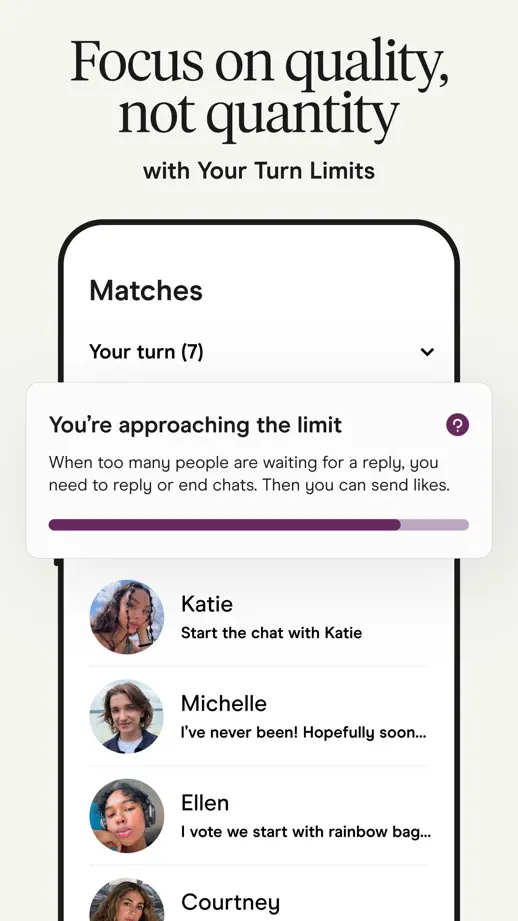
Bold uppercase headlines sit above phones on light gray with a blue band at the base, and interface rows pop out of the screens.





A street photograph with a serif headline opens a cream sequence of upright phones, each paired with a two-line serif heading and feature label.




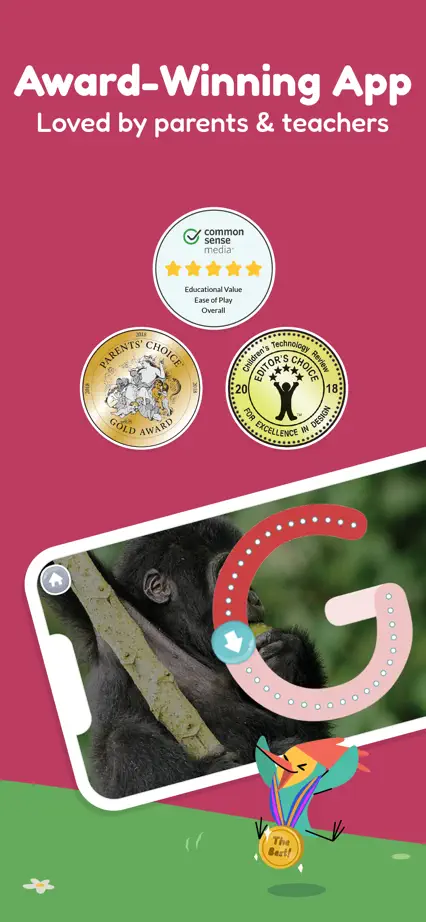
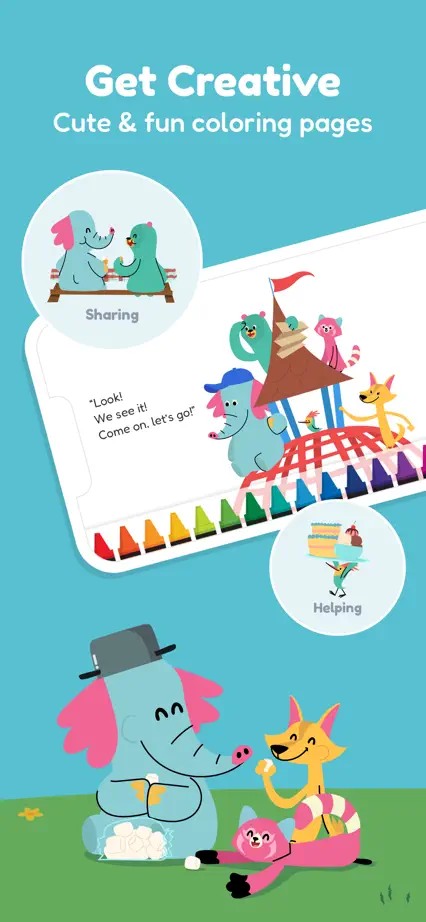
Each frame gets its own saturated background, with tilted landscape screens, cartoon animals on grass and a few classroom photos near the end.