kit0

iPhone App Store screenshot examples, page 10

Every first impression.

335 apps

18Birdies

Sports · 10 frames

An angled phone and watch introduce the set before blue panels repeat a centered device for course maps, swing video and performance charts.

18Birdies, App Store screenshot 1
18Birdies, App Store screenshot 2
18Birdies, App Store screenshot 3
18Birdies, App Store screenshot 4
18Birdies, App Store screenshot 5
18Birdies, App Store screenshot 6
18Birdies, App Store screenshot 7
18Birdies, App Store screenshot 8
18Birdies, App Store screenshot 9
18Birdies, App Store screenshot 10

DAZN

Sports · 7 frames

Athlete imagery opens the dark sequence, followed by league marks and cropped phones that distinguish different viewing and news sections.


DAZN, App Store screenshot 1
DAZN, App Store screenshot 2
DAZN, App Store screenshot 3
DAZN, App Store screenshot 4
DAZN, App Store screenshot 5
DAZN, App Store screenshot 6
DAZN, App Store screenshot 7

Babbel

Education · 8 frames

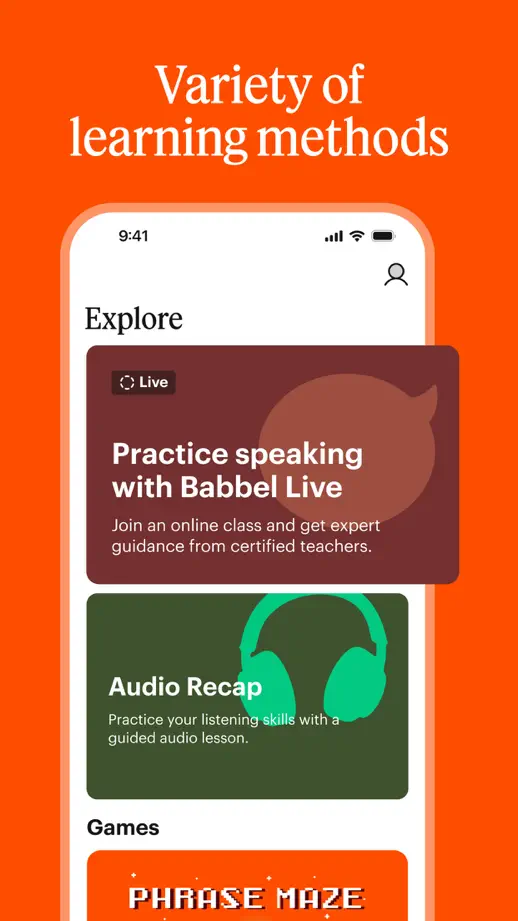
A typographic opening leads into alternating orange and cream panels, with serif headings and pulled-out lesson cards maintaining a clear hierarchy.

Babbel, App Store screenshot 1
Babbel, App Store screenshot 2
Babbel, App Store screenshot 3
Babbel, App Store screenshot 4
Babbel, App Store screenshot 5
Babbel, App Store screenshot 6
Babbel, App Store screenshot 7
Babbel, App Store screenshot 8

Busuu

Education · 10 frames

Blue and teal backgrounds repeat behind lesson screens, while progress illustrations and community examples provide variety within the same layout.

Busuu, App Store screenshot 1
Busuu, App Store screenshot 2
Busuu, App Store screenshot 3
Busuu, App Store screenshot 4
Busuu, App Store screenshot 5
Busuu, App Store screenshot 6
Busuu, App Store screenshot 7
Busuu, App Store screenshot 8
Busuu, App Store screenshot 9
Busuu, App Store screenshot 10

Memrise

Education · 9 frames

Bold type and solid color changes separate the opening promise, learning methods, lesson screens and a closing testimonial.

Memrise, App Store screenshot 1
Memrise, App Store screenshot 2
Memrise, App Store screenshot 3
Memrise, App Store screenshot 4
Memrise, App Store screenshot 5
Memrise, App Store screenshot 6
Memrise, App Store screenshot 7
Memrise, App Store screenshot 8
Memrise, App Store screenshot 9

Drops

Education · 8 frames

Angled screen crops and vivid purple, blue and teal panels bring the vocabulary illustrations forward, with a separate typographic press panel.

Drops, App Store screenshot 1
Drops, App Store screenshot 2
Drops, App Store screenshot 3
Drops, App Store screenshot 4
Drops, App Store screenshot 5
Drops, App Store screenshot 6
Drops, App Store screenshot 7
Drops, App Store screenshot 8

Pimsleur

Education · 6 frames

An enlarged angled device connects the first two frames, followed by repeated blue panels that isolate lesson, audio and conversation screens.

Pimsleur, App Store screenshot 1
Pimsleur, App Store screenshot 2
Pimsleur, App Store screenshot 3
Pimsleur, App Store screenshot 4
Pimsleur, App Store screenshot 5
Pimsleur, App Store screenshot 6

Lingvist

Education · 9 frames

Alternating purple and blue panels repeat an upright phone, with rounded background blocks echoing the icon and selected lesson details pulled forward.

Lingvist, App Store screenshot 1
Lingvist, App Store screenshot 2
Lingvist, App Store screenshot 3
Lingvist, App Store screenshot 4
Lingvist, App Store screenshot 5
Lingvist, App Store screenshot 6
Lingvist, App Store screenshot 7
Lingvist, App Store screenshot 8
Lingvist, App Store screenshot 9

ELSA Speak

Education · 9 frames

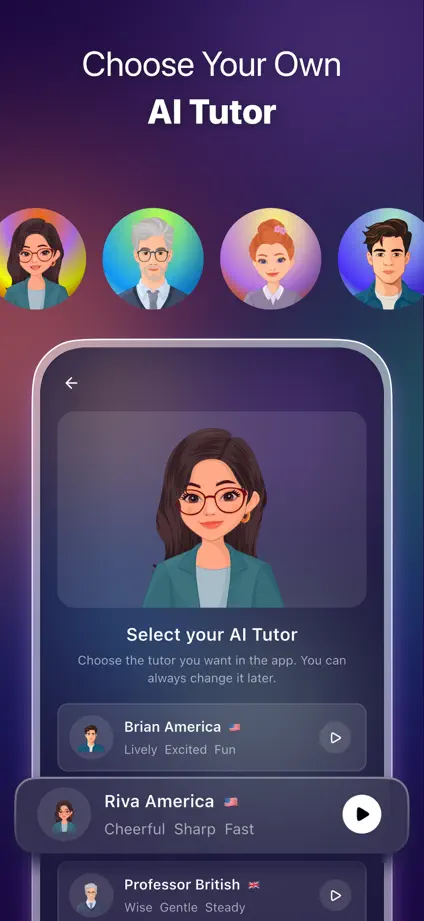
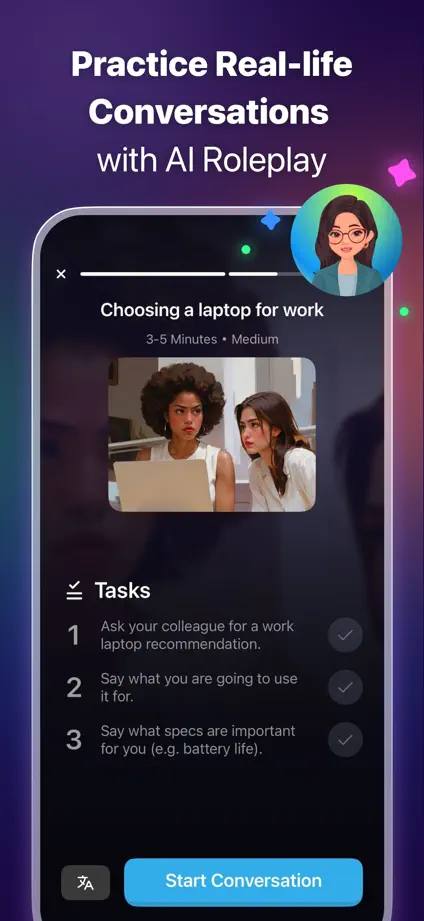
Dark purple panels connect dimensional tutor characters, angled devices and close-up coaching screens, ending with comparison and company-logo panels.

ELSA Speak, App Store screenshot 1
ELSA Speak, App Store screenshot 2
ELSA Speak, App Store screenshot 3
ELSA Speak, App Store screenshot 4
ELSA Speak, App Store screenshot 5
ELSA Speak, App Store screenshot 6
ELSA Speak, App Store screenshot 7
ELSA Speak, App Store screenshot 8
ELSA Speak, App Store screenshot 9

HelloTalk

Education · 7 frames

Profile photographs establish the social theme, then purple accents and enlarged messaging tools connect chat, partner discovery and live-room screens.

HelloTalk, App Store screenshot 1
HelloTalk, App Store screenshot 2
HelloTalk, App Store screenshot 3
HelloTalk, App Store screenshot 4
HelloTalk, App Store screenshot 5
HelloTalk, App Store screenshot 6
HelloTalk, App Store screenshot 7

Tandem

Education · 6 frames

An oversized phone spans the opening blue panels, followed by large message, map and call views that keep the social interactions visible.

Tandem, App Store screenshot 1
Tandem, App Store screenshot 2
Tandem, App Store screenshot 3
Tandem, App Store screenshot 4
Tandem, App Store screenshot 5
Tandem, App Store screenshot 6

Quizlet

Education · 6 frames

Bright geometric backgrounds change color between features, while large cropped learning cards and small handwritten marks keep attention on the study material.

Quizlet, App Store screenshot 1
Quizlet, App Store screenshot 2
Quizlet, App Store screenshot 3
Quizlet, App Store screenshot 4
Quizlet, App Store screenshot 5
Quizlet, App Store screenshot 6

Photomath

Education · 5 frames

Pink, blue and yellow blocks connect transparent device outlines, equation steps and black-and-white student cutouts across the sequence.

Photomath, App Store screenshot 1
Photomath, App Store screenshot 2
Photomath, App Store screenshot 3
Photomath, App Store screenshot 4
Photomath, App Store screenshot 5

Elevate

Education · 8 frames

A typographic category overview leads into colorful exercise screens, alternating device placement and background color before a dark closing frame.
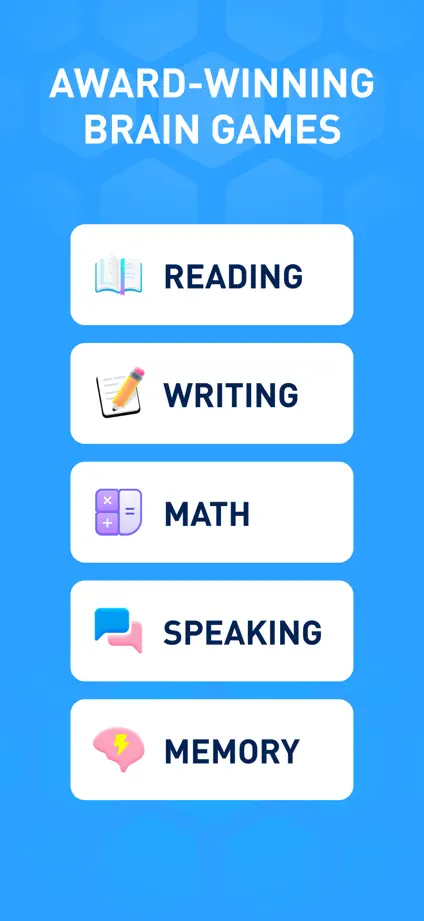
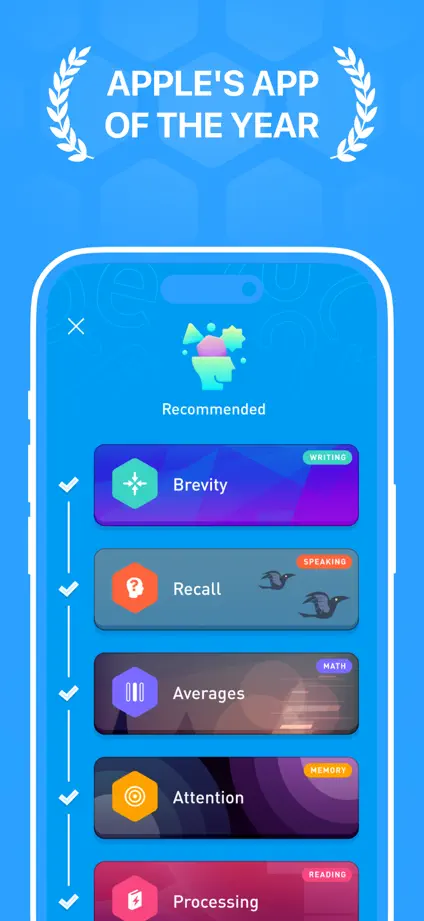
Elevate, App Store screenshot 1
Elevate, App Store screenshot 2
Elevate, App Store screenshot 3
Elevate, App Store screenshot 4
Elevate, App Store screenshot 5
Elevate, App Store screenshot 6
Elevate, App Store screenshot 7
Elevate, App Store screenshot 8

Sololearn

Education · 8 frames

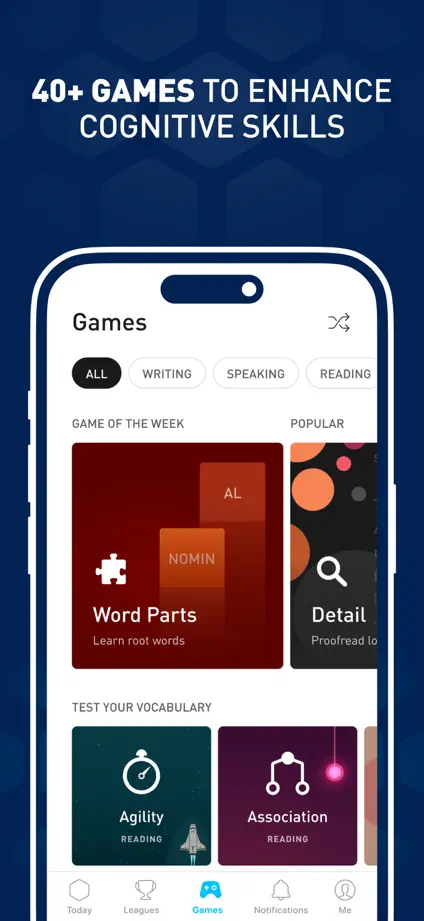
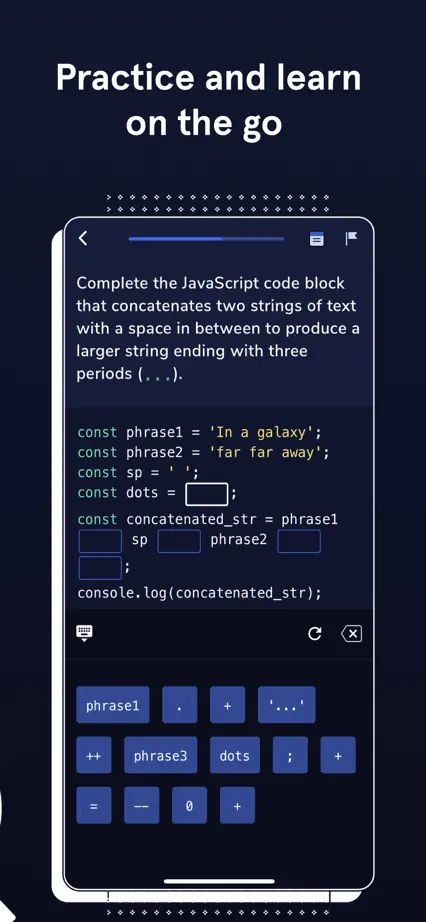
An angled phone spans the opening panels, followed by enlarged code editors, lesson cards and a certificate against a pale illustrated background.

Sololearn, App Store screenshot 1
Sololearn, App Store screenshot 2
Sololearn, App Store screenshot 3
Sololearn, App Store screenshot 4
Sololearn, App Store screenshot 5
Sololearn, App Store screenshot 6
Sololearn, App Store screenshot 7
Sololearn, App Store screenshot 8

Codecademy Go

Education · 5 frames

Navy panels, pale screens and bright yellow accents maintain a consistent coding identity, with cursor illustrations directing attention to specific controls.
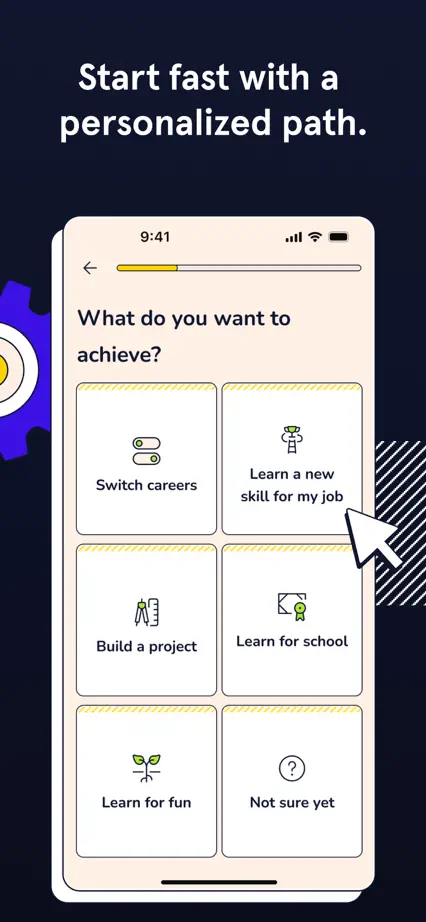

Codecademy Go, App Store screenshot 1
Codecademy Go, App Store screenshot 2
Codecademy Go, App Store screenshot 3
Codecademy Go, App Store screenshot 4
Codecademy Go, App Store screenshot 5

Coursera

Education · 7 frames

The sequence moves from white introductory panels to black feature panels, mixing angled devices, credential photography and isolated system controls.

Coursera, App Store screenshot 1
Coursera, App Store screenshot 2
Coursera, App Store screenshot 3
Coursera, App Store screenshot 4
Coursera, App Store screenshot 5
Coursera, App Store screenshot 6
Coursera, App Store screenshot 7

Merlin Bird ID

Education · 8 frames

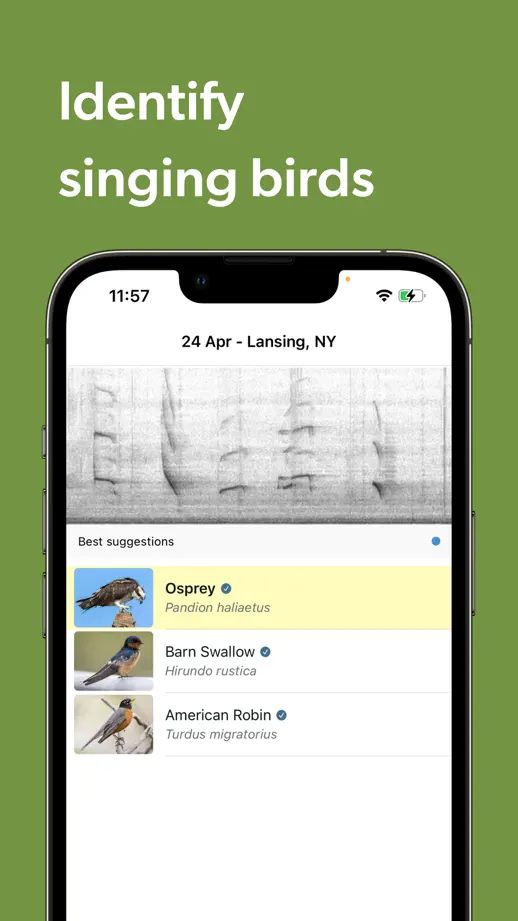
A large bird photograph spans the opening panels, followed by olive-green feature frames showing sound identification, species lists and camera guidance.

Merlin Bird ID, App Store screenshot 1
Merlin Bird ID, App Store screenshot 2
Merlin Bird ID, App Store screenshot 3
Merlin Bird ID, App Store screenshot 4
Merlin Bird ID, App Store screenshot 5
Merlin Bird ID, App Store screenshot 6
Merlin Bird ID, App Store screenshot 7
Merlin Bird ID, App Store screenshot 8

Seek by iNaturalist

Education · 6 frames

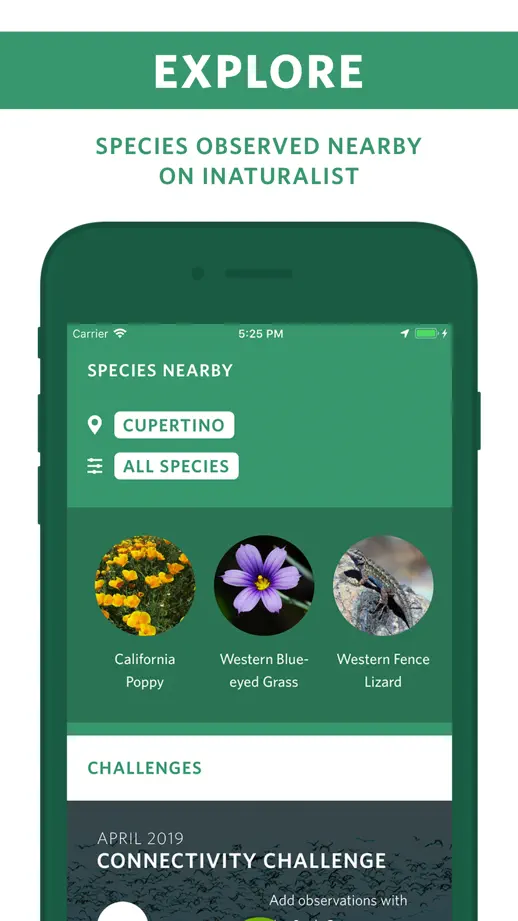
Circular wildlife photographs introduce the set before green phone frames and uppercase labels organize identification, badges and exploration screens.

Seek by iNaturalist, App Store screenshot 1
Seek by iNaturalist, App Store screenshot 2
Seek by iNaturalist, App Store screenshot 3
Seek by iNaturalist, App Store screenshot 4
Seek by iNaturalist, App Store screenshot 5
Seek by iNaturalist, App Store screenshot 6

Stellarium Mobile

Education · 10 frames

Dark full-height sky views repeat beneath compact purple headline bars, moving from constellations and planets to detailed observation screens.

Stellarium Mobile, App Store screenshot 1
Stellarium Mobile, App Store screenshot 2
Stellarium Mobile, App Store screenshot 3
Stellarium Mobile, App Store screenshot 4
Stellarium Mobile, App Store screenshot 5
Stellarium Mobile, App Store screenshot 6
Stellarium Mobile, App Store screenshot 7
Stellarium Mobile, App Store screenshot 8
Stellarium Mobile, App Store screenshot 9
Stellarium Mobile, App Store screenshot 10

N26

Finance · 9 frames

Deep teal panels alternate with lifestyle photographs, while enlarged balance, card and support controls sit in front of the phones.

N26, App Store screenshot 1
N26, App Store screenshot 2
N26, App Store screenshot 3
N26, App Store screenshot 4
N26, App Store screenshot 5
N26, App Store screenshot 6
N26, App Store screenshot 7
N26, App Store screenshot 8
N26, App Store screenshot 9

bunq

Finance · 10 frames

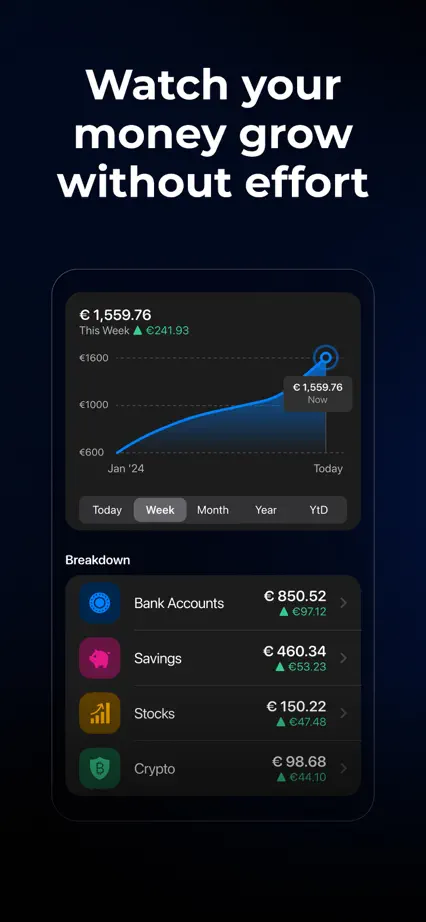
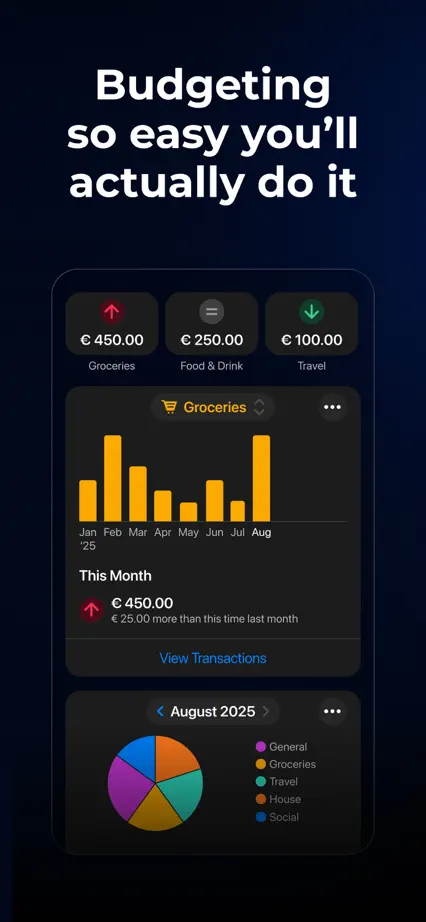
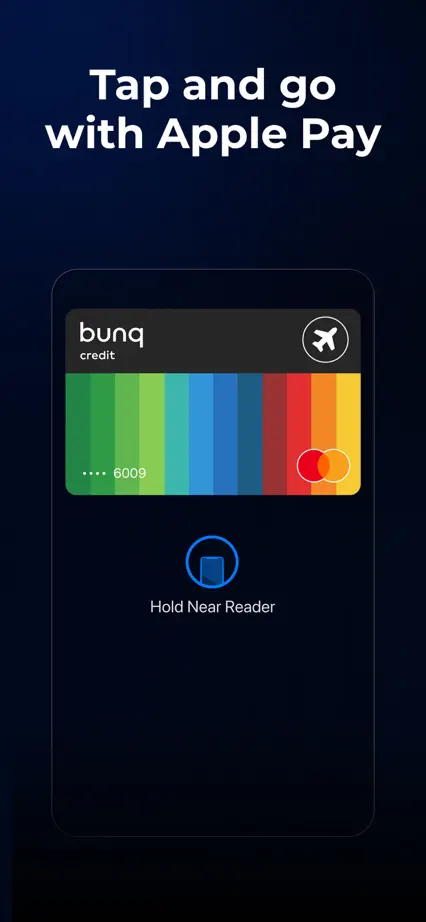
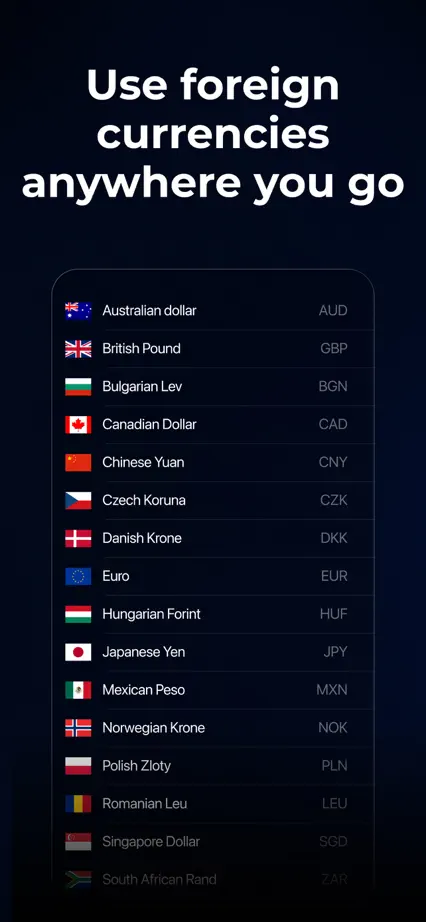
A dark blue sequence uses brightly colored charts and card artwork, interrupting the interface tour with two full-height lifestyle photographs.

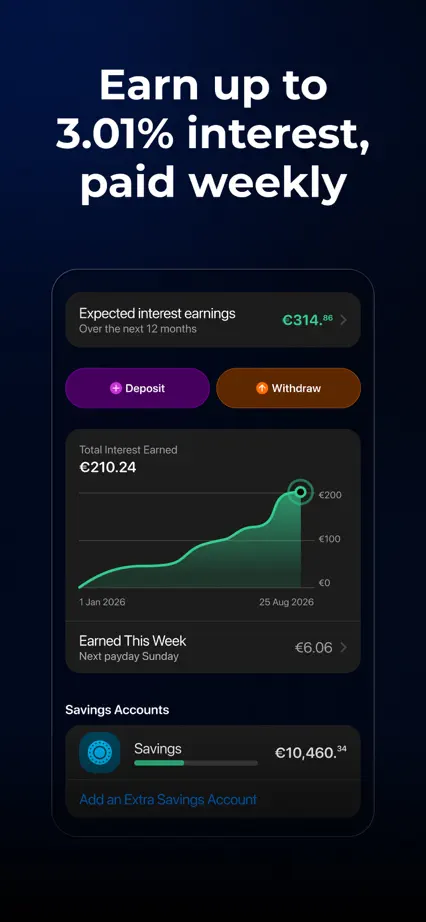
bunq, App Store screenshot 1
bunq, App Store screenshot 2
bunq, App Store screenshot 3
bunq, App Store screenshot 4
bunq, App Store screenshot 5
bunq, App Store screenshot 6
bunq, App Store screenshot 7
bunq, App Store screenshot 8
bunq, App Store screenshot 9
bunq, App Store screenshot 10

Wealthfront

Finance · 8 frames

Heavy purple type, outlined labels and pale color changes structure the sequence, with angled phones and selected account screens supporting the headlines.

Wealthfront, App Store screenshot 1
Wealthfront, App Store screenshot 2
Wealthfront, App Store screenshot 3
Wealthfront, App Store screenshot 4
Wealthfront, App Store screenshot 5
Wealthfront, App Store screenshot 6
Wealthfront, App Store screenshot 7
Wealthfront, App Store screenshot 8

Wealthsimple

Finance · 7 frames

Small serif headings and pale backgrounds repeat above large white phone crops, mixing account screens with simple dimensional coin and card imagery.

Wealthsimple, App Store screenshot 1
Wealthsimple, App Store screenshot 2
Wealthsimple, App Store screenshot 3
Wealthsimple, App Store screenshot 4
Wealthsimple, App Store screenshot 5
Wealthsimple, App Store screenshot 6
Wealthsimple, App Store screenshot 7

Add to collection

New collection