kit0

iPhone App Store screenshot examples, page 13

Every first impression.

335 apps

Paired

Lifestyle · 8 frames

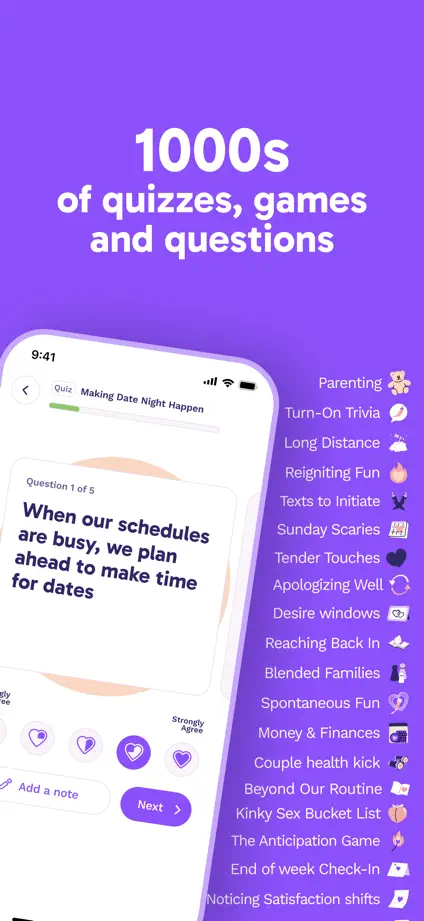
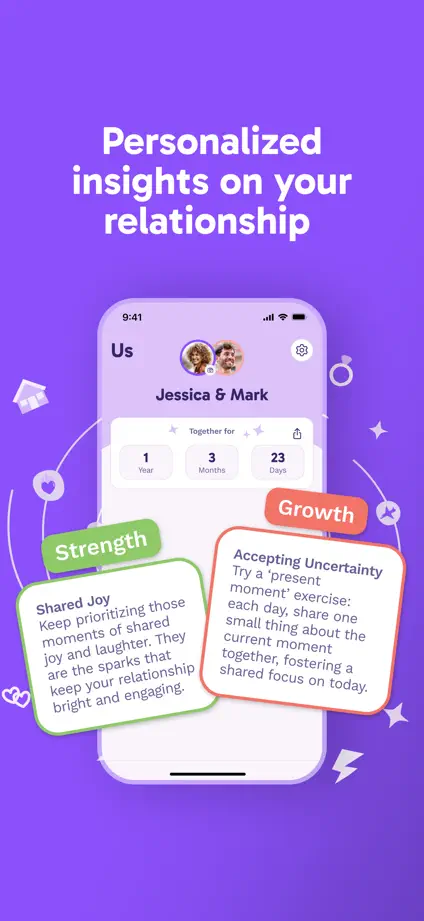
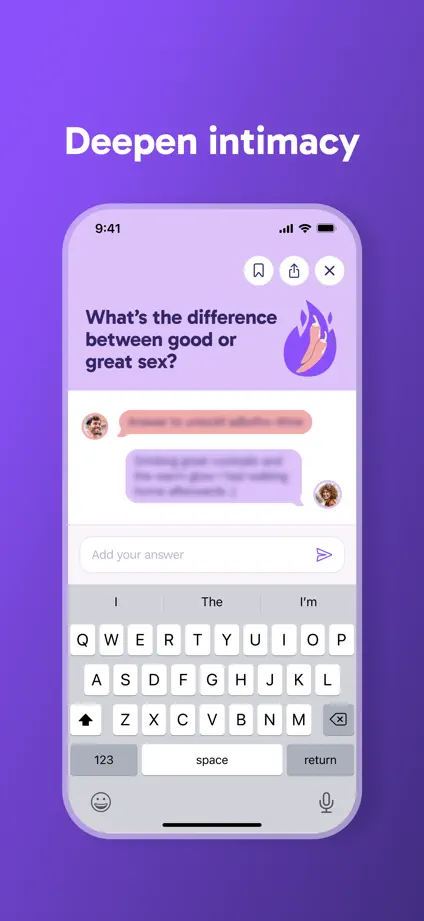
Purple gradients connect tilted devices, illustrated cards and enlarged questions, with generous space above each feature.
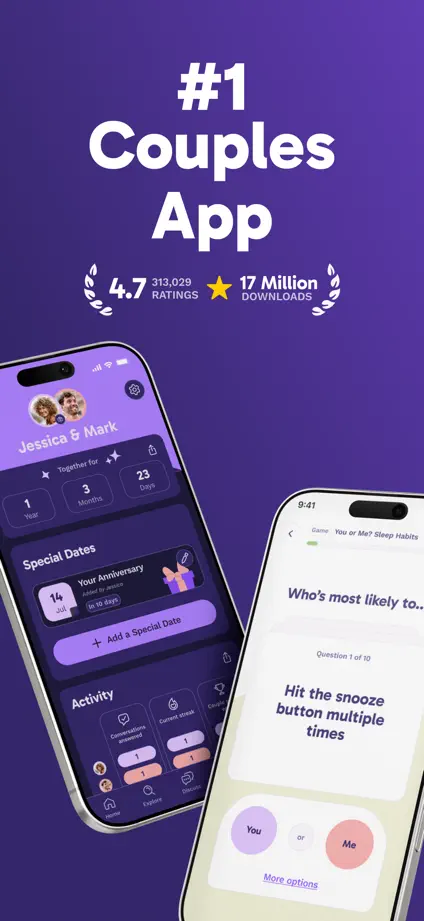
Paired, App Store screenshot 1
Paired, App Store screenshot 2
Paired, App Store screenshot 3
Paired, App Store screenshot 4
Paired, App Store screenshot 5
Paired, App Store screenshot 6
Paired, App Store screenshot 7
Paired, App Store screenshot 8

Booking.com

Travel · 9 frames

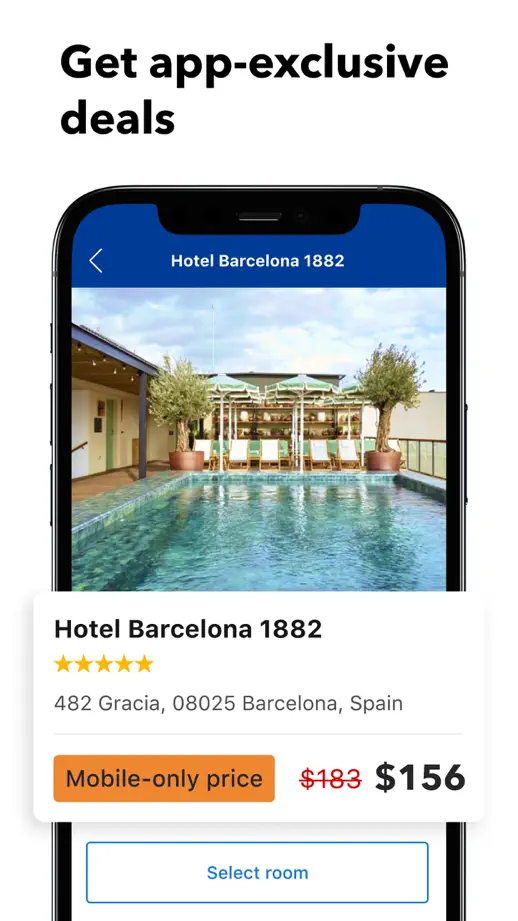
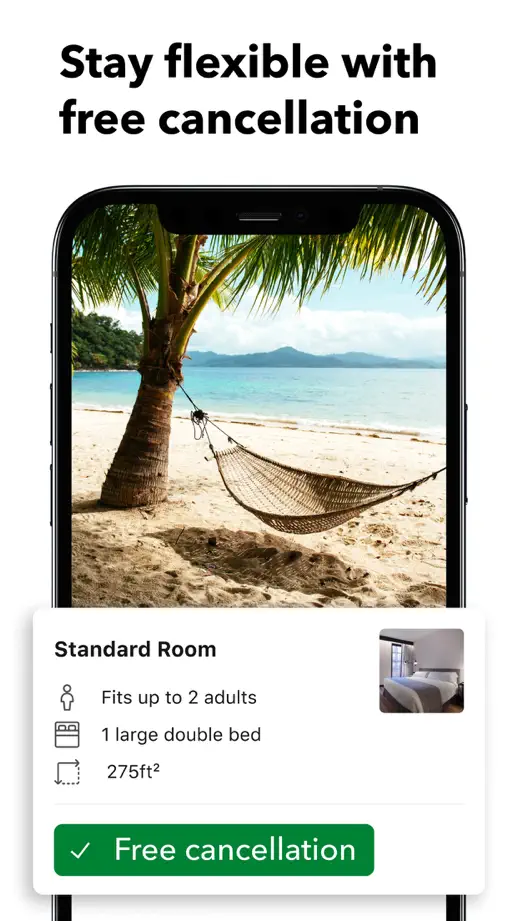
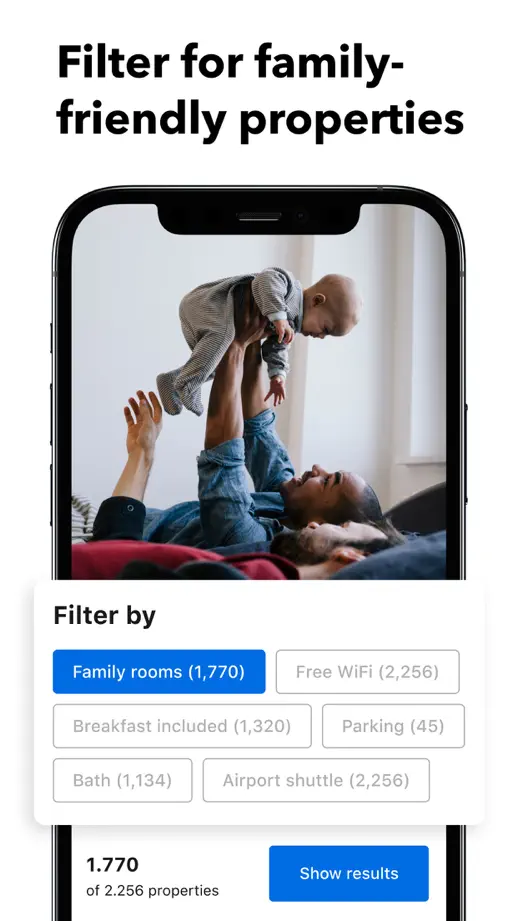
Large white interface cards overlap devices and travel photography, highlighting one booking interaction per panel.

Booking.com, App Store screenshot 1
Booking.com, App Store screenshot 2
Booking.com, App Store screenshot 3
Booking.com, App Store screenshot 4
Booking.com, App Store screenshot 5
Booking.com, App Store screenshot 6
Booking.com, App Store screenshot 7
Booking.com, App Store screenshot 8
Booking.com, App Store screenshot 9

Expedia

Travel · 8 frames

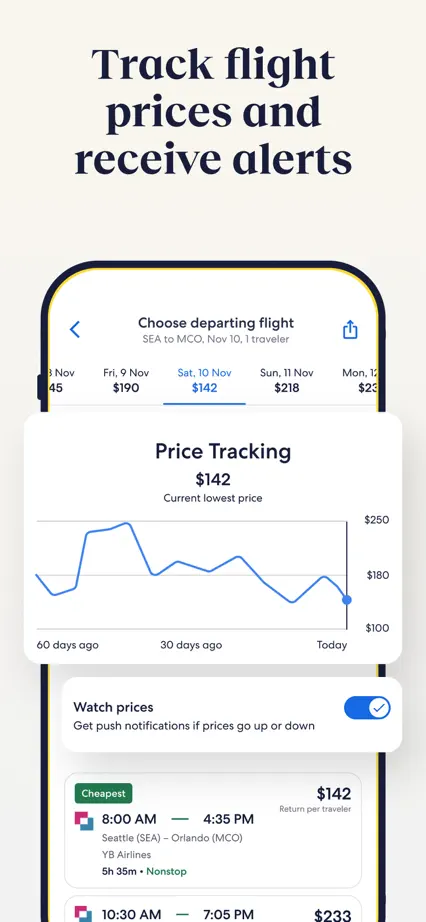
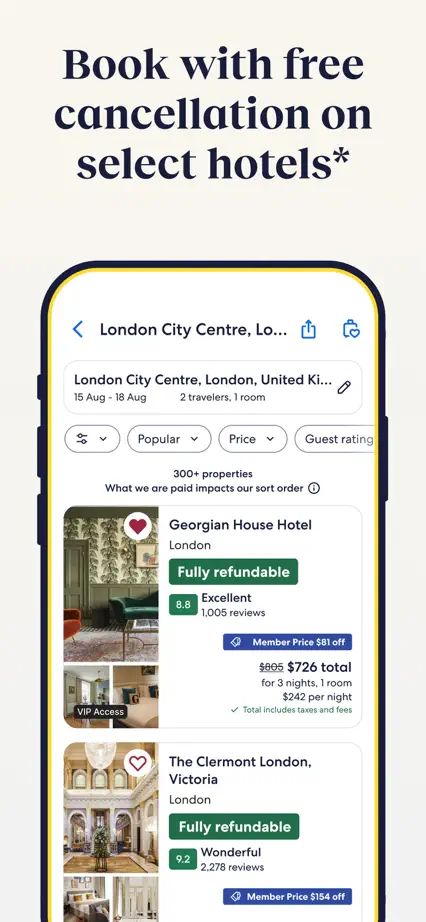
Navy serif headings and cream space soften a repeated device layout, while enlarged white cards highlight selected controls.

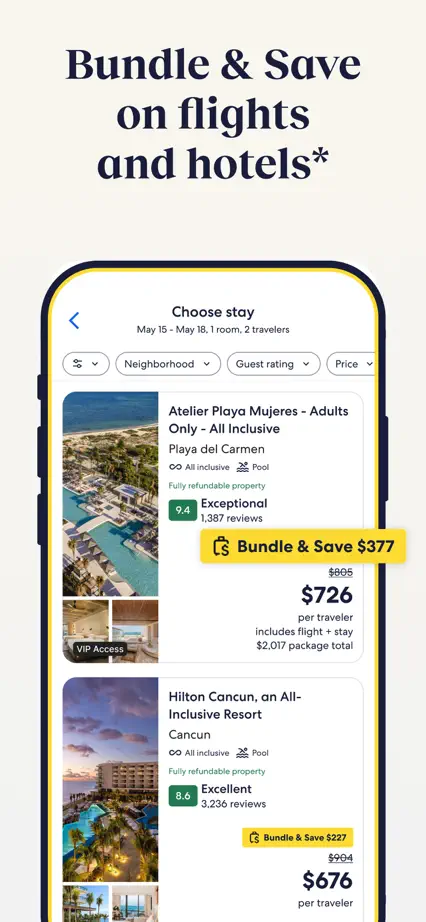
Expedia, App Store screenshot 1
Expedia, App Store screenshot 2
Expedia, App Store screenshot 3
Expedia, App Store screenshot 4
Expedia, App Store screenshot 5
Expedia, App Store screenshot 6
Expedia, App Store screenshot 7
Expedia, App Store screenshot 8

Skyscanner

Travel · 9 frames

A single blue backdrop and compact left-aligned headings support floating interface fragments without visible device frames.

Skyscanner, App Store screenshot 1
Skyscanner, App Store screenshot 2
Skyscanner, App Store screenshot 3
Skyscanner, App Store screenshot 4
Skyscanner, App Store screenshot 5
Skyscanner, App Store screenshot 6
Skyscanner, App Store screenshot 7
Skyscanner, App Store screenshot 8
Skyscanner, App Store screenshot 9

KAYAK

Travel · 6 frames

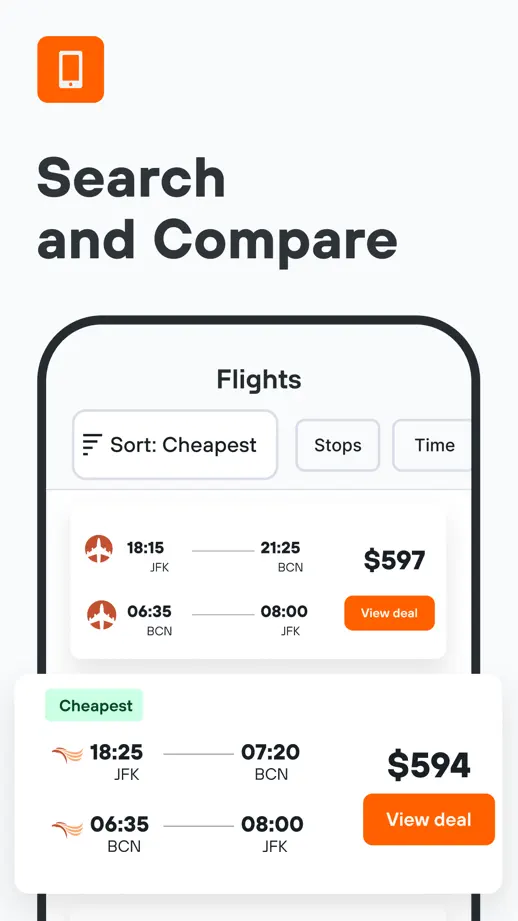
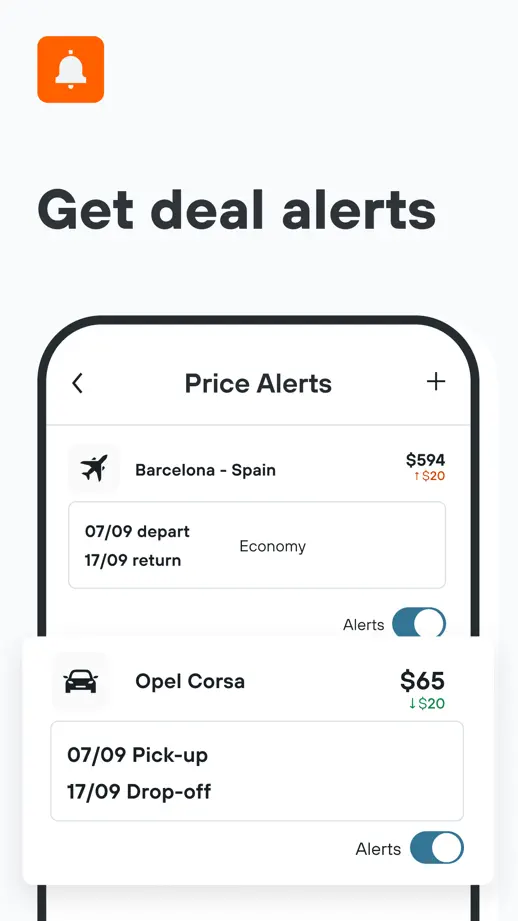
Small orange icons and bold headings anchor a simple white sequence, with selected interface cards pulled out of devices.

KAYAK, App Store screenshot 1
KAYAK, App Store screenshot 2
KAYAK, App Store screenshot 3
KAYAK, App Store screenshot 4
KAYAK, App Store screenshot 5
KAYAK, App Store screenshot 6

TripIt

Travel · 10 frames

An angled opening pair leads into smaller white devices on blue panels, with a recurring vertical rule beside each heading.

TripIt, App Store screenshot 1
TripIt, App Store screenshot 2
TripIt, App Store screenshot 3
TripIt, App Store screenshot 4
TripIt, App Store screenshot 5
TripIt, App Store screenshot 6
TripIt, App Store screenshot 7
TripIt, App Store screenshot 8
TripIt, App Store screenshot 9
TripIt, App Store screenshot 10

Omio

Travel · 7 frames

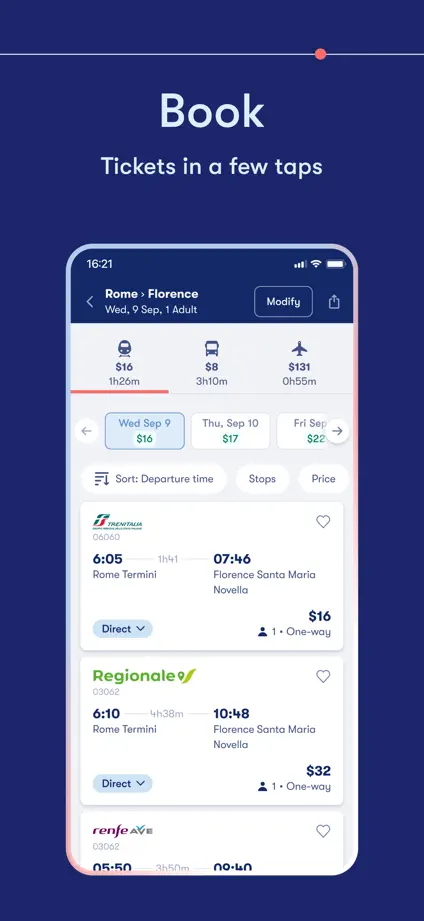
A thin route line links simple one-word headings, with destination photography bookending a dark blue device sequence.

Omio, App Store screenshot 1
Omio, App Store screenshot 2
Omio, App Store screenshot 3
Omio, App Store screenshot 4
Omio, App Store screenshot 5
Omio, App Store screenshot 6
Omio, App Store screenshot 7

GetYourGuide

Travel · 8 frames

Oversized opening type and travel photography lead into alternating orange and dark brown panels with large devices.

GetYourGuide, App Store screenshot 1
GetYourGuide, App Store screenshot 2
GetYourGuide, App Store screenshot 3
GetYourGuide, App Store screenshot 4
GetYourGuide, App Store screenshot 5
GetYourGuide, App Store screenshot 6
GetYourGuide, App Store screenshot 7
GetYourGuide, App Store screenshot 8

Rome2Rio

Travel · 6 frames

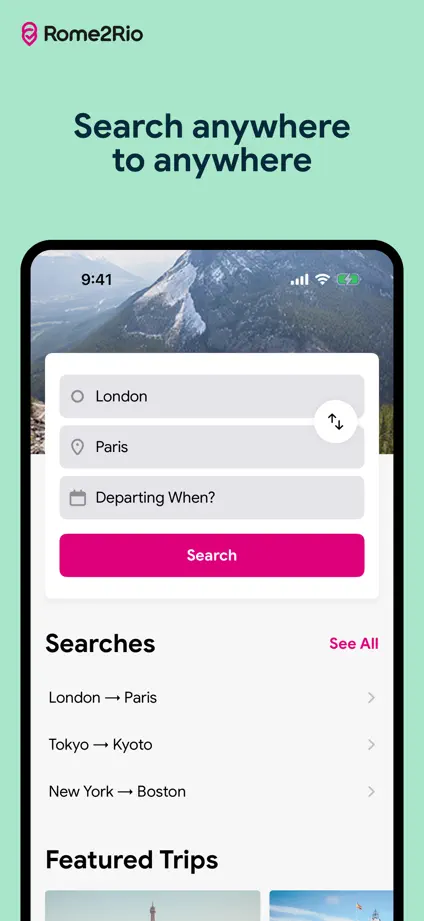
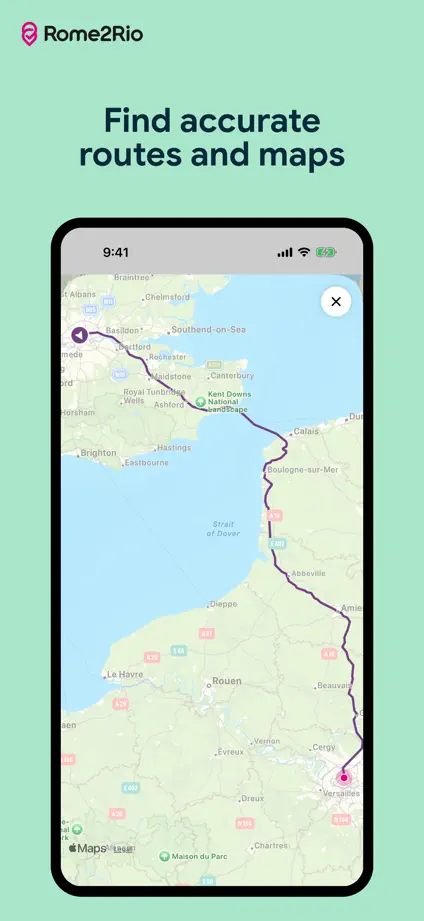
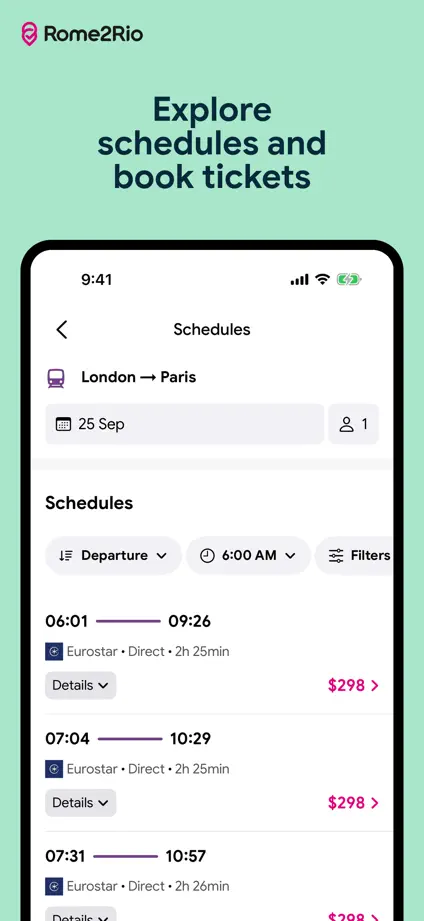
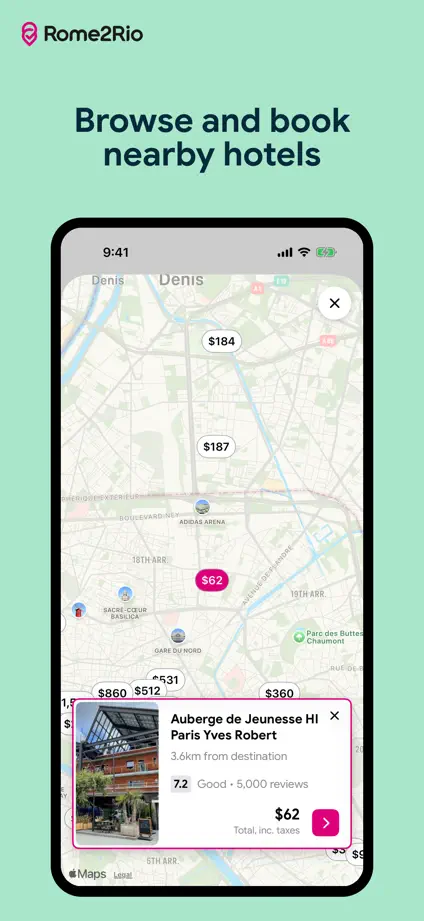
Mint backgrounds and small centered headings give maps and route lists a calm, consistent frame.
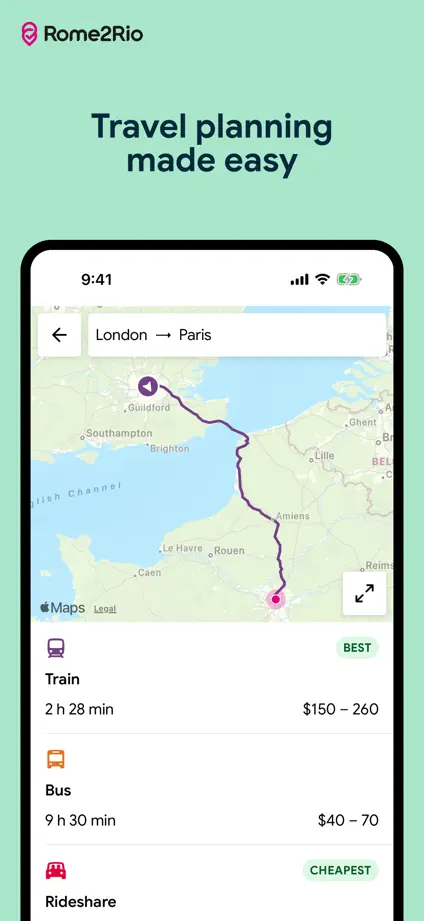
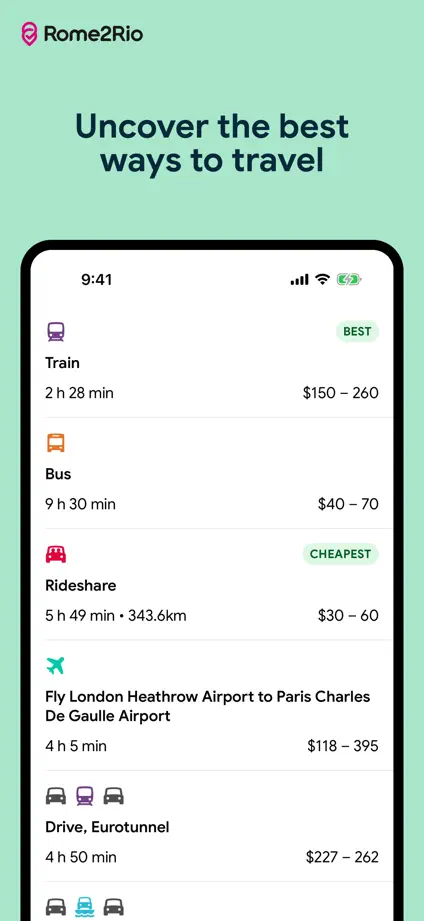
Rome2Rio, App Store screenshot 1
Rome2Rio, App Store screenshot 2
Rome2Rio, App Store screenshot 3
Rome2Rio, App Store screenshot 4
Rome2Rio, App Store screenshot 5
Rome2Rio, App Store screenshot 6

Klook

Travel · 6 frames

Orange headings stand over pale destination photographs, while floating cards bring booking and support details forward.

Klook, App Store screenshot 1
Klook, App Store screenshot 2
Klook, App Store screenshot 3
Klook, App Store screenshot 4
Klook, App Store screenshot 5
Klook, App Store screenshot 6

Tripadvisor

Travel · 5 frames

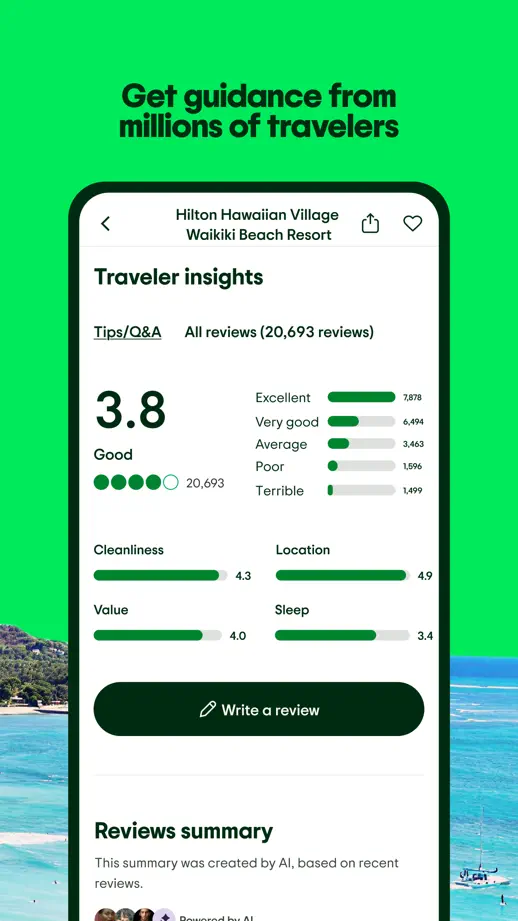
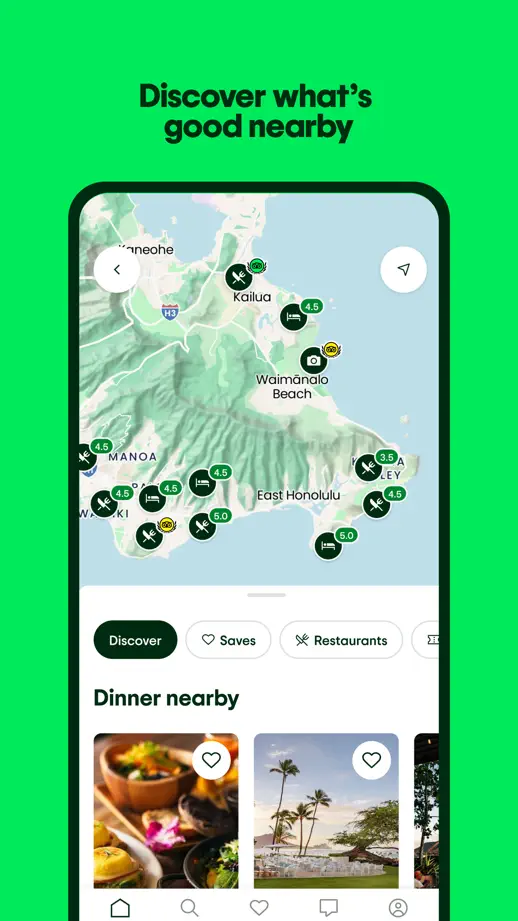
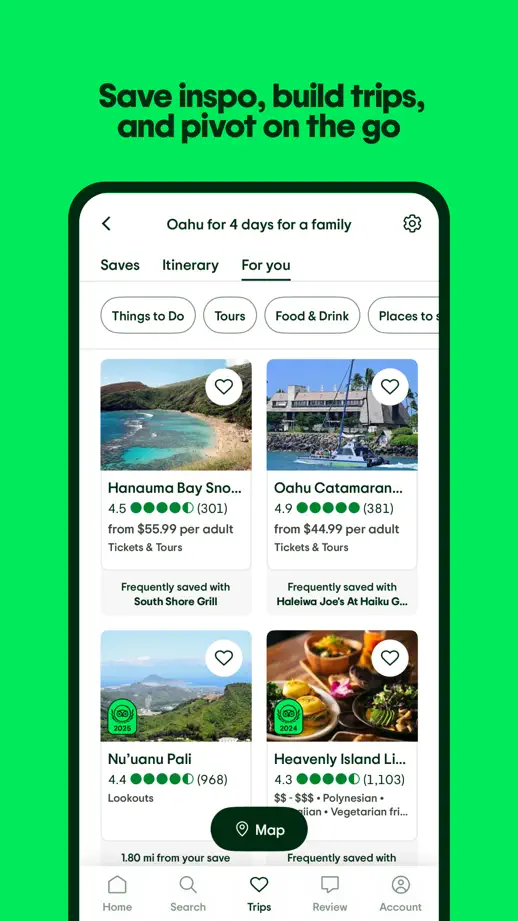
Bright green panels and a large opening headline frame travel photography, oversized rating details and map screens.

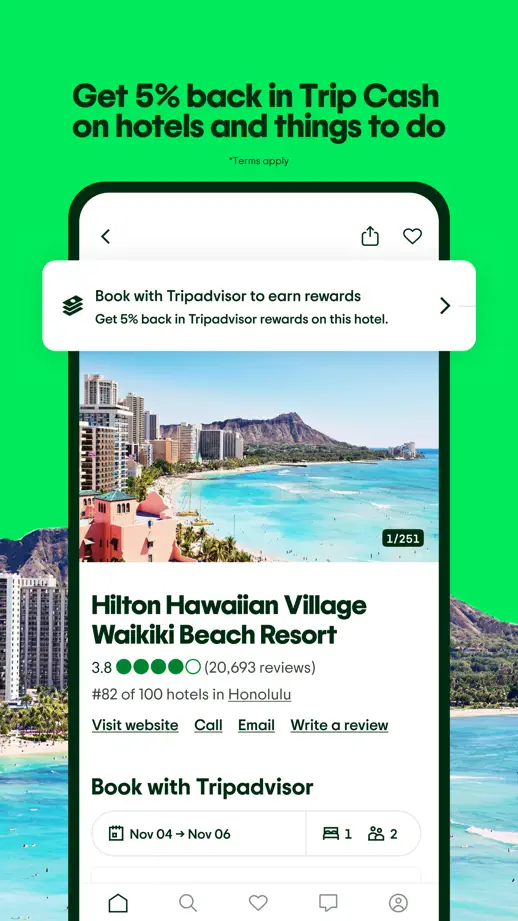
Tripadvisor, App Store screenshot 1
Tripadvisor, App Store screenshot 2
Tripadvisor, App Store screenshot 3
Tripadvisor, App Store screenshot 4
Tripadvisor, App Store screenshot 5

Culture Trip

Travel · 5 frames

Quiet green illustrations fill the margins around small devices, keeping the destination photography within the interface prominent.

Culture Trip, App Store screenshot 1
Culture Trip, App Store screenshot 2
Culture Trip, App Store screenshot 3
Culture Trip, App Store screenshot 4
Culture Trip, App Store screenshot 5

Spotify

Music · 8 frames

Pink panels with green borders provide a consistent frame for oversized dark devices, including a tilted opening podcast view.

Spotify, App Store screenshot 1
Spotify, App Store screenshot 2
Spotify, App Store screenshot 3
Spotify, App Store screenshot 4
Spotify, App Store screenshot 5
Spotify, App Store screenshot 6
Spotify, App Store screenshot 7
Spotify, App Store screenshot 8

TIDAL

Music · 8 frames

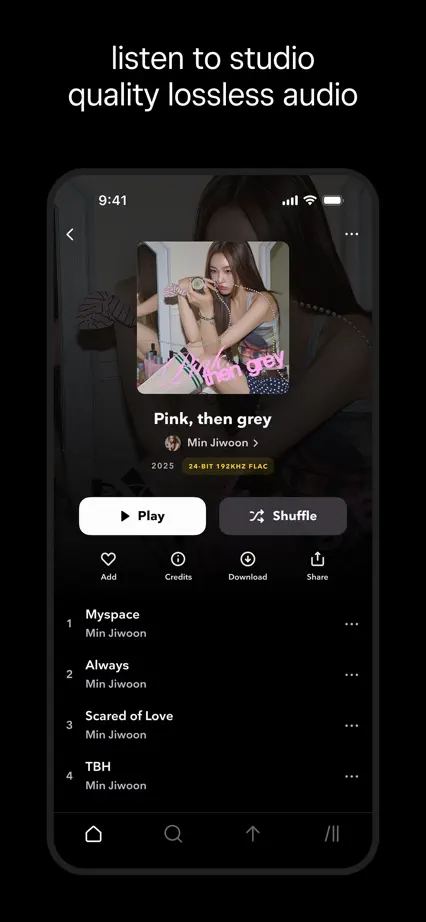
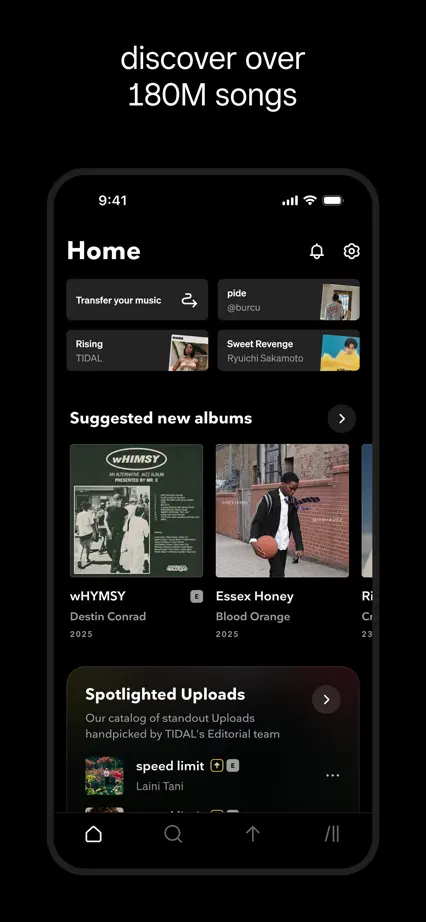
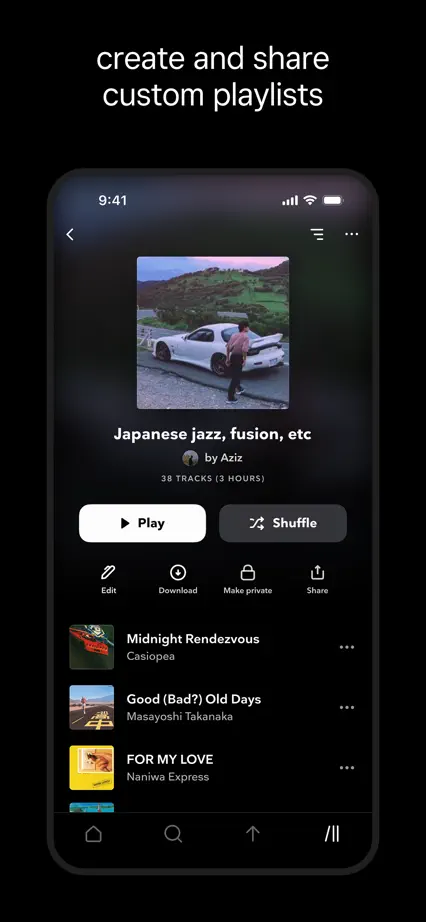
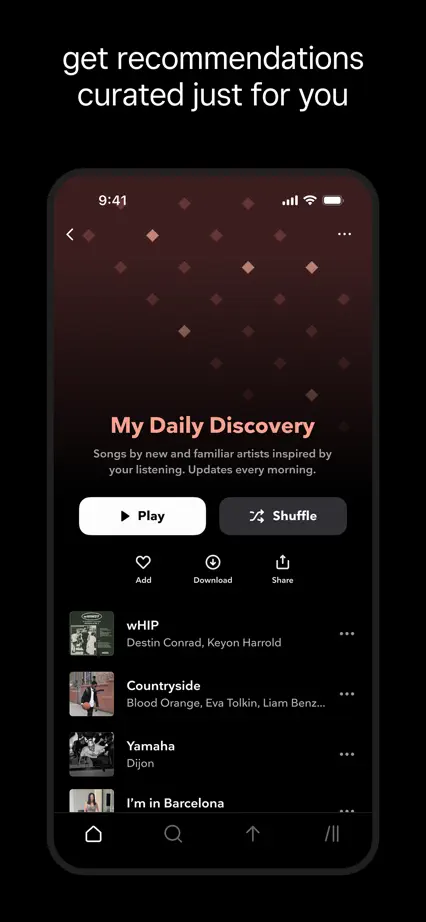
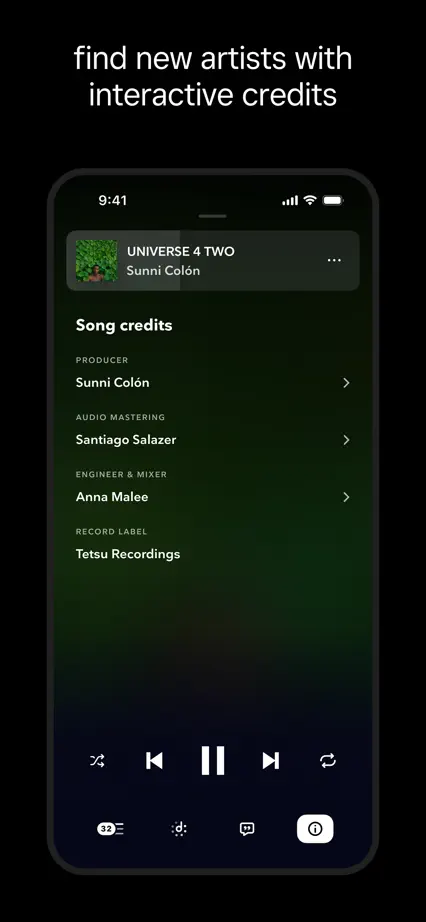
A restrained black sequence lets album artwork provide color, with an angled opening device followed by consistent upright views.

TIDAL, App Store screenshot 1
TIDAL, App Store screenshot 2
TIDAL, App Store screenshot 3
TIDAL, App Store screenshot 4
TIDAL, App Store screenshot 5
TIDAL, App Store screenshot 6
TIDAL, App Store screenshot 7
TIDAL, App Store screenshot 8

SoundCloud

Music · 7 frames

Condensed white headlines, orange accents and music photography give the sequence a strong poster-like character.

SoundCloud, App Store screenshot 1
SoundCloud, App Store screenshot 2
SoundCloud, App Store screenshot 3
SoundCloud, App Store screenshot 4
SoundCloud, App Store screenshot 5
SoundCloud, App Store screenshot 6
SoundCloud, App Store screenshot 7

Shazam

Music · 9 frames

Brightly colored panels change with each feature while a repeated heading and device layout keeps the sequence consistent.

Shazam, App Store screenshot 1
Shazam, App Store screenshot 2
Shazam, App Store screenshot 3
Shazam, App Store screenshot 4
Shazam, App Store screenshot 5
Shazam, App Store screenshot 6
Shazam, App Store screenshot 7
Shazam, App Store screenshot 8
Shazam, App Store screenshot 9

djay

Music · 7 frames

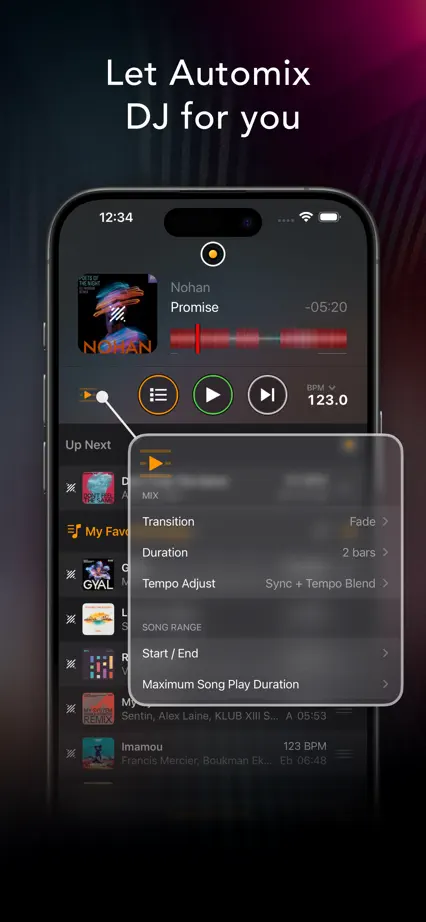
Atmospheric music photography alternates with angled landscape devices and close-ups of the dark mixing interface.

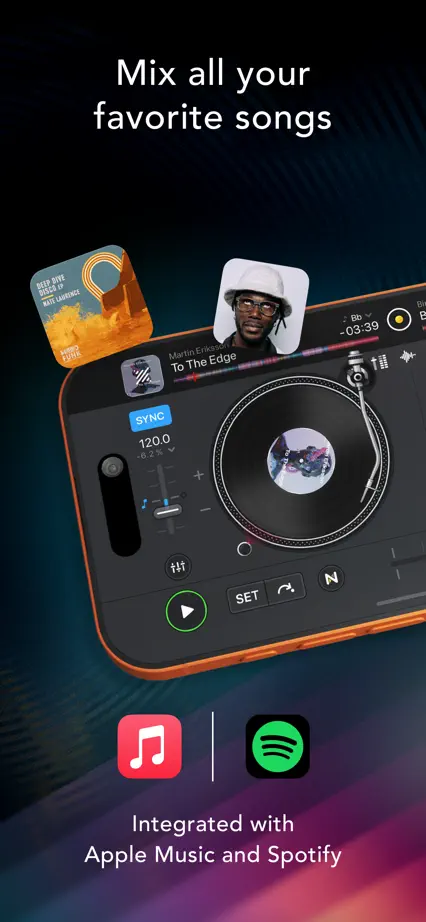
djay, App Store screenshot 1
djay, App Store screenshot 2
djay, App Store screenshot 3
djay, App Store screenshot 4
djay, App Store screenshot 5
djay, App Store screenshot 6
djay, App Store screenshot 7

Yousician

Music · 6 frames

Each panel uses a different solid color, with horizontal interface crops, floating music cards and bold compact headings.

Yousician, App Store screenshot 1
Yousician, App Store screenshot 2
Yousician, App Store screenshot 3
Yousician, App Store screenshot 4
Yousician, App Store screenshot 5
Yousician, App Store screenshot 6

Simply Piano

Music · 6 frames

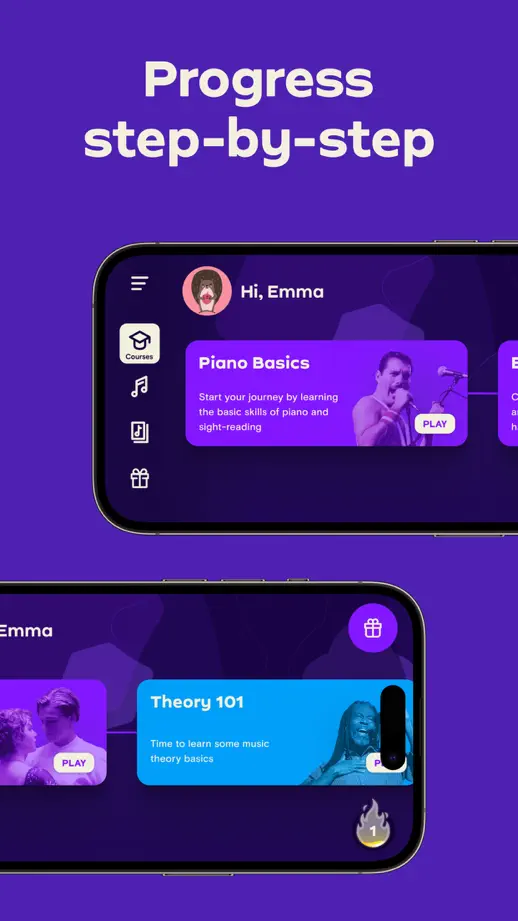
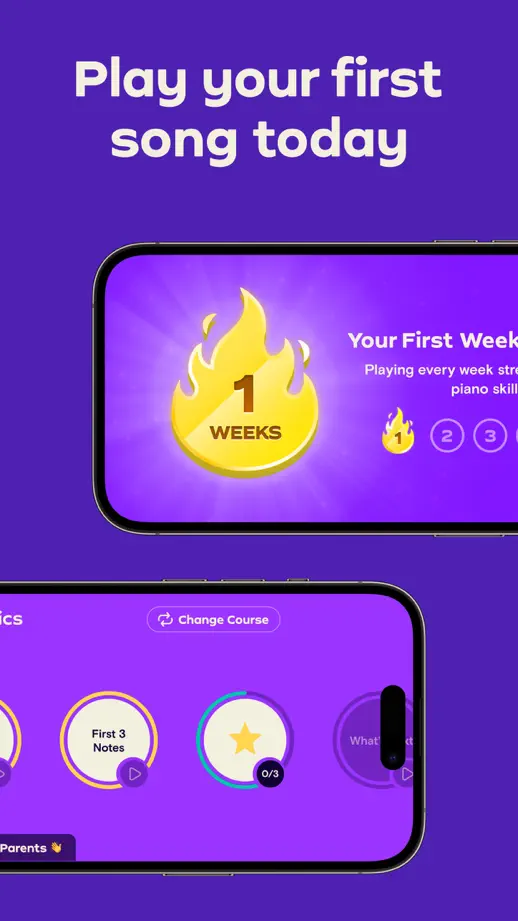
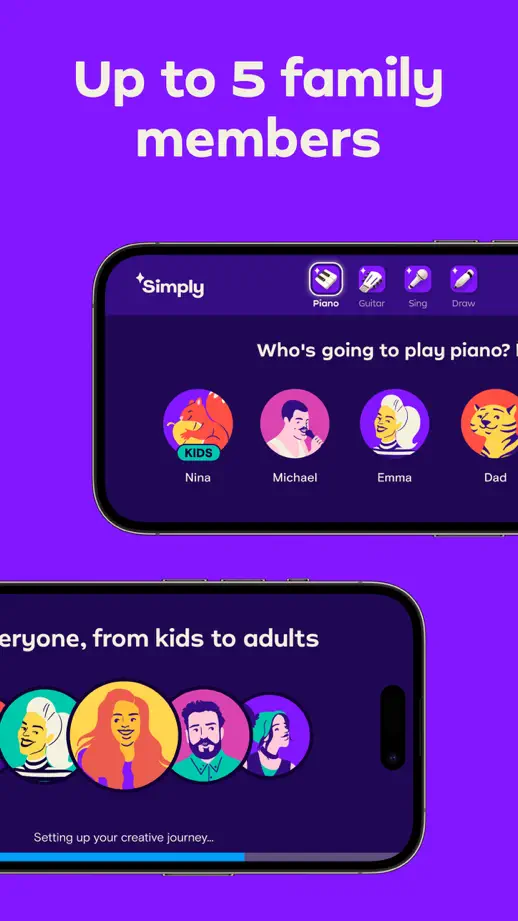
Horizontal devices enter from alternating edges against purple panels, with a keyboard illustration grounding the opening screen.
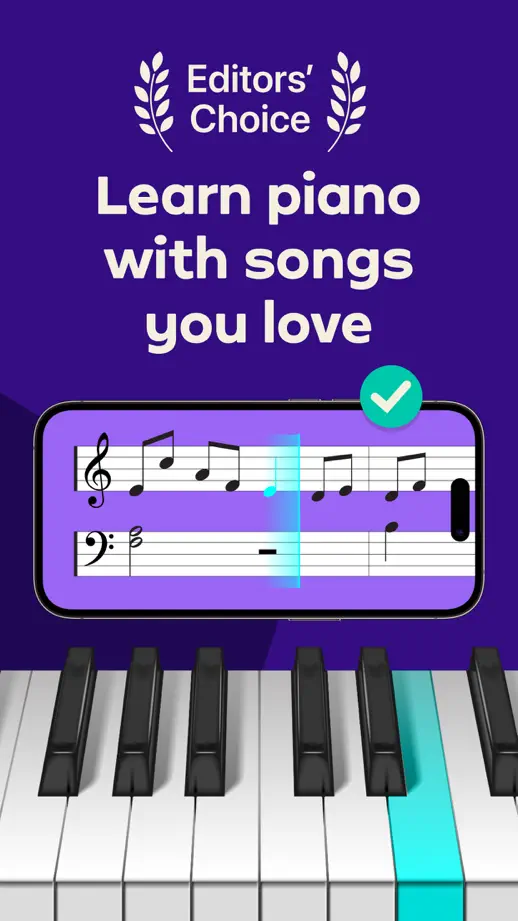
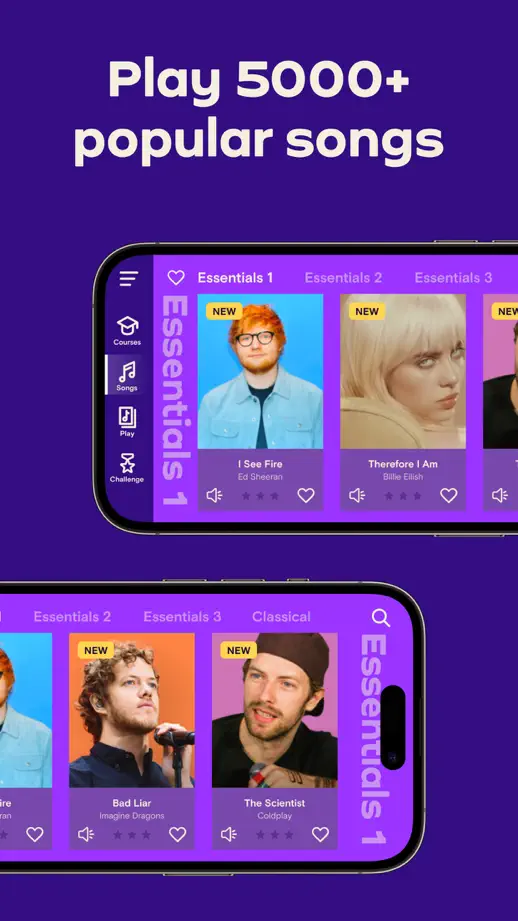
Simply Piano, App Store screenshot 1
Simply Piano, App Store screenshot 2
Simply Piano, App Store screenshot 3
Simply Piano, App Store screenshot 4
Simply Piano, App Store screenshot 5
Simply Piano, App Store screenshot 6

Moises

Music · 9 frames

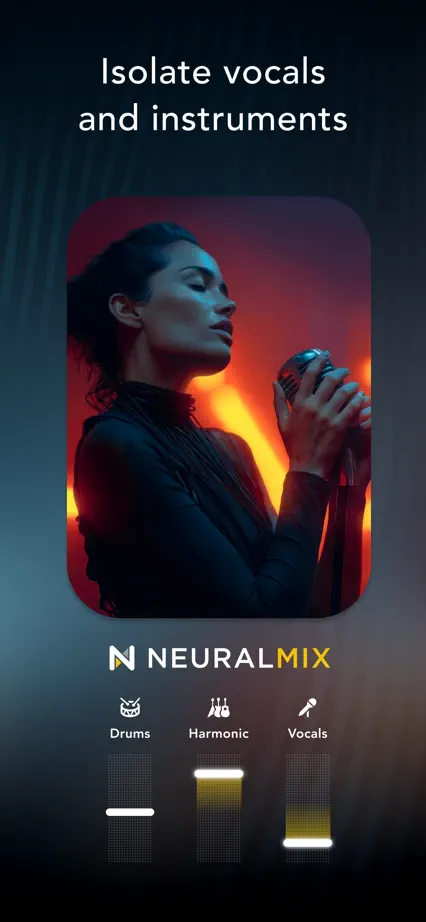
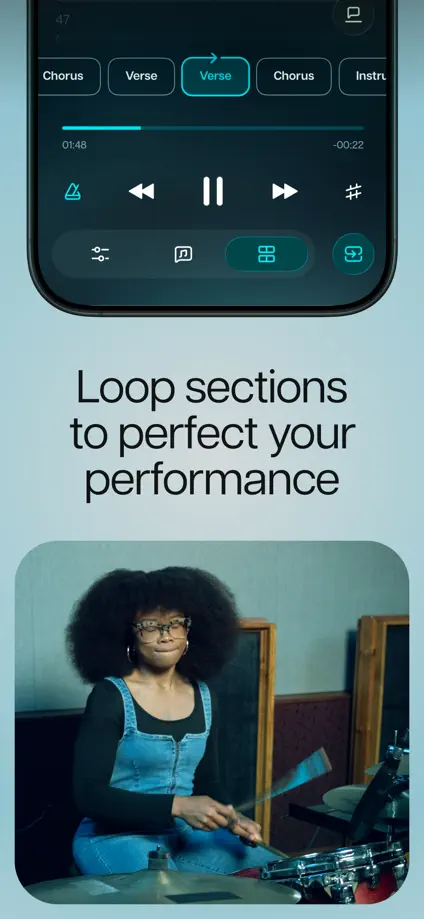
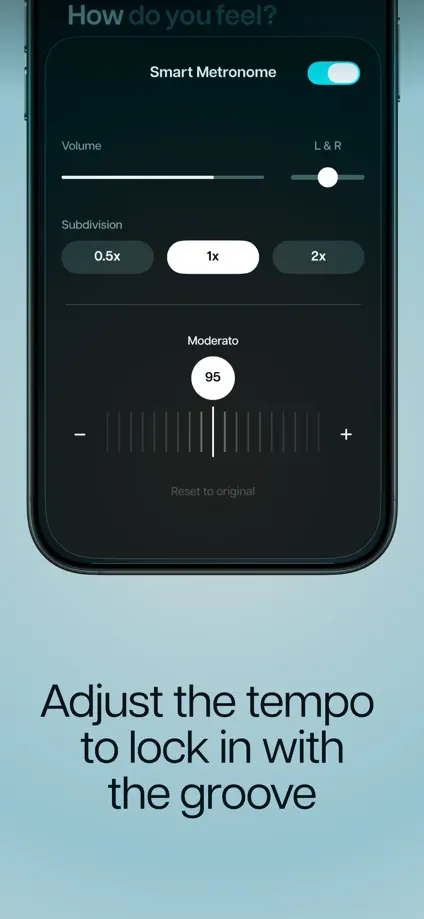
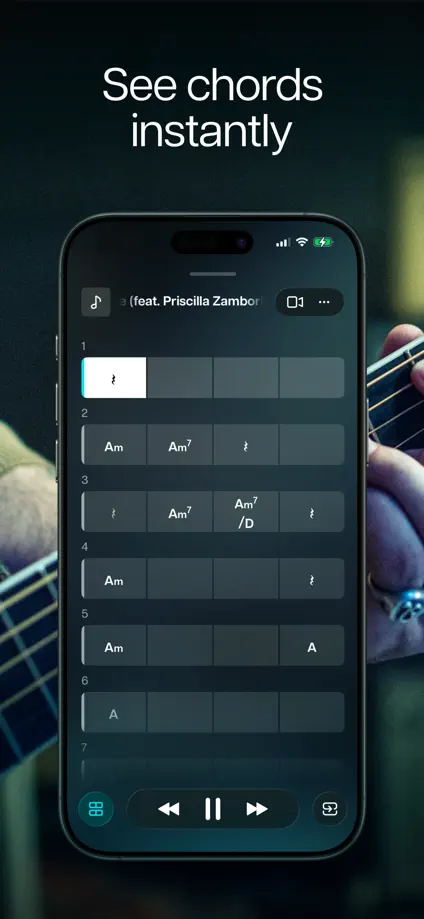
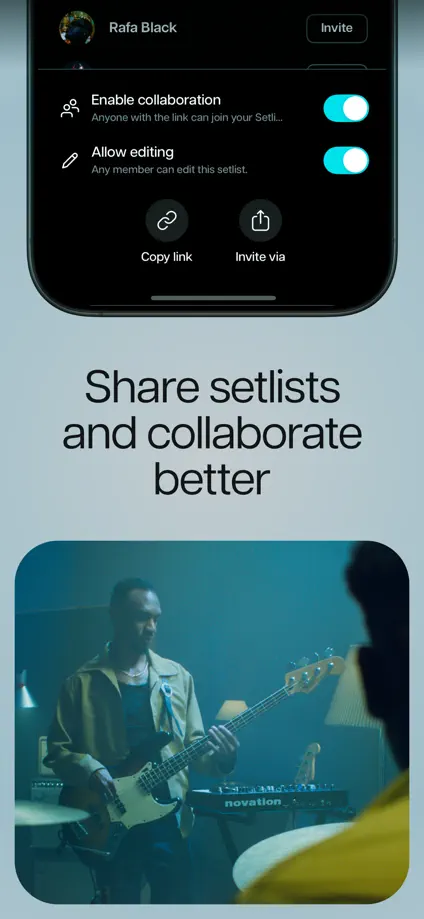
Musician portraits and dark interface crops alternate with pale blue panels, varying both caption placement and device scale.

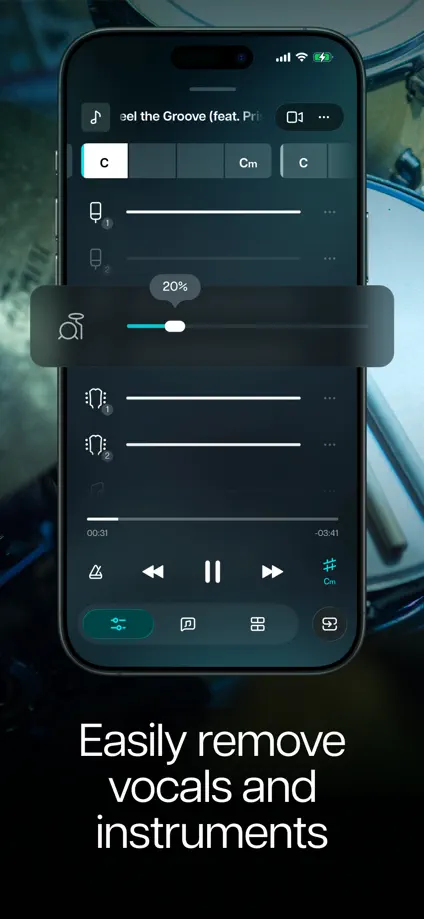
Moises, App Store screenshot 1
Moises, App Store screenshot 2
Moises, App Store screenshot 3
Moises, App Store screenshot 4
Moises, App Store screenshot 5
Moises, App Store screenshot 6
Moises, App Store screenshot 7
Moises, App Store screenshot 8
Moises, App Store screenshot 9

Ableton Note

Music · 7 frames

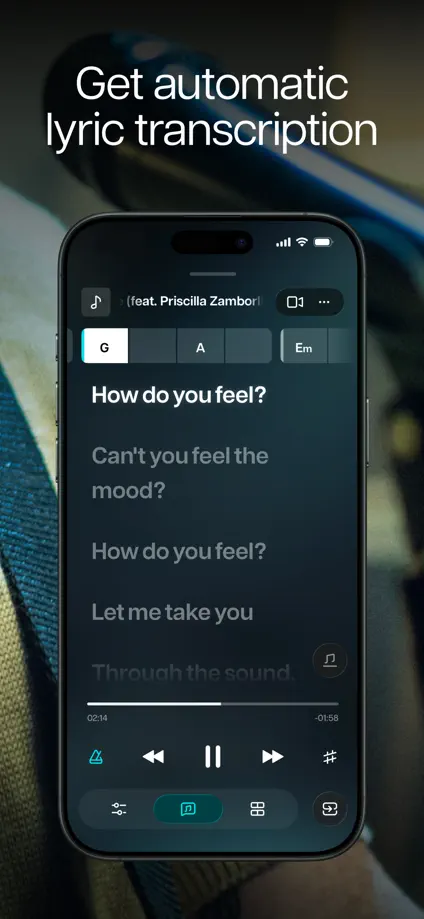
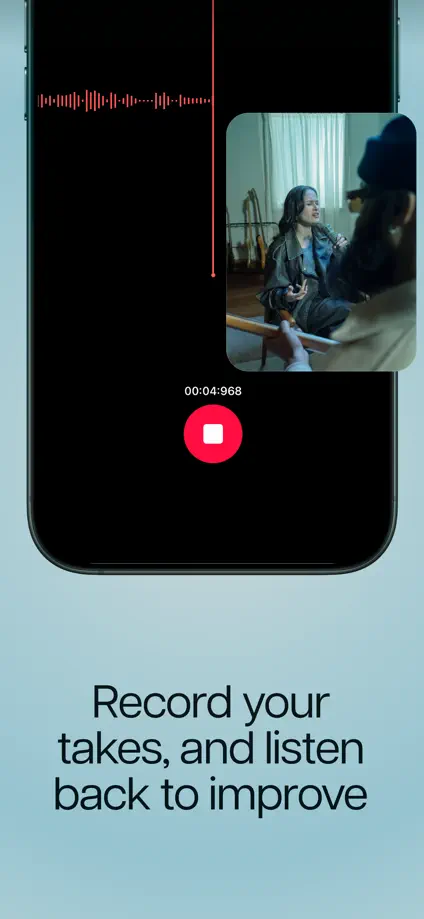
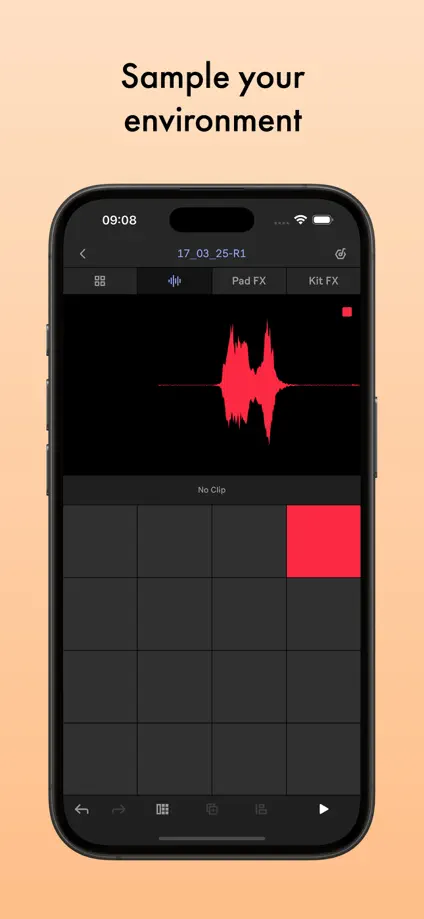
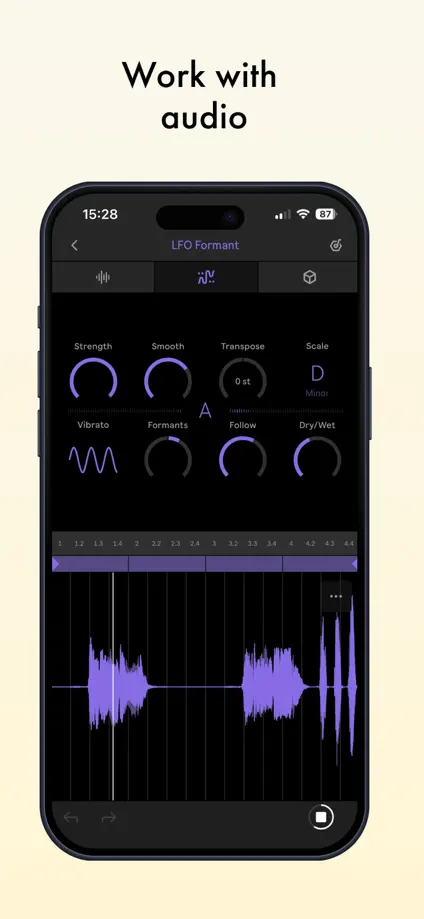
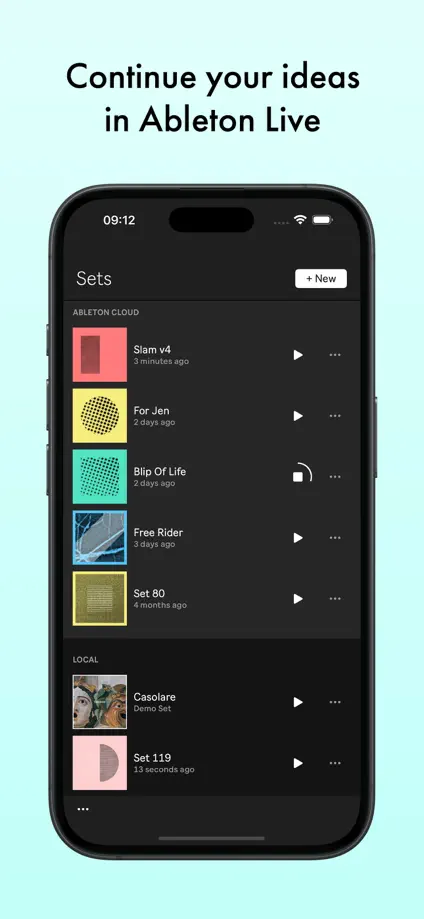
Small centered headings and pastel color changes frame a consistent sequence of dark music-making screens.

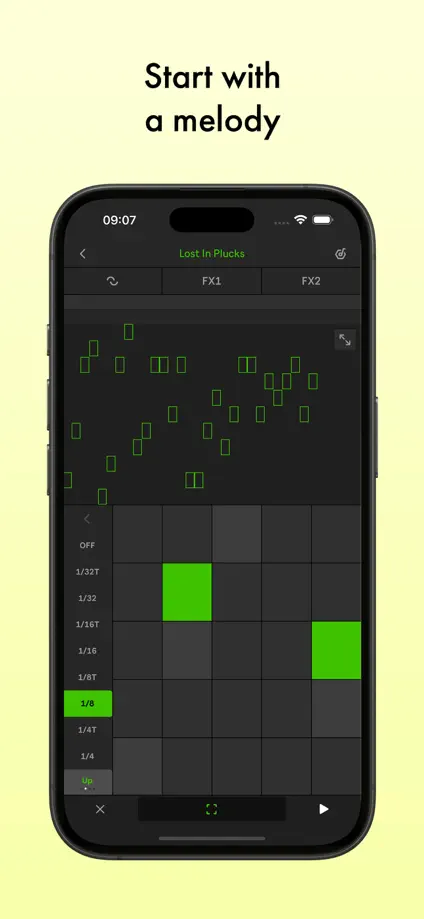
Ableton Note, App Store screenshot 1
Ableton Note, App Store screenshot 2
Ableton Note, App Store screenshot 3
Ableton Note, App Store screenshot 4
Ableton Note, App Store screenshot 5
Ableton Note, App Store screenshot 6
Ableton Note, App Store screenshot 7

Adobe Express

Creativity · 8 frames

Pastel gradients and large editing screens keep finished artwork prominent, with selected controls and objects crossing the device edge.

Adobe Express, App Store screenshot 1
Adobe Express, App Store screenshot 2
Adobe Express, App Store screenshot 3
Adobe Express, App Store screenshot 4
Adobe Express, App Store screenshot 5
Adobe Express, App Store screenshot 6
Adobe Express, App Store screenshot 7
Adobe Express, App Store screenshot 8

Sketchbook

Creativity · 6 frames

A quiet gray frame and repeated device placement let varied illustrations and drawing controls carry the sequence.

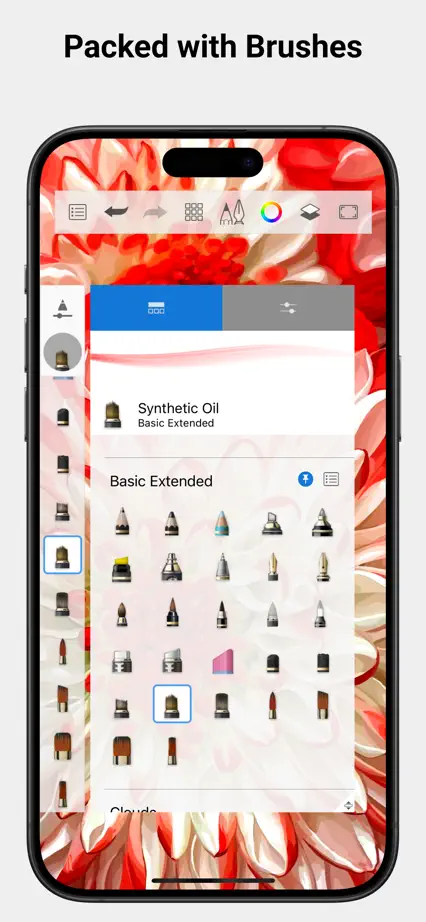
Sketchbook, App Store screenshot 1
Sketchbook, App Store screenshot 2
Sketchbook, App Store screenshot 3
Sketchbook, App Store screenshot 4
Sketchbook, App Store screenshot 5
Sketchbook, App Store screenshot 6

Concepts

Creativity · 10 frames

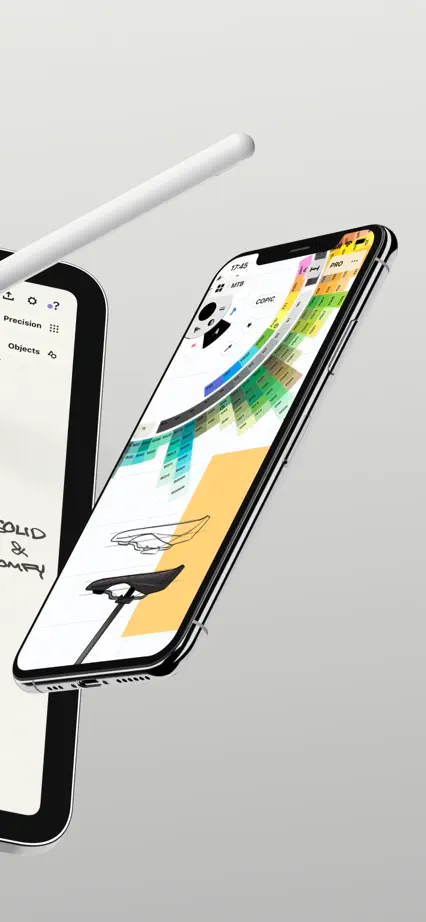
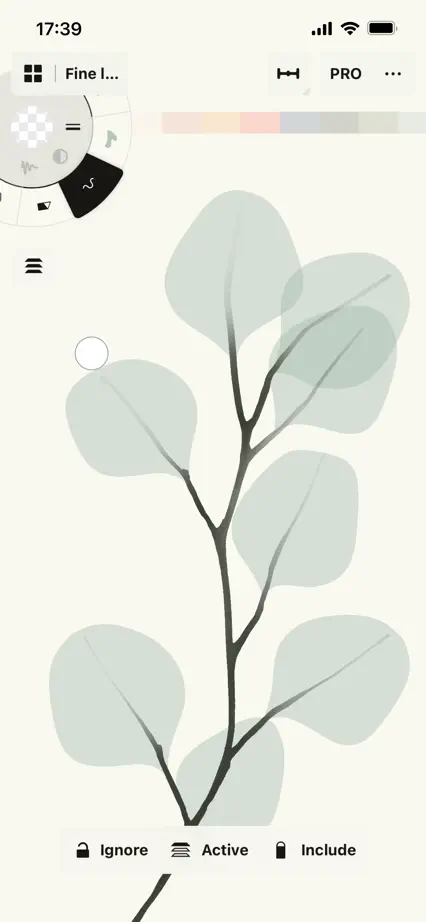
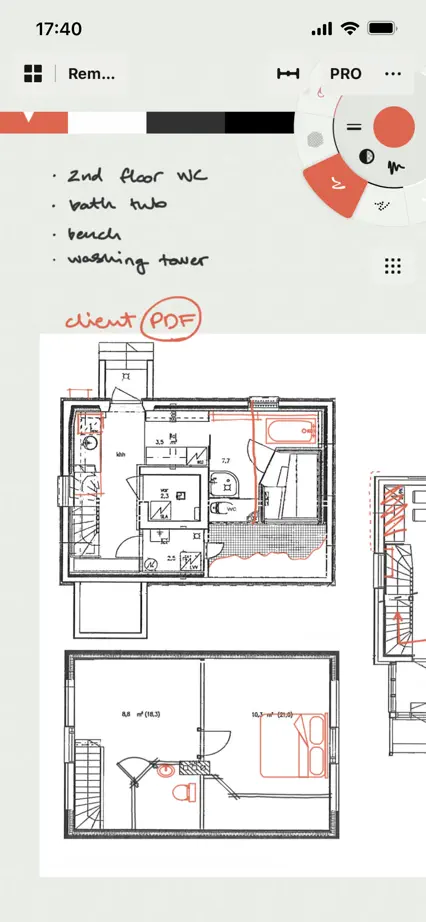
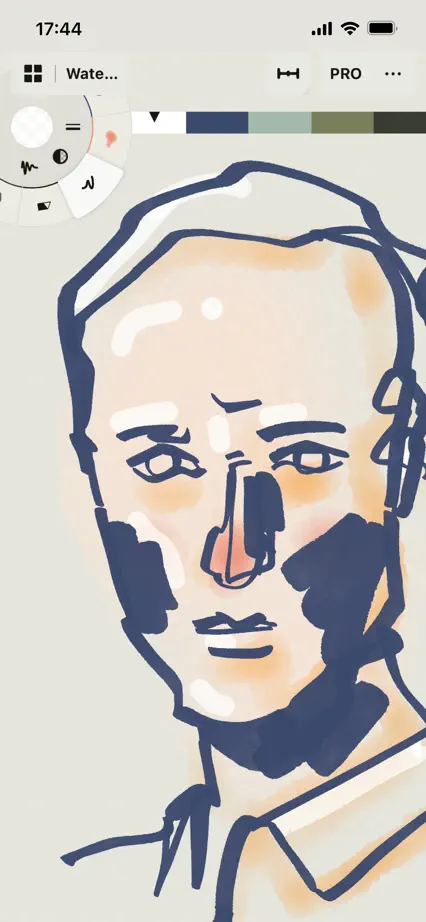
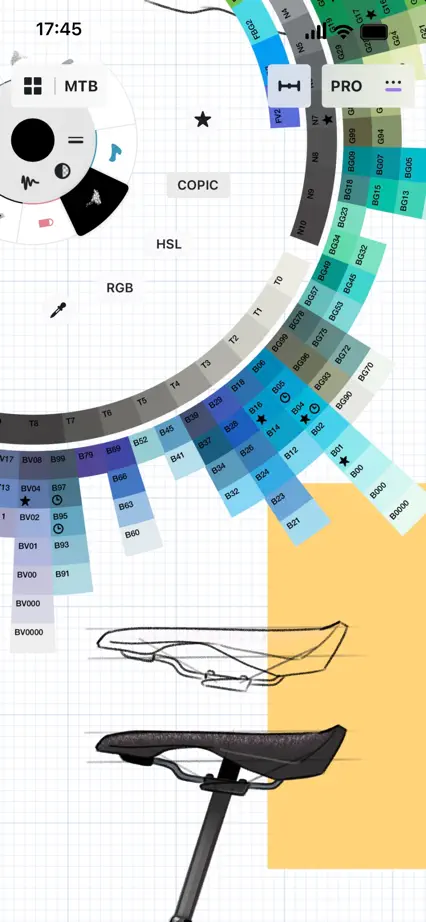
An expansive device composition spans the first three frames, then full-height drawing examples show line, texture and color without captions.
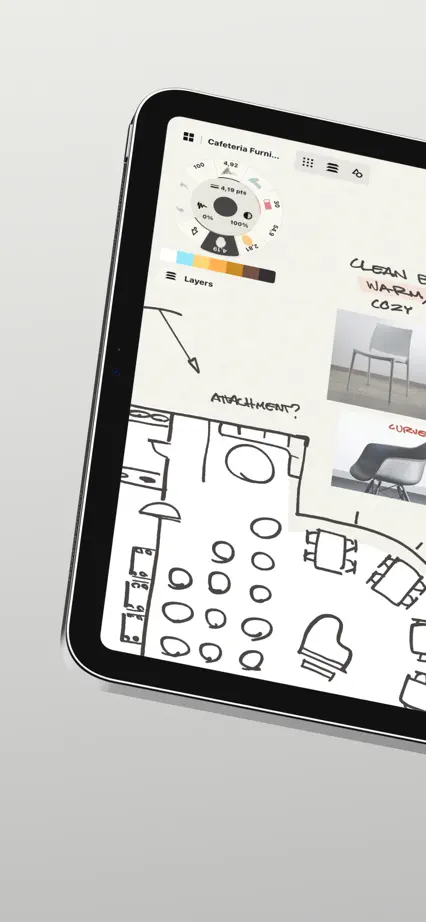
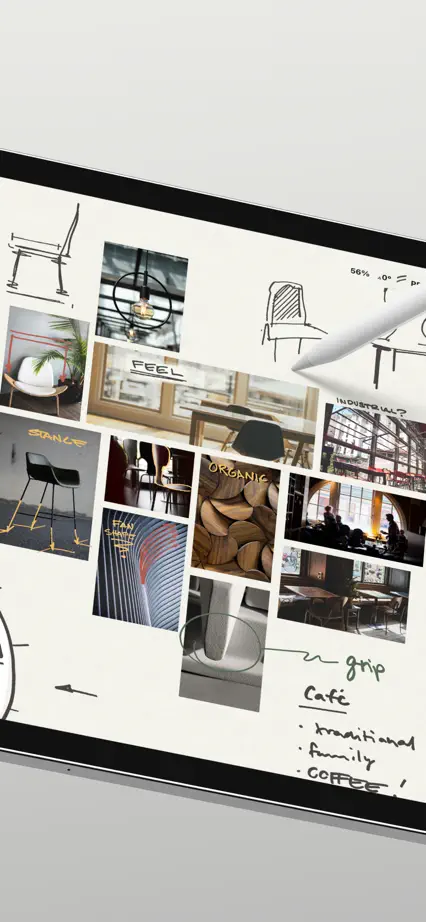
Concepts, App Store screenshot 1
Concepts, App Store screenshot 2
Concepts, App Store screenshot 3
Concepts, App Store screenshot 4
Concepts, App Store screenshot 5
Concepts, App Store screenshot 6
Concepts, App Store screenshot 7
Concepts, App Store screenshot 8
Concepts, App Store screenshot 9
Concepts, App Store screenshot 10

Add to collection

New collection