kit0

App Store screenshots using interface close-ups

104 listings that use interface close-ups, from stitch., Lumino City and Mekorama. Most are shopping, education and business apps.

104 appsShow all

Photomath

Education · 5 frames

Pink, blue and yellow blocks connect transparent device outlines, equation steps and black-and-white student cutouts across the sequence.

Photomath, App Store screenshot 1
Photomath, App Store screenshot 2
Photomath, App Store screenshot 3
Photomath, App Store screenshot 4
Photomath, App Store screenshot 5

Sololearn

Education · 8 frames

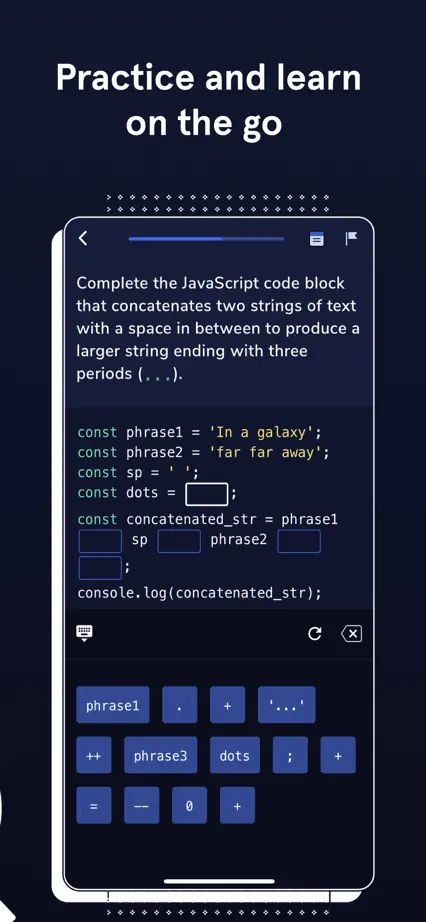
An angled phone spans the opening panels, followed by enlarged code editors, lesson cards and a certificate against a pale illustrated background.

Sololearn, App Store screenshot 1
Sololearn, App Store screenshot 2
Sololearn, App Store screenshot 3
Sololearn, App Store screenshot 4
Sololearn, App Store screenshot 5
Sololearn, App Store screenshot 6
Sololearn, App Store screenshot 7
Sololearn, App Store screenshot 8

Codecademy Go

Education · 5 frames

Navy panels, pale screens and bright yellow accents maintain a consistent coding identity, with cursor illustrations directing attention to specific controls.
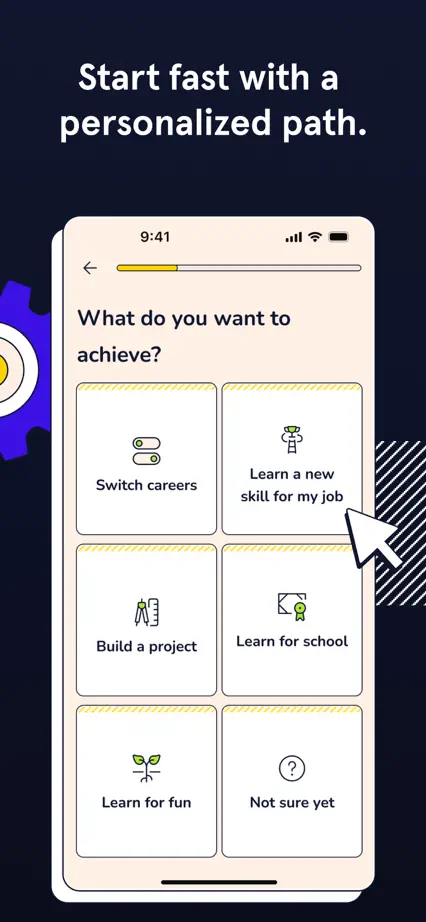

Codecademy Go, App Store screenshot 1
Codecademy Go, App Store screenshot 2
Codecademy Go, App Store screenshot 3
Codecademy Go, App Store screenshot 4
Codecademy Go, App Store screenshot 5

Merlin Bird ID

Education · 8 frames

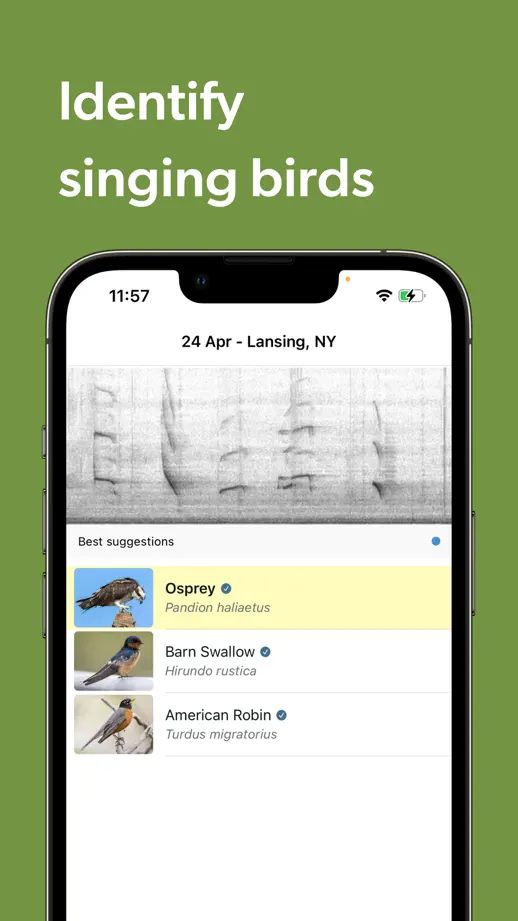
A large bird photograph spans the opening panels, followed by olive-green feature frames showing sound identification, species lists and camera guidance.

Merlin Bird ID, App Store screenshot 1
Merlin Bird ID, App Store screenshot 2
Merlin Bird ID, App Store screenshot 3
Merlin Bird ID, App Store screenshot 4
Merlin Bird ID, App Store screenshot 5
Merlin Bird ID, App Store screenshot 6
Merlin Bird ID, App Store screenshot 7
Merlin Bird ID, App Store screenshot 8

Stellarium Mobile

Education · 10 frames

Dark full-height sky views repeat beneath compact purple headline bars, moving from constellations and planets to detailed observation screens.

Stellarium Mobile, App Store screenshot 1
Stellarium Mobile, App Store screenshot 2
Stellarium Mobile, App Store screenshot 3
Stellarium Mobile, App Store screenshot 4
Stellarium Mobile, App Store screenshot 5
Stellarium Mobile, App Store screenshot 6
Stellarium Mobile, App Store screenshot 7
Stellarium Mobile, App Store screenshot 8
Stellarium Mobile, App Store screenshot 9
Stellarium Mobile, App Store screenshot 10

N26

Finance · 9 frames

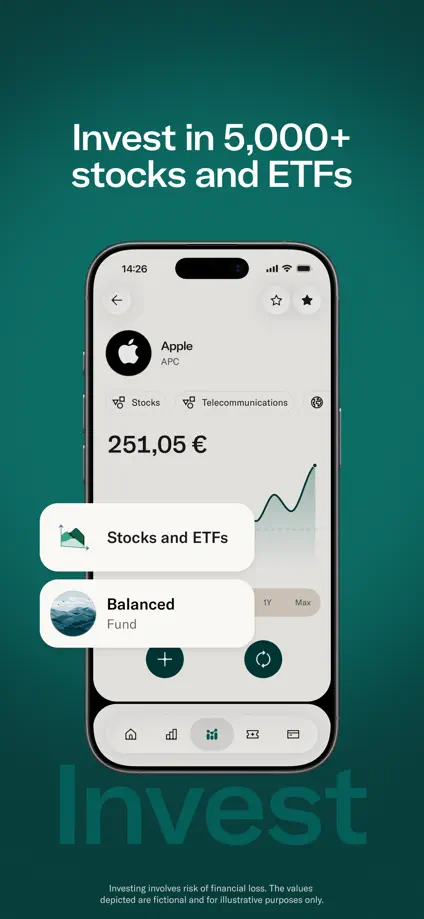
Deep teal panels alternate with lifestyle photographs, while enlarged balance, card and support controls sit in front of the phones.

N26, App Store screenshot 1
N26, App Store screenshot 2
N26, App Store screenshot 3
N26, App Store screenshot 4
N26, App Store screenshot 5
N26, App Store screenshot 6
N26, App Store screenshot 7
N26, App Store screenshot 8
N26, App Store screenshot 9

bunq

Finance · 10 frames

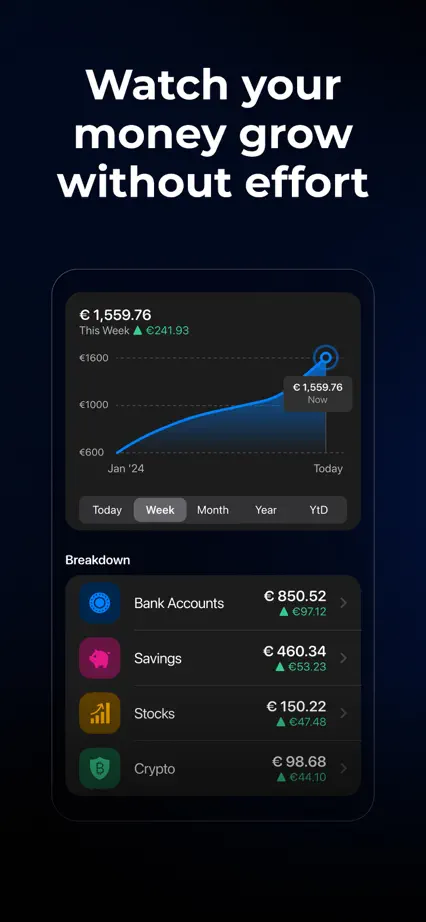
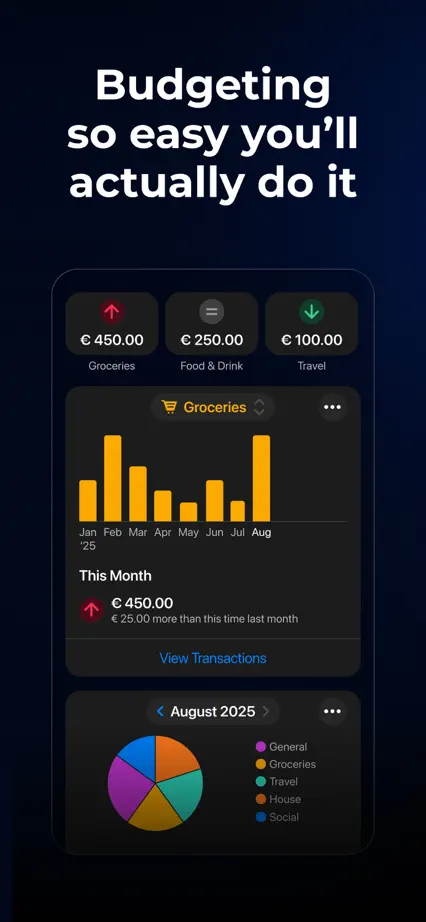
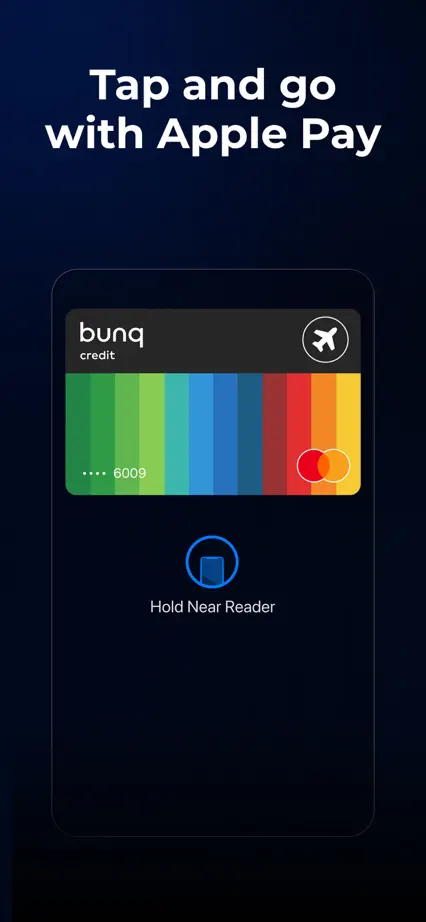
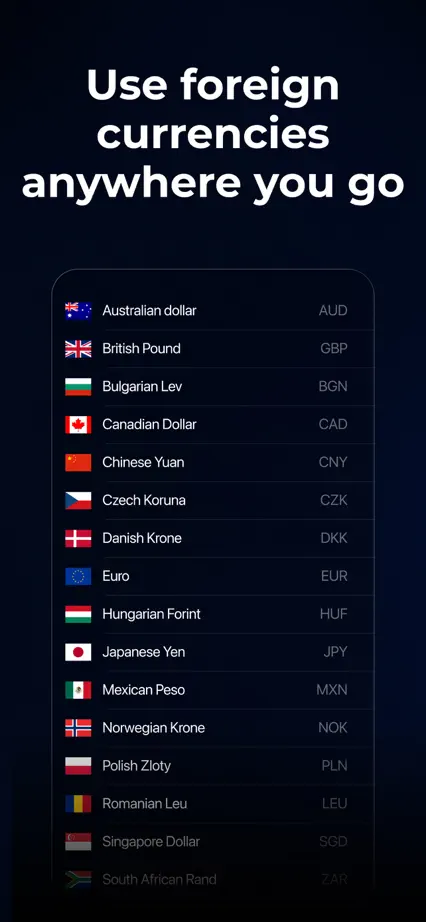
A dark blue sequence uses brightly colored charts and card artwork, interrupting the interface tour with two full-height lifestyle photographs.

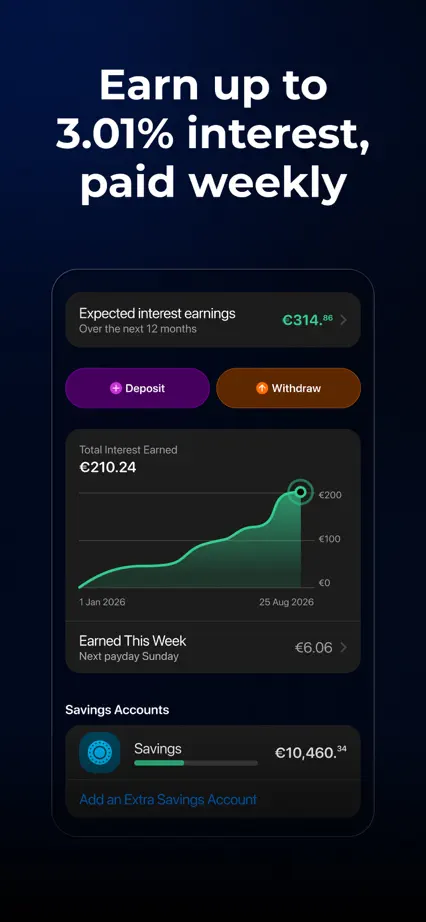
bunq, App Store screenshot 1
bunq, App Store screenshot 2
bunq, App Store screenshot 3
bunq, App Store screenshot 4
bunq, App Store screenshot 5
bunq, App Store screenshot 6
bunq, App Store screenshot 7
bunq, App Store screenshot 8
bunq, App Store screenshot 9
bunq, App Store screenshot 10

Wealthsimple

Finance · 7 frames

Small serif headings and pale backgrounds repeat above large white phone crops, mixing account screens with simple dimensional coin and card imagery.

Wealthsimple, App Store screenshot 1
Wealthsimple, App Store screenshot 2
Wealthsimple, App Store screenshot 3
Wealthsimple, App Store screenshot 4
Wealthsimple, App Store screenshot 5
Wealthsimple, App Store screenshot 6
Wealthsimple, App Store screenshot 7

Fidelity Investments

Finance · 8 frames

Two-tone green backgrounds and repeated white screen crops organize a straightforward feature tour from account overview to trading and support.

Fidelity Investments, App Store screenshot 1
Fidelity Investments, App Store screenshot 2
Fidelity Investments, App Store screenshot 3
Fidelity Investments, App Store screenshot 4
Fidelity Investments, App Store screenshot 5
Fidelity Investments, App Store screenshot 6
Fidelity Investments, App Store screenshot 7
Fidelity Investments, App Store screenshot 8

Rocket Money

Finance · 7 frames

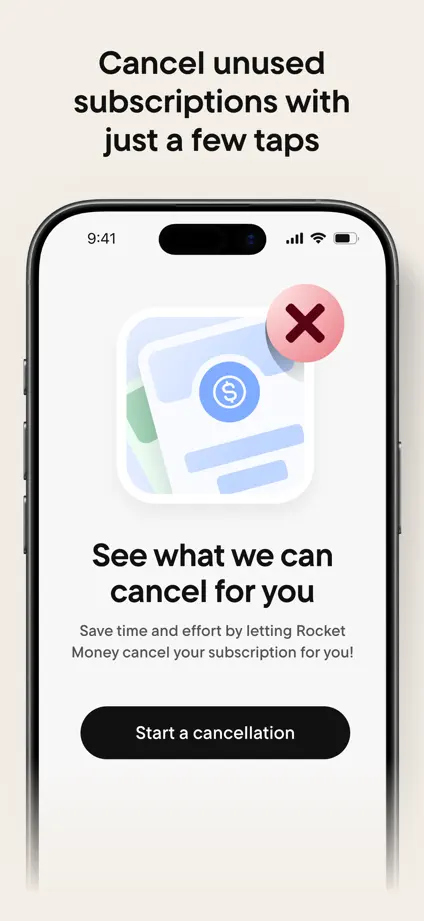
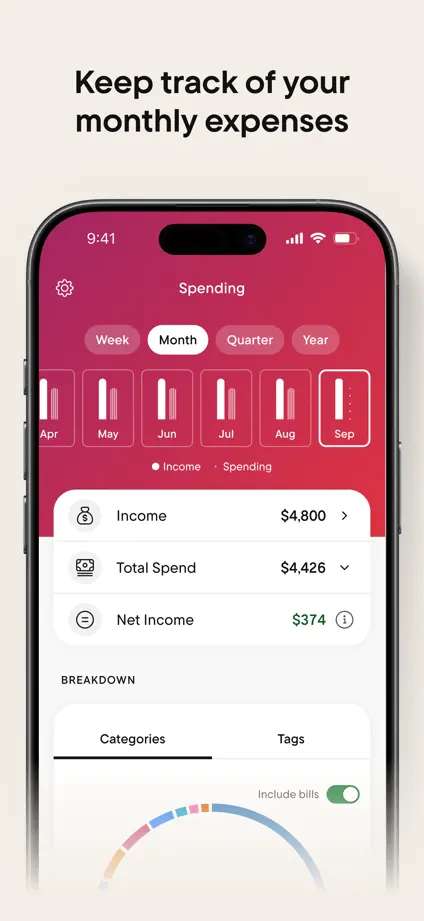
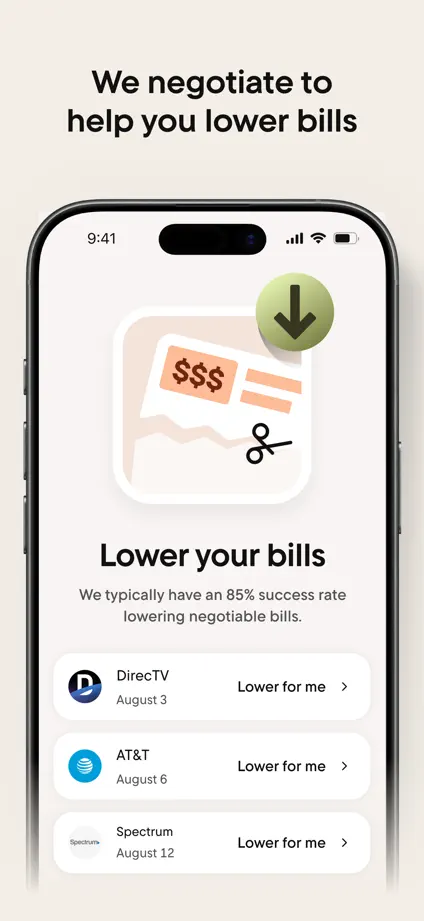
A magenta opening gives way to pale feature panels, pairing large phone crops with small dimensional illustrations and enlarged transaction cards.

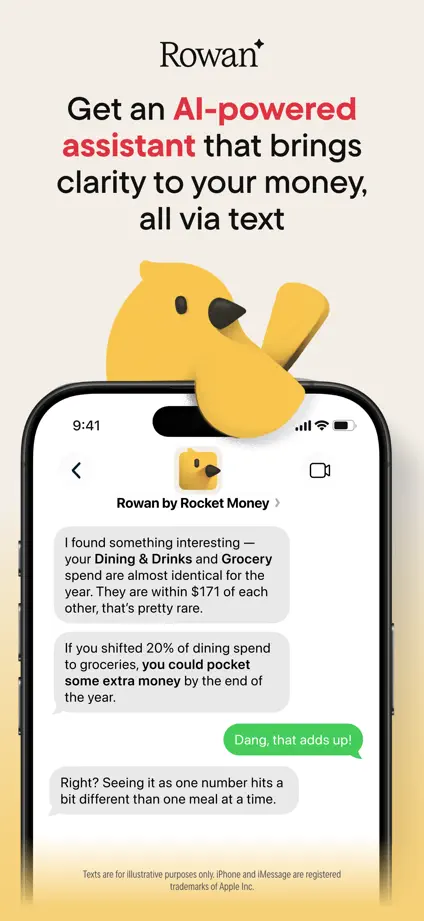
Rocket Money, App Store screenshot 1
Rocket Money, App Store screenshot 2
Rocket Money, App Store screenshot 3
Rocket Money, App Store screenshot 4
Rocket Money, App Store screenshot 5
Rocket Money, App Store screenshot 6
Rocket Money, App Store screenshot 7

Emma

Finance · 5 frames

Navy panels, turquoise heading emphasis and purple interface accents create a consistent contrast, ending with a separate press-logo frame.

Emma, App Store screenshot 1
Emma, App Store screenshot 2
Emma, App Store screenshot 3
Emma, App Store screenshot 4
Emma, App Store screenshot 5

Square Point of Sale

Business · 8 frames

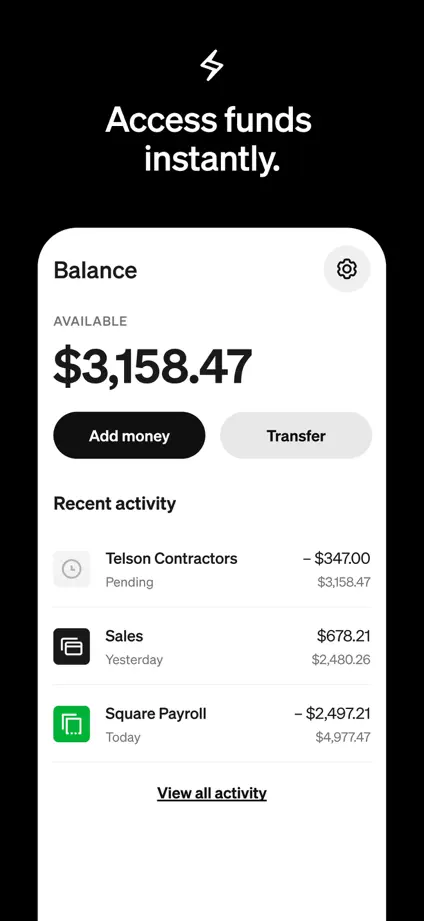
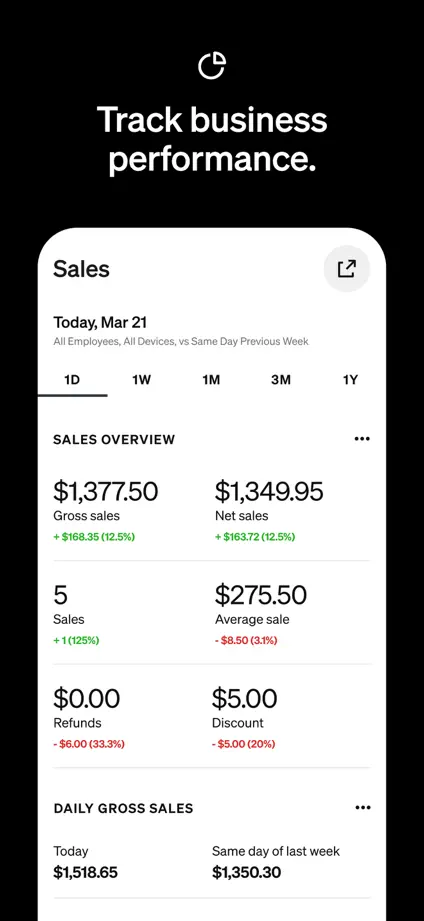
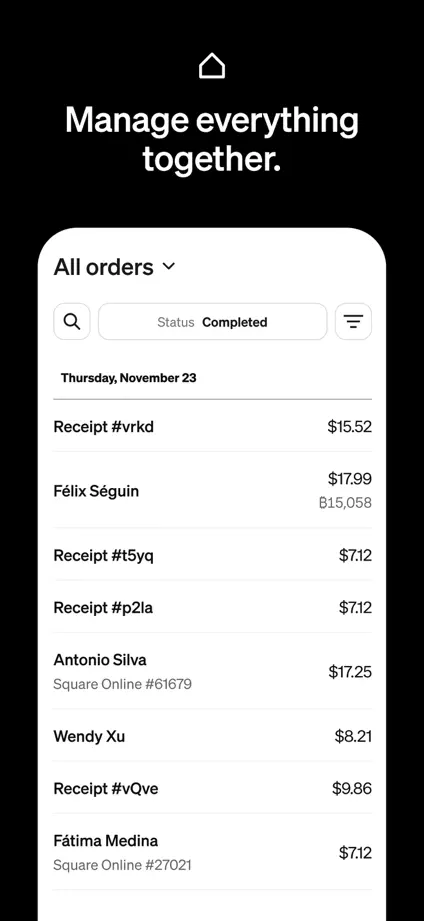
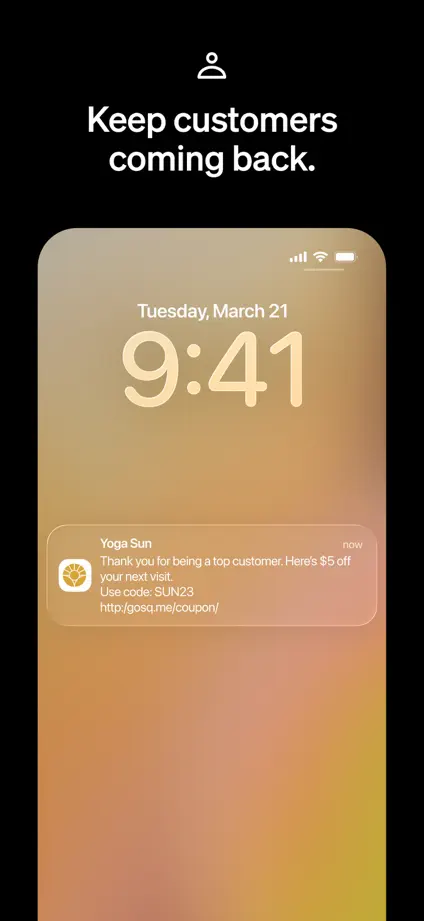
A payment photograph opens the set before black panels and large white interface crops give each business task a clear, consistent presentation.
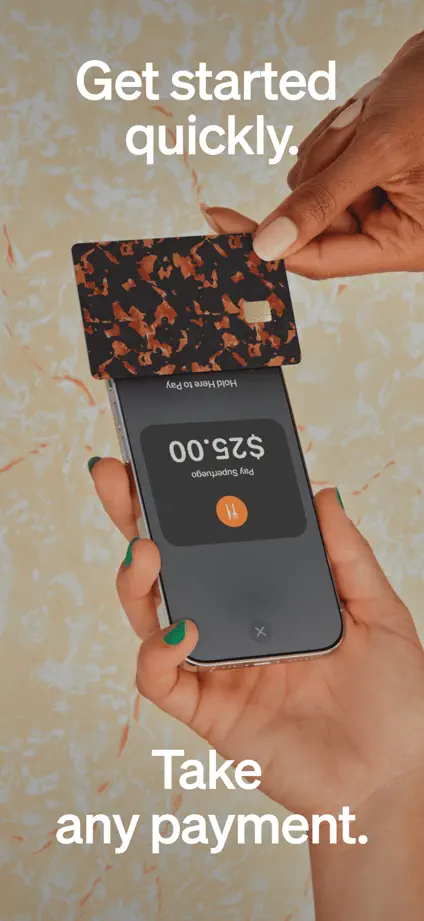
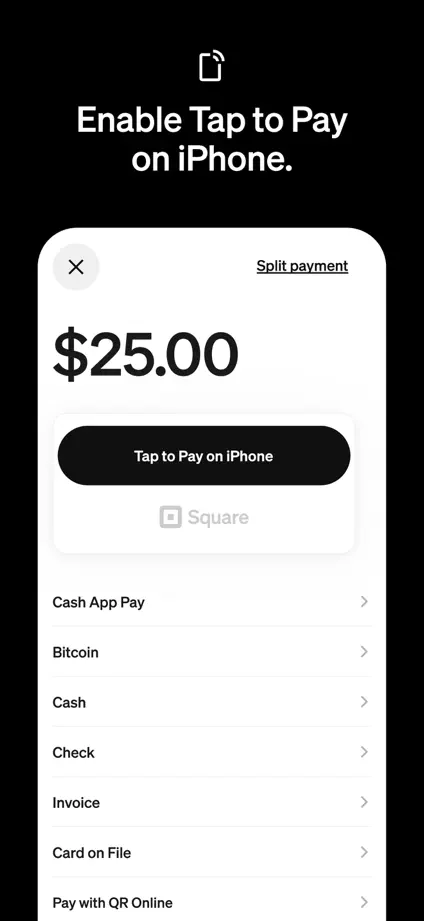
Square Point of Sale, App Store screenshot 1
Square Point of Sale, App Store screenshot 2
Square Point of Sale, App Store screenshot 3
Square Point of Sale, App Store screenshot 4
Square Point of Sale, App Store screenshot 5
Square Point of Sale, App Store screenshot 6
Square Point of Sale, App Store screenshot 7
Square Point of Sale, App Store screenshot 8

Add to collection

New collection