kit0

App Store screenshots using interface close-ups

104 listings that use interface close-ups, from stitch., Lumino City and Mekorama. Most are shopping, education and business apps.

104 appsShow all

Footpath

Navigation · 8 frames

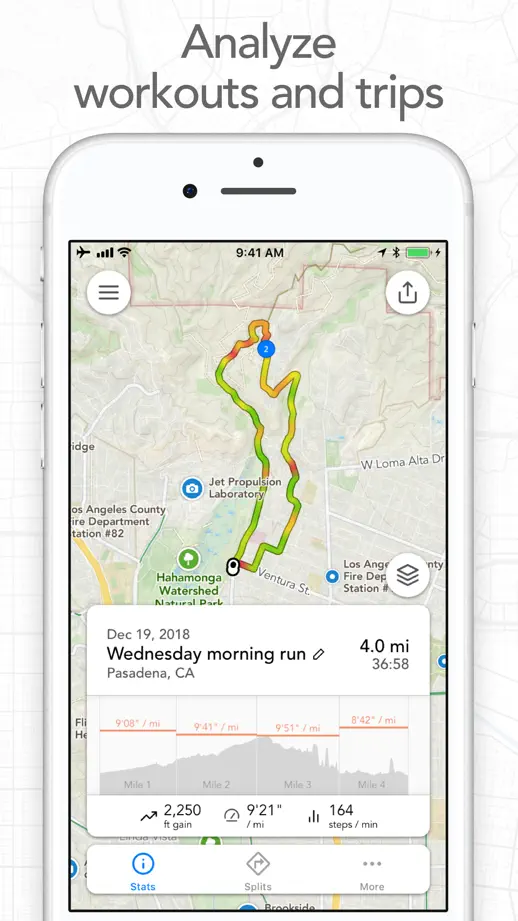
White backgrounds and fine map lines support close interface views, with a pointing hand, paired watches and terrain imagery explaining different interactions.
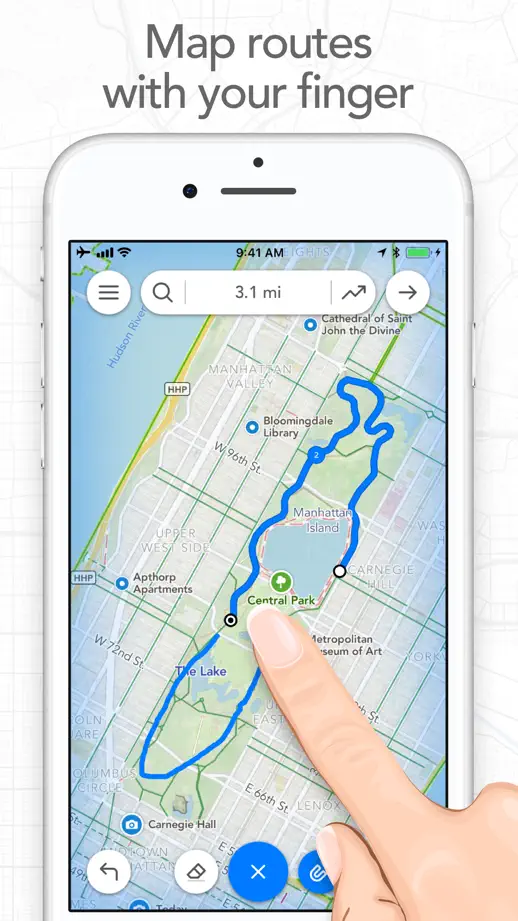
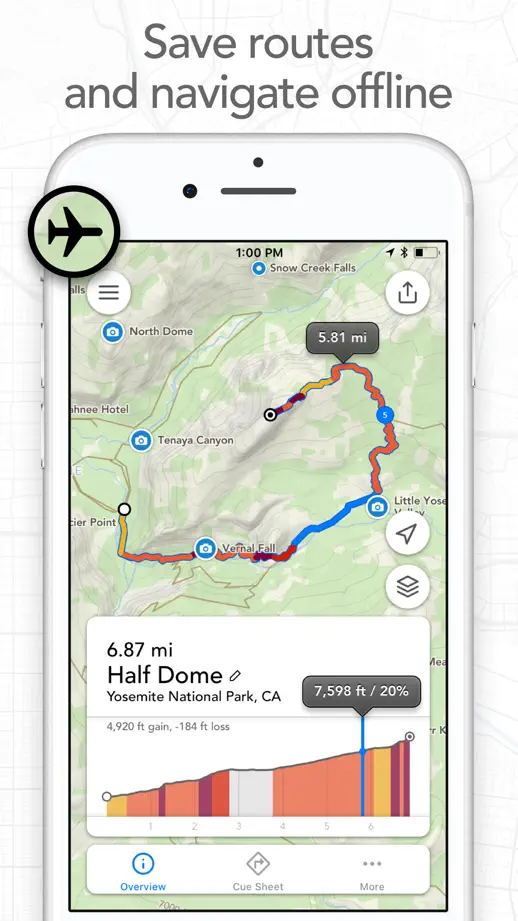
Footpath, App Store screenshot 1
Footpath, App Store screenshot 2
Footpath, App Store screenshot 3
Footpath, App Store screenshot 4
Footpath, App Store screenshot 5
Footpath, App Store screenshot 6
Footpath, App Store screenshot 7
Footpath, App Store screenshot 8

onX Hunt

Navigation · 10 frames

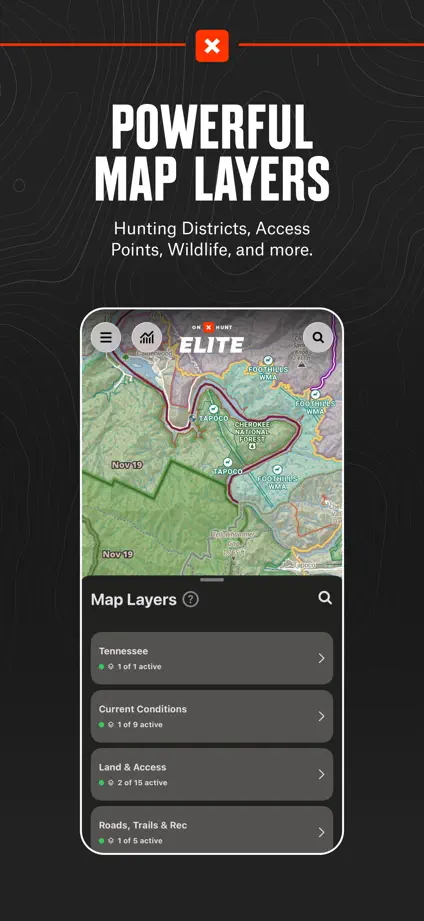
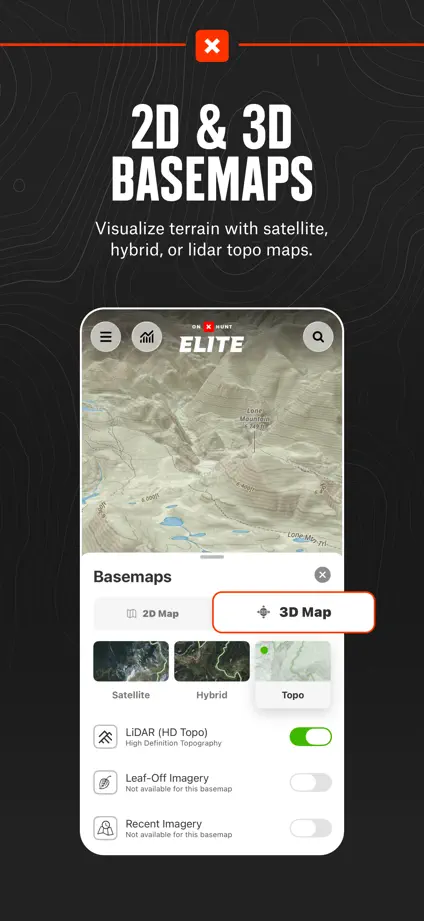
Condensed white headings on charcoal panels establish a consistent feature tour, with map layers and selected controls enlarged outside the phones.

onX Hunt, App Store screenshot 1
onX Hunt, App Store screenshot 2
onX Hunt, App Store screenshot 3
onX Hunt, App Store screenshot 4
onX Hunt, App Store screenshot 5
onX Hunt, App Store screenshot 6
onX Hunt, App Store screenshot 7
onX Hunt, App Store screenshot 8
onX Hunt, App Store screenshot 9
onX Hunt, App Store screenshot 10

MAPS.ME

Navigation · 7 frames

Outdoor photographs introduce the maps, while oversized route controls, location markers and interface cards bring individual tools forward.

MAPS.ME, App Store screenshot 1
MAPS.ME, App Store screenshot 2
MAPS.ME, App Store screenshot 3
MAPS.ME, App Store screenshot 4
MAPS.ME, App Store screenshot 5
MAPS.ME, App Store screenshot 6
MAPS.ME, App Store screenshot 7

NFL

Sports · 9 frames

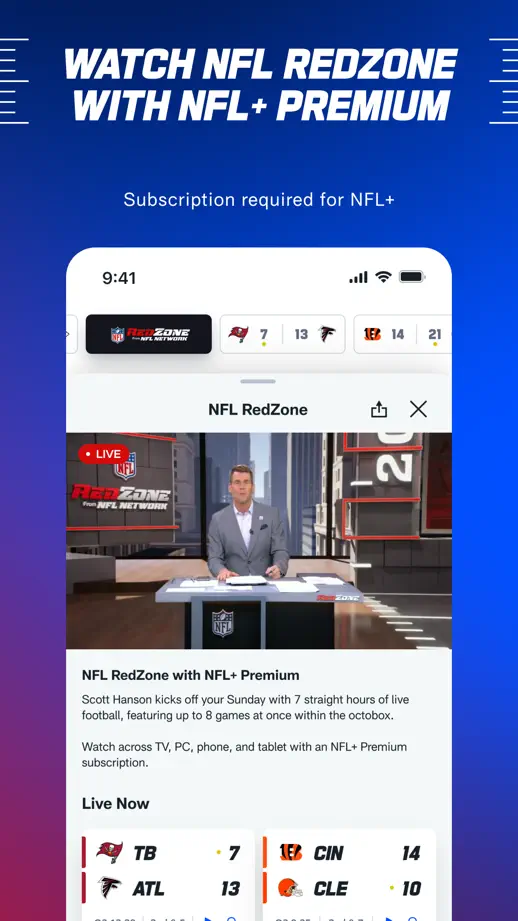
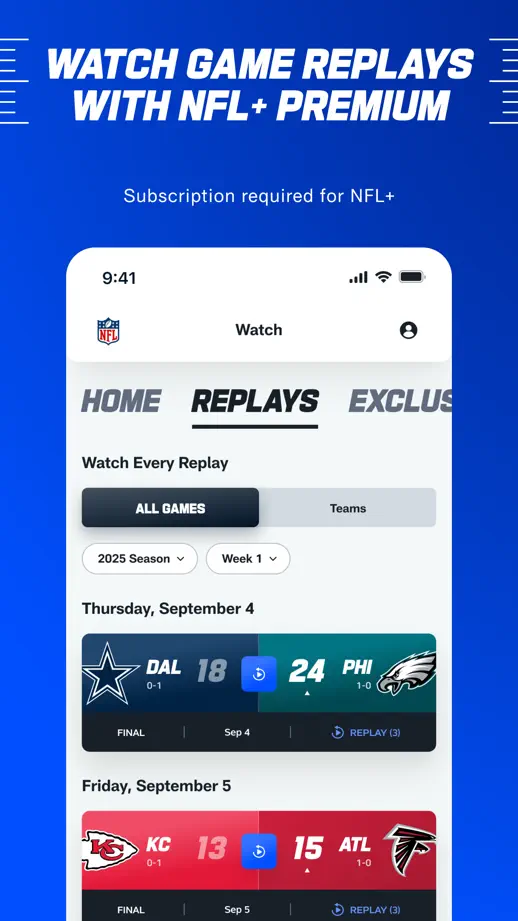
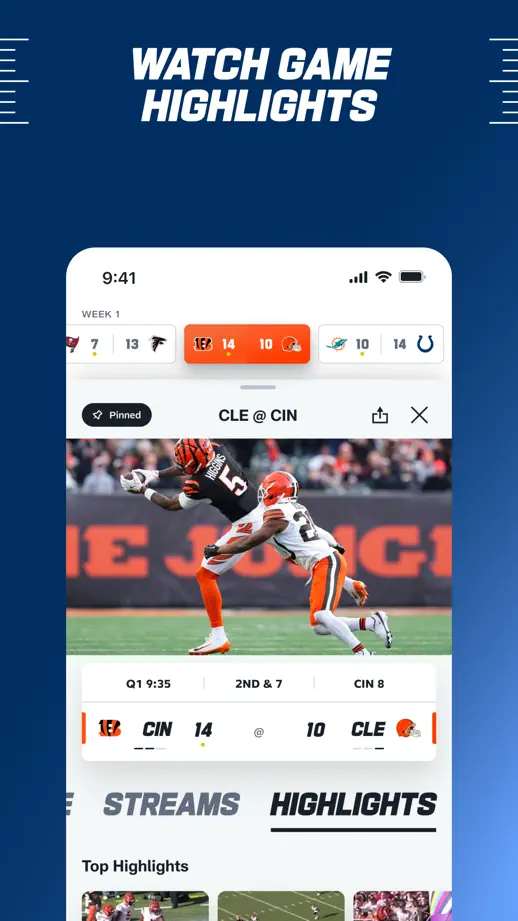
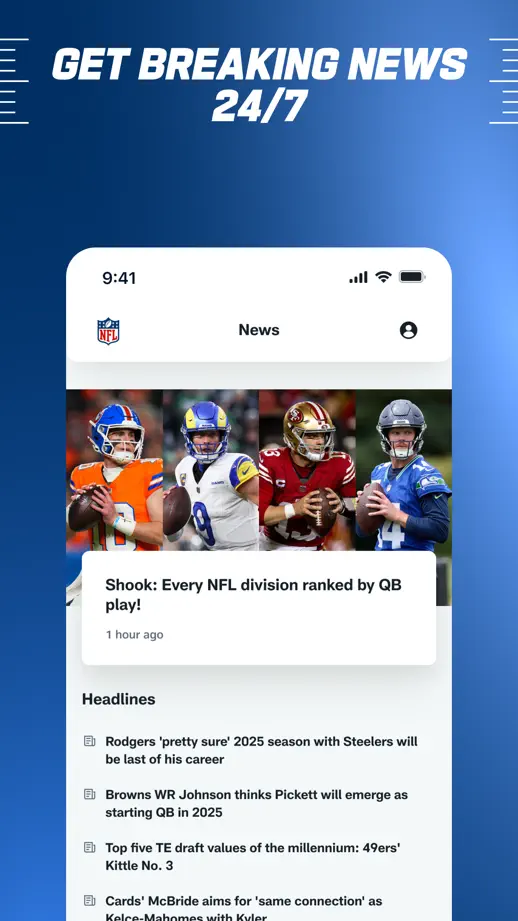
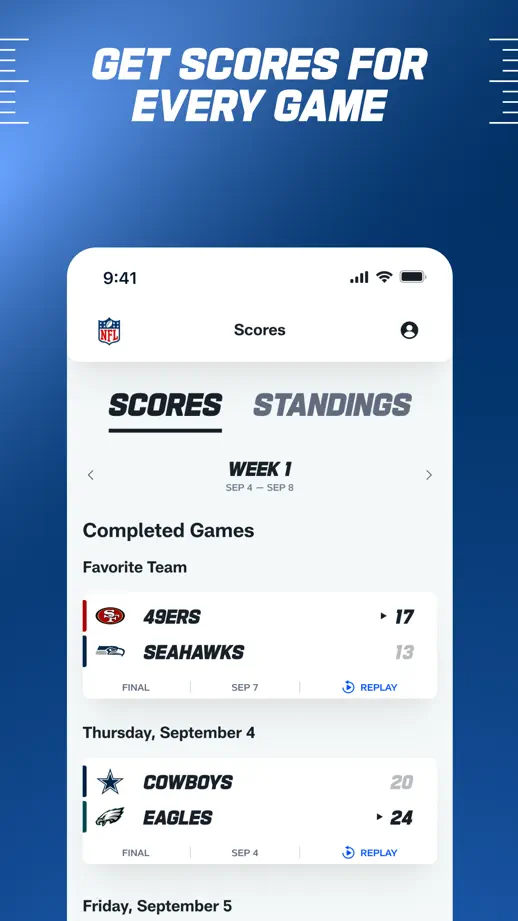
Athlete cutouts lead into a repeated blue feature tour, using cropped white screens and slanted uppercase headings to sustain the sports identity.

NFL, App Store screenshot 1
NFL, App Store screenshot 2
NFL, App Store screenshot 3
NFL, App Store screenshot 4
NFL, App Store screenshot 5
NFL, App Store screenshot 6
NFL, App Store screenshot 7
NFL, App Store screenshot 8
NFL, App Store screenshot 9

FotMob

Sports · 10 frames

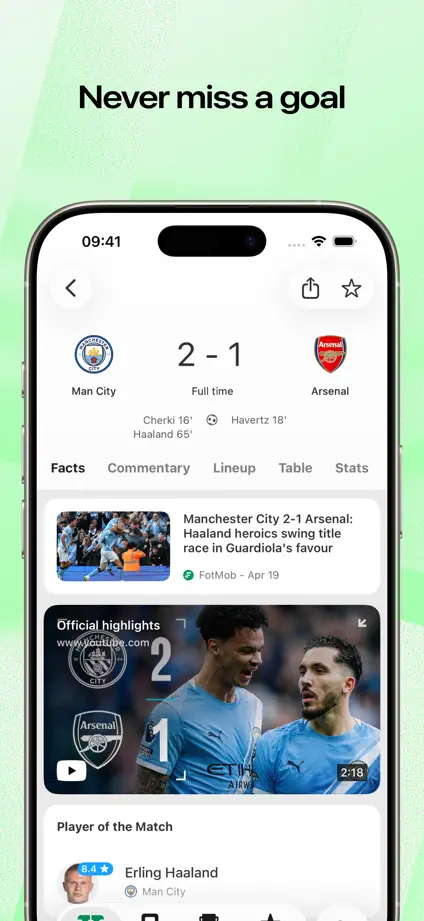
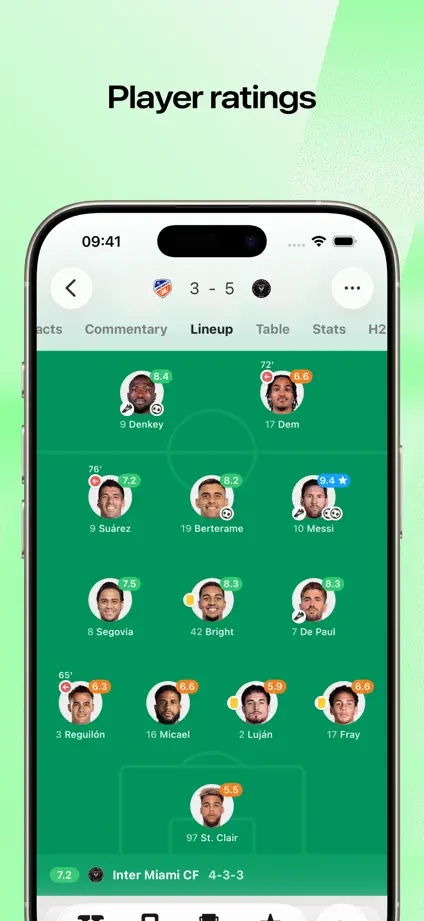
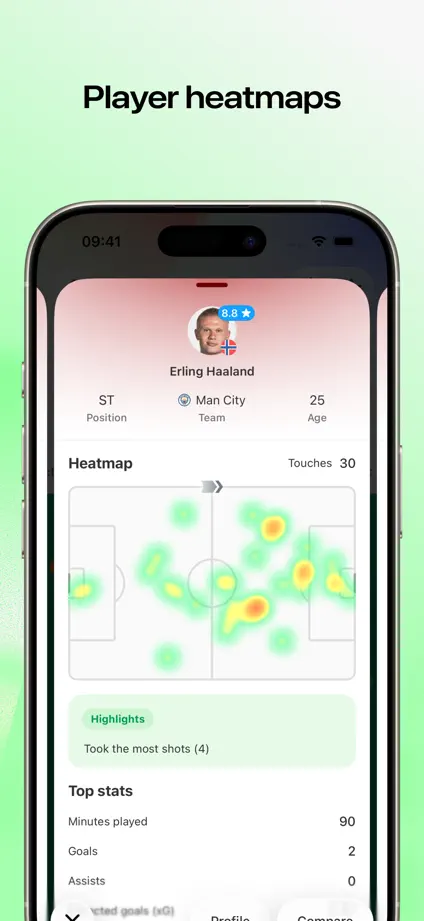
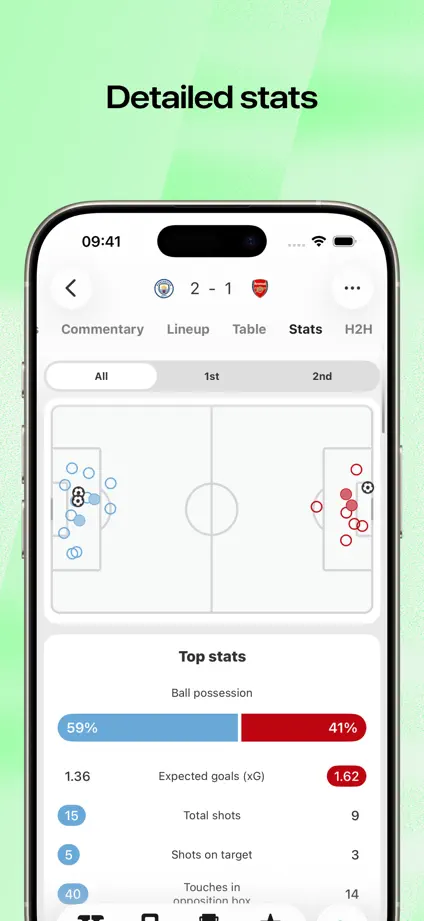
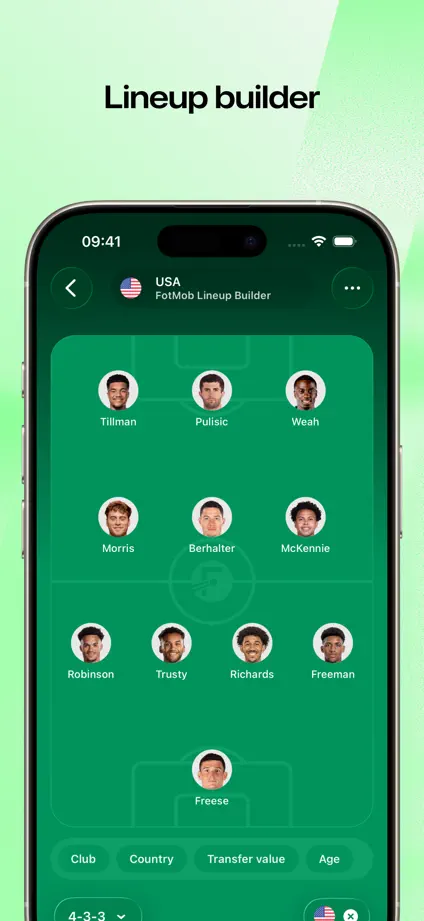
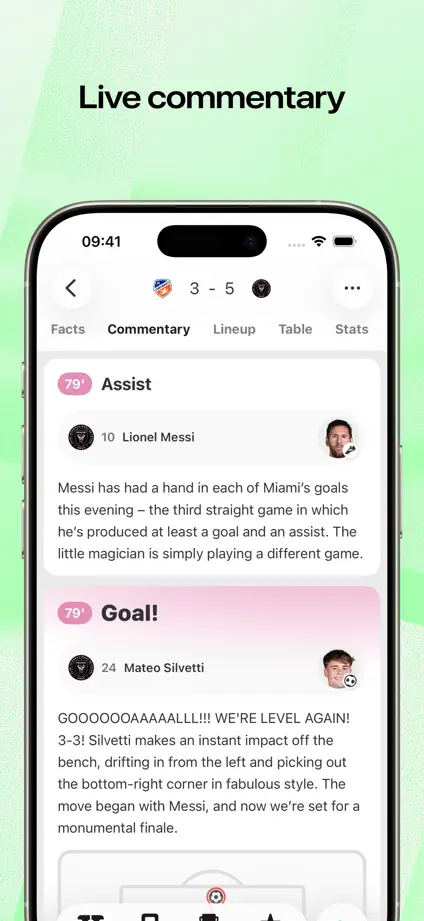
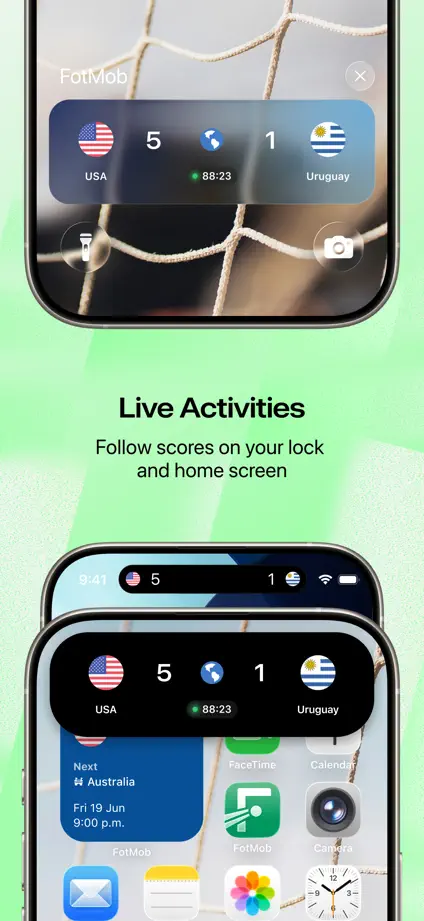
Pale green backgrounds support large phone crops, with live-activity and widget examples breaking up the run of scores, lineups and statistics.
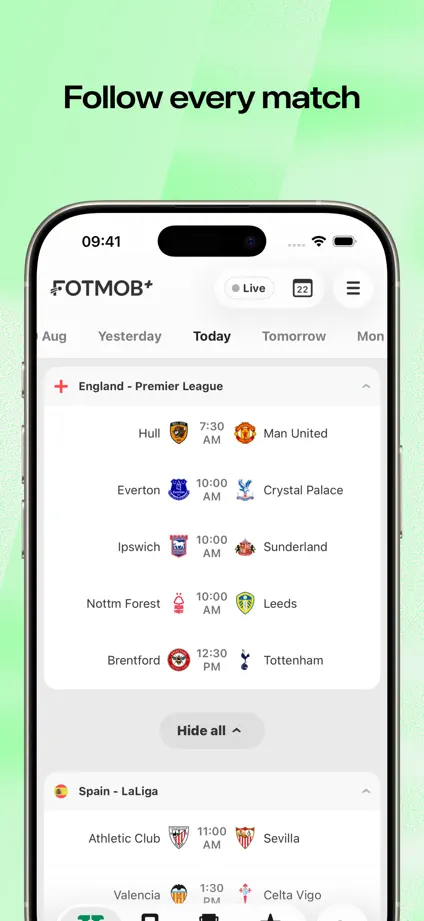
FotMob, App Store screenshot 1
FotMob, App Store screenshot 2
FotMob, App Store screenshot 3
FotMob, App Store screenshot 4
FotMob, App Store screenshot 5
FotMob, App Store screenshot 6
FotMob, App Store screenshot 7
FotMob, App Store screenshot 8
FotMob, App Store screenshot 9
FotMob, App Store screenshot 10

SwingVision

Sports · 10 frames

Bright green backgrounds contrast with dark sports screens, with court views, statistics and charts enlarged into floating detail panels.

SwingVision, App Store screenshot 1
SwingVision, App Store screenshot 2
SwingVision, App Store screenshot 3
SwingVision, App Store screenshot 4
SwingVision, App Store screenshot 5
SwingVision, App Store screenshot 6
SwingVision, App Store screenshot 7
SwingVision, App Store screenshot 8
SwingVision, App Store screenshot 9
SwingVision, App Store screenshot 10

Babbel

Education · 8 frames

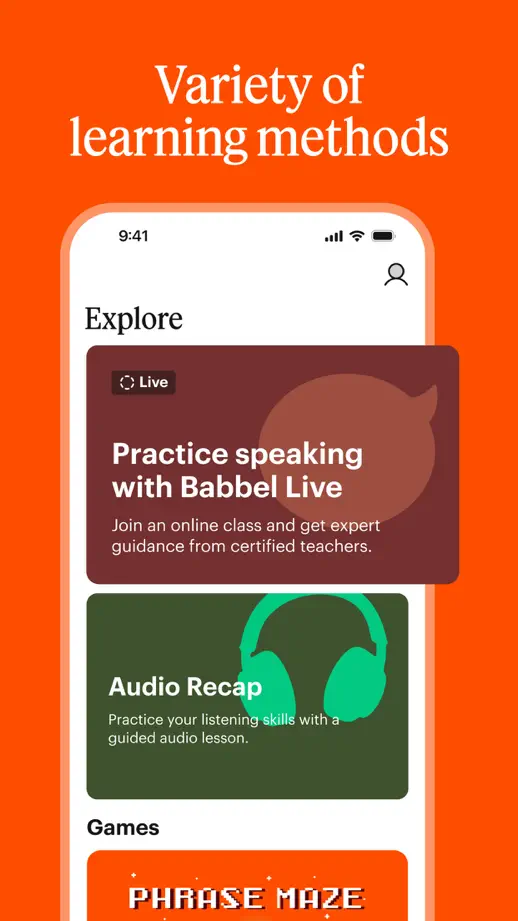
A typographic opening leads into alternating orange and cream panels, with serif headings and pulled-out lesson cards maintaining a clear hierarchy.

Babbel, App Store screenshot 1
Babbel, App Store screenshot 2
Babbel, App Store screenshot 3
Babbel, App Store screenshot 4
Babbel, App Store screenshot 5
Babbel, App Store screenshot 6
Babbel, App Store screenshot 7
Babbel, App Store screenshot 8

Lingvist

Education · 9 frames

Alternating purple and blue panels repeat an upright phone, with rounded background blocks echoing the icon and selected lesson details pulled forward.

Lingvist, App Store screenshot 1
Lingvist, App Store screenshot 2
Lingvist, App Store screenshot 3
Lingvist, App Store screenshot 4
Lingvist, App Store screenshot 5
Lingvist, App Store screenshot 6
Lingvist, App Store screenshot 7
Lingvist, App Store screenshot 8
Lingvist, App Store screenshot 9

ELSA Speak

Education · 9 frames

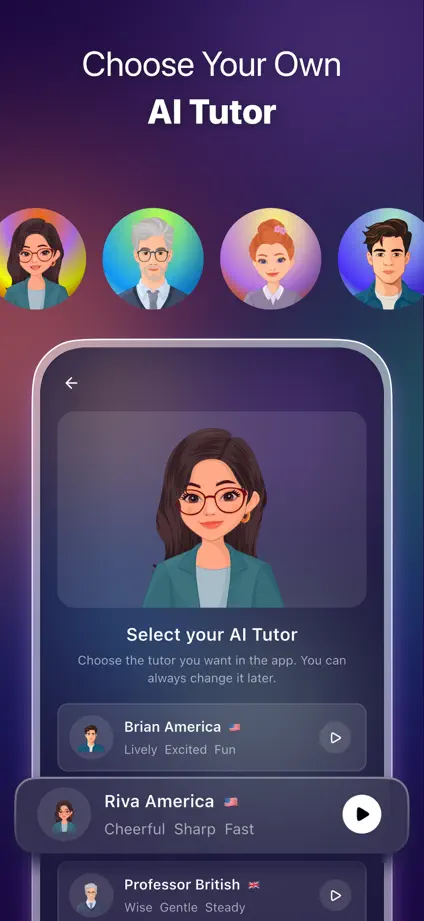
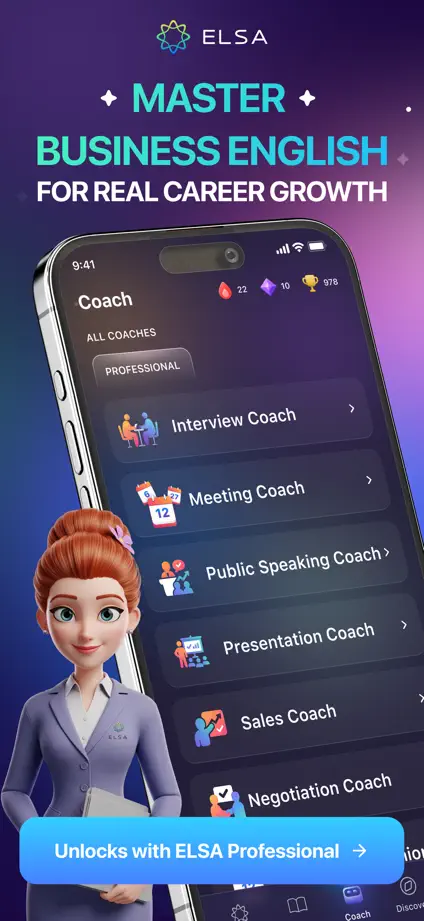
Dark purple panels connect dimensional tutor characters, angled devices and close-up coaching screens, ending with comparison and company-logo panels.
ELSA Speak, App Store screenshot 1
ELSA Speak, App Store screenshot 2
ELSA Speak, App Store screenshot 3
ELSA Speak, App Store screenshot 4
ELSA Speak, App Store screenshot 5
ELSA Speak, App Store screenshot 6
ELSA Speak, App Store screenshot 7
ELSA Speak, App Store screenshot 8
ELSA Speak, App Store screenshot 9

HelloTalk

Education · 7 frames

Profile photographs establish the social theme, then purple accents and enlarged messaging tools connect chat, partner discovery and live-room screens.

HelloTalk, App Store screenshot 1
HelloTalk, App Store screenshot 2
HelloTalk, App Store screenshot 3
HelloTalk, App Store screenshot 4
HelloTalk, App Store screenshot 5
HelloTalk, App Store screenshot 6
HelloTalk, App Store screenshot 7

Tandem

Education · 6 frames

An oversized phone spans the opening blue panels, followed by large message, map and call views that keep the social interactions visible.

Tandem, App Store screenshot 1
Tandem, App Store screenshot 2
Tandem, App Store screenshot 3
Tandem, App Store screenshot 4
Tandem, App Store screenshot 5
Tandem, App Store screenshot 6

Quizlet

Education · 6 frames

Bright geometric backgrounds change color between features, while large cropped learning cards and small handwritten marks keep attention on the study material.

Quizlet, App Store screenshot 1
Quizlet, App Store screenshot 2
Quizlet, App Store screenshot 3
Quizlet, App Store screenshot 4
Quizlet, App Store screenshot 5
Quizlet, App Store screenshot 6

Add to collection

New collection