kit0

App Store screenshots using interface close-ups

104 listings that use interface close-ups, from stitch., Lumino City and Mekorama. Most are shopping, education and business apps.

104 appsShow all

Target

Shopping · 9 frames

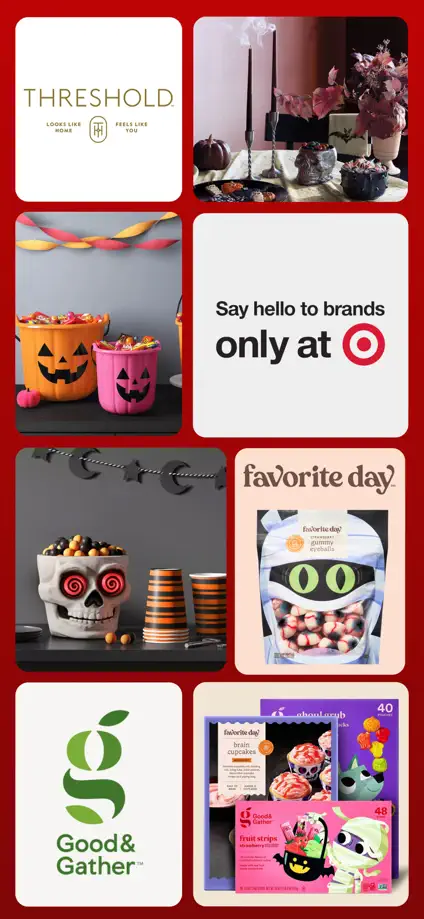
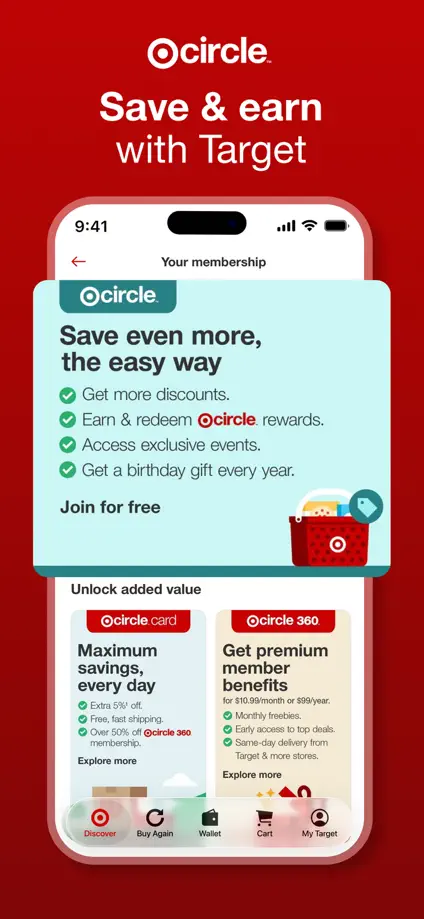
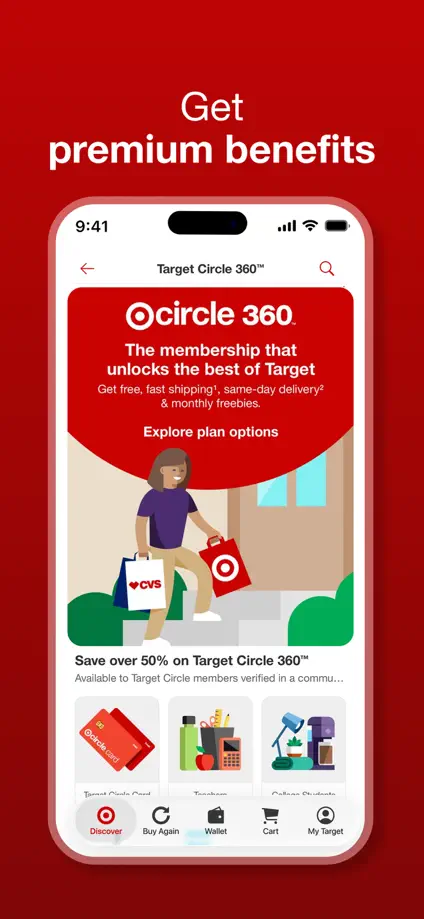
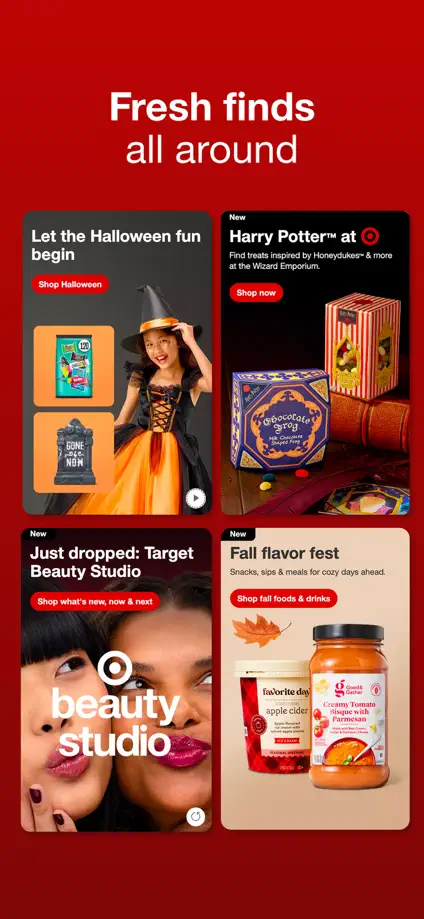
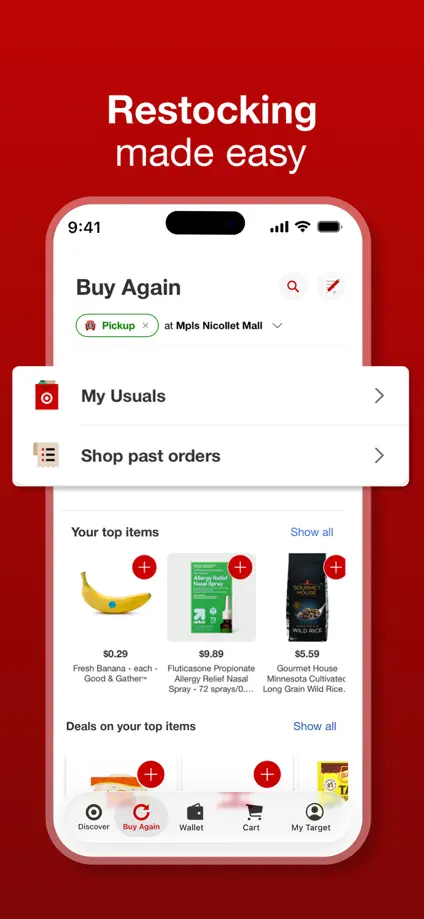
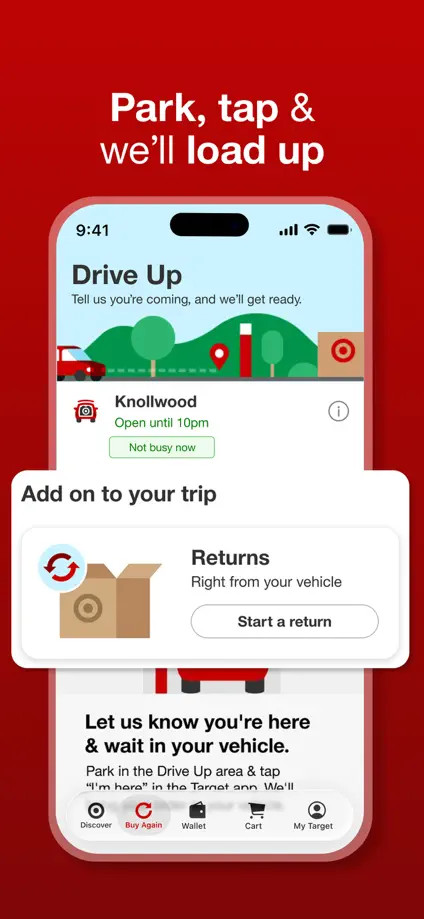
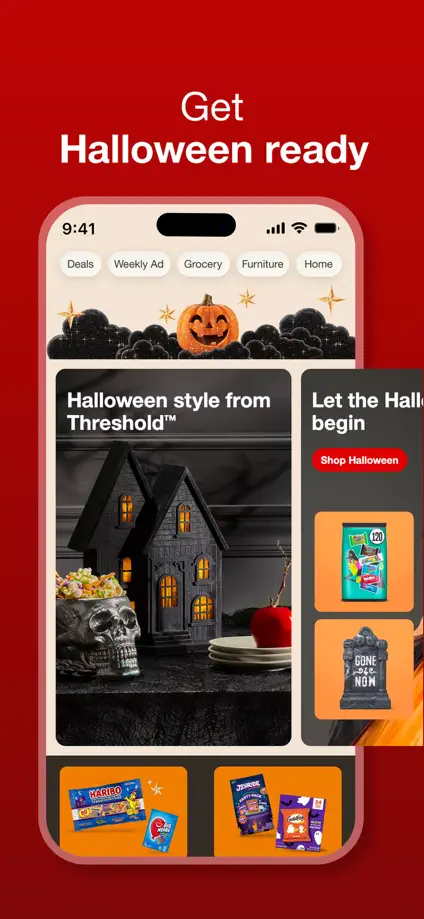
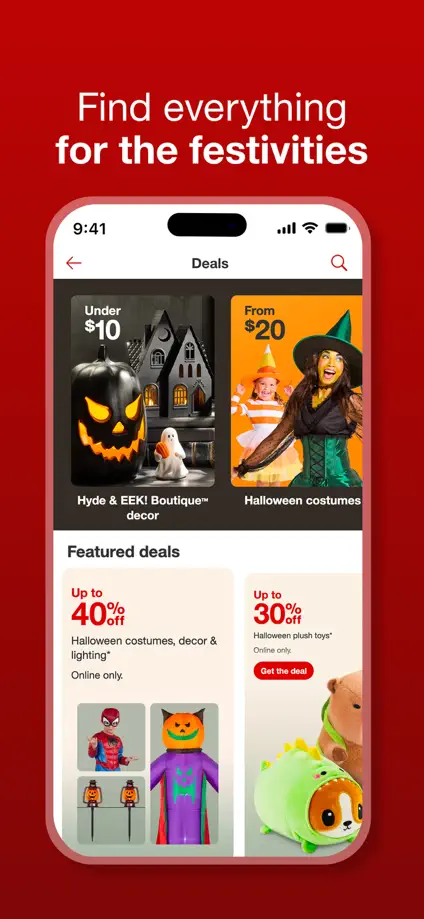
A repeated red background links seasonal product photography, shopping screens and enlarged membership cards across the feature tour.
Target, App Store screenshot 1
Target, App Store screenshot 2
Target, App Store screenshot 3
Target, App Store screenshot 4
Target, App Store screenshot 5
Target, App Store screenshot 6
Target, App Store screenshot 7
Target, App Store screenshot 8
Target, App Store screenshot 9

SSENSE

Shopping · 5 frames

Numbered captions and narrow interface crops sit in generous white space, keeping the product imagery and monochrome typography prominent.

SSENSE, App Store screenshot 1
SSENSE, App Store screenshot 2
SSENSE, App Store screenshot 3
SSENSE, App Store screenshot 4
SSENSE, App Store screenshot 5

Vestiaire Collective

Shopping · 6 frames

Serif headlines sit over warm photography and orange panels, while enlarged offer, price and authentication cards explain individual interactions.

Vestiaire Collective, App Store screenshot 1
Vestiaire Collective, App Store screenshot 2
Vestiaire Collective, App Store screenshot 3
Vestiaire Collective, App Store screenshot 4
Vestiaire Collective, App Store screenshot 5
Vestiaire Collective, App Store screenshot 6

Tasty

Food & Drink · 9 frames

Pale blue panels and small food illustrations frame a consistent tour of recipe grids, community posts, shopping lists and meal planning.

Tasty, App Store screenshot 1
Tasty, App Store screenshot 2
Tasty, App Store screenshot 3
Tasty, App Store screenshot 4
Tasty, App Store screenshot 5
Tasty, App Store screenshot 6
Tasty, App Store screenshot 7
Tasty, App Store screenshot 8
Tasty, App Store screenshot 9

Kitchen Stories

Food & Drink · 9 frames

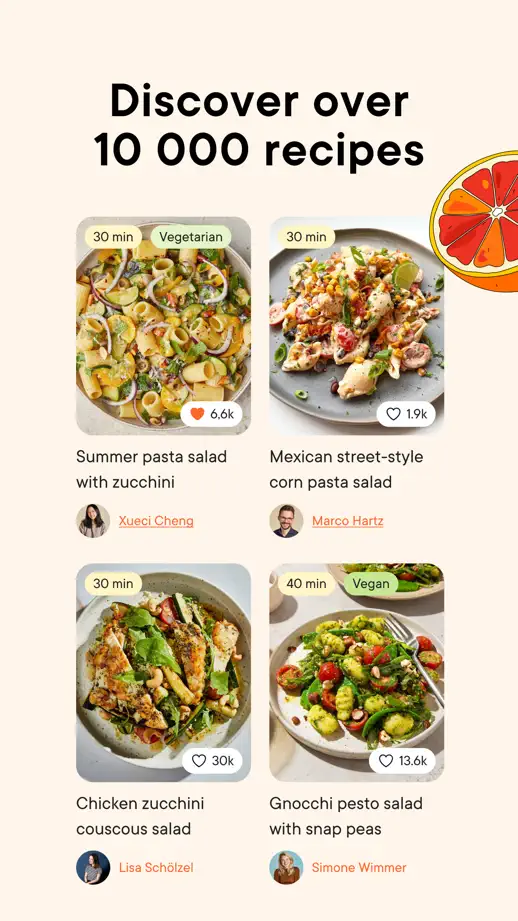
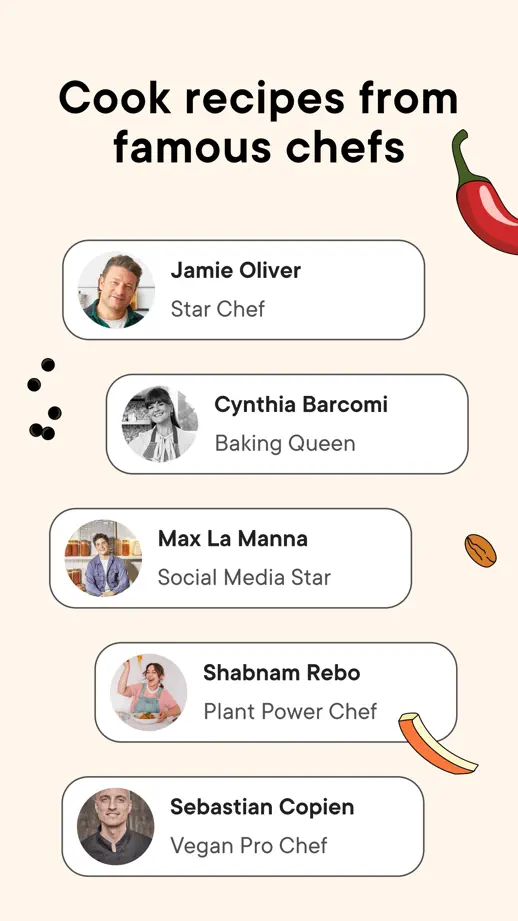
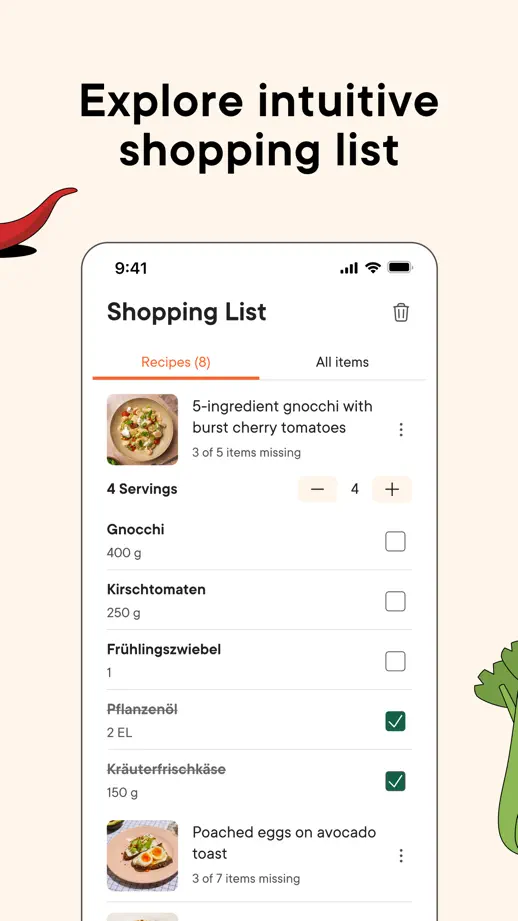
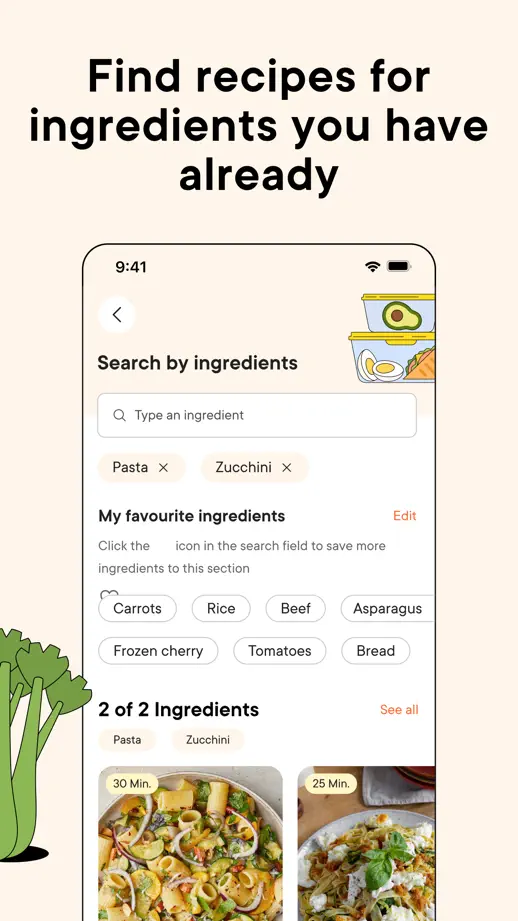
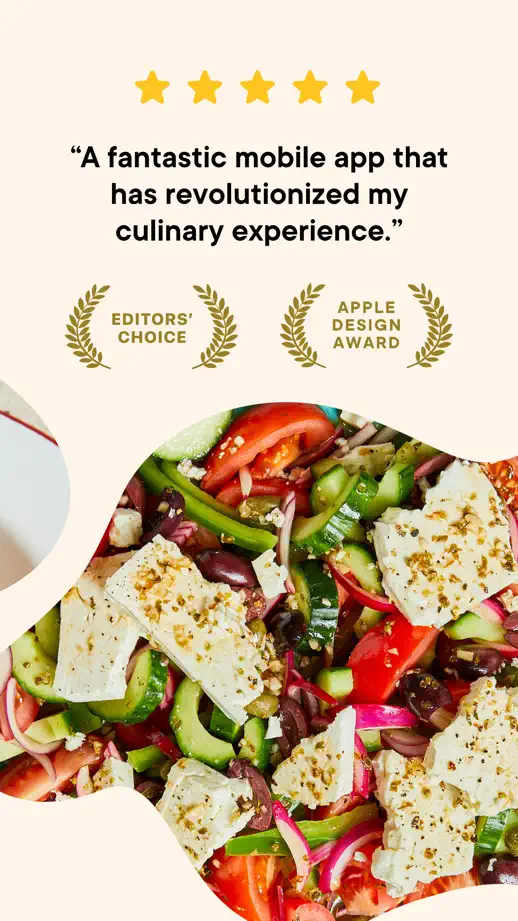
Large food photographs introduce the set before cream panels, ingredient illustrations and cropped interface cards guide the feature tour.

Kitchen Stories, App Store screenshot 1
Kitchen Stories, App Store screenshot 2
Kitchen Stories, App Store screenshot 3
Kitchen Stories, App Store screenshot 4
Kitchen Stories, App Store screenshot 5
Kitchen Stories, App Store screenshot 6
Kitchen Stories, App Store screenshot 7
Kitchen Stories, App Store screenshot 8
Kitchen Stories, App Store screenshot 9

Samsung Food

Food & Drink · 8 frames

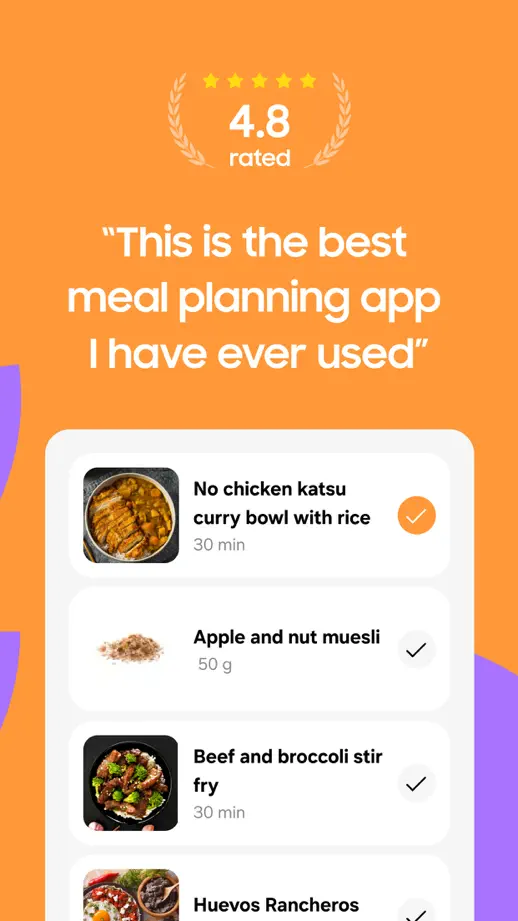
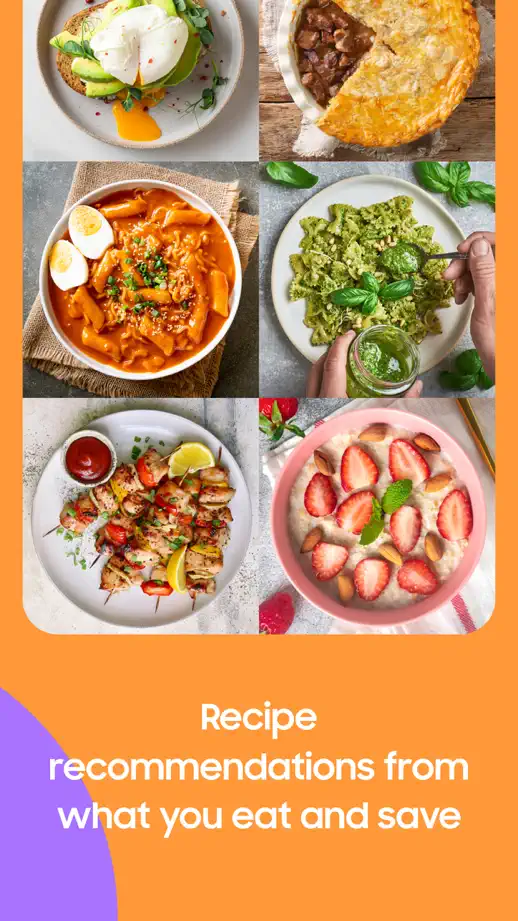
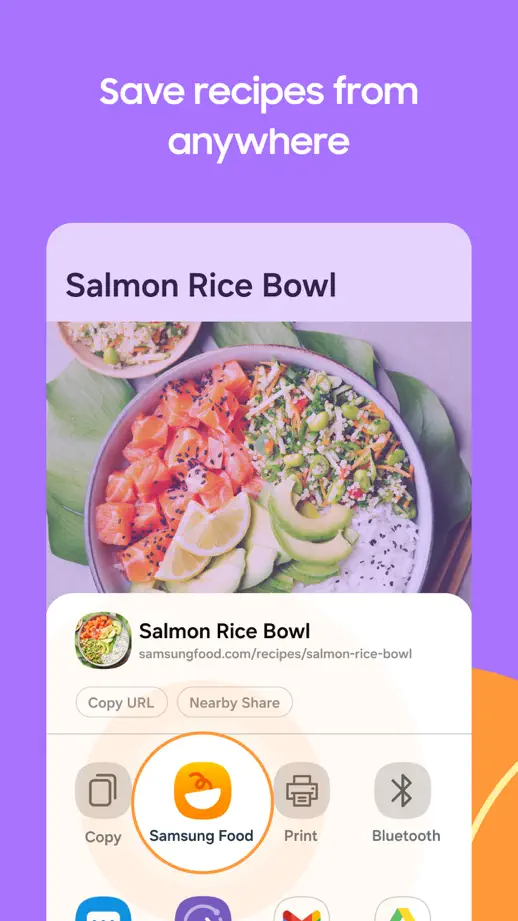
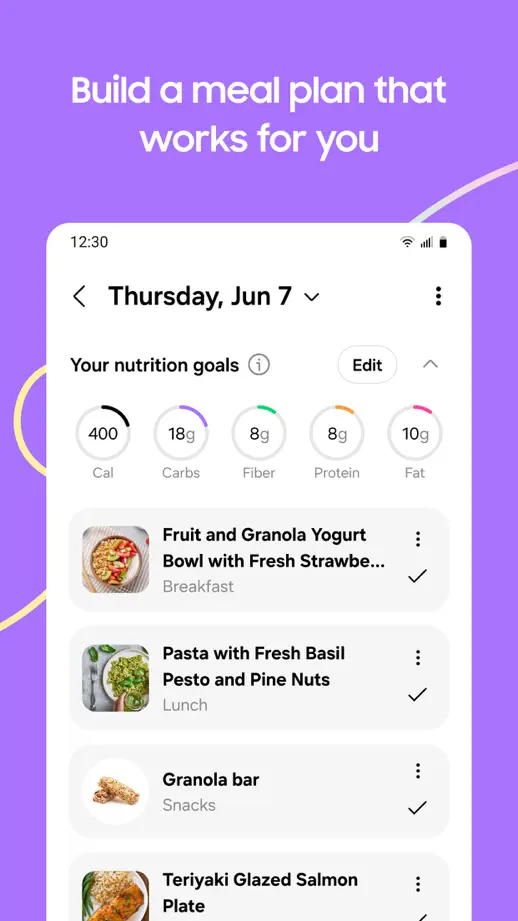
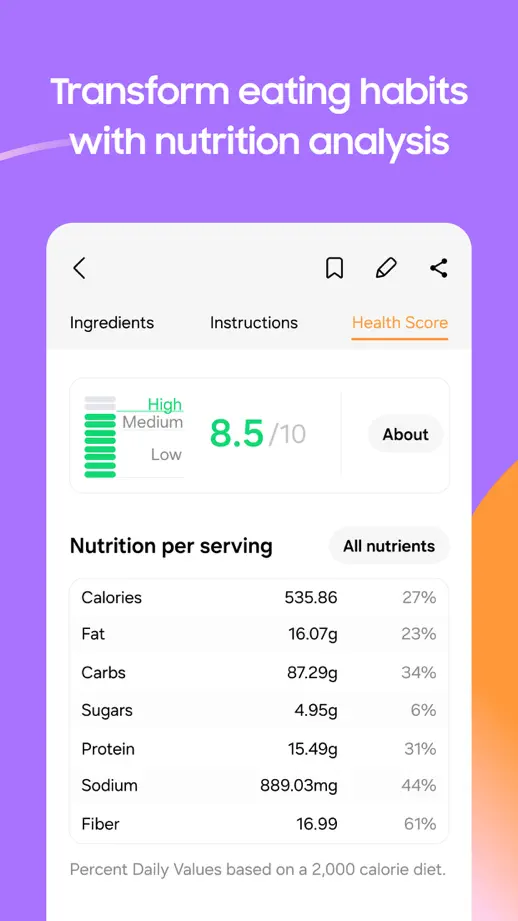
Orange opening panels give way to purple feature panels, with food photography and enlarged planning screens connecting the two sections.

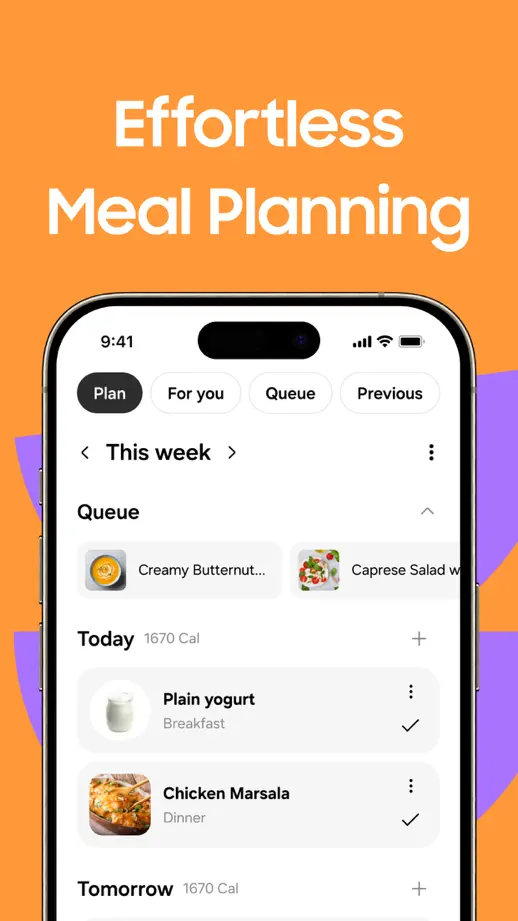
Samsung Food, App Store screenshot 1
Samsung Food, App Store screenshot 2
Samsung Food, App Store screenshot 3
Samsung Food, App Store screenshot 4
Samsung Food, App Store screenshot 5
Samsung Food, App Store screenshot 6
Samsung Food, App Store screenshot 7
Samsung Food, App Store screenshot 8

Pestle

Food & Drink · 9 frames

Green text accents and dotted paths connect angled phones, recipe cards and system-interface examples across a mostly white sequence.

Pestle, App Store screenshot 1
Pestle, App Store screenshot 2
Pestle, App Store screenshot 3
Pestle, App Store screenshot 4
Pestle, App Store screenshot 5
Pestle, App Store screenshot 6
Pestle, App Store screenshot 7
Pestle, App Store screenshot 8
Pestle, App Store screenshot 9

Mealime

Food & Drink · 10 frames

Bright green panels alternate headline placement around enlarged recipe, grocery and cooking cards, with food illustrations at the edges.

Mealime, App Store screenshot 1
Mealime, App Store screenshot 2
Mealime, App Store screenshot 3
Mealime, App Store screenshot 4
Mealime, App Store screenshot 5
Mealime, App Store screenshot 6
Mealime, App Store screenshot 7
Mealime, App Store screenshot 8
Mealime, App Store screenshot 9
Mealime, App Store screenshot 10

HappyCow

Food & Drink · 8 frames

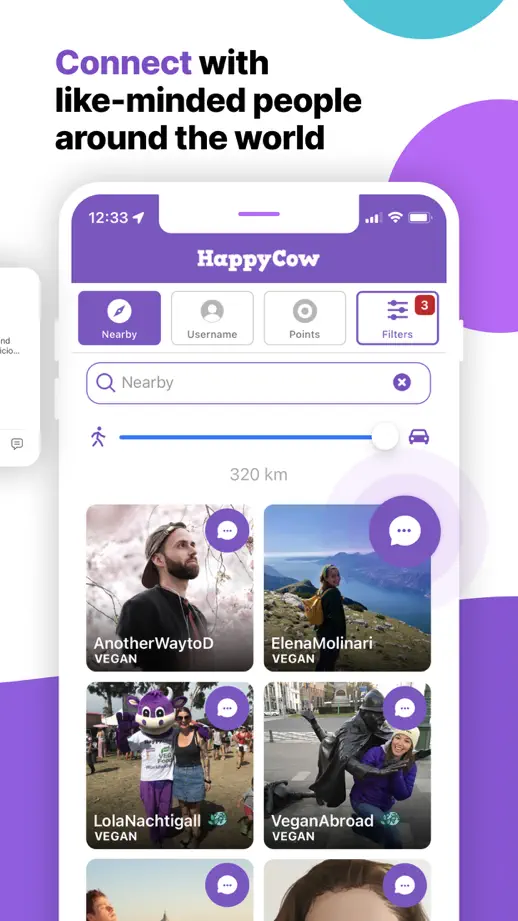
Purple shapes connect the frames while map search bars, reviews and restaurant cards are pulled forward from the underlying screens.

HappyCow, App Store screenshot 1
HappyCow, App Store screenshot 2
HappyCow, App Store screenshot 3
HappyCow, App Store screenshot 4
HappyCow, App Store screenshot 5
HappyCow, App Store screenshot 6
HappyCow, App Store screenshot 7
HappyCow, App Store screenshot 8

OpenTable

Food & Drink · 9 frames

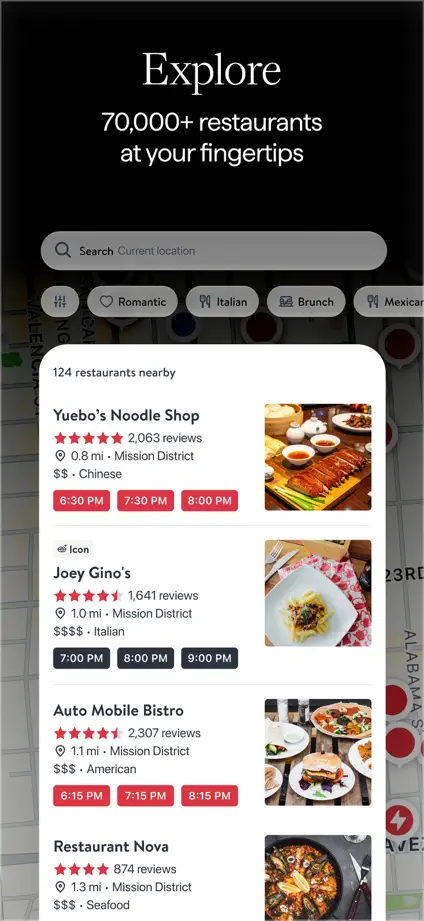
A dark photographic opening transitions into black feature panels, using white interface cards and red booking controls as the recurring contrast.
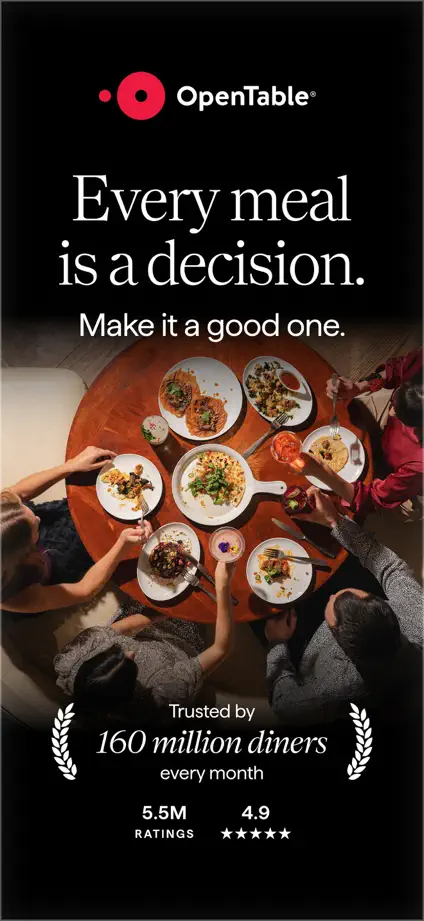
OpenTable, App Store screenshot 1
OpenTable, App Store screenshot 2
OpenTable, App Store screenshot 3
OpenTable, App Store screenshot 4
OpenTable, App Store screenshot 5
OpenTable, App Store screenshot 6
OpenTable, App Store screenshot 7
OpenTable, App Store screenshot 8
OpenTable, App Store screenshot 9

Vivino

Food & Drink · 8 frames

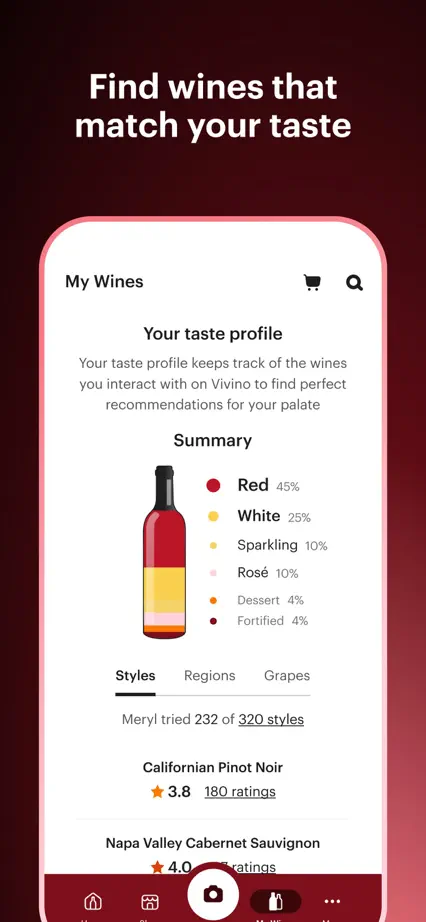
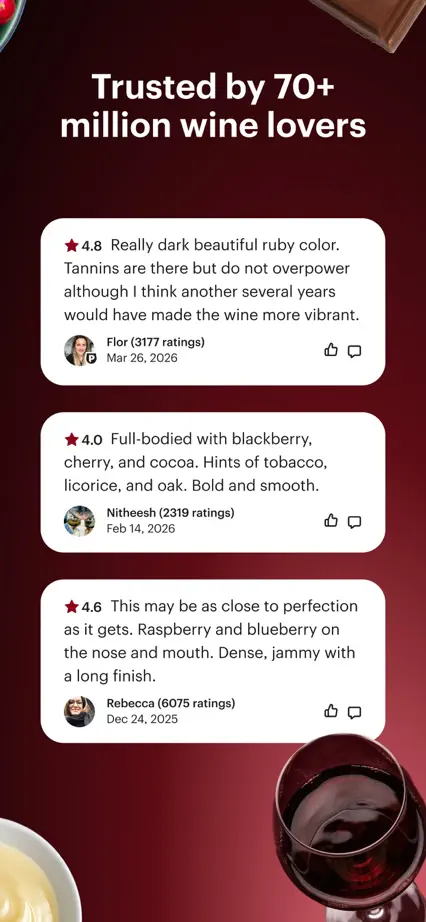
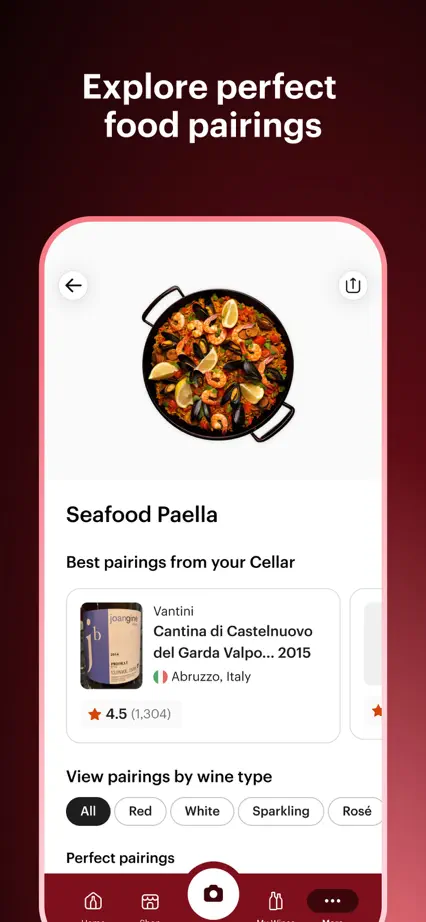
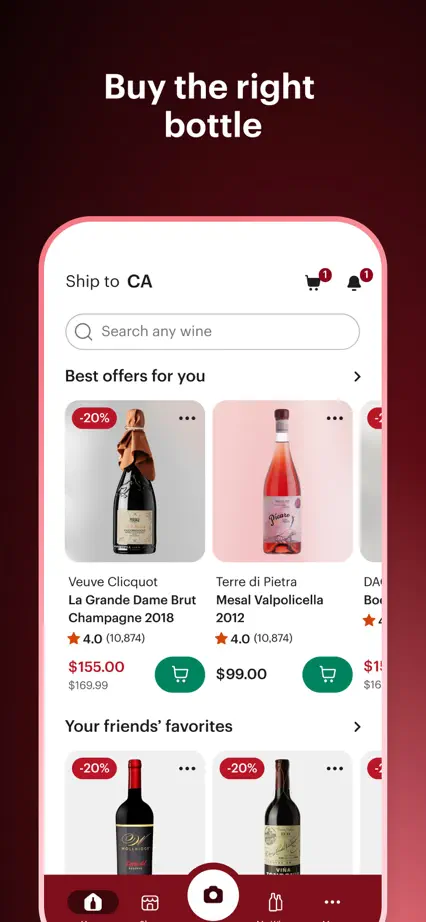
Wine-colored gradients unify the sequence, with a bottle scan, taste profile, review cards and food photography introducing different tasks.
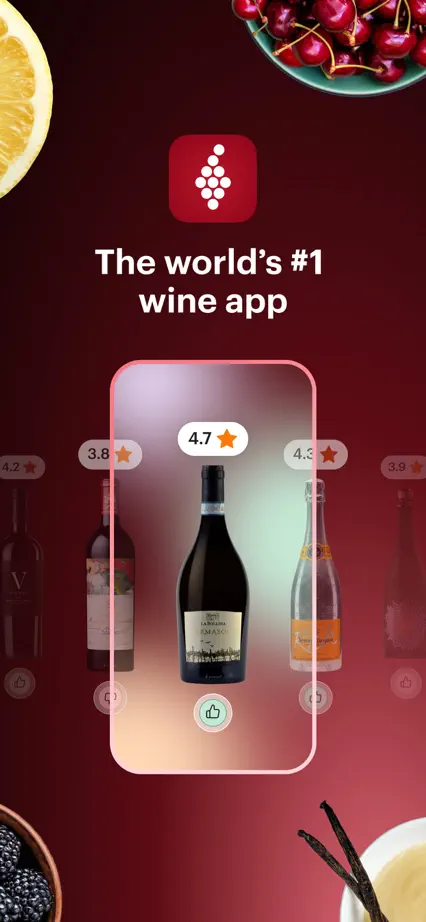
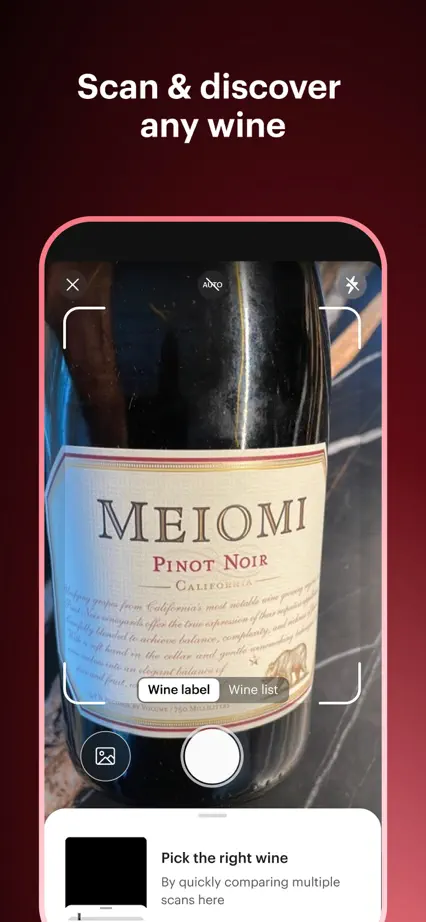
Vivino, App Store screenshot 1
Vivino, App Store screenshot 2
Vivino, App Store screenshot 3
Vivino, App Store screenshot 4
Vivino, App Store screenshot 5
Vivino, App Store screenshot 6
Vivino, App Store screenshot 7
Vivino, App Store screenshot 8

Google Maps

Navigation · 9 frames

Large phone crops on white backgrounds show routes, discovery, saved places and map layers before ending with street imagery and a car display.

Google Maps, App Store screenshot 1
Google Maps, App Store screenshot 2
Google Maps, App Store screenshot 3
Google Maps, App Store screenshot 4
Google Maps, App Store screenshot 5
Google Maps, App Store screenshot 6
Google Maps, App Store screenshot 7
Google Maps, App Store screenshot 8
Google Maps, App Store screenshot 9

Add to collection

New collection