kit0

App Store screenshots with a repeated layout

186 listings that keep one layout and let the content change, from Things 3, Cosmos and Sofa. Most are health & fitness, productivity and photo & video apps.

186 appsShow all

Tasty

Food & Drink · 9 frames

Pale blue panels and small food illustrations frame a consistent tour of recipe grids, community posts, shopping lists and meal planning.

Tasty, App Store screenshot 1
Tasty, App Store screenshot 2
Tasty, App Store screenshot 3
Tasty, App Store screenshot 4
Tasty, App Store screenshot 5
Tasty, App Store screenshot 6
Tasty, App Store screenshot 7
Tasty, App Store screenshot 8
Tasty, App Store screenshot 9

NYT Cooking

Food & Drink · 7 frames

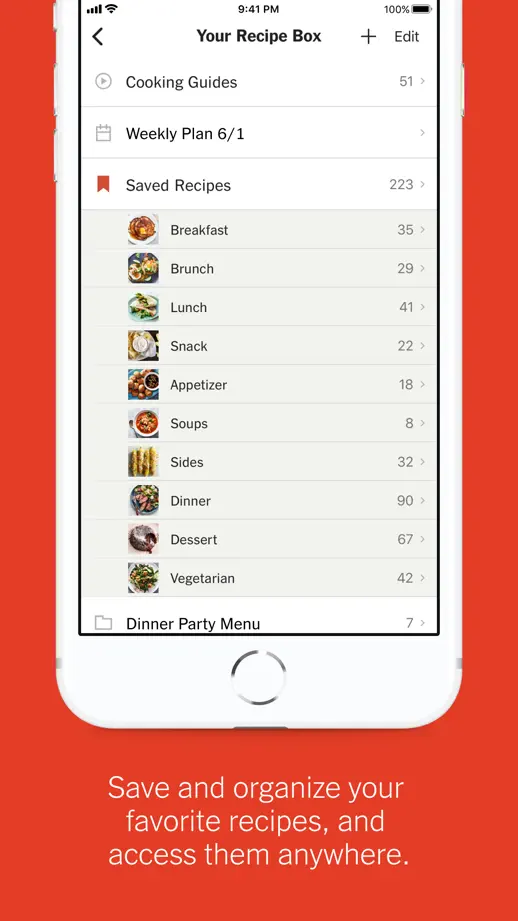
Orange-red panels alternate the vertical position of white phones, moving through recipe discovery, search, instructions and saved lists.

NYT Cooking, App Store screenshot 1
NYT Cooking, App Store screenshot 2
NYT Cooking, App Store screenshot 3
NYT Cooking, App Store screenshot 4
NYT Cooking, App Store screenshot 5
NYT Cooking, App Store screenshot 6
NYT Cooking, App Store screenshot 7

Sidekick

Food & Drink · 7 frames

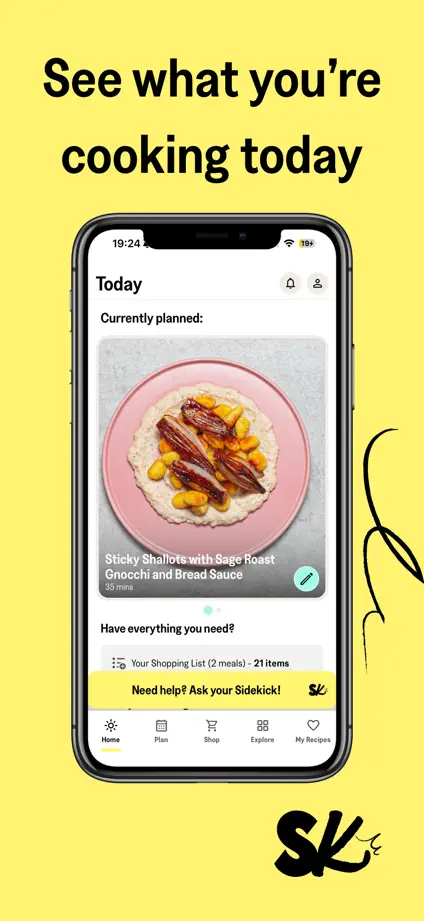
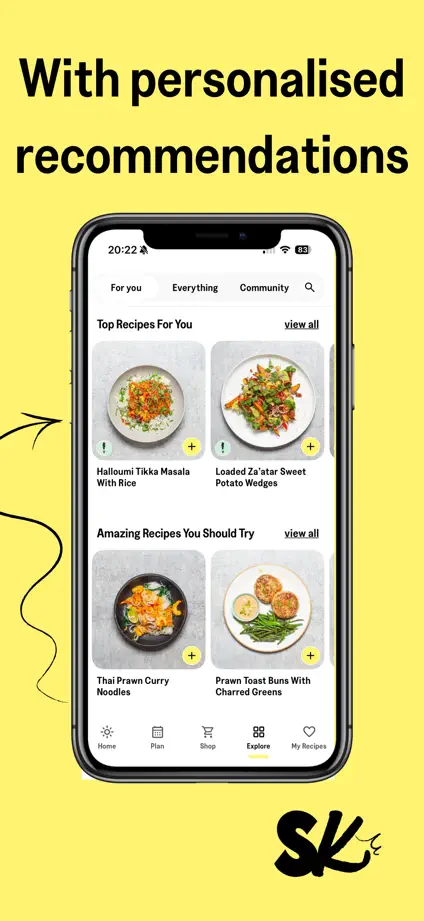
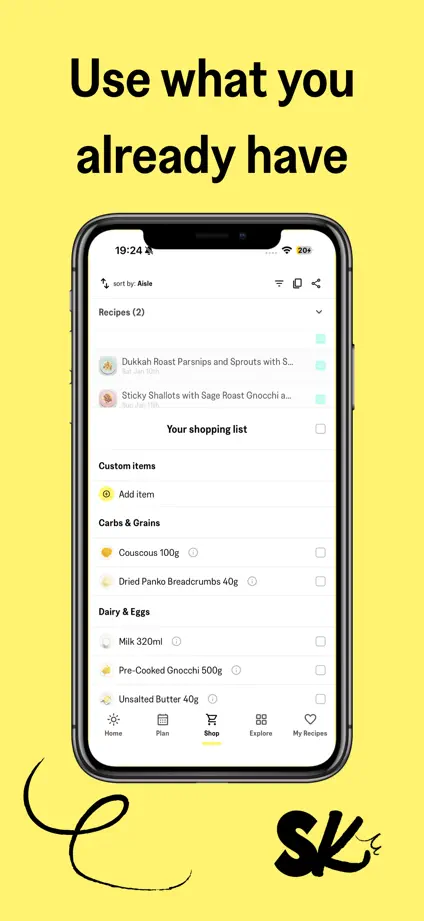
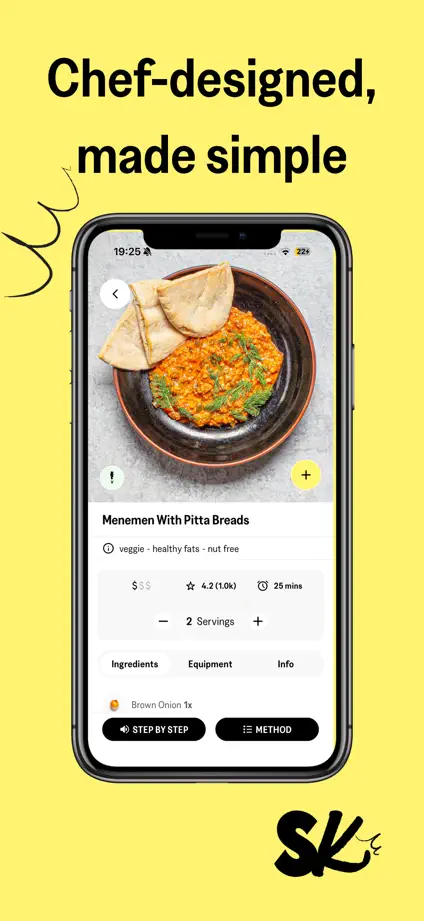
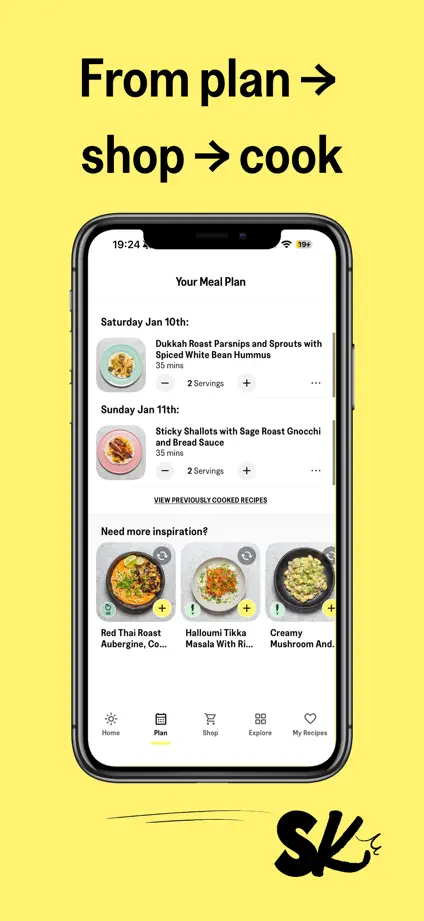
Yellow backgrounds, black handwritten accents and repeated upright phones give each cooking feature a consistent, recognizable frame.

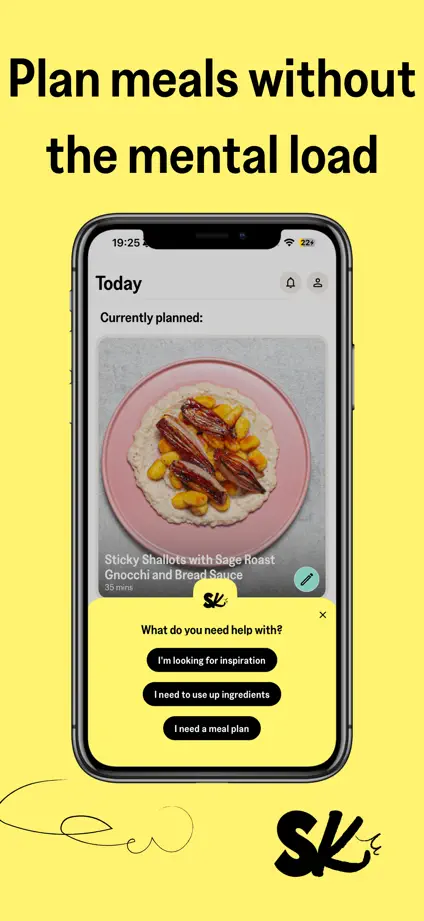
Sidekick, App Store screenshot 1
Sidekick, App Store screenshot 2
Sidekick, App Store screenshot 3
Sidekick, App Store screenshot 4
Sidekick, App Store screenshot 5
Sidekick, App Store screenshot 6
Sidekick, App Store screenshot 7

Mealime

Food & Drink · 10 frames

Bright green panels alternate headline placement around enlarged recipe, grocery and cooking cards, with food illustrations at the edges.

Mealime, App Store screenshot 1
Mealime, App Store screenshot 2
Mealime, App Store screenshot 3
Mealime, App Store screenshot 4
Mealime, App Store screenshot 5
Mealime, App Store screenshot 6
Mealime, App Store screenshot 7
Mealime, App Store screenshot 8
Mealime, App Store screenshot 9
Mealime, App Store screenshot 10

AnyList

Food & Drink · 10 frames

A steady blue background and large white headings organize a thorough feature tour, with shopping lists and recipe screens filling most of each frame.

AnyList, App Store screenshot 1
AnyList, App Store screenshot 2
AnyList, App Store screenshot 3
AnyList, App Store screenshot 4
AnyList, App Store screenshot 5
AnyList, App Store screenshot 6
AnyList, App Store screenshot 7
AnyList, App Store screenshot 8
AnyList, App Store screenshot 9
AnyList, App Store screenshot 10

HappyCow

Food & Drink · 8 frames

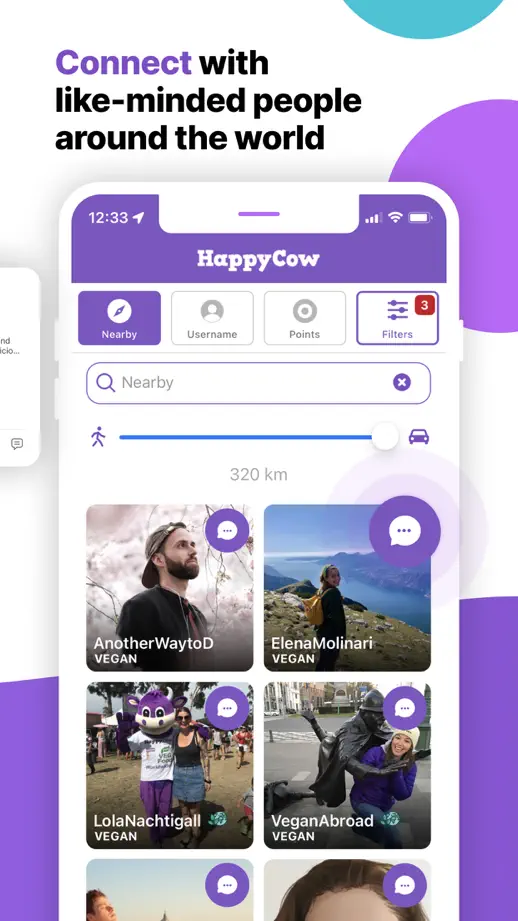
Purple shapes connect the frames while map search bars, reviews and restaurant cards are pulled forward from the underlying screens.

HappyCow, App Store screenshot 1
HappyCow, App Store screenshot 2
HappyCow, App Store screenshot 3
HappyCow, App Store screenshot 4
HappyCow, App Store screenshot 5
HappyCow, App Store screenshot 6
HappyCow, App Store screenshot 7
HappyCow, App Store screenshot 8

OpenTable

Food & Drink · 9 frames

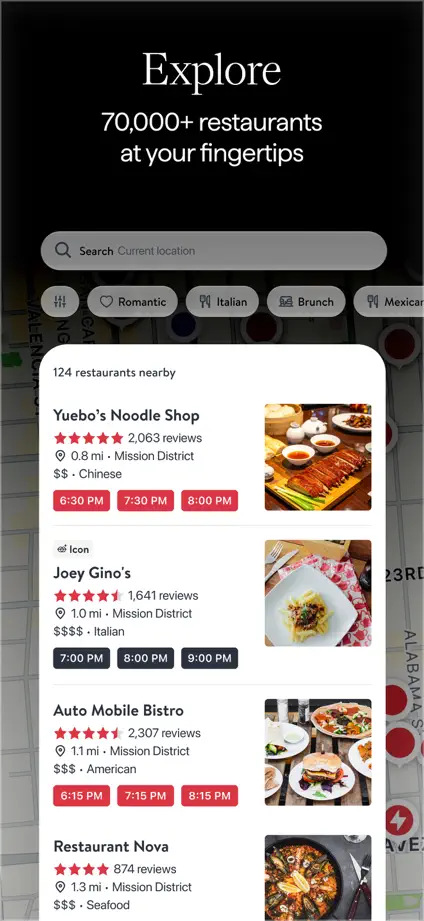
A dark photographic opening transitions into black feature panels, using white interface cards and red booking controls as the recurring contrast.
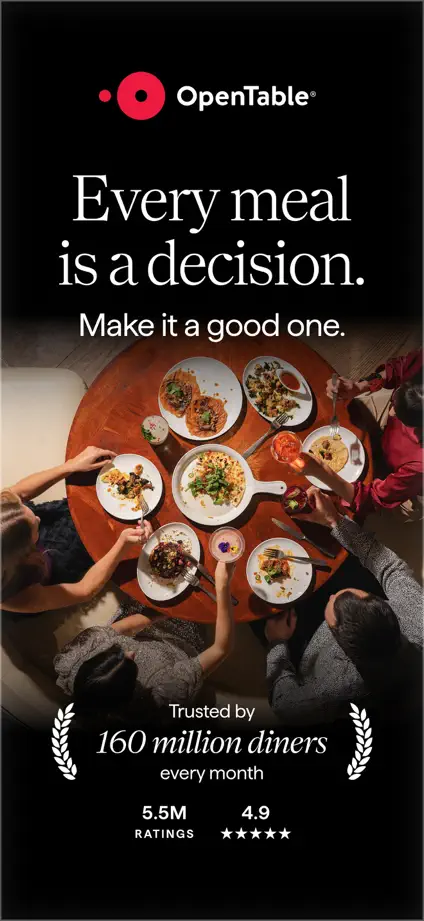
OpenTable, App Store screenshot 1
OpenTable, App Store screenshot 2
OpenTable, App Store screenshot 3
OpenTable, App Store screenshot 4
OpenTable, App Store screenshot 5
OpenTable, App Store screenshot 6
OpenTable, App Store screenshot 7
OpenTable, App Store screenshot 8
OpenTable, App Store screenshot 9

Vivino

Food & Drink · 8 frames

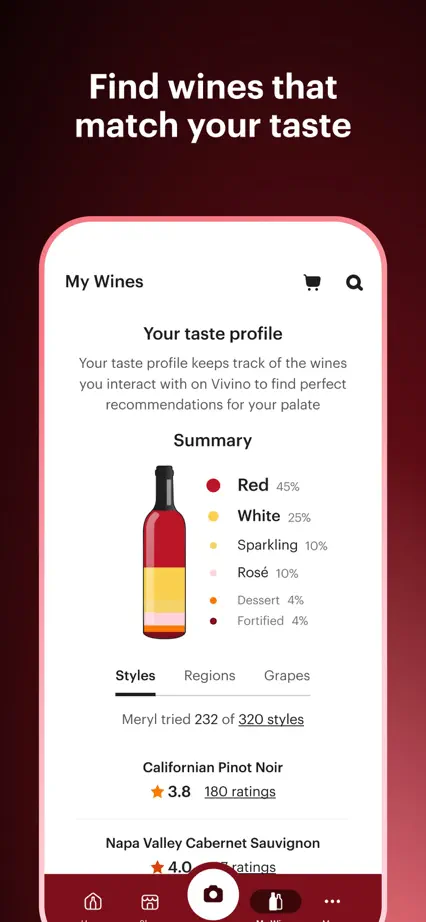
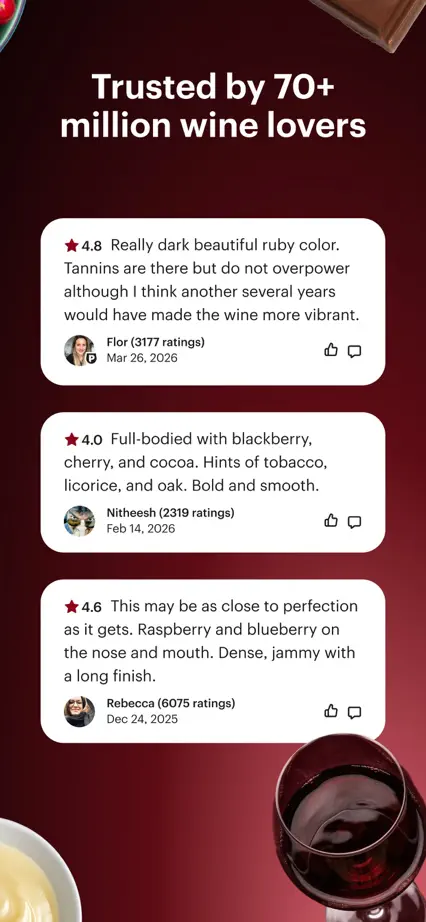
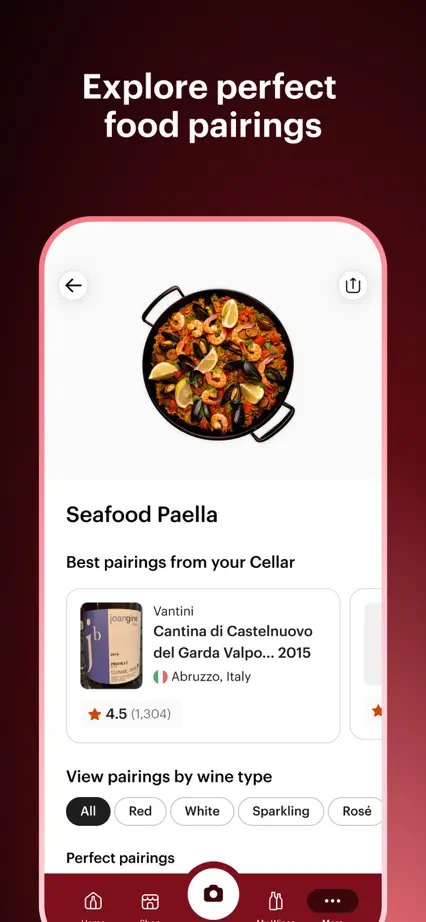
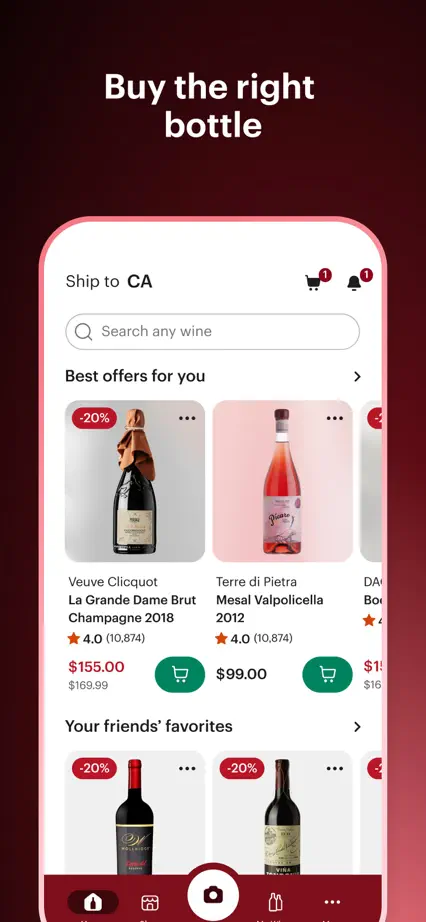
Wine-colored gradients unify the sequence, with a bottle scan, taste profile, review cards and food photography introducing different tasks.
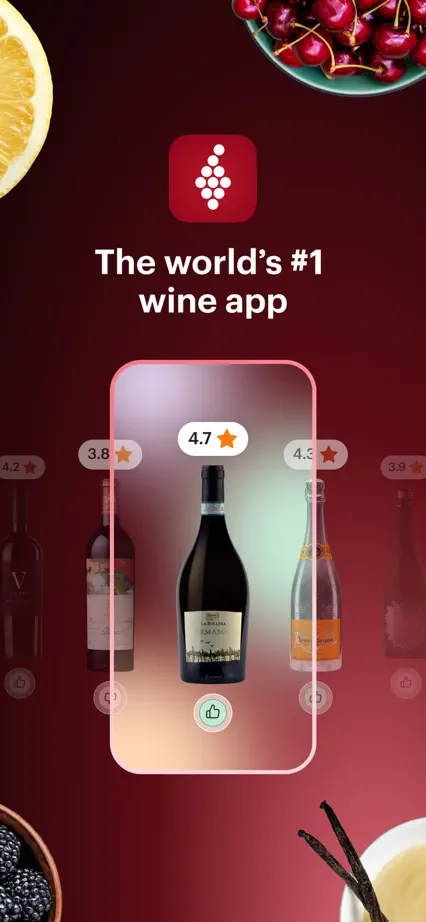
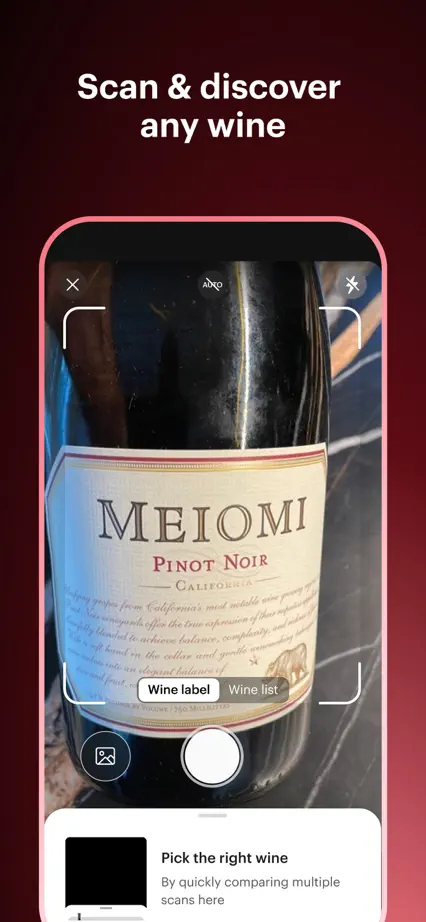
Vivino, App Store screenshot 1
Vivino, App Store screenshot 2
Vivino, App Store screenshot 3
Vivino, App Store screenshot 4
Vivino, App Store screenshot 5
Vivino, App Store screenshot 6
Vivino, App Store screenshot 7
Vivino, App Store screenshot 8

Starbucks

Food & Drink · 9 frames

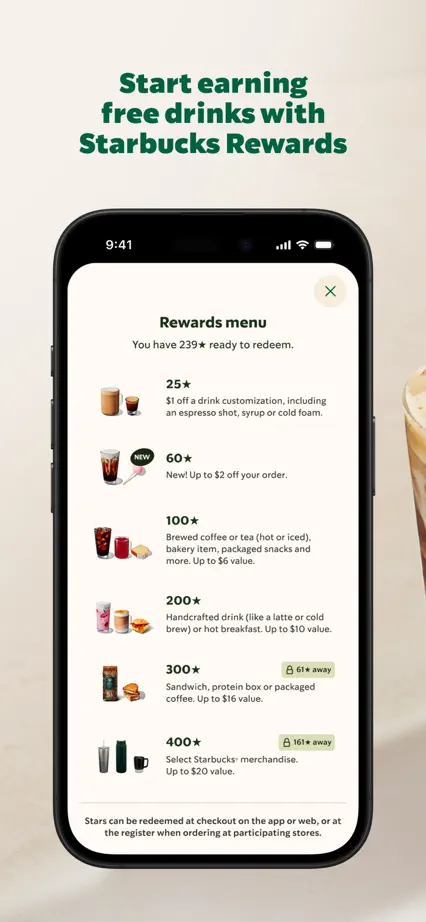
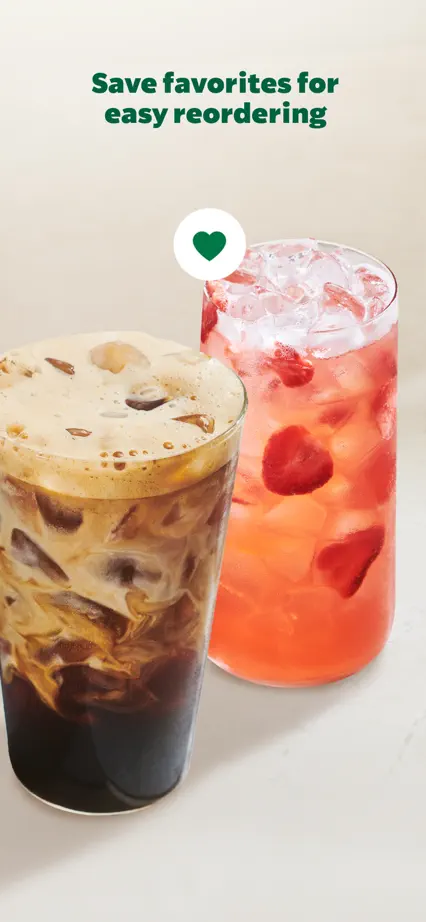
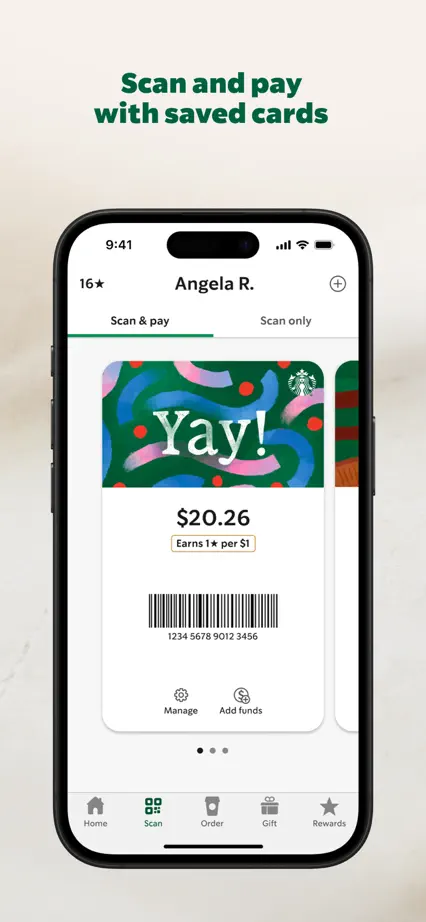
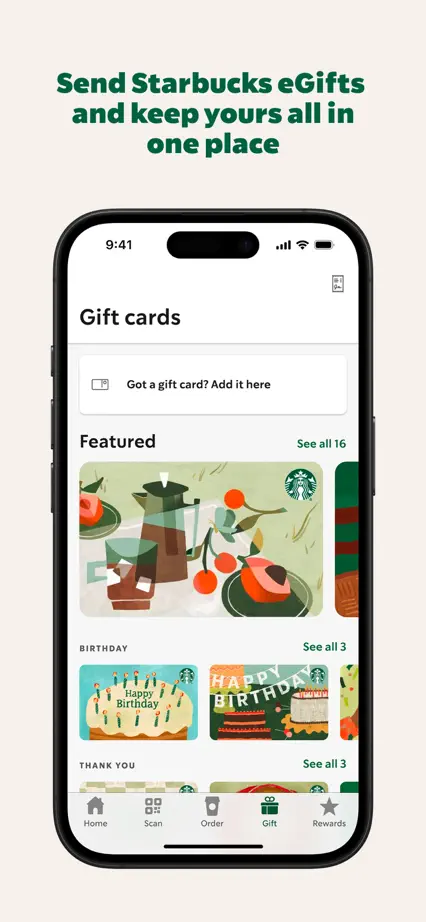
Cream backgrounds and green headings alternate with drink and lifestyle photographs, keeping the upright phone tour visually tied to the brand.
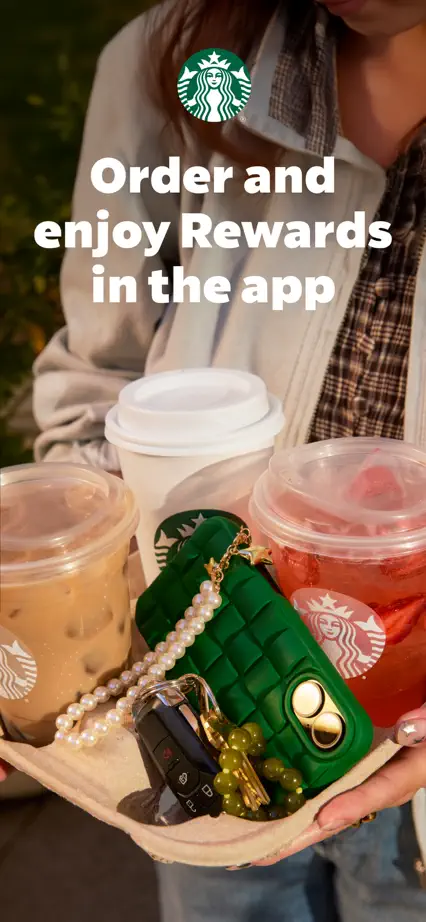
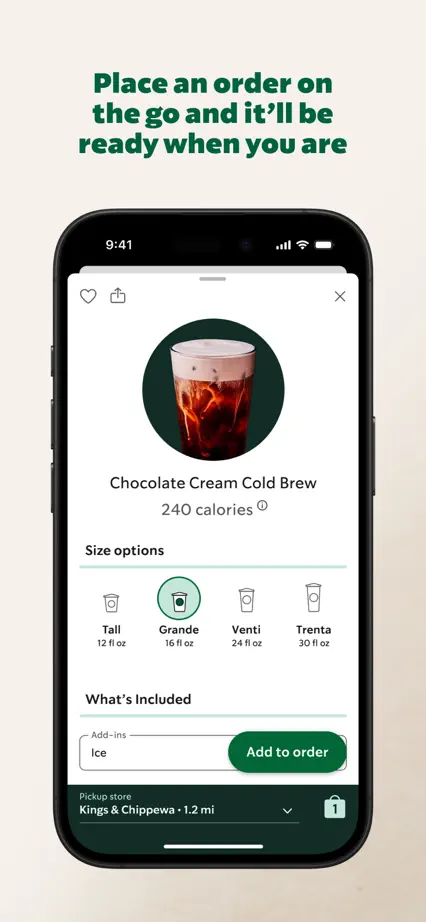
Starbucks, App Store screenshot 1
Starbucks, App Store screenshot 2
Starbucks, App Store screenshot 3
Starbucks, App Store screenshot 4
Starbucks, App Store screenshot 5
Starbucks, App Store screenshot 6
Starbucks, App Store screenshot 7
Starbucks, App Store screenshot 8
Starbucks, App Store screenshot 9

Blue Bottle Coffee

Food & Drink · 3 frames

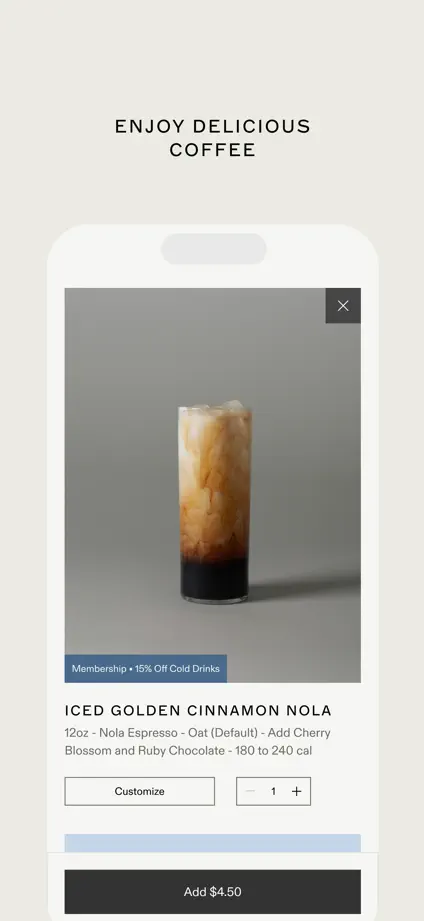
Three restrained panels pair small uppercase headings with pale phones, progressing from a cafe page to ordering and an individual drink.

Blue Bottle Coffee, App Store screenshot 1
Blue Bottle Coffee, App Store screenshot 2
Blue Bottle Coffee, App Store screenshot 3

Google Maps

Navigation · 9 frames

Large phone crops on white backgrounds show routes, discovery, saved places and map layers before ending with street imagery and a car display.

Google Maps, App Store screenshot 1
Google Maps, App Store screenshot 2
Google Maps, App Store screenshot 3
Google Maps, App Store screenshot 4
Google Maps, App Store screenshot 5
Google Maps, App Store screenshot 6
Google Maps, App Store screenshot 7
Google Maps, App Store screenshot 8
Google Maps, App Store screenshot 9

Waze

Navigation · 10 frames

Blue panels repeat a bold headline above an isolated screen, mixing maps with customization and car-display examples before a simple brand closing.

Waze, App Store screenshot 1
Waze, App Store screenshot 2
Waze, App Store screenshot 3
Waze, App Store screenshot 4
Waze, App Store screenshot 5
Waze, App Store screenshot 6
Waze, App Store screenshot 7
Waze, App Store screenshot 8
Waze, App Store screenshot 9
Waze, App Store screenshot 10

Add to collection

New collection