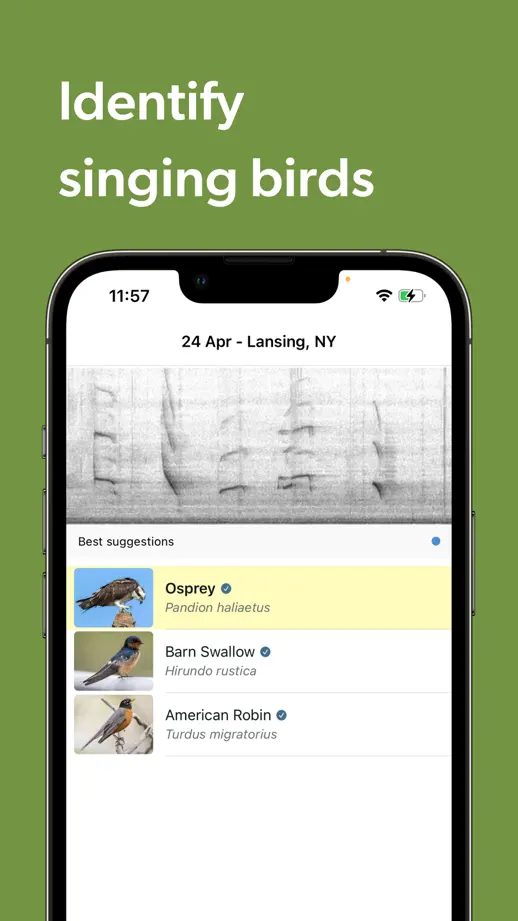
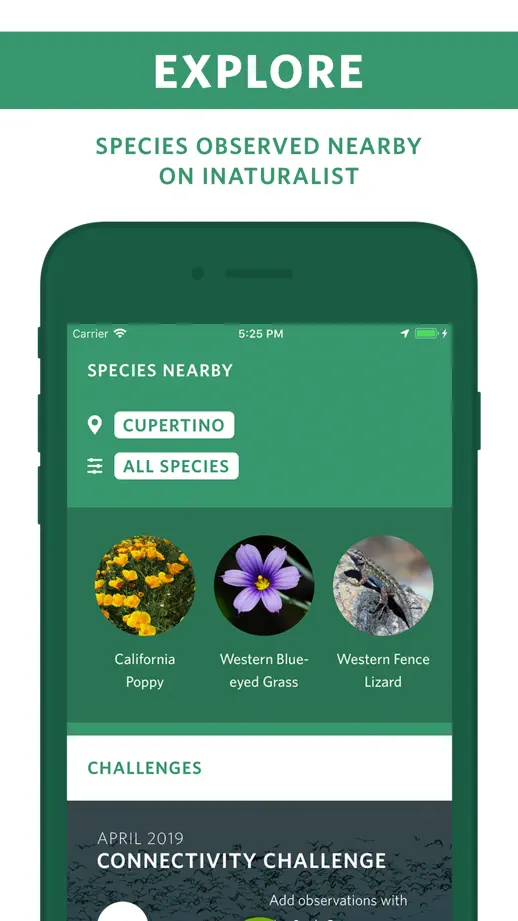
kit0

App Store screenshots with a repeated layout

186 listings that keep one layout and let the content change, from Things 3, Cosmos and Sofa. Most are health & fitness, productivity and photo & video apps.

186 appsShow all

18Birdies

Sports · 10 frames

An angled phone and watch introduce the set before blue panels repeat a centered device for course maps, swing video and performance charts.

18Birdies, App Store screenshot 1
18Birdies, App Store screenshot 2
18Birdies, App Store screenshot 3
18Birdies, App Store screenshot 4
18Birdies, App Store screenshot 5
18Birdies, App Store screenshot 6
18Birdies, App Store screenshot 7
18Birdies, App Store screenshot 8
18Birdies, App Store screenshot 9
18Birdies, App Store screenshot 10

DAZN

Sports · 7 frames

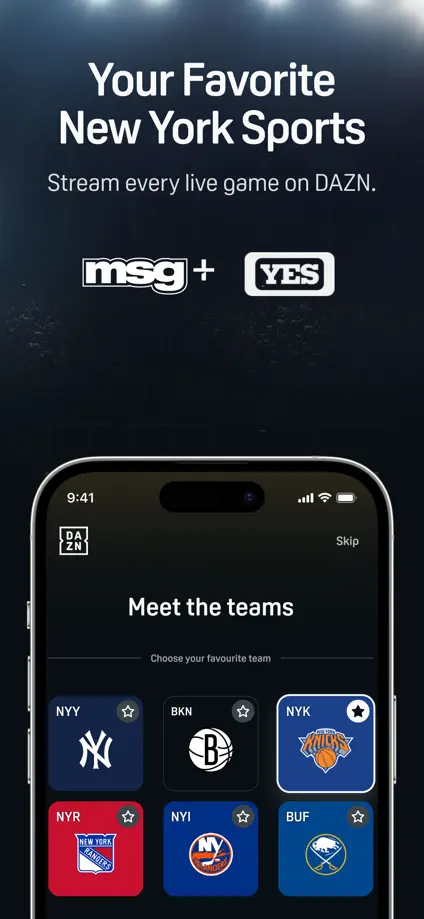
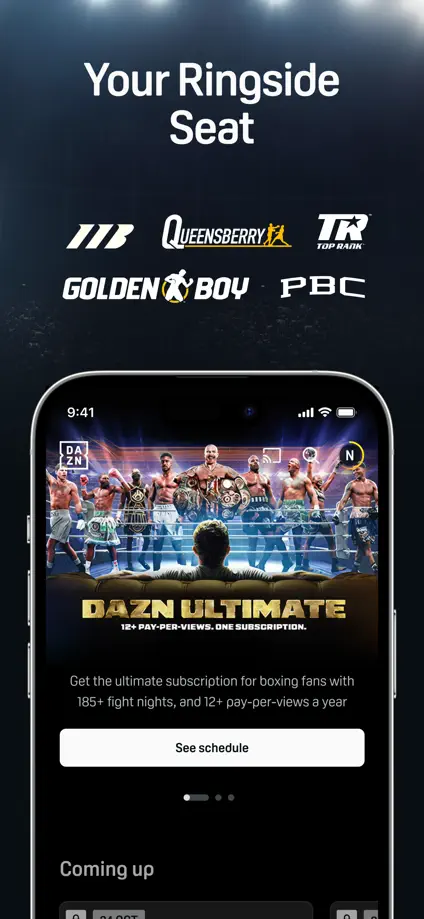
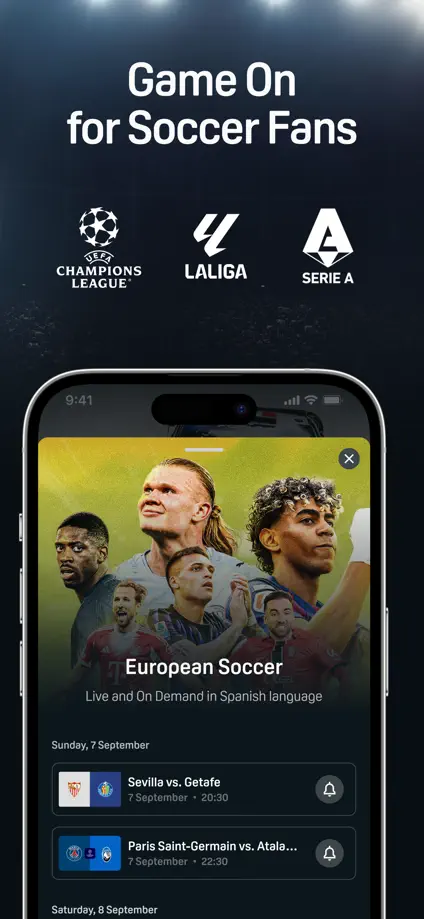
Athlete imagery opens the dark sequence, followed by league marks and cropped phones that distinguish different viewing and news sections.

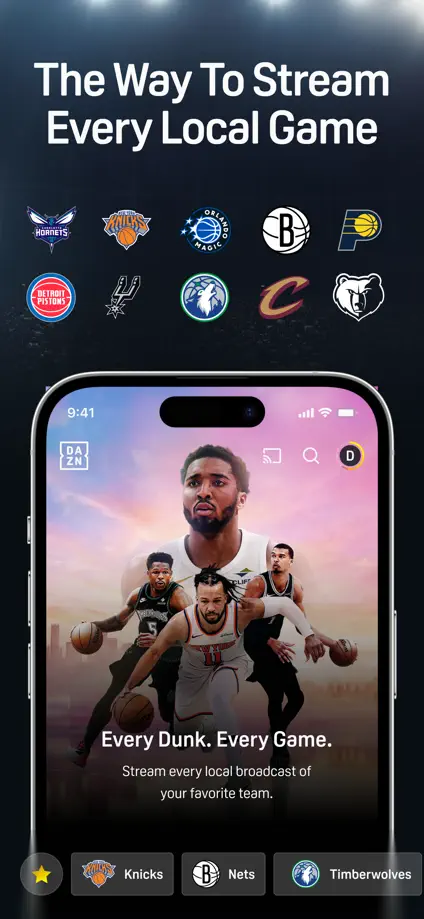
DAZN, App Store screenshot 1
DAZN, App Store screenshot 2
DAZN, App Store screenshot 3
DAZN, App Store screenshot 4
DAZN, App Store screenshot 5
DAZN, App Store screenshot 6
DAZN, App Store screenshot 7

Busuu

Education · 10 frames

Blue and teal backgrounds repeat behind lesson screens, while progress illustrations and community examples provide variety within the same layout.

Busuu, App Store screenshot 1
Busuu, App Store screenshot 2
Busuu, App Store screenshot 3
Busuu, App Store screenshot 4
Busuu, App Store screenshot 5
Busuu, App Store screenshot 6
Busuu, App Store screenshot 7
Busuu, App Store screenshot 8
Busuu, App Store screenshot 9
Busuu, App Store screenshot 10

Pimsleur

Education · 6 frames

An enlarged angled device connects the first two frames, followed by repeated blue panels that isolate lesson, audio and conversation screens.

Pimsleur, App Store screenshot 1
Pimsleur, App Store screenshot 2
Pimsleur, App Store screenshot 3
Pimsleur, App Store screenshot 4
Pimsleur, App Store screenshot 5
Pimsleur, App Store screenshot 6

Lingvist

Education · 9 frames

Alternating purple and blue panels repeat an upright phone, with rounded background blocks echoing the icon and selected lesson details pulled forward.

Lingvist, App Store screenshot 1
Lingvist, App Store screenshot 2
Lingvist, App Store screenshot 3
Lingvist, App Store screenshot 4
Lingvist, App Store screenshot 5
Lingvist, App Store screenshot 6
Lingvist, App Store screenshot 7
Lingvist, App Store screenshot 8
Lingvist, App Store screenshot 9

Codecademy Go

Education · 5 frames

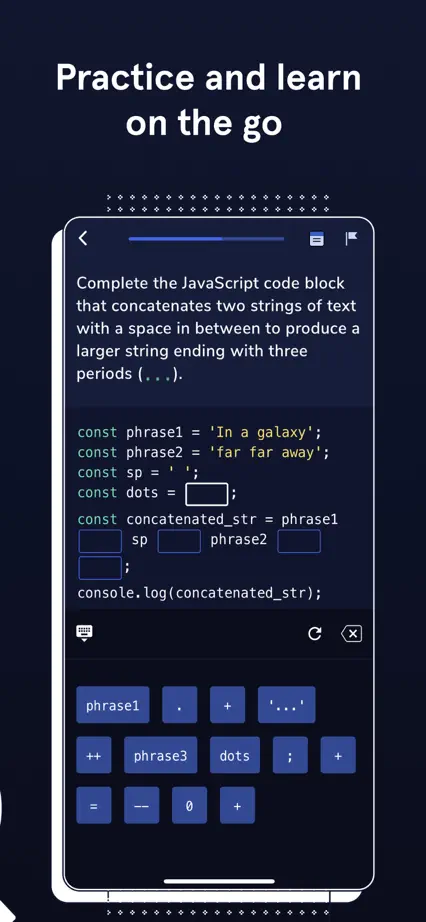
Navy panels, pale screens and bright yellow accents maintain a consistent coding identity, with cursor illustrations directing attention to specific controls.
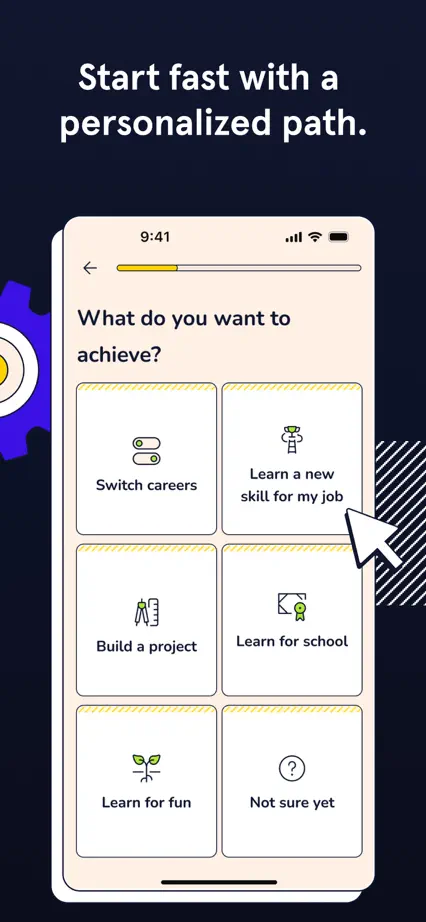

Codecademy Go, App Store screenshot 1
Codecademy Go, App Store screenshot 2
Codecademy Go, App Store screenshot 3
Codecademy Go, App Store screenshot 4
Codecademy Go, App Store screenshot 5

Merlin Bird ID

Education · 8 frames

A large bird photograph spans the opening panels, followed by olive-green feature frames showing sound identification, species lists and camera guidance.

Merlin Bird ID, App Store screenshot 1
Merlin Bird ID, App Store screenshot 2
Merlin Bird ID, App Store screenshot 3
Merlin Bird ID, App Store screenshot 4
Merlin Bird ID, App Store screenshot 5
Merlin Bird ID, App Store screenshot 6
Merlin Bird ID, App Store screenshot 7
Merlin Bird ID, App Store screenshot 8

Seek by iNaturalist

Education · 6 frames

Circular wildlife photographs introduce the set before green phone frames and uppercase labels organize identification, badges and exploration screens.

Seek by iNaturalist, App Store screenshot 1
Seek by iNaturalist, App Store screenshot 2
Seek by iNaturalist, App Store screenshot 3
Seek by iNaturalist, App Store screenshot 4
Seek by iNaturalist, App Store screenshot 5
Seek by iNaturalist, App Store screenshot 6

Stellarium Mobile

Education · 10 frames

Dark full-height sky views repeat beneath compact purple headline bars, moving from constellations and planets to detailed observation screens.

Stellarium Mobile, App Store screenshot 1
Stellarium Mobile, App Store screenshot 2
Stellarium Mobile, App Store screenshot 3
Stellarium Mobile, App Store screenshot 4
Stellarium Mobile, App Store screenshot 5
Stellarium Mobile, App Store screenshot 6
Stellarium Mobile, App Store screenshot 7
Stellarium Mobile, App Store screenshot 8
Stellarium Mobile, App Store screenshot 9
Stellarium Mobile, App Store screenshot 10

N26

Finance · 9 frames

Deep teal panels alternate with lifestyle photographs, while enlarged balance, card and support controls sit in front of the phones.

N26, App Store screenshot 1
N26, App Store screenshot 2
N26, App Store screenshot 3
N26, App Store screenshot 4
N26, App Store screenshot 5
N26, App Store screenshot 6
N26, App Store screenshot 7
N26, App Store screenshot 8
N26, App Store screenshot 9

Wealthsimple

Finance · 7 frames

Small serif headings and pale backgrounds repeat above large white phone crops, mixing account screens with simple dimensional coin and card imagery.

Wealthsimple, App Store screenshot 1
Wealthsimple, App Store screenshot 2
Wealthsimple, App Store screenshot 3
Wealthsimple, App Store screenshot 4
Wealthsimple, App Store screenshot 5
Wealthsimple, App Store screenshot 6
Wealthsimple, App Store screenshot 7

Fidelity Investments

Finance · 8 frames

Two-tone green backgrounds and repeated white screen crops organize a straightforward feature tour from account overview to trading and support.

Fidelity Investments, App Store screenshot 1
Fidelity Investments, App Store screenshot 2
Fidelity Investments, App Store screenshot 3
Fidelity Investments, App Store screenshot 4
Fidelity Investments, App Store screenshot 5
Fidelity Investments, App Store screenshot 6
Fidelity Investments, App Store screenshot 7
Fidelity Investments, App Store screenshot 8

Add to collection

New collection