kit0

App Store screenshots with a repeated layout

186 listings that keep one layout and let the content change, from Things 3, Cosmos and Sofa. Most are health & fitness, productivity and photo & video apps.

186 appsShow all

Rocket Money

Finance · 7 frames

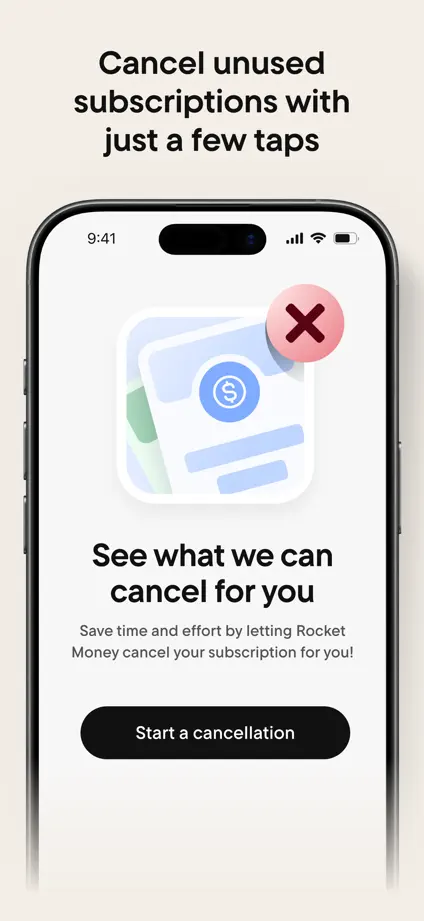
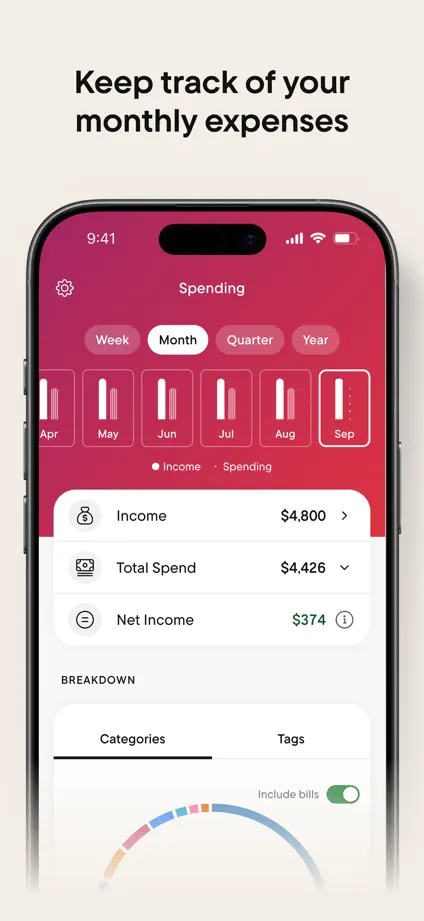
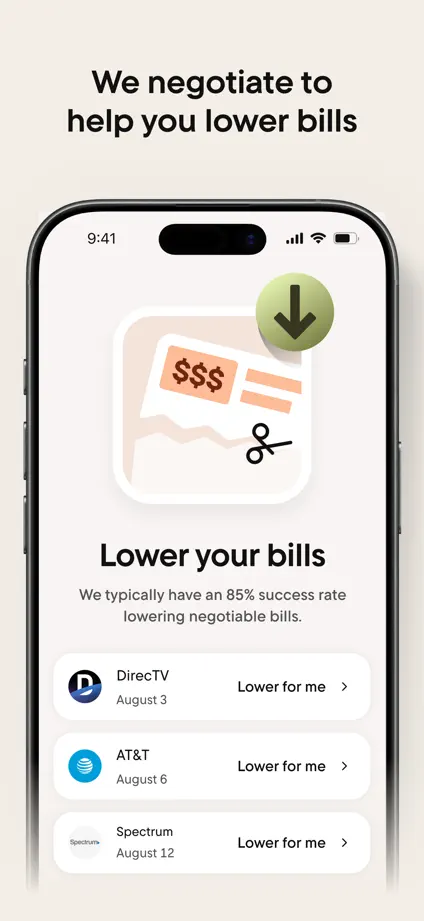
A magenta opening gives way to pale feature panels, pairing large phone crops with small dimensional illustrations and enlarged transaction cards.


Rocket Money, App Store screenshot 1
Rocket Money, App Store screenshot 2
Rocket Money, App Store screenshot 3
Rocket Money, App Store screenshot 4
Rocket Money, App Store screenshot 5
Rocket Money, App Store screenshot 6
Rocket Money, App Store screenshot 7

Emma

Finance · 5 frames

Navy panels, turquoise heading emphasis and purple interface accents create a consistent contrast, ending with a separate press-logo frame.

Emma, App Store screenshot 1
Emma, App Store screenshot 2
Emma, App Store screenshot 3
Emma, App Store screenshot 4
Emma, App Store screenshot 5

Square Point of Sale

Business · 8 frames

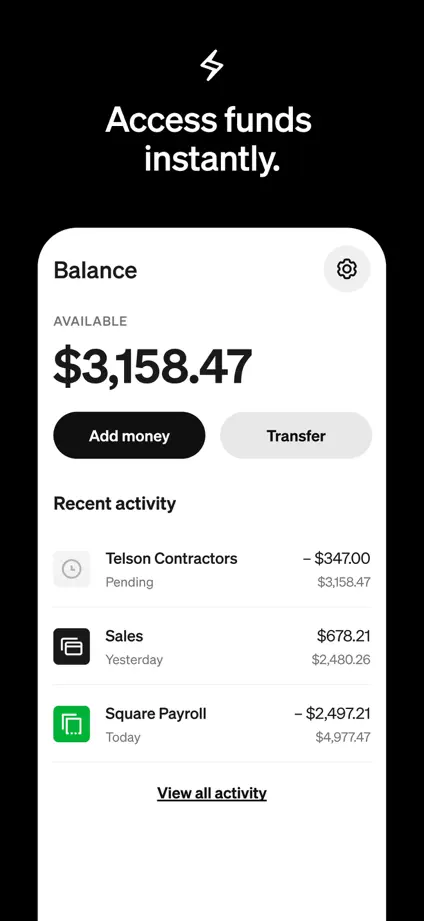
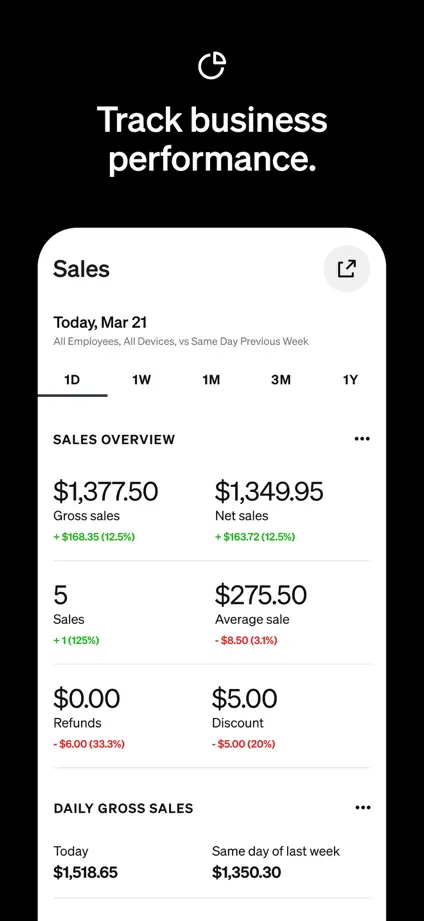
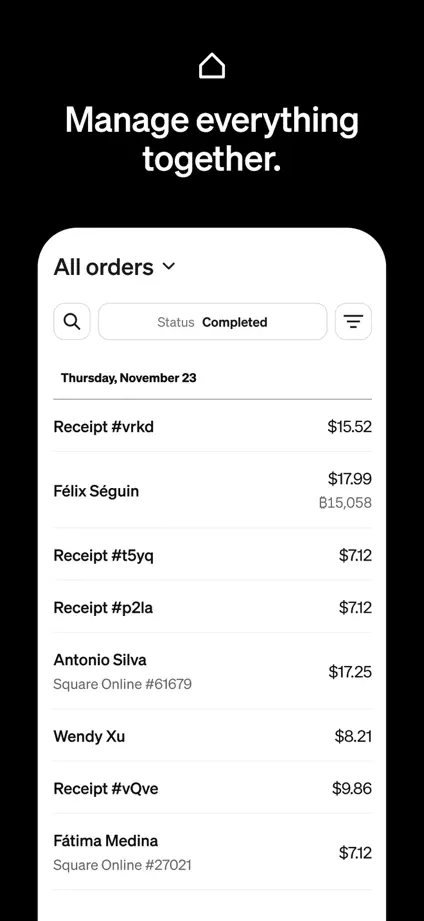
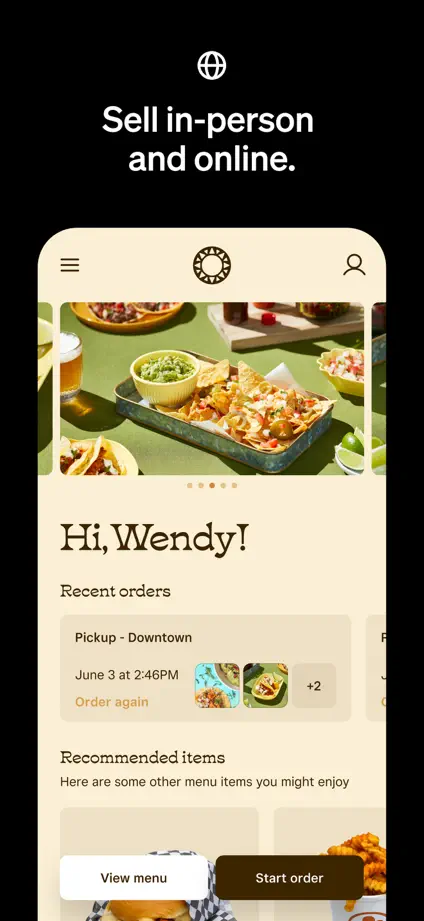
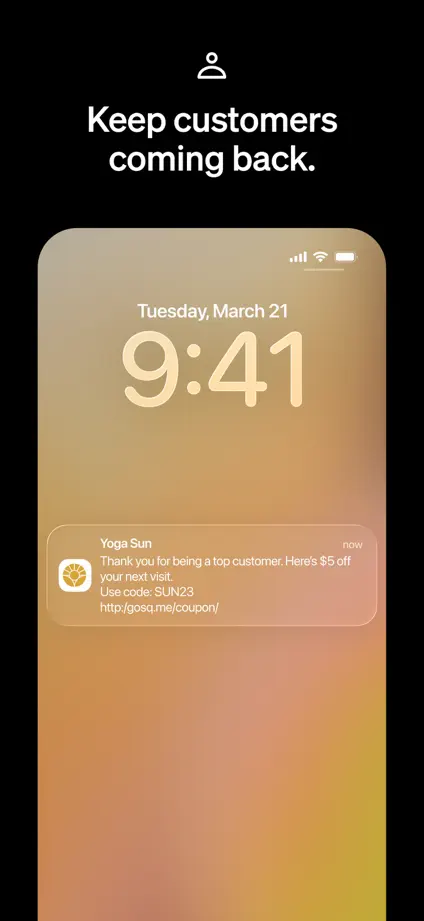
A payment photograph opens the set before black panels and large white interface crops give each business task a clear, consistent presentation.

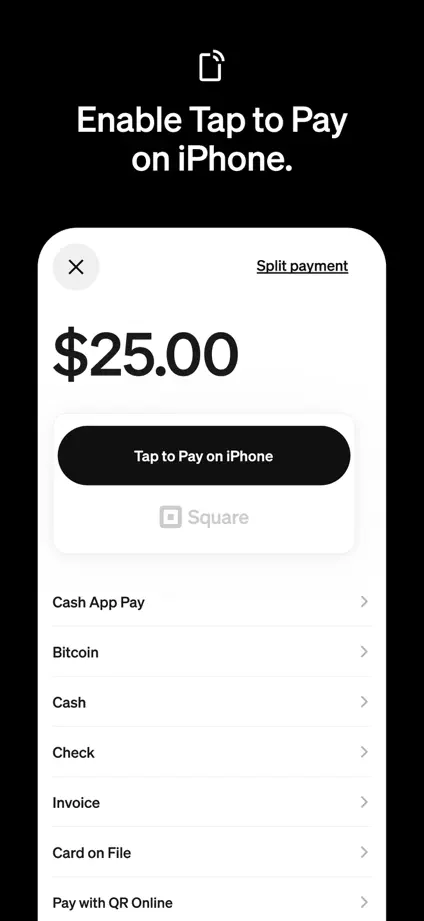
Square Point of Sale, App Store screenshot 1
Square Point of Sale, App Store screenshot 2
Square Point of Sale, App Store screenshot 3
Square Point of Sale, App Store screenshot 4
Square Point of Sale, App Store screenshot 5
Square Point of Sale, App Store screenshot 6
Square Point of Sale, App Store screenshot 7
Square Point of Sale, App Store screenshot 8

Stripe Dashboard

Business · 7 frames

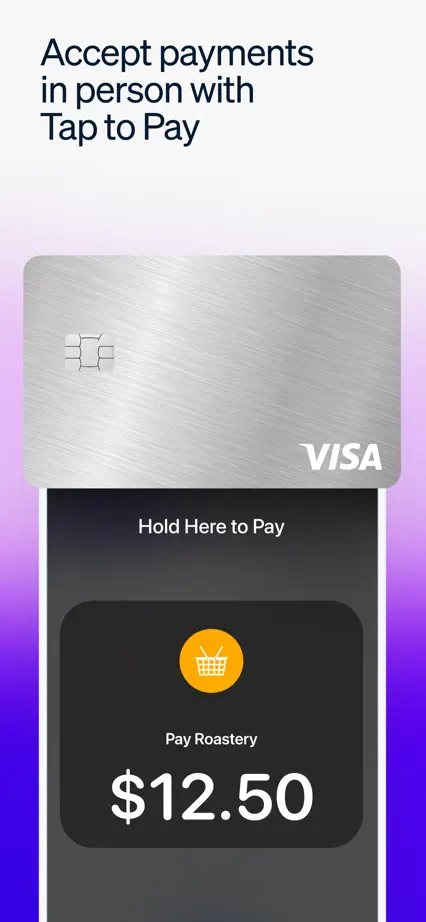
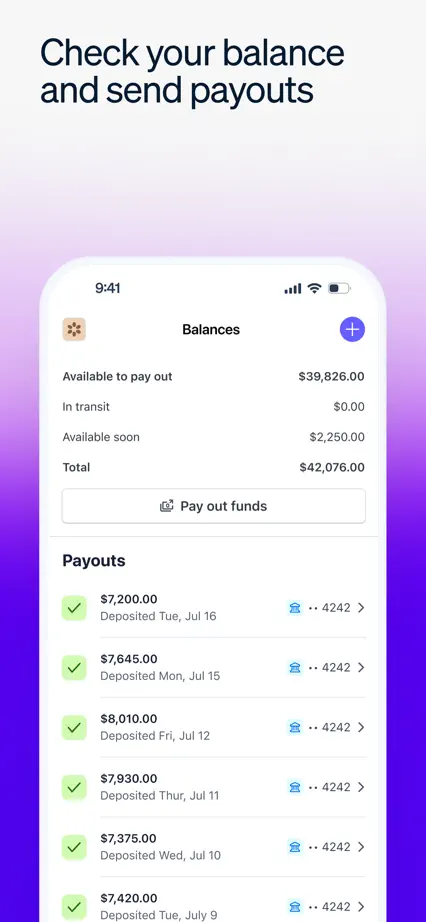
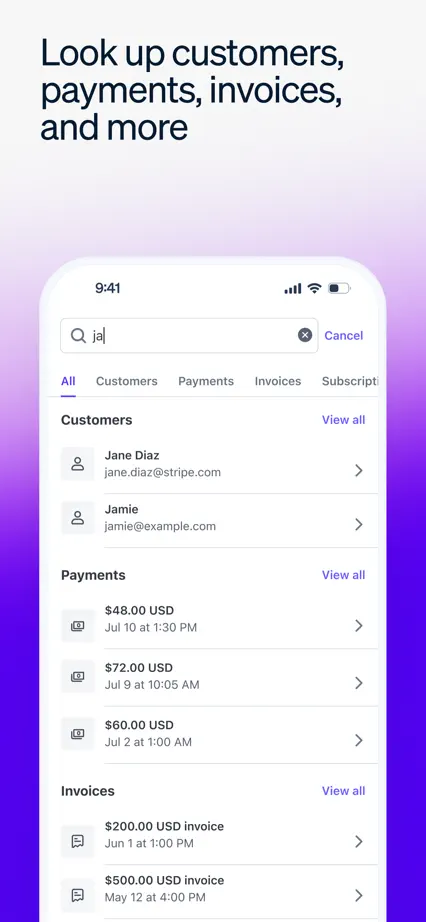
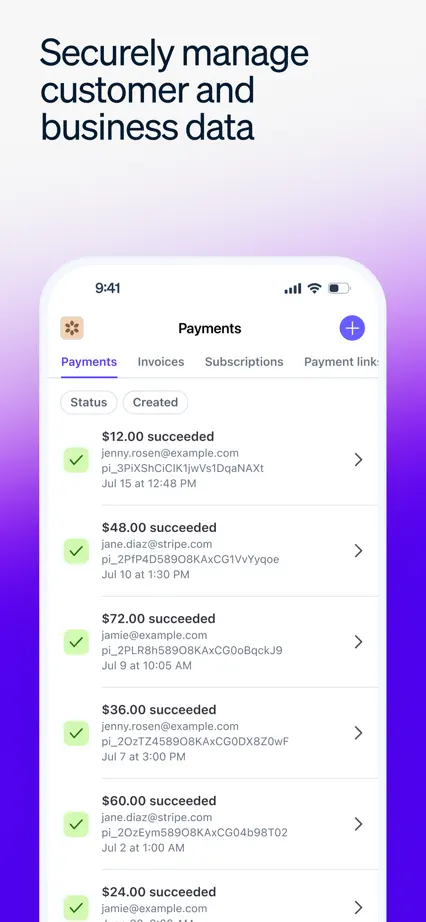
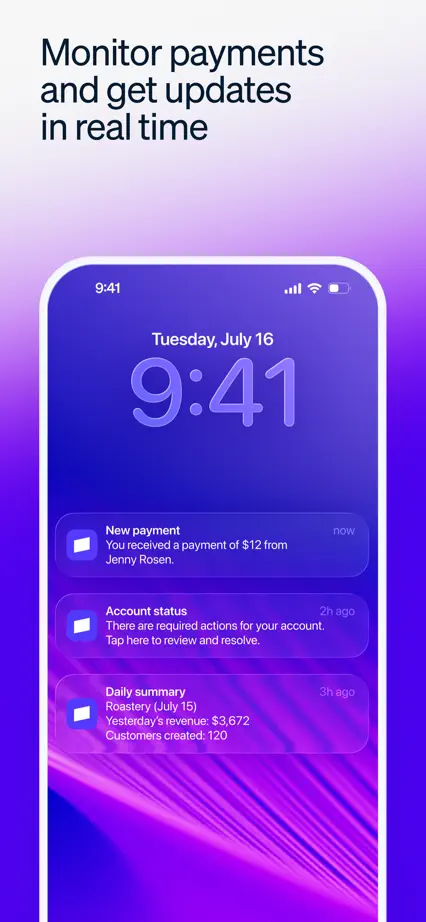
A soft purple gradient ties together enlarged payment, balance and customer screens, with lock-screen notifications framing the opening and close.
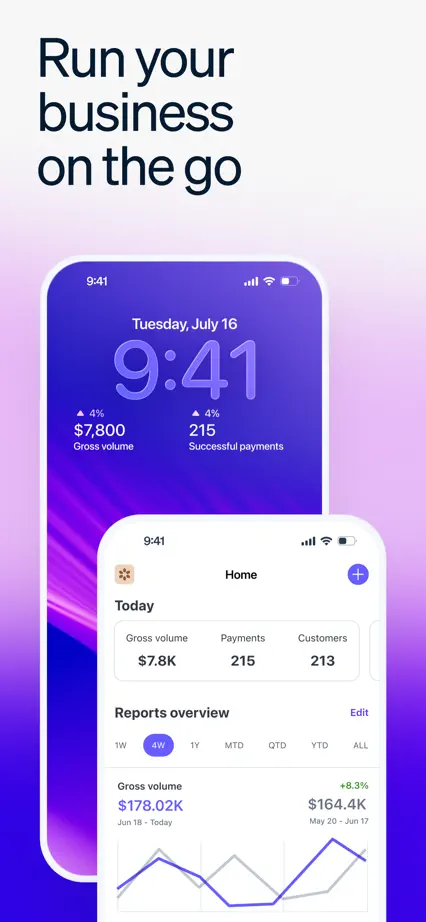
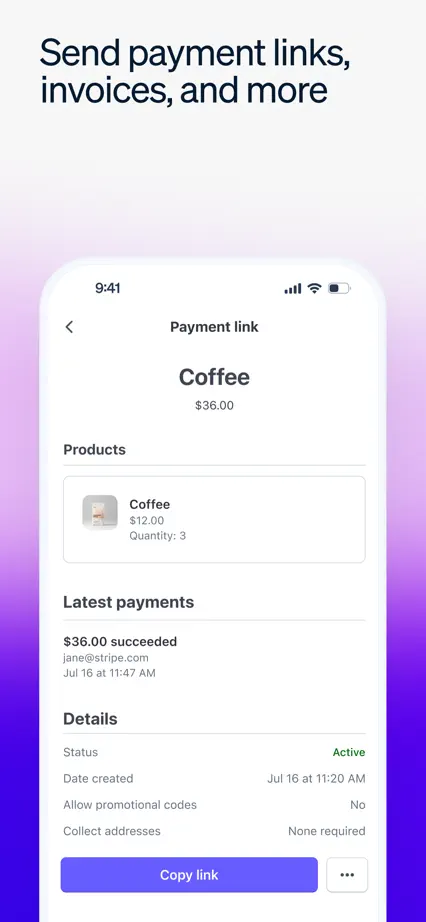
Stripe Dashboard, App Store screenshot 1
Stripe Dashboard, App Store screenshot 2
Stripe Dashboard, App Store screenshot 3
Stripe Dashboard, App Store screenshot 4
Stripe Dashboard, App Store screenshot 5
Stripe Dashboard, App Store screenshot 6
Stripe Dashboard, App Store screenshot 7

Zoom Workplace

Business · 9 frames

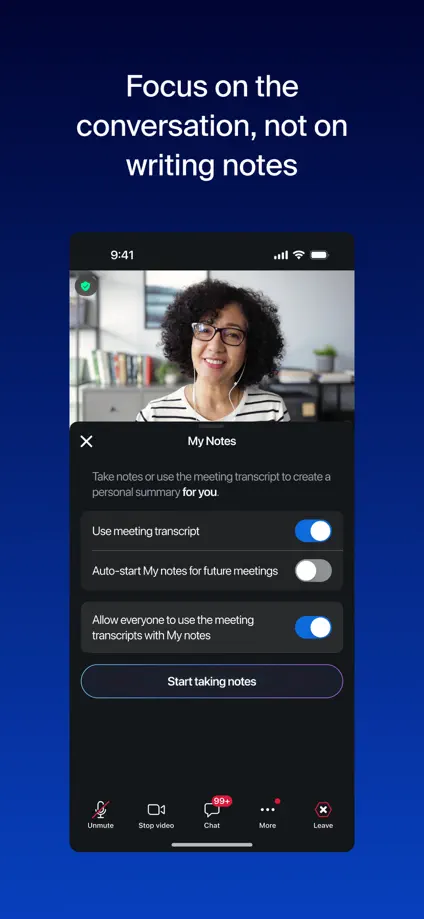
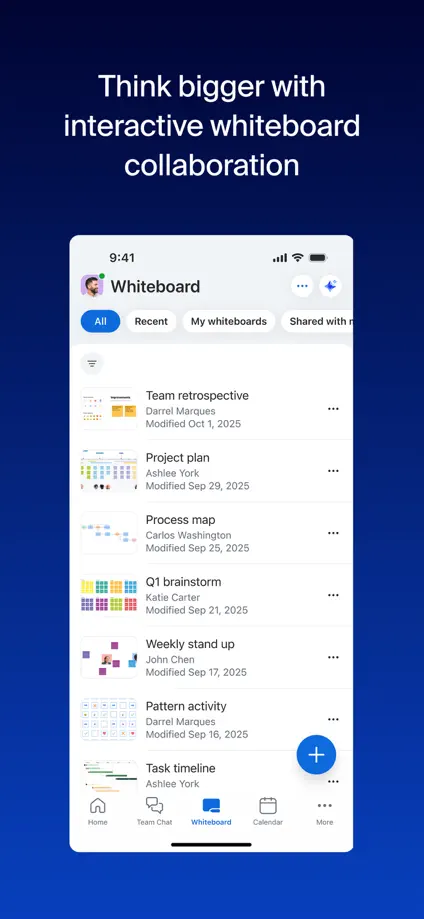
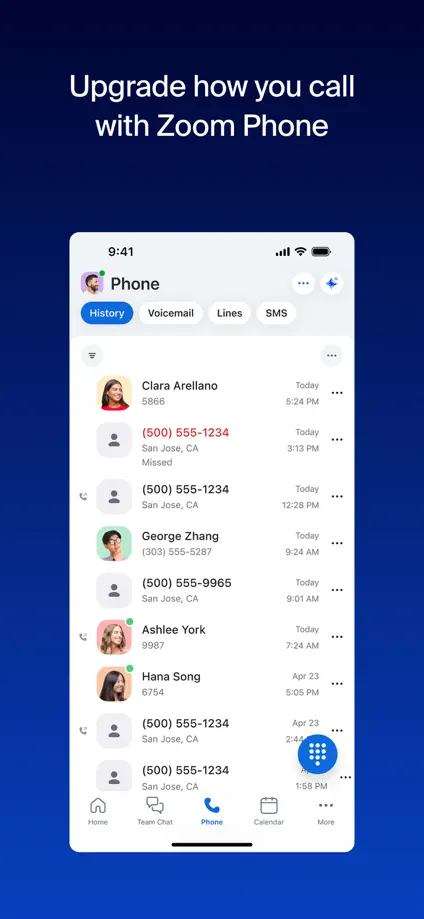
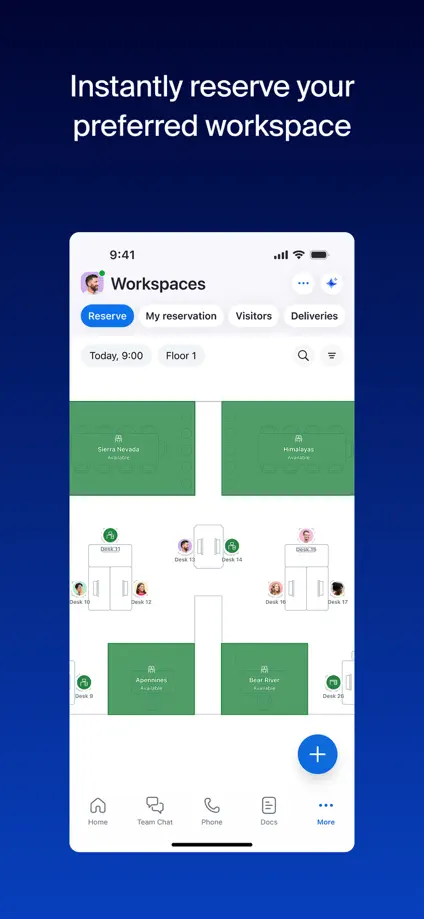
Blue title panels bookend a consistent tour of large meeting, chat and workspace screens, with short white captions above each feature.

Zoom Workplace, App Store screenshot 1
Zoom Workplace, App Store screenshot 2
Zoom Workplace, App Store screenshot 3
Zoom Workplace, App Store screenshot 4
Zoom Workplace, App Store screenshot 5
Zoom Workplace, App Store screenshot 6
Zoom Workplace, App Store screenshot 7
Zoom Workplace, App Store screenshot 8
Zoom Workplace, App Store screenshot 9

Slack

Business · 7 frames

A plum typographic opening introduces a tour of enlarged chat and call screens, with yellow emphasis and white arrows connecting the message across frames.

Slack, App Store screenshot 1
Slack, App Store screenshot 2
Slack, App Store screenshot 3
Slack, App Store screenshot 4
Slack, App Store screenshot 5
Slack, App Store screenshot 6
Slack, App Store screenshot 7

Microsoft Teams

Business · 9 frames

A dimensional opening scene spans two frames, followed by a repeated pale-purple layout with large meeting, chat and calendar screens.

Microsoft Teams, App Store screenshot 1
Microsoft Teams, App Store screenshot 2
Microsoft Teams, App Store screenshot 3
Microsoft Teams, App Store screenshot 4
Microsoft Teams, App Store screenshot 5
Microsoft Teams, App Store screenshot 6
Microsoft Teams, App Store screenshot 7
Microsoft Teams, App Store screenshot 8
Microsoft Teams, App Store screenshot 9

Adobe Scan

Business · 10 frames

A blue backdrop ties the sequence together while white devices and pulled-out document details keep each feature readable.

Adobe Scan, App Store screenshot 1
Adobe Scan, App Store screenshot 2
Adobe Scan, App Store screenshot 3
Adobe Scan, App Store screenshot 4
Adobe Scan, App Store screenshot 5
Adobe Scan, App Store screenshot 6
Adobe Scan, App Store screenshot 7
Adobe Scan, App Store screenshot 8
Adobe Scan, App Store screenshot 9
Adobe Scan, App Store screenshot 10

Genius Scan

Business · 8 frames

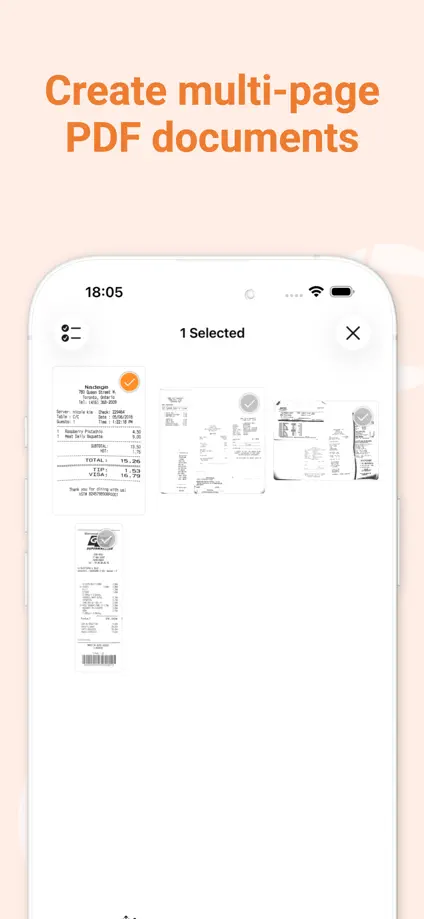
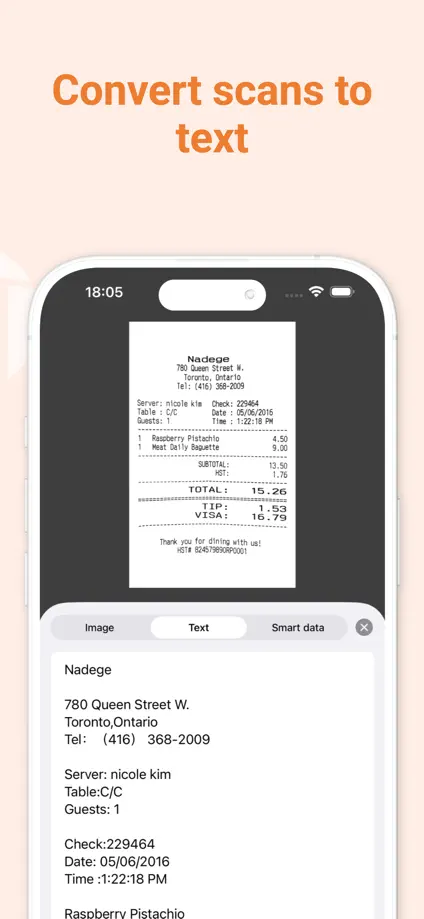
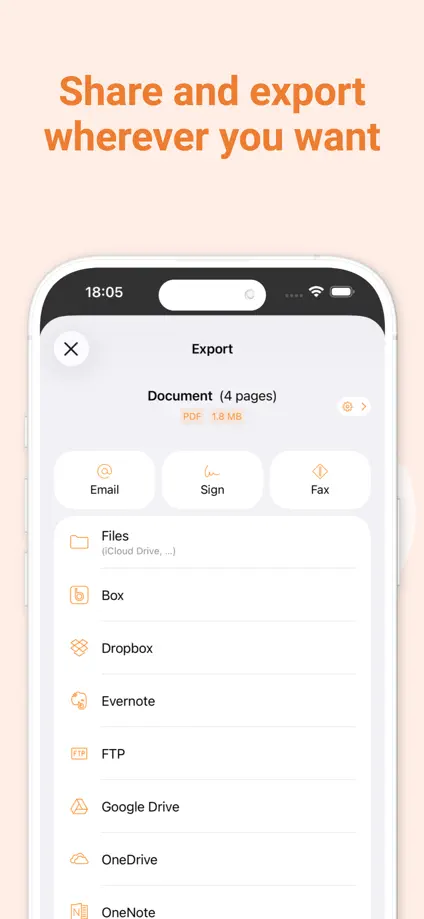
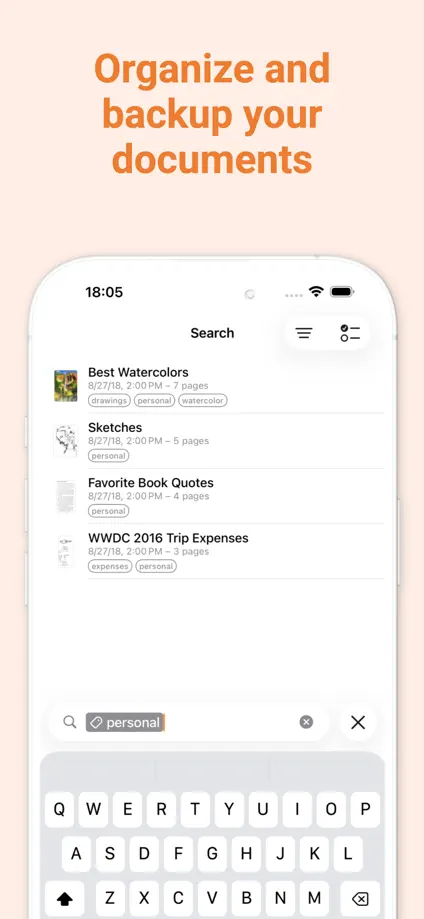
Warm backgrounds and orange headings frame large document previews, with a phone spanning the opening pair.
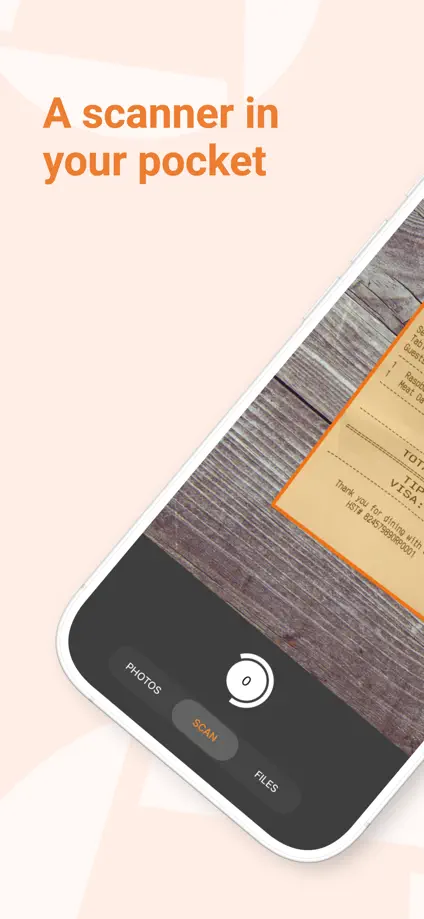
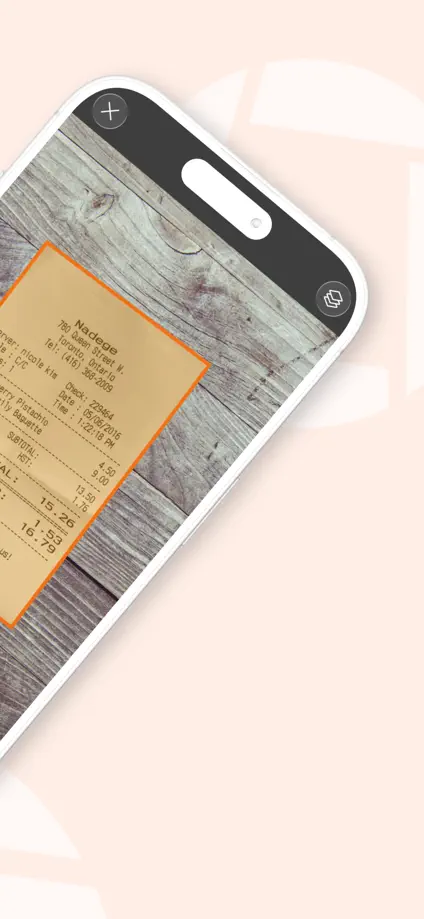
Genius Scan, App Store screenshot 1
Genius Scan, App Store screenshot 2
Genius Scan, App Store screenshot 3
Genius Scan, App Store screenshot 4
Genius Scan, App Store screenshot 5
Genius Scan, App Store screenshot 6
Genius Scan, App Store screenshot 7
Genius Scan, App Store screenshot 8

Calendly

Business · 5 frames

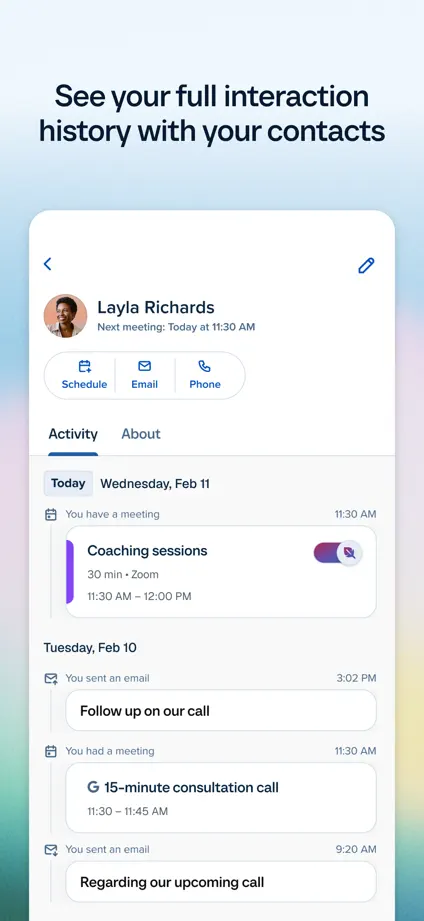
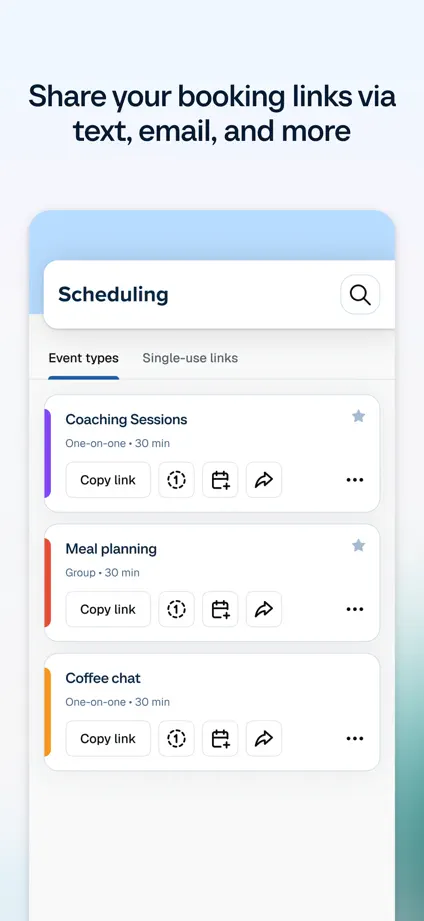
Pale gradients and large interface crops make a consistent frame for calendars, meeting recaps and scheduling links.
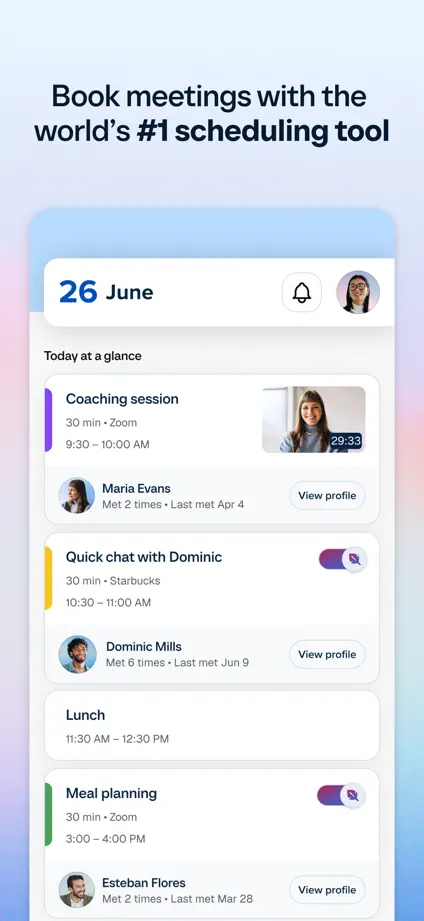
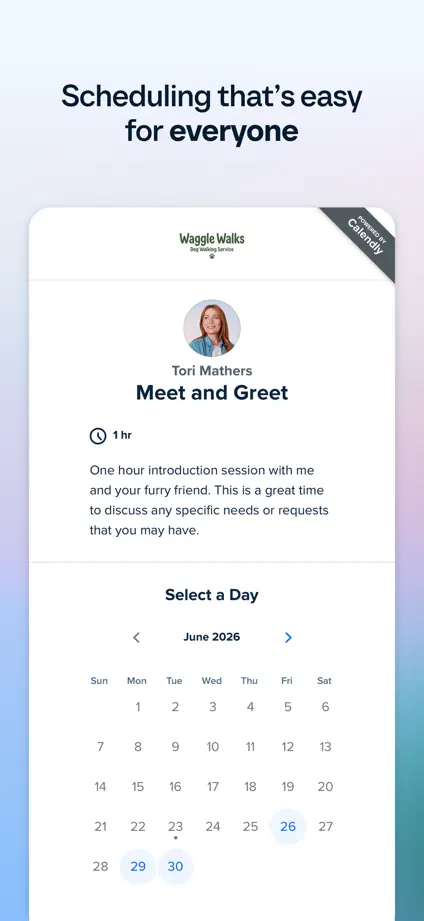
Calendly, App Store screenshot 1
Calendly, App Store screenshot 2
Calendly, App Store screenshot 3
Calendly, App Store screenshot 4
Calendly, App Store screenshot 5

Dashlane

Utilities · 6 frames

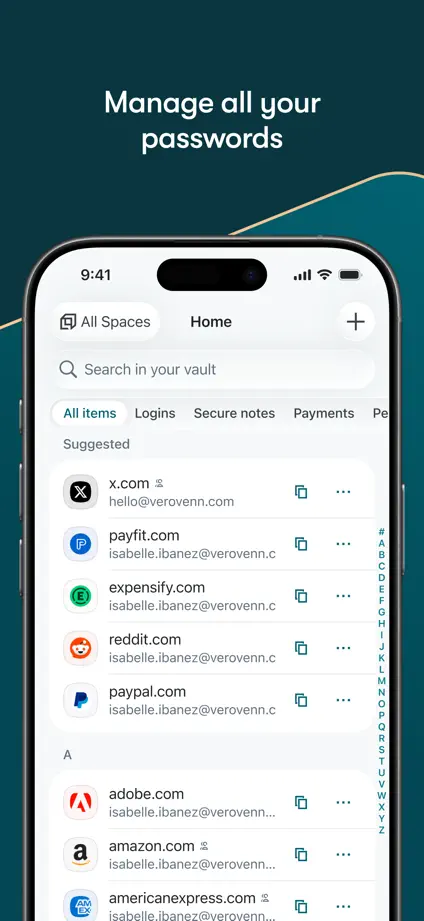
A fine yellow line connects dark teal panels, with the same upright device placement throughout.

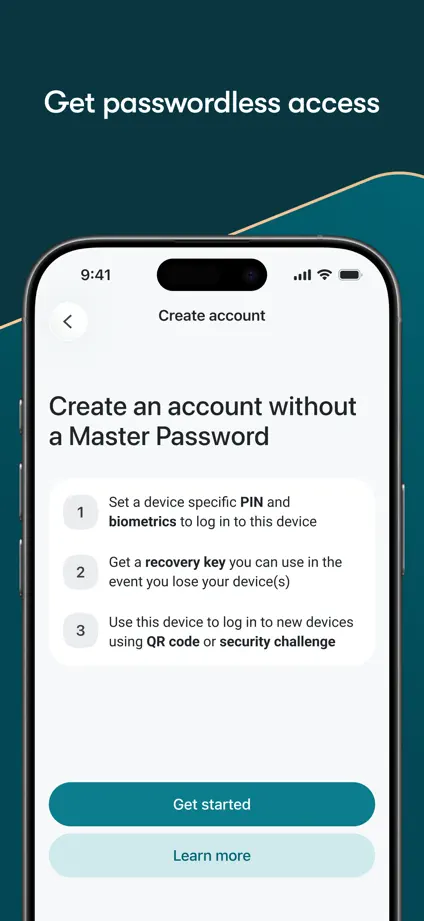
Dashlane, App Store screenshot 1
Dashlane, App Store screenshot 2
Dashlane, App Store screenshot 3
Dashlane, App Store screenshot 4
Dashlane, App Store screenshot 5
Dashlane, App Store screenshot 6

Mullvad VPN

Utilities · 6 frames

Textured yellow panels and hand-drawn lettering create a distinctive frame for dark blue interface screens.

Mullvad VPN, App Store screenshot 1
Mullvad VPN, App Store screenshot 2
Mullvad VPN, App Store screenshot 3
Mullvad VPN, App Store screenshot 4
Mullvad VPN, App Store screenshot 5
Mullvad VPN, App Store screenshot 6

Add to collection

New collection