kit0

Blue App Store screenshots

88 screenshot sets where blue is the dominant background color, from Things 3, Bear and Slopes. Mostly education, productivity and health & fitness apps, often using repeated layout and interface close-ups.

88 appsShow all

Rightmove

Lifestyle · 9 frames

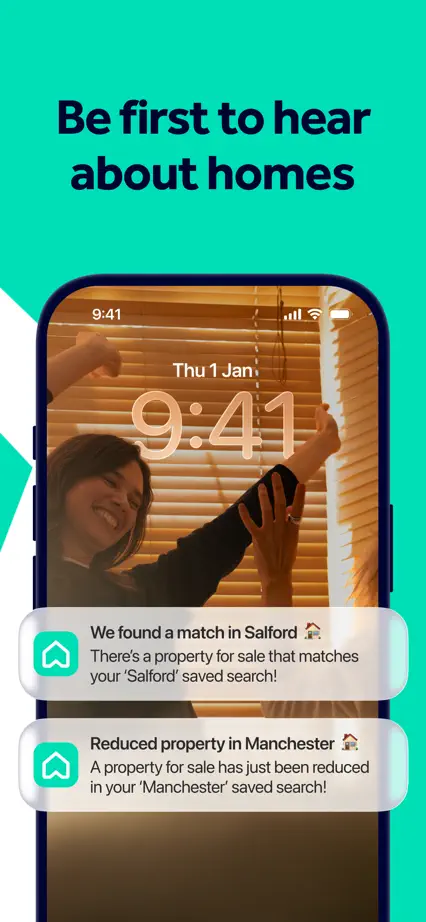
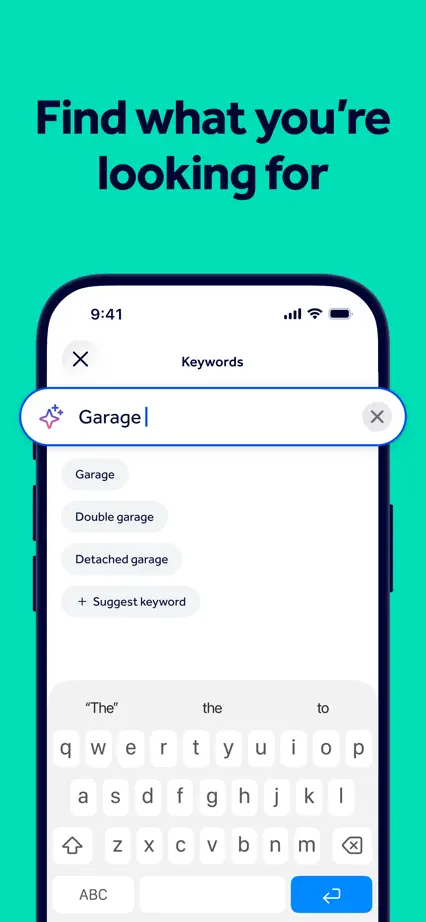
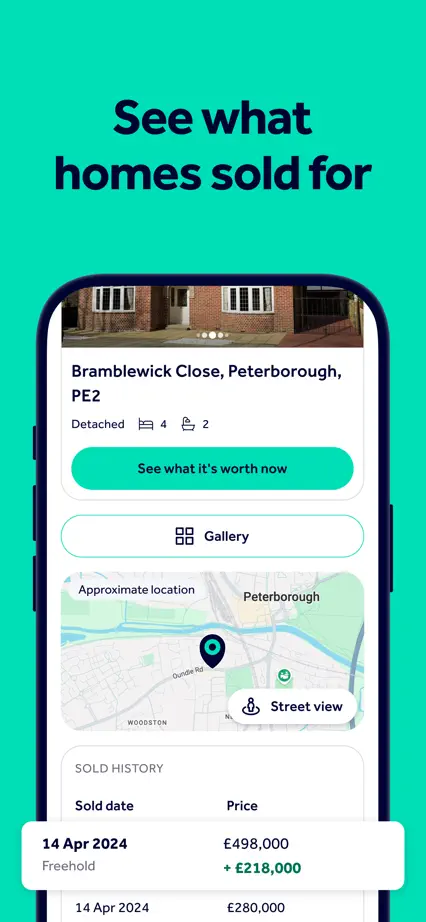
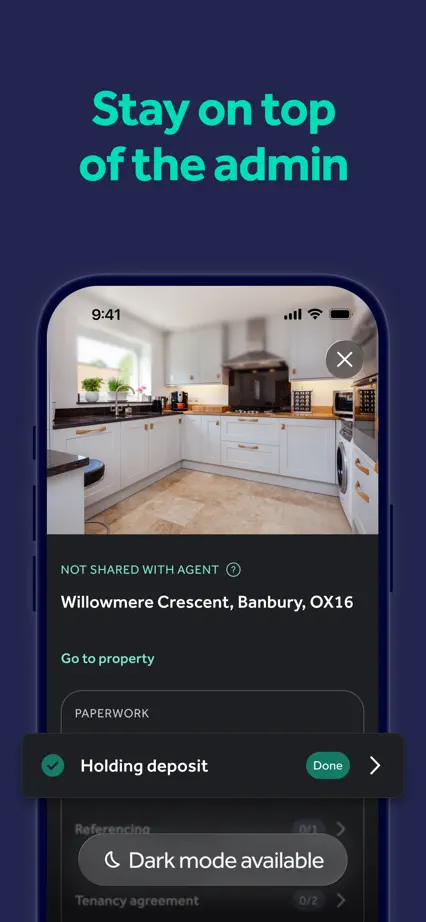
An angled device spans the opening pair, followed by consistent turquoise panels and a darker closing section.

Rightmove, App Store screenshot 1
Rightmove, App Store screenshot 2
Rightmove, App Store screenshot 3
Rightmove, App Store screenshot 4
Rightmove, App Store screenshot 5
Rightmove, App Store screenshot 6
Rightmove, App Store screenshot 7
Rightmove, App Store screenshot 8
Rightmove, App Store screenshot 9

Huckleberry

Lifestyle · 10 frames

A pale blue sequence combines angled devices, small illustrations and enlarged tracking details, with distinct spacing around each feature.
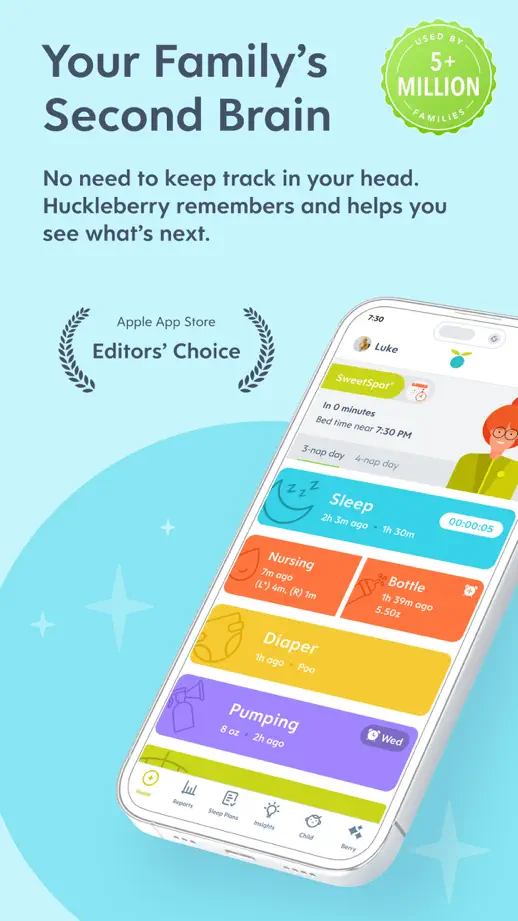
Huckleberry, App Store screenshot 1
Huckleberry, App Store screenshot 2
Huckleberry, App Store screenshot 3
Huckleberry, App Store screenshot 4
Huckleberry, App Store screenshot 5
Huckleberry, App Store screenshot 6
Huckleberry, App Store screenshot 7
Huckleberry, App Store screenshot 8
Huckleberry, App Store screenshot 9
Huckleberry, App Store screenshot 10

Tractive

Lifestyle · 8 frames

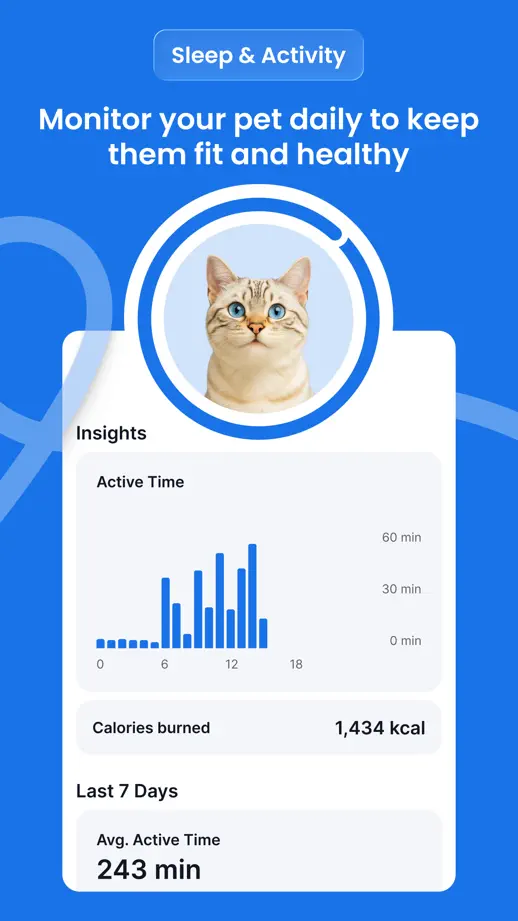
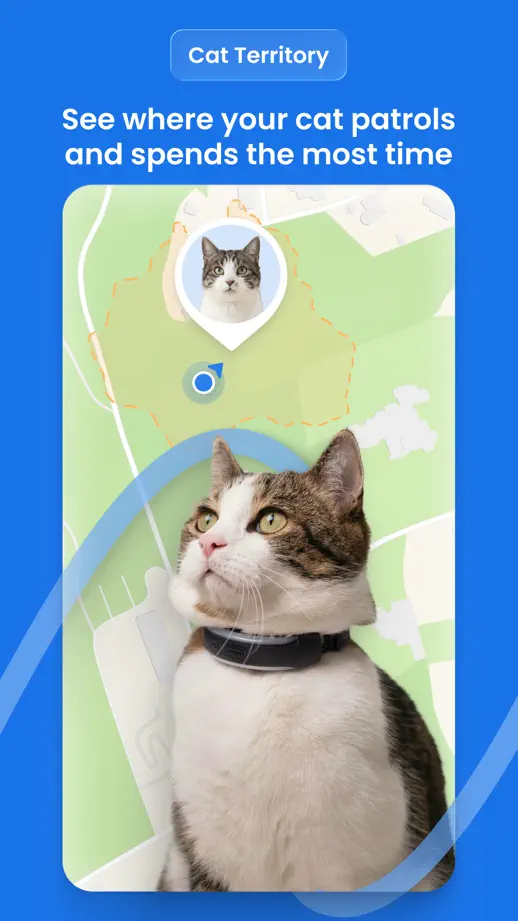
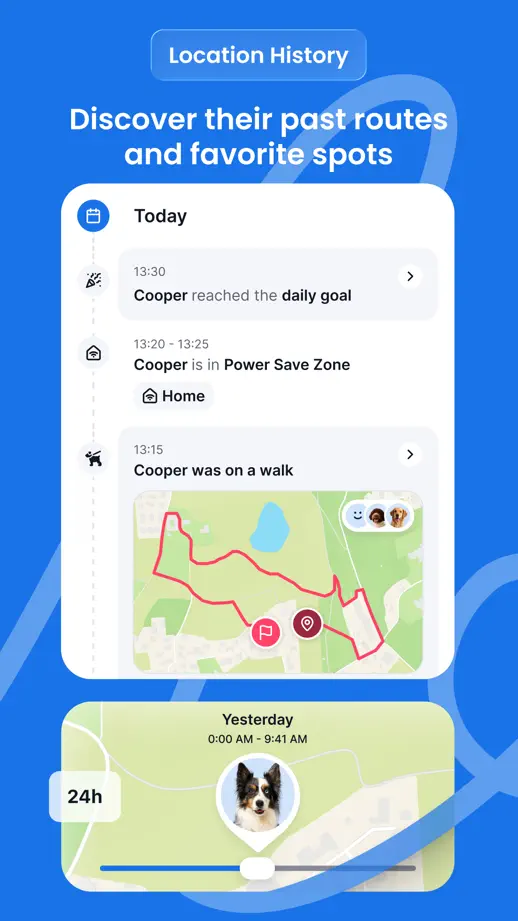
Pet portraits, maps and floating tracking cards share a blue backdrop, with a fine line weaving through the panels.

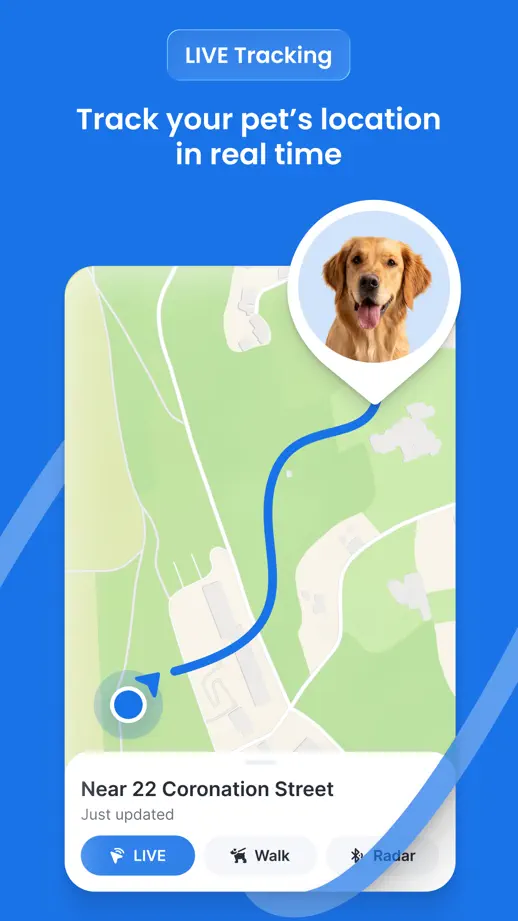
Tractive, App Store screenshot 1
Tractive, App Store screenshot 2
Tractive, App Store screenshot 3
Tractive, App Store screenshot 4
Tractive, App Store screenshot 5
Tractive, App Store screenshot 6
Tractive, App Store screenshot 7
Tractive, App Store screenshot 8

Nara Baby

Lifestyle · 10 frames

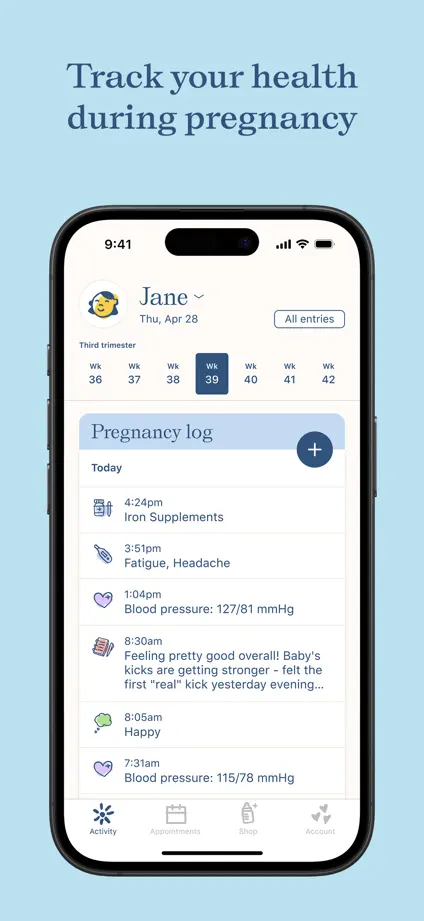
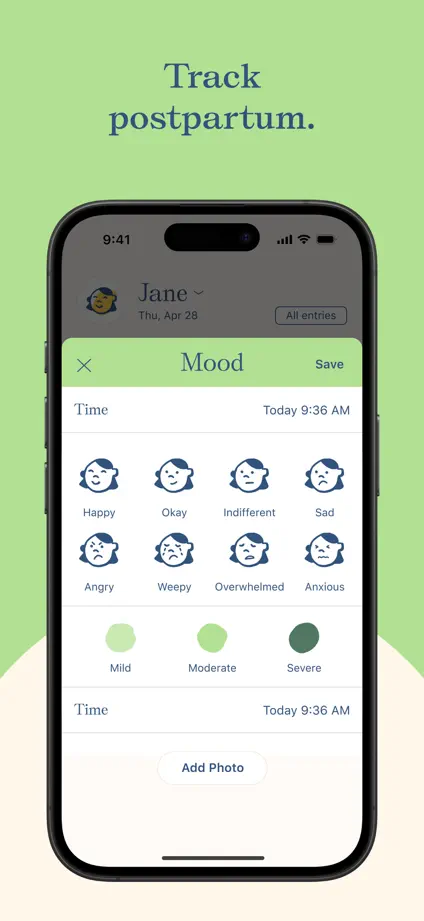
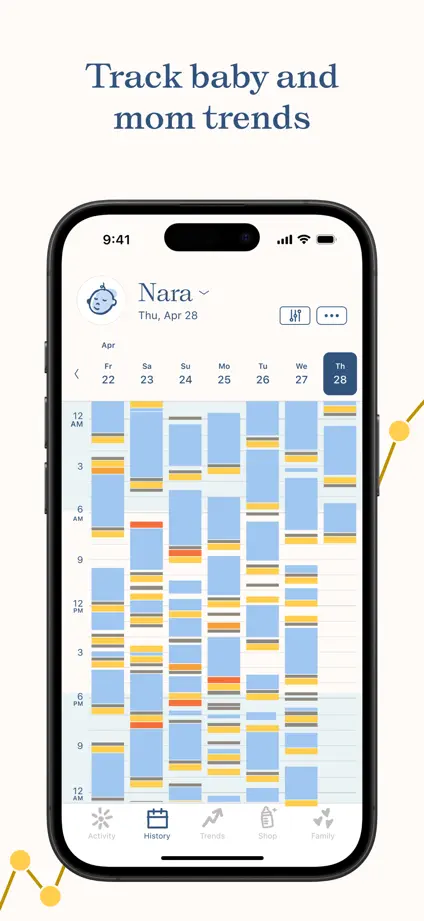
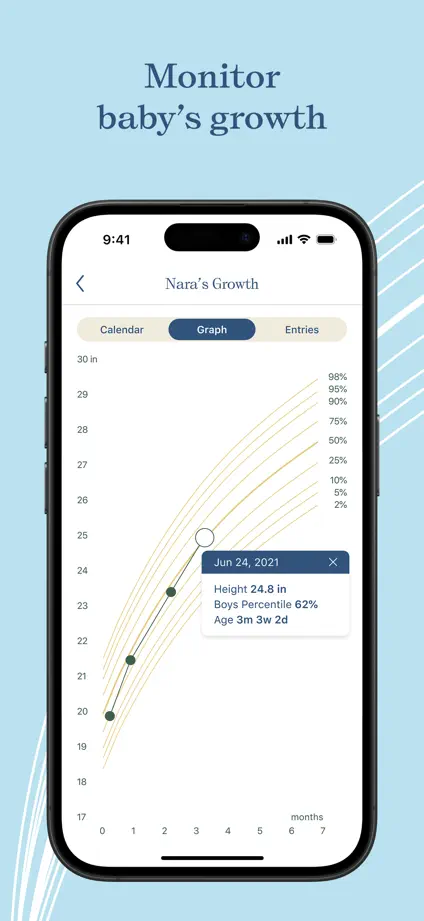
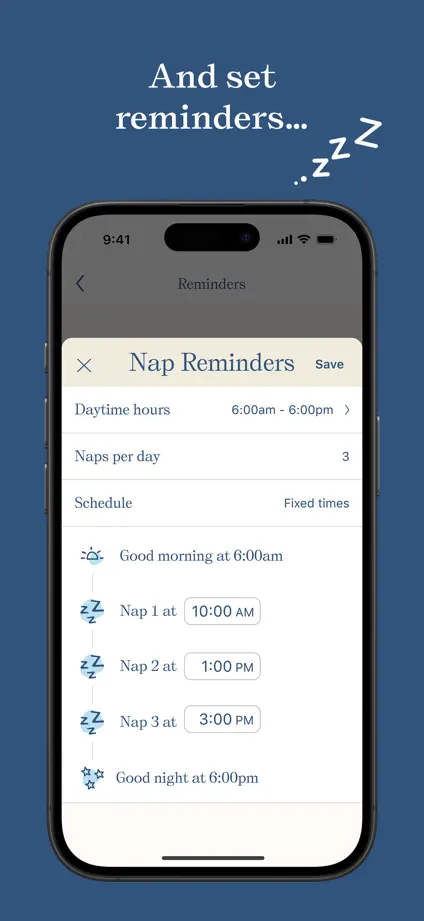
Soft pastel backgrounds and small serif headings frame a consistent device sequence, beginning with an angled overlapping pair.

Nara Baby, App Store screenshot 1
Nara Baby, App Store screenshot 2
Nara Baby, App Store screenshot 3
Nara Baby, App Store screenshot 4
Nara Baby, App Store screenshot 5
Nara Baby, App Store screenshot 6
Nara Baby, App Store screenshot 7
Nara Baby, App Store screenshot 8
Nara Baby, App Store screenshot 9
Nara Baby, App Store screenshot 10

Skyscanner

Travel · 9 frames

A single blue backdrop and compact left-aligned headings support floating interface fragments without visible device frames.

Skyscanner, App Store screenshot 1
Skyscanner, App Store screenshot 2
Skyscanner, App Store screenshot 3
Skyscanner, App Store screenshot 4
Skyscanner, App Store screenshot 5
Skyscanner, App Store screenshot 6
Skyscanner, App Store screenshot 7
Skyscanner, App Store screenshot 8
Skyscanner, App Store screenshot 9

TripIt

Travel · 10 frames

An angled opening pair leads into smaller white devices on blue panels, with a recurring vertical rule beside each heading.

TripIt, App Store screenshot 1
TripIt, App Store screenshot 2
TripIt, App Store screenshot 3
TripIt, App Store screenshot 4
TripIt, App Store screenshot 5
TripIt, App Store screenshot 6
TripIt, App Store screenshot 7
TripIt, App Store screenshot 8
TripIt, App Store screenshot 9
TripIt, App Store screenshot 10

Omio

Travel · 7 frames

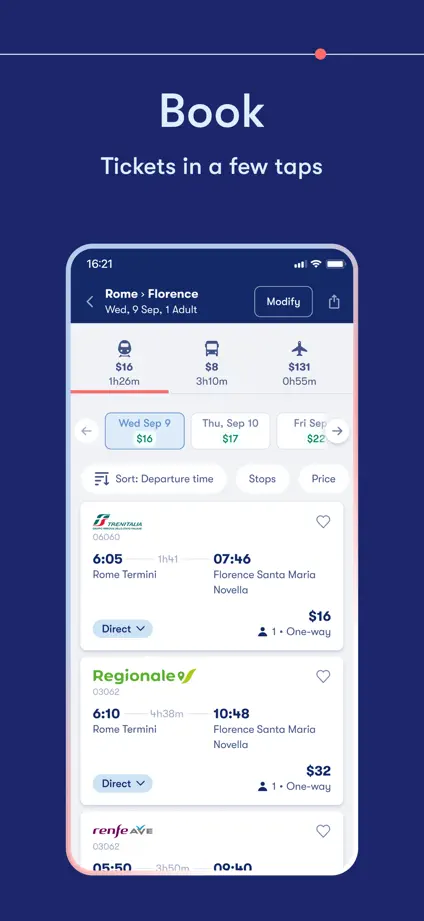
A thin route line links simple one-word headings, with destination photography bookending a dark blue device sequence.

Omio, App Store screenshot 1
Omio, App Store screenshot 2
Omio, App Store screenshot 3
Omio, App Store screenshot 4
Omio, App Store screenshot 5
Omio, App Store screenshot 6
Omio, App Store screenshot 7

Moises

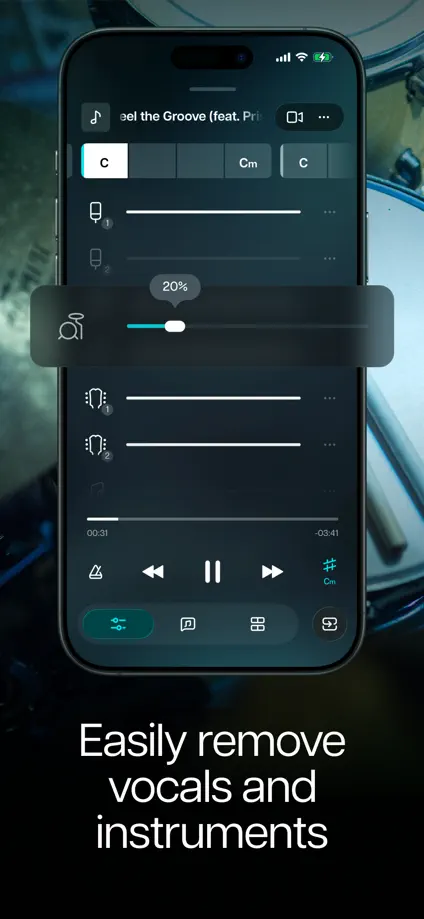
Music · 9 frames

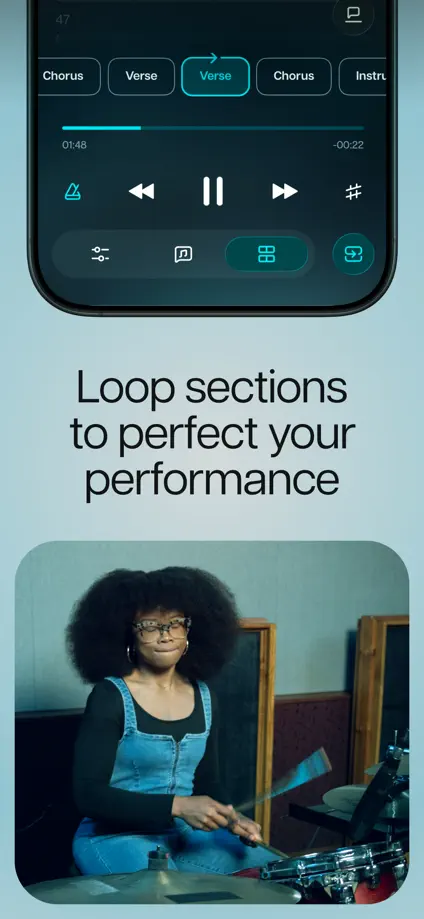
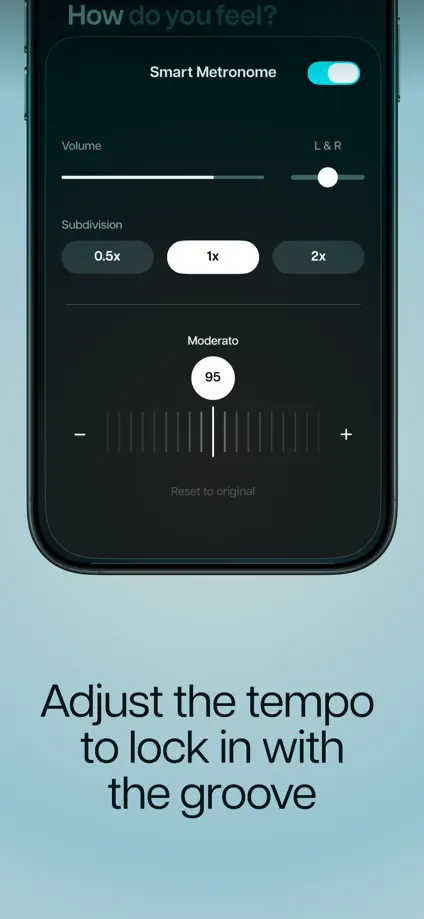
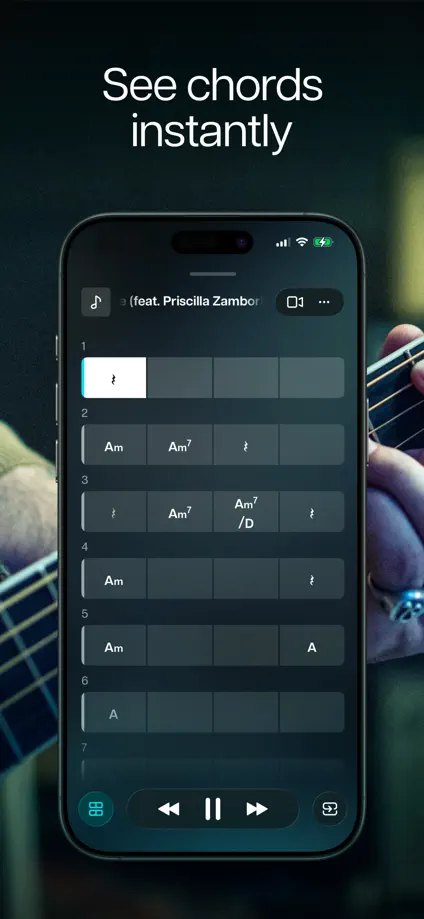
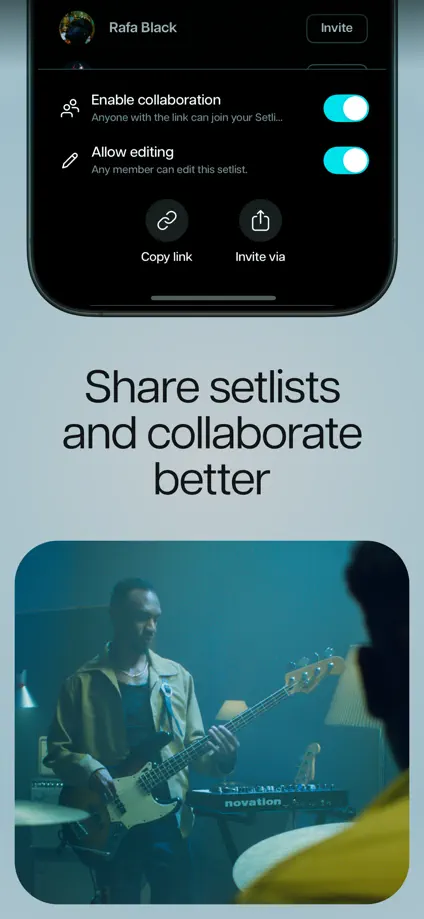
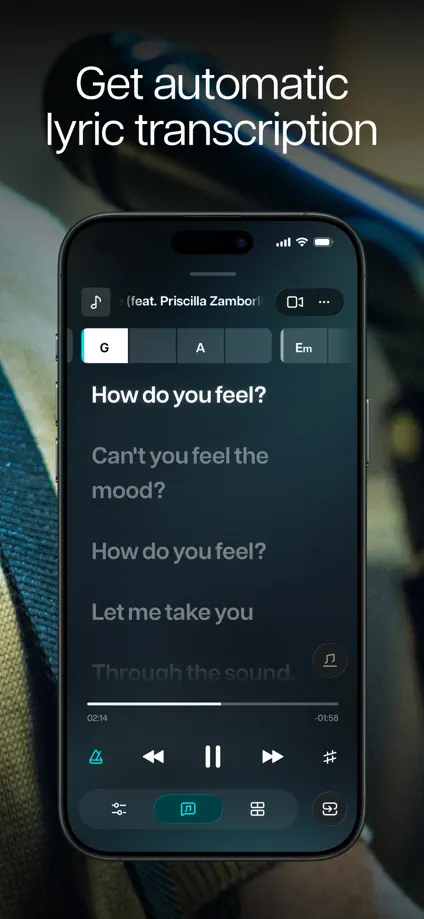
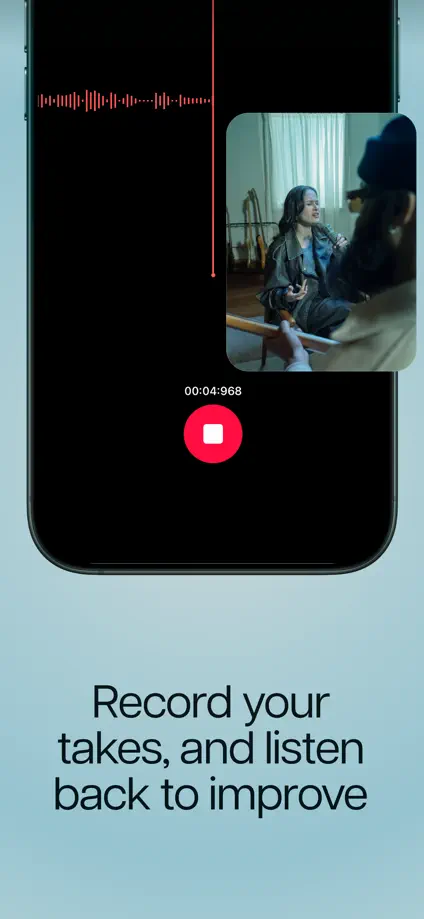
Musician portraits and dark interface crops alternate with pale blue panels, varying both caption placement and device scale.
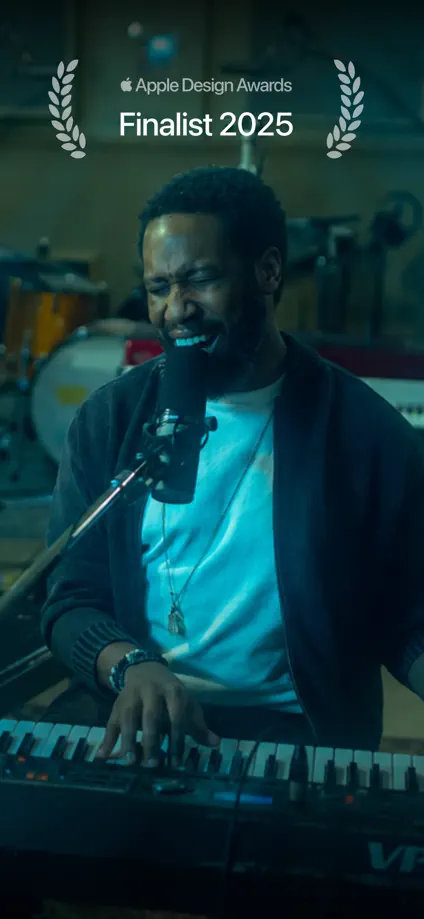
Moises, App Store screenshot 1
Moises, App Store screenshot 2
Moises, App Store screenshot 3
Moises, App Store screenshot 4
Moises, App Store screenshot 5
Moises, App Store screenshot 6
Moises, App Store screenshot 7
Moises, App Store screenshot 8
Moises, App Store screenshot 9

Adobe Express

Creativity · 8 frames

Pastel gradients and large editing screens keep finished artwork prominent, with selected controls and objects crossing the device edge.

Adobe Express, App Store screenshot 1
Adobe Express, App Store screenshot 2
Adobe Express, App Store screenshot 3
Adobe Express, App Store screenshot 4
Adobe Express, App Store screenshot 5
Adobe Express, App Store screenshot 6
Adobe Express, App Store screenshot 7
Adobe Express, App Store screenshot 8

Photoleap

Photo & video · 10 frames

Large edited photographs fill each panel, with consistent short headings and a narrow strip of editing controls below.

Photoleap, App Store screenshot 1
Photoleap, App Store screenshot 2
Photoleap, App Store screenshot 3
Photoleap, App Store screenshot 4
Photoleap, App Store screenshot 5
Photoleap, App Store screenshot 6
Photoleap, App Store screenshot 7
Photoleap, App Store screenshot 8
Photoleap, App Store screenshot 9
Photoleap, App Store screenshot 10

Videoleap

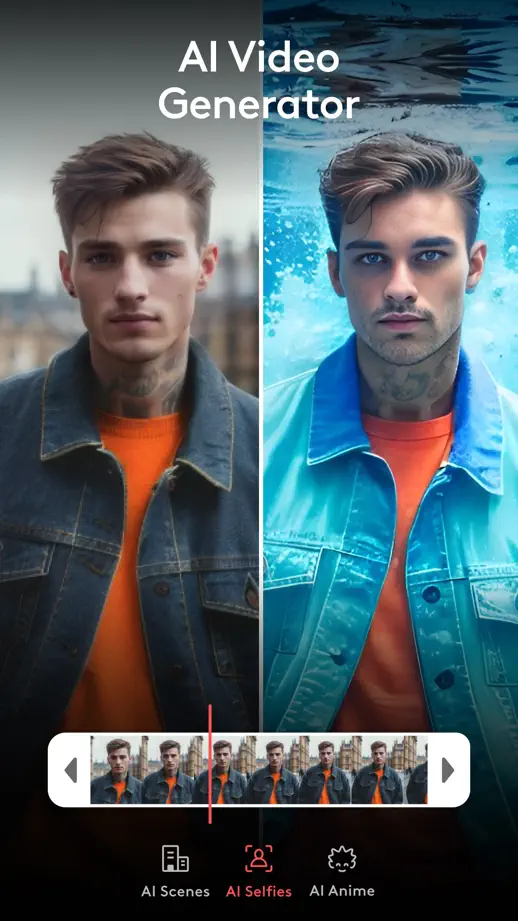
Photo & video · 10 frames

Full-height video examples pair short white captions with visible timelines and controls, ending in a separate brand composition.
Videoleap, App Store screenshot 1
Videoleap, App Store screenshot 2
Videoleap, App Store screenshot 3
Videoleap, App Store screenshot 4
Videoleap, App Store screenshot 5
Videoleap, App Store screenshot 6
Videoleap, App Store screenshot 7
Videoleap, App Store screenshot 8
Videoleap, App Store screenshot 9
Videoleap, App Store screenshot 10

Bearable

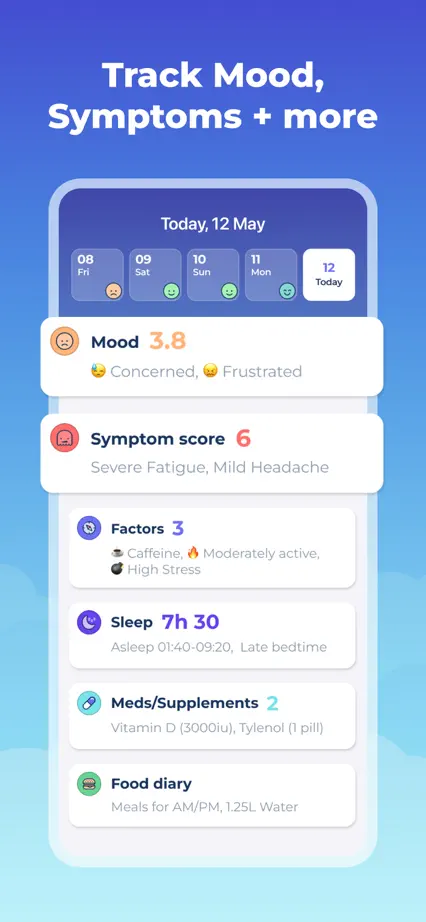
Medical · 10 frames

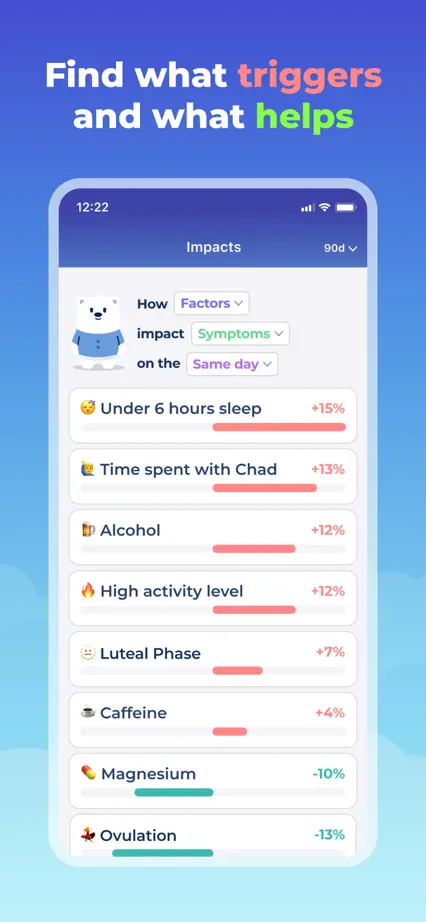
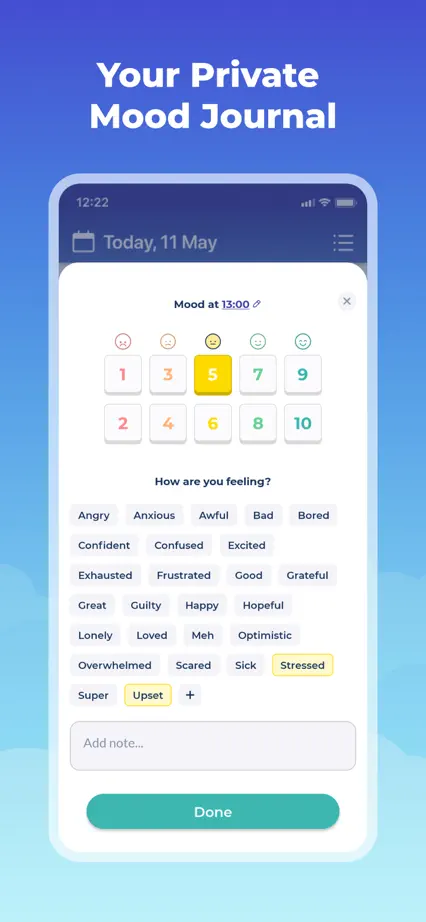
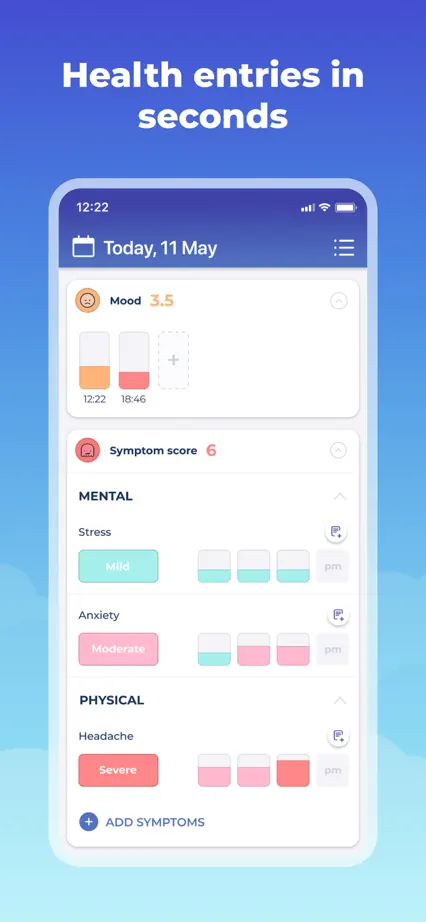
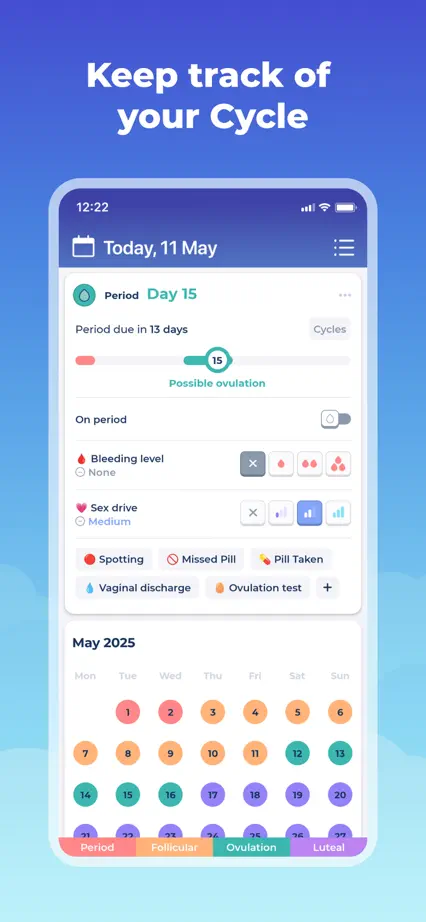
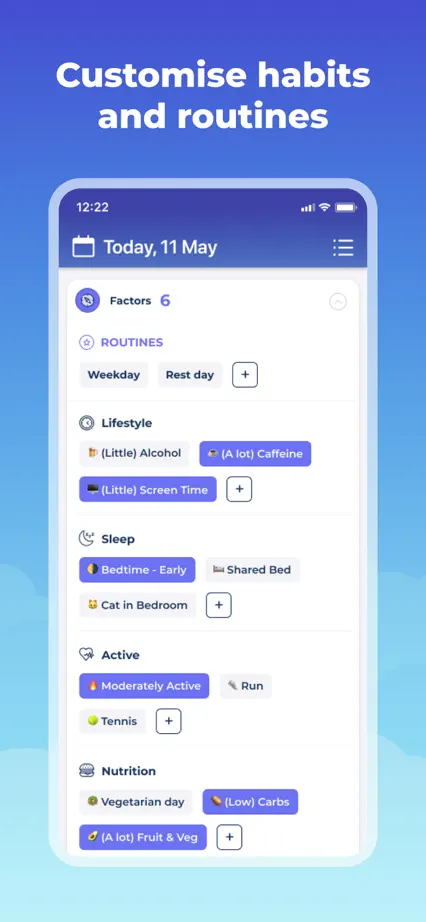
A blue gradient connects an illustrated opening panel with white devices and enlarged tracking details.

Bearable, App Store screenshot 1
Bearable, App Store screenshot 2
Bearable, App Store screenshot 3
Bearable, App Store screenshot 4
Bearable, App Store screenshot 5
Bearable, App Store screenshot 6
Bearable, App Store screenshot 7
Bearable, App Store screenshot 8
Bearable, App Store screenshot 9
Bearable, App Store screenshot 10

Add to collection

New collection