kit0

Blue App Store screenshots

88 screenshot sets where blue is the dominant background color, from Things 3, Bear and Slopes. Mostly education, productivity and health & fitness apps, often using repeated layout and interface close-ups.

88 appsShow all

Zoom Workplace

Business · 9 frames

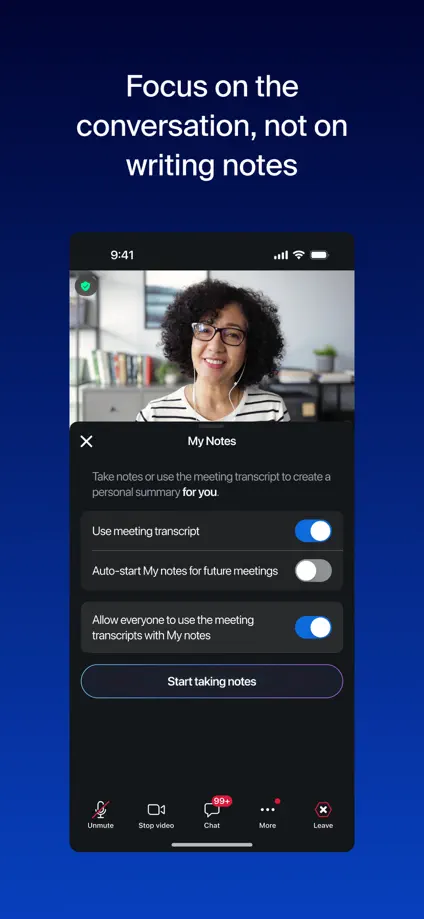
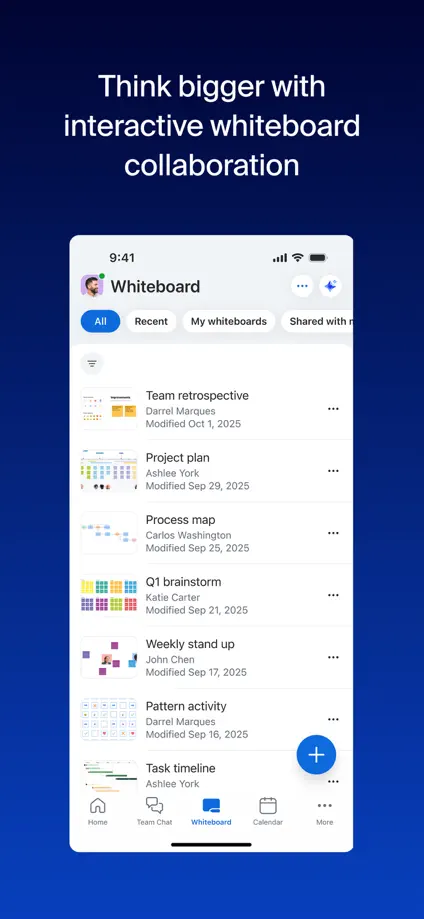
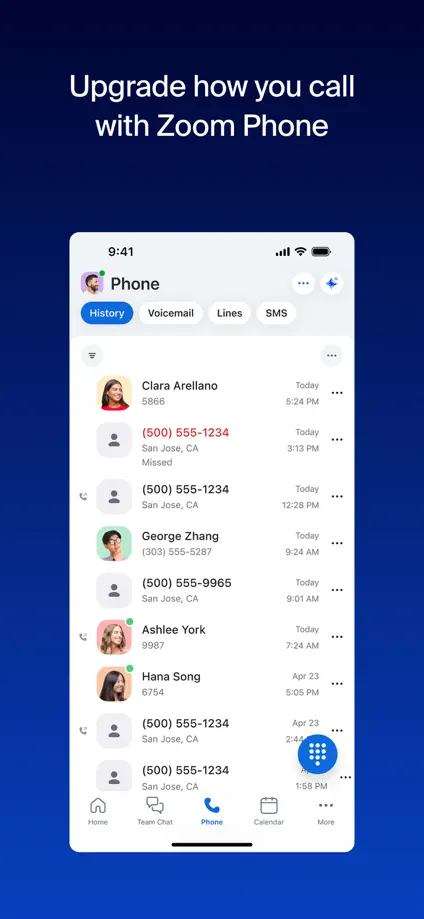
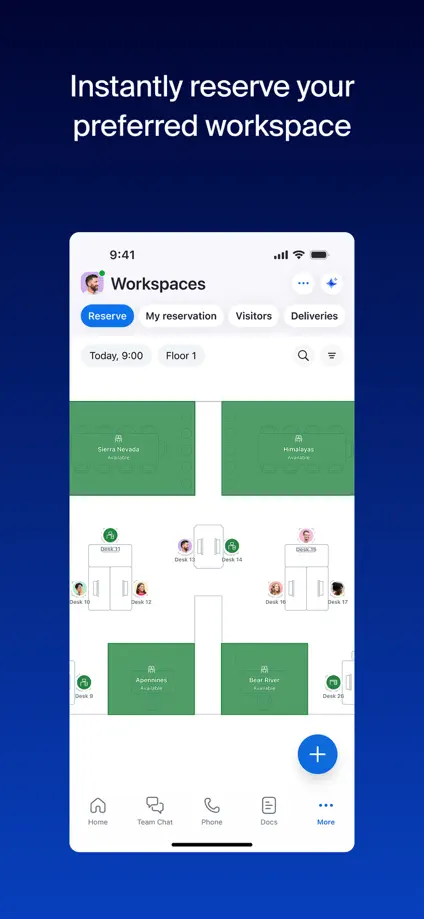
Blue title panels bookend a consistent tour of large meeting, chat and workspace screens, with short white captions above each feature.

Zoom Workplace, App Store screenshot 1
Zoom Workplace, App Store screenshot 2
Zoom Workplace, App Store screenshot 3
Zoom Workplace, App Store screenshot 4
Zoom Workplace, App Store screenshot 5
Zoom Workplace, App Store screenshot 6
Zoom Workplace, App Store screenshot 7
Zoom Workplace, App Store screenshot 8
Zoom Workplace, App Store screenshot 9

Microsoft Teams

Business · 9 frames

A dimensional opening scene spans two frames, followed by a repeated pale-purple layout with large meeting, chat and calendar screens.

Microsoft Teams, App Store screenshot 1
Microsoft Teams, App Store screenshot 2
Microsoft Teams, App Store screenshot 3
Microsoft Teams, App Store screenshot 4
Microsoft Teams, App Store screenshot 5
Microsoft Teams, App Store screenshot 6
Microsoft Teams, App Store screenshot 7
Microsoft Teams, App Store screenshot 8
Microsoft Teams, App Store screenshot 9

Adobe Scan

Business · 10 frames

A blue backdrop ties the sequence together while white devices and pulled-out document details keep each feature readable.

Adobe Scan, App Store screenshot 1
Adobe Scan, App Store screenshot 2
Adobe Scan, App Store screenshot 3
Adobe Scan, App Store screenshot 4
Adobe Scan, App Store screenshot 5
Adobe Scan, App Store screenshot 6
Adobe Scan, App Store screenshot 7
Adobe Scan, App Store screenshot 8
Adobe Scan, App Store screenshot 9
Adobe Scan, App Store screenshot 10

Dashlane

Utilities · 6 frames

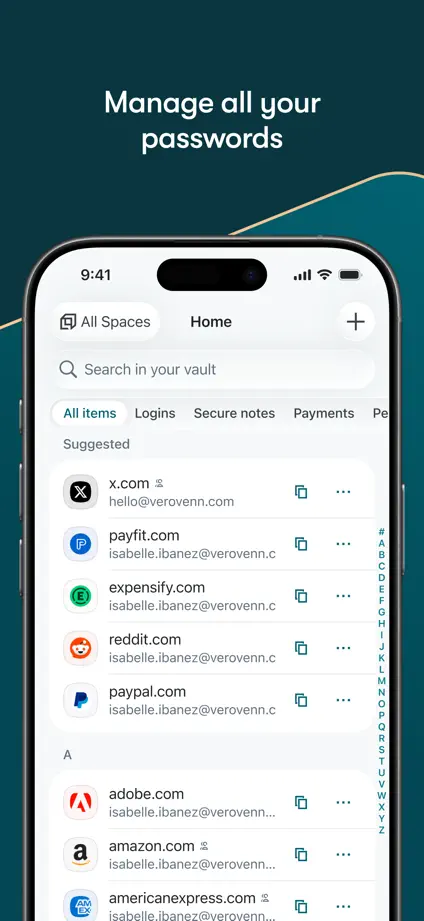
A fine yellow line connects dark teal panels, with the same upright device placement throughout.

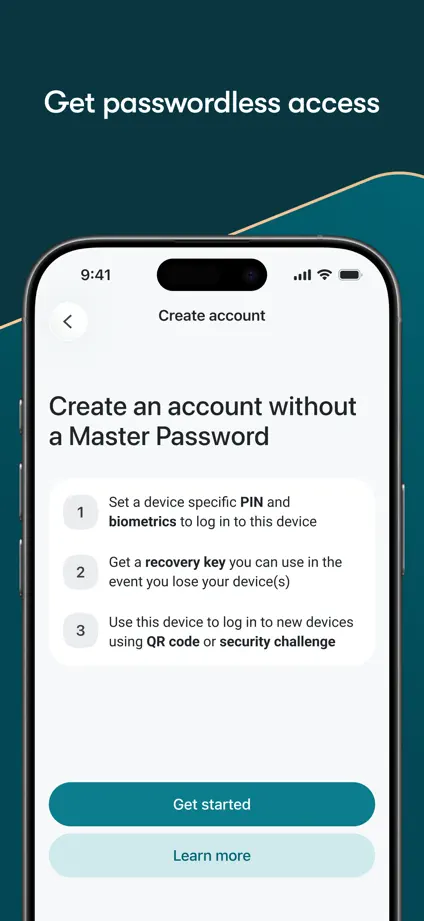
Dashlane, App Store screenshot 1
Dashlane, App Store screenshot 2
Dashlane, App Store screenshot 3
Dashlane, App Store screenshot 4
Dashlane, App Store screenshot 5
Dashlane, App Store screenshot 6

Proton Pass

Utilities · 9 frames

Purple glows and outlined devices give dark panels depth, while enlarged cards bring individual interactions forward.

Proton Pass, App Store screenshot 1
Proton Pass, App Store screenshot 2
Proton Pass, App Store screenshot 3
Proton Pass, App Store screenshot 4
Proton Pass, App Store screenshot 5
Proton Pass, App Store screenshot 6
Proton Pass, App Store screenshot 7
Proton Pass, App Store screenshot 8
Proton Pass, App Store screenshot 9

DuckDuckGo

Utilities · 9 frames

An oversized opening headline leads into blue and white panels combining interface cards with simple privacy illustrations.

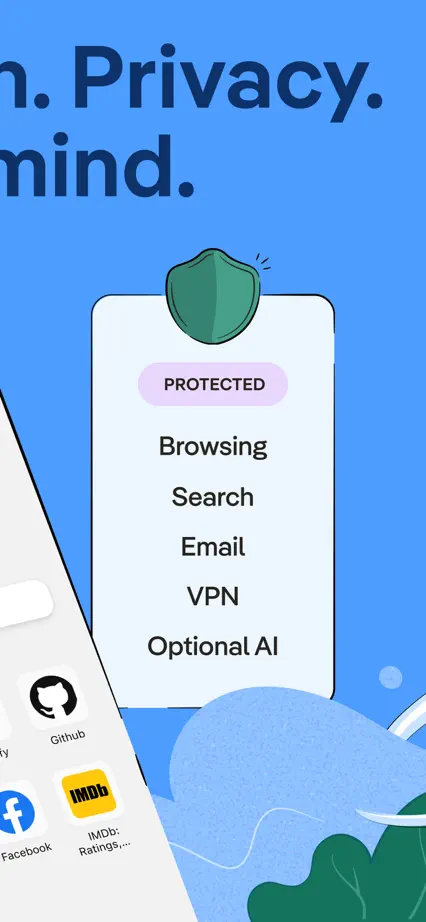
DuckDuckGo, App Store screenshot 1
DuckDuckGo, App Store screenshot 2
DuckDuckGo, App Store screenshot 3
DuckDuckGo, App Store screenshot 4
DuckDuckGo, App Store screenshot 5
DuckDuckGo, App Store screenshot 6
DuckDuckGo, App Store screenshot 7
DuckDuckGo, App Store screenshot 8
DuckDuckGo, App Store screenshot 9

Documents

Utilities · 10 frames

Dimensional file artwork opens a dark blue sequence, followed by large document interfaces and enlarged editing controls.

Documents, App Store screenshot 1
Documents, App Store screenshot 2
Documents, App Store screenshot 3
Documents, App Store screenshot 4
Documents, App Store screenshot 5
Documents, App Store screenshot 6
Documents, App Store screenshot 7
Documents, App Store screenshot 8
Documents, App Store screenshot 9
Documents, App Store screenshot 10

Scanner Pro

Utilities · 9 frames

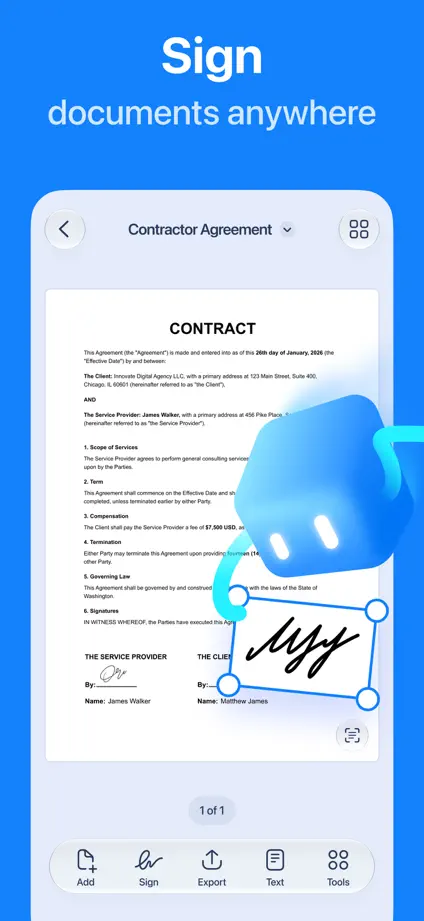
Bright blue panels and a small dimensional mascot connect large document interfaces, with consistent feature headings.
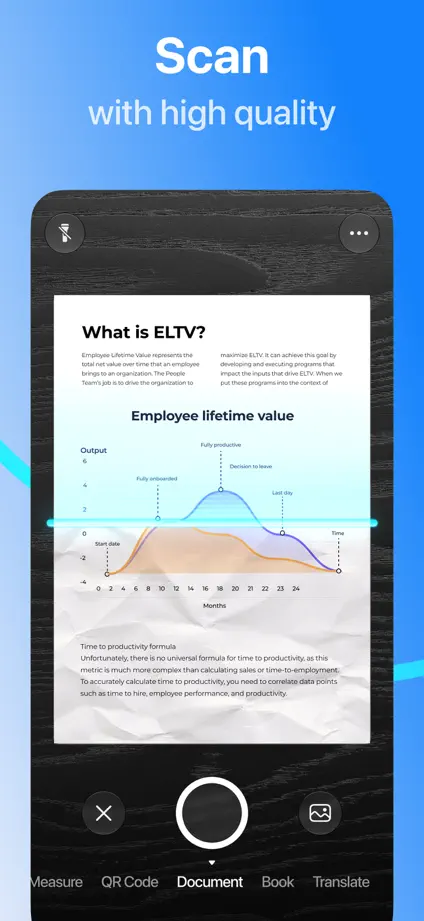
Scanner Pro, App Store screenshot 1
Scanner Pro, App Store screenshot 2
Scanner Pro, App Store screenshot 3
Scanner Pro, App Store screenshot 4
Scanner Pro, App Store screenshot 5
Scanner Pro, App Store screenshot 6
Scanner Pro, App Store screenshot 7
Scanner Pro, App Store screenshot 8
Scanner Pro, App Store screenshot 9

JustWatch

Entertainment · 8 frames

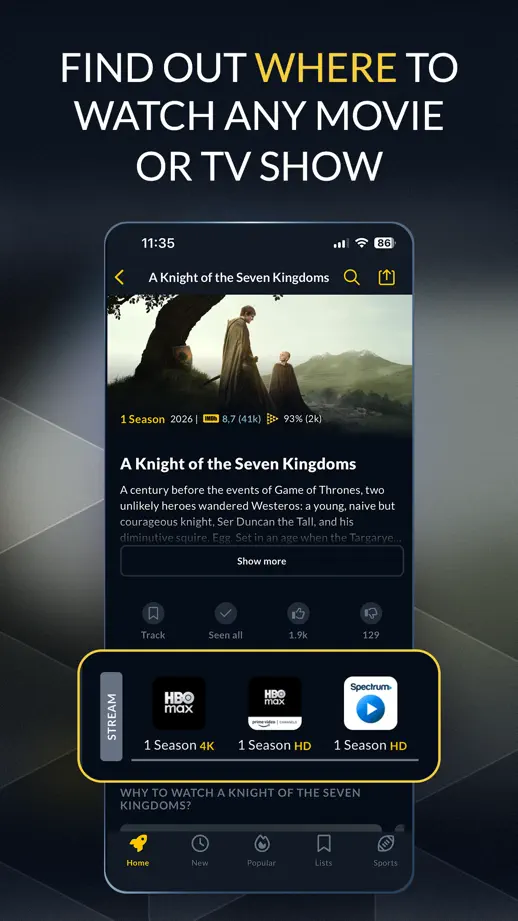
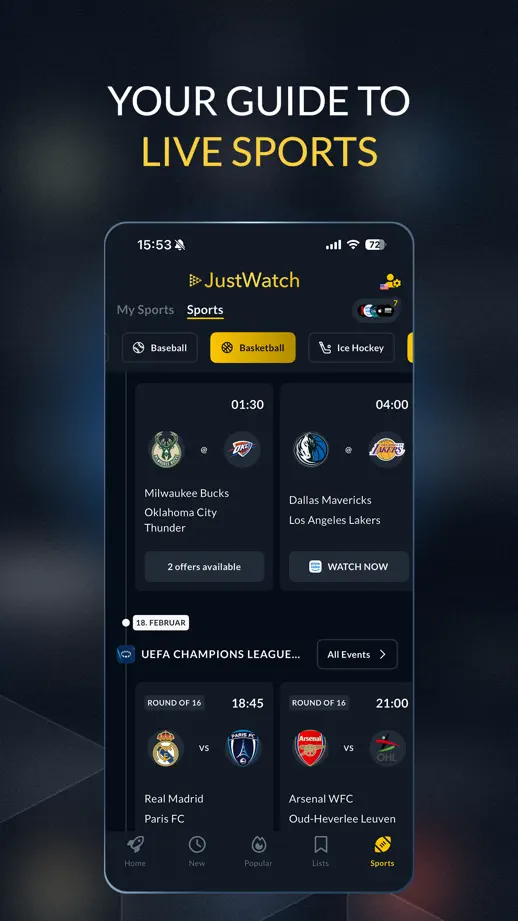
Yellow highlights connect headings, selected interface controls and the closing brand panel on a dark background.

JustWatch, App Store screenshot 1
JustWatch, App Store screenshot 2
JustWatch, App Store screenshot 3
JustWatch, App Store screenshot 4
JustWatch, App Store screenshot 5
JustWatch, App Store screenshot 6
JustWatch, App Store screenshot 7
JustWatch, App Store screenshot 8

Amazon Kindle

Book · 10 frames

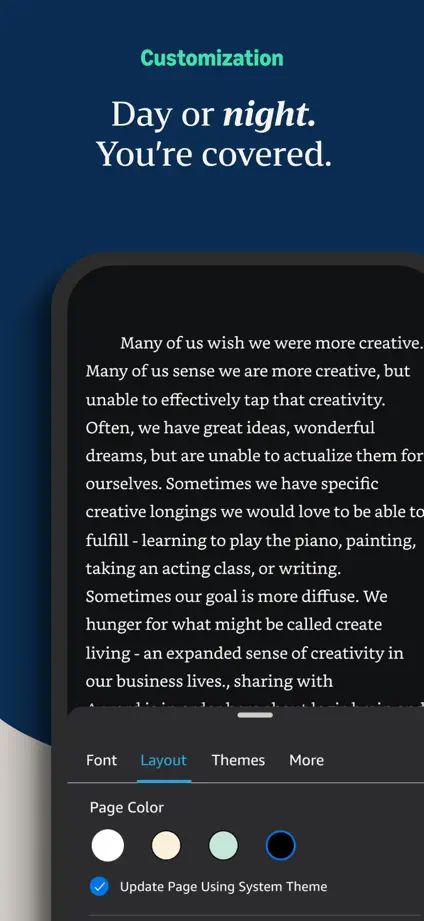
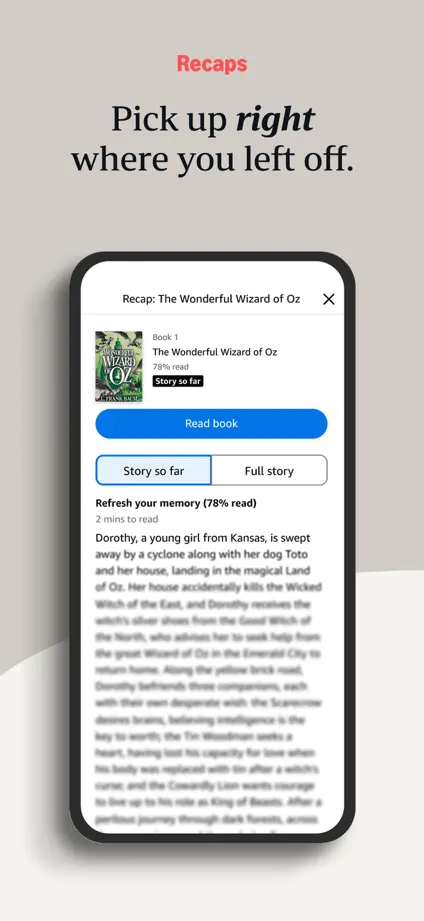
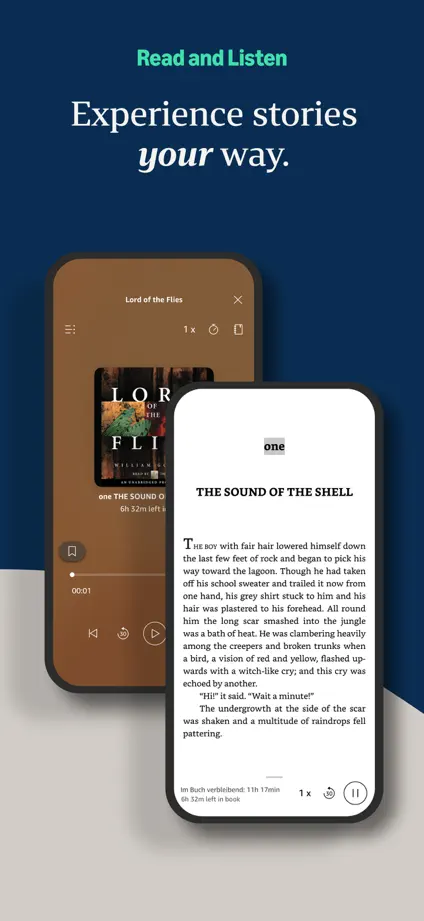
Neutral and navy panels alternate interface examples with reader portraits, ending in a simple brand silhouette.
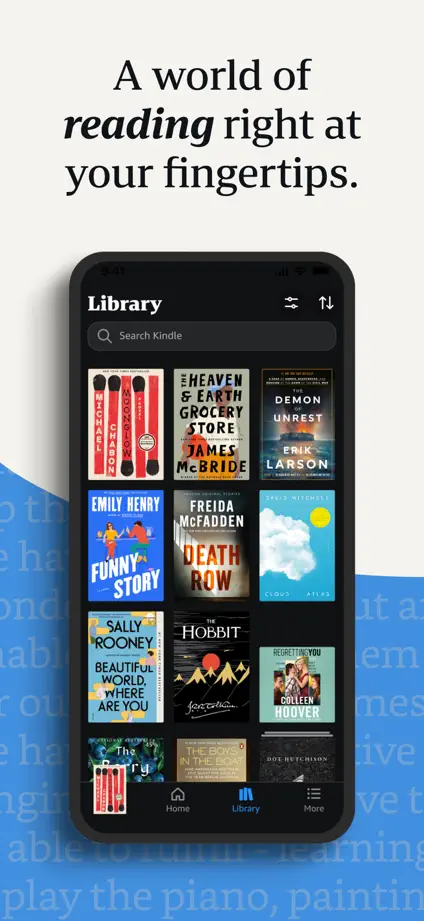
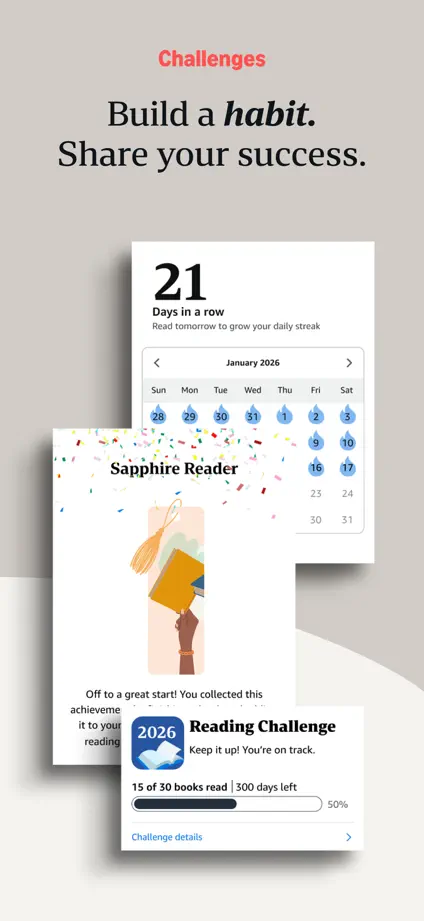
Amazon Kindle, App Store screenshot 1
Amazon Kindle, App Store screenshot 2
Amazon Kindle, App Store screenshot 3
Amazon Kindle, App Store screenshot 4
Amazon Kindle, App Store screenshot 5
Amazon Kindle, App Store screenshot 6
Amazon Kindle, App Store screenshot 7
Amazon Kindle, App Store screenshot 8
Amazon Kindle, App Store screenshot 9
Amazon Kindle, App Store screenshot 10

Blinkist

Book · 10 frames

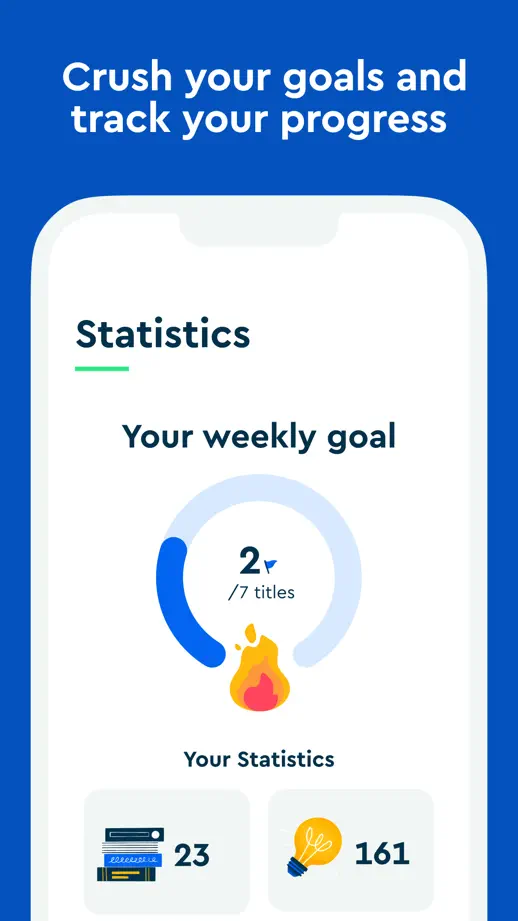
Blue panels repeat a white device silhouette, moving from book covers and interface examples to closing quotation cards.

Blinkist, App Store screenshot 1
Blinkist, App Store screenshot 2
Blinkist, App Store screenshot 3
Blinkist, App Store screenshot 4
Blinkist, App Store screenshot 5
Blinkist, App Store screenshot 6
Blinkist, App Store screenshot 7
Blinkist, App Store screenshot 8
Blinkist, App Store screenshot 9
Blinkist, App Store screenshot 10

Inoreader

Reading · 4 frames

Four blue panels maintain a consistent headline and device position, with selected controls pulled forward for emphasis.

Inoreader, App Store screenshot 1
Inoreader, App Store screenshot 2
Inoreader, App Store screenshot 3
Inoreader, App Store screenshot 4

Add to collection

New collection